What is separation of concerns?

Structure
Style
Functionality
Structure
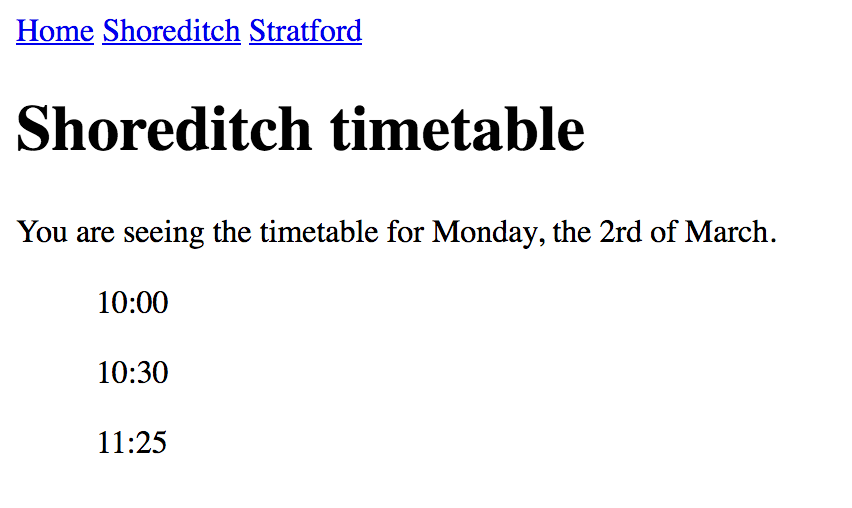
HTML
Holds the contents of the page.
<html>
  <head>
    <title>Bus timetables</title>
  </head>

  <body>
    <nav>
      <a href="/home">Home</a>
      <a href="/shoreditch">Shoreditch</a>
      <a href="/stratford">Stratford</a>
    </nav>

    <main>
      <h1>Shoreditch timetable</h1>

      <p>You are seeing the timetable for Monday, the 2rd of March.</p>

      <ul>
        <li>10:00</li>
        <li>10:30</li>
        <li>11:25</li>
      </ul>
    </main>
  </body>
</html>
It's the skeleton of your page.
Useful for
Search engines
Screen readers
Style
CSS
Describes how the page should look like!
<html>
  <head>
    <title>Bus timetables</title>
  </head>

  <body>
    <nav class="navigation">
      <a href="/home">Home</a>
      <a href="/shoreditch">Shoreditch</a>
      <a href="/stratford">Stratford</a>
    </nav>

    <main>
      <h1 class="title">Shoreditch timetable</h1>

      <p class="introduction">You are seeing the timetable for Monday, the 2rd of March.</p>

      <ul class="hours">
        <li>10:00</li>
        <li>10:30</li>
        <li>11:25</li>
      </ul>
    </main>
  </body>
</html>
First, we add classes to the HTML.
body {
  padding: 30px;
  font-size: 14px;
  font-family: Roboto, helvetica, sans-serif;
  color: #616161;
  background-color: #FAFAFA;
}

.navigation {
  color: #388E3C;
}

.navigation a {
  padding-right: 10px;
  text-decoration: none;
  color: inherit;
}

.title {
  color: #455A64;
}

.introduction {
  margin: 15px 0;
}

.hours {
  list-style: none;
  font-weight: bold;
  font-size: 16px;
}
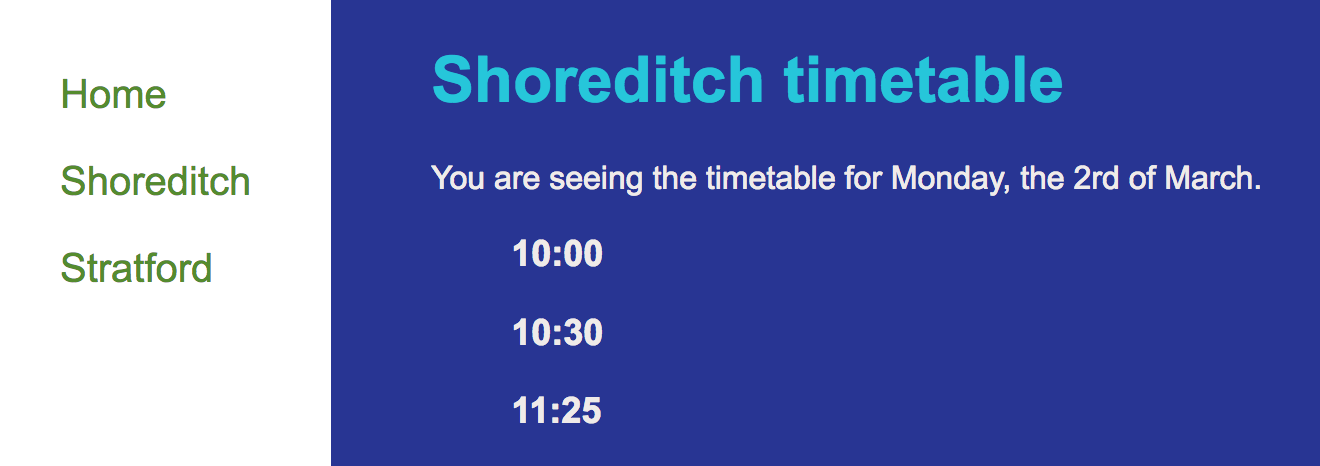
Then we make magic happen.
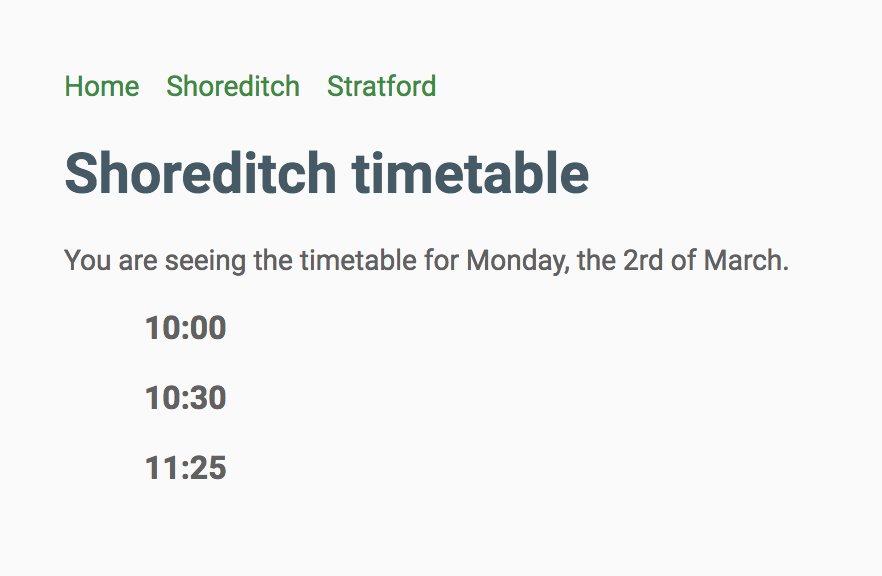
Looks a bit better now!
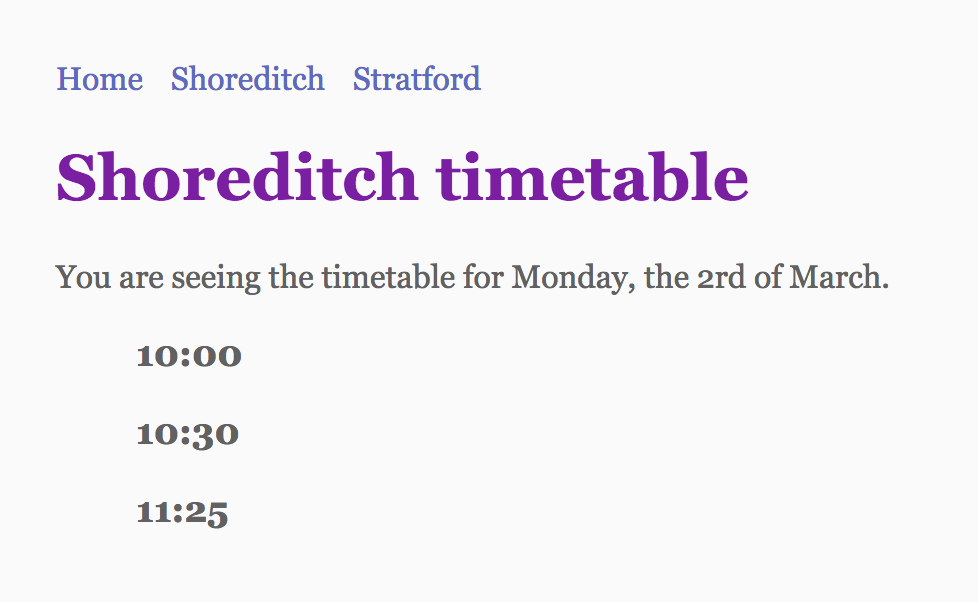
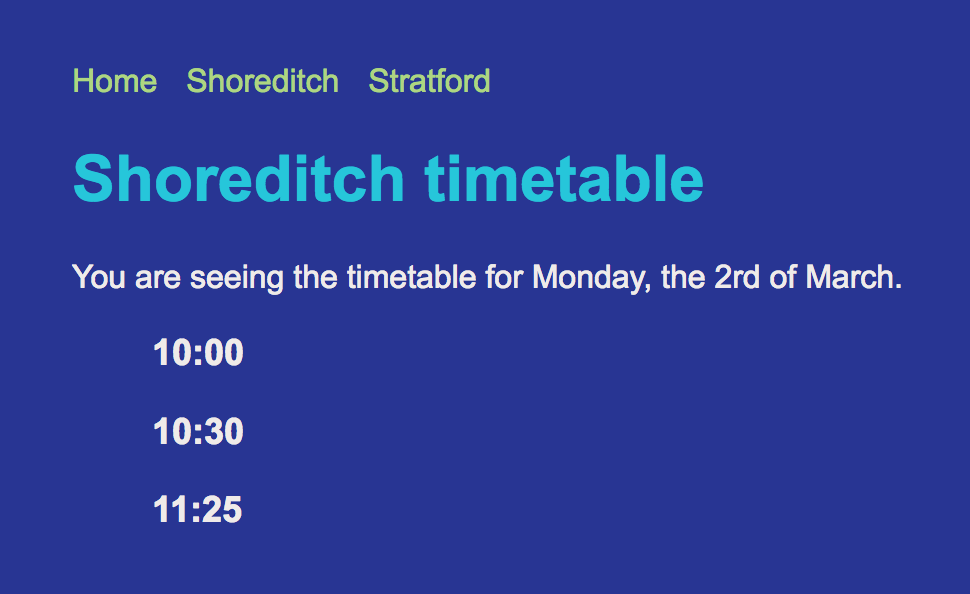
Same HTML, multiple styles!
Functionality
Javascript
Makes the page move.
<ul id="hours" class="hours">
  <li>10:00</li>
  <li>10:30</li>
  <li>11:25</li>
</ul>

<button id="show-more-hours">
  Give me more hours!
</button>
Let's add a button that shows more hours to the HTML
window.onload = function() {
  // Get the button
  const button = document.getElementById('show-more-hours');

  // React when the button is clicked
  button.onclick = showMoreHours;

  // The button was clicked. Show more hours.
  function showMoreHours() {
    const hoursList = document.getElementById('hours');

    hoursList.appendChild(`
      <li>12:00</li>
      <li>12:30</li>
    `);
  }
}
And the Javascript:
deck
By Claudia M