


Content ITV PRO
This is Itvedant Content department
Implement Bite Box Navigation
Business Scenario
Welcome Back, Developer!
In the previous lab, you successfully
connected your project to GitHub and
made it live online.
But imagine this…
The Problem …
Poor navigation leads to a bad user experience
Users may feel lost and unable to find the information they need.
That’s where a well-structured navigation bar comes into the picture.
HTML helps create and organize the navigation menu
It allows users to easily move between different pages\
Pre-Lab Preparation
Working with a Text and List in HTML
1] Power of HTML text tags
2] Customizing your style with CSS
3] HTML Link up , attributes of tag, block vs inline elements
git pull origin branchNameGit Pull
A well-structured and styled website ensures better
usability and a great user experience.
Task 1: Creating the Navigation Bar
“A navigation bar helps users move between different
sections of a website like Home, About, Contact, etc.”
Before we start building the navigation bar, let’s understand what a navigation bar is…e.
Now let’s build the navigation bar for your website.
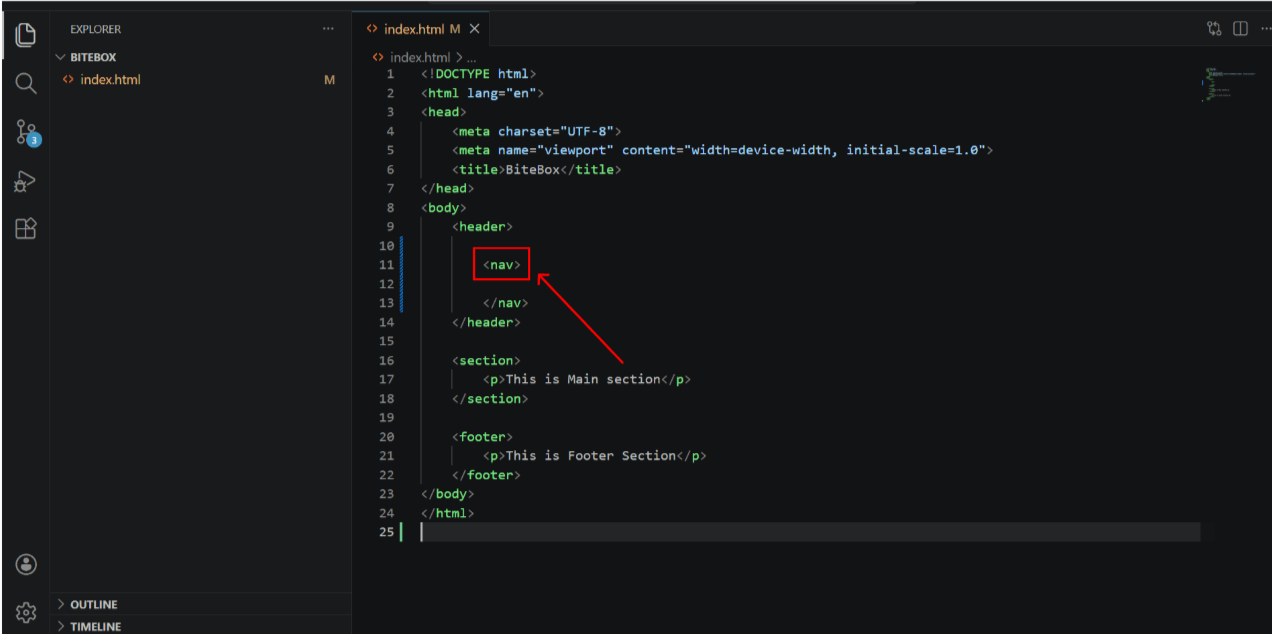
Add Nav tag inside header tag
1
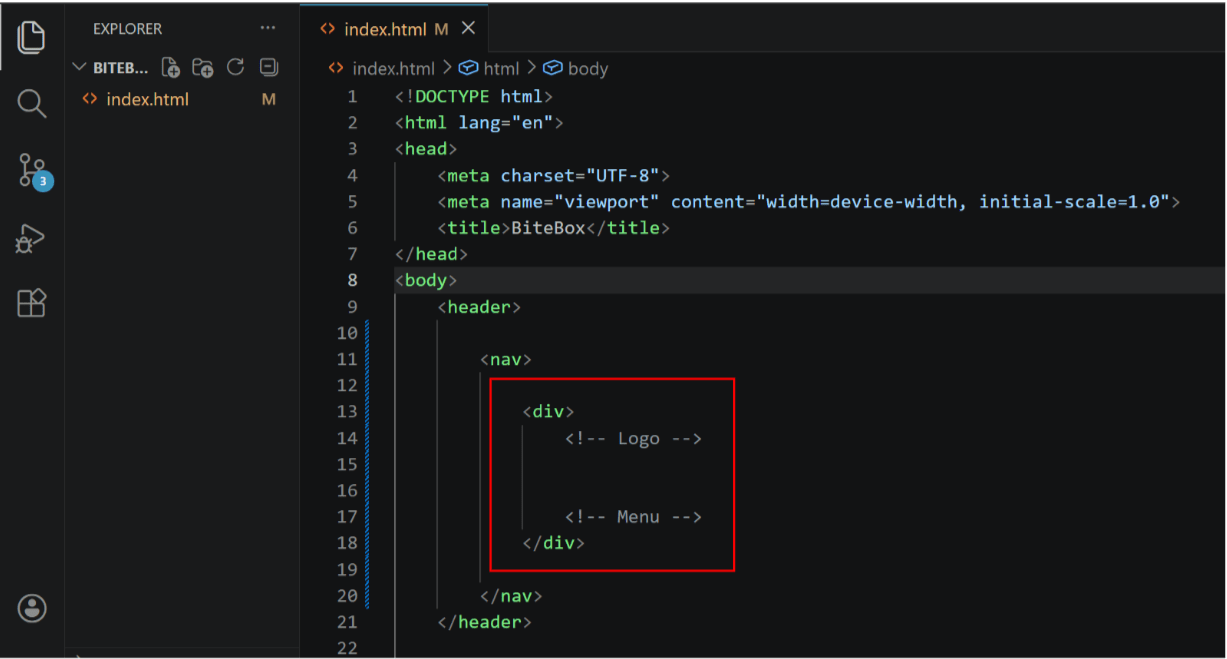
Add a container for Logo and Menu items
2
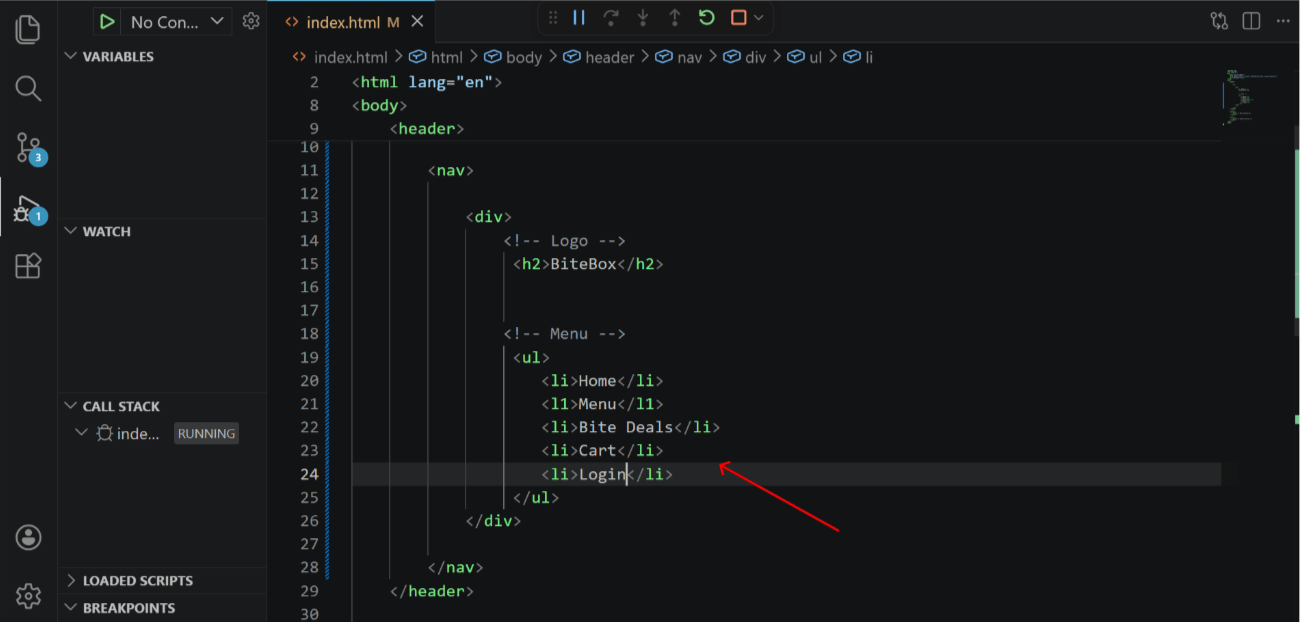
Add Company Logo (TEXT) and Navigation items
3
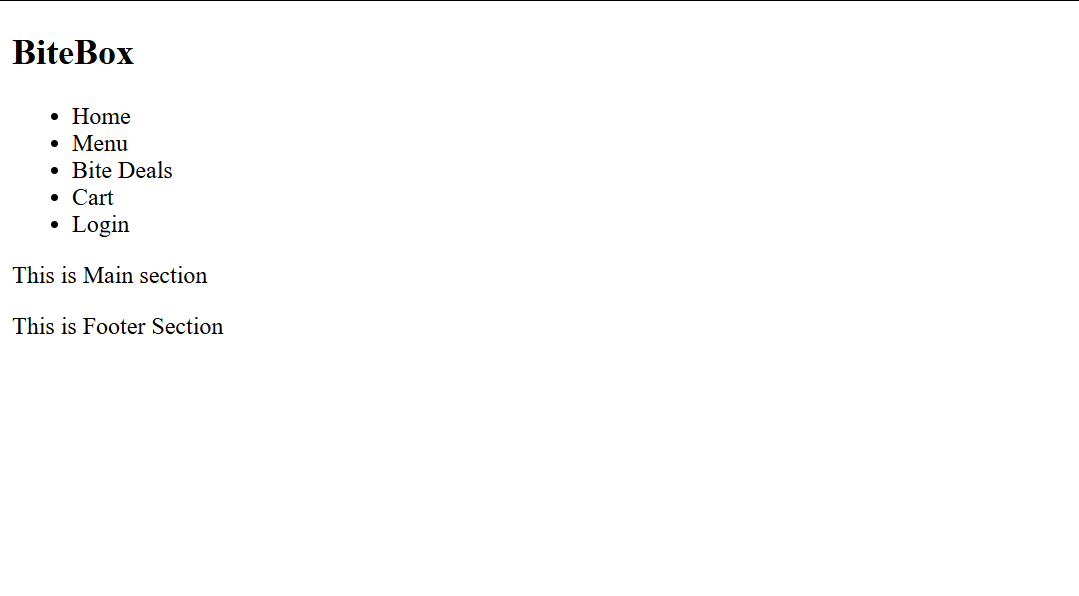
Output
In an unordered list (<ul>), you can use different bullet
(pointer) styles instead of the default dots.
You can change them using the list-style-type property in CSS .
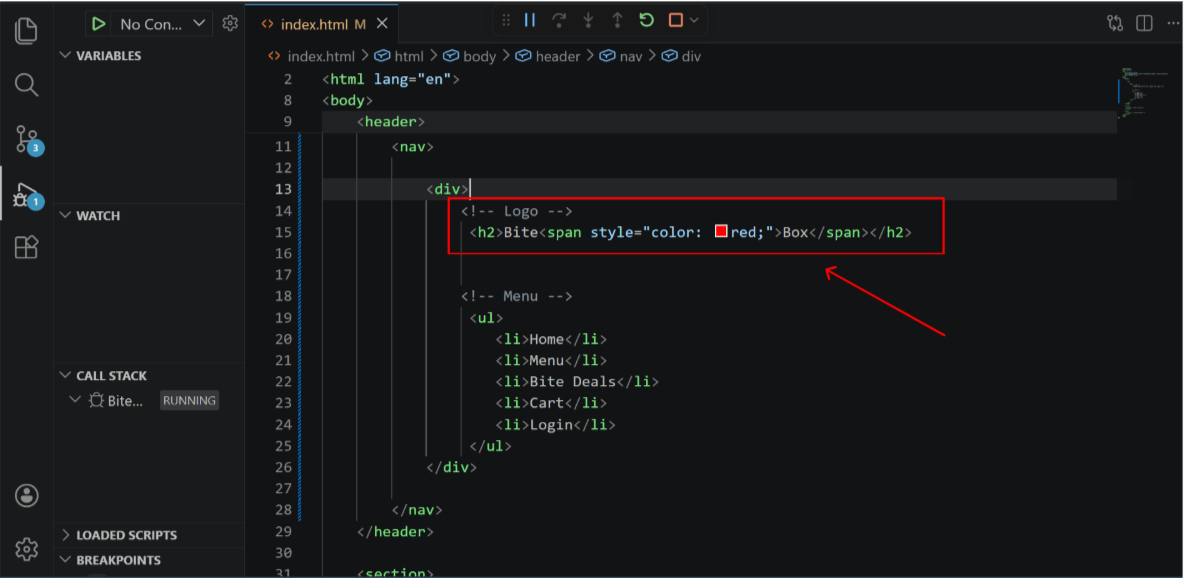
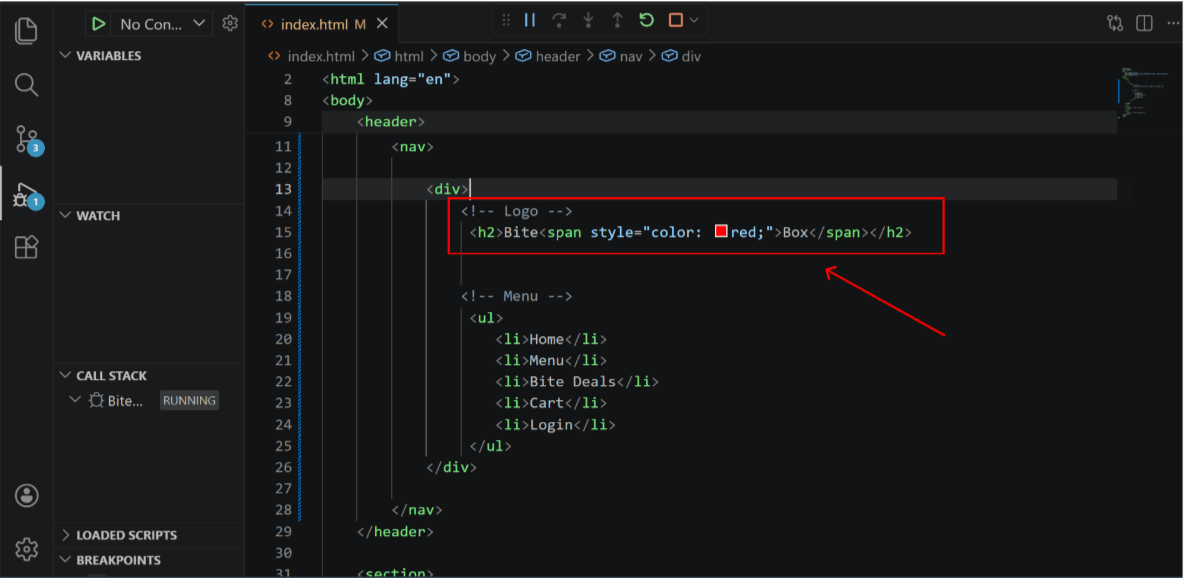
Add inline css and span tag for logo color change
1
Task 2: Apply Styling & Connect Pages
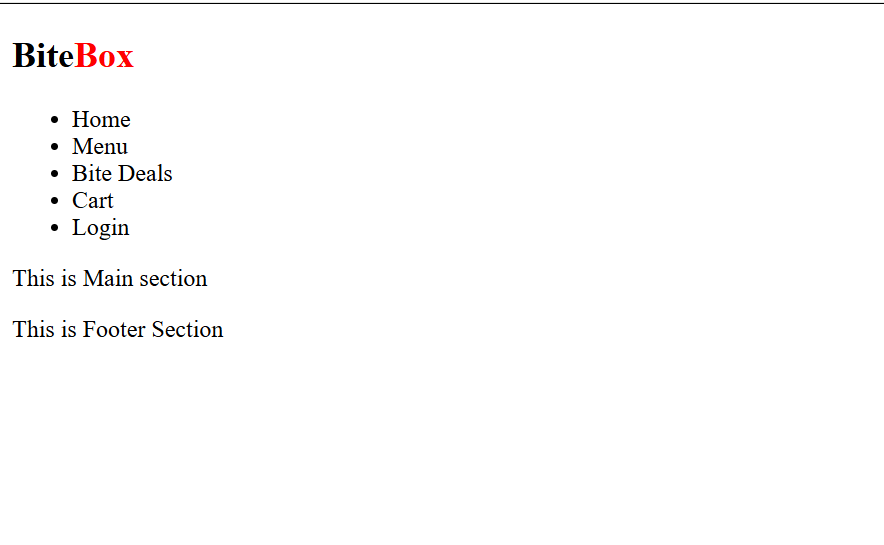
Output
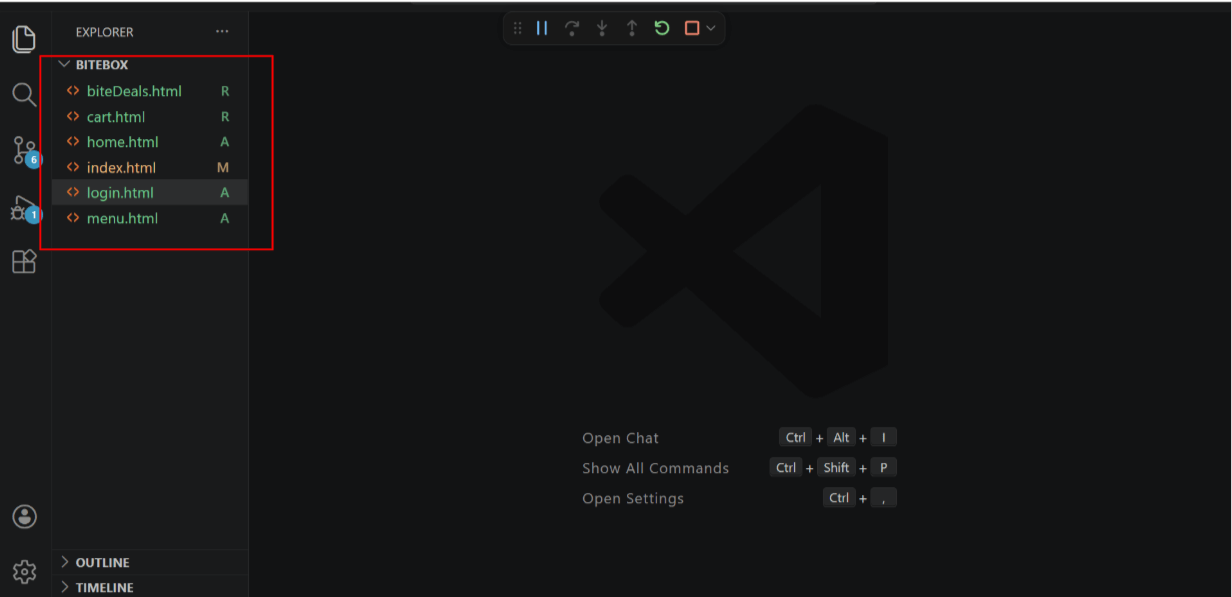
Add pages for navigation
2
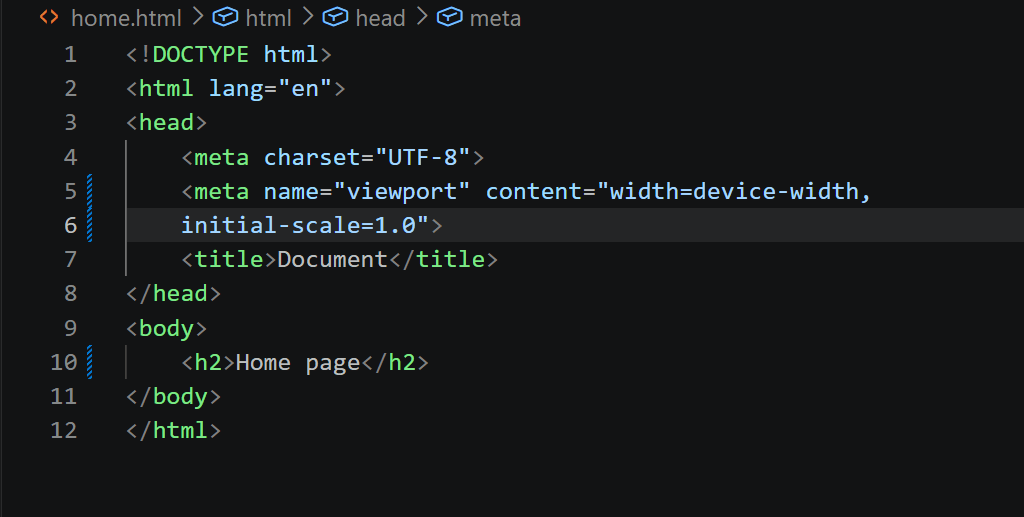
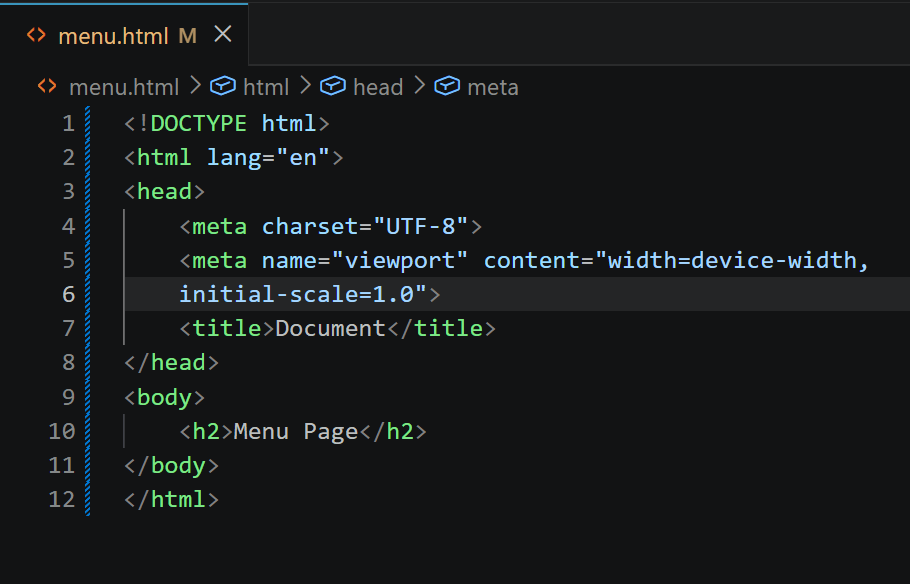
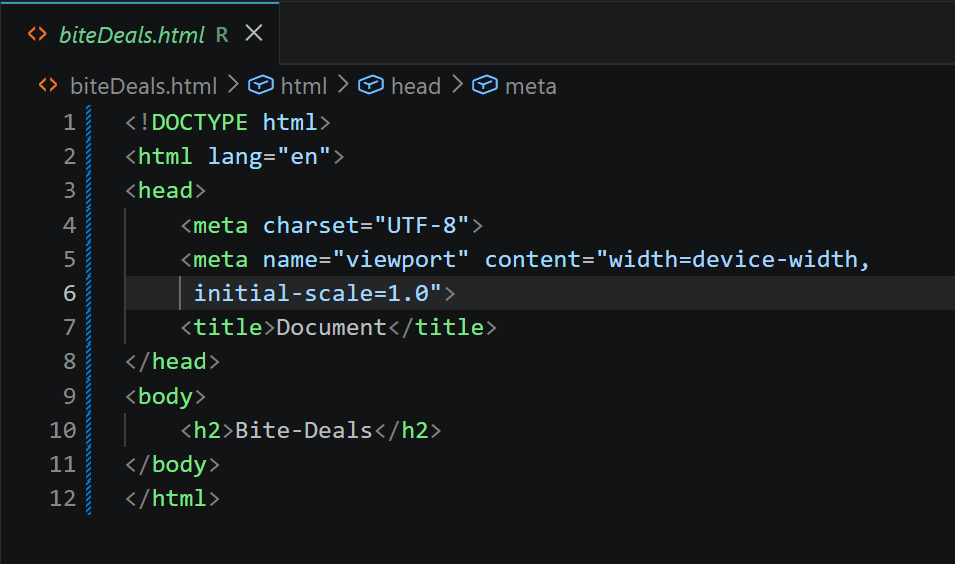
Create a basic structure for each page
menu.html
biteDeals.html
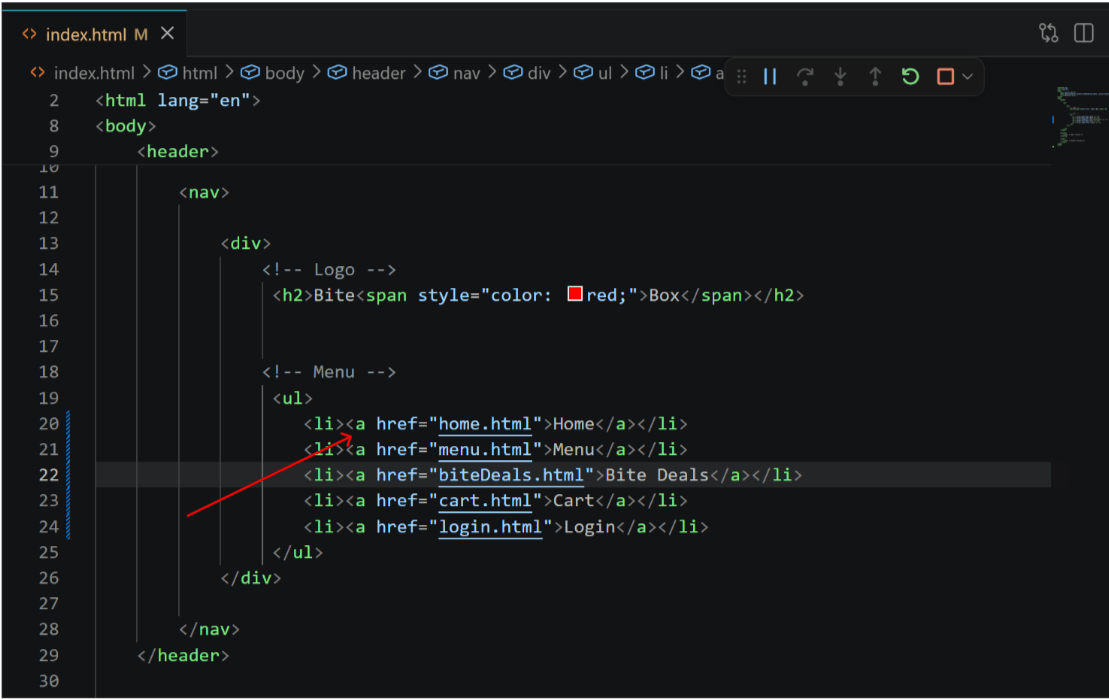
Link pages using anchor tag
3
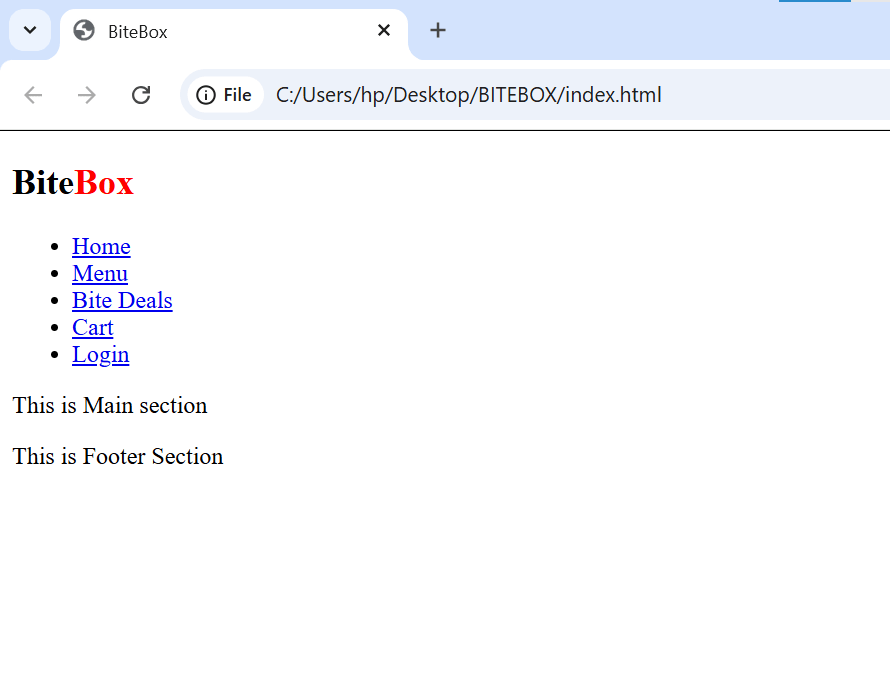
Output
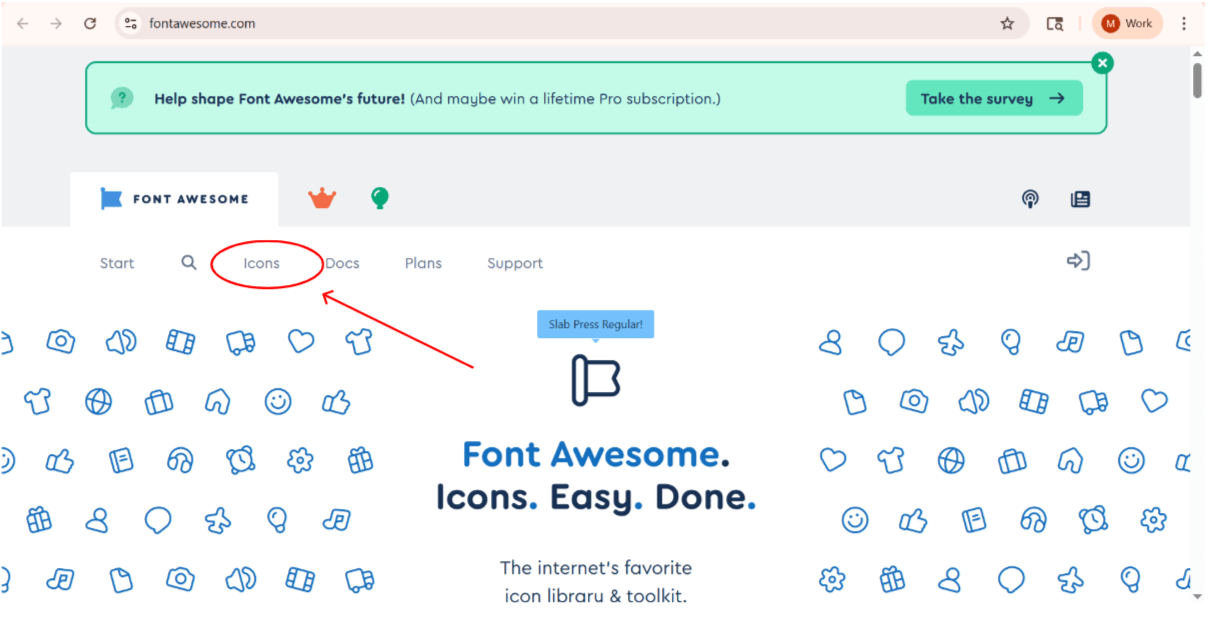
Add font awesome icons
Visit - https://fontawesome.com/
Click on icons tab
4
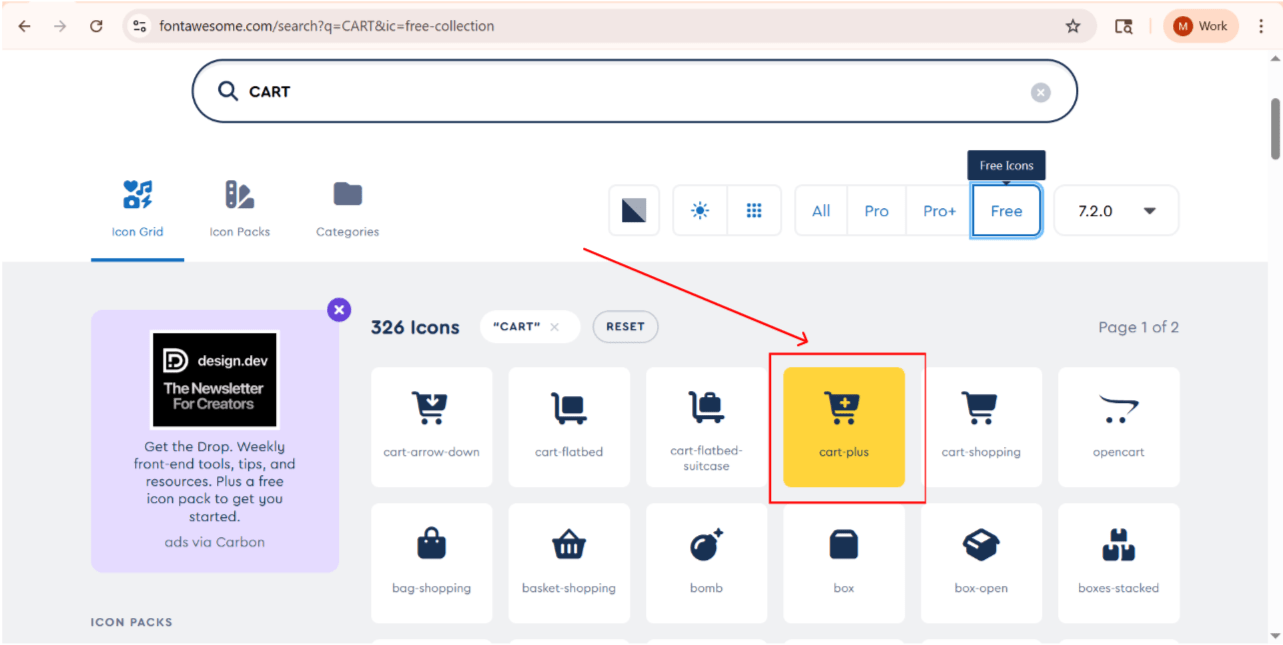
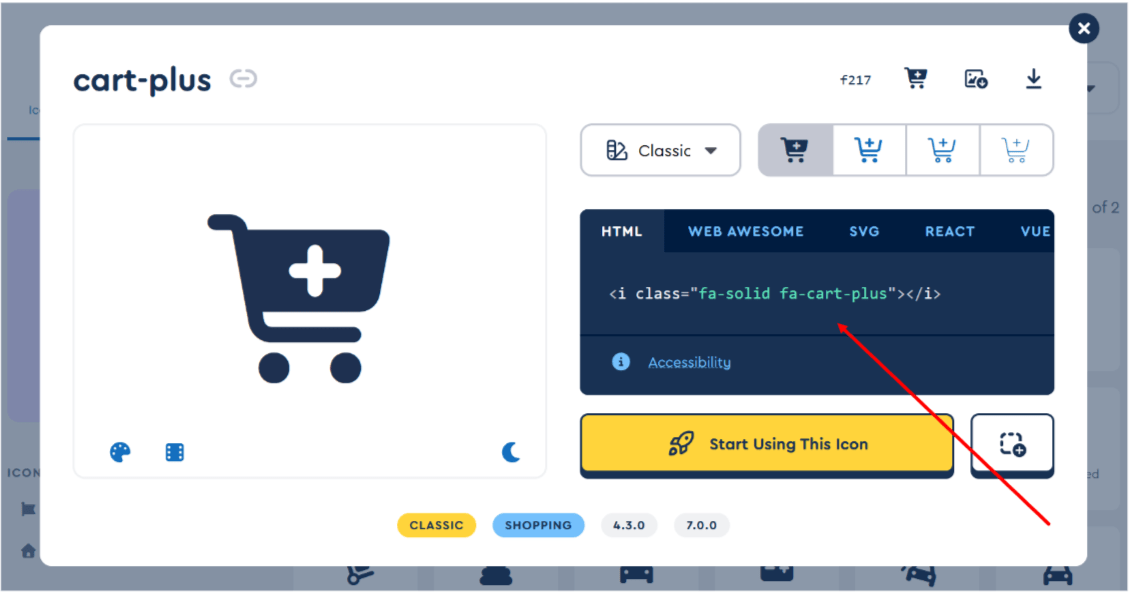
Search for cart icon( select any free cart )
5
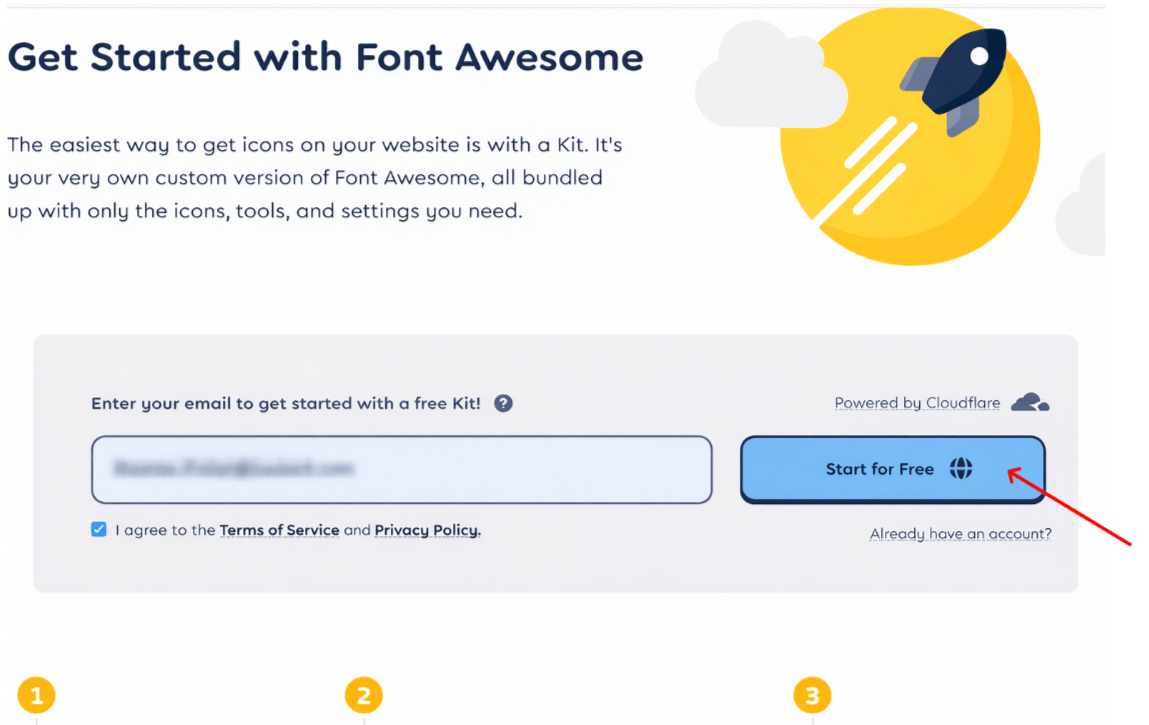
confirm your email
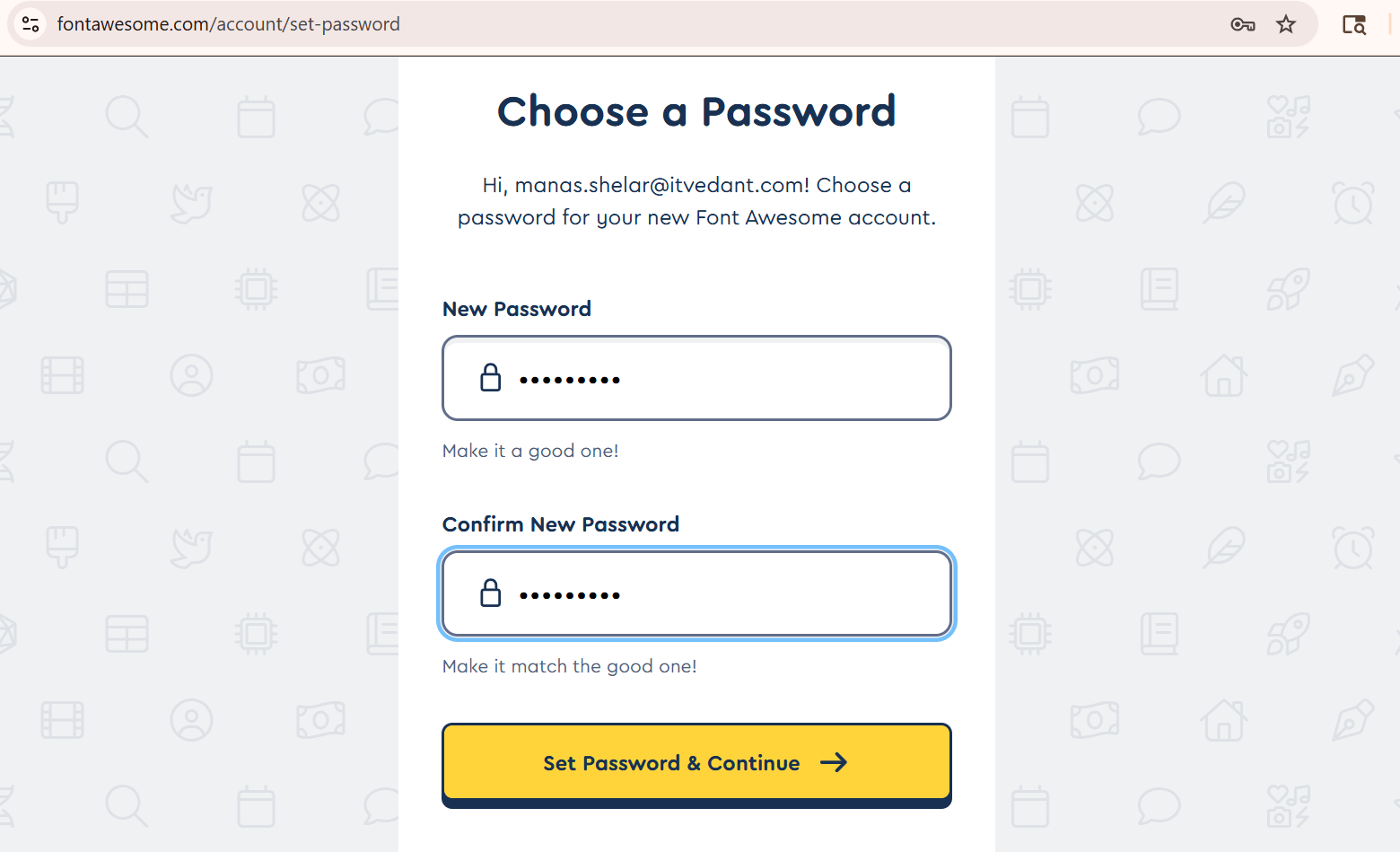
Choose a password for your new account
6
5
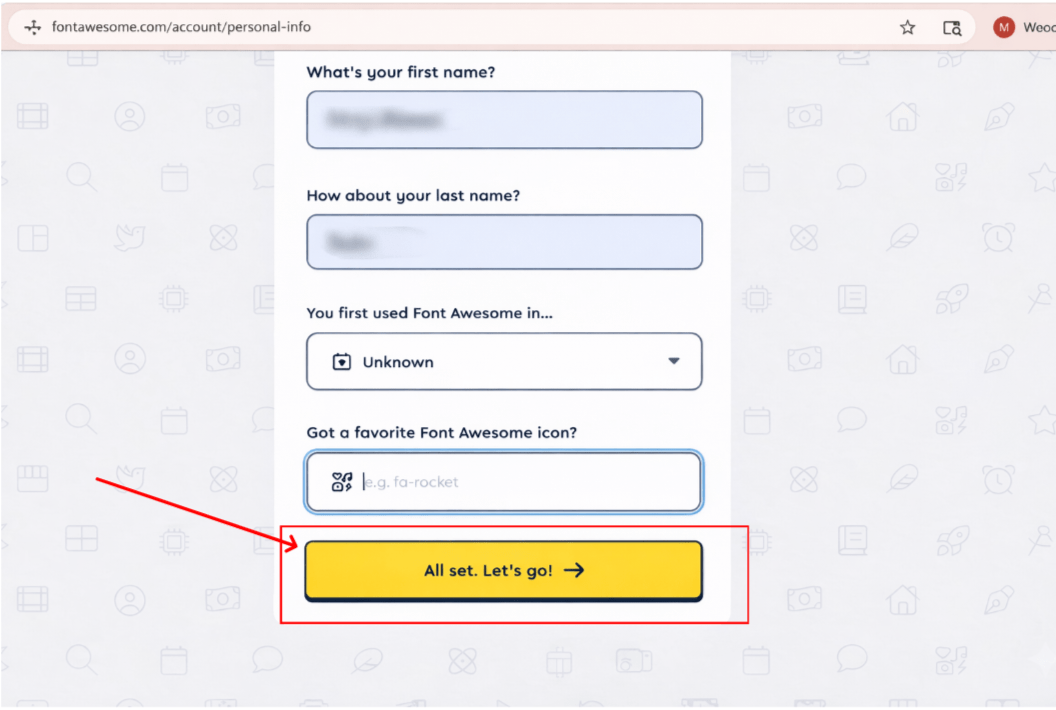
Enter your personal details and then press the button
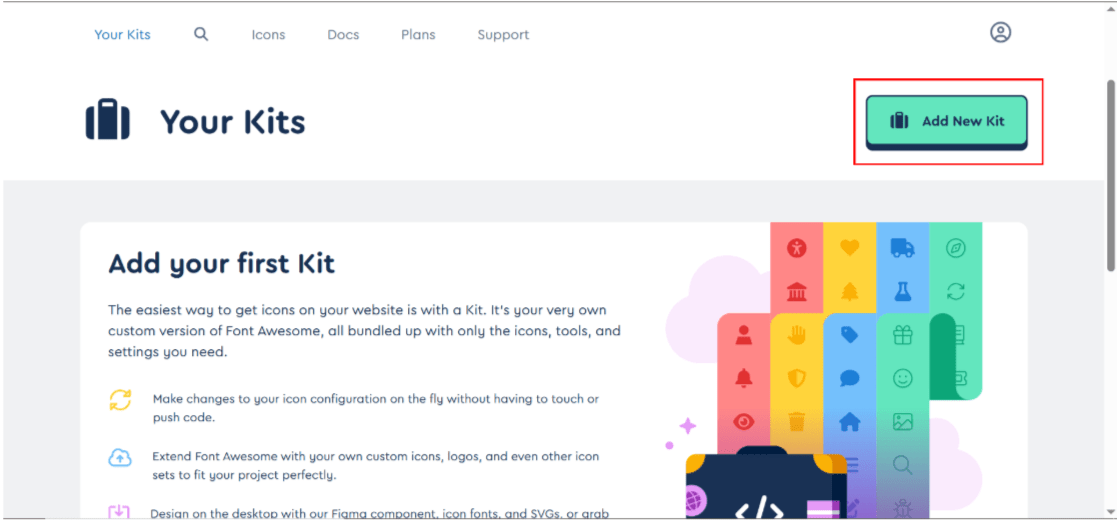
ADD NEW KIT
8
7
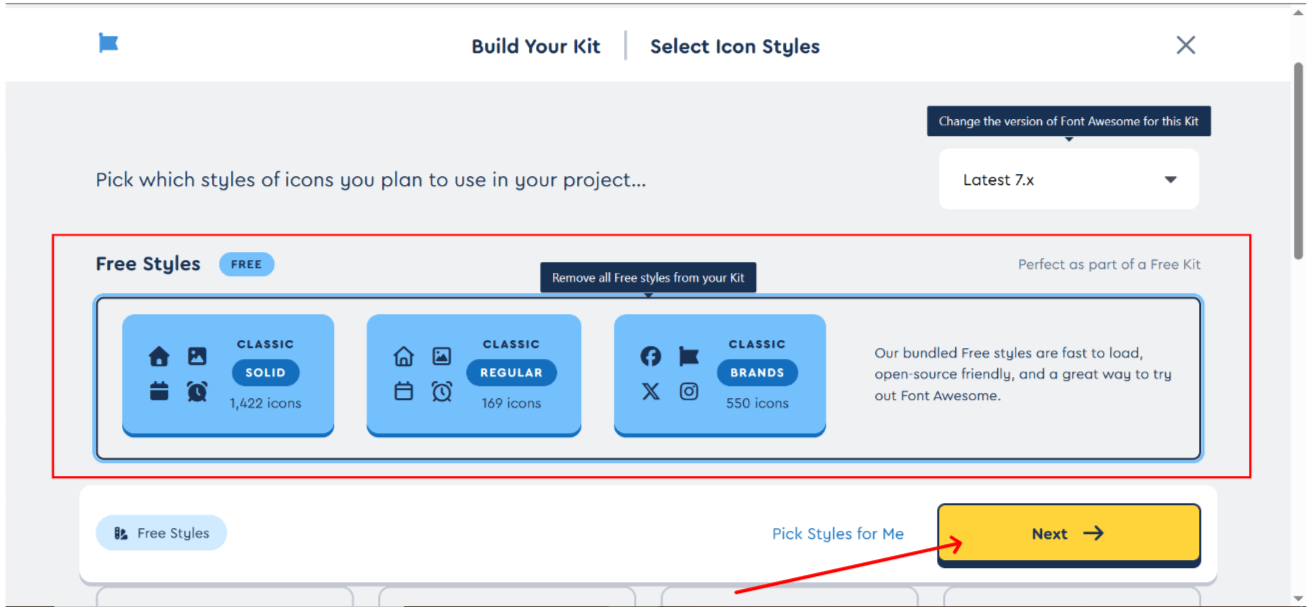
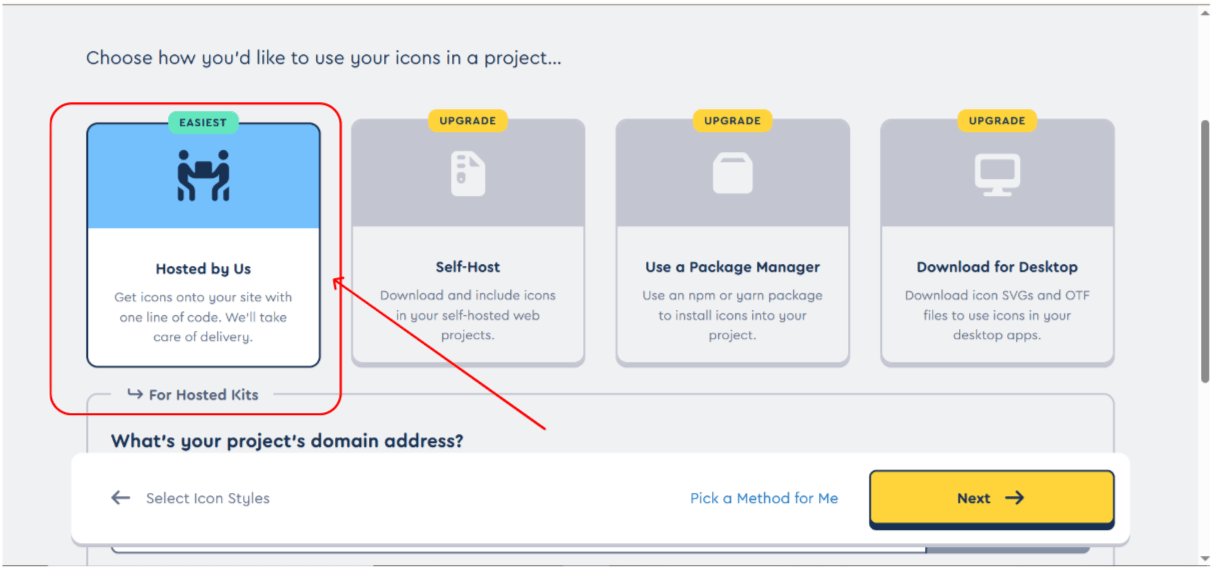
Select free style kit and click on next
9
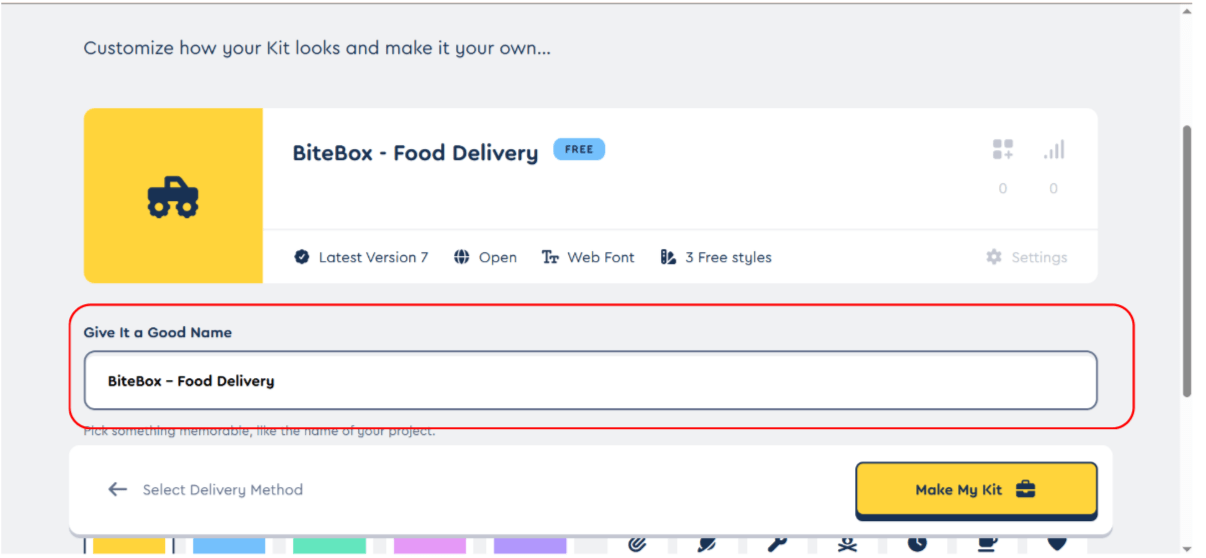
Set a name for your kit (optional)
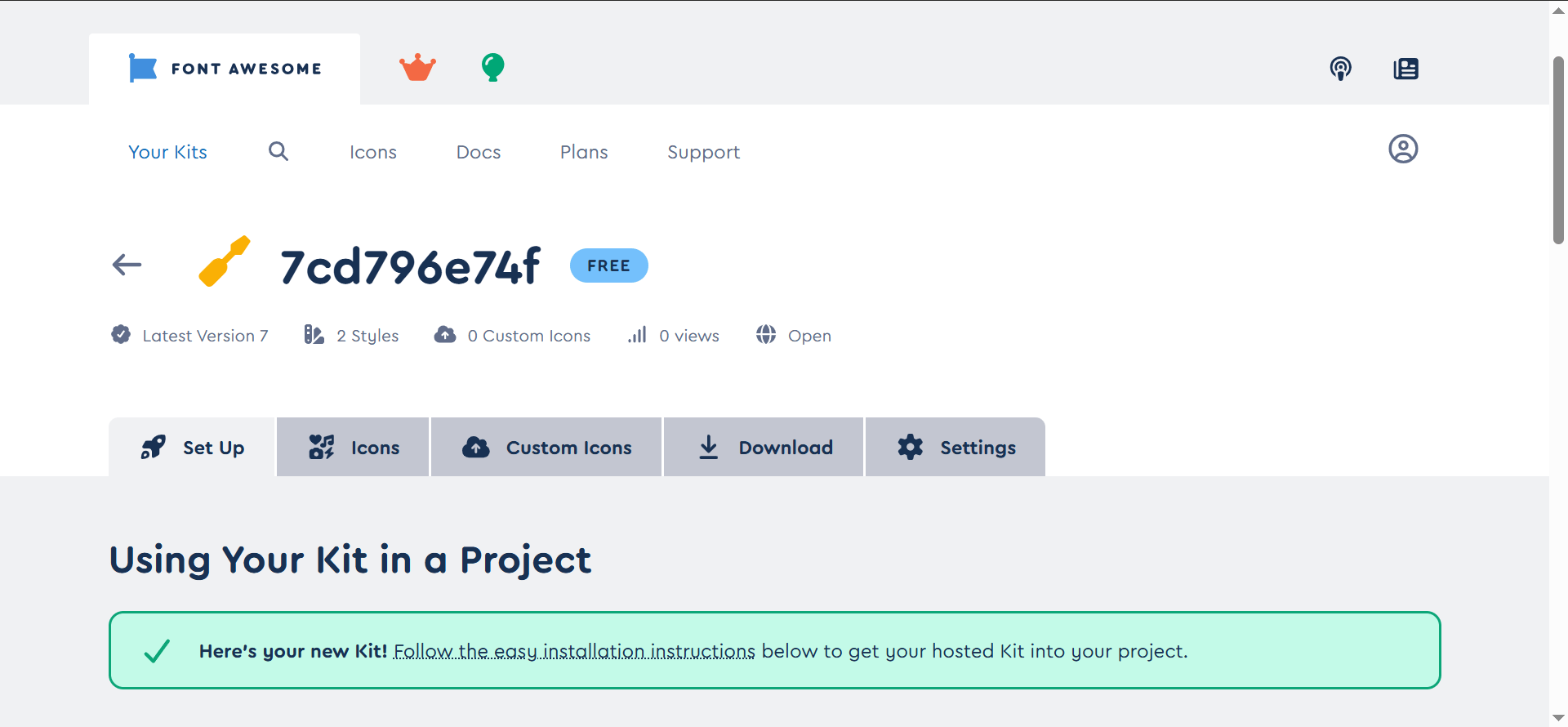
Your Font Awesome Kit is Successfully Created
11
10
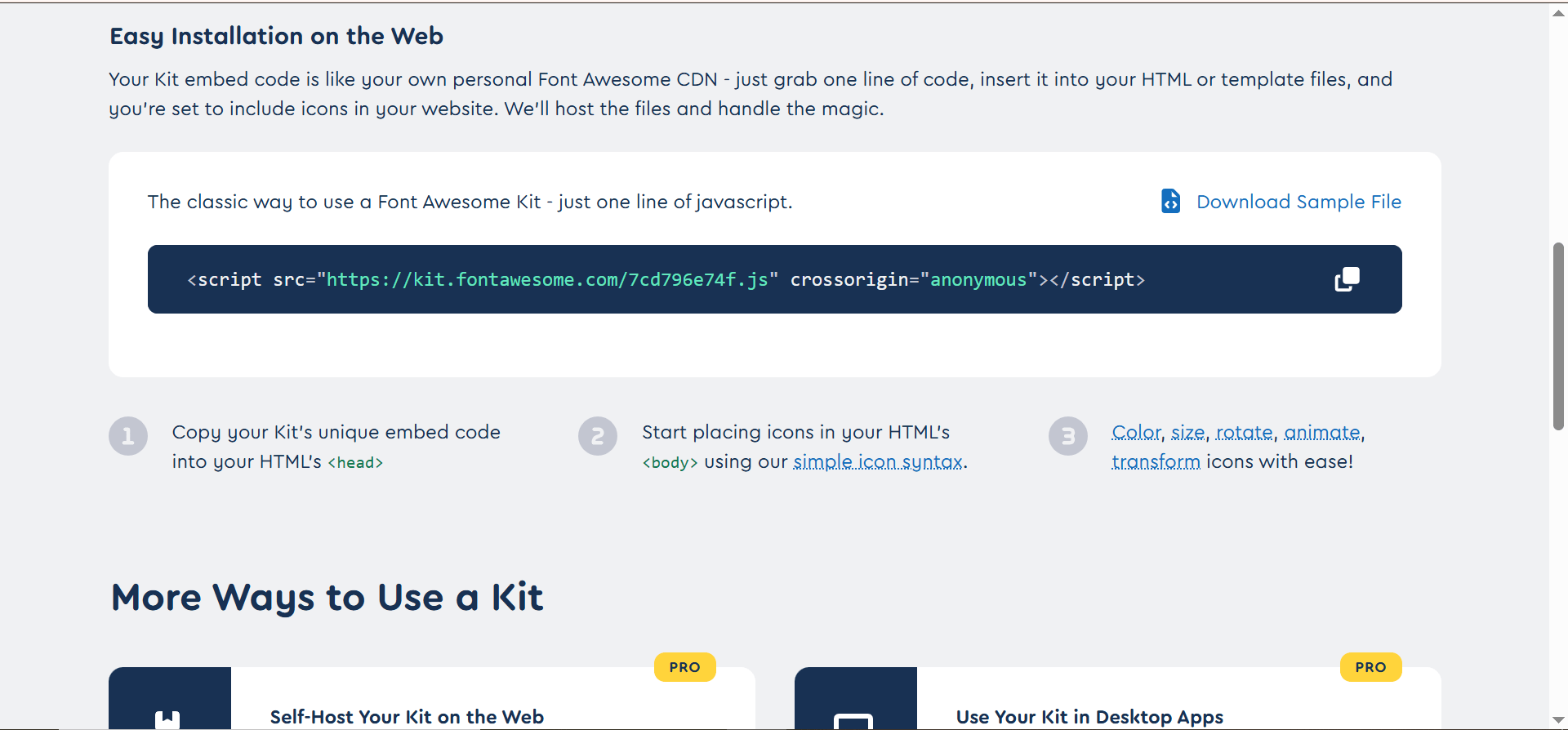
Copy your Kit's unique embed code
12
Paste in head section of index.html file
13
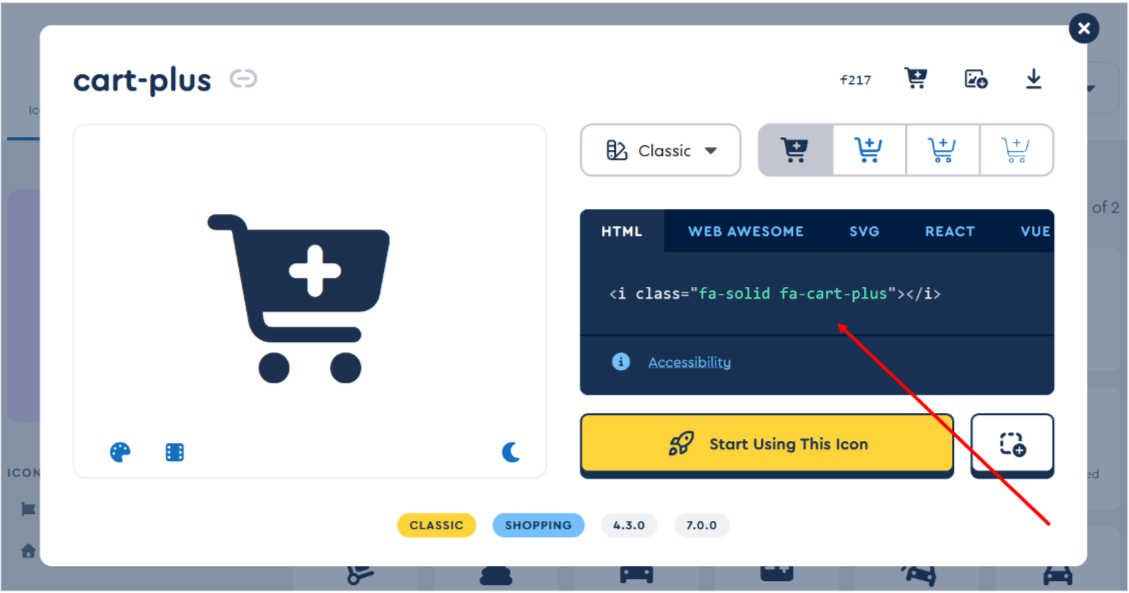
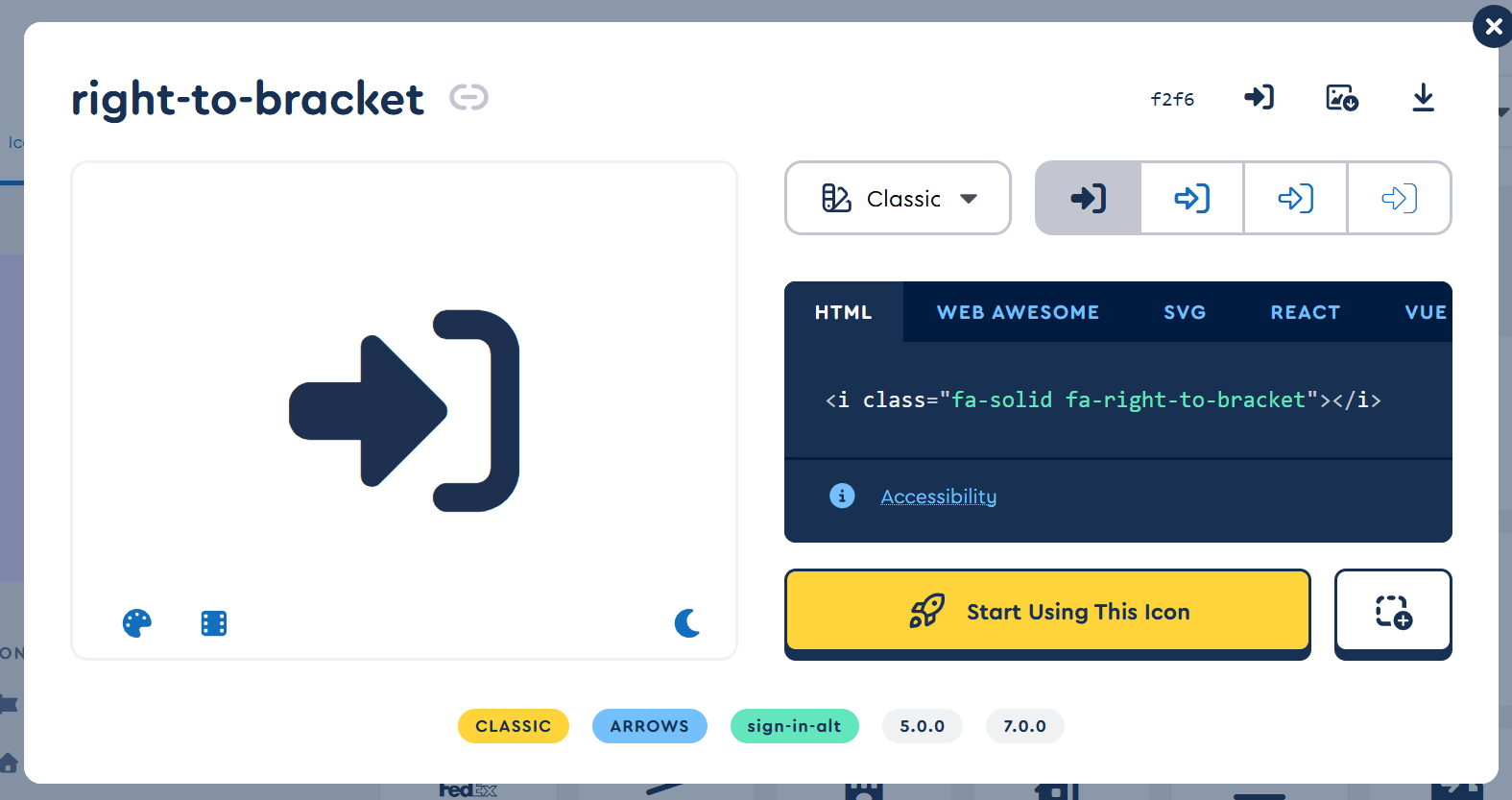
Now , Select icon and copy i tag for cart and login.
13
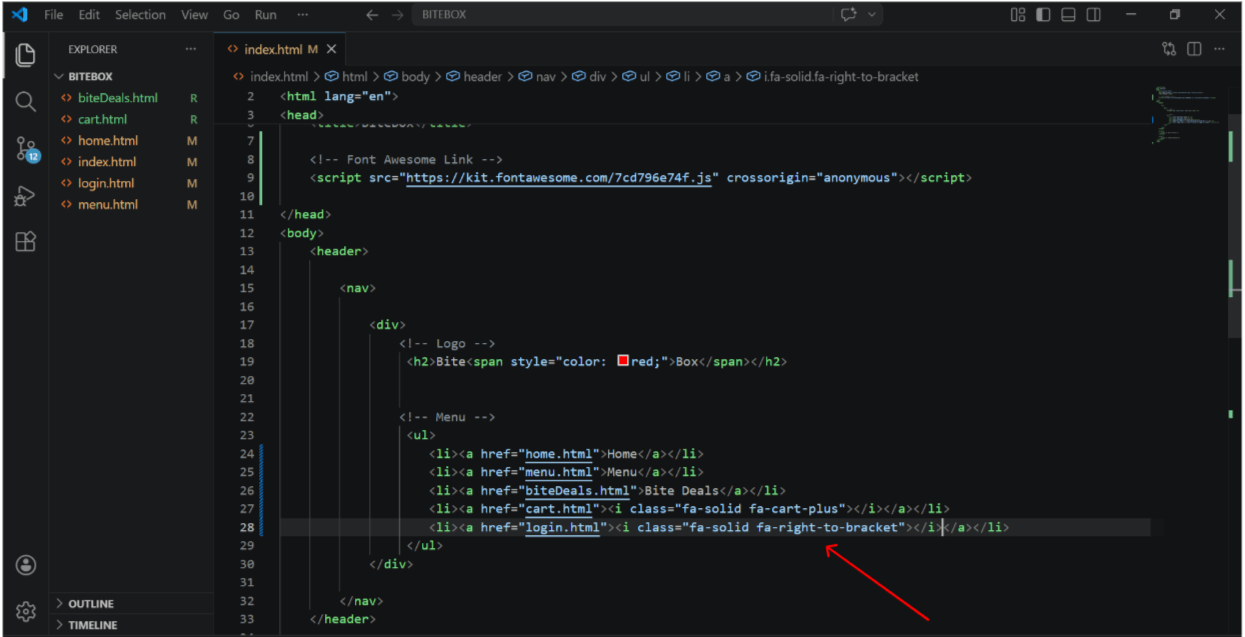
Inside index.html file , paste i tag in place of text
14
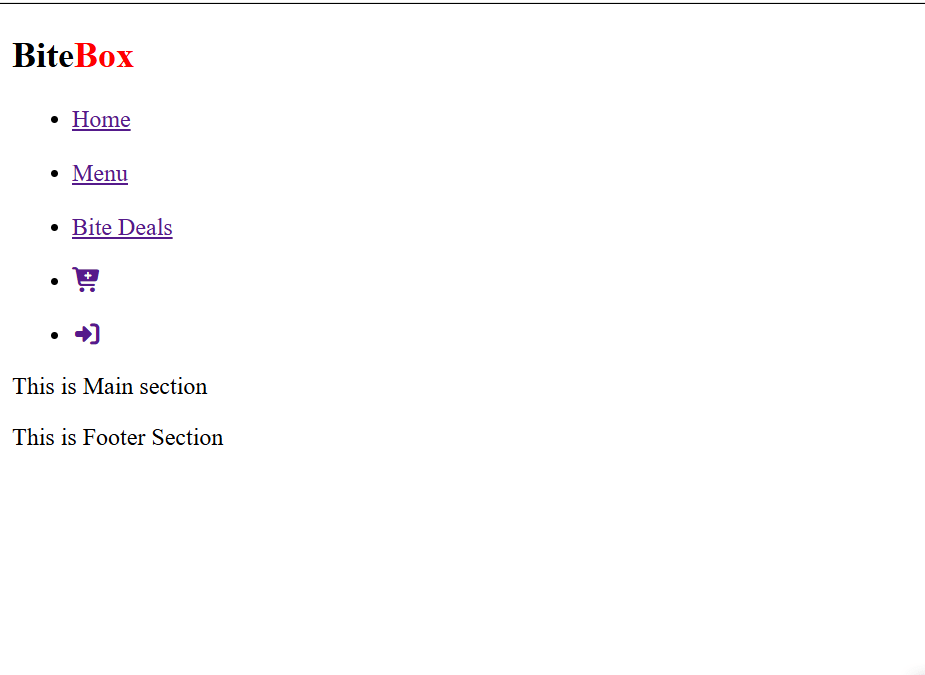
Output
Great work!
You can now navigate between different pages of your website.
Checkpoint
Next-Lab Preparation
Git Push
git push origin branchNameBefore starting the next lab, make sure you revise the following topics:
External css , css selectors (class ,id , element , Descendant selector , Pseudo-classes,Pseudo-elements,universal,image tag
By Content ITV