




















Content ITV PRO
This is Itvedant Content department
Learning Outcome
6
Use continue to skip iterations
5
Use break to stop loops
4
Write for, while, do-while loops
3
Differentiate loop types
2
Explain need for loops
1
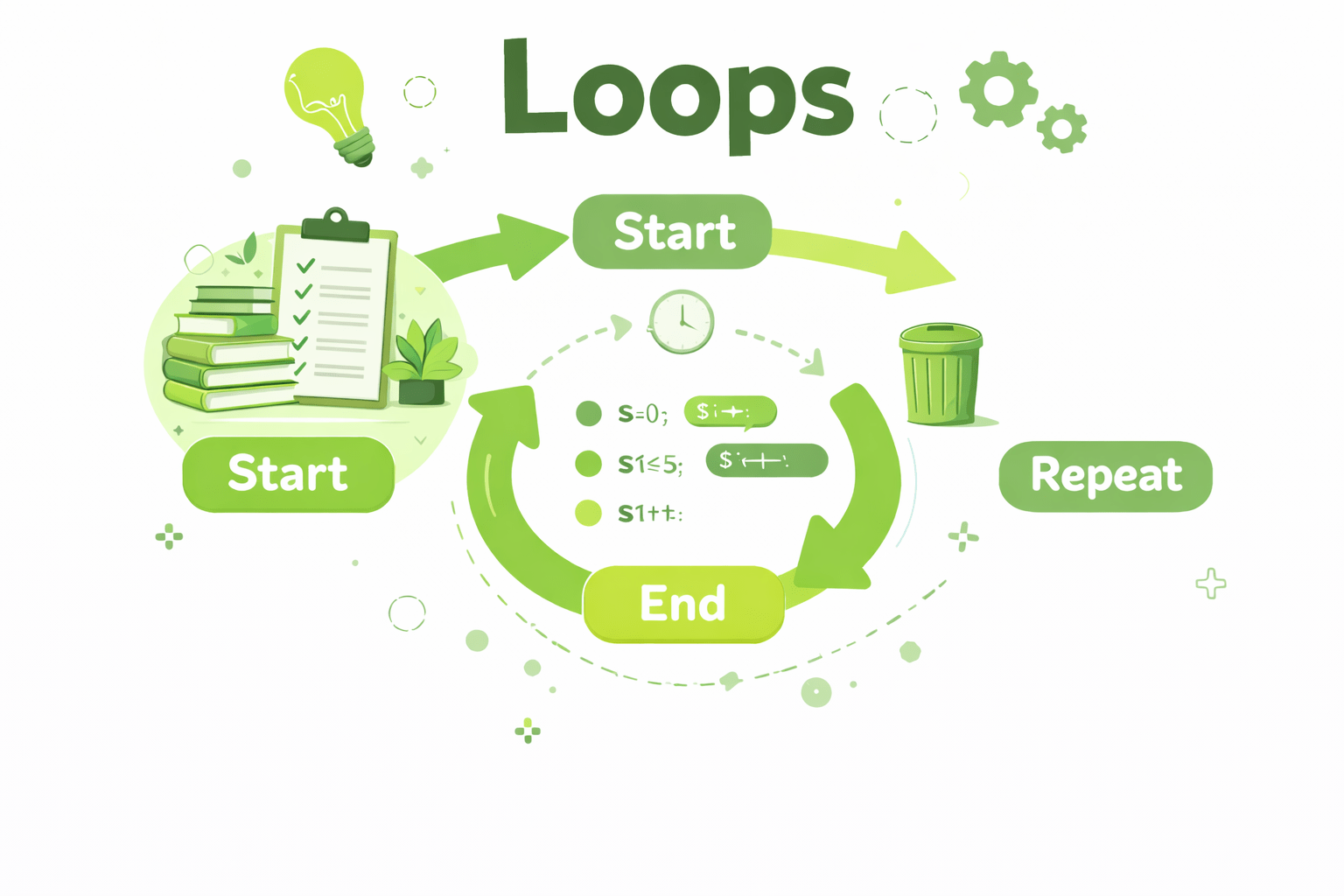
Define loops in Java
Variables are used to store and change values
Increment / Decrement operators increase or decrease values
if statements execute code based on conditions
Break statement is used to stop the program from continuing
Operators are used to perform operations on variables and values.
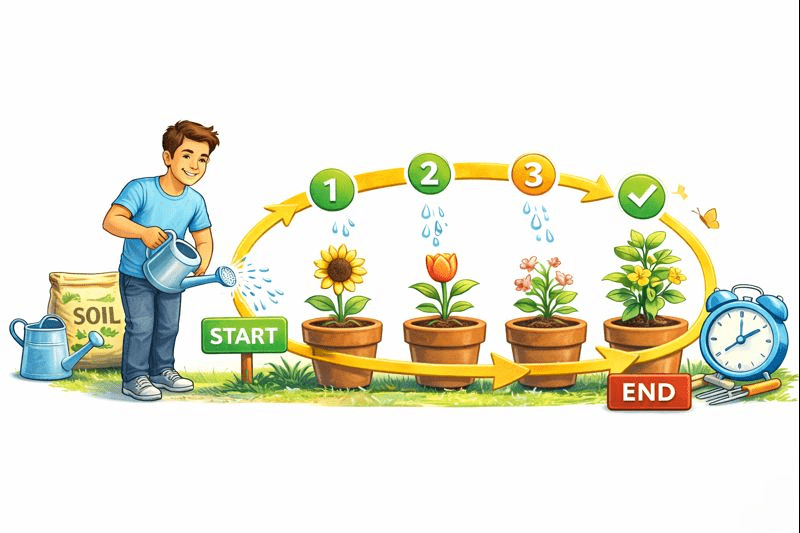
Imagine you’re watering plants .
Imagine you’re watering plants .
You repeat the same action a fixed number of times or until a condition is satisfied.
You don’t stop in the middle,
and you don’t water the same plant forever.
You water one plant, then move to the next,
and keep doing it until all plants are watered.
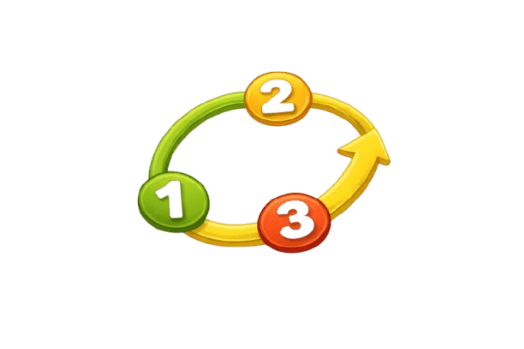
In programming, many tasks work the same way.
To handle this repetition smoothly and avoid writing the same code again and again,
Java provides looping statements.
Types of Loops
While Loop
Do-while Loop
For Loop
Benefits of Using Loops
Gives better control: You can decide how many times the code should run.
Saves time and effort: You don’t have to write the same code many times.
Makes code easier to read: Repeated work is written in one place.
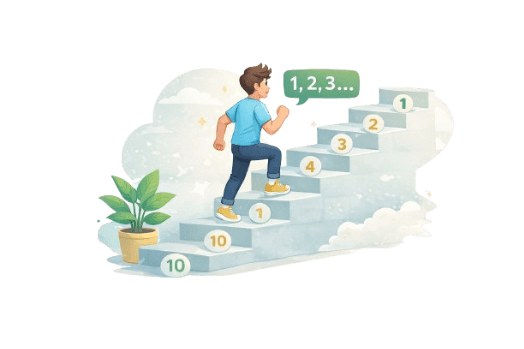
Imagine climbing stairs and counting 10 steps.
You move one step at a time, counting to 10, then stop.
In the same way, a for loop repeats an action step by step until the count is complete.
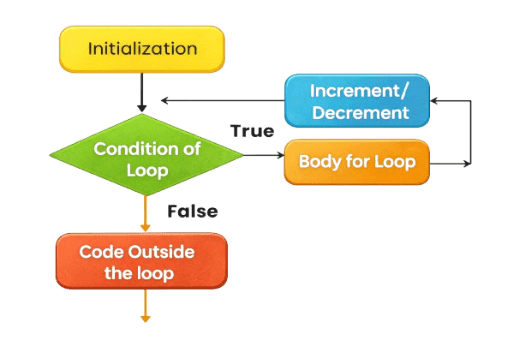
Syntax:
for (initialization; termination condition; increment/decrement){
//Set of statements to be executed repeatedly
}
Example:
O 1 2 3 4
for (int i = 0; i < 5; i++) {
System.out.print(i);
}
Output:
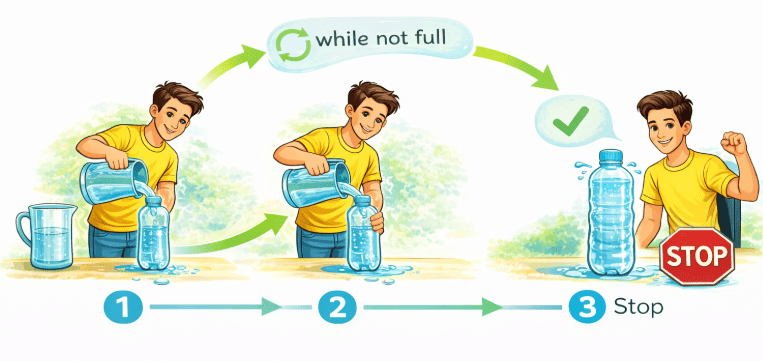
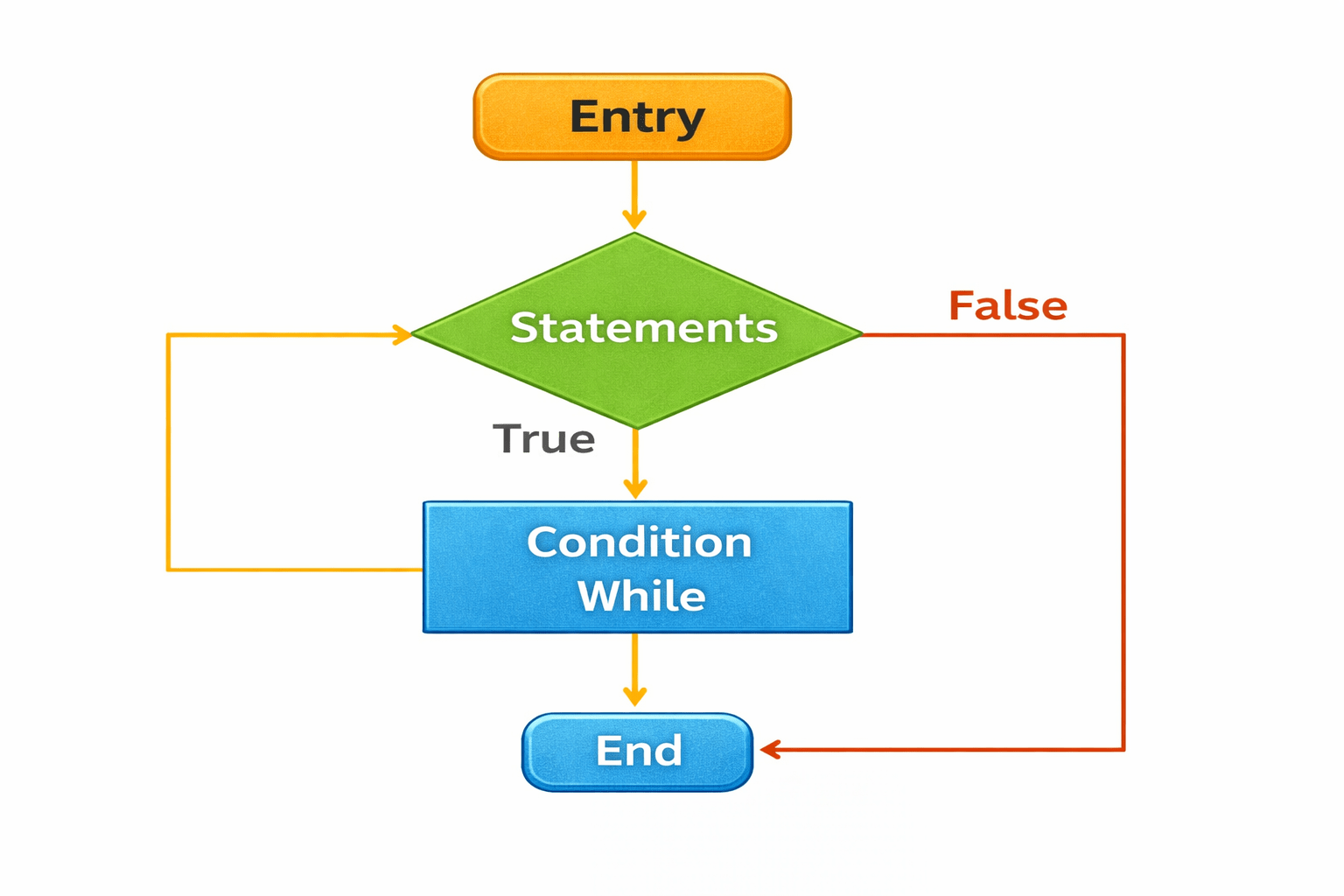
Imagine you are filling a bottle with water.
You keep filling it while the bottle is not full.
As soon as the bottle becomes full, you stop.
In the same way, a while loop keeps running until the condition becomes false.
Syntax:
while (condition) {
// code to be executed
}
Example:
int a = 1;
while (a < 5) {
System.out.print(a);
a++;
}
1 2 3 4
Output:
Example
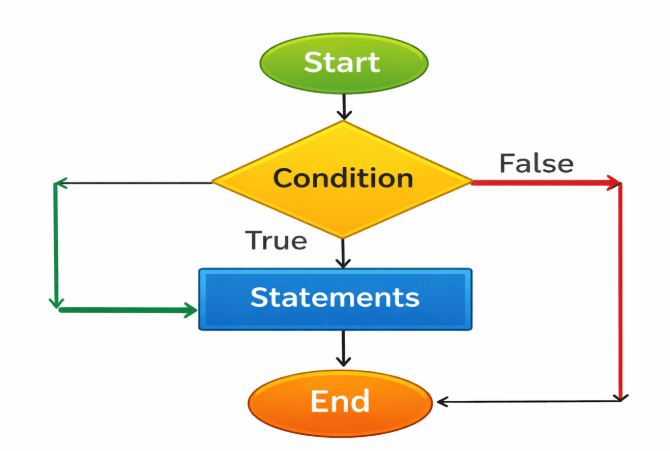
Imagine you are cooking soup.
You taste the soup at least once, and then keep tasting while it needs more salt.
A do-while loop runs the code at least once and then repeats it while the condition remains true.
In the same way, a do–while loop runs first and checks the condition later.
Syntax :
do {
// code to be executed
} while (condition);
Example :
int i = 0;
do {
System.out.println(i);
i++;
} while (i < 3);
Output
0 1 2
Break Statement:
The break statement stops a loop or switch immediately.
After break, the program jumps outside the loop or switch.
When you find the show, you stop changing channels.
You switch channels one by one to find your favorite show.
Imagine you are watching TV
Example :
for (int i = 0; i < 10; i++) {
if (i == 4) {
break;
}
System.out.println(i);
}
//This code will print numbers from 0 to 3, then stop when i becomes 4.
Continue :
The continue statement skips the current iteration of a loop and moves to the next one.
Imagine you are walking on a path with stones, and some stones are slippery.
You skip the slippery stones and continue walking on the safe ones.
In the same way, continue skips the current loop iteration and continues with the next one.
Example
for (int i = 0; i < 10; i++) {
if (i % 2 == 0) {
continue;
}
System.out.println(i);
}
This code will print odd numbers from 1 to 9, skipping even numbers.
Summary
5
Do-while runs at least once
4
While loop checks condition first
3
For loop suits fixed repetitions
2
Conditions control loop execution
1
Loops repeat code automatically
6
Break and continue alter the flow of the program
Quiz
Which loop is guaranteed to run at least once?
A. for loop
B. while
C. do-while
D. nested
Which loop is guaranteed to run at least once?
A. for loop
B. while
C. do-while
D. nested
Quiz-Answer
By Content ITV