






Content ITV PRO
This is Itvedant Content department
Learning Outcome
5
Understand production options like EKS, AKS and GKE
4
Work with namespaces, pods, deployments, and services
3
Create and manage Kubernetes clusters
2
Install and configure kubectl CLI
1
Understand Kubernetes architecture components
Topic Name-Recall(Slide3)
Earlier we have seen:
Kubernetes Architecture
Pods
Nodes
Services
Deployments
Now, we will implement these concepts practically
Real-World Operational Scenario
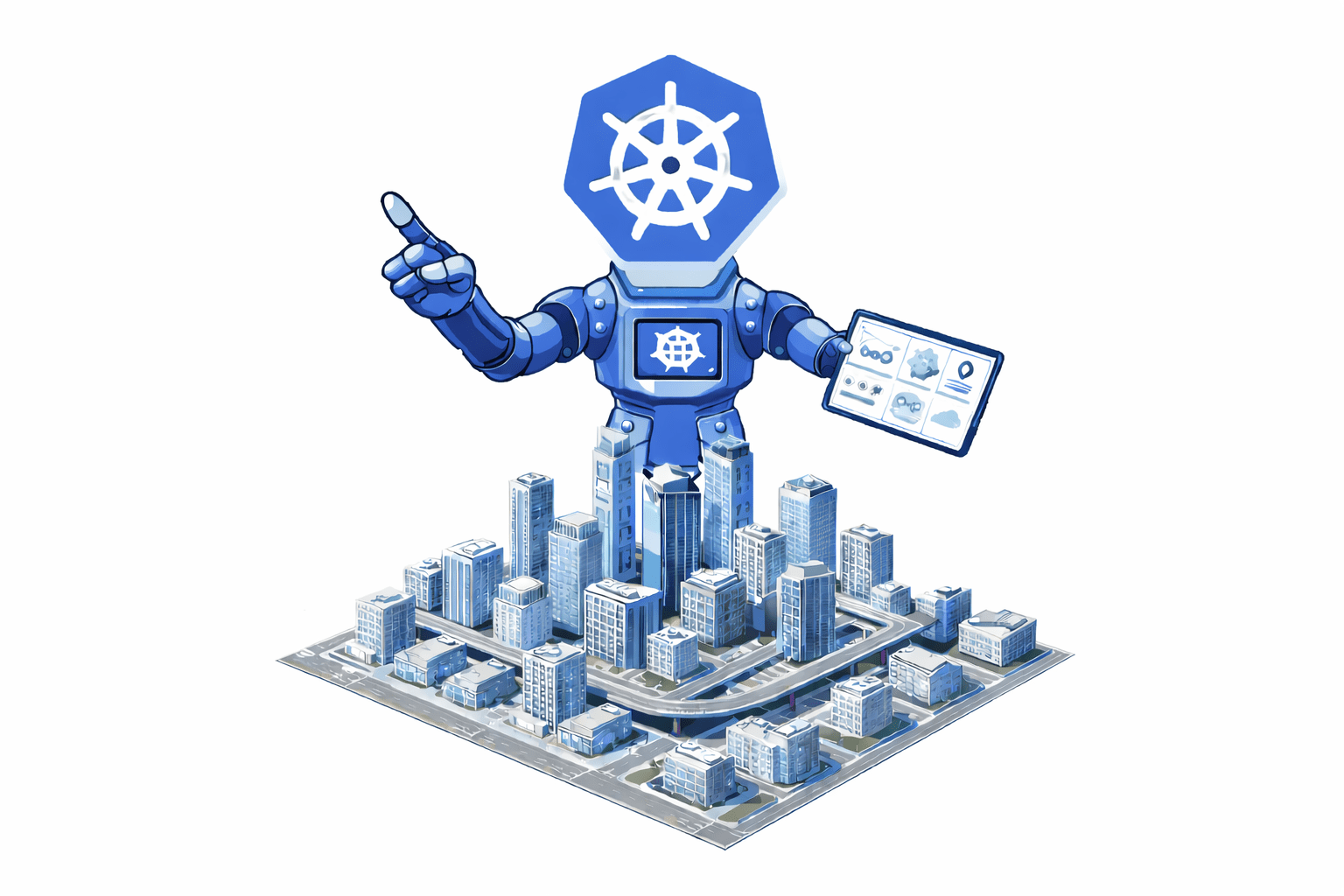
Imagine Kubernetes as a city manager
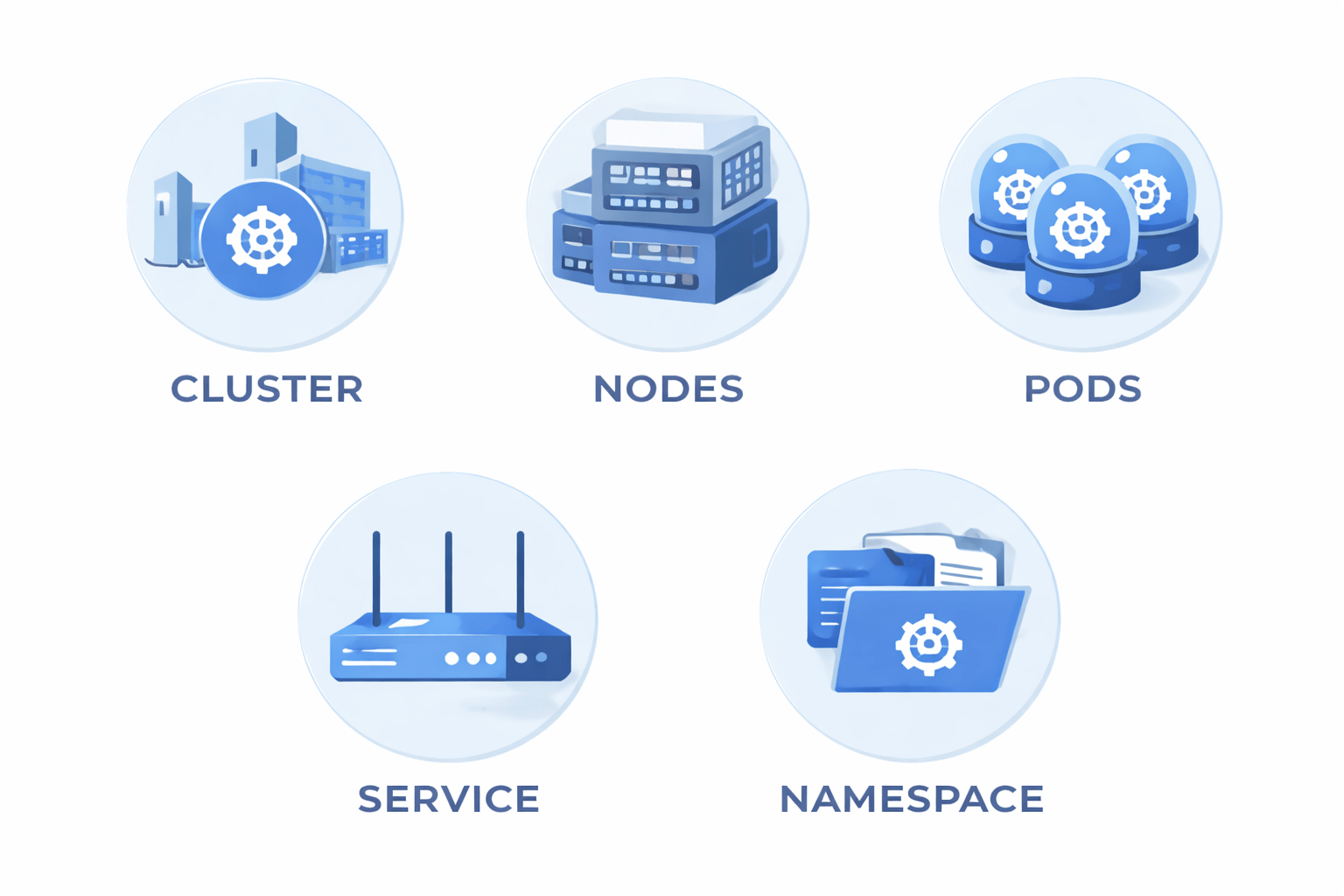
Cluster
Pods
Nodes
Namespace
Service
Real-World Operational Scenario
Cluster = The City
Real-World Operational Scenario
Nodes = Buildings
Real-World Operational Scenario
Pods = Apartments(Residentials)
Real-World Operational Scenario
Deployment = Apartment blueprint
Real-World Operational Scenario
Service = Reception desk routing visitors
Real-World Operational Scenario
Namespace = Different departments inside the city
Real-World Operational Scenario
Kubernetes ensures everything runs smoothly and scales automatically
What is Kubernetes?
Kubernetes is an open-source container orchestration platform used to automate:
It manages containers running on multiple machines
Management of containerized applications
3
2
Scaling
1
Deployment
Ways to Use Kubernetes
Kubernetes can be used in 3 main ways:
1. Kind
Runs Kubernetes clusters inside Docker
Good for testing and CI/CD
2. Minikube
Runs a single-node cluster locally
Good for learning and development
3. Kubeadm
Used to set up production-like clusters
Manual configuration
Managed Kubernetes in Production
In real production environments, organizations use:
Amazon EKS
Azure AKS
Google Kubernetes Engine
These services:
Manage control plane automatically
Provide high availability
Offer security and scaling features
Installing kubectl CLI
Below is the short and simple step-by-step guide to install Kubernetes using Kind on an Amazon EC2 instance
We are using:
Kubernetes
Kind
Docker
Amazon EC2
Install Kubernetes (Kind) on EC2 – Quick Steps
Step 1: Launch EC2 Instance
1. Go to AWS Console
2. Open Amazon EC2
3. Click Launch Instance
4. Choose:
Amazon Linux 2 (or Ubuntu)
t2.medium (recommended minimum)
5. Allow Security Group:
SSH (Port 22)
6. Launch and connect via SSH
ssh -i key.pem ec2-user@your-public-ip
Step 2: Update System
sudo yum update -y
(For Ubuntu use sudo apt update -y)
Step 3: Install Docker
sudo yum install docker -y
sudo systemctl start docker
sudo systemctl enable docker
sudo usermod -aG docker ec2-user
Log out and log in again.
Verify: docker --version
Install Kubernetes (Kind) on EC2 – Quick Steps
Step 4: Install kubectl
curl -LO "https://dl.k8s.io/release/$(curl -L -s https://dl.k8s.io/release/stable.txt)/bin/linux/amd64/kubectl"
chmod +x kubectl
sudo mv kubectl /usr/local/bin/
Verify: kubectl version --client
Step 5: Install Kind
curl -Lo ./kind https://kind.sigs.k8s.io/dl/latest/kind-linux-amd64
chmod +x kind
sudo mv kind /usr/local/bin/
Verify: kind --version
Done!
Now your Kubernetes cluster is running inside EC2 using Kind.
What is a Kubernetes Cluster?
A Cluster is a group of machines (nodes) running Kubernetes
It consists of:
Control Plane
Worker Nodes
Create Cluster Using Kind
kind create cluster --name dev-cluster
Check cluster:
kubectl cluster-info
kubectl get nodes
What is a Namespace?
A Namespace is a logical separation inside a cluster
Used to:
Separate environments (dev, test, prod)
Organize resources
Create Namespace
kubectl create namespace dev
Verify: kubectl get namespaces
What is a Pod?
A Pod is the smallest deployable unit in Kubernetes
Contains one or more containers
Runs on a node
Create Pod (YAML Example)
apiVersion: v1
kind: Pod
metadata:
name: nginx-pod
spec:
containers:
- name: nginx
image: nginx
Apply: kubectl apply -f pod.yaml
Check: kubectl get pods
What is a Deployment?
A Deployment manages pods and replicas
Features:
Auto-scaling
Self-healing
Rolling updates
Create Deployment (YAML Example)
apiVersion: apps/v1
kind: Deployment
metadata:
name: nginx-deployment
spec:
replicas: 3
selector:
matchLabels:
app: nginx
template:
metadata:
labels:
app: nginx
spec:
containers:
- name: nginx
image: nginx
Apply: kubectl apply -f deployment.yaml
Check: kubectl get deployments
What is a Service?
A Service exposes pods to internal or external traffic
Types:
ClusterIP (default)
NodePort
LoadBalancer
Create Service (YAML Example)
apiVersion: v1
kind: Service
metadata:
name: nginx-service
spec:
type: NodePort
selector:
app: nginx
ports:
- port: 80
targetPort: 80
nodePort: 30007
Apply: kubectl apply -f service.yaml
Check: kubectl get services
What is a ReplicaSet?
A ReplicaSet ensures that a specified number of pod replicas are running at all times
If one pod crashes, ReplicaSet automatically creates a new one
Think of it like: “I always want 3 pods running — no matter what.”
Step 1 – Make Sure Kind Cluster is Running
kind create cluster --name dev-cluster
Verify: kubectl get nodes
What is a ReplicaSet?
apiVersion: apps/v1
kind: ReplicaSet
metadata:
name: nginx-replicaset
spec:
replicas: 3
selector:
matchLabels:
app: nginx
template:
metadata:
labels:
app: nginx
spec:
containers:
- name: nginx
image: nginx
Save and exit.
Step 2 – Create ReplicaSet (YAML Method)
Create a file: nano replicaset.yaml
Step 3 – Apply ReplicaSet
kubectl apply -f replicaset.yaml
Step 4 – Verify ReplicaSet
Check ReplicaSet: kubectl get rs
Check Pods: kubectl get pods
You should see 3 running pods
Step 5 – Test Self-Healing
Delete one pod: kubectl delete pod <pod-name>
Now check again: kubectl get pods
You will see a new pod automatically created
That’s ReplicaSet working!
What is a ReplicaSet?
Step 6 – Scale ReplicaSet
Increase replicas: kubectl scale rs nginx-replicaset --replicas=5
Verify: kubectl get pods
Step 7 – Delete ReplicaSet
kubectl delete rs nginx-replicaset
This will delete ReplicaSet and all pods it manages
Primary Kubernetes Objects Summary
Resource
Purpose
Cluster
Namespace
Pod
Deployment
Service
Collection of nodes
Logical isolation
Smallest deployable unit
Manages pods
Exposes application
Summary
4
Production uses EKS, AKS or GKE
3
Clusters can be created using Minikube, Kind or kubeadm
2
kubectl is used to manage clusters
1
Kubernetes automates container orchestration
Quiz
Kubernetes is mainly used for ?
A. Virtual Machines
B. Container Orchestration
C. Database Storage
D. Networking Hardware
Kubernetes is mainly used for ?
A. Virtual Machines
B. Container Orchestration
C. Database Storage
D. Networking Hardware
Quiz-Answer
By Content ITV