Content ITV PRO
This is Itvedant Content department
StreamCheck Project Initiation & Media Platform Workflow
Business Scenario
Congratulations! You have recently joined StreamCheck Media Pvt. Ltd. as an Automation Test Engineer. As part of the QA team, you are responsible for ensuring the quality and reliability of the StreamCheck media streaming platform through automation testing.
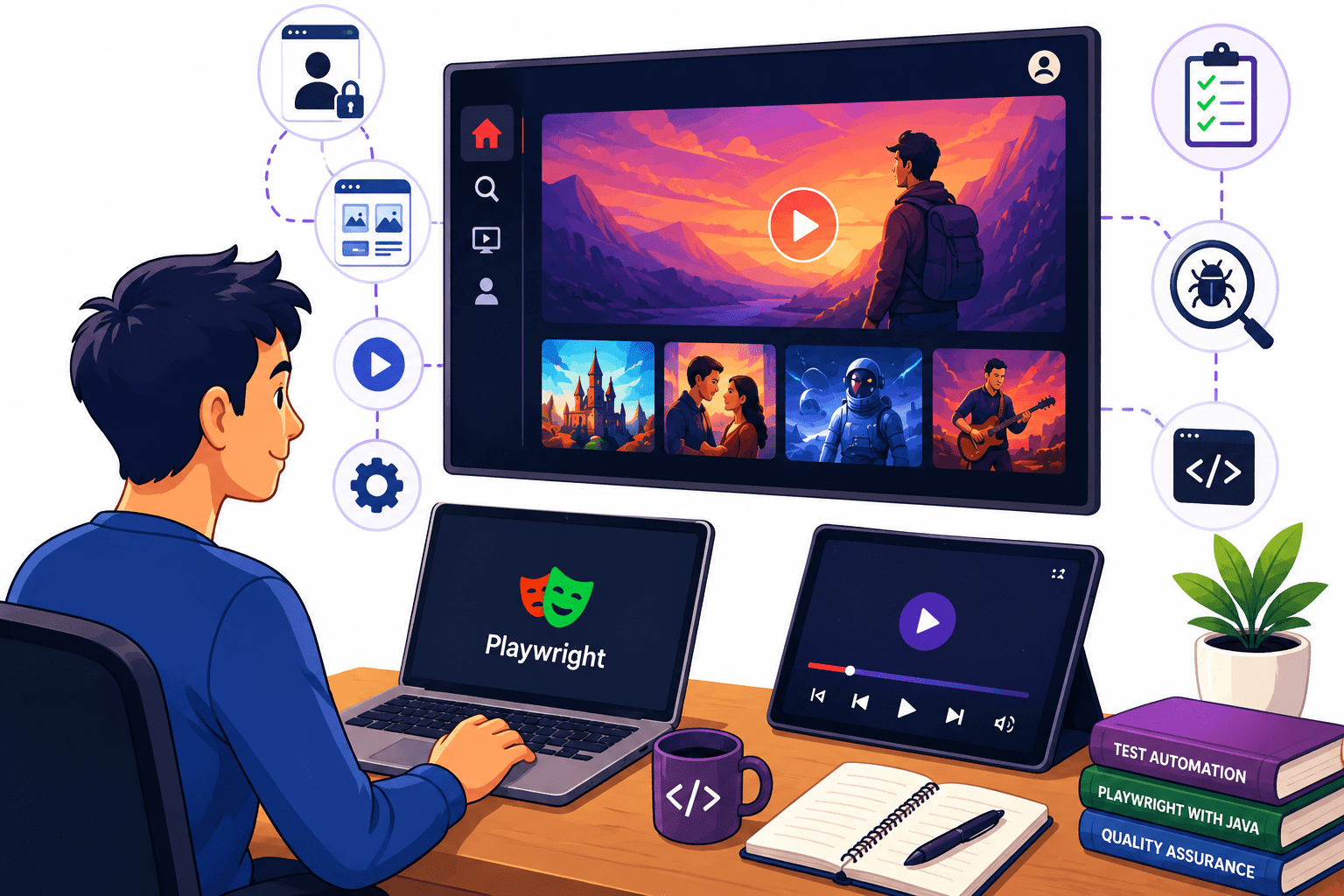
StreamCheck allows users to log in, browse media content, play videos, and control playback.Before developing automation scripts, it is important to understand the application's workflow, key modules, and user interactions.
Open the StreamCheck Playwright Project
1
Create a New Test Class
2
Run Browser in Headed Mode
12
Run Browser in Headless Mode
11
Compare Different Browsers
10
Launch WebKit Browser
9
Launch Firefox Browser
8
Close the Browser
7
Observe Browser Execution
6
Open the StreamCheck Application
5
Launch Chromium Browser
4
Initialize Playwright
3
Print Browser Information
13
Execute the Complete Script
14
Review Results
15
Open the StreamCheck Playwright Project
1
Create a New Test Class
2
Perform Multiple Browser Actions
12
Capture and Validate the Current URL
11
Capture and Validate the Page Title
10
Navigate Directly Using a URL
9
Refresh the Current Page
8
Perform Browser Forward Action
7
Perform Browser Back Action
6
Navigate to Another Page
5
Open the StreamCheck Application
4
Launch the Browser
3
Observe Browser Behavior
13
Execute the Complete Script
14
Review Results
15
Open the StreamCheck Playwright Project
1
Create a New Test Class
2
Navigate Directly Using a URL
12
Perform Forward Navigation
11
Perform Back Navigation
10
Use a Link to Navigate
9
Navigate Through Multiple Pages
8
Validate Successful Navigation
7
Navigate to Another Page
6
Identify a Navigation Menu
5
Open the StreamCheck Application
4
Launch the Browser
3
Validate the Complete User Flow
13
Observe Navigation Behavior
14
Execute and Review
15
Open the StreamCheck Playwright Project
1
Create a New Test Class
2
Validate Back Navigation
12
Perform Multiple Page Transitions
11
Validate Page-Specific Elements
10
Validate Page Heading
9
Validate Page Title Change
8
Validate URL Change
7
Click a Navigation Element
6
Capture Homepage Details
5
Open the StreamCheck Application
4
Launch the Browser
3
Validate Forward Navigation
13
Execute an End-to-End Navigation Flow
14
Review Results
15
Open the StreamCheck Automation Project
1
Locate an Existing Test Script
2
Analyze Browser-Specific Issues
12
Compare Results Across Browsers
11
Execute the Test on Edge
10
Configure Browser for Edge
9
Record Firefox Results
8
Execute the Test on Firefox
7
Configure Browser for Firefox
6
Record the Result
5
Execute the Test on Chrome
4
Configure Browser for Chrome
3
Review Test Reports
13
Save Execution Evidence
14
Open Previous Test Execution Results
1
Create a Comparison Sheet
2
Prepare a Summary
12
Document Observations
11
Capture Evidence
10
Compare Execution Time
9
Review Failed Test Cases
8
Compare Media Content Behavior
7
Compare Element Interactions
6
Compare UI Element Visibility
5
Compare Page Navigation
4
Verify Login Functionality
3
Launch the Application in Chrome
1
Repeat the Same Steps in Firefox
2
Prepare a Summary Report
12
Document the Inconsistency
11
Capture Evidence
10
Review Test Execution Results
9
Compare Page Loading Behavior
8
Check Media Content Display
7
Verify Element Functionality
6
Validate Navigation Flow
5
Compare UI Elements
4
Repeat the Same Steps in Edge
3
Open Your Test Results
1
Create an Observation Sheet
2
Prepare a Final Summary
10
Review All Findings
9
Update the Observation Sheet
8
Record Supporting Details
7
Add Observations
6
Capture Screenshots
5
Identify Issues
4
Record Successful Results
3
By Content ITV