






Content ITV PRO
This is Itvedant Content department
Building Docker Images and Running Containers for OpsMate
Business Scenario
Manager:
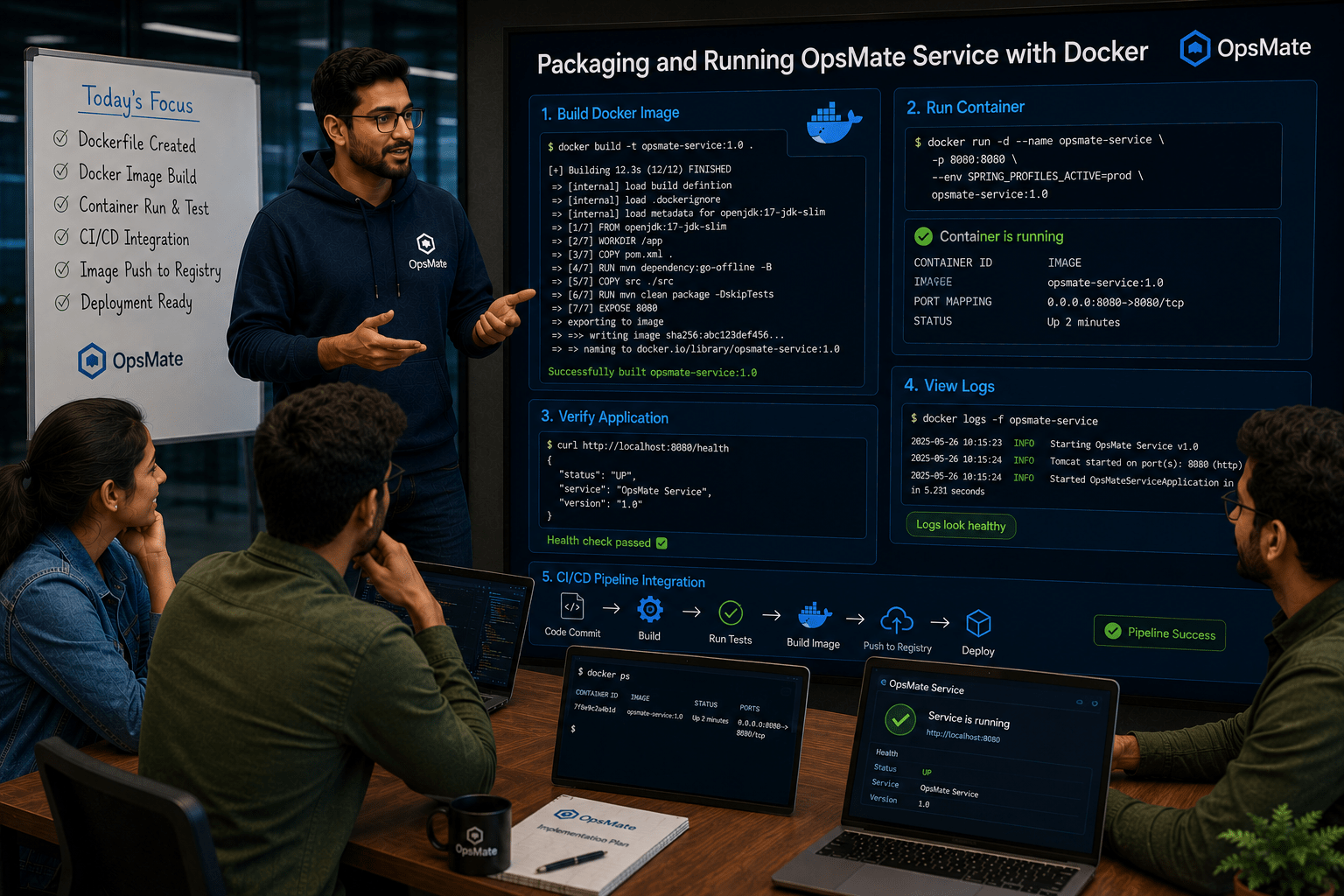
The OpsMate Service Dockerfile has been successfully created and integrated with our CI/CD pipeline. Now we need to package the application as a Docker image and run it inside containers for testing and deployment.
Manager:
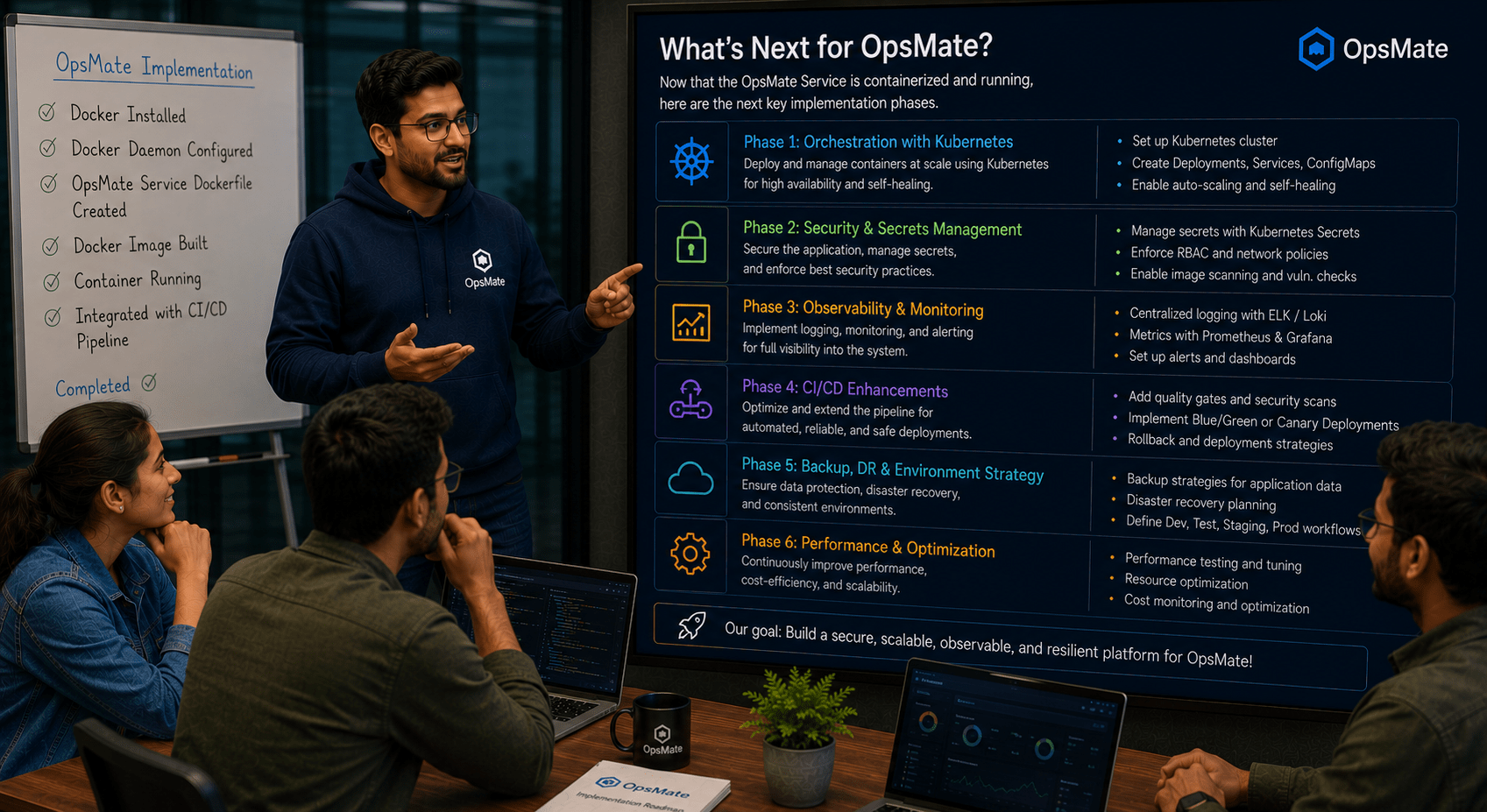
Let’s discuss the next implementation phase with the DevOps Engineer.
DevOps Engineer:
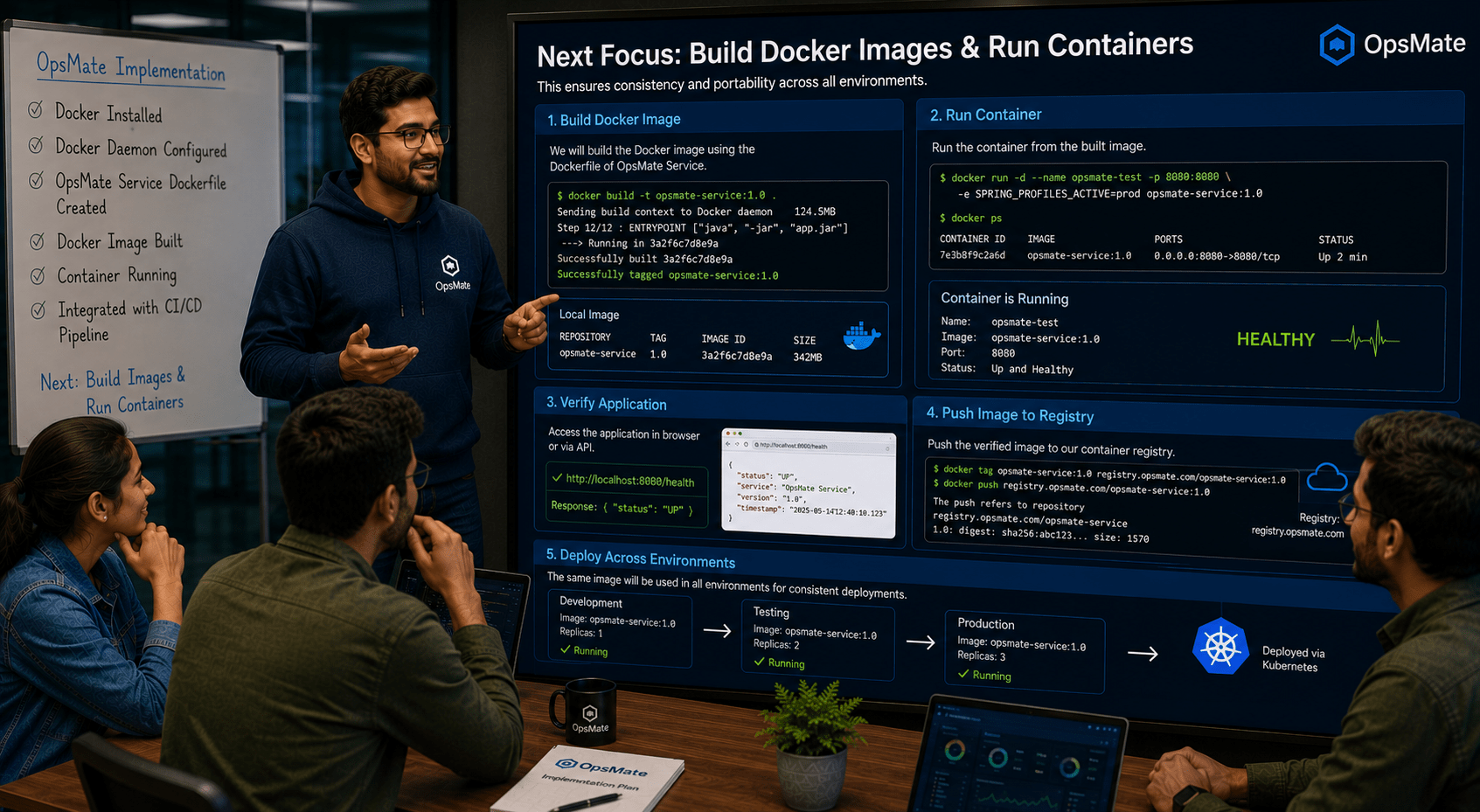
Now our focus is on building Docker images and running containers for the OpsMate application. This will allow us to deploy the application consistently across development, testing, and production environments.
Manager:
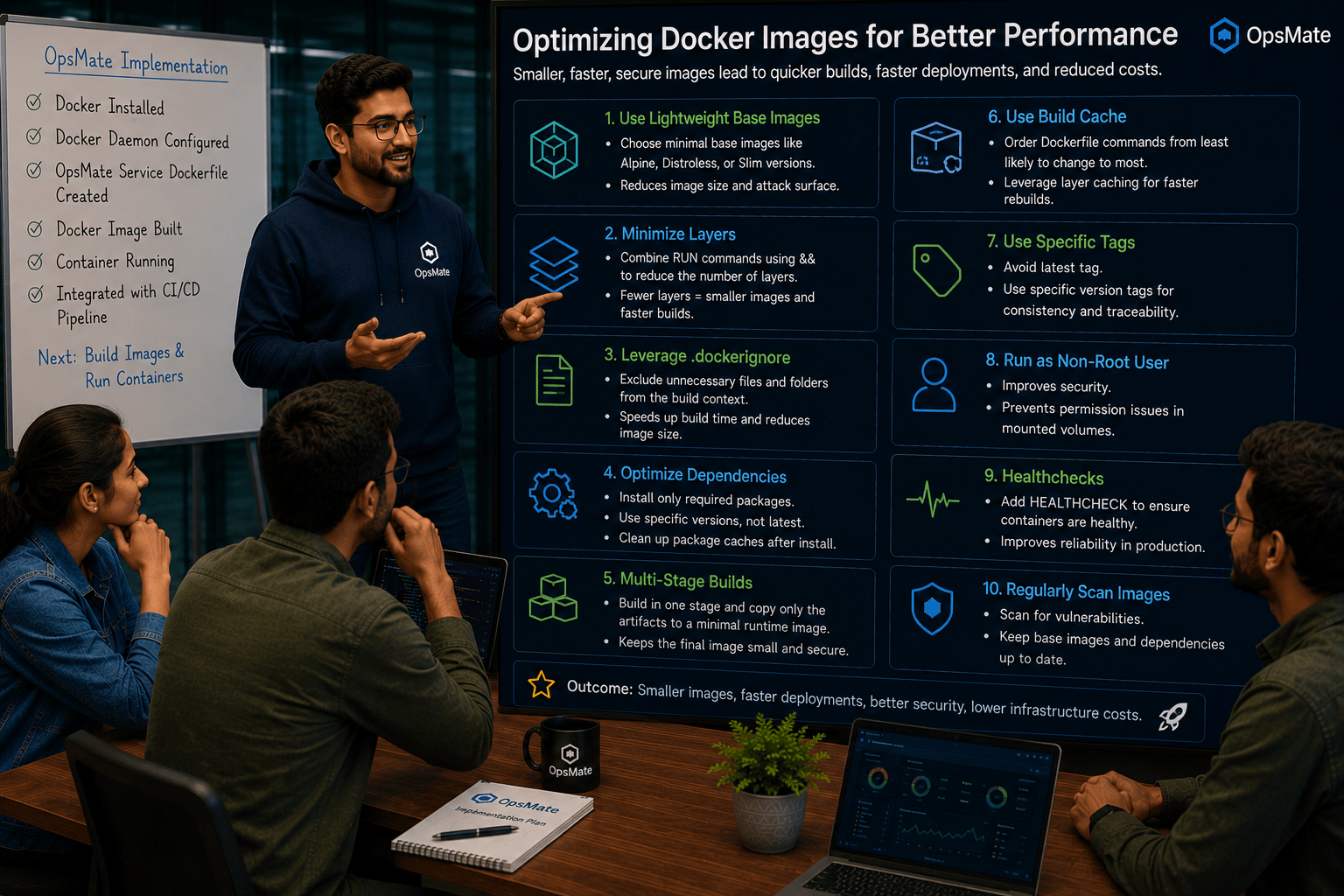
How can we optimize the Docker images for better performance?
DevOps Engineer:
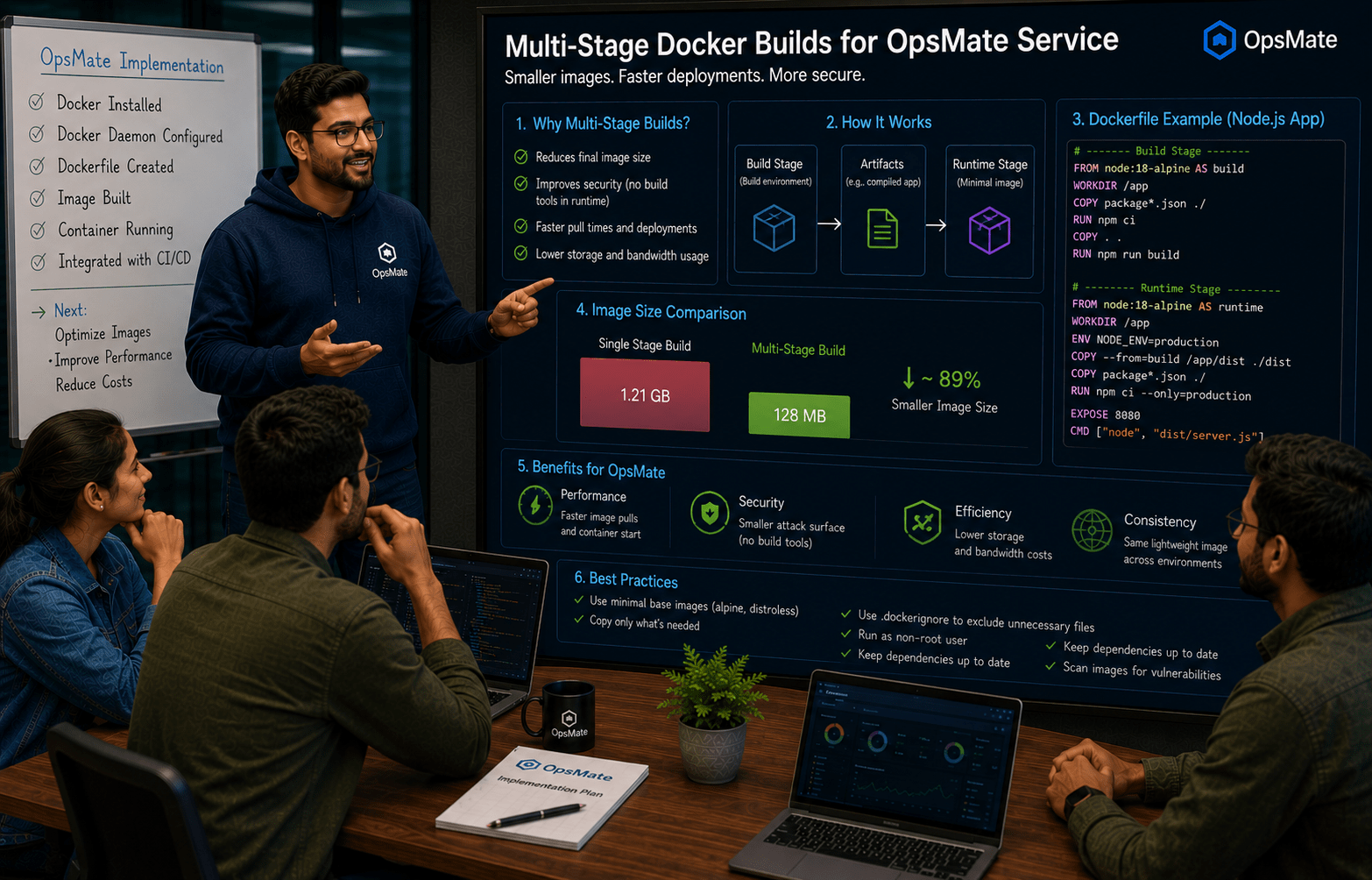
We will use multi-stage Docker builds. This approach reduces image size by separating the build environment from the runtime environment, resulting in faster deployments, improved security, and lower storage usage.
DevOps Engineer to Team:
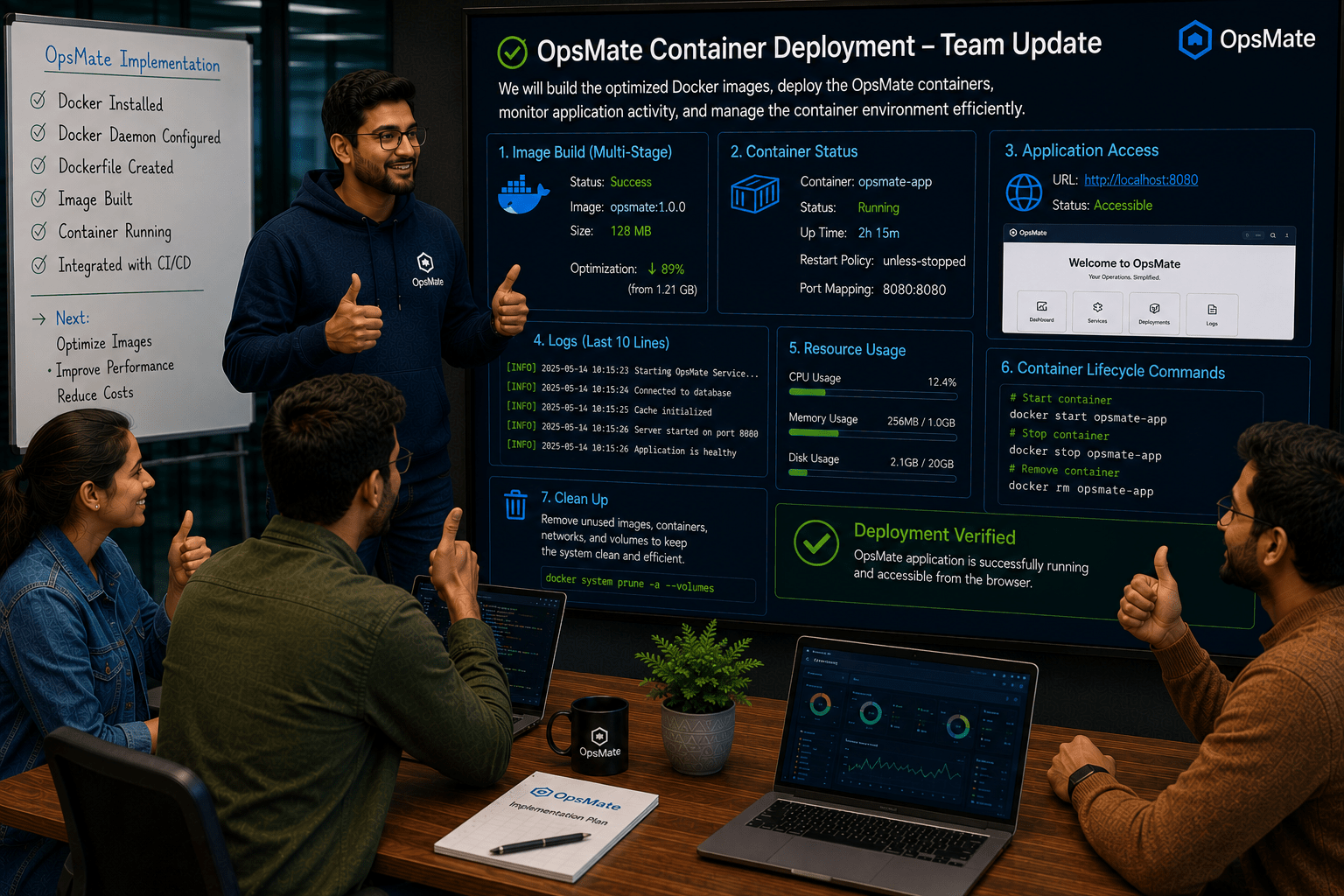
Team, here is the implementation plan for OpsMate container deployment:
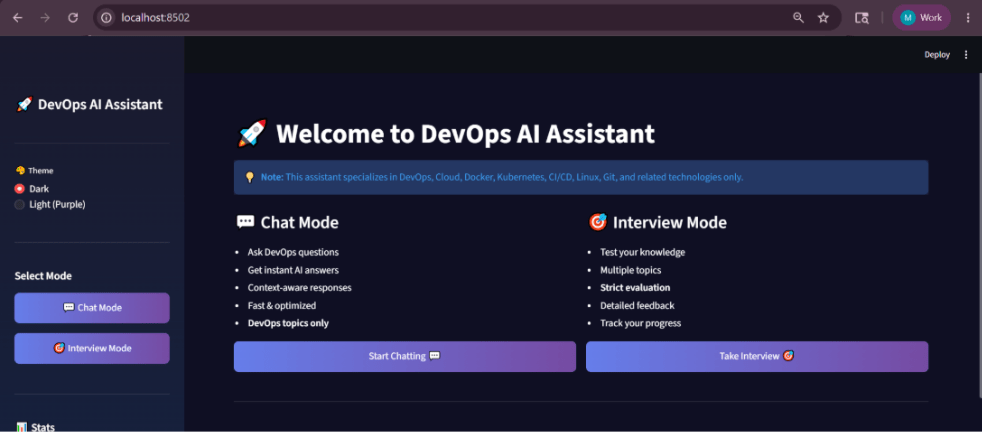
We will also verify that the OpsMate application is accessible successfully from the browser after deployment.
Team:
Understood. We will build the optimized Docker images, deploy the OpsMate containers, monitor application activity, and manage the container environment efficiently.
Pre-Lab Preparation
Task 1: Build Docker Image for OpsMate
Verify Project Structure
Assume the project contains:
opsmate/
│
├── Dockerfile
├── index.html
└── app files
Understanding Multi-Stage Builds
As applications grow larger, Docker images can become very large.
Consider a Node.js application.
Traditional image:
FROM node:20
WORKDIR /app
COPY . .
RUN npm install
RUN npm run build
EXPOSE 3000
CMD ["npm","start"]
Problem:
Contains build tools
Contains source files
Larger image size
Multi-Stage Build Concept
Instead of using one stage, we use two stages : cat Dockerfile
FROM python:3.10-slim AS build
WORKDIR /app
RUN apt-get update && apt-get install -y \
    build-essential \
    gcc \
    curl \
    && rm -rf /var/lib/apt/lists/*
COPY requirements.txt .
RUN pip install --no-cache-dir  --prefix=/install -r requirements.txt
# stage ========== 2 ===========
FROM python:3.10-slim
WORKDIR /app
COPY --from=build /install /usr/local/
ENV PYTHONDONTWRITEBYTECODE=1
ENV PYTHONUNBUFFERED=1
COPY .env /app/.env
COPY main.py /app/
EXPOSE 8501
CMD [ "streamlit", "run", "main.py"]  build stage and simple
Benefits of Multi-Stage Builds
Smaller image size
Faster deployment
Better security
Reduced storage usage
Cleaner production images
Build Multi-Stage Image
Docker Image
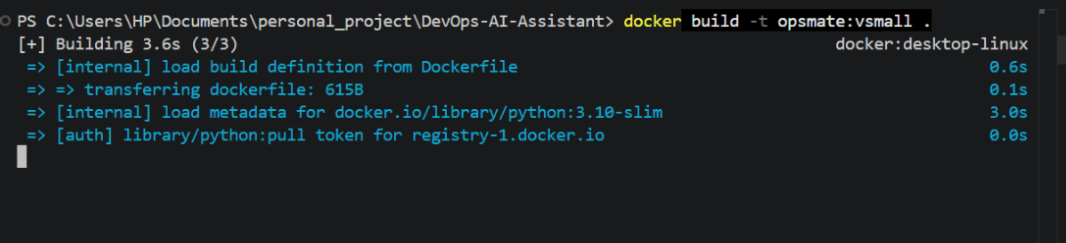
docker build -t opsmate:vsmall .
Verify Image
docker images
Compare image sizes between:
opsmate:v1
opsmate:vsmall
Run the docker images
docker run -d --restart always -p 8503:8501 opsmate:vsmall
Task 2 : Image and Container Cleanup
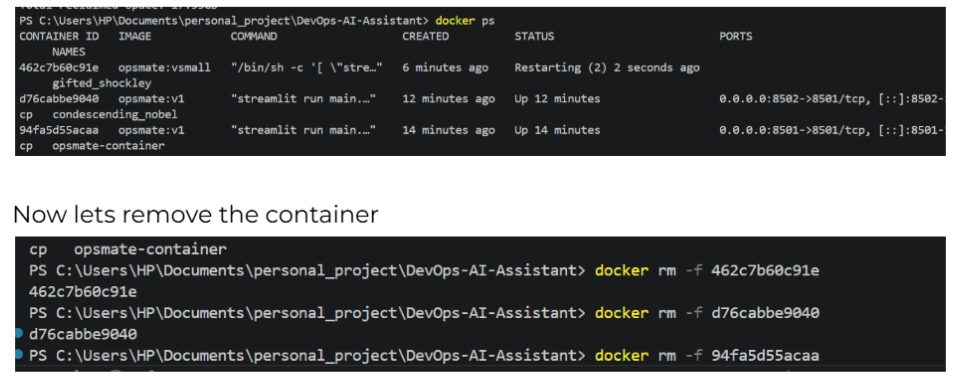
Remove Stopped Containers
docker container prune
Remove Unused Images
docker image prune
Remove All Unused Resources
docker system prune -a
Now lets verify it
Docker ps
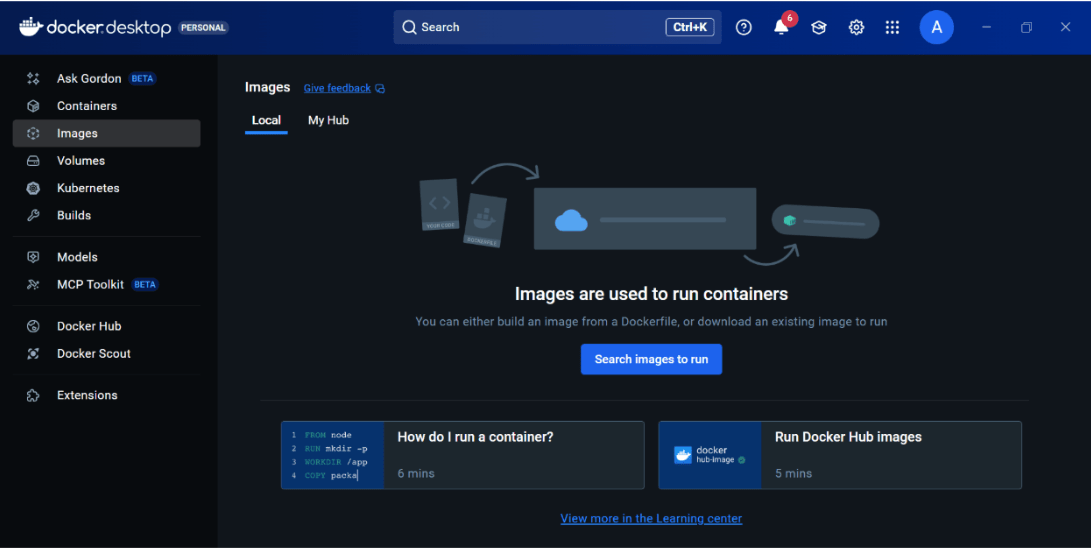
Now lets delta the images
Docker rmi <id>
docker rmi 231b089b9d4e 9926c20147cc
Now everything is clean
Great job!
Built Docker image for OpsMate
Ran application as a container
Managed container lifecycle
Monitored logs and resource usage
Executed commands inside containers
Configured automatic restart policies
Learned multi-stage Docker builds
Optimized image creation and deployment
Checkpoint
Next-Lab Preparation
docker-compose.yml configuration file.By Content ITV