LINUX DEVELOPMENT ENVIRONMENT
Darius Aliulis
Data Scientist & Engineer @ DATA DOG / SATALIA
Goals
-
Why should I care?How do I improve my comfort at my fingertips and beyond? - A bit about tiling window managers
- A bite about Linux shells
- Aesthetics & ergonomics, a.k.a. themes and editors
- Some other goodies: rcm, tig, ranger
Motivation
Tiling Window Managers
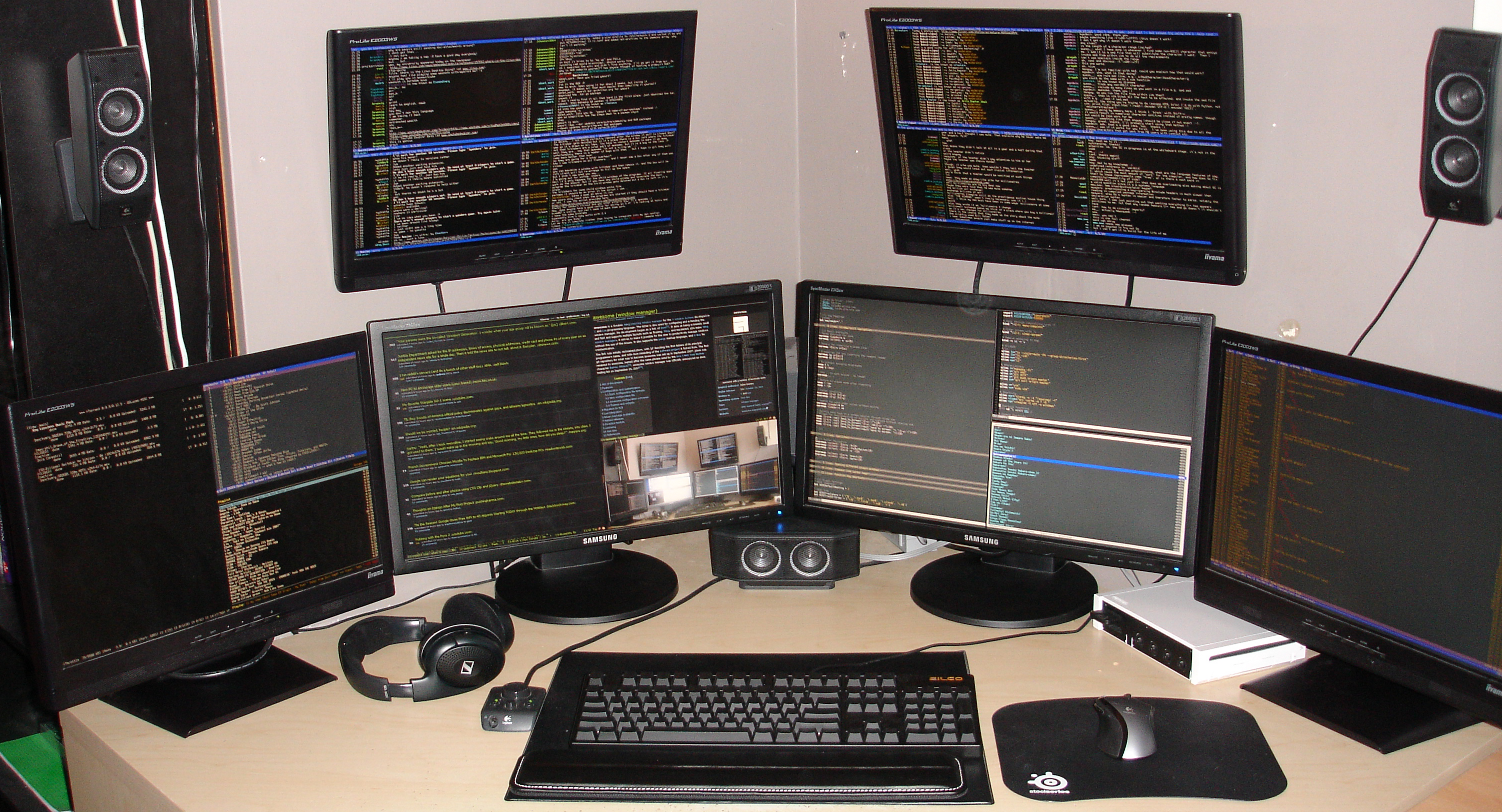
Tiling Window Managers
- Minimize mouse usage
- Maximize screen real estate
- Complete customization (but no free lunch)
- Effective workspaces (or do you carry that second monitor along with your laptop?)
Tiling Window Managers
see comparison
works out of the box
makes you stronger
- awesome
- i3
Linux Shell
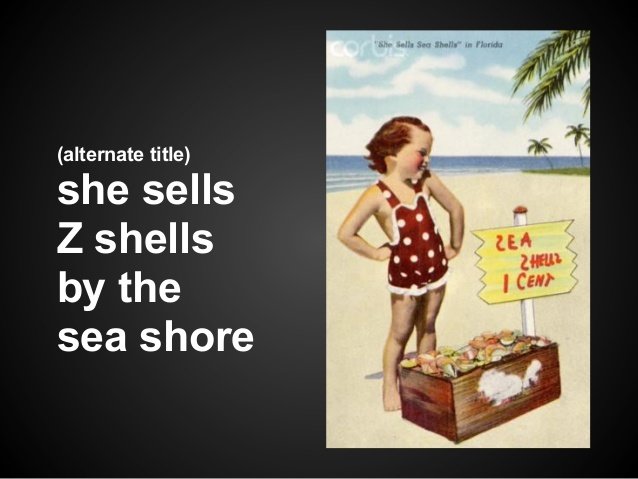
shamelessly borrowed from
Linux Shell
- cd completion
- git completion
- path expansion
- path replacement
- right prompt
- spelling correction
- global aliases
- suffix aliases
- extended globbing
demo
Linux Shell
- environment variable editing
- programmable file renaming
- history substring search
- syntax highlighting
demo
Linux Shell
Plugin management
by decreasing bloatware level:
- Oh My Zsh
- Prezto
- antigen
- antigen-hs (requires Haskell :grin:)
Aesthetics & Ergonomics
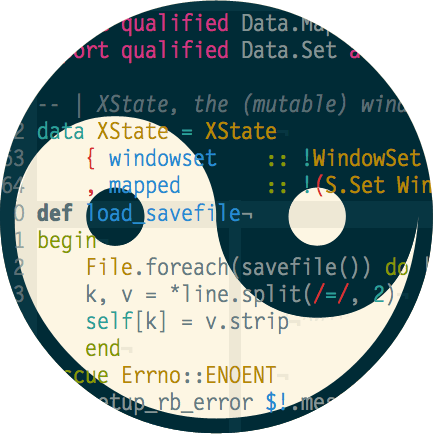
a.k.a themes & editors
a.k.a Solarized & Vim
Ethan Shoonover Solarized
Most Important Color Scheme in Computer History
It took Ethan Schoonover six months to choose the 16 most prevalent colors in computer science
Ethan Shoonover Solarized
shameless plug
https://github.com/daraliu/intellij-idea-settings
cheatsheet for manual configuration
https://github.com/jkaving/intellij-colors-solarized/blob/master/Solarized_Colors.pdf
Vim

Vim
- jetbrains IDEs
- awesome
- zsh
- jupyter notebok
- RStudio
- tig
- man
- less
- ... etc.
Vim
prerequisite: touchtyping
$ vimtutorafterwards:
Other goodies

rcm, an rc file manager
It’s a unification of the existing shell scripts, make targets, rake tasks, GNU Bash constructions, and Python hacks that people copy and paste into their dotfiles repo, with a classical unix flair.
Tig: text-mode interface for Git
Tig is an ncurses-based text-mode interface for git. It functions mainly as a Git repository browser, but can also assist in staging changes for commit at chunk level and act as a pager for output from various Git commands.
ranger
ranger is a console file manager with VI key bindings. It provides a minimalistic and nice curses interface with a view on the directory hierarchy. It ships with "rifle", a file launcher that is good at automatically finding out which program to use for what file type.
Suggestions
- customize shell prompt
- create personal dotfiles repo
- try out tiling window manager
- customize and optimize appearance
- try out a different shell
- try out a different Linux distro
Thank you
Questions?
linux-dev-env
By Darius Aliulis
linux-dev-env
Presentation about customization of Linux environment to make and even more comfortable and efficient for software development