




Dimitris Kiriakakis
Fullstack Developer | Freelancer
Dimitris Kiriakakis | SDC 2024
Fullstack Developer @ ZEAL
We are working with technologies such as Angular, NextJS, Typescript, Kotlin, GoLang, Swift, AWS, K8S..
..and we are hiring! 🎉
https://github.com/dimeloper/astro-portfolio-workshop
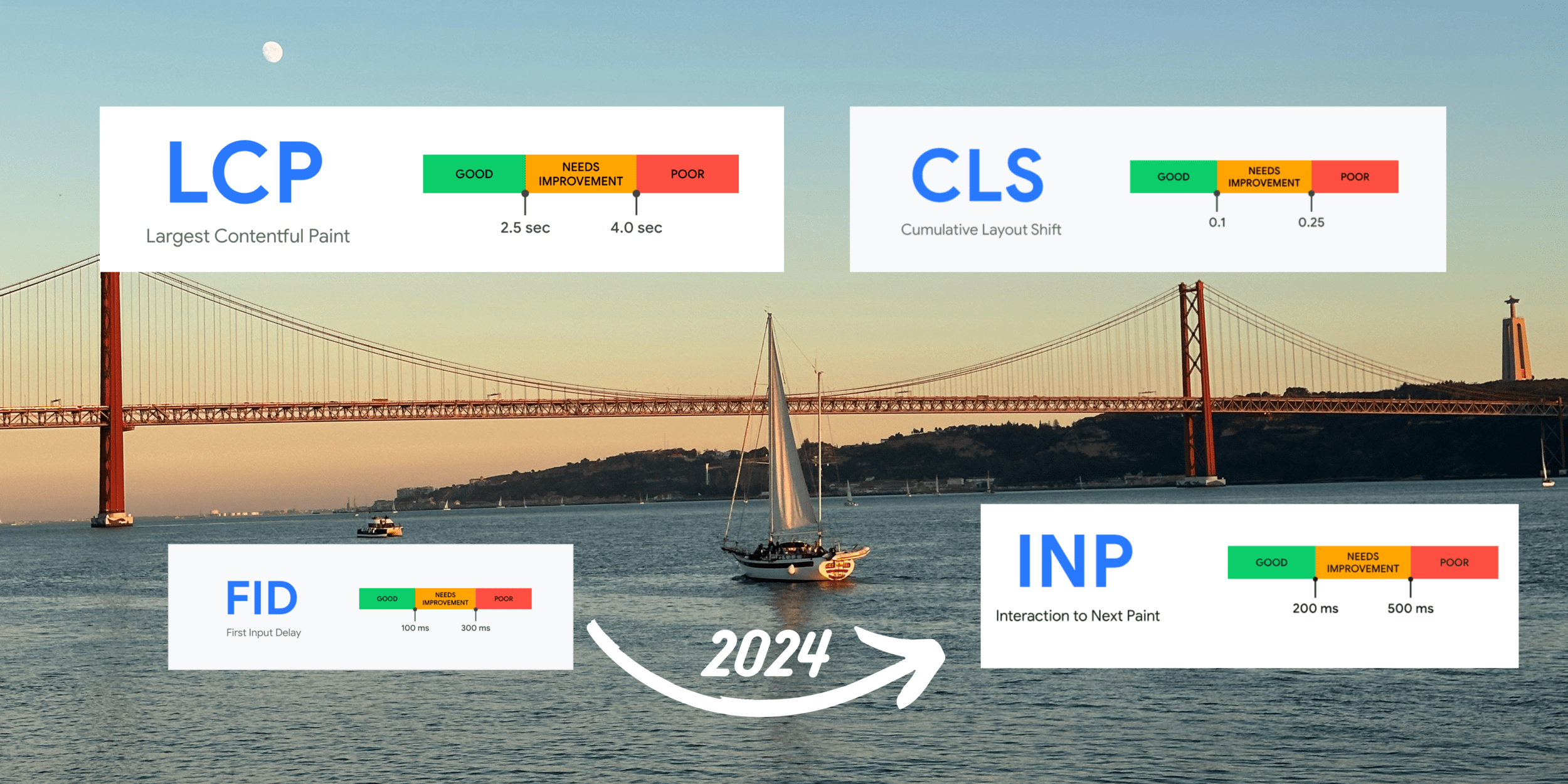
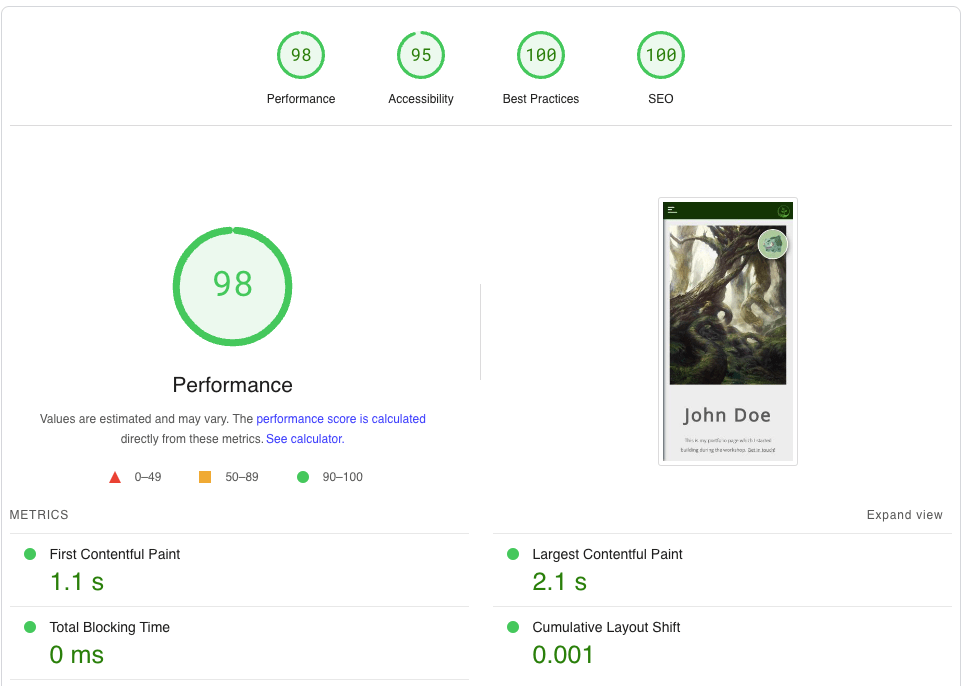
A set of metrics that measure real-world user experience for loading performance, interactivity and visual stability of a web page.
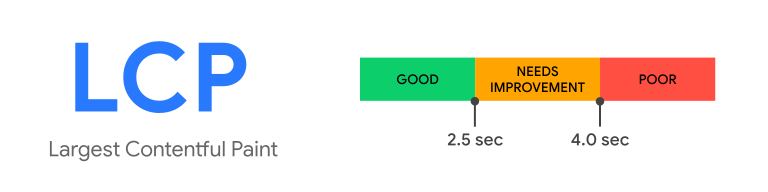
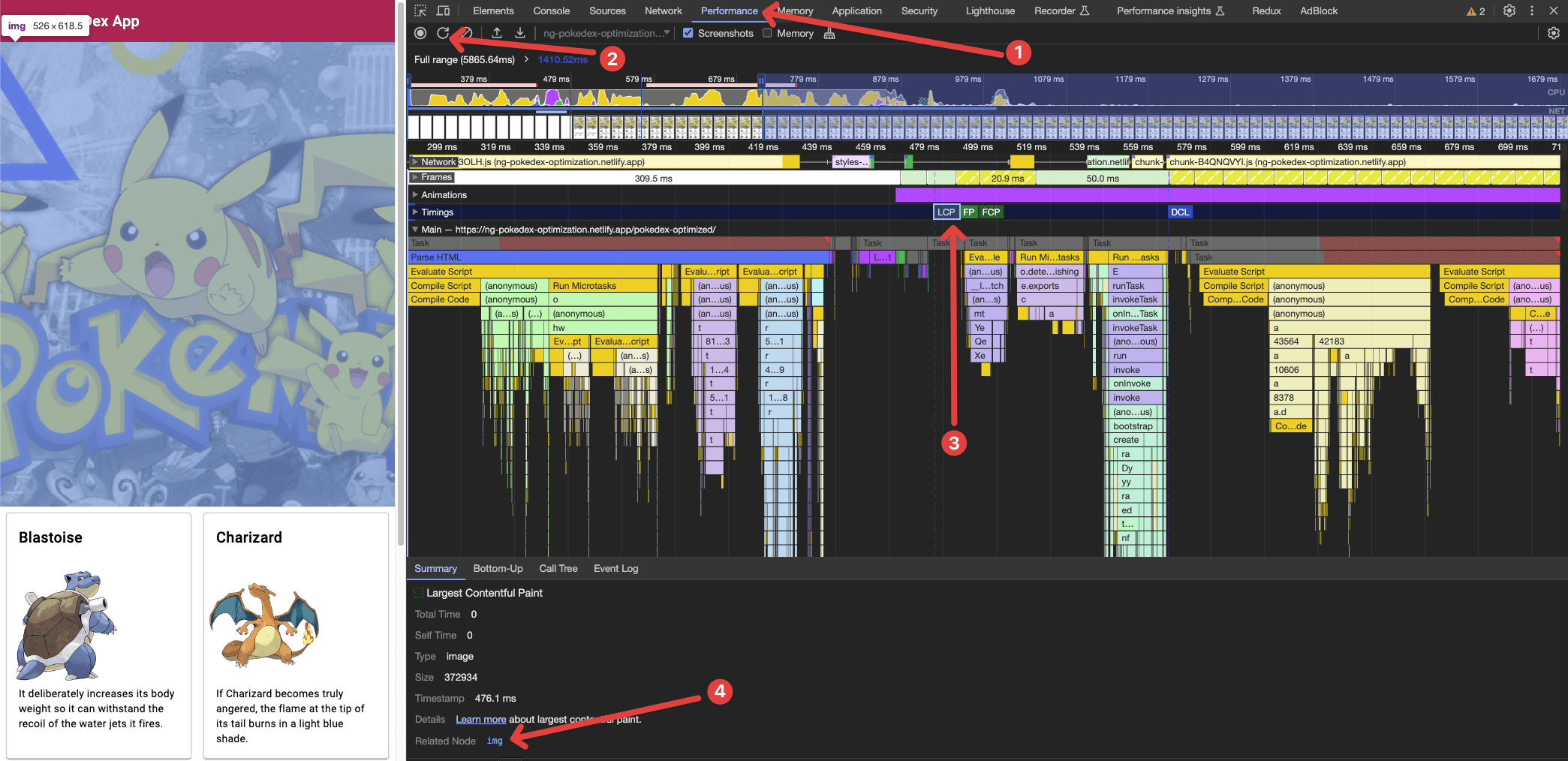
Largest Contentful Paint (LCP) is the Core Web Vital metric for measuring load speed.
It reports the render time of the largest image or text block visible in the viewport, relative to when the user first navigated to the page.
To provide a good user experience, sites should strive to have LCP of 2.5 seconds or less.
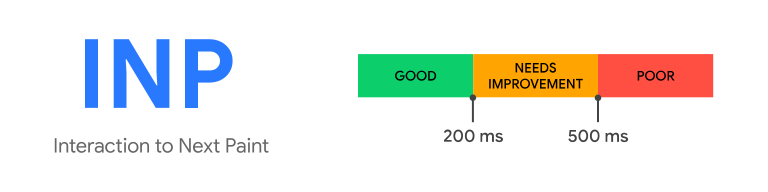
Interaction to Next Paint (INP) is the Core Web Vital metric for measuring interactivity.
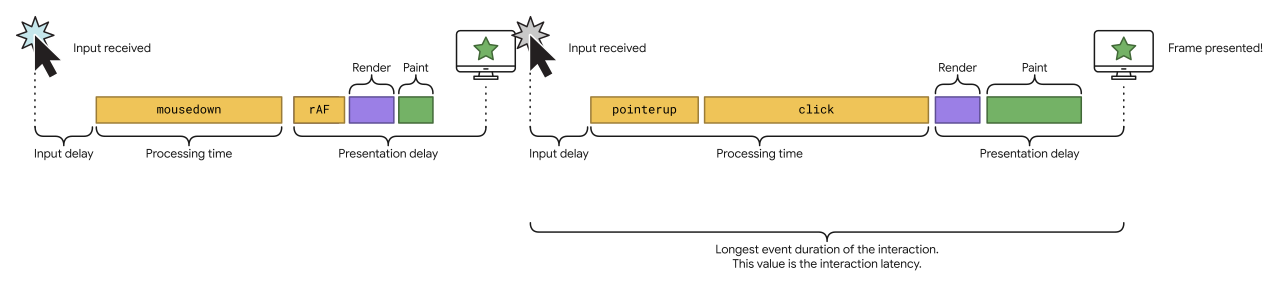
INP observes the latency of all click, tap, and keyboard interactions with a page throughout its lifespan, and reports the longest duration.
An INP equal to or less than 200 ms means our page has good responsiveness.
For the purposes of INP, only the following interaction types are observed:
Interactions can consist of multiple events. The event with the longest duration within the interaction is chosen as the interaction's latency.
Source: web.dev
Source: web.dev
Cumulative Layout Shift (CLS) is the Core Web Vital metric for measuring visual stability.
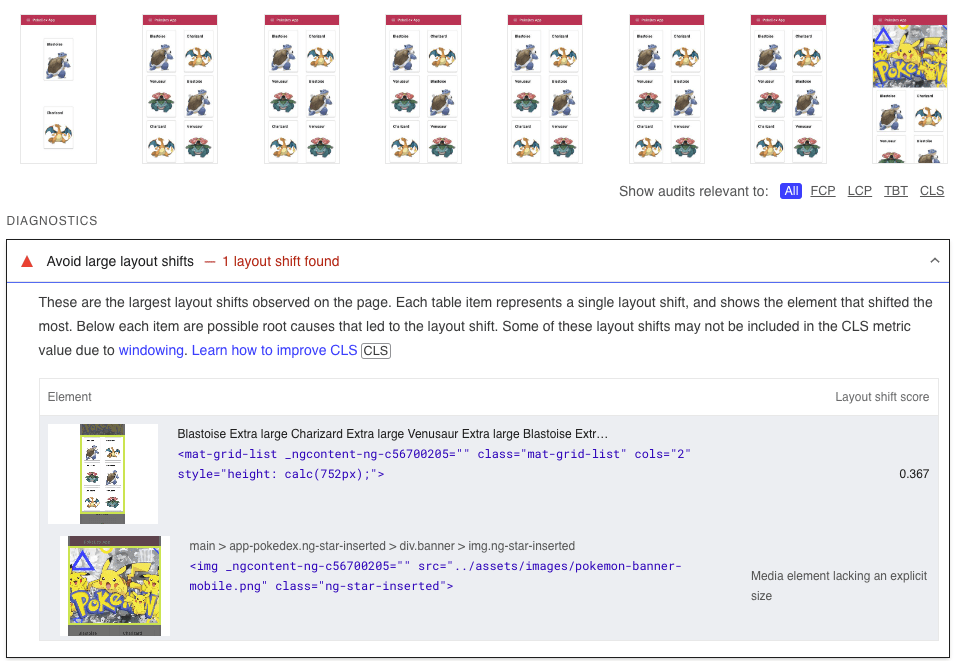
It helps quantify how often users experience unexpected layout shifts.
A low CLS helps us to ensure that our page is delightful.
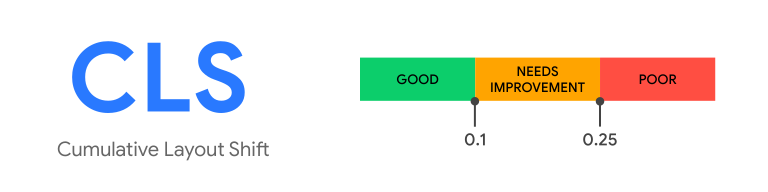
To provide a good user experience, our site must have a CLS score of 0.1 or less.
Cumulative Layout Shift is the sum of individual layout shifts in a certain time window. The time window can cover up to 5 seconds.
If we want to build a blazing fast portfolio page, we need to find a framework which allows us to do the following:
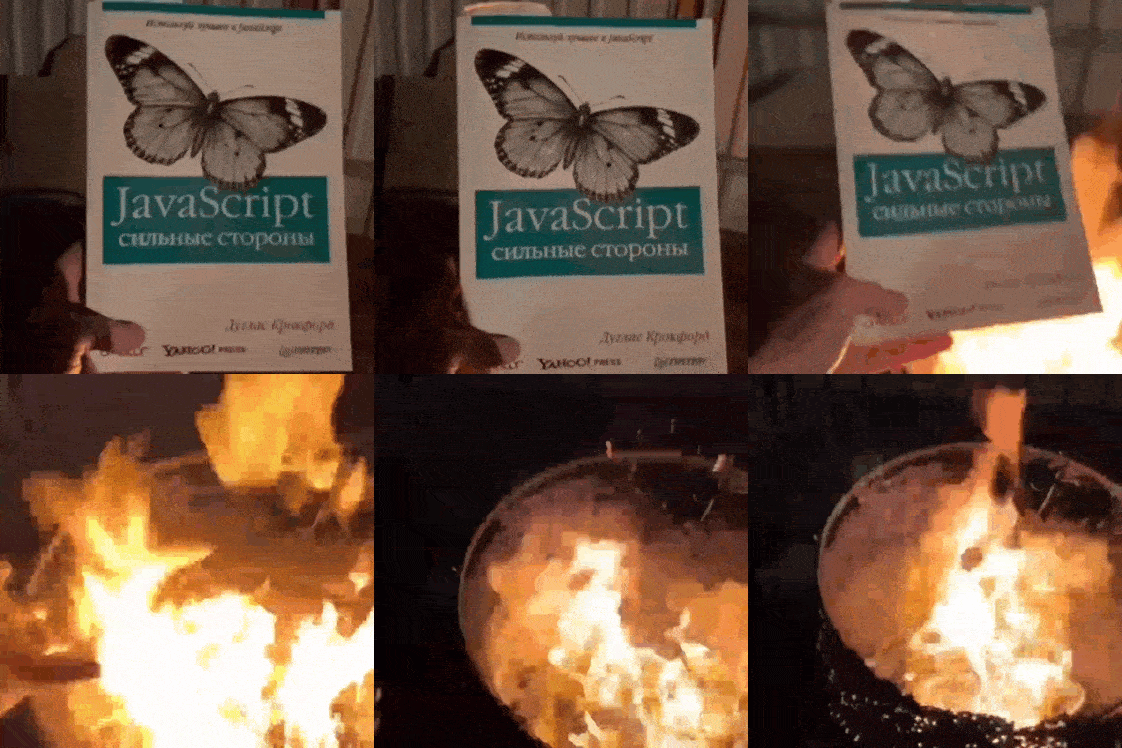
Using a typical Single Page Application framework like Angular, React or Vue, typically require loading the framework's base bundles before we can start rendering pages.
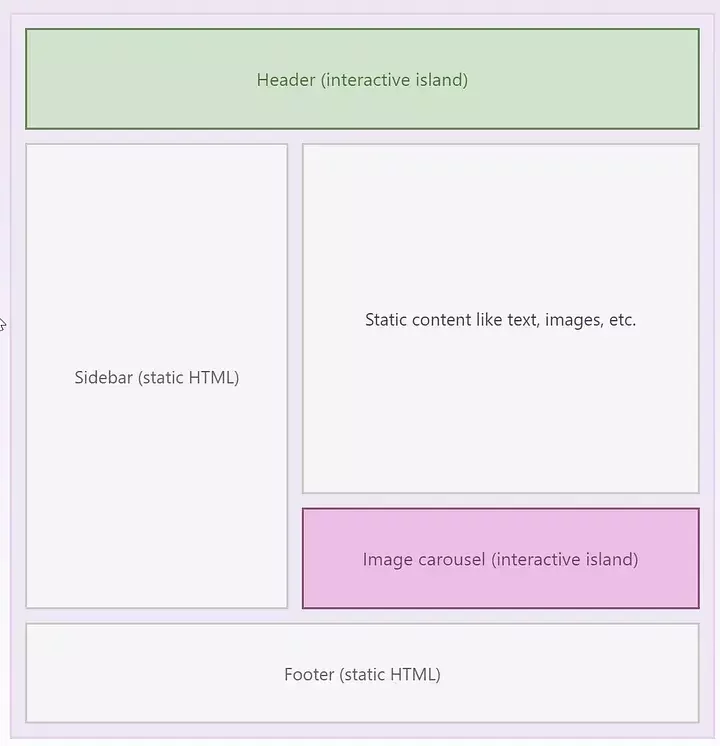
Astro is a Static Site Generator that is based on JavaScript as a language but ships NO JavaScript by default on the client side.
Prerequisites for the coding part:
Have an active GitHub account
Install GIT
Install Node and NPM
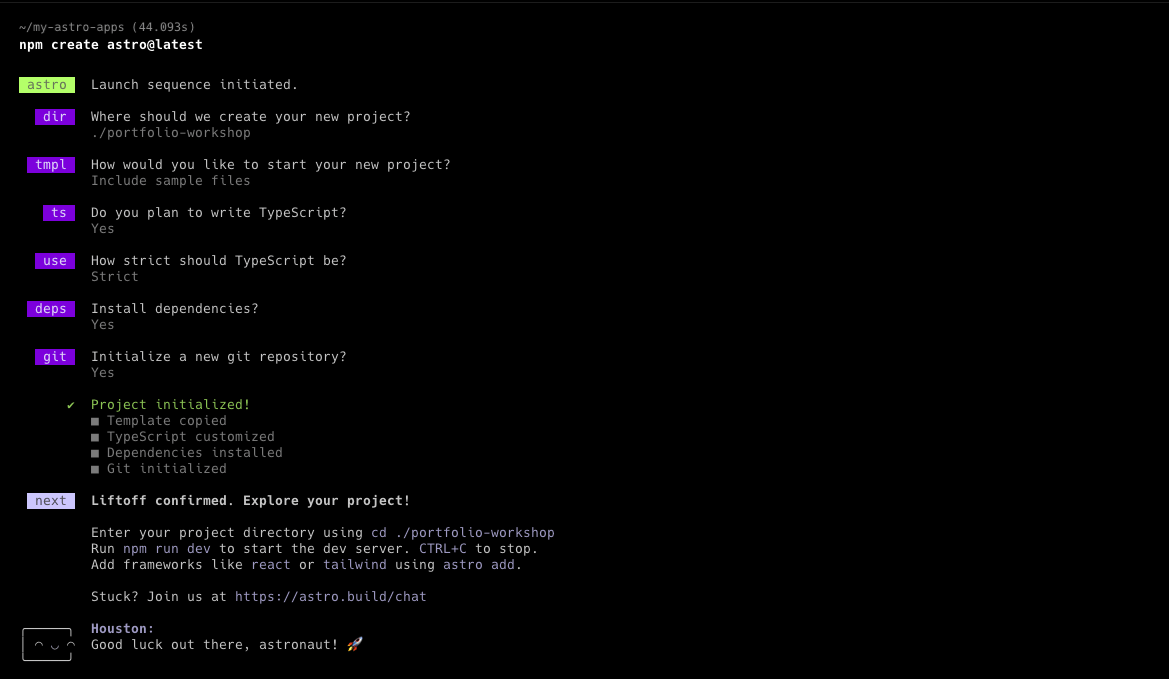
You can verify that the required tools are available by opening a new terminal and checking their versions.
We are going to need some additional dependencies
to gain access to sets of SVG icons.
npm run astro add astro-icon
npm install @iconify-json/mdiAdditionally we are going to need some UI dependencies
to support our SCSS theme and the Open Sans font.
npm install sass -D
npm install @fontsource/open-sansCoding time!
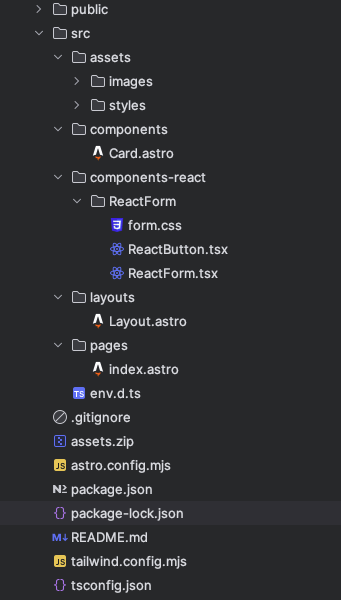
1. Download the assets.zip file from the workshop repository and export its content into your src folder.
2. Copy over the content of the following folders to your own repo:
3. Finally, within pages/index.astro
comment out lines 8 and 93.
Once we are done with the project setup, we can already modify the page theming and replace the sample images with our own.
🎨
Our contact form might include some additional interactivity, therefore we are going to write a React component for it.
npm run astro add reactAstro will take care of all necessary configuration adjustments.
Then we can simply go to our index.astro and import our React component.
Finally, we are going to deploy our new page on the web using Netlify.
npm run astro add netlifyAstro will take care of all necessary configuration adjustments.
Then we need to go to the Netlify dashboard, login with our Github and import our fresh repository.
- https://dimeloper.com
- https://dev.to/dimeloper
- https://medium.com/@dimeloper
By Dimitris Kiriakakis