Git
Versionskontrolle
Warum?
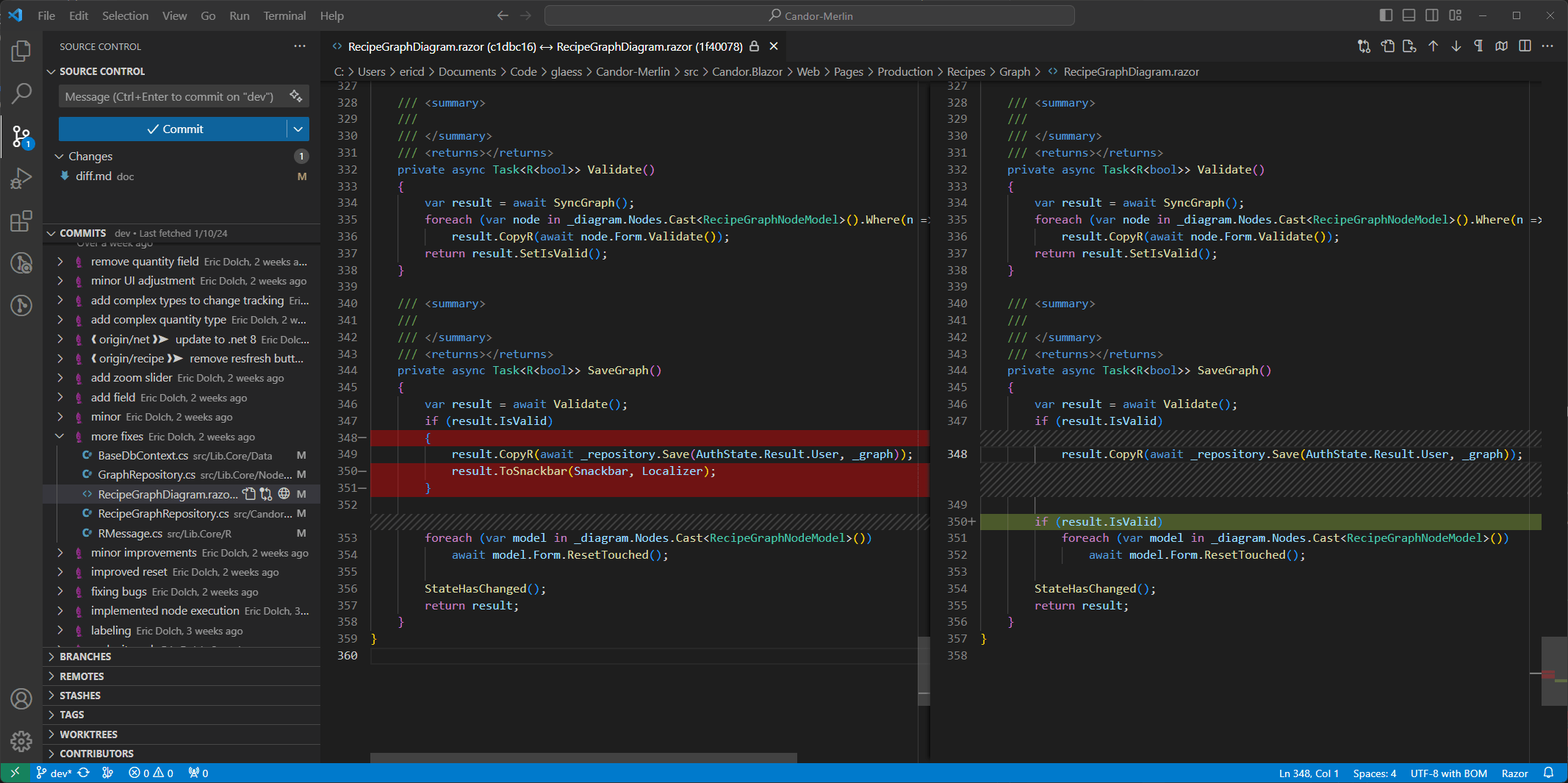
Beispiel
Beispiel
- Verteilen von Code
- Für Teamwork
- Was wurde geändert?
- Wer hat was geändert?
Und noch mehr
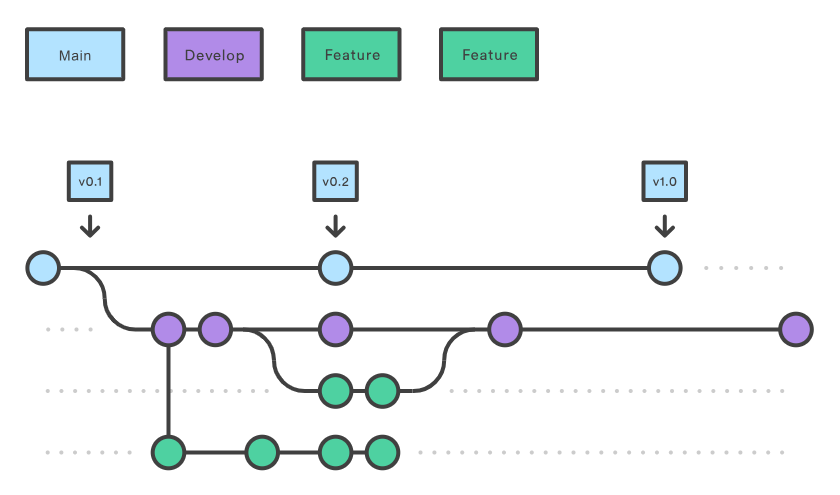
Was ist Git?
Übersicht
Übersicht
Git
Source
Tree
GitHub
Desktop
Tortoise
Git
Visual
Studio
VS
Code
TwinCAT
Azure
GitLab
GitHub
Übersicht
Git
Source
Tree
GitHub
Desktop
Tortoise
Git
Visual
Studio
VS
Code
TwinCAT
Azure
GitLab
GitHub
Übersicht
Git
Source
Tree
GitHub
Desktop
Tortoise
Git
Visual
Studio
VS
Code
TwinCAT
Azure
GitLab
GitHub
Web
Integrations
Desktop
Das echte Git
Das echte Git
Die anderen Apps
Die anderen Apps
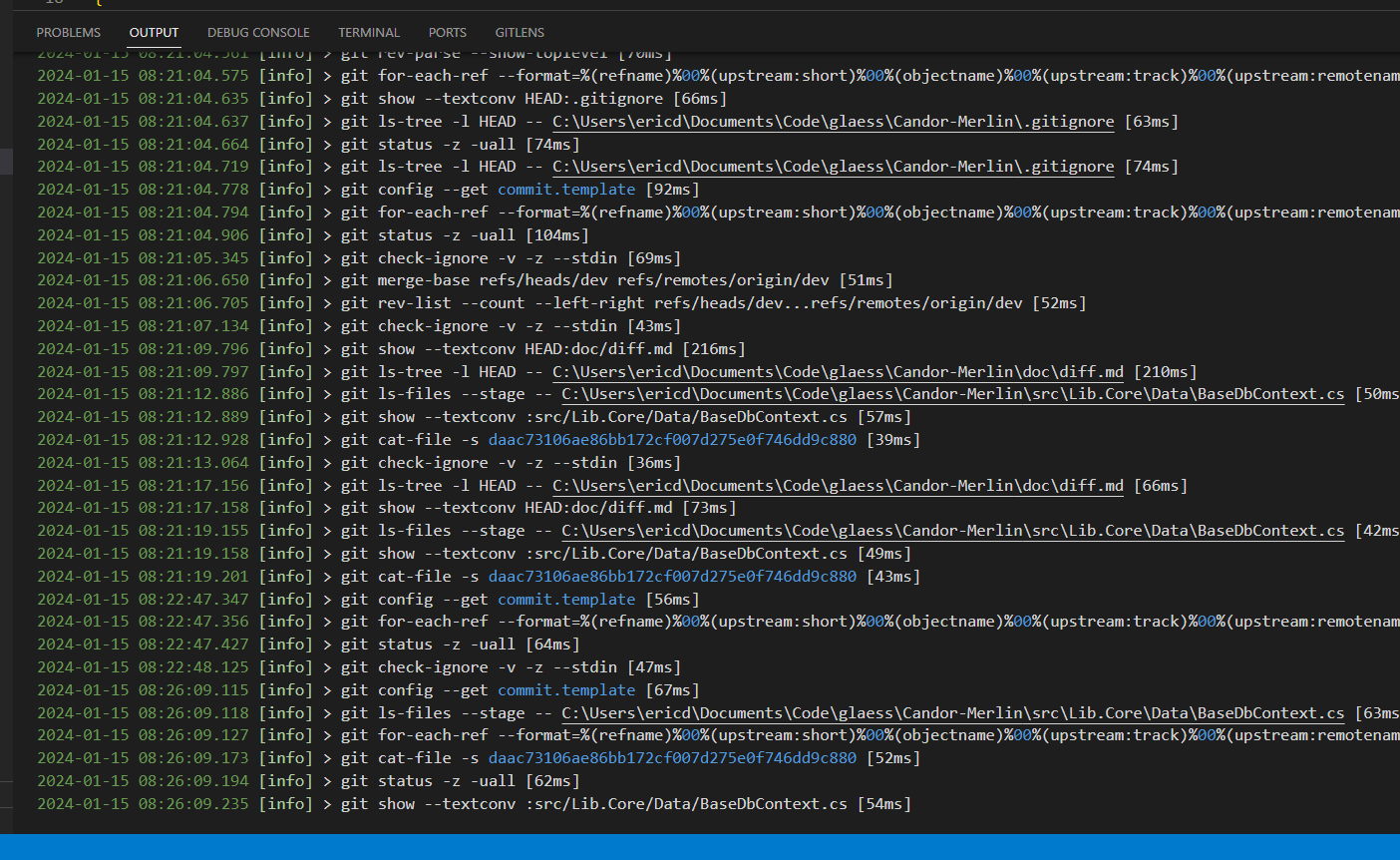
Desktop
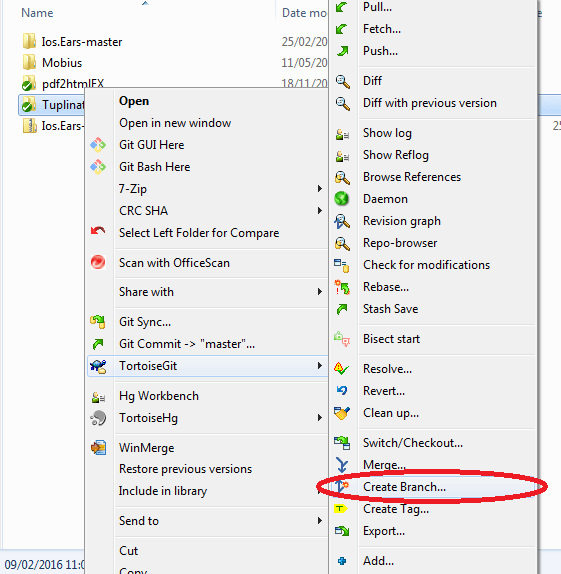
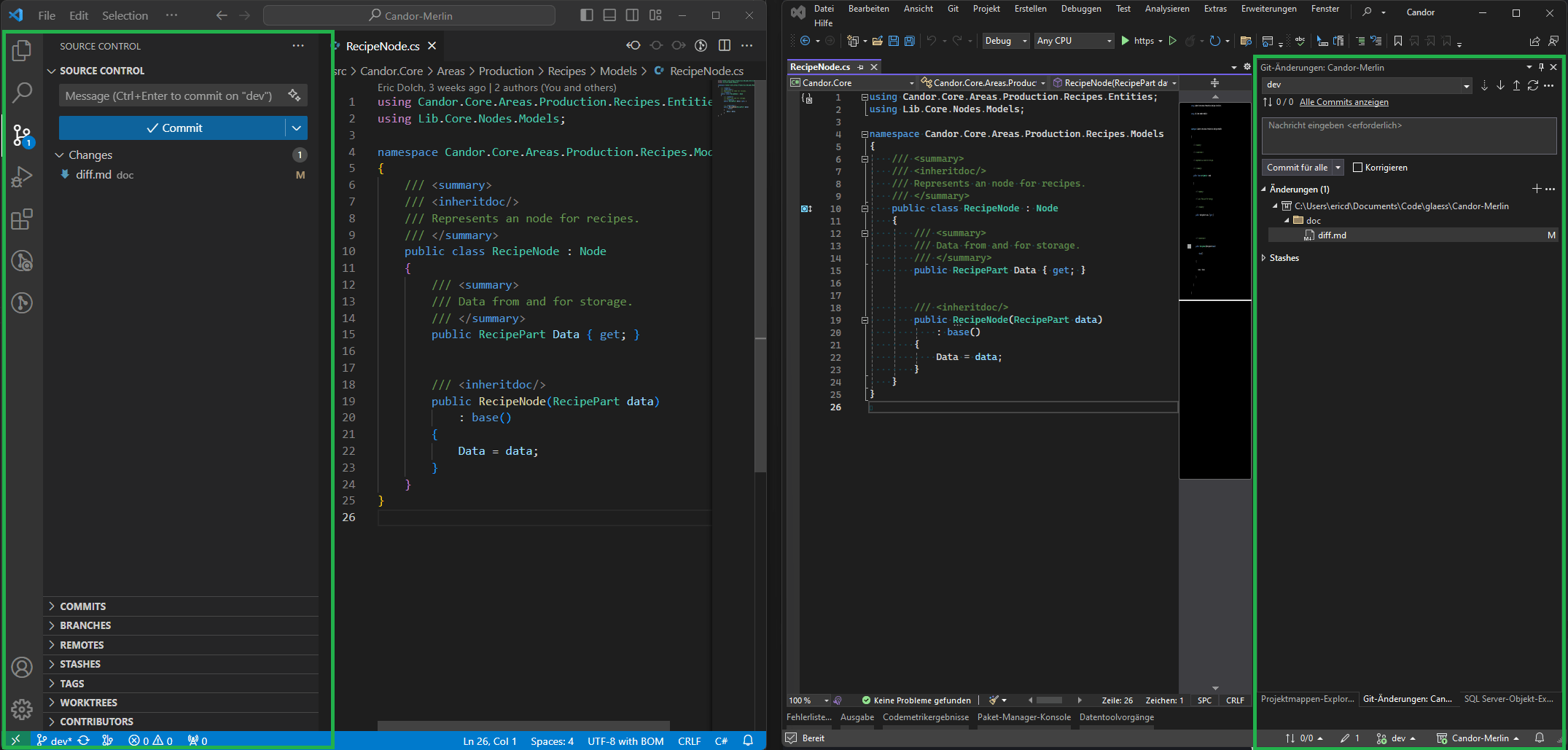
Integrationen
Web
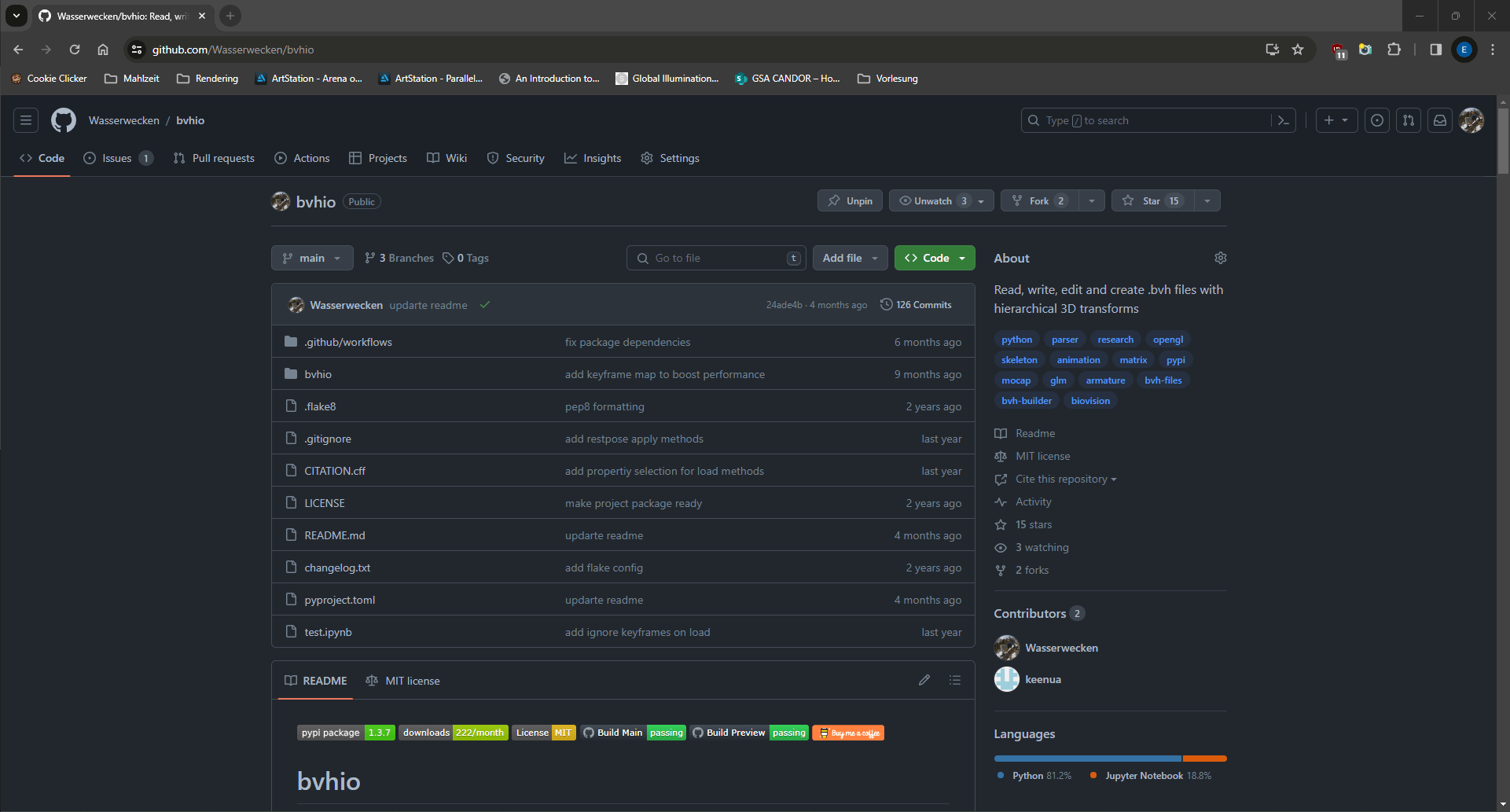
Web
- Keine Bedienung
- "Zentrales" Repository
- "Nur" Service Anbieter
- Zusätzliche Funktionen
Web
- Keine Bedienung
- "Zentrales" Repository
- "Nur" Service Anbieter
- Zusätzliche Funktionen
- Continious Integration
- Projektmanagment
- Pull Requests
Git-Server?
Server
Git
Client
Client
Git
Git
Die Basics
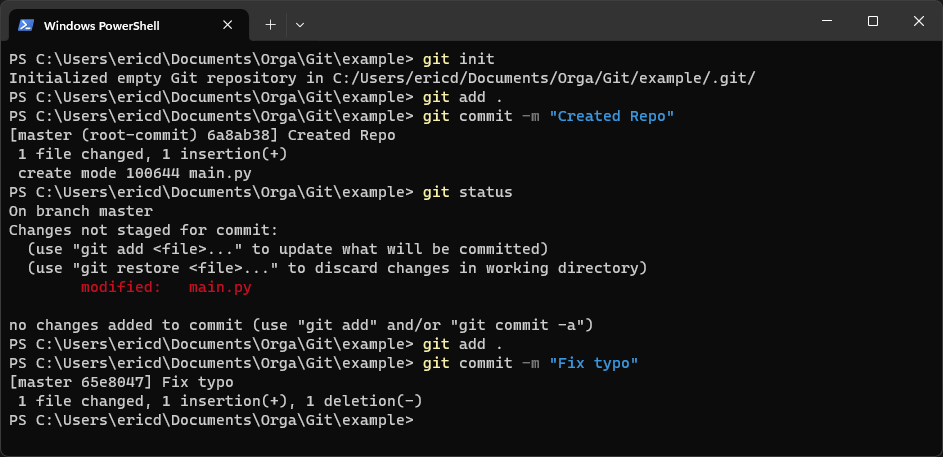
Erste Aktionen
- Clone & Init (Erstellen)
- Pull & Push (Sync)
Init
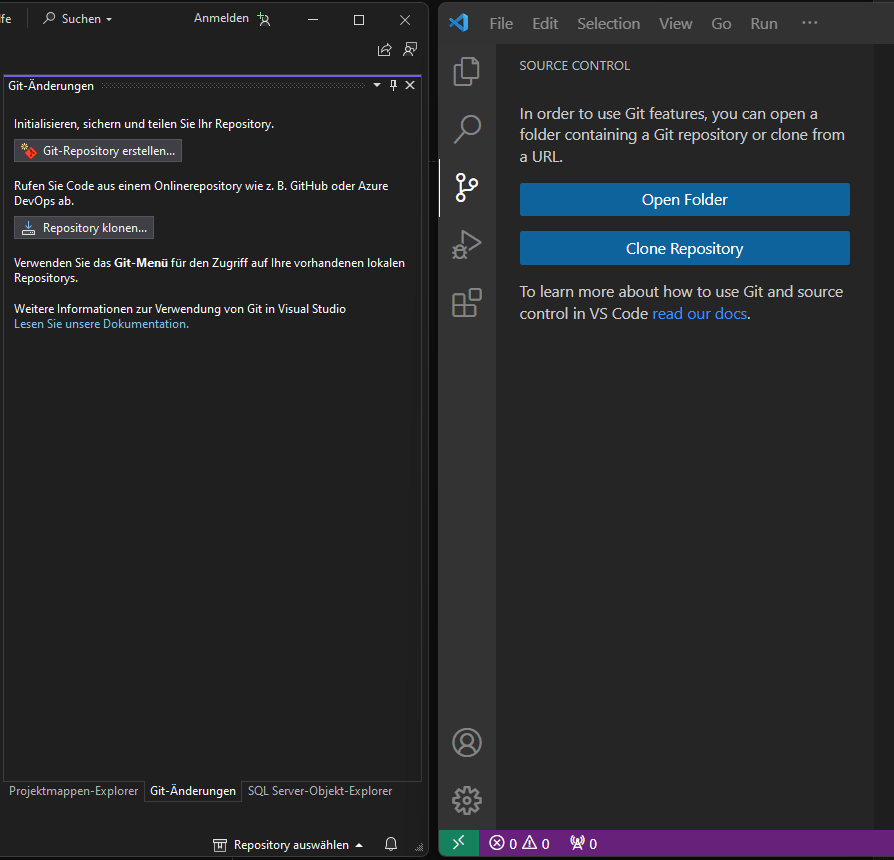
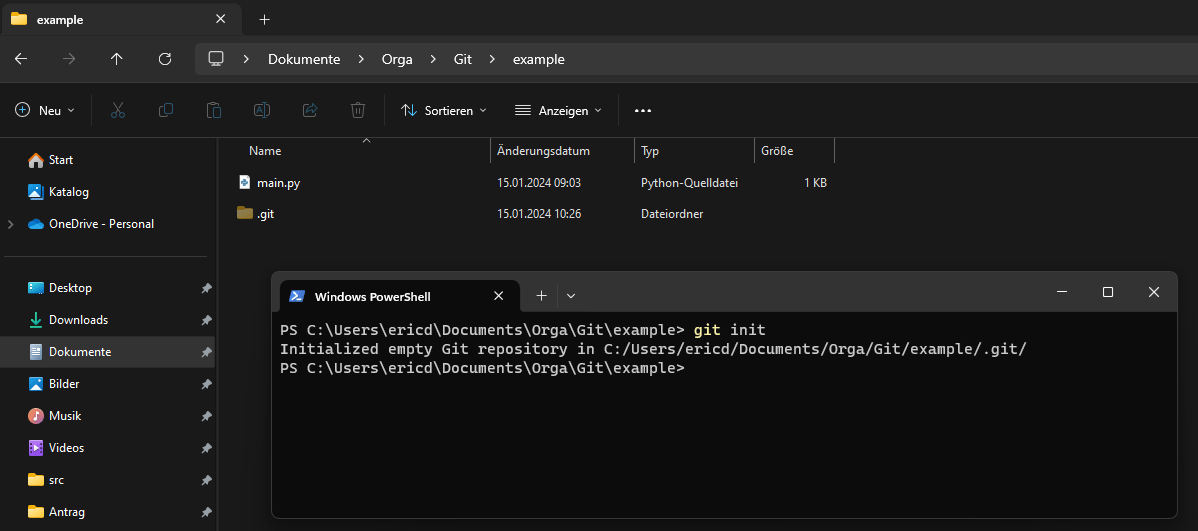
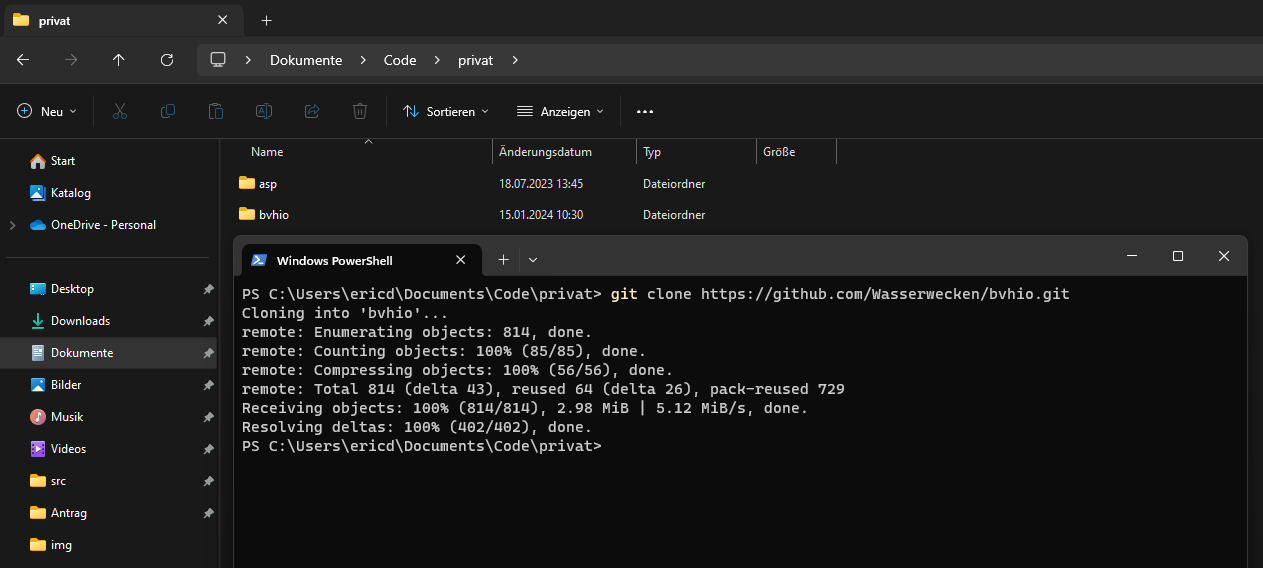
Clone
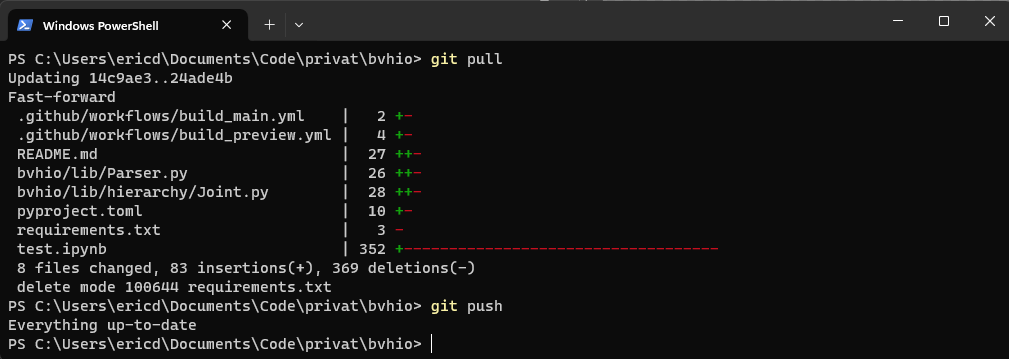
Pull & Push
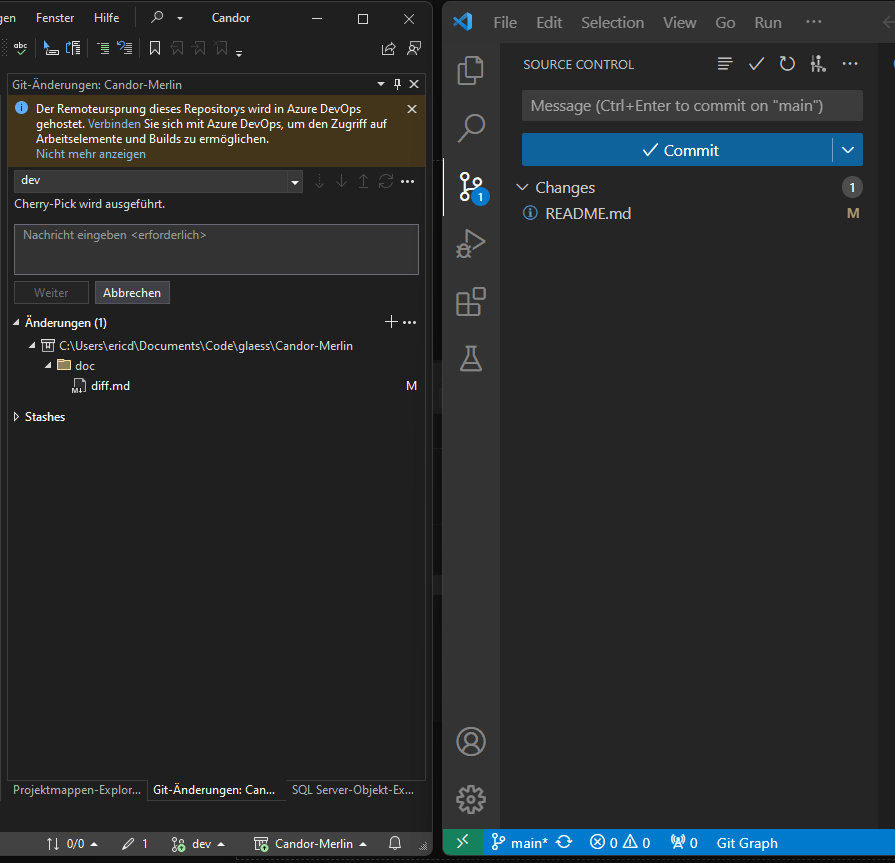
Commits
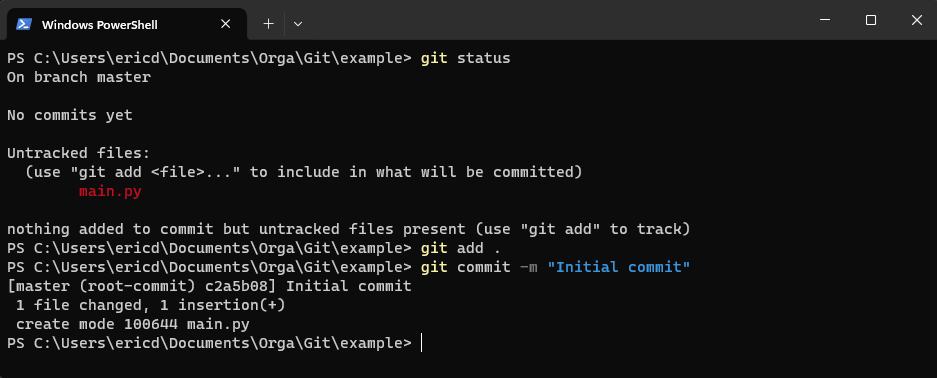
Commit
-
Commit
-
Staging
-
Commit
- Änderung am Projekt
- Mehrere Dateien
-
Staging
- Zwischenspeicher
- Inhalt für einen Commit
Flow
Ordner
- main.c
- tools.c
- sensor.c
- readme.txt
Flow
Ordner
- main.c
- tools.c
- sensor.c
- readme.txt
Repo
(Lokal)
- Fix bug
Flow
Ordner
- main.c
- tools.c
- sensor.c
- readme.txt
Staging
- main.c
- sensor.c
Repo
(Lokal)
- Fix bug
Flow
Ordner
- main.c
- tools.c
- sensor.c
- readme.txt
Staging
- main.c
- sensor.c
Repo
(Lokal)
- Fix bug
Add
Commit
Flow
Ordner
- main.c
- tools.c
- sensor.c
- readme.txt
Staging
- main.c
- sensor.c
Repo
(Lokal)
- Fix bug
Repo
(Azure)
Add
Commit
Flow
Ordner
- main.c
- tools.c
- sensor.c
- readme.txt
Staging
- main.c
- sensor.c
Repo
(Lokal)
- Fix bug
Repo
(Azure)
Pull
Add
Commit
Pull & Push
Demo-Time
Branches
- Unabhängige Entwicklung
- Parallele Entwicklung
- Automatisches Mergen
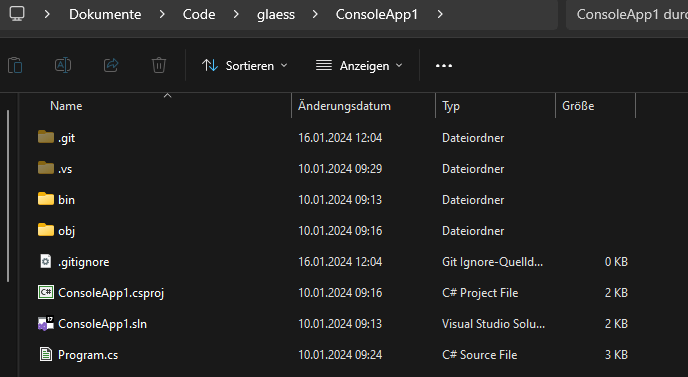
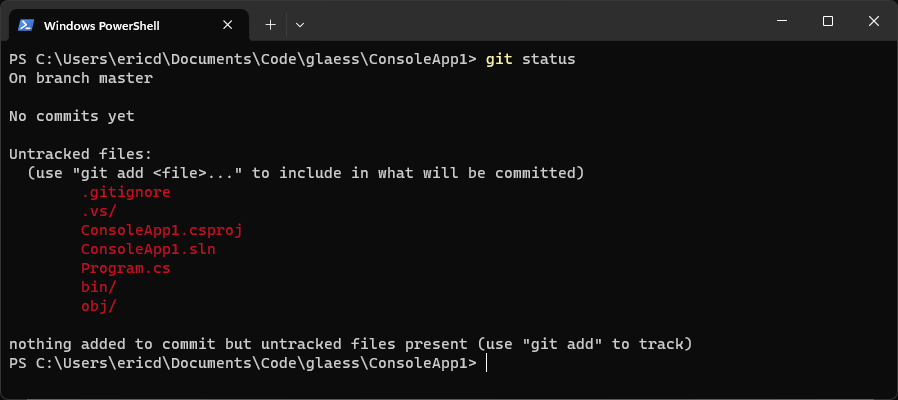
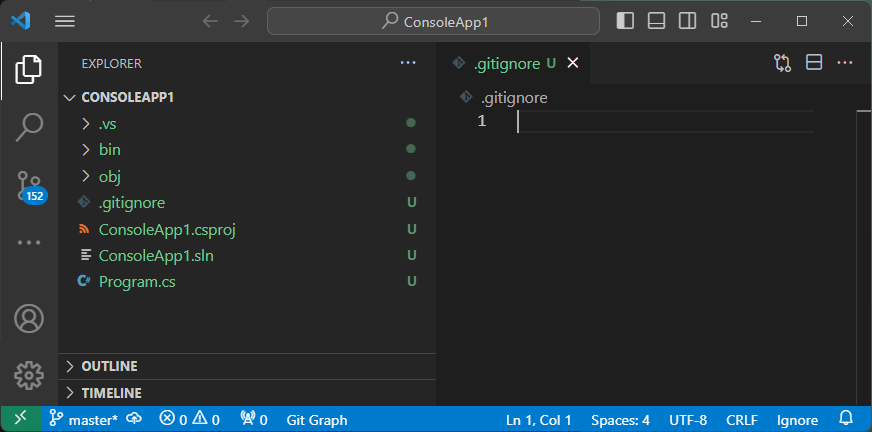
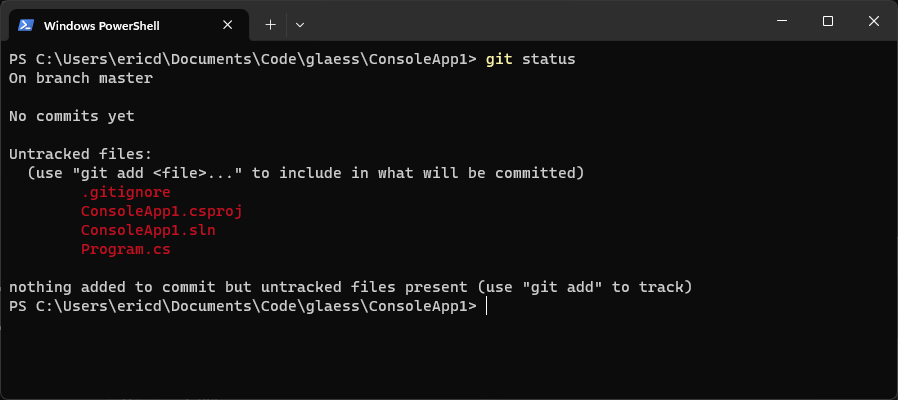
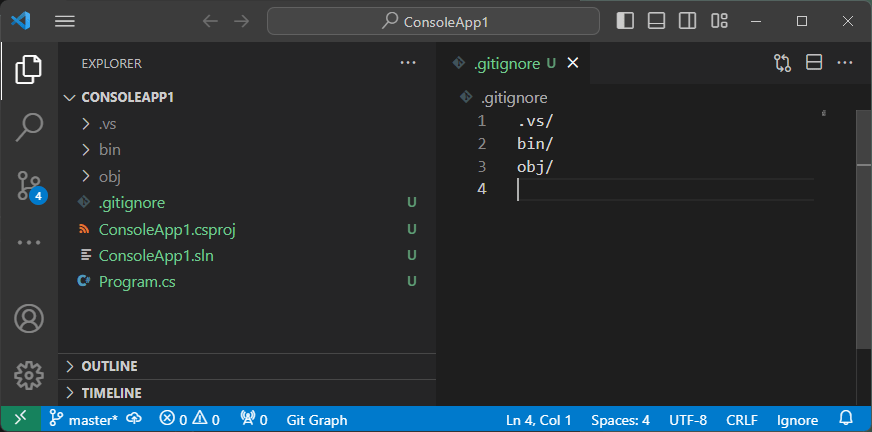
Alles ins Repo?
Ende der Einführung
Git Schulung
By Eric Dolch