MouseEvents in Flash:
dogMC.addEventListener(MouseEvent.CLICK, bark);
(Does this statement look like gibberish to you?)
The Second Commandment of using FLASH

Thou SHALT know how to make MouseEvents
Dot Notation
- Dot notation describes objects (Properties)
- Dot notation gives instructions (Functions)
-
Standard used in structured languages (Java, C++...etc)
Describing real world examples:
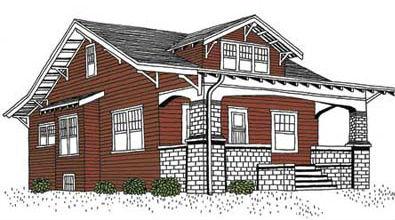
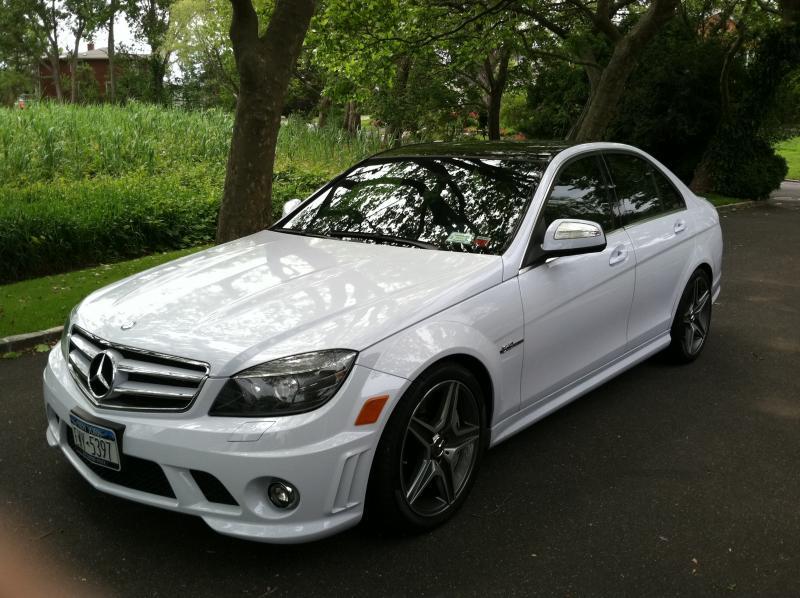
The house is a red color.
The house has two bedrooms.
The car has four doors.
The car gets 23mpg.
The car is a white color.
The house has two bedrooms.
The car has four doors.
The car gets 23mpg.
The car is a white color.
Using Dot Notation in Actionscript:
house.color = red;
house.bedrooms = 2;
car.doors = 4;
car.mpg = 23;
car.color = white;
Note: Just like a period ends a sentence,the semi-colon ends an Actionscript statement.
house.bedrooms = 2;
car.doors = 4;
car.mpg = 23;
car.color = white;
Note: Just like a period ends a sentence,the semi-colon ends an Actionscript statement.
Using Dot Notation in Actionscript:
color, bedrooms are properties of the house.
doors, mpg, color are properties of the car.
doors, mpg, color are properties of the car.
Describe Objects by assigning values to a property.
Using Dot Notation in Actionscript:

car.drive();
car.turnLeft();
car.reverse();
dog.bark();
dog.sit();
dog.playDead();
car.turnLeft();
car.reverse();
dog.bark();
dog.sit();
dog.playDead();
Dot Notation - Giving Instructions to an Object
Functions are denoted by the ()
Functions contains a list of instructions or code.
There are built-in functions like:
stop(); gotoAndPlay(); addEventListener();
There are custom functions we need to create.
Functions contains a list of instructions or code.
There are built-in functions like:
stop(); gotoAndPlay(); addEventListener();
There are custom functions we need to create.
Walk-through an Example:
http://goo.gl/dJwphg
http://goo.gl/0fHZSg
http://goo.gl/0fHZSg
Anatomy of a Function
function Name( Input ):Output {
// list of Actionscript Code
}
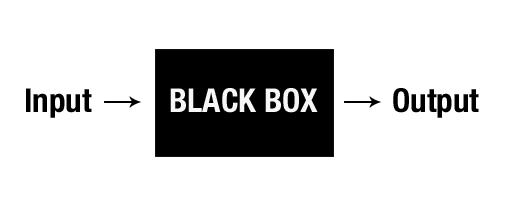
Black box analogy:
// list of Actionscript Code
}
Black box analogy:
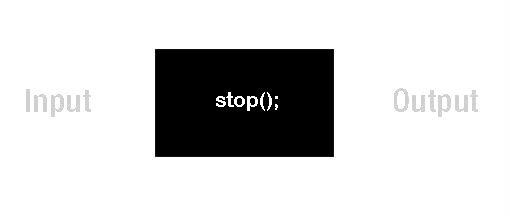
Some functions have no input/output:
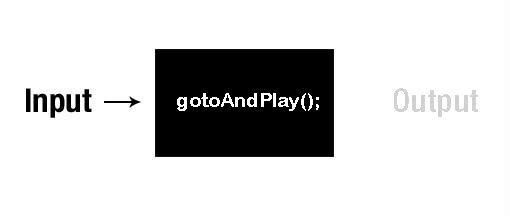
Some built-in functions expect an Input value-
gotoAndPlay(10); gotoAndStop("rollover");
Some functions can require input for an expected output:
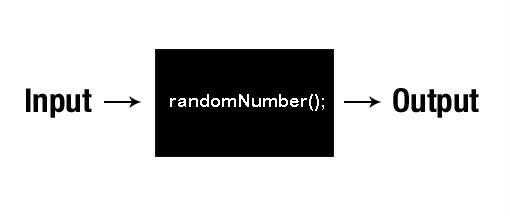
So this example custom function could be used like this:
carMC.width = randomNumber(20,50);
we could set the width of a car movieClip to the output of a function -> a random number between 20 and 50.
For this semester we will just create functions
without any output values. So we use :void
function Name( Input ):void {
// list of Actionscript Code
}
}
Putting the () to good use.
We use the function input values inside the () to give
more detailed instructions to the functions.
more detailed instructions to the functions.
drive (); --> Speed, Direction
brake (); --> Pressure
bark (); --> volume
brake (); --> Pressure
bark (); --> volume
These input values are called function parameters.
Creating a custom function with input parameters
function Name(variable:type):void{
}
function Name - declares a function
(variable:type) - tells a function to expect an input type
:void - no function output
{} - container of all the actionscript commands.
The input parameters inside the () use variable:type pairs.
}
function Name - declares a function
(variable:type) - tells a function to expect an input type
:void - no function output
{} - container of all the actionscript commands.
The input parameters inside the () use variable:type pairs.
Creating a custom function with input parameters
function bark(vol:Number):void{
dogMC.gotoAndPlay("Bark");
dogMC.scaleX = vol;
dogMC.scaleY = vol;
}
if we call function bark(2);
--> we give instructions to the dogMC object
dogMC.gotoAndPlay("Bark");
dogMC.scaleX = vol;
dogMC.scaleY = vol;
}
if we call function bark(2);
--> we give instructions to the dogMC object
Creating a custom function with input parameters
function drive(speed:String):void{
carMC.gotoAndPlay(speed);
}
if we call the function drive("slow");
--> we give instructions to the carMC object
carMC.gotoAndPlay(speed);
}
if we call the function drive("slow");
--> we give instructions to the carMC object
Using Mouse Events to trigger custom functions.
dogMC.addEventListener(MouseEvent.CLICK, bark);
The () says we're giving an instruction to the dogMC object.
Look! addEventListener is a function with 2 input parameters
Somewhere inside flash this function exists:
function addEventListener(EventType, FunctionName):void{
// list of coded instruction
}
Using Mouse Events to trigger custom functions.
dogMC.addEventListener(MouseEvent.CLICK, bark);
addEventListener expects 2 input parameters.
The first is an Event Type - MouseEvent
MouseEvent.CLICK means its a CLICK type Mouse Action
dogMC.addEventListener(MouseEvent.CLICK, bark);
addEventListener expects 2 input parameters.
The second is a custom Function Name- bark
There needs to be a custom bark() function defined somewhere.
function bark():void{
}
MouseEvents in Flash:
dogMC.addEventListener(MouseEvent.CLICK, bark);
(Does this still look like gibberish?)
digital versions of the pop-up books.
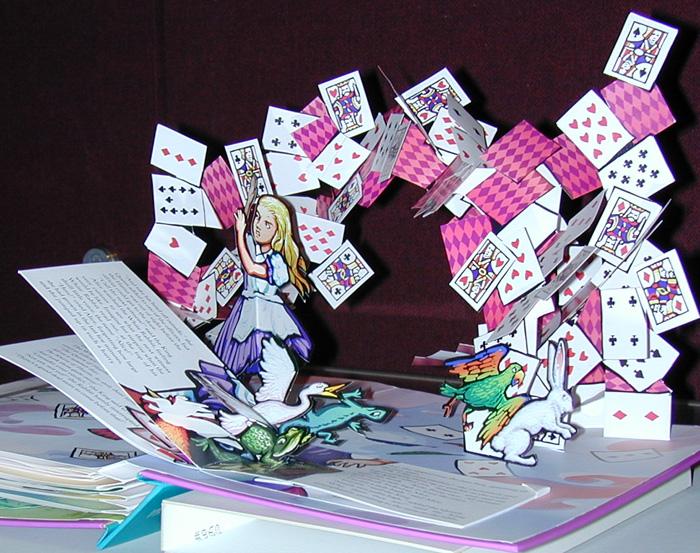

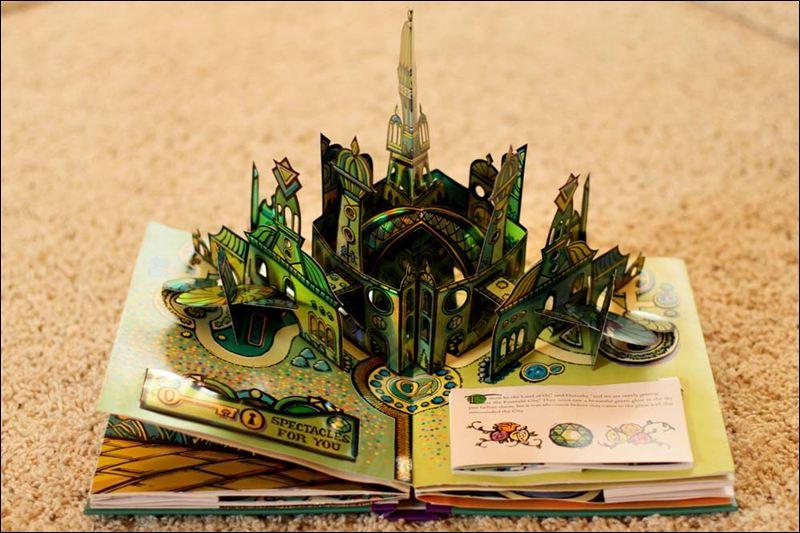
Interactive Storybooks using Flash
Animations + MouseEvents.
http://goo.gl/bAKqv
http://goo.gl/g6hlQP
http://goo.gl/50kb7o
Interactive Graphic Novels:
http://goo.gl/82r0Uhttp://goo.gl/mFJYG
Class Assignment - Due Apr 2 & Apr 9
Create an Interactive Storybook in Flash
Part 1 --> In Photoshop or Illustrator, layout
screens/storyboard
of a folktale/fairytale. Using the story Text + Images.
Make 3-8 screens to tell part of the story.
Due the April 2nd.
Part 2 --> Bring the screen designs into Flash and design at least
eight (8) different animations or visual effects using
MouseEvents.
Due the April 9th.
of a folktale/fairytale. Using the story Text + Images.
Make 3-8 screens to tell part of the story.
Due the April 2nd.
Part 2 --> Bring the screen designs into Flash and design at least
eight (8) different animations or visual effects using
MouseEvents.
Due the April 9th.
Interactive Storybooks using Flash
Animations + MouseEvents.
Walk-through creating a simple example.
http://goo.gl/HyMMXJ
Flash Lecture 6
By fdu
Flash Lecture 6
MouseEvents