A Presentation about Presentation Software
by Hannes Kinks
Tallinn 2014
Outline
- Why not Powerpoint?
- Alternatives
- Conclusion
2/13
Why not desktop powerpoint?
- Windows not available - using another OS
- MS Office not available
- Don't want to use proprietary software
- Need to transfer the finished presentation
- Not possible to collaborate
- Why not just try something new for a change?
3/13
Analyzed software
- PowerPoint
- Google Slides
- Prezi
- Emaze
- Slides.com
- Videoscribe
- GoAnimate
Powerpoint (onedrive)
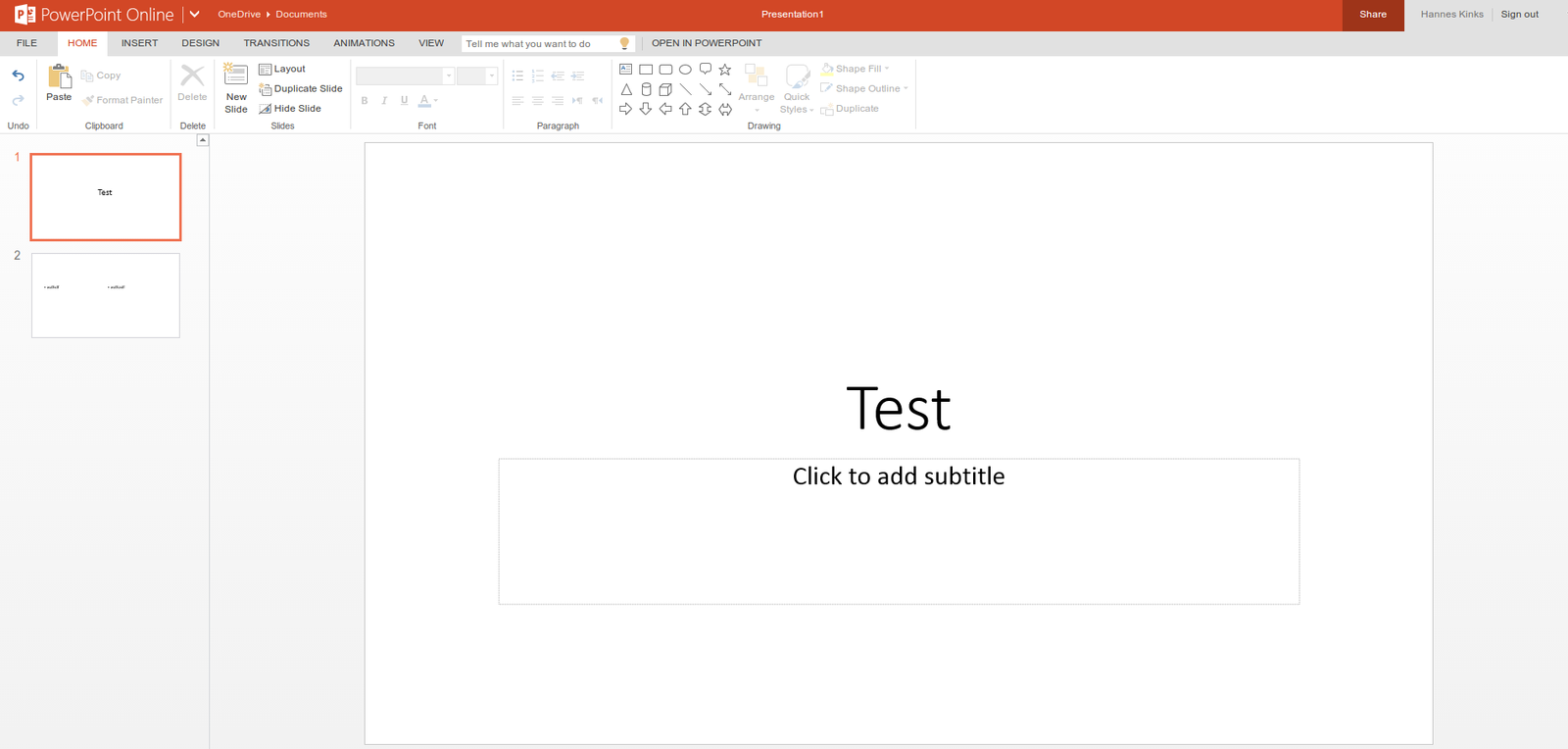
+ Browser & Desktop editing
+ Cloud synchronization
+ Simultaneous editing
4/13
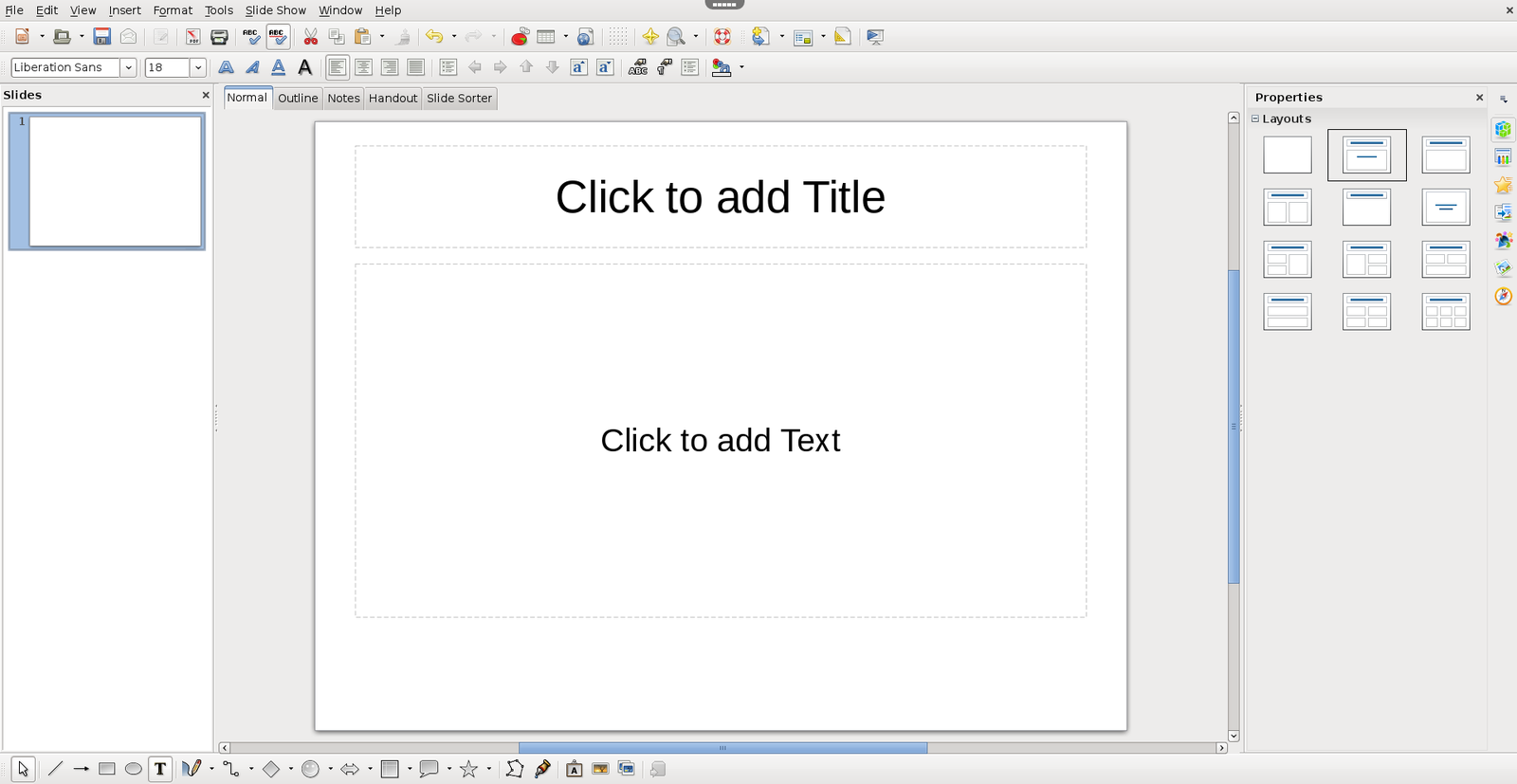
LibreOffice Impress
+ Free and open source
+ Has most of the features that competitors have
- Less user friendly
- Formatting problems

5/13
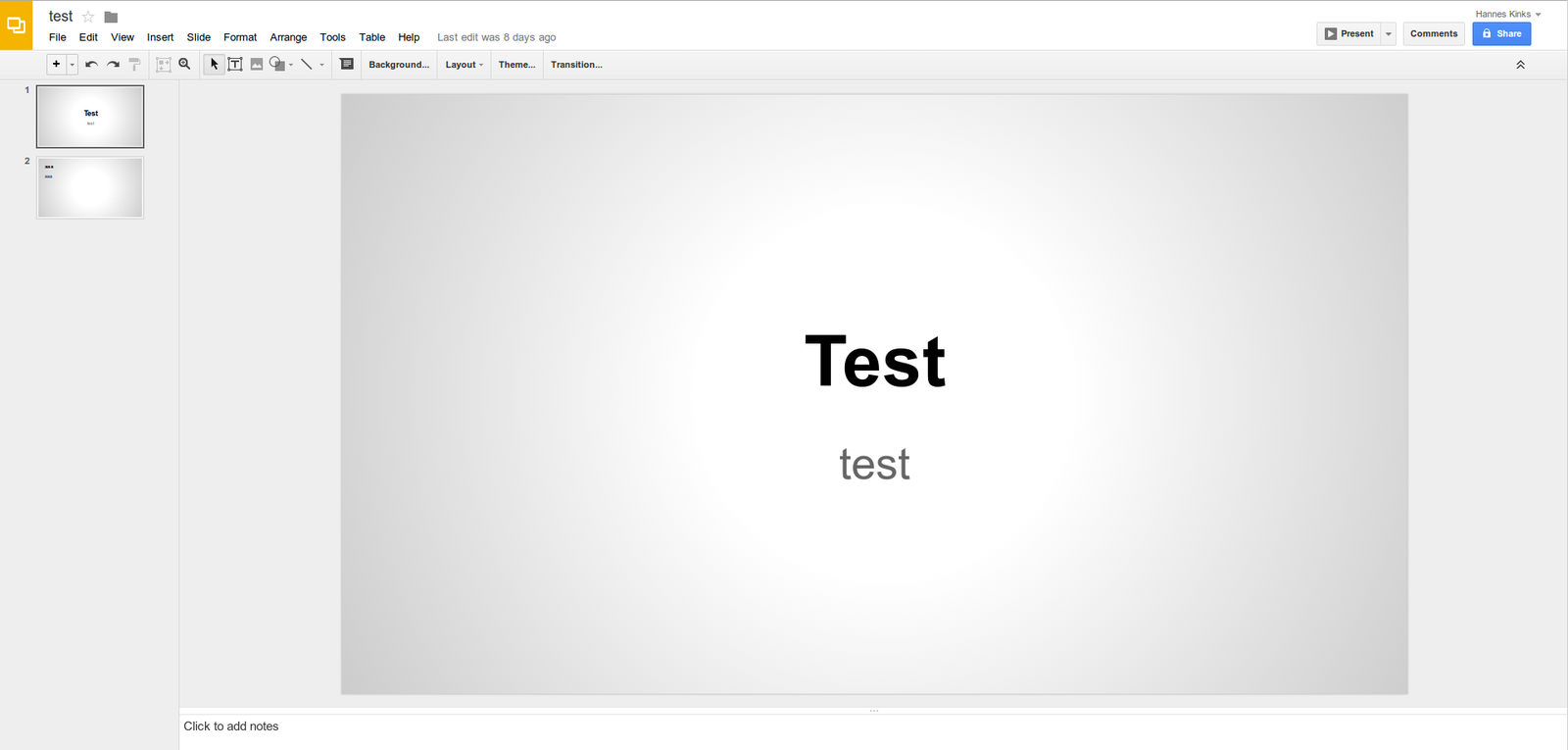
Google Slides
+ Simplistic
+ Cloud synchronization
+ Export to .pptx or .pdf
+ Simultaneous editing

6/13
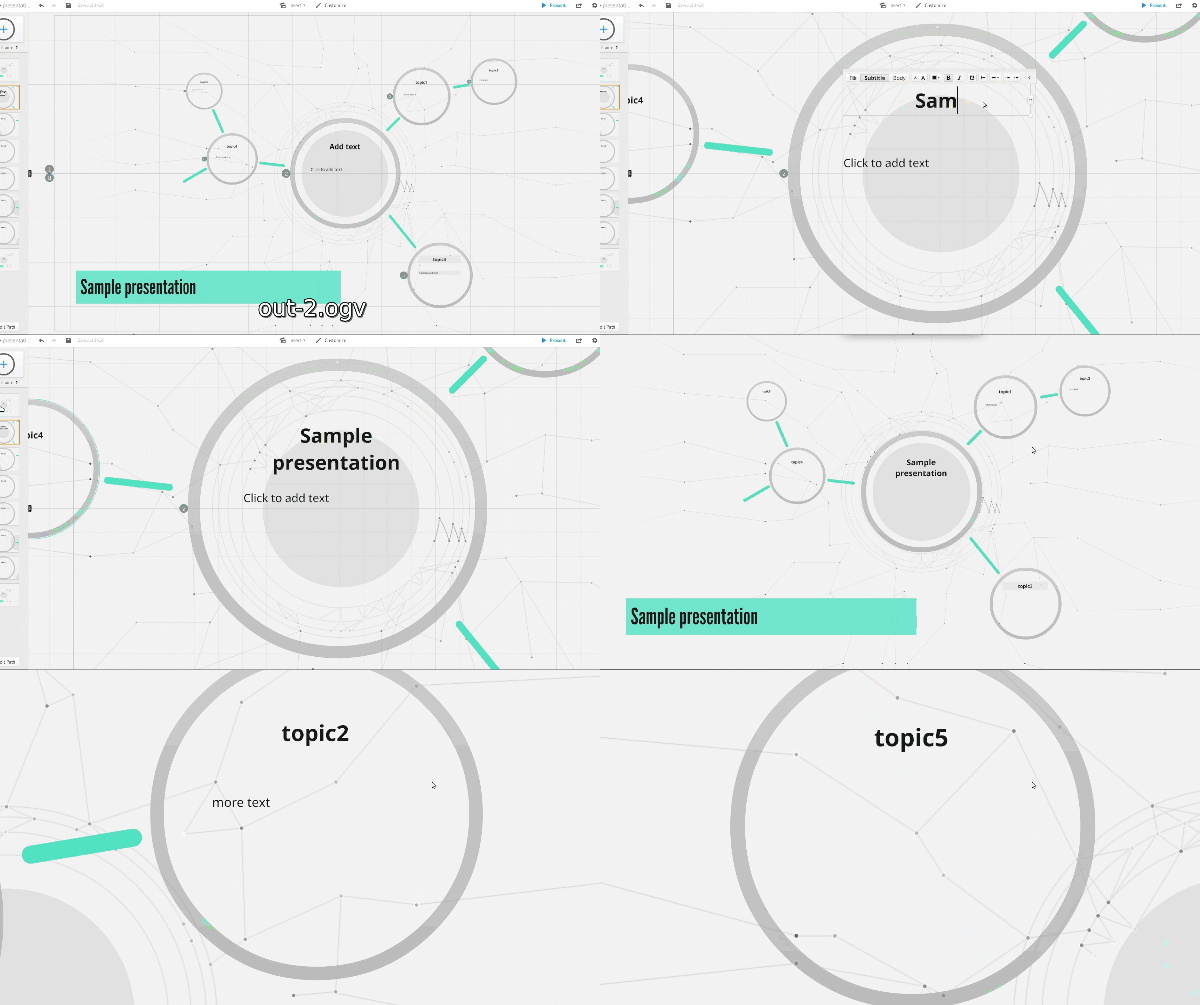
Prezi

+ One huge sheet
+ Creativity
+ Simultaneous group editing
? Slides open for everyone
7/13
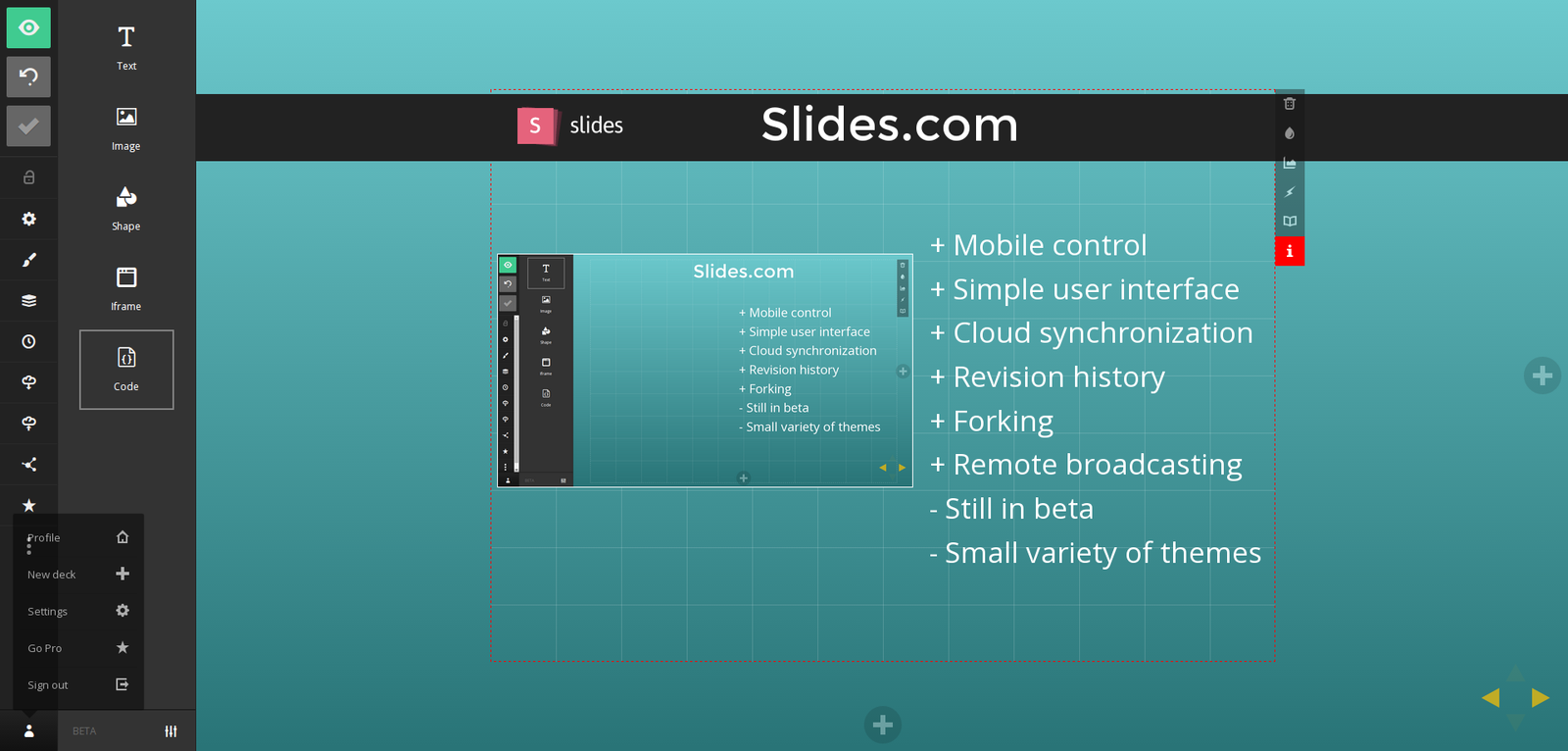
Slides.com
+ Mobile control
+ Simple user interface
+ Cloud synchronization
+ Revision history
+ Forking
+ Remote broadcasting
- Still in beta
- Small variety of themes
? Slides open for everyone

8/13
GoAnimate
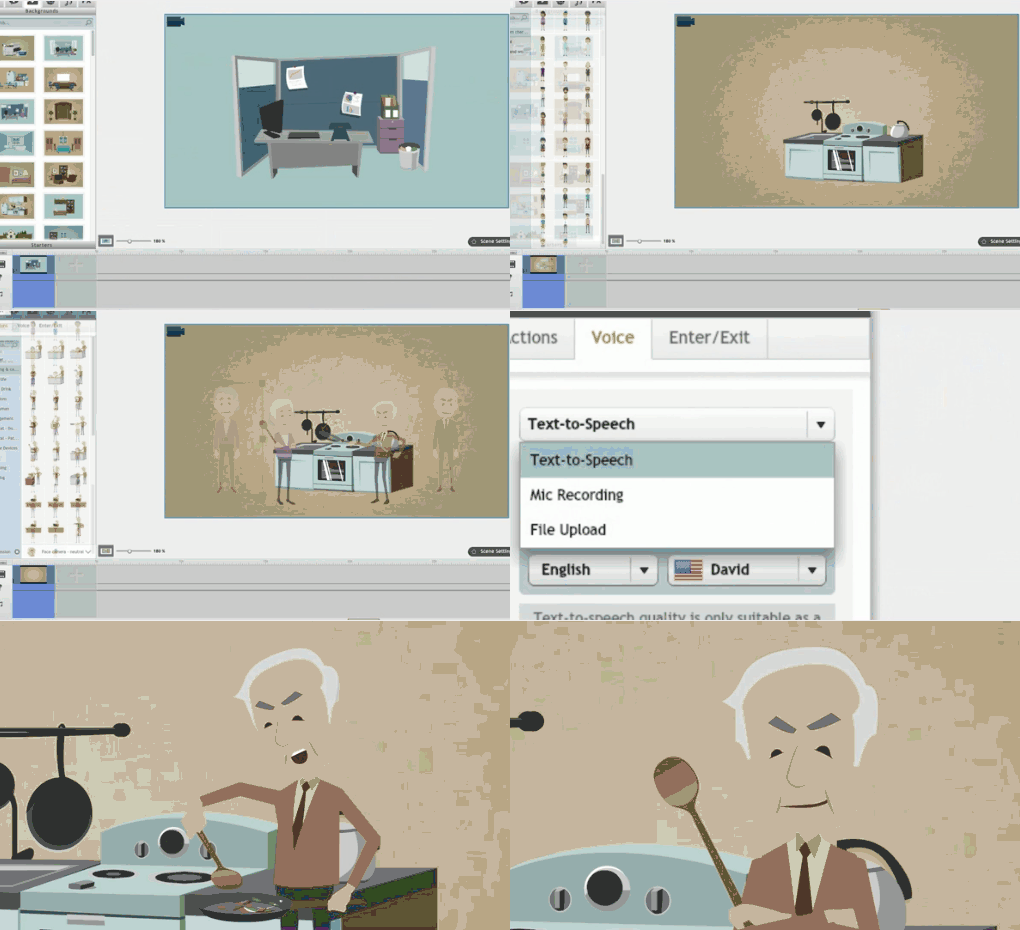

- Video presentations
- Sales pitching
- Advertisements
- Illustrations in a live presentation
- No need to know how to draw
9/13
Videoscribe
- Whiteboard videos
- Sales pitches


10/13
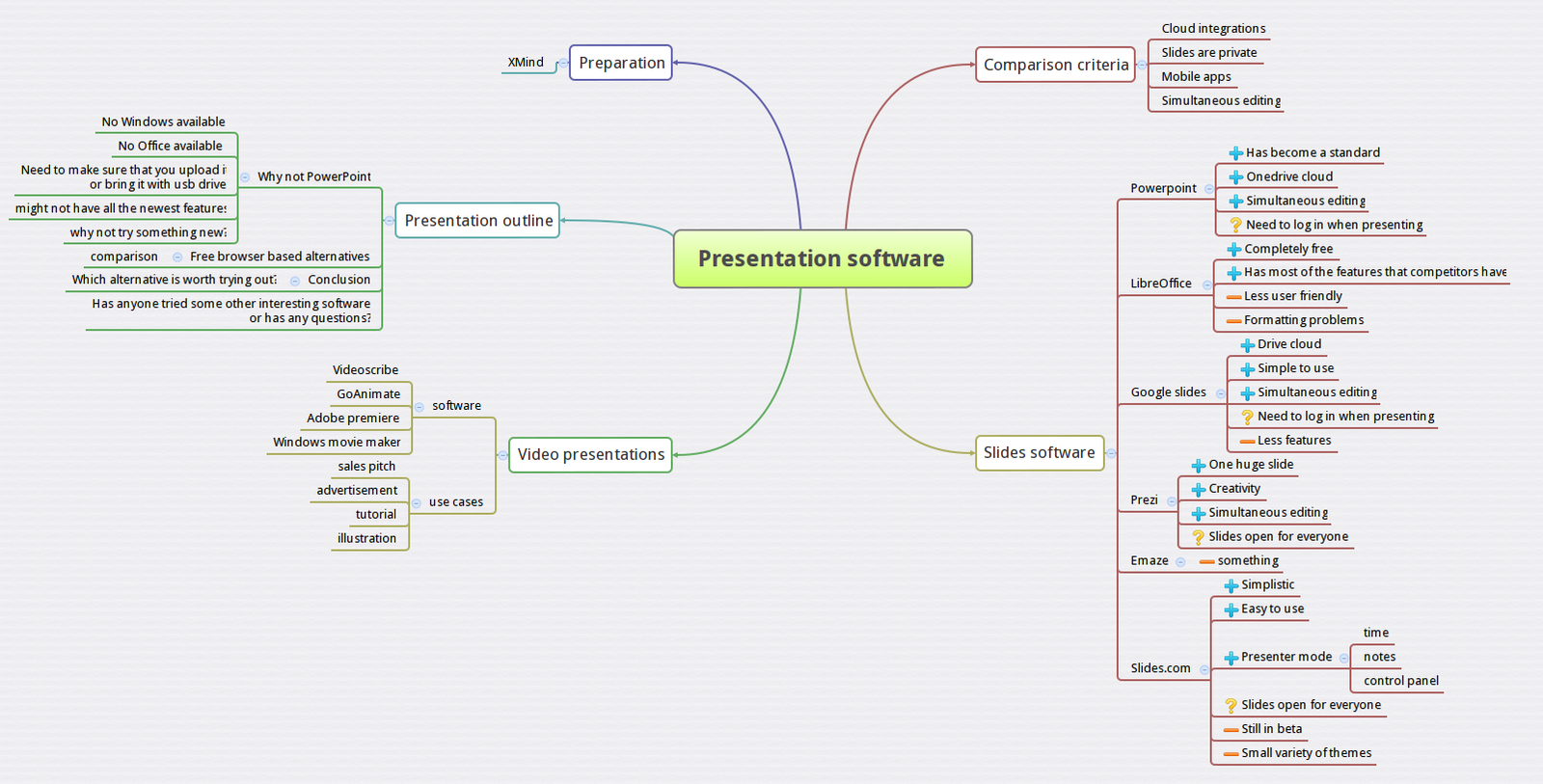
Xmind
- Mindmap
- Preparing for presentation
- Thinking through the structure
- Noting down all the ideas

11/13
Conclusion
- PowerPoint still offers good features
- Prezi and Slides.com might have a potential
- GoAnimate is a quick way to make simple introductionary video
12/13
Thank you for you attention
Suggestions?
Questions?
13/13
pressoft
By Hannes Kinks


