Using the R2 Library
Accessing the R2 Library
- accessible on any web-enabled device
- no login required on campus
- off-campus access requires login info (see ICO Library webpage at my.ico.edu)
- separate faculty-only login offers enhanced features such as: reviewing and requesting R2 ebooks, personal folders to save images, course links, references, etc.
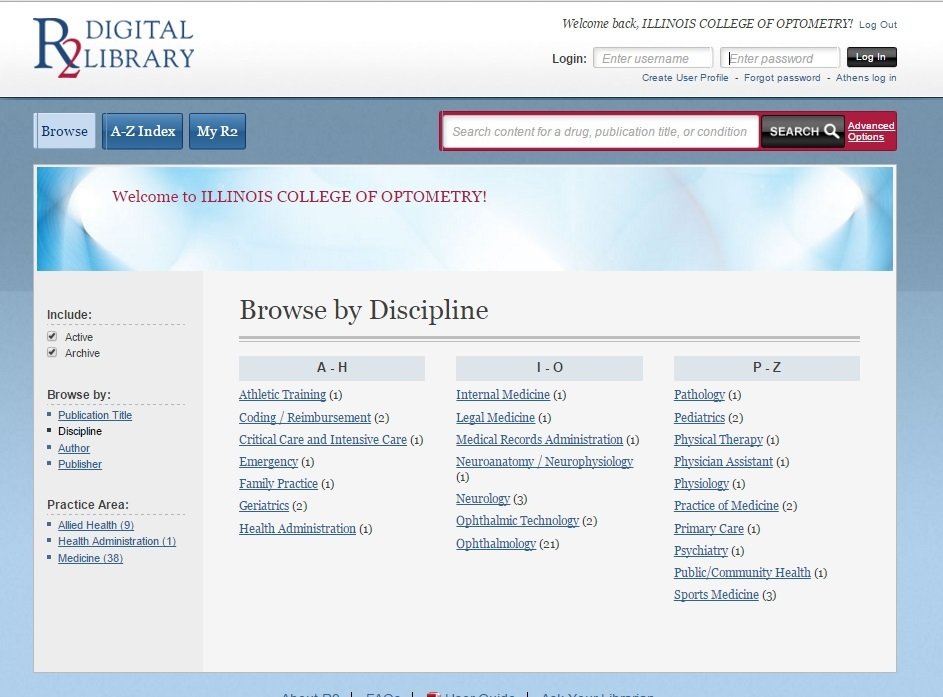
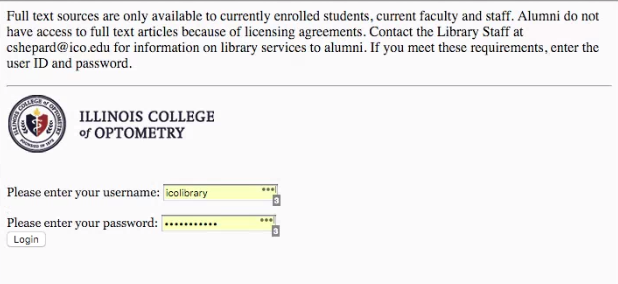
Off-campus login screen
faculty login
Browsing the R2 Library
- search by book title or by discipline
- disciplines with ebooks in the ICO Library collection will be displayed
- Use the sorts and filters on the left-hand navigation bar to refine results by author, title, discipline or publisher

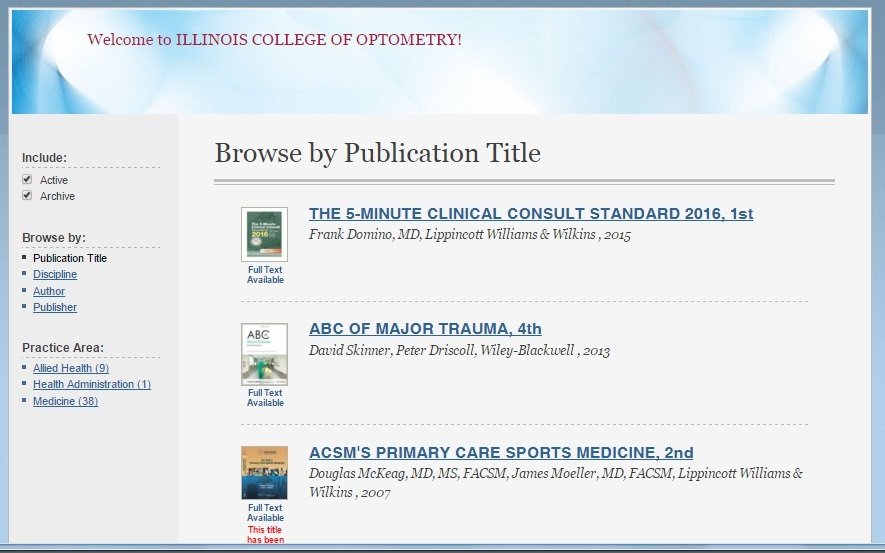
Filter results
Searching the collection
- search for topics, diseases, drugs, authors or other keywords
- advanced search allows for multiple search terms
- results displayed will be from ebooks at the chapter and section level
- ebooks featuring the indexed term will be listed first.
- refine results using the left-hand navigation bar
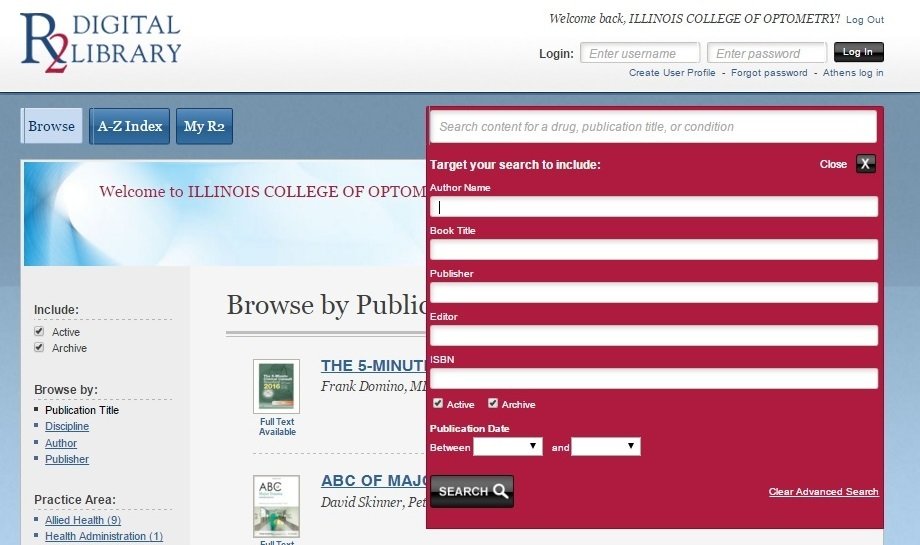

Cool R2 Features
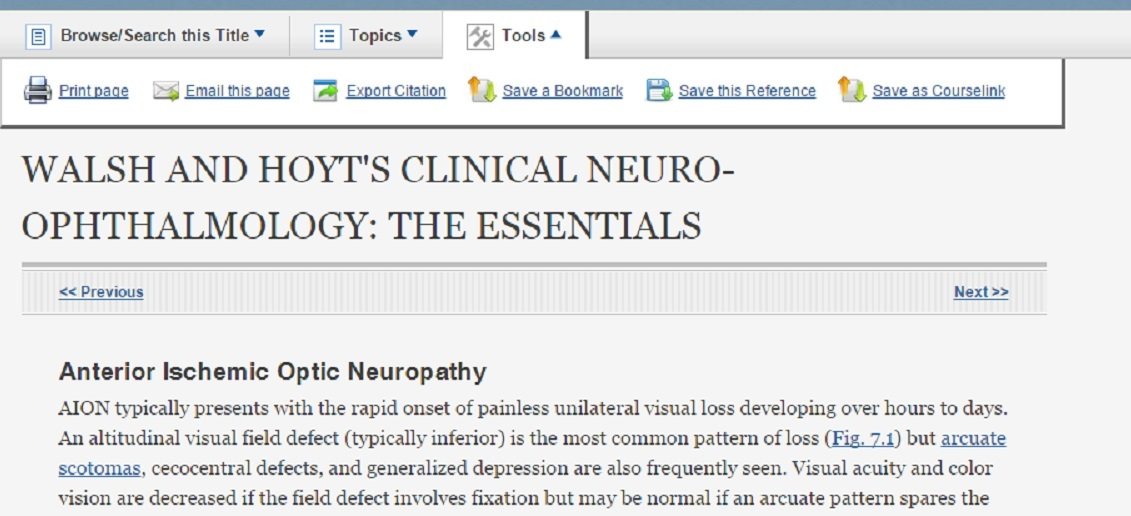
- browse and search within an ebook using the Browse & Search Contents drop box
- view other topics within the ebook
- use the Tools dropbox to print, email and save sections.
- click on hyperlinked terms to search them across other R2 ebooks at ICO.

Search within an ebook
Saving R2 Images
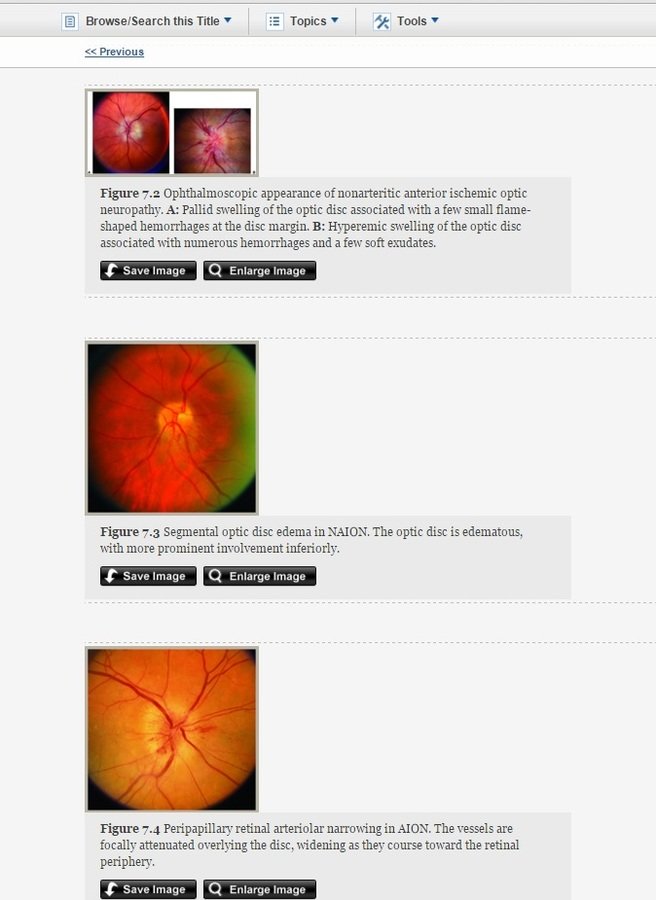
- click on any image or table to expand it
- view references, including links where applicable
- search for images in the Quick Search box, and choose the "images" filter in the left-hand navigation bar
- save any image in R2
Using the R2 Library
By ICO Library