Ionic
Presented By
James Brinkerhoff
DevEngage
DevEngage.me
@th3brink
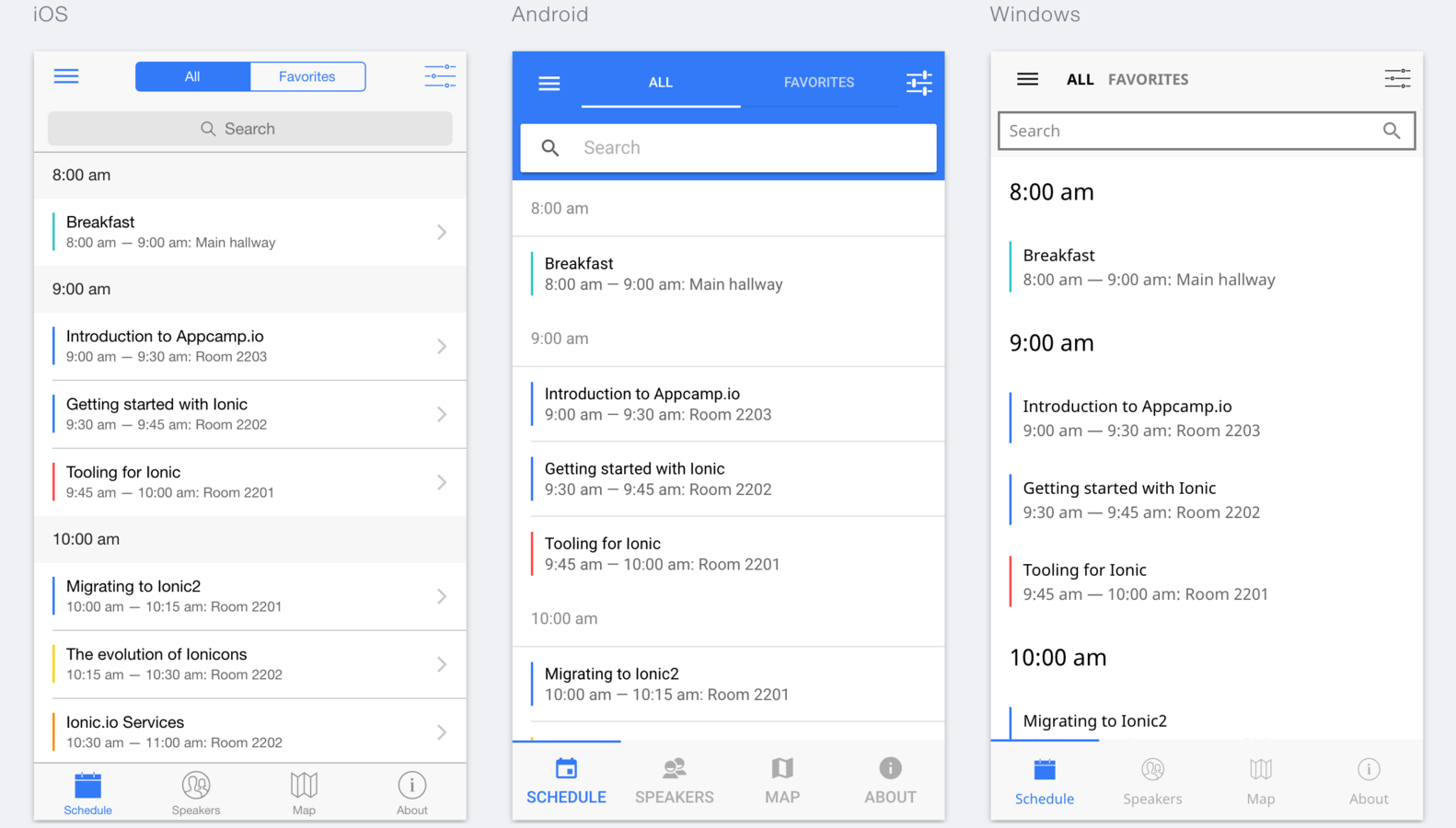
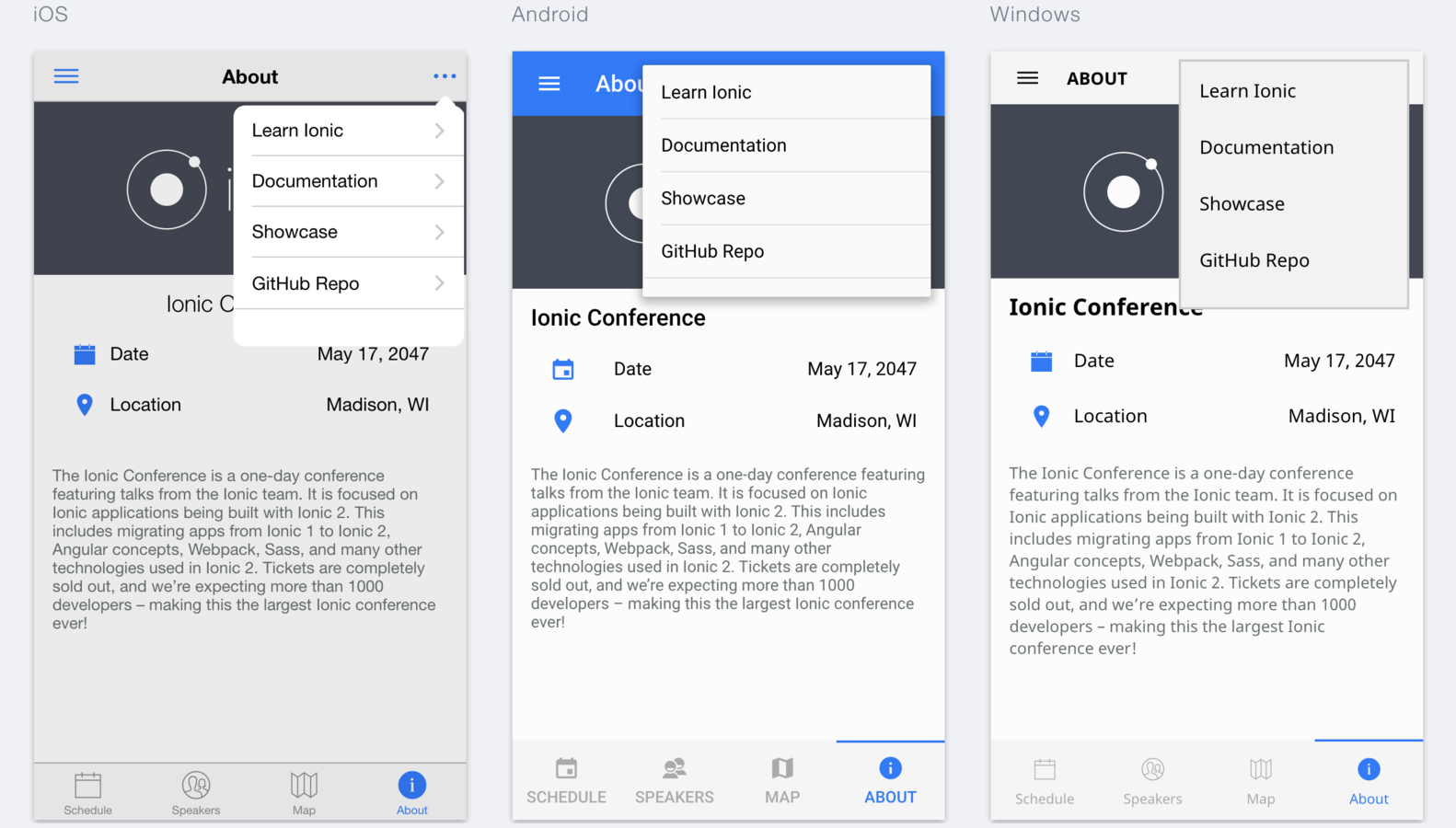
Ionic 2 is a hybrid mobile app framework
Features
- Built on Angular 2
- UI Components
- Android
- iOS
- Windows Phone
- Native Plugins
- Geolocation
- Date Picker
- Many More
Build Apps with
- HTML
- CSS
- Typescript
- Native Plugins
- UI Component
Example
Ionic Native
Ionic Native is a curated set of ES5/ES6/TypeScript wrappers for Cordova/PhoneGap plugins that make adding any native functionality you need to your Ionic, Cordova, or Web View mobile app easy.
Geolocation
import { Geolocation } from 'ionic-native';


Geolocation.getCurrentPosition().then((resp) => {
 // resp.coords.latitude
 // resp.coords.longitude
})

let watch = Geolocation.watchPosition();
watch.subscribe((data) => {
 // data.coords.latitude
 // data.coords.longitude
})
This plugin provides information about the device's location, such as latitude and longitude. Common sources of location information include Global Positioning System (GPS) and location inferred from network signals such as IP address, RFID, WiFi and Bluetooth MAC addresses, and GSM/CDMA cell IDs.
Flashlight
import { Flashlight } from 'ionic-native';

Flashlight.switchOn();

Flashlight.switchOff();

Flashlight.toggle();

if (Flashlight.isSwitchedOn()) {
    Flashlight.switchOff();
}
This plugin allows you to switch the flashlight / torch of the device on and off.

SQLite
import { SQLite } from 'ionic-native';

let db = new SQLite();
db.openDatabase({
  name: 'data.db',
  location: 'default' // the location field is required
}).then(() => {
  db.executeSql('create table danceMoves(name VARCHAR(32))', {}).then(() => {

  }, (err) => {
    console.error('Unable to execute sql: ', err);
  });
}, (err) => {
  console.error('Unable to open database: ', err);
});
Access SQLite databases on the device.

VideoEditor
import {VideoEditor} from 'ionic-native';

VideoEditor.transcodeVideo({
  fileUri: '/path/to/input.mov',
  outputFileName: 'output.mp4',
  outputFileType: VideoEditor.OutputFileType.MPEG4
})
.then((fileUri: string) => console.log('video transcode success', fileUri))
.catch((error: any) => console.log('video transcode error', error));
Edit videos using native device APIs
Components
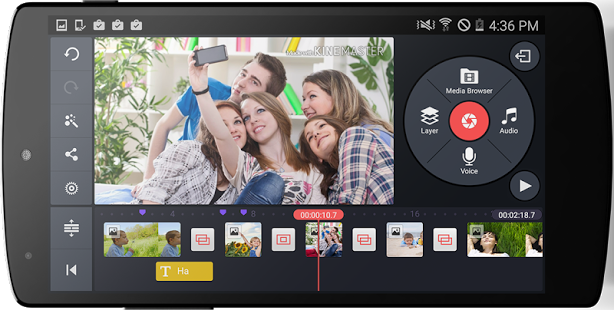
Ionic apps are made of high-level building blocks called components. Components allow you to quickly construct an interface for your app. Ionic comes with a number of components, including modals, popups, and cards.
Action Sheets
import { ActionSheetController } from 'ionic-angular';

export class MyPage {
  constructor(public actionSheetCtrl: ActionSheetController) {
  }

  presentActionSheet() {
    let actionSheet = this.actionSheetCtrl.create({
      title: 'Modify your album',
      buttons: [
        {
          text: 'Destructive',
          role: 'destructive'
        },{
          text: 'Cancel',
          role: 'cancel',
          handler: () => {
            console.log('Cancel clicked');
          }
        }
      ]
    });
    actionSheet.present();
  }
}
Slide up from the bottom edge of the device screen, and display a set of options with the ability to confirm or cancel an action.

Menus
<ion-menu [content]="content">
  <ion-toolbar>
    <ion-title>Pages</ion-title>
  </ion-toolbar>
  <ion-content>
    <ion-list>
      <button ion-item (click)="openPage(loginPage)">
        Login
      </button>
      <button ion-item (click)="openPage(signupPage)">
        Signup
      </button>
    </ion-list>
  </ion-content>
</ion-menu>

<ion-nav id="nav" #content [root]="rootPage"></ion-nav>
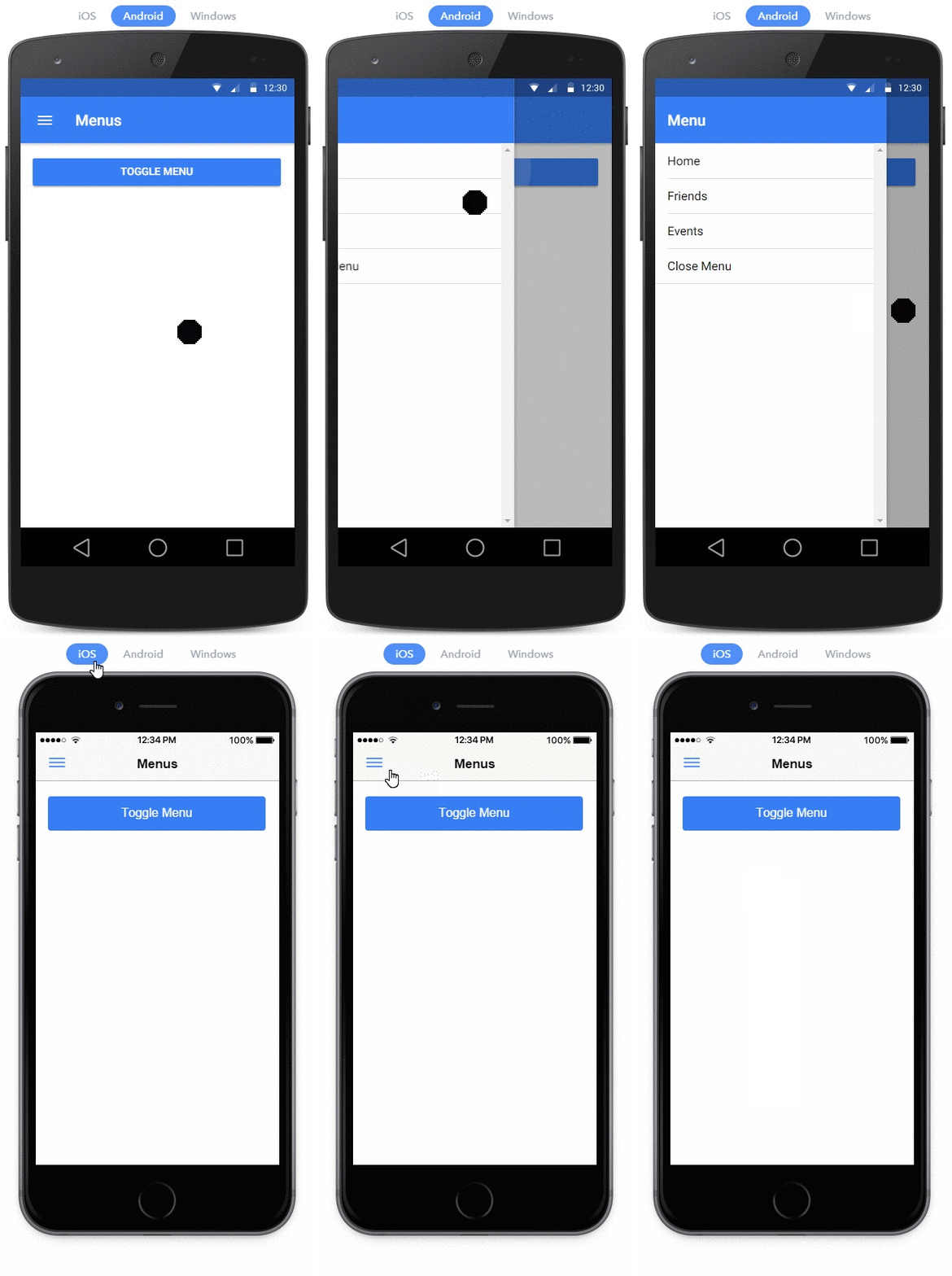
Menu is a side-menu navigation that can be dragged out or toggled to show.
Popover
import { Flashlight } from 'ionic-native';

Flashlight.switchOn();

Flashlight.switchOff();

Flashlight.toggle();

if (Flashlight.isSwitchedOn()) {
    Flashlight.switchOff();
}
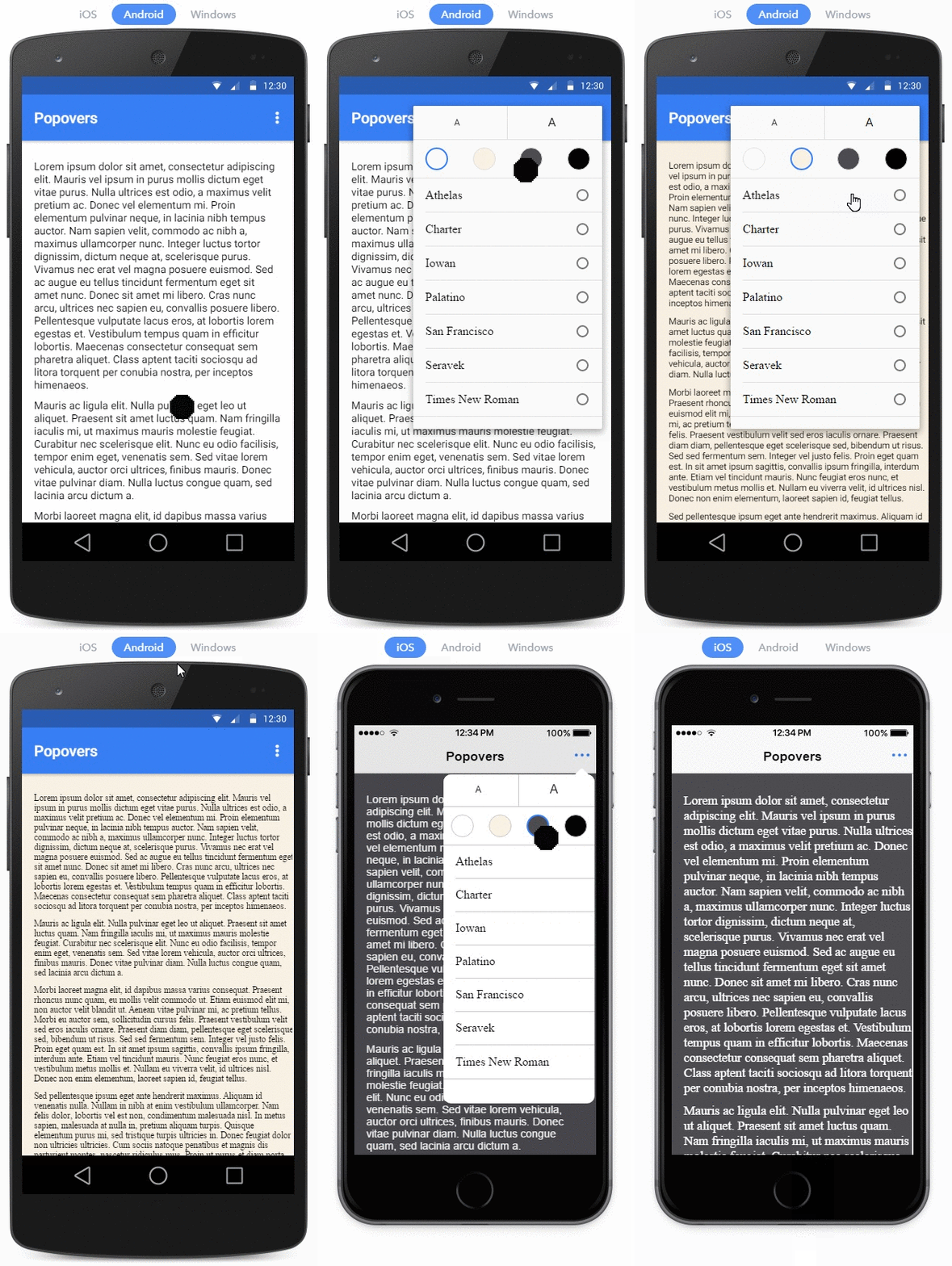
The Popover is a view that floats above an app’s content.
Modals
import { ModalController } from 'ionic-angular';
import { ModalPage } from './modal-page';

export class MyPage {
  constructor(public modalCtrl: ModalController) {
  }

  presentModal() {
    let modal = this.modalCtrl.create(ModalPage);
    modal.present();
  }
}
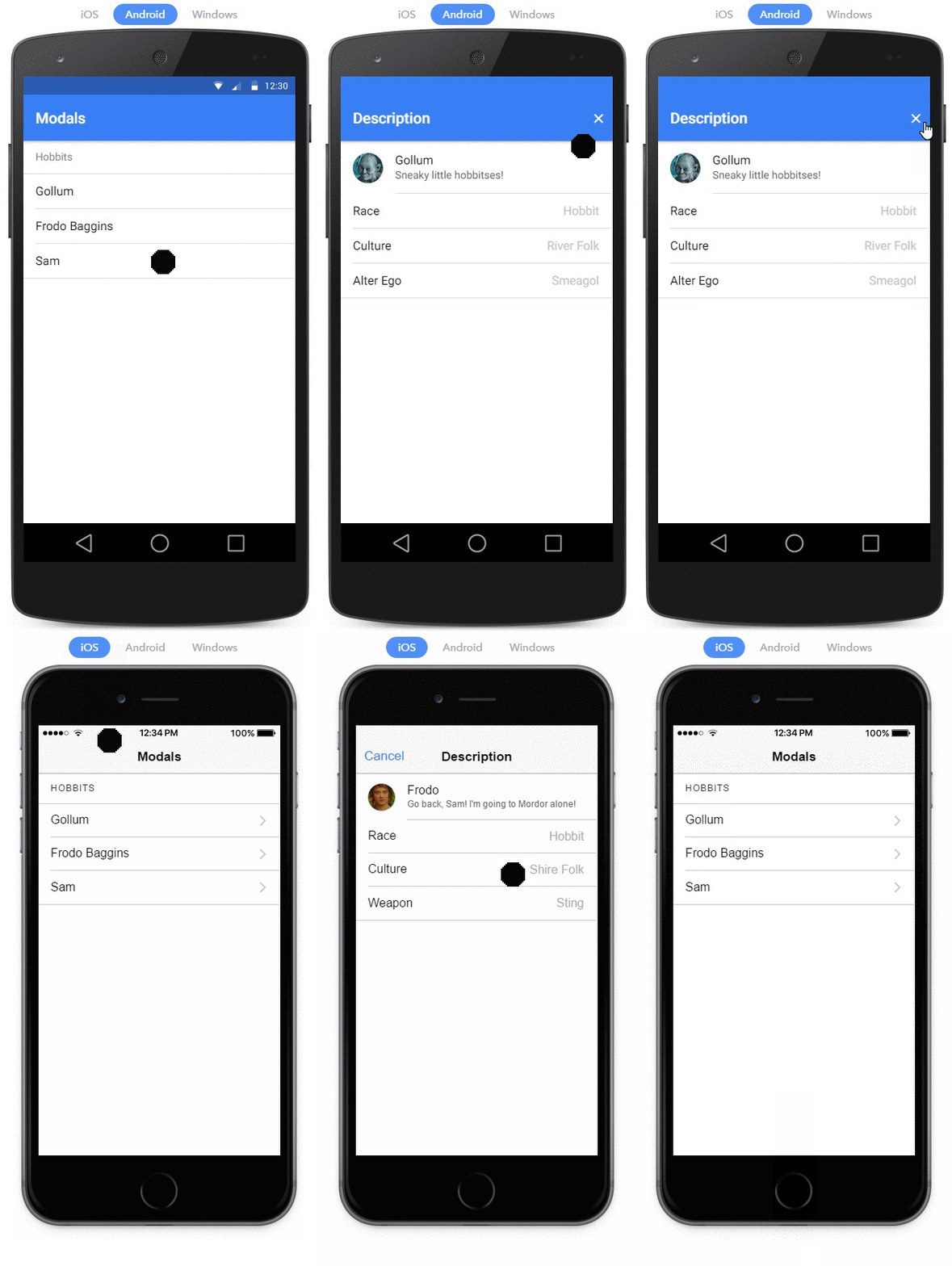
Modals slide in off screen to display a temporary UI, often used for login or signup pages, message composition, and option selection.
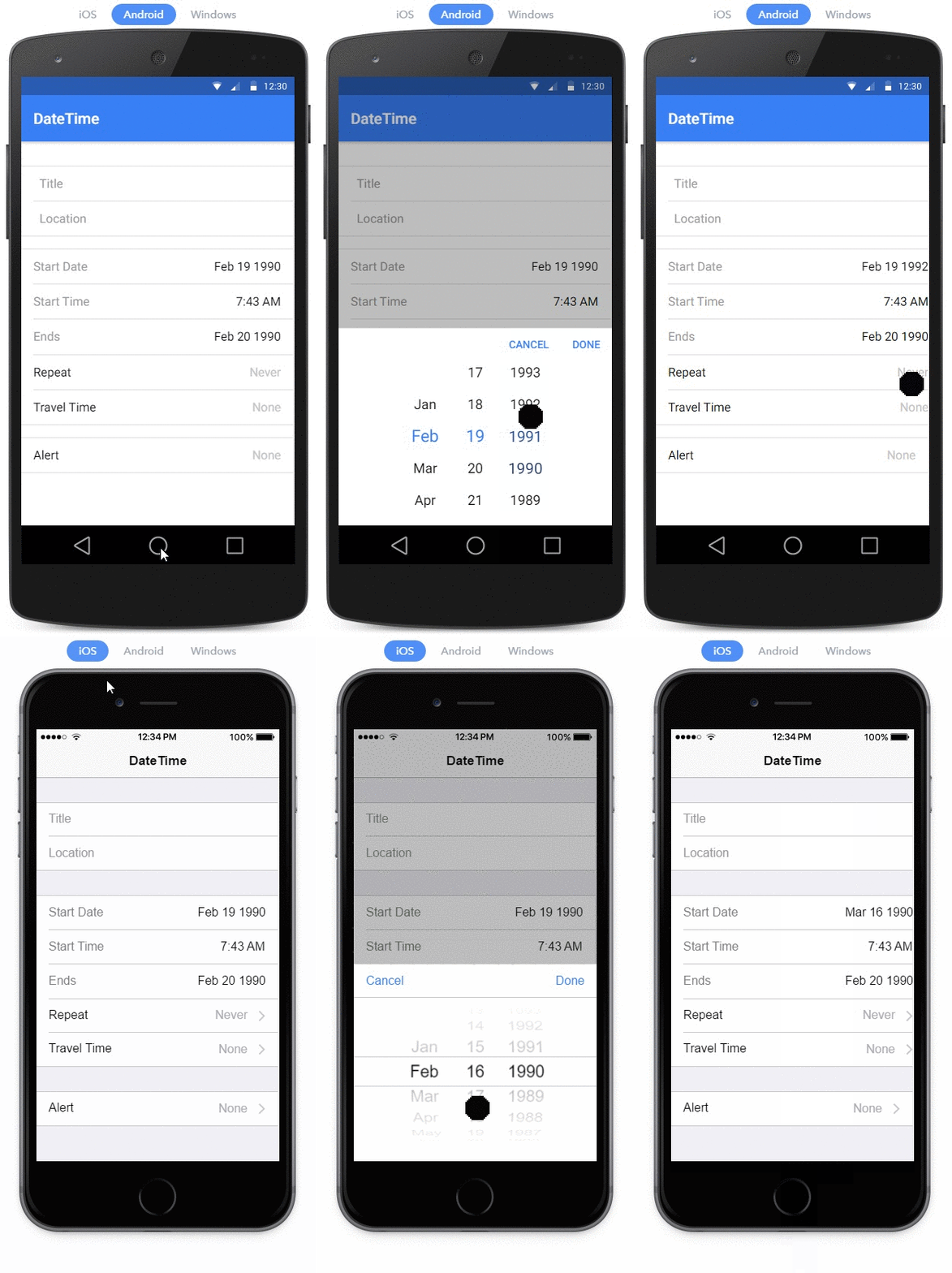
DateTime
<ion-item>
  <ion-label>Start Time</ion-label>
  <ion-datetime
    displayFormat="h:mm A"
    pickerFormat="h mm A"
    [(ngModel)]="event.timeStarts"
  ></ion-datetime>
</ion-item>
The DateTime component is used to present an interface which makes it easy for users to select dates and times.
Ionic 2
By James Brinkerhoff