One more doc gen tool...

Oh really ?
WHY THE HELL ?
SmartEA customers need to contribute their own manuals !

Contributing must be...
1. simple
Contributors need simple procedures, with few tooling requirements...
(when they create their doc, as well as when they deploy it in SmartEA)
2. factorized
Write once... ...generate 3 formats (RCP/HTML/PDF)




3. integrated
Generated documentation must be well integrated in SmartEA (style, colors, menu, ...)

The solution !

A good news...
... and a bad news
First the bad news...
No bling bling modern cool technos in the following slides...
Sorry....
Only standard well known (at least in Obeo) technos... :(

Then the good news !
It works !...

So the solution must be...
Simple
Factorized
Integrated
1. simple
Editing :
- Eclipse based
- Mylyn textile editor
Building :
- On the fly, eclipse builder
Deploying :
- As simple as "drop your jar" !
(almost)

(Keep It Simple, Stupid)
(1) Both RCP & "pure web" resources bundled in the same plugin
(1)
2. factorized
Write once...

Textile
XML
XMI

RCP based manual
Pure web based manual

Eclipse Builder
PDF manual
3. integrated
Acceleo generation brings flexibility to reach a well integrated state (bootstrap), layout, menus, ...
A dedicated extension point to let the server "discover" automatically the contributed manual
Ability to respect Obeo Visual Identity (especially in PDF format)
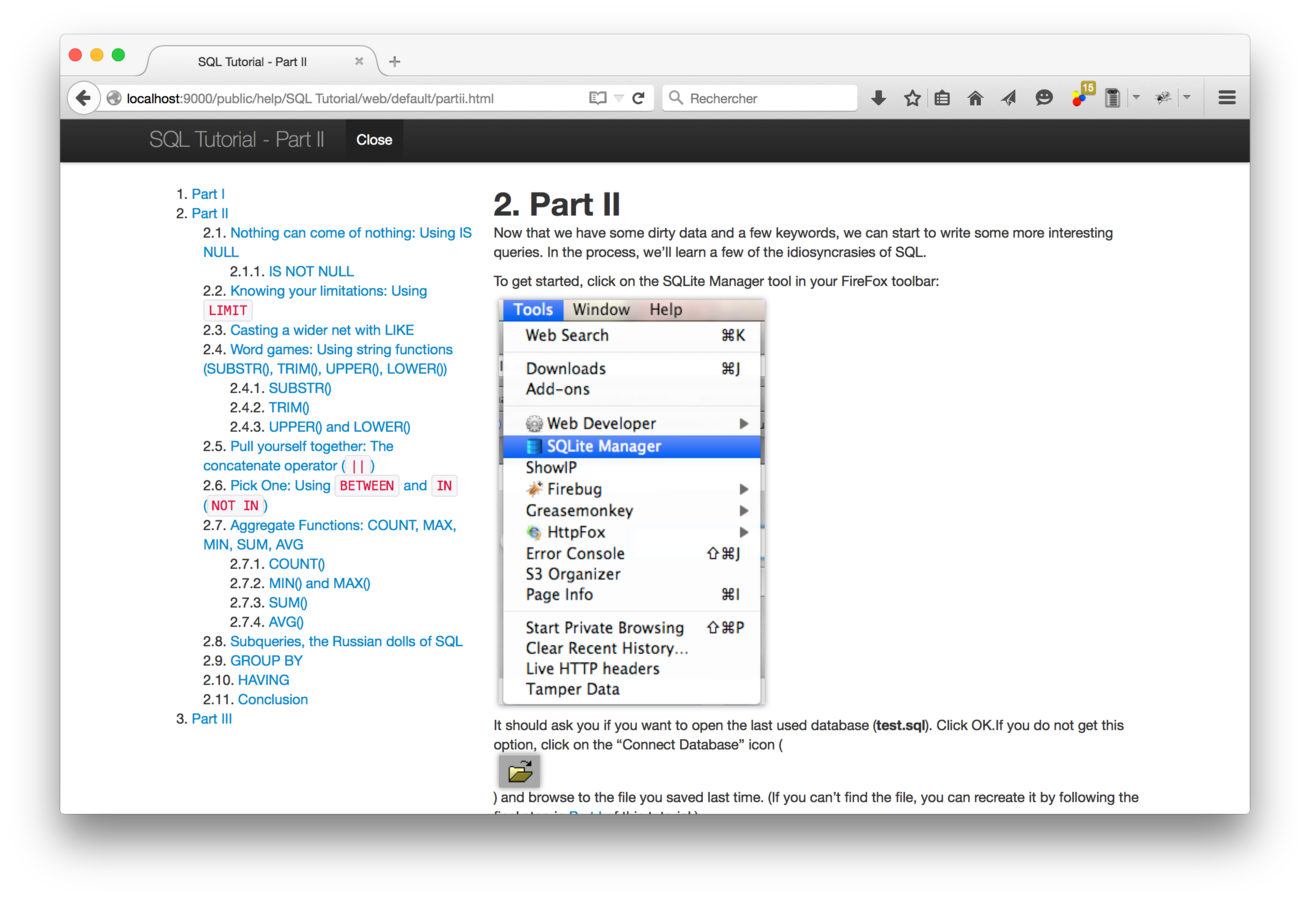
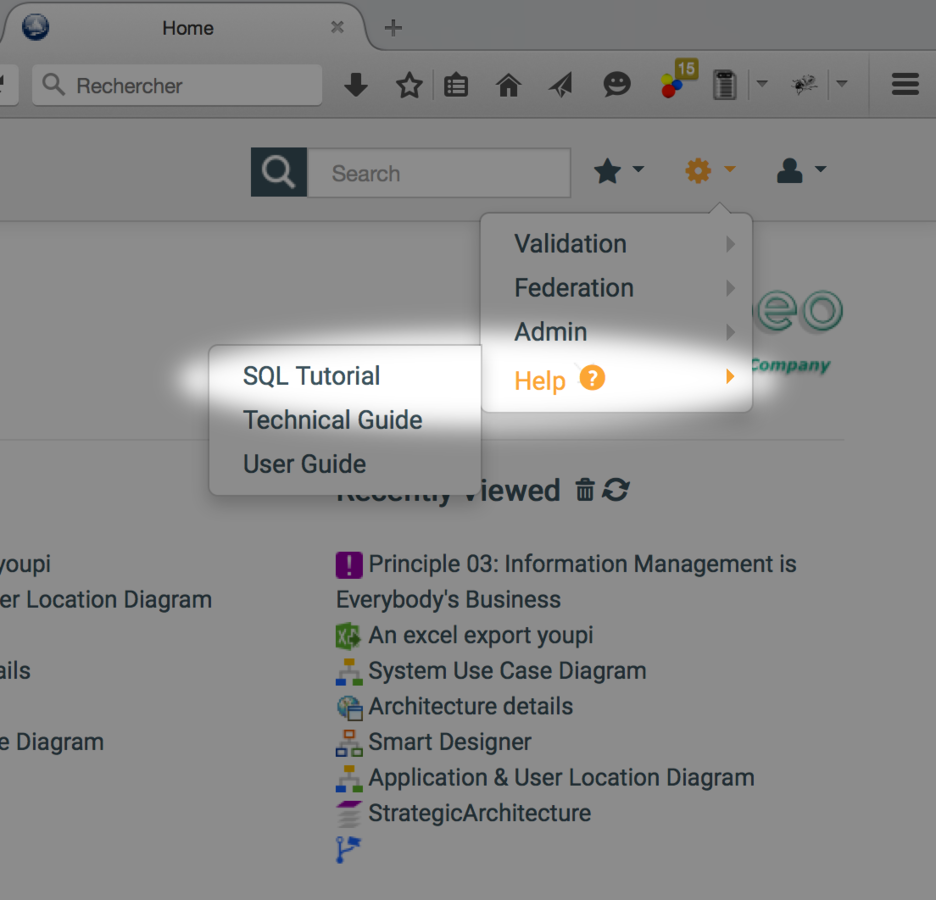
10 steps demo !
https://github.com/tthibo/SQL-Tutorial
Integration of an existing Textile SQL tutorial in SmartEA
Step 1
Install Obeo SmartEA SDK
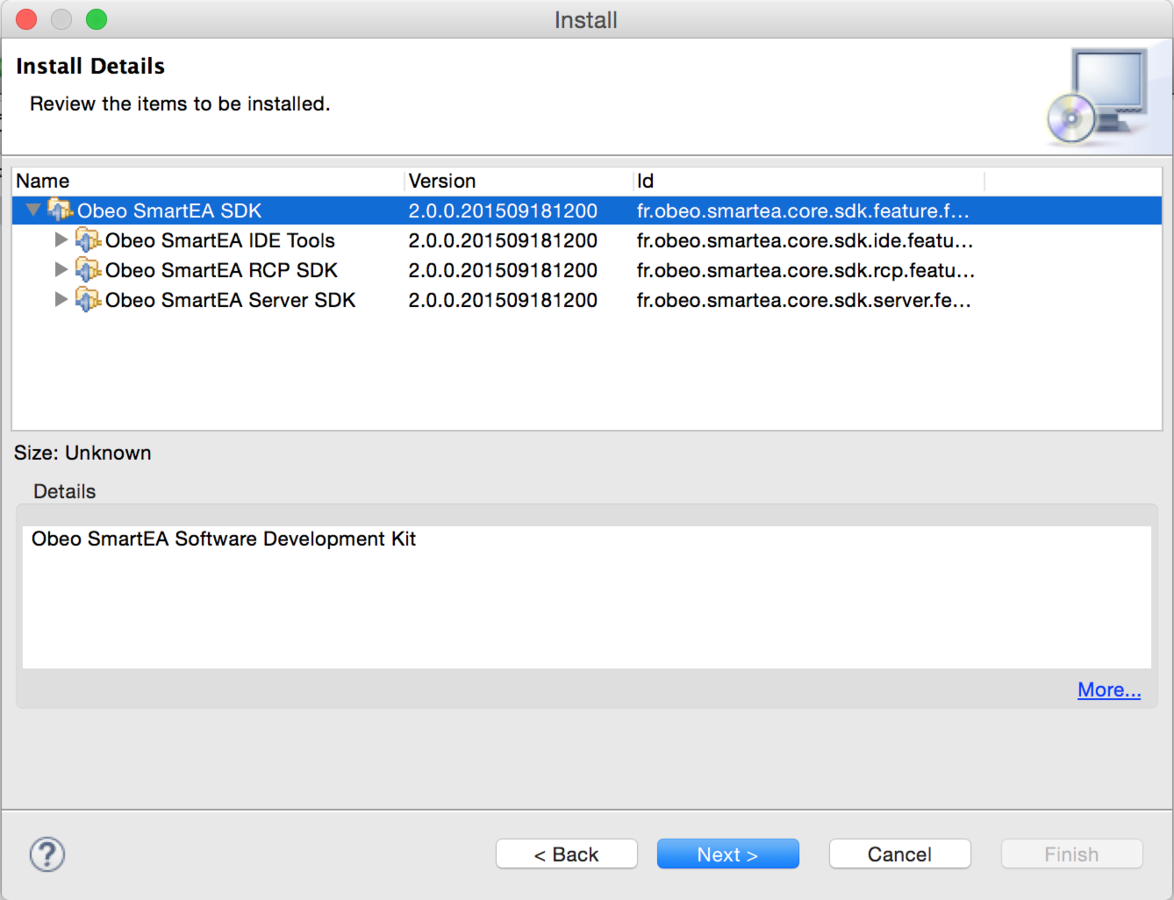
Step 2
Create an empty plugin project (java not required)
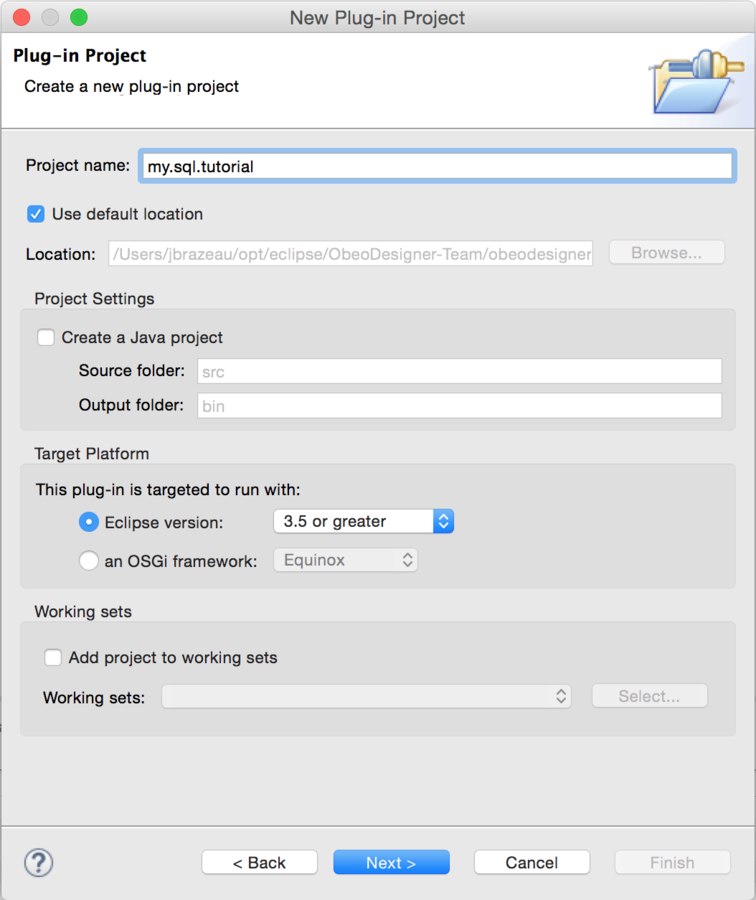

Step 3
Set title, vendor...
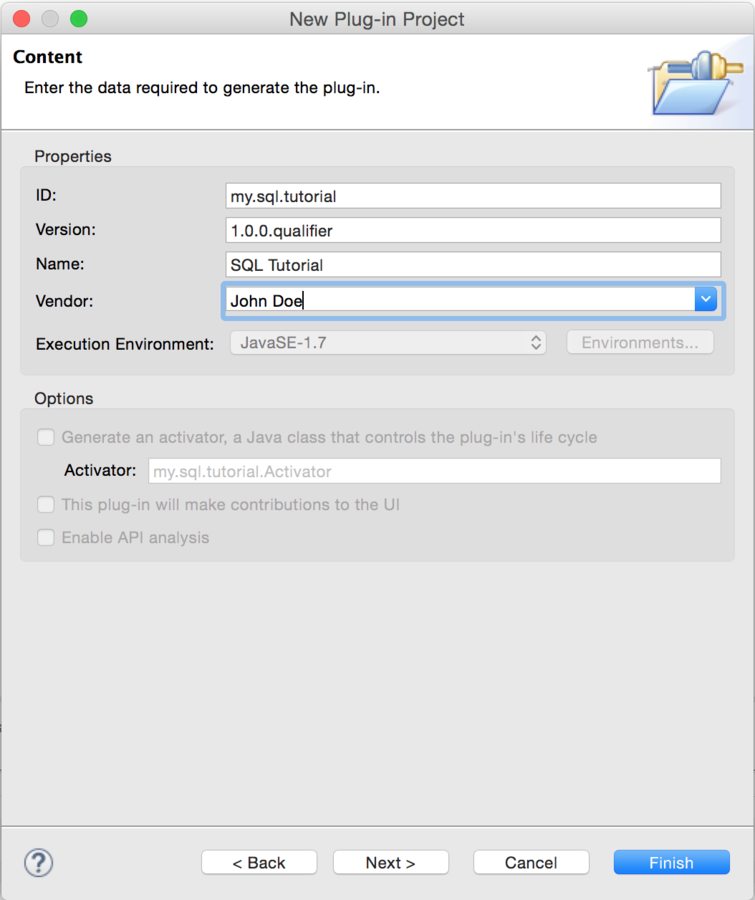

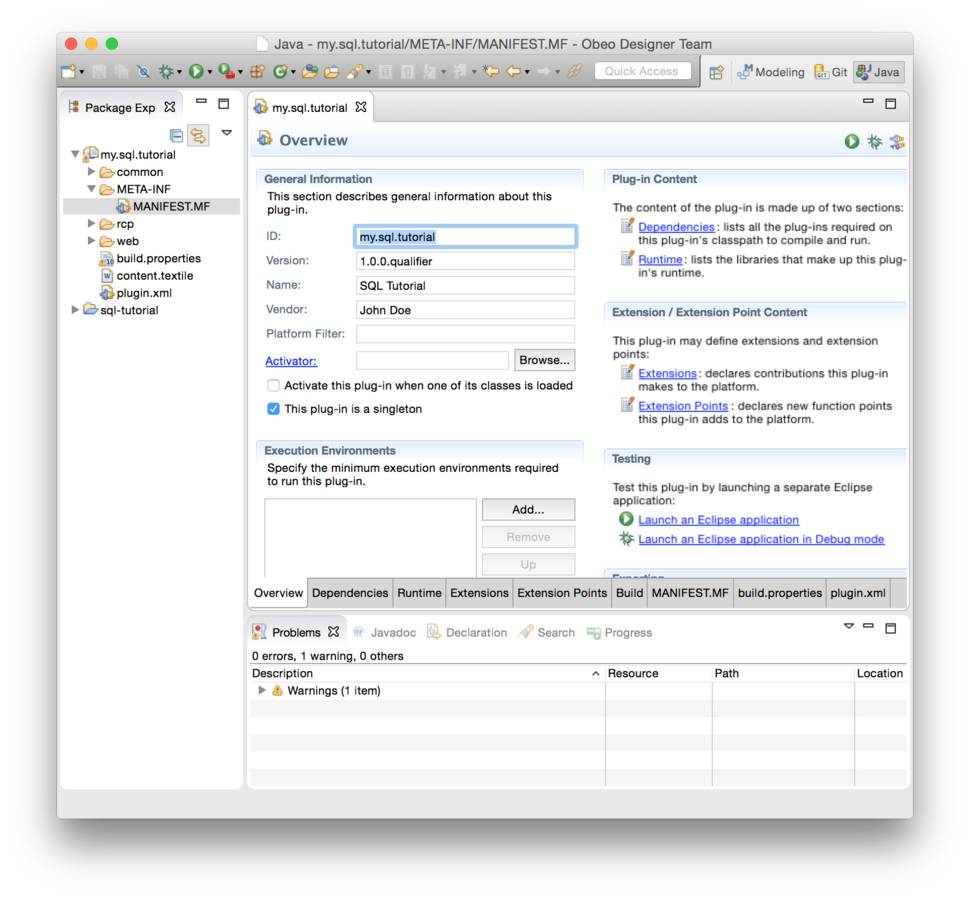
Step 4
Enable builder
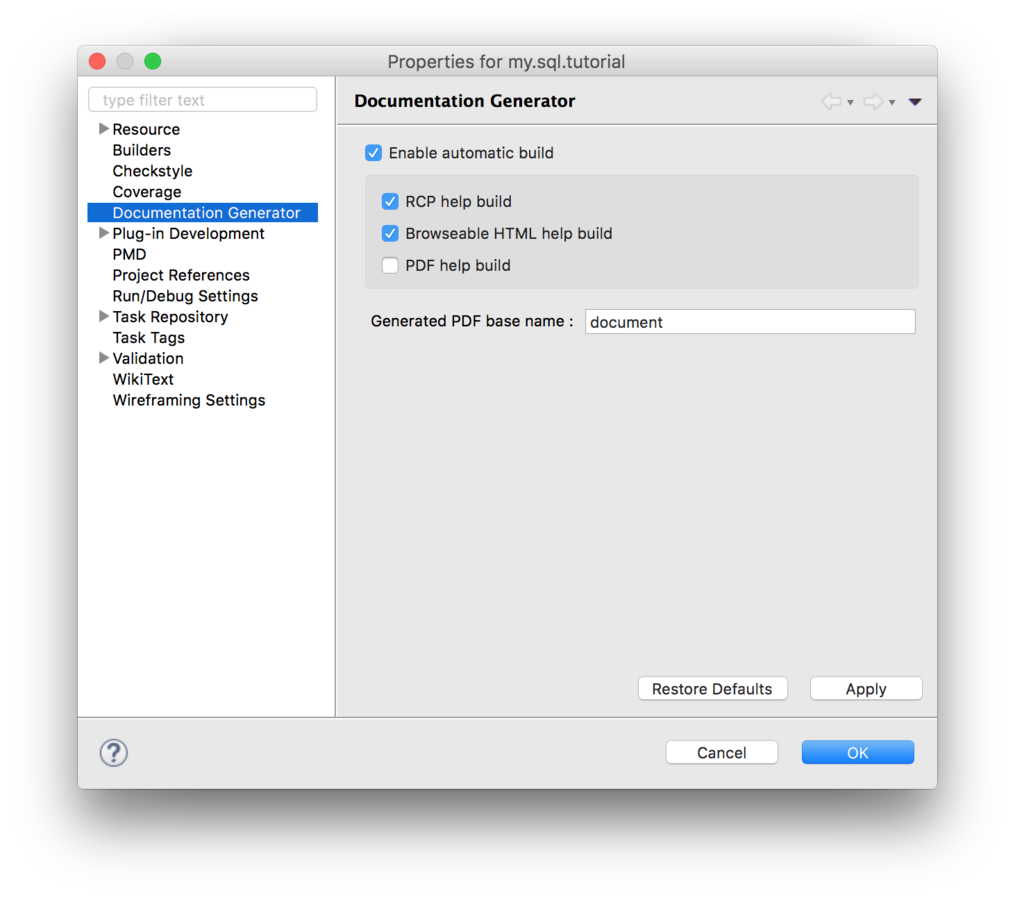
(right click on your project, Properties > Doc. Generator > Enable automatic build)
Empty "content.textile" resource generated

Step 5
Edit "content.textile"
Add images, ...
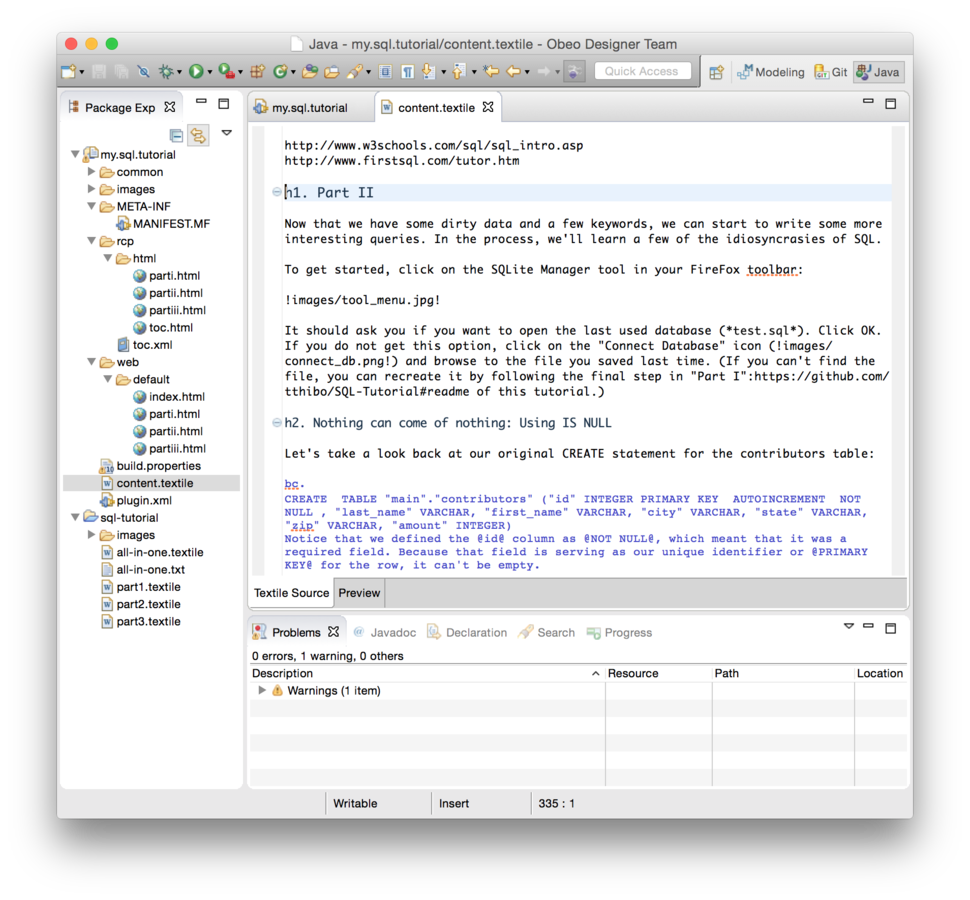
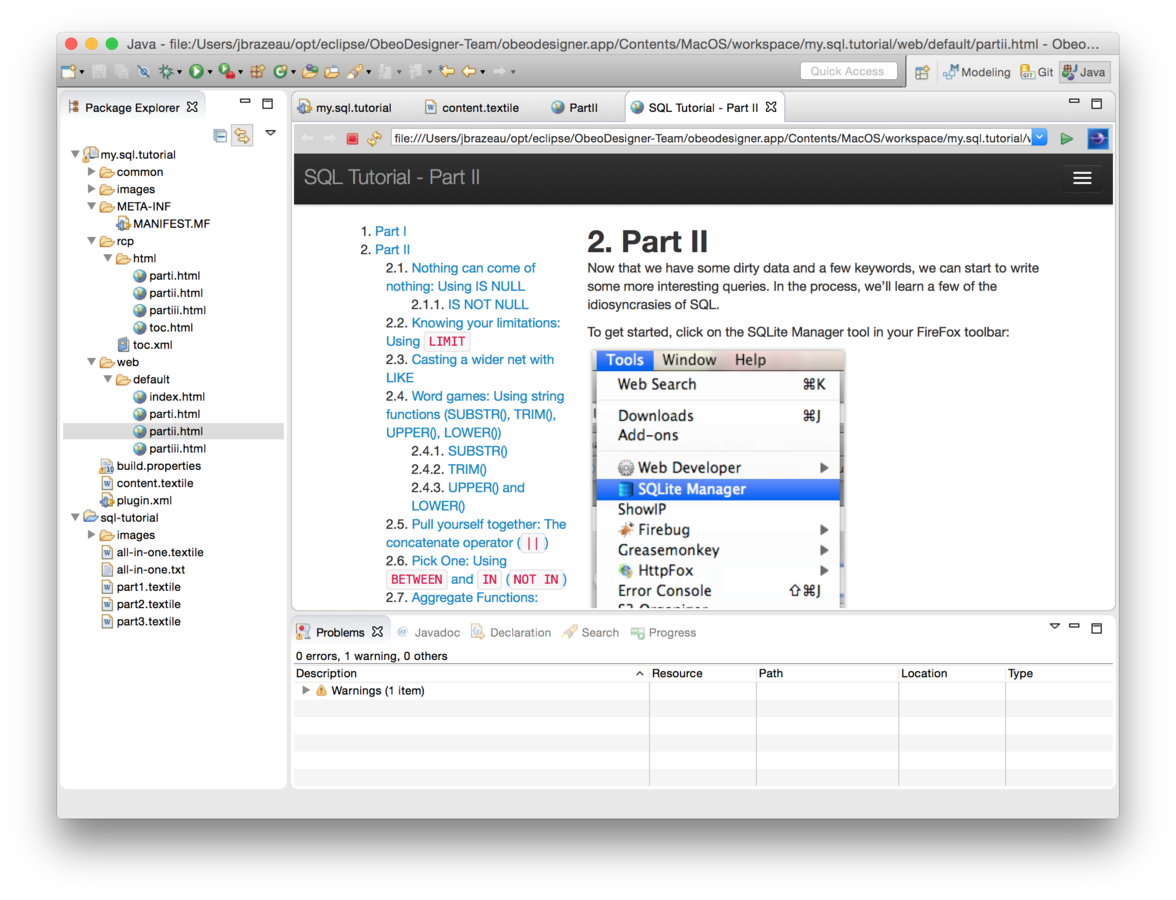
Html is generated "on the fly"
Step 6
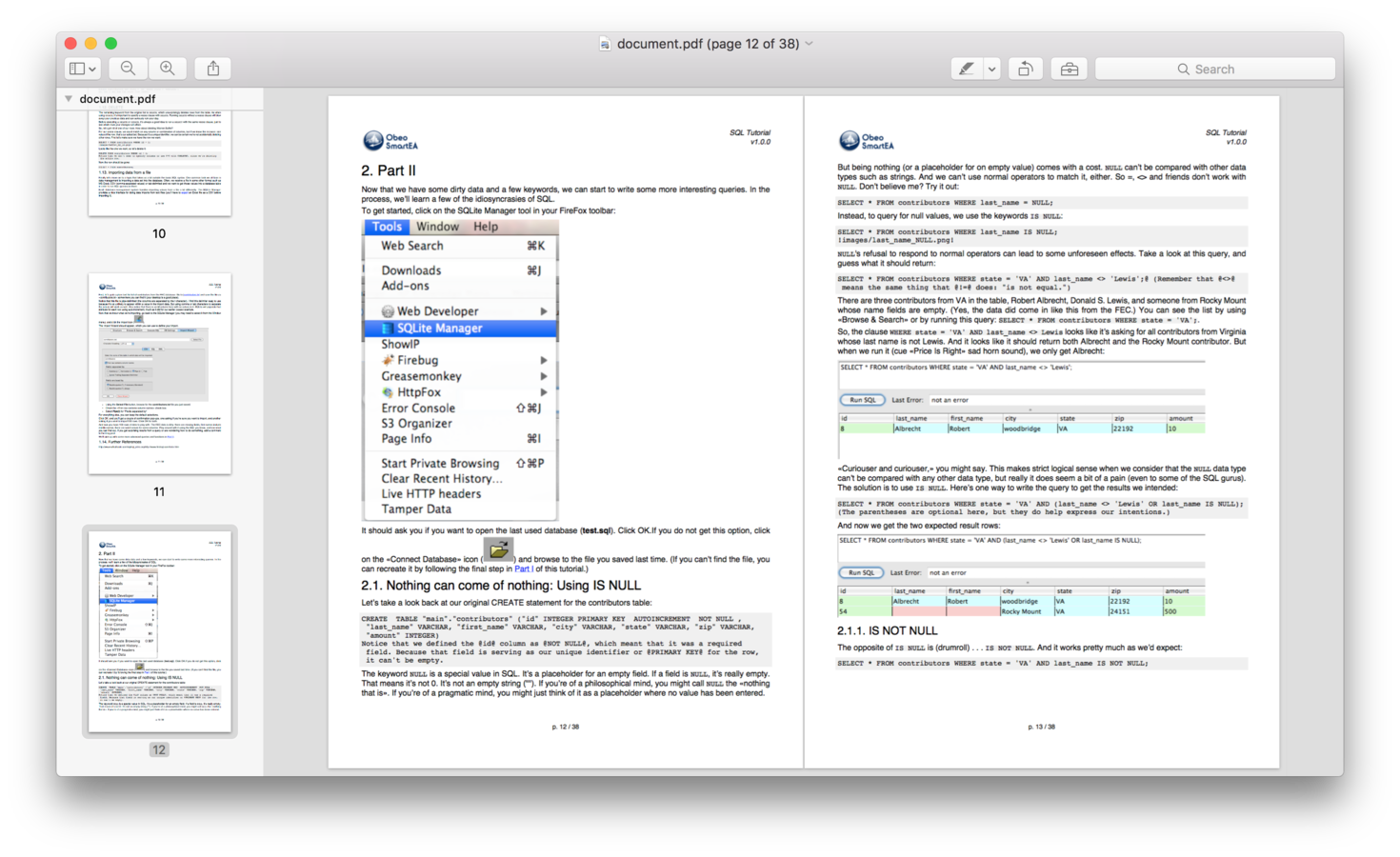
Get direct feedbak
(RCP, web or PDF version)

Step 7
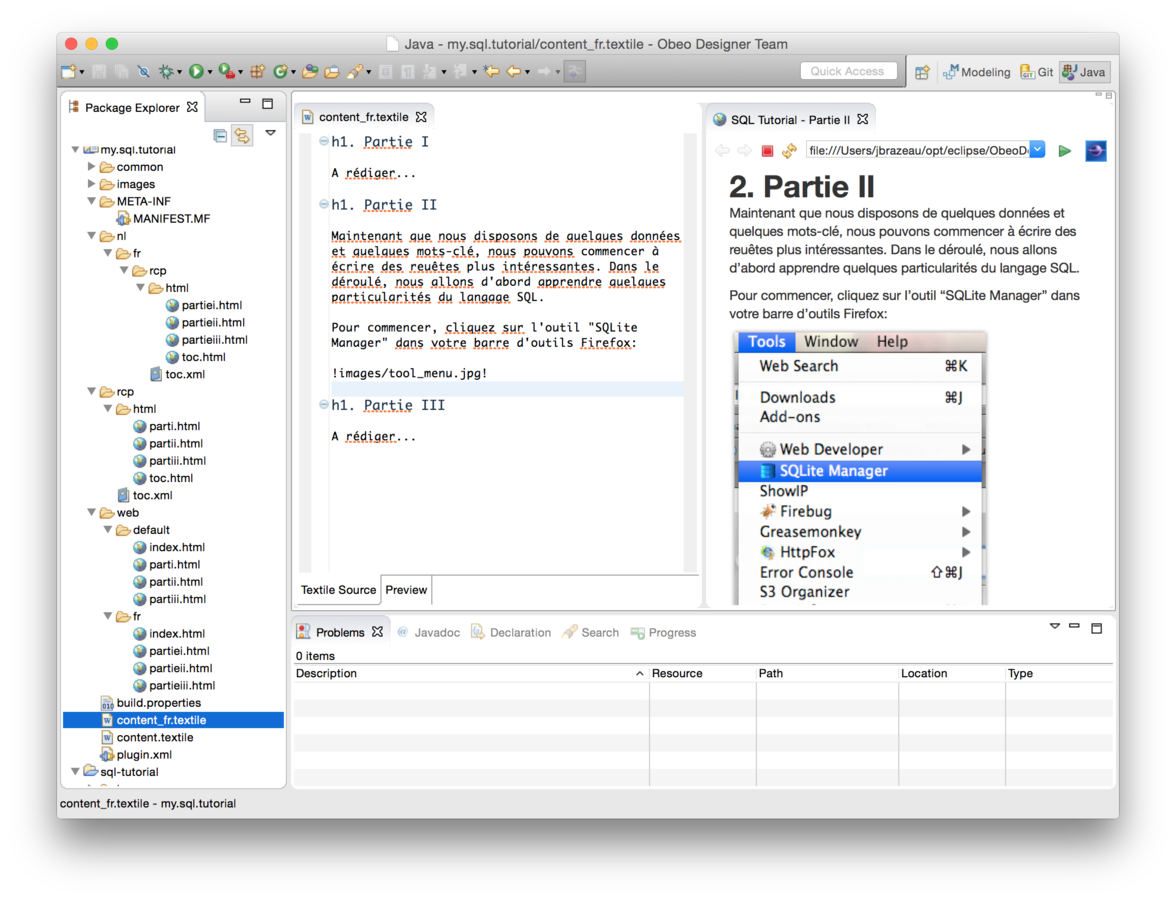
Translate your content
(ex : content_fr.textile)
1
2
2

Step 8
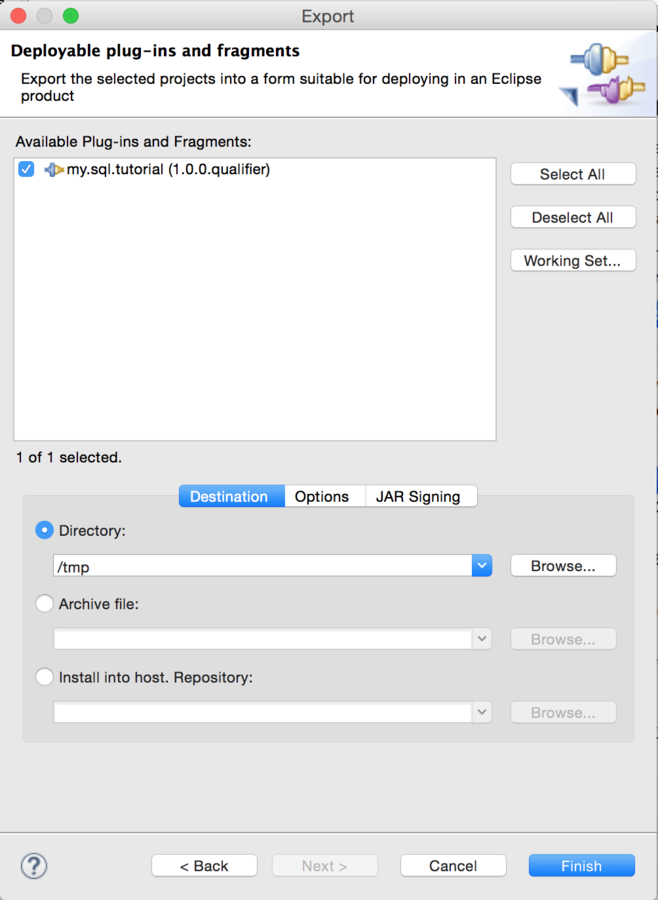
Build your jar
(tycho, IDE wizard, ...)

Step 9
Deploy...
Server side : simply drop your jar in lib folder!
RCP side : simply drop your jar in your dropins folder !

(1) you can of course as well use tycho and build a P2 repository including this jar (preferred way)...
(1)
Step 10
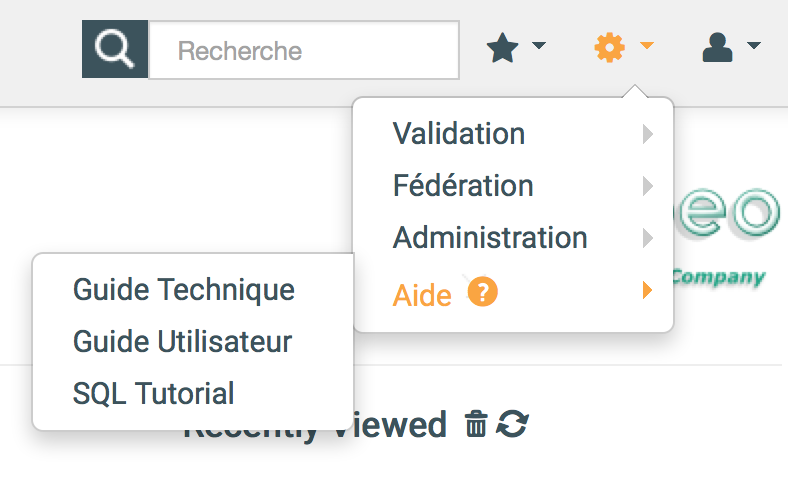
Your done !
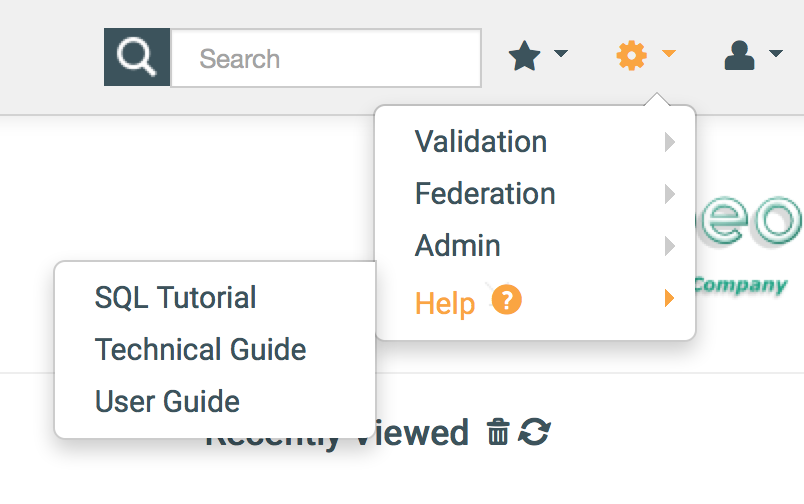
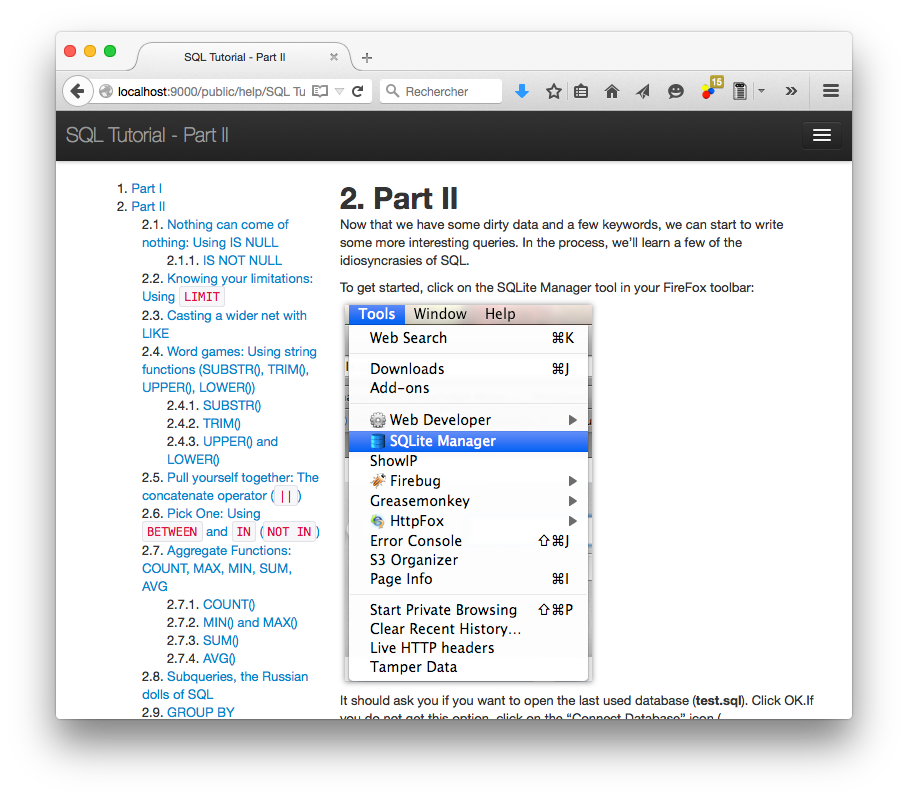
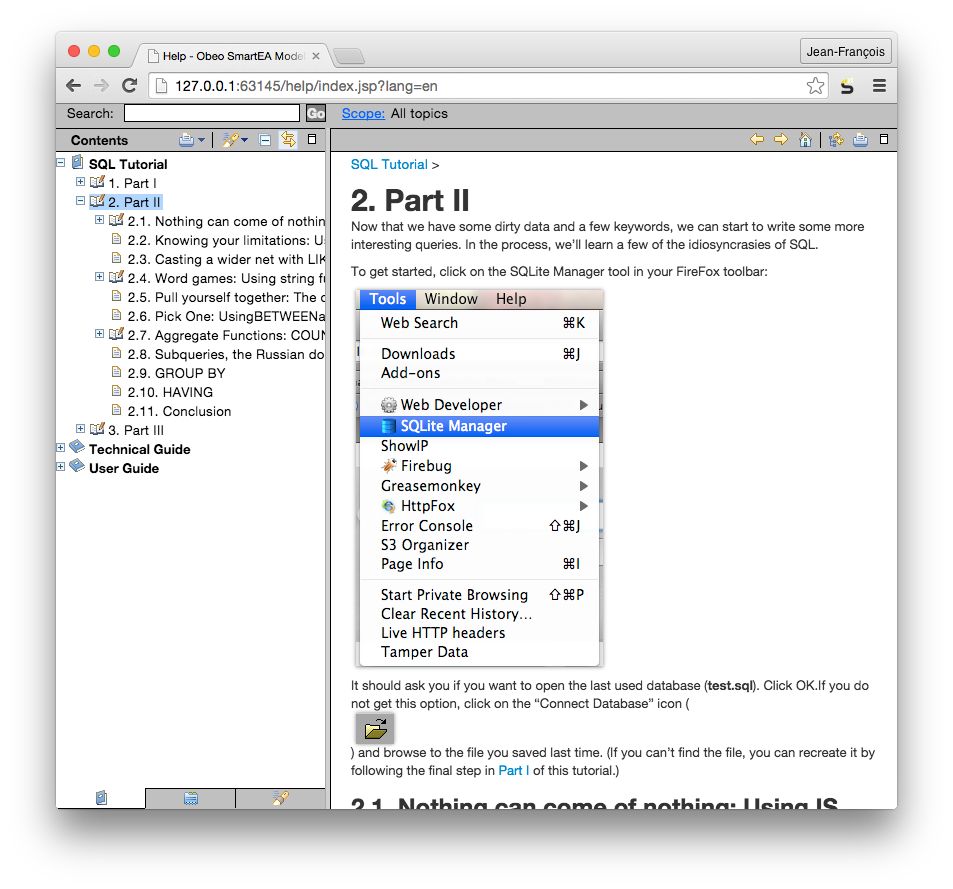

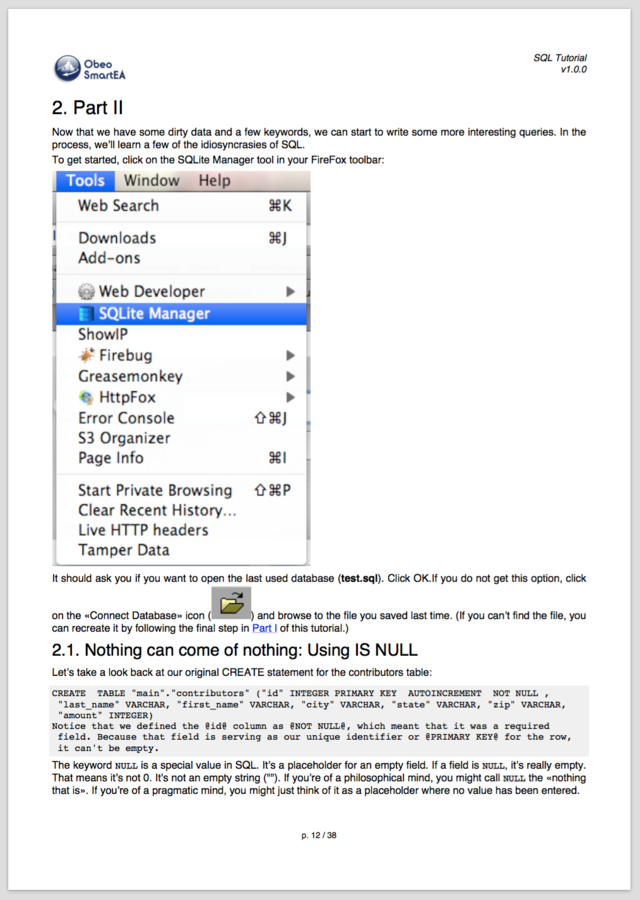
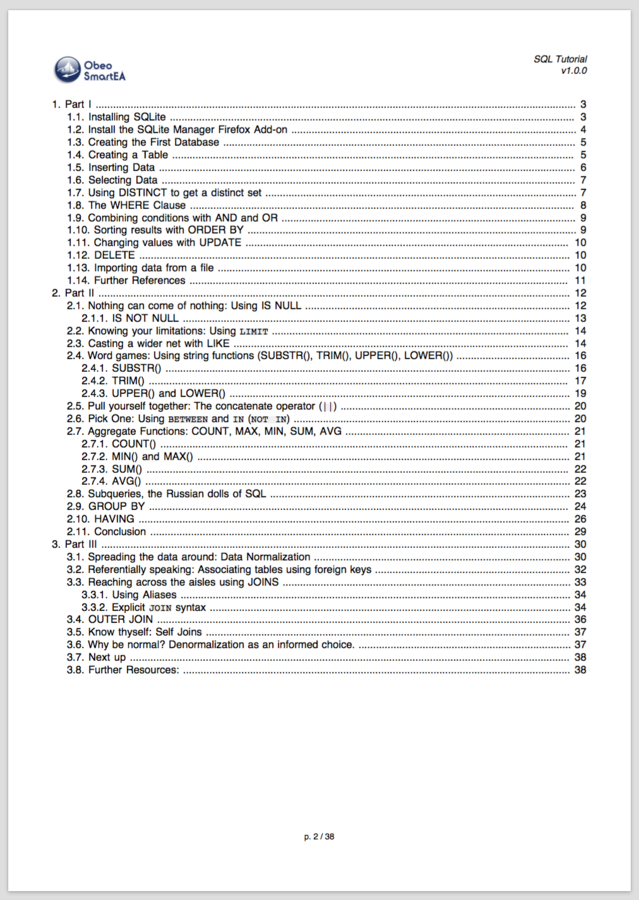
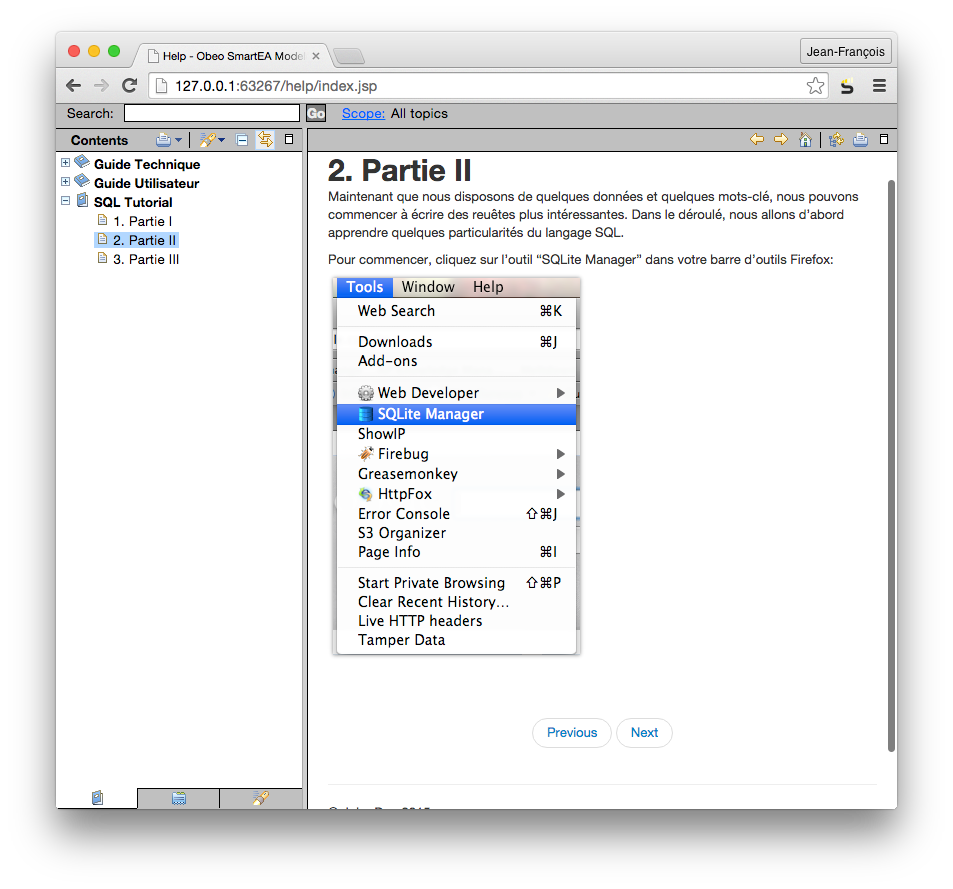
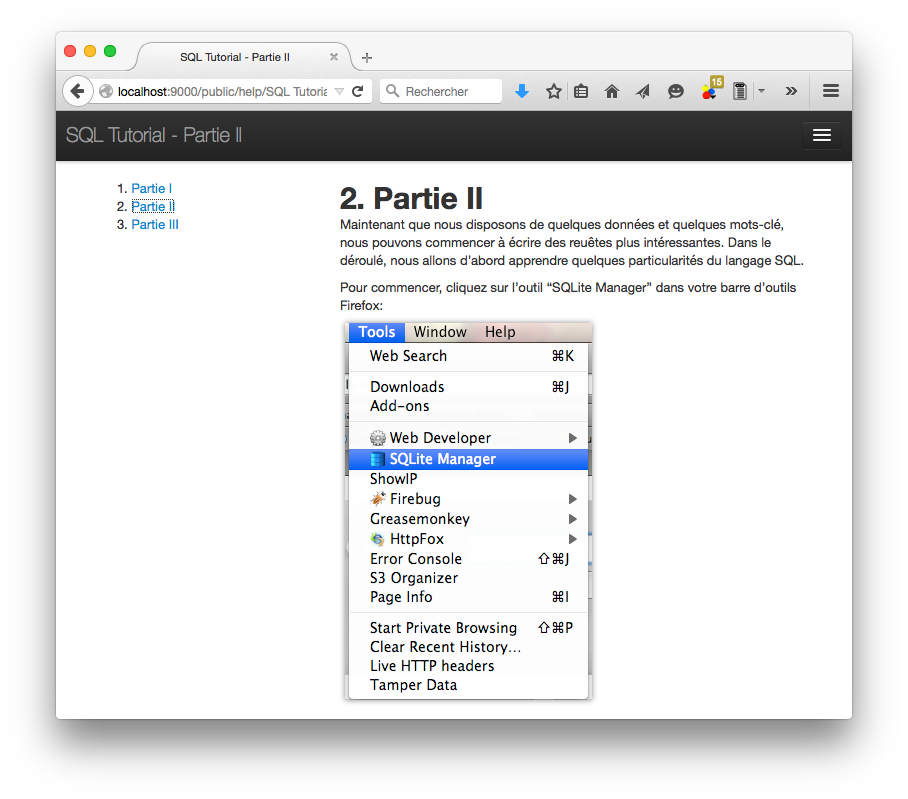
Etape 10.1
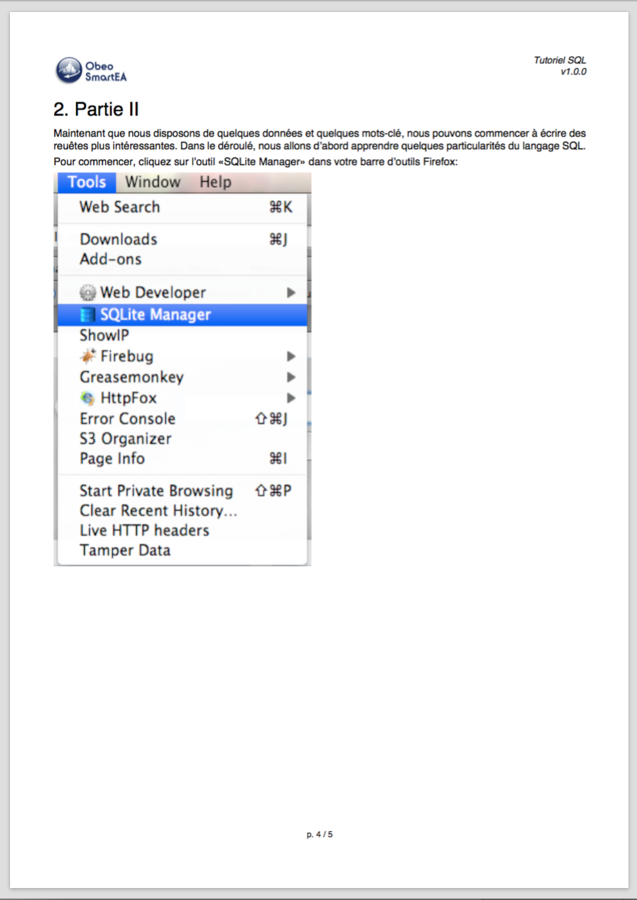
C'est terminé !

In french now...
Thank you for your attention

Documentation
By Jean-François Brazeau