
Me?
- Telecommunications and Networks Eng
- Pursuing MSc in Computer Science, Cyber security
- Thesis in Blockchain
- Free-lance photographer and videographer
www.joaosantos.xyz
@joaotakespics

joaotakespics@gmail.com
@

Now let's go to photoshop
The document is organised in Layers
In this case, each slide is a layer.
We change the slide by changing the visibility of the layer.
The tools
The Brush
BIG
Small
HEAVY
light
Selection Tools
Lasso
Magnetic Lasso
Polygonal Lasso
MASKS
This is the current slide
And this is the next one
Now for some basic image controls
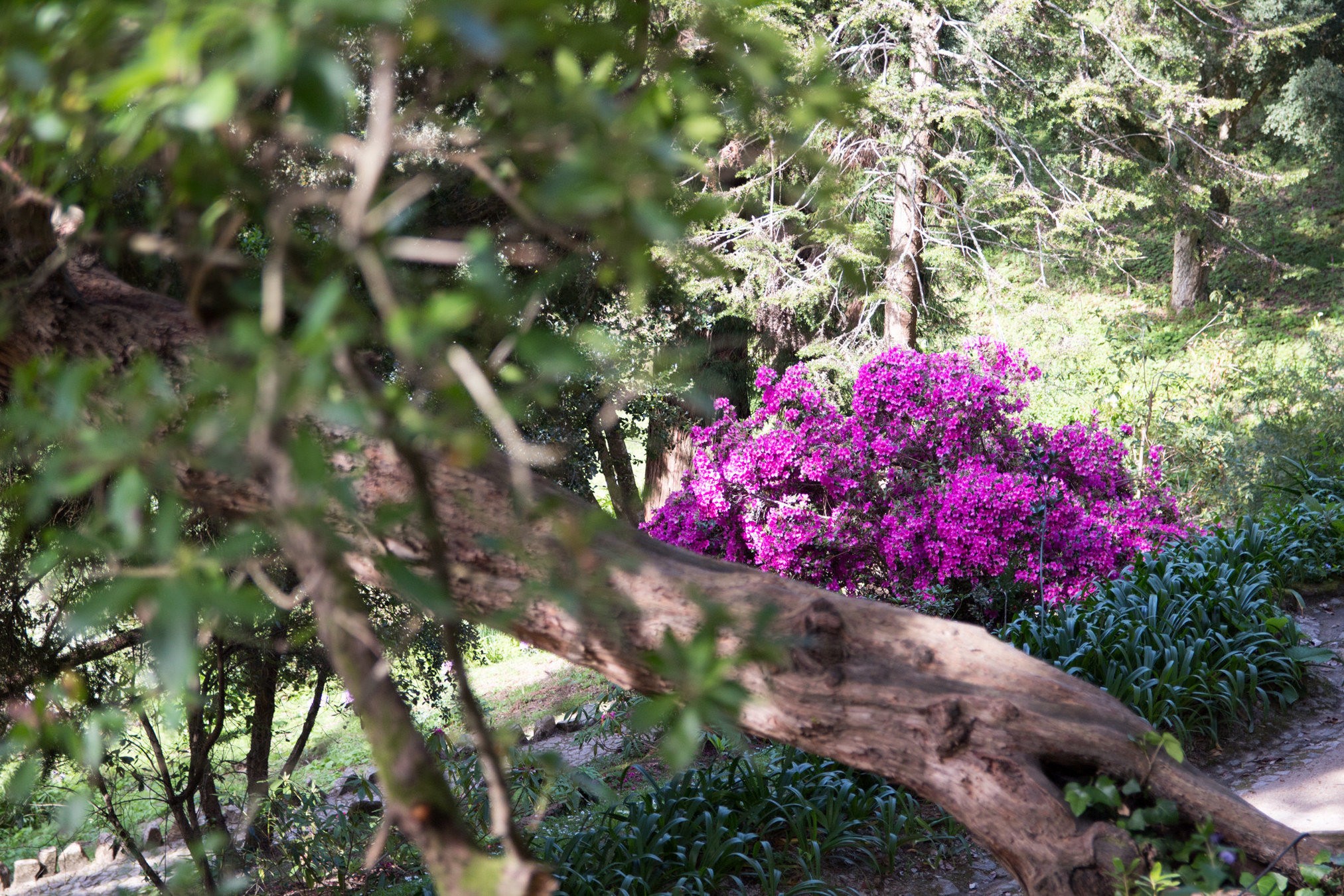
Let's add some Contrast and Saturation, for that we'll create adjustment layers
Easy, right?
We can also create folders
Now for something more elaborate,
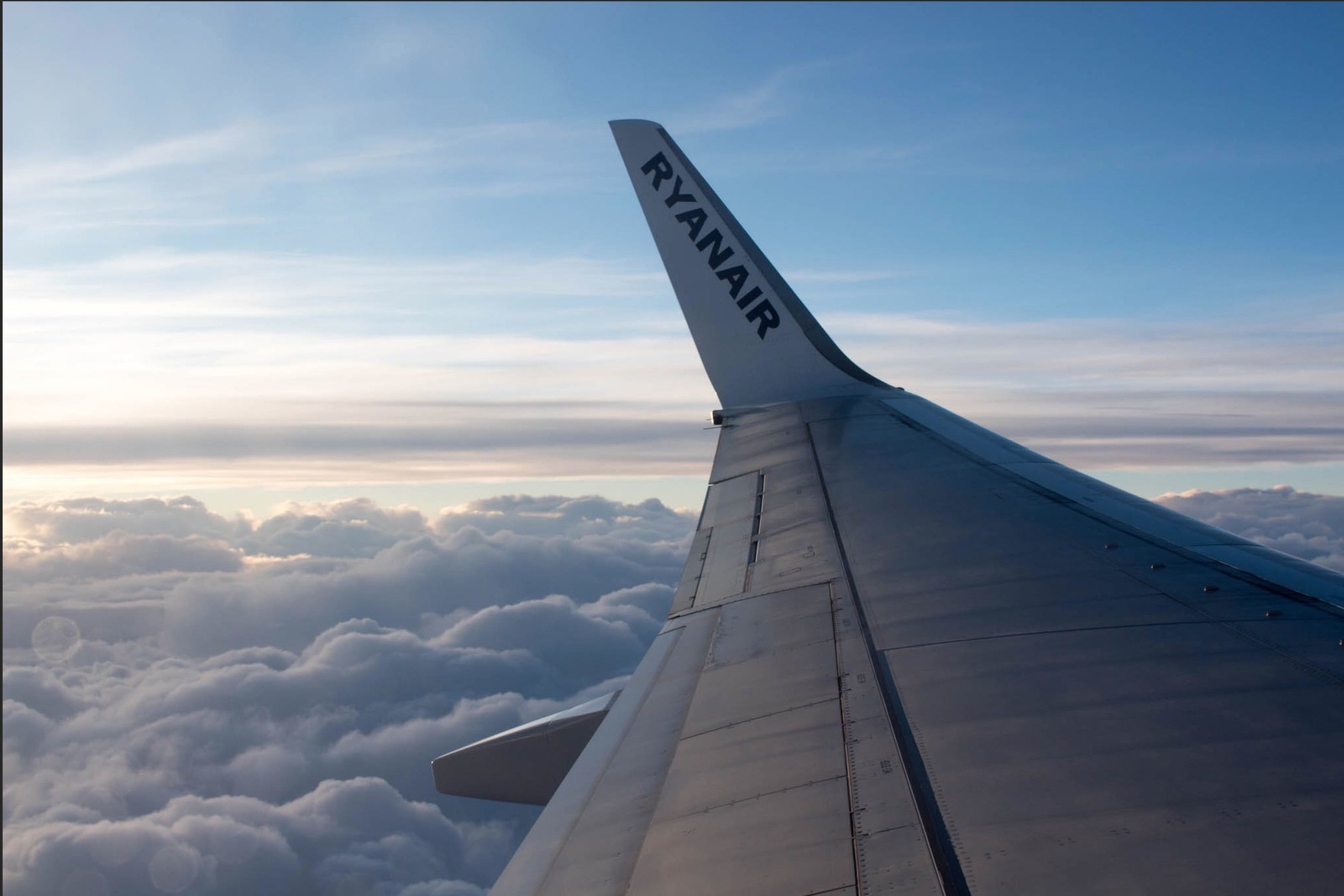
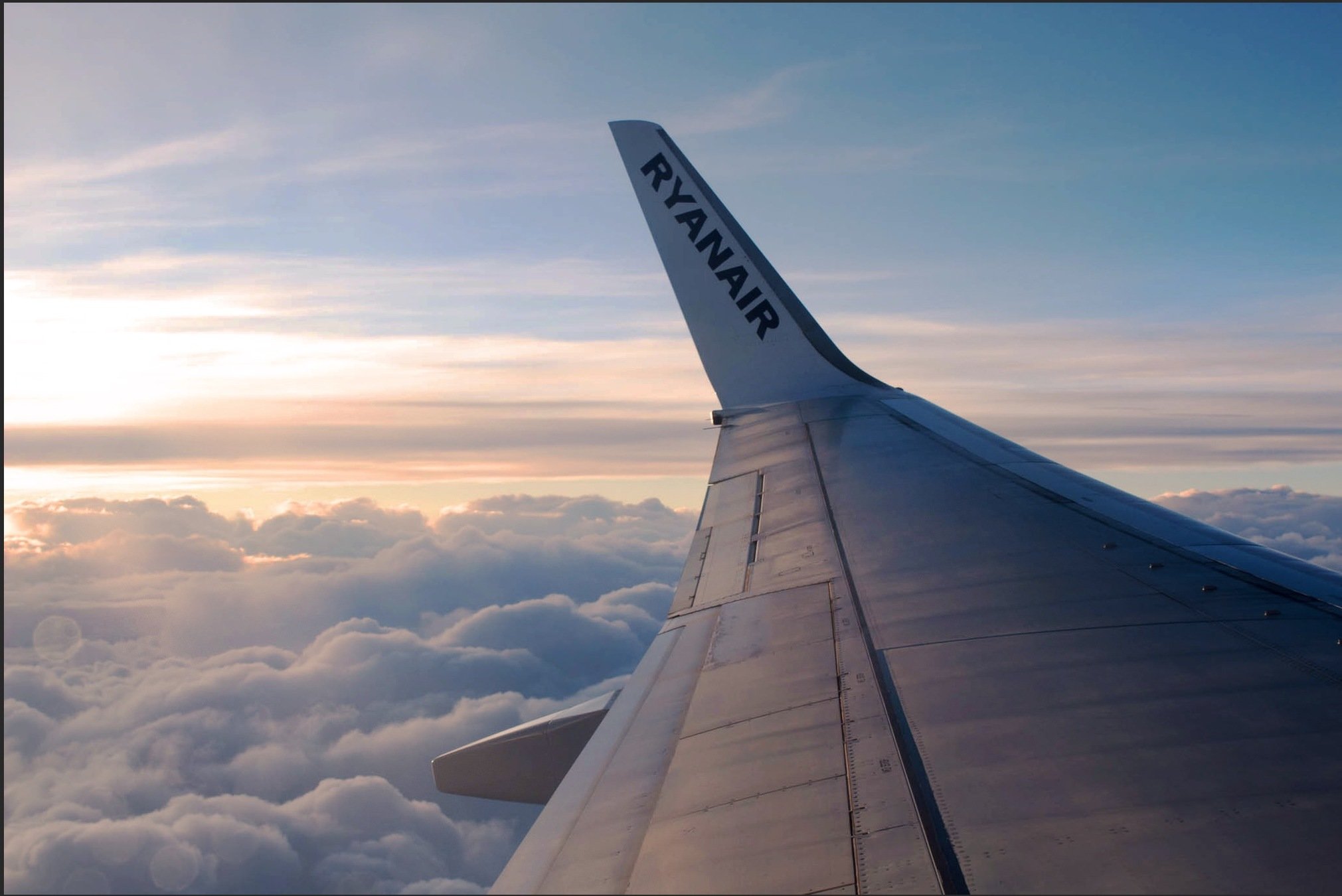
let's turn this into this
Lisbon Advanced Photography Post-Processing Workshops
By João Santos