Workshop
Goals
- Introduction to Docker and some useful command
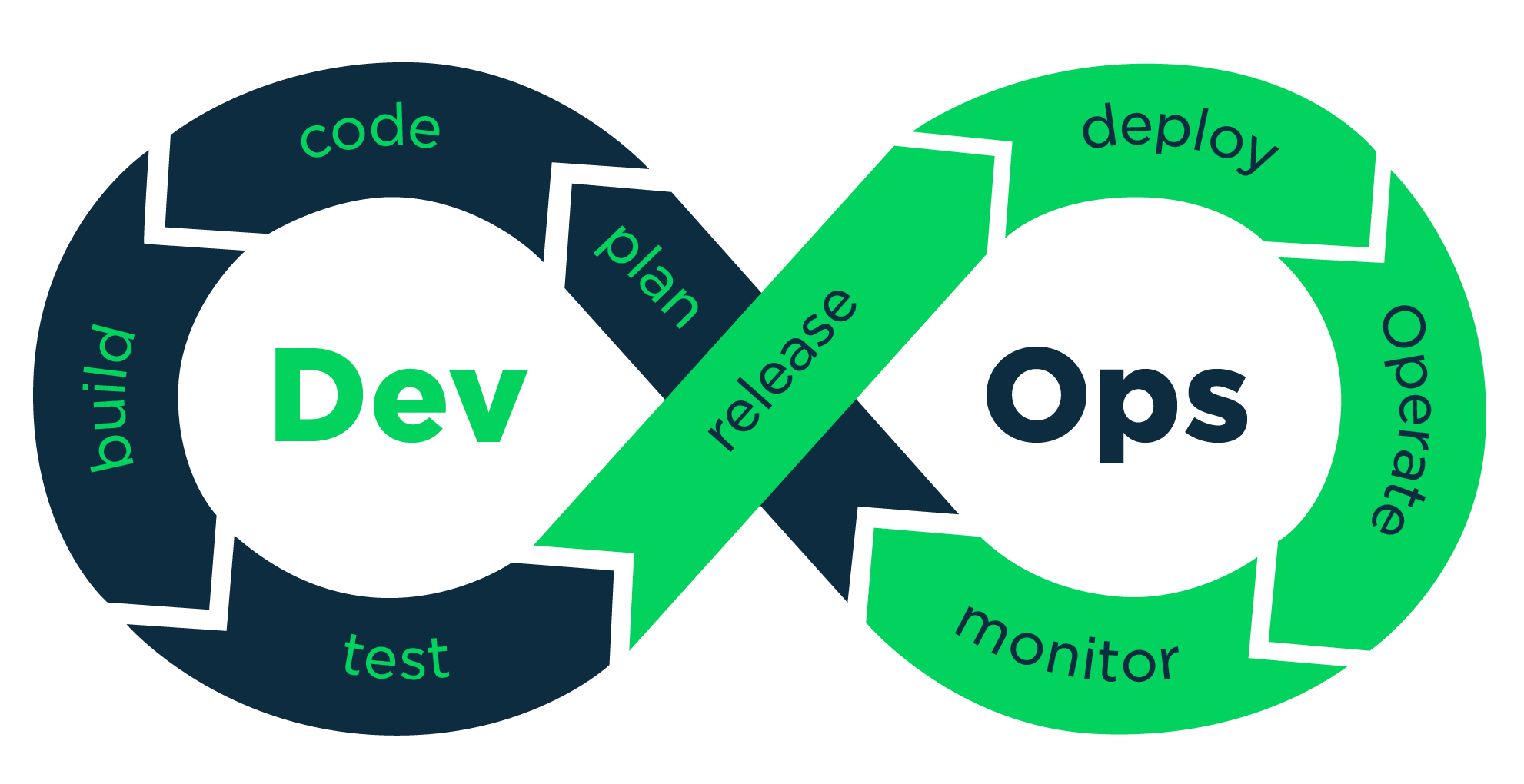
- Introduction to Dev Ops
- Qdl tools (sonar cloud)
- Introduction to Jenkins interface
- Run your first Pipeline with an spring app example
- Protect sensitive data with environnement variable
- Connect the project to sonar cloud
Docker Engines
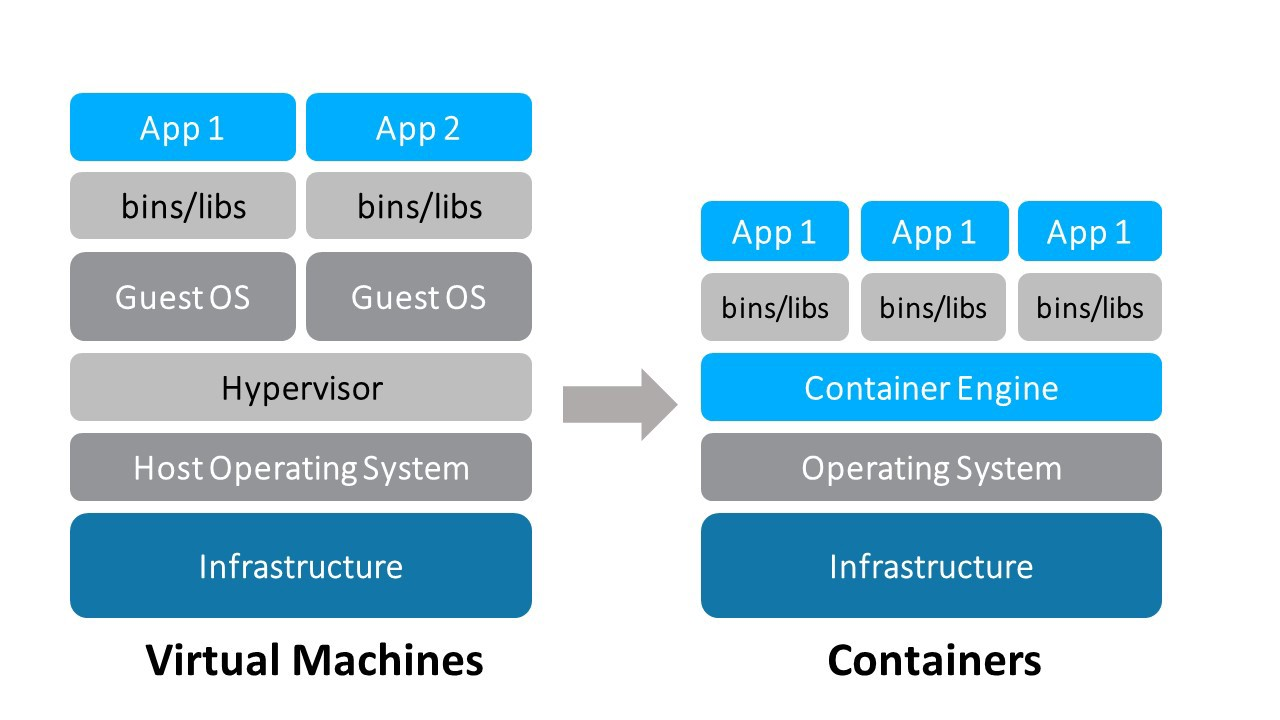
Run a MySQL container
docker run --name mysqlSpring -p 3306:3306 -e MYSQL_ROOT_PASSWORD=demo1234 -e MYSQL_DATABASE=spring_test -e MYSQL_ROOT_HOST=% -d mysql/mysql-server:latestDocker compose
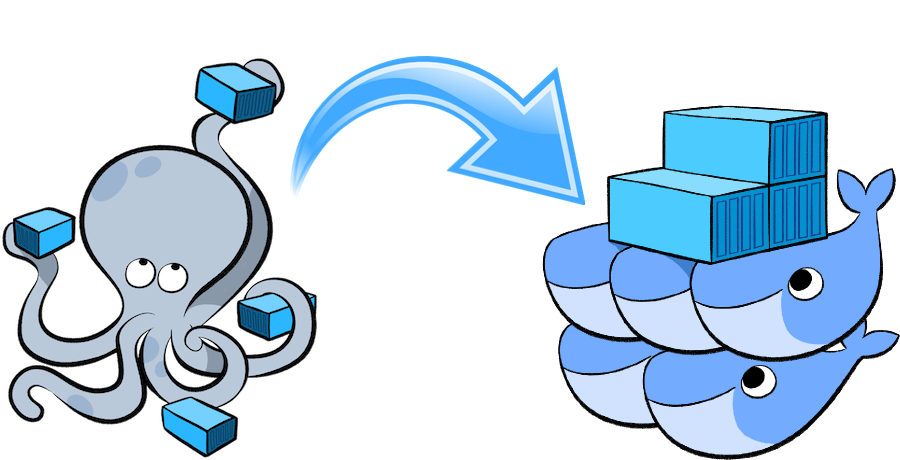
Services :
DB MySQL server
Adminer-server
Link
Docker compose
version: "3.1"

services:
  db:
    image: mysql
    command: --default-authentication-plugin=mysql_native_password
    restart: always
    ports:
      - 3306:3306
    environment:
      MYSQL_ROOT_PASSWORD: root # Use another password in production
      MYSQL_DATABASE: spring_db_2020

  adminer:
    image: adminer
    restart: always
    links:
      - "db:db"
    ports:
      - 8081:8080
    environment:
      - ADMINER_DESIGN=nette # Some cool design -> https://github.com/vrana/adminer/tree/master/designs
Useful commands
docker-compose up -d # Start the services
docker-compose down # Stop the services
docker-compose exec <service_name> /bin/bash # open a bash on the service
-d, --detach :
Detached mode: Run containers in the background
DevOps + Qdl
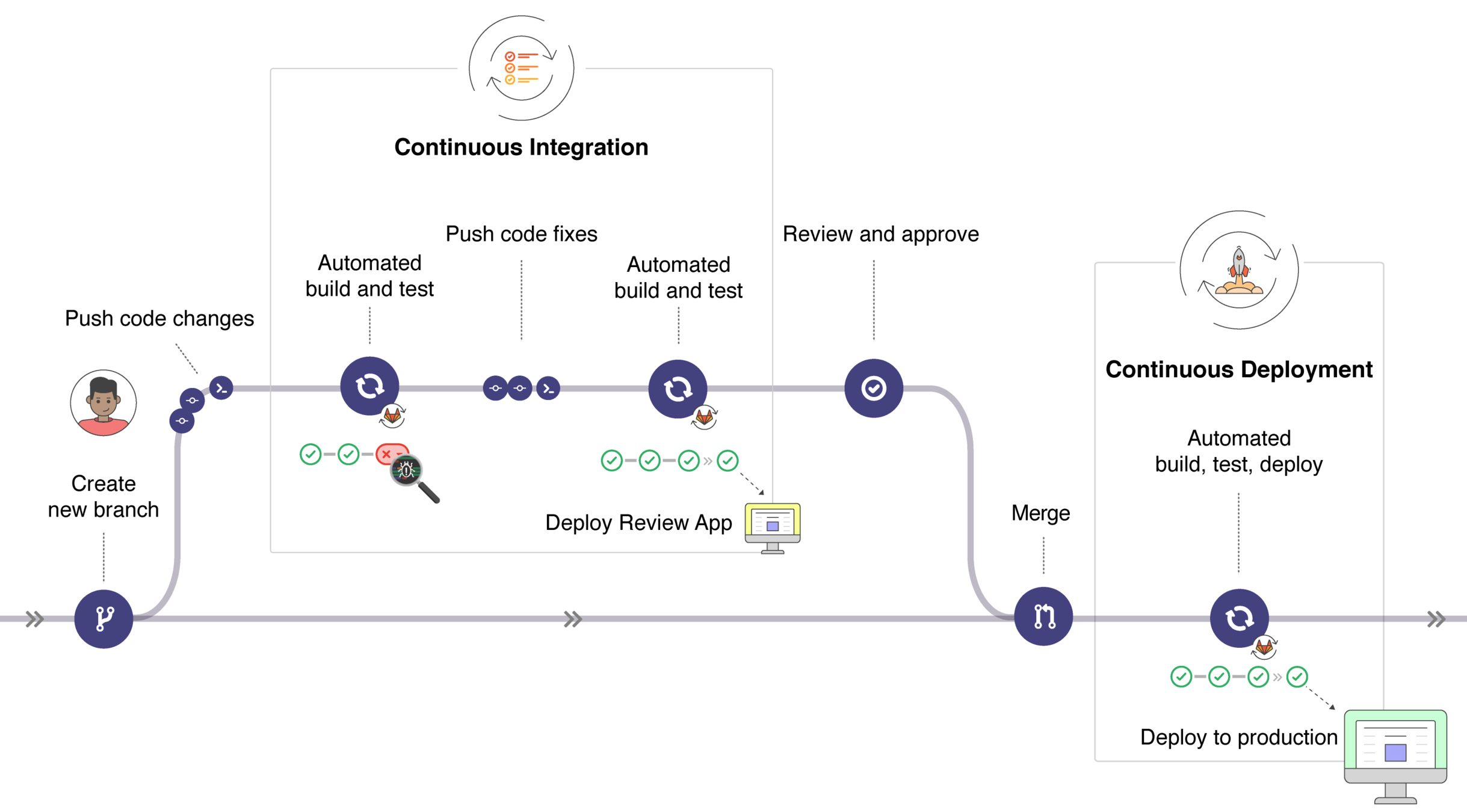
Our use case
auto code - auto build - auto test
Our AutoDevOps Workflow


Build project
Sonar cloud rapport
Test code
Push your code
Pulling
Run the different stage, according to the Jenkins file
Jenkins project type

- Free-style
- Pipeline
- multi-branch pipeline
- …
Jenkins Declarative Pipeline
pipeline {
    agent any
    stages {
        stage('Build') {
            steps{
                echo "Build"
            }
        }
        stage('Test') {
            steps{
                echo "Build"
            }
        }
        stage('Deploy') {
            steps{
                echo "Build"
            }
        }
    }
}
Jenkins file from example
pipeline {
    agent any
    environment {
        SPRING_DATASOURCE_URL='jdbc:mysql://157.26.83.80:3306/spring_db_2020?useSSL=false'
        SPRING_DATASOURCE_USERNAME  = credentials('SPRING_DATASOURCE_USERNAME')
        SPRING_DATASOURCE_PASSWORD = credentials('SPRING_DATASOURCE_PASSWORD')
        JDC_ENV_TEST = credentials('JDC_ENV_TEST')
    }
    stages {
        stage('Echo Sample') {
            steps{
                echo "ECHO SAMPLE"
                sh '(printenv)'
            }
        }
        stage('Build') {
            agent {
              docker {
               image 'maven:3.6.3-jdk-11-slim'
              }
            }
            steps {

			sh '(cd ./SpringTestDemo/; mvn clean package)'
		stash name: "app", includes: "**"
            }
        }
	stage('QualityTest') {
            agent {
              docker {
               image 'maven:3.6.3-jdk-11-slim'
              }
            }
            steps {
		    unstash "app"
			sh '(cd ./SpringTestDemo/; mvn clean test)'
		    sh '(cd ./SpringTestDemo/; mvn sonar:sonar)'
	    }
        }
        stage('IntegrationTest'){
		agent{
			docker{
				image 'lucienmoor/katalon-for-jenkins:latest'
				args '-p 8888:8080'
			}
		}
		   steps {
			unstash "app"
			sh 'java -jar ./SpringTestDemo/target/SpringTestDemo-0.0.1-SNAPSHOT.jar >/dev/null 2>&1 &'
			sh 'sleep 30'
			sh 'chmod +x ./runTest.sh'
			sh './runTest.sh'

			cleanWs()

		    }

        }
    }
       post {
        always {
            echo 'always clean up'
            deleteDir()
        }
    }
}
Sonar cloud (QDL)
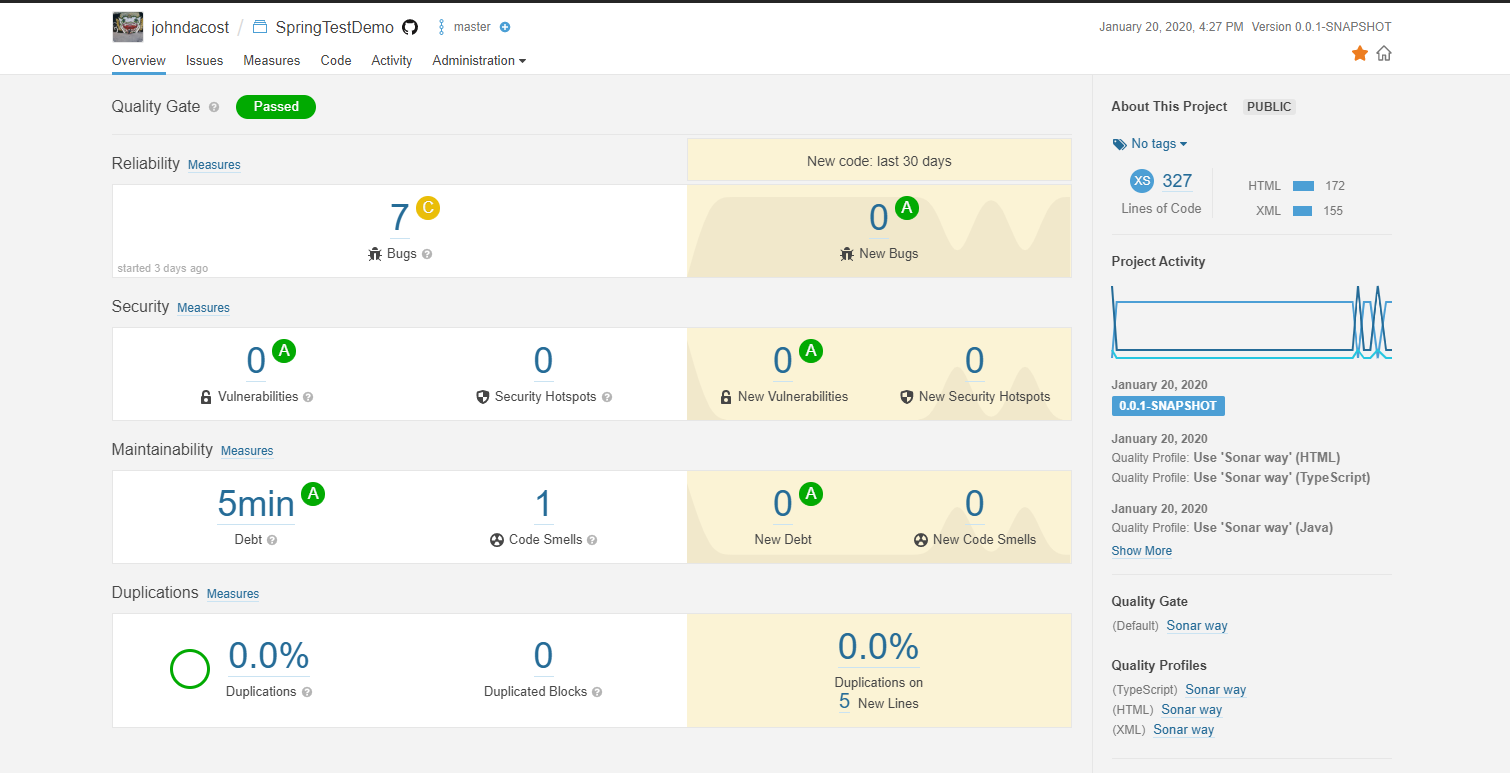
Configure your project
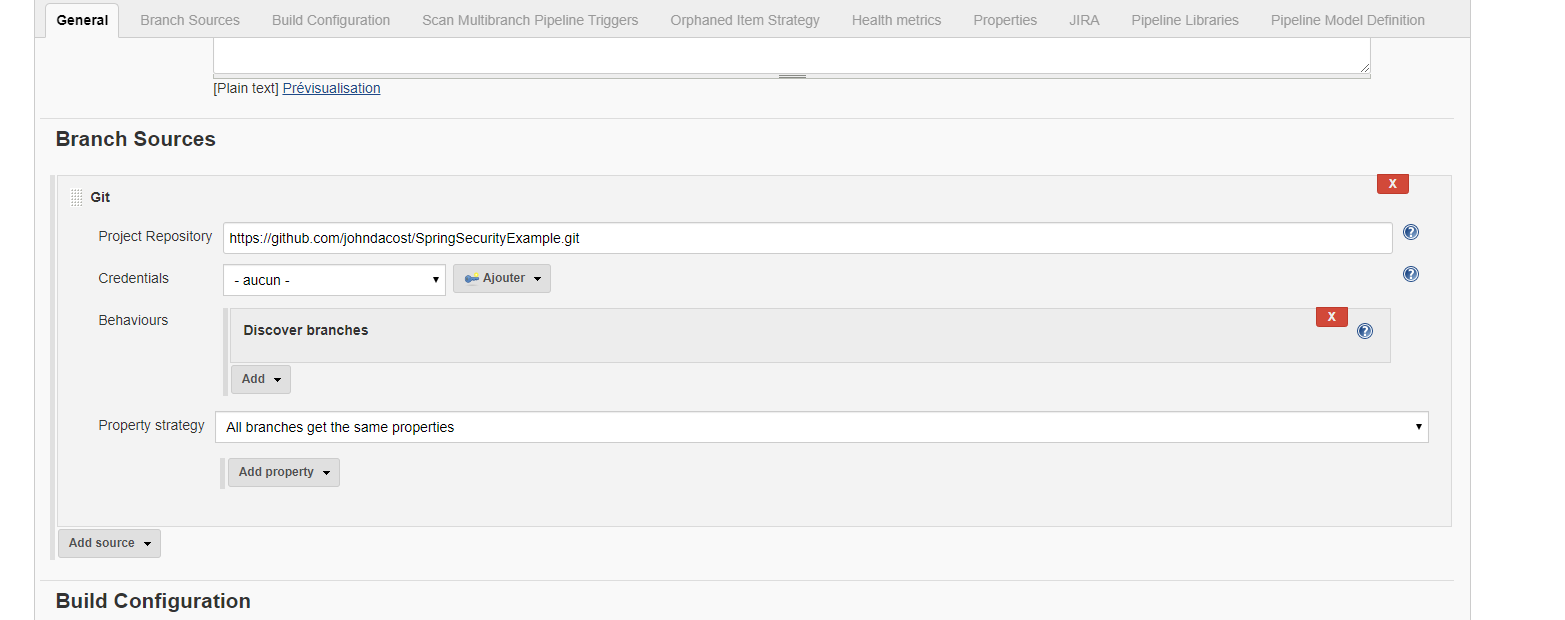
https://github.com/johndacost/SpringSecurityExample
Open Blue Ocean
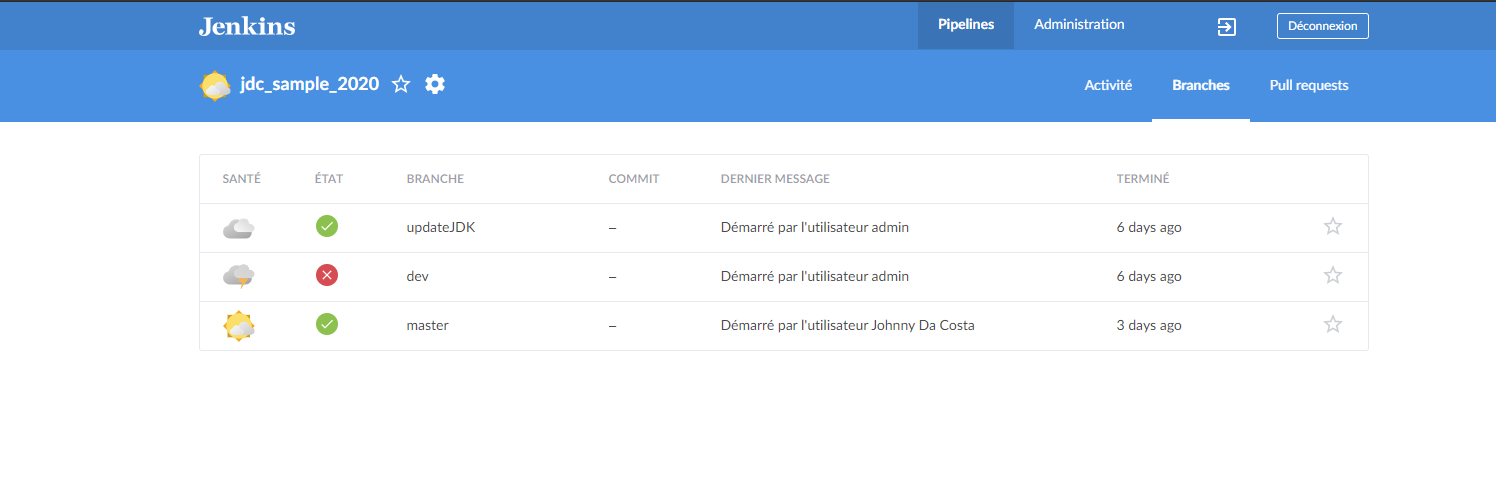
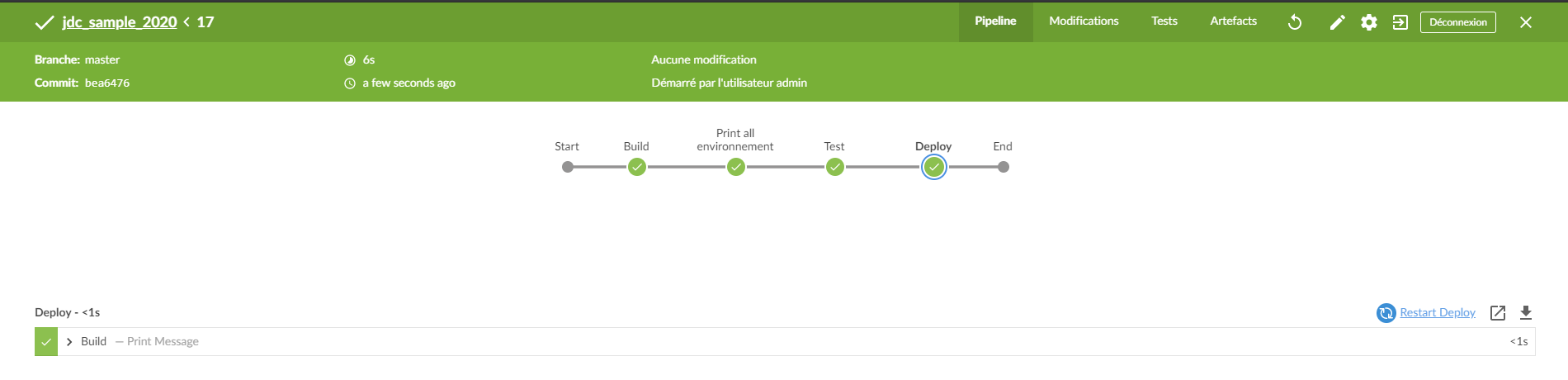
Easy setup db test
-
Connect to your server ssh qdl@xxx.xx.xx.xx
-
pwd: qdl-2019
-
-
git clone https://github.com/HE-Arc/easy-db-setup
-
cd easy-db-setup
-
Update the password
-
sudo docker-compose up -d
-
Go to http://xxx.xx.xx.xx:8081
Easy setup db dev
-
git clone https://github.com/HE-Arc/easy-db-setup
-
cd easy-db-setup
-
Update the password # keep by default in dev
-
docker-compose up -d
-
Go to http://localhost:8081
Run the spring app demo (local dev)
-
clone the repo.: https://github.com/johndacost/SpringSecurityExample.git
-
Run the containers: docker-compose up -d
-
Build and run the spring app demo :
-
> cd ./SpringTestDemo
-
> mvn spring-boot:run
-
-
go to http://localhost:8080
Jenkins
By Johnny Da Costa