Summer Prelude : MusicBlocks

About me
- Karan Palan
- Sophomore at Manipal Jaipur
Project Name - Masonry Framework Integration
Primary TechStack - React, TypeScript

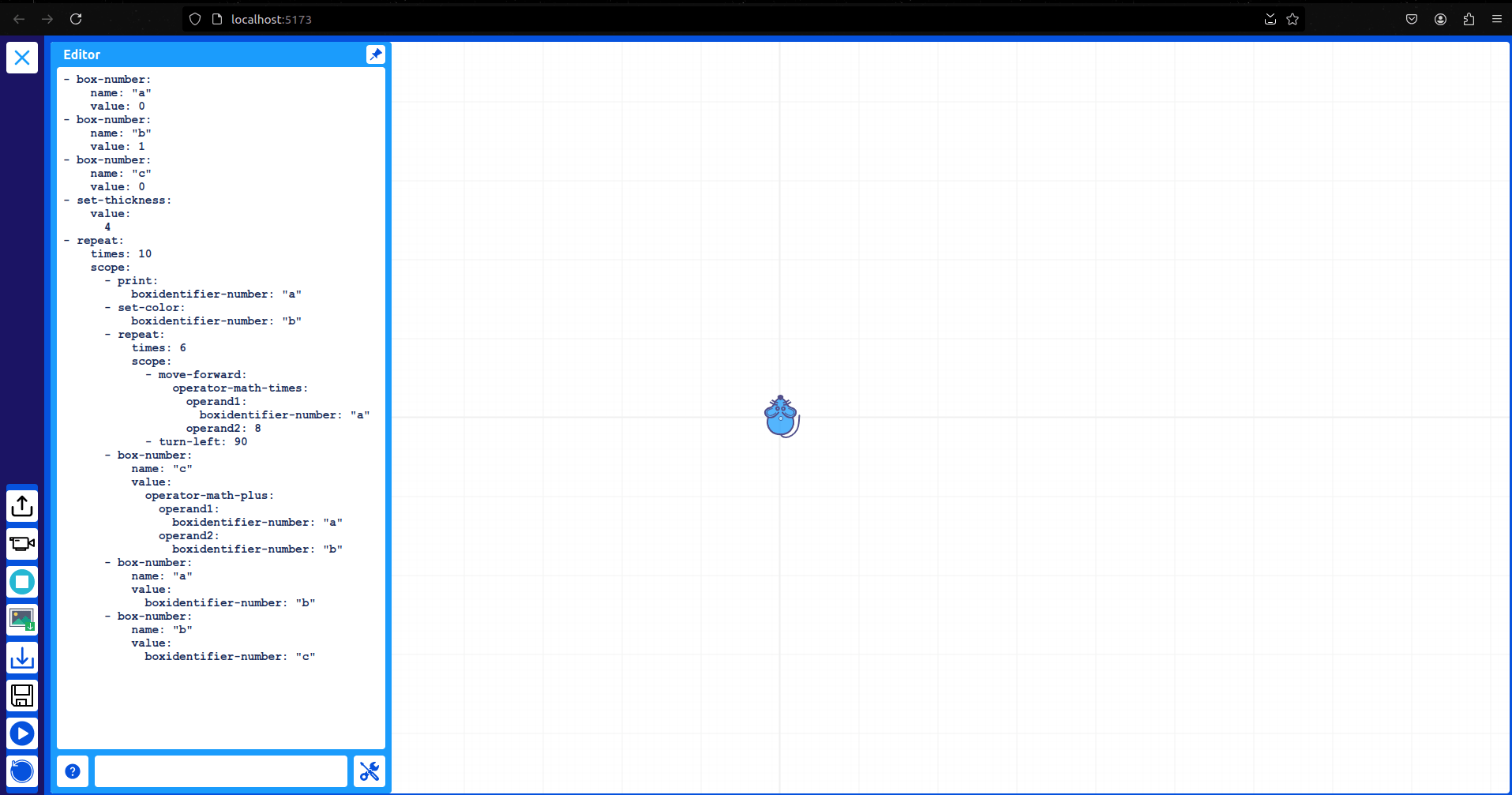
Music Blocks v-4 Project
A complete overhaul of music-blocks using modern front-end tooling
What is the Masonry Framework?
It is a graphical blocks manager module used to create Music Blocks programs. These blocks can be dragged, dropped, and clicked to perform actions . By implementing the Masonry feature, users will be able to create different musical patterns
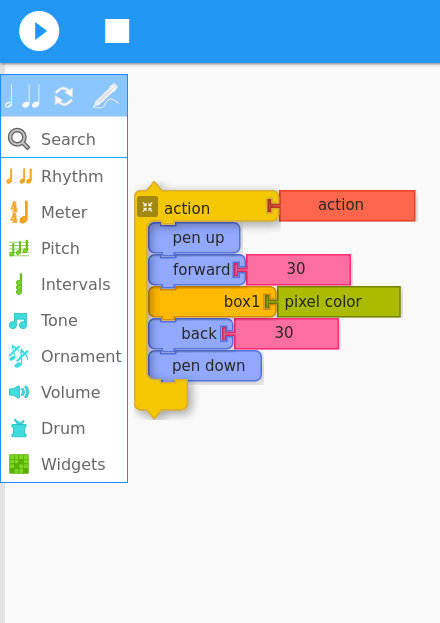
Major parts of Masonry Framework
1. Brick: A single, reusable block representing a musical or programming concept.
2. Brick Stack: A sequence of connected bricks that collectively perform a more complex function.
3. Palette: A collection of available bricks that users can drag into the workspace.
4. Workspace: The area where users arrange and manipulate bricks to create and visualize their music and code.
Data flow Diagram
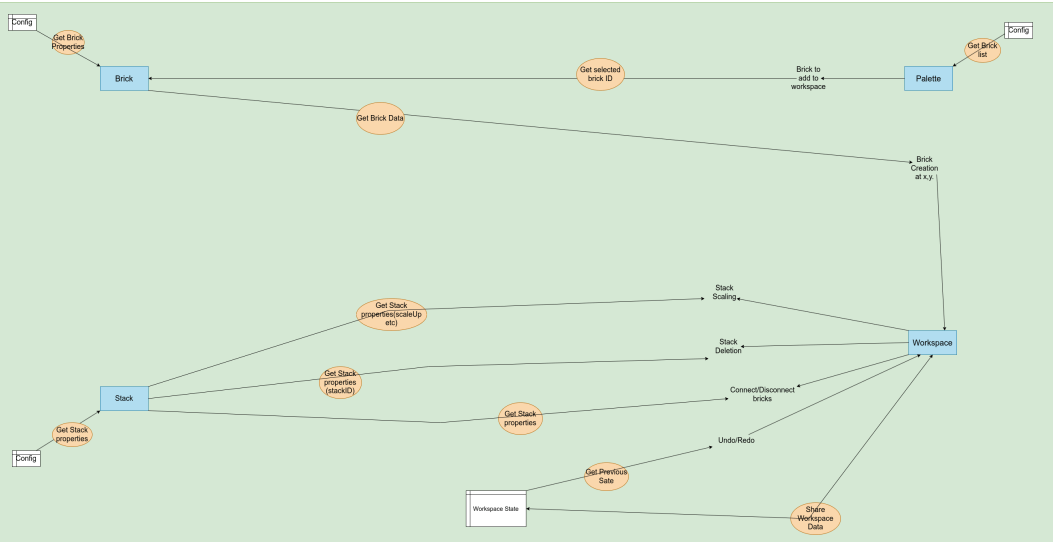
1. Brick
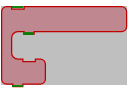
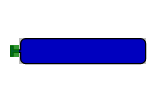
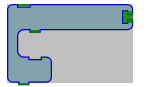
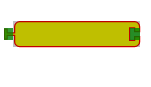
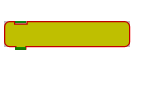
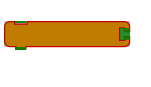
2. Data Bricks: These serve as inputs for other bricks and come in two types
3. Expression Bricks: Takes values as input, returns a value as output
4. Statement Bricks: These define actions to be taken
No Args With Args
1. Block Bricks: Contain nesting, also execute something like the statement
No Args With Args
1. Brick
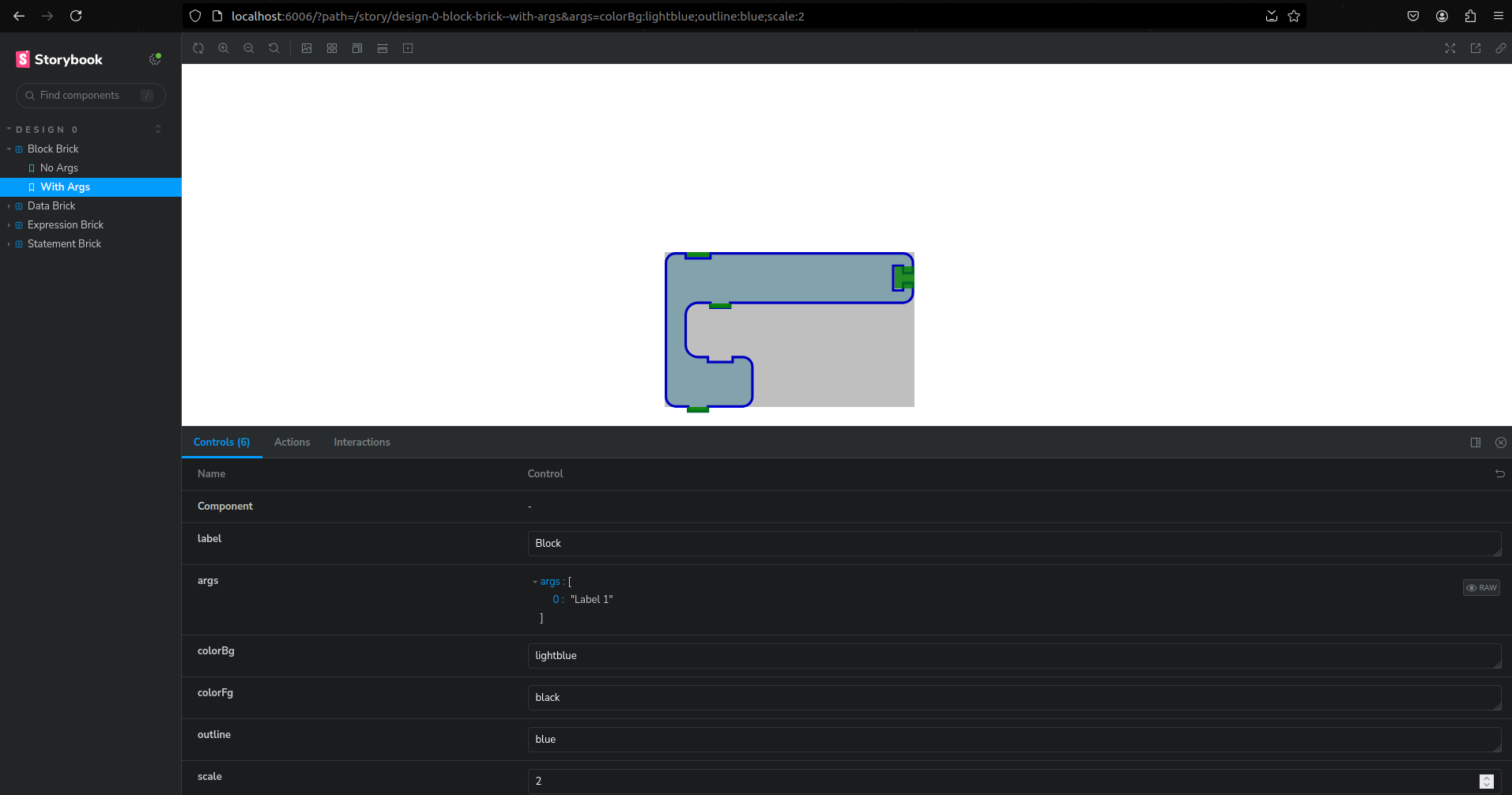
Rendered Brick in Storybook
1. Brick
src/
├── brick/
│   ├── @types/
│   │   └── brick.d.ts          // Basic types for the bricks
│   ├── design0/
│   │   ├── components/          // Contains components that render
│   │   │   ├── BrickBlock.tsx
│   │   │   ├── BrickData.tsx
│   │   │   ├── BrickStatement.tsx
│   │   │   └── BrickExpression.tsx
│   │   ├── stories/             // Stories that render in Storybook
│   │   │   ├── BrickBlock.stories.ts
│   │   │   ├── BrickData.stories.ts
│   │   │   ├── BrickStatement.stories.ts
│   │   │   └── BrickExpression.stories.ts
│   │   ├── BrickBlock.ts        // Final classes of bricks
│   │   ├── BrickData.ts
│   │   ├── BrickStatement.ts
│   │   └── BrickExpression.ts
│   ├── stories/                 // Contains basic brick code and meta stories
│   │   ├── components/
│   │   │   ├── BrickBlock.tsx
│   │   │   ├── BrickData.tsx
│   │   │   ├── BrickStatement.tsx
│   │   │   ├── BrickExpression.tsx
│   │   │   └── BrickWrapper.tsx
│   │   ├── brickBlock.ts
│   │   ├── brickData.ts
│   │   ├── brickStatement.ts
│   │   └── brickExpression.ts
│   ├── utils/
│   │   ├── spec/
│   │   │   └── path.spec.ts      // Test file
│   │   └── path.ts               // Path generation file
│   ├── index.ts                  // Main entry file
│   └── model.ts                  // Abstract classes
Code Structure
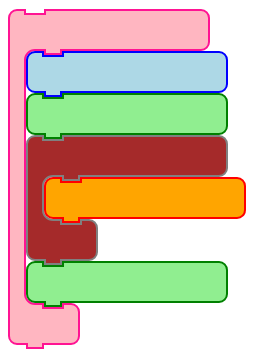
2. Stack of Bricks
Brick Stack Structure
- Interfaces & Classes
1. `IStack`: Interface defining the stack structure.
2. `IStackNode`: Interface for a node in the stack.
3. `Stack`: Class implementing the `IStack` interface.
4. `StackNode`: Class implementing the `IStackNode` interface.
- Core Methods
- `validate()`: Ensures the stack's structure is correct.
- `addNode(node, parentId?)`: Adds a new node, optionally under a parent node.
- `removeNode(id)`: Removes a node from the stack.
- `moveNode(id, newParentId, newIndex)`: Relocates a node to a new position.
Brick and Stack
Issues faced:
1. Alignment and Spacing: The bricks were not aligning correctly when stacked vertically, leading to visual overlap or gaps between bricks. The vertical length of each brick wasn't calculated properly, resulting in improper rendering.
2. Connection Mechanisms: Ensuring that bricks connect seamlessly was challenging, particularly in managing the various types of connections (top, middle, bottom) and how they interact with each other.
3. Scaling and Resizing: Adjusting the size and scale of bricks to maintain visual consistency across different brick types.
4. Drag-and-Drop Functionality: Implementing smooth drag-and-drop behavior, where bricks would snap into place correctly within the workspace, involved calculations and handling edge cases, such as overlapping or misaligned bricks. (WIP).
3. Workspace
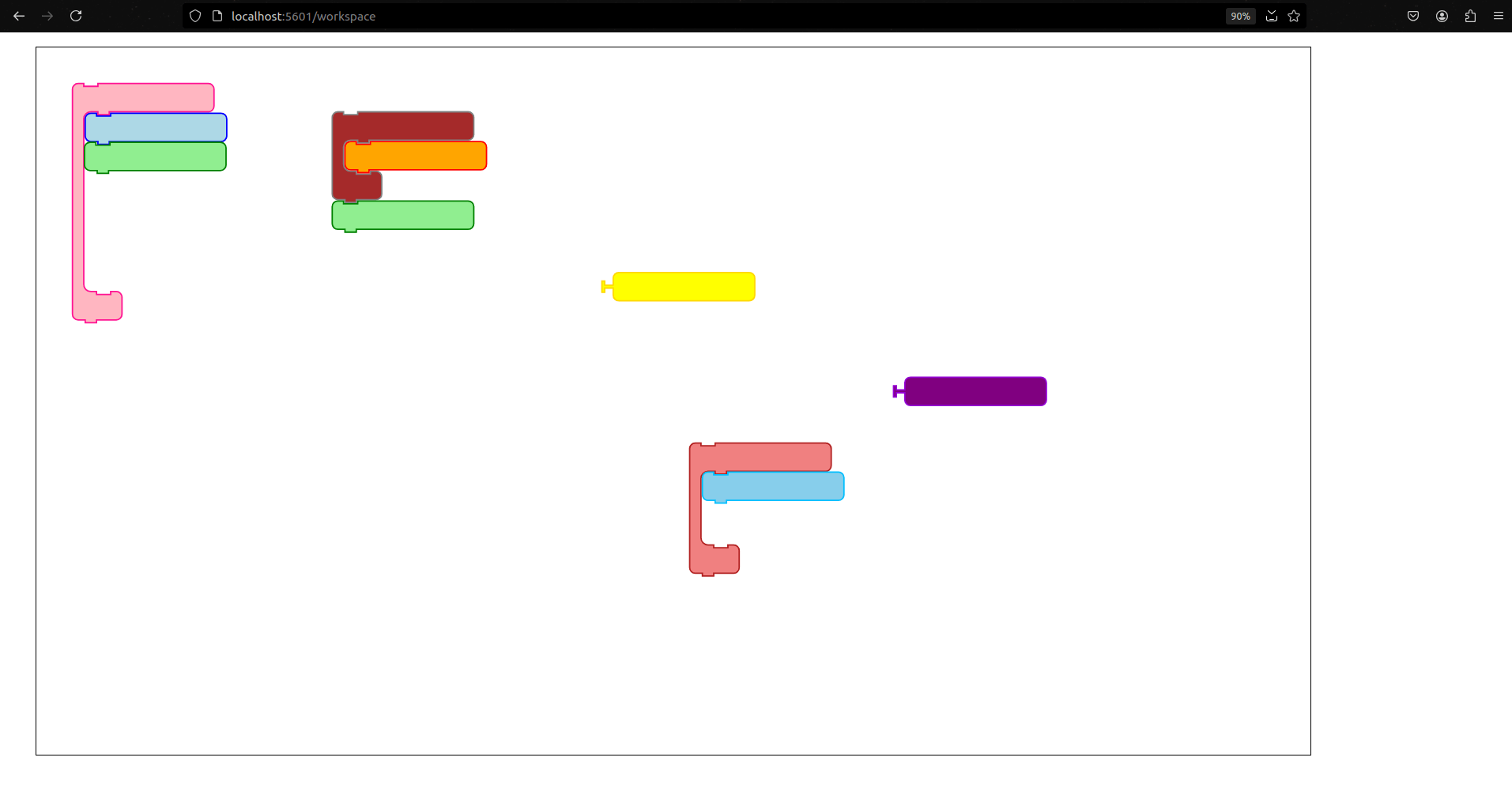
Workspace : A canvas where you can play with the bricks and stack
Workspace
Issues faced:
1. State Management Complexity:
- Challenge: Managing the state of draggable bricks and their interactions within the workspace became complex as the number of elements and interactions increased.
- Solution: Utilized Zustand for state management to handle global state efficiently. Zustand's minimalistic and reactive approach streamlined state updates and allowed for a cleaner and more maintainable codebase.
2. Drag-and-Drop Functionality:
- Challenge: Implementing smooth and accessible drag-and-drop functionality was essential for user interaction but required careful handling to ensure compatibility and performance.
- Solution: Integrated React-Aria to handle drag-and-drop interactions. React-Aria provided accessible drag-and-drop hooks, simplifying the implementation and ensuring that the workspace was user-friendly for all needs.
Demo
What I'll do this week
and after the GSoC period
- Add scale up and scale down to the workspace
- Create a palette component and enable drag and drop
- Fix edge cases and write tests
- Integrate it with MB4 project
Thank you
To all the mentors Anindya Kundu, Devin and Walter and the entire Sugarlabs community.
Link to my work:
https://github.com/sugarlabs/musicblocks-v4/commits/gsoc-2024/week-11-12/modules/masonry
Final Summer Prelude
By Karan Palan