Intro to Web Accessibility
Why it's important, and what we can do

Kora Lajoie
Front End Developer & Product Liason Race Roster
About me


What is web accessibility?
Websites, tools, and technologies are designed and developed so that they can be perceived, understood, navigated, and interacted with by people with disabilities.
This includes visual, auditory, physical, and more. But also temporary or situational limitations.

Is this your website?
Why?
"The power of the Web is in its universality. Access by everyone regardless of disability is an essential aspect."
- Tim Berners-Lee
- It's the law
- Better UX, Accessibility IS Usability
- Accessibility increases your audience
- Everyone deserves access
- It's the right thing to do

Accessibility: Essential for some useful for all
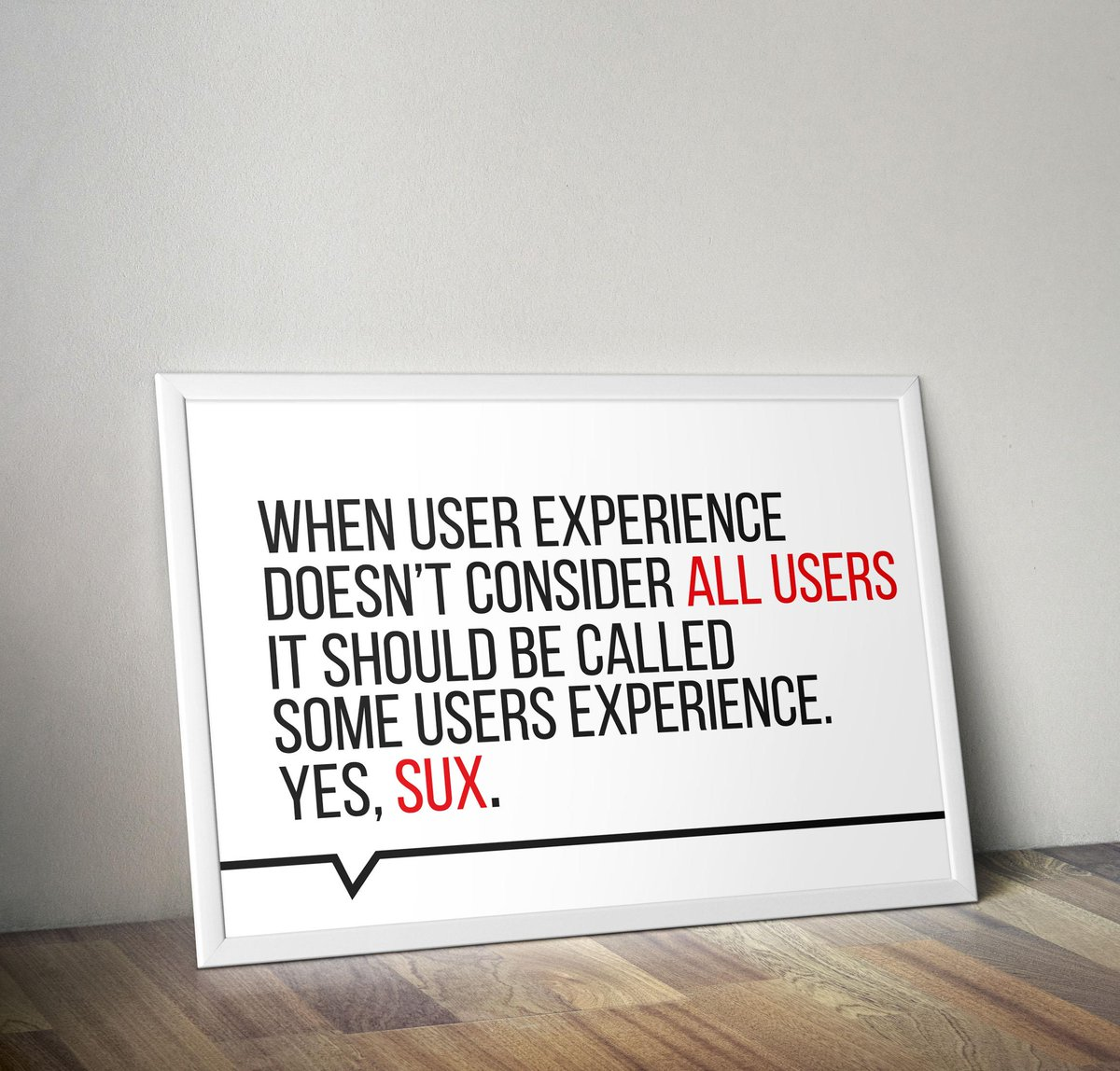
Accessibility: Essential for some useful for all
- Video captions
- Color contrast
- Logical structure and clear layout
- Clear headings
- Navigation
- Large buttons and links
- Clear feedback
- Keyboard accessible
How to get started
- Think about it
- It's okay to start small
- It's an ongoing process
- Prepare to be wrong
- Focus on semantic HTML
- Learn what tags and different attributes do
Semantics
- JS can be used to make anything do anything
You probably shouldn't if you can be semantic instead - Use elements for their intended purpose
- '<div>' vs '<button>' vs '<anchor>'
- Use lists for lists (like relating groups of links)
- Use tables ONLY for tabular data
- Usually means less CSS/JS/extra attributes
Headings
-
Use heading tags correctly, '<h1>' - '<h6>'
- Use logical structure
- Not for making text bigger
- Should be an appropriate title for the content
- Generally there should be only one '<h1>'
- Not just for accessibility - helps SEO too
Good:
<h2>About me</h2>
<p>Hi, I'm Kora.<p>

Bad:
<h1>Look at this text, I want you to notice it</h1>

Instead:
<span style="font-size: 30px">Look at this text, I want you to notice it</span>
Forms
- Provide instructions for form before the form tag
- Mark required fields (programmatically and visually)
- All fields need label (use for/id)
<p>All fields marked with an asterisk (*) are required</p>
<form>
    <label for="email">
        Email
        <span title="Required">*</span>
    </label>
    <input type="email" id="email" required>
    <button type="submit">Submit</button>
</form>
Visuals
- Entire site should be usable up to 200% zoom
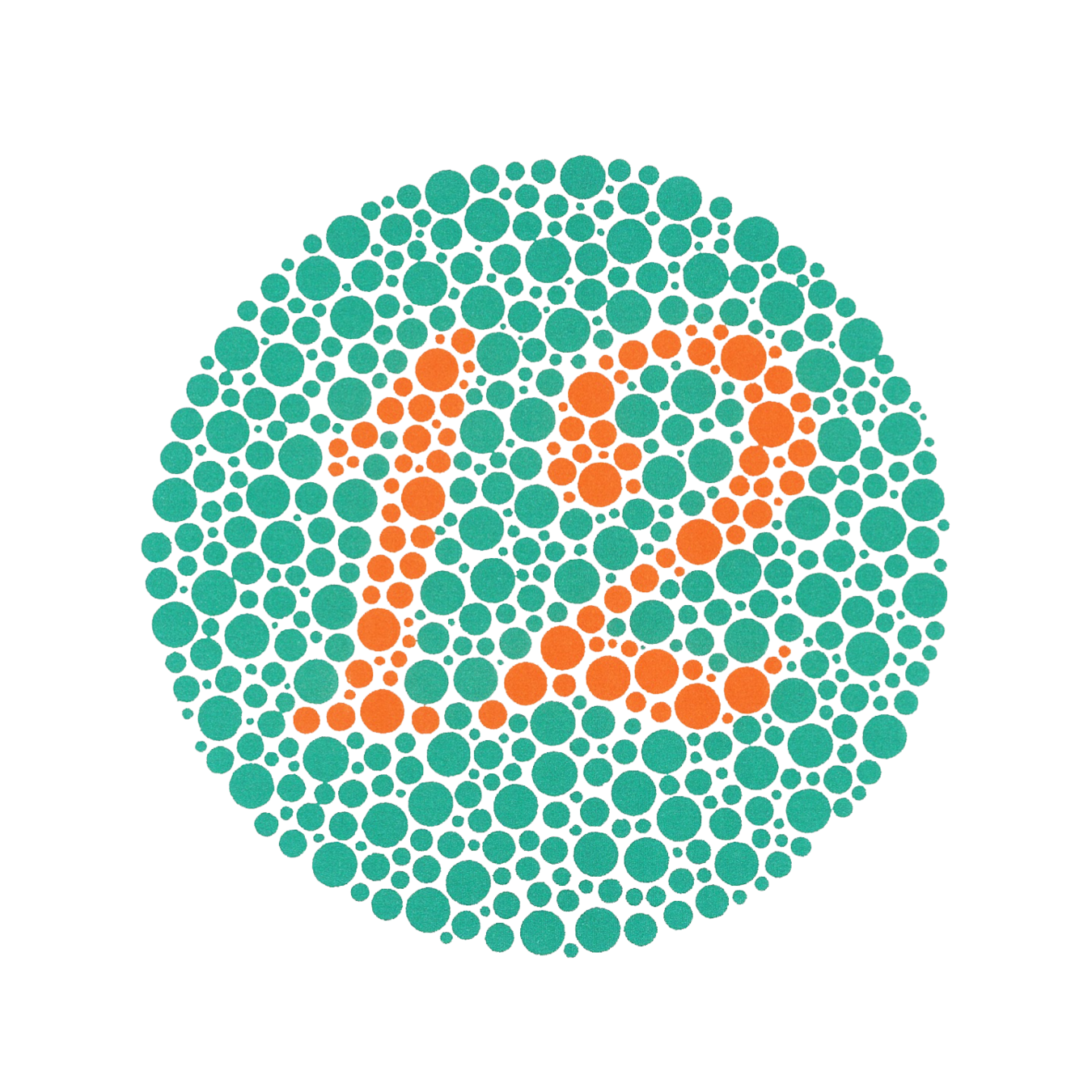
- When picking colors ensure proper contrast levels
- Color blindness
- Poor lighting
- Don't add text in images
- Add alt tags for images
<img src="https://place-hold.it/50" alt="A place holder image for example purposes">Tools
- Contrast
- Testing
Intro to Web Accessibility
By Kora Lajoie
Intro to Web Accessibility
Talk for Women in Science and Engineering club at Sheridan