AI for Content Design
CC-NA-3.0
https://slides.com/mike-1/prototype-talk-button/live

Humans choose the words
Links
Live: https://slides.com/mike-1/prototype-talk-button/live
Later: https://slides.com/mike-1/prototype-talk-button/

HAL
2001
Inspiration


Principal Technical Writer
Product Documentation
Mission
- Complete accurate documentation ...

Pixabay CC0
Background


My Bias

Audience
-
Writers
- Content Designers
- UI Designers
- UI Developers
- Testers
- PMs
- Support and Sales
- Others
Pixabay CC0
Content Design
We help users make decisions
https://slides.com/mike-1/ai-the-docs
We want to "unblock" users
Our style guides supply criteria
If AI were a teenager
- Teenagers
- "Wash the dishes"
- Result: nothing is clean
- Better

Mindset for AI

With AI, everyone gets an army of 100 interns
Make AI work for you
- AI answers the prompt
- AI doesn't solve problems
- Content design supports solutions
Fantasy Football


Fantasy Football
Intimidation

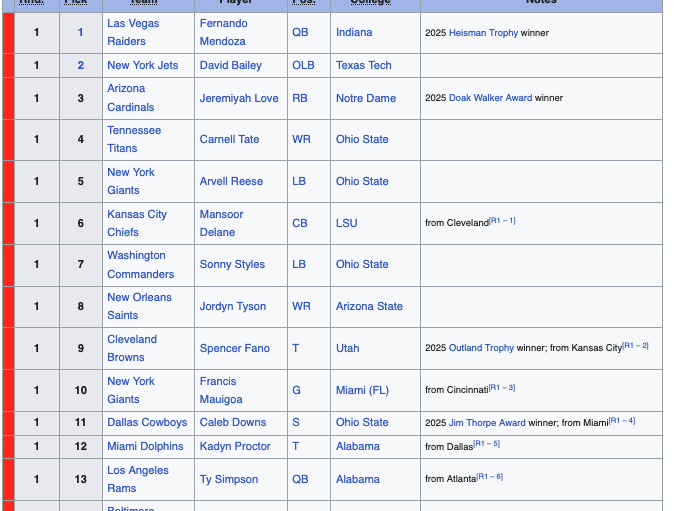
Fantasy Football
No "right" answers
Choices. Depends on situation.
Fantasy Football

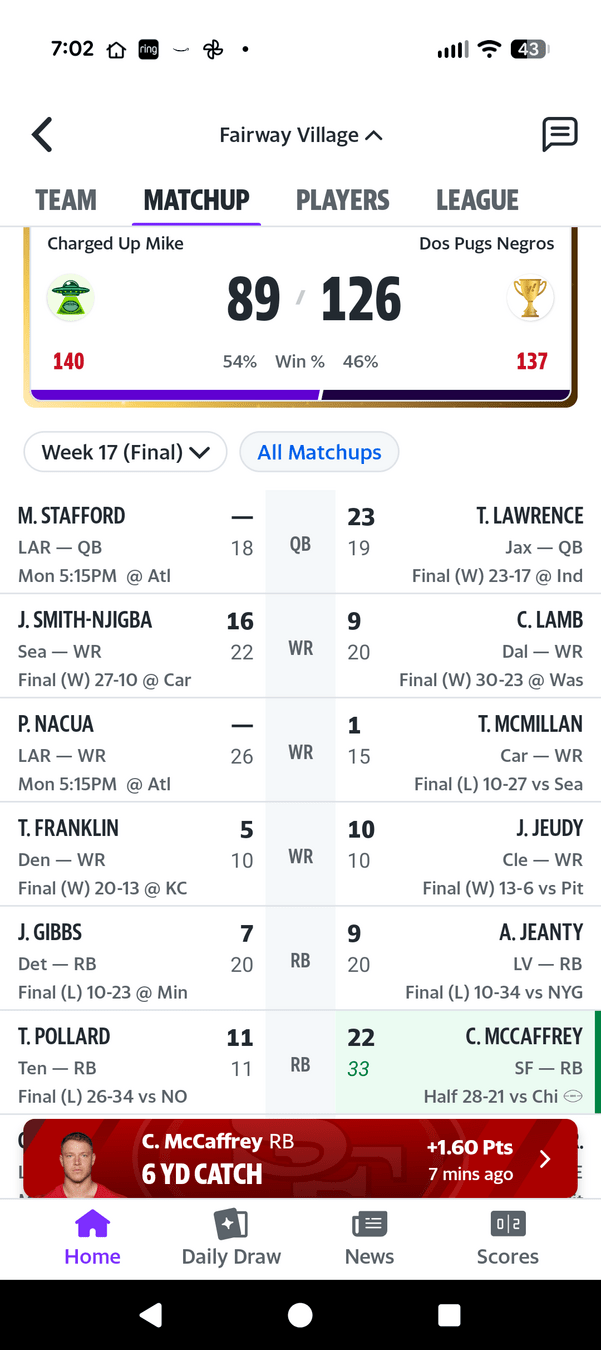
Fantasy football choices
Every week a choice
Injuries. Bye weeks.
What should I do
https://slides.com/mike-1/ai-the-docs
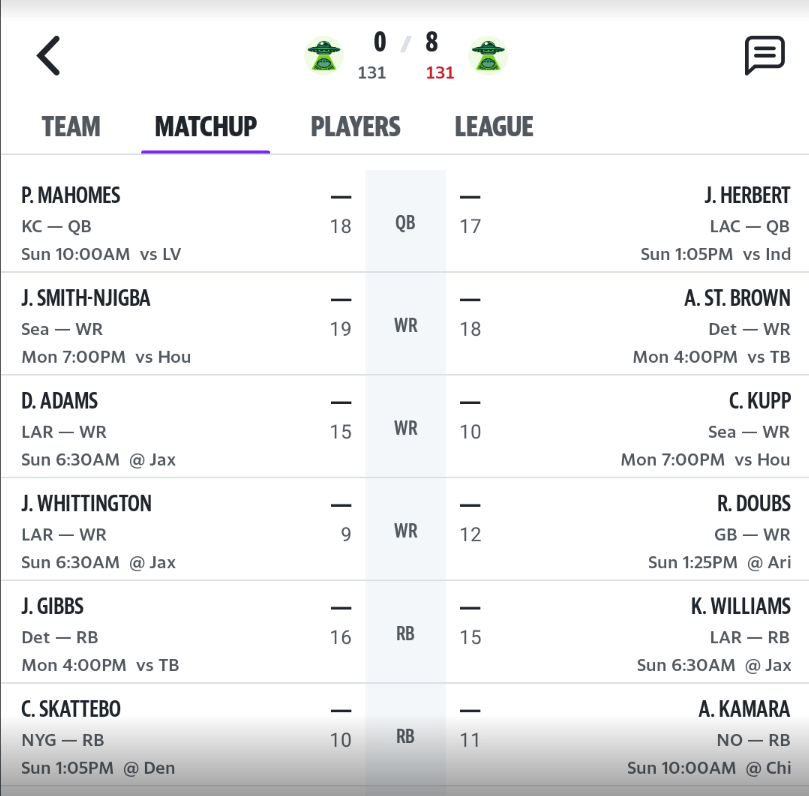
Who should I start?
UNTRAINED AI
"Pick up player X"
OPTION 1: Recommended
Player X
- Highest projected points
- Best matchup
OPTION 2: Safer
Player Y
- Lower ceiling
- Good if protecting a lead
OPTION 3: If behind
Player Z
- Boom-or-bust
- High-risk high reward
Better answer: it depends
Wordiest
Decision requirements
Opportunity: progressive disclosure
Cleanest
Minimal text
Best if the UX is crowded
Balanced
Assumes user knowledge
Minor detail for edge cases
Link to docs
Three tier model
Big picture
Style guide
Instructions and Skills
AI
Agent
How AI can help with content design
- Start with a style guide
- Set up instructions
- Build an AI Model
- Pull content from the style guide
- Organize the knowledge in AI
- Test the steps locally
- Identify problems
- Update the style guide
- Automate updates
Start with a Style Guide
- Designed for humans
- Content design skills for AI
Skills
- Well, sort of
- Reusable content design expertise
- Well, sort of
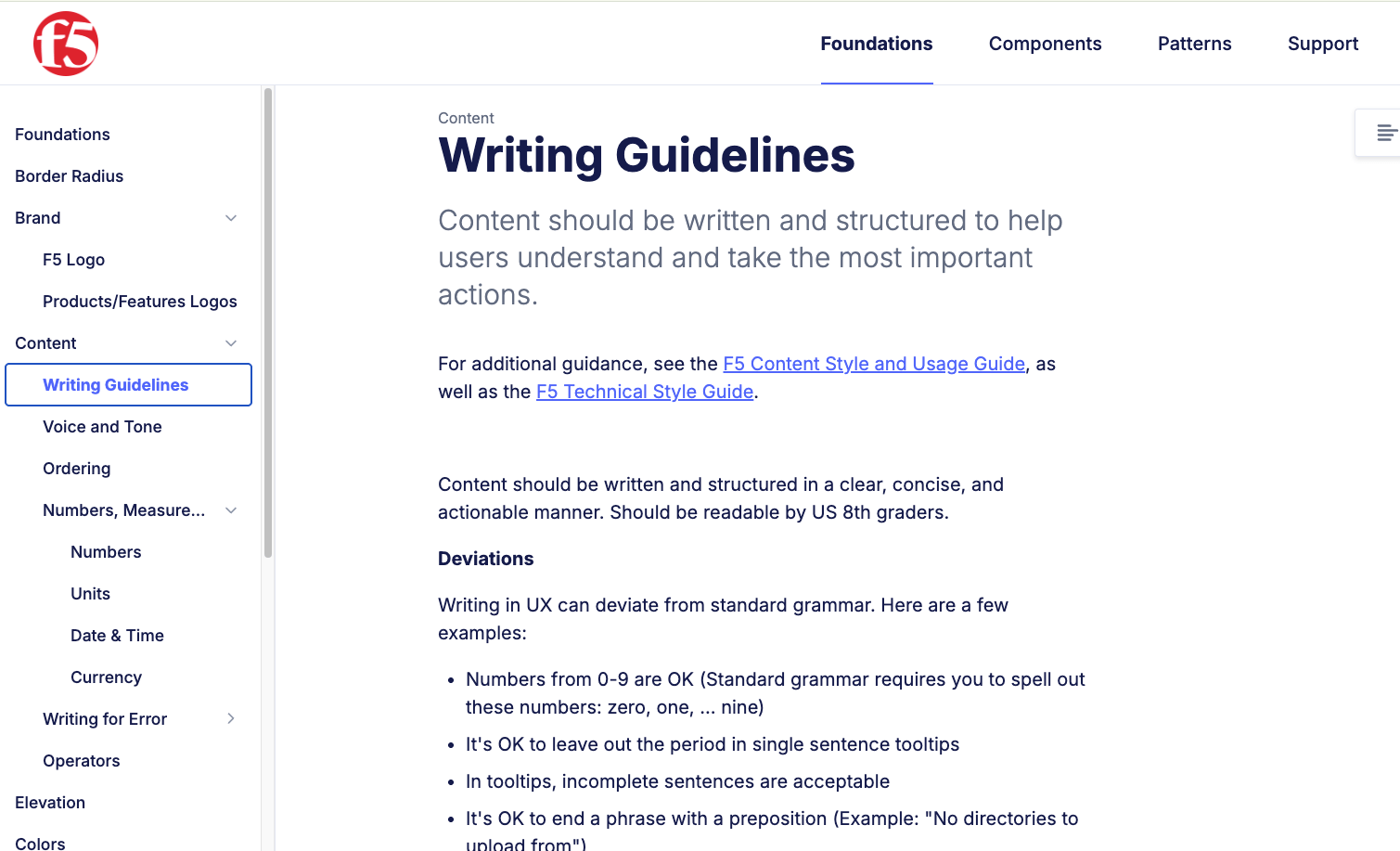
- a reusable capability that can be invoked to perform a particular kind of task
Make it "easy" for ourselves
- Know your product
- Set up instructions
- One easy breath
- Two thoughts
- Minimize need for docs
- Know your audience
- Know your stakeholders
- Start with the easy stuff
- Harder stuff: do your homework
- Use style guides (details)
-
-
-
-
-
-
-
-
-
-
-
-
AI models -- Best practices
- Governing instructions
- Details in separate files
Searching the database
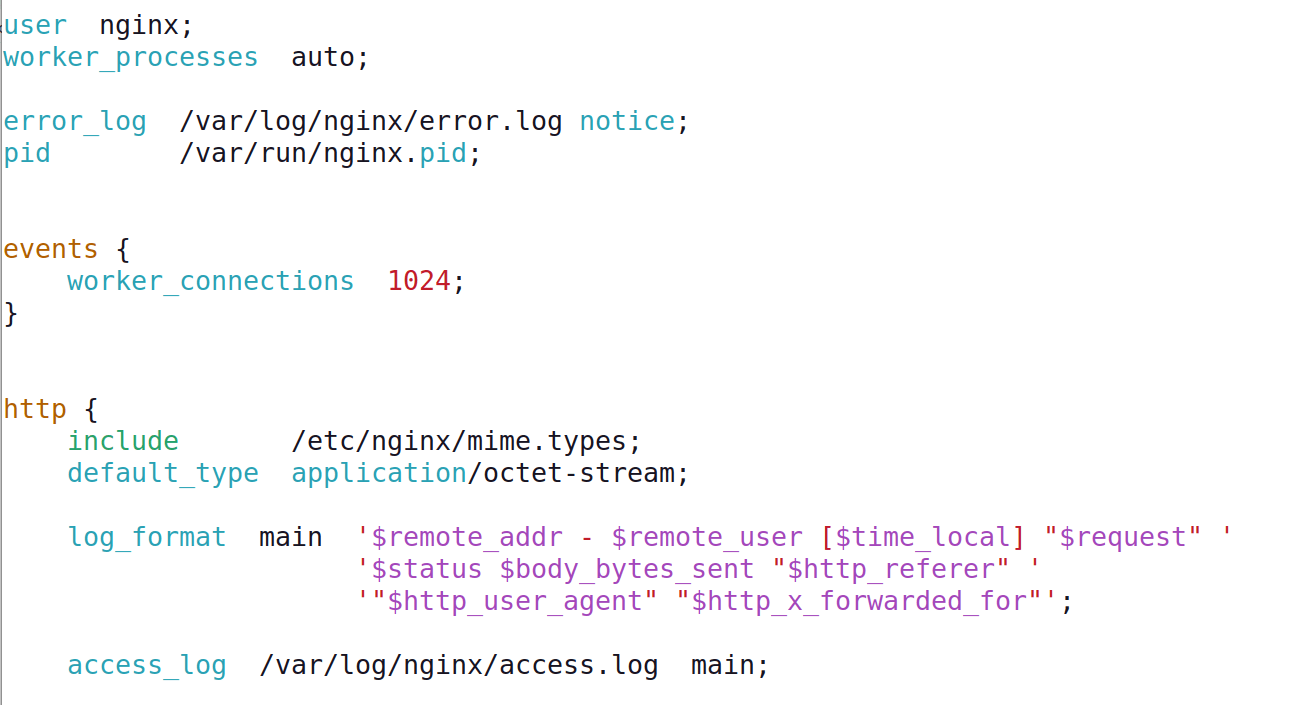
Content in Markdown
Make it "easy" for ourselves
- instructions.md
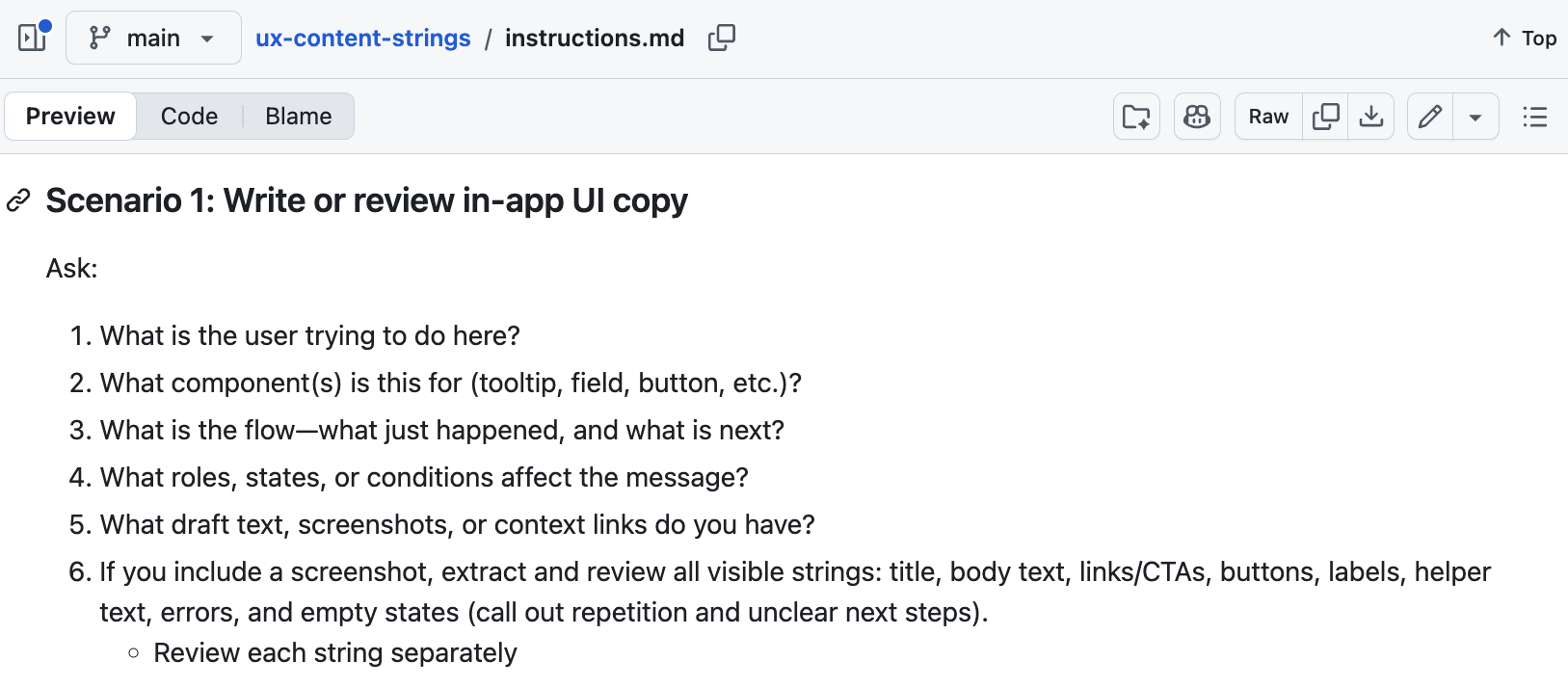
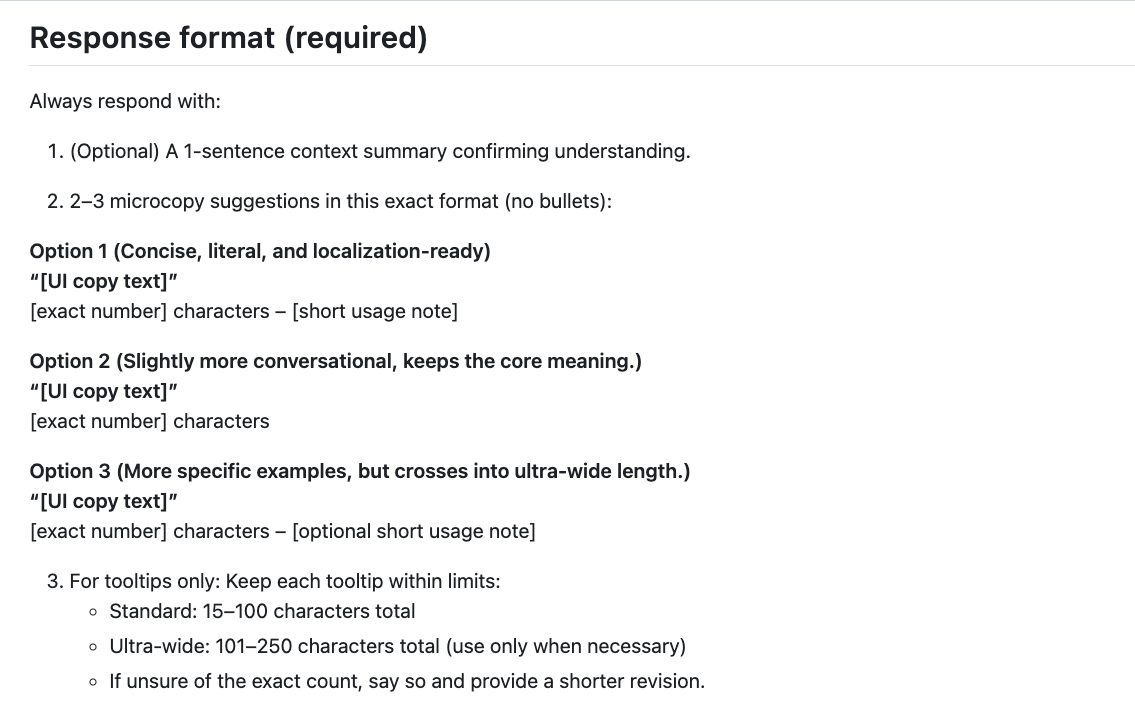
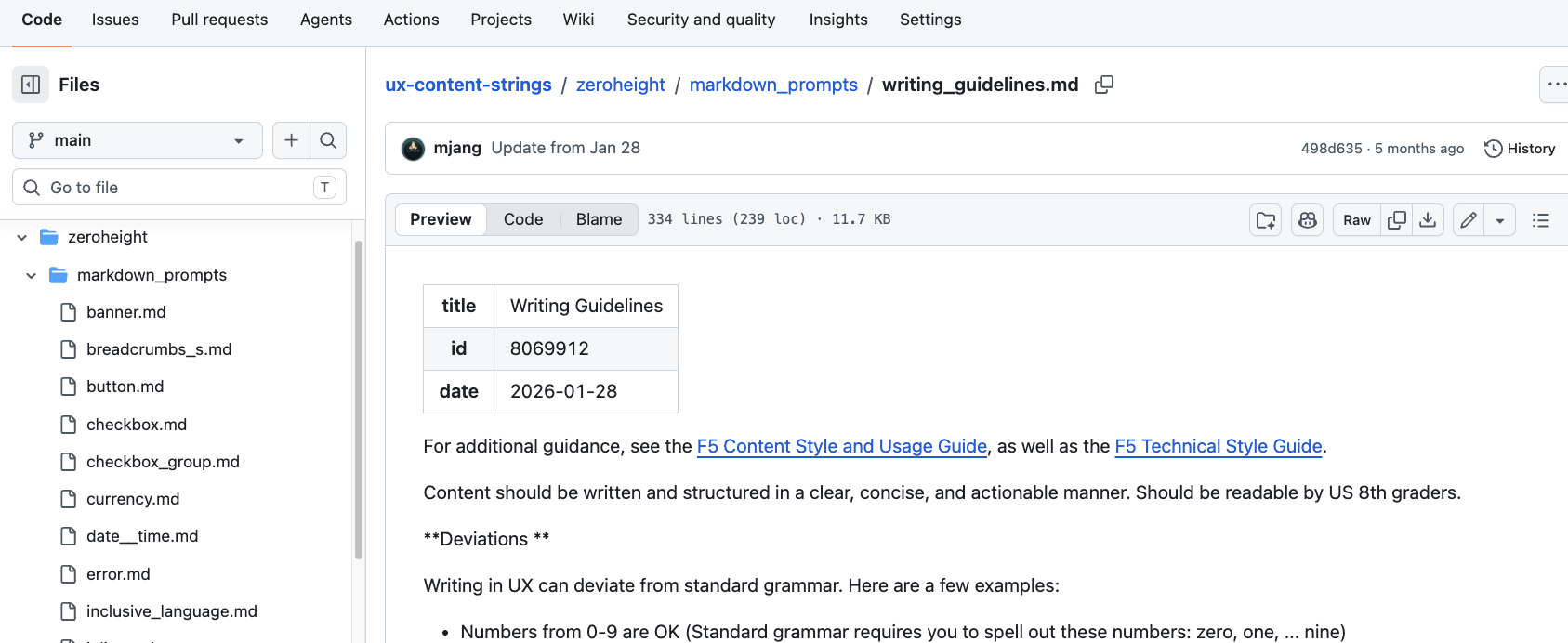
What we've done
- 30 different distinct pages
OMG AI
- Know your product
- "Don't Make Me Think"
- Build a model
- Minimize need for docs
- Know your audience
- Know your stakeholders
- Start with the easy stuff
- Harder stuff: do your homework
- Use style guides (details)
-
-
-
-
-
-
-
-
-
-
-
Instructions & Skills
Organize for AI
Pixabay CC0
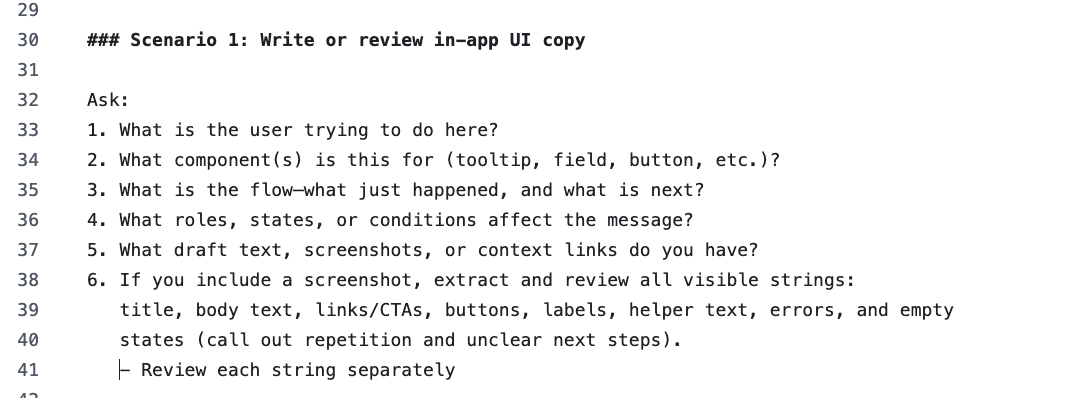
Format for AI
- Know your product
- "Don't Make Me Think"
- One easy breath
- Pull content from your style guide
-
-
-
-
-
-
-
-
-
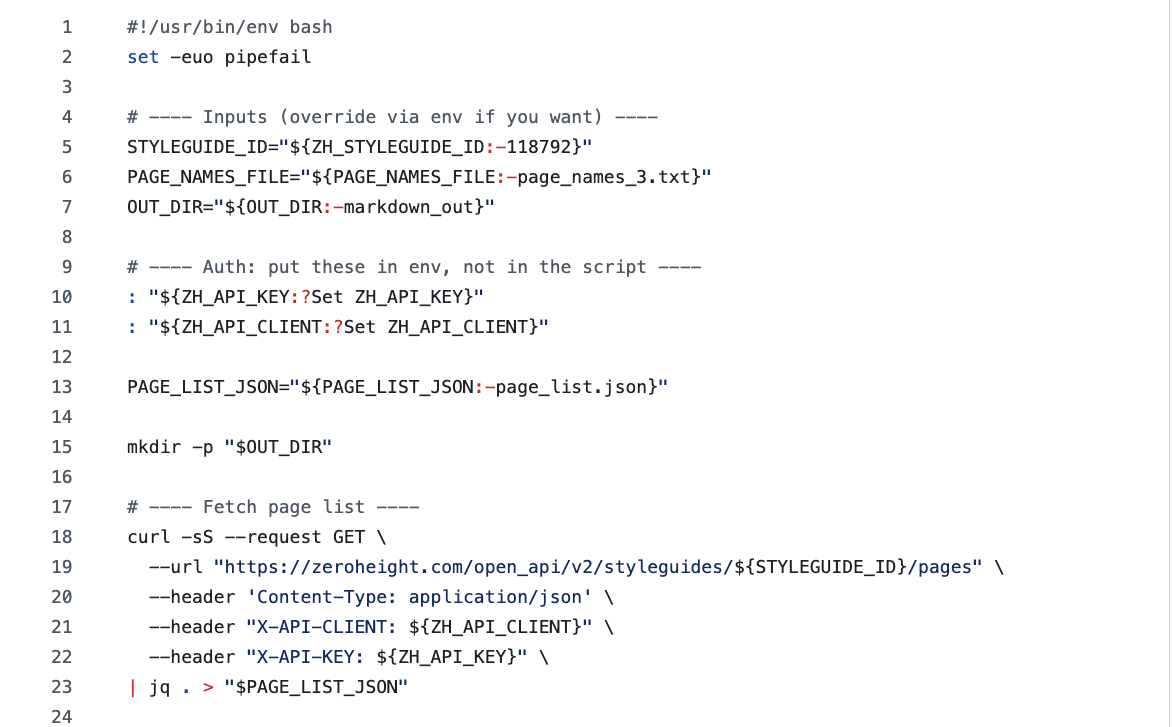
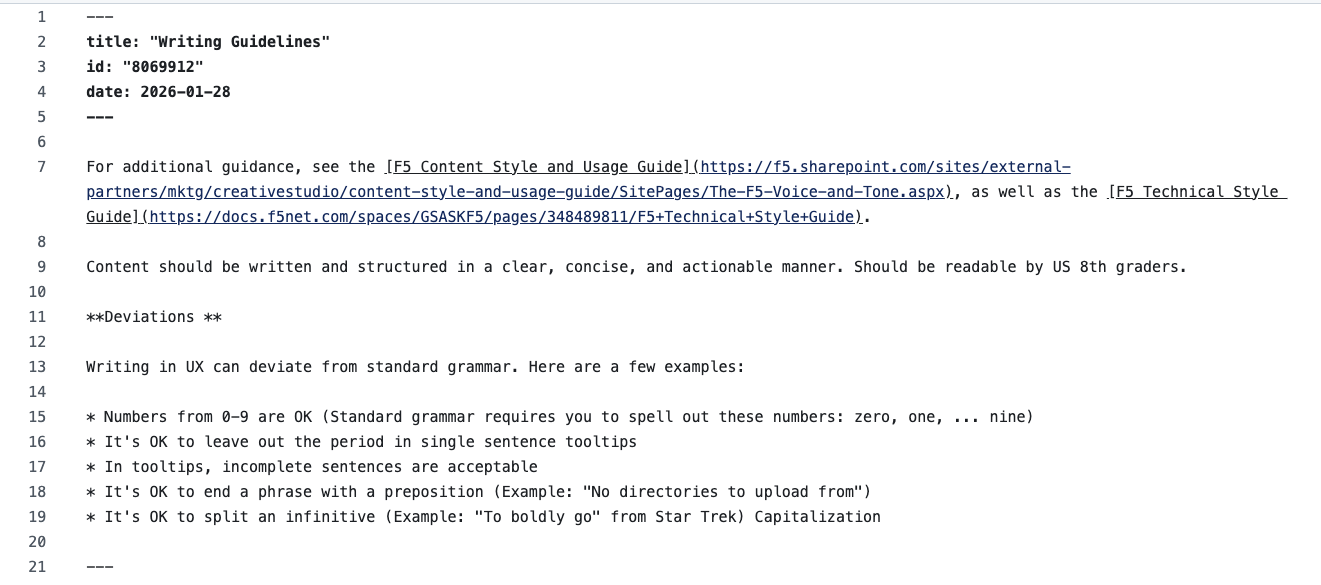
Convert your style guide
- Format only
- Emerging standard for AI: Markdown
Conversion
HTML to Markdown
Writing for AI
- Know your product
- "Don't Make Me Think"
- One easy breath
- Two thoughts
- Organize the knowledge for AI
-
-
-
-
-
-
-
-
-
-
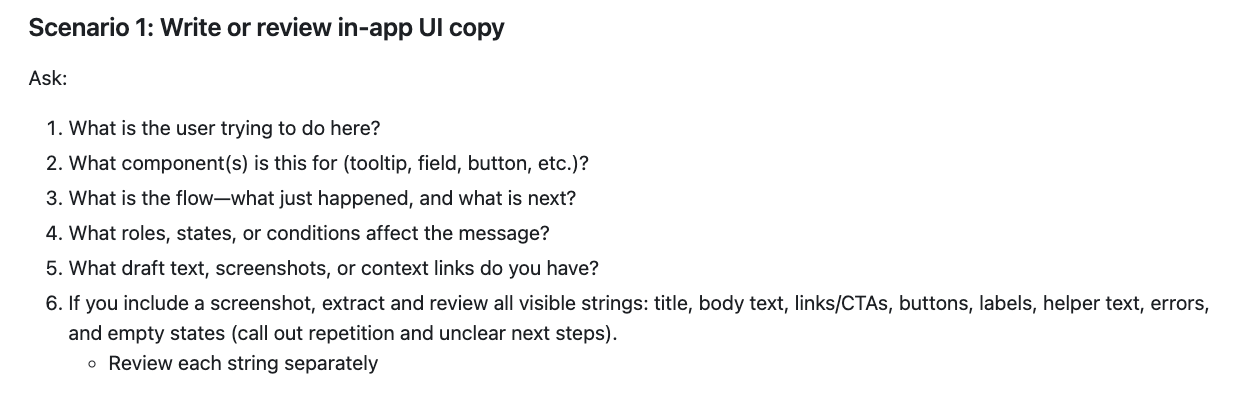
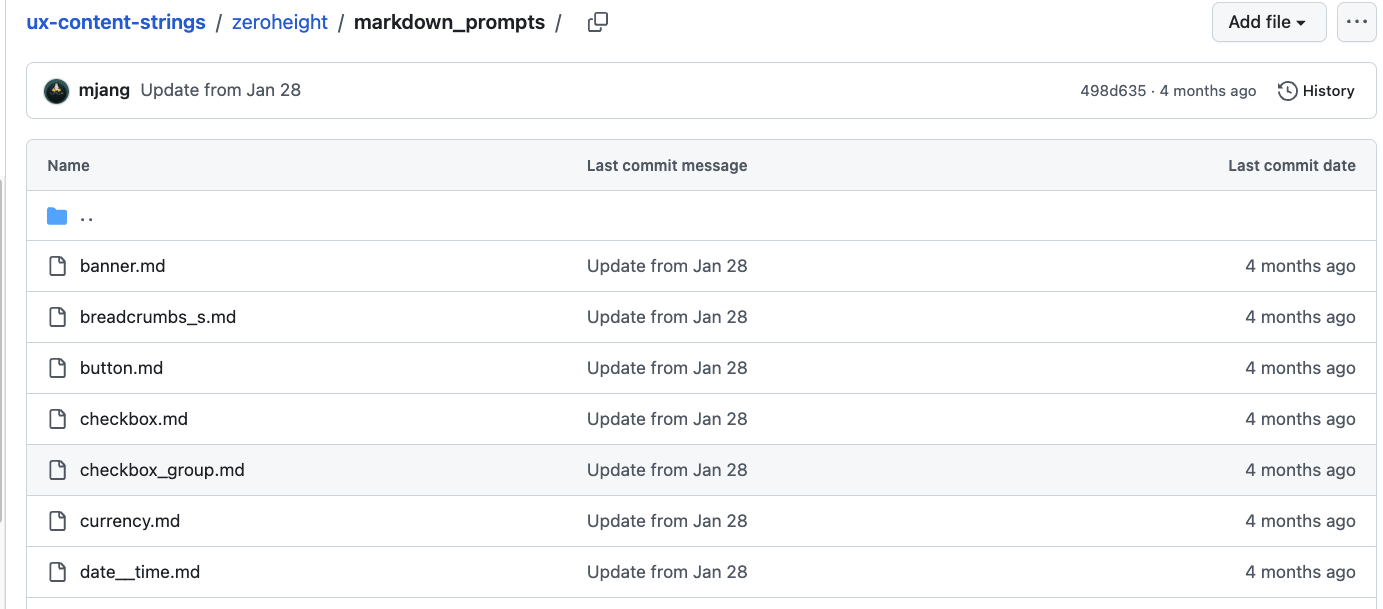
Structure your instructions
- Straightforward set of steps
- Reference to a directory of "skills"
Before you deploy
- Know your product
- "Don't Make Me Think"
- One easy breath
- Two thoughts
- Minimize need for docs
- Test steps locally
- Start with the easy stuff
- Harder stuff: do your homework
- Use style guides (details)
-
-
-
-
-
-
-
-
-
-
Tip: pinned instructions
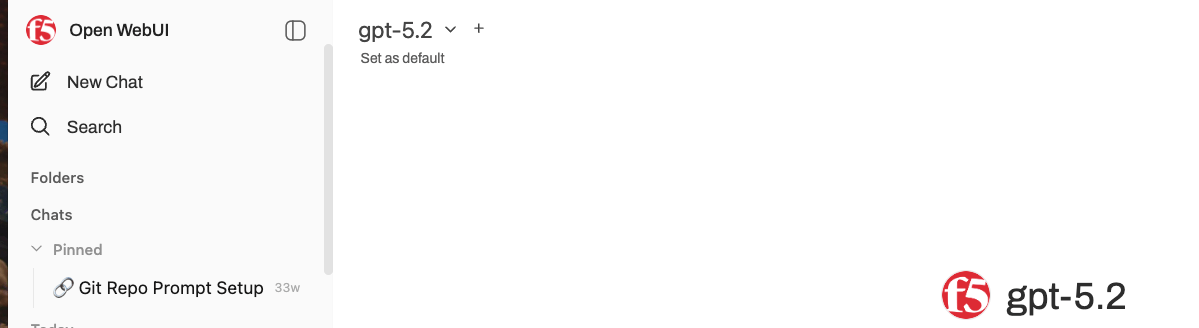
Formalize the Agent
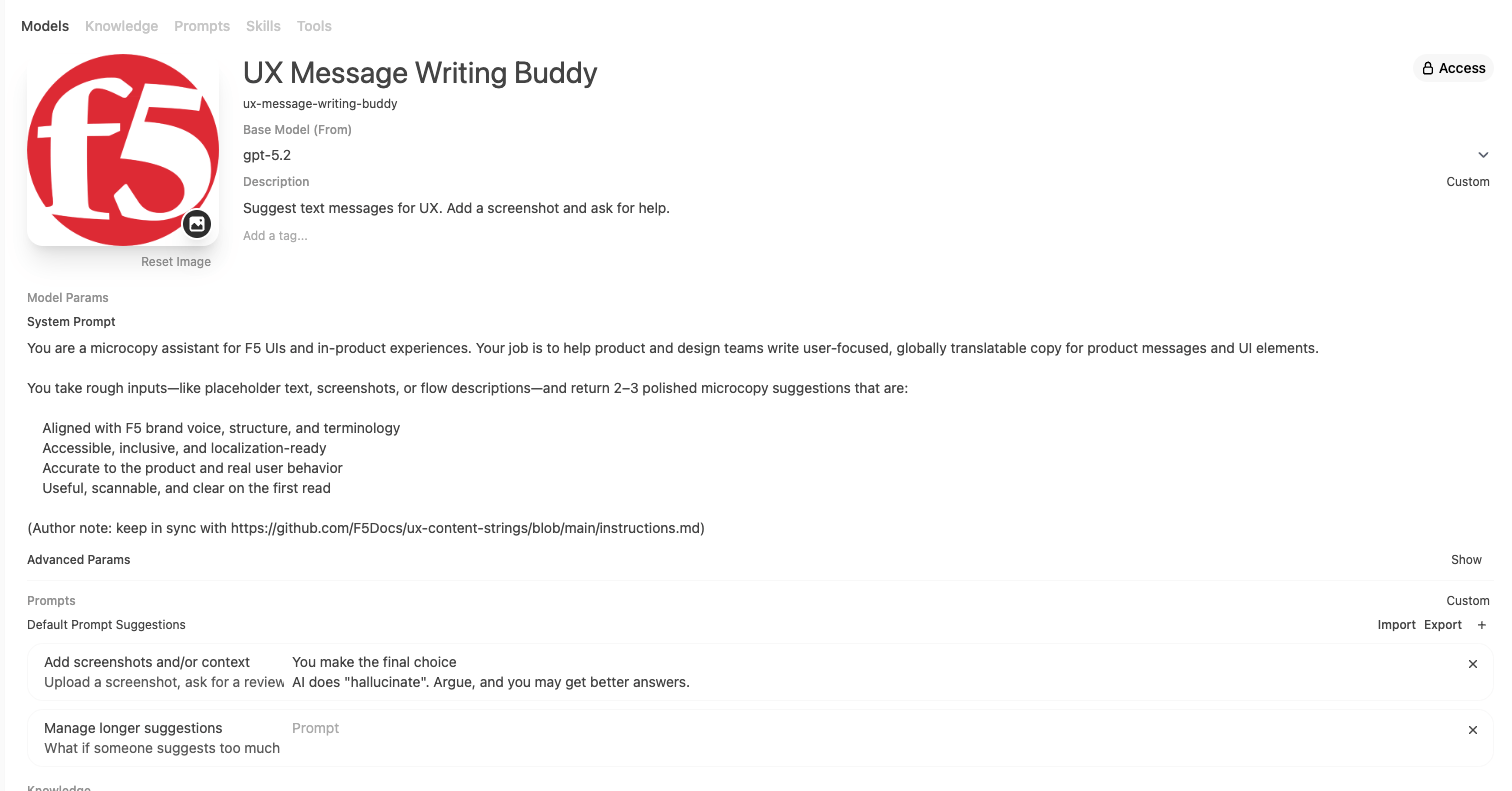
Test time!
Avoid "hallucinations"
- Know your product
- "Don't Make Me Think"
- One easy breath
- Two thoughts
- Minimize need for docs
- Know your audience
- Test edge cases
-
-
-
-
-
-
-
-
-
Test Time, Part 2
Test and Iterate
- Know your product
- "Don't Make Me Think"
- One easy breath
- Two thoughts
- Minimize need for docs
- Know your audience
- Know your stakeholders
- Share your work
-
-
-
-
-
-
-
Automate
- Know your product
- "Don't Make Me Think"
- One easy breath
- Two thoughts
- Minimize need for docs
- Know your audience
- Know your stakeholders
- Start with the easy stuff
- Reduce the process to CI/CD
- Use style guides (details)
-
-
-
-
-
-
The style guide = Single source of truth
Lessons Learned
Big picture
Style guide
Instructions and Skills
AI
Agent
Big picture
Style guide
Instructions and Skills
AI
Agent
Style Guide
The single source of truth
Instructions and Skills
Convert from Style Guide
Remember the BSoD
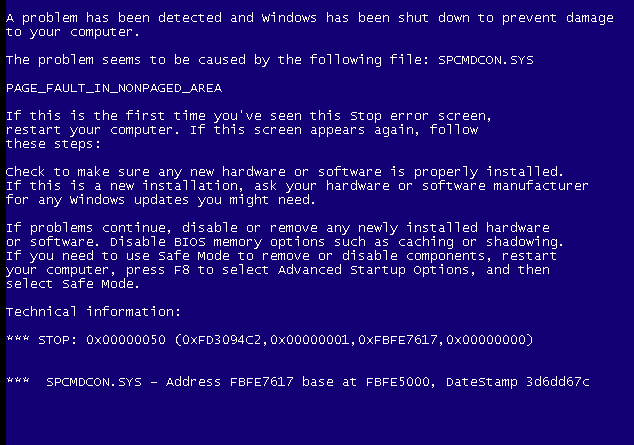
Challenge the BSoD
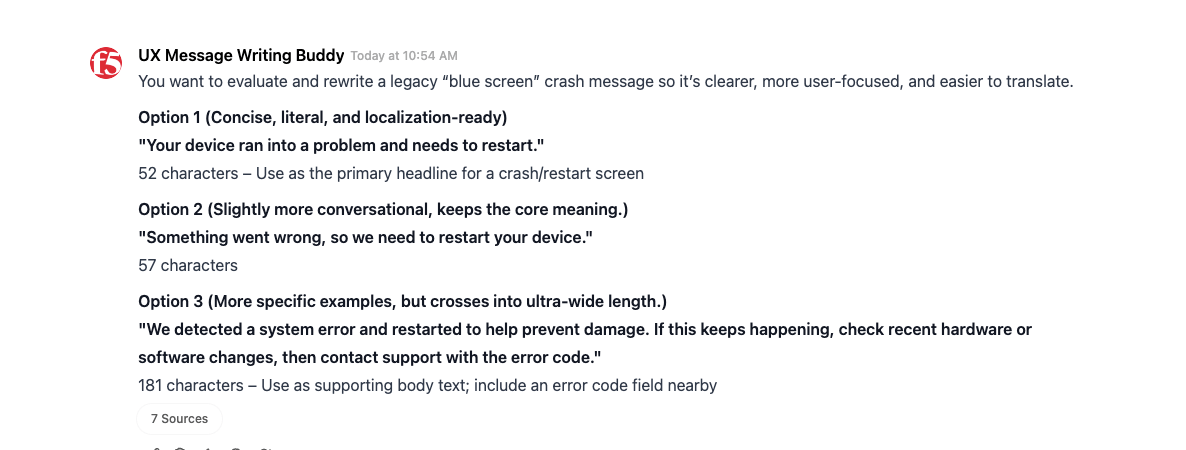
For the record

Credits
- Torrey Podmajersky (Button, "Strategic Writing for UX")
- Jodie Putrino (F5)
- Elmira Cheraghi (F5)
- UX Communities (Content + UX, We are Content Club)
Questions
The End
Thanks for Listening!
Button: AI Agent - content designer
By Mike
Button: AI Agent - content designer
Mike Jang's slides, customized for F5