Three-dimensional Web-Browsing
An Introduction to WebGL
One
Two
Three
- What even is a web browser?
- Javascript, WebGL ......... what even?
- "I'm a designer not a web developer"
- Some simple examples
- Some more complex examples
- Some basic concepts
- Who is actively working in this space?
- Looking fowards
One
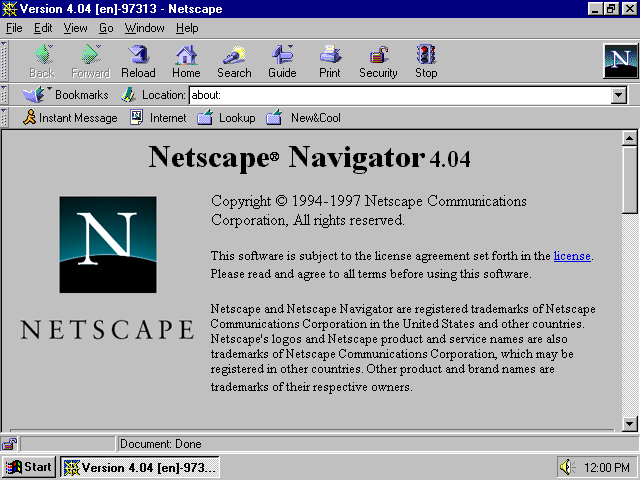
What even is a web browser?
One
A web browser is so much more than a search engine.

≠

One
The purpose of a web browser is to fetch information resources and display them on a user's device.
=

One
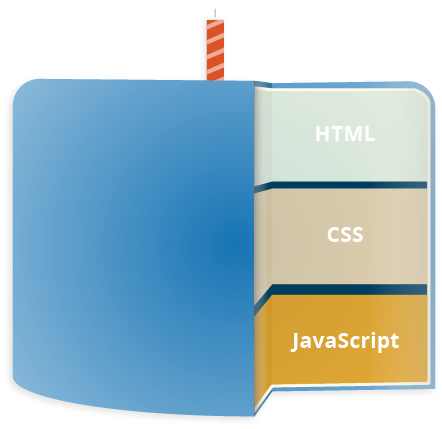
Web Page
html
css
javascript
Content & Structure
Headings, Paragraphs, lists etc.
Presentation
Font, color, borders etc.
Behavior
Dynamic display, user interaction etc.
One
One
document.getElementById('hellobutton').onclick = function() {
    alert('Hello world!');
};
One
500,000 Javascript packages available
10 billion downloads per month
(December 1995 - May 2017)
One
So WebGL ......... what even?
One
One

2
one
WebGL (Web Graphics Library) is a JavaScript API for rendering interactive 3D and 2D graphics within any compatible web browser.


one
And yes, it supports VR and AR apps

One



Click images for external links
two
Web Page
Rhino
JSON / OBJ
text editor
3D Modeller
For the modelling of complex geometry
File Format
Standardised 3D file format
Code Editor
For the writing of html, css & js code
github
Code Hosting
Tracking, sharing and hosting
What you see.
Click and drag to play.
Click to animate.
scene = new THREE.Scene();

camera = new THREE.PerspectiveCamera( 75, 1920/1080, 1, 1000 );

geometry = new THREE.SphereGeometry(10,20,20);

directionalLight = new THREE.DirectionalLight( 0xffffff, 8.0 );

renderer = new THREE.WebGLRenderer();
two
So why would any of this be of interest to a designer?
two
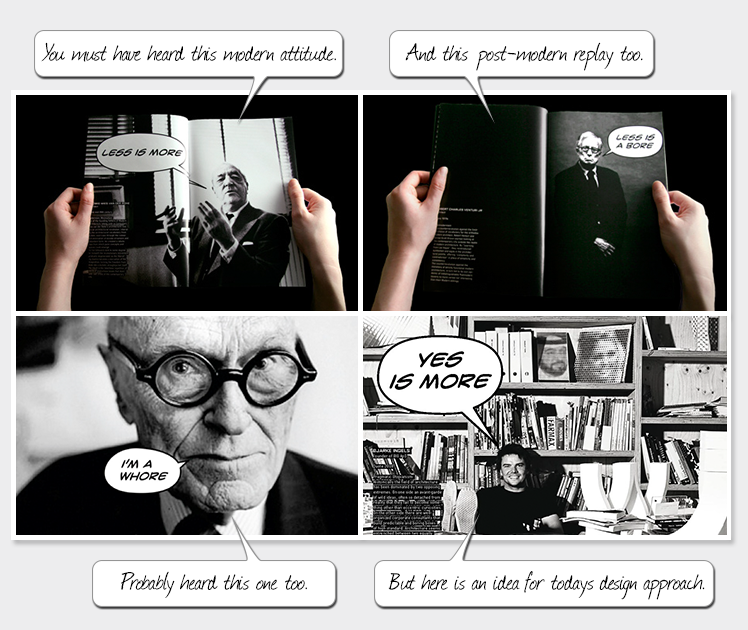
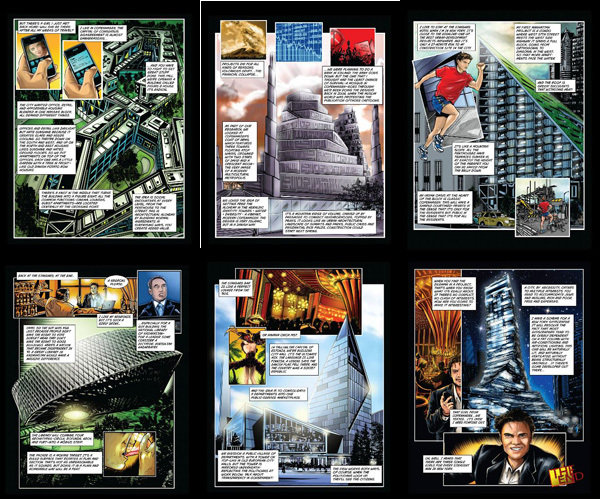
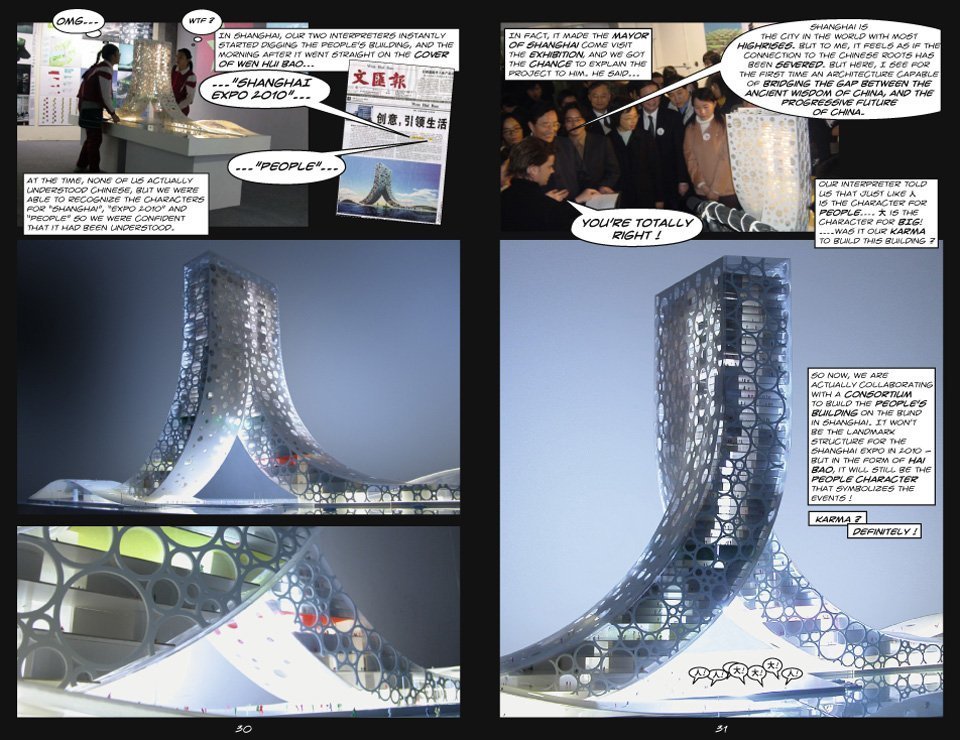
To develop engaging and unique storytelling devices for engaging clients and the public in design narratives.
two

two

two
two
two
two
In architecture, there’s this myth, or misunderstanding, that if what you’re saying makes no sense, or if nobody can understand it, then it must be really profound, and that if what you’re saying is crystal clear, then it can’t be very deep.
two
Click and drag to play.
var camera, scene, renderer, meshKnot, meshPlane, meshBox;
var count = 0;
var screenWidth = window.innerWidth;
var screenHeight = window.innerHeight;
var aspect = screenWidth / screenHeight;
var frustumSize = 1000;
var guiControls = new function (){
  this.sunAngle = 0;
  this.axoFactor = 0;
  this.rotate = false;
};
window.addEventListener( 'resize', onWindowResize, false );

init();

function init(){
  //CAMERA
  scene = new THREE.Scene();
  near = -100;
  far = 10000;
  camera = new THREE.OrthographicCamera( frustumSize*aspect/-2, frustumSize*aspect/2, frustumSize/2, frustumSize/-2, near, far );
  camera.position.z = -50;
  camera.position.y = 35;
  camera.position.x = 50;
  camera.zoom = 4;
  camera.updateProjectionMatrix();
  var planeGeometry = new THREE.PlaneGeometry( 500, 500, 32 );
  planeGeometry.rotateX( - Math.PI / 2 );
  planeGeometry.rotateY( - Math.PI / 4 );
  var planeMaterial = new THREE.ShadowMaterial();
  var plane = new THREE.Mesh( planeGeometry, planeMaterial );
  plane.receiveShadow = true;
  scene.add( plane );

  var index = 0;
  var countLoaded = 0;
  var files = ["models/inquiry0.json", "models/inquiry1.json", "models/inquiry2.json"];
  var manager = new THREE.LoadingManager();
  var onProgress = function ( xhr ) {
    if ( xhr.lengthComputable ) {
      var percentComplete = xhr.loaded / xhr.total * 100;
    }};
  var onError = function ( xhr ) {};
  manager.onStart = function ( url, itemsLoaded, itemsTotal ) {};
  manager.onProgress = function ( item, loaded, total ) {countLoaded++;};
  manager.onLoad = function ( ) {
    var gui = new dat.GUI();
      gui.add(guiControls, 'sunAngle', 0, 1);
      gui.add(guiControls, 'axoFactor', 0.0, 15.0);
      gui.add(guiControls, 'rotate');
  };
  var jsonLoader = new THREE.ObjectLoader( manager );
  function loadNextFile() {
    if (index > files.length - 1) return;
      jsonLoader.load(files[index], function ( object ) {
        object.traverse(function(child) {
          if (child instanceof THREE.Mesh) {
            object.castShadow = true;
            object.receiveShadow = true;
          };
        });
        object.name = "part" + index;
        object.rotation.x = -Math.PI / 2;
        scene.add(object);
        index++;
        loadNextFile();
    }, onProgress, onError);
  };
  loadNextFile();

  var ambientlight = new THREE.AmbientLight( 0x080808, 5 );
  var directionalLight = new THREE.DirectionalLight( 0xffffff, 1.5 );
  directionalLight.shadow.camera.right =  500;
  directionalLight.shadow.camera.left = -500;
  directionalLight.shadow.camera.top =  500;
  directionalLight.shadow.camera.bottom = -500;
  directionalLight.position.y = 150;
  directionalLight.position.z = -100;
  directionalLight.shadow.mapSize.width = 1024;
  directionalLight.shadow.mapSize.height = 1024;
  directionalLight.shadow.camera.near = -100;
  directionalLight.shadow.camera.far = 1500;
  directionalLight.castShadow = true;
  scene.add( directionalLight );
  scene.add( ambientlight );
  renderer = new THREE.WebGLRenderer( { antialias: true, alpha: true } );
  renderer.shadowMap.enabled = true;
  renderer.setPixelRatio( 1.5 );
  renderer.setSize( screenWidth, screenHeight);
  renderer.autoClear = false;
  renderer.setClearColor( 0xffffff, 0);
  document.getElementById("example1").appendChild( renderer.domElement );
  controls = new THREE.OrbitControls(camera, renderer.domElement);
  controls.enableDamping = true;
  controls.dampingFactor = 0.8;
  controls.update();

  function animation(){
    window.requestAnimationFrame( animation );
    var part0 = scene.getObjectByName("part0");
    var part1 = scene.getObjectByName("part1");
    var part2 = scene.getObjectByName("part2");
    plane.position.y = guiControls.axoFactor* -5
    part0.position.y = guiControls.axoFactor* -5;
    part1.position.y = guiControls.axoFactor* 1;
    part2.position.y = guiControls.axoFactor* 6;
    camera.zoom = 4 - guiControls.axoFactor / 12;
    directionalLight.position.x = guiControls.sunAngle*300 - 100;
    var axoFactorScale = guiControls.axoFactor*5 + 35;
    camera.updateProjectionMatrix();
    controls.autoRotate = guiControls.rotate;
    controls.update();
    renderer.render( scene, camera);
  };
  animation();
};

function onWindowResize() {
  var aspect = window.innerWidth / window.innerHeight;
  camera.left   = - frustumSize * aspect / 2;
  camera.right  =   frustumSize * aspect / 2;
  camera.top    =   frustumSize / 2;
  camera.bottom = - frustumSize / 2;
  camera.updateProjectionMatrix();
  renderer.setSize( window.innerWidth, window.innerHeight );
};
two
three
Who is active in this space?
three
three
three
three
three
three
three
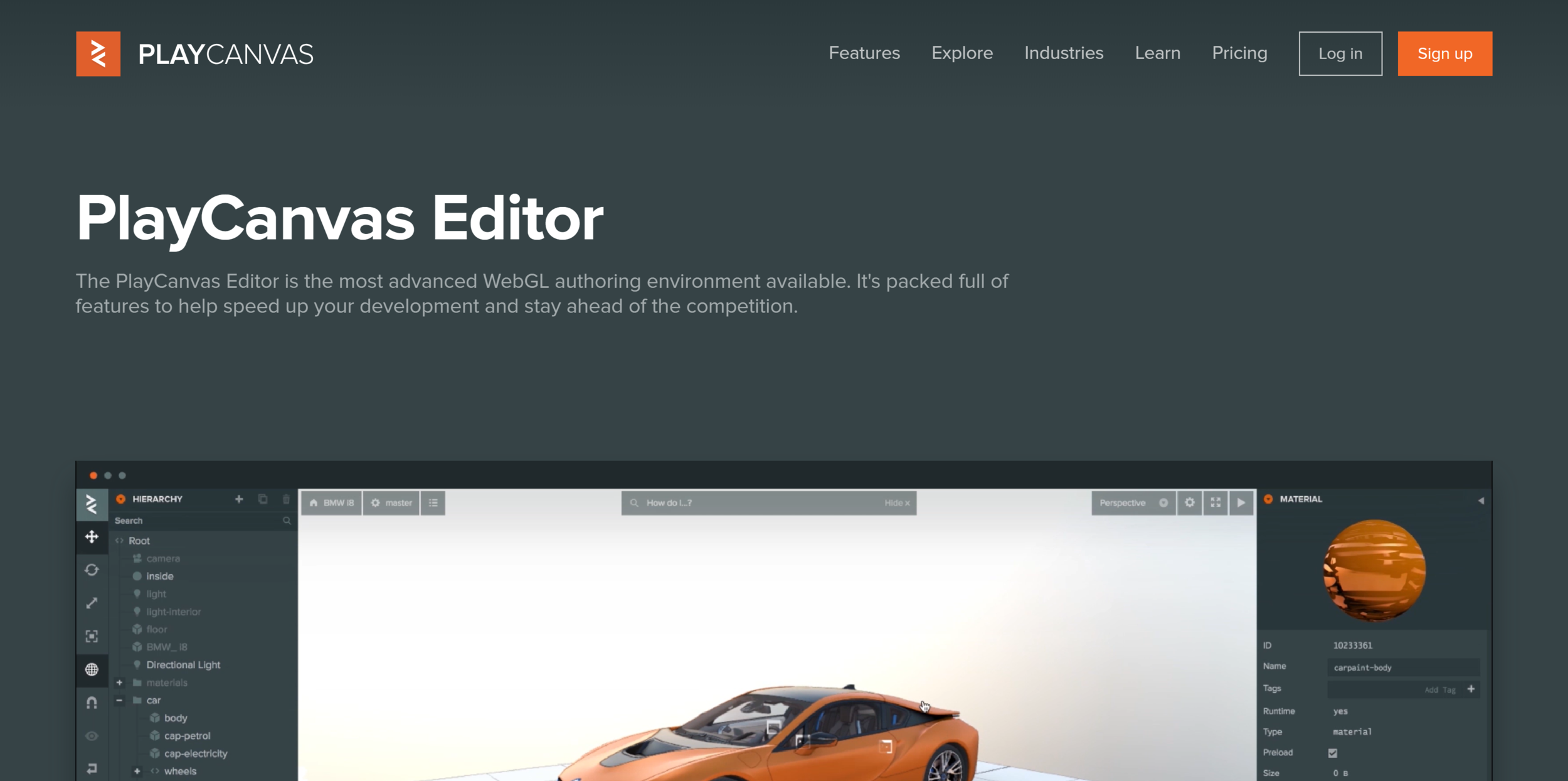
Why would I bother learning Javascript and WebGL when I can pay a small monthly subscription fee and get a simple, web-based, online editor?
three
Why would I bother learning Javascript and WebGL when for a small subscription fee Cl3ver offers me a direct-to-web Revit /3DS Max/Sketchup plugin?
three
You wouldn't.
three
To develop engaging and unique storytelling tools for engaging clients and the public in design narratives.
three
Custom written experience give absolute control in producing the diagram.
three
- Sexier mobile user-interface & experience
- 'Click-and-object-info-appears' functionality
- 'Scroll' animate functionality
- Augmented reality function for mobile
- Multiple-diagram cross-fading.
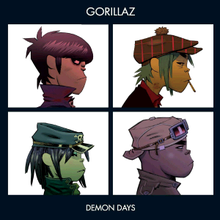



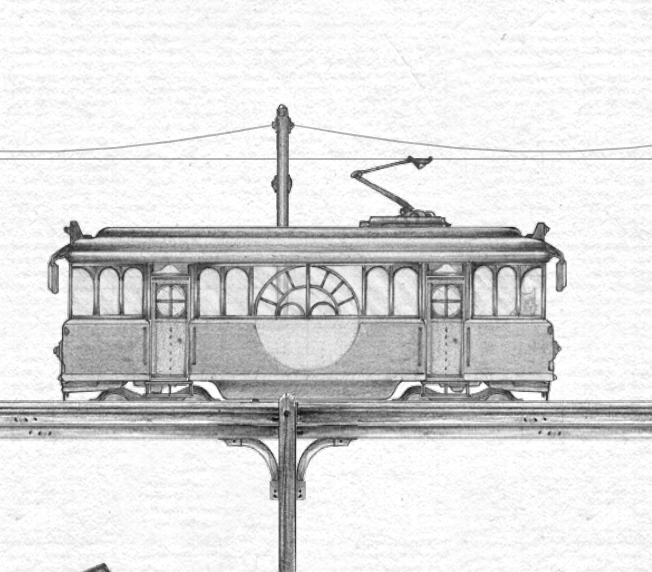


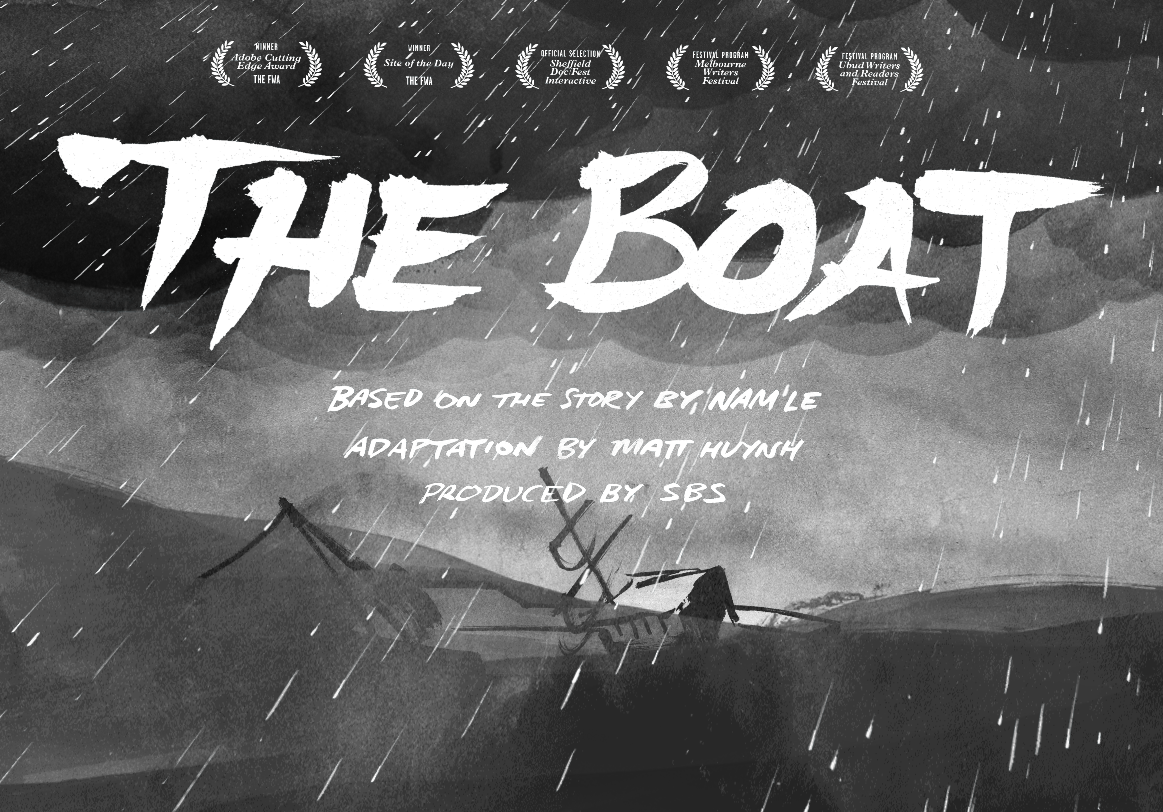
Click images for external links!
Three-Dimensional Web-Browsing - Intro to WebGL
By Mitch Page
Three-Dimensional Web-Browsing - Intro to WebGL
BVN Shtlk on WebGL & ThreeJS