Mobile App Development
Periodic Table
Learning Objectives
To be able to:
- To build an app with a bottom navigation bar
- To create image links in an application
- To add links to an external website
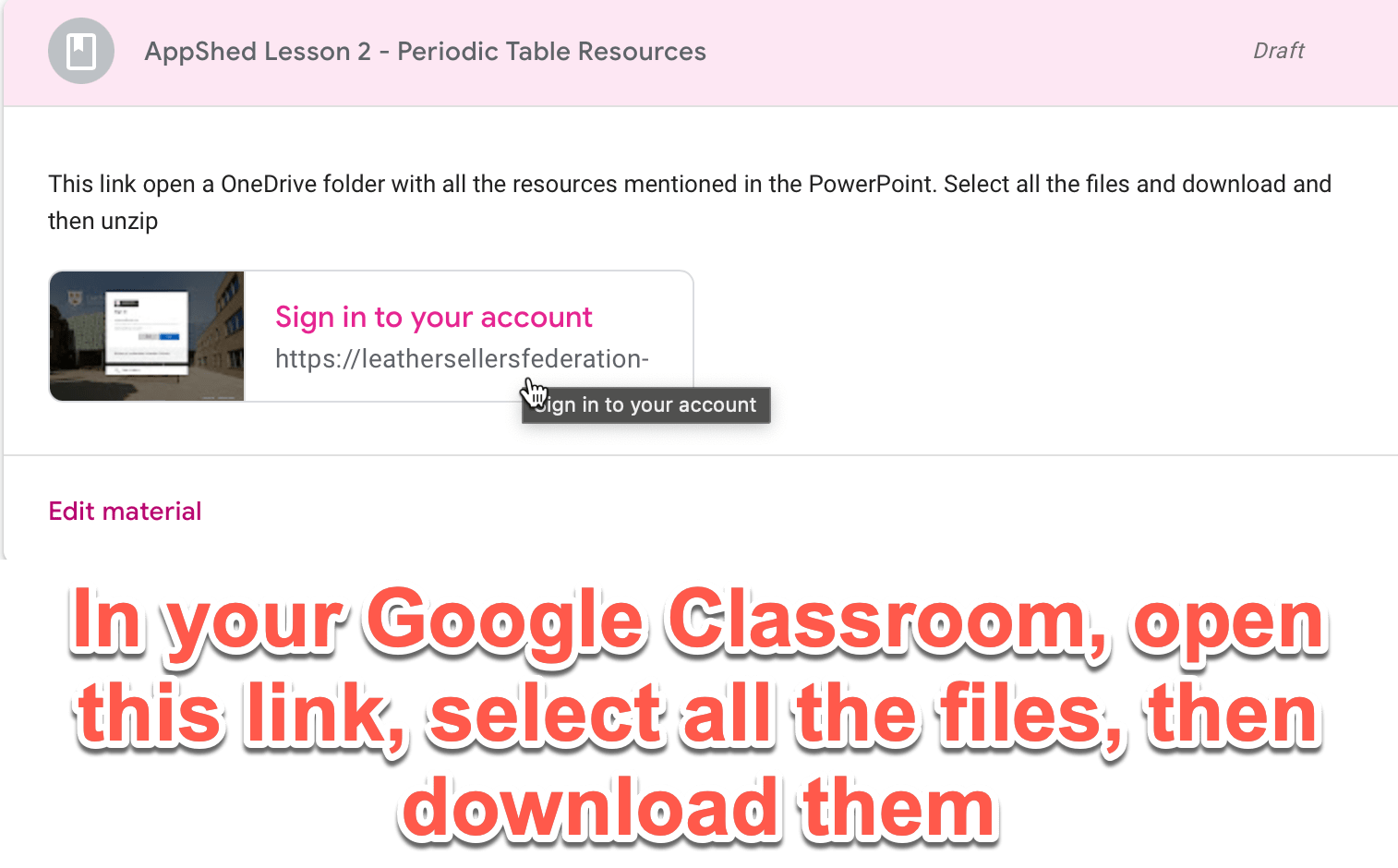
Download all files from GC
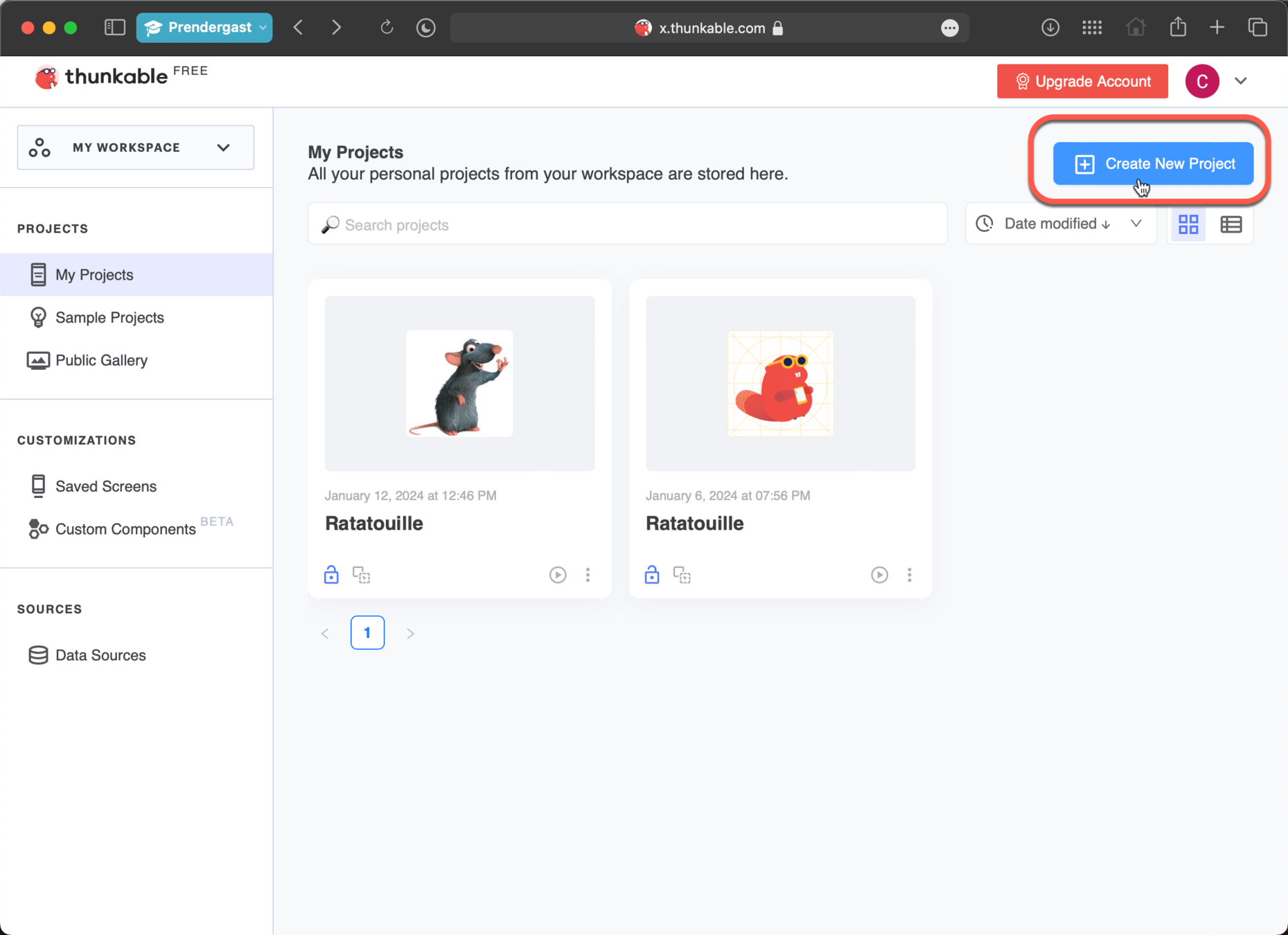
Go to https://x.thunkable.com/login then sign in with your google account
Create a new project
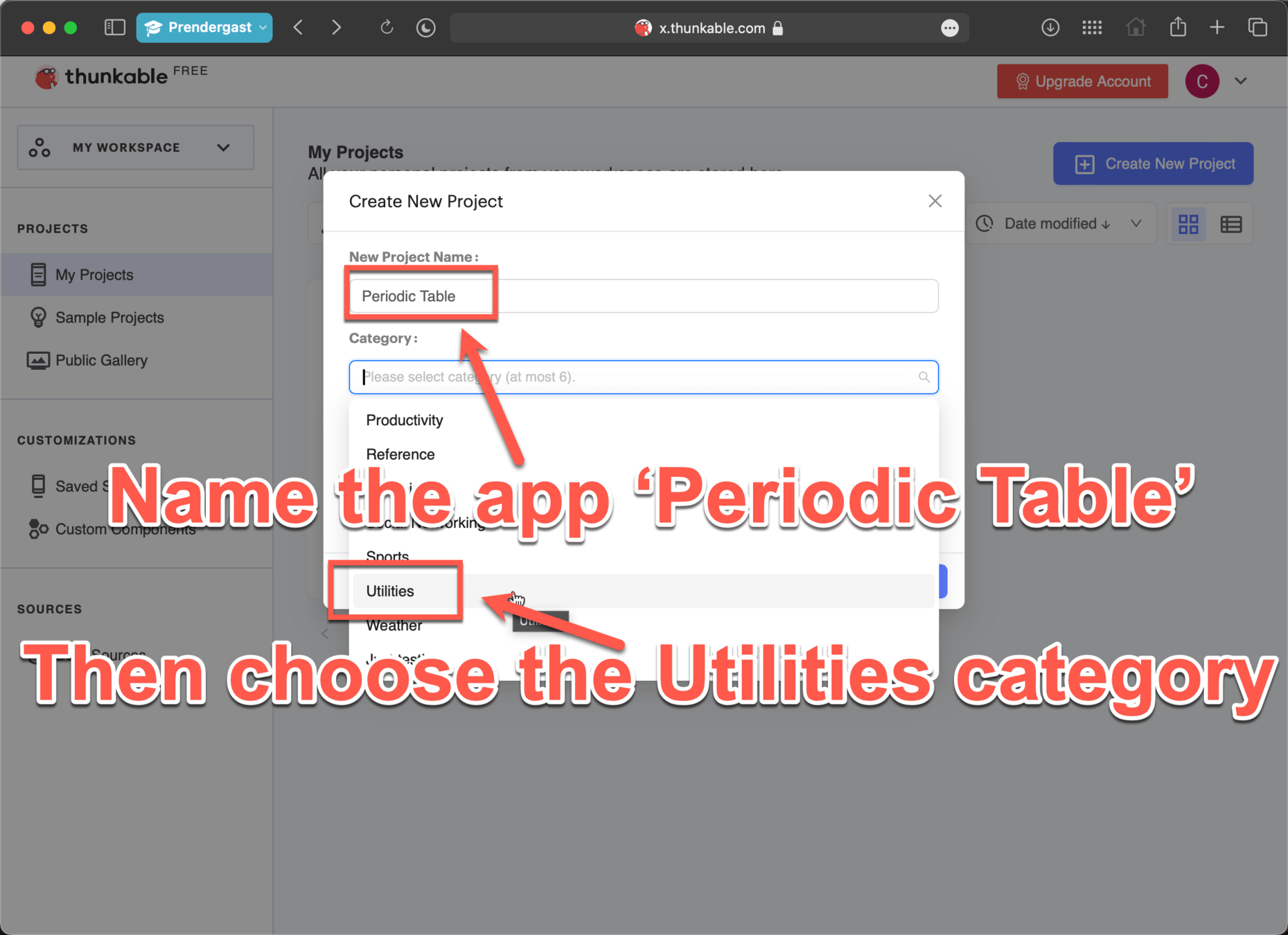
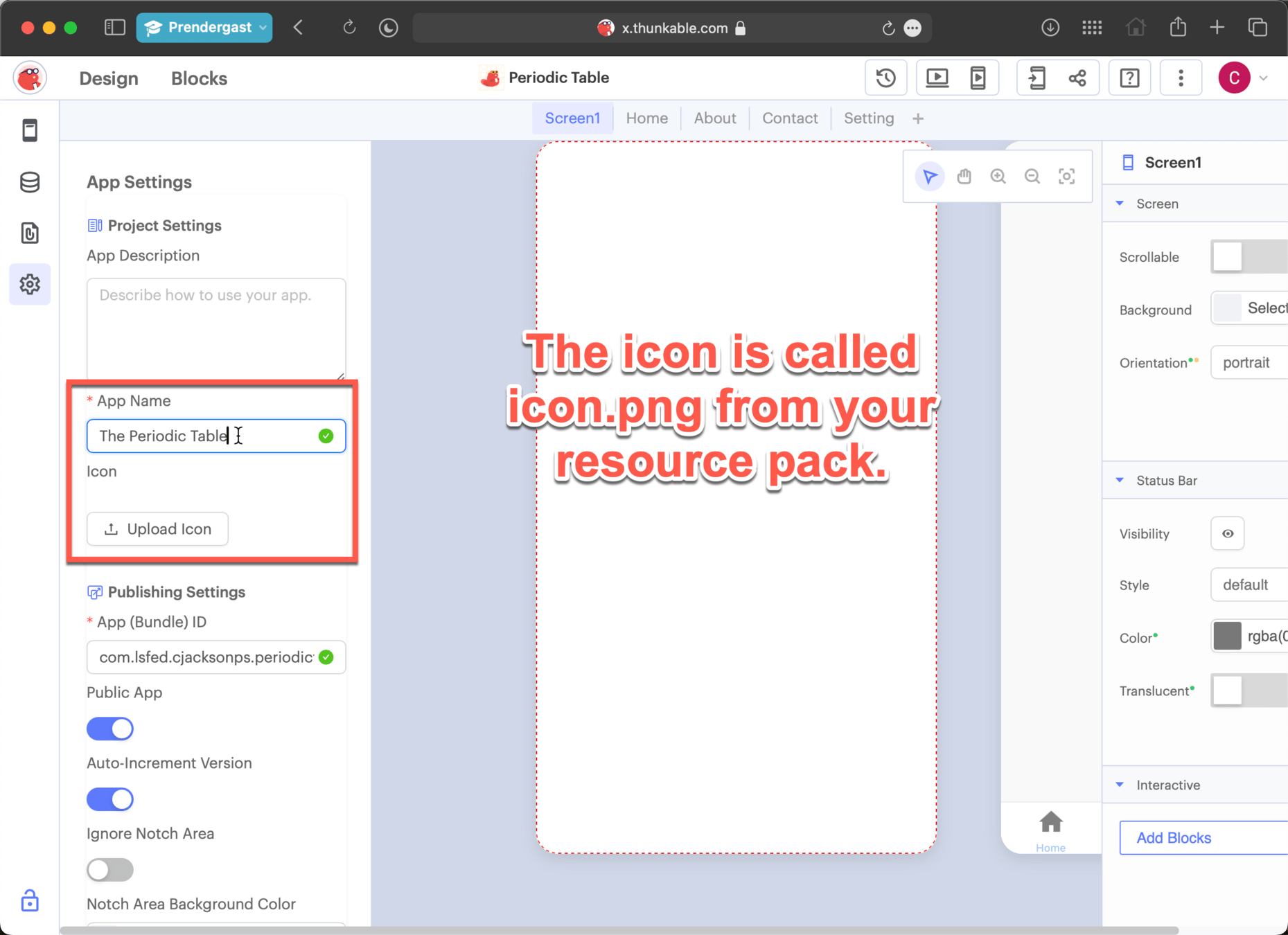
Give your app a name and icon
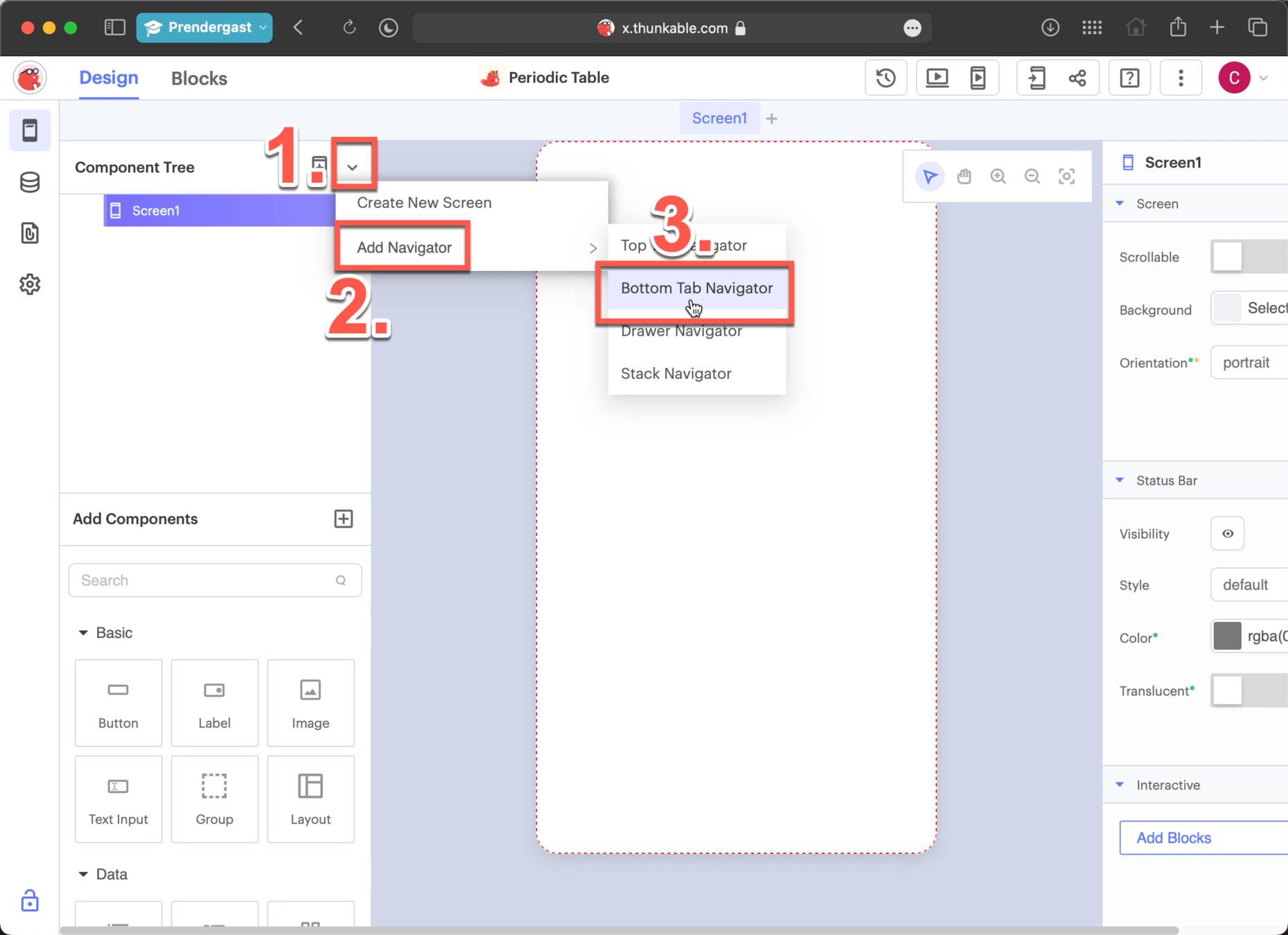
Add in a Bottom Tab Navigator
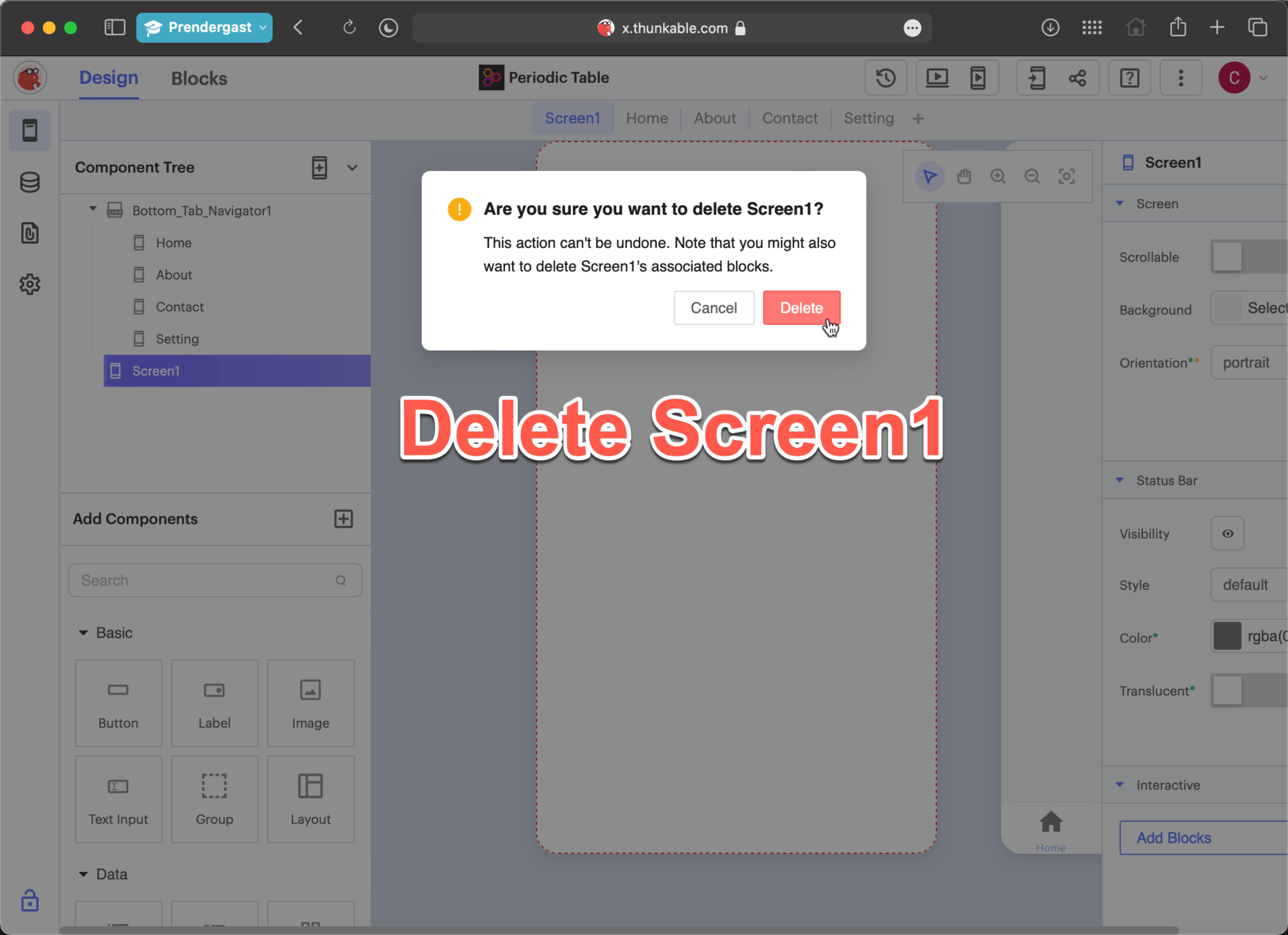
Delete Screen1
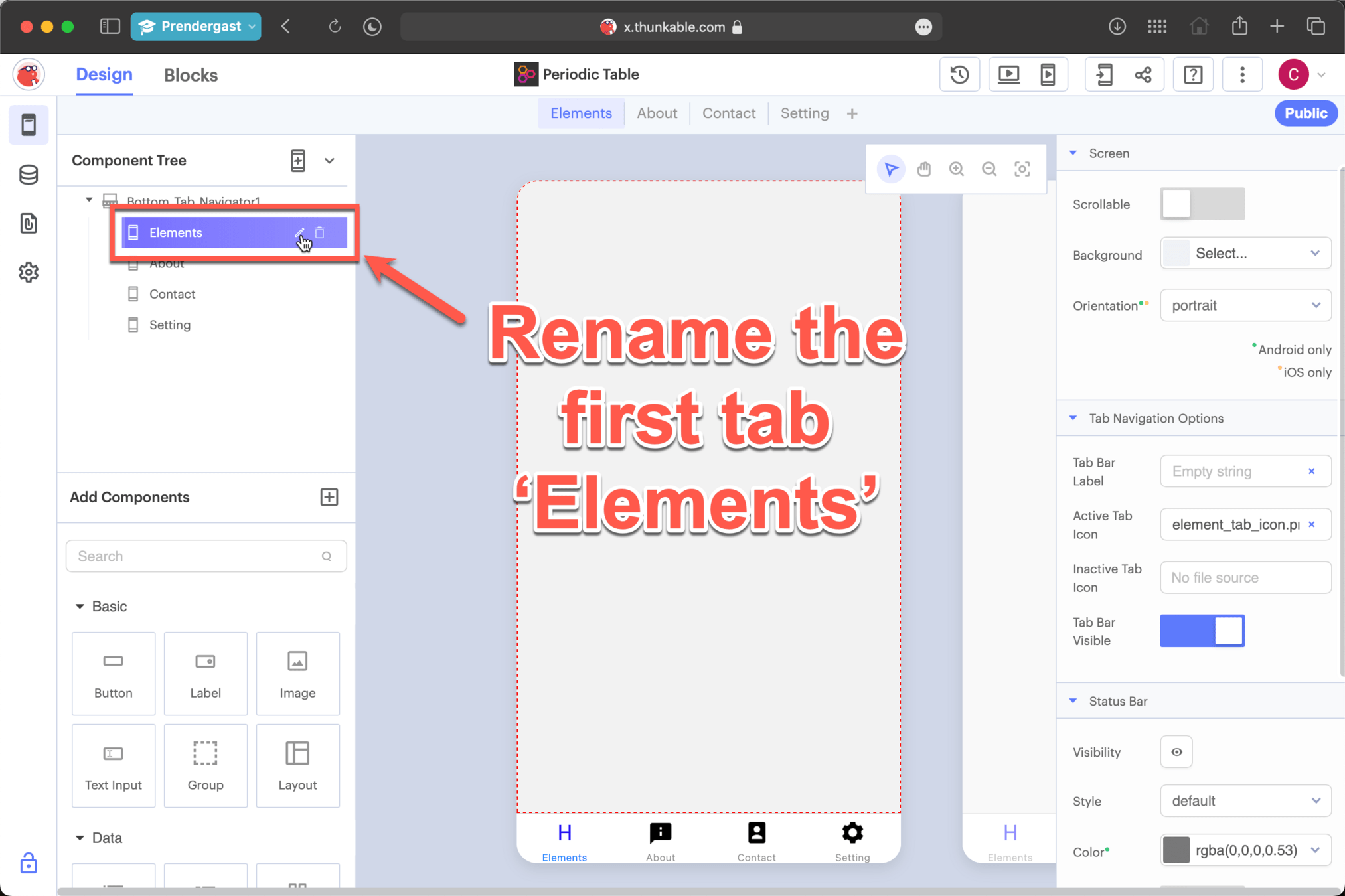
Name the first tab
Giving tabs an Icon
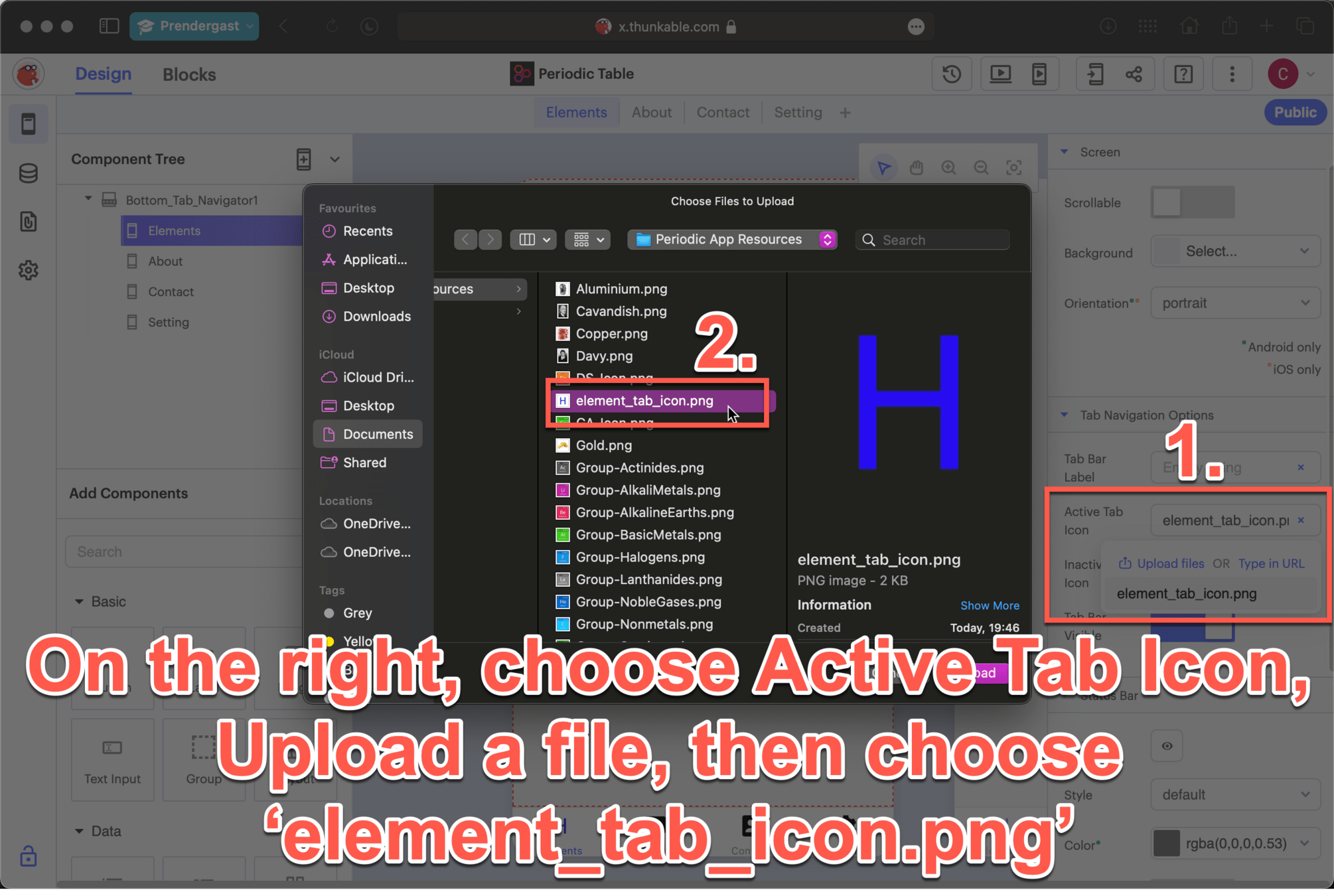
Giving tabs an Icon
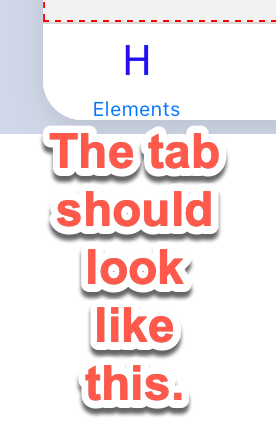
Table Page
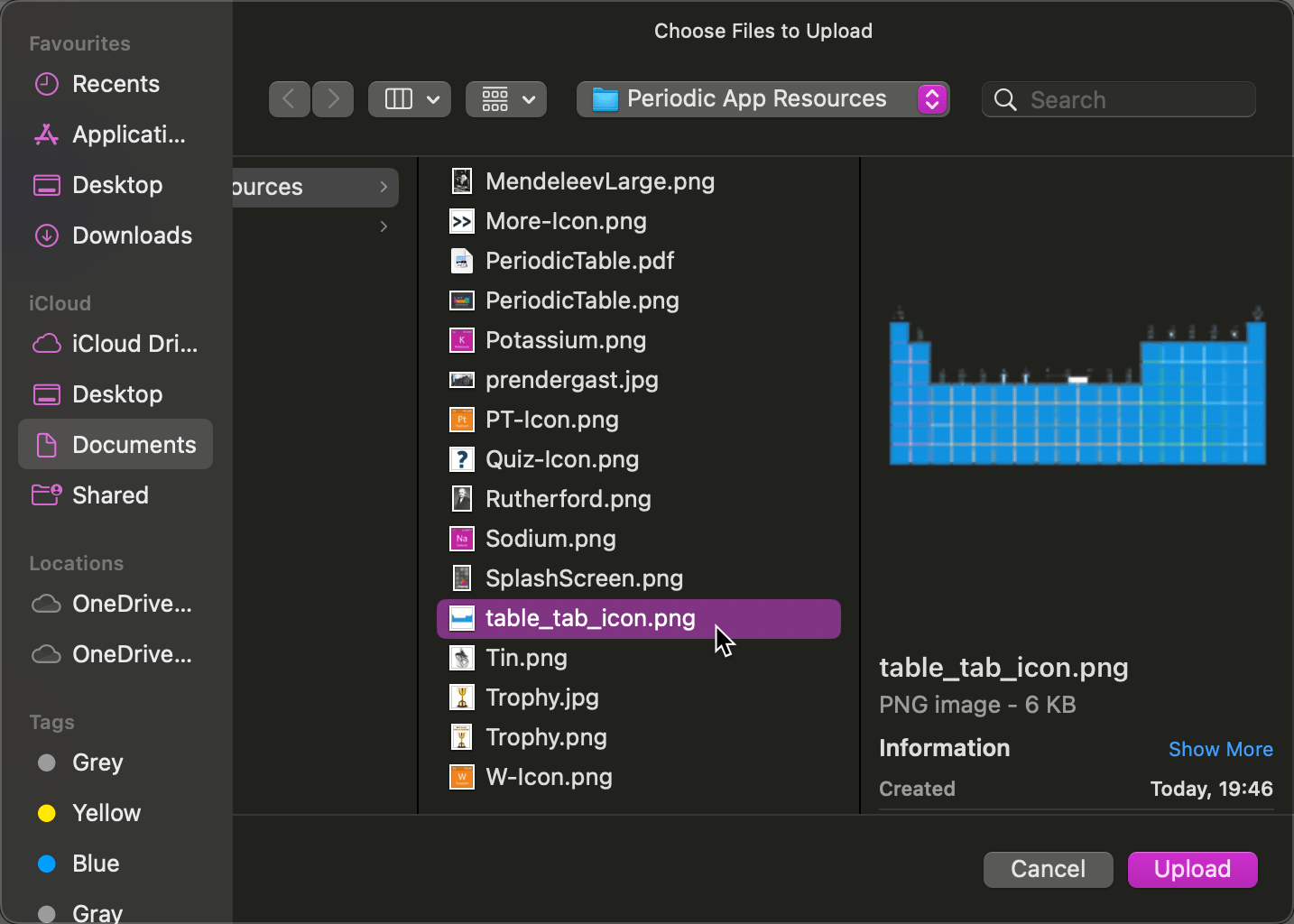
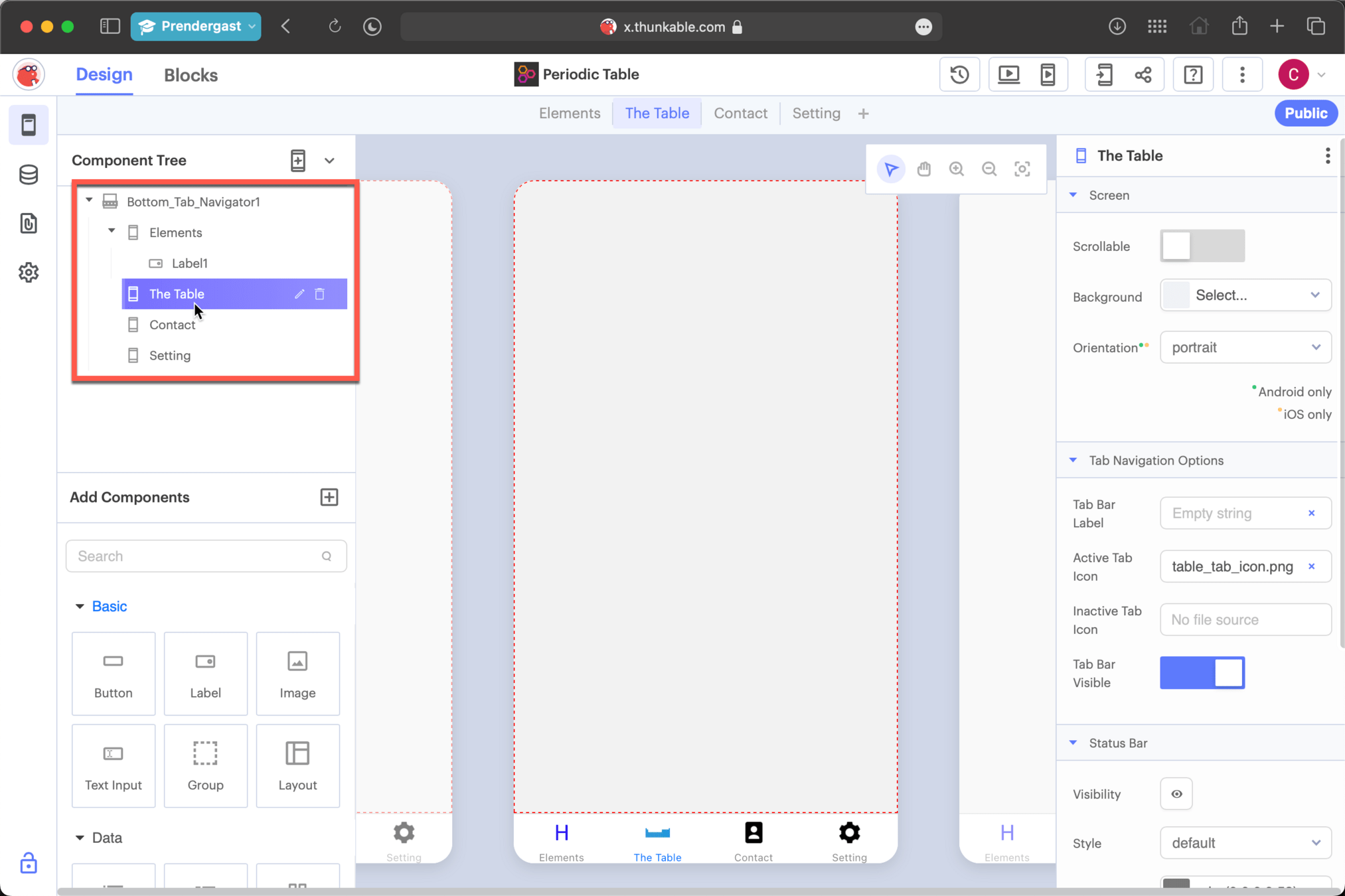
Name the second tab and upload the icon called 'table_tab_icon.png
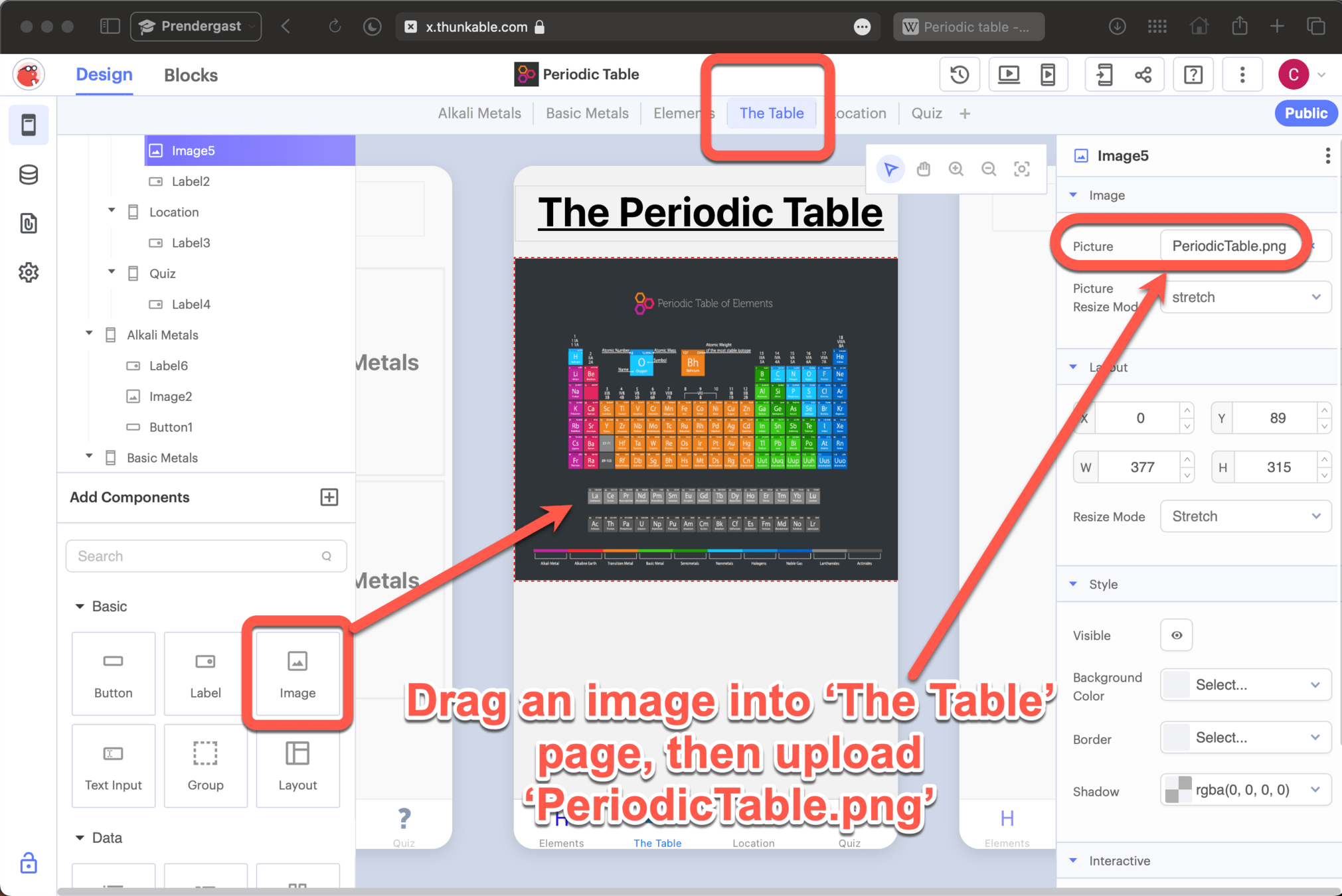
Table Page
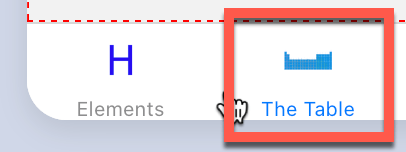
Table Page
-
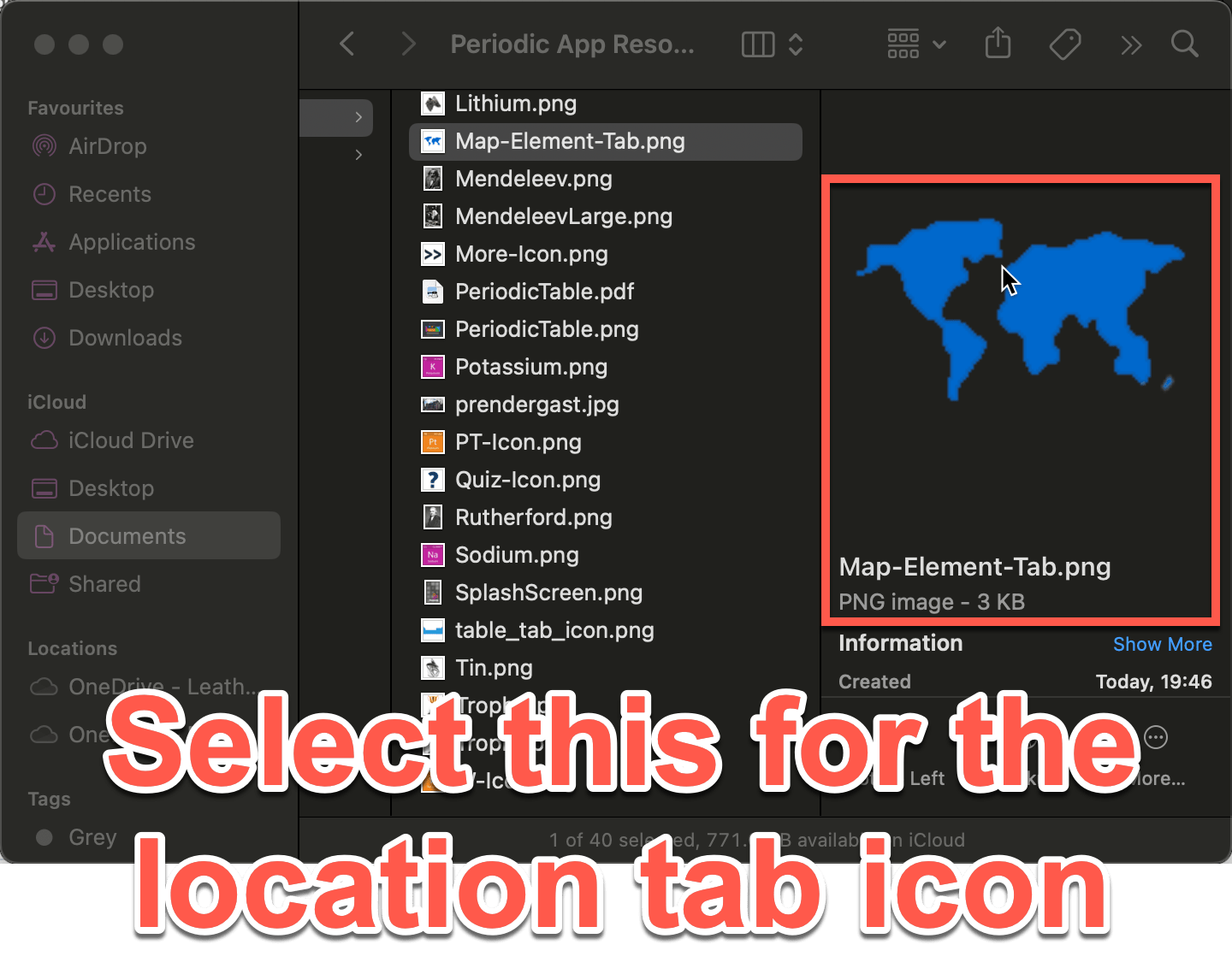
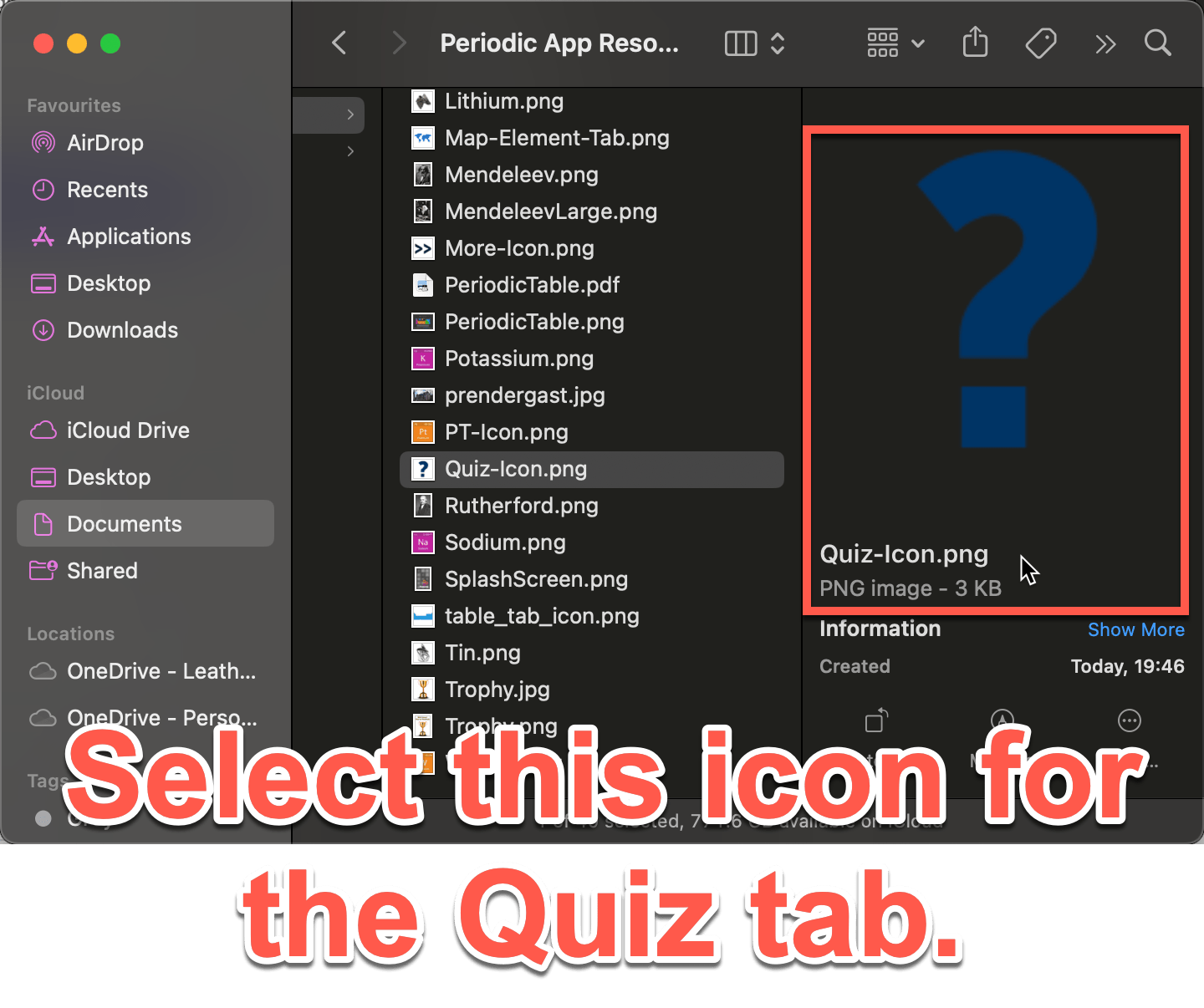
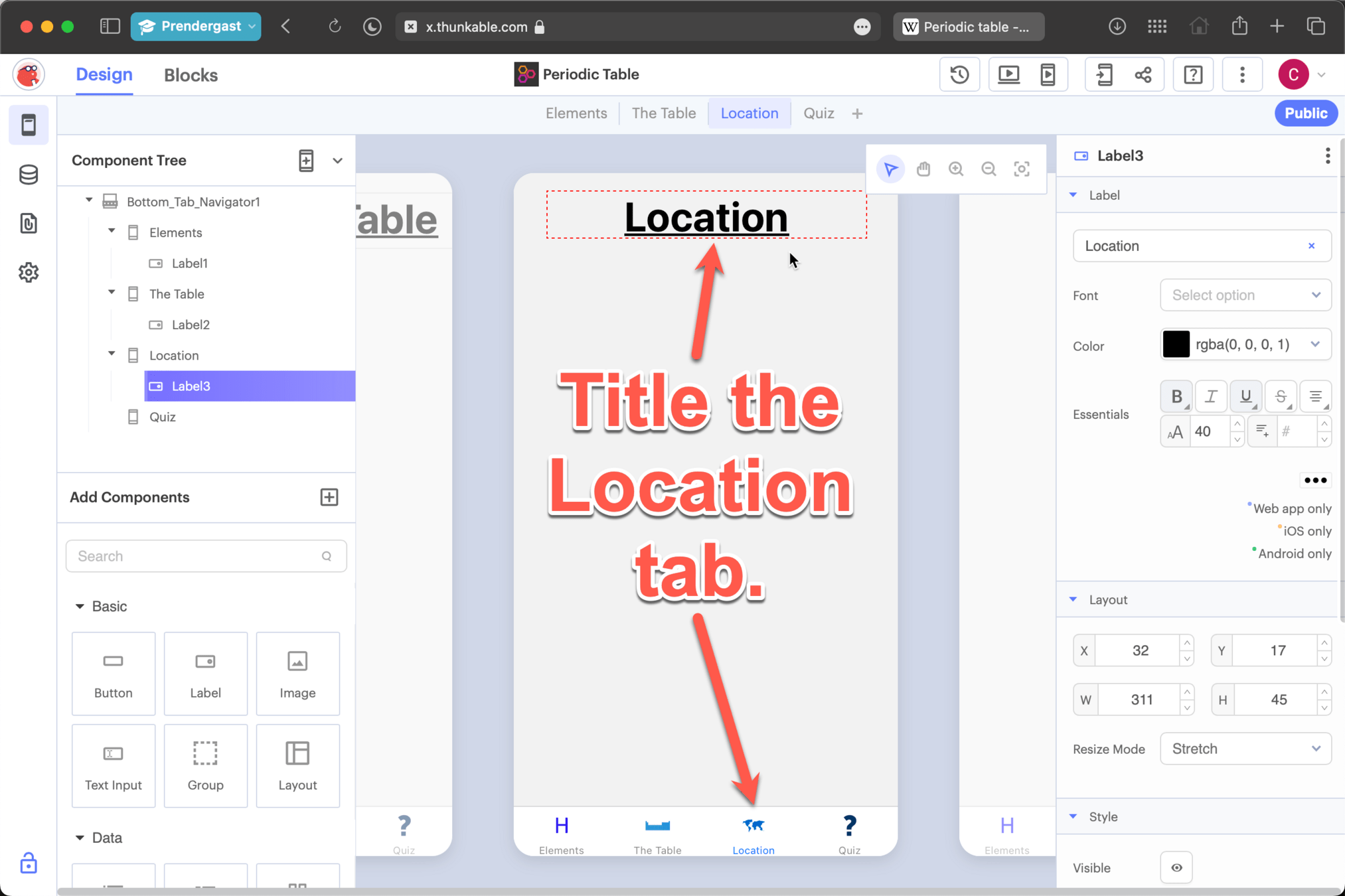
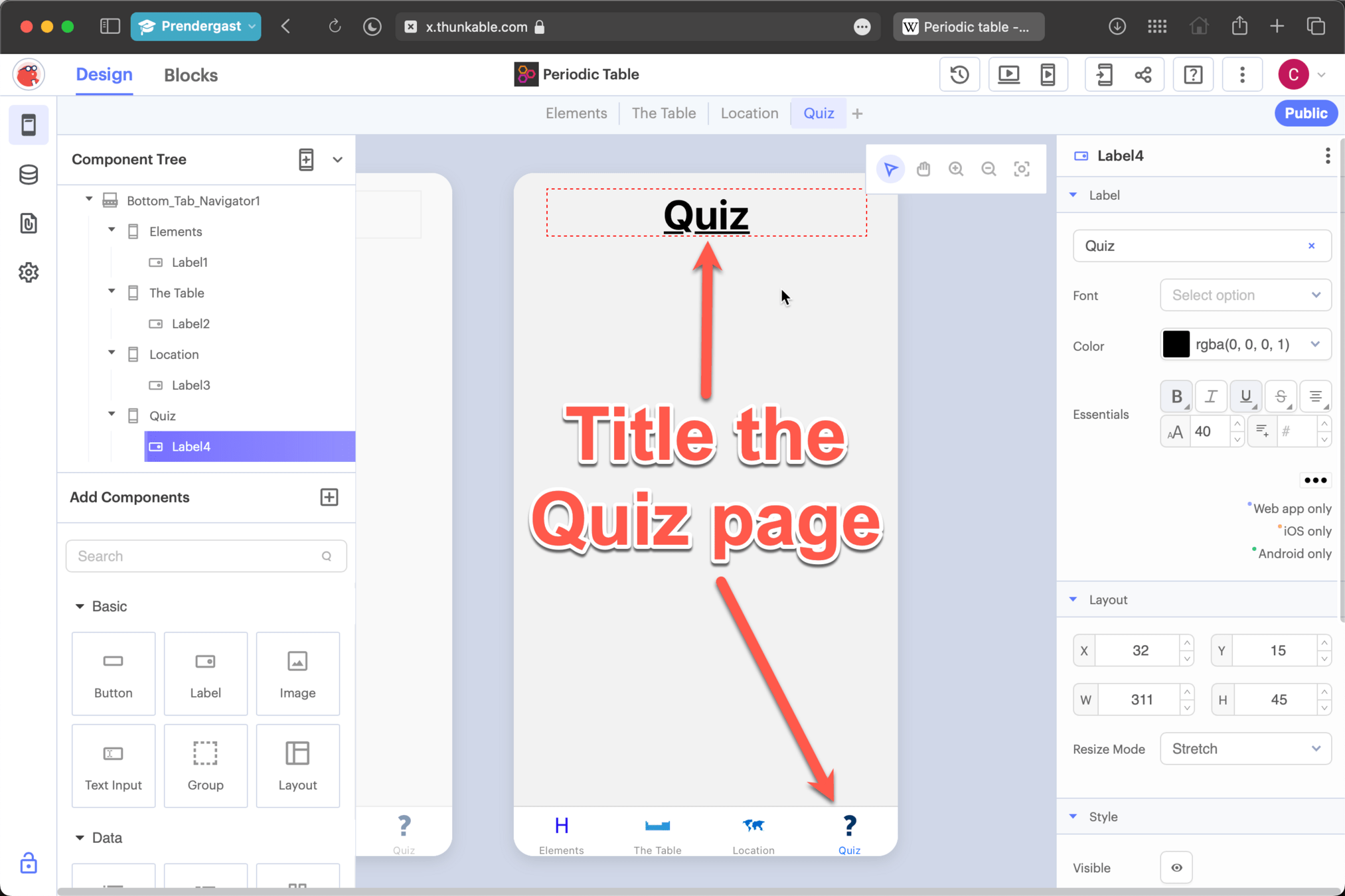
Repeat this Process and create the Locations and Quiz tabs
-
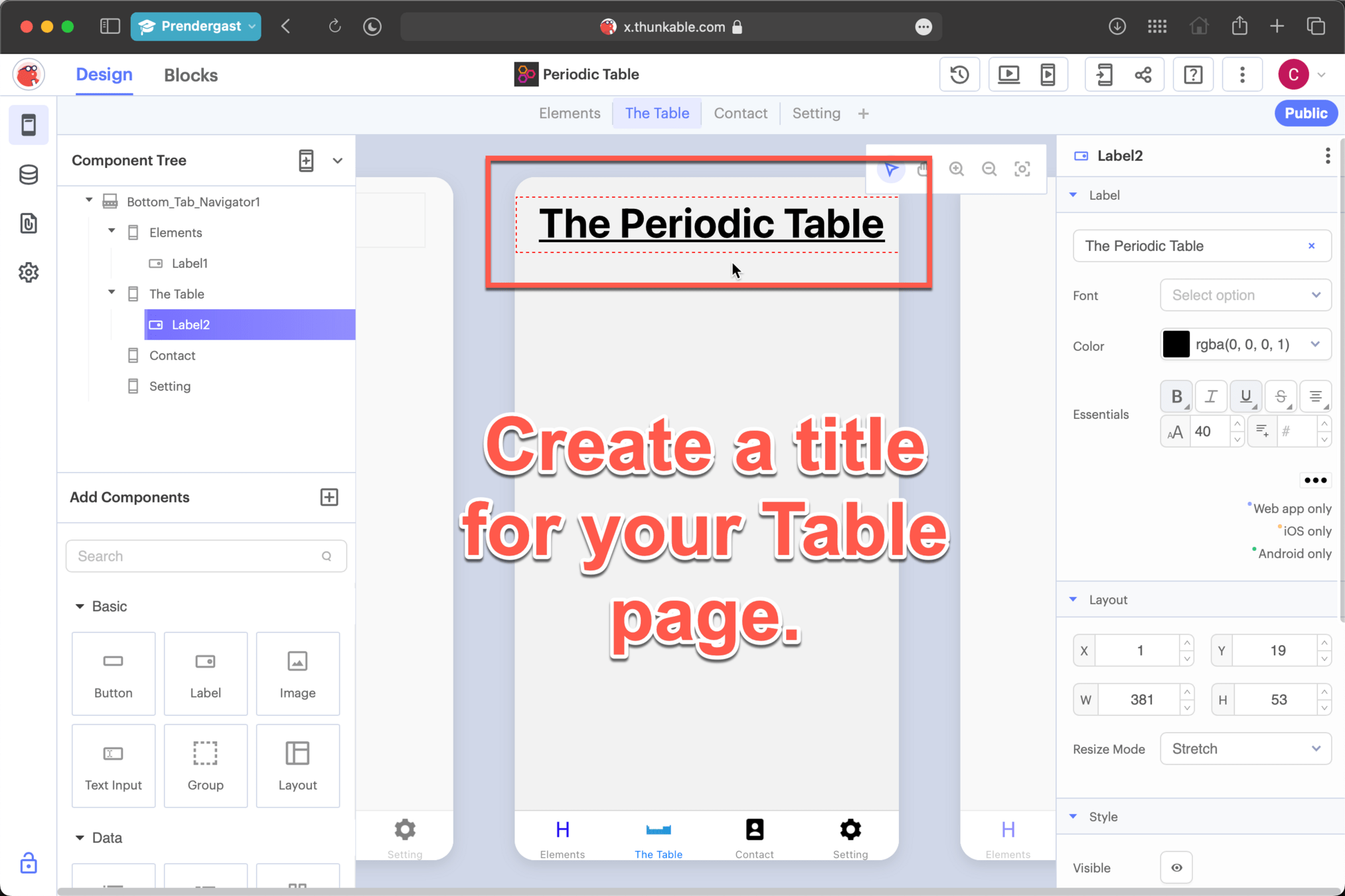
Then create the matching titles
-
See the slides that follow
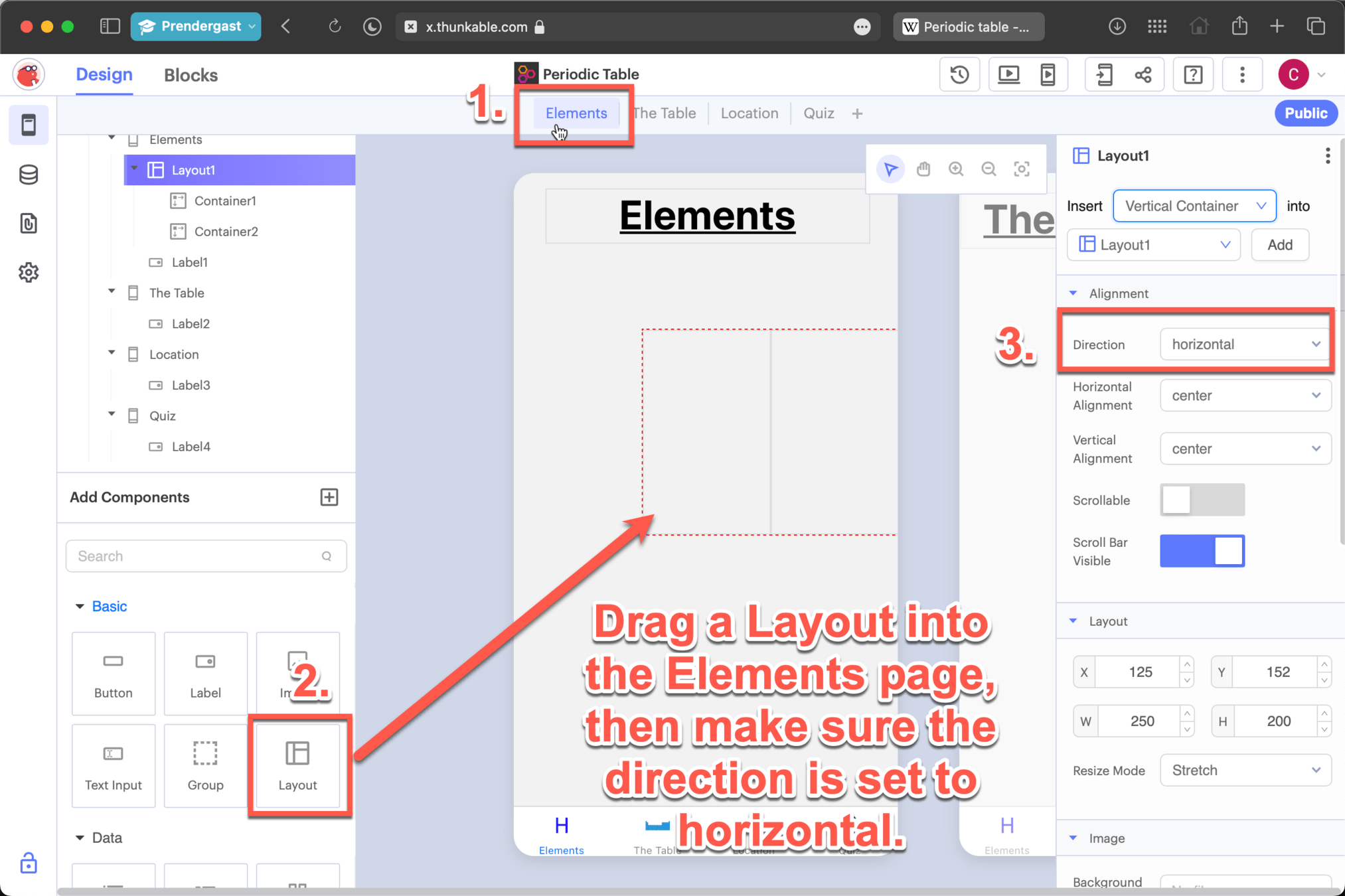
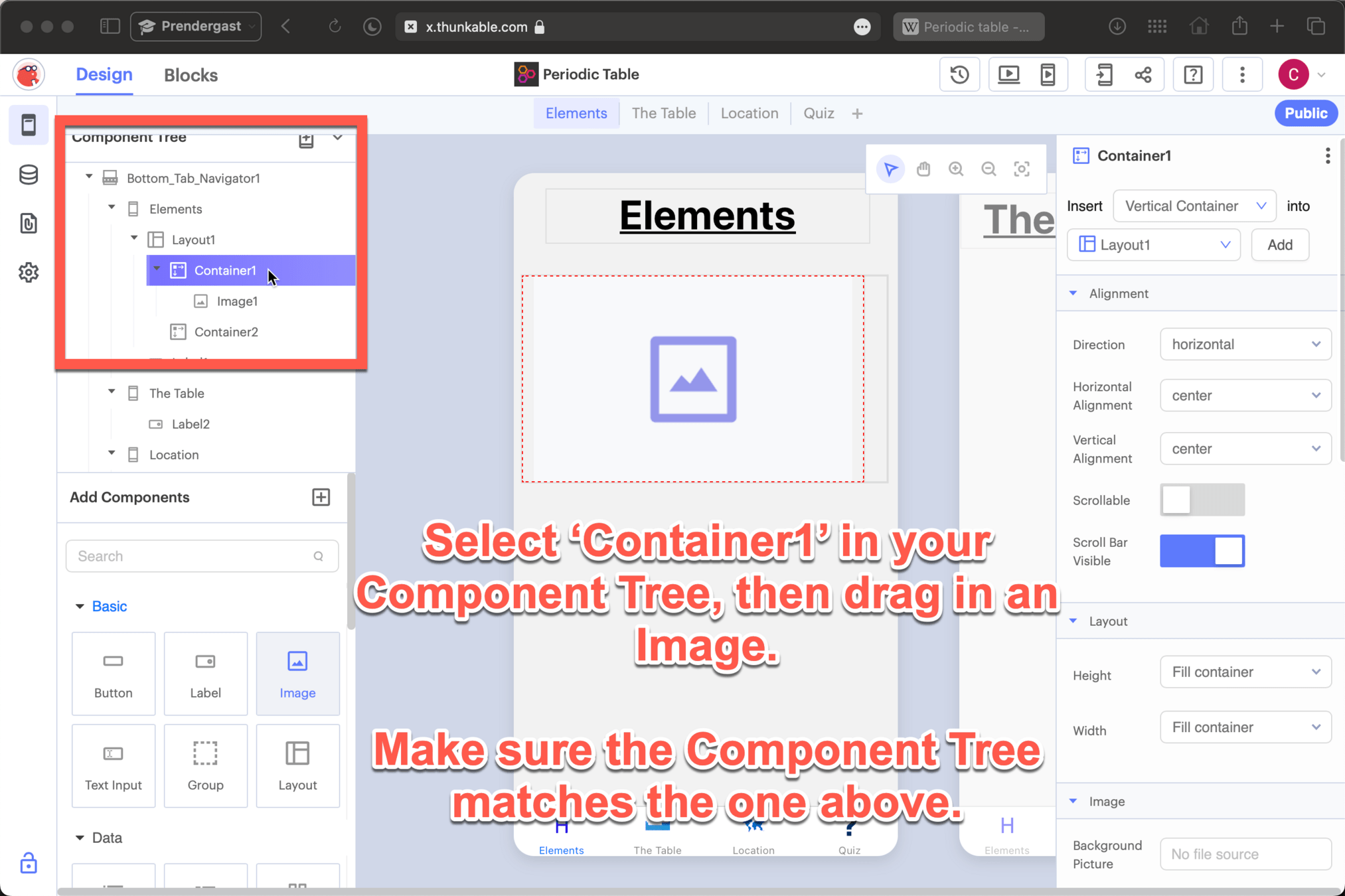
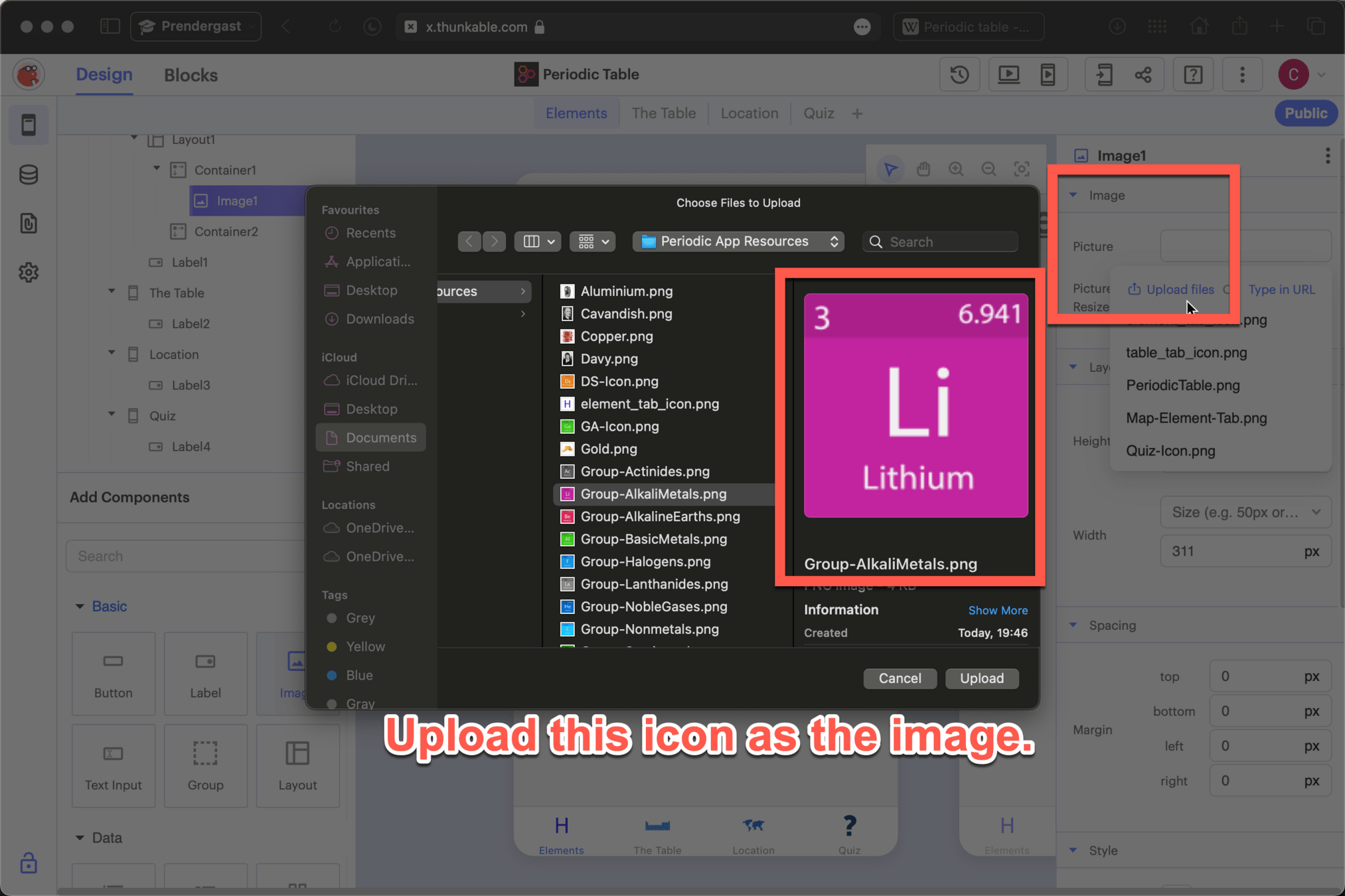
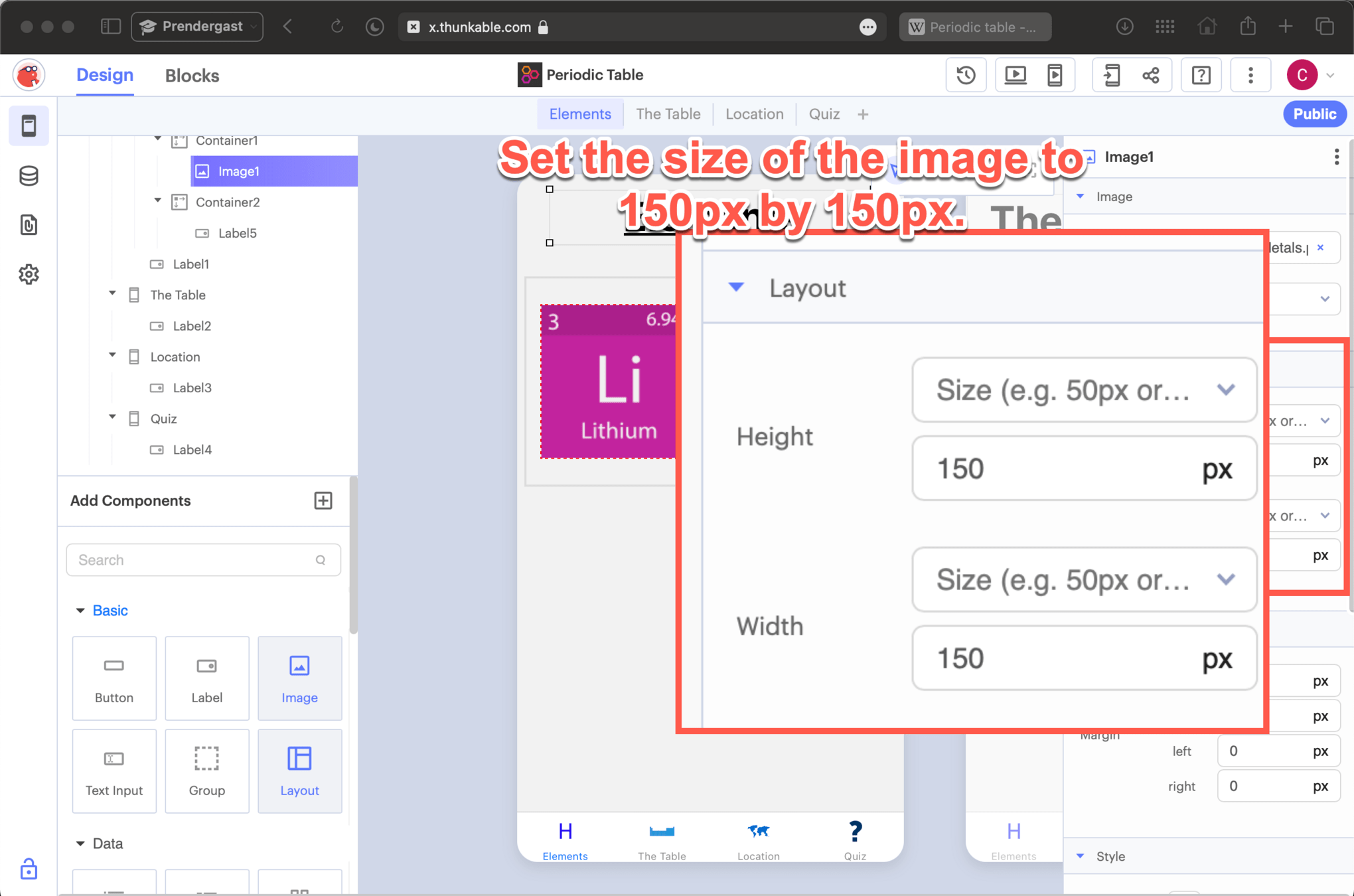
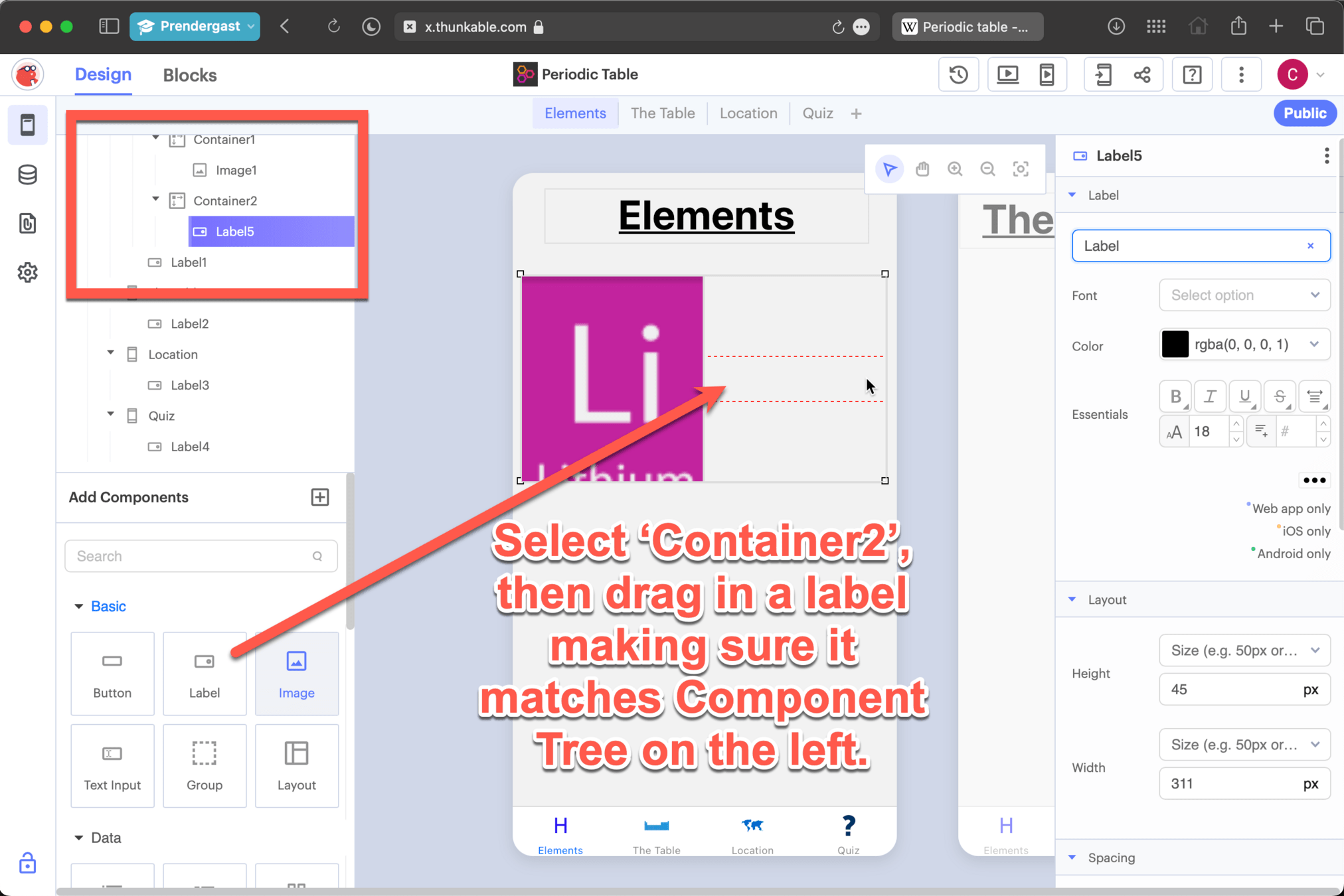
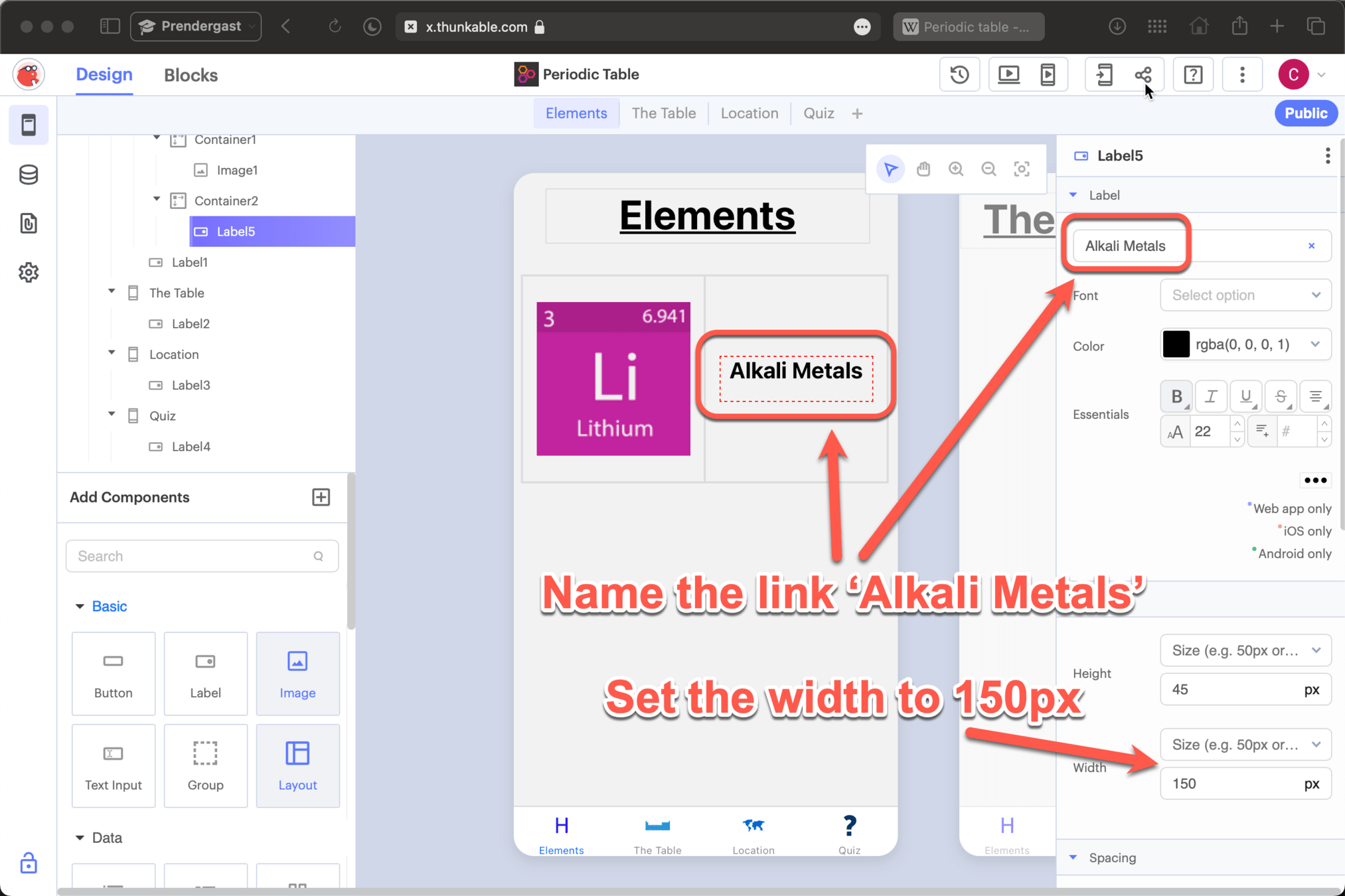
Adding an image link
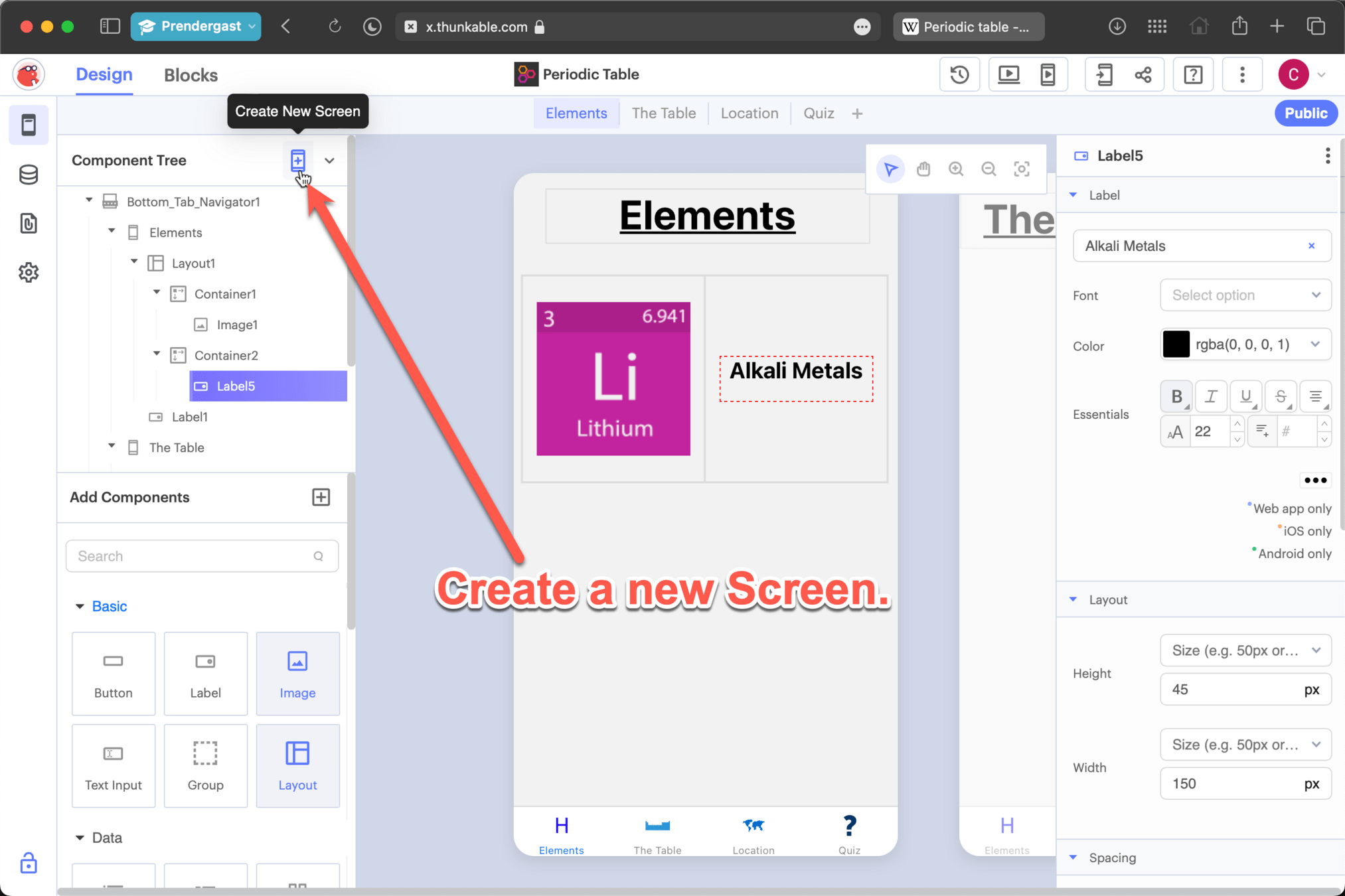
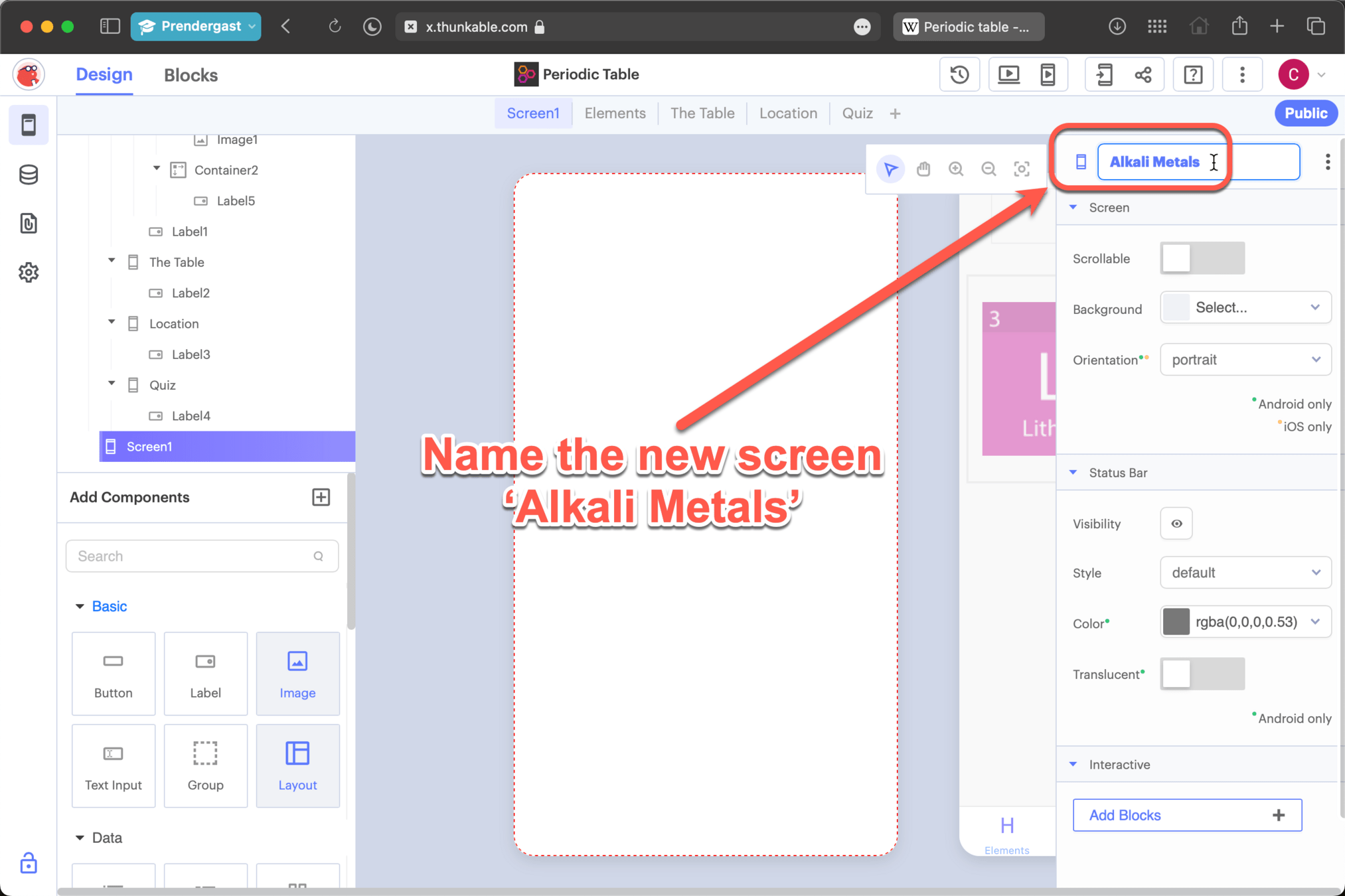
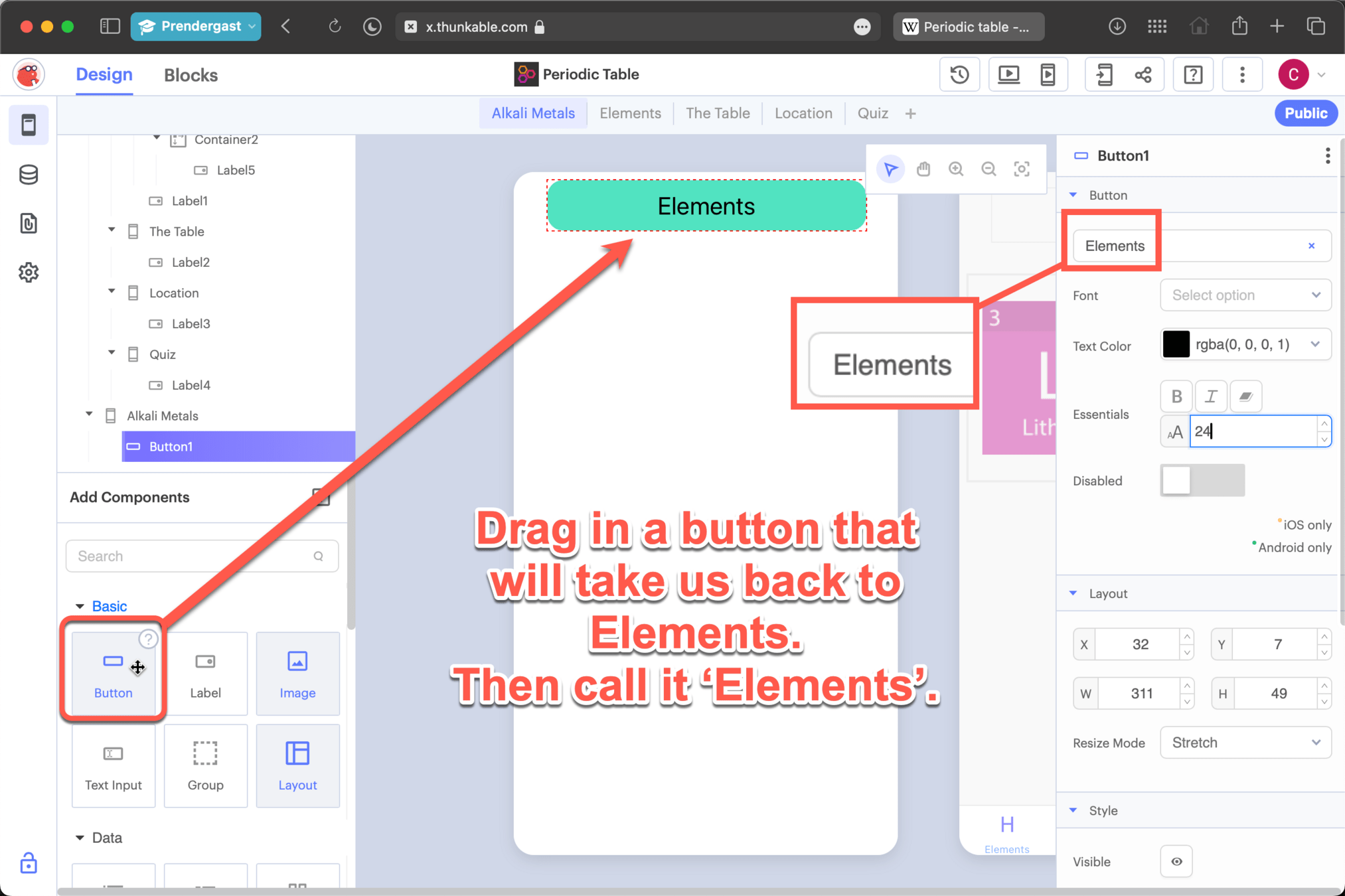
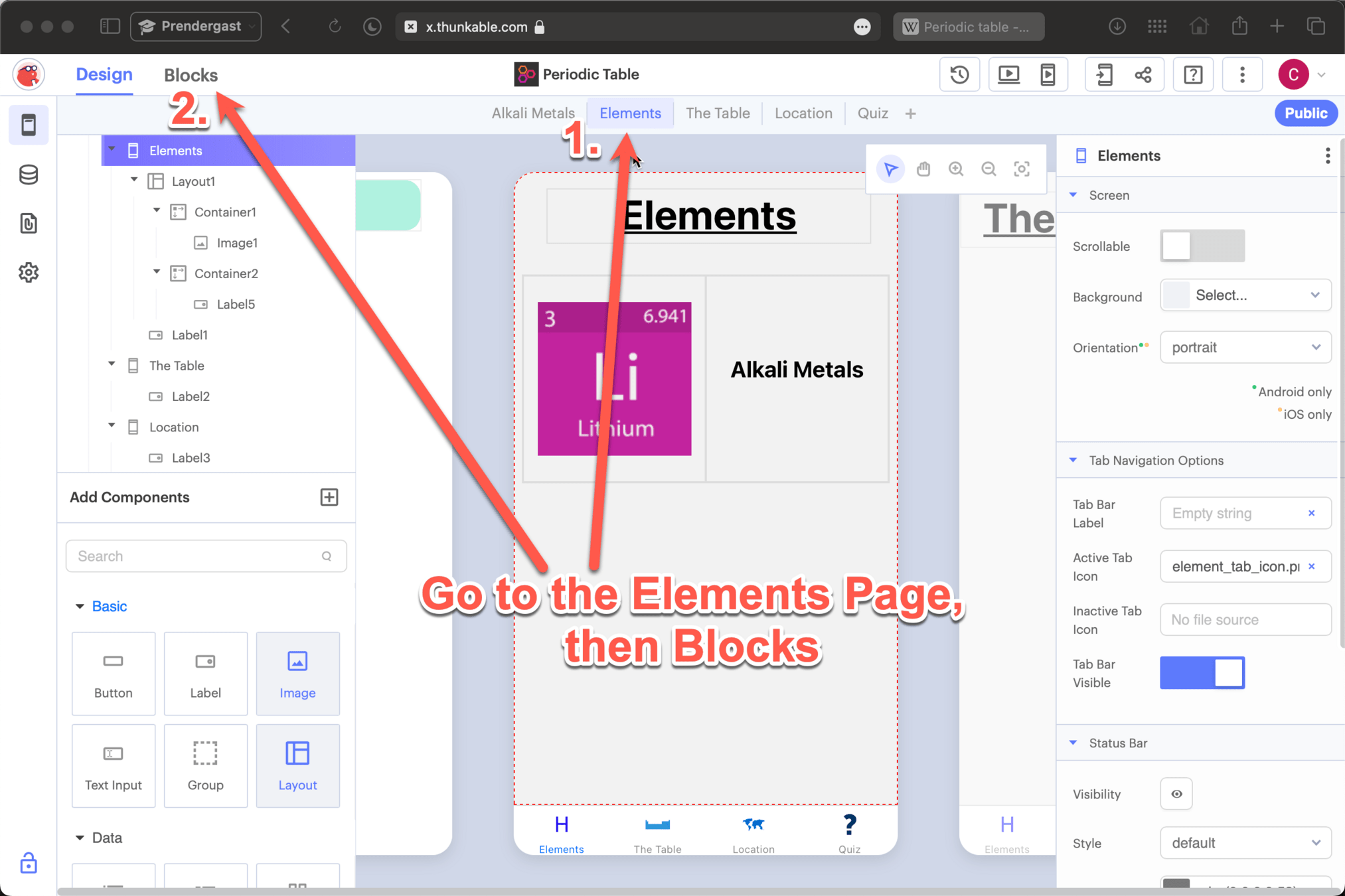
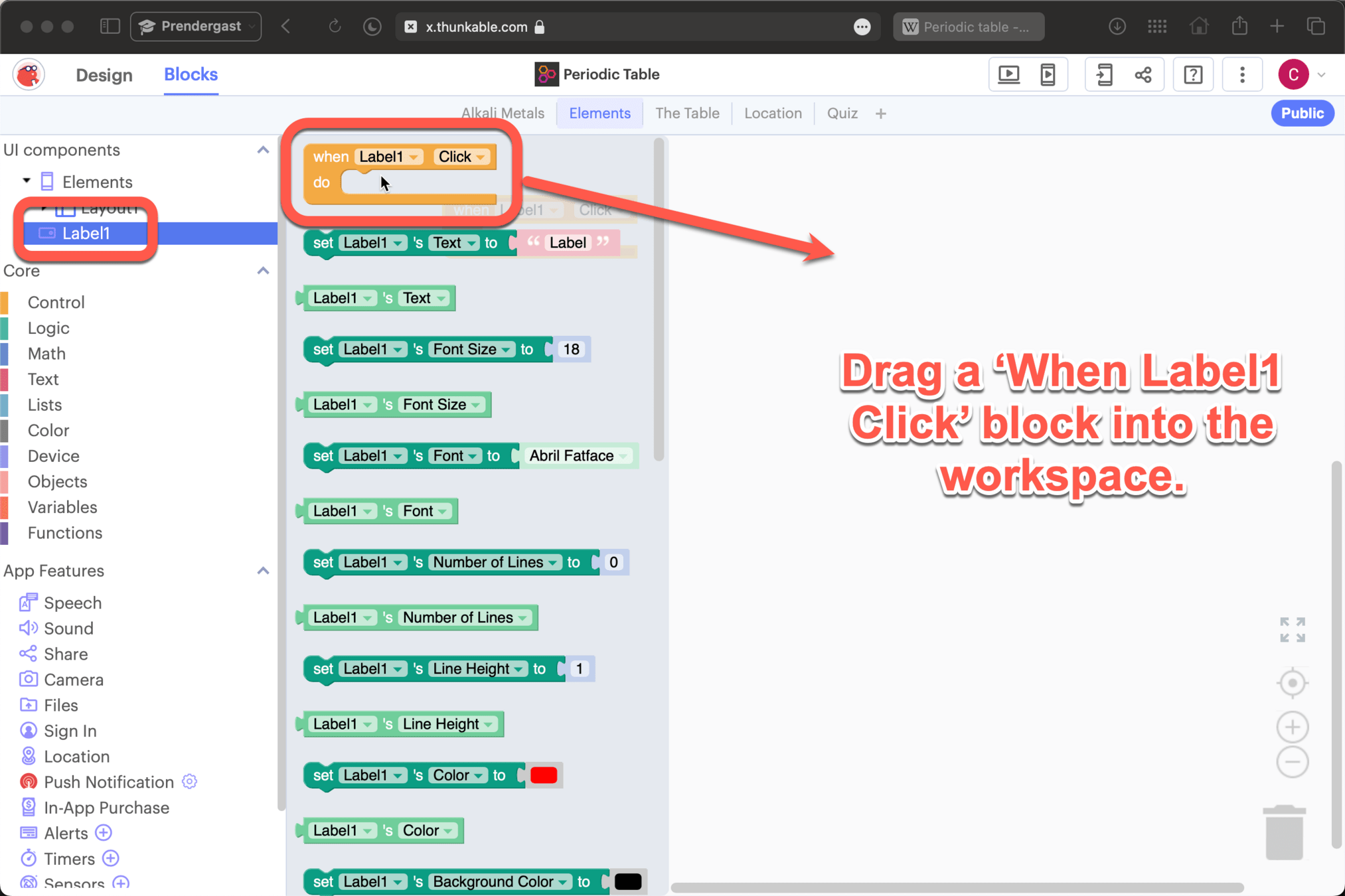
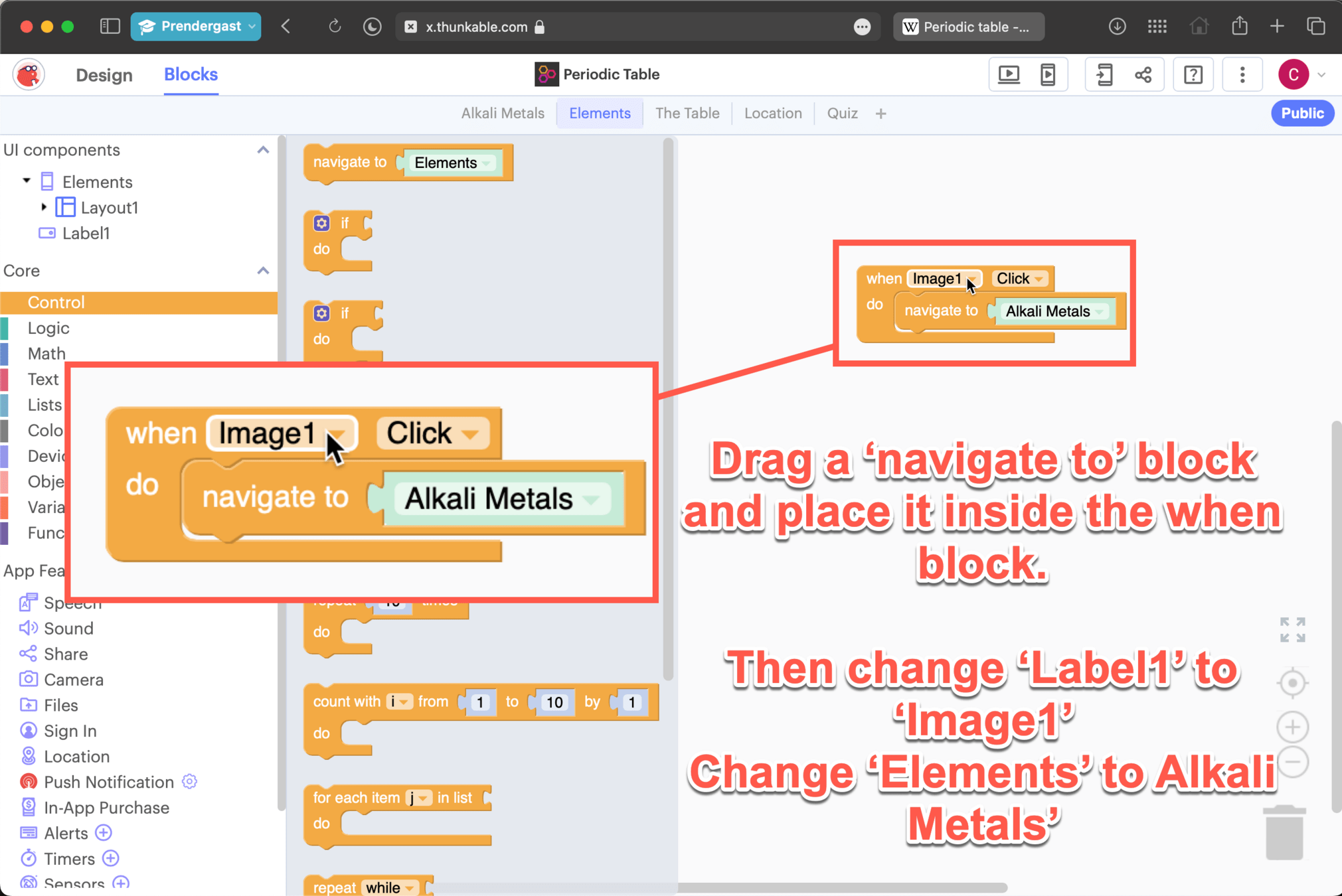
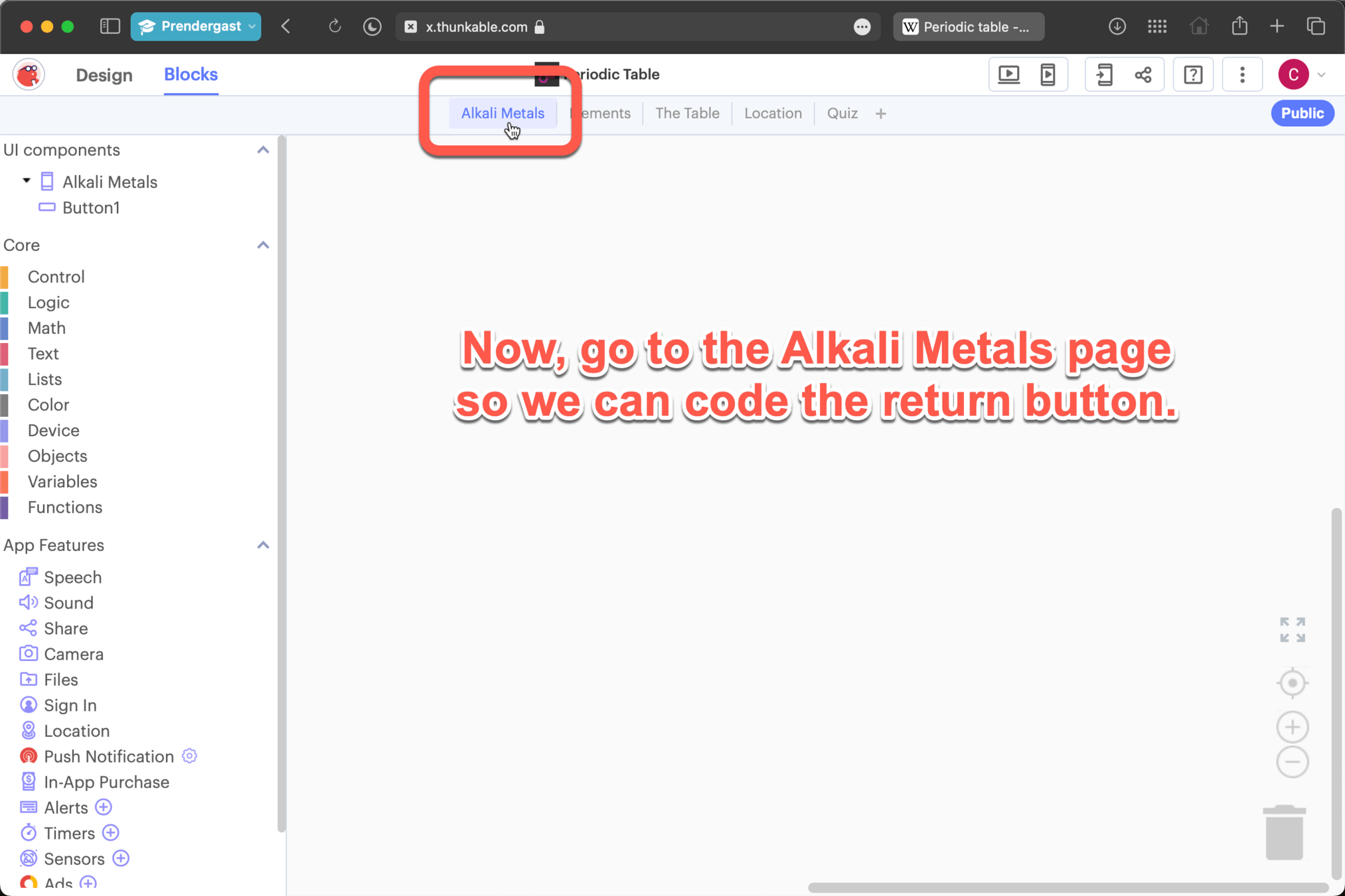
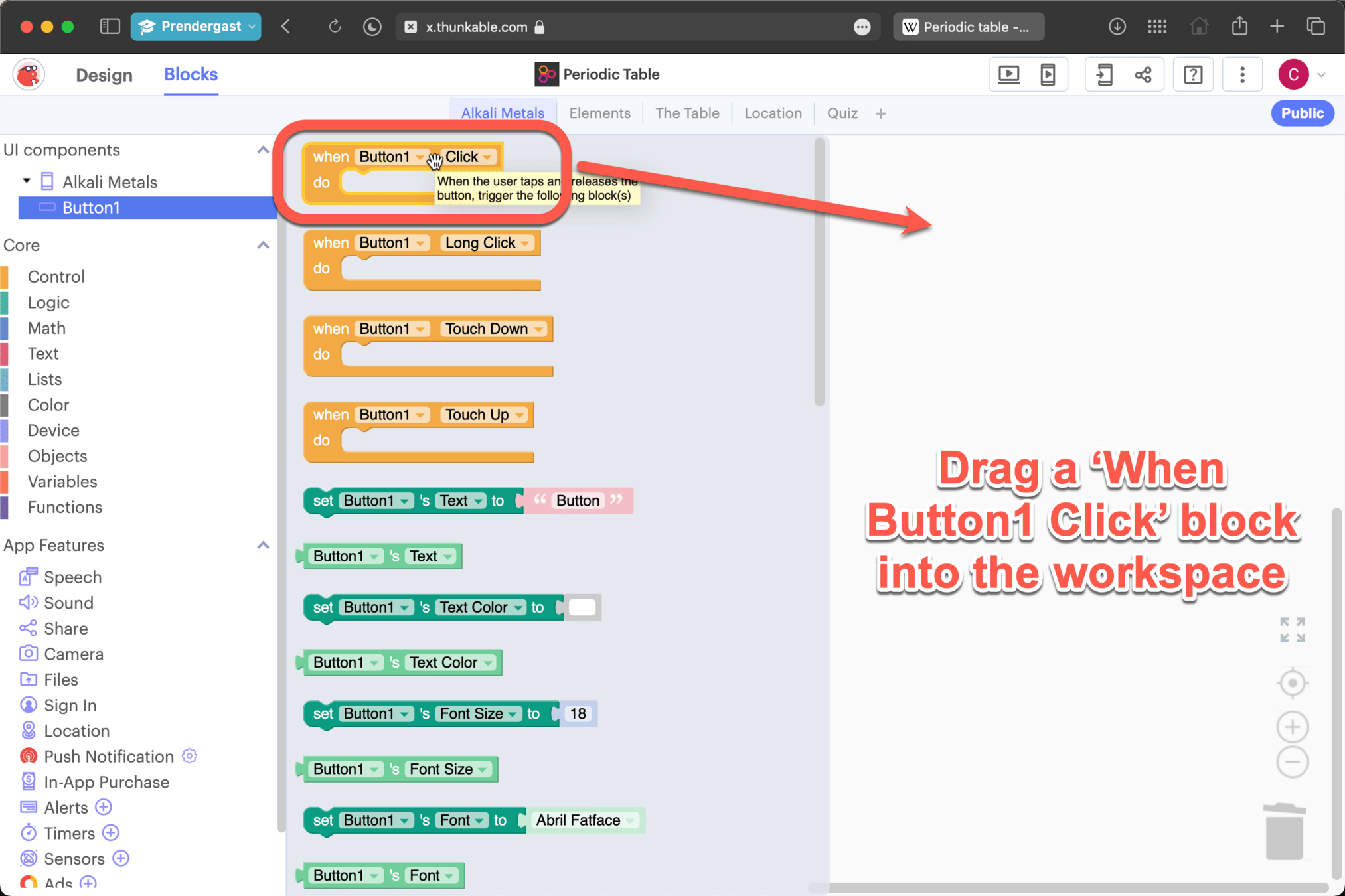
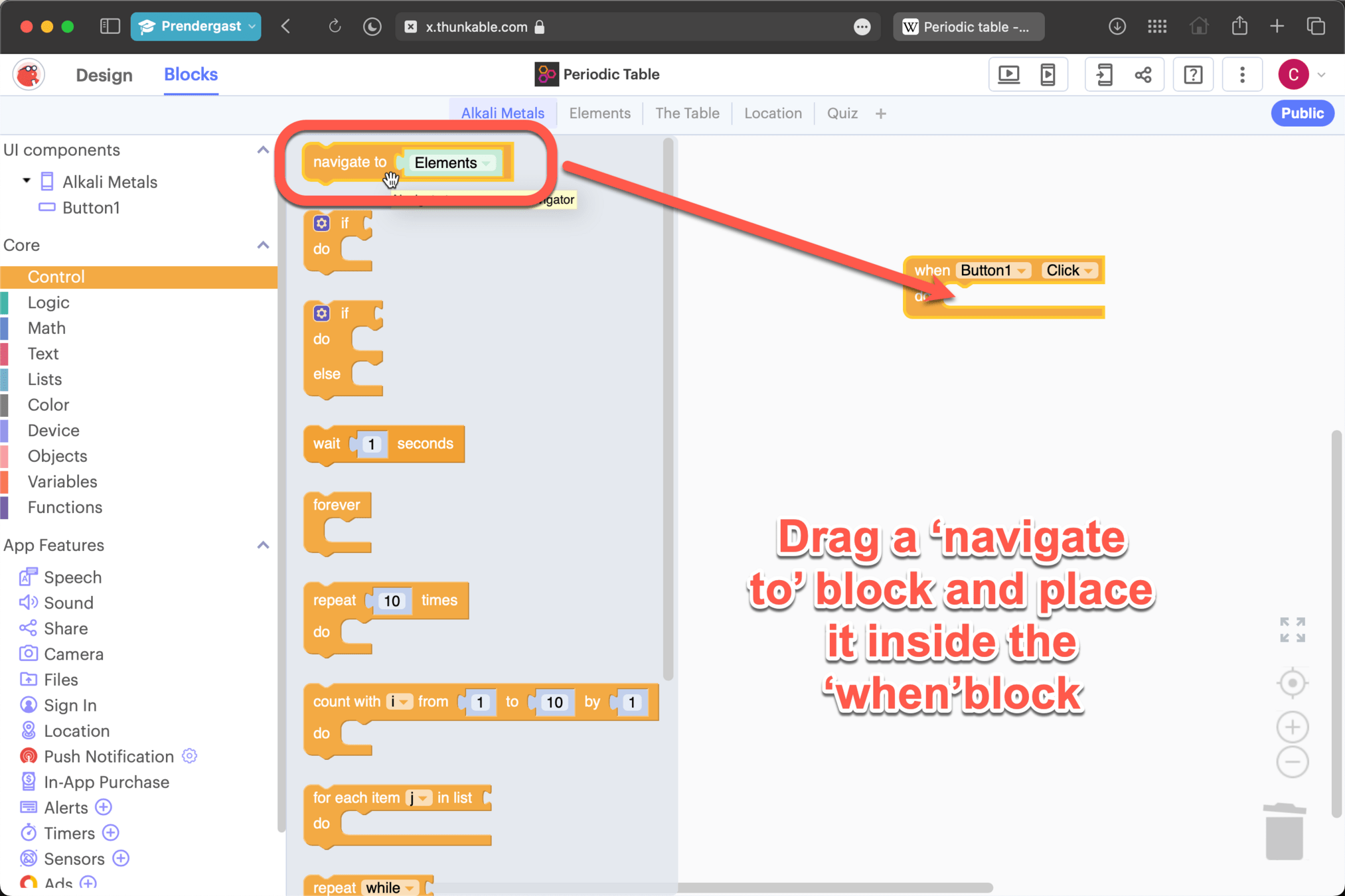
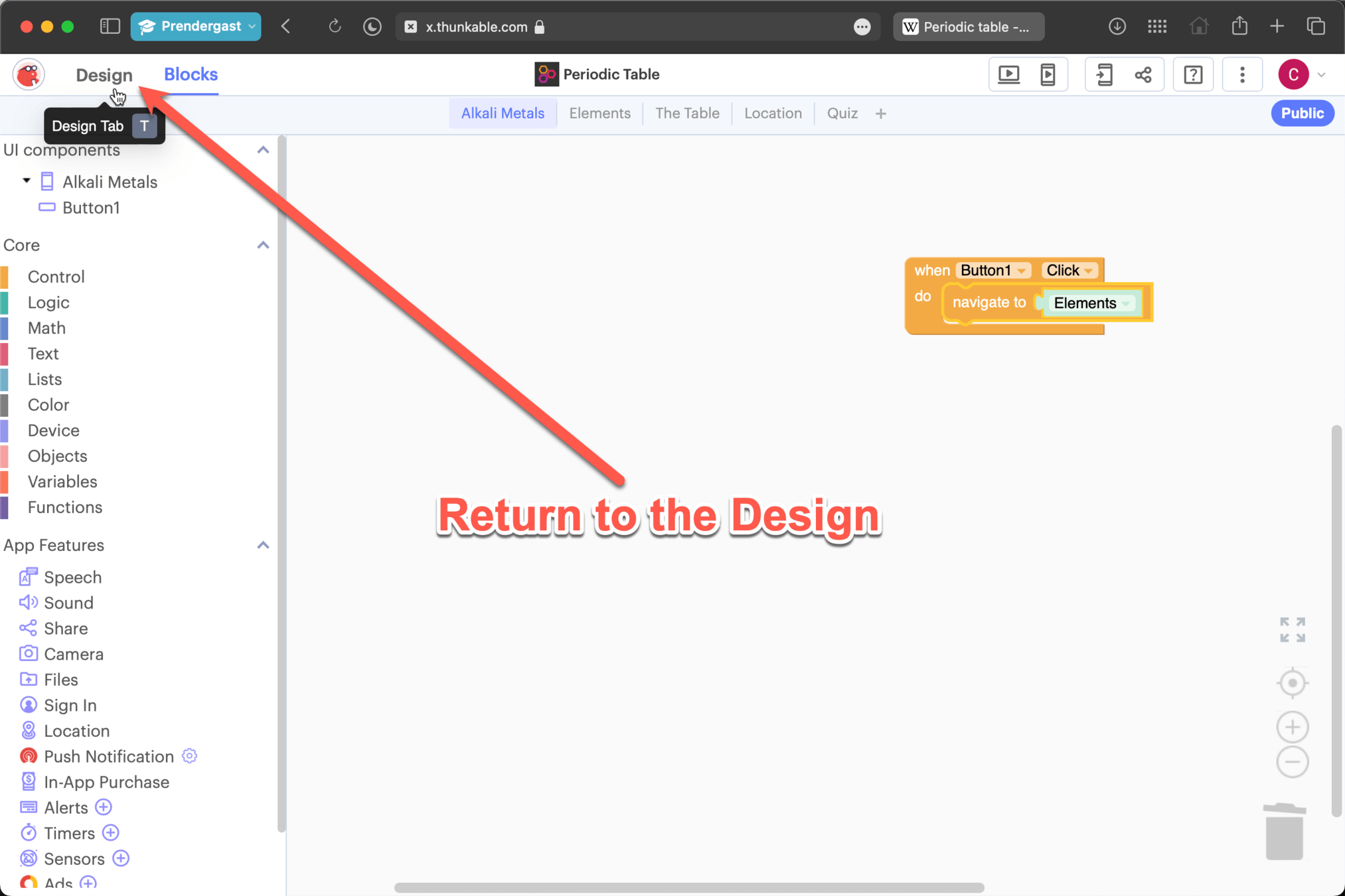
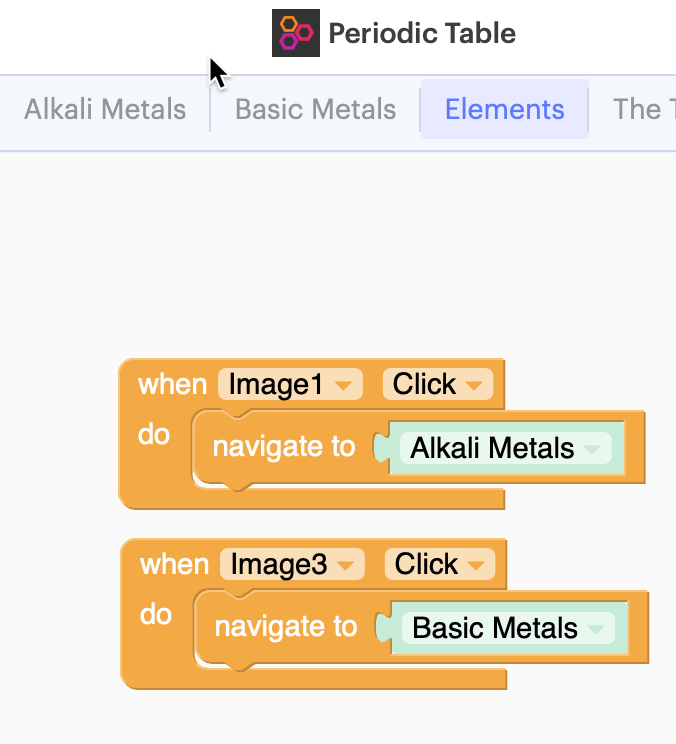
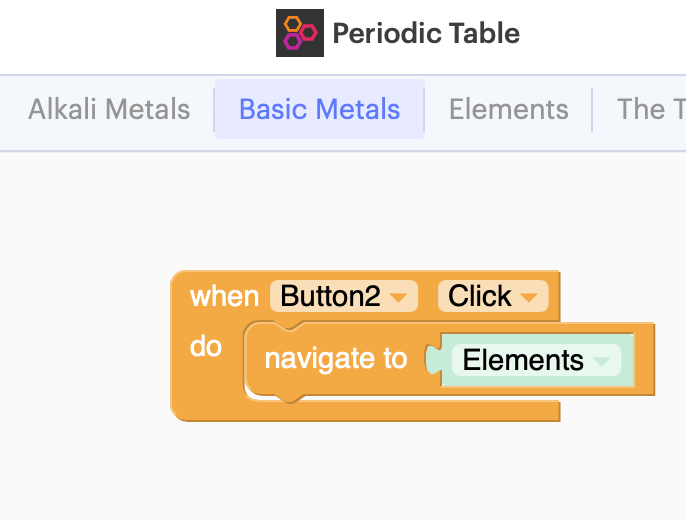
Coding the Image link and return button
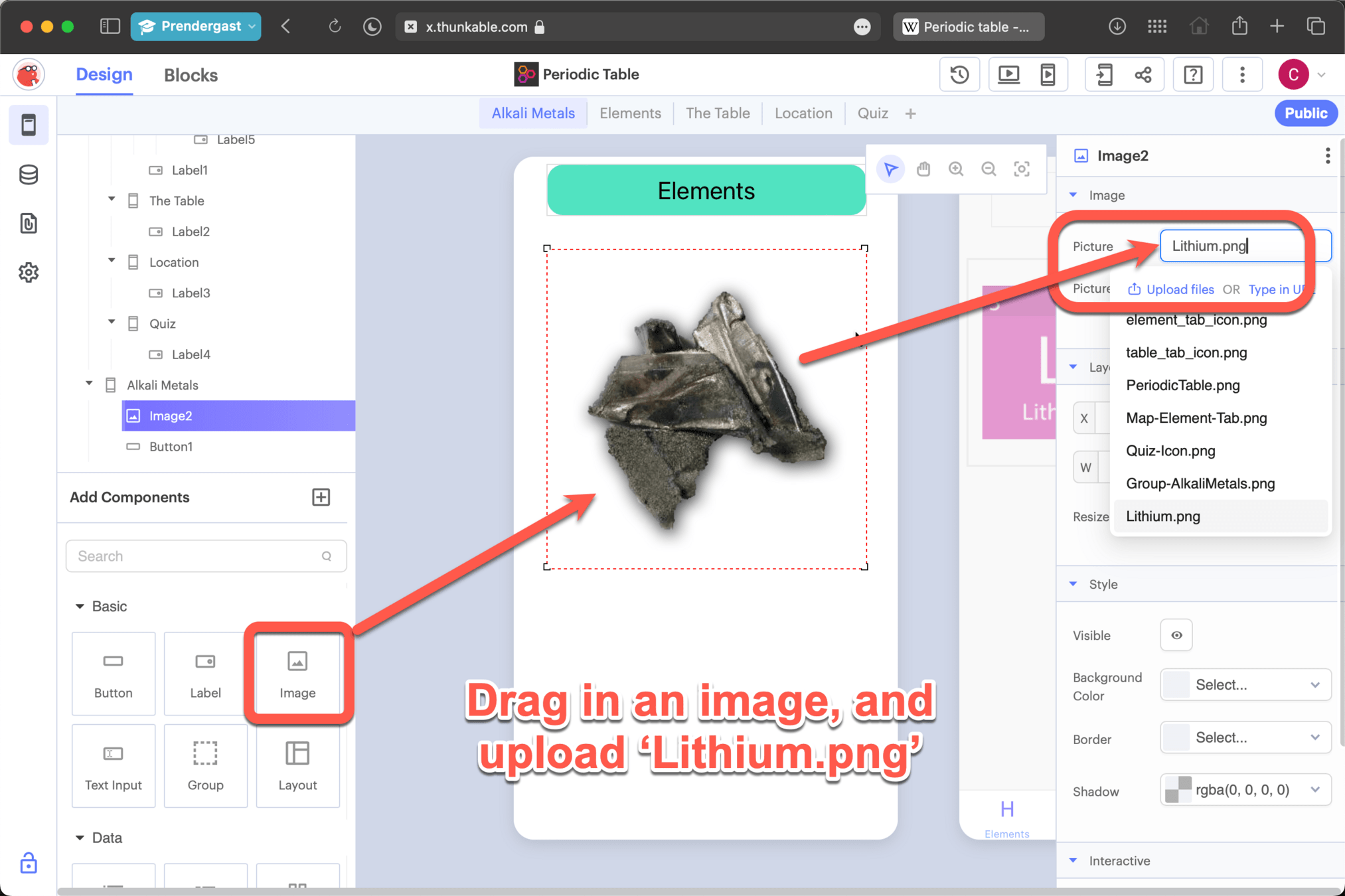
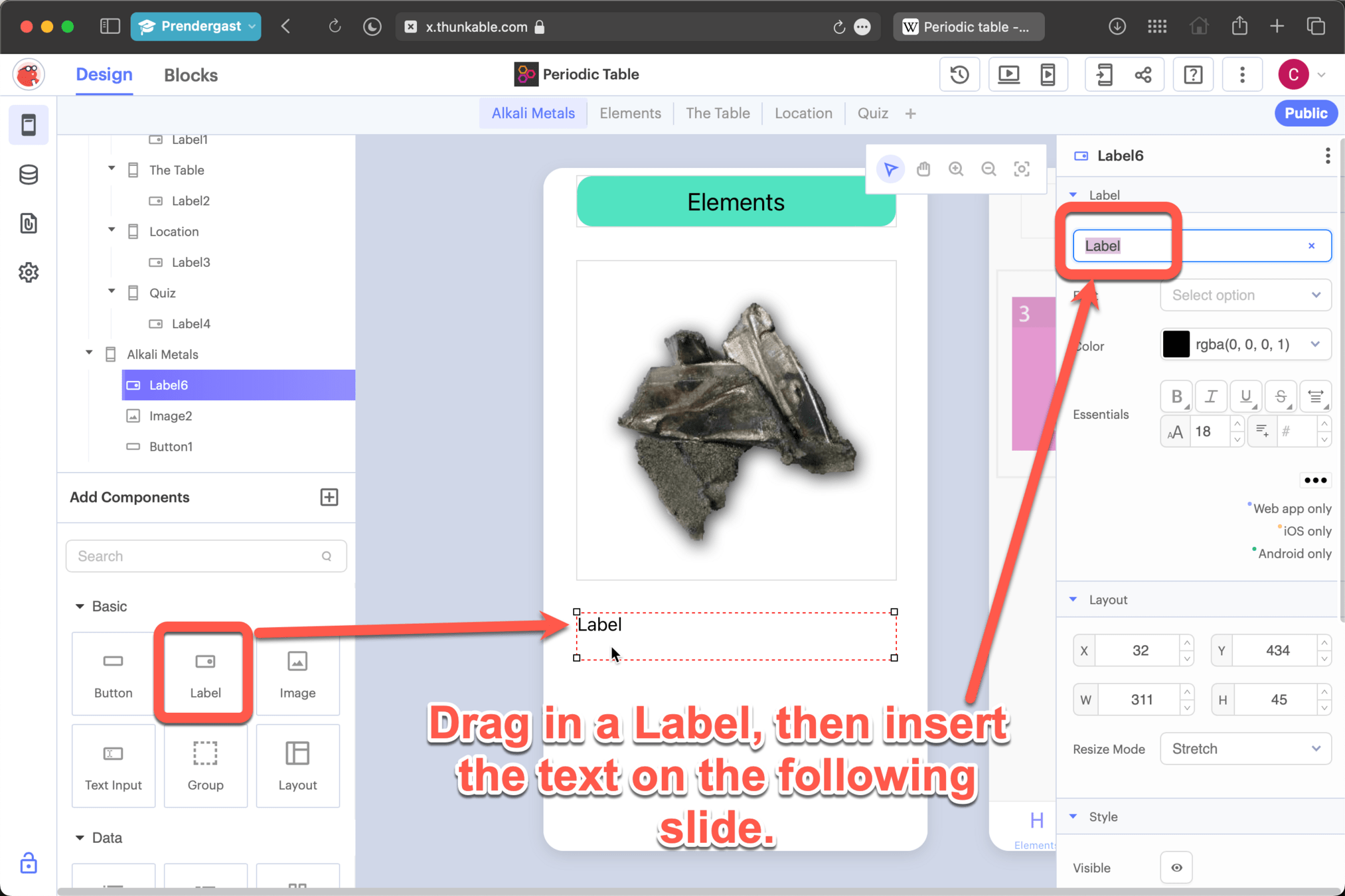
The lightest metal. Lithium actually floats on water. It also reacts with water, fizzing and skittering about as it releases Hydrogen gas. It is so soft that you can cut it with a pair of strong scissors. \nAtomic weight: 6.941 \nDensity: 0.535 g/cm3 \nMelting point: 180.54 C
Do NOT remove any of the "\n" from the text as these will add new lines to the paragraph. Don't worry, you won't be able to see these on your app.
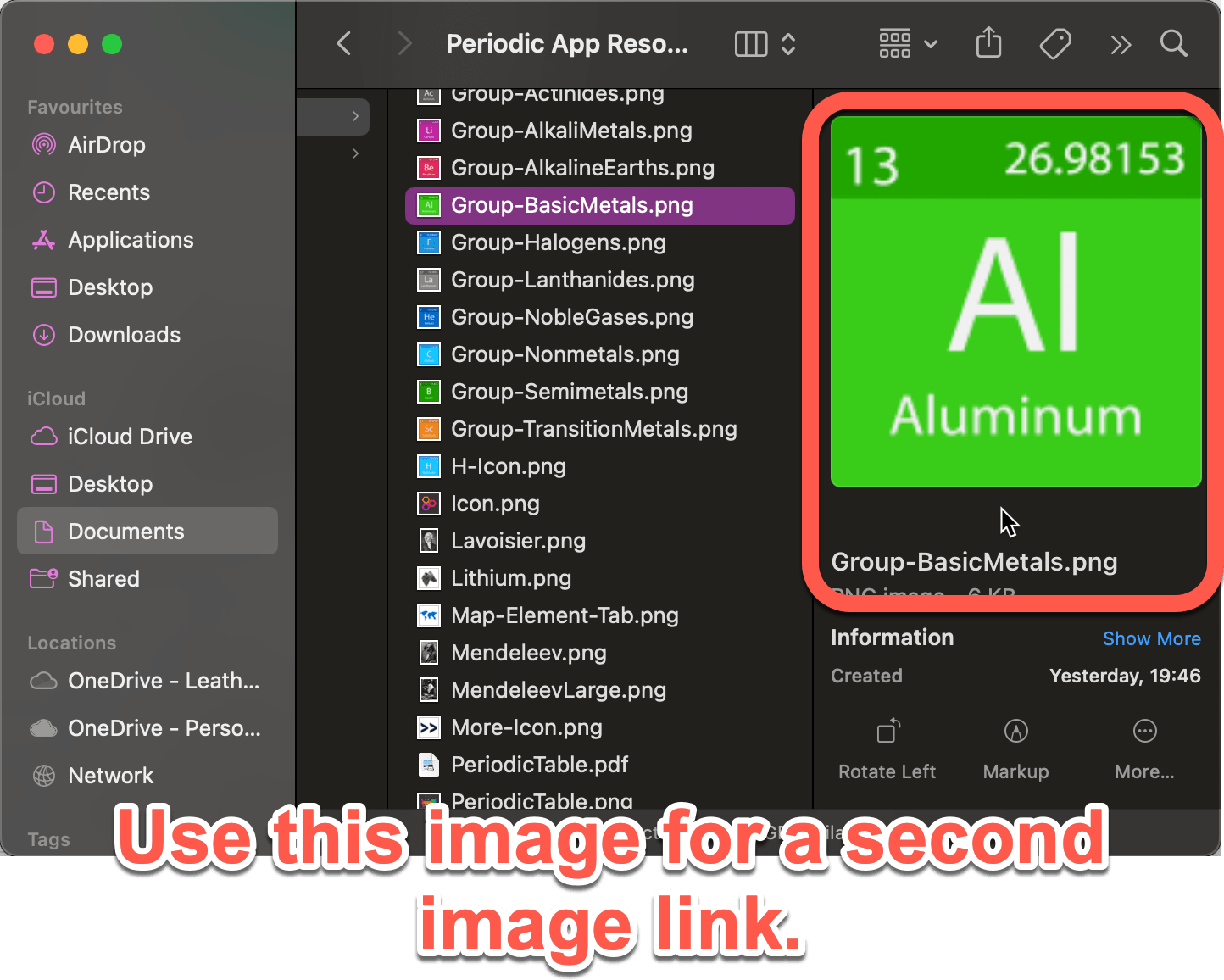
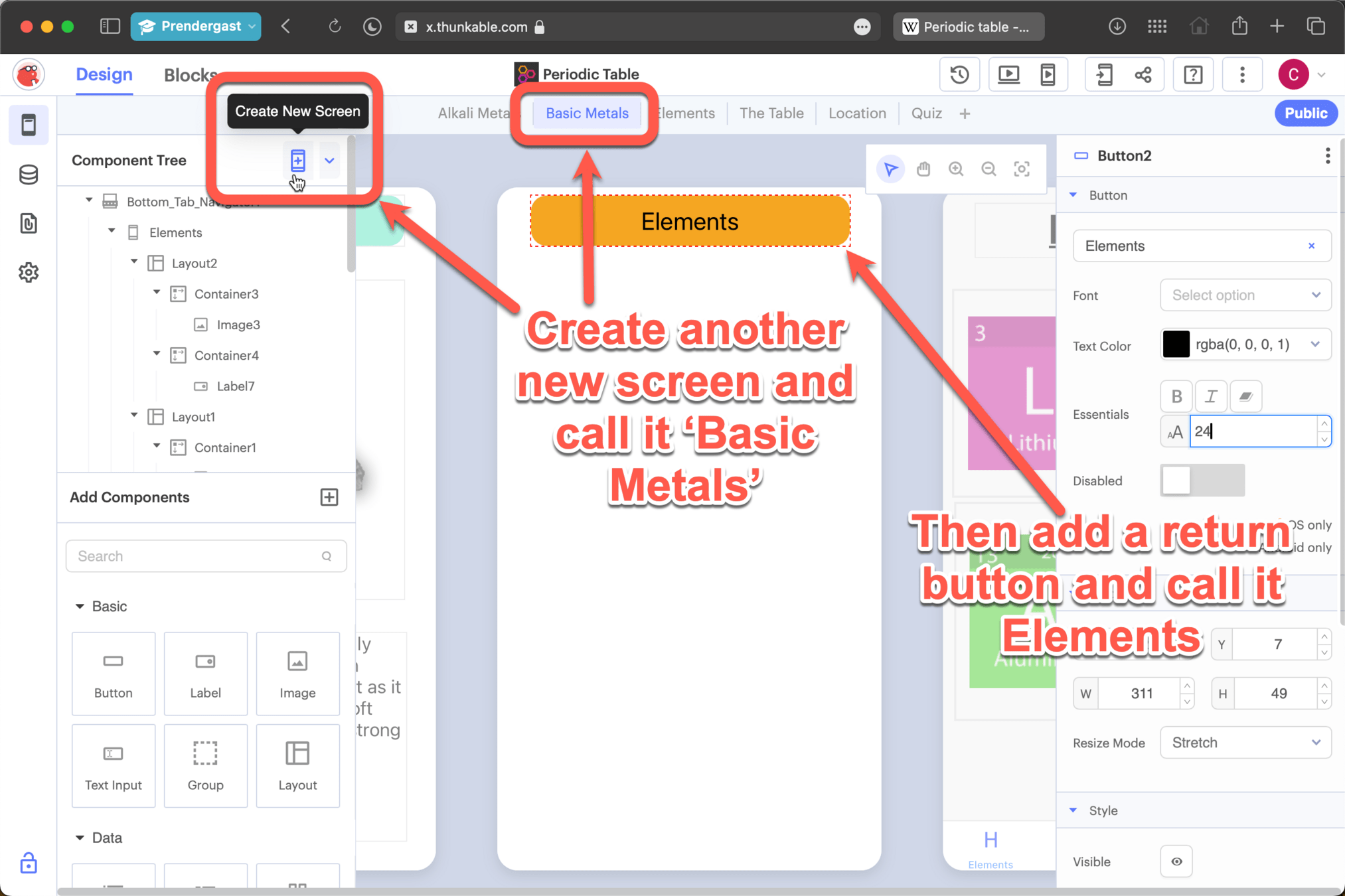
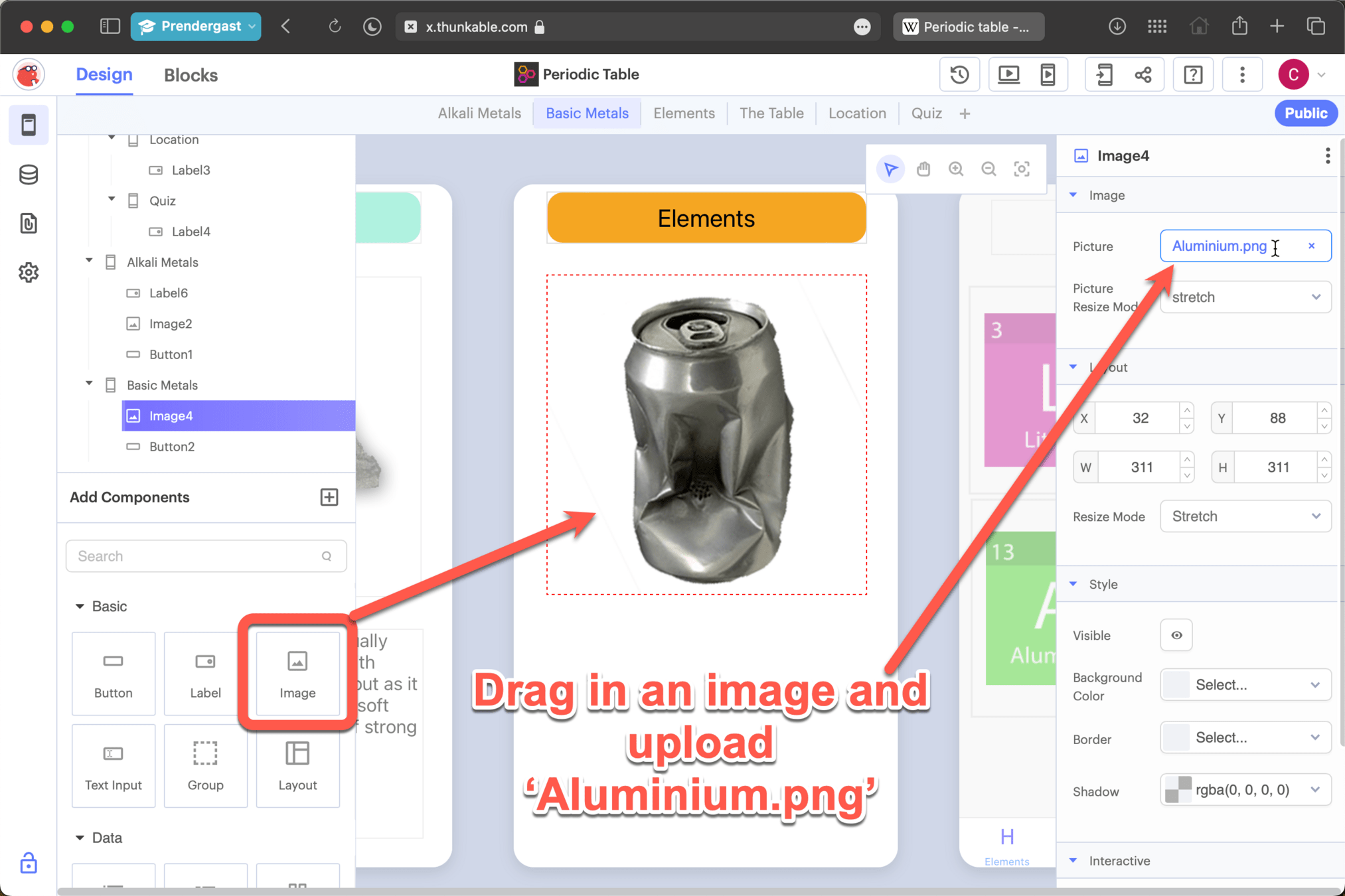
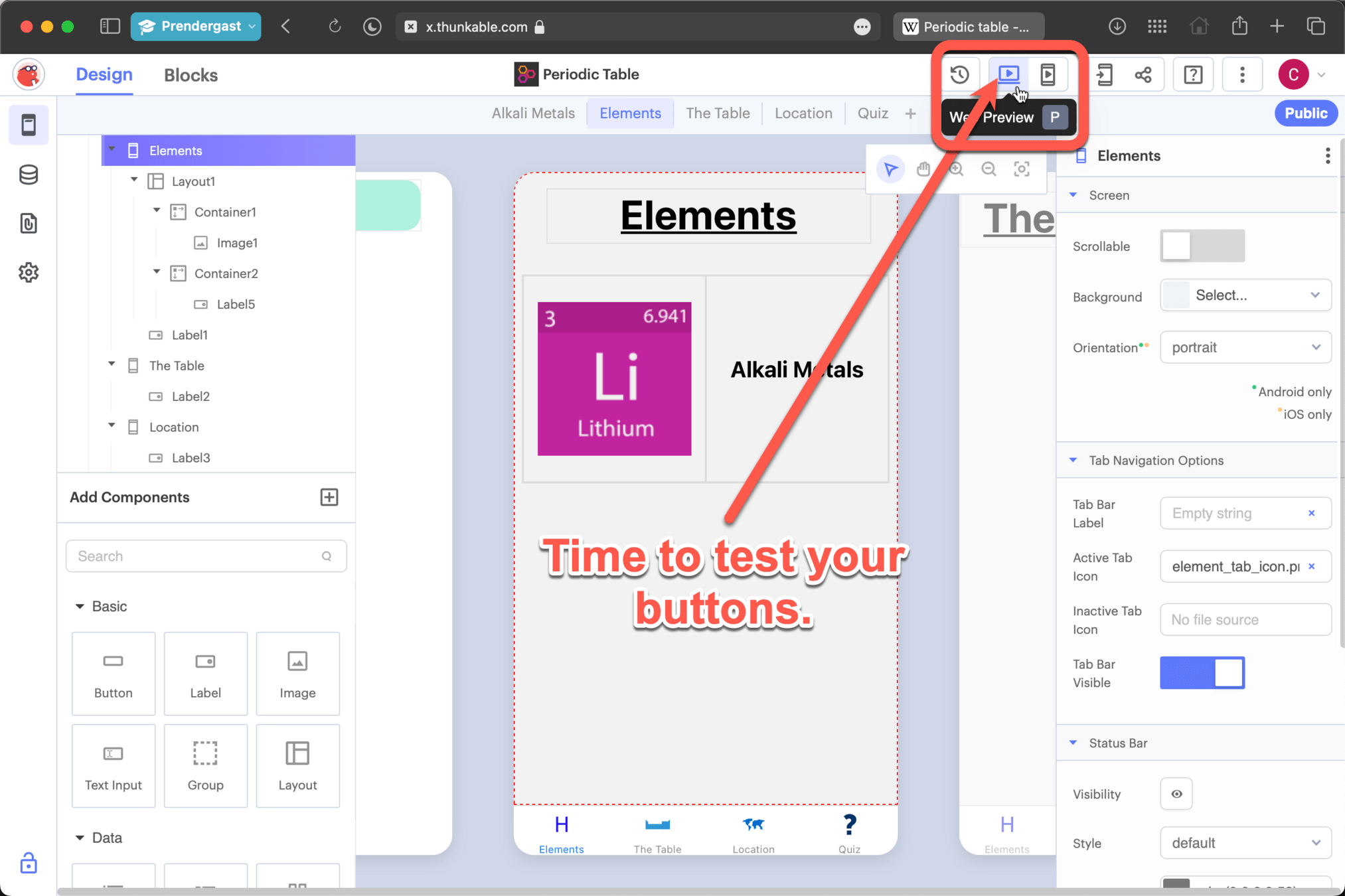
Don't forget to code your two new buttons, instructions are on slides 31-38
Adding a website to your app
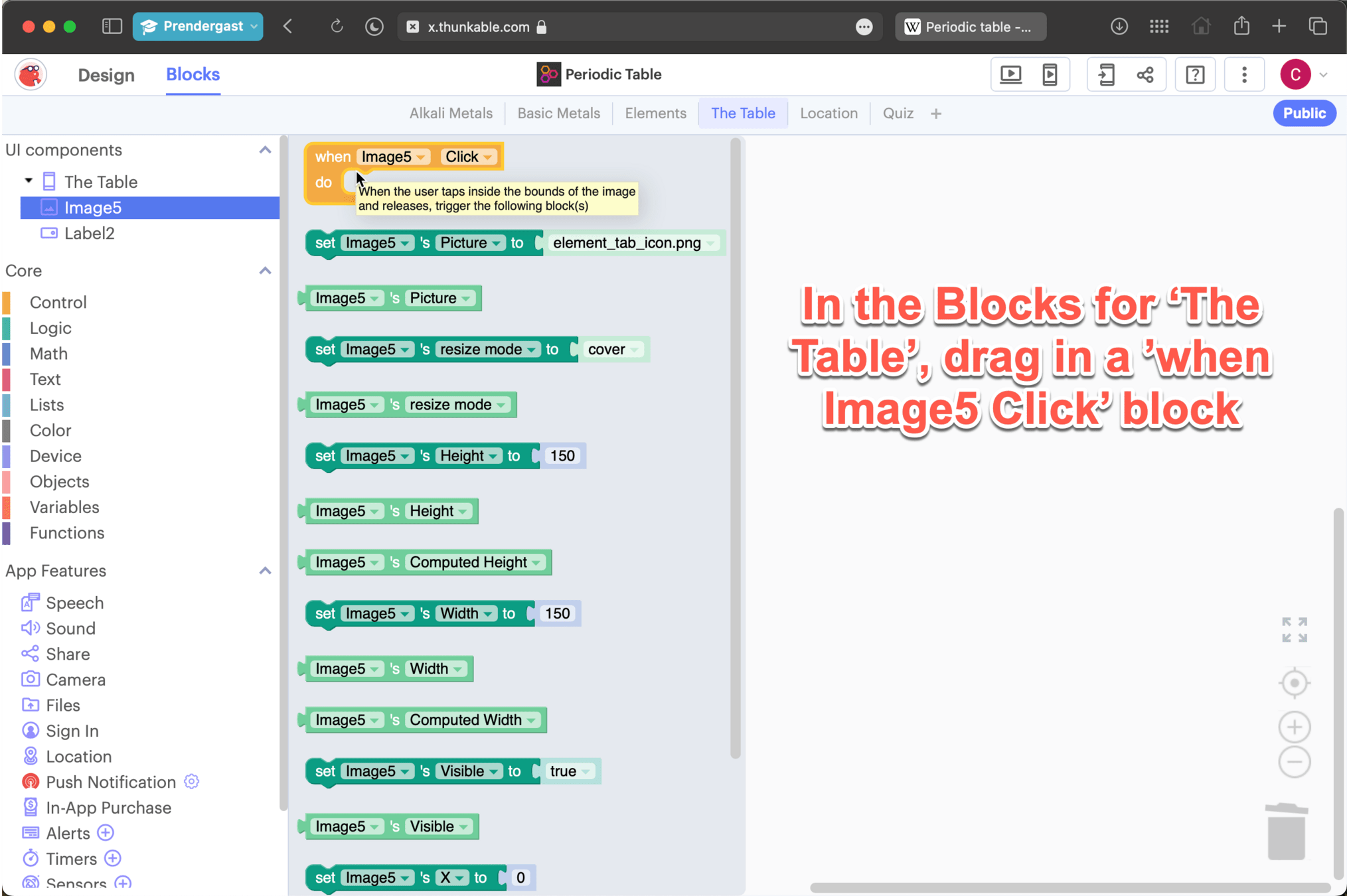
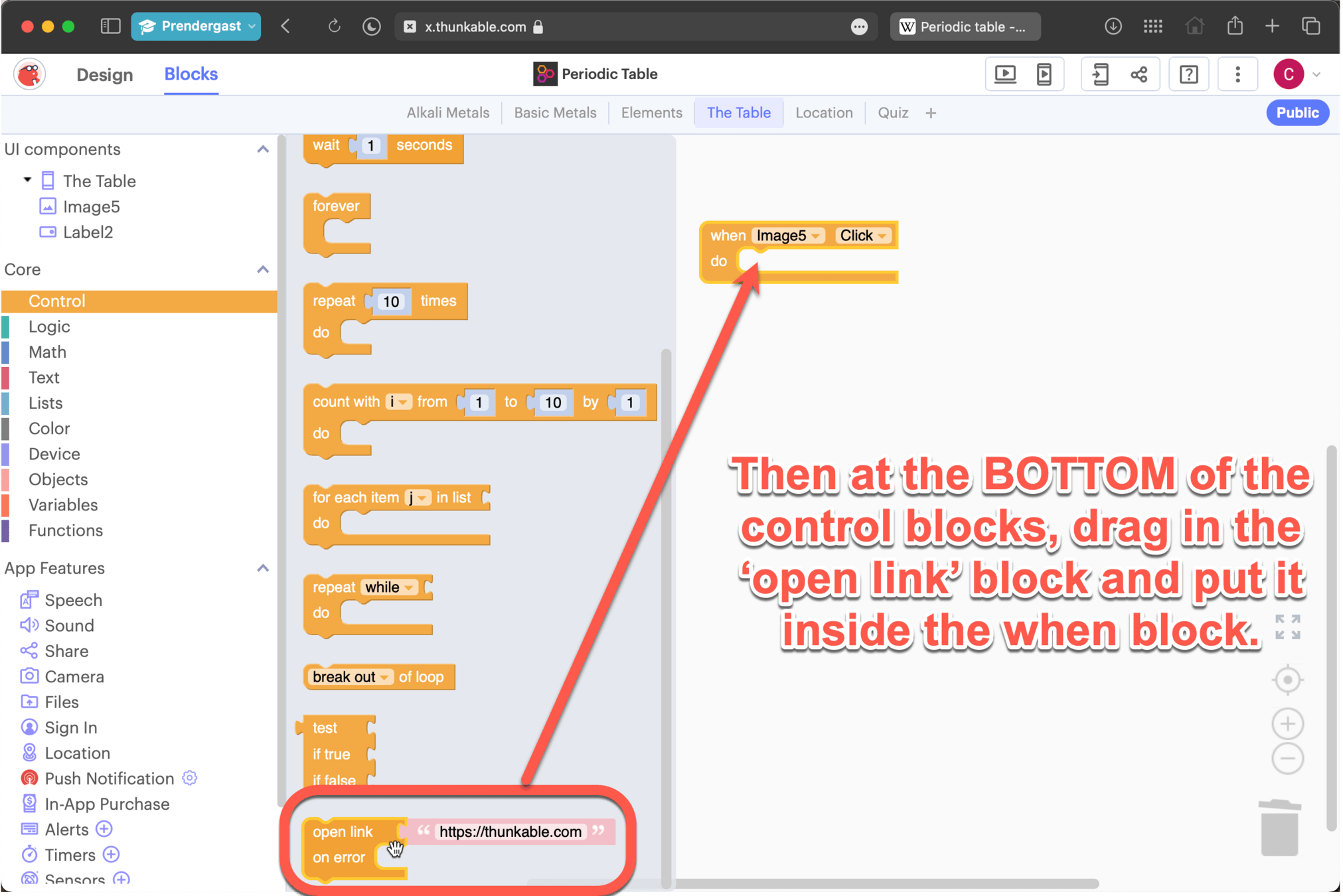
Copy and Paste the following link into the open link block
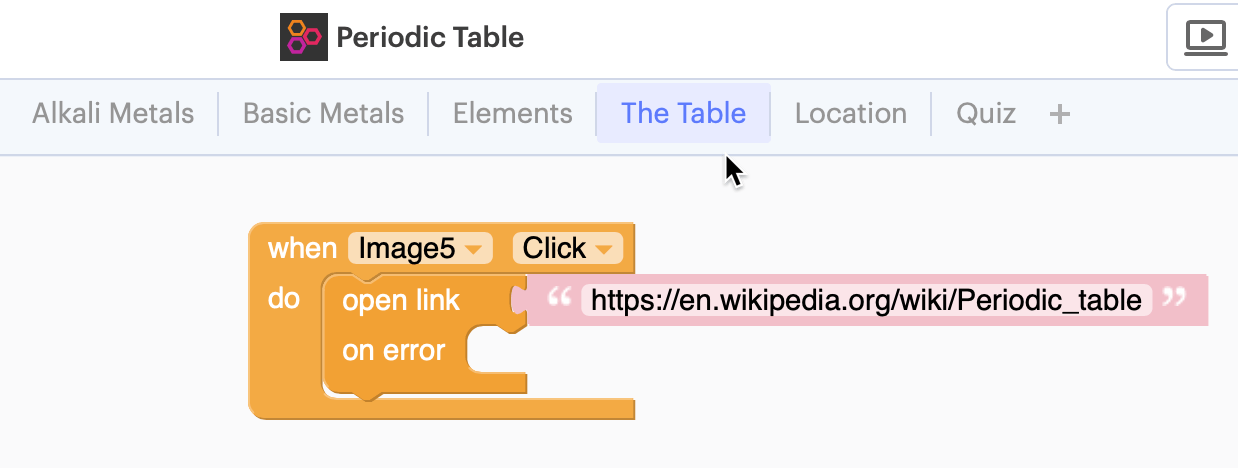
Periodic Table
By C Achilles