Introduction to Blender
Form 3 - Computer
2023-2024
Floor 4 - Computer Room
Mr. Peter

Outline
Outline

Blender Animation - Ex17
1
Blender - Ex17
Ex17

1. Select Preferences
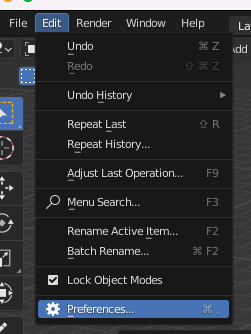
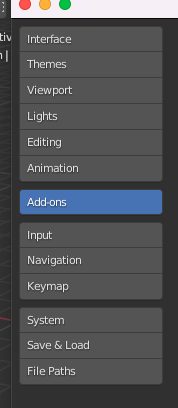
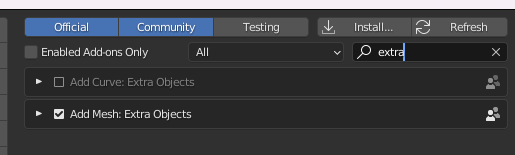
2. Select Add-ones
3. Input "extra"
4. Enable it
Blender - Ex17
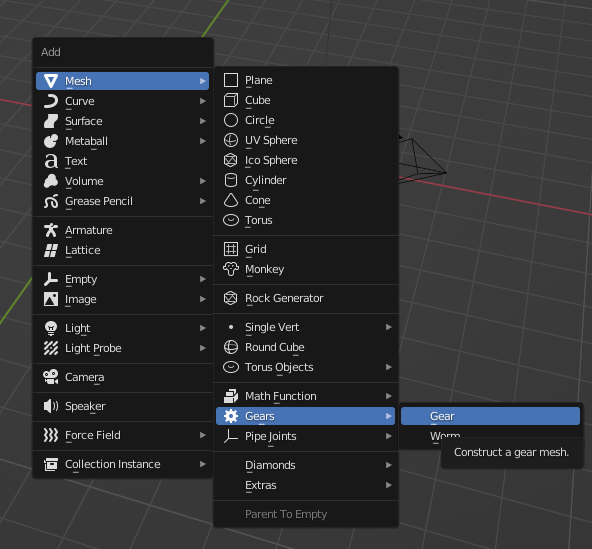
Create Gear (Shift + A)
Blender - Ex17
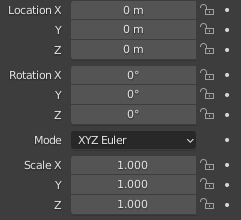
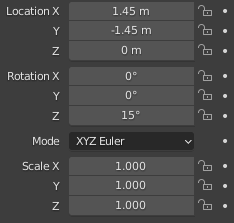
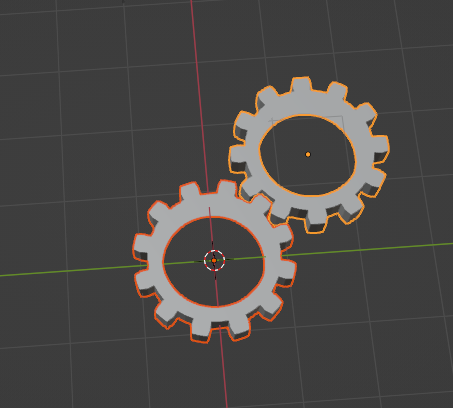
1st Gear
2nd Gear
Blender - Ex17
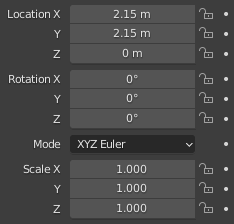
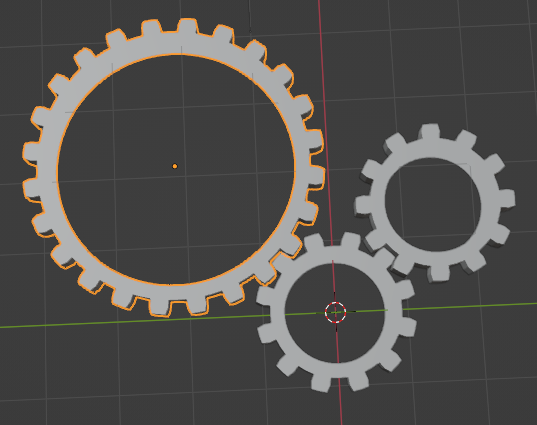
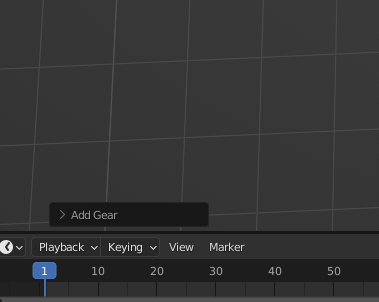
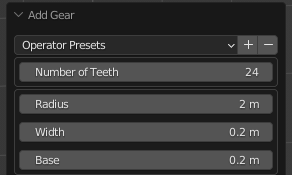
1. Gear setting
2. Change teeth and radius
3. Update properties
3rd Gear
Blender - Ex17
1. Gear setting
2. Change teeth and radius
3. Update properties
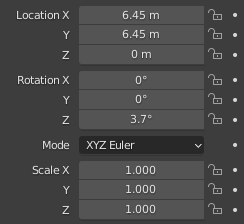
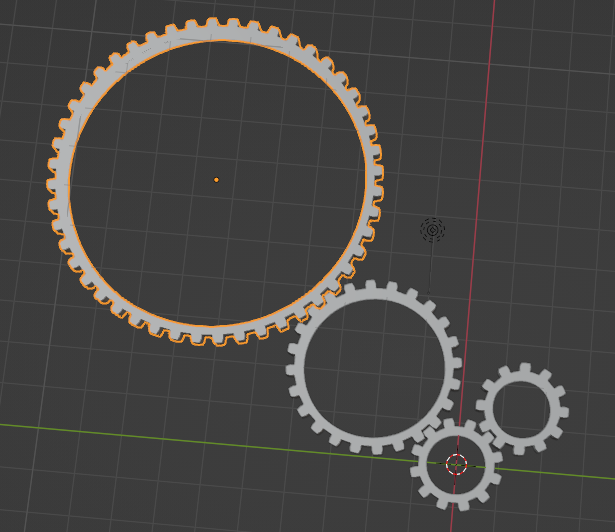
4th Gear
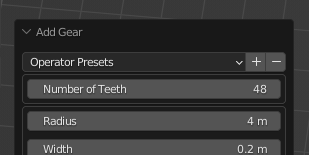
Blender - Ex17
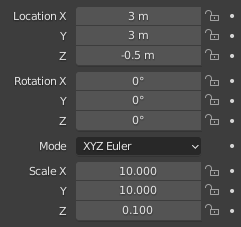
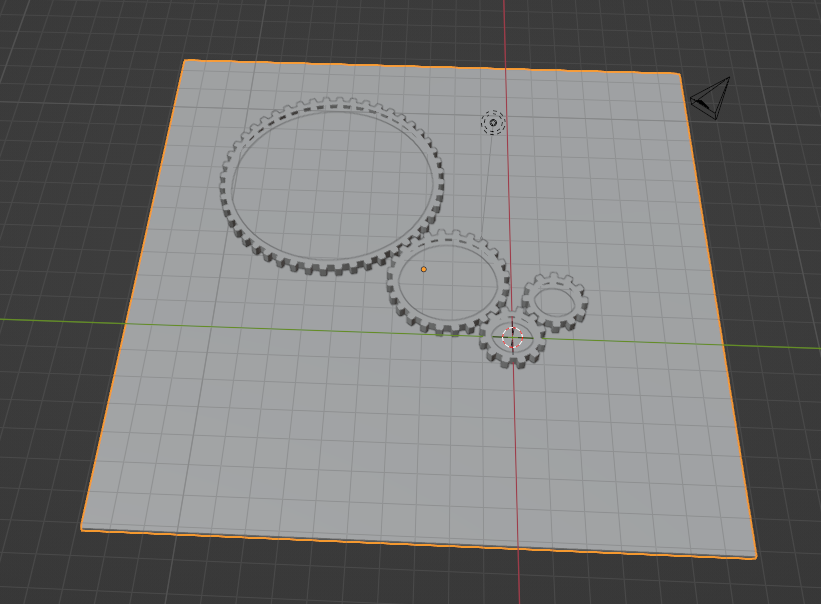
1. Create a cube
2. Update properties
Blender - Ex17
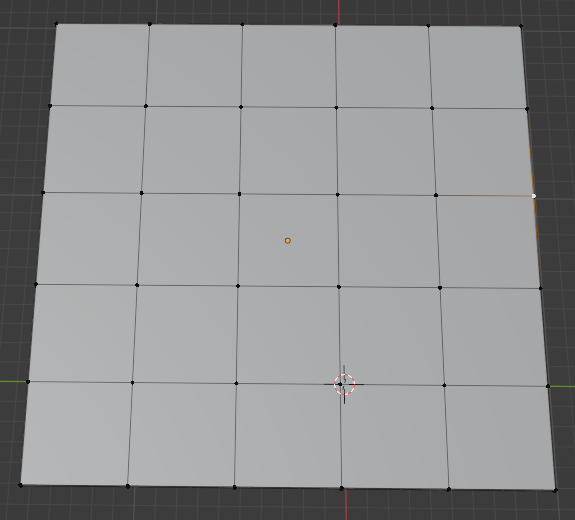
Divide it as a 5 x 5 grid (Ctrl + R)
Blender - Ex17
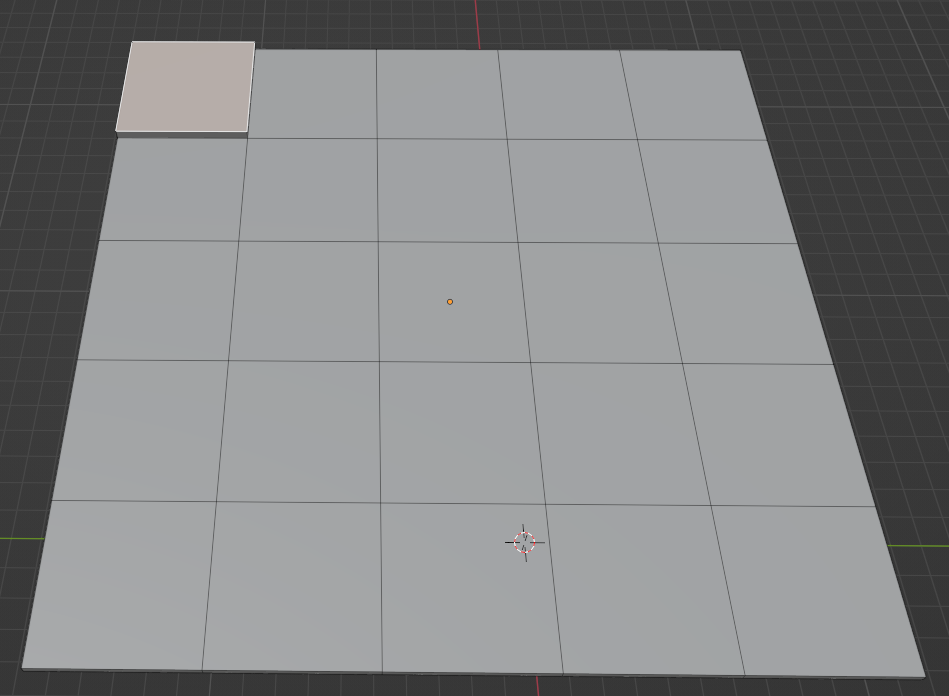
Extrude and Pull up cells with 0.3 distance (E key)
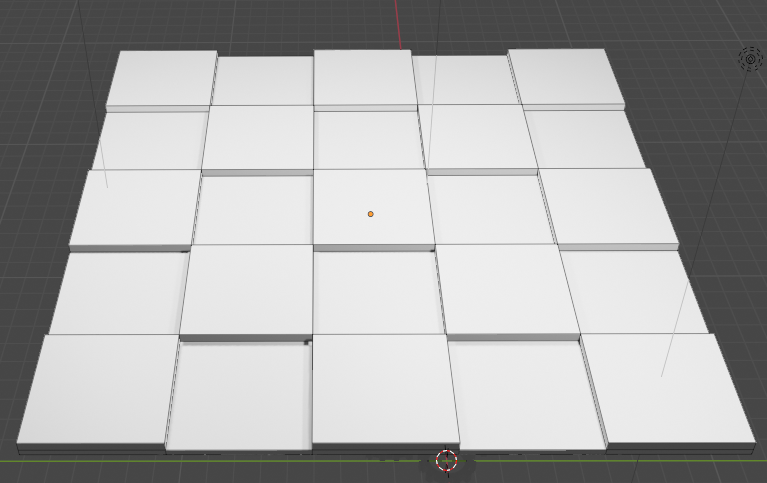
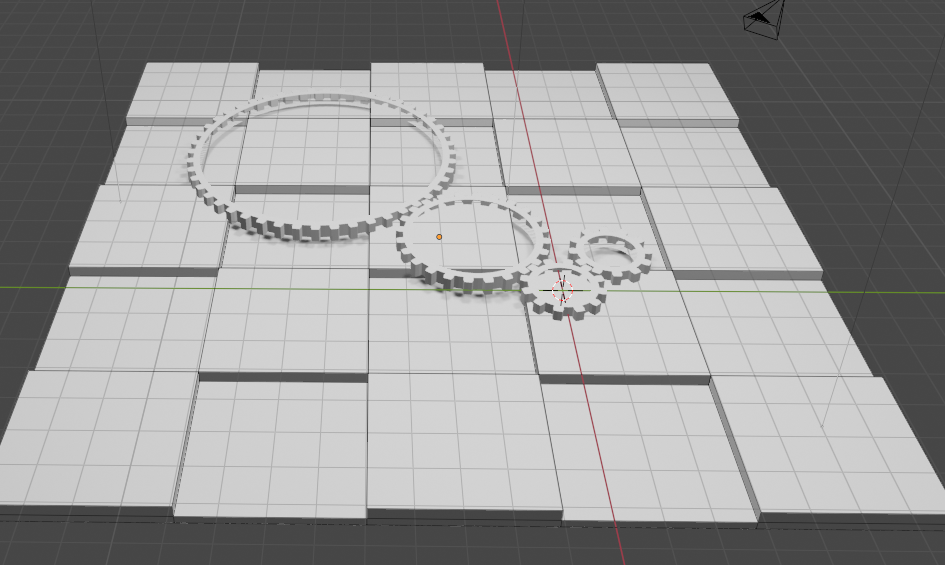
Blender - Ex17
Extrude and Pull up cells with 0.3 distance (E key)
Blender - Ex17
Extrude and Pull up cells with 0.3 distance (E key)
Blender - Ex17
Add colour into objects, black colour for the background cube
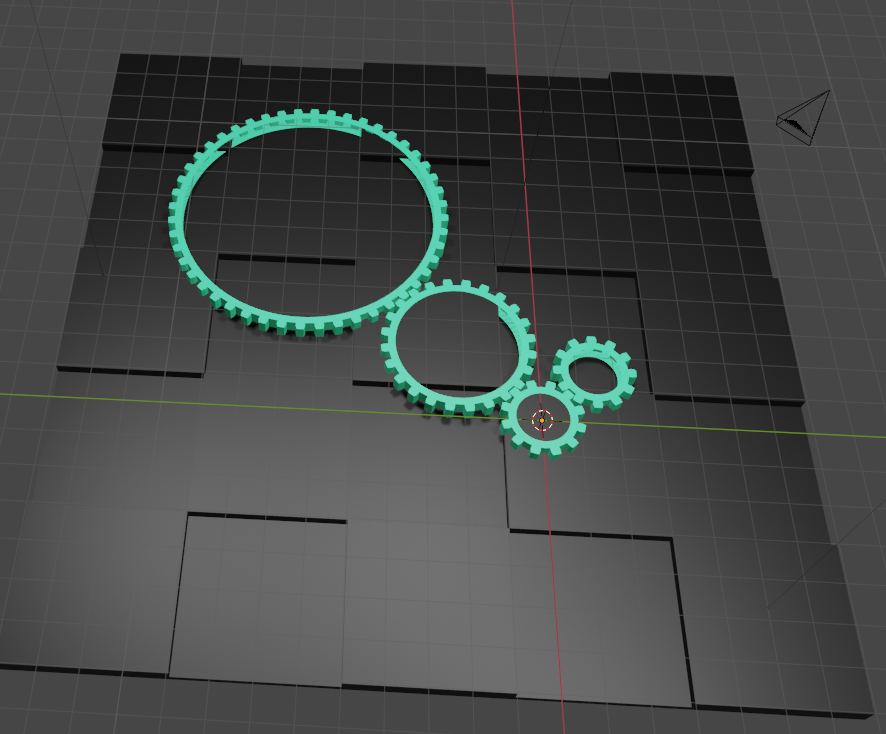
Blender - Ex17
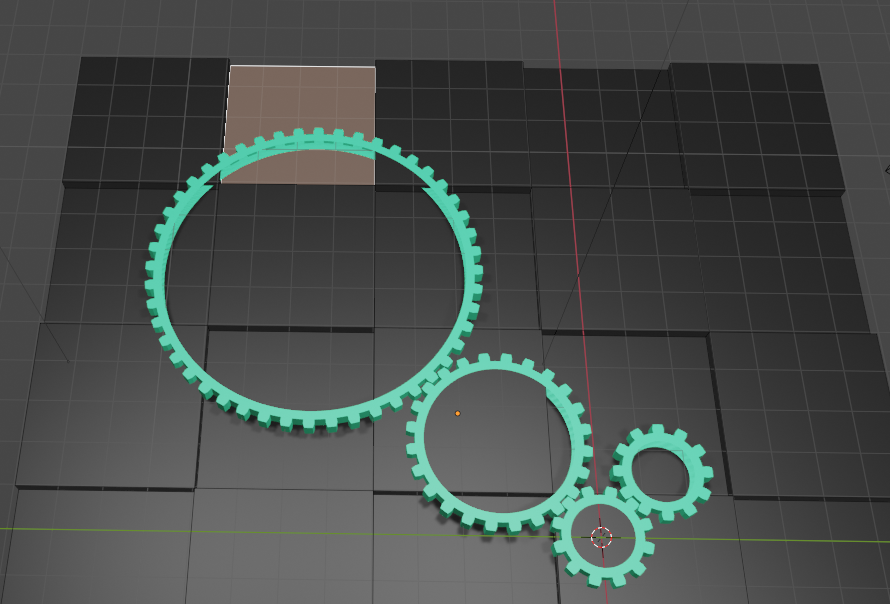
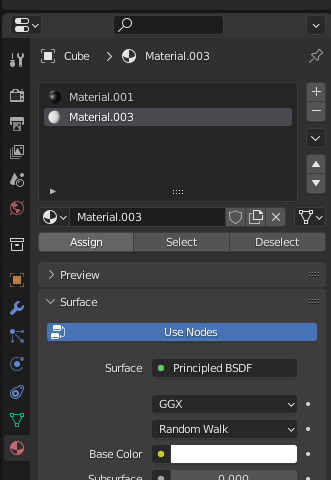
1. Select Face
2. Add white colour material and assign it to the selected face
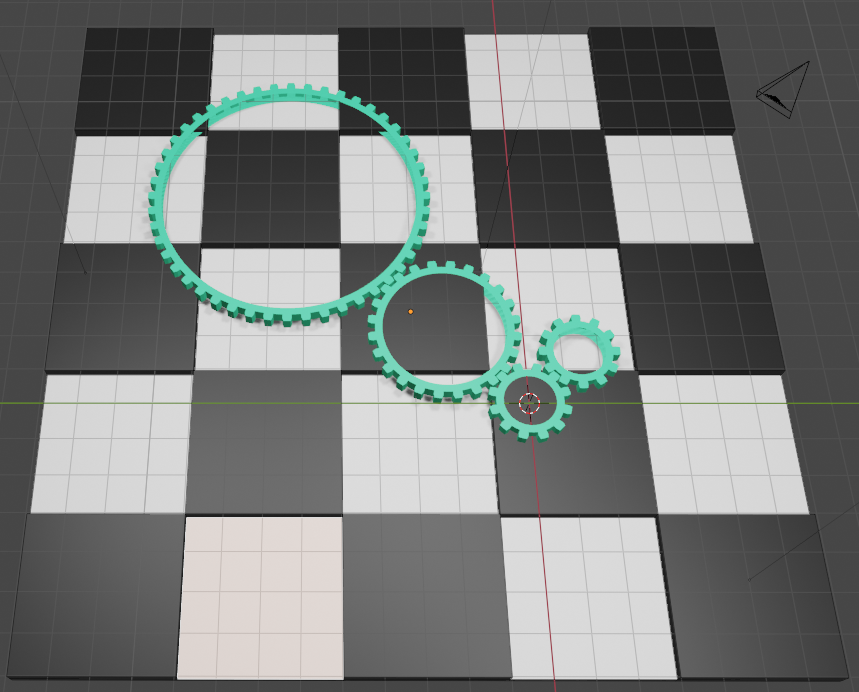
3. Assign the white colour material to each cells
Blender - Ex17
1. Select Face
2. Add white colour material and assign it to the selected face
3. Assign the white colour material to each cells
Blender - Ex17
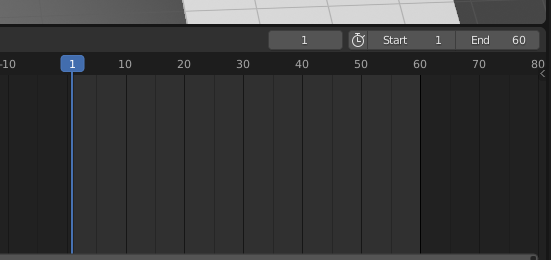
Total Frames: 60
Gear Animation
Blender - Ex17
Gear Animation
1st Gear
1 full rotation in the anticlockwise direction

Blender - Ex17
Gear Animation
2nd Gear
1 full rotation in the clockwise direction
Blender - Ex17
Gear Animation
3rd Gear
half rotation in the clockwise direction
Blender - Ex17
Gear Animation
4th Gear
1/4 rotation in the anticlockwise direction
Blender - Ex17
Save it as XX_YYYY_Ex17.blend
Blender - Ex17
F3 - Introduction to Blender
By Mr Peter