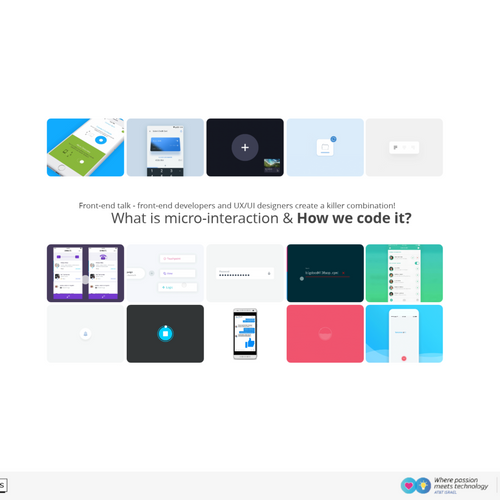

Front-end talk: front-end developers and UX/UI designers create a killer combination!
What is micro-interaction & How do we code it?
Hello
Text
Creative Web developer
AT&T Israel, Tel-aviv
What are we going to talk about?
-
What is Microinteraction?
-
When and where would we want use it?
-
Why does interaction design matter to User Experience?
-
What is the structure of Microinteractions?
-
How do we code them & what are the tools we have as front-end developers.
-
Let's code one! One cool example🤟
-
Done!
What is Microinteraction?

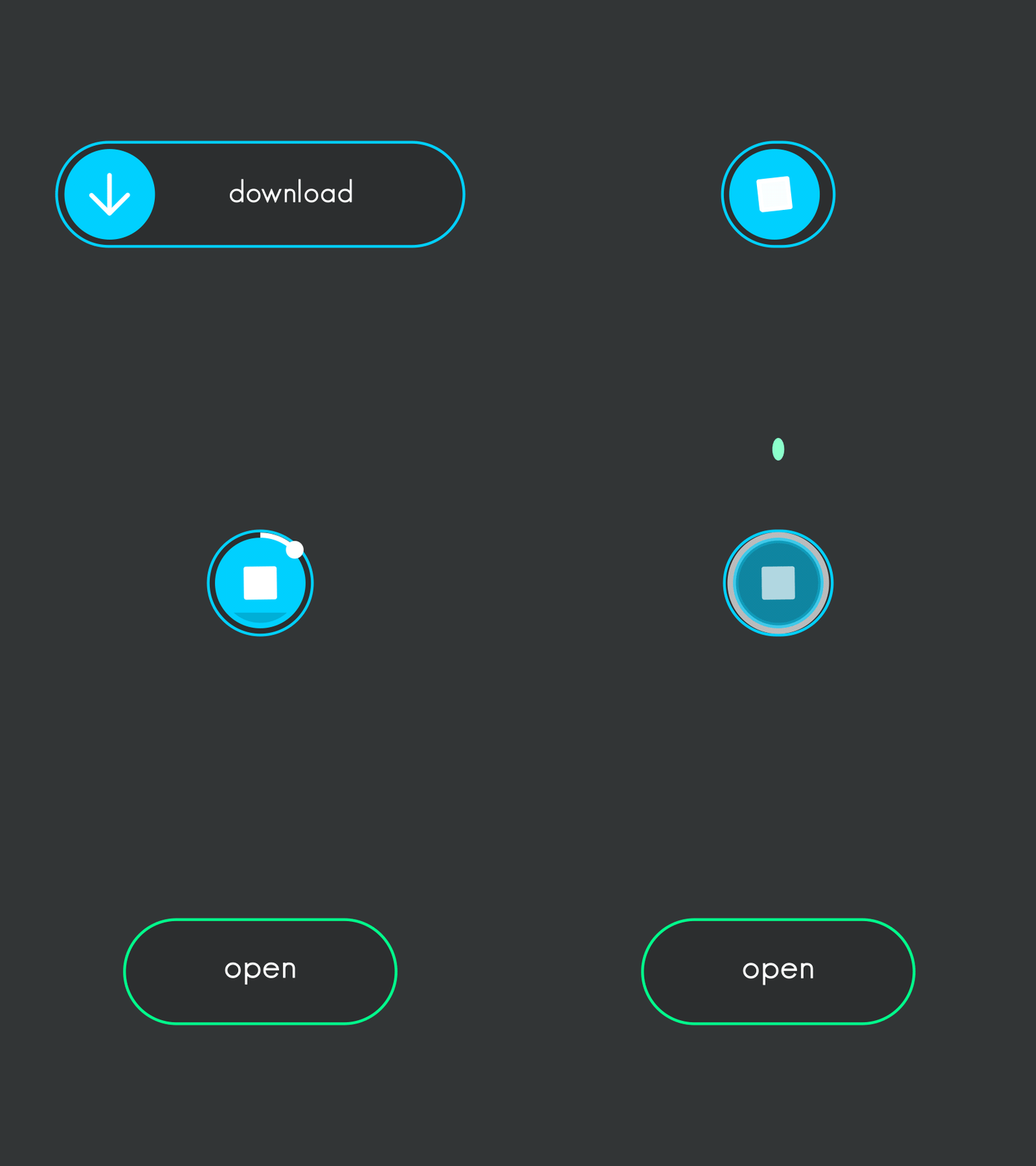
They are the tiniest details (usually animated) that facilitate interactions between the user and a piece of software.
They can make the user experience more fun, engaging, efficient, and humane.
They are the tiniest details (usually animated) that facilitate interactions between the user and a piece of software.
They can make the user experience more fun, engaging, efficient, and humane.
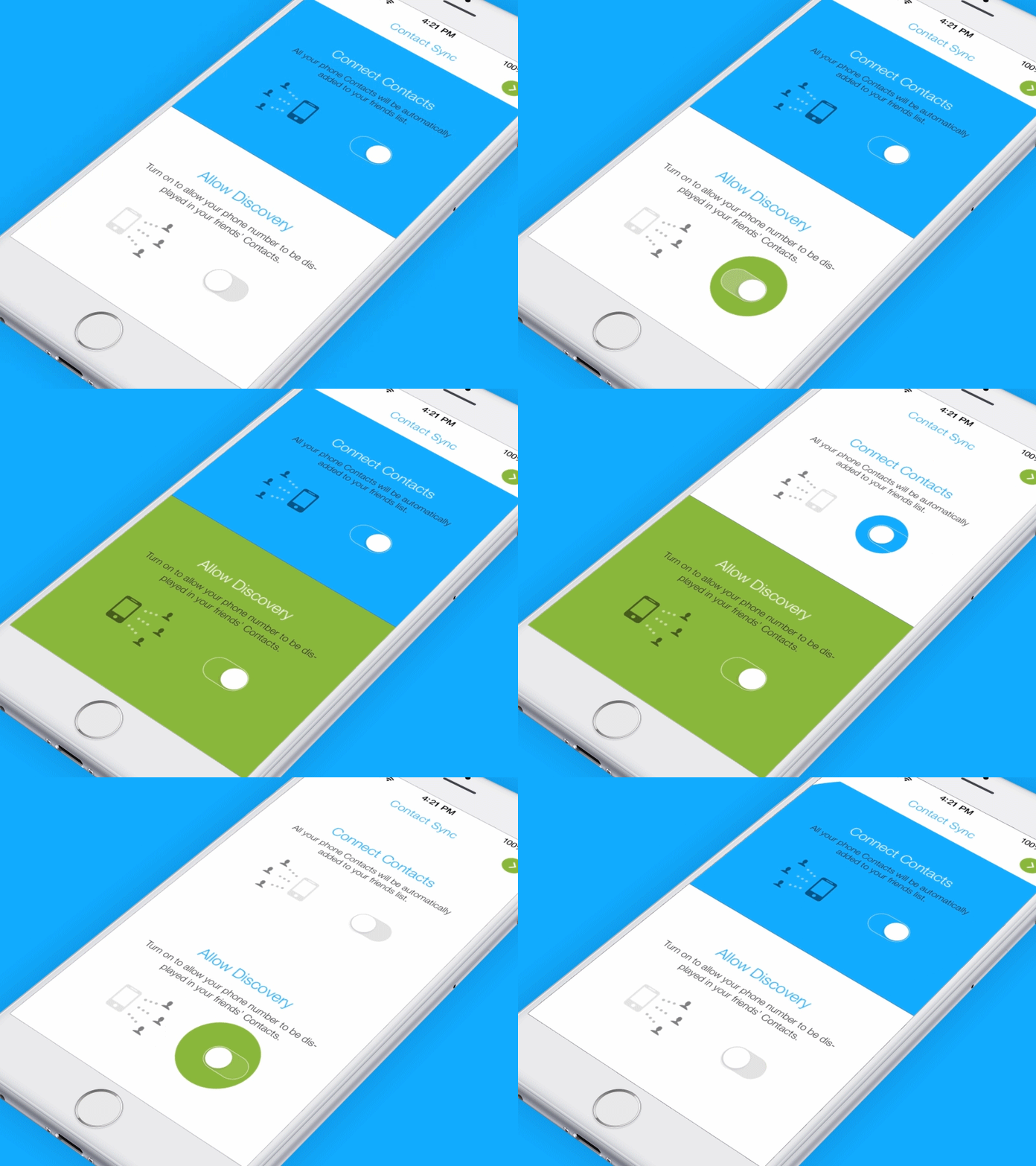
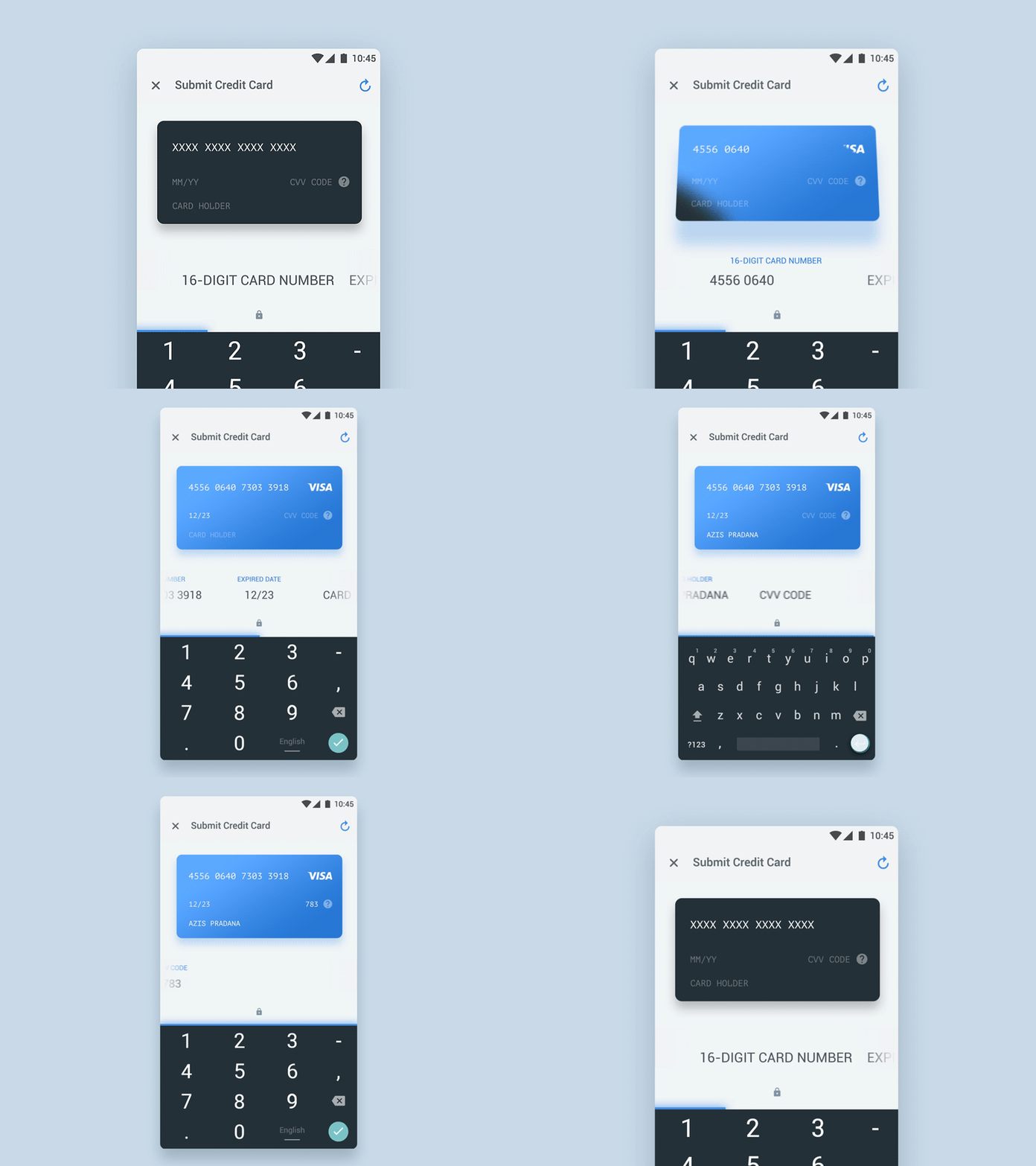
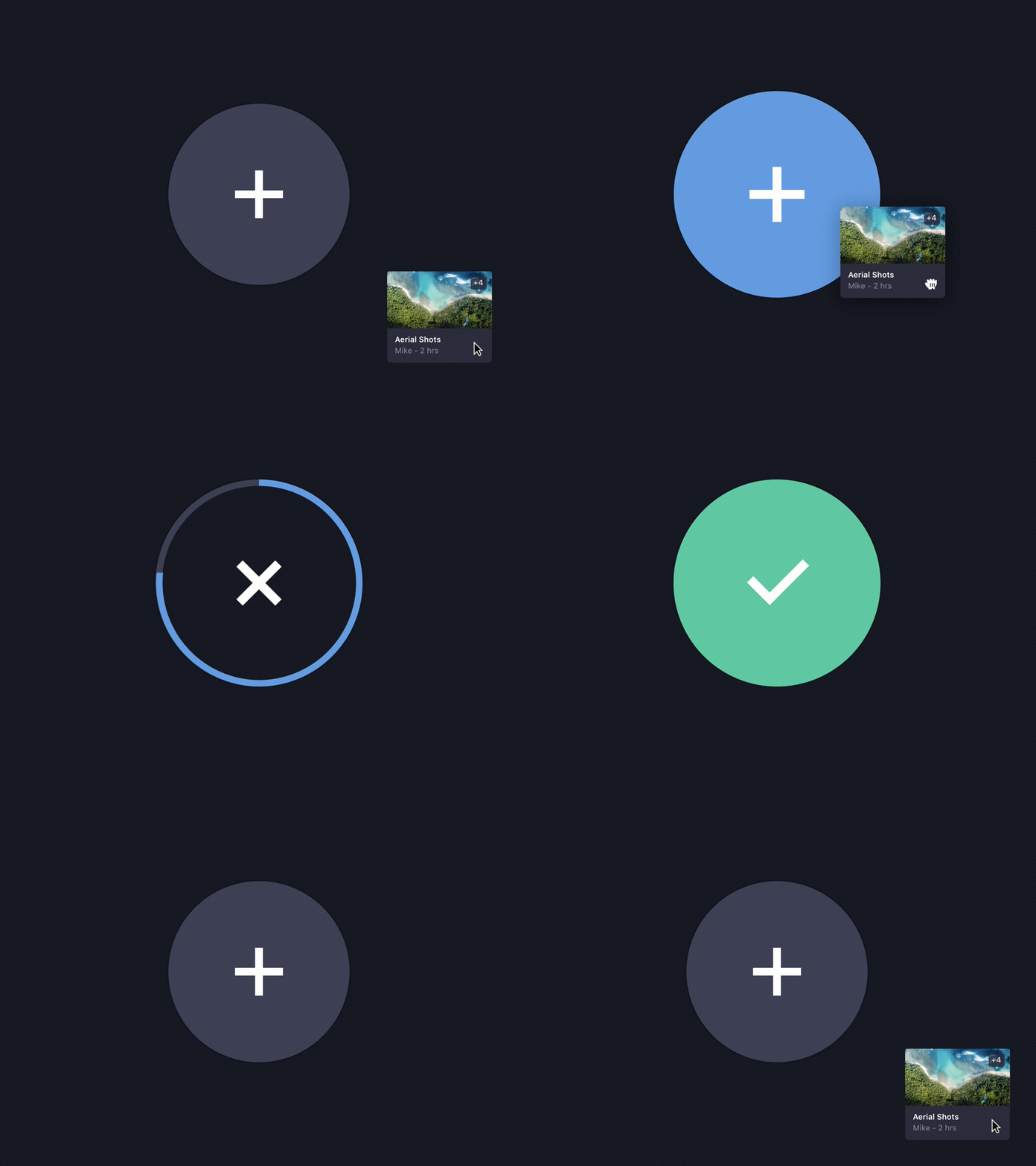
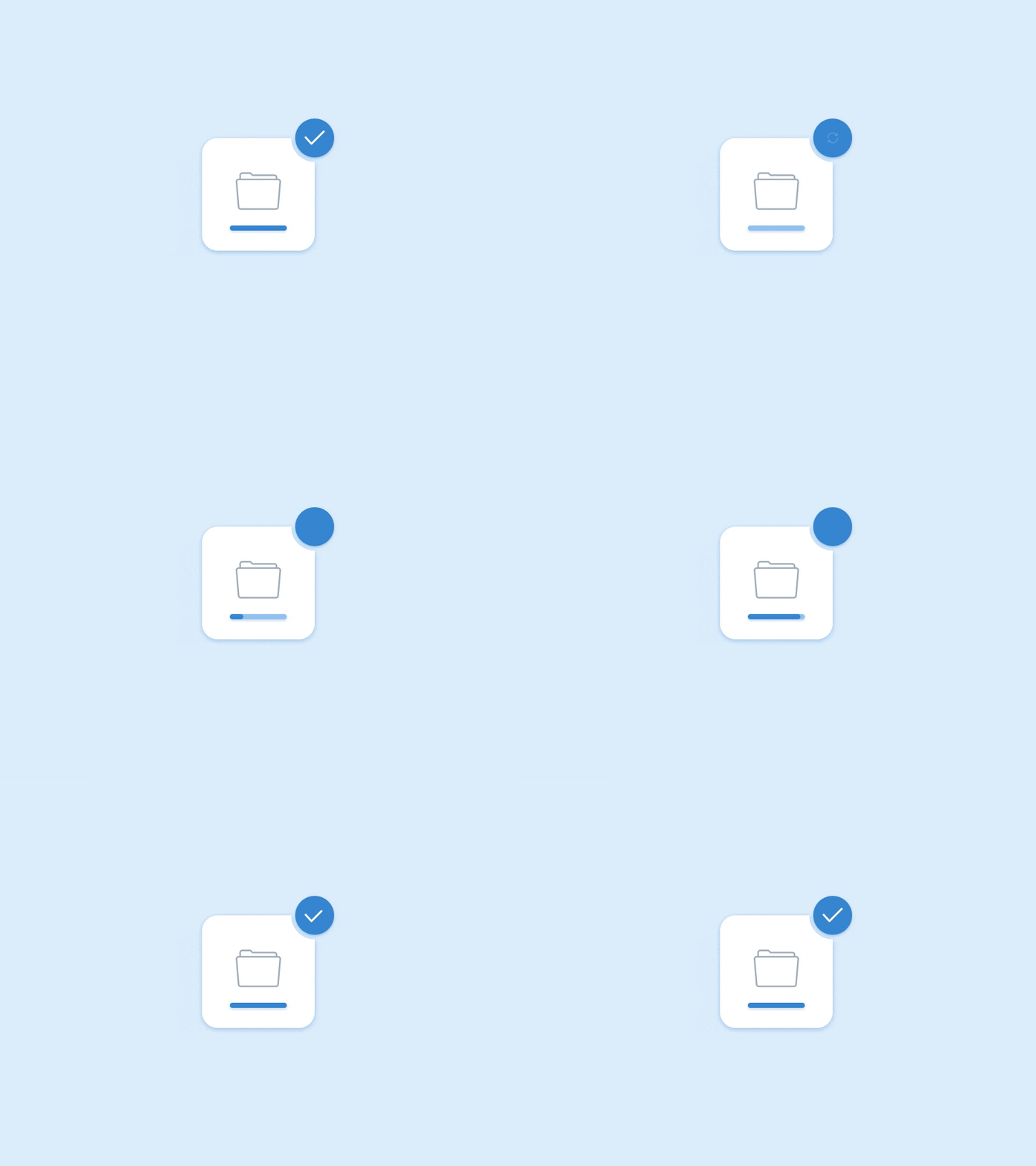
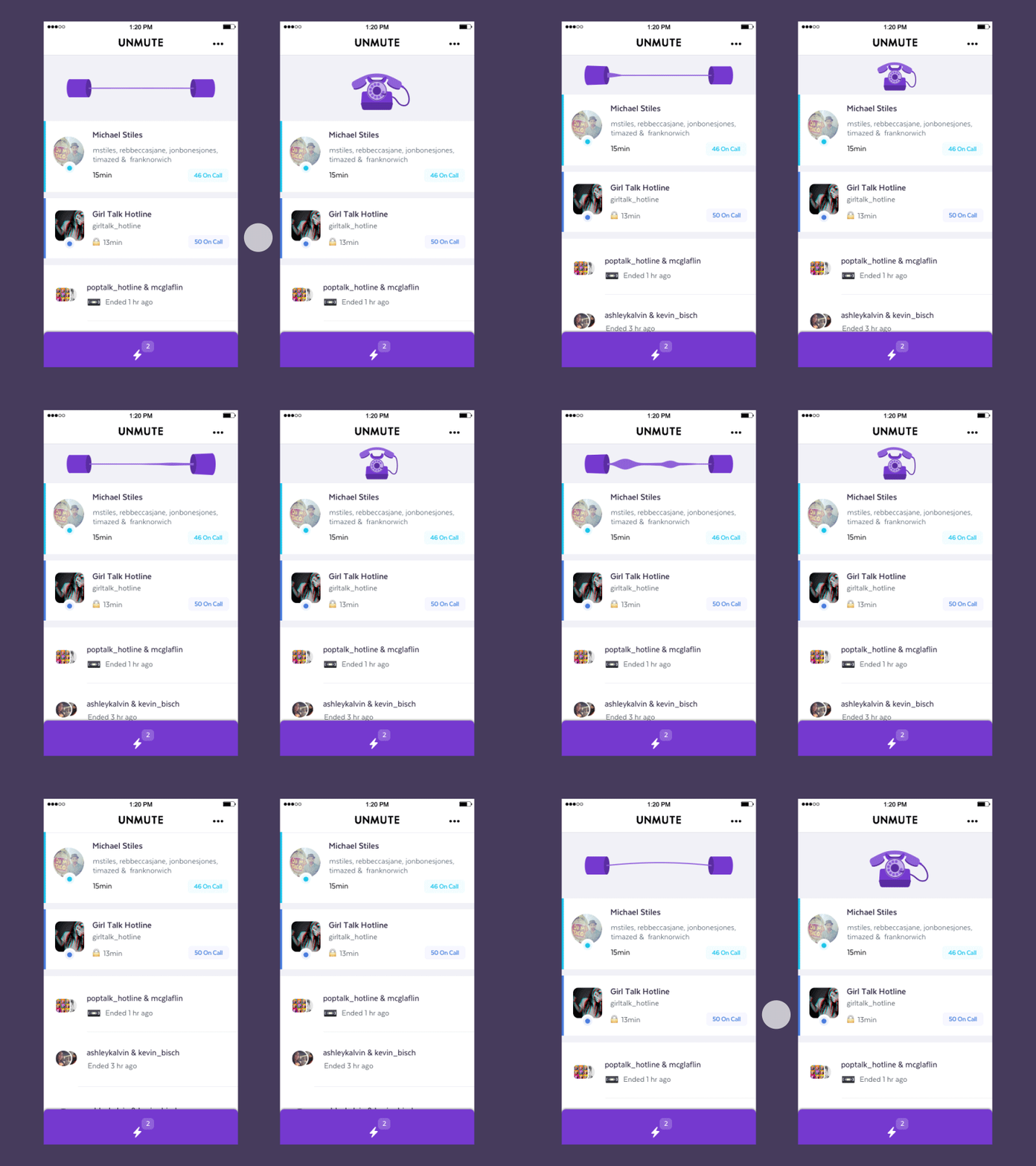
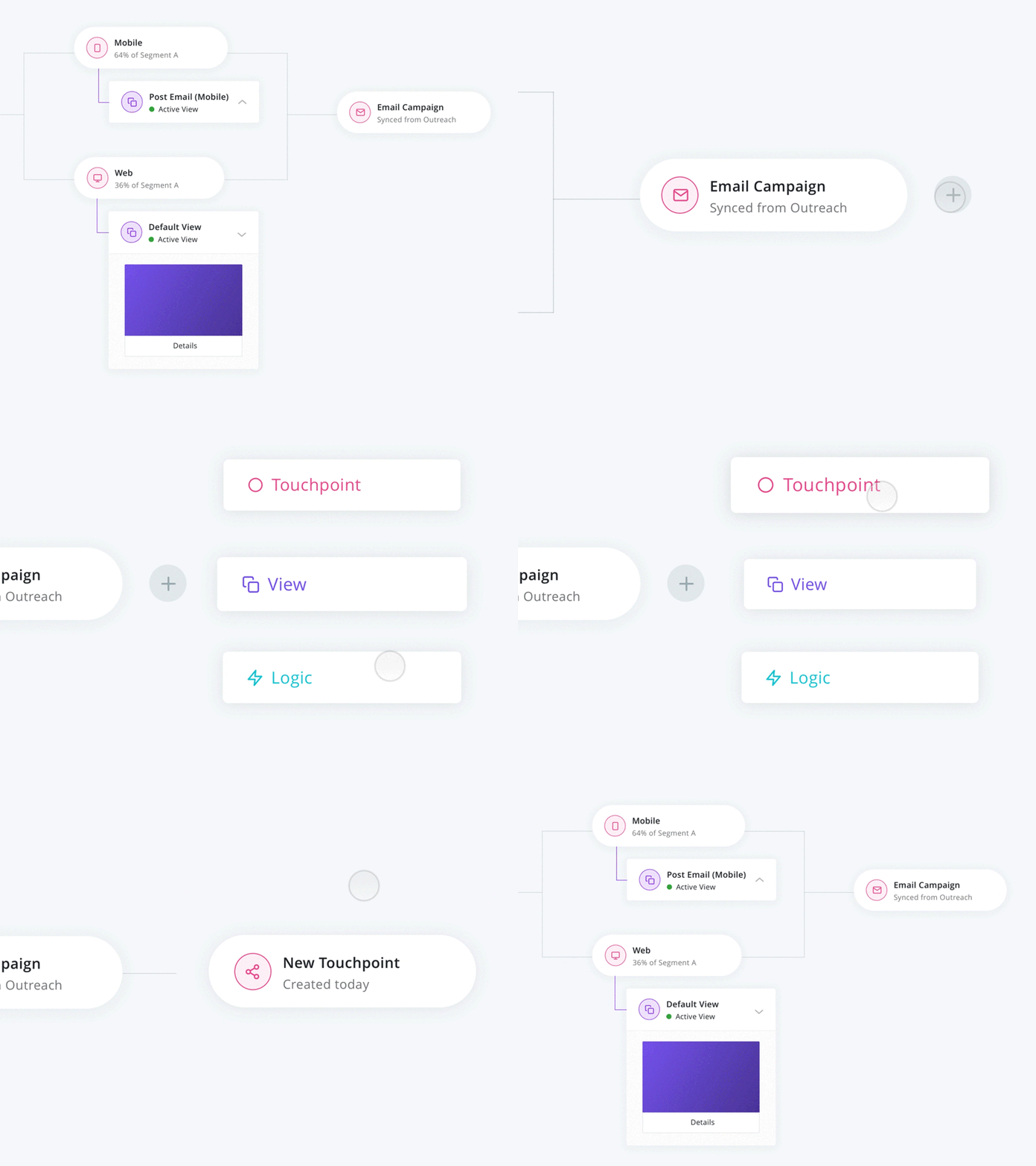
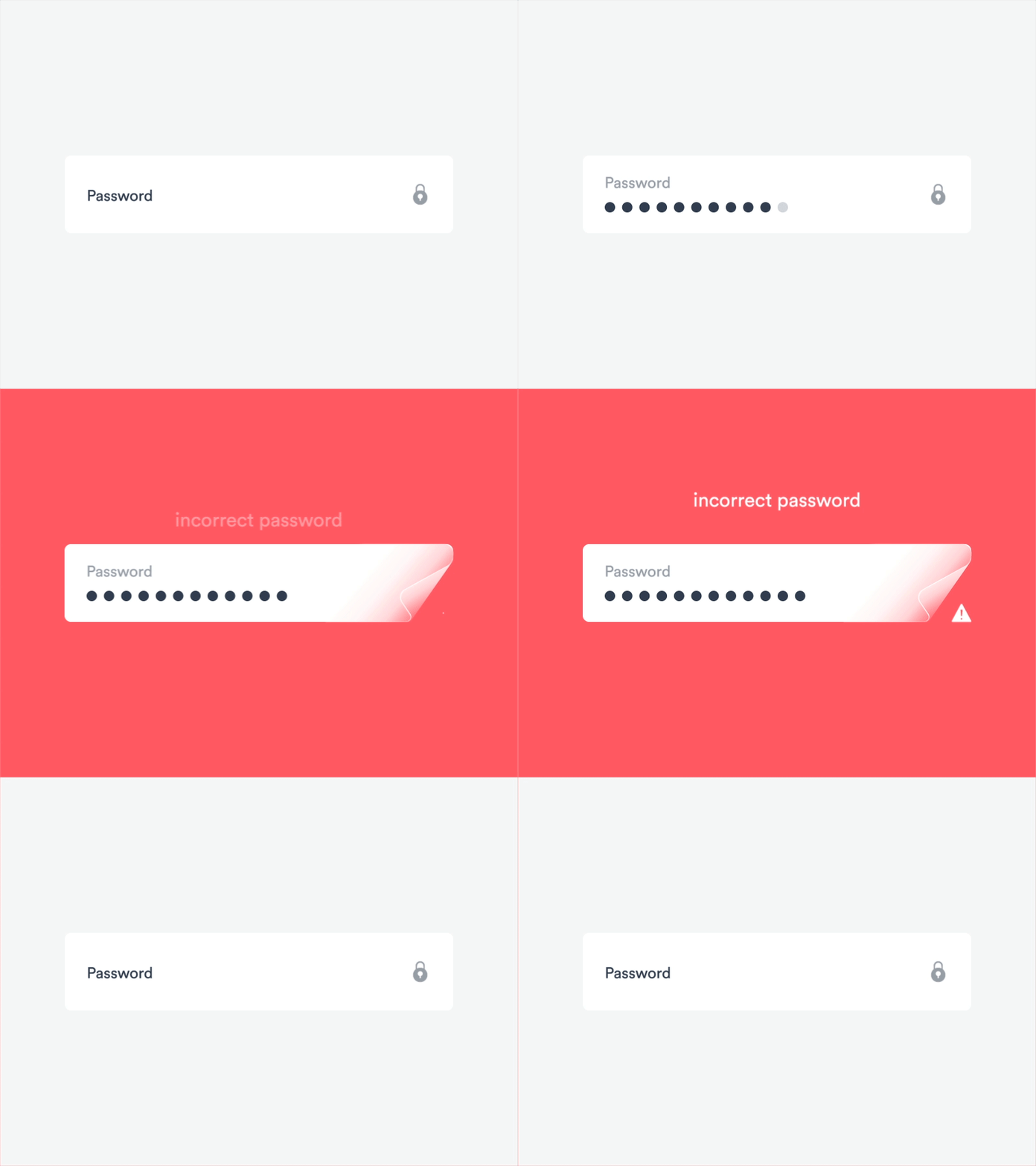
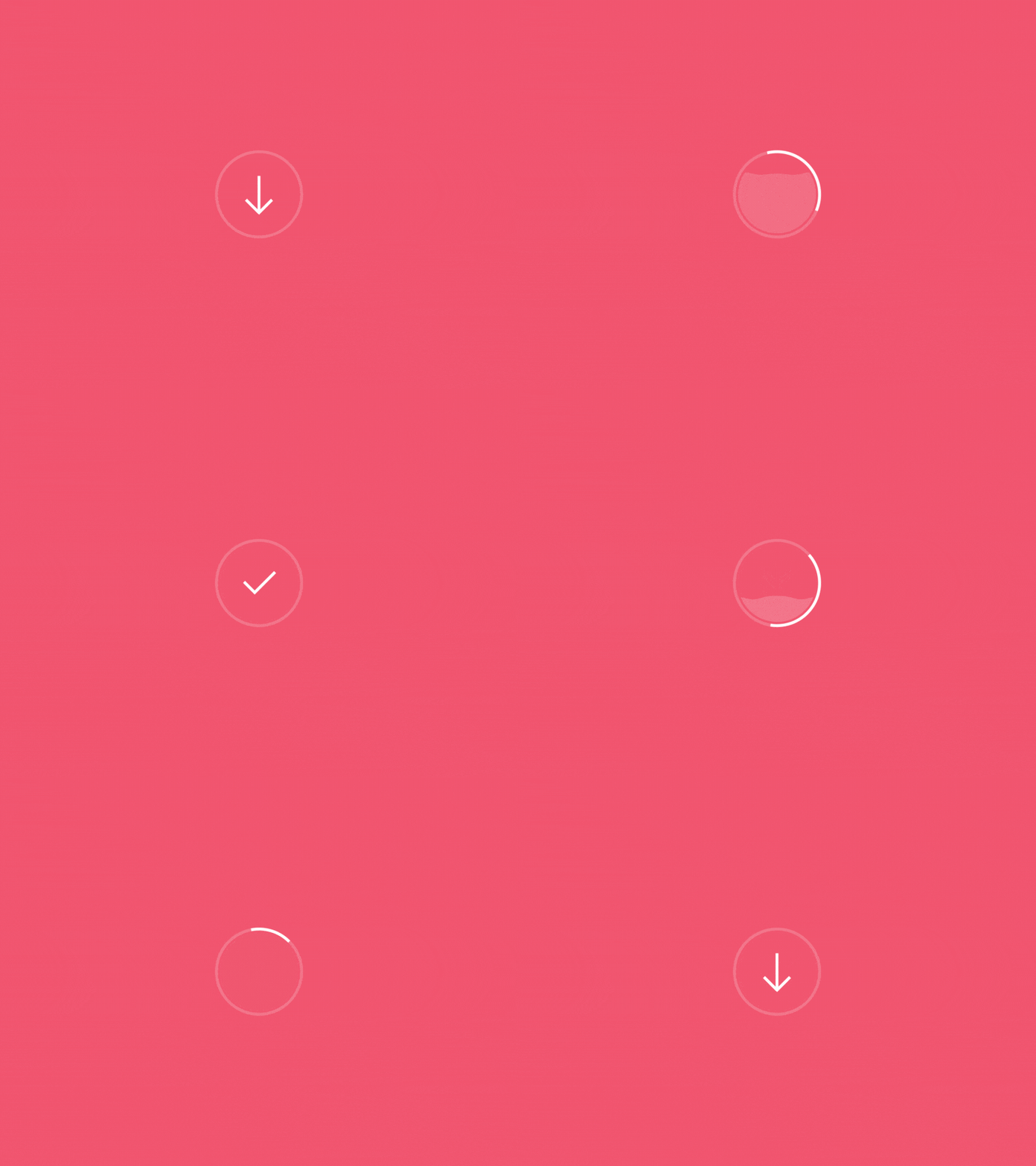
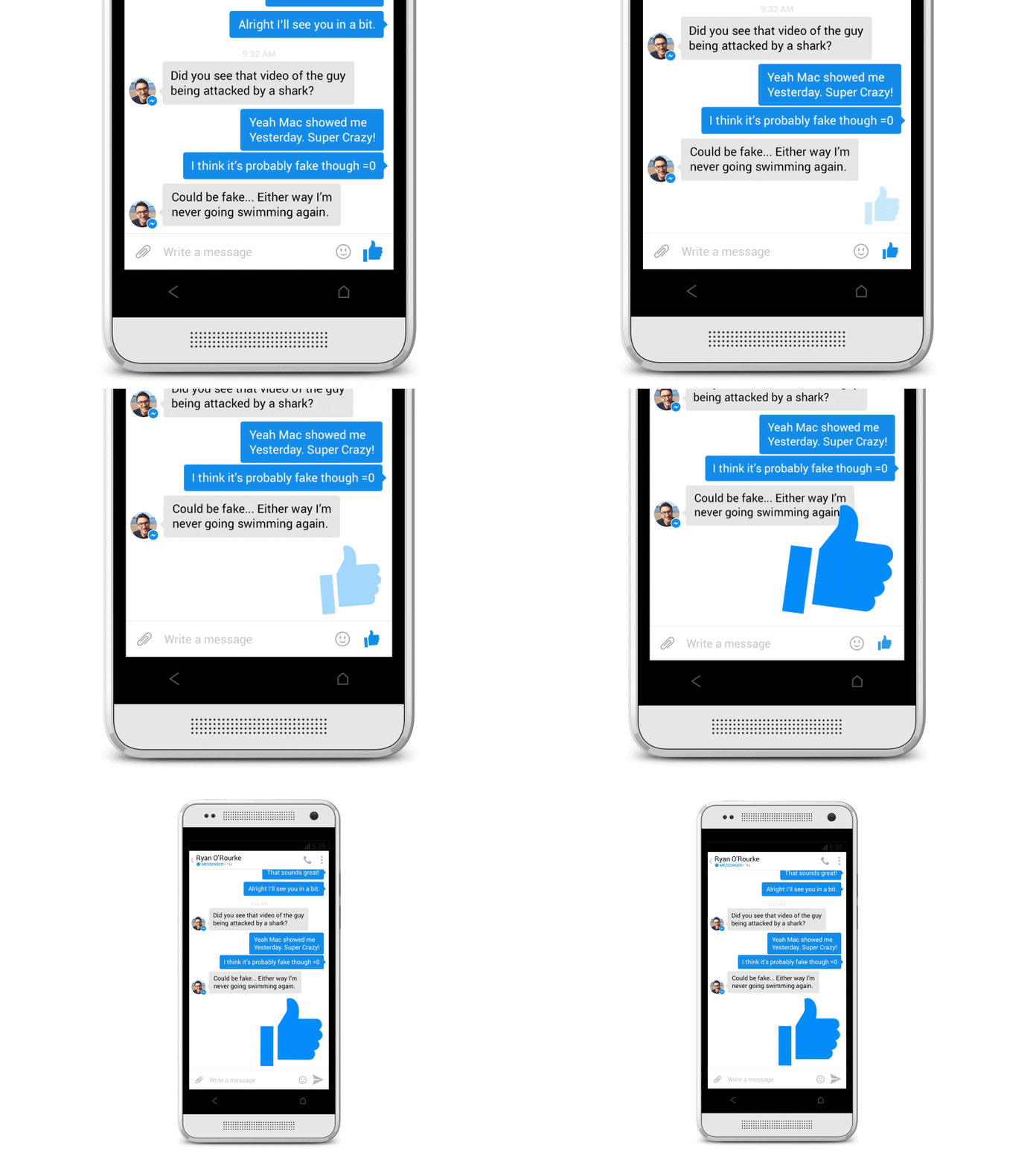
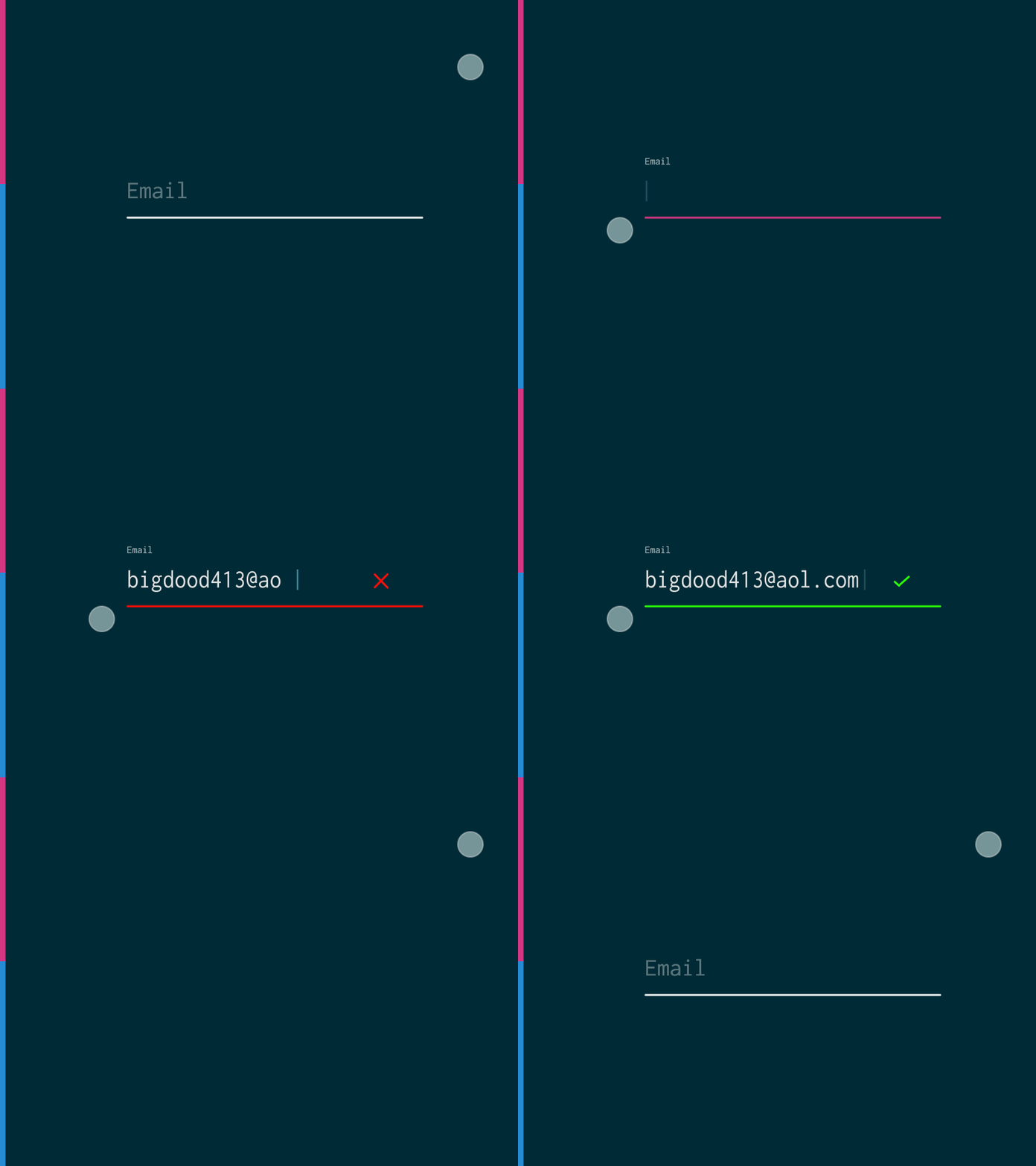
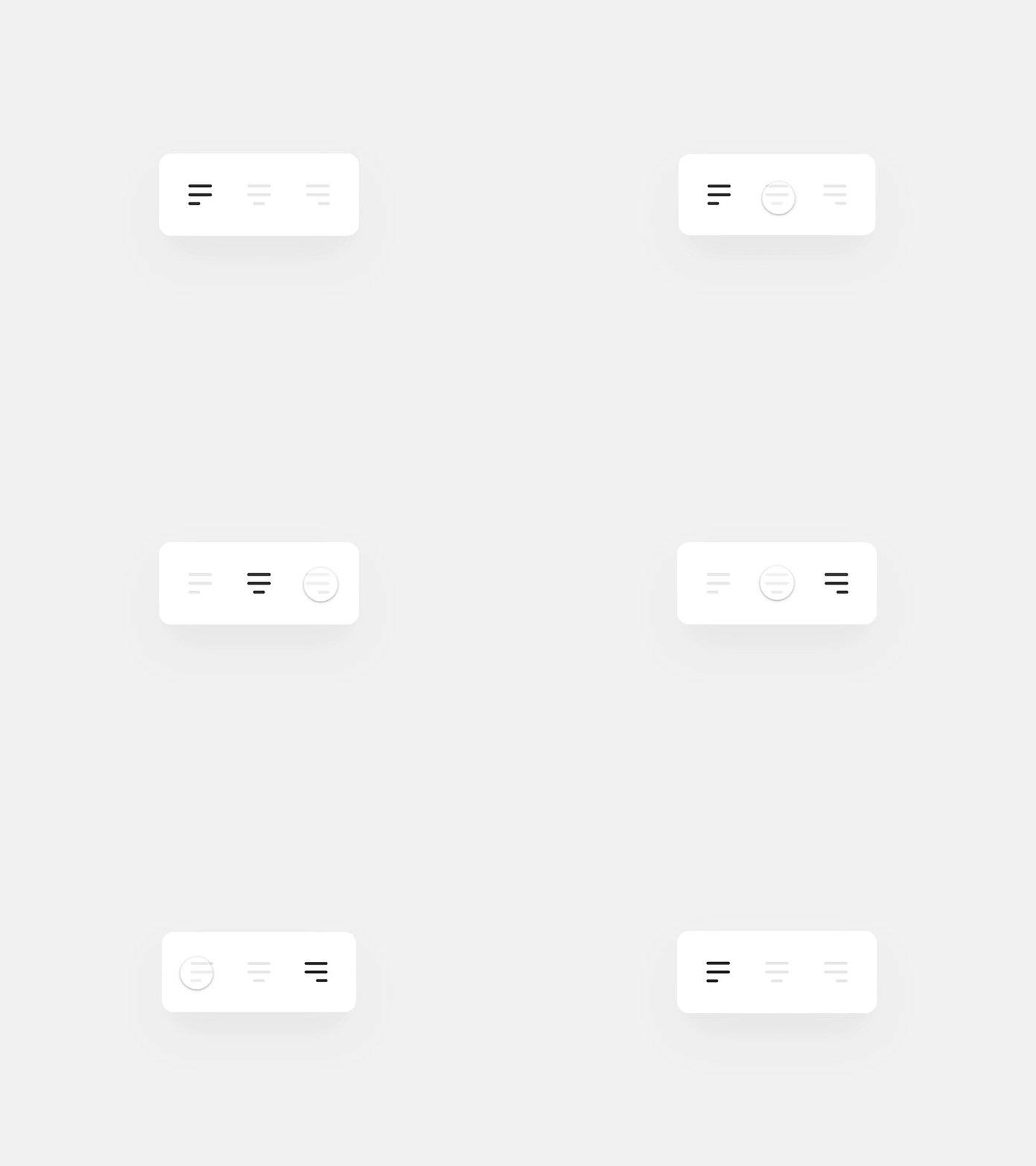
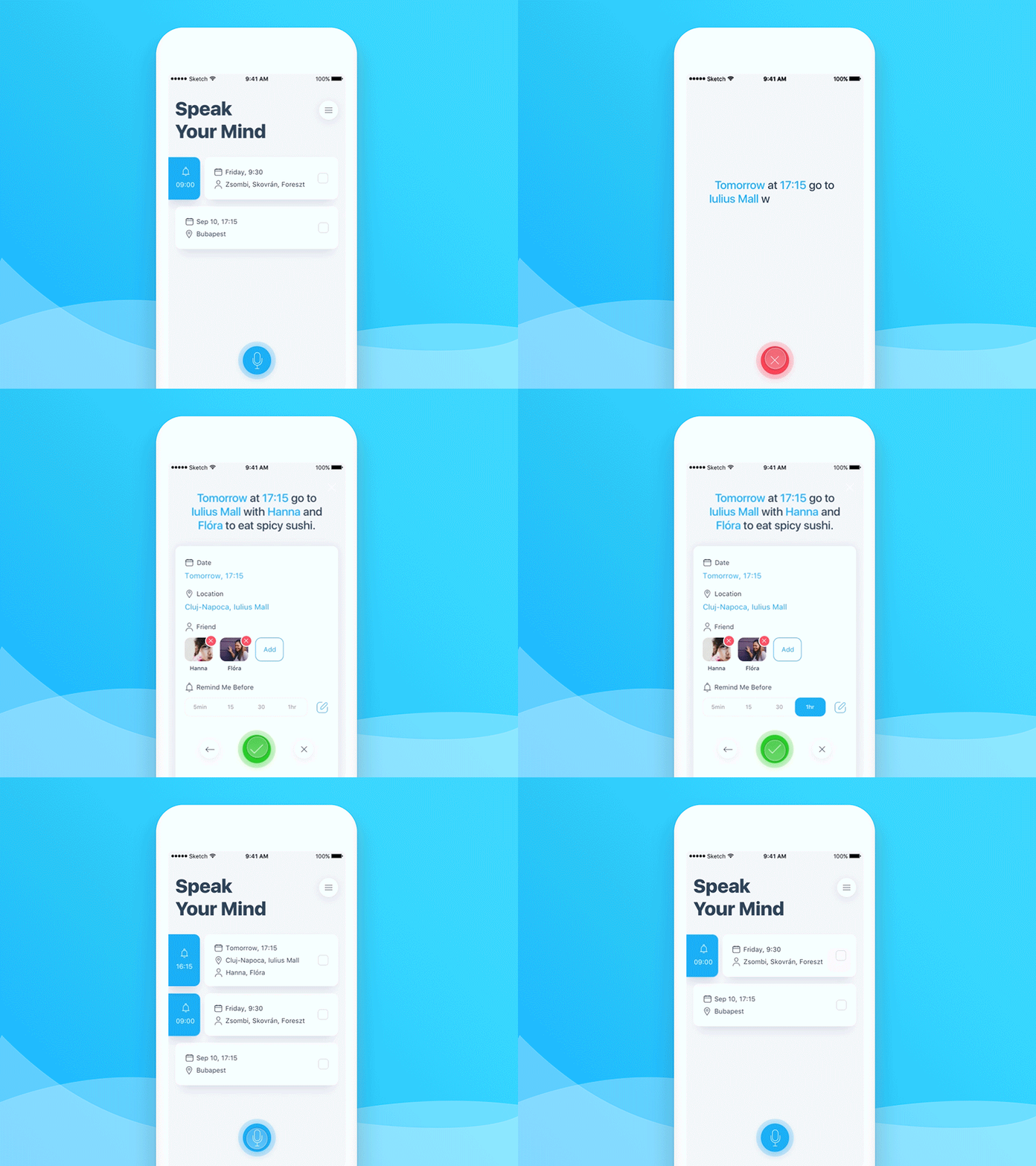
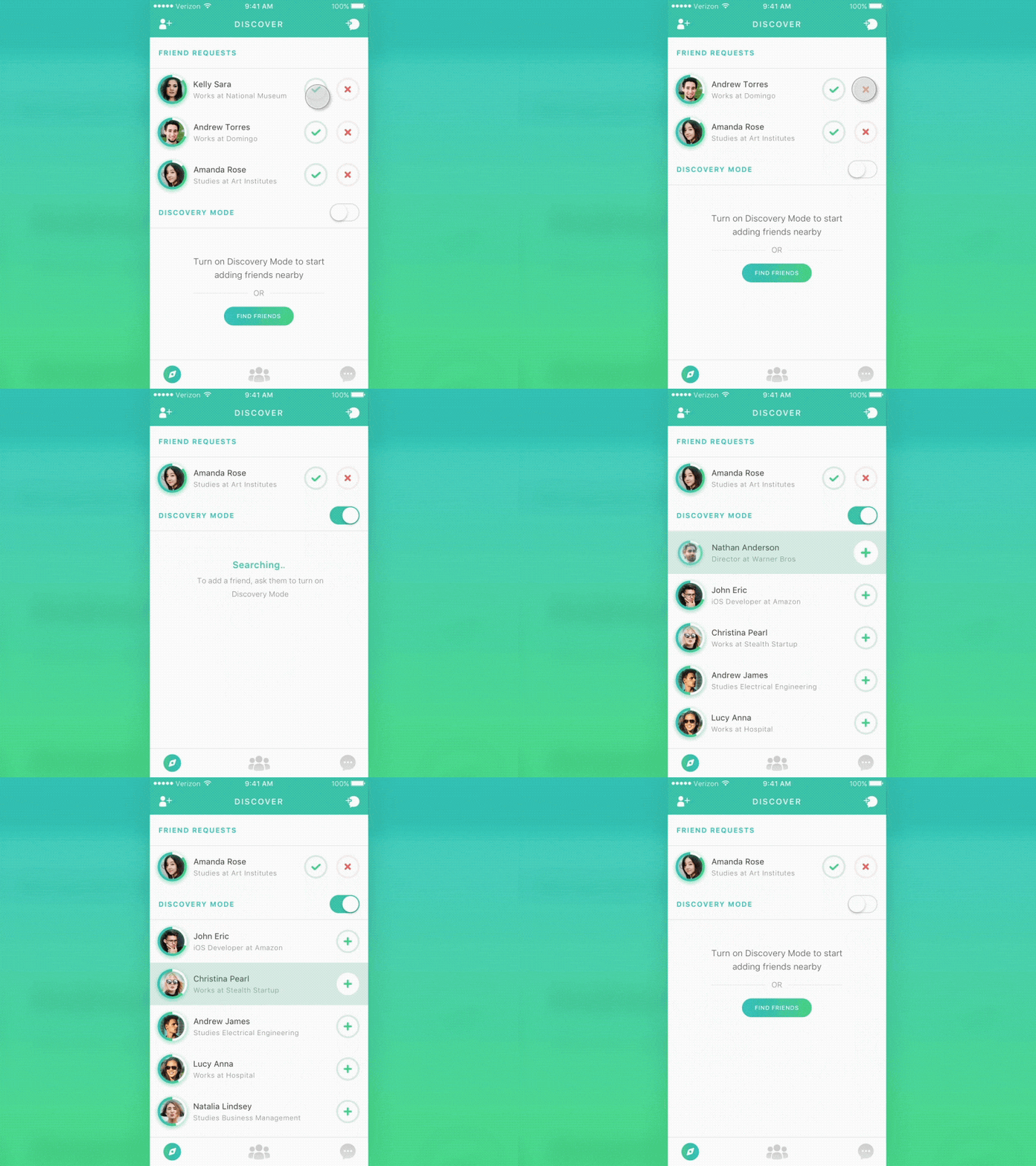
But, let understand some real world examples.
IPhone & Material design
#NOTE# give a title
Waze
Or why is the User Experience so important?
Why does interaction design matter to the User Experience?
Inform

Distract
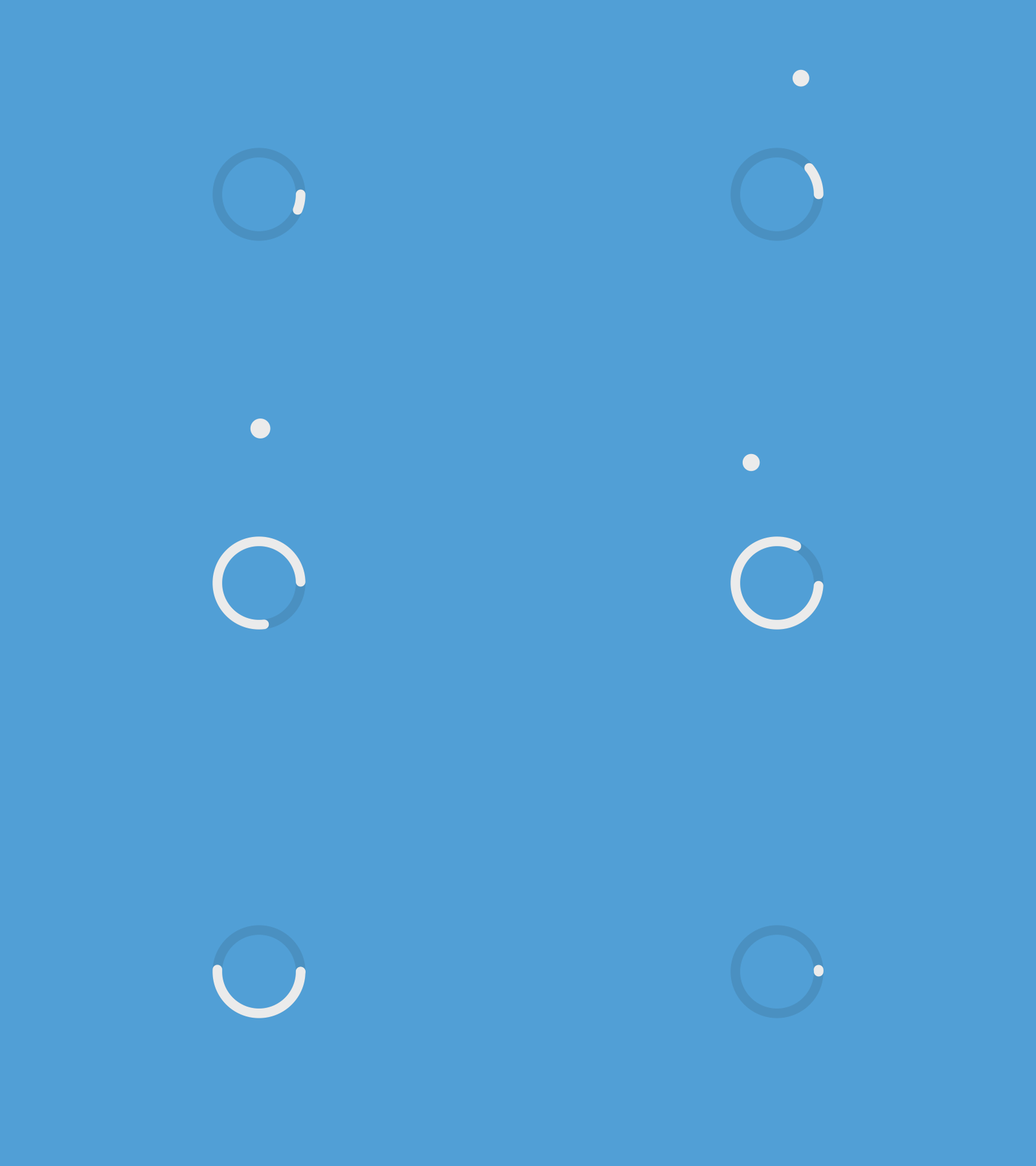

Call attention
Tell a story
Convey an emotion
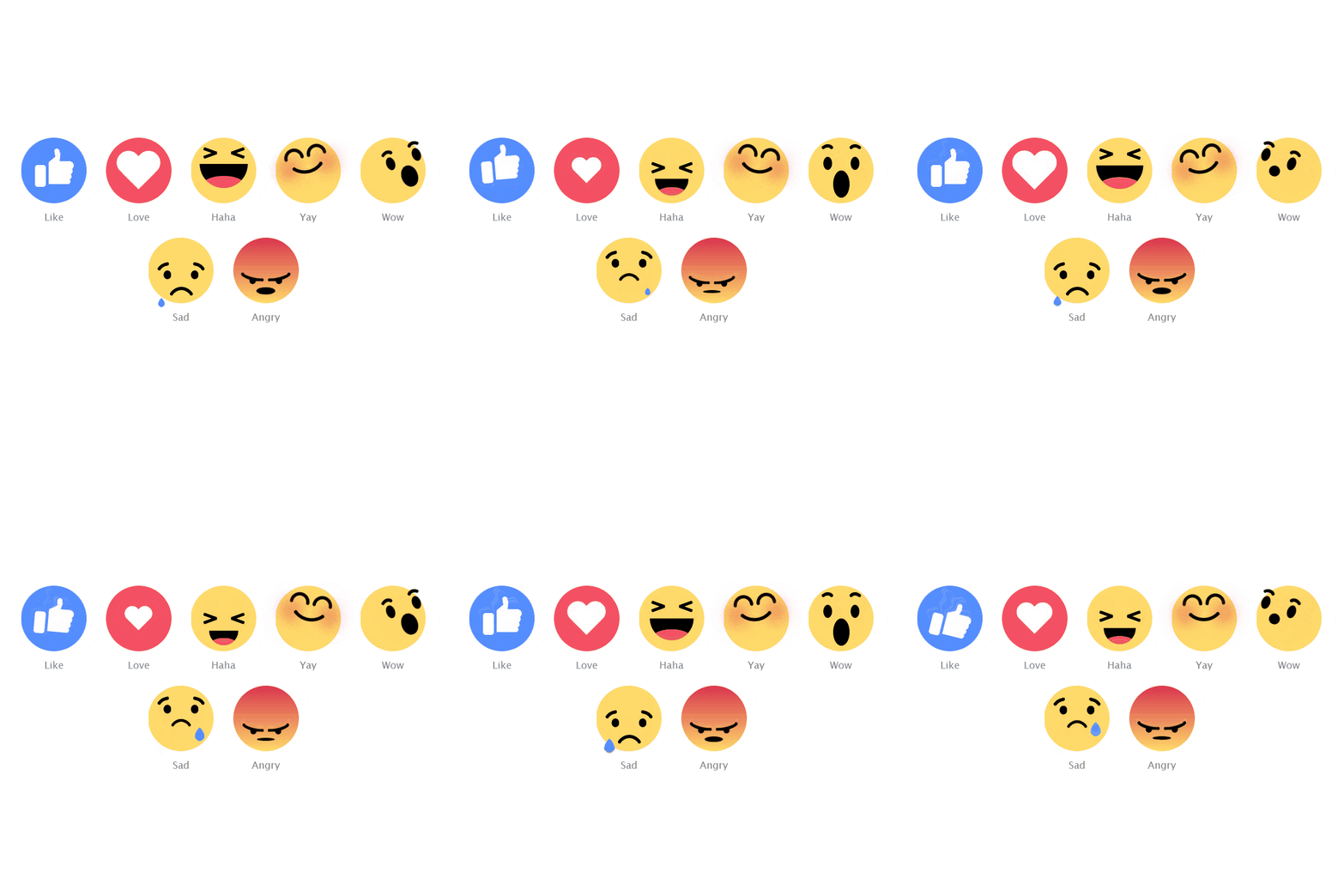
Build empathy
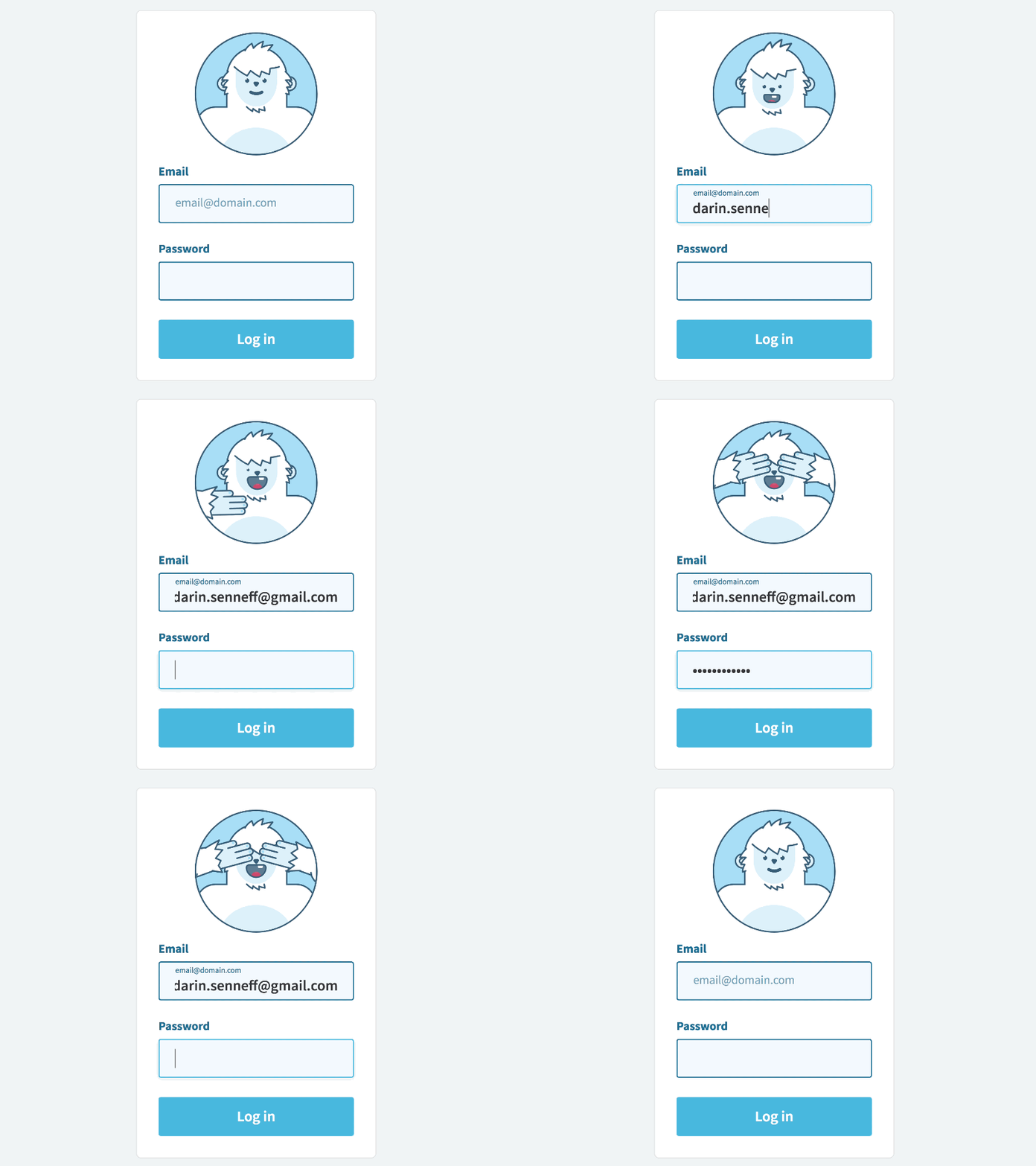
When and where would we want to use Microinteraction?
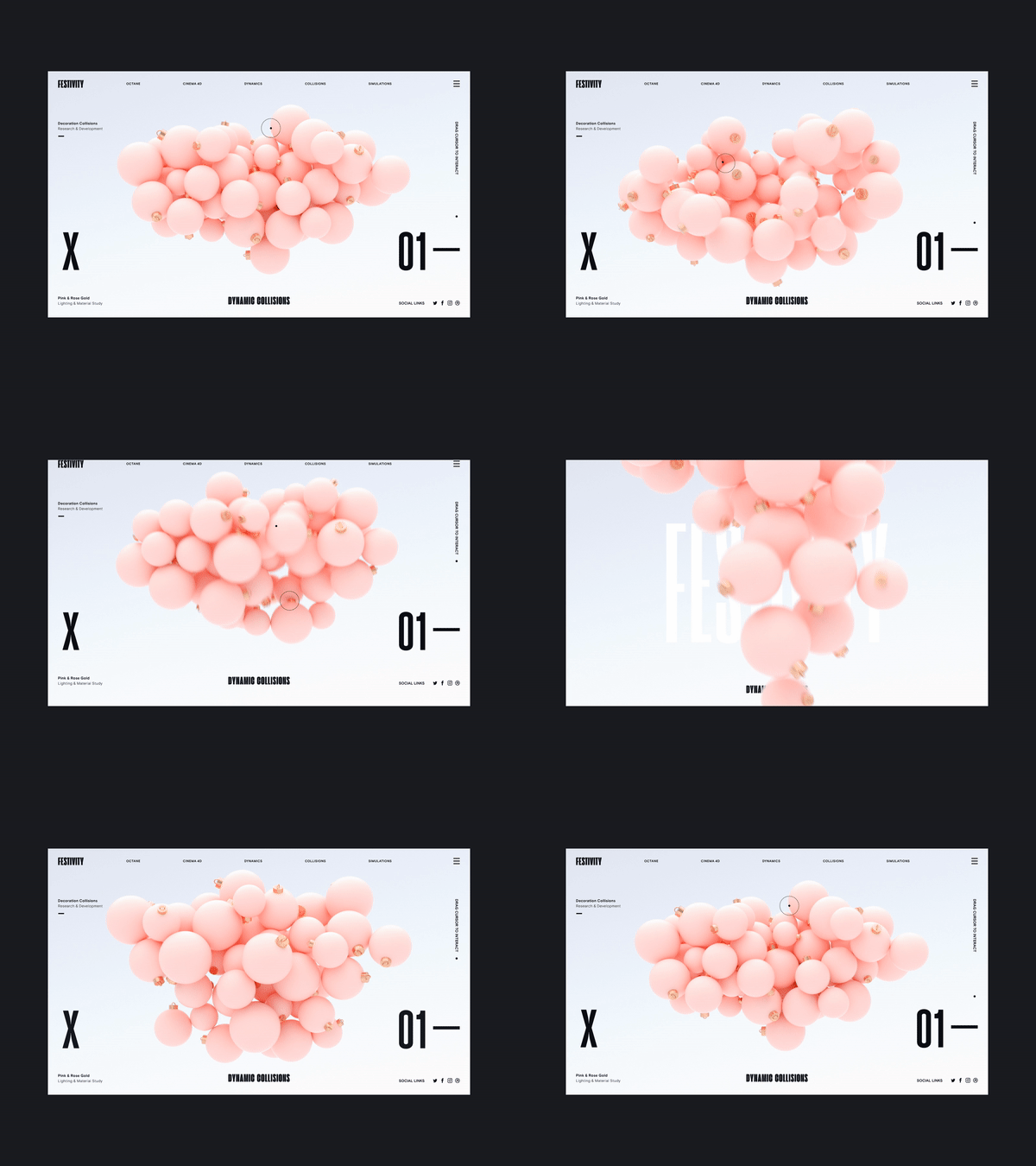
Inform
Distract
Call attention
Tell a story
Convey an emotion
Build empathy
What is the structure of Microinteractions?

Triggers the moment the microinteraction begins (by user or system).
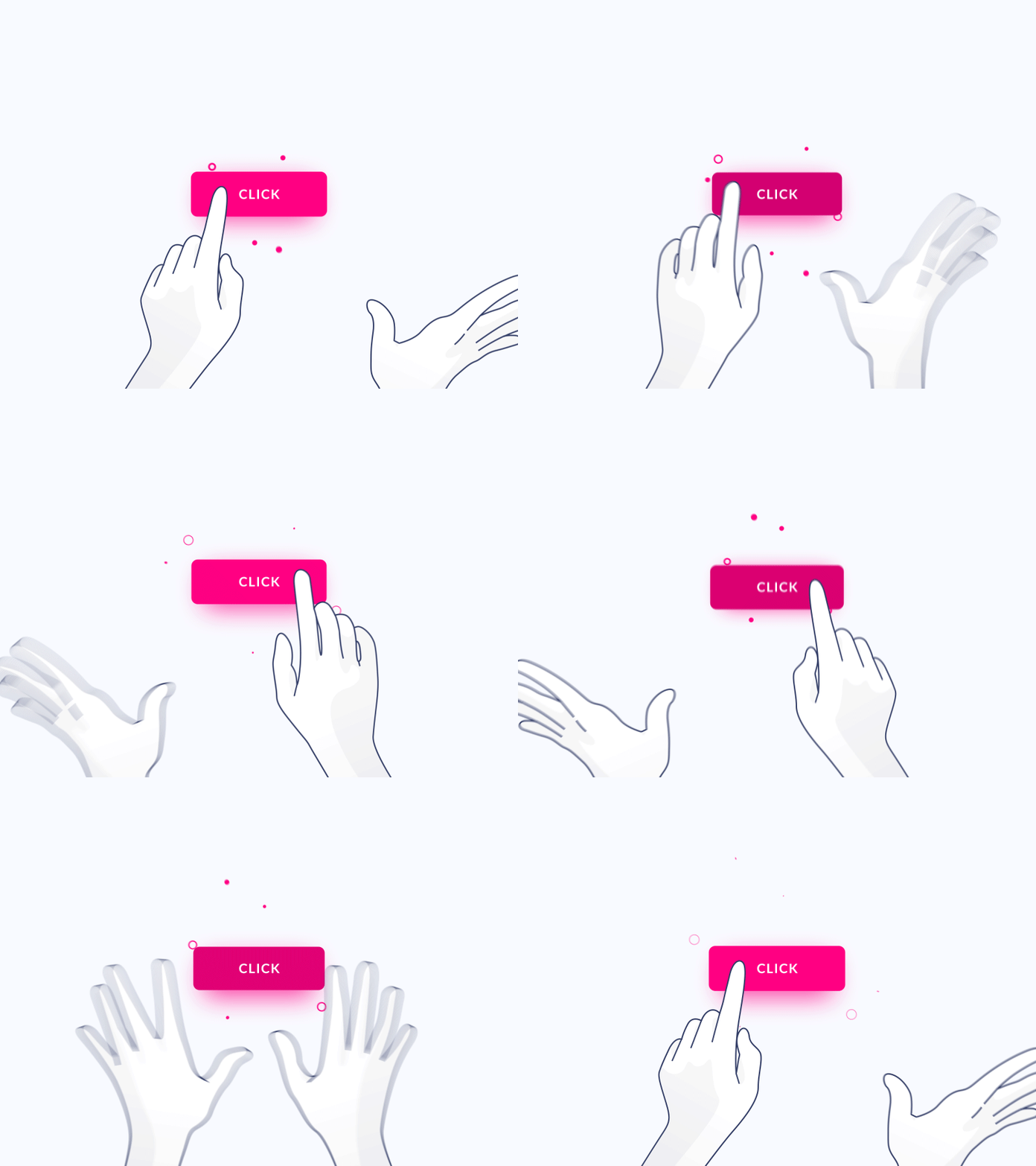
Rules determine what happens once a microinteraction is triggered.
Feedback lets the user know what’s happening.
Anything a user sees, hears, or feels while a microinteraction is happening.
Two major types of feedback: visual, audio.
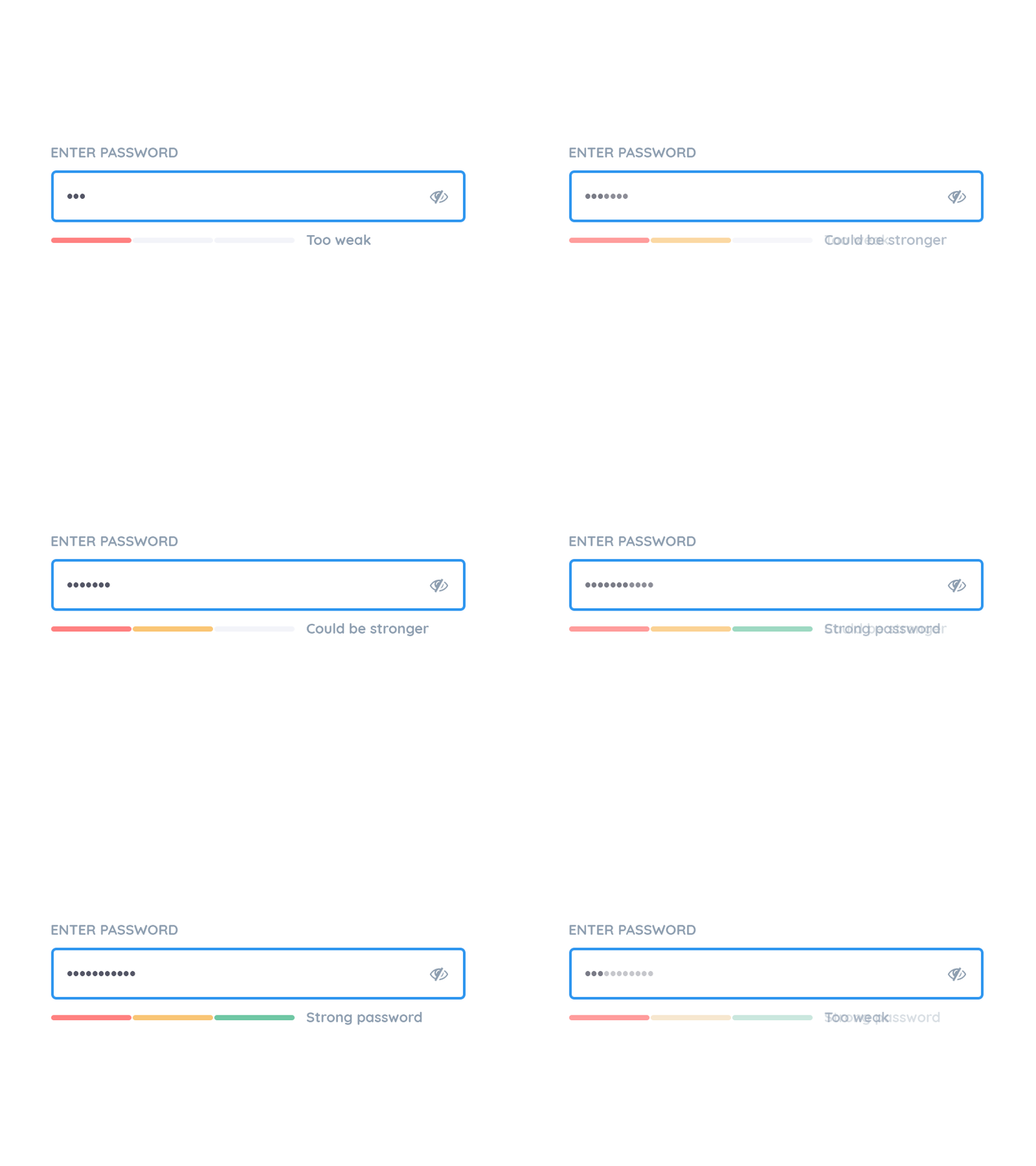
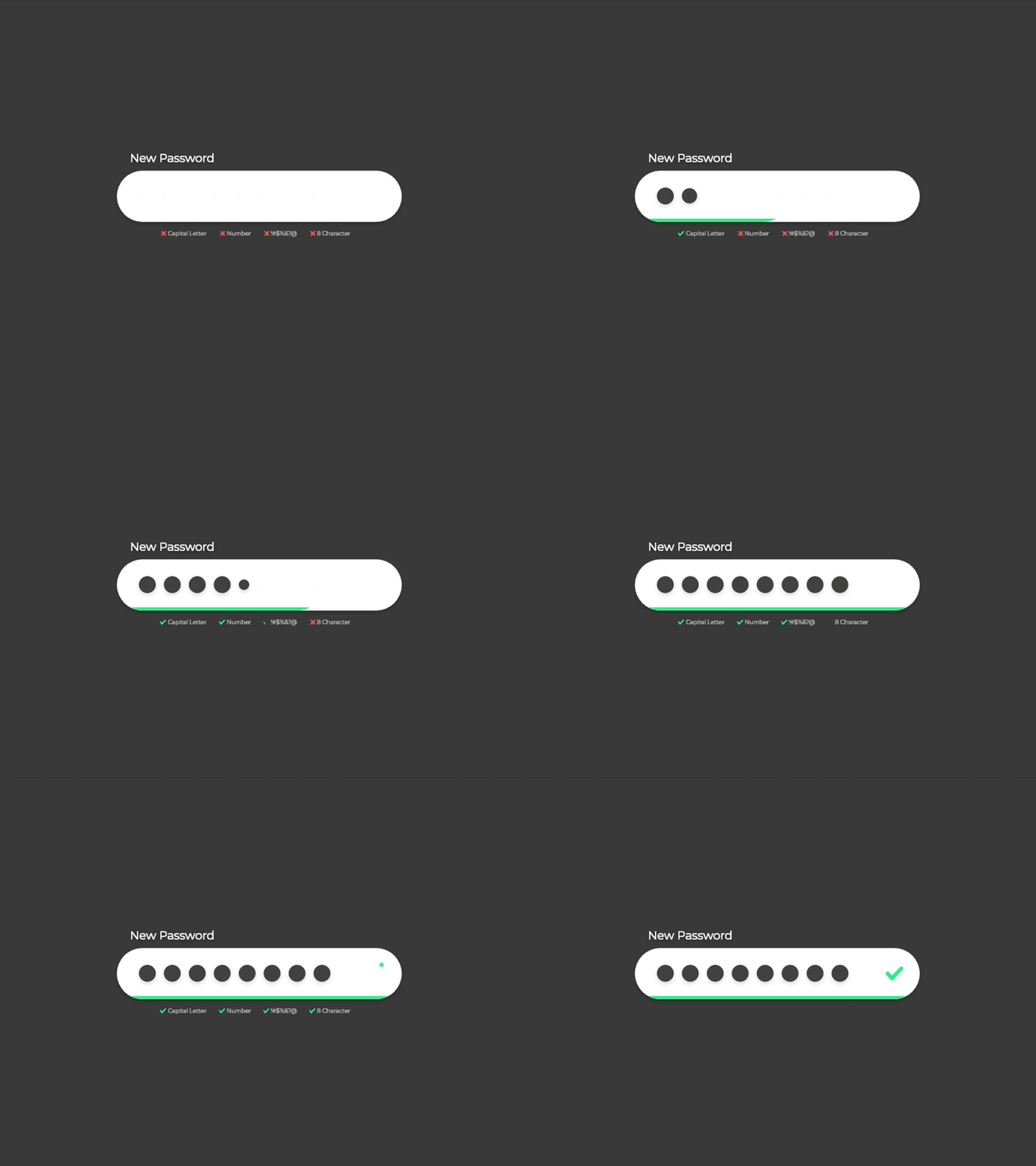
Loops and Modes determine how long the microinteraction lasts and what happens over time.
What is microinteraction?
Why is it worth the effort?
What is it made of?
So...how do we code it?
Let's dive in!

Code animation
- CSS state-based class and transition (SVG, DOM).
- CSS sprite sheets animation.
- JavaScript.
<style>
/* Basic style */
button{
    background-color: $color-blue;
    transition: all 1s ease;
}

/* Success Use Case*/
.Success{
    background-color: $color-green;
}

/* Failed Use Case*/
.Failed{
    background-color: $color-red;
}
</style>
Basic animation
<html>
    <head></head>
    <body>
        <button>Click me!</button>
    </body>
</html>
Tweenmax / GASP
lottie / Bodymovin
Velocity.js
Anime.js
SVG, Canvas, DOM.
More tools/ways we have as
front-end developers:
JavaScript-Animation engine libraries:
Canvas
TweenMax

Pure CSS
Lottie / Bodymovin
Adobe After-effects to SVG / Canvas animation based JSON file
One more reason, code
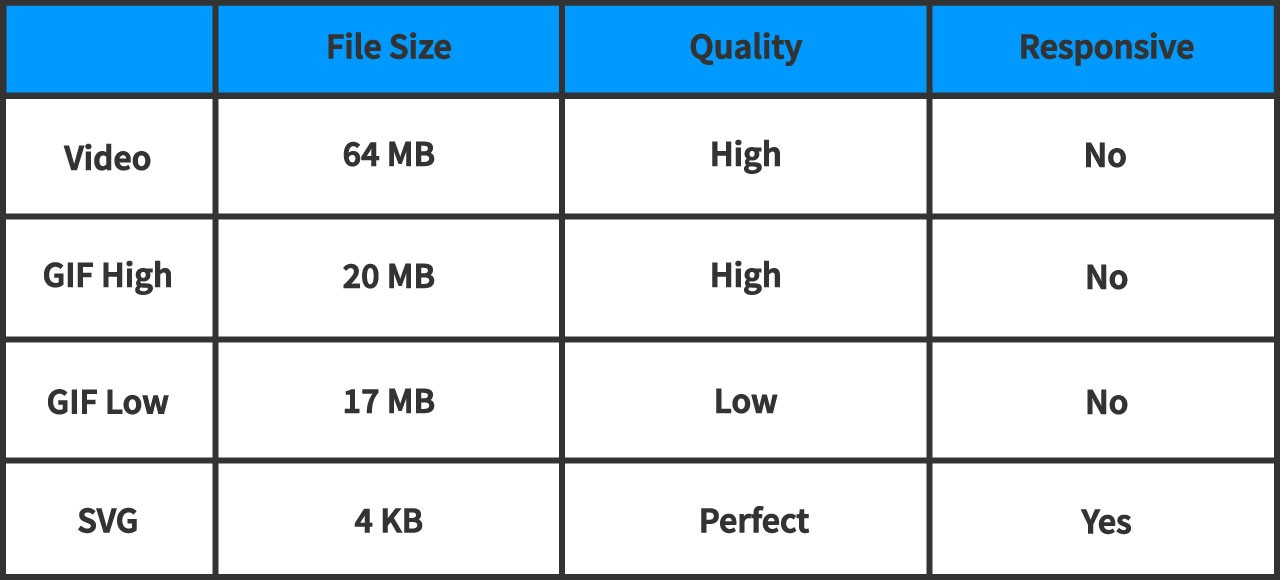
Animation based code Worth it!
Also can be responsive
canvas
Let’s code one.
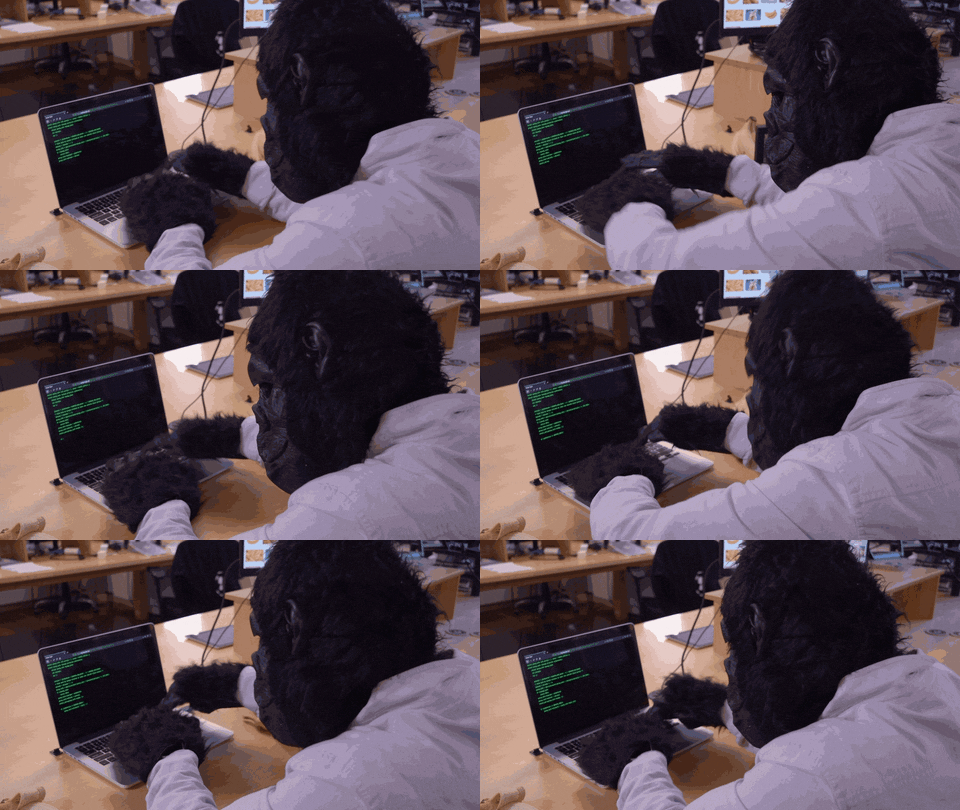
Process component
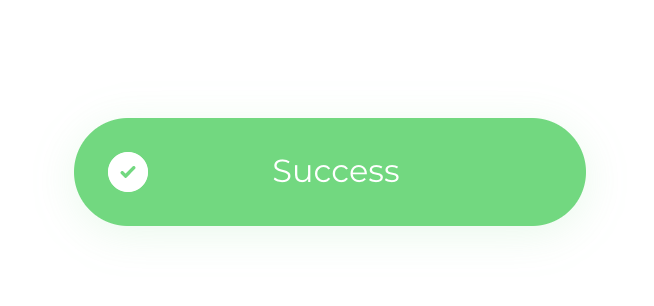
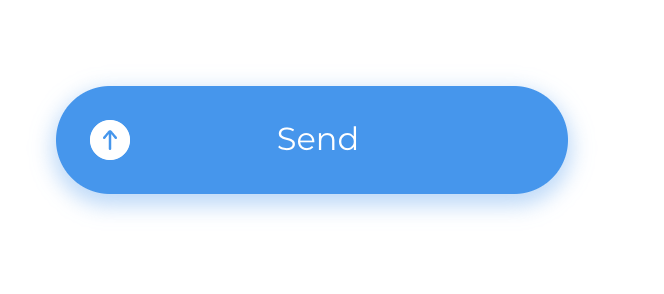
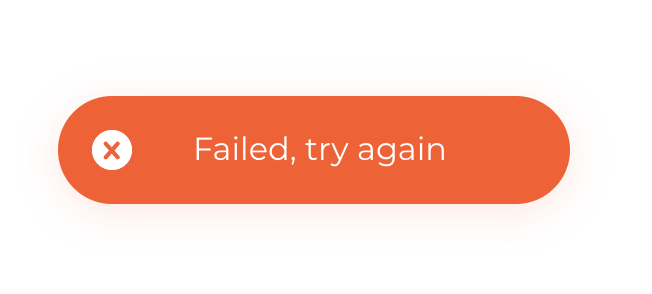
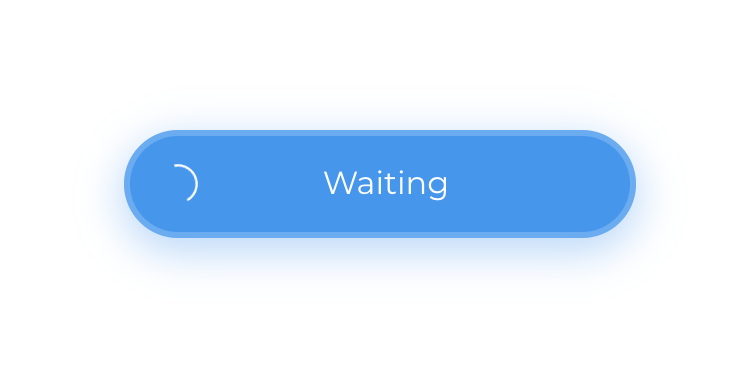
UX component architecture design
States/Rules

What is the component visual feedback?
(Can also be audio feedback or anything else)

What are we going to talk about?
-
What is Microinteraction?
-
When and where would we want use it?
-
Why does interaction design matter to User Experience?
-
What is the structure of Microinteractions?
-
How do we code them & what are the tools we have as front-end developers.
-
Let's code one! One cool example🤟
-
Done!
Let's make the world a cooler place!
Thanks a lot! :)
-
Tweenmax / GASP
-
lottie / Bodymovin
-
Velocity.js
-
Anime.js
Javascript animation engine libraries:
Nethanel Mi
Nethanel.Mi@gmail.com
new des
By netha