





Patrick Lid Monslaup
Technical manager & developer for Knowit Experience Bergen. Looking for a new job? Check out http://knowit.no/karriere
Patrick Monslaup
Knowit Experience Bergen
patrick.monslaup@knowit.no
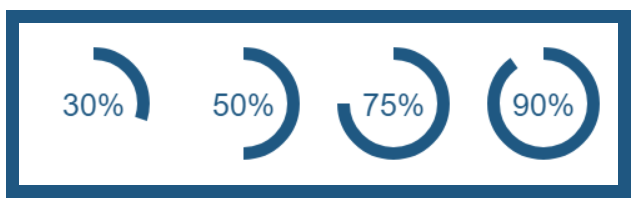
Easy way to draw in javascript
<canvas id="demo"
    width="150"
    height="300">
  <!--
Content placed inside
  is used as fallback
  in old browsers,
  such as IE8
   -->
   Canvas isn't
    supported
</canvas>
// Get the canvas
var c = document
.getElementById("demo");
var ctx =
c.getContext("2d");
// Write line from
// (0,0) to (150,300)
ctx.beginPath();
ctx.moveTo(0,0);
ctx.lineTo(150, 300);
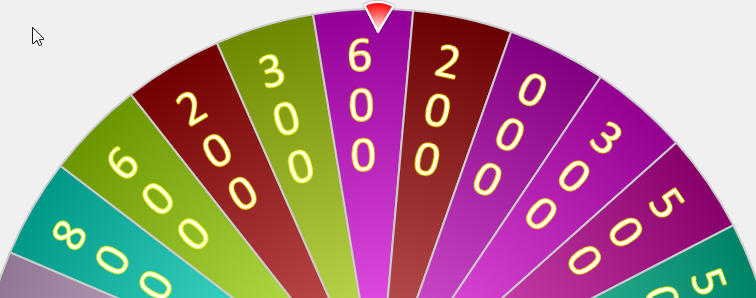
ctx.stroke();.. aren't really that useful
https://konvajs.github.io/docs/sandbox/
Fallbacks are easy to make
<canvas id="demoCanvas">
   Fallback here
</canvas>https://codepen.io/patmon/pen/EoJNaN
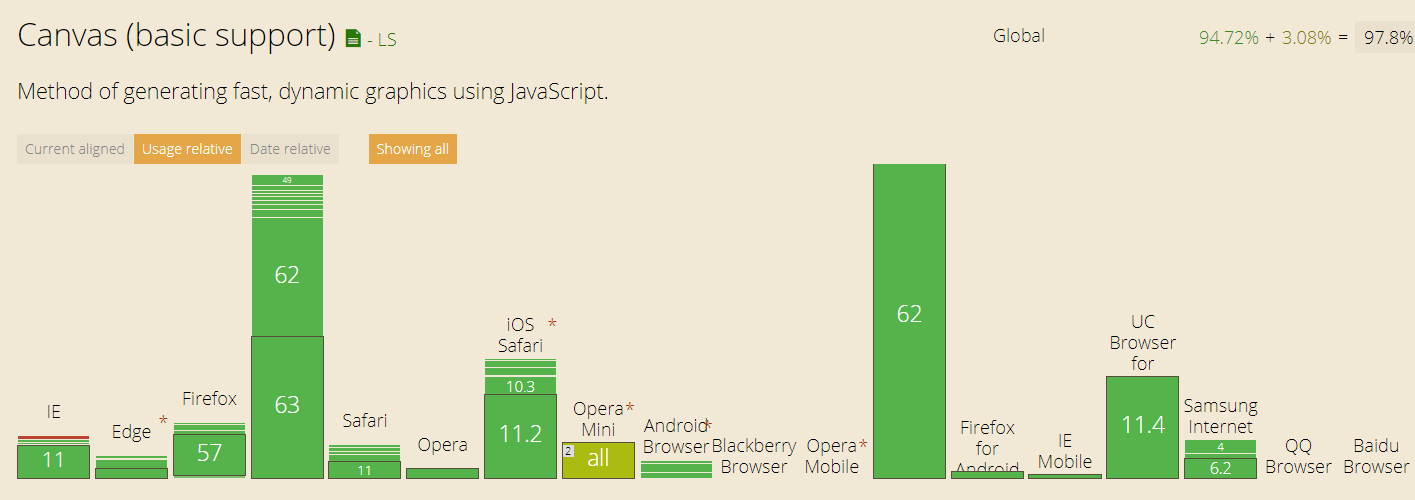
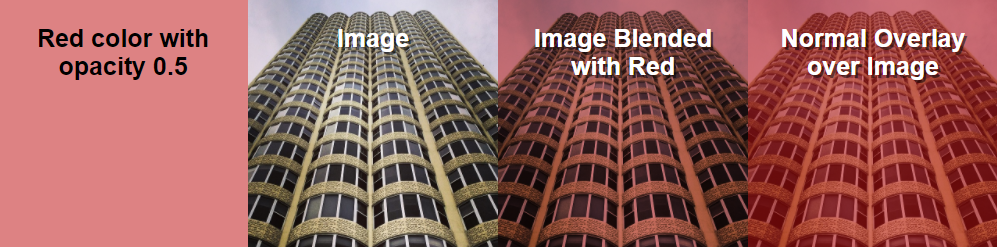
Issue: css blend has terrible support in browsers
IE, safari, edge, android, ..
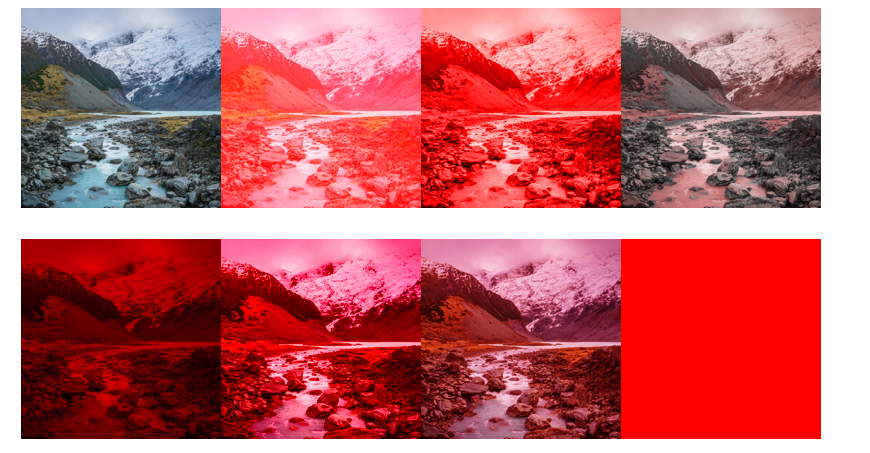
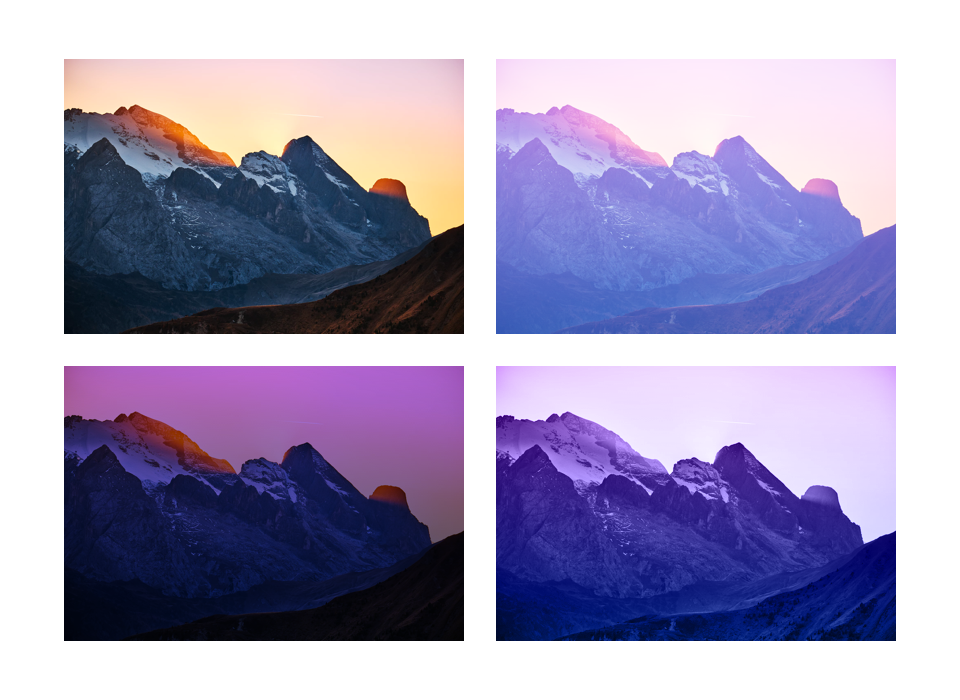
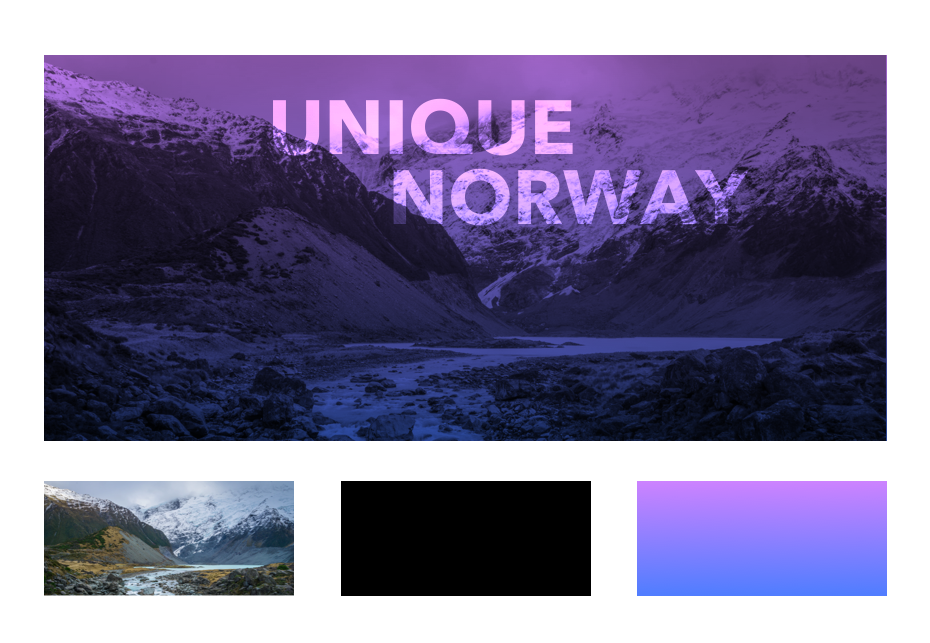
Hvordan to bilder skal "mikses"
Chrome, firefox, opera, samsung
IE, opera mini
Nesten alt
<canvas
    id="@canvasId"
    data-src="@imgUrl">
</canvas>
var canvas = document.getElementById("@canvasId");
var ctx = canvas.getContext('2d');
// Create canvas img
var background = new Image();
background.src = canvas.getAttribute("data-src");
// Create canvas gradient
var grd = ctx.createLinearGradient(startX,startY,start,y1);
grd.addColorStop(0.000, 'rgba(0,0,0,0)');
grd.addColorStop(1.000, 'rgba(0,0,0,1)');
// Select a blend mode
ctx.globalCompositeOperation = 'multiply';
// Fill the canvas with gradient and image
ctx.fillStyle = grd;
ctx.fillRect(0, 0, canvas.width, canvas.height);
ctx.drawImage(background, 0, 0, canvas.width, canvas.height);// Create canvas img
// Write the image into the canvas,
// but take care so the image isn't stretched
var sx, sy, sWidth, sHeight;
var heightReduction = 1.0 * (image.height / canvas.height);
var widthReduction = 1.0 * (image.width / canvas.width);
if (heightReduction > widthReduction) {
// If the height is reduced more then the width, crop height to keep aspect ratio
sx = 0;
sWidth = background.width;
// Ratio between height and width will be a number between 0 and 1,
// so times 100 will be the % of the original image to show.
var fractionOfImageHeightToshow = widthReduction / heightReduction;
var imageHeightToShow = background.height * fractionOfImageHeightToshow;
var imageHeightToCrop = background.height - imageHeightToShow;
sy = imageHeightToCrop / 2.0;
sHeight = background.height - imageHeightToCrop;
}
else { /* CROP WIDTH HERE */
}
ctx.drawImage(background, sx, sy, sWidth, sHeight, 0, 0, canvas.width, canvas.height);
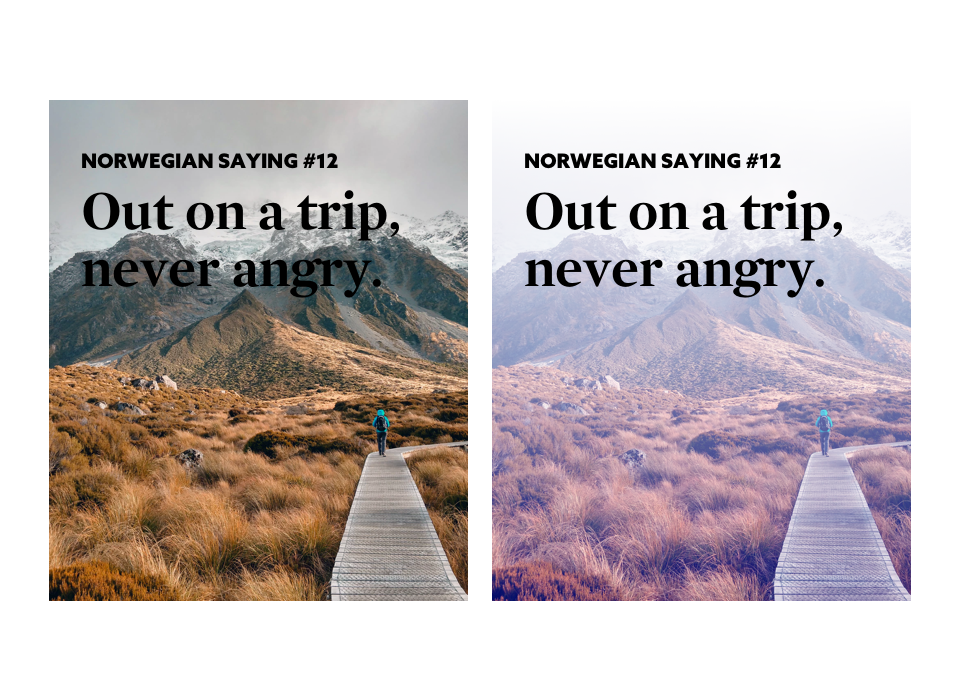
Images often need to be cropped
https://slides.com/patricklidmonslaup/canvas
By Patrick Lid Monslaup
Why you should start using Canvas in your projects today