PyEugene
Python and Windows


Thanks to IDX Broker for Hosting

Ways to install Python on Windows
Chocolatey
choco install python
Python Website
https://www.python.org/downloads/
Anaconda Website
https://www.anaconda.com/distribution/#download-section
Great so python is installed...
Now how do I use it?
1. Create a virtual environment
py -3 venv <project-name>
cd <project-name>
Directory Structure is different
Include
Lib
Scripts
Directories
Files
pyvenv.cfg
*nux based systems have a bin folder instead of Scripts
Activate your environment
- cd Scripts
- activate
- Before the location you should see your project name.
(<project-name>) C:\<project-name>\Scripts
- pip install --upgrade pip setuptools
this will upgrade pip and setuptools
- these are used to install modules
Install Modules
pip install <module name>
So if we create a file named directory.py
import os
from os import walk
import glob

path = "C:/Users/sdude/venv"

files = os.listdir(path)
print(files)

f = []
d = []
for (dirpath, dirnames, filenames) in walk(path):
	f.extend(filenames)
	d.extend(dirnames)
	break
print(f)
print(d)


print(glob.glob("C:/Users/sdude/venv/*.py"))
Inside your environment you need to use python <fileName>.py
Outside you can use py -3 <filename>.py
IDE's
Sublime Text 3
Atom
autocomplete python
linter-flake8
atom-beautify
sidebar enhancements
anaconda
requirementstxt
advanced new file
emmet
What is WSL?
Windows Subsystem for Linux
How do you install it?
Enable-WindowsOptionalFeature -Online -FeatureName Microsoft-Windows-Subsystem-Linux
Type this command into Powershell and follow the prompts
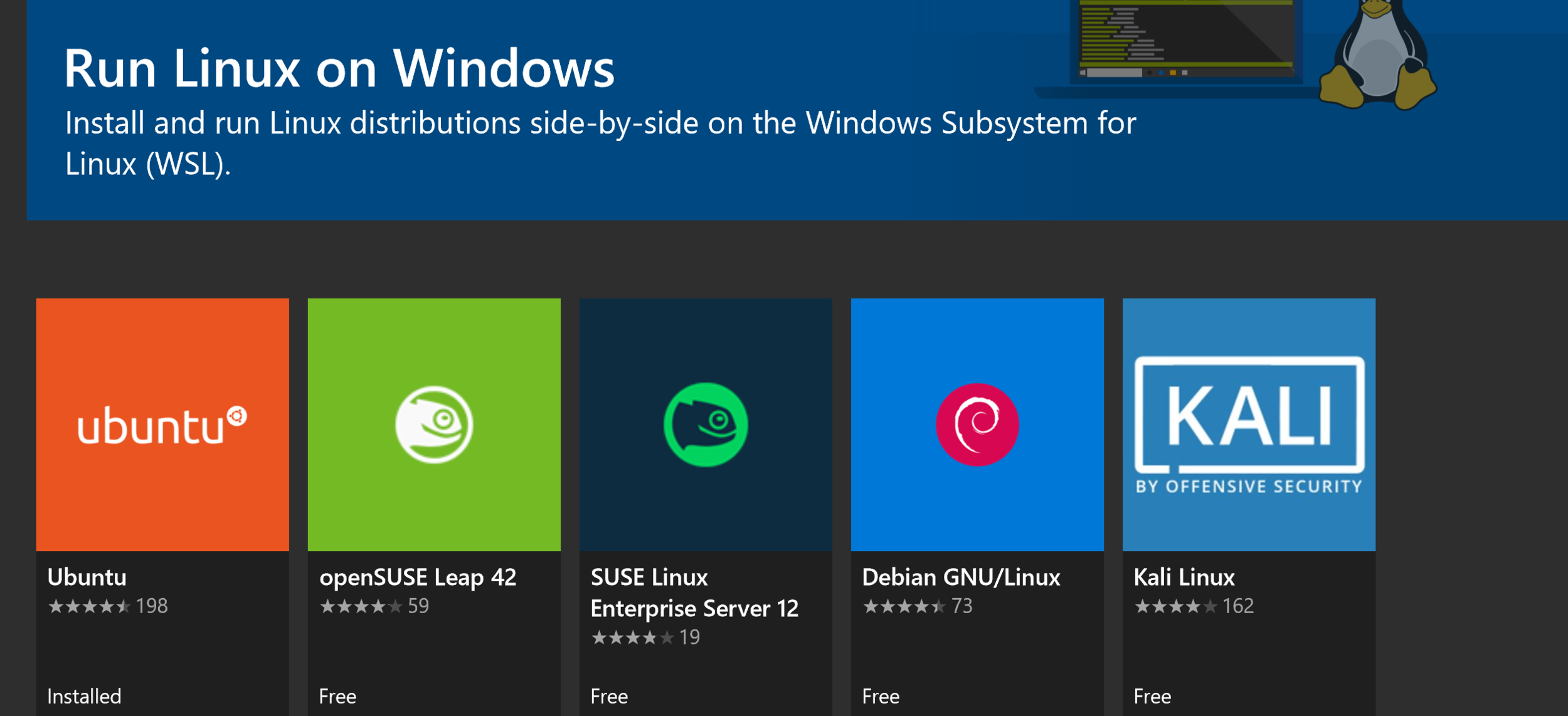
Then go to the windows store and select the version of Linux you would like to install
Tips
- C:\ is located in /mnt/c
- symbolic links can help a lot
- updates happen a lot in linux - keep your system updated
- Check out zsh: https://github.com/robbyrussell/oh-my-zsh
Create Sym-Links
ln -s /opt/foo /usr/bin/bar
opt/foo is the original folder
/usr/bin/bar is the location of the symlink
So you can install an Apache Server on windows without installing Xampp
https://medium.com/@ssharizal/how-to-install-lamp-stack-server-on-windows-subsystem-linux-wsl-windows-10-133419c22473
With WSL you can run python apps in linux. So you can use bin/python <program>.py rather than using py -3 or python if you are in an activated environment
Honestly if you like Linux a lot it makes a lot of sense to simply use a Linux desktop. But if you are "stuck" using windows the WSL gives you an opportunity to use a portion of Linux with in windows.
PyEugene
By sdudenhofer