Tips for setting up
your work for viva
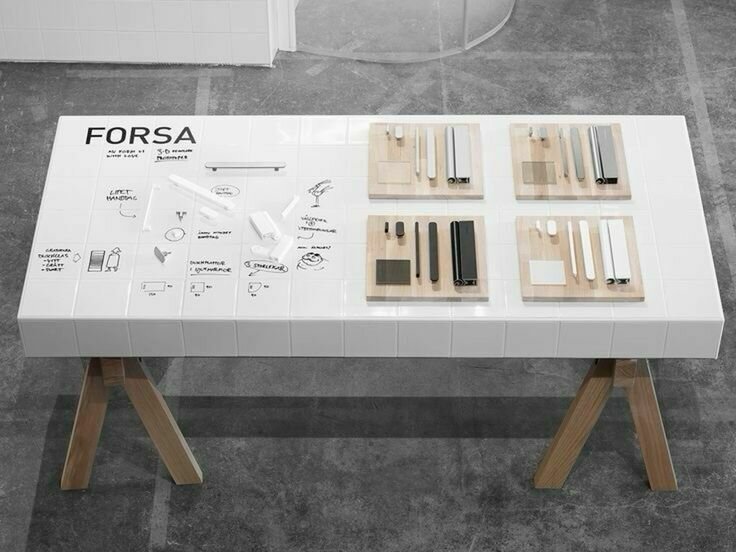
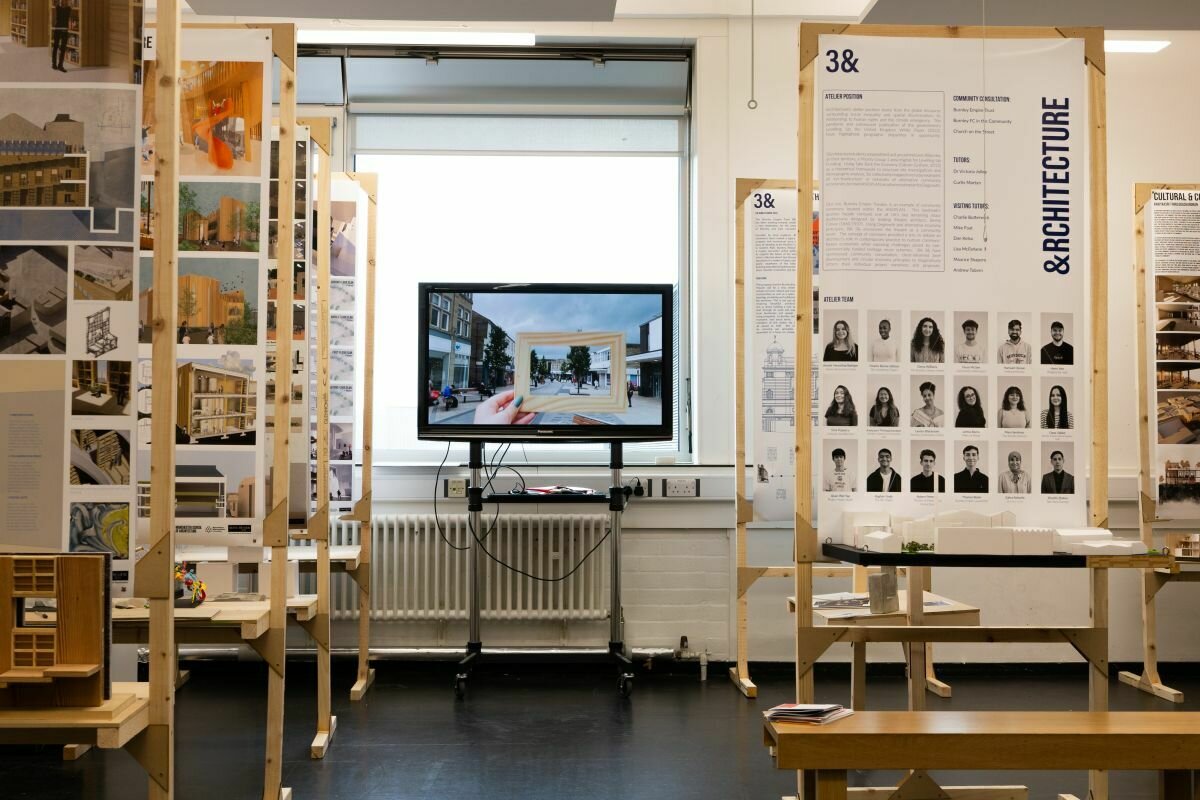
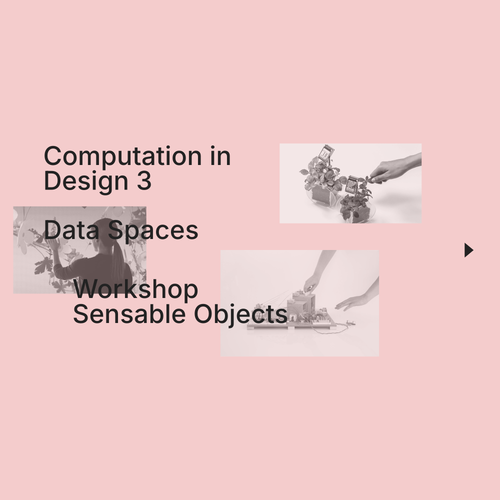
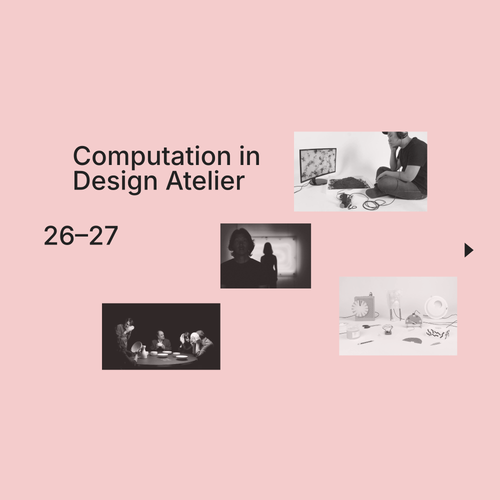
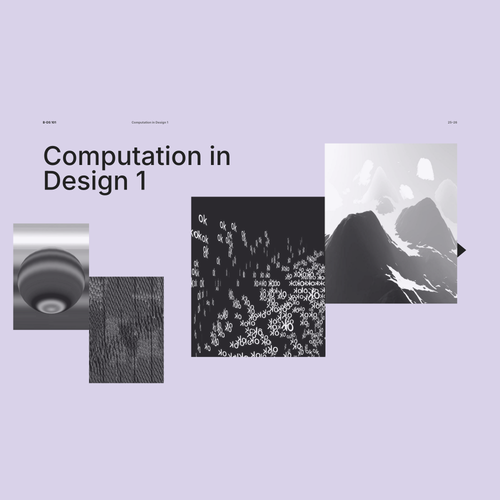
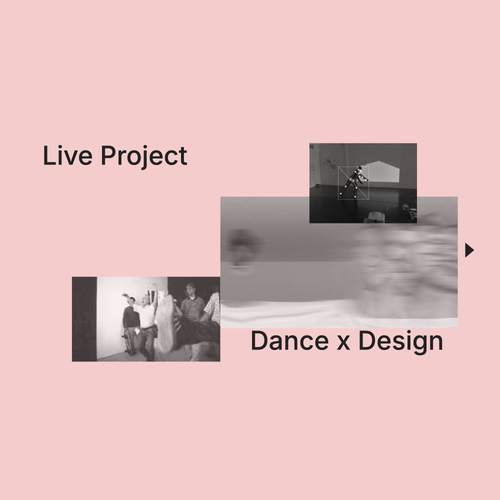
These slides should give you visual impressions on how to set up your work for showcases and feedback sessions.
Your setup is the first impression of your body of work, that is why it needs to be neat, polish and spotless.
Setting up your work
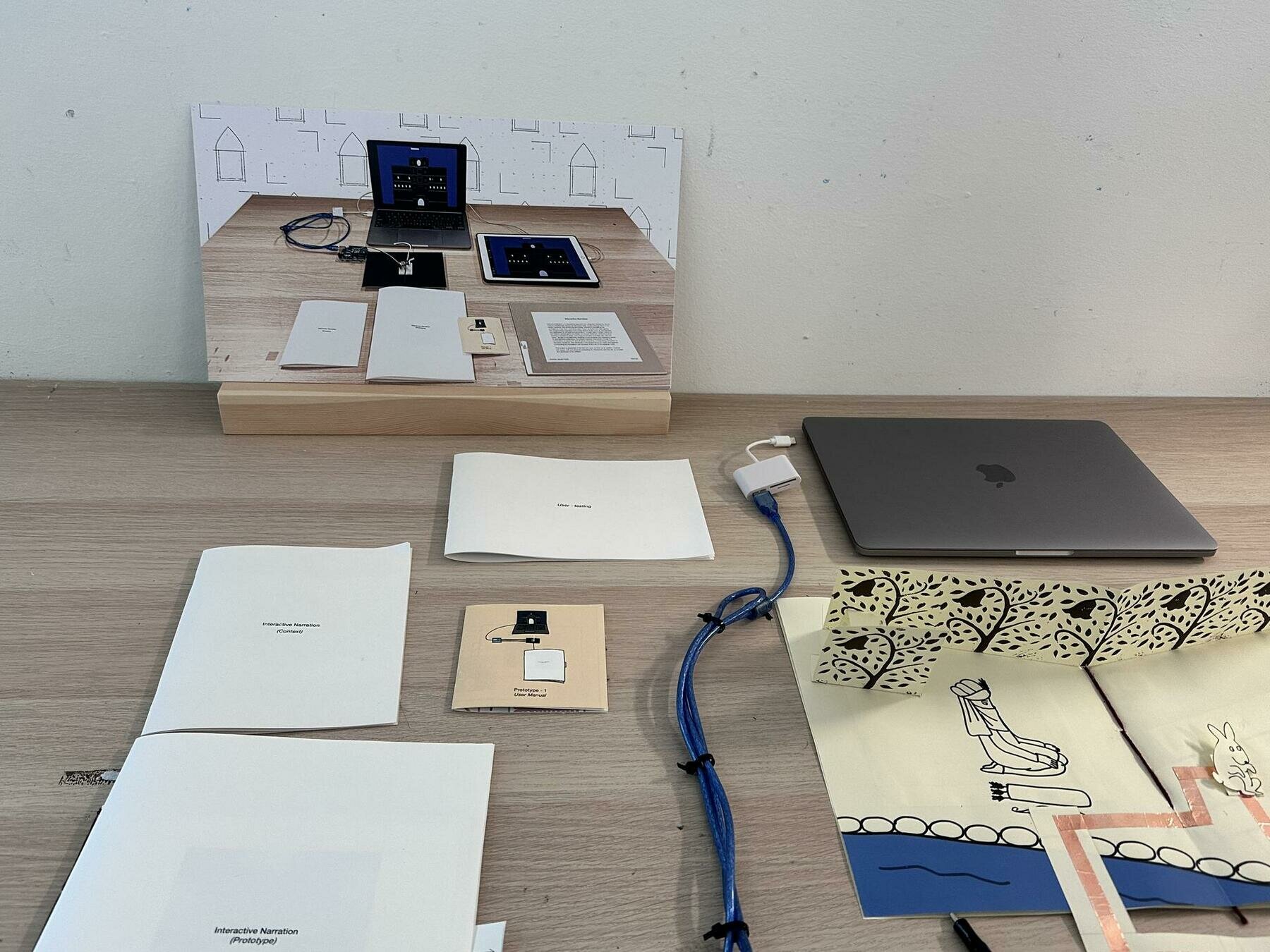
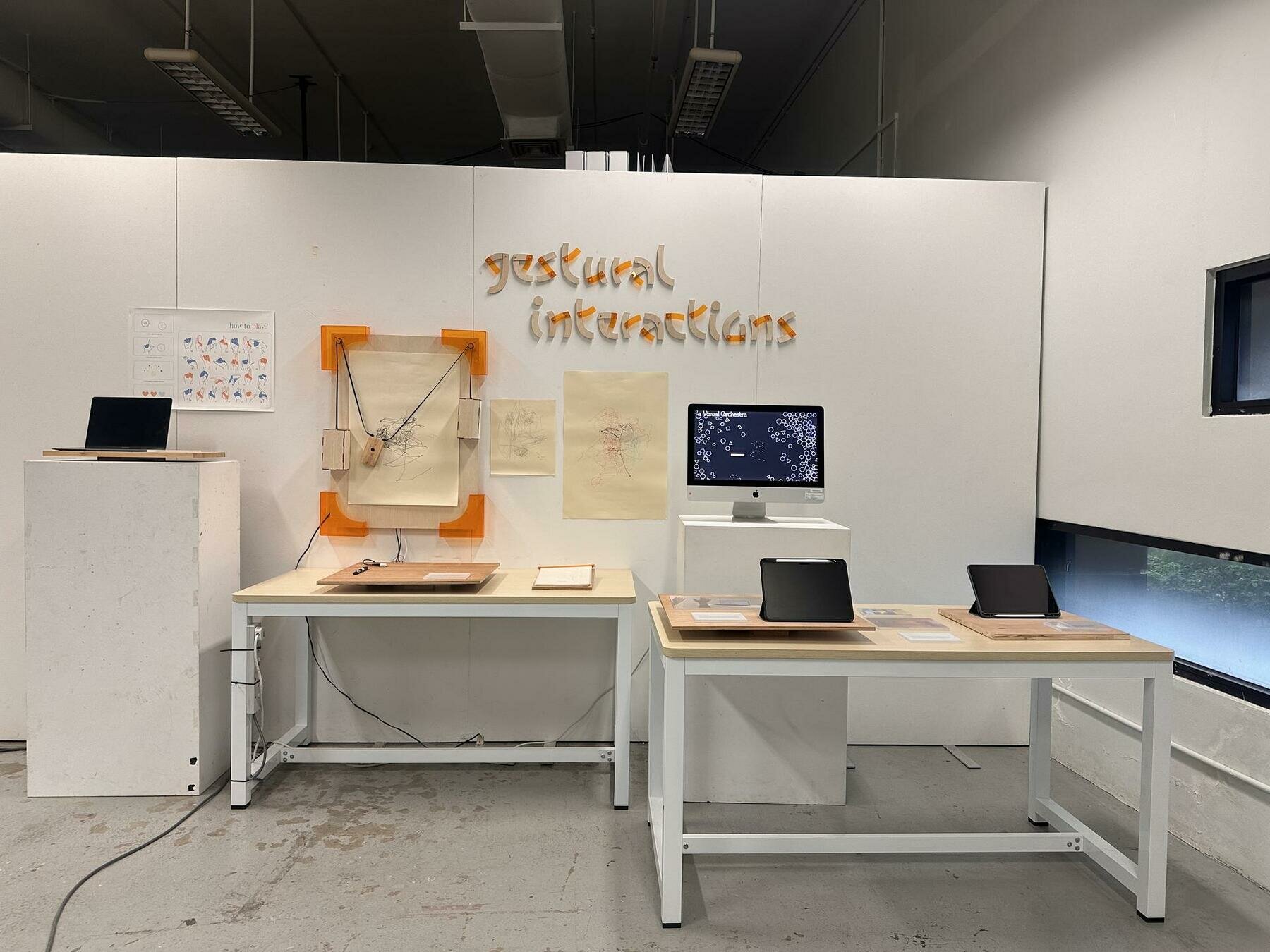
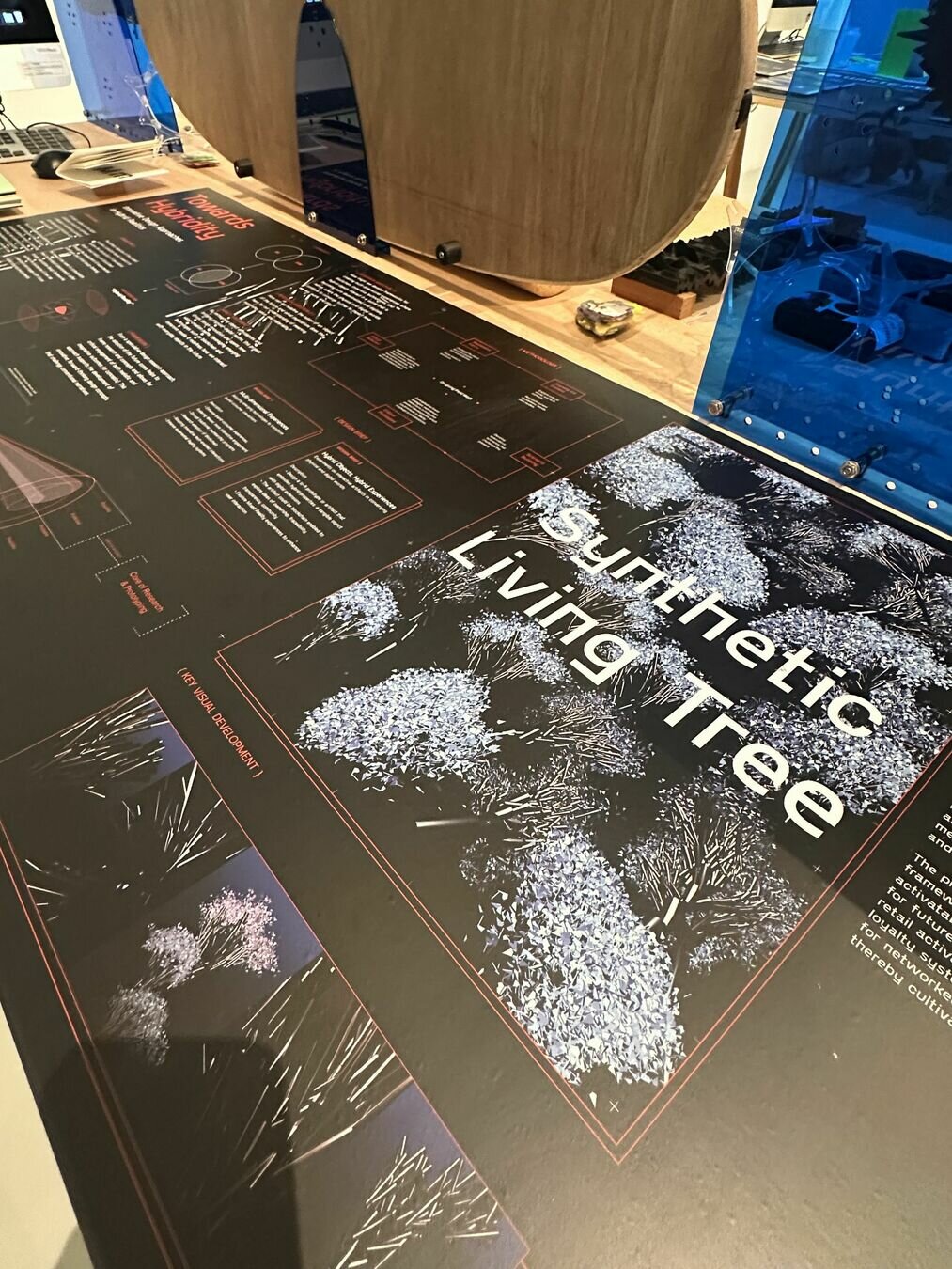
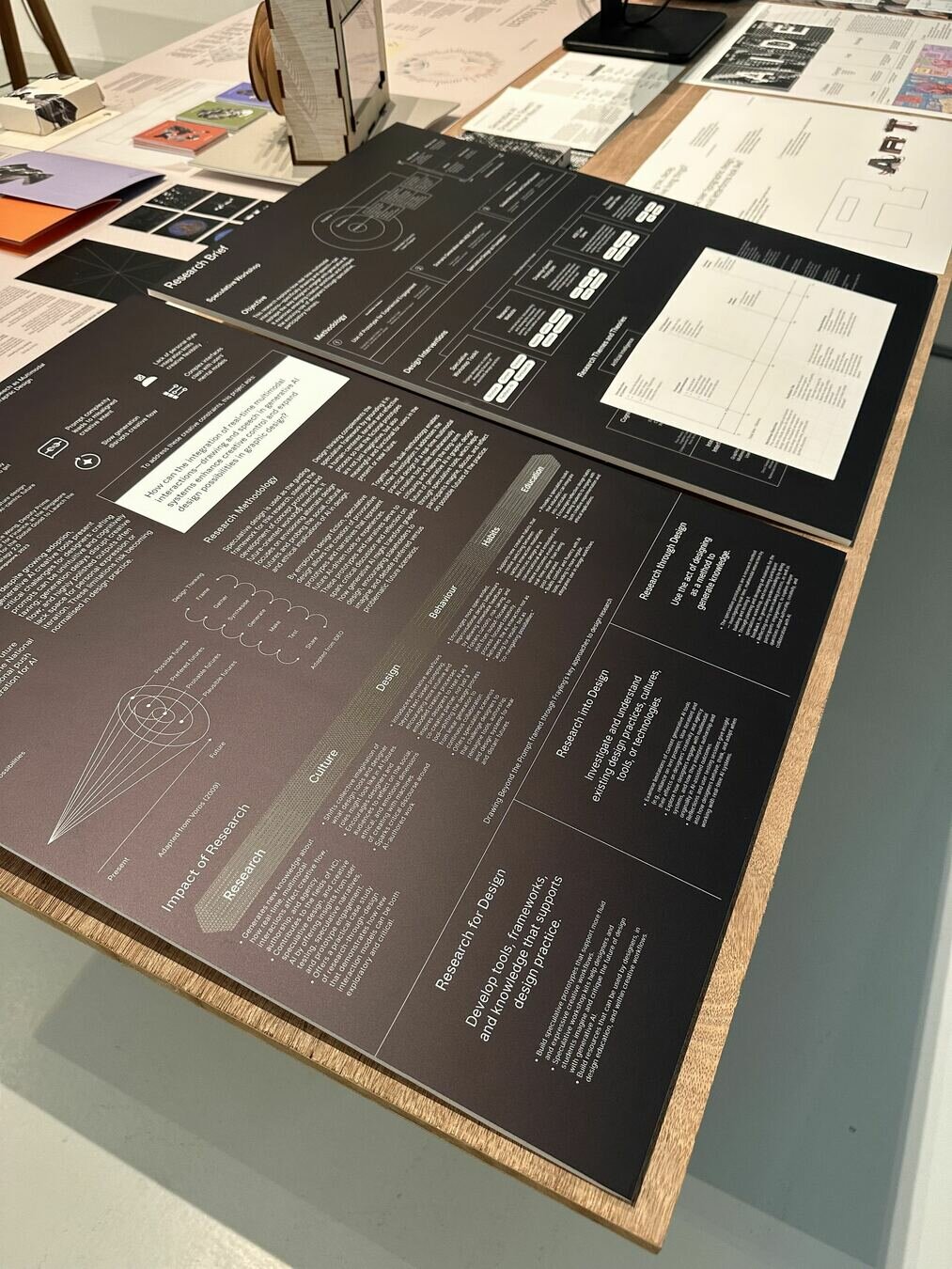
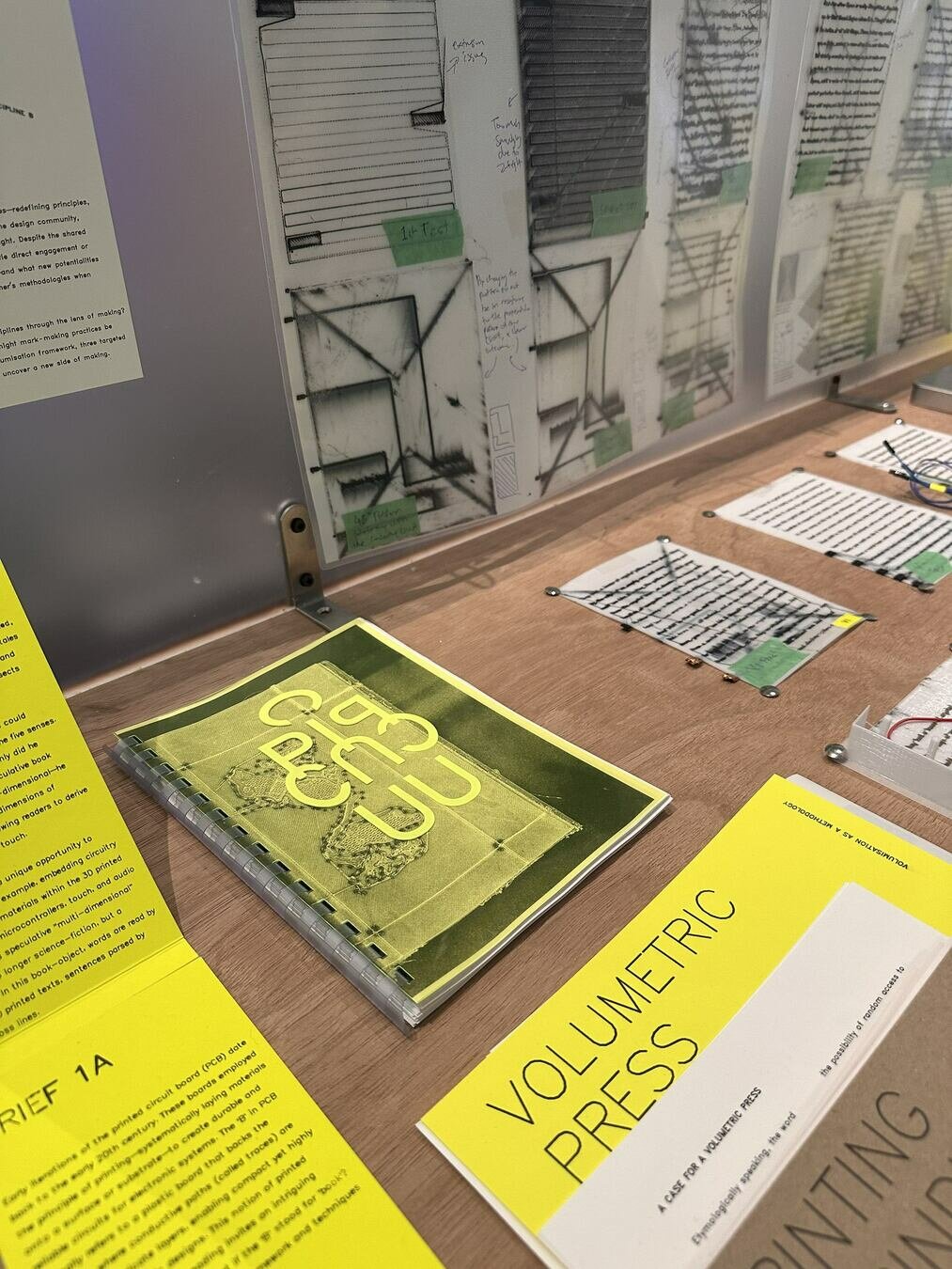
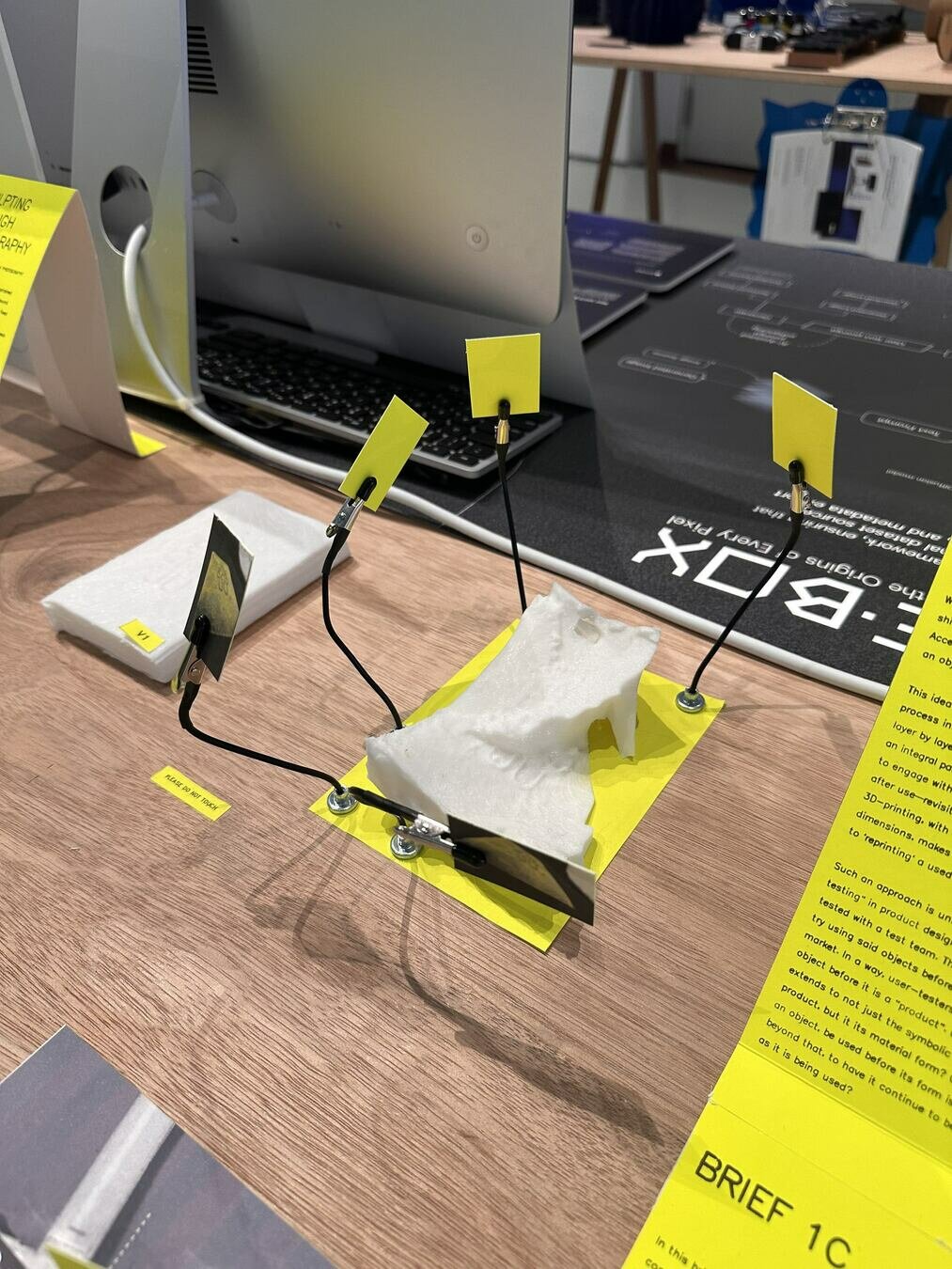
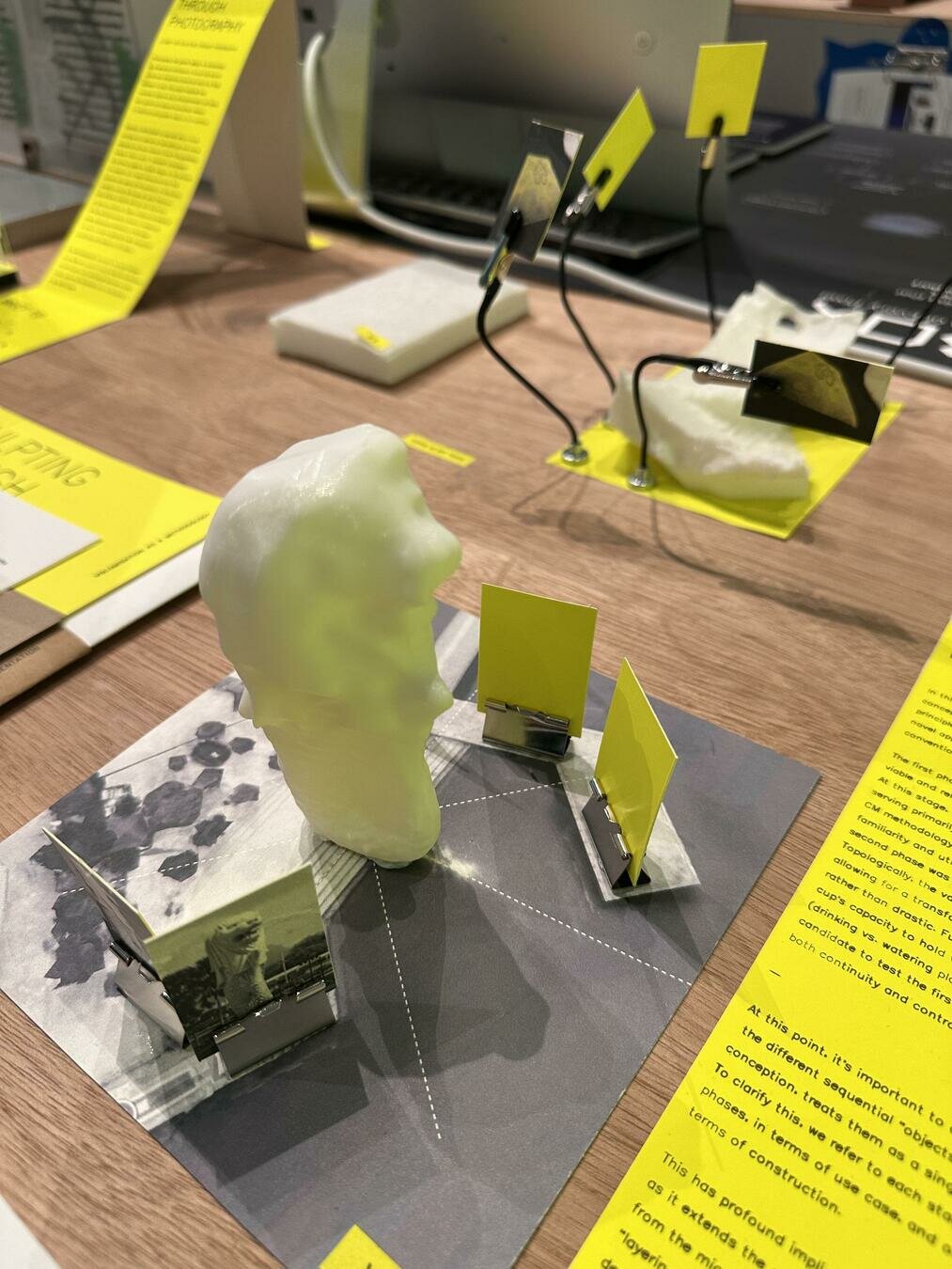
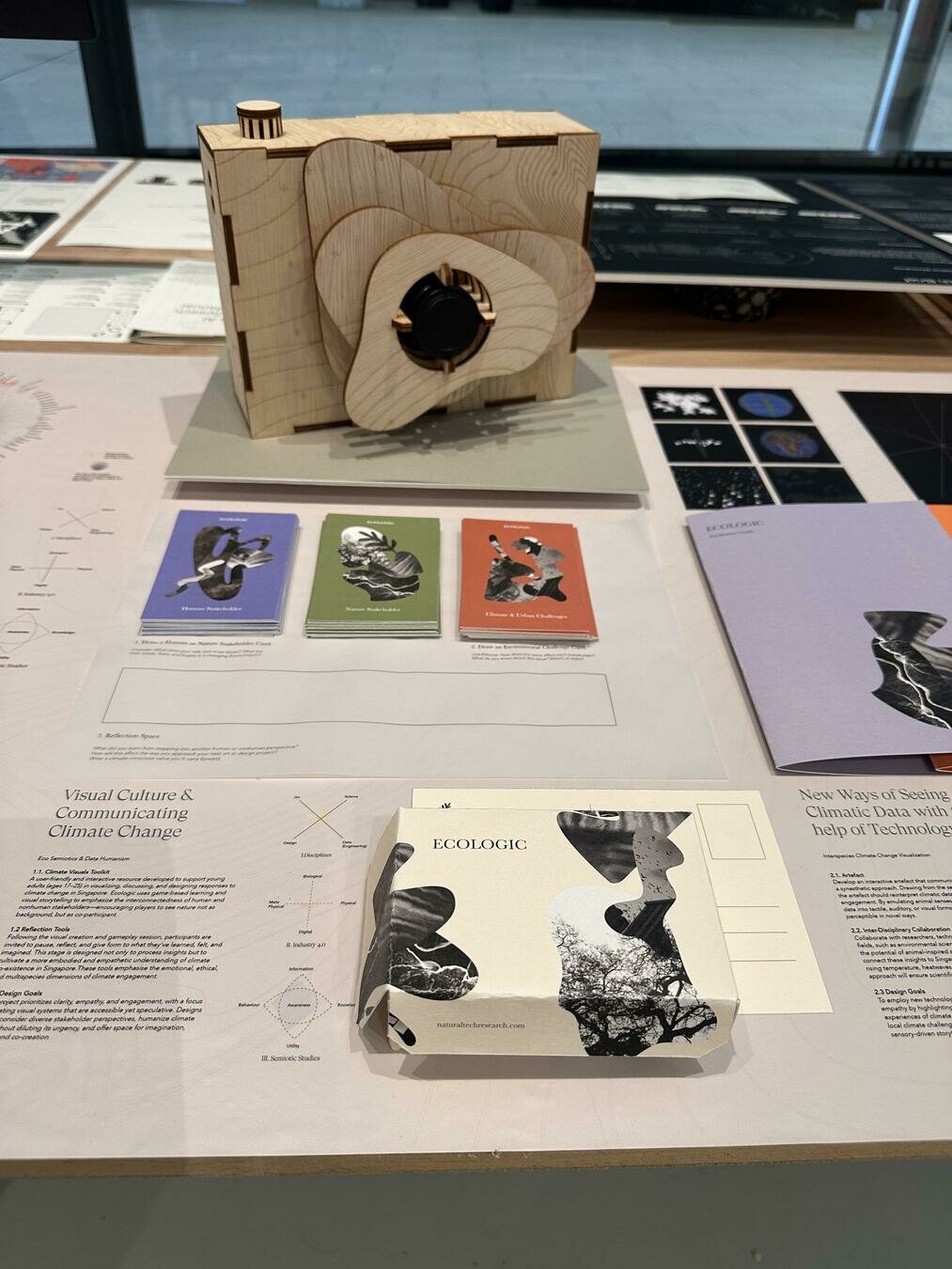
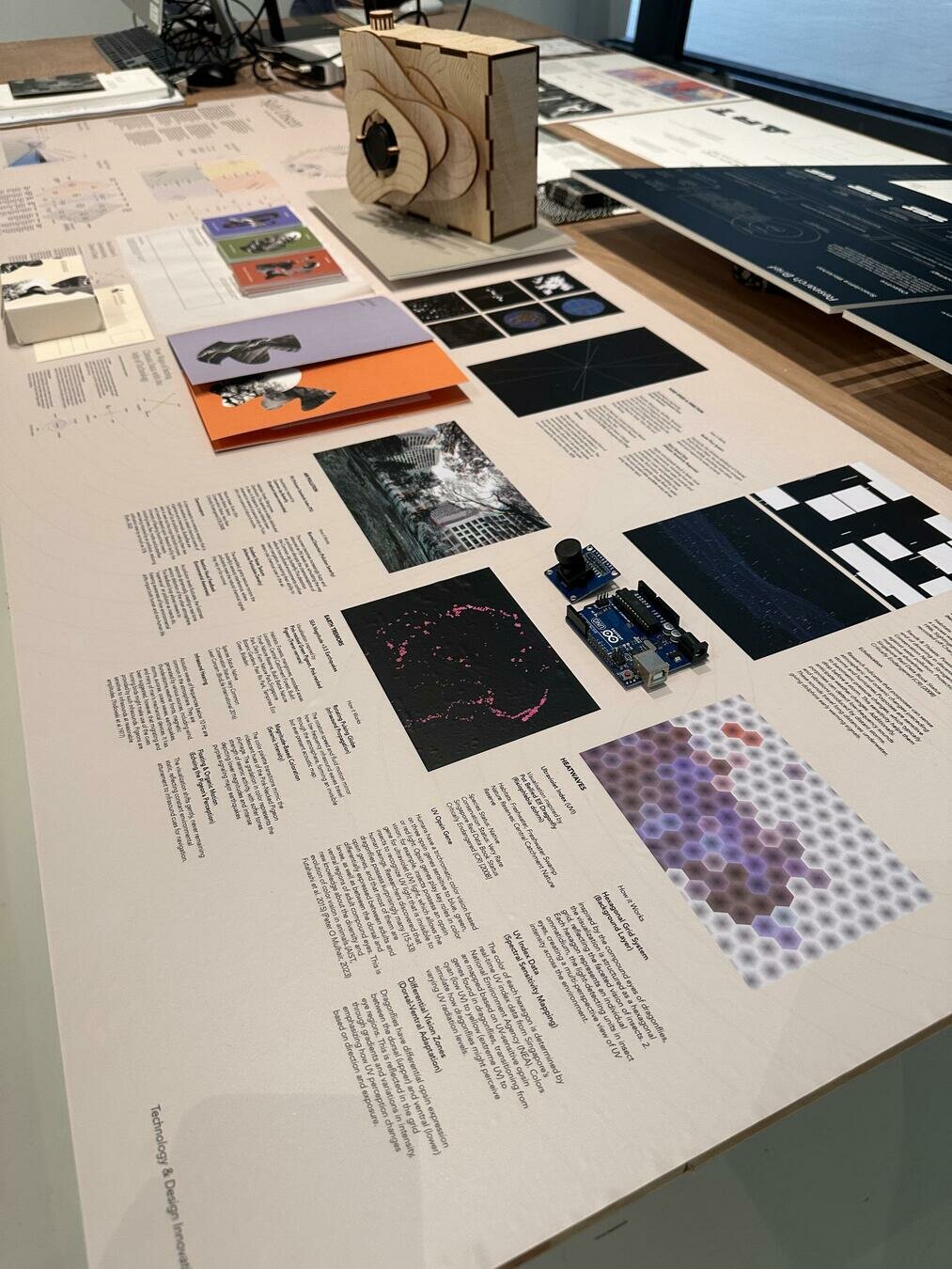
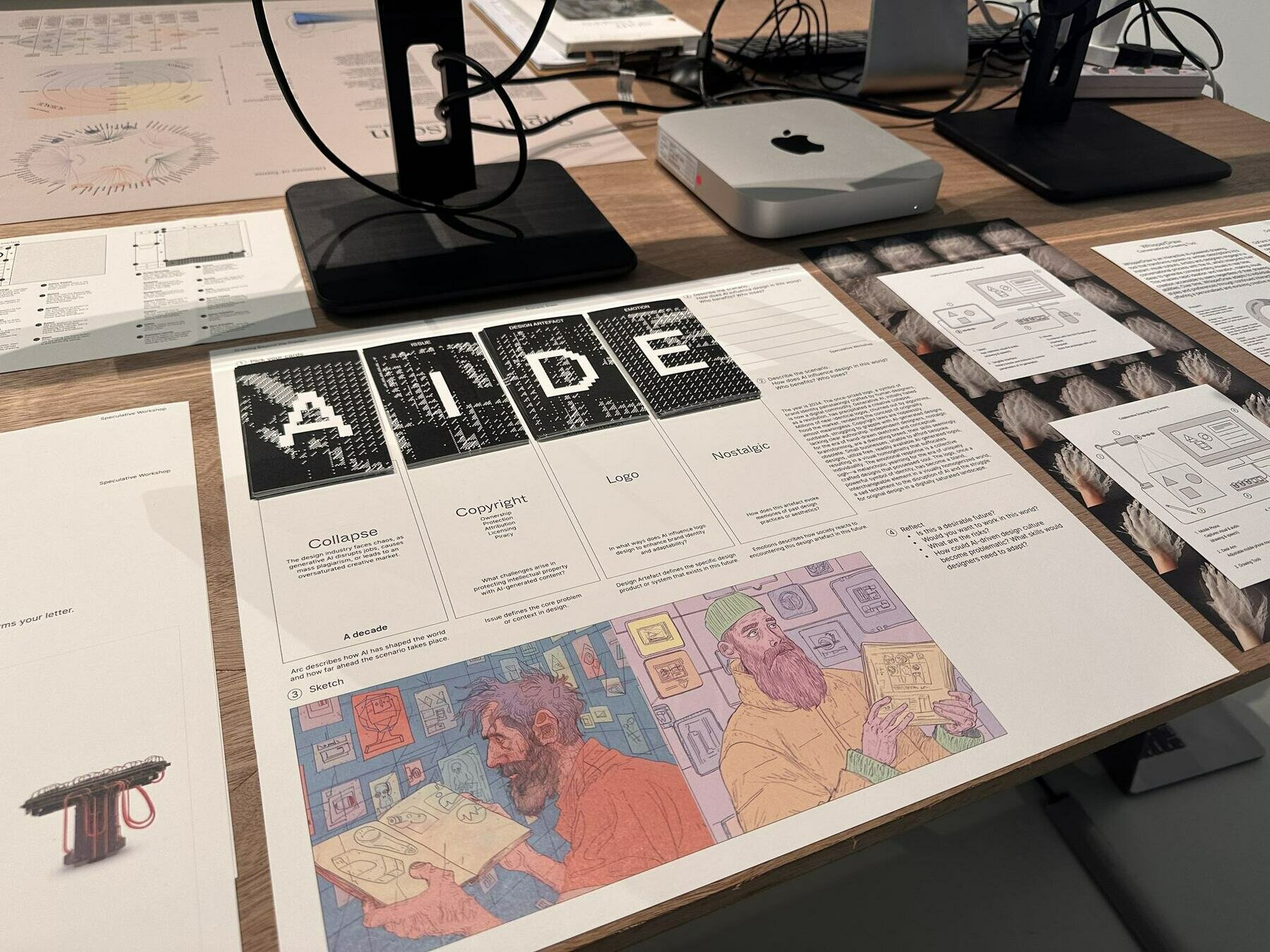
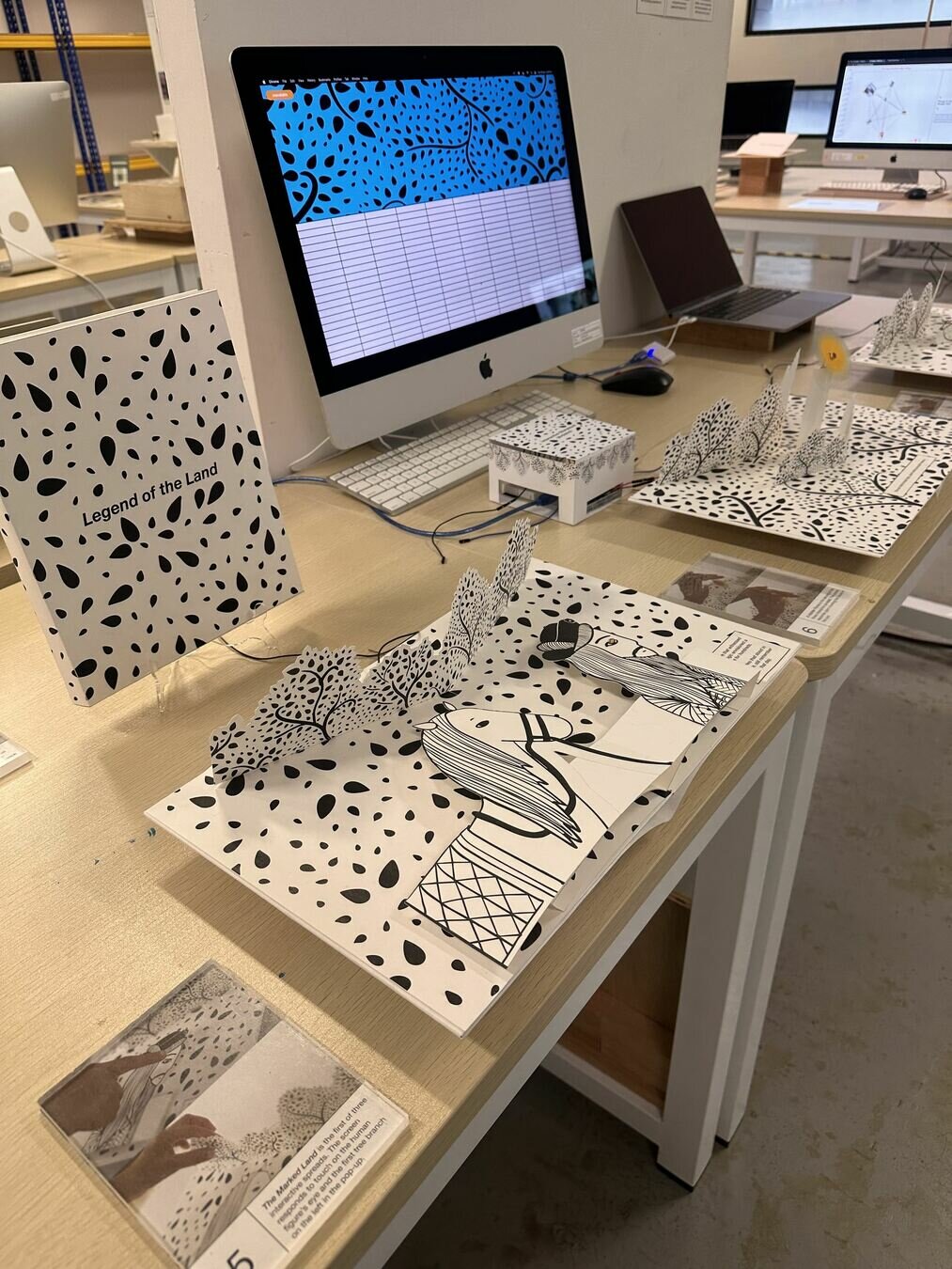
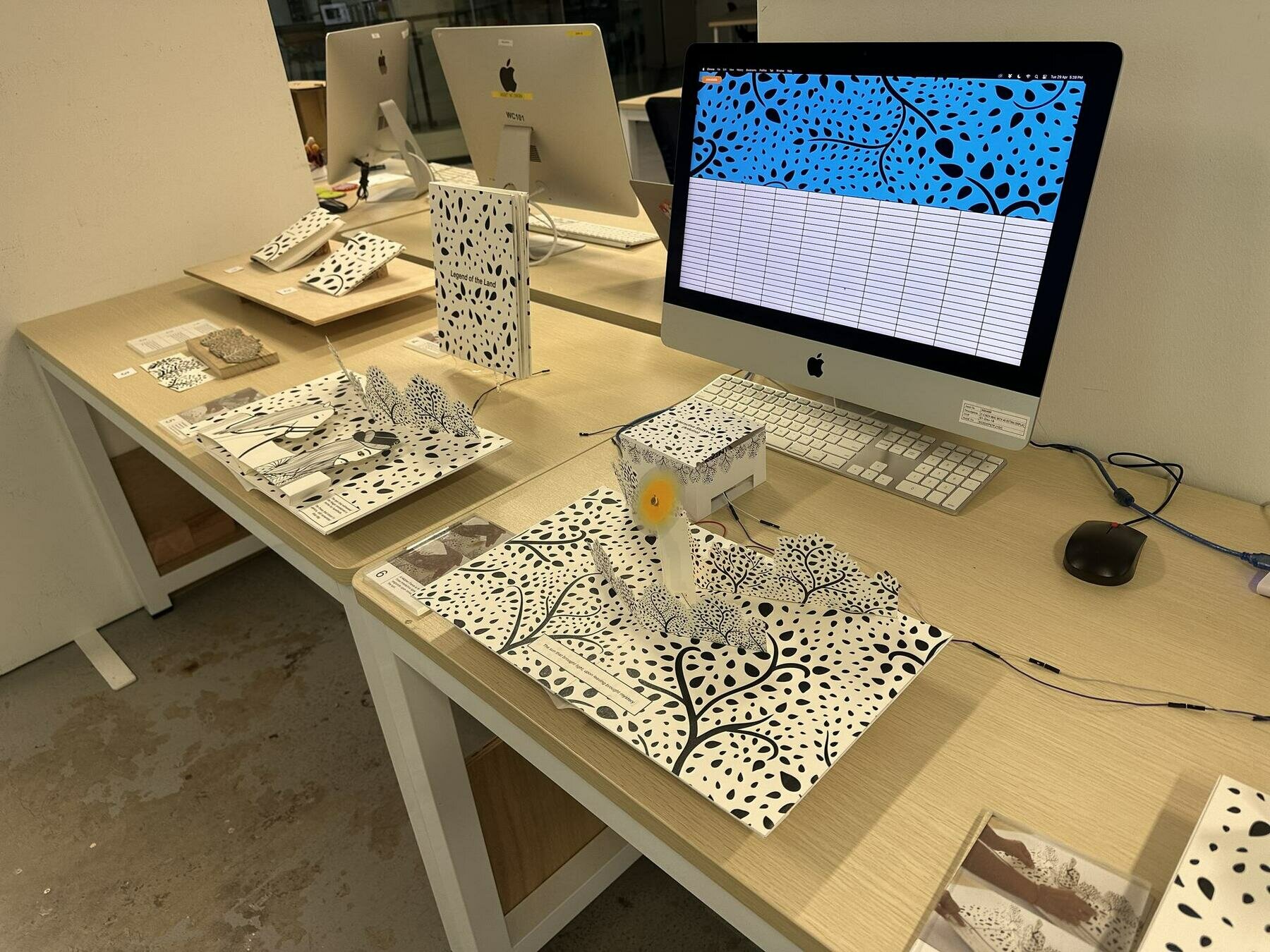
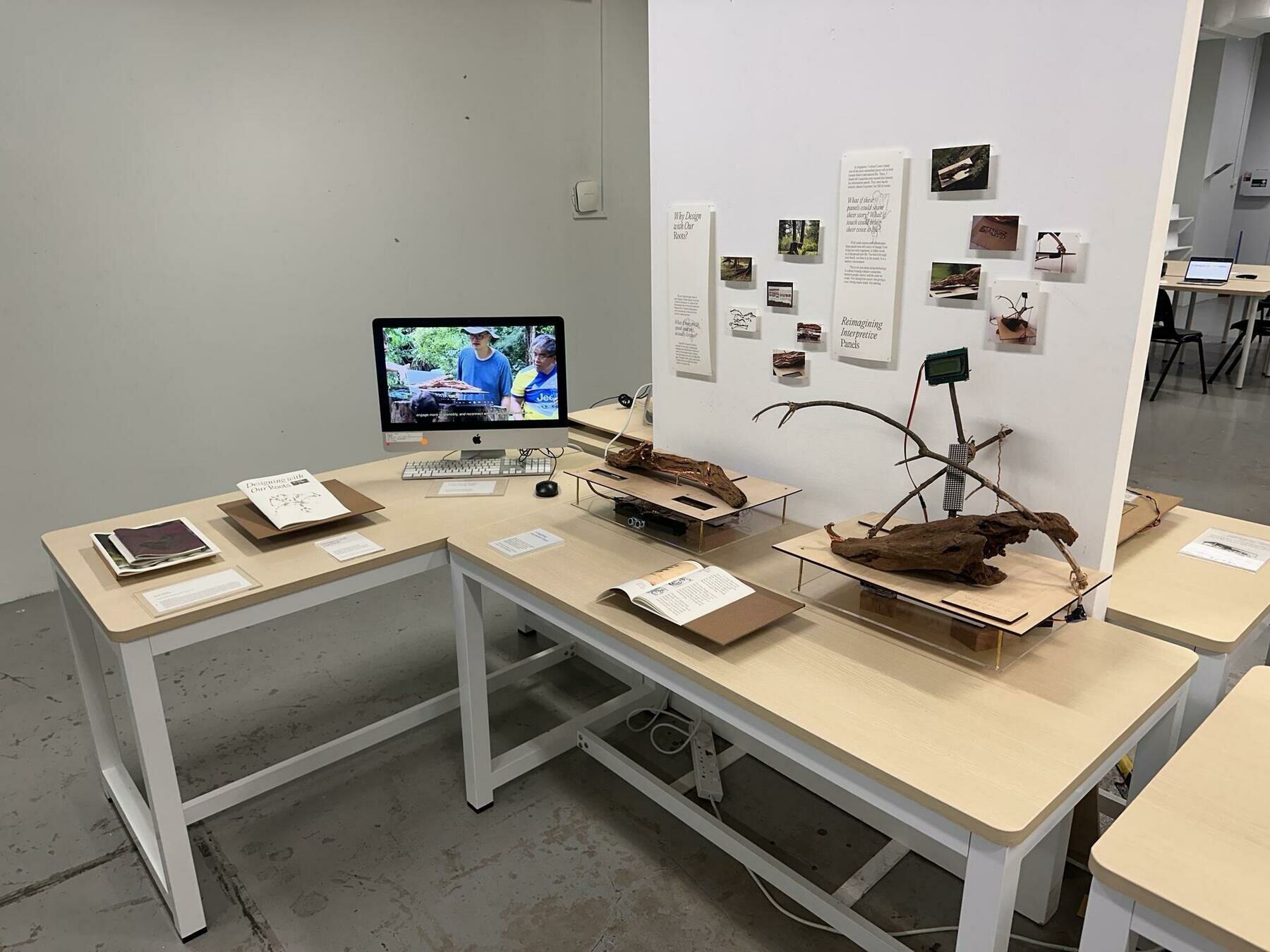
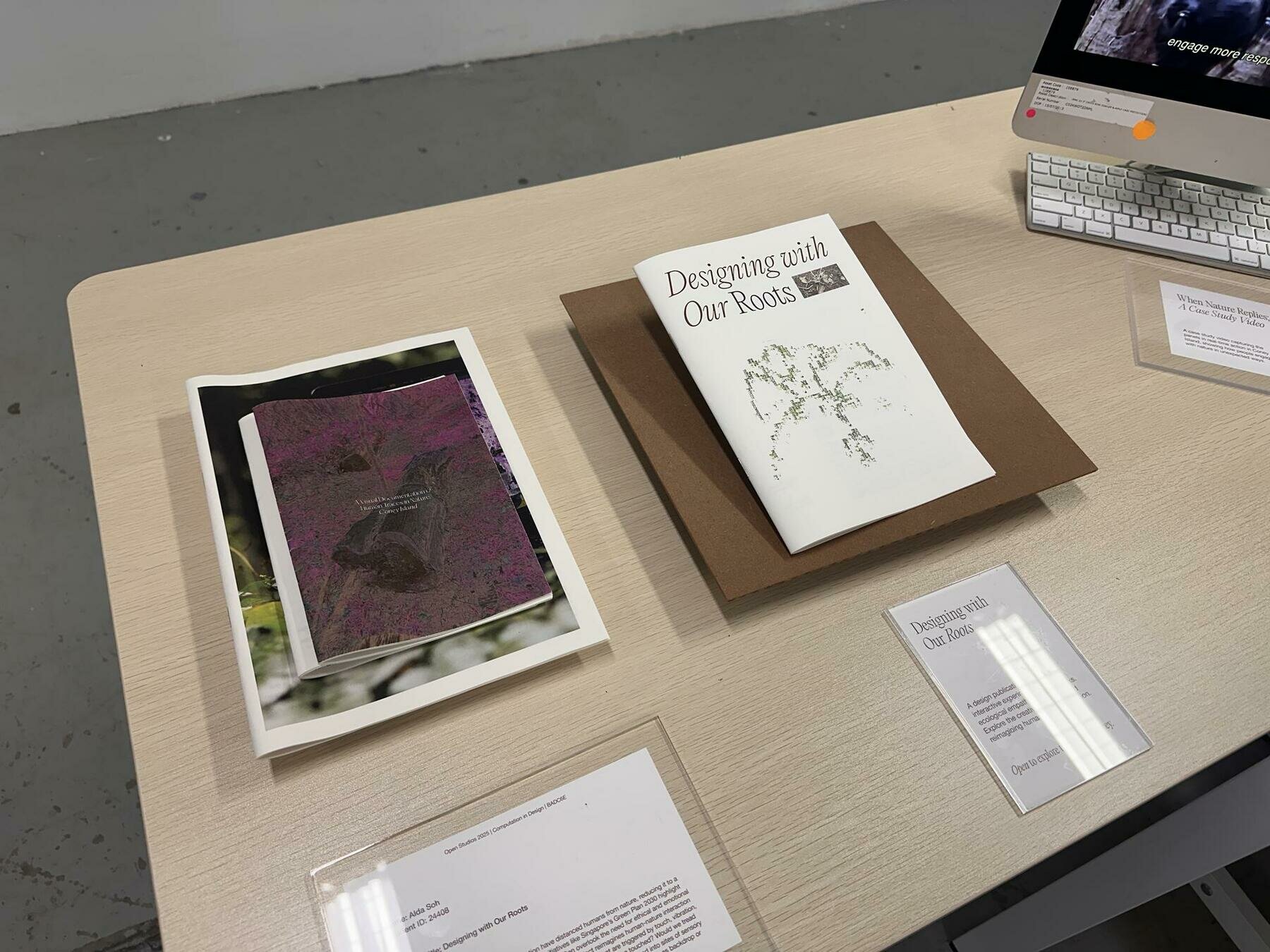
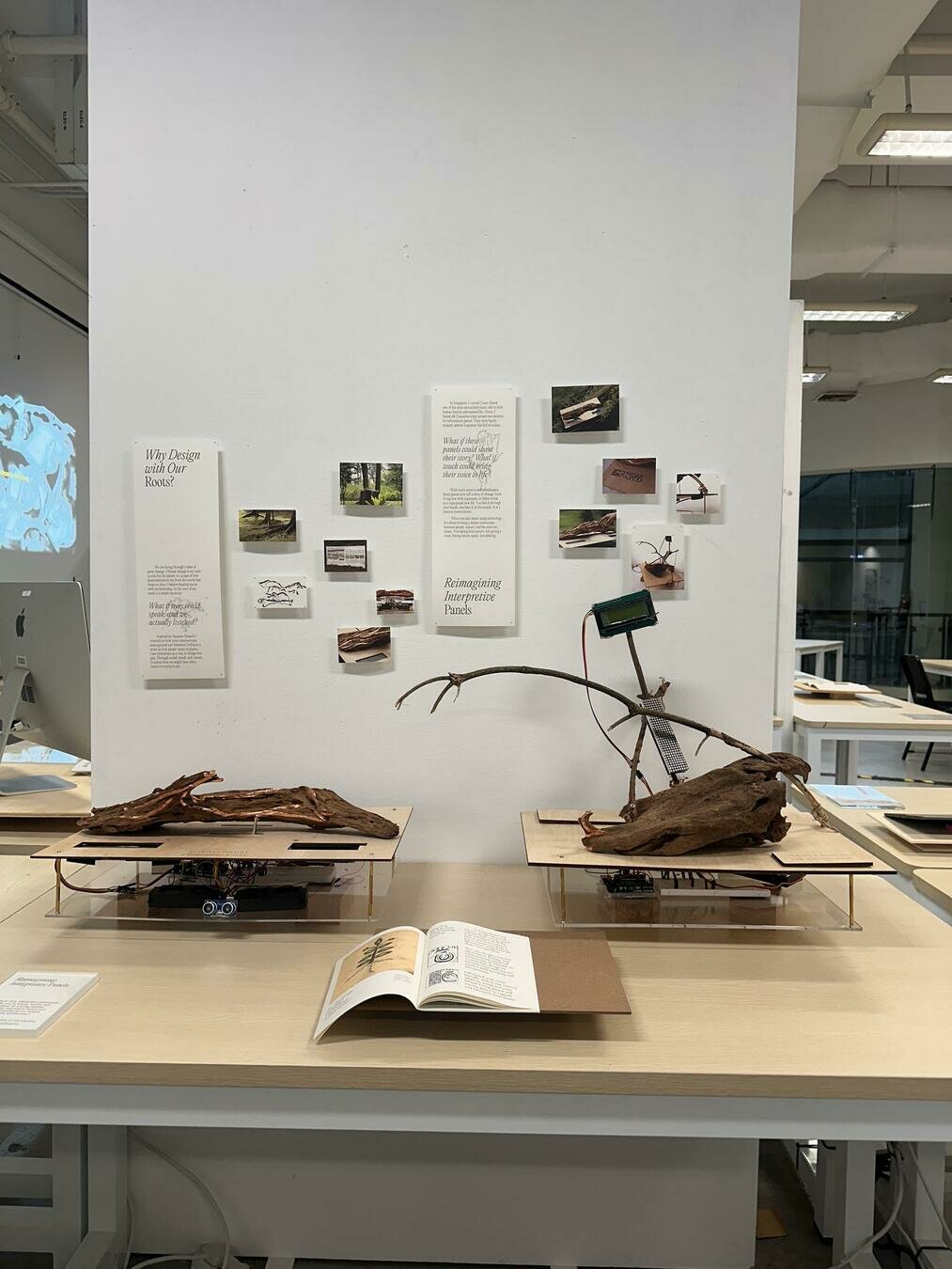
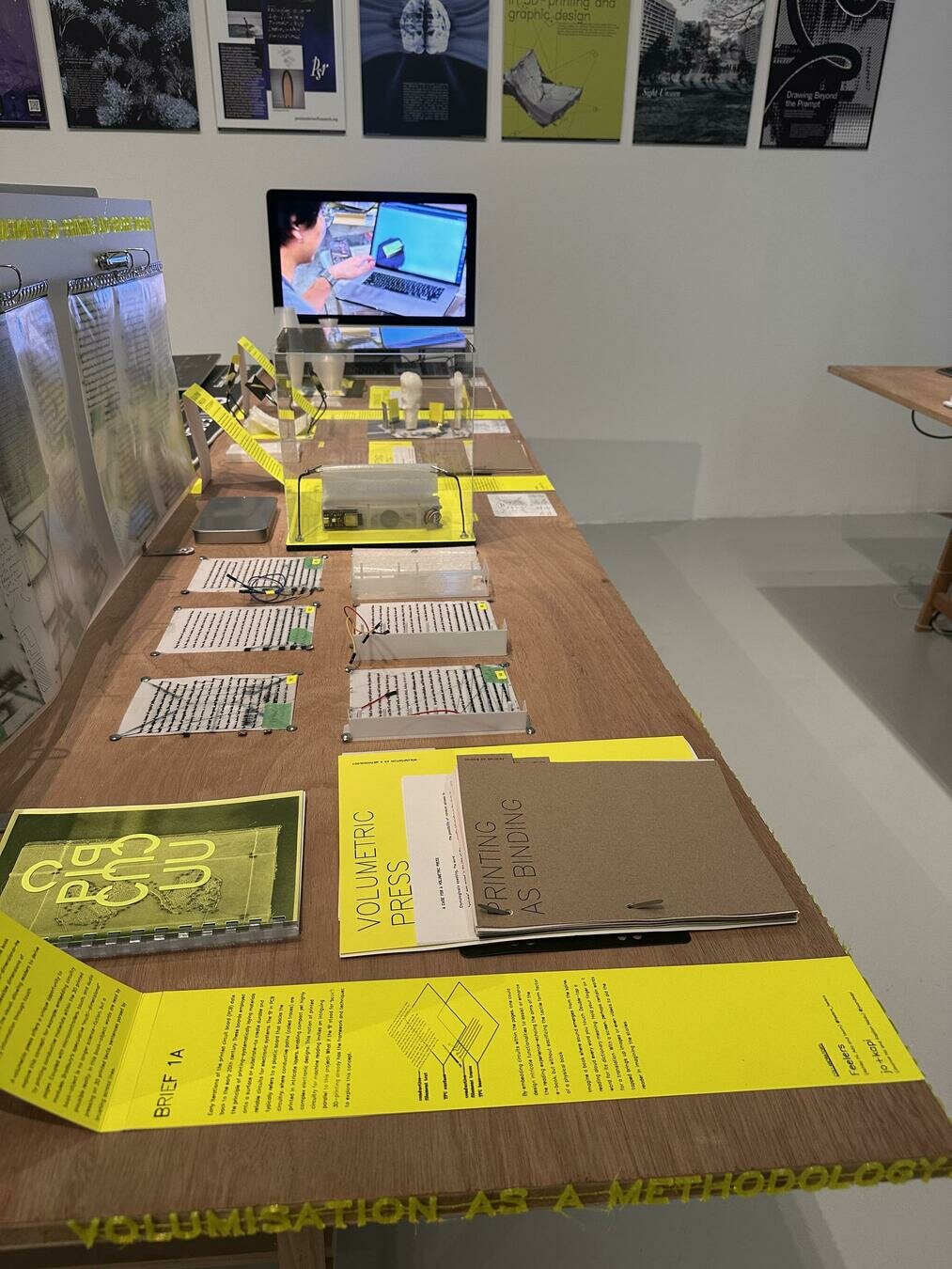
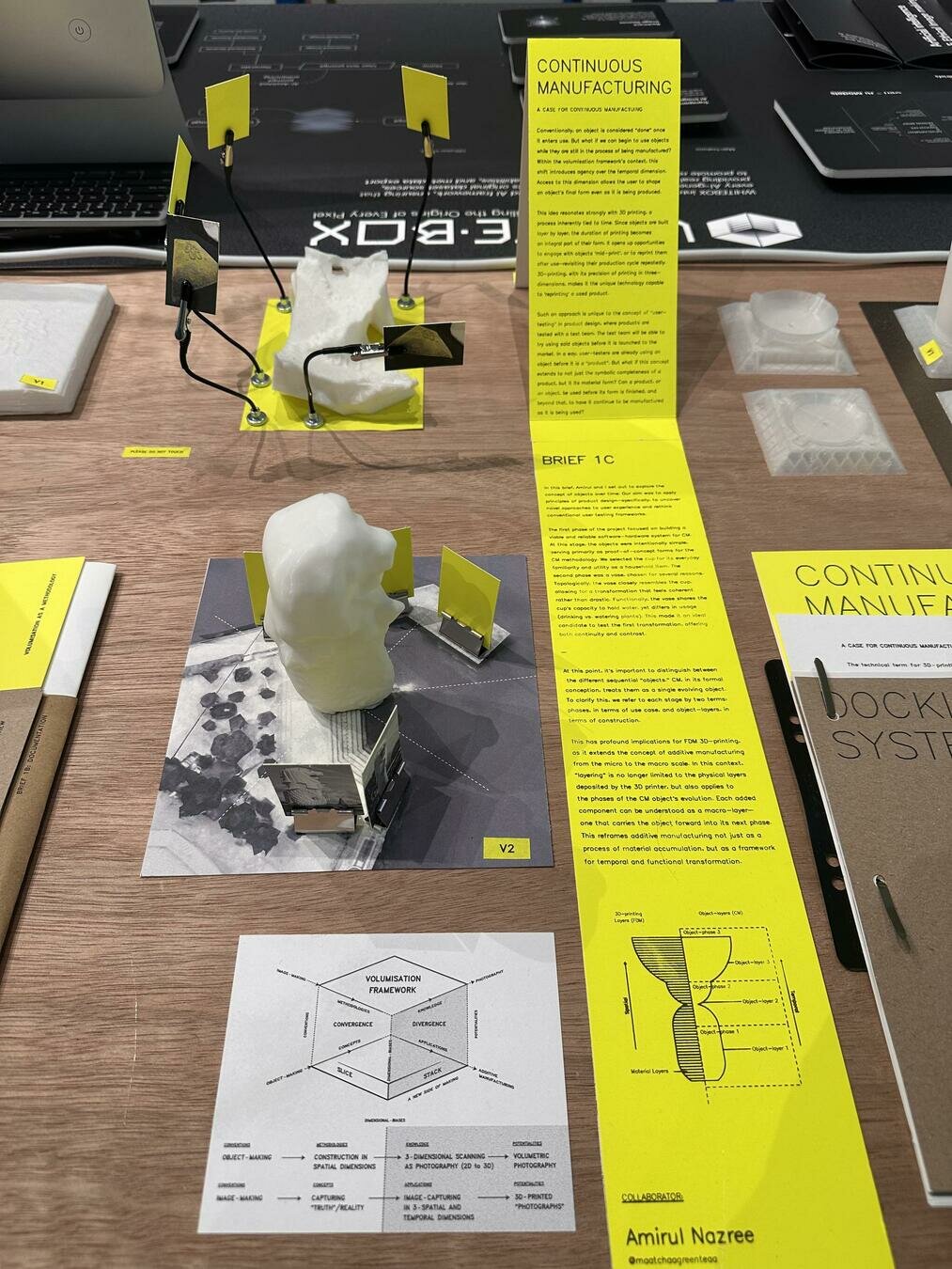
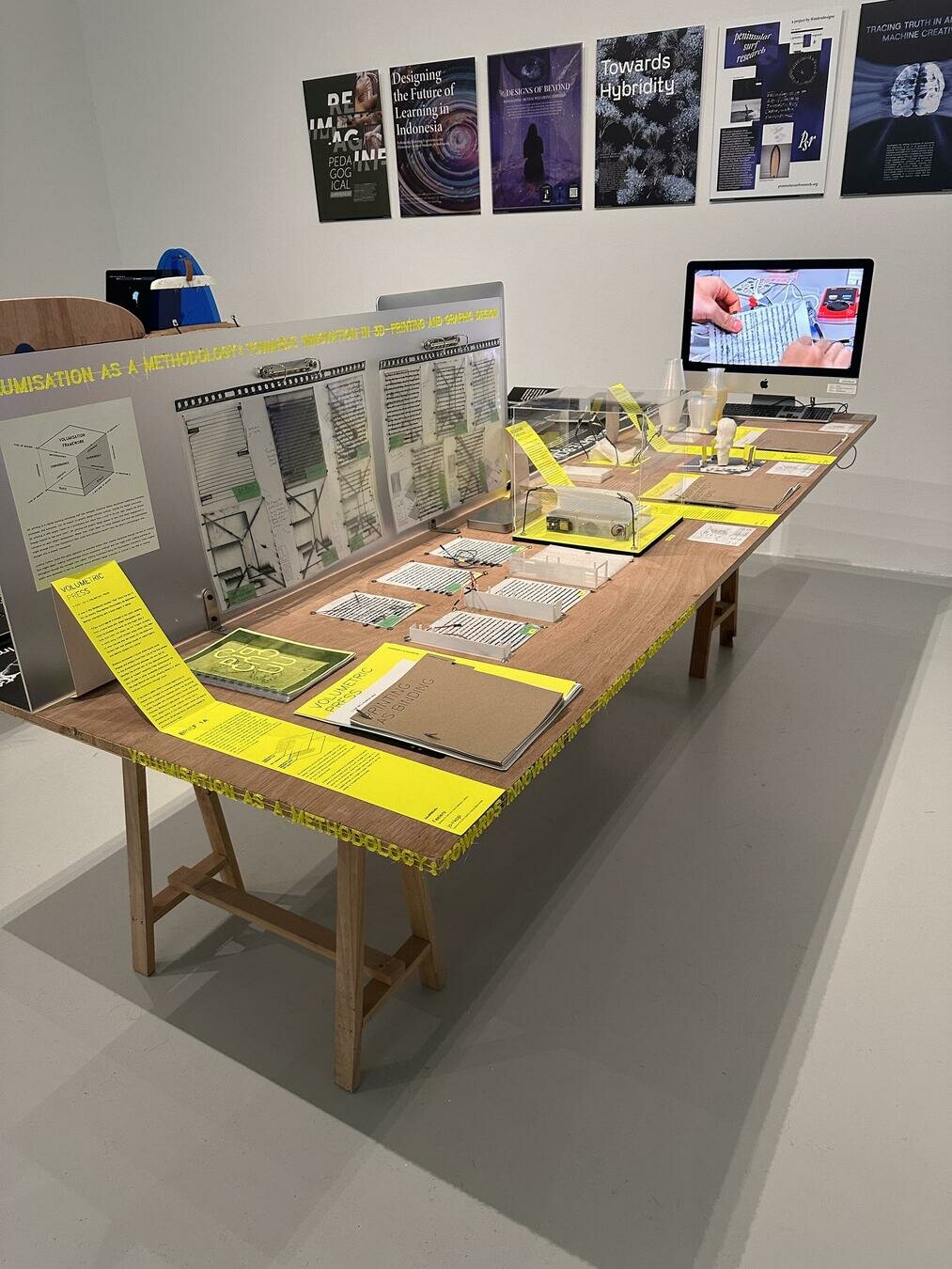
Displaying
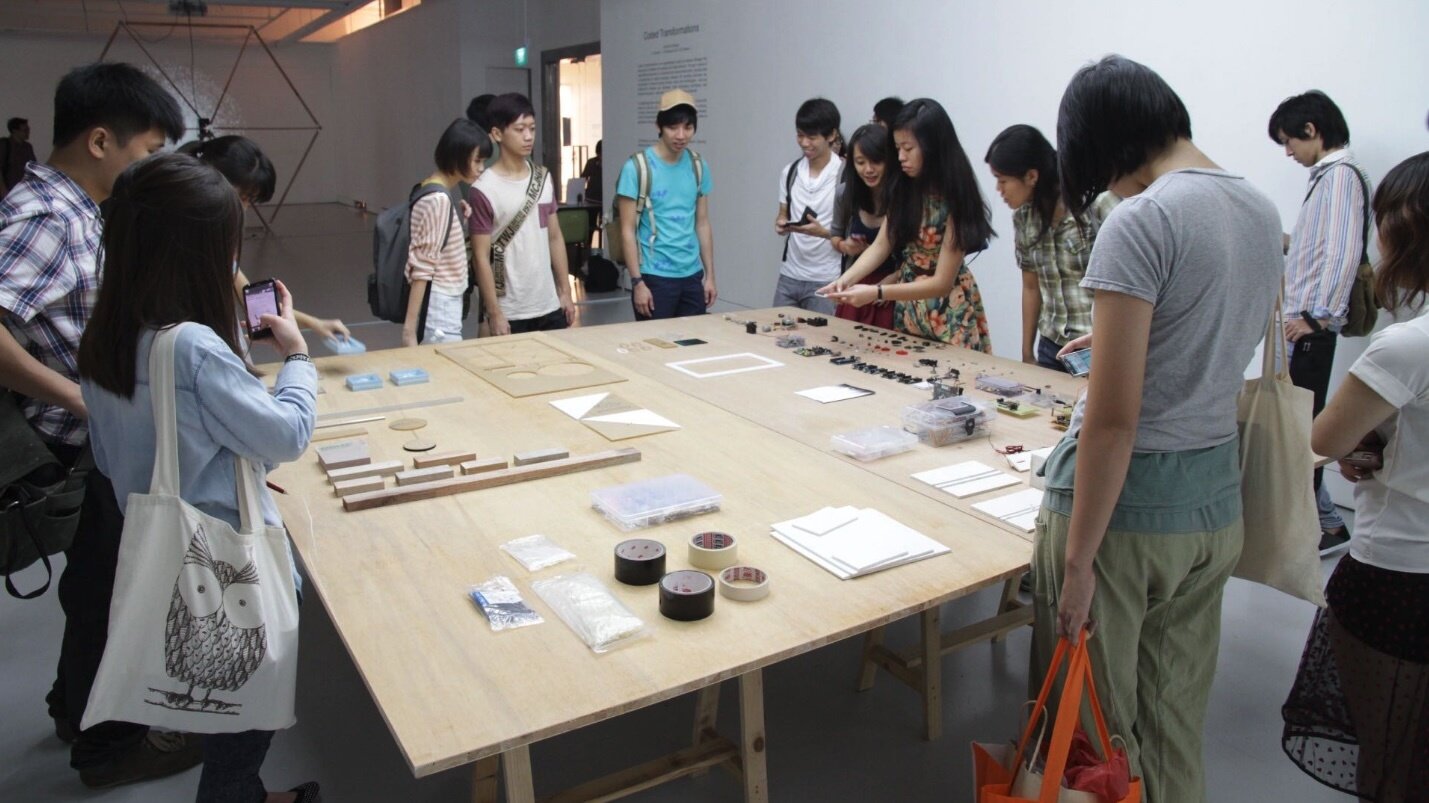
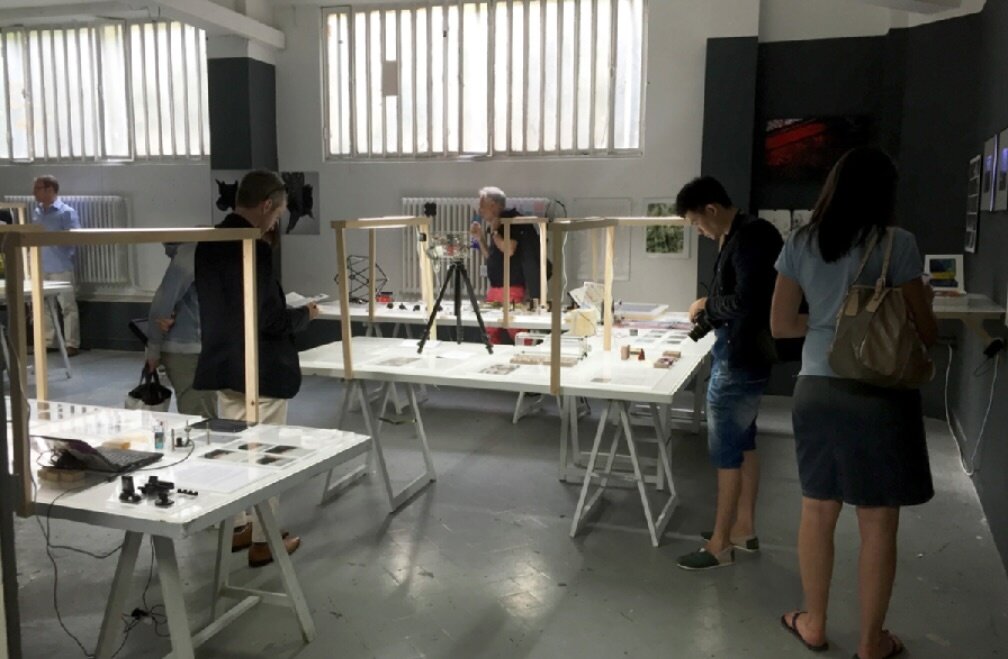
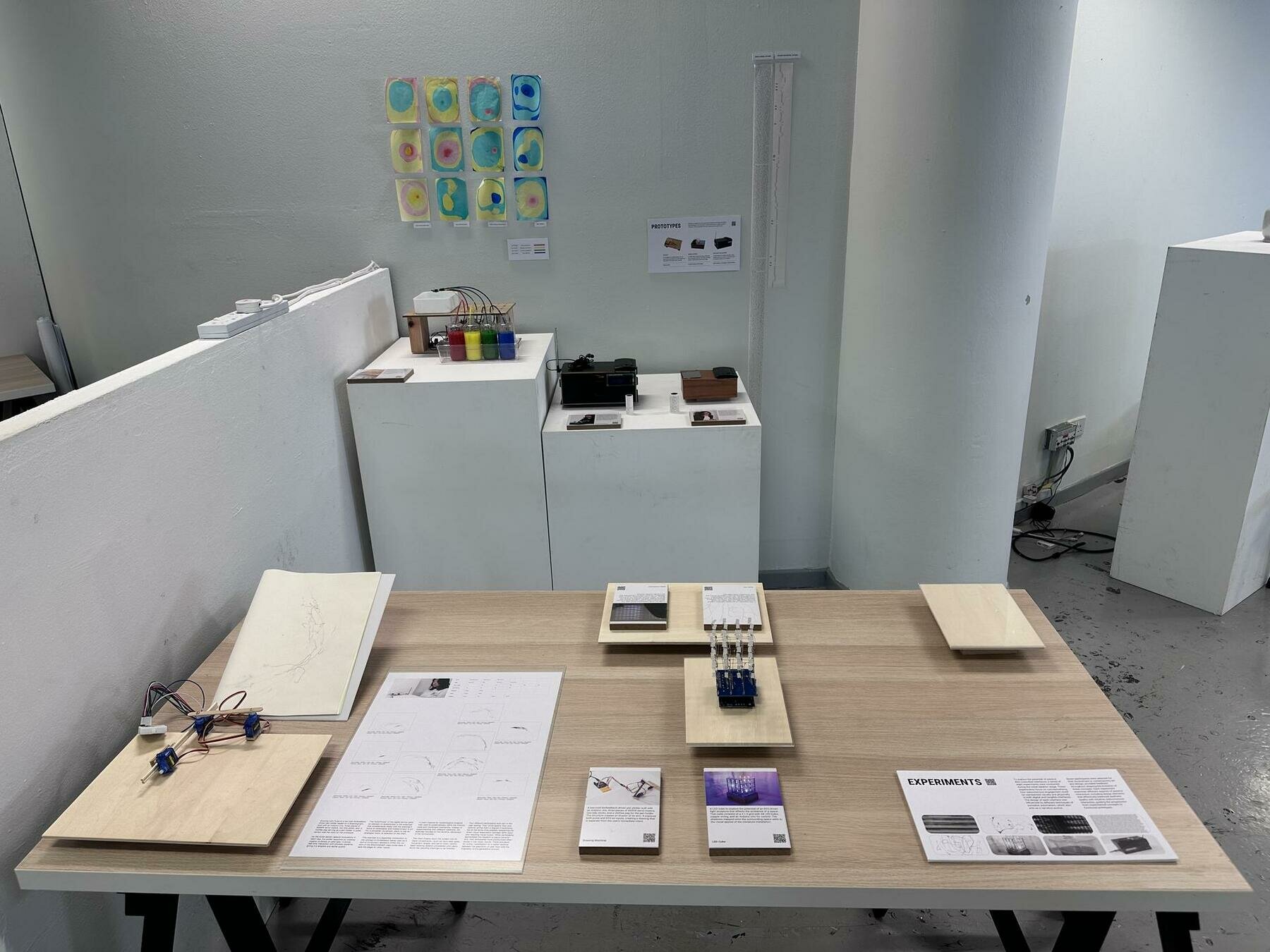
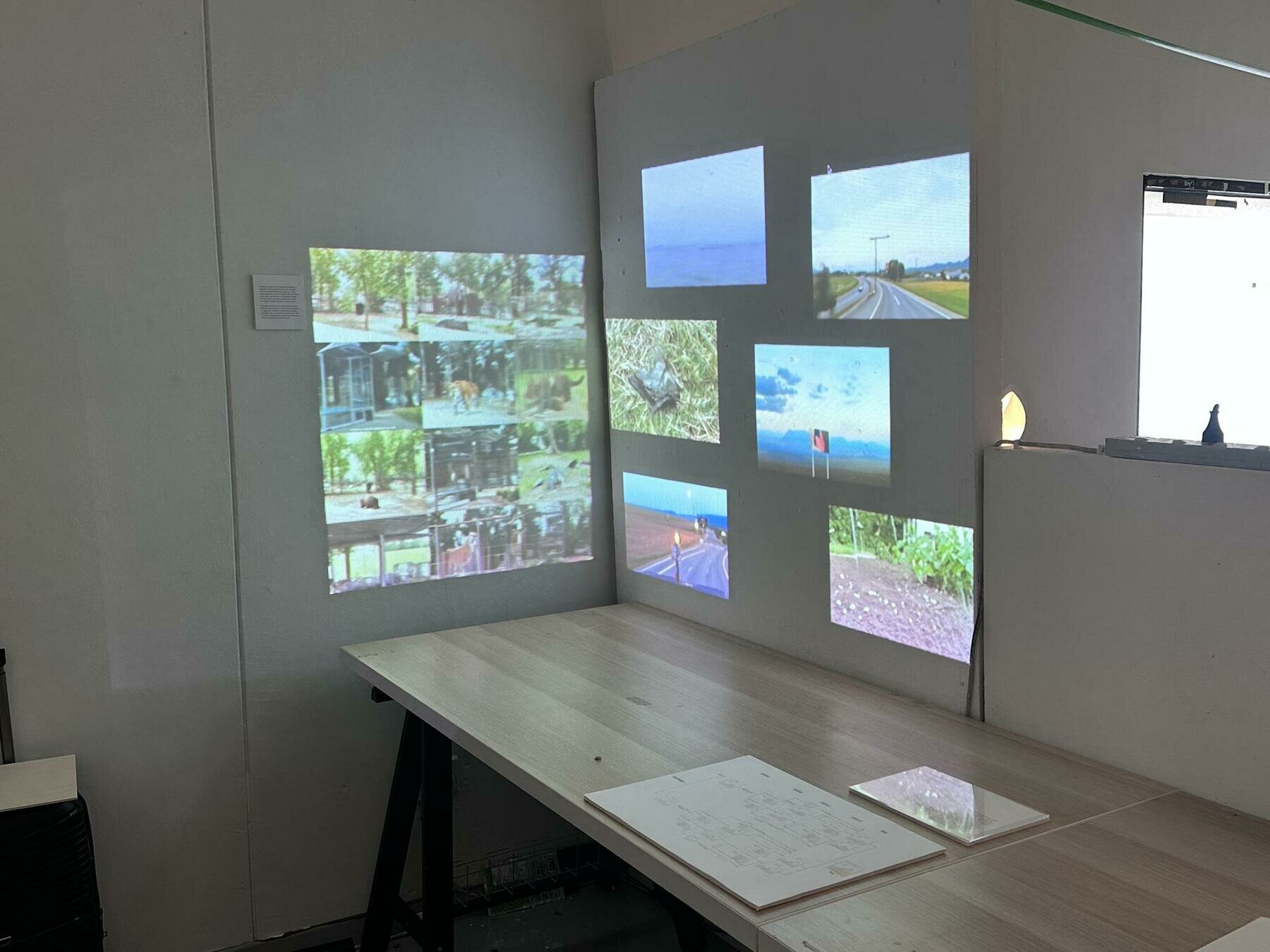
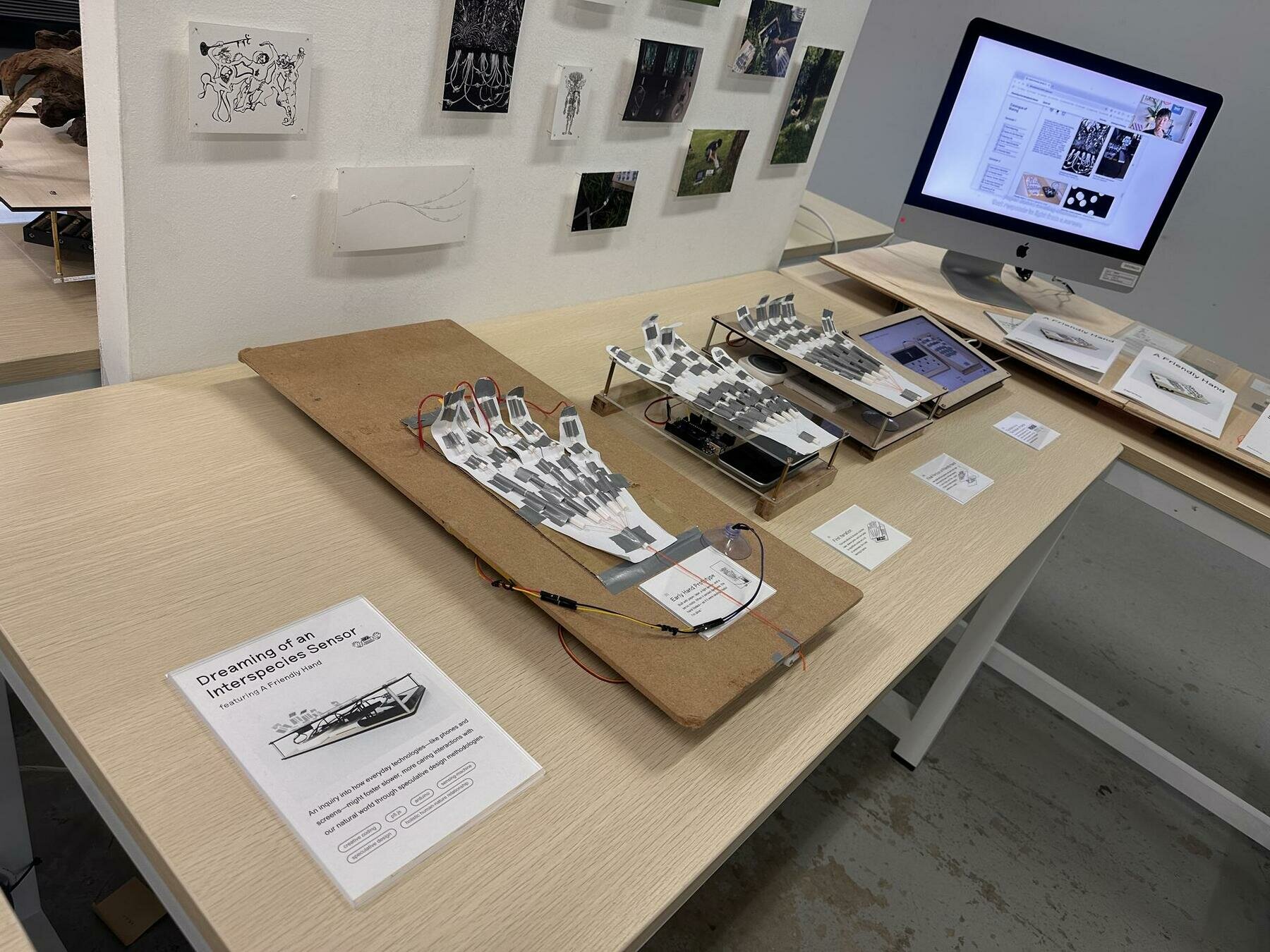
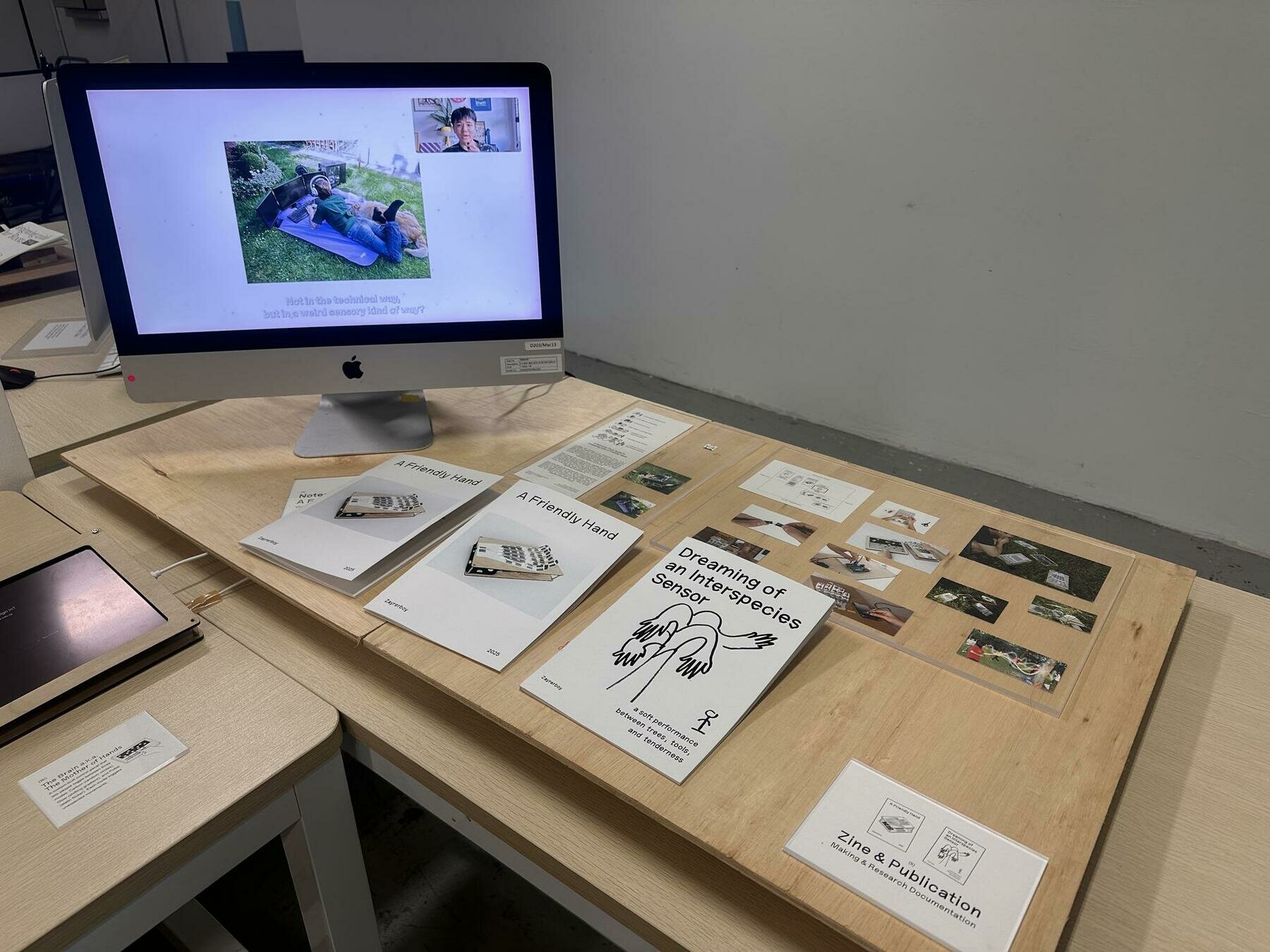
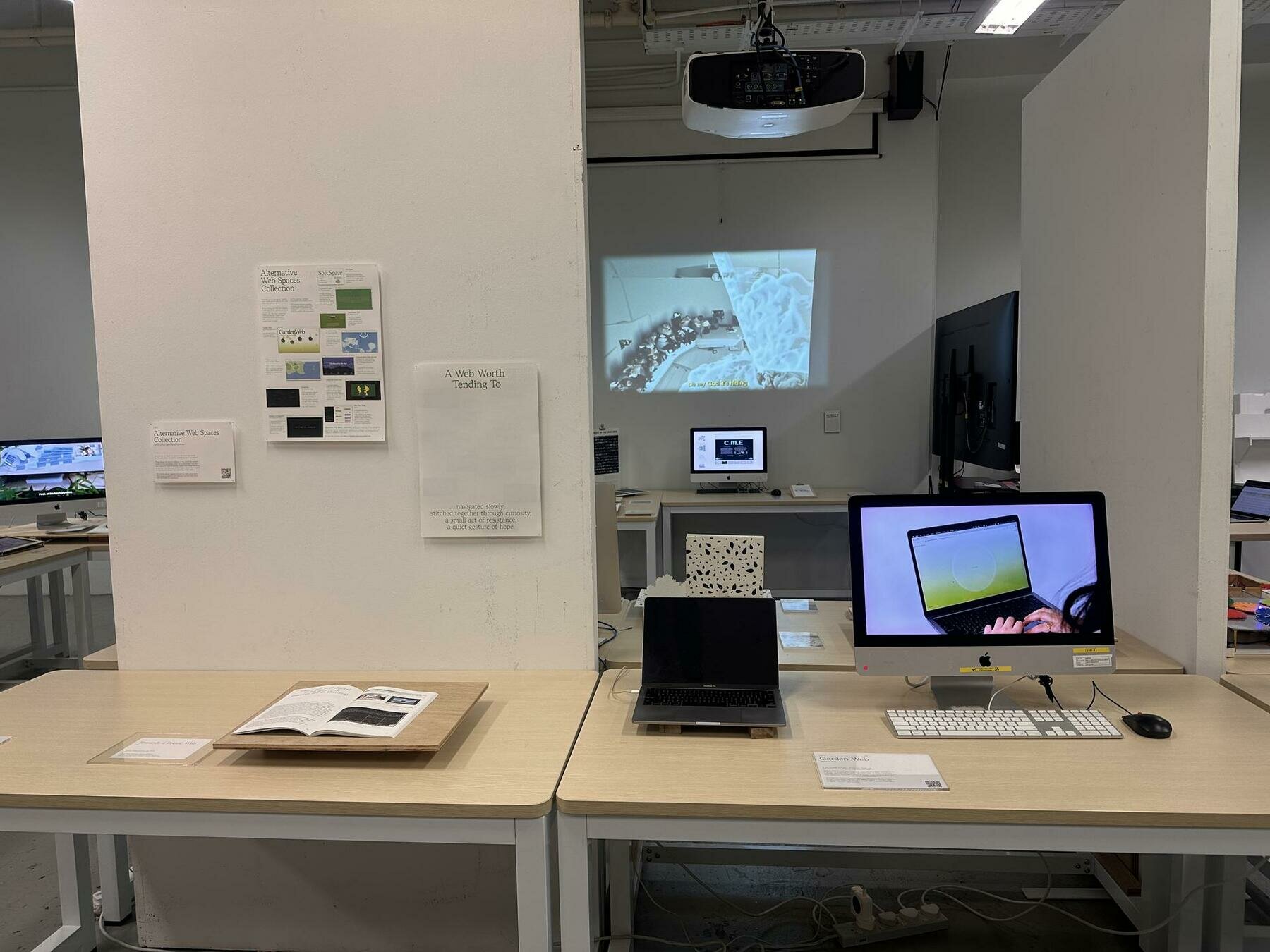
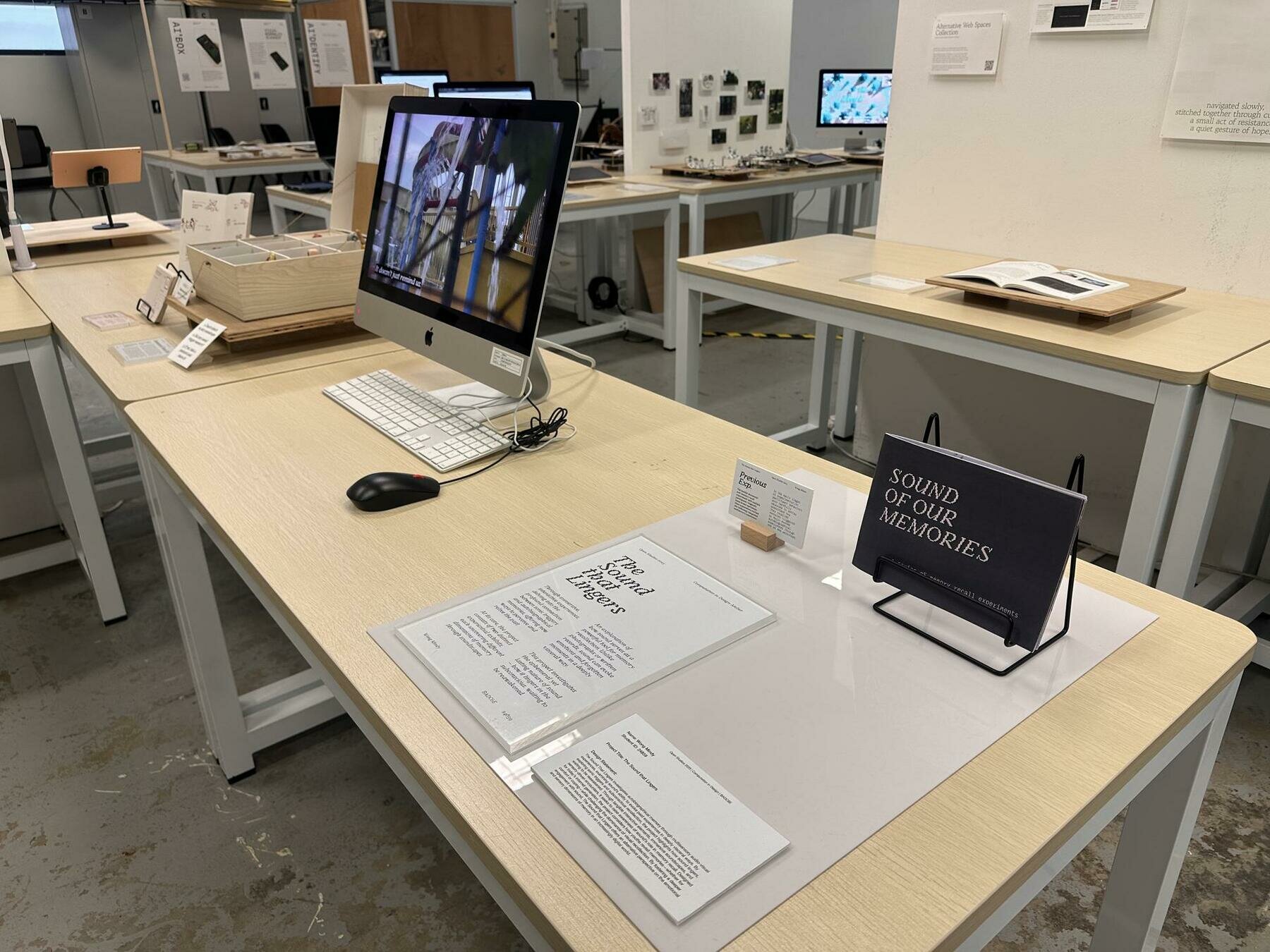
Table setups
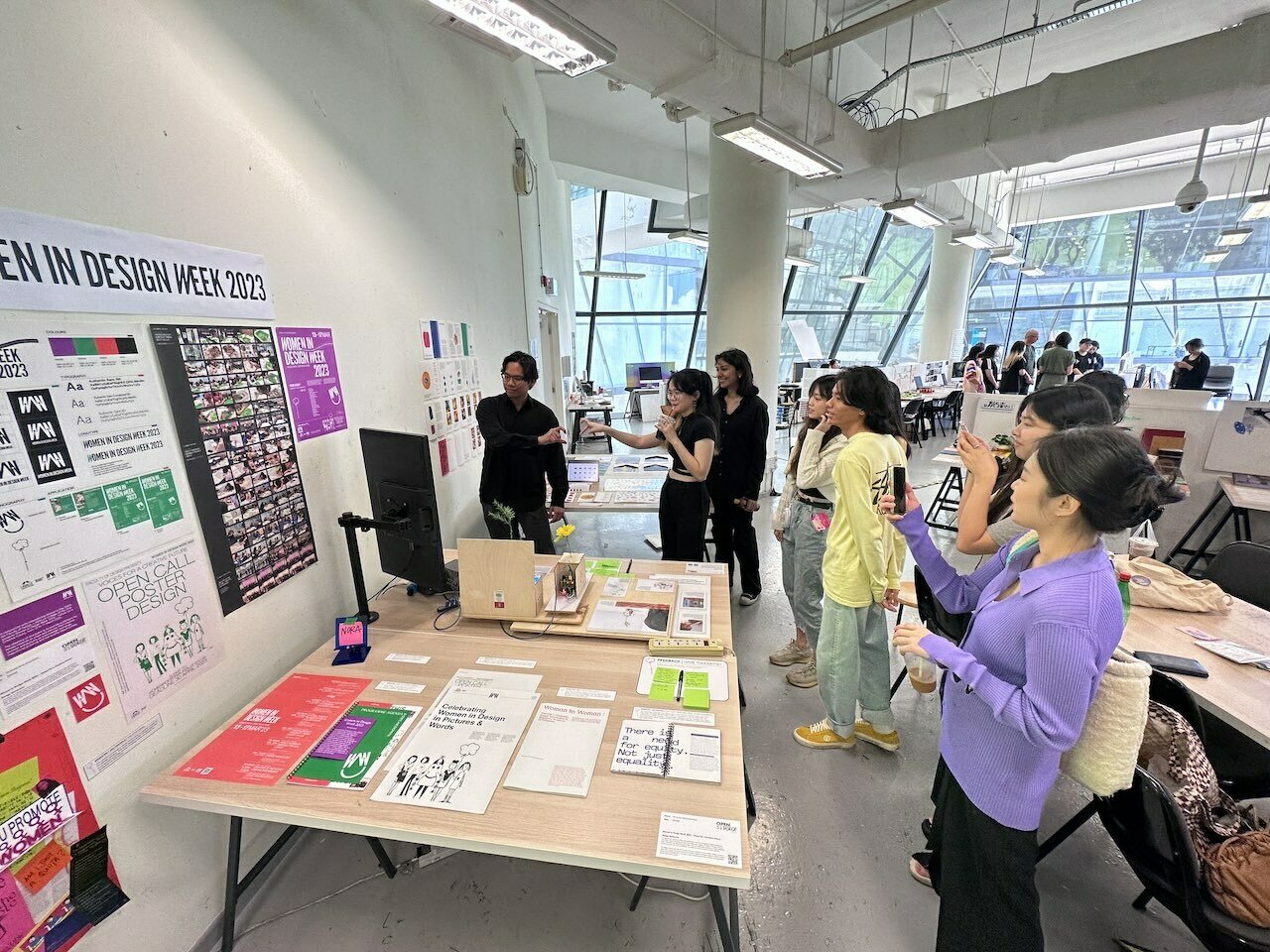
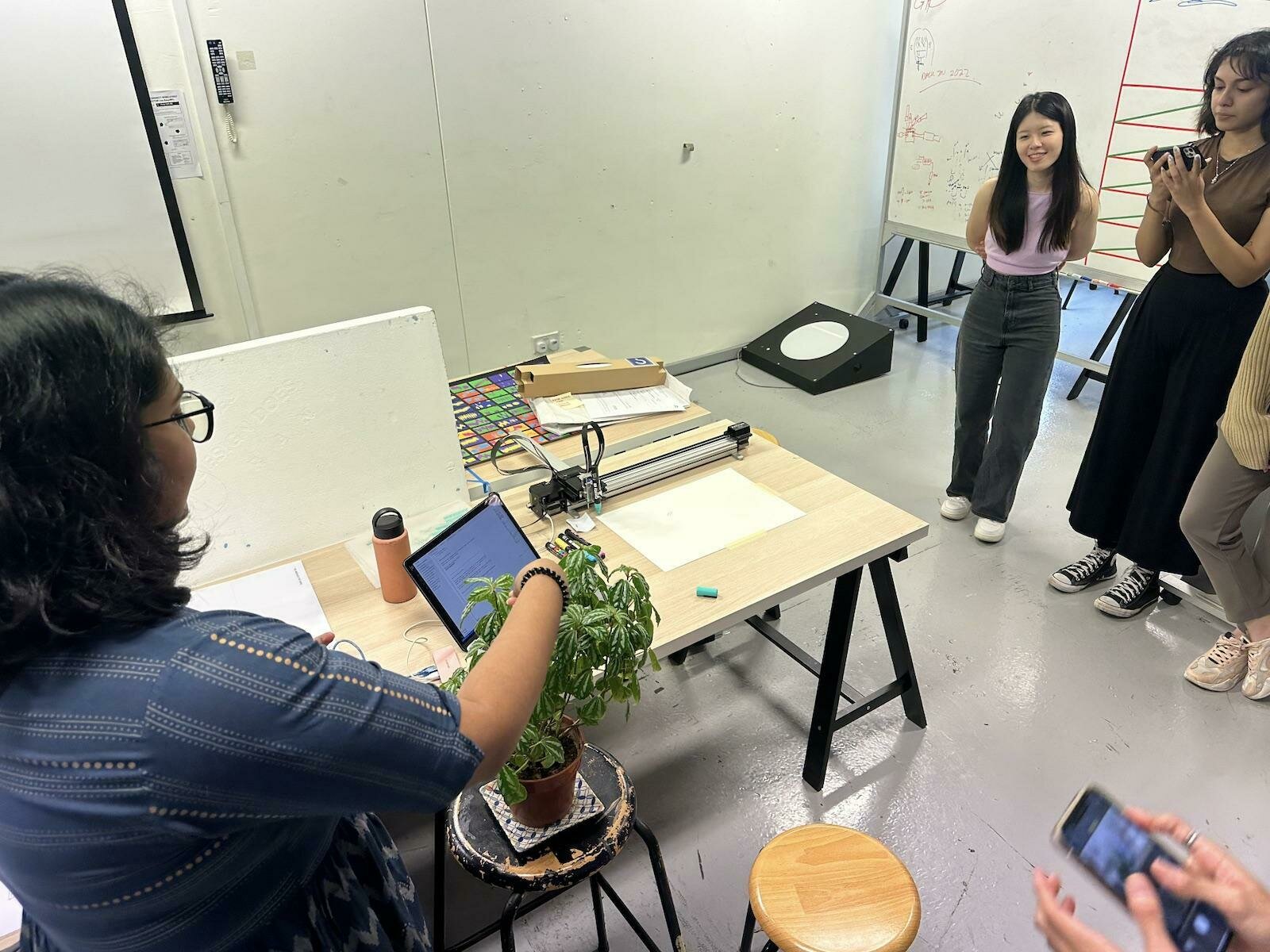
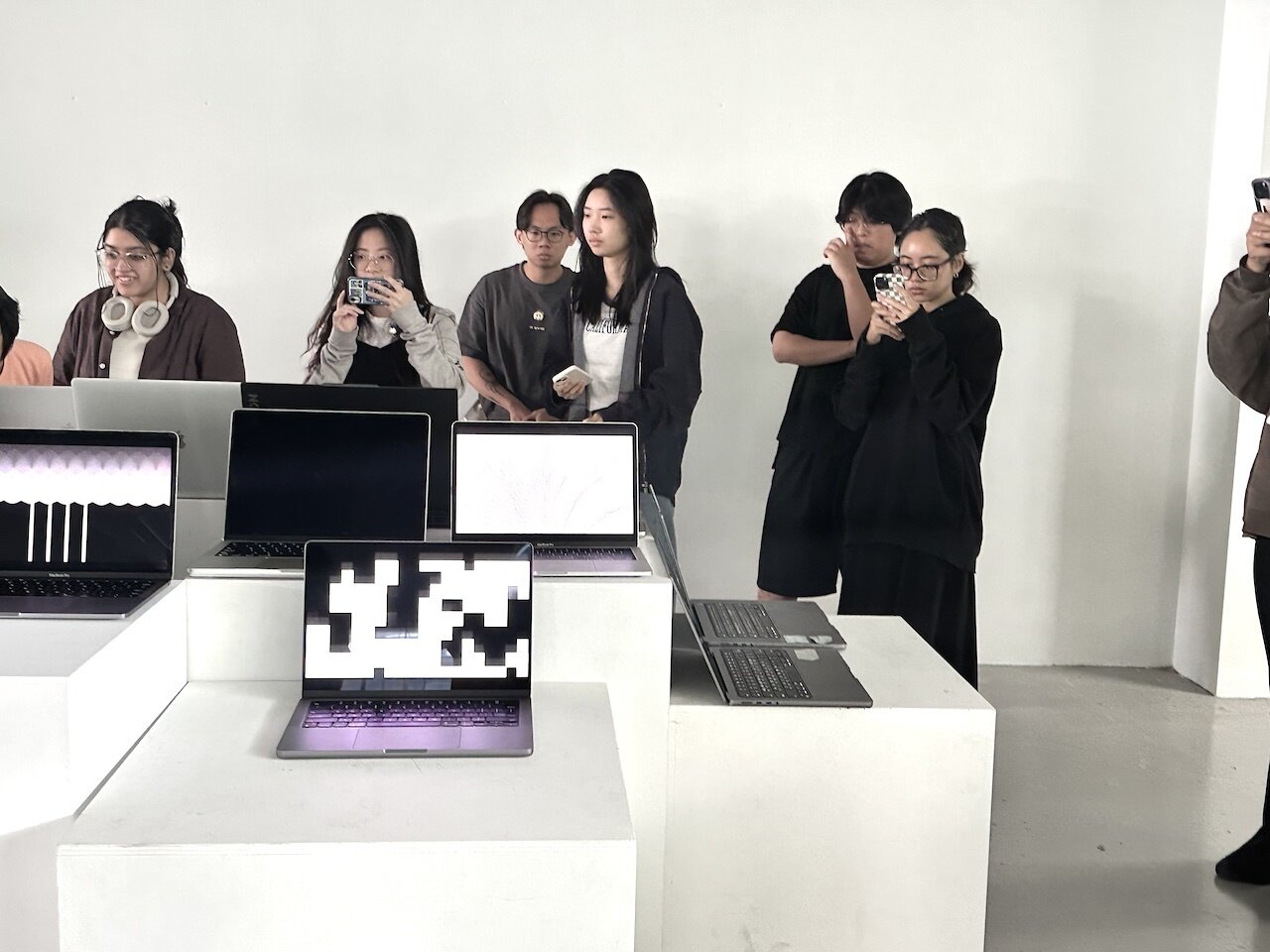
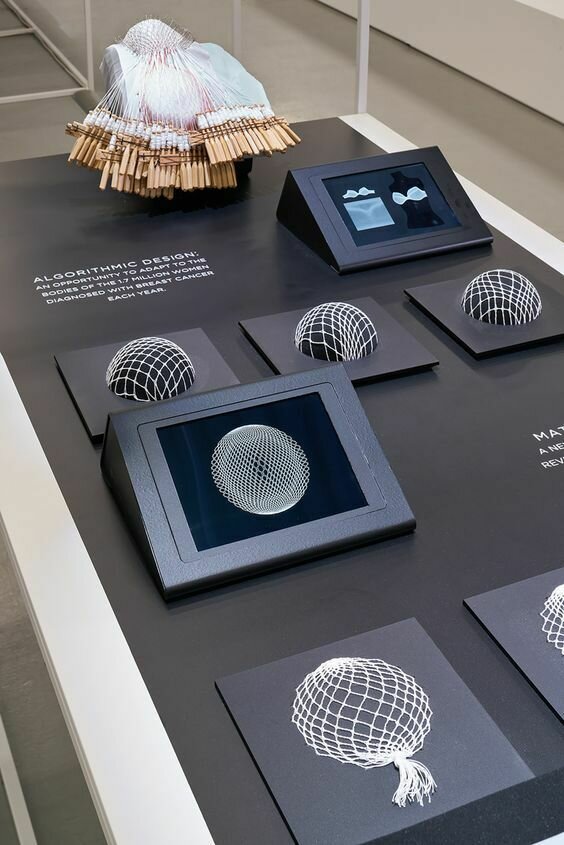
Table setups
Table setups
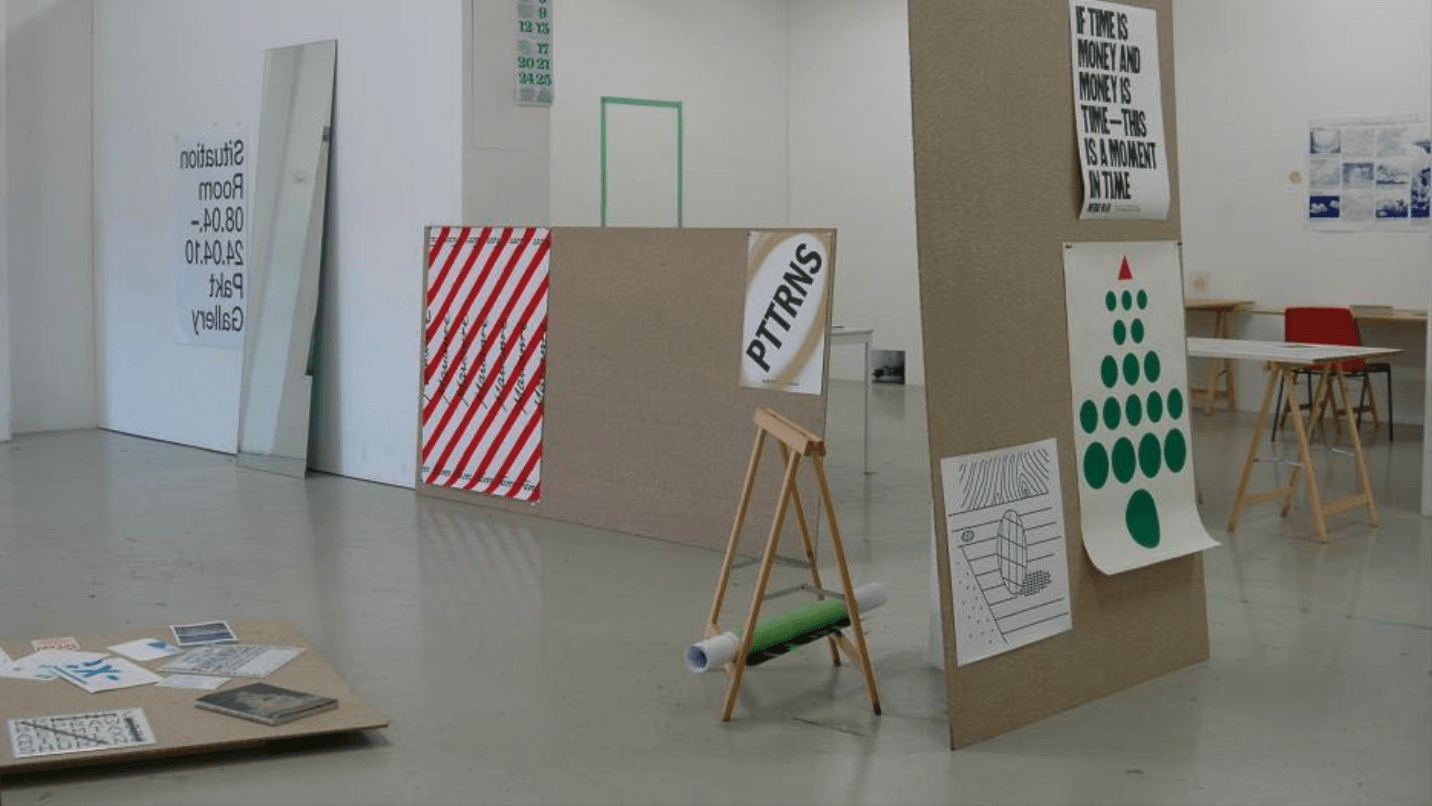
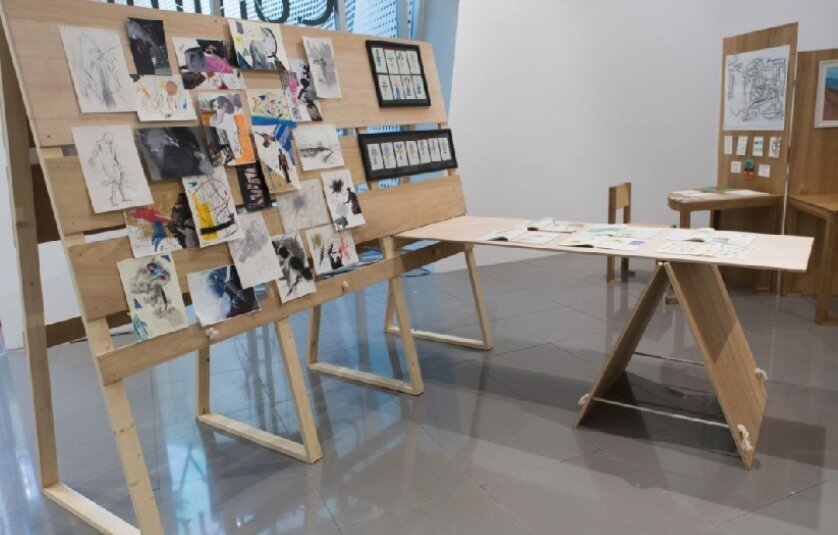
Table setups
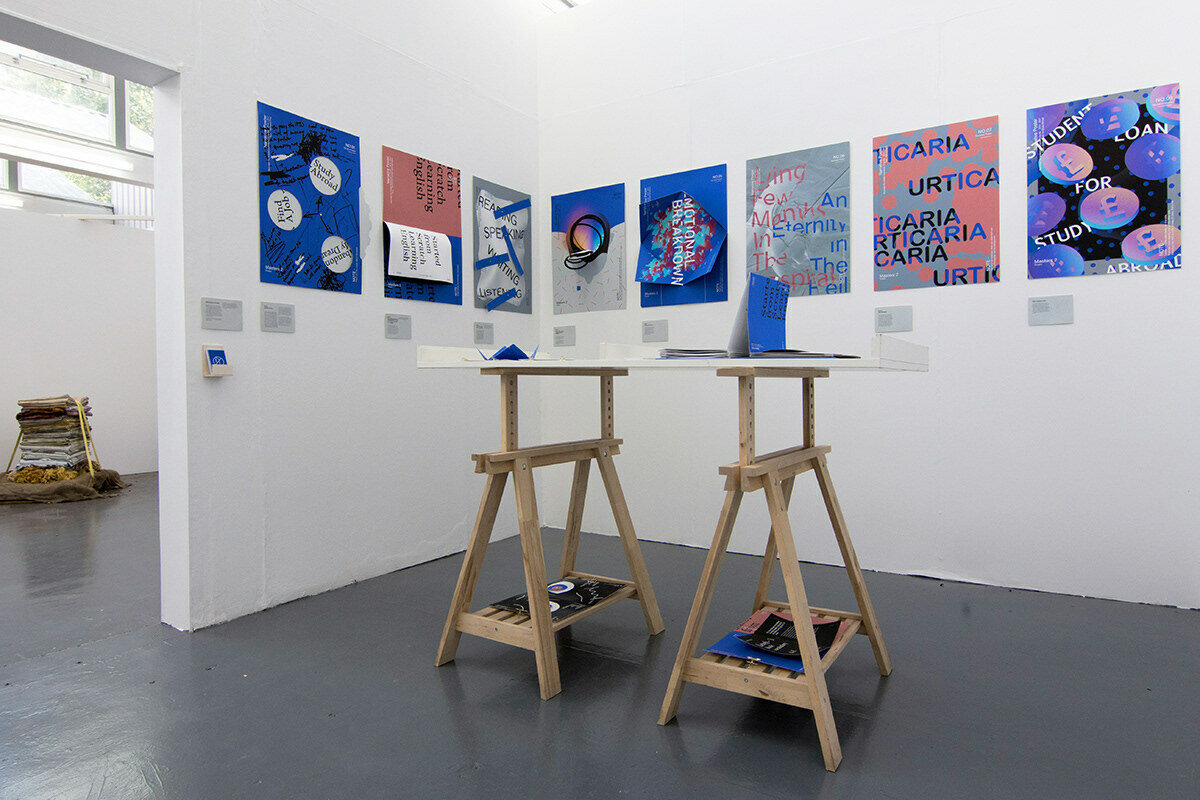
Table setups
Table setups

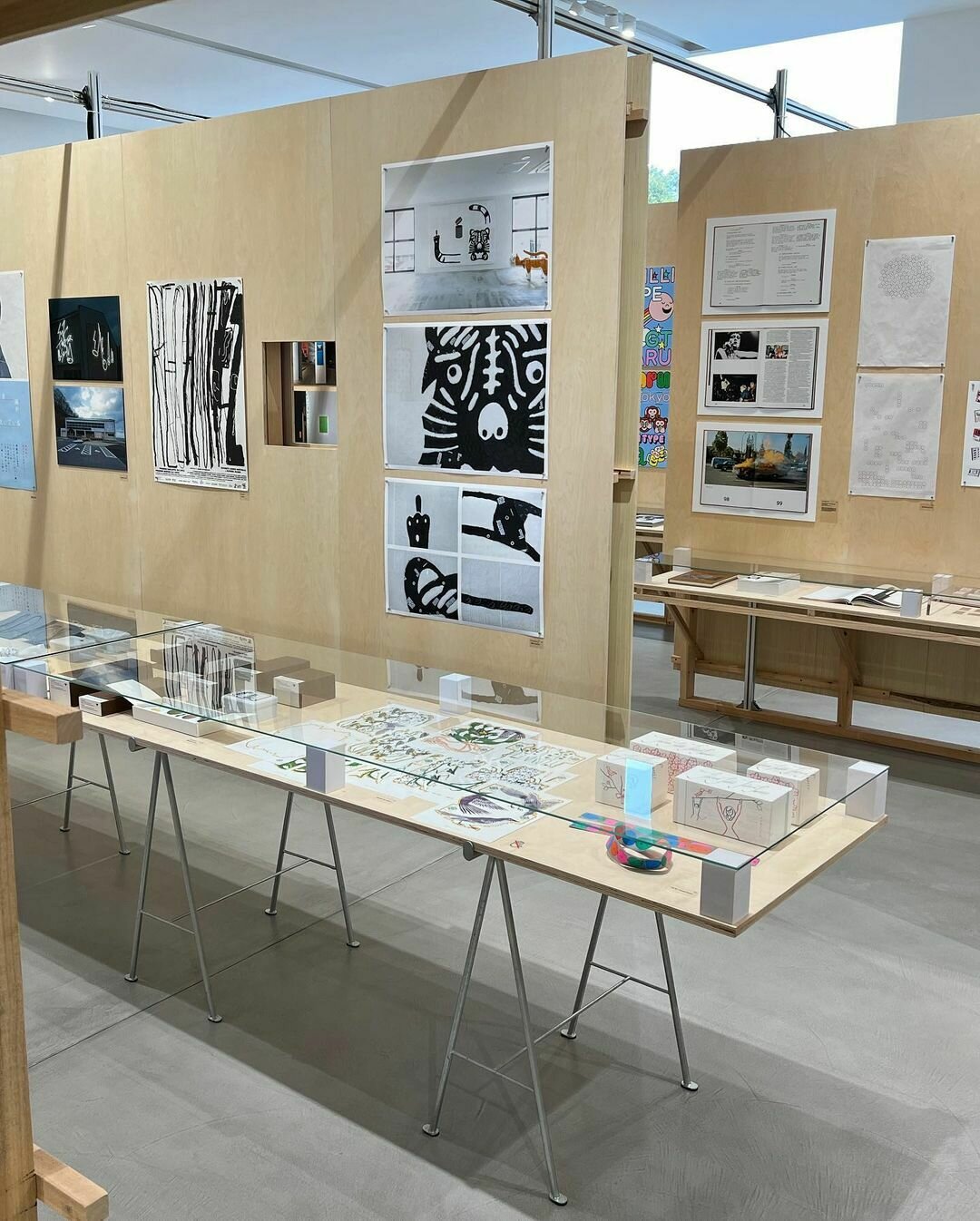
Table setups
Documenting
Documenting
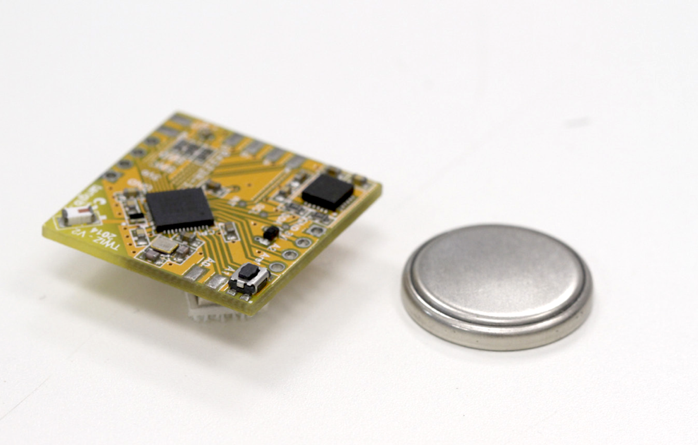
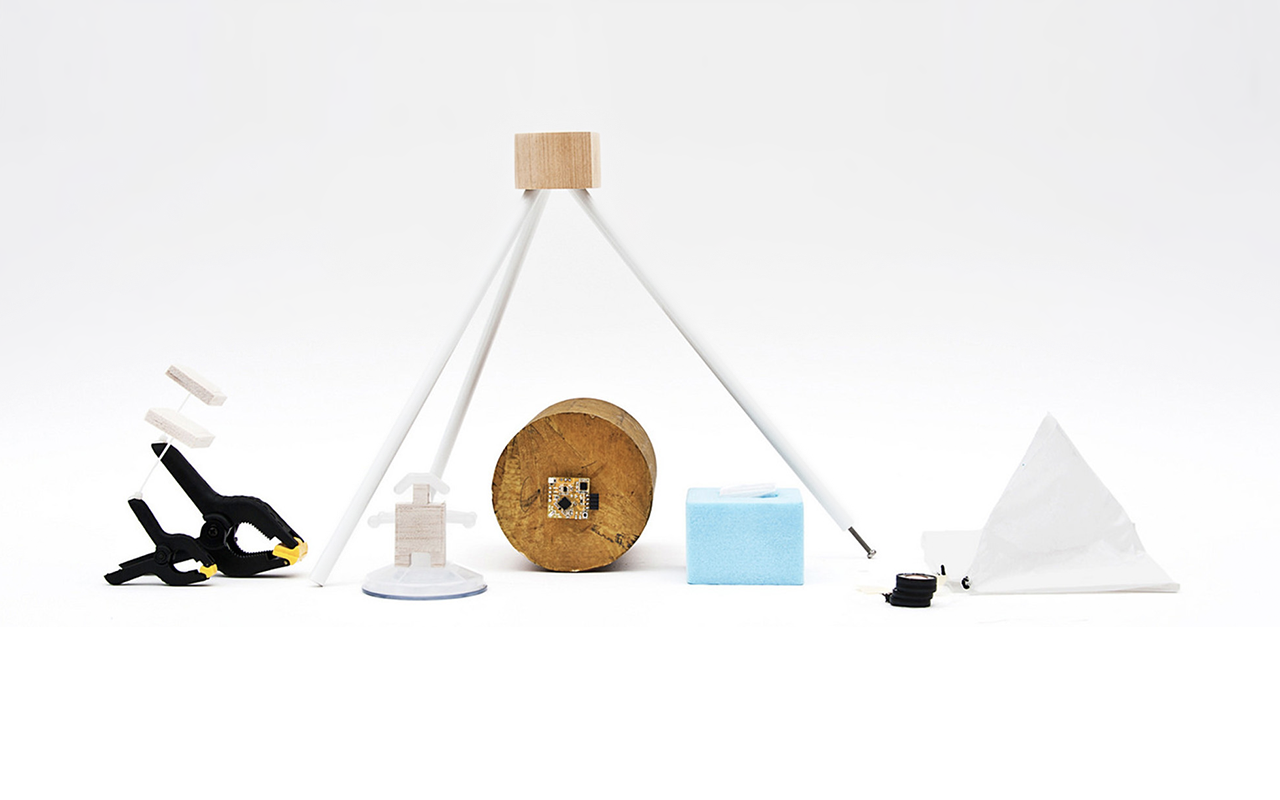
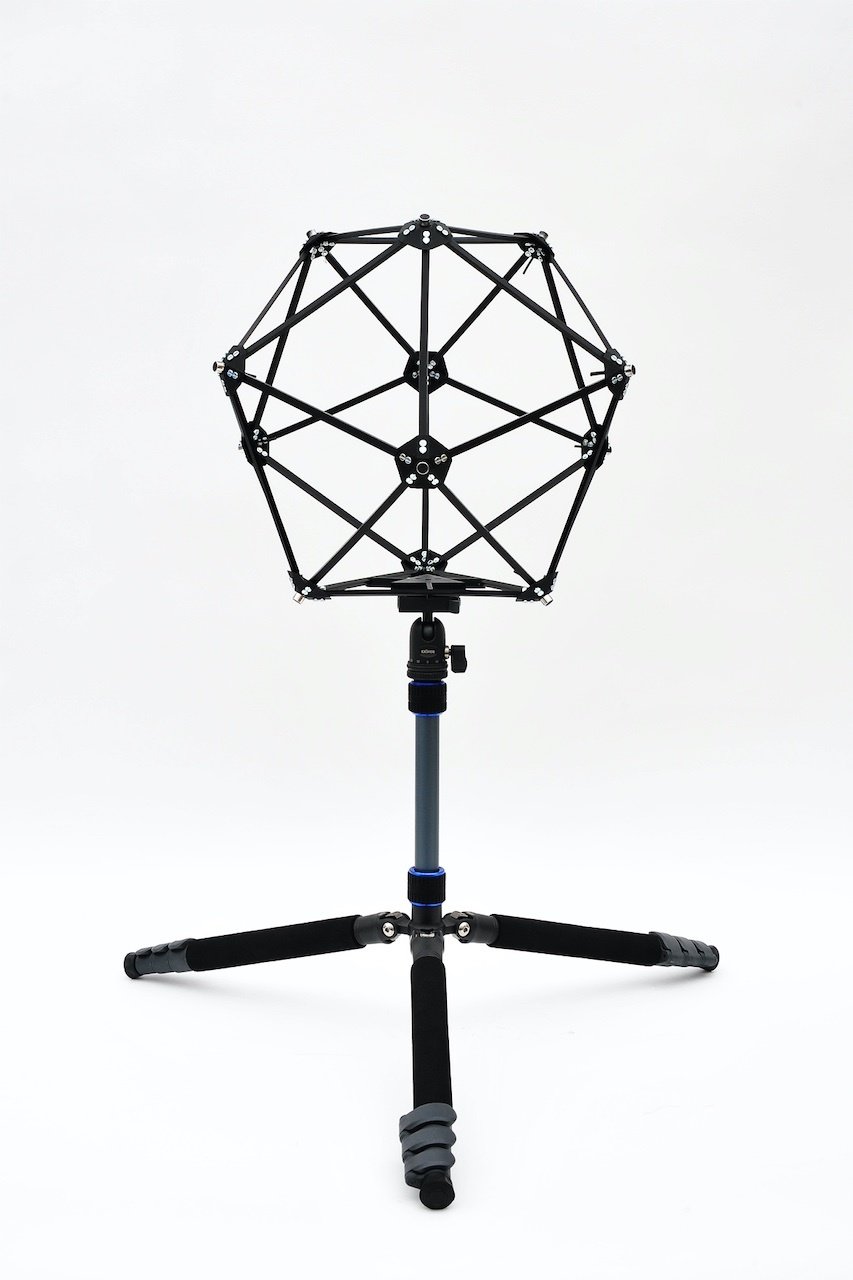
Product shots, clean background so that the focus is solely on the subject. Use a good camera, tripod if necessary, and appropriate lighting.
Documenting
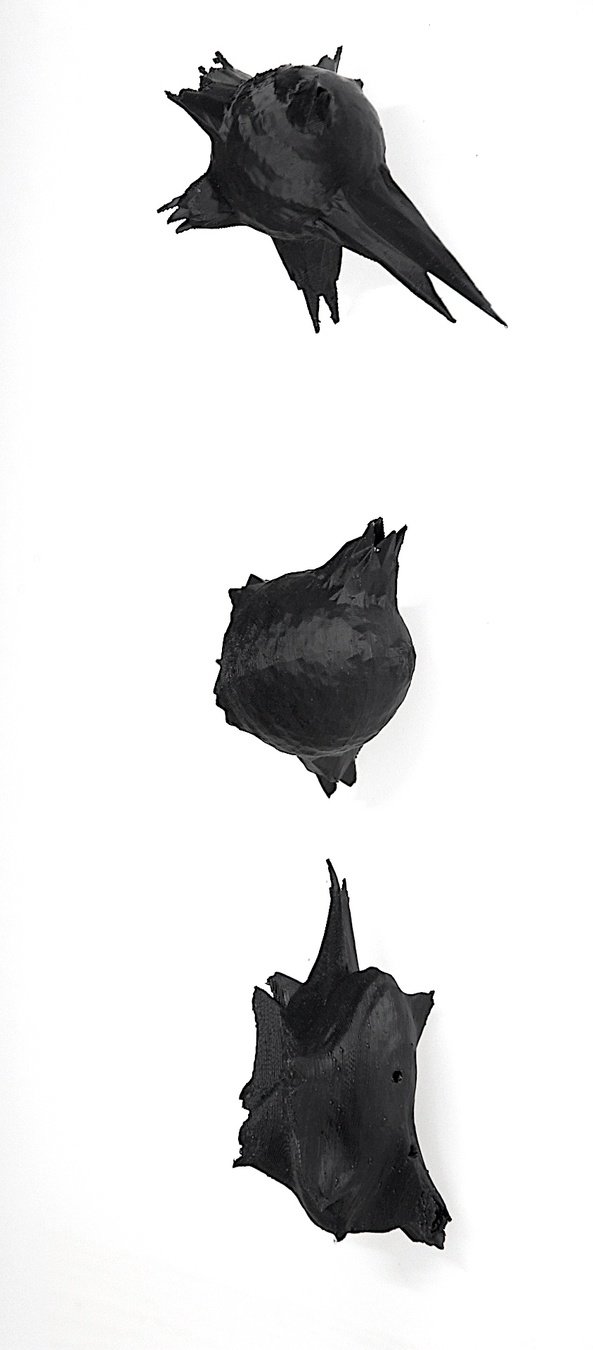
Product shots, clean background so that the focus is solely on the subject. Use a good camera, tripod if necessary, and appropriate lighting.
Documenting
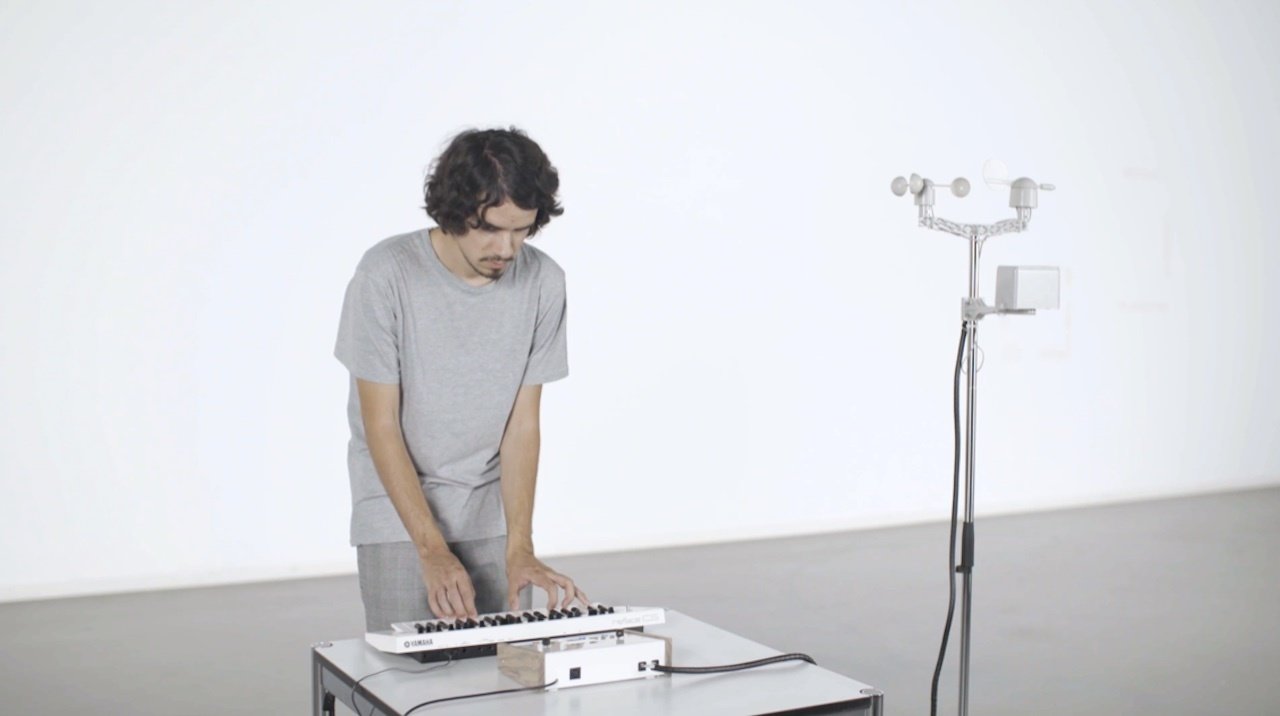
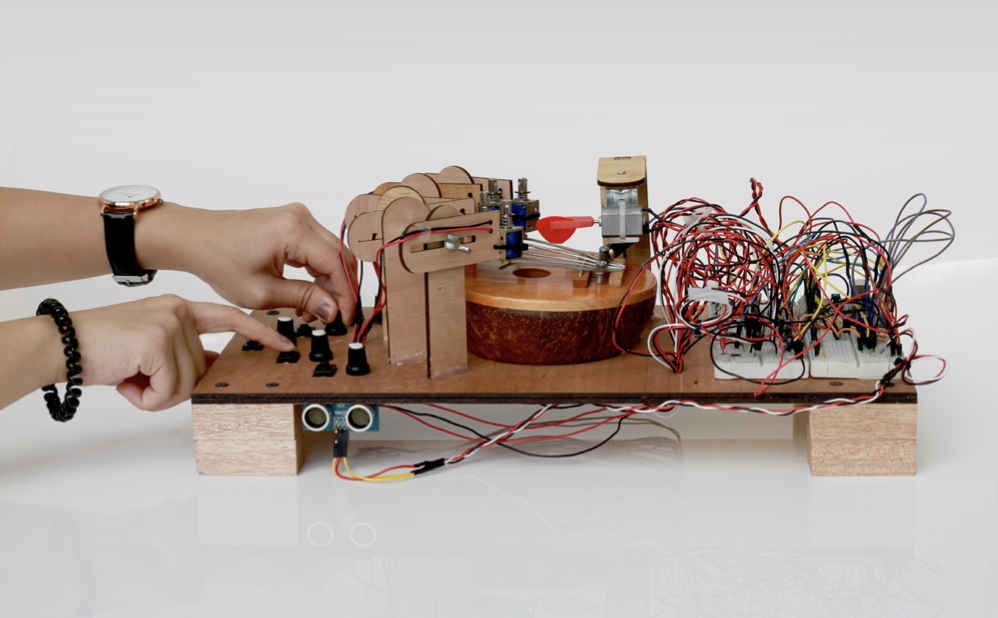
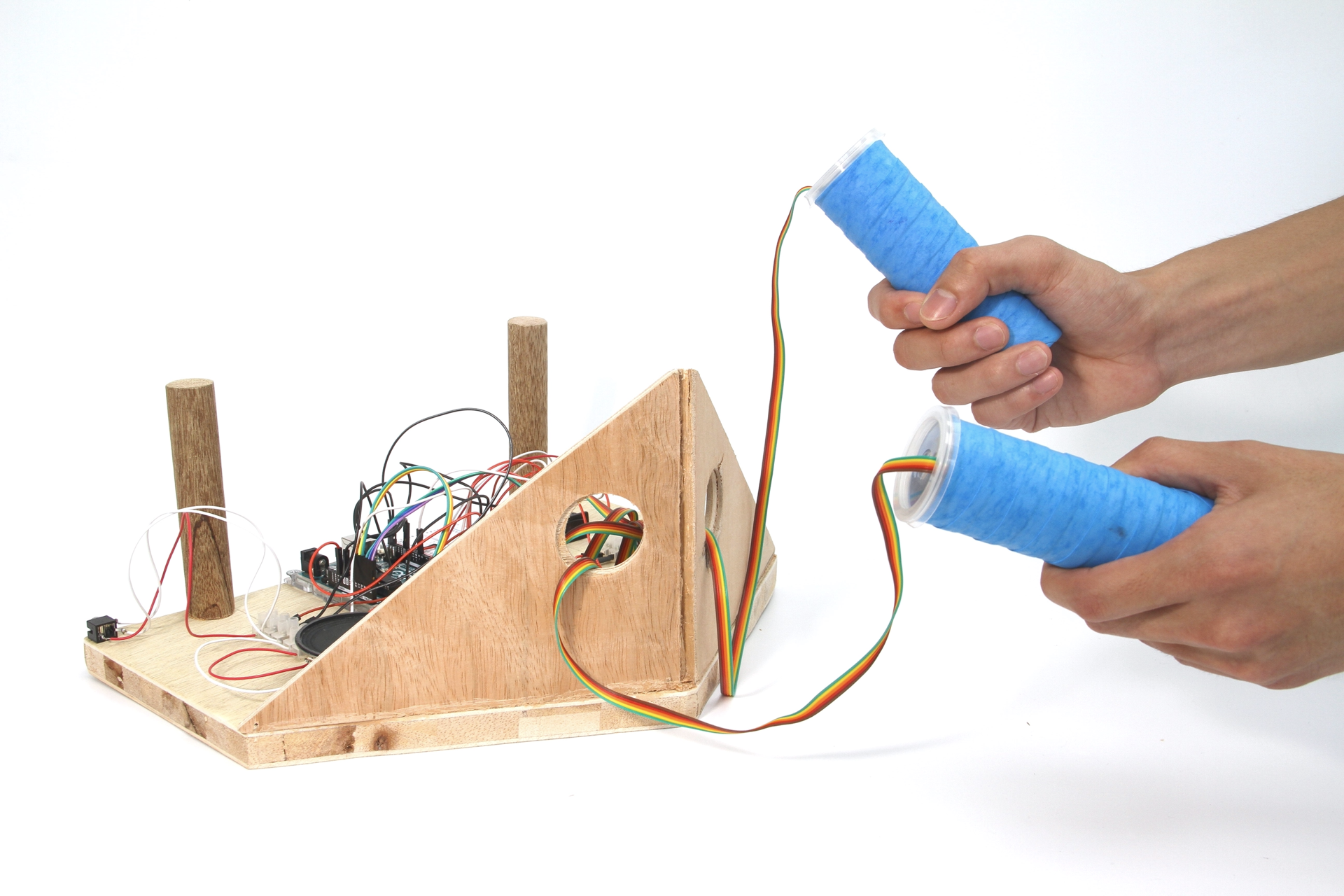
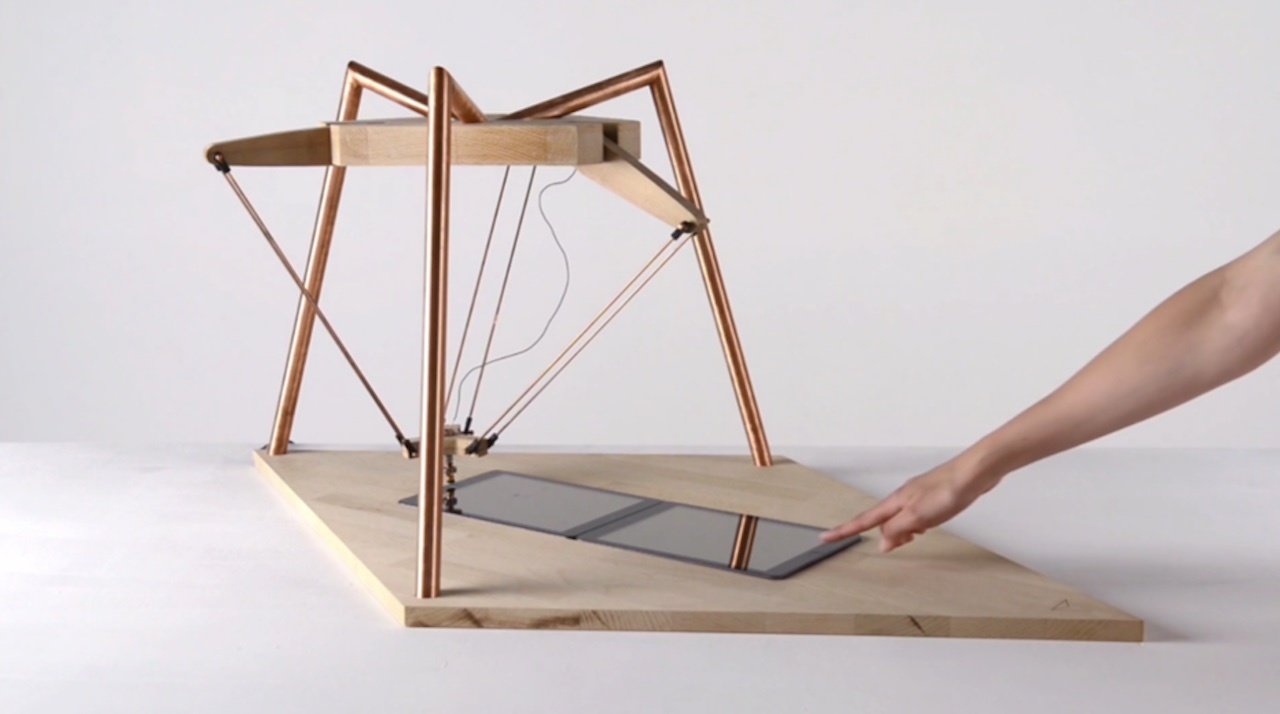
Product shots, clean background so that the focus is solely on the subject, add hands to show interactivity. Use a good camera, tripod if necessary, and appropriate lighting.
Documenting
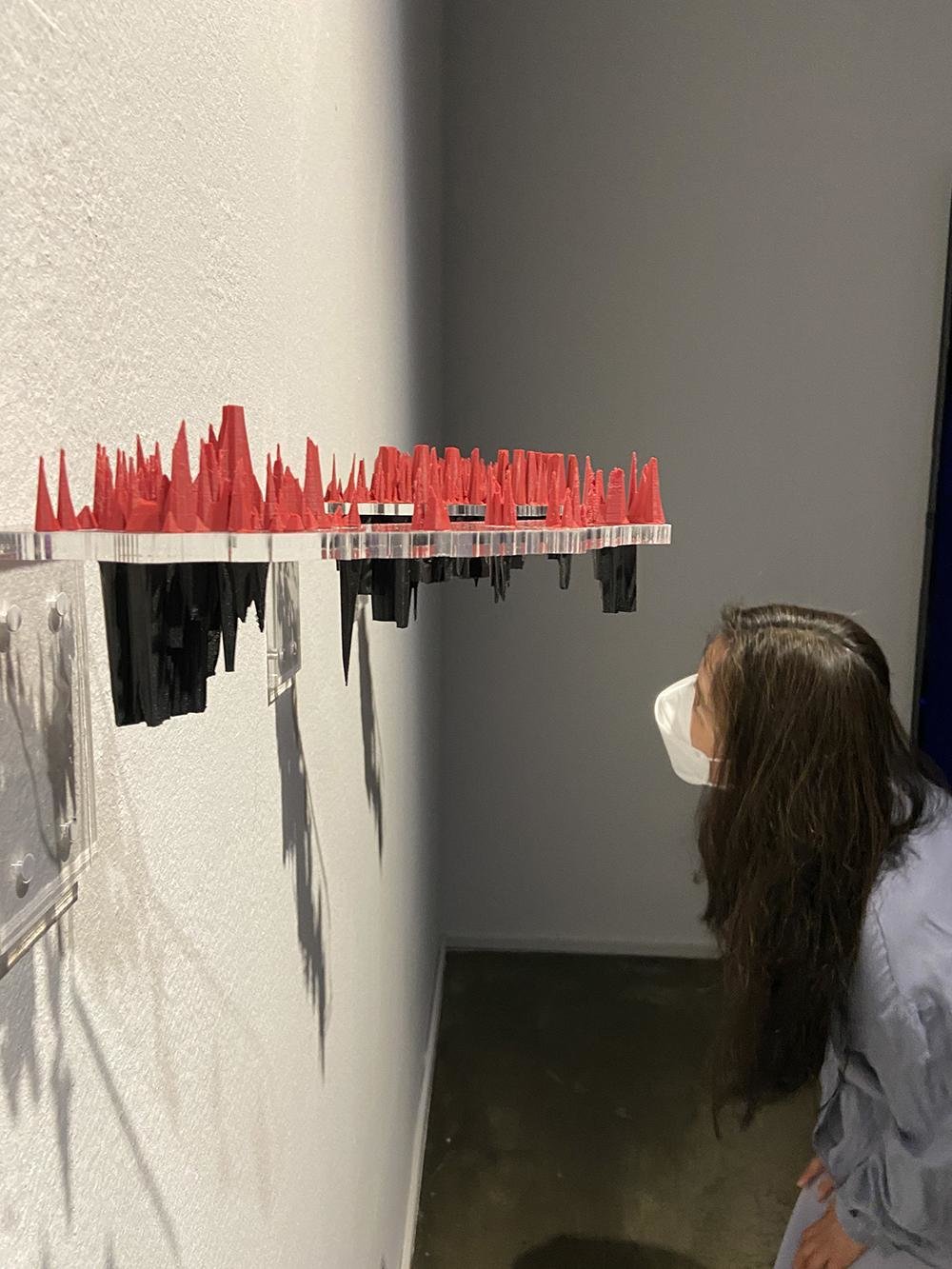
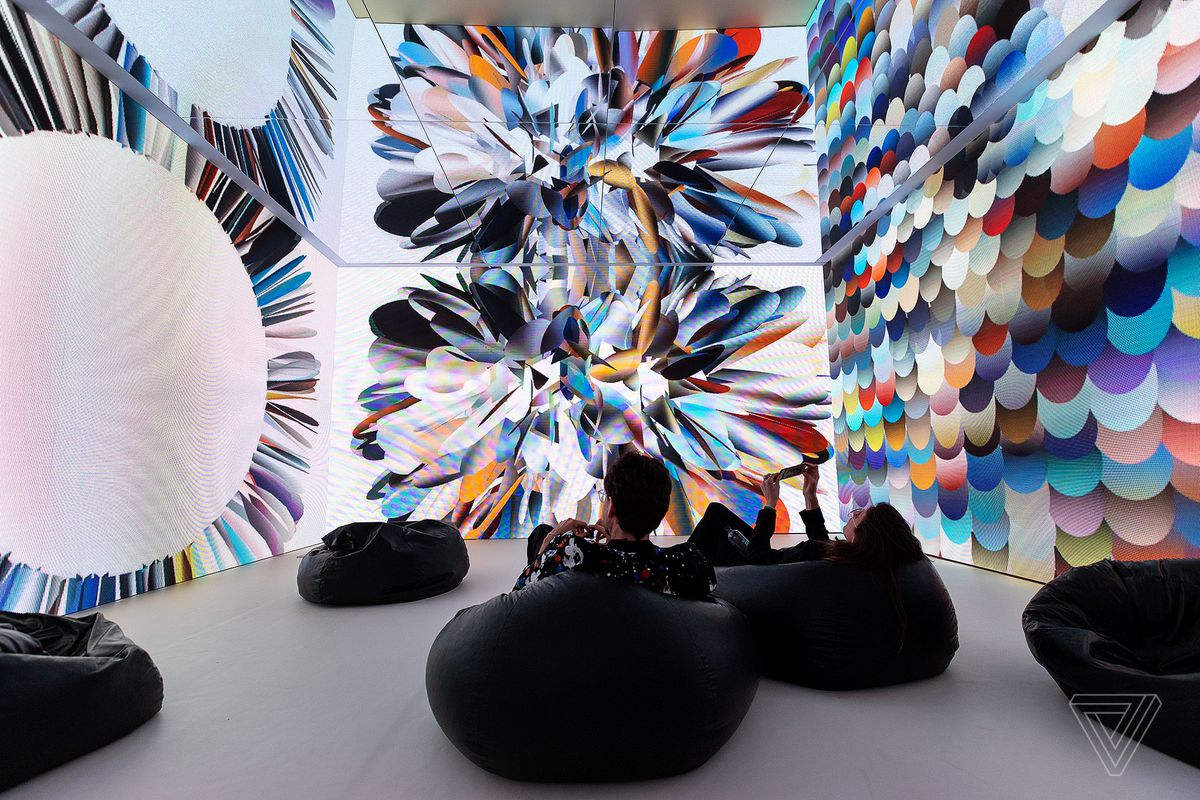
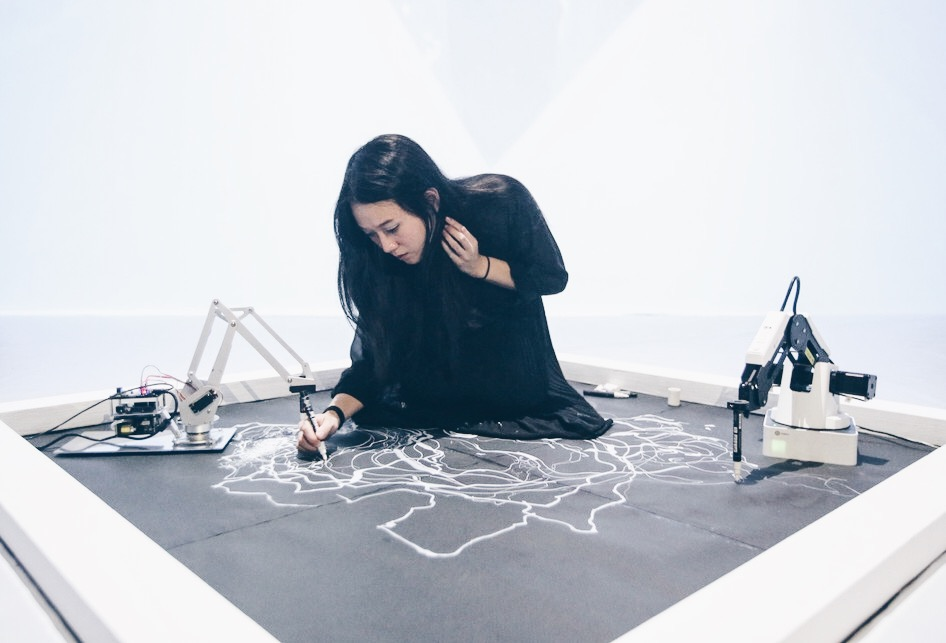
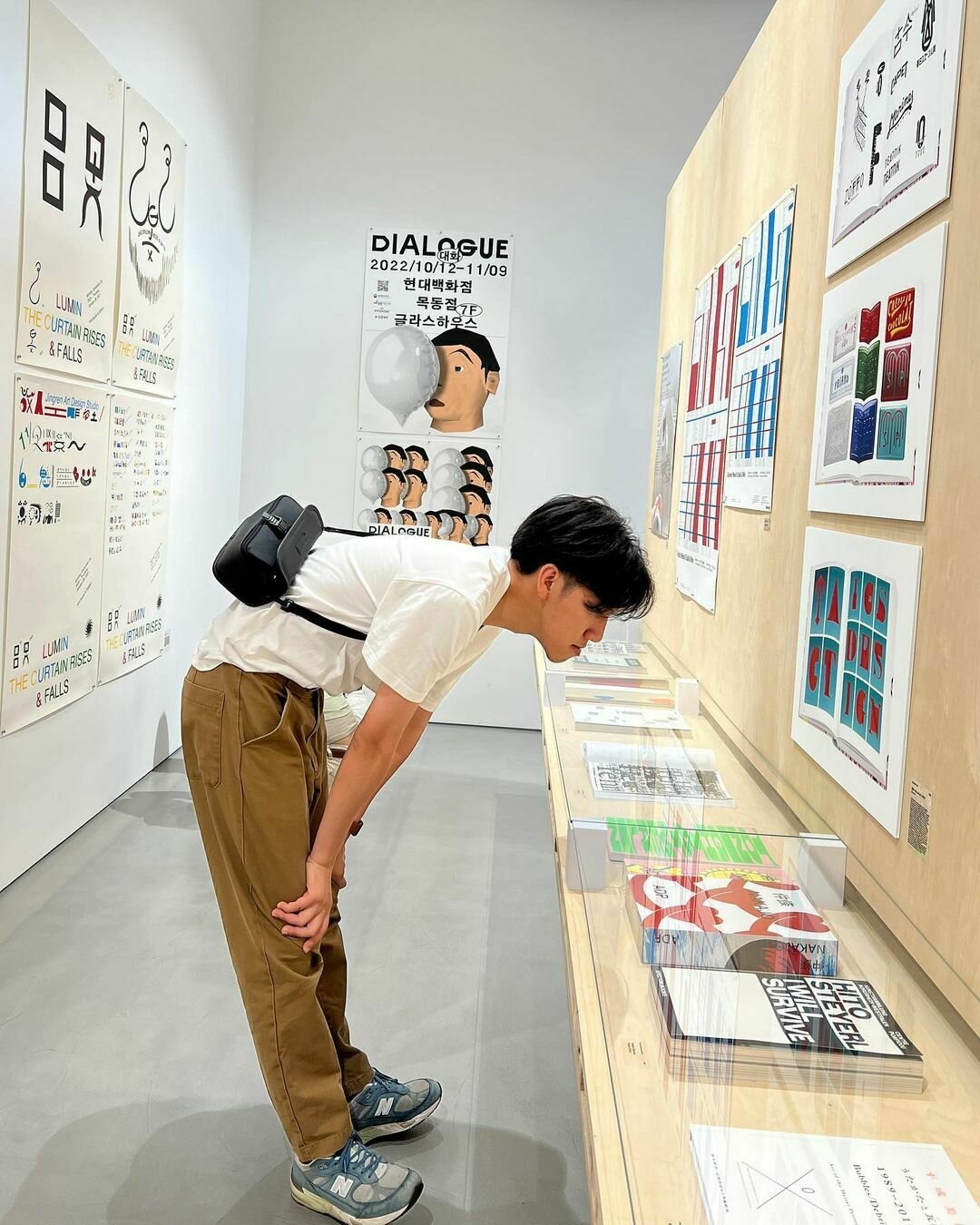
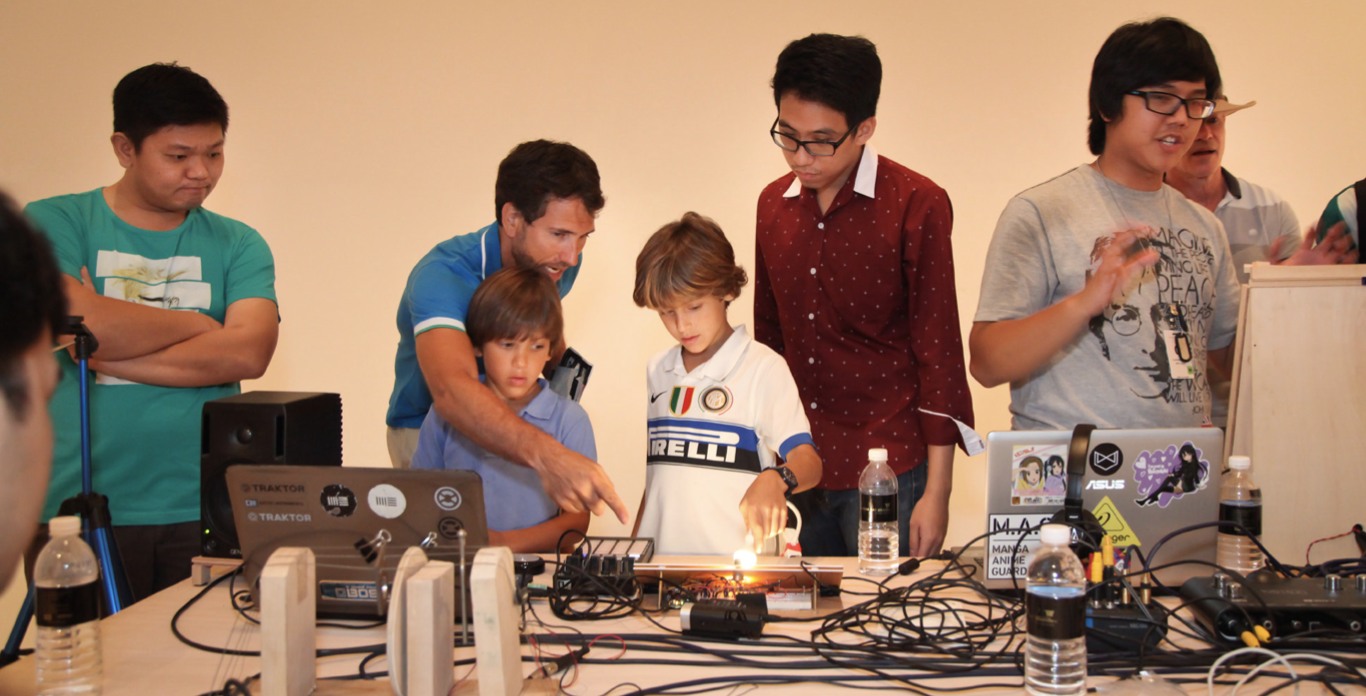
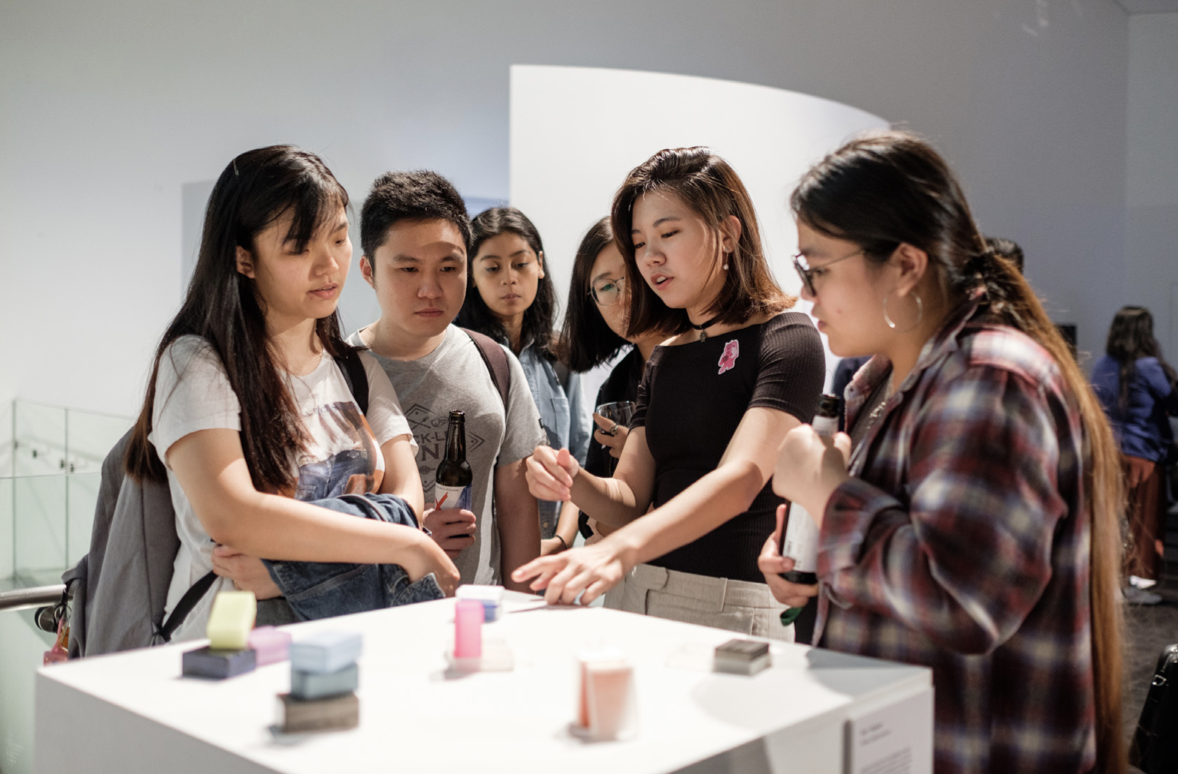
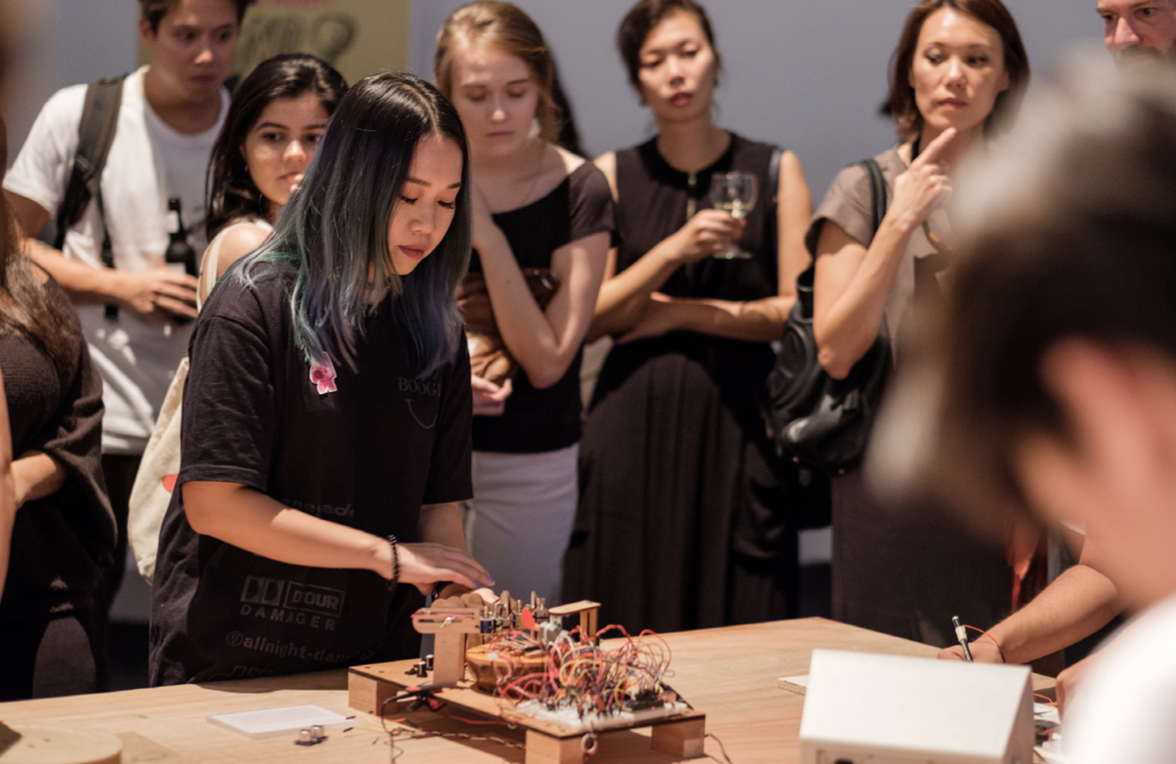
In action, in use: pictures of the work with people interacting or looking at the work. These photos can be staged and choreographed, or taken during a show and tell or exhibition with audience. Use a good camera, a tripod if necessary and adequate lighting.
Documenting

Avoid
In action, in use: pictures of the work with people interacting or looking at the work. These photos can be staged and choreographed, or taken during a show and tell or exhibition with audience. Use a good camera, a tripod if necessary and adequate lighting.
Video
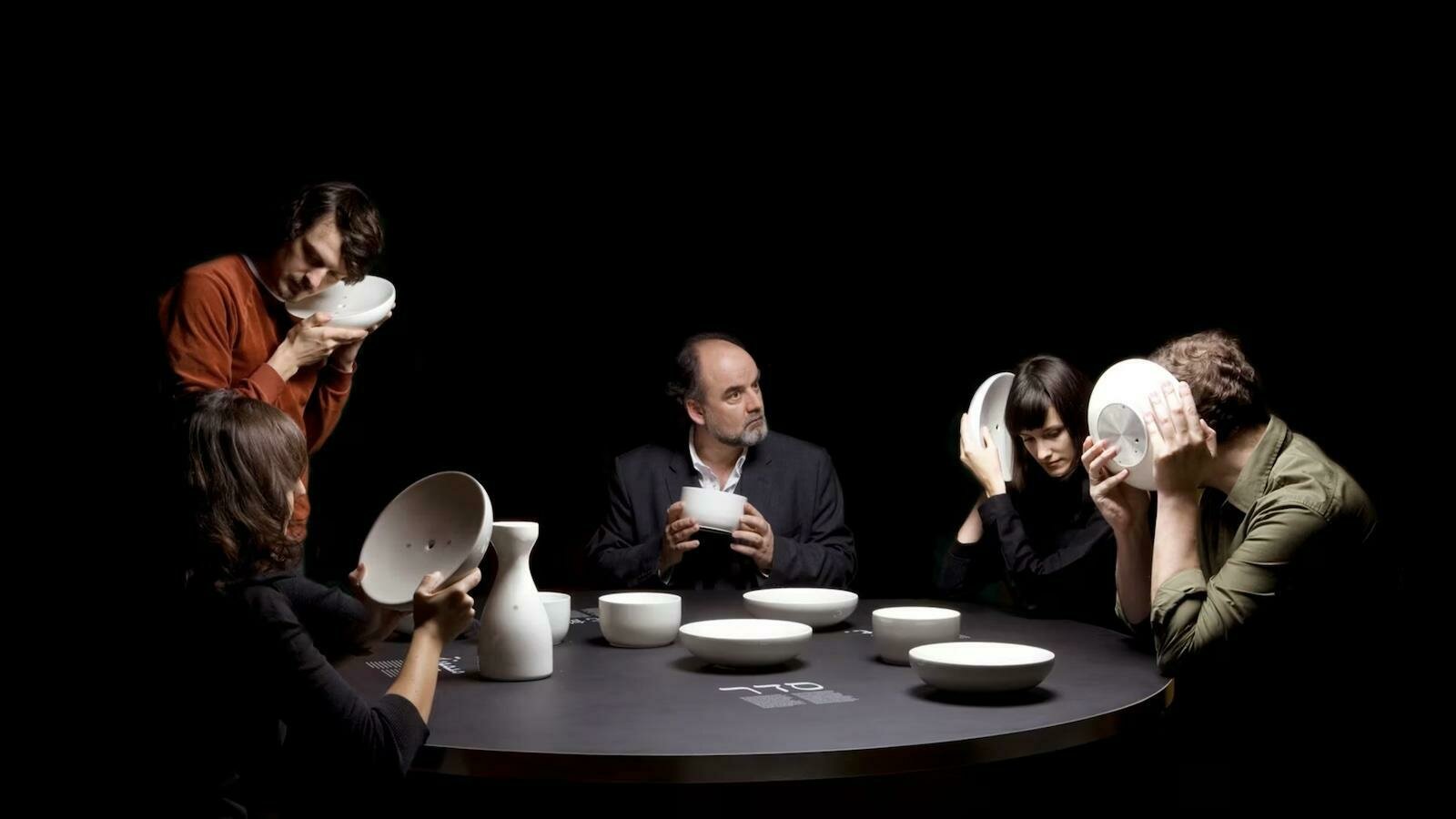
Explainer Videos: Focused on presenting how a design works or solves a problem.
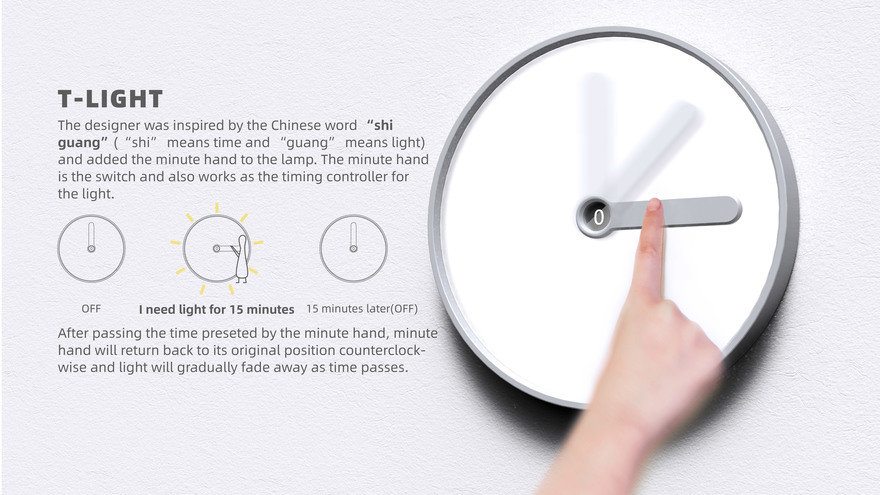
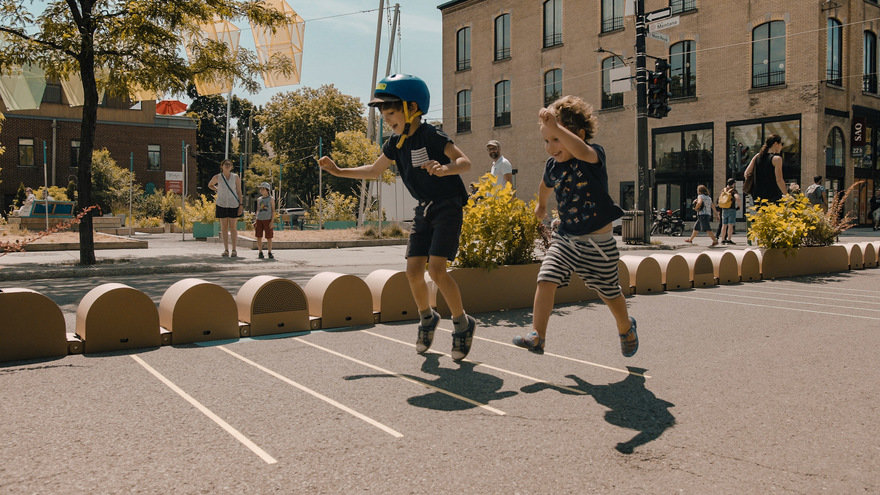
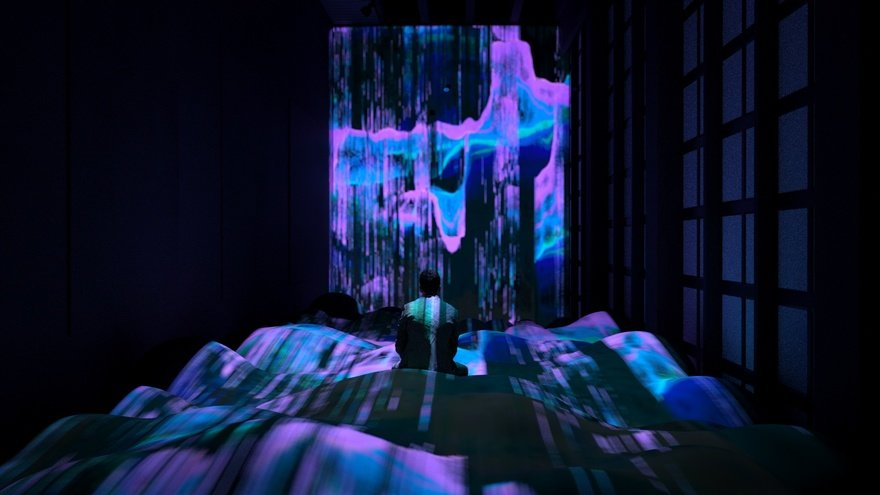
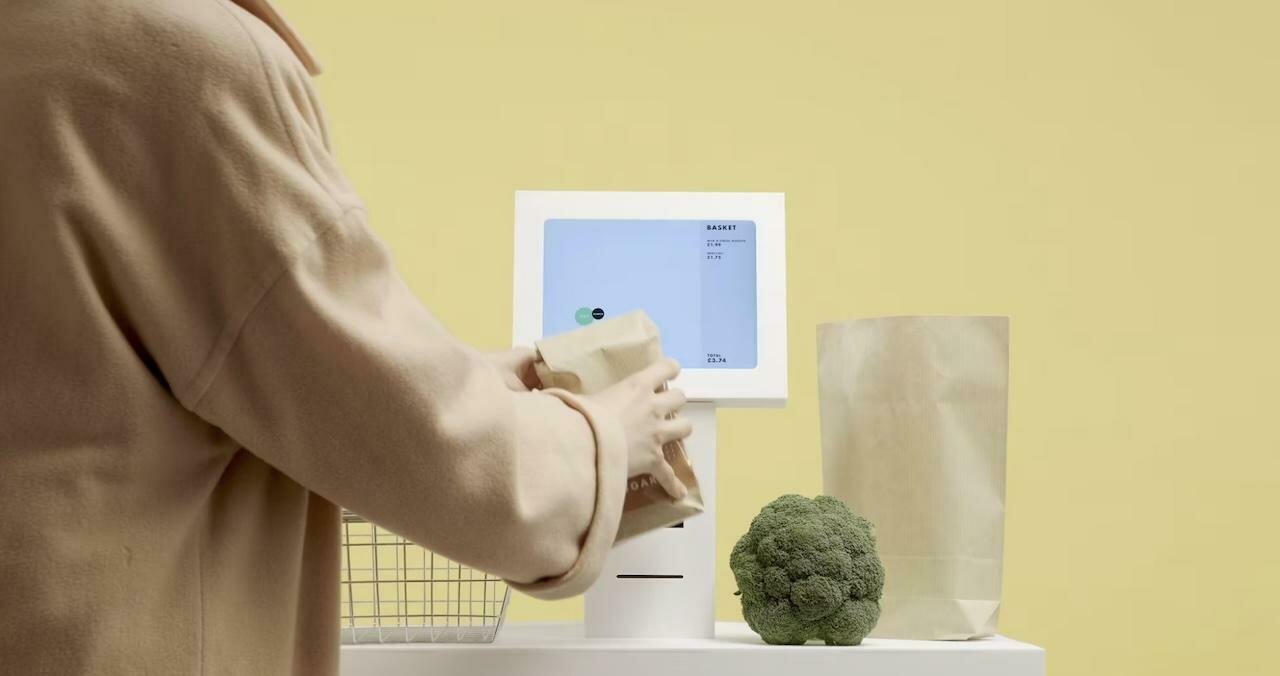
Examples
Video
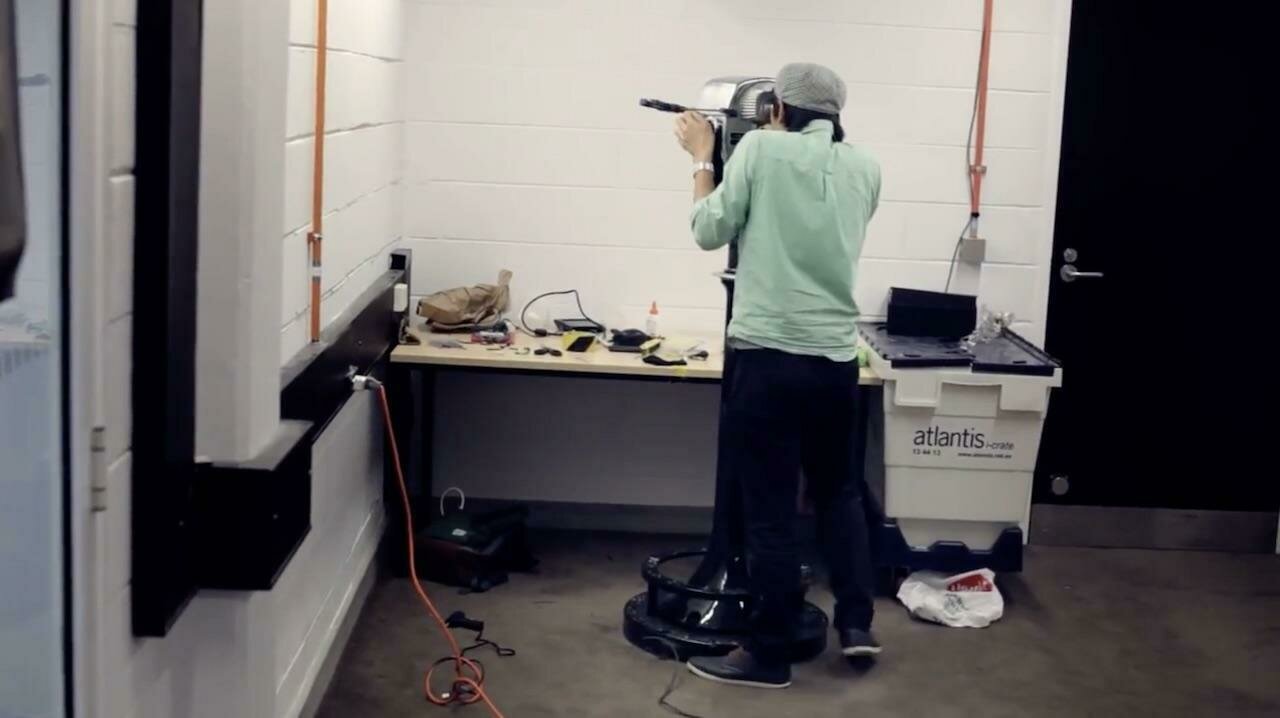
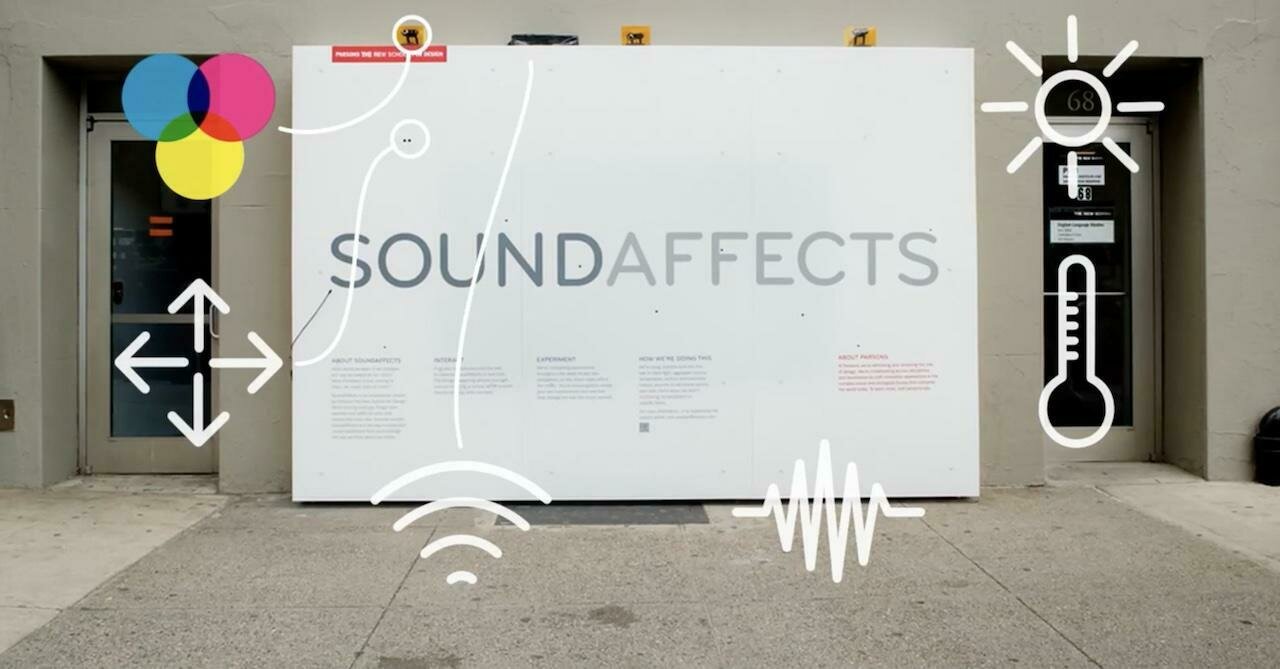
Design Process Videos: Highlighting the evolution and thinking behind a design project.
Examples
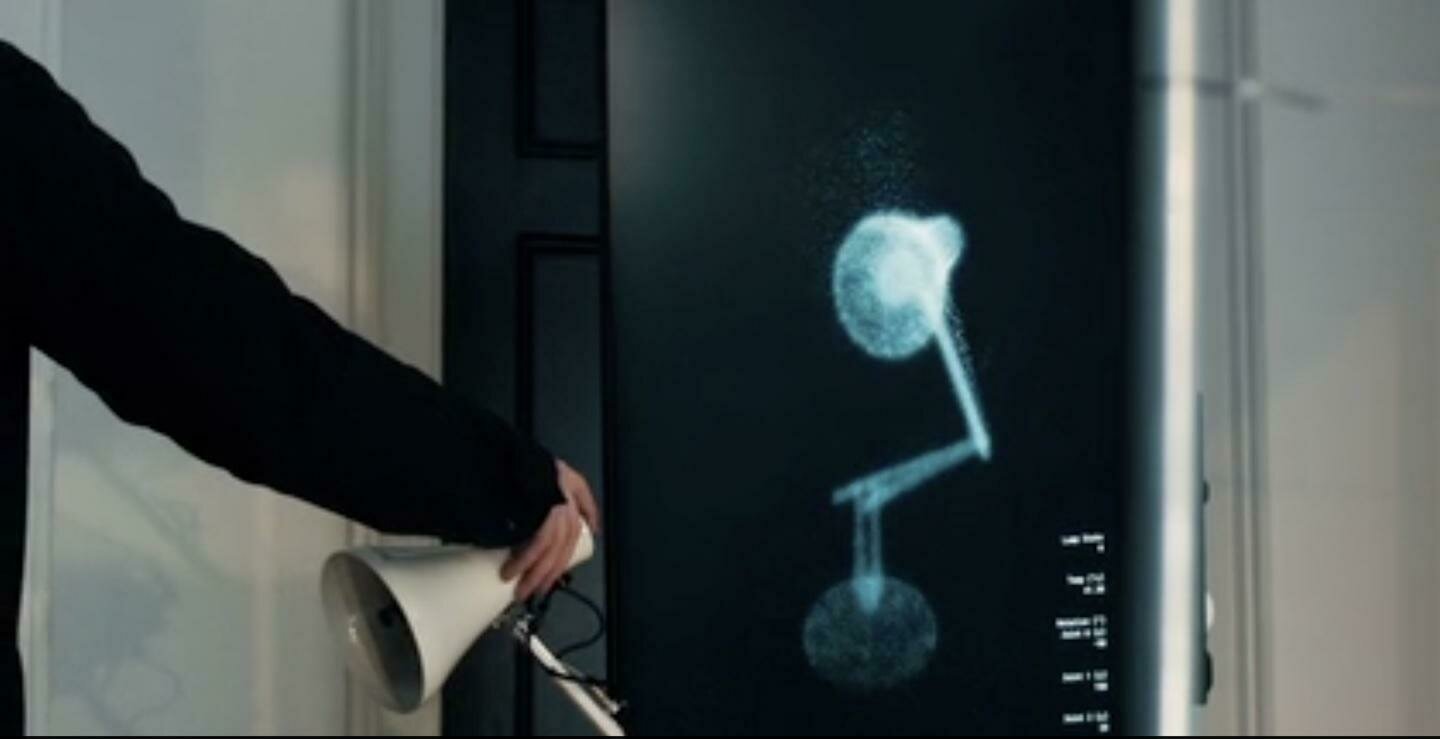
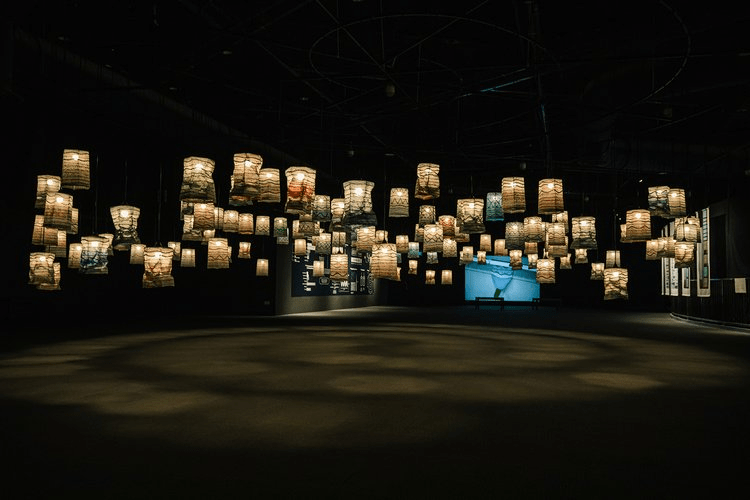
Video
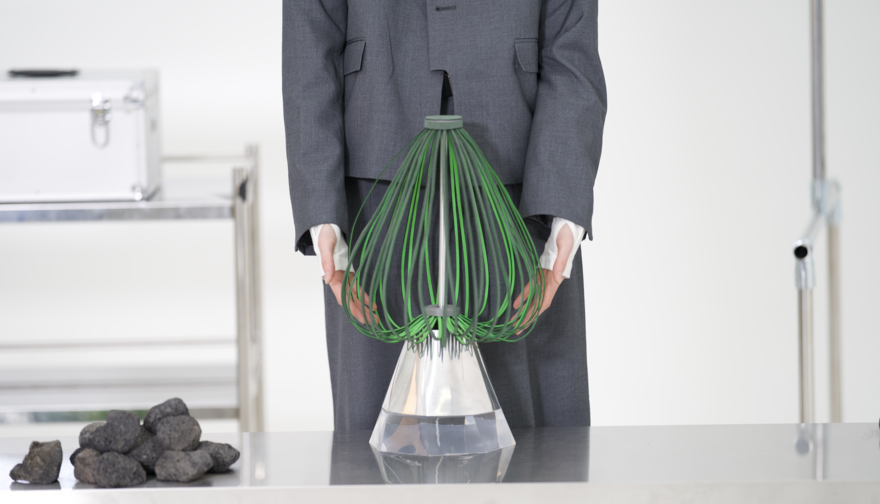
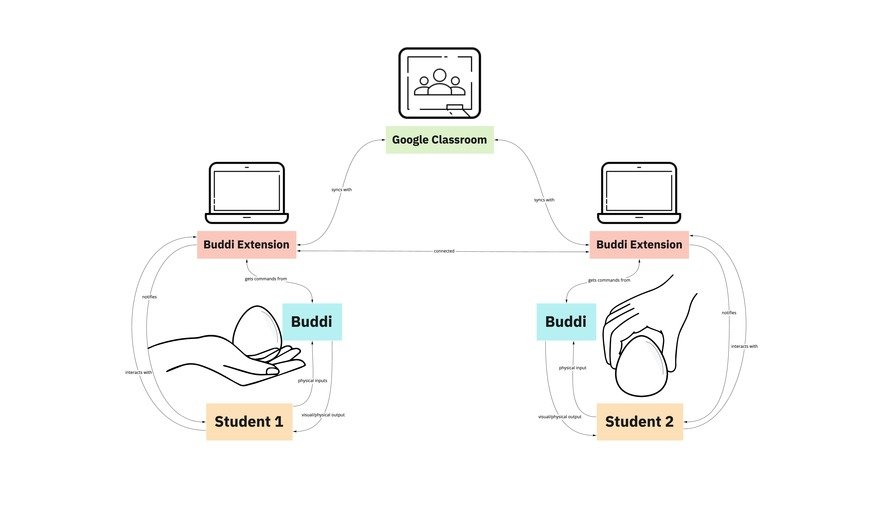
Speculative Design Narratives tied to future-oriented, critical design approaches.
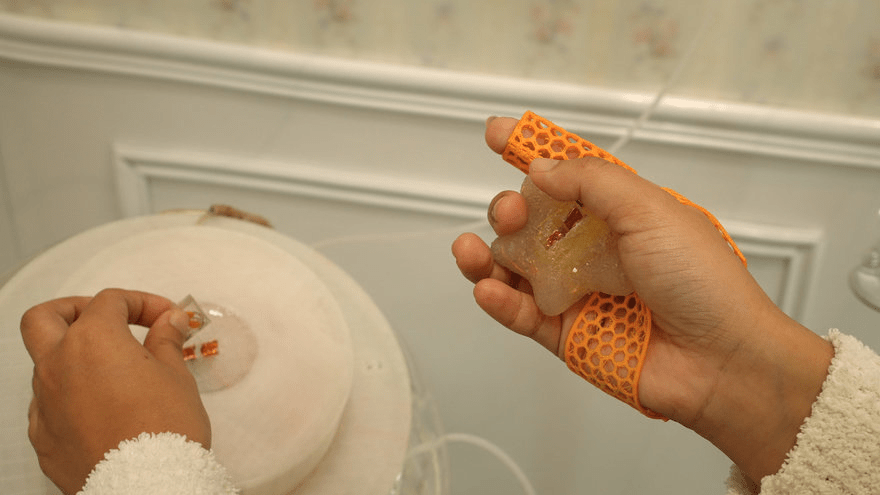
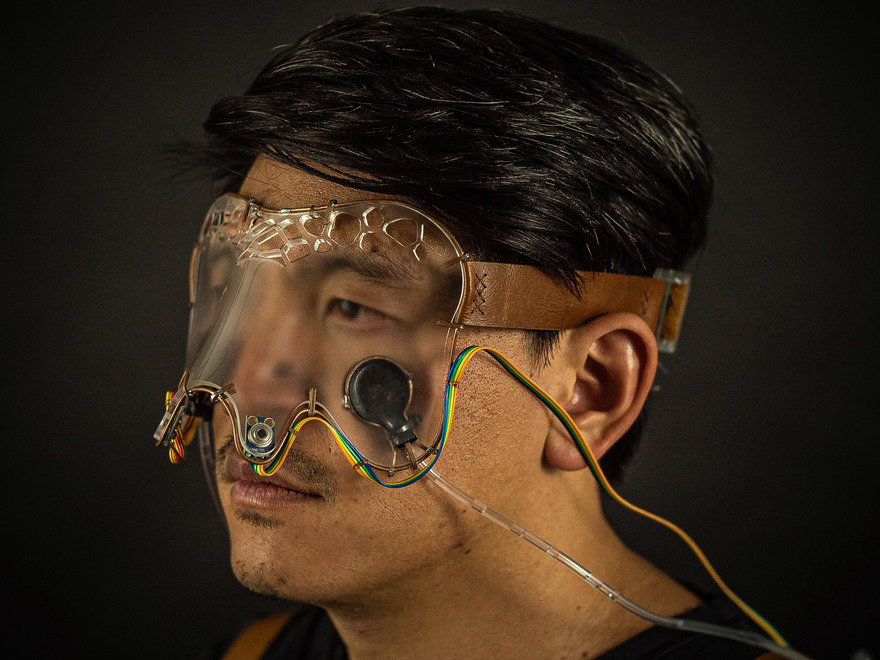
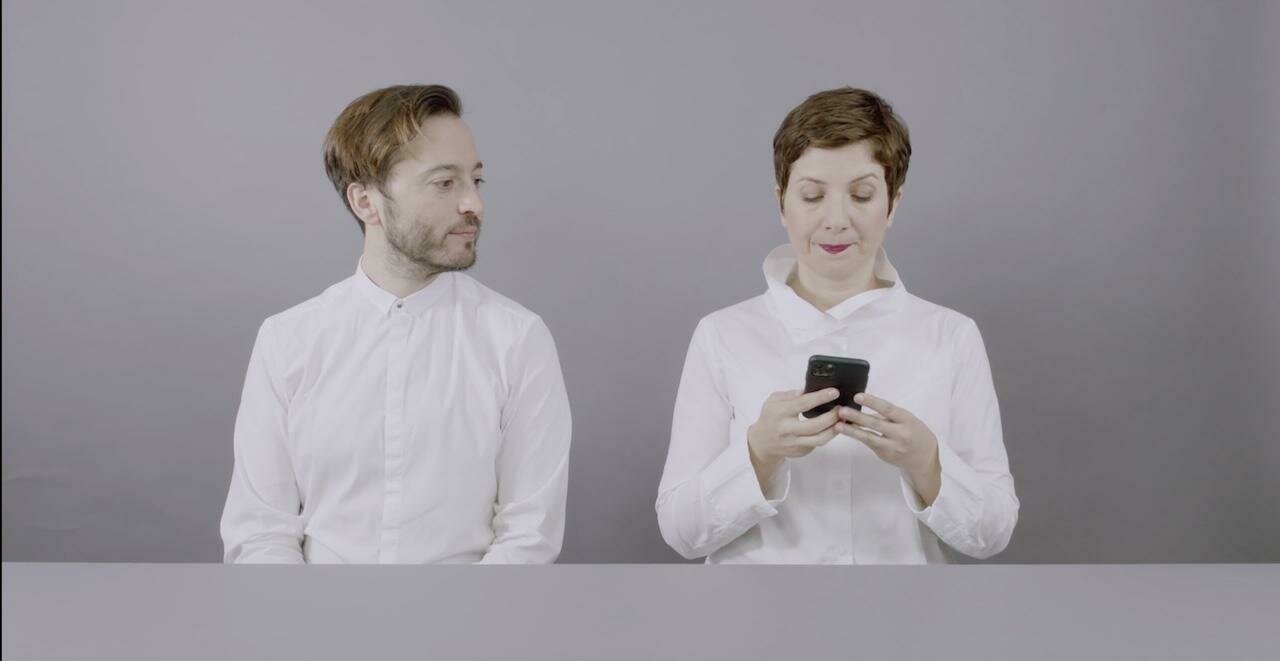
Examples
Video
Moving Forward
Overall Impression
Overall, many of the works were well developed at this point in the semester, which meant students could have meaningful conversations with visitors. Based on the feedback received, they can now make the necessary adjustments and improvements before the final assessment.
Development Progress
Some works that are still behind in development missed out on more in depth conversations. This should be a signal to make the best use of the weeks ahead leading up to the viva voce.
Curation and Presentation
While some works were (kind of) self-explanatory, others needed more context. It will make sense to re-consider how to refine the curation and setup layout (suggestion: introduction, main body of work, conclusion), and whether supporting formats such as video (for example, an explainer video or process documentation) would help communicate the work more clearly.
Open Studios 2026 and moving forward
Information Overload
Too much text can work against you. Your audience wants a clear entry point, and they want it quickly. A catchy title, a brief description, and a simple hook are often all you need to make them want to know more.
Introducing Your Project
When presenting your work to an audience for the first time, lead with what is most essential before getting into the details. Focus on what worked well, the highlights, challenges that helped move your project forward, and your key findings, insights, purpose, and impact. Only bring up what didn't work if someone asks.
Open Studios 2026 and moving forward
Quality of Production
Pay good attention to the quality of your production and aesthetic choices, after all we are a design programme. This means applying your design production skills well and carefully.
Be considered in your material choices: paper and print quality, cutting foamboard cleanly and straight, and the finish of your prototypes and artefacts. When something is hand-crafted, the craft must be excellent. When machine-produced, the outcomes must be well resolved. These details matter.
If you are unsure, get a test print before the final submission.
For photo and video shoots: use a good camera, proper lighting, and a tripod where needed. Make sure subtitles are clear and easy to read.
Open Studios 2026 and moving forward
viva-display
By Andreas Schlegel