Introduction to Canvas and Gamepad API
What is HMTL5 Canvas?
"The canvas element provides scripts with a resolution-dependent bitmap canvas, which can be used for rendering graphs, game graphics, art, or other visual images on the fly." - WHATWG spec
Other ways to draw/animate things in browser:
- traditional DOM elements + CSS
- SVG elements (with own inner DOM)
* The HTML5 Canvas specification clearly recommends that authors should not use the <canvas> element where they have other more suitable means available to them (i.e. for a fancy looking <header> element).
Immediate Mode (Canvas)
vs
Retained Mode (SVG)
What is Canvas good for:
- Ray Tracing
- Drawing a significant number of objects on a small surface
- Pixel manipulation in pics/videos
What is Canvas not so good for:
- Scalability
- Graphics interactivity
- Accessibility
- No reliance on JS
Correct
Incorrect
Default dimensions: 300x150px
Initialization (HTML part)
<canvas width=800 height=600>
    Your browser does not support canvas, sorry
</canvas>
<style>
canvas {
width: 800px;
height: 600px;
}
</style>
<canvas></canvas>Initialization (JS part)
const canvas = document.querySelector('canvas')
const context = canvas.getContext('2d') // 2d context

or

const gl = initWebGL(canvas) // WebGL context
Basic Shapes - Rectangles
Advanced Shapes - Paths
Drawing Text
Styling your Canvas
Drawing images
- Simple drawing
- Scaled
- Cropped
Pixel manipulation
Outputting video
Applying transformations
Animation
requestAnimationFrame() is your best friend
Animating user input
Gamepad API
General info
- no button press detection
- no standard button map
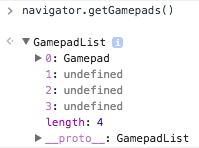
- polling (with navigator.getGamepads())
- only 2 events to listen for (
gamepadconnected, gamepaddisconnected
)
(Things are not great, but ok)
Flow
- (optional) listen to 'gamepadconnected'
- (optional) allow user to set controls
- run game loop
- poll gamepads state on each frame
- adjust game state accordingly
Test Gamepad
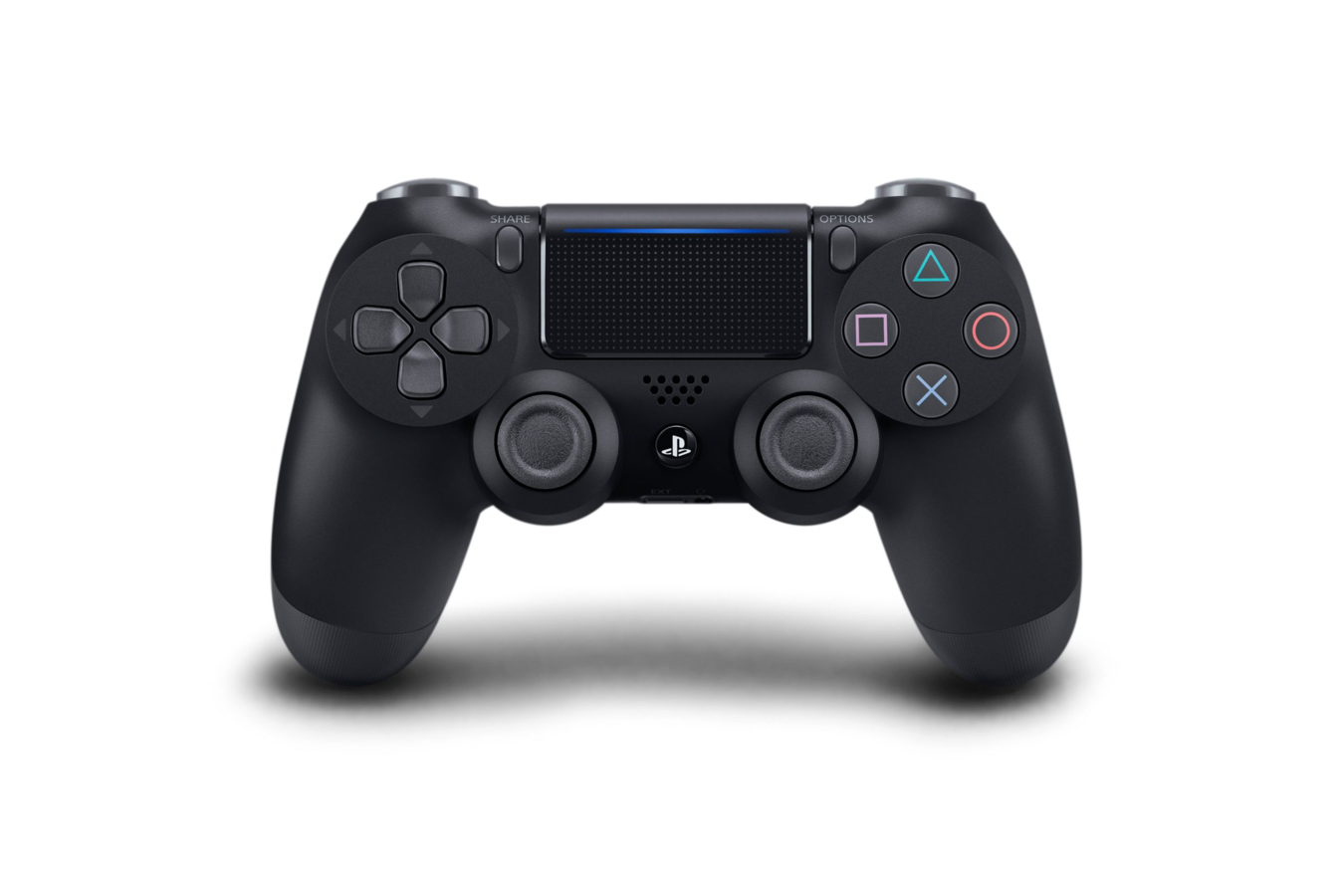
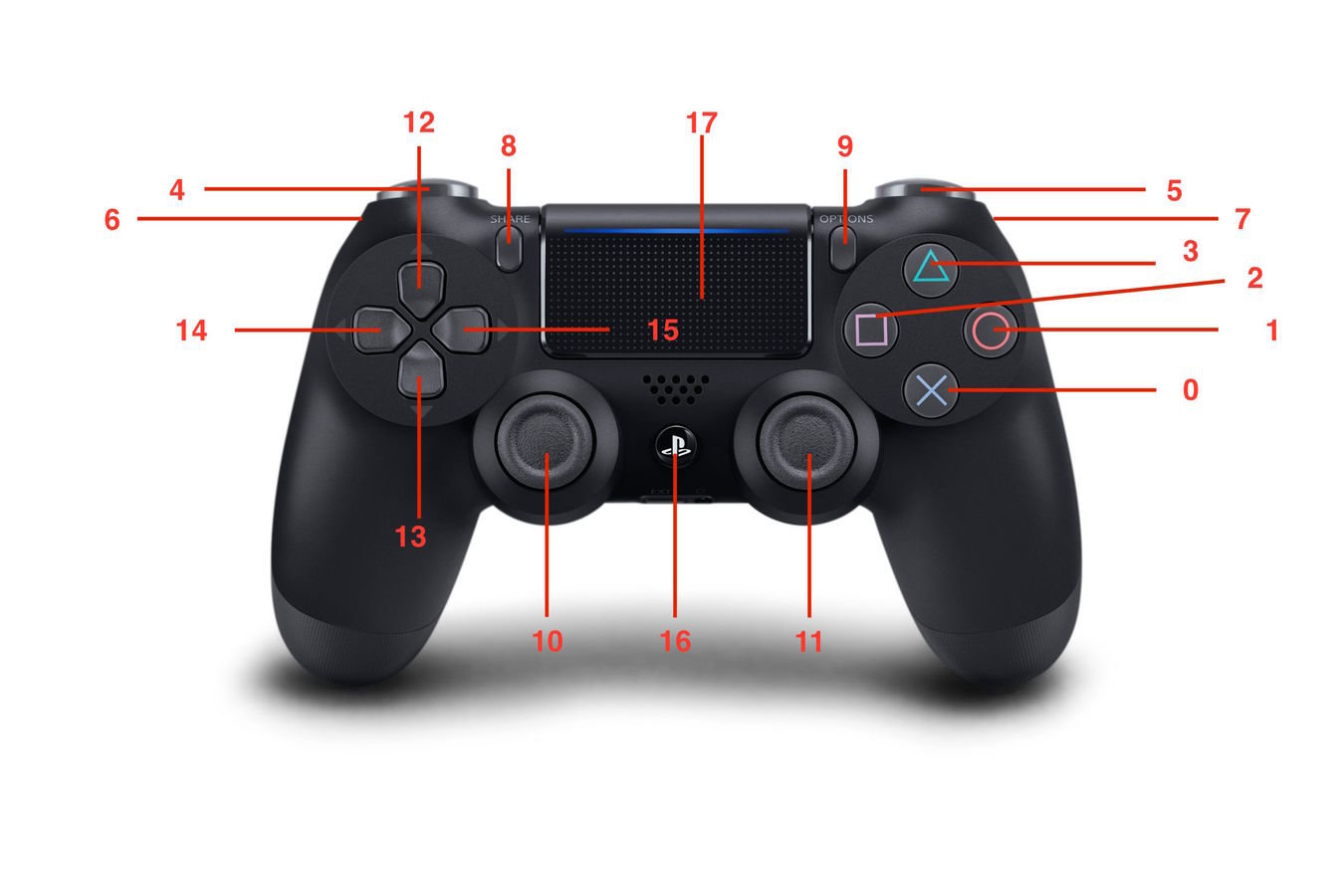
Dualshock 4
navigator.getGamepads()
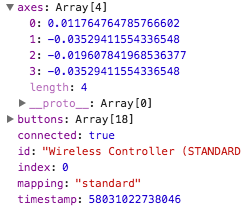
Gamepad object
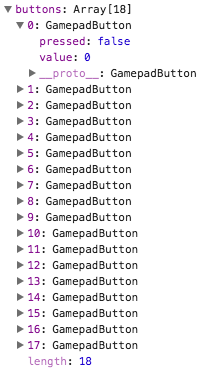
buttons array
Controls Scheme
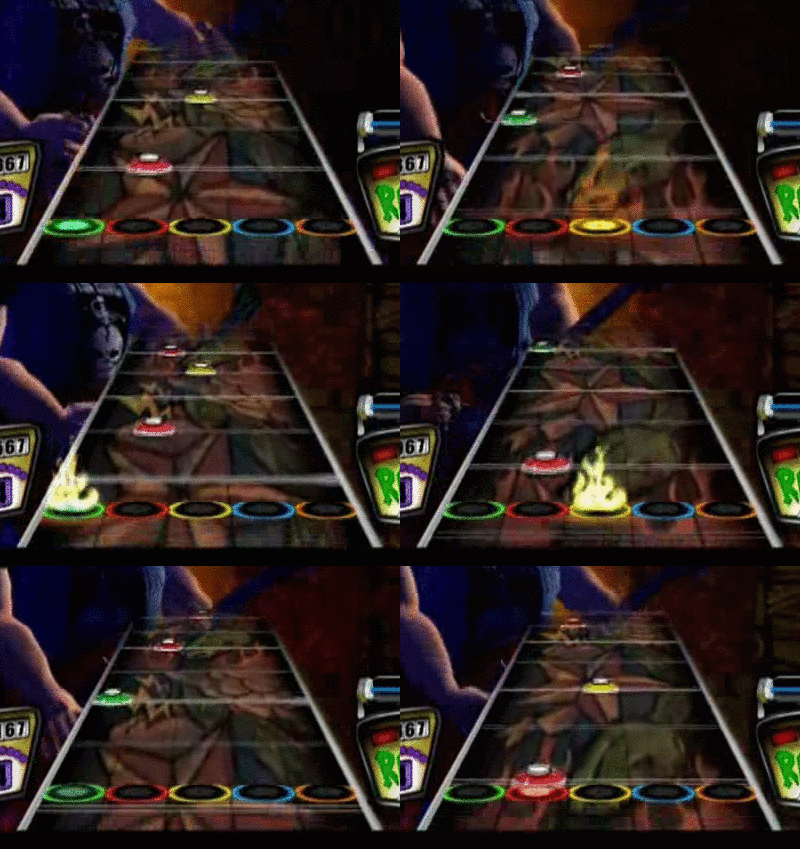
Putting it all together
Thanks
Useful links
Canvas&Gamepad Workshop
By Stas Gavrylov
Canvas&Gamepad Workshop
Slides for RailsReactor workshop on using Canvas and Gamepad API