Extending Ecommerce
You can do anything with this thing
8 Steps to understanding Requirements
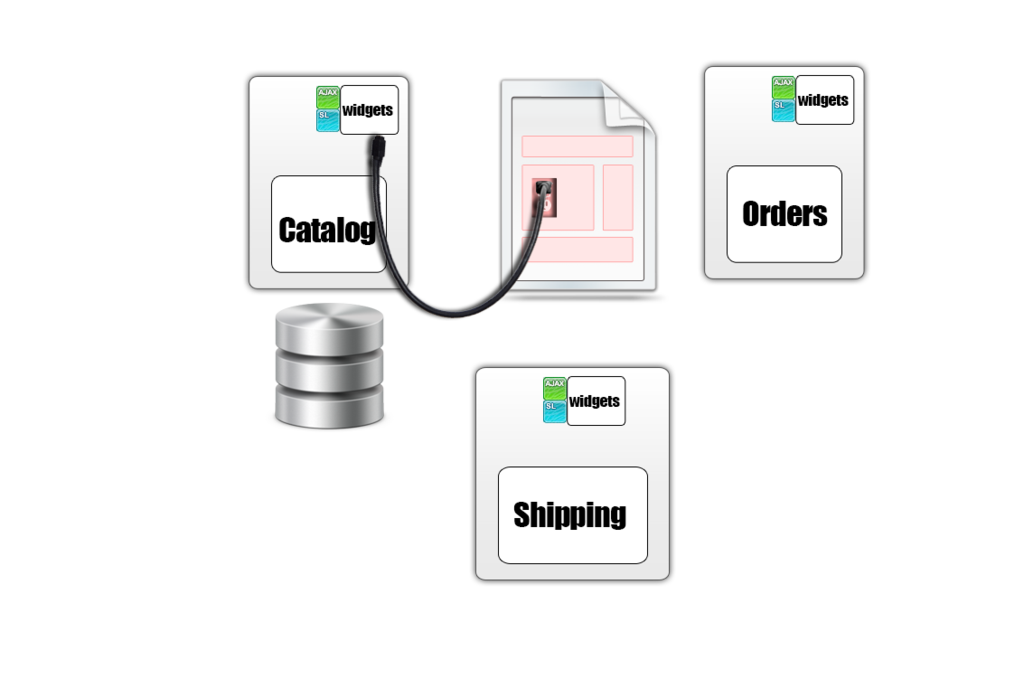
- What objects are in the scope of this requirement?
- What data do I need to persist? (easy)
- When are changes persisted? (easy)
- Do I need new Widgets? (easy)
- Changes to existing Widgets? (easy)
- How is pricing determined/updated (ninja-ish - level)
- How are the back-end users going to handle things? (could be ninja-level)
1.What objects are We talking about?
What Data do I need to persist
For Example:
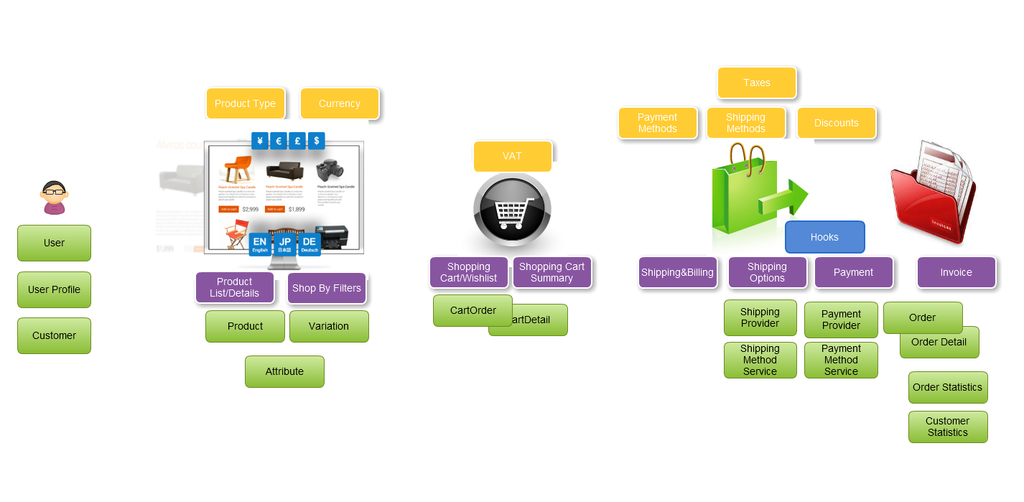
- Cart (CartDetail)
- Order(Order Detail)
- Product Field
- User Profile Field
- Custom Linking Table
wHAT CAN YOU DO WITH DATA
 short answer: anything
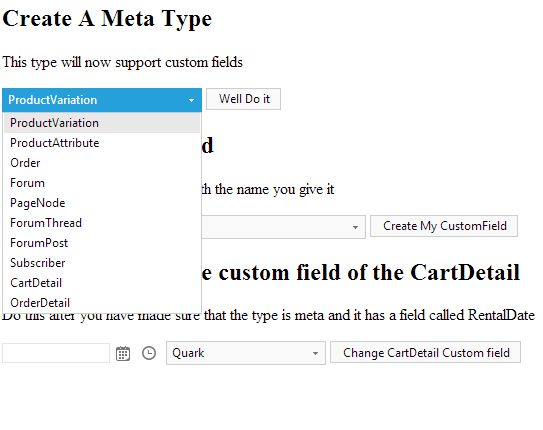
1. Extend Products with anything you want to
2. Add any type of UI to products through field controls
3. Add any field to any dynamic field container through the Meta Manager (incl. variations, orders etc. )
What business Logic can you modify
 Short answer: almost any
1. You can override widgets
2. You can override controls that are parts of widgets
3.You can hook to events(e.x. ShoppingCartGrid_ ItemDataBound)
4. (You can override widgets and hook to events)
5. You can use the API to build your own widgets
What Widgets can you build
Short answer: Any
1. Build good ole' controls or MVC(!)
2. Inherit from Sitefinity widgets to make your life easier
3. Modify the control templates in the SDK & register them via ViewMap
What Are the extension points
Too many to enumerate. Some important ones you may want to check out in the documentation are:
1. The hooks
4. Workflows(NEW)
5. PaymentMethodService (NEW)
Tricks to use in the back-end
 1. Extension Scripts(for extending grids, filters etc.)
2. Kendo widgets bound to services (filterExpression is your friend)
3. Field Controls
4. THUNDER for field controls and designers
5. If you really hate dealing with the javascript, consider dragging and dropping controls instead of just overriding existing grids/views
Extending Ecommerce
By Svetla Yankova