Research Ready
Simon Elichko, Social Sciences & Data Librarian
Andrea Baruzzi, STEM Librarian
What's the most frustrating part of research for you?
-
finding research that's actually on-topic
-
dealing with citations and formatting
-
staying organized
-
something else?
Workshop Overview
- Google Scholar
- fast tips for better results
- fast tips for better results
- Libkey Nomad
- connect to subscription resources
- connect to subscription resources
- Zotero
- manage citations, PDFs, notes
- manage citations, PDFs, notes
- Web of Science
- not just for scientists




soccer
published in a journal, conference proceedings, or another source with "physics" in the title
journal has either "physics" or "engineering" in the title
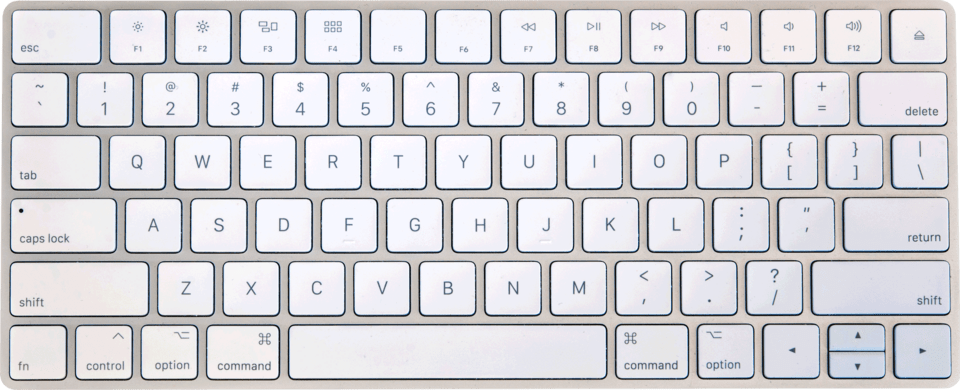
Finding the |
File:Apple_Magic_Keyboard_-_US.jpg by Fletcher Derivative work: AGreuet (talk · contribs), CC BY 4.0, via Wikimedia Commons
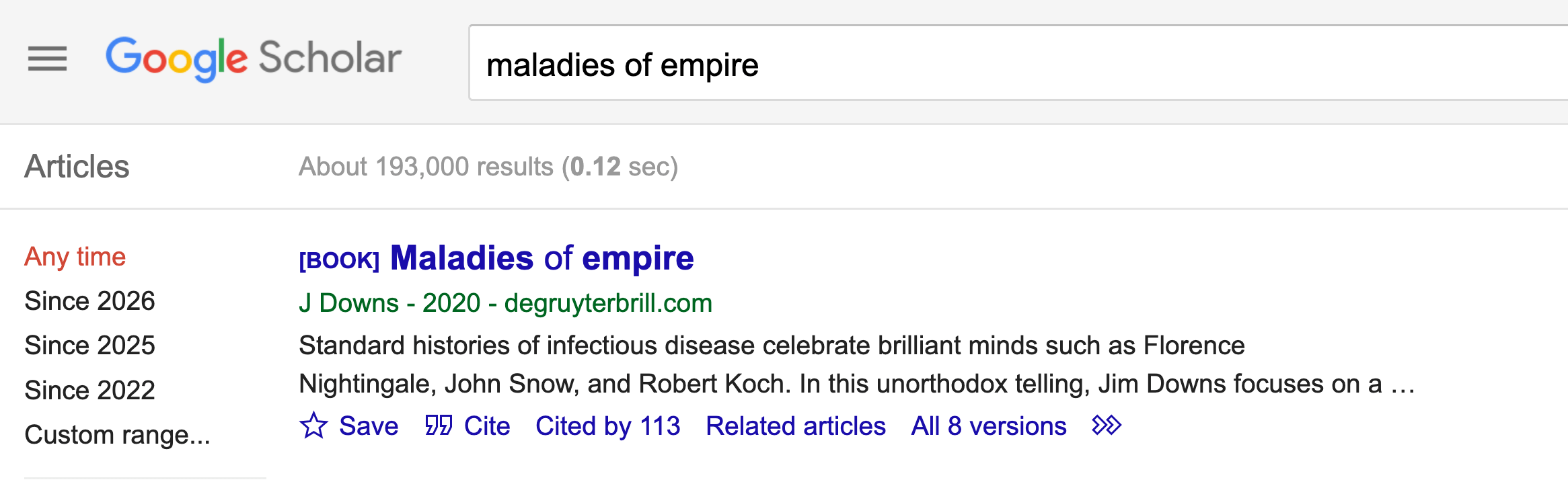
Search within citing sources
Look up Maladies of Empire, then choose Cited by ___.
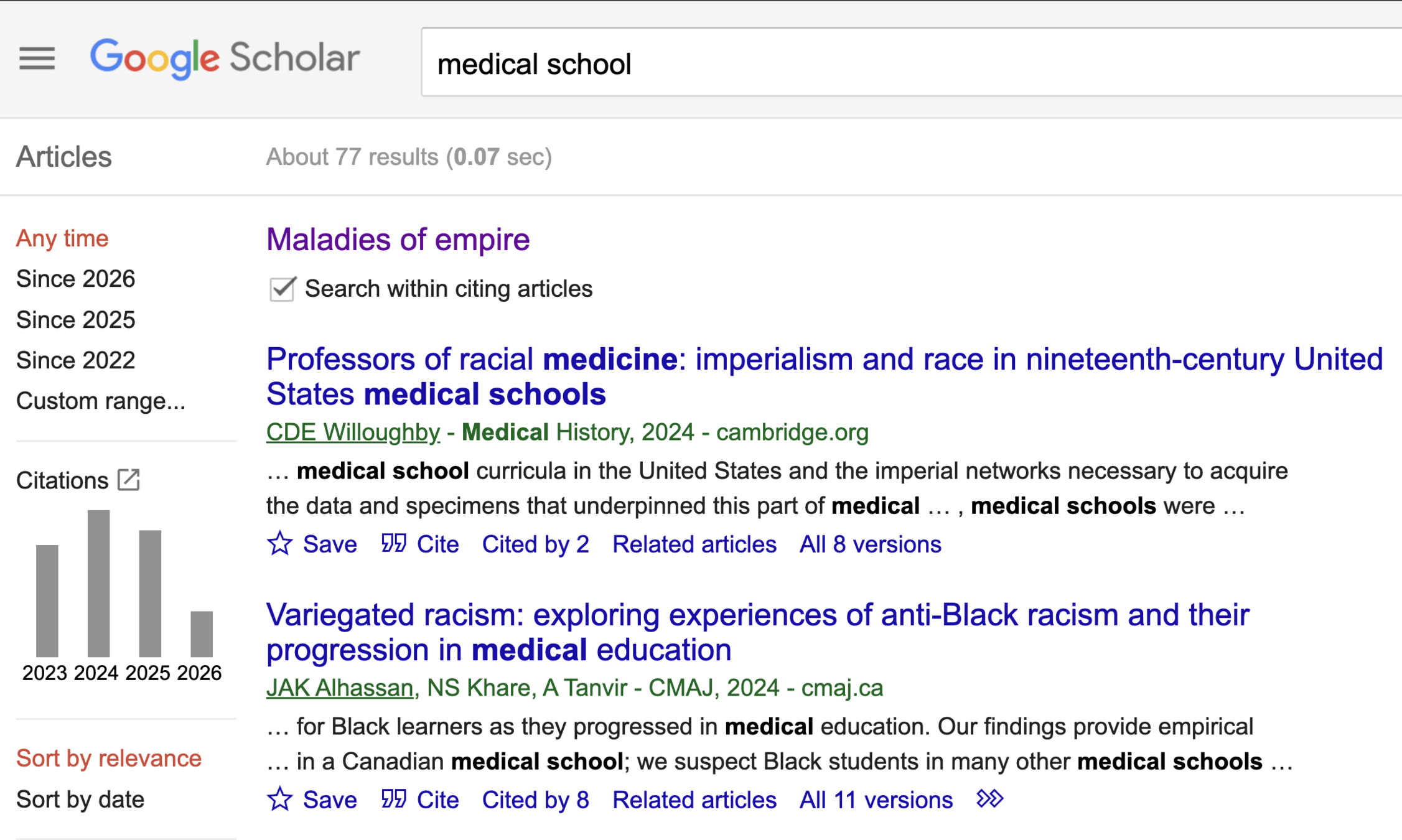
Now try looking up "Walking with coffee: Why does it spill?"
Search within citing articles for robot. How many results do you get?
Check the box Search within citing articles, then search for medical school
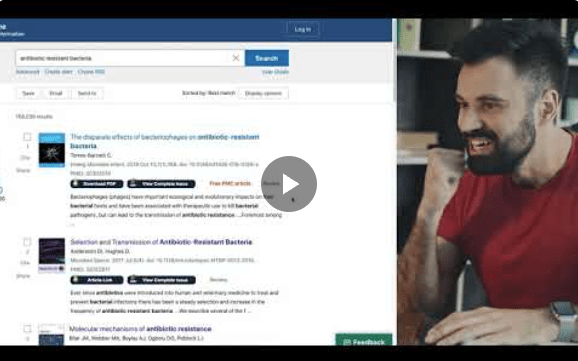
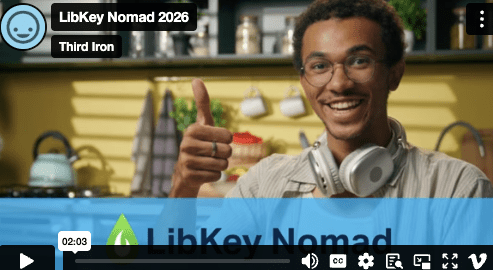
LibKey Nomad
A browser extension that helps connect you with journal articles and news sources available through the library's subscriptions.
LibKey Nomad
What is Zotero?

Zotero.org Account
Sync your PDFs and read from anywhere
Mac, Windows, Linux • iOS, Android
What can Zotero help you do?
Keep your research materials together
Organize readings and notes by project, semester, course, etc.
Read, highlight, and take notes
Format citations and bibliographies
Use Zotero's built-in PDF and EPUB reader
Sync Zotero app with Zotero.org (you have free storage while at Swat)
Cite sources in 9,000+ styles (including MLA, APA, Chicago)
Collaborate and share using Zotero Groups
Your research library in the Zotero App

Organize your research materials
Easily find your course readings
(Mac, PC, Linux • iOS, Android)
Save articles as you find them using the
Zotero Connector browser extension

Chrome, Firefox, Edge
*Safari
Other options: drag-and-drop PDFs into Zotero, use DOI or ISBN, paste references into AnyStyle.io and import
Highlight and take notes on PDFs


Once you've saved sources to Zotero,
you can quickly generate citations and bibliographies for your papers

Zotero integrates directly into
Google Docs and Microsoft Word
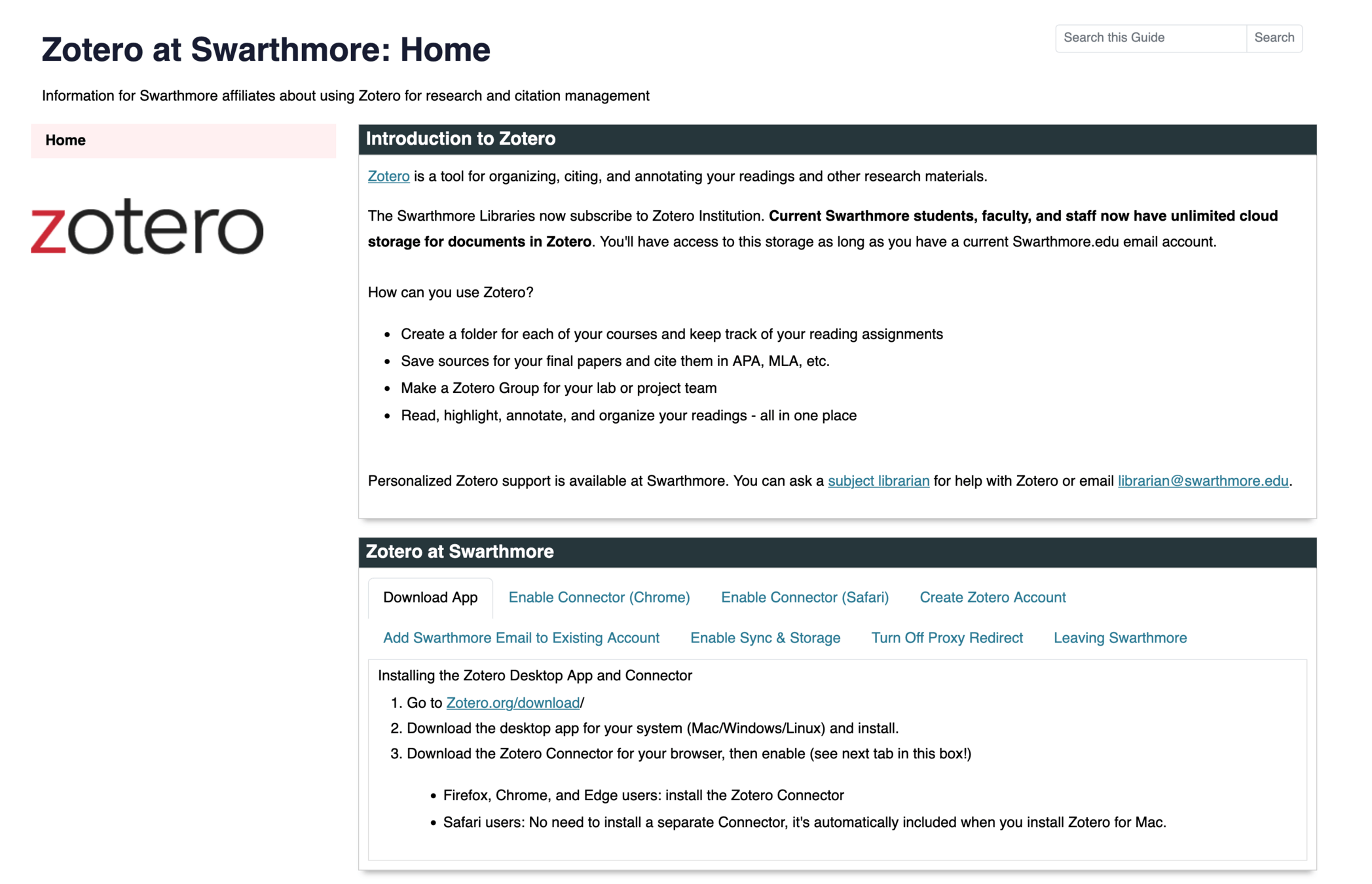
To get started with Zotero, visit our guide:
researchguides.swarthmore.edu/zotero
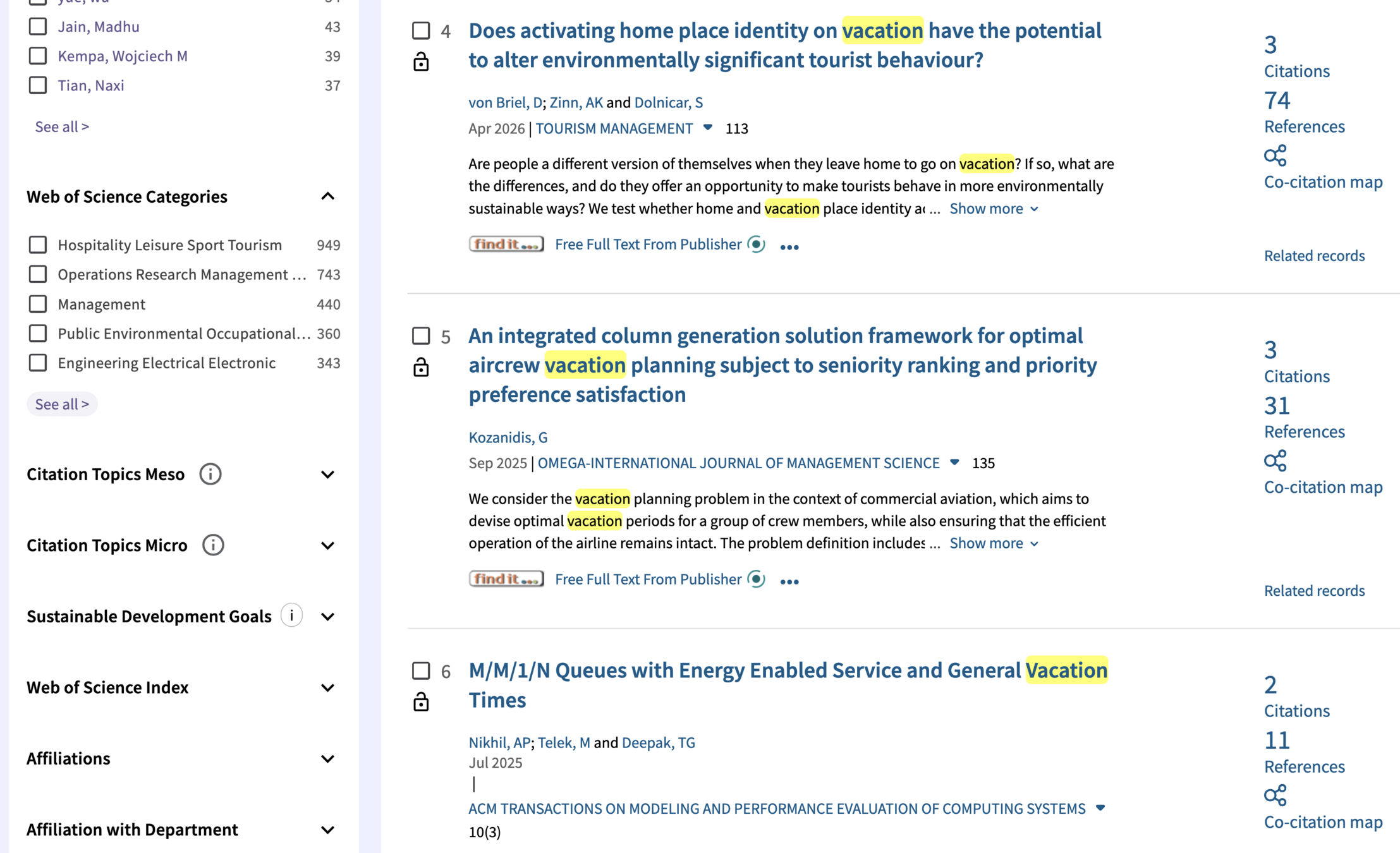
Search Vacation
Look through Article and Journal Titles to see what subject areas come up
Narrow Results by Choosing one of the Web of Science Categories in Filters
Your Turn:
- Pair Up
- Go to webofscience.com
- Search the Same Topic
- Choose different Categories
- Compare Results
Wrapping up
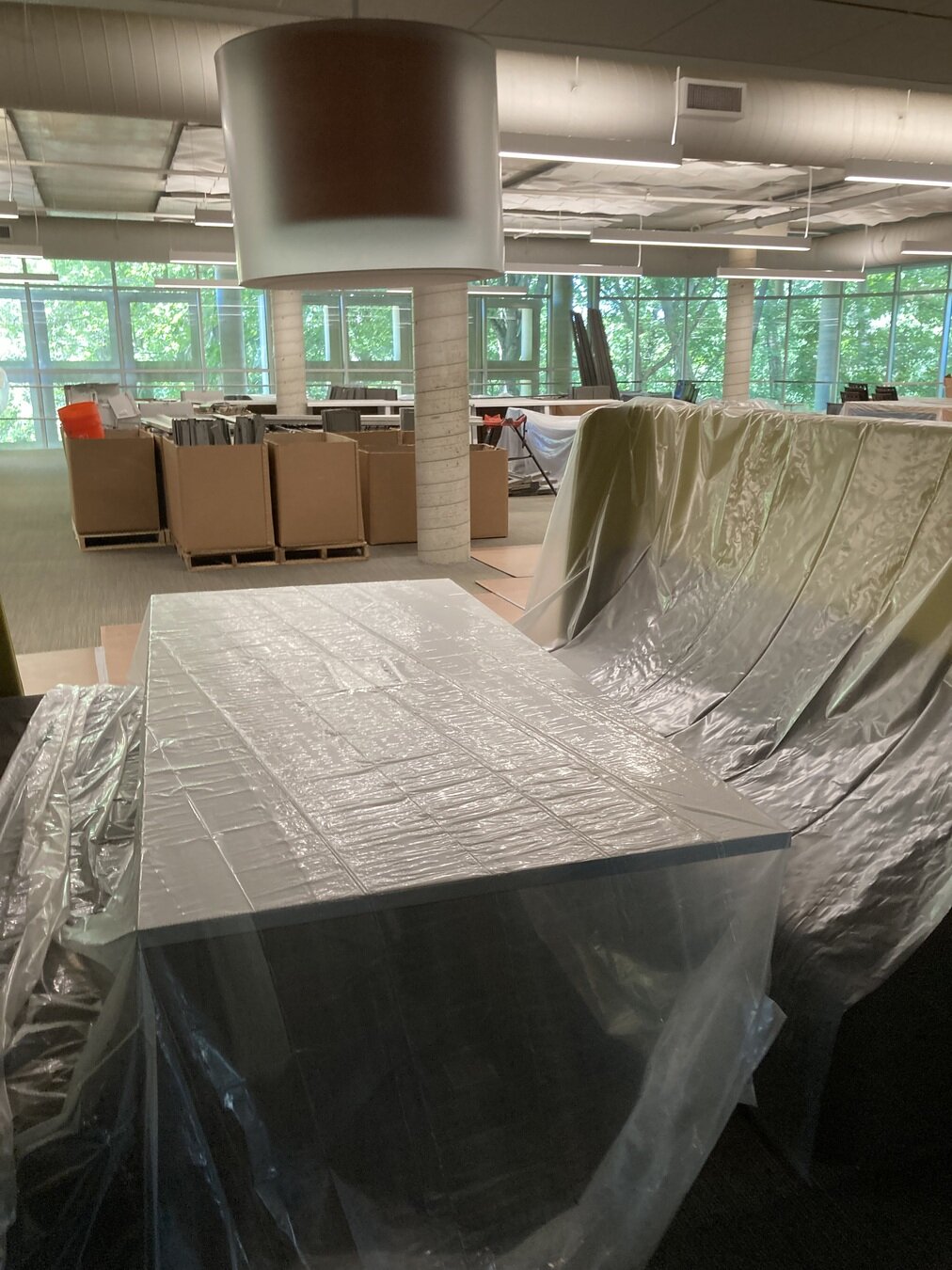
Study spaces
McCabe and Underhill Libraries are open all summer with shortened hours.
We have carrels, study rooms, open spaces - whatever kind of environment you prefer.
What about Cornell?
Research help
Subject librarians are also available during the summer to help you with any questions you have.





You can contact us directly through the link above or by emailing librarian@swarthmore.edu


Thank you!
Fill out our workshop survey
Reach out: Andrea abaruzz1 • Simon selichk1
Research Ready
By Swarthmore Reference
Research Ready
Learn how library resources like Zotero can support your success this summer. Part of the 2026 Summer Workshop Series.