Going back to Basics:
HTML structure and tricks
A cheatsheet on creating performant HTML by TJ Monserrat
Who am I?
HCI Researcher

Interactive Platforms for Learning
Web Front-end /
Front-Server Dev
jQuery
Angular JS
MEAN JS (Grunt to Gulp)
Blaze - Meteor JS - MongoDB
React - Meteor JS - MongoDB
React - Webpack Firebase
Polymer - Firebase
Follow Me
Going back to Basics:
HTML structure and tricks
Why go back to basics?
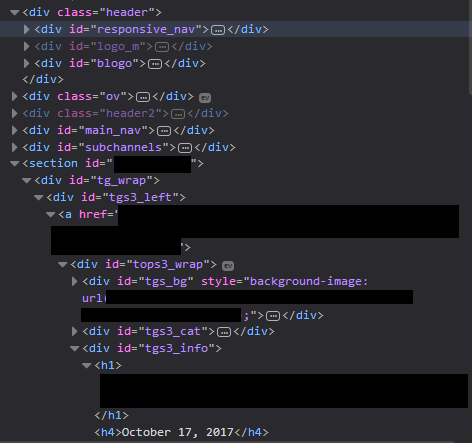
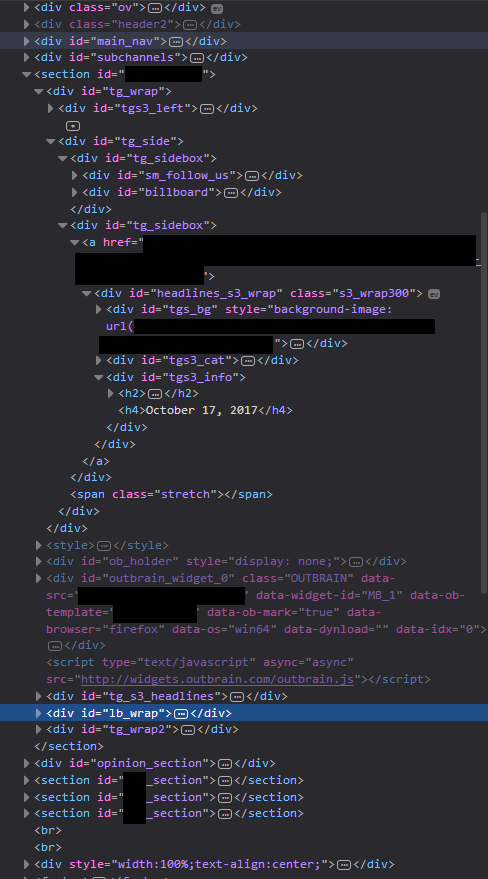
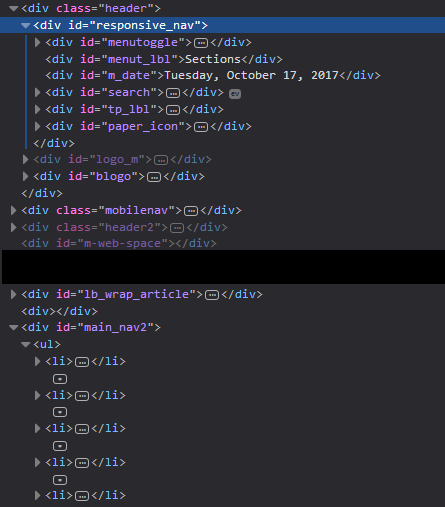
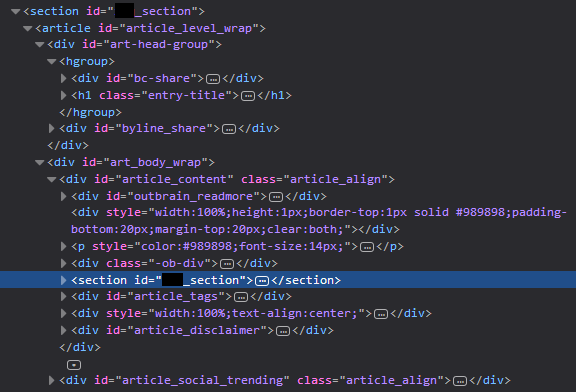
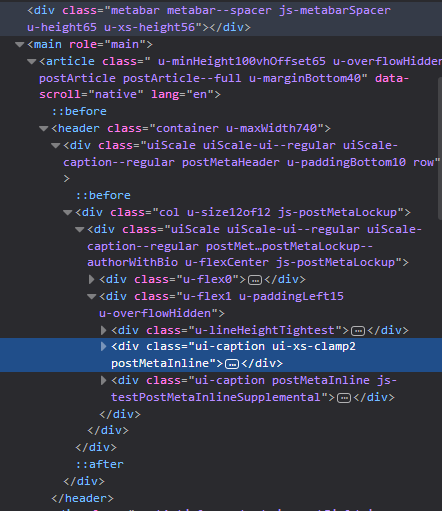
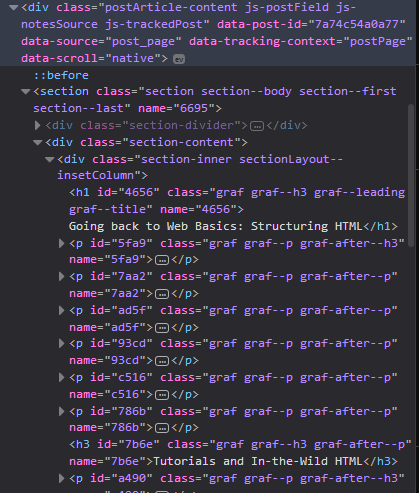
We might have forgotten the true purpose and magic of HTML.
HTML is a parse-able document that is the main place for content
And this content is, for all its intents and purposes, is both readable by computers and all kinds of users. Baked into its tags are little helpers for users.
Little helpers that help computers understand the structure of your document, which help people search the most important information they need.
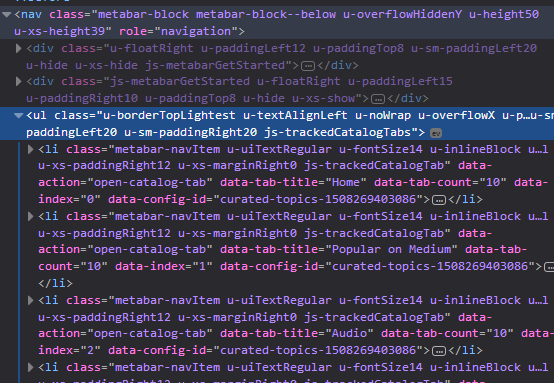
Little helpers that help computers add that extra information when things fail to load or when you need to load the right asset provided
Little helpers that help computers add voices or visual ques to help disabled users or people who has accessibility issues.
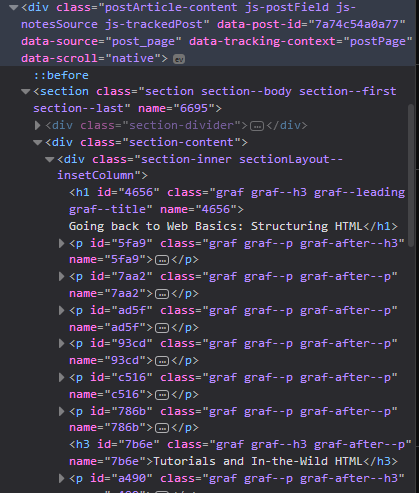
The problem with forgetting these little helpers from HTML is where we add unnecessary attributes or additional tags just to hack the HTML behavior, or delegate it to Javascript and CSS.
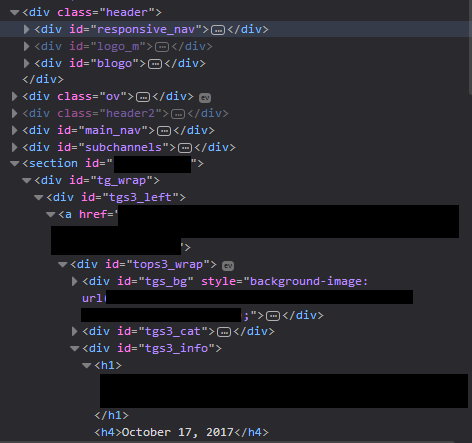
Problem with other Tutorials
<header id="top" class="main-header">
    <span class="title">
        This is the Title Text
    </span>
    <h1>
        with another title here.
    </h1>
</header>
<div class=”join-button”>
   Join us
</div>
<span class="italics">
  Emphasis on this text
</span>
The convenience and abuse of delegating to CSS and Javascript to “enhance” HTML has robbed it of its primary function: to describe and give meaning to content.
Going back to Basics
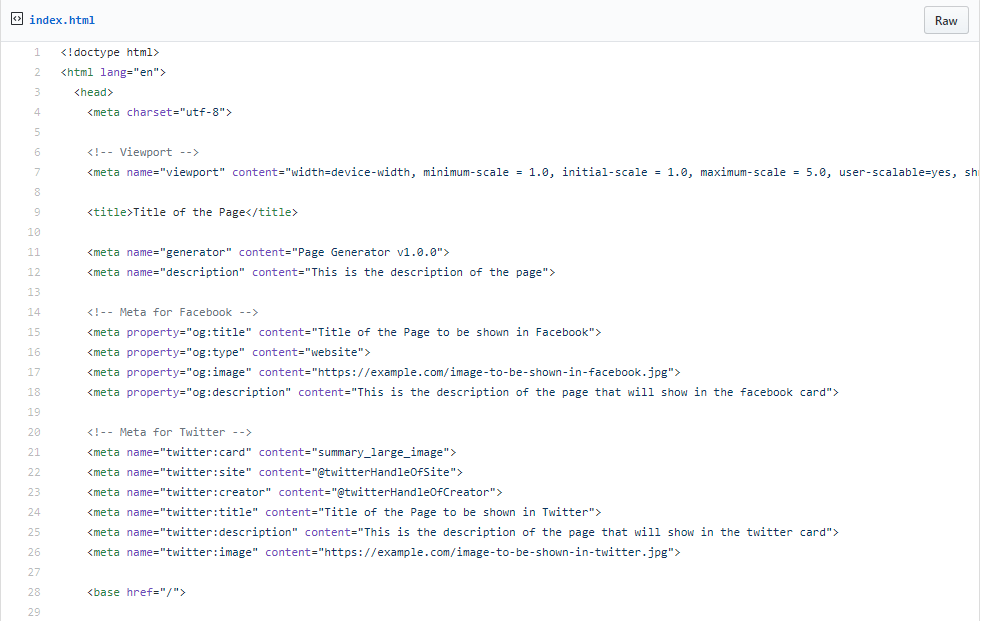
Let's Disect
<!doctype html>
Doctype HTML
Just tells the computer that it is using HTML 5 specifications (latest).
<meta charset="utf-8">
UTF-8
help the browser and other bots to not use their time to infer the encoding.
<meta name="viewport"
content="width=device-width, minimum-scale = 1.0, initial-scale = 1.0, maximum-scale = 5.0, user-scalable=yes, shrink-to-fit=no">
Viewport
allows us to make our site mobile responsive.
<meta name="viewport"
content="width=device-width, minimum-scale = 1.0, initial-scale = 1.0, maximum-scale = 5.0, user-scalable=yes, shrink-to-fit=no">
Viewport
allows us to make our site mobile responsive.
<meta name="viewport"
content="width=device-width, minimum-scale = 1.0, initial-scale = 1.0, maximum-scale = 5.0, user-scalable=yes, shrink-to-fit=no">
Viewport
allows us to make our site mobile responsive & accessible.
<meta name="viewport"
content="width=device-width, minimum-scale = 1.0, initial-scale = 1.0, maximum-scale = 5.0, user-scalable=yes, shrink-to-fit=no">
Viewport
allows us to make our site mobile responsive & accessible & works for that effin Safari 9.
<meta name="generator" content="Page Generator v1.0.0">
Generator
helps browsers and statistics lovers know what is your favorite IDE or page generator or something.
<title>Title of the page</title>
Title
You should know this by now...
<meta name="description" content="This is the description of the page">
Page Description
The helps search engines provide a description of your page on search results. Descriptions are like Twitter texts:
160 character snippet of what your page is about.
<meta property="og:title" content="Title of the Page to be shown in Facebook">
<meta property="og:type" content="website">
<meta property="og:image" content="https://example.com/image-to-be-shown-in-facebook.jpg">
<meta property="og:description" content="This is the description of the page that will show in the facebook card">
Facebook Meta
<meta property="og:title" content="Title of the Page to be shown in Facebook">
<meta property="og:type" content="website">
<meta property="og:image" content="https://example.com/image-to-be-shown-in-facebook.jpg">
<meta property="og:description" content="This is the description of the page that will show in the facebook card">
Facebook Meta
<meta property="og:title" content="Title of the Page to be shown in Facebook">
<meta property="og:type" content="website">
<meta property="og:image" content="https://example.com/image-to-be-shown-in-facebook.jpg">
<meta property="og:description" content="This is the description of the page that will show in the facebook card">
Facebook Meta
<meta property="og:title" content="Title of the Page to be shown in Facebook">
<meta property="og:type" content="website">
<meta property="og:image" content="https://example.com/image-to-be-shown-in-facebook.jpg">
<meta property="og:description" content="This is the description of the page that will show in the facebook card">
Facebook Meta
<meta name="twitter:card" content="summary_large_image">
<meta name="twitter:site" content="@twitterHandleOfSite">
<meta name="twitter:creator" content="@twitterHandleOfCreator">
<meta name="twitter:title" content="Title of the Page to be shown in Twitter">
<meta name="twitter:description" content="This is the description of the page that will show in the twitter card">
<meta name="twitter:image" content="https://example.com/image-to-be-shown-in-twitter.jpg">
Twitter Meta
<meta name="twitter:card" content="summary_large_image">
<meta name="twitter:site" content="@twitterHandleOfSite">
<meta name="twitter:creator" content="@twitterHandleOfCreator">
<meta name="twitter:title" content="Title of the Page to be shown in Twitter">
<meta name="twitter:description" content="This is the description of the page that will show in the twitter card">
<meta name="twitter:image" content="https://example.com/image-to-be-shown-in-twitter.jpg">
Twitter Meta
<meta name="twitter:card" content="summary_large_image">
<meta name="twitter:site" content="@twitterHandleOfSite">
<meta name="twitter:creator" content="@twitterHandleOfCreator">
<meta name="twitter:title" content="Title of the Page to be shown in Twitter">
<meta name="twitter:description" content="This is the description of the page that will show in the twitter card">
<meta name="twitter:image" content="https://example.com/image-to-be-shown-in-twitter.jpg">
Twitter Meta
<meta name="twitter:card" content="summary_large_image">
<meta name="twitter:site" content="@twitterHandleOfSite">
<meta name="twitter:creator" content="@twitterHandleOfCreator">
<meta name="twitter:title" content="Title of the Page to be shown in Twitter">
<meta name="twitter:description" content="This is the description of the page that will show in the twitter card">
<meta name="twitter:image" content="https://example.com/image-to-be-shown-in-twitter.jpg">
Twitter Meta
<link rel="manifest" href="manifest.json">
Web App Manifest and Fallback
allows the user to add your website as an app in their phone/tablet’s homepage.
Web App Manifest and Fallback
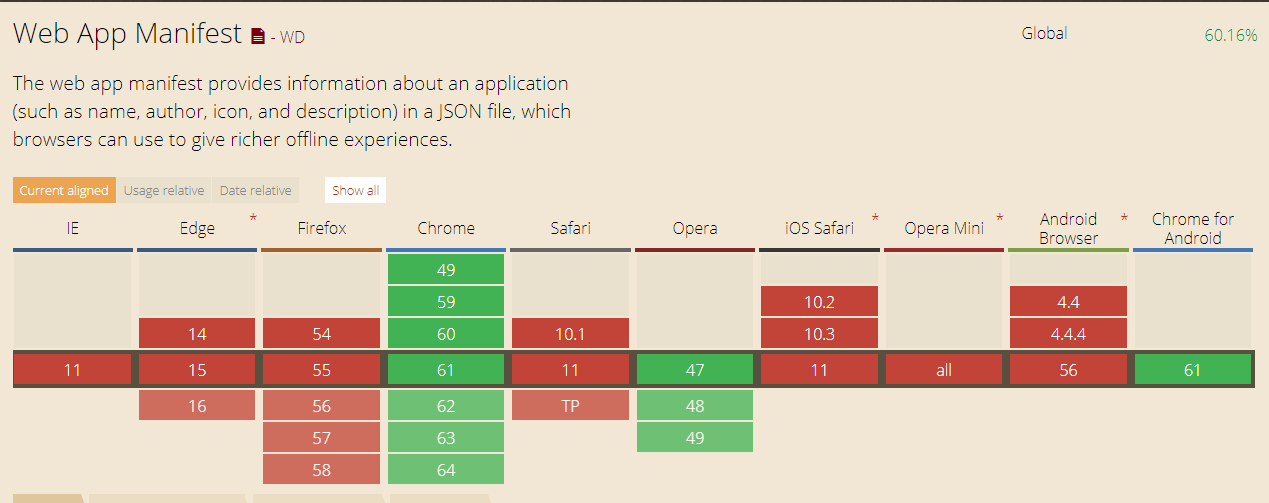
<!-- Add to homescreen for Chrome on Android. Fallback for manifest.json -->
<meta name="mobile-web-app-capable" content="yes">
<meta name="application-name" content="Title of this Page">
Web App Manifest and Fallback
<!-- Add to homescreen for Safari on iOS -->
<meta name="apple-mobile-web-app-capable" content="yes">
<meta name="apple-mobile-web-app-status-bar-style" content="black-translucent">
<meta name="apple-mobile-web-app-title" content="Title of this Page">
Web App Manifest and Fallback
<link rel="apple-touch-icon"  sizes="48x48" href="images/manifest/images/icons/icon-48x48.png">
<link rel="apple-touch-icon"  sizes="72x72" href="images/manifest/images/icons/icon-72x72.png">  ...
Web App Manifest and Fallback
<!-- Tile icon for Windows 8 (144x144 + tile color) -->
<meta name="msapplication-TileImage" content="images/manifest/images/icons/icon-512x512.png">
<meta name="msapplication-TileColor" content="">
<meta name="msapplication-tap-highlight" content="no">
Web App Manifest and Fallback
<style>
  // Styles for the above fold
</style>
Above the Fold Inline Style
For performance purposes, I split my styles into two separate parts. Styles that show above the fold, and styles that are under the fold.
Body
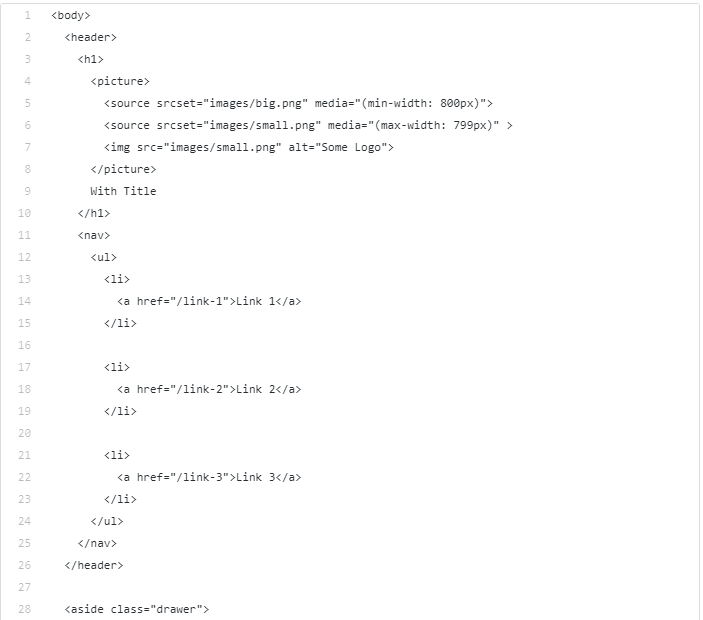
Body

<header>
  <h1>
    <picture>
      ...
    </picture>
    With Title
  </h1>

  <nav>
    ...
  </nav>
</header>
Header
The logo is inside the h1 tag so that it can tag that the header section with a title.
picture/img tags can be inside h1 tags because they are considered phrasing content.
It also has a nav list for a list of links.
<header>
  <h1>
    <picture>
      ...
    </picture>
    With Title
  </h1>

  <nav>
    ...
  </nav>
</header>
Header
<aside class="drawer">
  <header>
    <h2>
      <picture>
        ...
      </picture>
      With Title
    </h2>
  </header>

  <nav>
    ...
  </nav>

  <footer>
    <h2>Side bar footer</h2>
  </footer>
</aside>
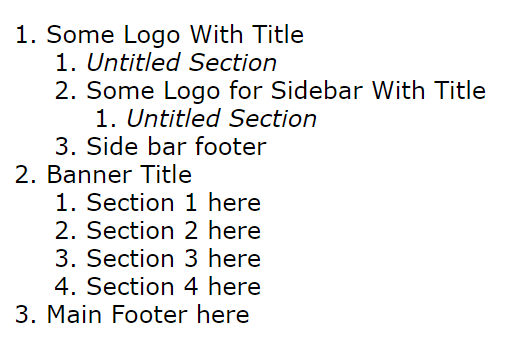
Aside
Asides can be used as sidebars
or drawers if you are using
mobile.
<aside class="drawer">
  <header>
    <h2>
      <picture>
        ...
      </picture>
      With Title
    </h2>
  </header>

  <nav>
    ...
  </nav>

  <footer>
    <h2>Side bar footer</h2>
  </footer>
</aside>
Aside
<main>
  <header class="banner">
    <h1>Banner Title</h1>
    <p>This is the section with a CTA</p>
    <a href="/cta" class="cta">
      Click here
    </a>
  </header>
  <section>
    <h2>Section 1 here</h2>
  </section>
  ...
</main>
Main
<footer>
  <h1>Main Footer here</h1>
</footer>
Footer
<noscript>
  <link rel="stylesheet" href="style.css">
</noscript>
<script>
  // adds styles later
  var style =  document.createElement('link')
  style.rel = 'stylesheet'
  style.href = 'style.css'
  var first = document.getElementsByTagName('link')[0]
  first.parentNode.insertBefore(style, first)
</script>
Lazy-loading CSS
<script>
  // Polyfills and other script essentials here
</script>
Javascript
Conclusion
Next Experiments
Webcomponents and Shadow DOM
Questions
Follow Me
Going back to Basics: HTML Structure and tricks
By TJ Monserrat