Context: HPC
A Command Line in the Context of HPC
Meetup 2026.02.18


🐚 Intro to Bash
45-Minute Workshop
Goal:
  - Learn how to:
	- navigate,
    - create files,
    - use pipelines,
    - define variables,
    - and edit text in Bash.

Environment:
	- Any Linux / macOS / WSL2 terminal
    - RTU HPC OOD platform
    - or online Bash sandbox (e.g. https://replit.com/).
VIKTORS ZAGORSKIS
A Command Line in the Context of HPC
Meetup 2026.02.18
🧭
1️⃣ What Is Bash?
Why learn it?
-
Automate tasks
-
Manage files & services & servers
-
Understand what GUIs hide
Bash = Bourne Again Shell
the command-line interface for Linux & MacOS.
How to Solve a Problem?
Learning as a Business Problem
Tooling as a Problem
Meetup Tools
- Linux Terminal:
- BASH
- repl.it
- VSC
- native BASH
- WSL2
- BASH
- any other IDE
Environment:
	- Any Linux / macOS / WSL2 terminal
    - RTU HPC OOD platform
    - or online Bash sandbox (e.g. https://replit.com/).
Meetup Tools
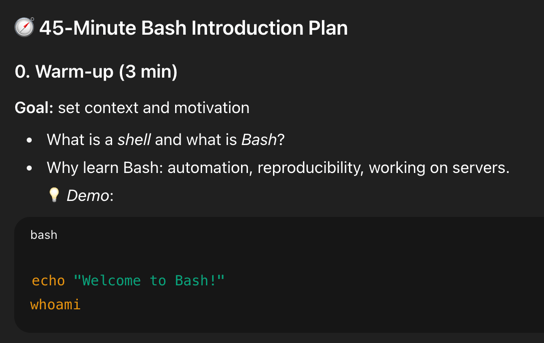
🧭 1️⃣ What Is Bash?

Bash = Bourne Again Shell

(the command-line interface for Linux & macOS)

Why learn it?

Automate tasks

Manage files & servers

Understand what GUIs hide

💡 Try it:

echo "Welcome to Bash!"
whoami
📂 2️⃣ Getting Your Context
Commands:
pwd # show current directory
ls # list files
ls -la # long + hidden
cd /tmp # change directory
cd .. # go up one level
cd ~ # go home
🧠 Exercise:
Navigate to /tmp, list all files, then return to your home.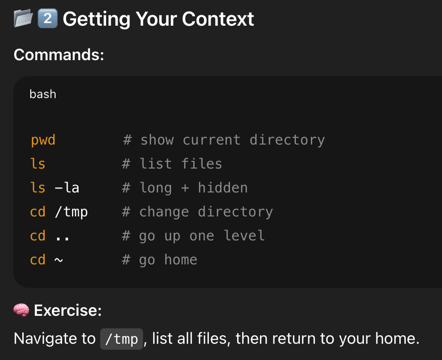
🧱 3️⃣ Create / Modify / Delete Files & Folders

Basic commands:

mkdir testdir
cd testdir
touch hello.txt
echo "Hello Bash" > hello.txt
cat hello.txt
cp hello.txt copy.txt
mv copy.txt renamed.txt
rm renamed.txt
rmdir emptydir


🧠 Exercise:
Create a folder, write a message to a file, then delete both.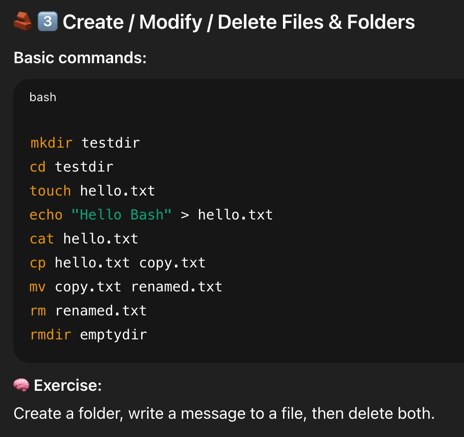
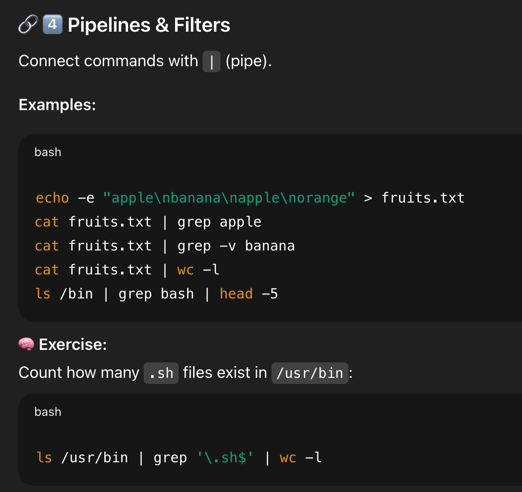
🔗 4️⃣ Pipelines & Filters

Connect commands with | (pipe).

Examples:

echo -e "apple\nbanana\napple\norange" > fruits.txt
cat fruits.txt | grep apple
cat fruits.txt | grep -v banana
cat fruits.txt | wc -l
ls /bin | grep bash | head -5


🧠 Exercise:
Count how many .sh files exist in /usr/bin:

ls /usr/bin | grep '\.sh$' | wc -l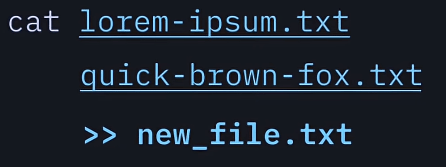
https://www.youtube.com/shorts/LvT1Zt_1JSc?feature=share
🧮 5️⃣ Variables & Data Representation

Set and use variables:

NAME="Alice"
echo "Hello $NAME"


Random numbers:

echo $RANDOM
echo $((RANDOM % 10))


Convert data formats:

printf "%d\n" 0xFF    # hex → decimal
printf "%x\n" 255     # decimal → hex
printf "%d\n" "'A"    # ASCII → decimal


🧠 Exercise:
Generate a random number between 1–100 and print it in hex:

N=$((RANDOM % 100 + 1)); printf "%x\n" $N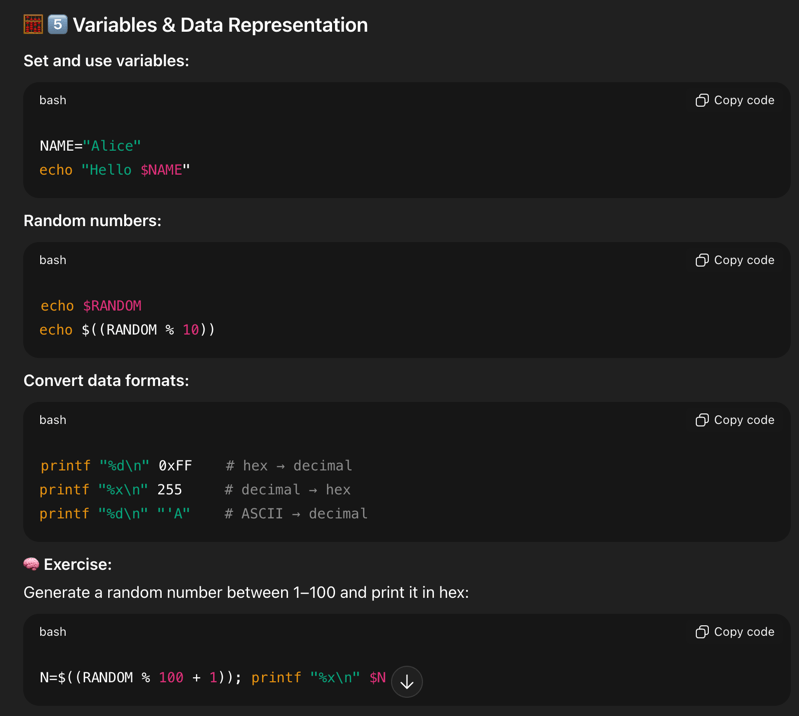
✍️ 6️⃣ Saving & Editing Files (vim)

vim is a powerful terminal text editor.

Start editing:

vim notes.txt


Modes:

i → Insert mode (start typing)

Esc → Command mode

Exit commands:

:wq → Save & quit

:q! → Quit without saving

🧠 Exercise:
Open notes.txt, write one line, save it, and check with cat.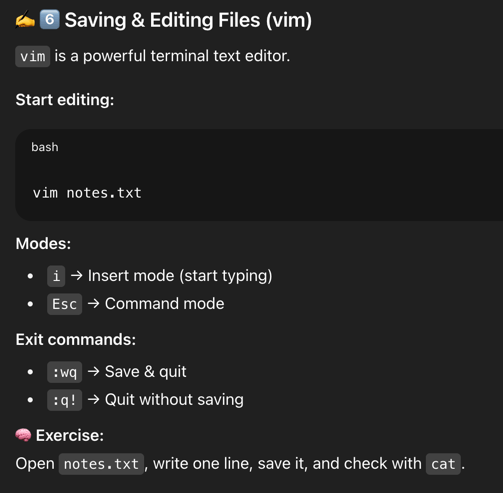
🧩 7️⃣ Summary

✅ Navigation → pwd, ls, cd
✅ Files → touch, mkdir, rm, cat
✅ Pipelines → |, grep, wc
✅ Variables → $VAR, $RANDOM, printf
✅ Editing → vim :wq


💡 Try combining them:

echo $RANDOM > numbers.txt
cat numbers.txt | wc -c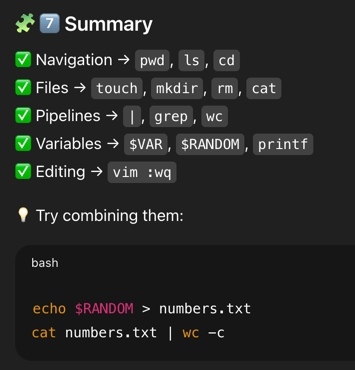
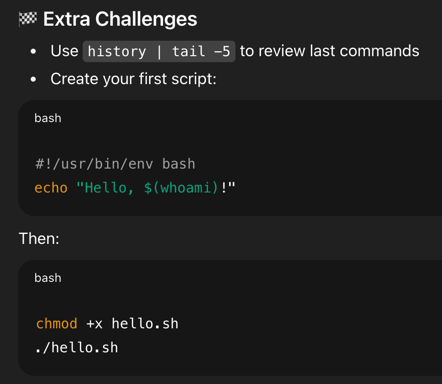
🏁 Extra Challenges

Use history | tail -5 to review last commands


Create your first script:

#!/usr/bin/env bash
echo "Hello, $(whoami)!"


Then:

chmod +x hello.sh
./hello.sh
What's Next?
HPC
HPC
HPC

Oh, you’re a programming genius now?
You Suck at Programming?
Oh, you’re a programming genius now?
You Suck at Programming?
First Contact was always dangerous — but
usually only to the man involved!
"
JACK SHARKEY


EOFLinux for HPC Practitioners
By HPC RTU LV