Designing for the High Density Web


SO.... WHAT IS A


 HIGH DENSITY DISPLAY? 


Device pixel 


 is the smallest physical 

 unit displayed.  


Pixel density 


 is the number of pixels 

 displayed in a  given space. 


Resolution 


 is the number of pixels across the 

 entire width or height of a device. 


Pixels per inch
(ppi or dpi)

 is the amount of pixels you get when 

 you divide the physical width of the 

 display by the number of horizontal 

 pixels displayed. 


High DPI 


 is a display density of 

 200 pixels per inch or greater. 

SO?


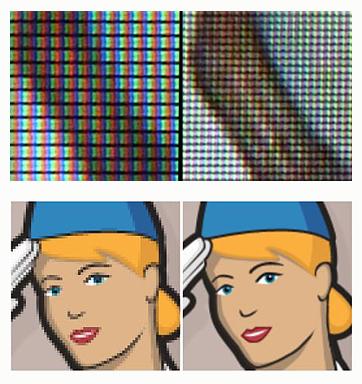
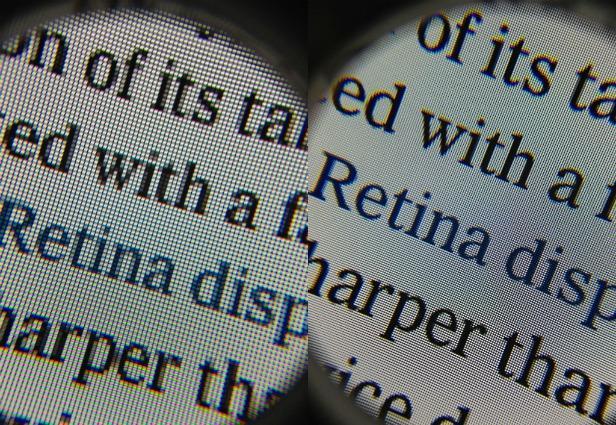
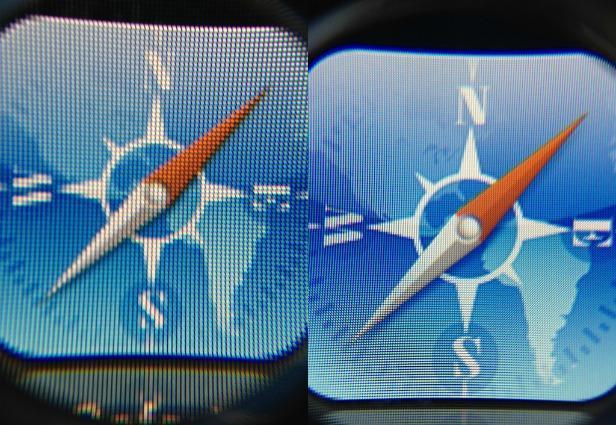
 SAME PHYSICAL SIZE BUT MORE PIXELS. 


Retina Display


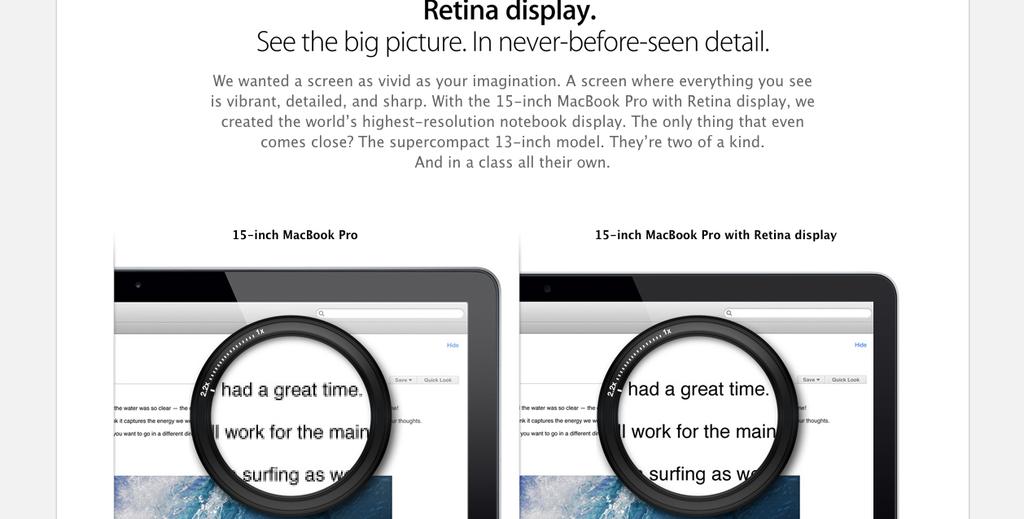
Retina Display is a brand name used by Apple for liquid crystal displays which they claim have a high enough pixel density that the human eye is unable to notice pixelation at a typical viewing distance. 
HIGH DENSITY goes beyond just APPLE & retina


+ 100s more
all have high density displays

It IS


 Mobile 

 DESKTOp 

 LAPTOP 

 FRIDGE :)


and whatever else we think up! 


So...


 WHY DO WE HAVE TO 

 design for it? 


easy...


 Shit looks bad on it 


EXAMPLE 1


EXAMPLE 2

EXAMPLE 3


SO... 


 What can we do about it? 


THERE IS...


 NO ABSOLUTE SOLUTION 


WHY?  BECAUSE OF THIS


THERE IS however...


 THINGS WE CAN CHANGE 

 IN OUR PROCESSES 


Lets START IN


 PHOTOSHOP 


SOLUTION #1 


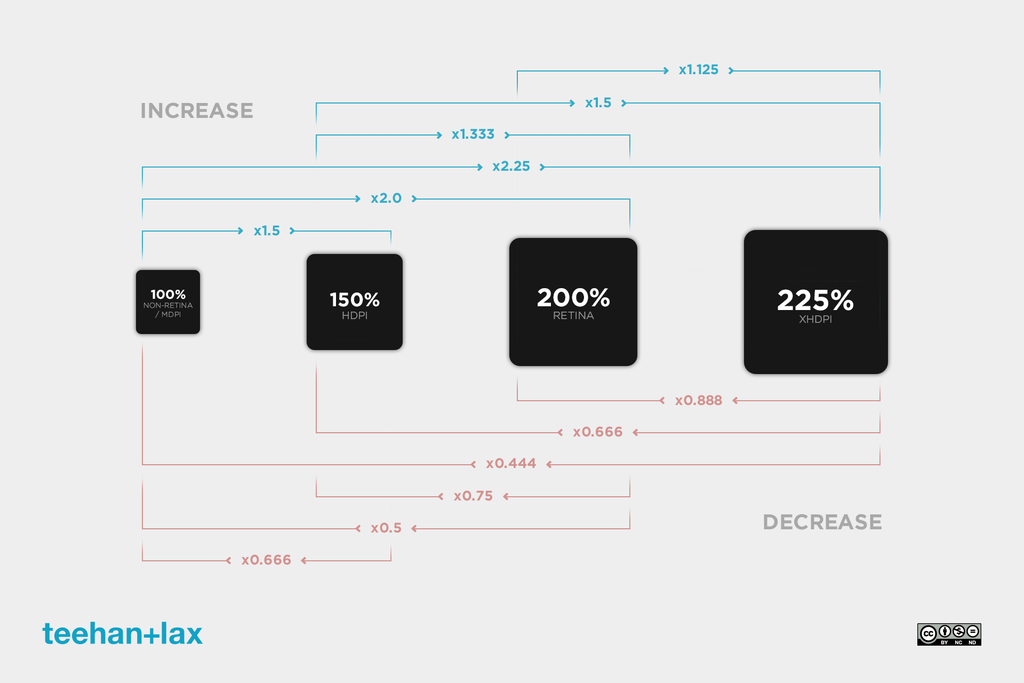
 SCALE UP / SCALE DOWN 


SCALE UP


  • Easier to handle file sizes.
  • Everything is at a 1:1 grid size.
  • It will fit on your screen. 
  • Personal preference.


SCALE DOWN


  • Allows you to get deep into the fine,
    pixel-level details right for the onset. 
  • Personal preference.


TIPS


  • Design at an even pixel.  
  • Keep Layer Styles even.  
  • Don't use Bitmaps, use vectors
  • Turn on Snap to Pixel
  • Use smart objects as much as possible. 
  • Use Actions (more to come)


BUT...


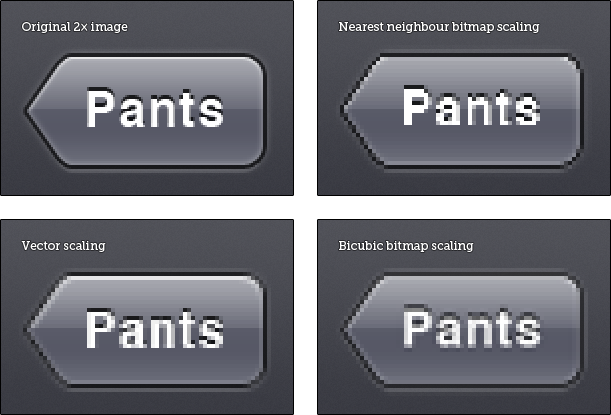
 Can’t I just design at 2× and 

 bitmap scale down to 1×? 

YOU CAN.. 


So to sum up


  • Yes you have to create multiple images.
    What sizes & how many... that's up to you! 
  • No there is no awesome easy solution.  
    You want the detail that the awesome apps have,
    spend the time, create the images!
  • No you don't have to do this if you don't want to.


SOLUTION #2 


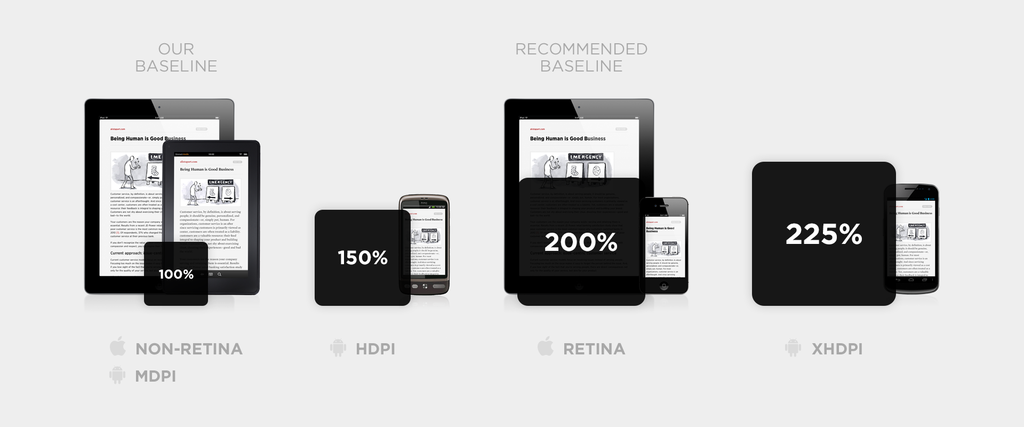
 The 150% SOLUTION


http://alistapart.com/article/mo-pixels-mo-problems

Simple


  • Build everything at 150% the size. 
  • Average out the images
  • Slightly larger size than 100% 
  • Slightly less quality than 200%+ 
  • Easier development process
  • Great for CMS site


SOLUTION #3


 DO NOTHING 


 (not really a solution) 


NEXT 


 DEVELOPMENT 


I'm no expert in this section 
but felt obliged to add it :D


NATIVE APP


 IT'S ALL THE DEVELOPER 


THE ISSUE IS...


 HTML / CSS / JS 


ONCE AGAIN...


 NO ABSOLUTE SOLUTION 


Tip #1


 USE MEDIA QUERIES 


@MEDIA ONLY SCREEN AND (-WEBKIT-MIN-DEVICE-PIXEL-RATIO: 2),
(MIN-RESOLUTION: 192DPI) {
  /* HIGH-RES STYLES GO HERE */
}


OR


<!-- High pixel density displays --> <link rel='stylesheet' href='highRes.css' media='only screen and (-webkit-min-device-pixel-ratio: 2), only screen and (min-resolution: 192DPI)' />

Note that for the moment vendor prefixes are required.
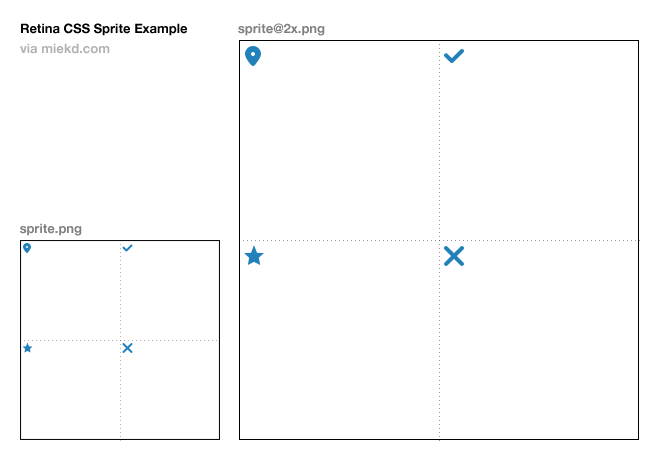

TIP #2


 USE 2 CSS SPRITES 

Standard and x2


BEYOND THAT


 JAVASCRIPT / SERVER SIDE 


is A BIT beyond me


PICTURE ELEMENT


<picture width="500" height="500">
   <source media="(min-width: 45em)" srcset="large-1.jpg 1x, large-2.jpg 2x">
   <source media="(min-width: 18em)" srcset="med-1.jpg 1x, med-2.jpg 2x">
   <source srcset="small-1.jpg 1x, small-2.jpg 2x">
   <img src="small-1.jpg" alt="">
   <p>Accessible text</p>
</picture>


The picture element is an image container whose source content is determined by one or more CSS media queries.


REFERENCES


ACTION


Scale by 50%, 66.6%, 150% and 200%
Scales the document by exactly 50%, 66.6%, 150% or 200%, then (optionally) runs the
Scale Patterns to 100% script and appropriate Mask Feather scaling scrip

+ Heaps more! 


AND I'm DONE


 Questions? 


t: @warwickck

Designing for the High Density Web

By Warwick Kay

Designing for the High Density Web

High Density displays are becoming more and more popular in the general market, even beyond just mobile. In this talk I will take a look at the different techniques we as designers can employ to make our products look the best on high and low densities.

  • 1,231