Seminar:
Data Collection
API, Web-scraping, and Workshop
Yu-Chang Ho (Andy)
Oct. 15, 2019
UC Davis
About Me
Andy (Yu-Chang Ho)
M.S. in Computer Science @
University of California, Davis, CA, USA
Former Consultant @ ECLAC, United Nations


Data Collection
Online data is useful!
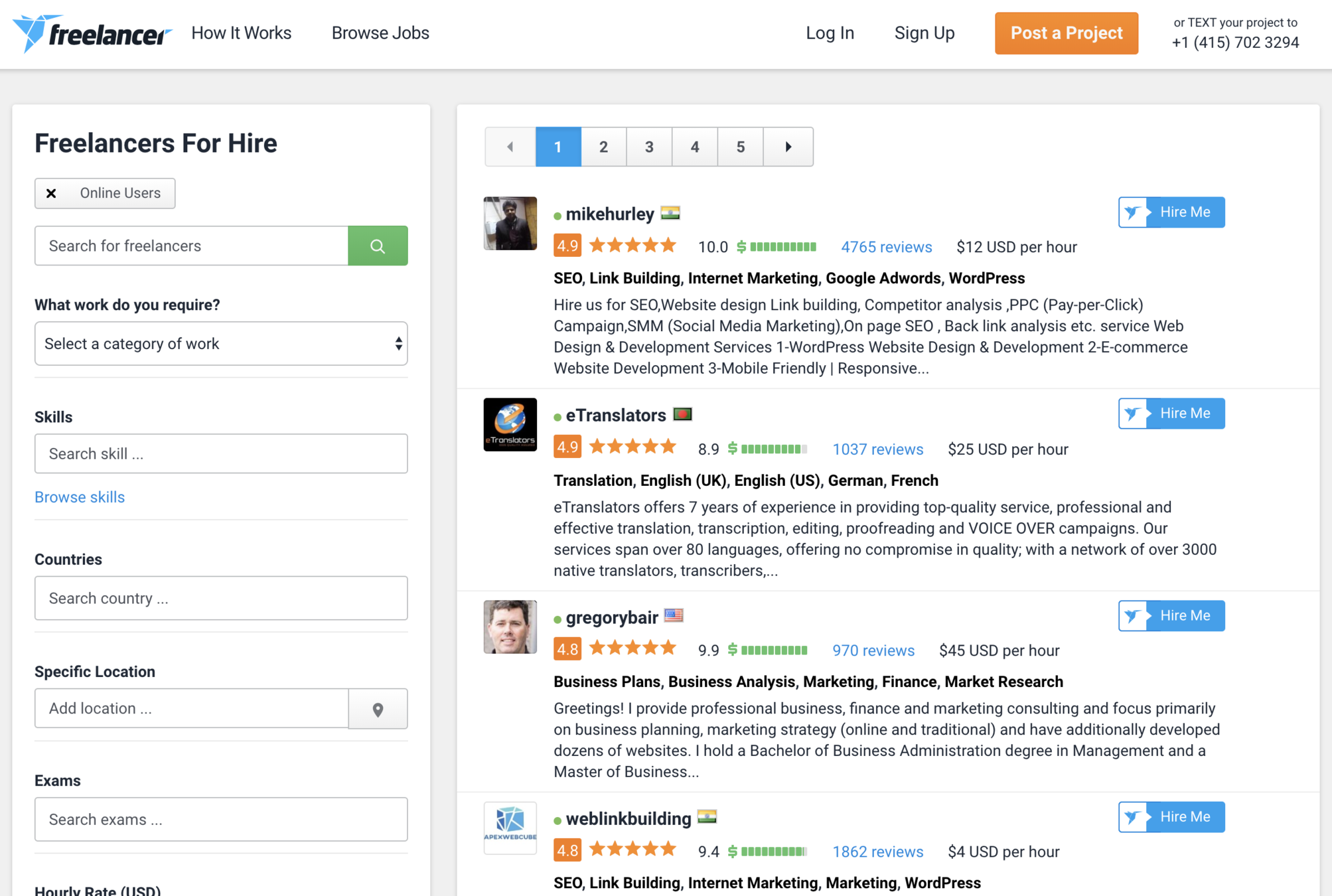
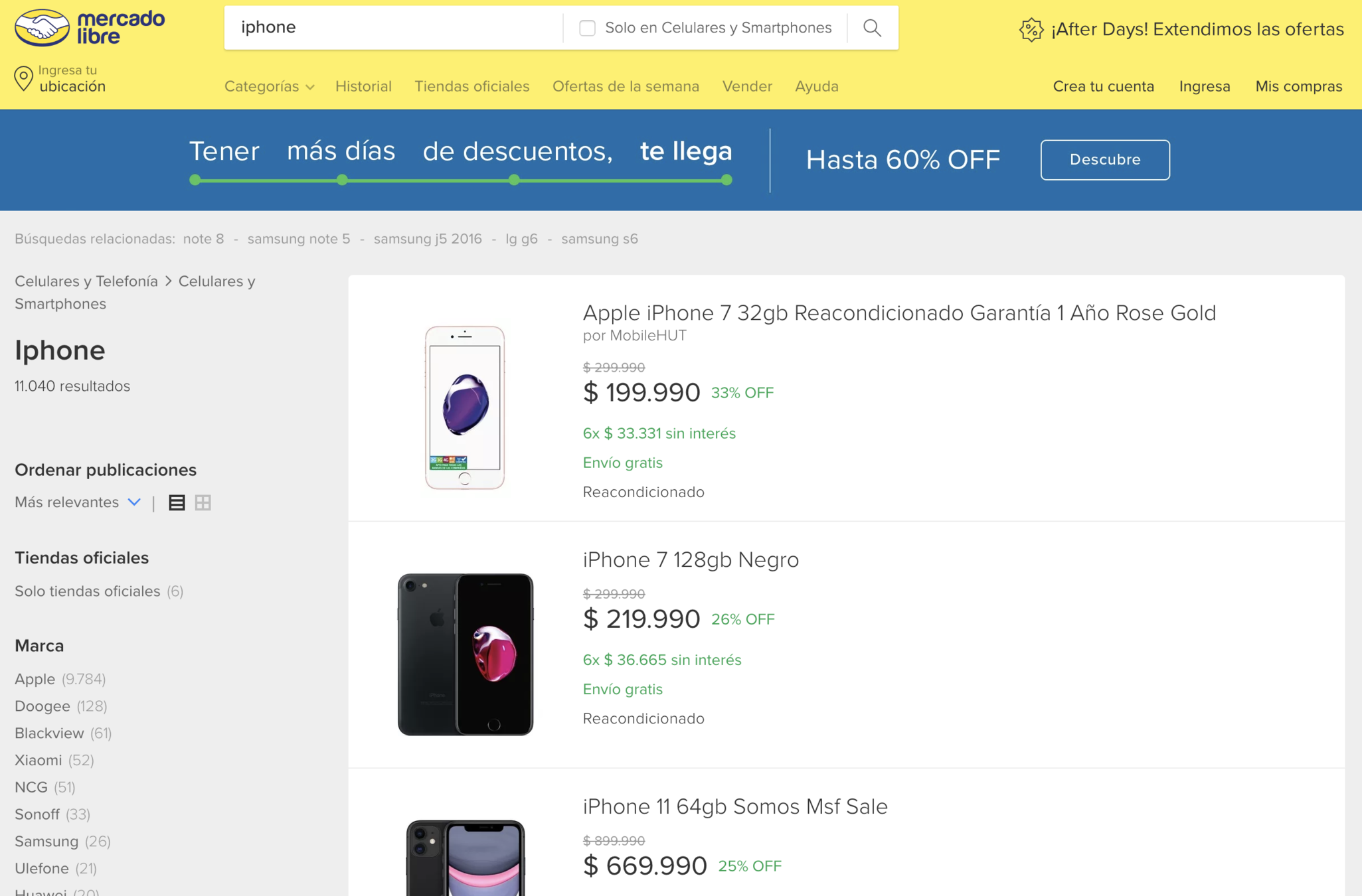
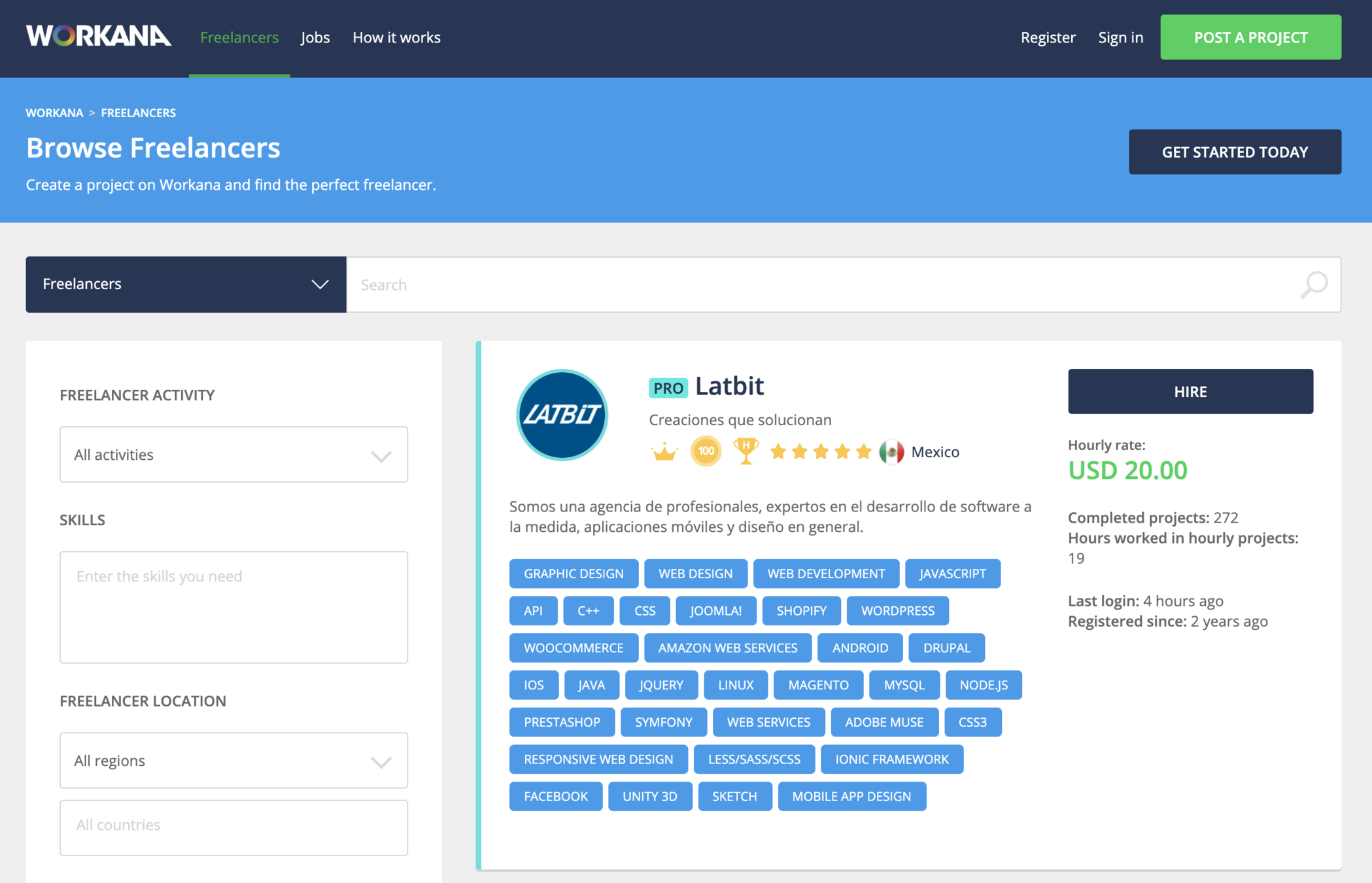

Ways to Perform Data Collection
-
data APIs
-
database dump files or static data file downloads
-
web-scraping
What is an API?
Application Programming Interface (API)??
The API is a service to easily access data!
Data in uniform format like CSV, JSON, or XML.
Not all the website provides this service......
Indicates the willingness of the company/website for sharing their data!

JavaScript Object Notation (JSON)
{
    "id": "MSV418788",
    "name": "Accesorios Náuticos",
    "picture": null,
    "permalink": null,
    "total_items_in_this_category": 0,
    "children_categories": [],
    "attribute_types": "none",
    "meta_categ_id": null,
    "attributable": false
}
A set of Key/Value pairs.
(like a dictionary in Python)
About API
Always provided with documentations for the usage.
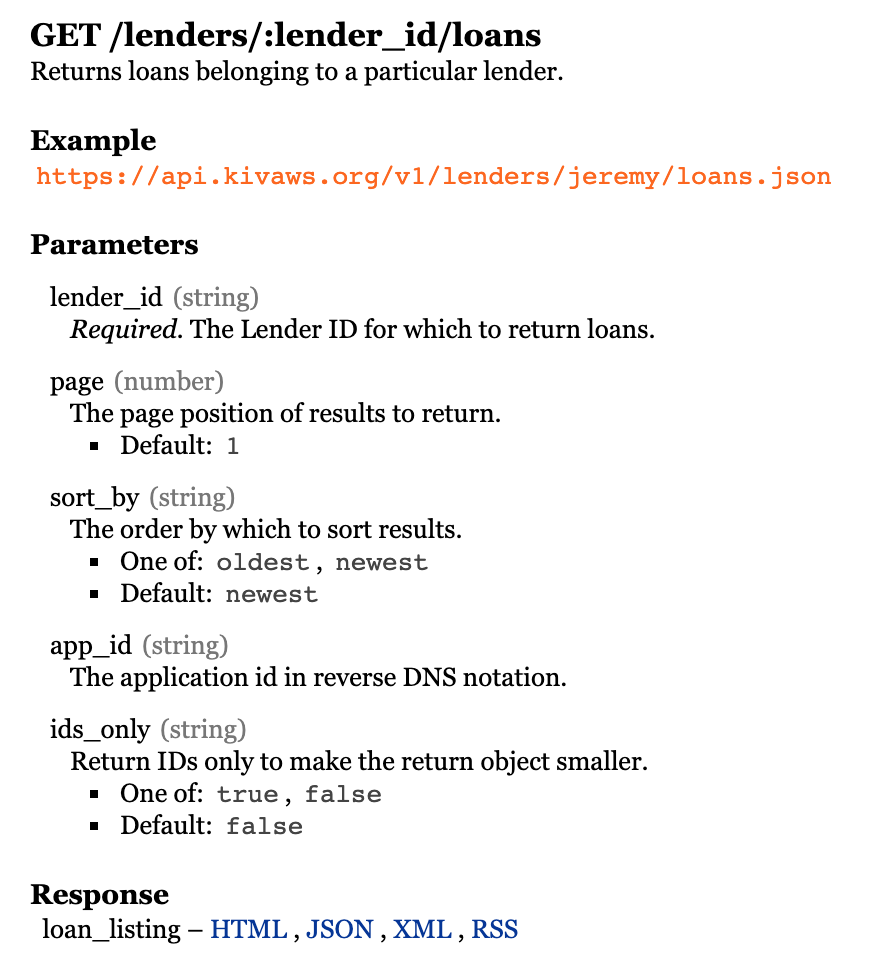
The address to access
Something you could customize
(sorting, filtering, ......)
The format of response
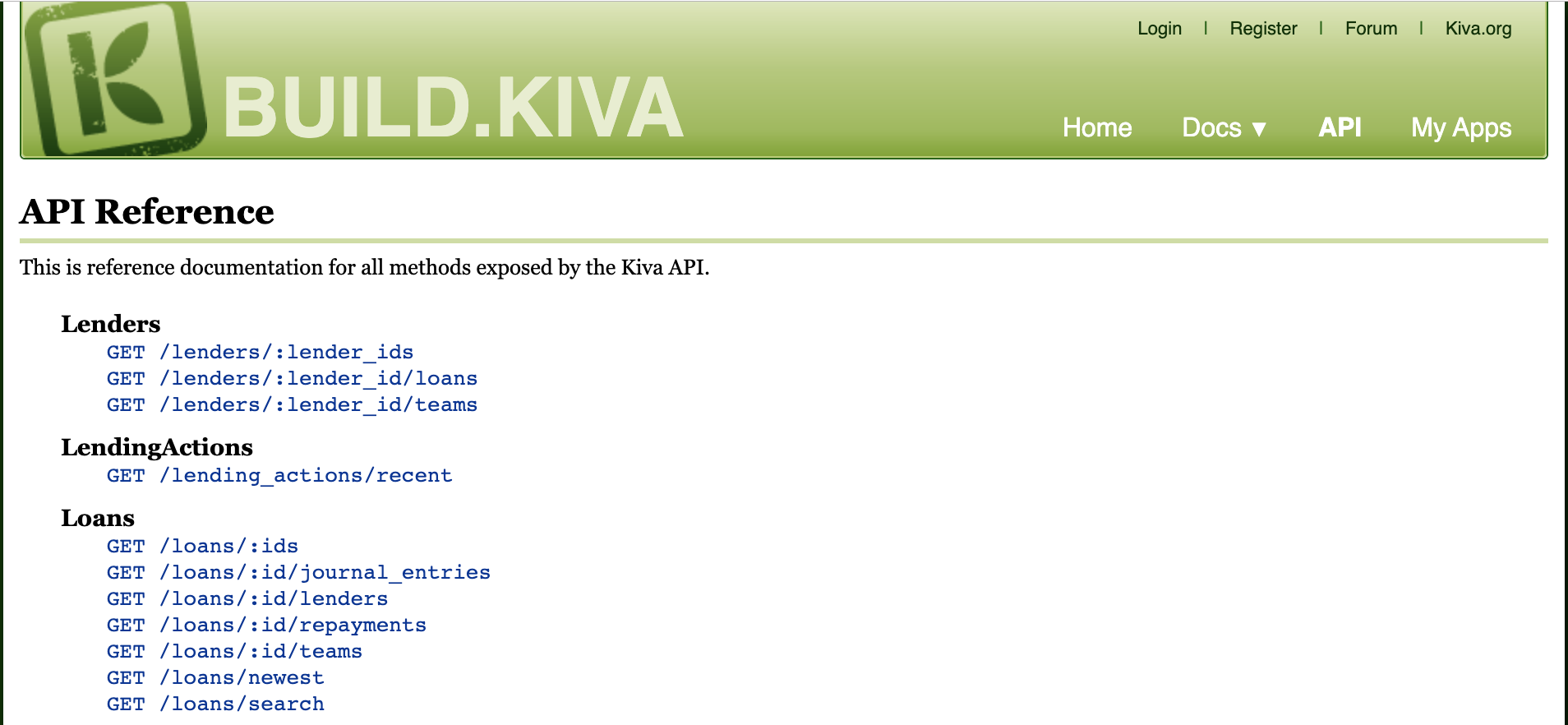
API Example
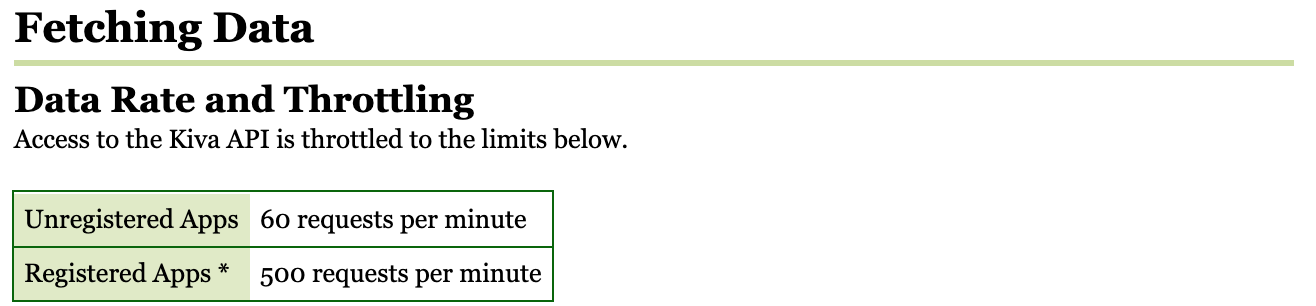
API has limitations!
limitations for Accessing:
- Authentication (Access Token, Valid User Account)
- Limited Number of Requests.
- Pay for access
token = '72b17b7e17b58e9de79c83678737d418'Web-scraping!
(Crawling??)

What is
Web-crawling?
Collecting a list of webpage links (Uniform Resource Locator, URL).
We called such a program
"Web Crawler".
Web Crawler
World-wide Web (WWW)

List of Target to Visit
What is
Web-scraping?
Getting the data from the web!
You will have target.
Wikipedia
Scraping is a form of copying, in which specific data is gathered and copied from the web.
Web Crawler
Content Parsing
Basic Cleaning
World-wide Web (WWW)
Web-scraper


How to Perform
Web-scraping?
-
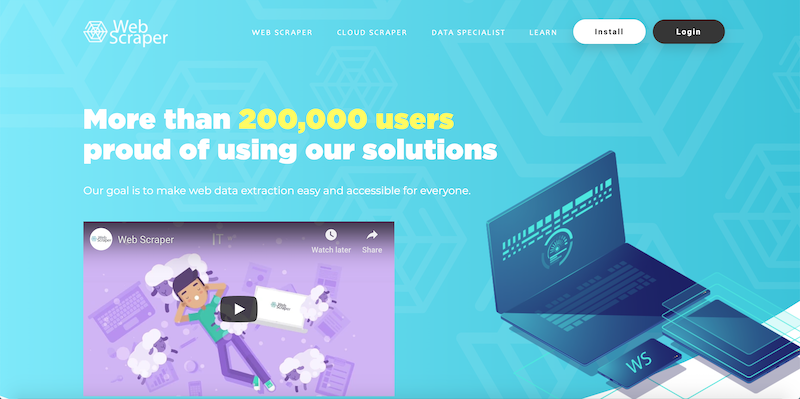
Software:
- Listly (https://listly.io/)
- Web Scraper IO (www.webscraper.io)
- Buy the data:
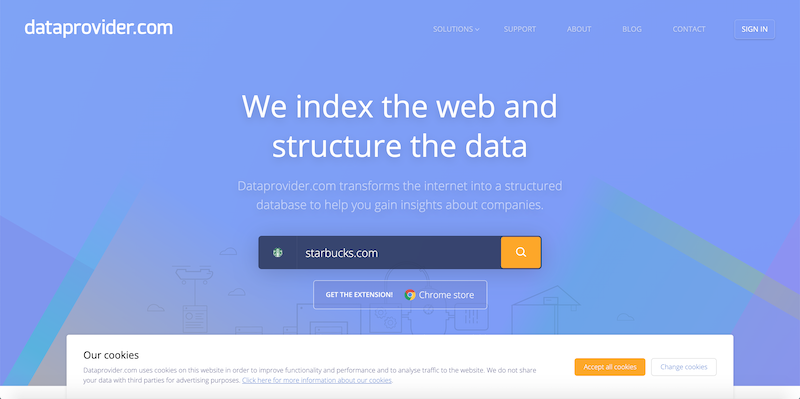
- Dataprovider.com (www.dataprovider.com)
Copy & Paste (Human Intelligence)- Programming!!!

What else?



How to Perform
Web-scraping?
Recall the structure of
A Web-scraper
Web Crawler
Content Parsing
Basic Cleaning
Web-scraper
Knowledge of
HTML and CSS!
<html>
  <head>
    <!-- Settings, link files -->
  </head>

  <body>
    <!-- Main Content -->
  </body>
</html>
CSS
CSS (Cascading Style Sheets) is a scripting language to define the style (font size, font weight, ......) of a HTML element.
.bold-text {
    font-weight: bold;
}


<div class="bold-text">Test 1</div>

<div class="bold-text">Test 2</div>
Content Parsing
A webpage is essentially a file of texts.
<html>
<head>
  <title>This is an example website</title>
</head>
<body>
  <div id='name'><h1>Yu-Chang Ho</h1></div>
  <hr height="2px">
  <h2>Education</h2>
  <div id='edu1'>M.S.in Computer Science, UCD</div>
  <div id='edu2'>B.S.in Computer Science, NCU</div>
  <h2>Work Experiences</h2>
  <div id='work1'>Consultant in ECLAC, UN</div>
</body>
</html>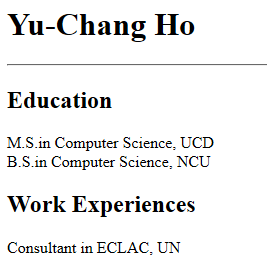
Have a deeper look
A HTML Element (Tag):
<div id='name'>Yu-Chang Ho</div>is a type of element, a container of any other elements or texts.
Other examples: , , , ......
is an identifier of a specific element.
<div><table><img><p>id='name'So What Does the Parser Do?
- Read the HTML code (webpage source)
- BeautifulSoup or Selenium (we will learn about BeautifulSoup later)
- Find the target elements
- Collect the values and format them as a table
- Repeat 1. ~ 3. for all the crawled pages
Essentially
<html>
<head>
  <title>This is an example website</title>
</head>
<body>
  <div id='name'><h1>Yu-Chang Ho</h1></div>
  <hr height="2px">
  <h2>Education</h2>
  <div id='edu1'>M.S.in Computer Science, UCD</div>
  <div id='edu2'>B.S.in Computer Science, NCU</div>
  <h2>Work Experiences</h2>
  <div id='work1'>Consultant in ECLAC, UN</div>
</body>
</html>| name | edu1 | edu2 | work1 |
|---|---|---|---|
| Yu-Chang Ho | M.S. in Computer Science, UCD | B.S. in Computer Science, NCU | Consultant in ECLAC, UN |
Procedure to do Web-scraping
1. Observe the webpage source yourself
2. Understand the pattern of the URL
3. Implement the web-scraper
4. Create the data file
- Open the browser and head to the page
- Right-click on the page, select "Inspect element"
- You may see the webpage source under "Element" tab
Please note that not all the browser has the same name!
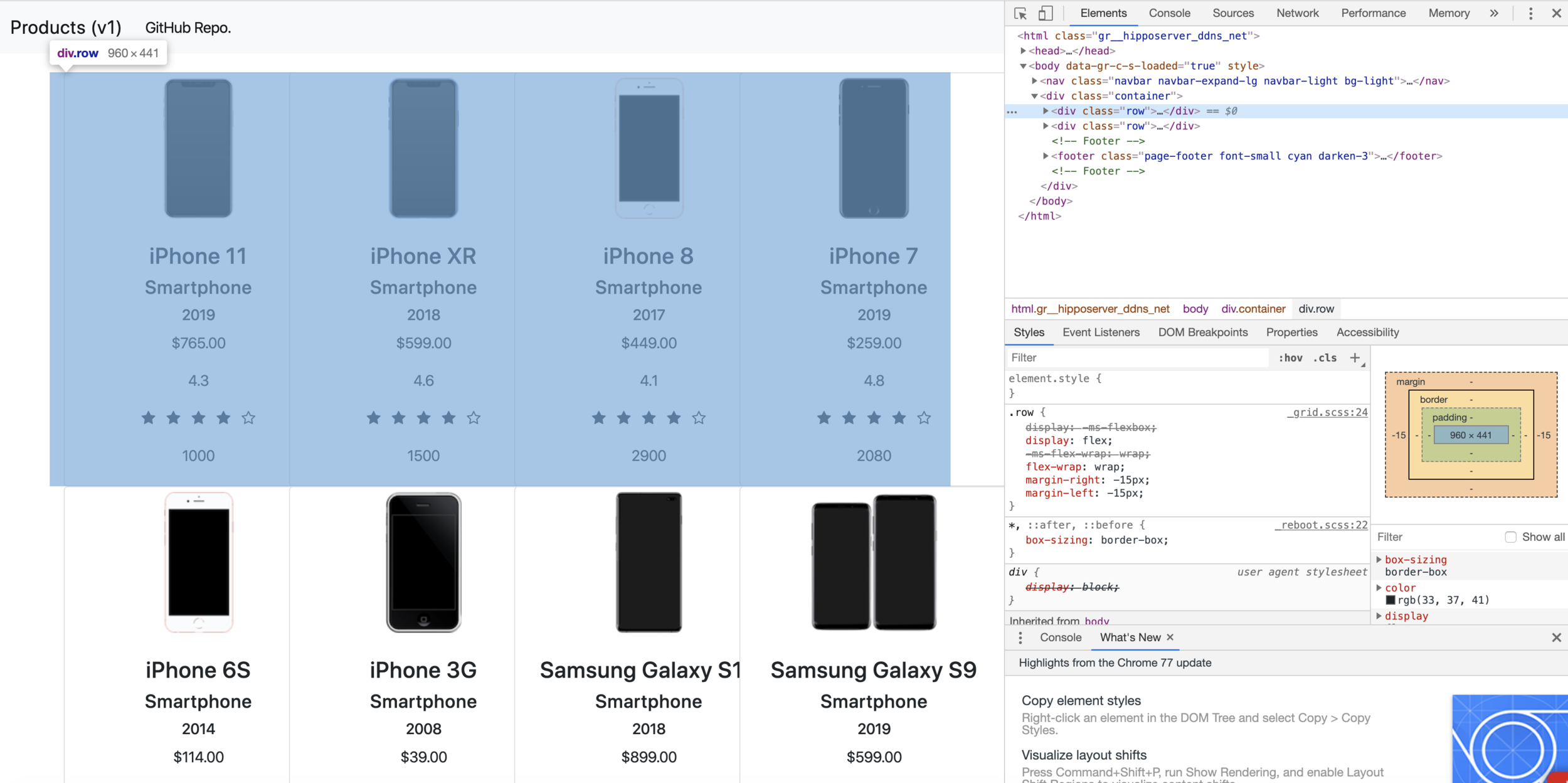
Browser Developer Tool - Elements
Let's Walk-through the Code!
Please visit the following website to download the source code:
Then, Please review the code
"example_user_profile.ipynb"
Recall the structure of
A Web-scraper
Web Crawler
Content Parsing
Basic Cleaning
Web-scraper
Data Cleaning
- Format the scraped values
- De-duplication
- Eliminate outliers
Let's Try!
API or Web-scraping?
| API | Web-scraping |
|---|---|
| Granted to use the data | Not grant to use the data |
| No need to make a parser | Need to design the parser for the webpage source |
| No need to clean the data | Need to make sure the data obtained is correct |
|
Easy to use (as a programmer perspective), but not always provided |
Some companies can prevent the data from being scraped |
| Have rules to follow, so not a security issue for the website | A kind of attack to their service! |
If API is always recommended, what should we observe before we perform scraping?
Think about what will happen when you enter a URL in your browser and hit Enter.
Magic happens in background!
Open a webpage is essentially downloading files from the server.


Google's
Web Server
1. Open www.google.com
Your Browser
2. Send the webpage source & the browser will run it
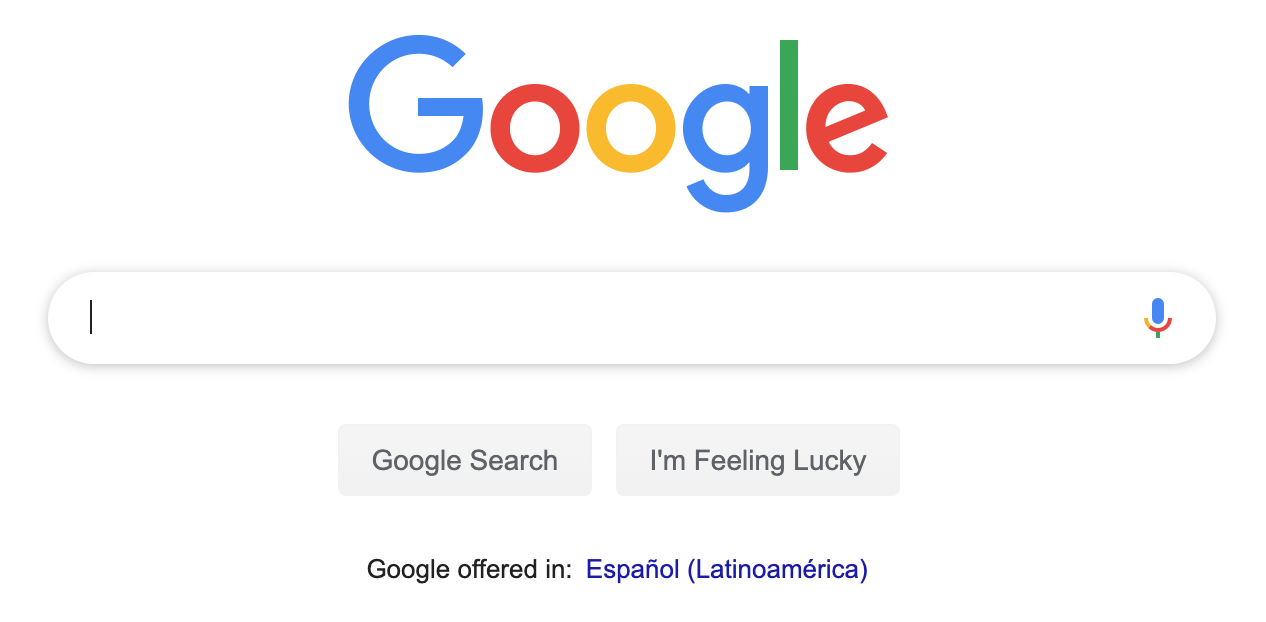
3. The Result
How does a website work?
Base on this idea, you might find the website go back to the server and request another URL for downloading the data, and then render the data dynamically to the page on your browser!
How to observe?
- Open the browser and head to the page
- Right-click on the page, select "Inspect element"
- Select the tab "Network"
- Refresh the page
- You should see the data been downloaded!
Please note that not all the browser has the same name!
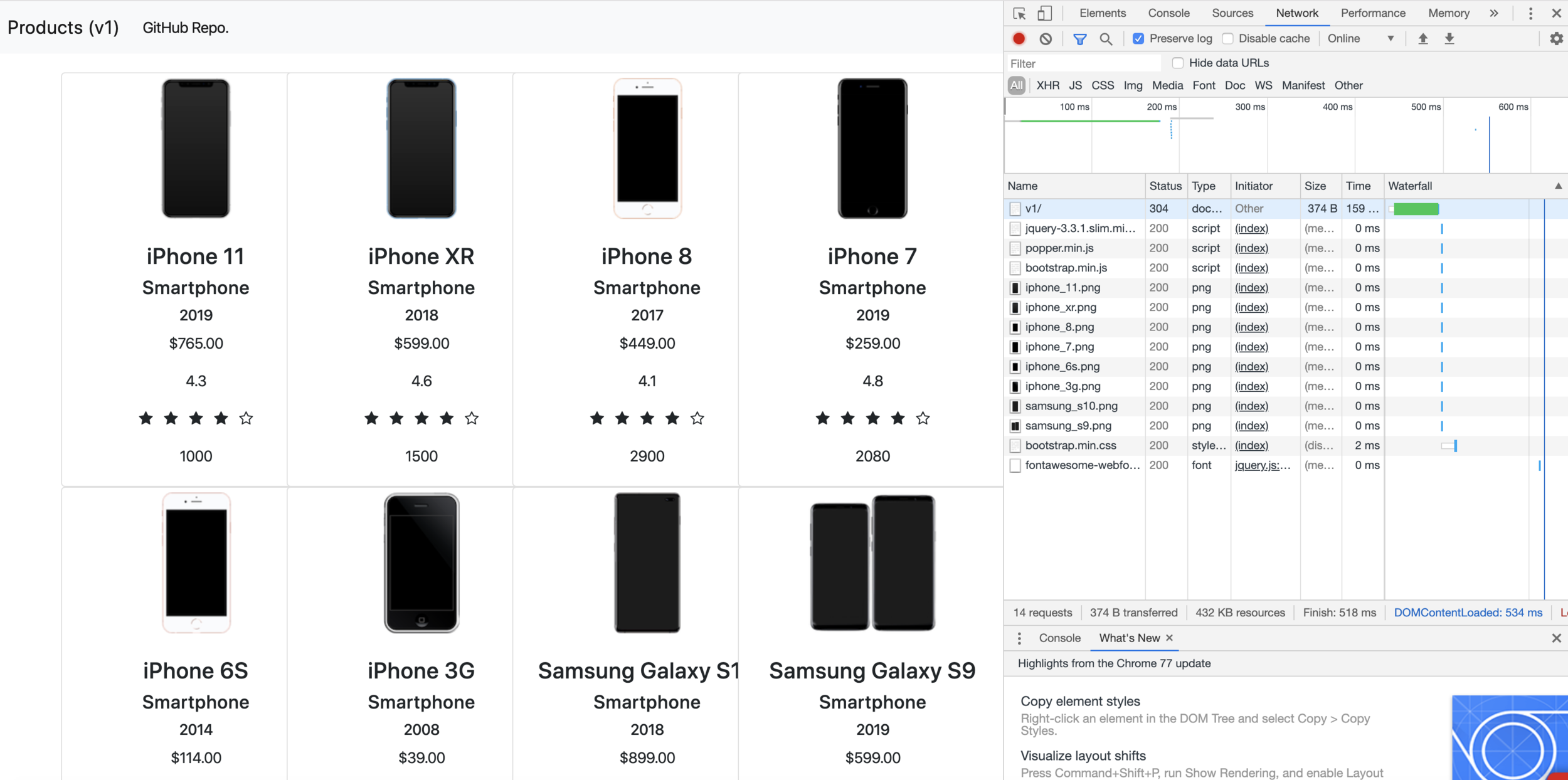
Looks like this
A Small Challenge for you!
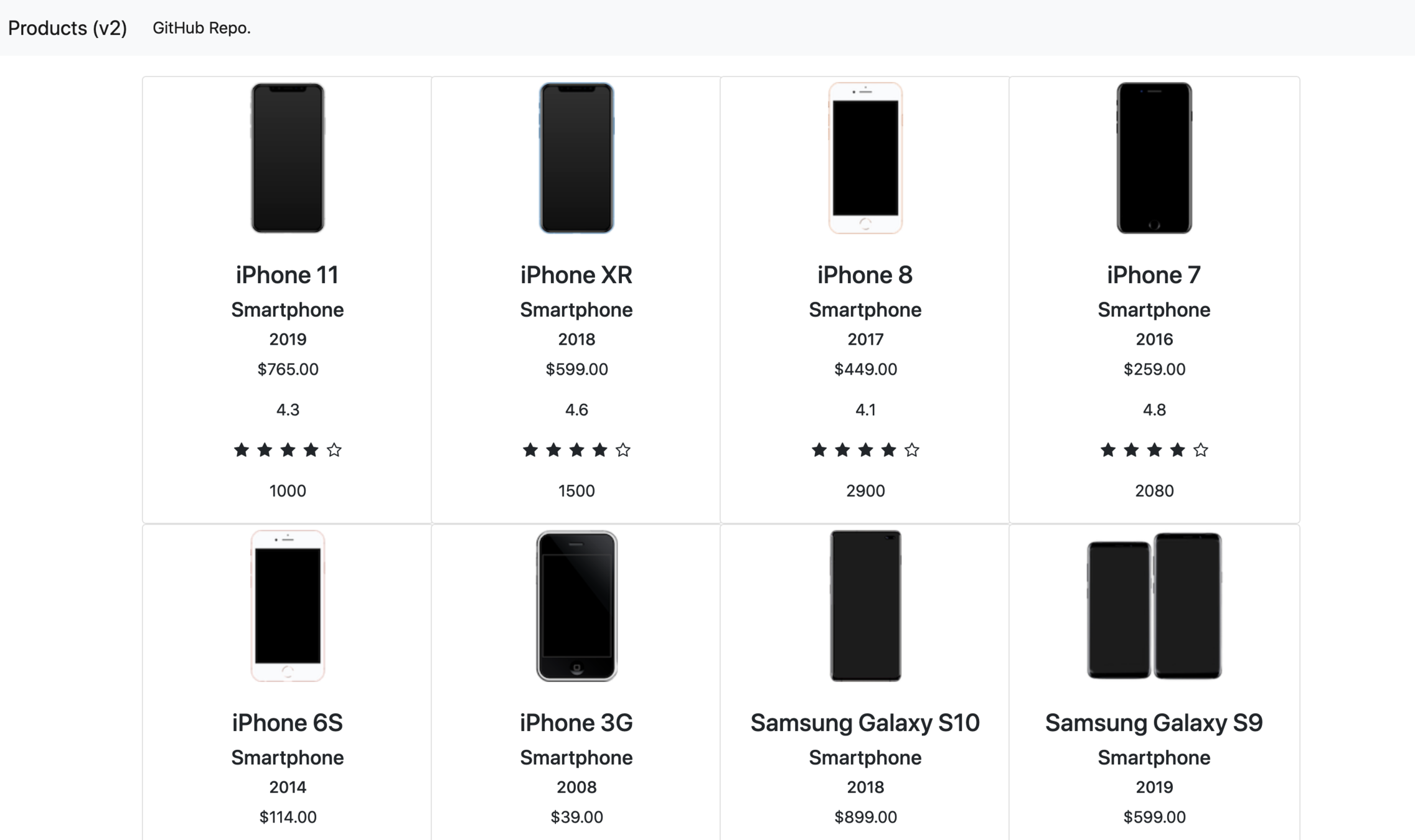
Looks the same as v1, right?
Upcoming this Thursday
- Skills and tips for web-scraping
- Challenges
- A little bit about machine learning
Thank you!
Questions?
UC Davis CMN189E Seminar (Fall 2019) - p1
By Yu-Chang Ho
UC Davis CMN189E Seminar (Fall 2019) - p1
The presentations to introduce web-scraping and share experience to UC Davis students.