Storybook in Angular project
Using Storybook and Jest for snapshot testing



Jest
Jest is a delightful JS Testing Framework with a focus on simplicity
Snapshot Testing
A typical snapshot test case for a mobile app renders a UI component, takes a snapshot, then compares it to a reference snapshot
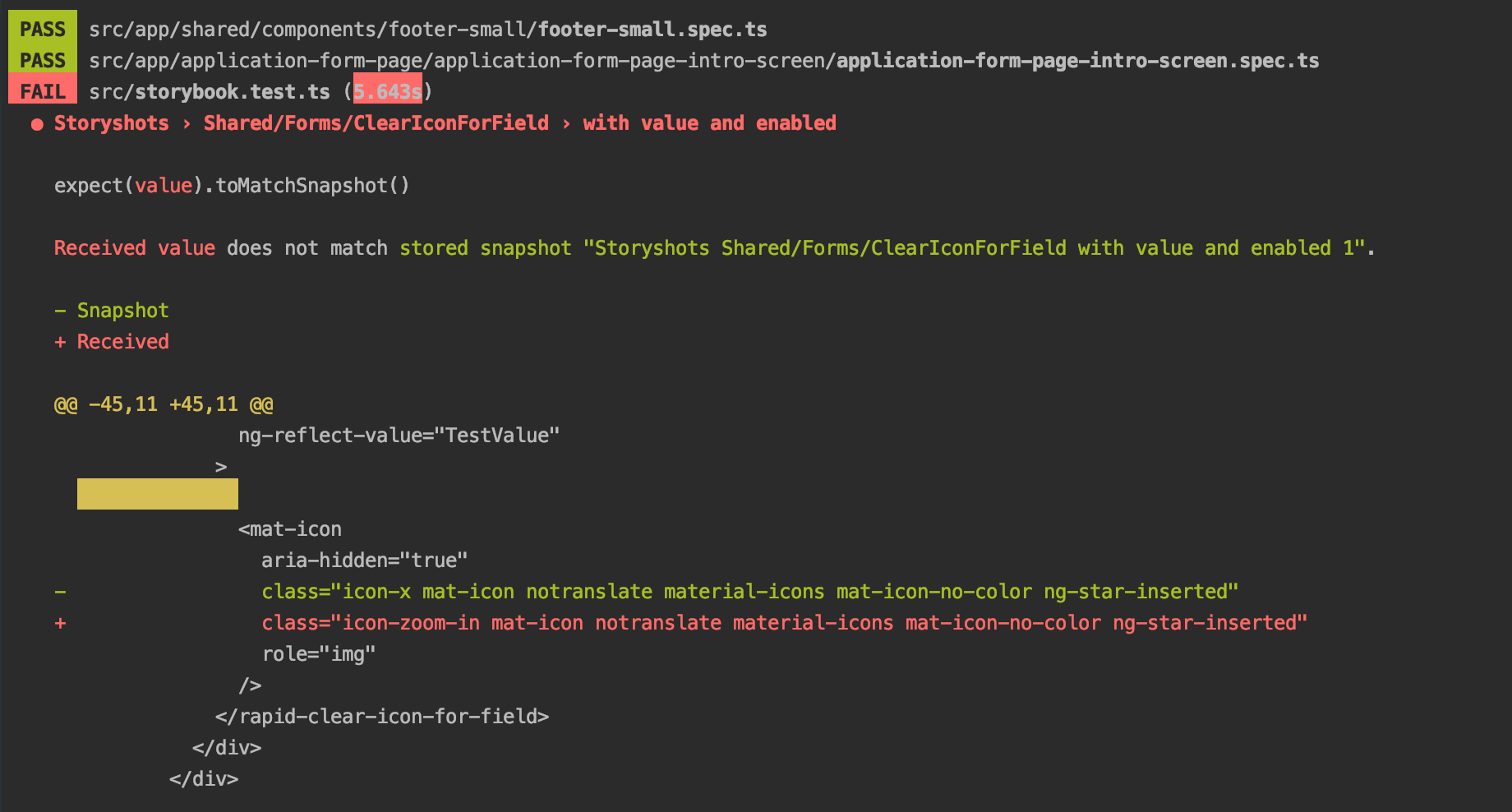
file stored alongside the test. The test will fail if the two snapshots do not match: either the change is unexpected, or the reference snapshot needs to be updated to the new version of the UI component.
Storybook in Angular project

Setup
npm install @storybook/angular --save-dev

npm install babel-loader @babel/core --save-dev
"@storybook/angular": "^5.1.10",
"@storybook/addon-actions": "^5.1.10",
"@storybook/addon-links": "^5.1.10",
"@storybook/addon-notes": "^5.1.10",
"@storybook/addons": "^5.1.10","storybook": "start-storybook -p 6006",
"build-storybook": "build-storybook -c .storybook",npm run storybook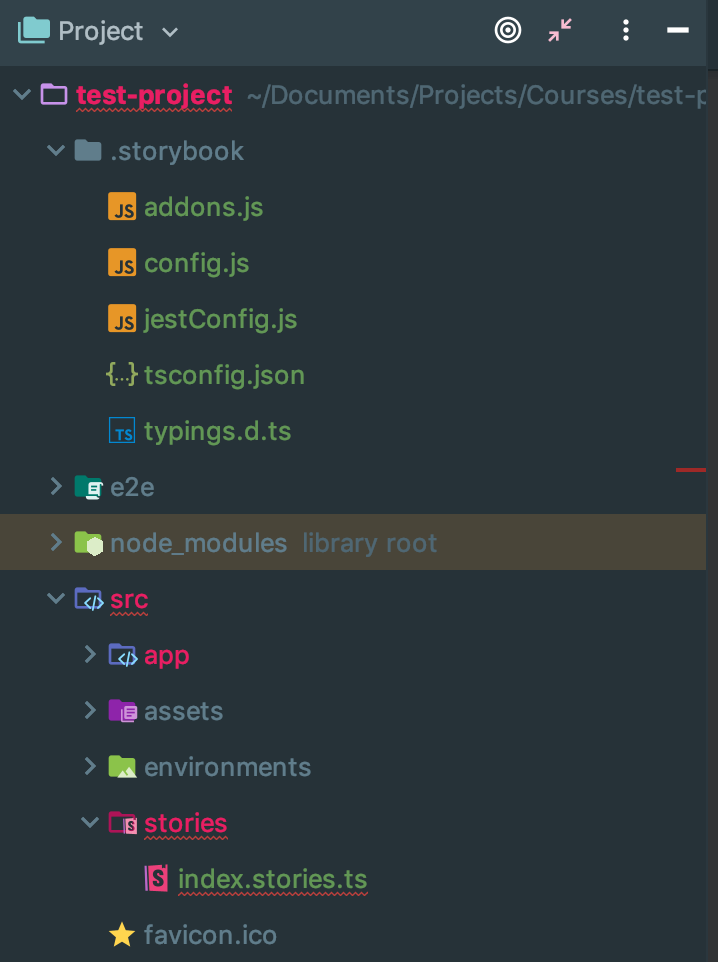
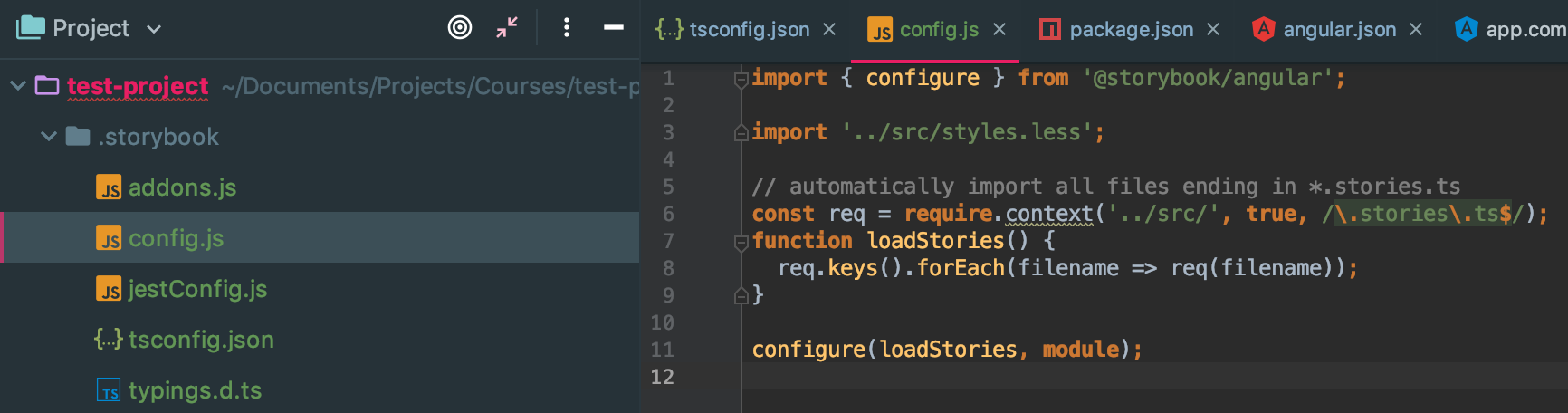
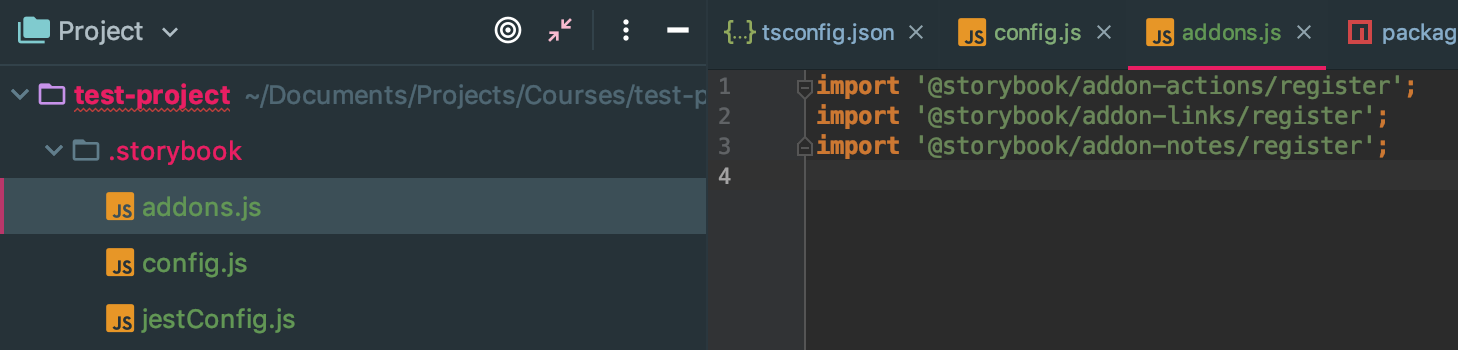
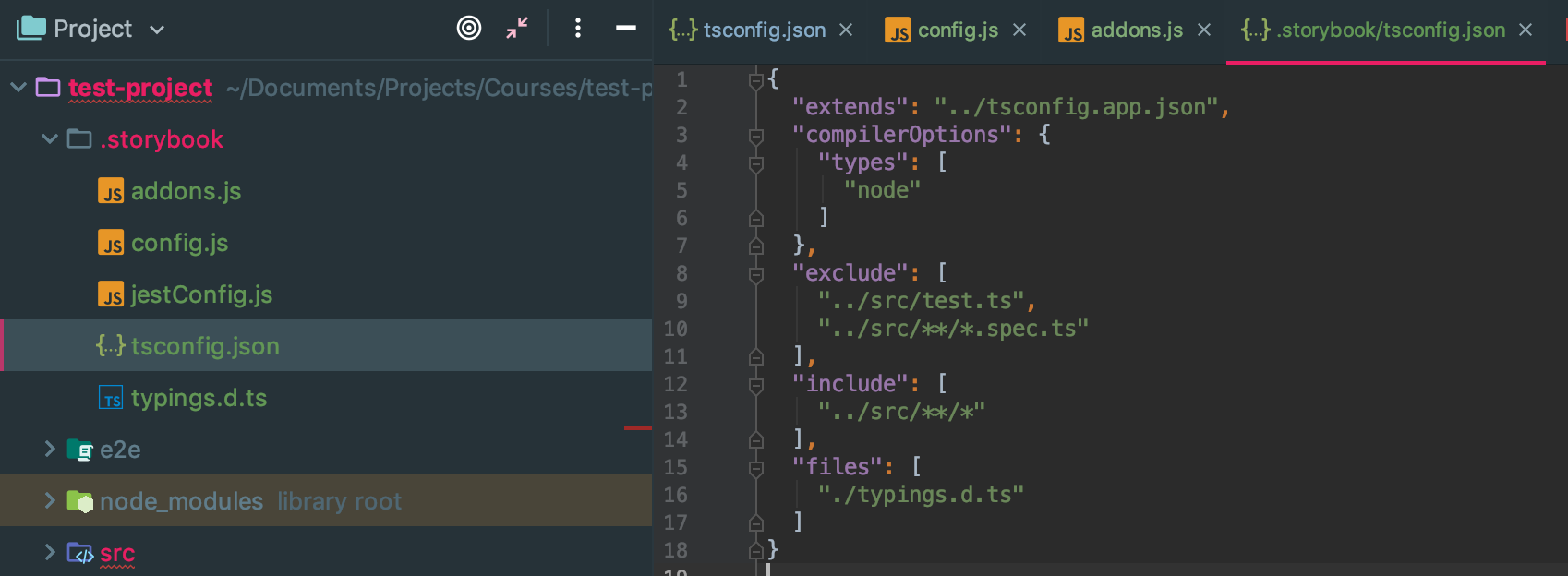
import { storiesOf } from '@storybook/angular';
import { action } from '@storybook/addon-actions';
import { linkTo } from '@storybook/addon-links';

import { Welcome, Button } from '@storybook/angular/demo';

storiesOf('Storybook Examples', module)
  .add('Welcome to Storybook', () => ({
    component: Welcome,
    props: {},
  }))
  .add('Button with text', () => ({
    component: Button,
    props: {
      text: 'Hello Button',
    },
  }))
  .add(
    'Button with some emoji',
    () => ({
      component: Button,
      props: {
        text: '😀 😎 👍 💯',
      },
    }),
    { notes: 'My notes on a button with emojis' },
  )
  .add(
    'Button with some emoji and action',
    () => ({
      component: Button,
      props: {
        text: '😀 😎 👍 💯',
        onClick: action('This was clicked OMG'),
      },
    }),
    { notes: 'My notes on a button with emojis' },
  )
  .add(
    'Button with link to another story',
    () => ({
      component: Button,
      props: {
        text: 'Go to Welcome Story',
        onClick: linkTo('Welcome'),
      },
    }),
  );
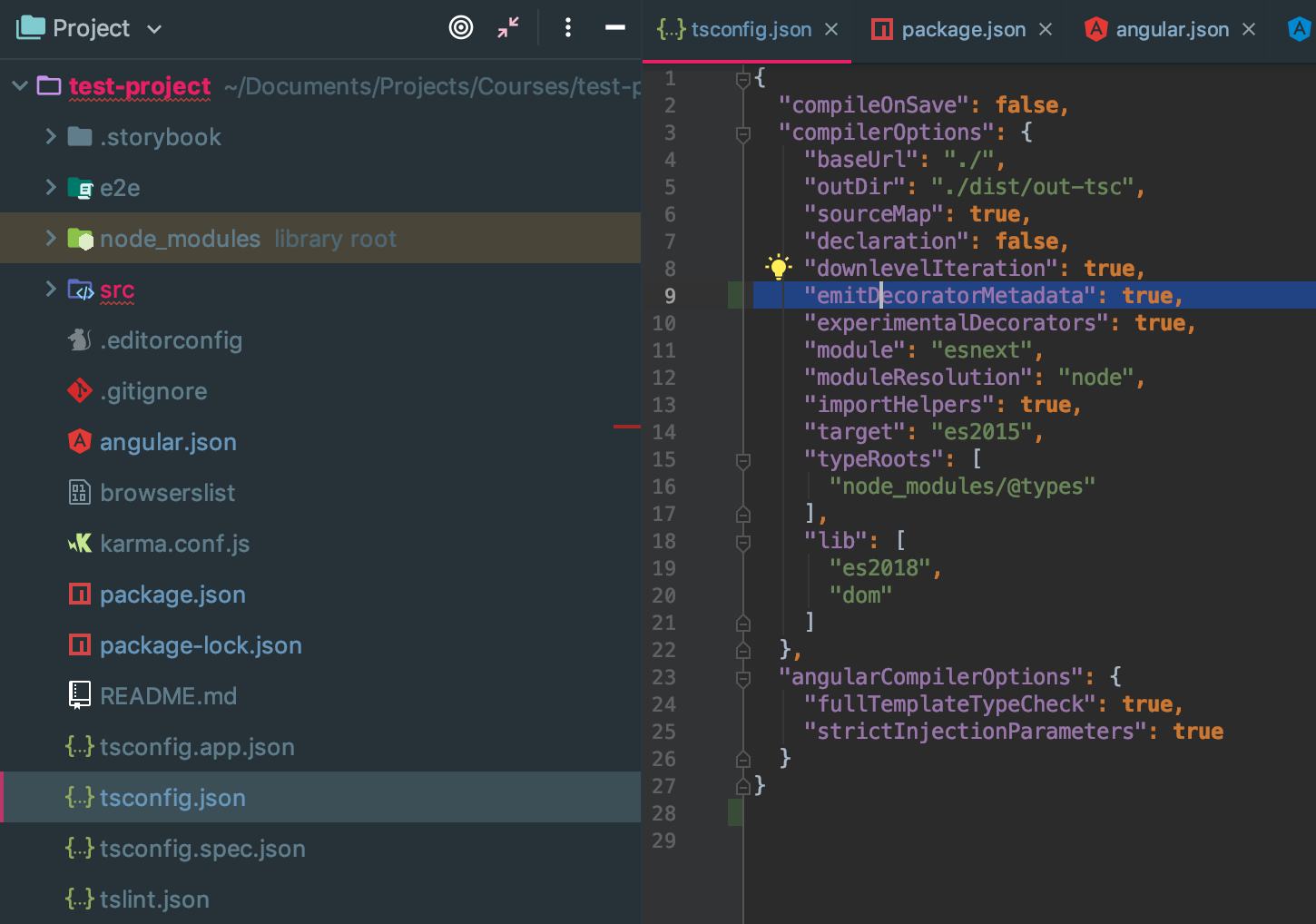
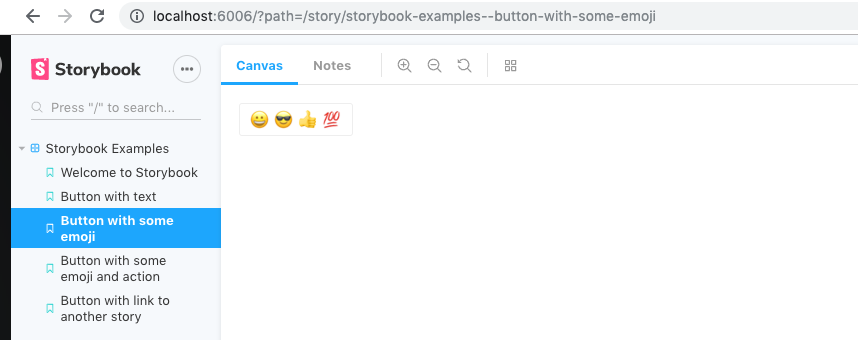
import { storiesOf, moduleMetadata } from '@storybook/angular';
import { action } from '@storybook/addon-actions';
import { ClearIconForFieldComponent } from './clear-icon-for-field.component';
import {
	MatFormFieldModule,
	MatIconModule,
	MatInputModule,
} from '@angular/material';
import { BrowserAnimationsModule } from '@angular/platform-browser/animations';

export interface ClearIconForFieldComponentActions {
	onClear: any;
}

export const actions: ClearIconForFieldComponentActions = {
	onClear: action('clear'),
};

const disabled: boolean = false;
const value: string = 'TestValue';
const template: string = `
	<mat-form-field>
		<input
			type="text"
			matInput
			[value]="value"
		>
		<rapid-clear-icon-for-field
			matSuffix
			[disabled]="disabled"
			[value]="value"
			(clear)="onClear()"
		></rapid-clear-icon-for-field>
	</mat-form-field>
`;

storiesOf('Shared/Forms/ClearIconForField', module)
	.addDecorator(
		moduleMetadata({
			imports: [
				MatIconModule,
				MatFormFieldModule,
				MatInputModule,
				BrowserAnimationsModule,
			],
			declarations: [ClearIconForFieldComponent],
		}),
	)
	.add('with value and enabled', () => {
		return {
			template,
			props: {
				disabled,
				value,
				onClear: actions.onClear,
			},
		};
	})
	.add('with value and disabled', () => {
		return {
			template,
			props: {
				disabled: true,
				value,
				onClear: actions.onClear,
			},
		};
	})
	.add('without value and enabled', () => {
		return {
			template,
			props: {
				disabled,
				value: '',
				onClear: actions.onClear,
			},
		};
	})
	.add('without value and disabled', () => {
		return {
			template,
			props: {
				disabled: true,
				value: '',
				onClear: actions.onClear,
			},
		};
	});
Snapshot testing with Jest
"identity-obj-proxy": "3.0.0",
"jest": "24.8.0",
"jest-preset-angular": "7.1.1",
"jest": {
"preset": "jest-preset-angular",
"setupFilesAfterEnv": [
"<rootDir>/src/setupJest.ts"
],
"snapshotSerializers": [
"<rootDir>/node_modules/jest-preset-angular/AngularSnapshotSerializer.js",
"<rootDir>/node_modules/jest-preset-angular/HTMLCommentSerializer.js"
],
"testPathIgnorePatterns": [
"/node_modules/",
"/build/",
"/storybook-static/",
"<rootDir>/src/test.ts"
],
"moduleNameMapper": {
"@app/(.*)$": "<rootDir>/src/app/$1",
"\\.(css|scss)$": "identity-obj-proxy"
},
"transform": {
"^.+\\.(ts|html)$": "ts-jest"
}
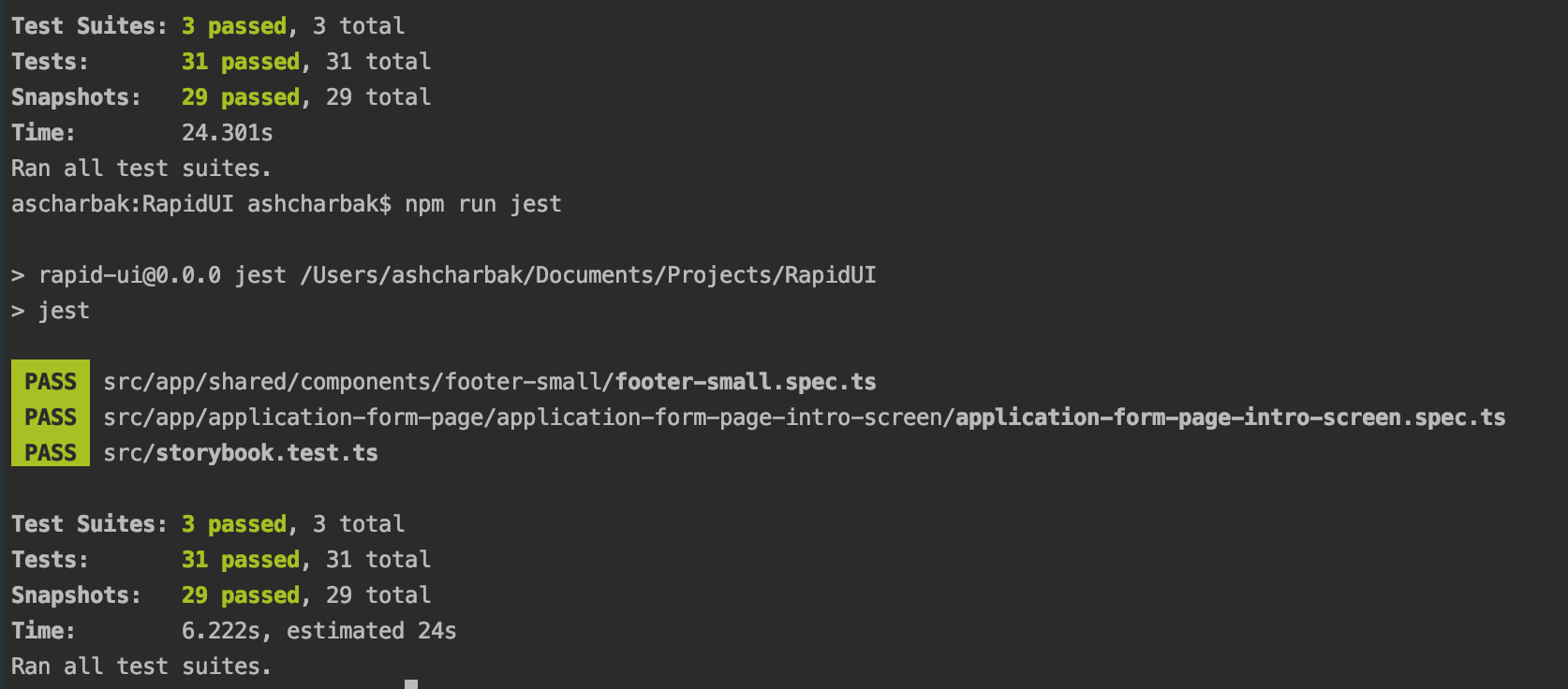
}"jest": "jest",
"jest:watch": "jest --watch"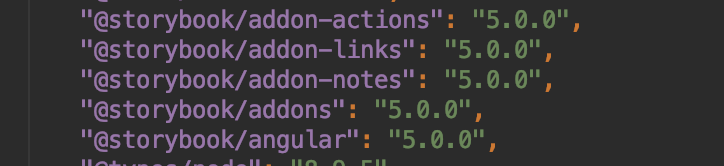
Rapid UI Demo
Q&A
Thanks for your attention!

Storybook in Angular project. Using Storybook and Jest for snapshot testing
By alexandrscherbak