Version control with Git and GitHub

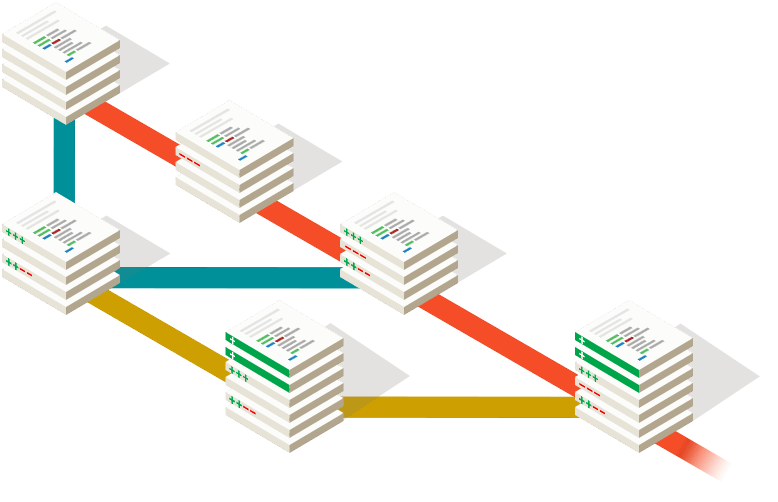

What is Version Control?
Management of changes to documents
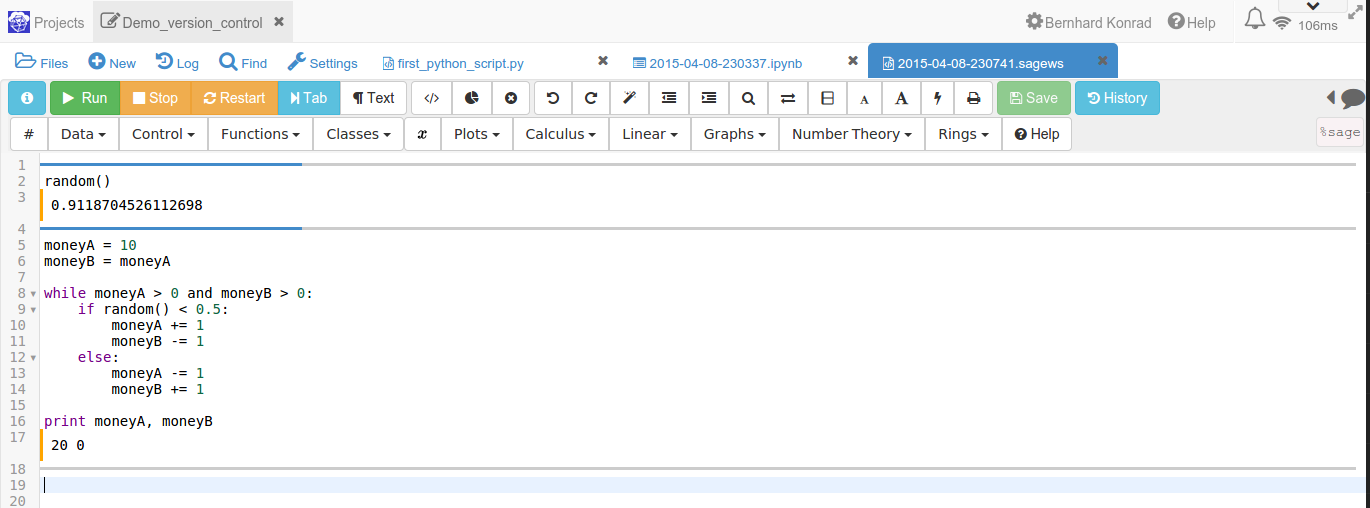
What is Version Control?
Management of changes to documents
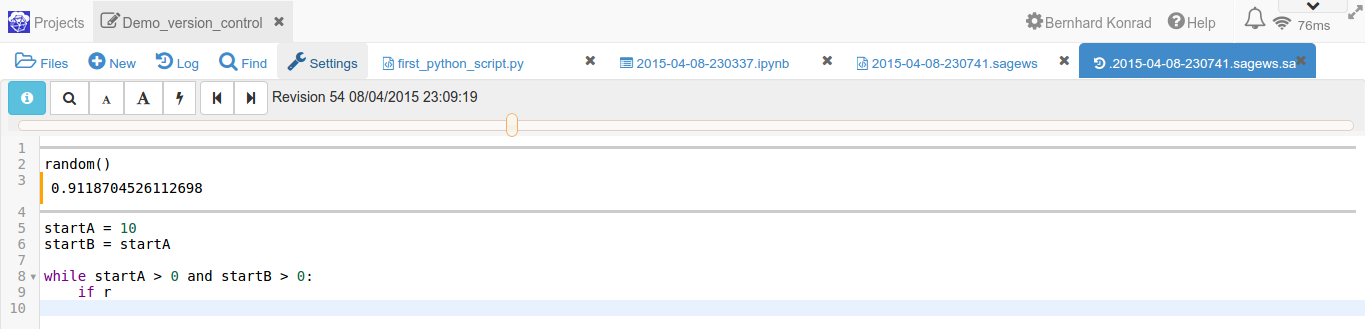
What is Version Control?
Management of changes to documents
Built-in at
- SageMathCloud
- Dropbox
- Word revision control
- Google drive
- ...
What SMC's VC does for you
Advantages
- guarantees that every previous version of your work is saved
- you can always revert back to a previous version
- it's automatic - you don't have to set it up
What SMC's VC does not
Missing in SageMathCloud
- No annotation of previous versions
- Very time-consuming to find the earlier version you are looking for
- Does not understand connection between files
- Can not display version differences
- Only works for SMC files stored on SMC
- Not suitable for large scale collaboration
Version control with Git
Git is a very popular version control system
- You control when a new version is saved
- Each version is annotated to indicate the changes
- Easily display differences between any two versions
- Easily revert any or all files to previous version
- Very powerful for advanced users...
- ...in particular when working with a team...
- ...in particular on GitHub
"If your open source software is not on GitHub, it doesn't exist"
Version control with Git
Glossary
- Git: Very control software, can be accessed in different ways
- Repository: Where git stores all version history information
- Commit: Saves the current state of the files as new version number
- GitHub: Popular host for git repositories with many contributors
- Remote: Location of your repository online
- Pull & Push: Receiving and sending changes to the remote
Version control with Git and GitHub
By Bernhard Konrad