
Content ITV PRO
This is Itvedant Content department
StreamCheck Test Reporting & Logging Mechanism
Business Scenario
Welcome to the QA Automation Team at StreamCheck Media Solutions.
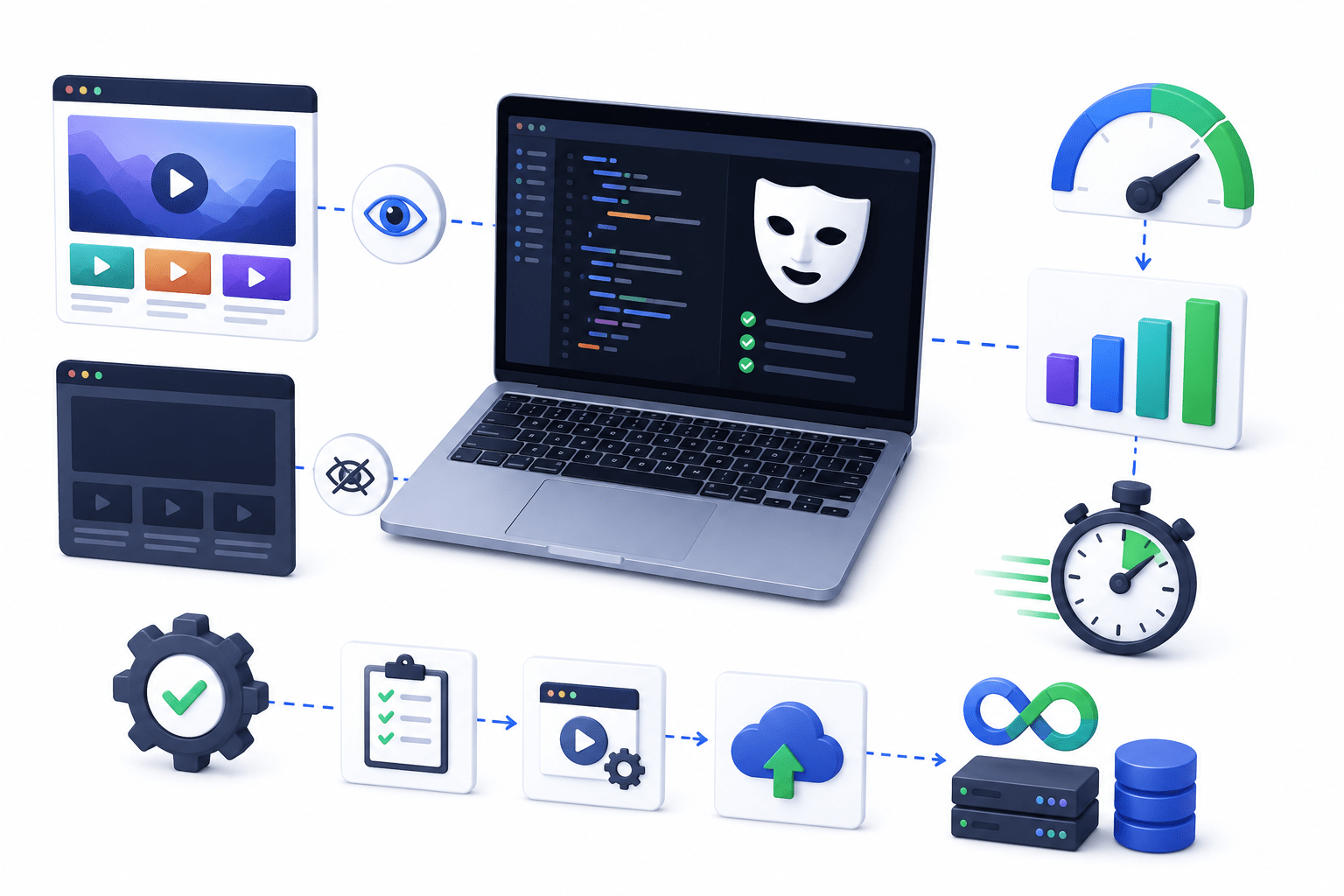
The QA Manager has assigned you the task of improving the efficiency of the StreamCheck Playwright automation framework by implementing headless test execution and evaluating different execution strategies. The goal is to reduce resource usage and speed up automated test execution without affecting test reliability.
Pre-Lab Preparation
In this lab, you will execute tests in both headed and headless modes, compare their performance, and analyse execution results. You will also explore different test execution strategies to improve automation efficiency and support faster feedback during continuous testing and deployment activities.
Topic: Handling Real-World Scenarios, Debugging & Reporting
1)Dynamic elements handling and Alerts & popups
2)Frames & iframes and Multiple windows/tabs
3)File upload & download and debugging failing tests
4)Playwright Inspector and Trace Viewer
5)Screenshots & Video capture and HTML Reports
6)Parallel execution overview
git pull origin branchNameGit Pull
Task 1: Run tests in headless mode
Launch Eclipse IDE.
Open the StreamCheck Playwright automation project.
Ensure the project builds successfully.
Open an existing test script such as LoginTest.
Execute the test normally.
Observe the browser opening and performing actions.
Note the execution time.
Open the StreamCheck Project
1
Run a Test in Headed Mode
2
Record:
Number of executions performed
Number of successful runs
Any failures detected
Actions taken to improve stability
Conclude whether the StreamCheck test suite is stable for regular execution.
Great job!
You have successfully completed your lab on "StreamCheck Headless Testing & Execution Strategies" where you learned how to execute Playwright tests in headless mode, compare headed and headless execution, optimise execution environments, and validate test stability. You also practised improving test execution efficiency, analysing performance, and ensuring reliable automation execution across different testing scenarios
Checkpoint
Git Push
Next-Lab Preparation
git push origin branchNameTopic: Handling Real-World Scenarios, Debugging & Reporting
1)Dynamic elements handling and Alerts & popups
2)Frames & iframes and Multiple windows/tabs
3)File upload & download and debugging failing tests
4)Playwright Inspector and Trace Viewer
5)Screenshots & Video capture and HTML Reports
6)Parallel execution overview
By Content ITV