








Daniel de la Cruz Calvo
Software Engineer and professional mentor for developers.
I'm Dani
🙌
function withDoctors (Component) {
  return class WithDoctors extends React.Component {
    state = {
      doctors: [],
      loading: true
    }
    componentDidMount () {
      this.updateDoctors(this.props.id)
    }
    componentDidUpdate (prevProps) {
      if (prevProps.id !== this.props.id) {
        this.updateDoctors(this.props.id)
      }
    }
    updateDoctors = (id) => {
      this.setState({ loading: true })

      fetchDoctors(id)
        .then((doctors) => this.setState({
          doctors,
          loading: false
        }))
    }
    render () {
      return (
        <Component
          {...this.props}
          {...this.state}
        />
      )
    }
  }
}
// DoctorsGrid.js
function DoctorsGrid ({ loading, doctors }) {
...
}
export default withDoctors(DoctorsGrid)export default withHover(
withTheme(
withAuth(
withDoctors(DoctorsGrid)
)
)
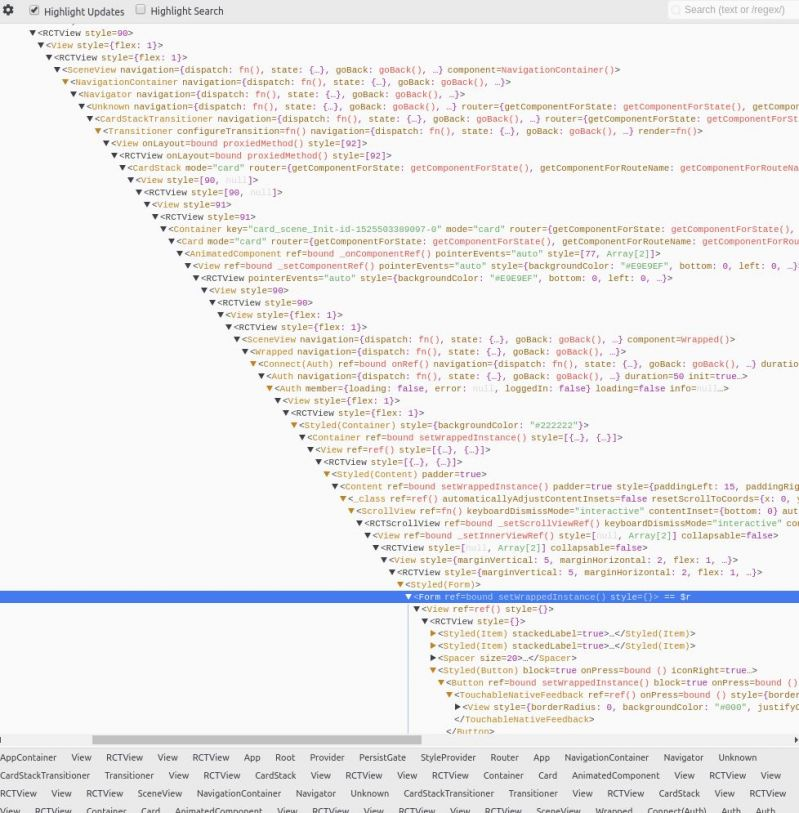
)<WithHover>
<WithTheme hovering={false}>
<WithAuth hovering={false} theme='dark'>
<WithDoctors hovering={false} theme='dark' authed={true}>
<DoctorsGrid
loading={true}
doctors={[]}
authed={true}
theme='dark'
hovering={false}
/>
</WithDoctors>
</WithAuth>
<WithTheme>
</WithHover>function MyComponent() {
const [name, setName] = React.useState('');
return (
<>
<div>{name}</div>
<input onChange={(ev) => setName(ev.target.value)} />
</>
);
}function MyComponent() {
const [counter, setCounter] = React.useState(0);
return (
<>
<div>{counter}</div>
<button onClick={() => setCounter(counter => counter + 1)}>
Add
</button>
</>
);
}const [age, setAge] = useState(42);
const [name, setName] = useState('Mike Myers');
const [doctor, setDoctor] = useState({ name: 'Mike', surname: 'Myers', age: 42 });function Box() {
const [state, setState] = useState({ left: 0, top: 0, width: 100, height: 100 });
}function handleWindowMouseMove(e) {
this.setState({ left: e.pageX, top: e.pageY }));
}
// Note: this implementation is a bit simplified
window.addEventListener('mousemove', handleWindowMouseMove);function handleWindowMouseMove(e) {
// Spreading "...state" ensures we don't "lose" width and height
setState(state => ({ ...state, left: e.pageX, top: e.pageY }));
}
// Note: this implementation is a bit simplified
window.addEventListener('mousemove', handleWindowMouseMove);const [position, setPosition] = useState({ left: 0, top: 0 });
const [size, setSize] = useState({ width: 100, height: 100 });
function handleWindowMouseMove(e) {
setPosition({ left: e.pageX, top: e.pageY });
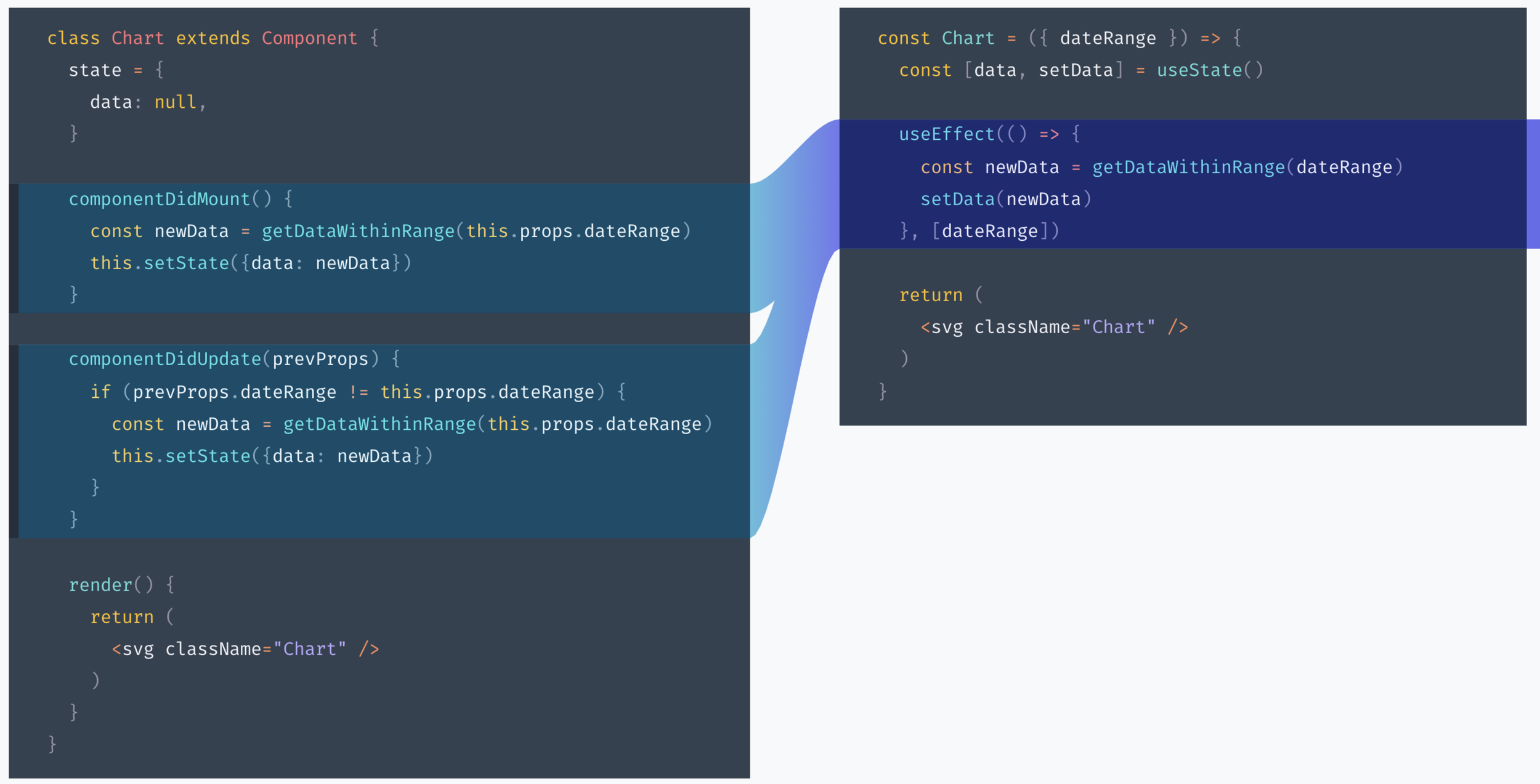
}Sync data every time the component updates or prop dateRange changes
Keep data in sync with dateRange
useEffect(() => {
  trackSomeEvent();
}, []); // ✅ You can always pass an empty array
        // and your code inside useEffect will only
// be executed when the component mountsfunction Example({ someProp }) {
function doSomething() {
console.log(someProp);
}
useEffect(() => {
doSomething();
}, []); // 🔴 This is not safe (it calls `doSomething`
// which uses `someProp`)
}function Example({ someProp }) {
useEffect(() => {
function doSomething() {
console.log(someProp);
}
doSomething();
}, [someProp]); // ✅ OK (our effect only uses `someProp`)
}import { createContext } from 'react';
interface AbilityInterface {
canUse: (requiredPermission: string) => boolean;
}
class Ability extends EventTarget implements AbilityInterface {
private permissions: Set<string>;
constructor(permissions: string[] = []) {
super();
this.permissions = new Set<string>(permissions);
}
public canUse(requiredPermission: string): boolean {
return this.permissions.has(requiredPermission);
}
}
const AbilityContext = createContext(new Ability());
export { Ability, AbilityContext };
const App = () => {
  // fetch permissions
  return (
    <AbilityContext.Provider value={new Ability(permissions)}>
      <Router history={browserHistory}>
        <Switch>
          <SecureRoute path="/" component={Home} />
        </Switch>
      </Router>
    </AbilityContext.Provider>
  );
};
import React, { useContext } from 'react';
import { AbilityContext } from './ability';

const Can = ({ children, permission }) => {
  const ability = useContext(AbilityContext);

  const canUse = ability.canUse(permission);

  if (canUse) {
    return <>{children}</>;
  } else {
    return null;
  }
};
<Can permission='a-permission'>
  <MyComponent />
</Can>const Notifications = ({ children }) => {
const [notification, setNotification] = useState({ type: 'none', message: '' });
const onError = (message) => setNotification({ type: 'error', message });
const onSuccess = (message) => setNotification({ type: 'success', message });
const onRequestClose = () => setNotification({ type: 'none' });
return (
<>
<Success
open={notification.type === 'success'}
onRequestClose={onRequestClose}
message={notificationState.message}
/>
<Error
open={notificationState.type === 'error'}
onRequestClose={onRequestClose}
message={notificationState.message}
/>
<NotificationsContext.Provider value={{ onError, onSuccess }}>
{children}
</NotificationsContext.Provider>
</>
);
};const { onError, onSuccess } = useContext(NotificationsContext);
// ...
fetch(myApiEndpoint)
.then(() => {
onSuccess('Success!');
})
.catch((e) => {
onError(e.message);
})// Form.js
function Form() {
return (
<FormContext.Provider value={entity}>
{/* Some levels of nested children here */}
</FormContext.Provider>
);
}
// Input.js
function Input() {
const { entity } = useContext(FormContext);
const disabled = entity.status !== 'draft';
return <input disabled={disbled} />
}
<MyComponent
  onSubmit={handleSubmit}
  onSubmitComplete={handleSubmitComplete}
  onError={handleError}
  onFetchStart={handleFetchStart}
  onFetchEnd={handleFetchComplete}
/>function reducer(state, action) {
switch (action.type) {
case "ready":
return { ...state, notification: "none" };
case "submit_start":
return {
...state,
notification: "loading",
loading: true,
message: "Submitting..."
};
case "submit_complete":
return {
...state,
notification: "success",
loading: false,
message: "Saved!"
};
// ...
}
}
const [state, dispatch] = useReducer(reducer, initialState);

<MyComponent dispatch={dispatch} />🌸
const Button = React.memo((props) => {
  // your component
}, arePropsEqual);

function arePropsEqual(prevProps, nextProps) {
  // compare props and return true if they are equal
}
// Will not change unless `a` or `b` changes
const memoizedCallback = useCallback(() => {
doSomething(a, b);
}, [a, b]);
return <NestedComponent onSomething={memoizedCallback} />🙋♂️
show some code from enzyme
// accordion.js
import React from 'react'
import AccordionContents from './accordion-contents';

class Accordion extends React.Component {
  state = {openIndex: 0}

  setOpenIndex = openIndex => this.setState({openIndex})

  render() {
    const {openIndex} = this.state
    return (
      <div>
        {this.props.items.map((item, index) => (
          <>
            <button onClick={() => this.setOpenIndex(index)}>
              {item.title}
            </button>
            {index === openIndex ? (
              <AccordionContents>{item.contents}</AccordionContents>
            ) : null}
          </>
        ))}
      </div>
    )
  }
}

export default Accordion
show some code from enzyme
test('setOpenIndex sets the open index state properly', () => {
  const wrapper = mount(<Accordion items={[]} />)
  expect(wrapper.state('openIndex')).toBe(0)
  wrapper.instance().setOpenIndex(1)
  expect(wrapper.state('openIndex')).toBe(1)
});

test('Accordion renders AccordionContents with the item contents', () => {
  const hats = {title: 'Favorite Hats', contents: 'Fedoras are classy'}
  const footware = {
    title: 'Favorite Footware',
    contents: 'Flipflops are the best',
  }
  const wrapper = mount(<Accordion items={[hats, footware]} />)
  const children = wrapper.find('AccordionContents').props().children;
  expect(children).toBe(hats.contents)
});
// counter.js
import React from 'react'
class Counter extends React.Component {
state = {count: 0}
increment = () => this.setState(({count}) => ({count: count + 1}))
render() {
return <button data-testid='button-increment'onClick={this.increment}>
{this.state.count}
</button>
}
}
export default Counter// __tests__/counter.js
import React from 'react'
import {render, fireEvent} from '@testing-library/react'
import Counter from '../counter.js'
test('counter increments the count', () => {
const { getByTestId } = render(<Counter />)
const button = getByTestId('button-increment')
expect(button.textContent).toBe('0')
fireEvent.click(button)
expect(button.textContent).toBe('1')
})// counter.js
import React from 'react'
function Counter() {
const [count, setCount] = useState(0)
const incrementCount = () => setCount(c => c + 1)
return <button data-testid='button-increment' onClick={incrementCount}>
{count}
</button>
}
export default CounterBy Daniel de la Cruz Calvo
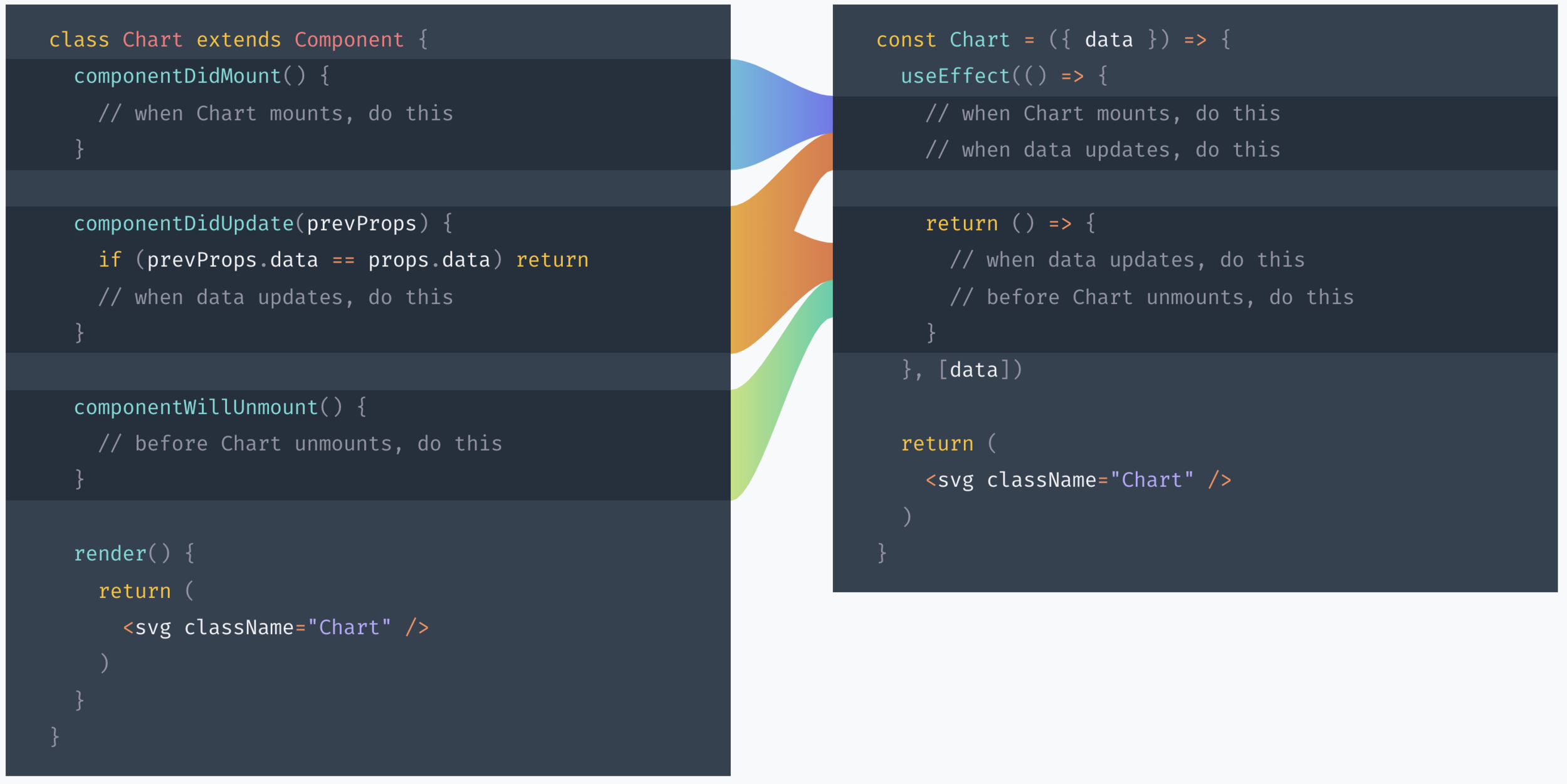
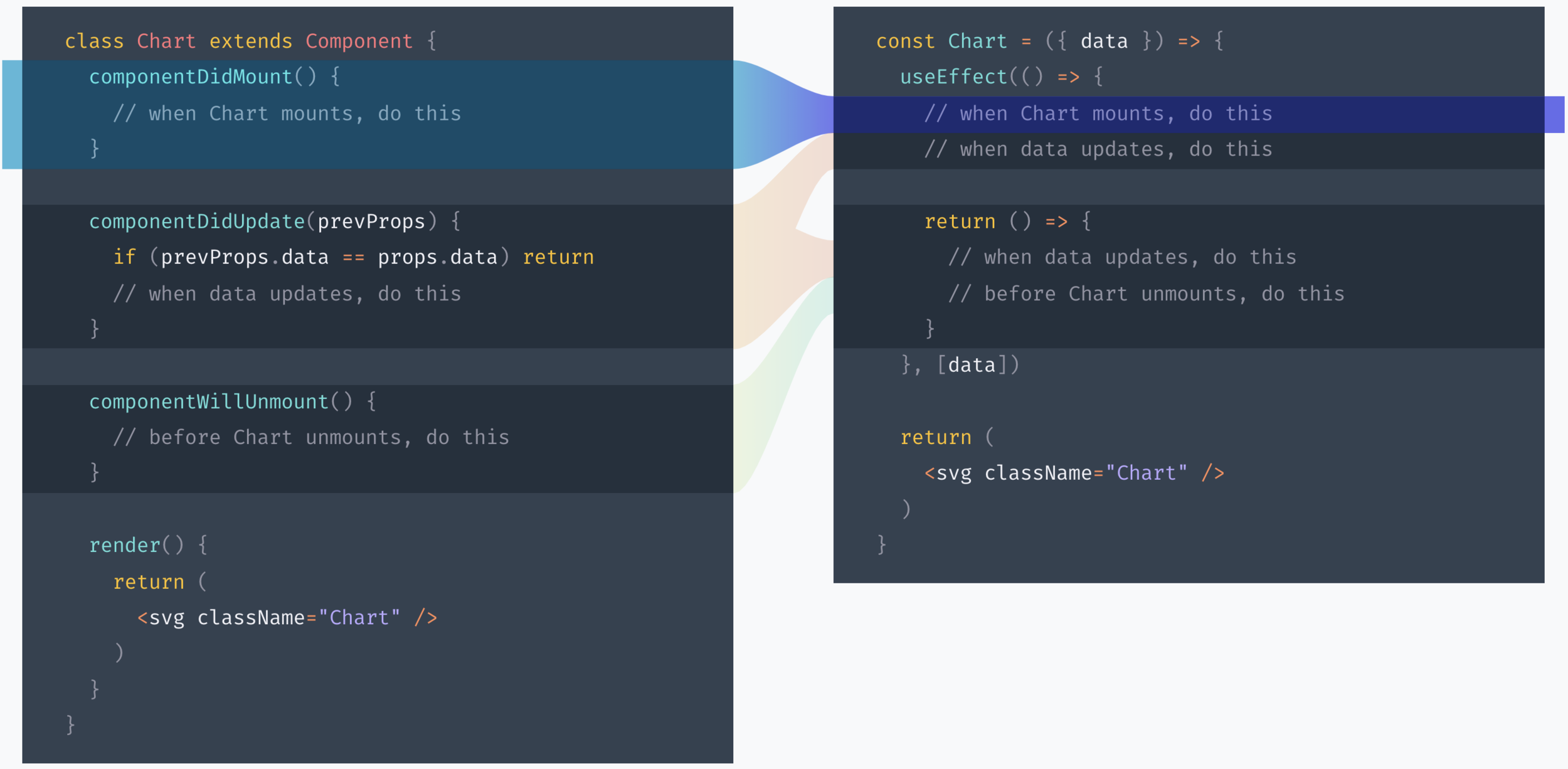
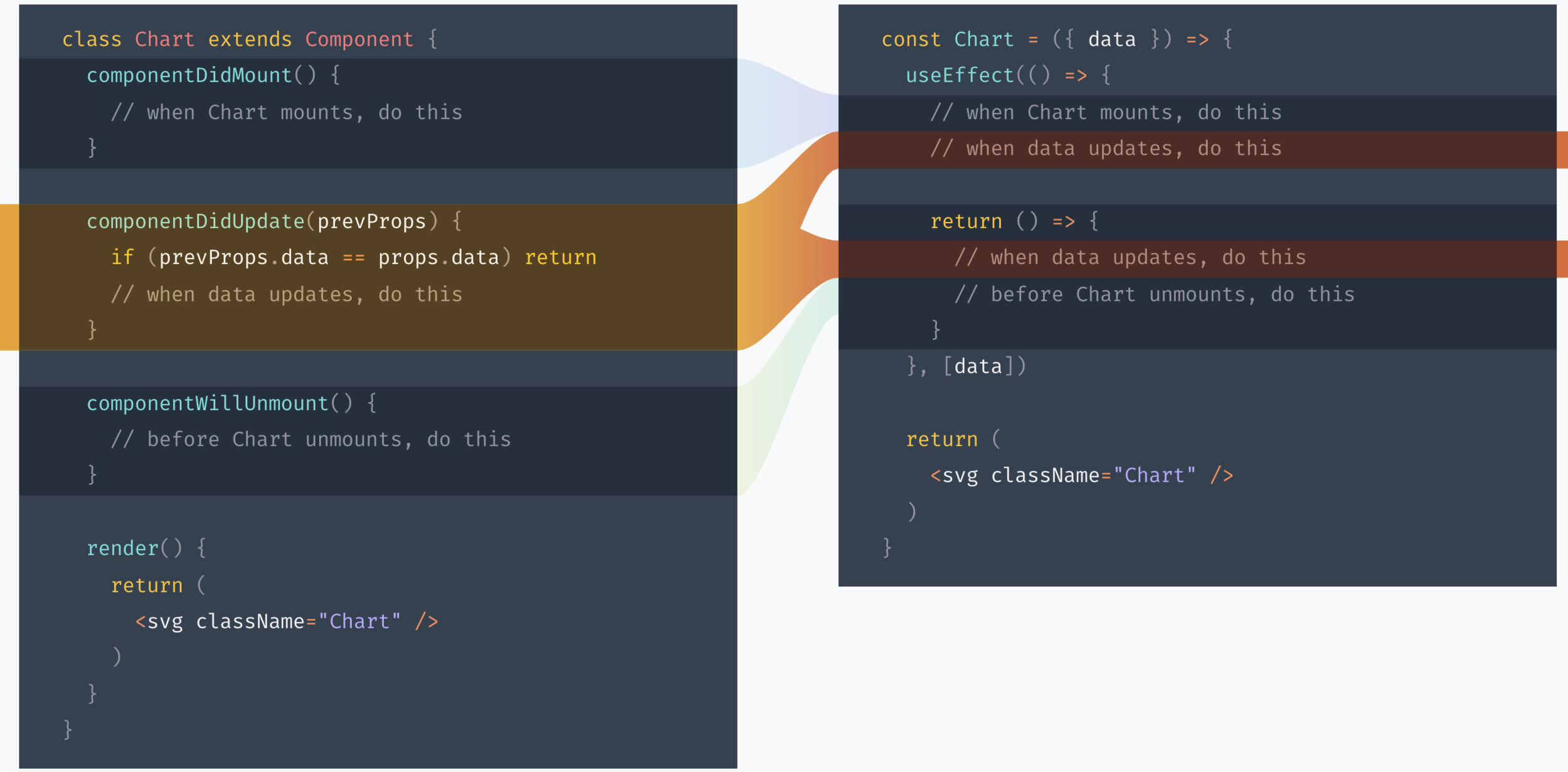
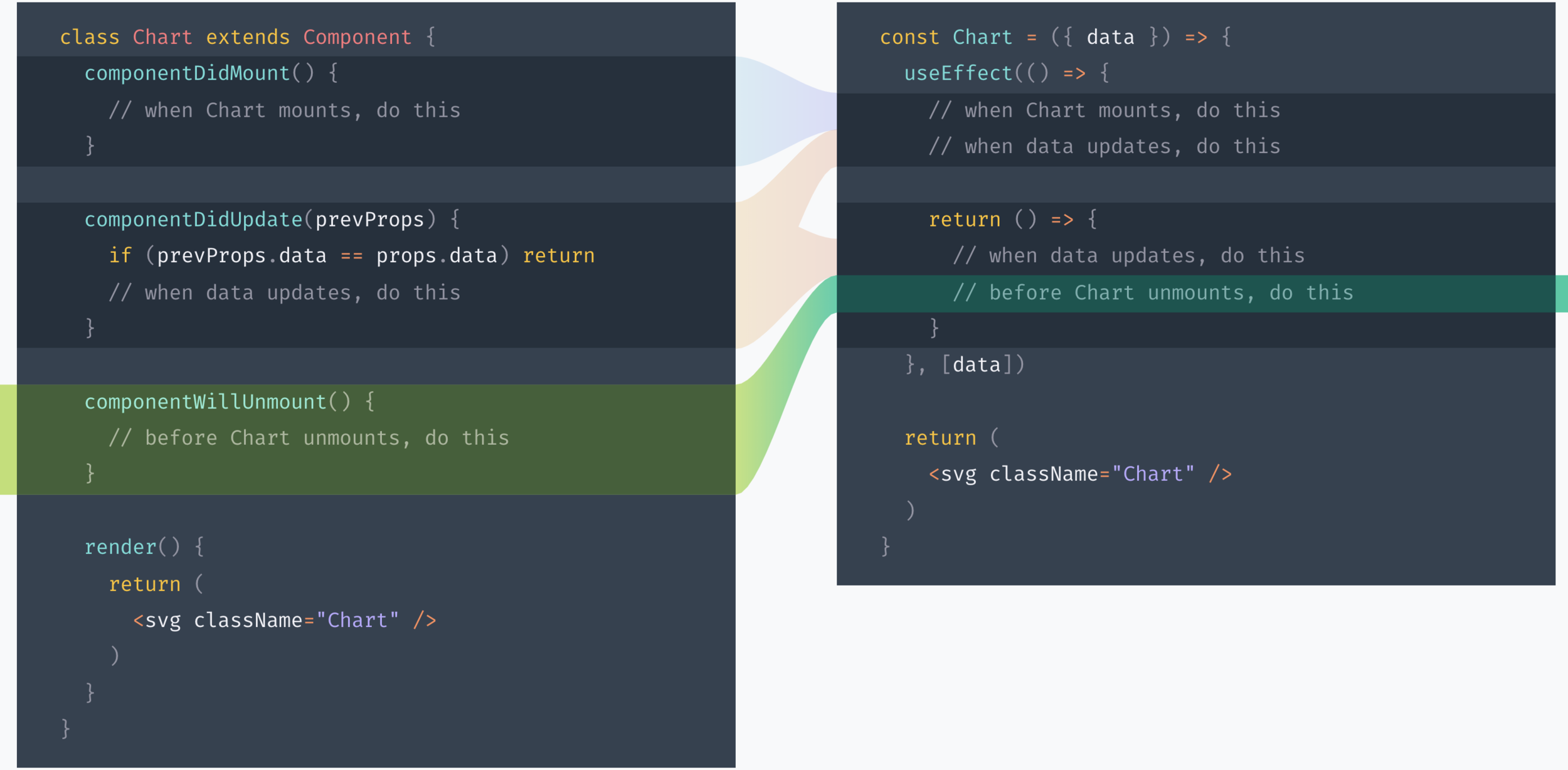
A talk about our experience using React Hooks, some months later. The talk is less focused on explaining how do React Hooks work, and more on insights, tips and tricks based on what we've found while working with them.