
Disclaimer: Jamie isn't that good at Docker
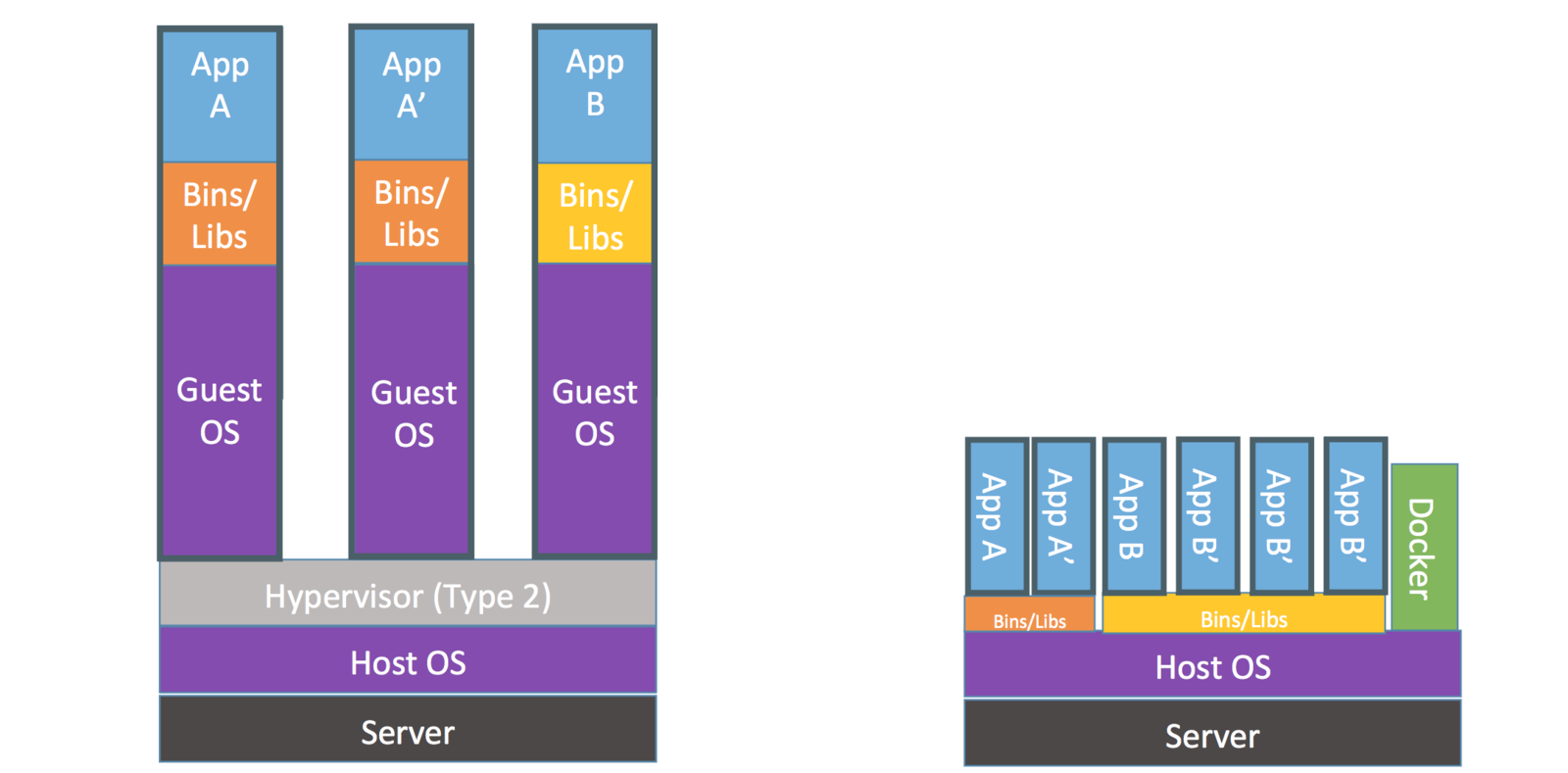
Virtual Machine
Container
When to use Docker:
- If you already have a grasp on sysops
- For orchestrating multiple runtimes
- Orchestrating deploys on multiple servers
- Isolating multiple runtimes on a single server
- Separation of concerns on a systems level
- Replacing conventional VMs
- Establishing a consistent developer workflow
When NOT to use Docker:
- If you don't already have a grasp on sysops
- Single host, single runtime deployment
- Early optimization
- For nothing more than a consistent dev environment
- DOCKERIZE ALL THE THINGS
Before using Docker in Production:
- Secured least-privilege access (key based logins, firewalls, fail2ban, etc)
- Restorable secure off-site database backups
- Automated system setup (using Ansible, Puppet, etc)
- Automated deploys
- Automated provisioning
- Monitoring of all critical services
- Documentation, etc
debian image
Docker Layers
debian image
RUN apt-get install emacs
emacs
Docker Layers
debian image
RUN apt-get install emacs
RUN export ENV_VAR=value && mv ...
emacs
Docker Layers
Immutable
some result
Debian
Docker Layers
apt-get install emacs
RUN export ENV_VAR=value && mv ...
emacs
some result
mutable app container
your app
Docker Layers
emacs
some result
writable container
your app
Docker Containers
debian
emacs
some result
mutable app
docker
host
nginx
redis
$ docker run -d -P training/webapp python app.pyUnable to find image 'training/webapp:latest' locally
latest: Pulling from training/webapp
e190868d63f8: Pull complete
909cd34c6fd7: Pull complete
0b9bfabab7c1: Pull complete
a3ed95caeb02: Pull complete
10bbbc0fc0ff: Pull complete
fca59b508e9f: Pull complete
e7ae2541b15b: Pull complete
9dd97ef58ce9: Pull complete
a4c1b0cb7af7: Pull complete
Digest: sha256:06e9c1983bd6d5db5fba376ccd63bfa529e8d02f23d5079b8f74a616308fb11d
Status: Downloaded newer image for training/webapp:latest
5ace2c972e53ba398f72518d3746f33edbb728652144237b715f6206876a817a
Running A Container
 -d  Detach

 -P  Publish all
$ docker psCONTAINER ID IMAGE COMMAND CREATED STATUS PORTS NAMES
5ace2c972e53 training/webapp "python app.py" 30 minutes ago Up 30 minutes 0.0.0.0:32768->5000/tcp agitated_brattain
Display Running Containers
$ docker-machine ip default192.168.99.100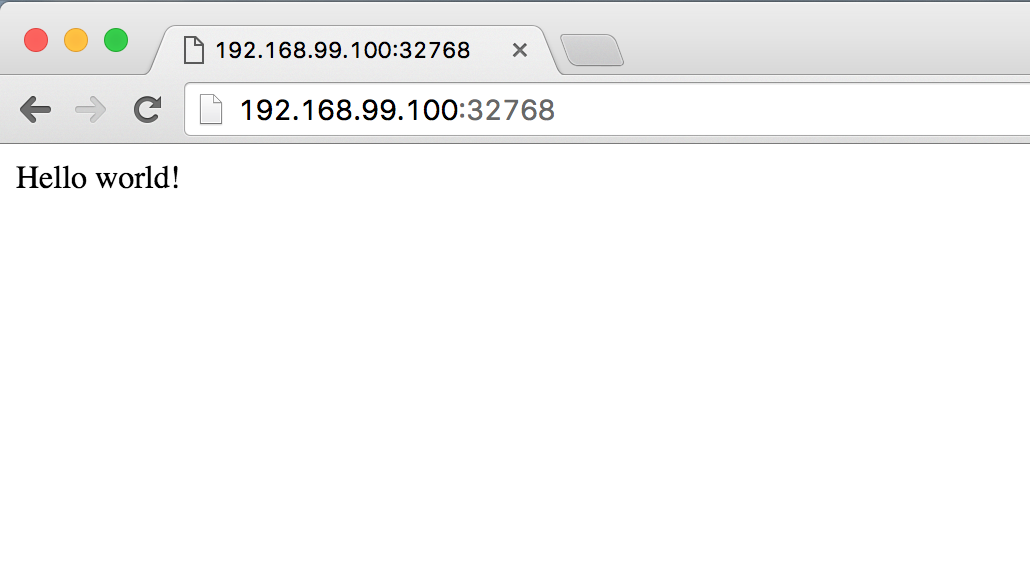

$ docker top agitated_brattainPID USER COMMAND
3225 root python app.pyContainer Processes
$ docker logs -f agitated_brattain * Running on http://0.0.0.0:5000/ (Press CTRL+C to quit)
192.168.99.1 - - [13/Jun/2016 19:20:59] "GET / HTTP/1.1" 200 -
192.168.99.1 - - [13/Jun/2016 19:21:00] "GET /favicon.ico HTTP/1.1" 404 -
192.168.99.1 - - [13/Jun/2016 19:26:28] "GET / HTTP/1.1" 200 -
192.168.99.1 - - [13/Jun/2016 19:26:29] "GET / HTTP/1.1" 200 -
192.168.99.1 - - [13/Jun/2016 19:26:29] "GET / HTTP/1.1" 200 -$ docker stop agitated_brattainagitated_brattainStart, Stop, Destroy
$ docker start agitated_brattainagitated_brattain$ docker stop agitated_brattainagitated_brattain$ docker rm agitated_brattainagitated_brattainDocker Images
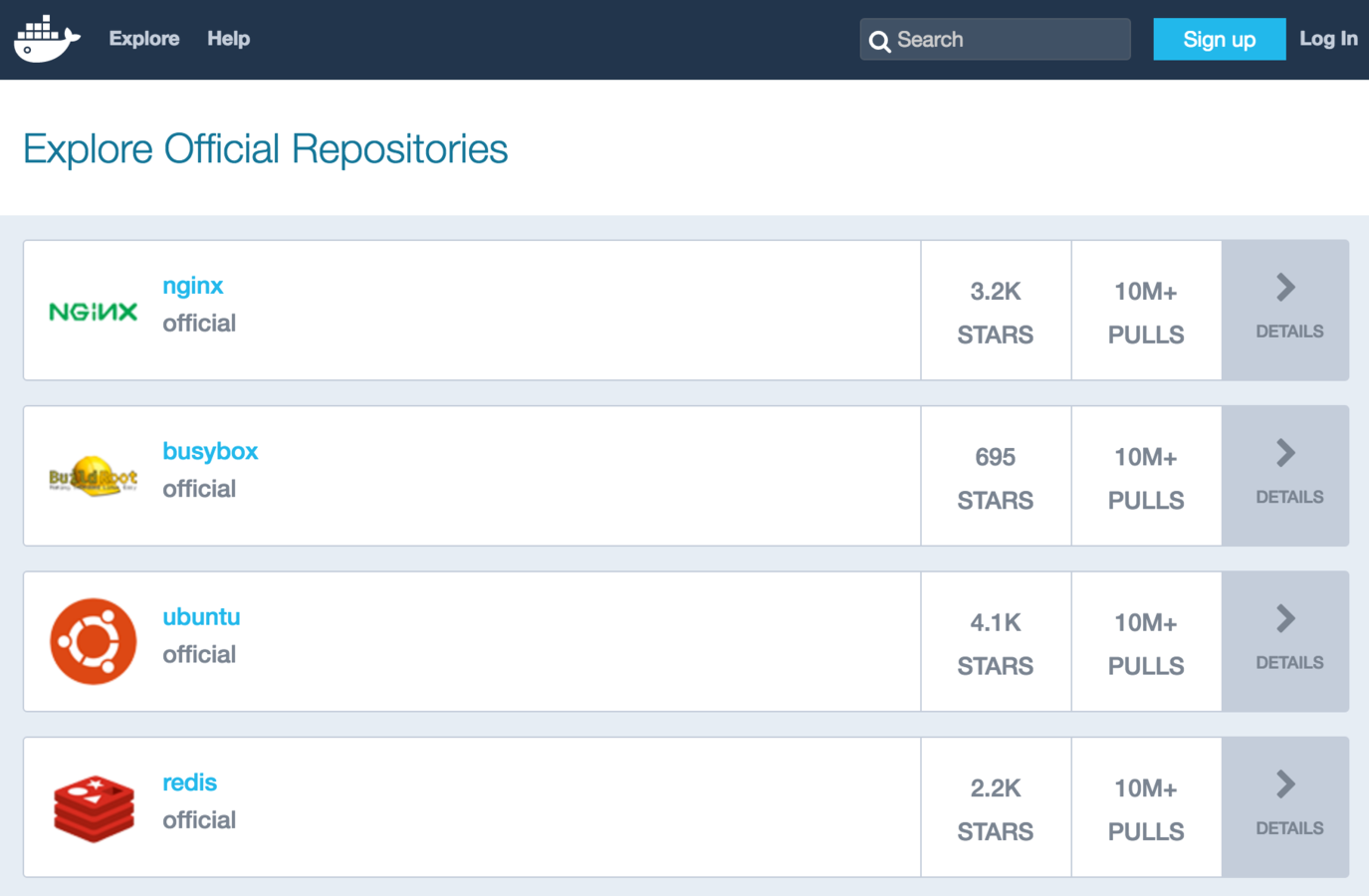
Docker Images
Existing can be used to eliminate overhead. We can:
Use existing images
Create custom images
Orchestrate images
Custom Images
Dockerfiles are used to instruct how an image should be built
Concept: If all steps are followed an unlimited number of times, they should yield the same result
Images are the result of many layers of changes on top of some base environment (ie. Debian)
Custom Images
Example Dockerfile to build a simple node image
FROM node:latest

RUN mkdir /src

RUN npm install nodemon -g

WORKDIR /src
ADD . /src
RUN npm install

EXPOSE 3000

CMD npm start
Custom Images
Use Dockerfile to build a simple node image
Jamies-MacBook-Pro:docker-powerhour jcounsell$ docker build .
Sending build context to Docker daemon 4.167 MB
Step 1 : FROM node:6.2.1
6.2.1: Pulling from library/node
51f5c6a04d83: Downloading 16.78 MB/51.36 MB
a3ed95caeb02: Download complete
7004cfc6e122: Download complete
5f37c8a7cfbd: Downloading 22.59 MB/42.49 MB
8ad7684cace4: Waiting
2cc6b7c79e1c: Waiting
7d91187ae10f: Waiting

... a ton of shit

Successfully built 8e06bdfbcc61

$
Docker Compose
Tool to orchestrate many docker images
web:
  build: ./app
  volumes:
    - "./app:/src/app"
  ports:
    - "80:3000"
  links:
   - redis
redis:
    image: redis:latest
    ports:
        - "6379:6379"
Docker Compose UI
Docker
By Jamie Counsell