

Keylite Web Team
Keylite Roof Windows Web Sqwad
Electrics
Standard Electric Kit (SEK)
Premium Electric Kit (PEK)
Remote Control Programming
Solar Powered Electric Kit (SPEK)
Rain Sensors & Ventilation
Reprogramming
Guarantee
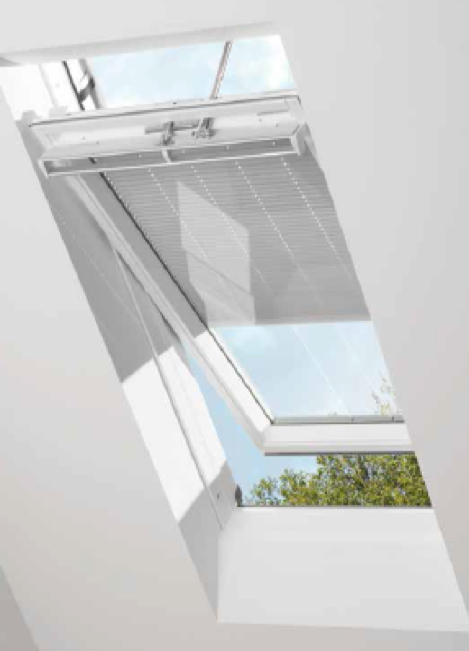
Keylite Centre Pivot roof windows can be designed to operate effortlessly by the flick of a switch, or at the push of a button. Our range of electric kits can be adapted to suit any environment in instances where your roof window may be out of reach.
Our standard electric kits are pre-fitted with a window actuator which is linked to a wall-mounted transformer switch. This system cannot be directly connected to the mains.
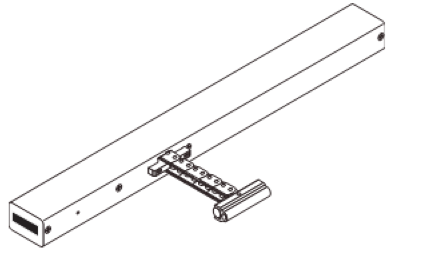
Contains a 24v DC Window Actuator.
An SEK has the ability to wire up to
2 roof windows to a single switch.
More than two windows will require
additional transformer switches.
Window Motor
2 Metre Motor Cable
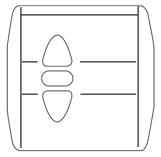
Transformer Wall Switch
Our premium electric kits are pre-fitted with an electrical control unit which enables easy installation, simply plug in and power up.
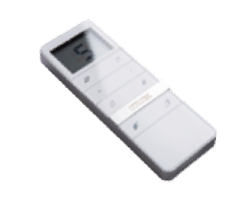
Our ECU is linked to a digital remote control
and an external rain sensor.
A PEK has the ability to automatically close your roof window in the event of rain as
well as operate multiple windows and
blinds with a 15 channel capacity remote.
Premium Electric Kits have developed through our roof window generations.
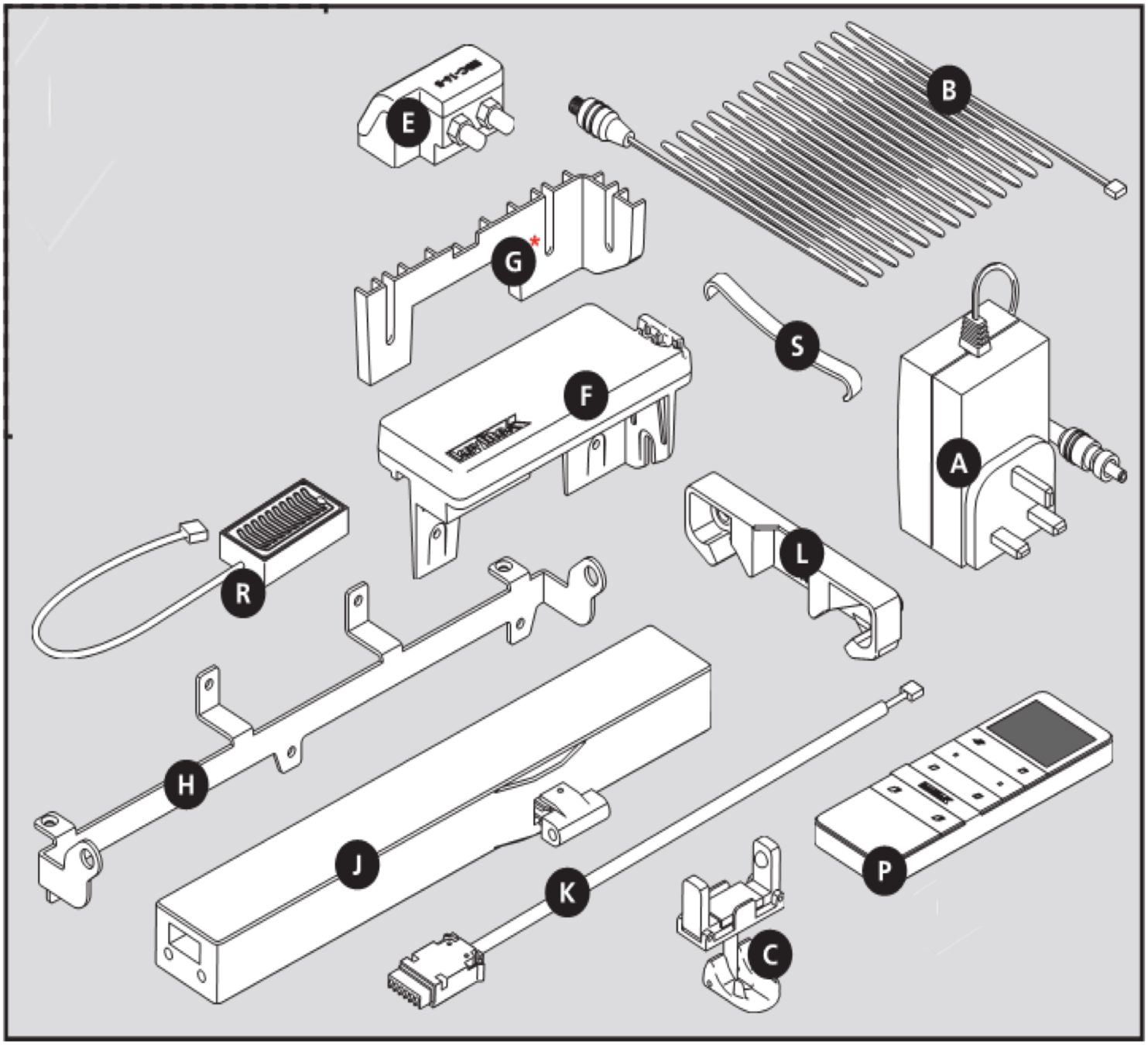
Both Keylite Polar and Futuretherm Plus windows have an upgraded 'Blinds Contact' component, listed as part 'E'
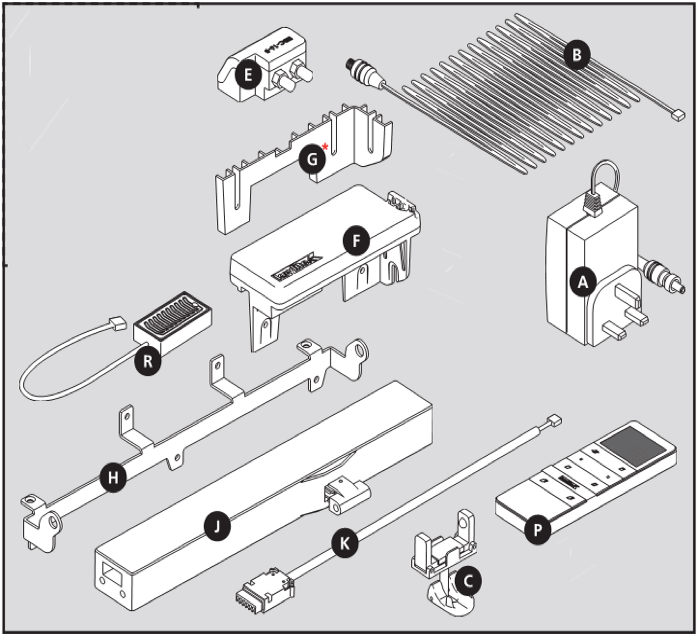
Futuretherm Plus premium electric kits contain an additional element, an ECU packer, listed as part 'G'
Motor Brackets for our Futuretherm & PVC roof windows include an upgraded design, listed as part 'H'
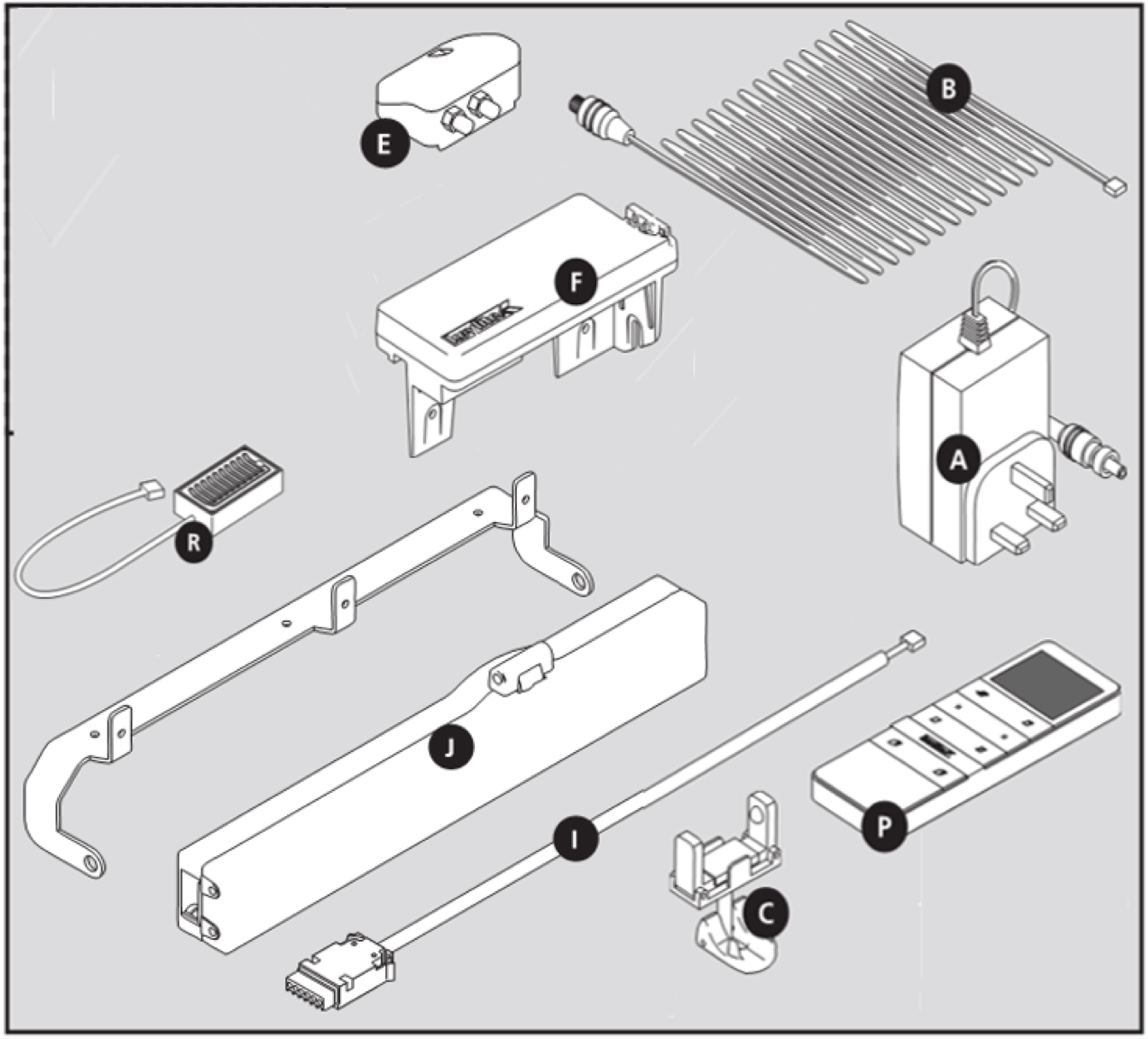
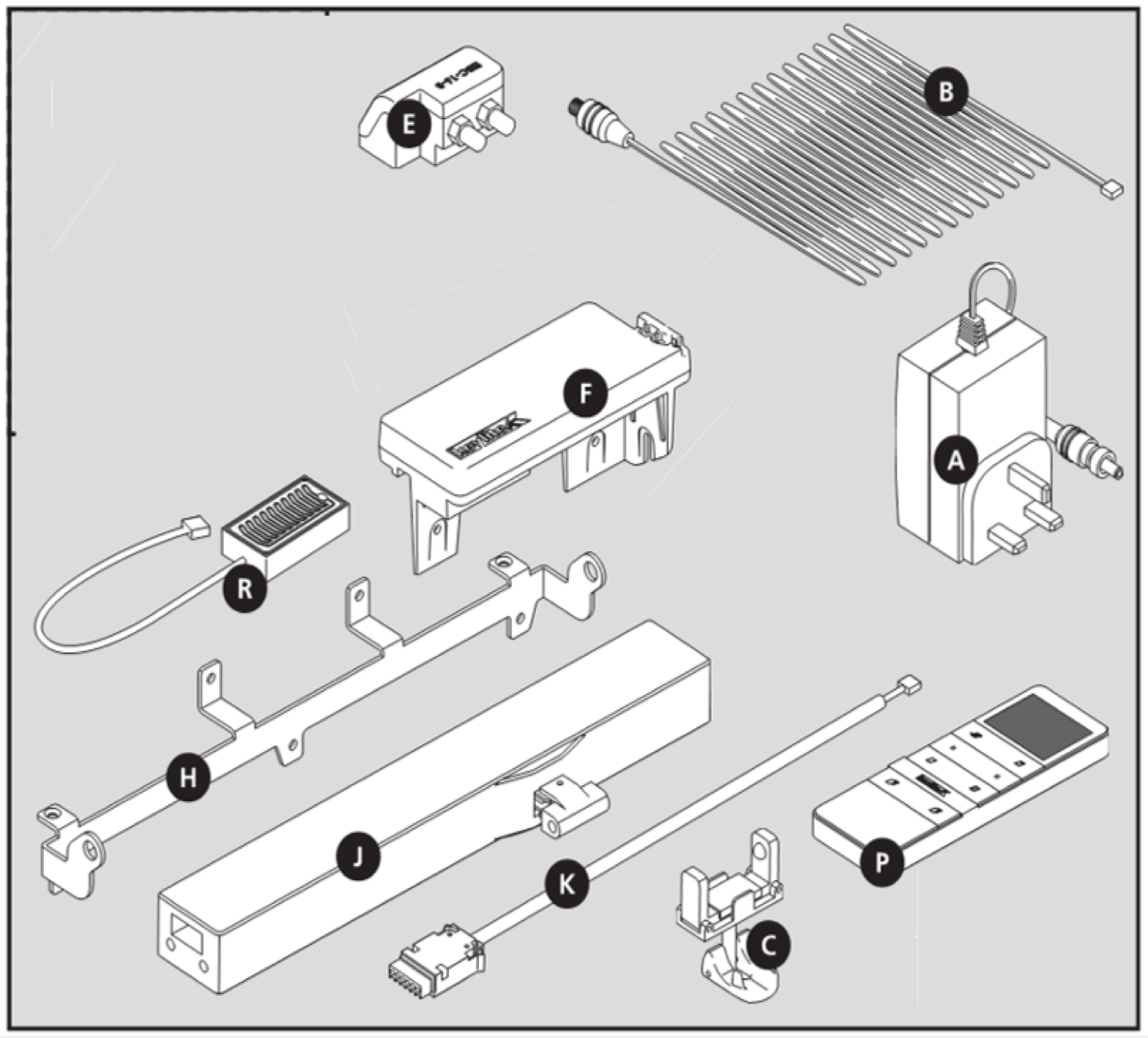
A. Transformer Wall Plug
B. 10 Metre Cable from ECU to
Transformer Wall Plug
C. Motor Release Bracket
E. Blinds Contacts
F. Electric Control Unit (ECU)
H. Motor Bracket
J. Motor
I. Motor Connection Cable to ECU
P. Remote Control
R. Rain Sensor & Connection Cable
H
A. Transformer Wall Plug
B. 10 Metre Cable from ECU to
Transformer Wall Plug
C. Motor Release Bracket
E. NEW Blinds Contacts
F. Electric Control Unit (ECU)
H. NEW Motor Bracket
J. Motor
K. Motor Connection Cable to ECU
P. Remote Control
R. Rain Sensor & Connection Cable
A. Transformer Wall Plug
B. 10 Metre Cable from ECU to
Transformer Wall Plug
C. Motor Release Bracket
E. NEW Blinds Contacts
F. Electric Control Unit (ECU)
G. ECU Packer
H. NEW Motor Bracket
J. Motor
K. Motor Connection Cable to ECU
P. Remote Control
R. Rain Sensor & Connection Cable
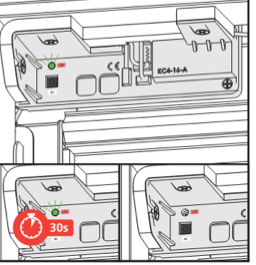
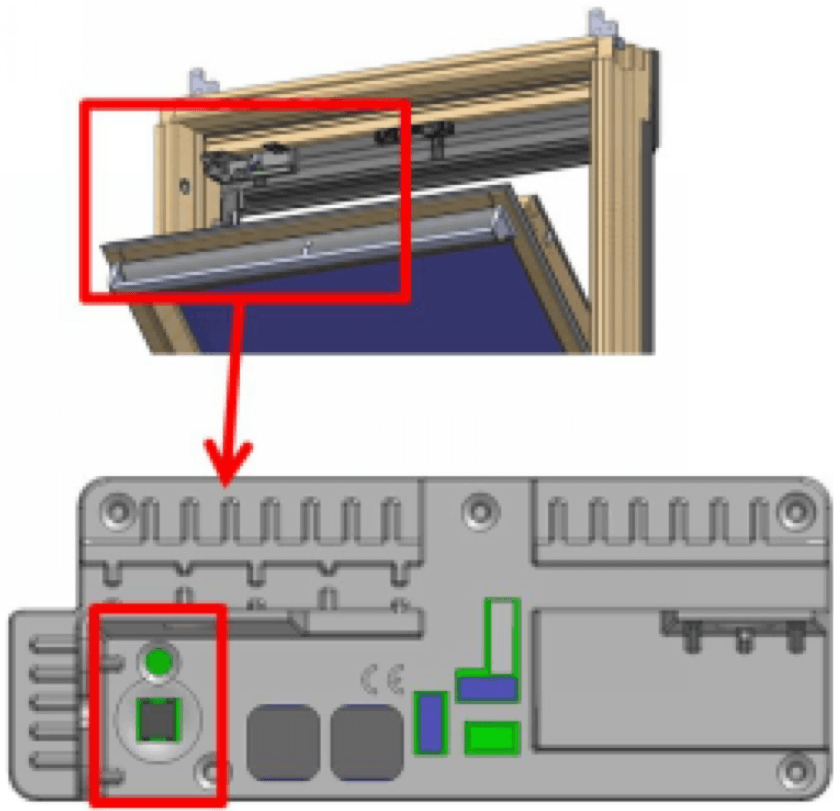
To programme your remote control, power up the ECU and wait until the green LED light finishes flashings.
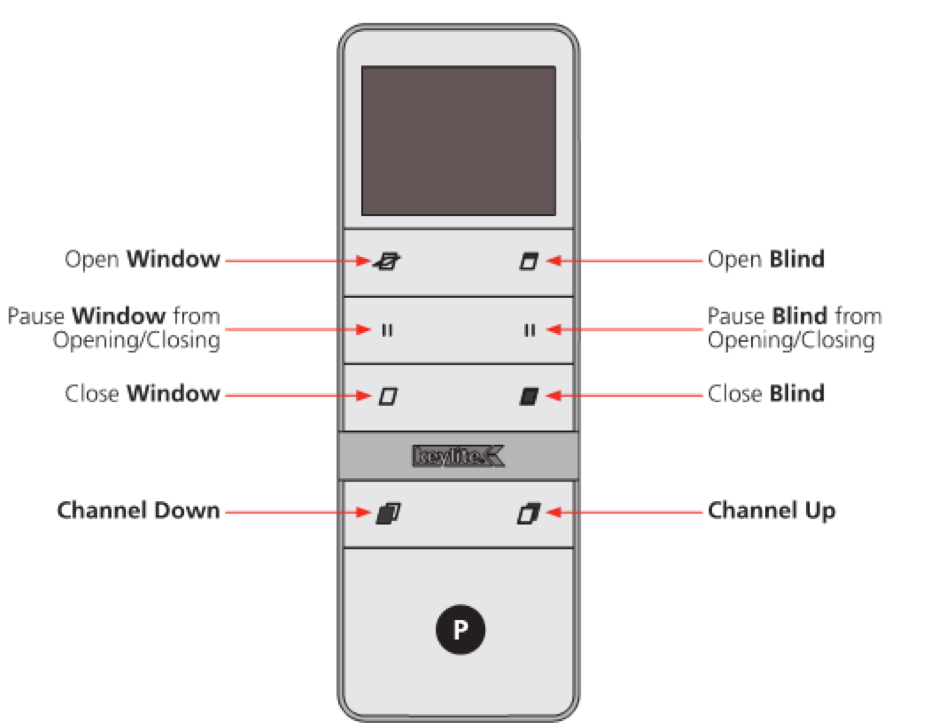
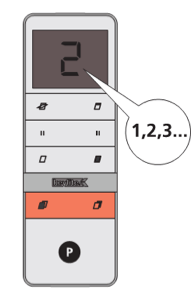
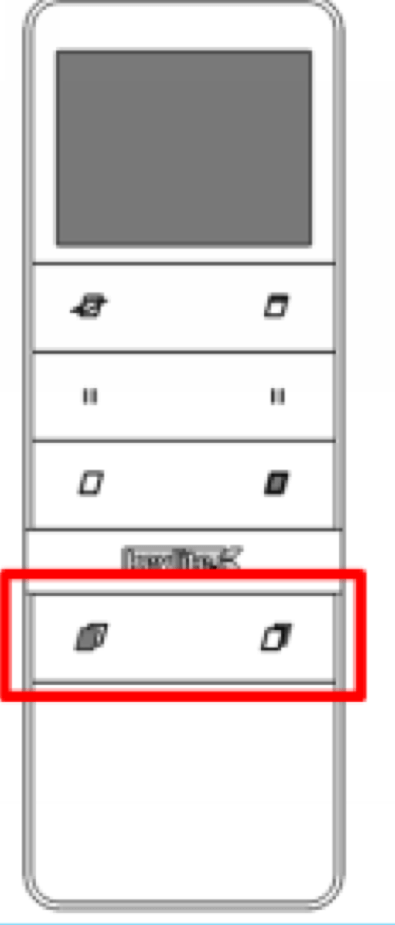
Select the desired channel using the channel buttons located at the bottom of the remote control.
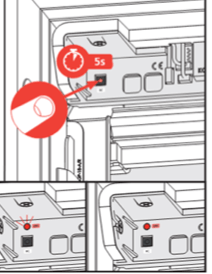
Hold the RC Button in the Control Panel for
5 seconds until a red light appears.
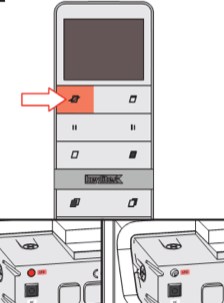
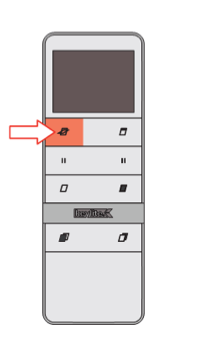
Press the 'Window Open' button located in the top left hand corner of the remote until you hear a 'click'. Both the green/red lights will go out.
Press the 'Window Open' button a second time and the green light will reappear.
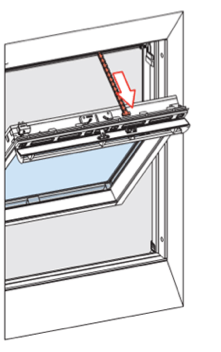
This will begin to extend the chain and open the window.
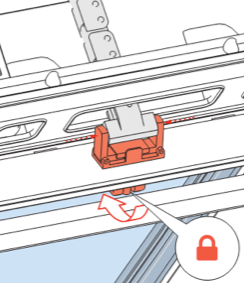
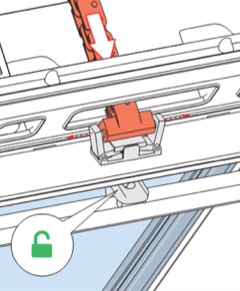
Open the clasp on the Motor Release Bracket. Ease the chain into the clasp and line up the two studs located at the end of the chain.
Close the clasp on the Motor Release Bracket to complete the connection, then close the window by using the bottom button on the left hand side of the remote control.
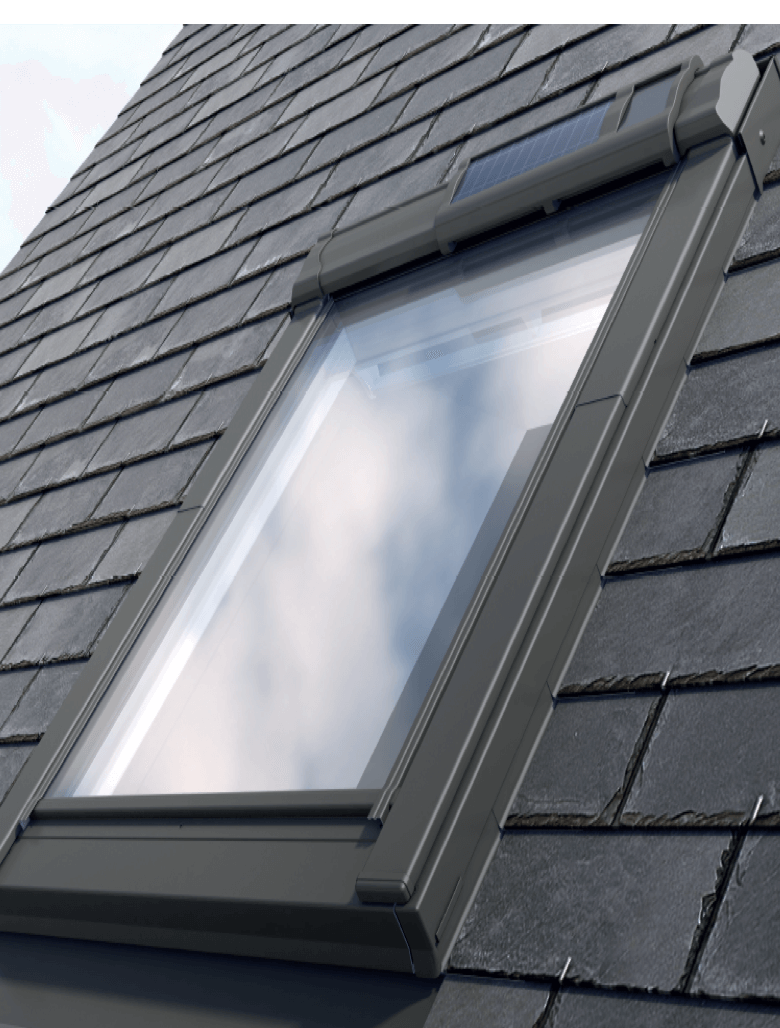
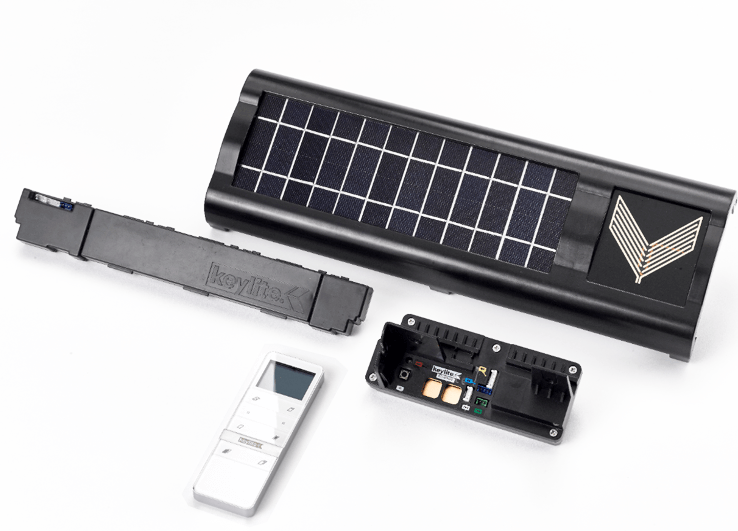
Our solar electric option stores up power for operation during the day and night. Electrical operation of blinds can also be added.
A. Solar Cell complete with
Rain Sensor
B. Battery Pack
C. Electric Control Unit
D. Remote Control
A
B
C
D
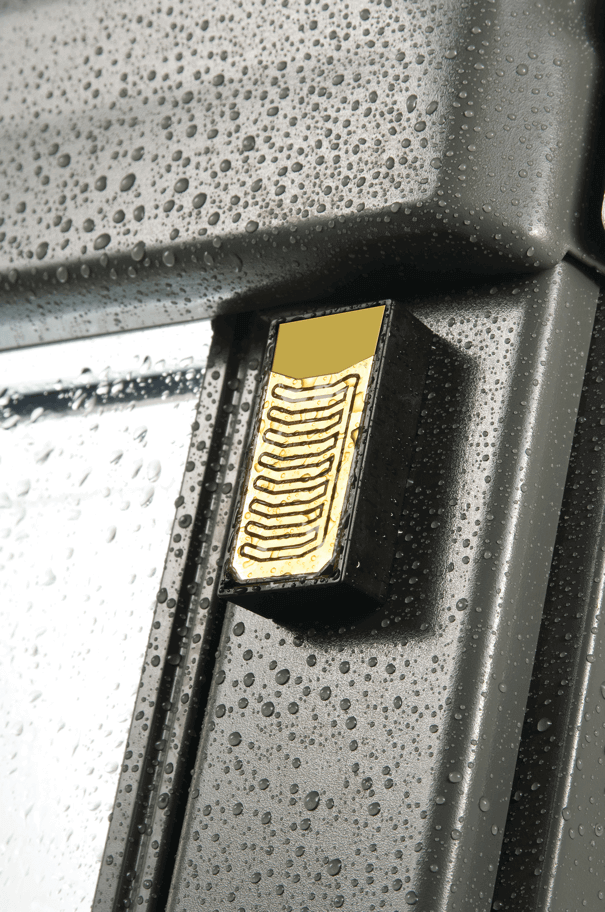
There are two forms of rain sensors. Our premium electric kit windows include a heated rain sensor which is directly connected to an electrical control unit - known as the KC5 unit.
Solar Powered roof windows contain an in built sensor which connects to the KC5 unit through the solar panel of which it is enclosed.
In the event of rain, a closed roof window will remain secure when the sensor is activated. An open roof window will be driven until the unit is securely closed. The roof window can only be reopened using the remote control once the rain sensor has thoroughly dried out.
Solar powered and premium electric kit roof windows are still able to provide ventilation during the natural occurrences of rain. By simply pressing the 'Window Open' button on your remote control this will activate ventilation without flooding the living space.
Ventilation Activation Procedure 1
(Dry Conditions)
Pressing the Open Window bu tton will start to open your roof window
Wait until the Remote Control Transmit Symbol disappears after approximately 2 seconds.
Press the stop symbol on the Remote Control to hold the window at the ventilation position.
Ventilation Activation Procedure 2
(Wet Conditions)
Singularly press the Open Button
The roof will open automatically stop at the vent position.
Once the window is fixed in the ventilation position, the activation or in-activation of the rain sensor will not have an effect on the roof window.
Ventilation mode will only be disengaged when the 'Window Close' action is selected.
In instances where the remote control connection has been lost, reprogramming can re sync your remote to your roof window.
One remote control can operate multiple windows. For example:
1. Window A could be programmed to channel 1
2. Window B could be programmed to channel 2
3. Windows A and B could be programmed to
channel 3.
Use the highlighted buttons to select your desired channel.
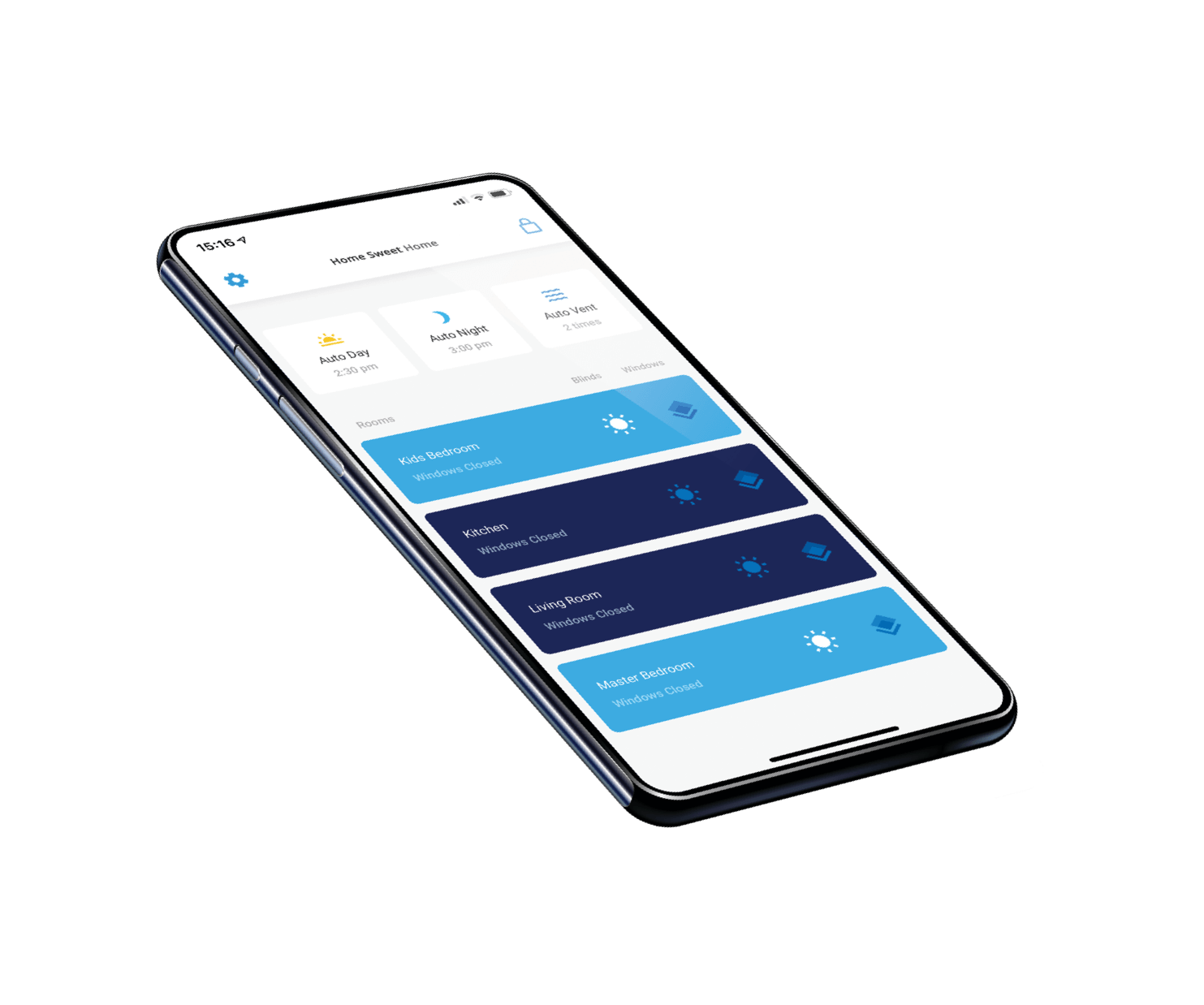
Our Keylite App enables finger touch control whether you are at home or on the go. Through connection with your Wi-Fi router, this allows remote access to open/close your windows and blinds as desired.
The application will be exclusively compatible with our PEK and SPEK roof windows and downloadable onto Apple and Android devices. The hardware will be an additional feature to be supplied separately with a premium electric kit.
| Included within Guarantee | Guarantee Period |
|---|---|
| KEYLITE products for electric operation, including electrical components installed in KEYLITE roof windows | 3 years |
Please continue to the quiz below
By Keylite Web Team
Electrics