Svelte X WebGL


Intro

What is WebGL?
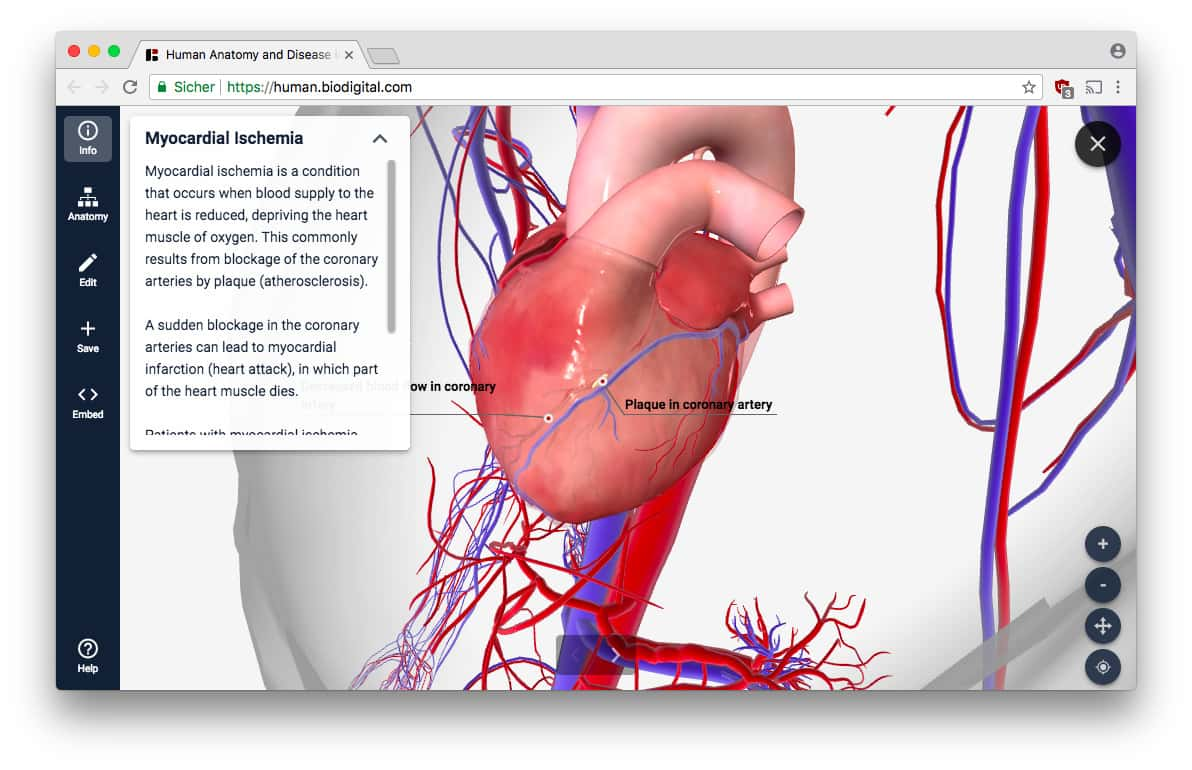
WebGL allows developers to create 2D and 3D rendering on an HTML canvas using JavaScript.
Who Uses WebGL?



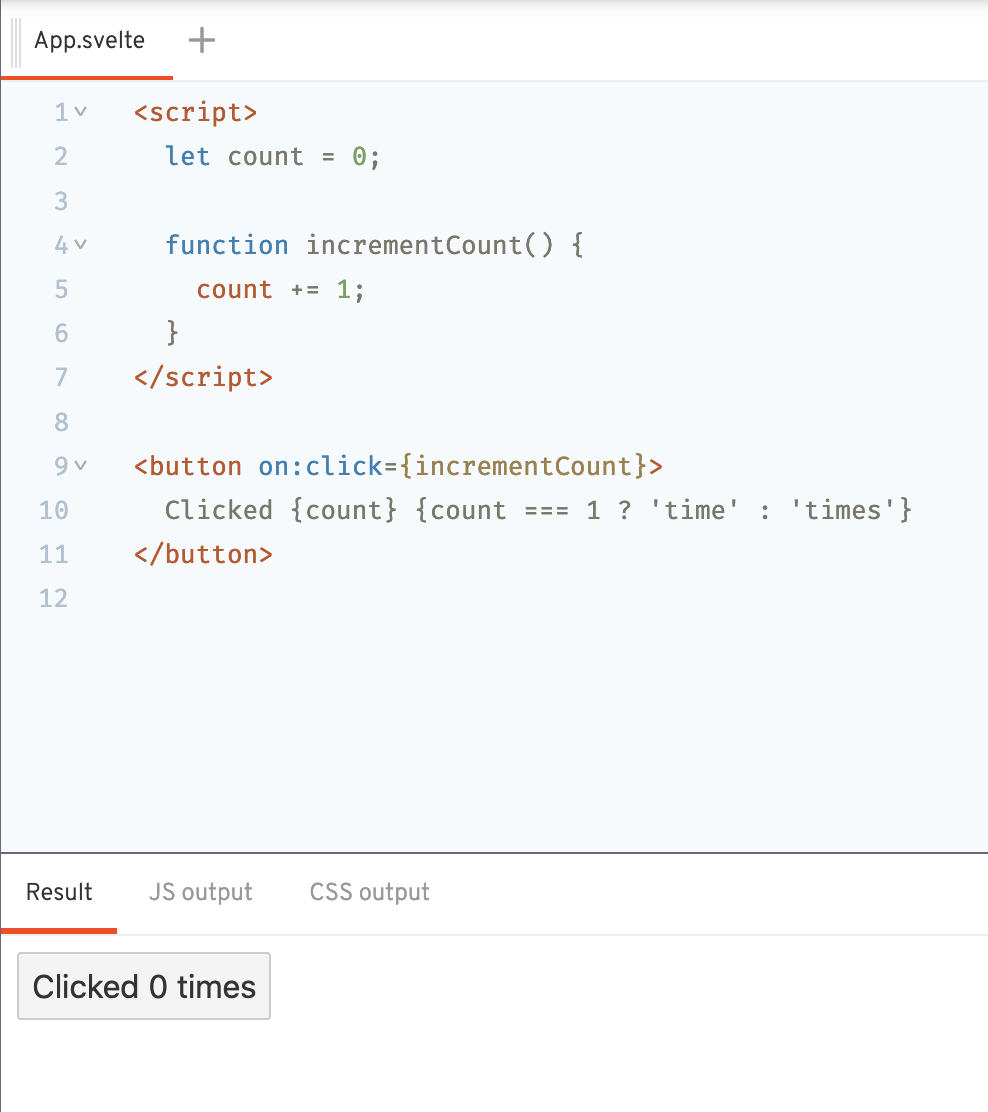
What is Svelte?
-
Compiler Based UI Framework
-
Zero Runtime
-
Reactivity
-
Excellent DX
-
Focus on Simplicity
- WebGL is super low level
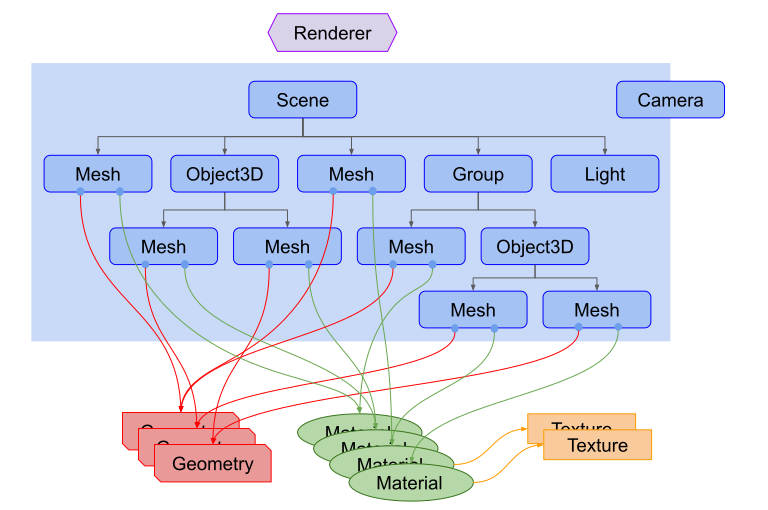
- Three can draw scenes, lights, shadows, materials, textures
Svelte X ThreeJS
Svelte and svelte-cubed provides the ability to write WebGL based apps in a much more decarative, performant and clean way
Hello Cube
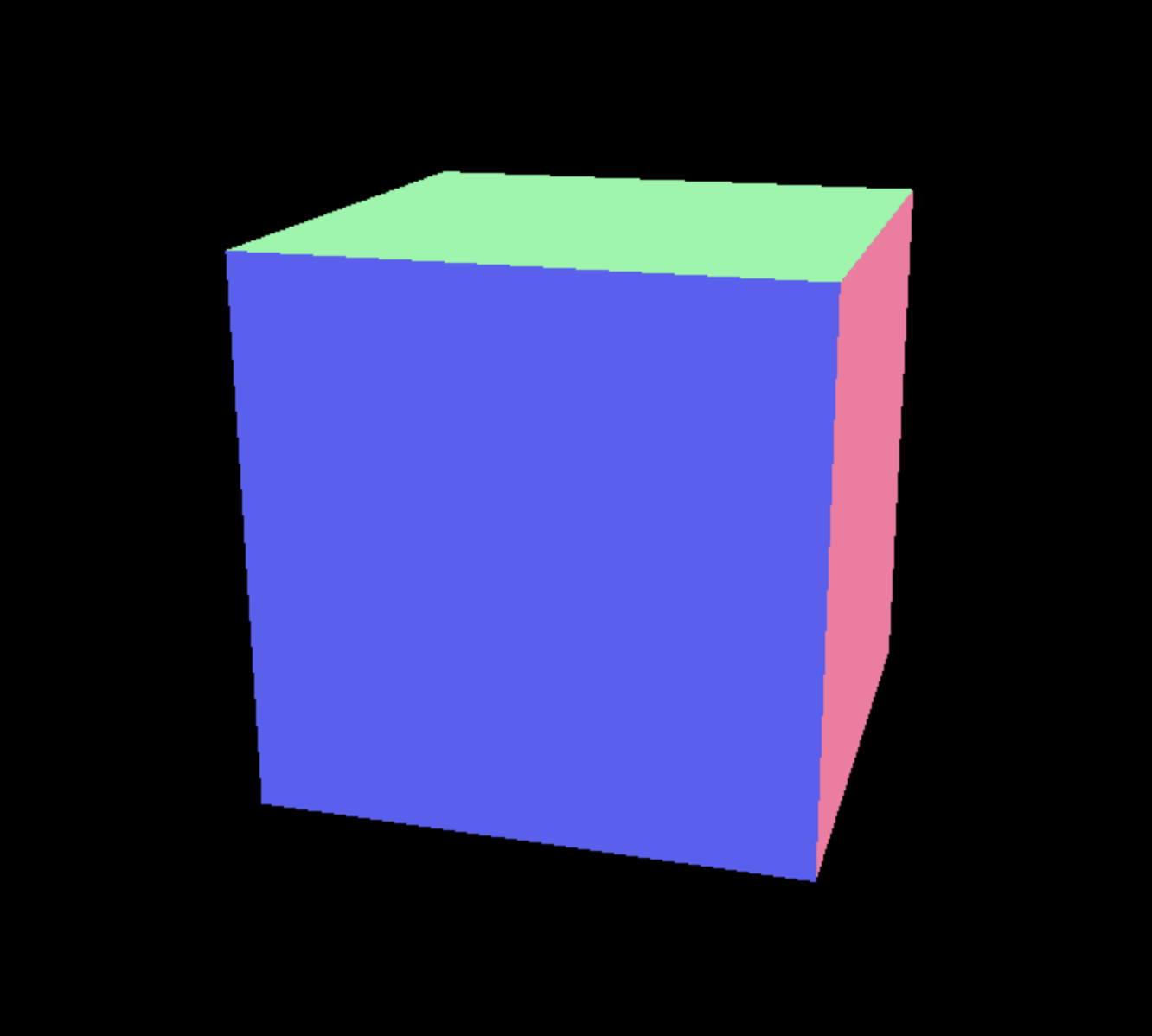
Building Our Own
<SC.Canvas>
  <!-- Position is close, y, x -->
  <SC.Mesh
    position={[0, 5, 0]}
    geometry={new THREE.TorusGeometry()}
  />
  <SC.Mesh
    geometry={new THREE.TorusKnotGeometry()}
    position={[0, 0, 0]}
   />
  <SC.Mesh
    position={[0, -5, 0]}
    geometry={new THREE.TetrahedronGeometry()}
  />
  <SC.PerspectiveCamera position={[20, 1, 3]} />
</SC.Canvas>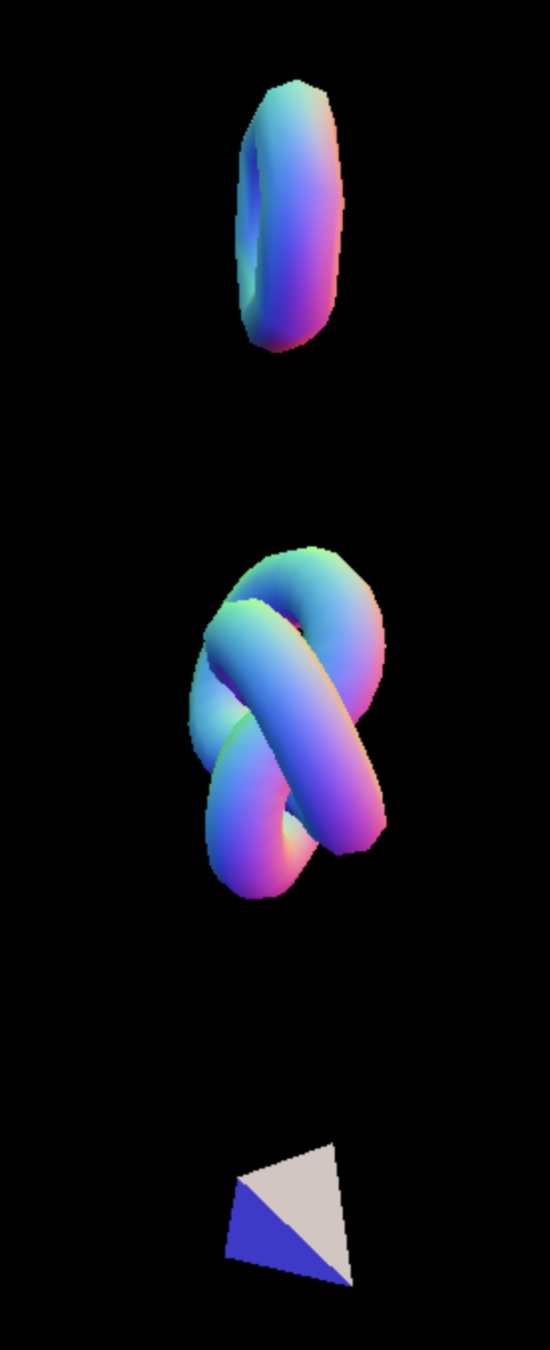
Canvas
<SC.Canvas
  antialias
  background={new THREE.Color("honeydew")}
>
  <!-- Position is close, y, x -->
  <SC.Mesh
    position={[0, 5, 0]}
    geometry={new THREE.TorusGeometry()}
  />
  <SC.Mesh
    geometry={new THREE.TorusKnotGeometry()}
    position={[0, 0, 0]}
   />
  <SC.Mesh
    position={[0, -5, 0]}
    geometry={new THREE.TetrahedronGeometry()}
  />
  <SC.PerspectiveCamera position={[20, 1, 3]} />
</SC.Canvas>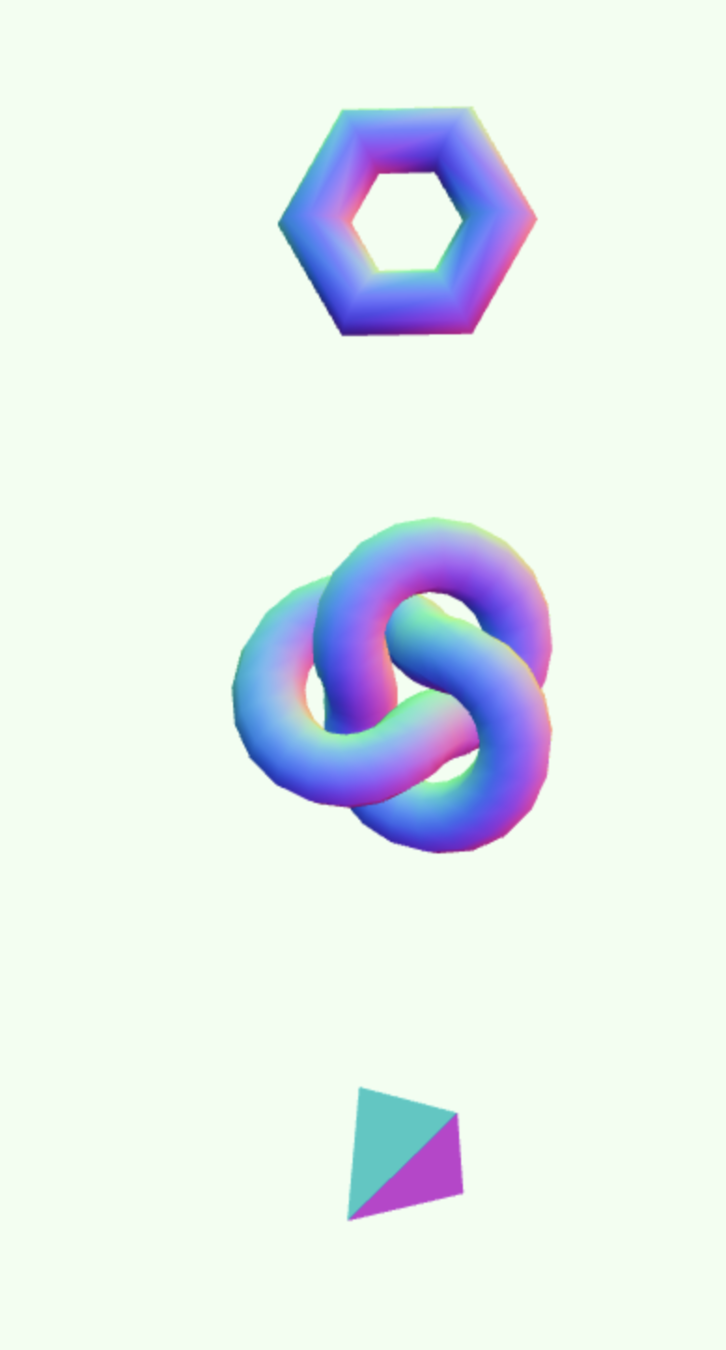
Camera
OrbitControls lets us pan the camera.
<SC.OrbitControls />Materials
Materials let us determine what the Geometry is made of.
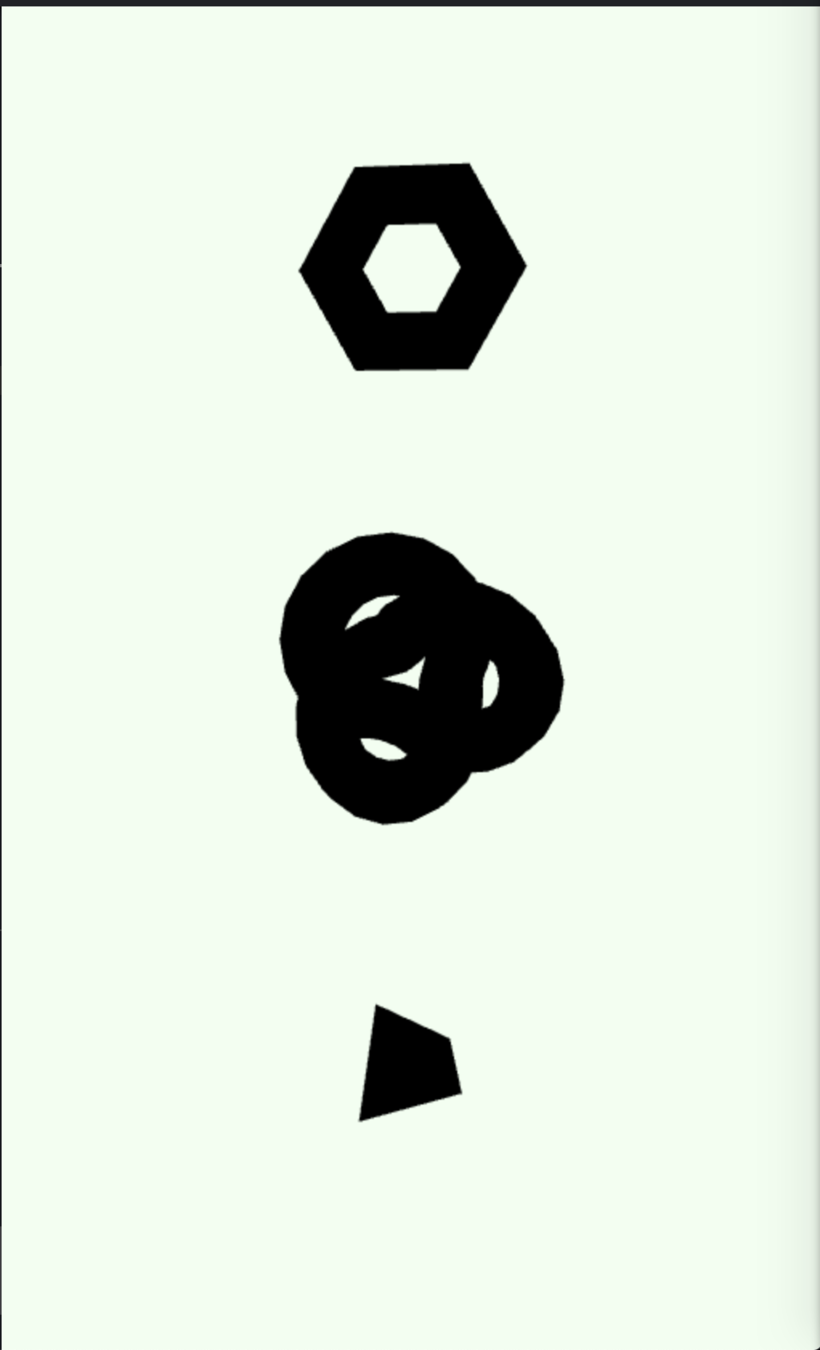
<SC.Canvas antialias background={new THREE.Color("honeydew")}>
	<!-- Position is close, y, x -->
  <SC.Mesh
    position={[0, 5, 0]}
    geometry={new THREE.TorusGeometry()}
    material={new THREE.MeshStandardMaterial({ color: "rebeccapurple" })}
  />
  <SC.Mesh
    geometry={new THREE.TorusKnotGeometry()}
    material={new THREE.MeshStandardMaterial({ color: "yellowgreen" })}
    position={[0, 0, 0]}
  />
  <SC.Mesh
    position={[0, -5, 0]}
    geometry={new THREE.TetrahedronGeometry()}
    material={new THREE.MeshStandardMaterial({ color: "red" })}
  />
  <SC.PerspectiveCamera position={[20, 1, 3]} />
  <SC.OrbitControls />
</SC.Canvas>
Adding Light
<SC.AmbientLight intensity={0.6} />
<SC.DirectionalLight intensity={0.6} position={[-2, 3, 2]} />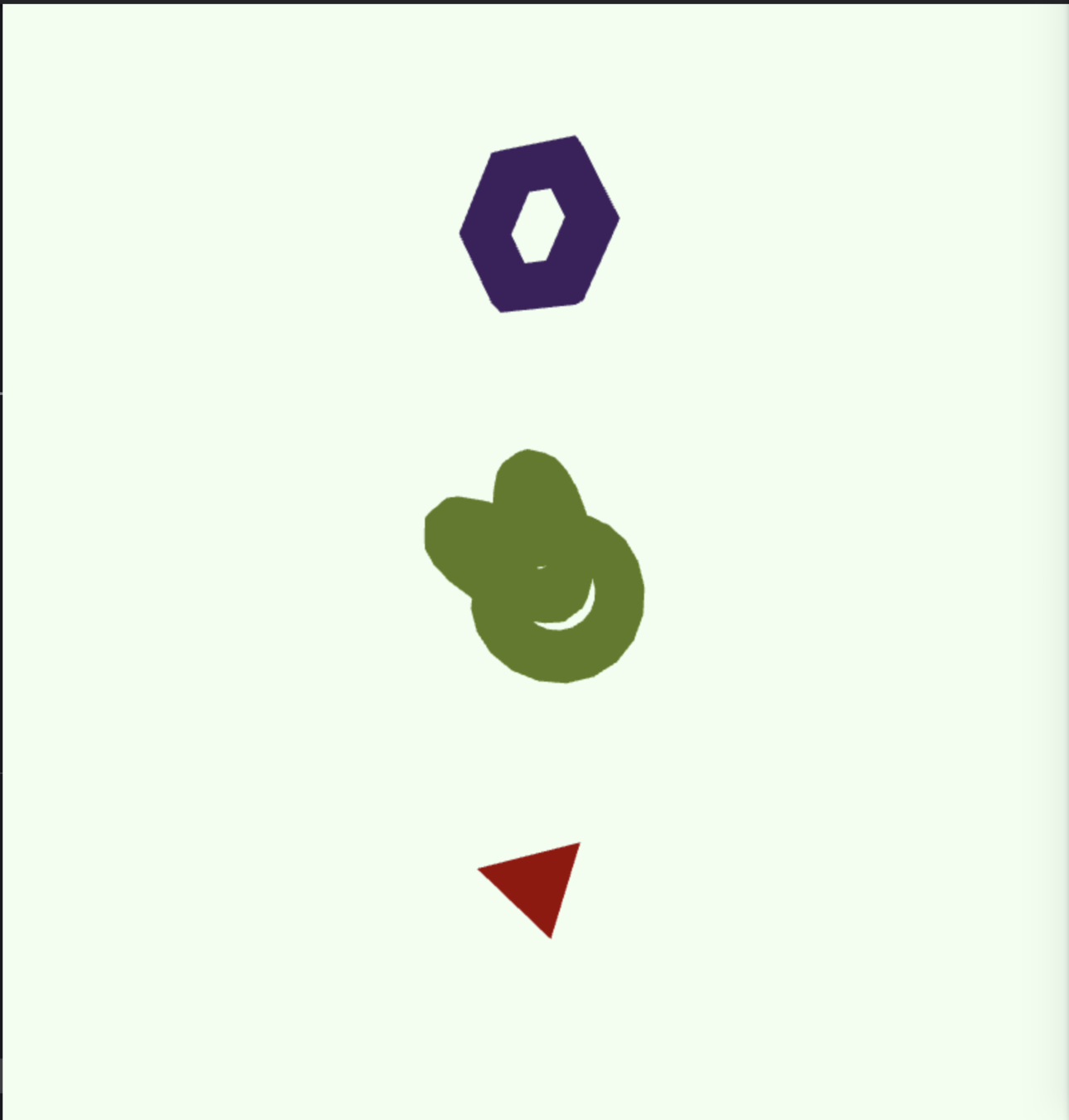
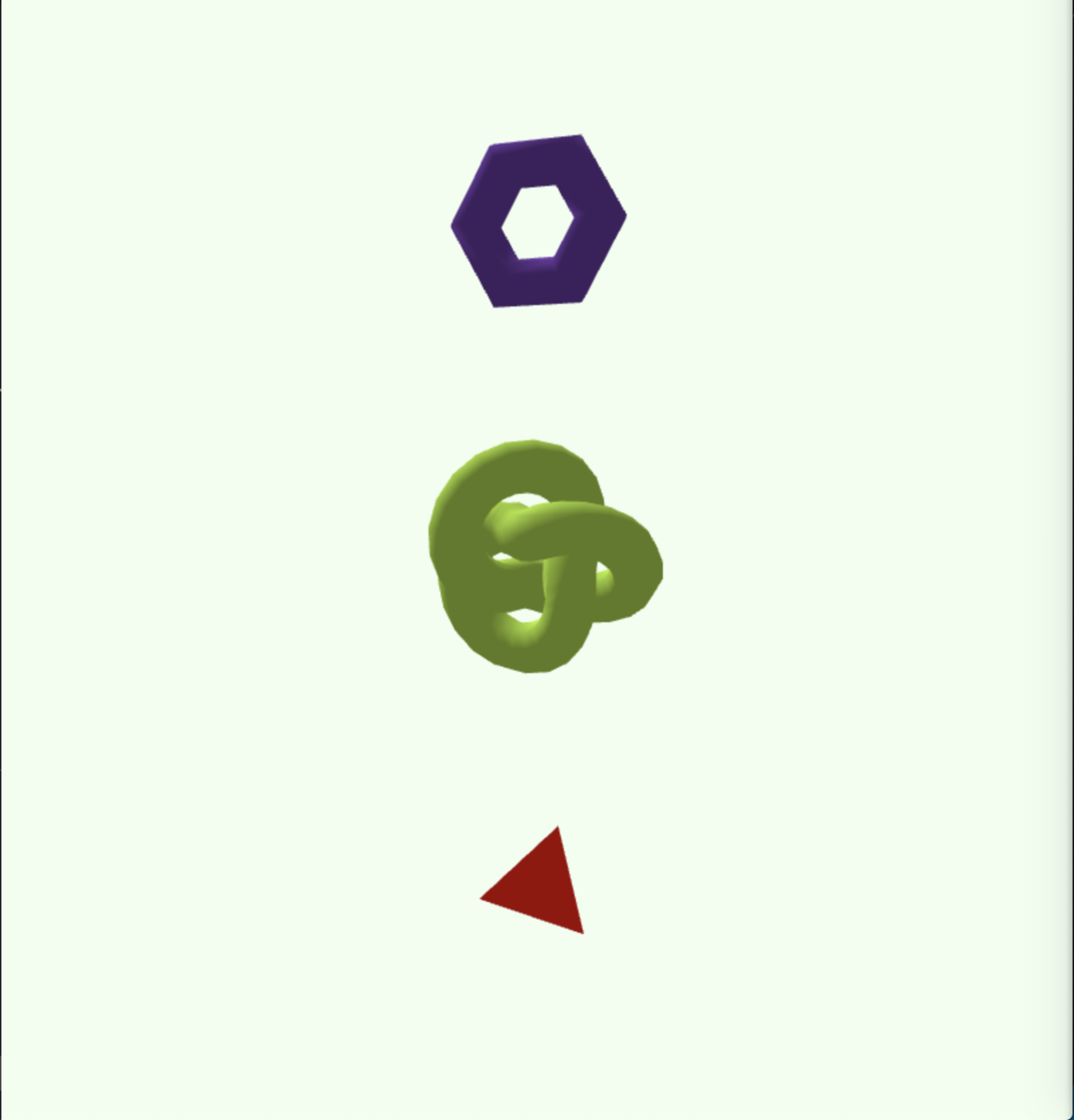
Ambient Only
Directional + Ambient
Animation
<script>
  import * as THREE from 'three';
  import * as SC from 'svelte-cubed';

  let spin = 0

  // On every frame, add spin to the sphere
  SC.onFrame(() => {
    spin += 0.01;
  });
</script>

  <!-- Position is close, y, x -->
  <SC.Mesh
    position={[0, 5, 0]}
    geometry={new THREE.TorusGeometry()}
    material={new THREE.MeshStandardMaterial({ color: "rebeccapurple" })}
    rotation={[0, spin, 0]}
  />
Managing State
<script>
  import * as THREE from 'three';
  import * as SC from 'svelte-cubed';
  import { tweened } from 'svelte/motion';
  import { cubicOut } from 'svelte/easing';

  // Sveltes tweening feature
  // animates for us as we update state
  const progress = tweened(0, {
    duration: 800,
    easing: cubicOut
  });

  let spin = 0
  let width = 1
  let height = 1
  let depth = 1

  SC.onFrame(() => {
    spin += 0.01;
  });

  function animate() {
    progress.update(s => s + 3)
  }

  function reset() {
    progress.set(0)
    width = 1
    height = 1
    depth = 1
  }
</script>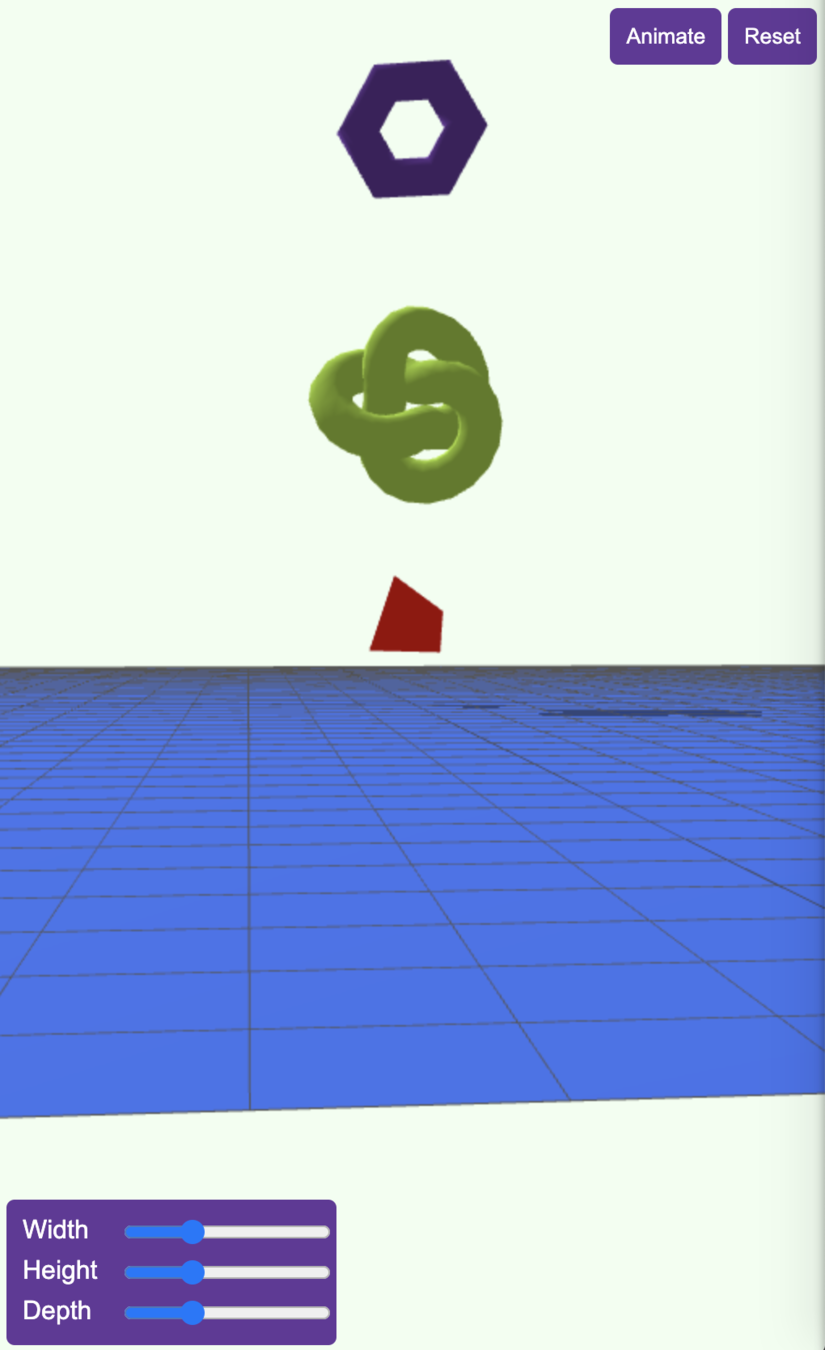
More Advanced Features
- Backdrop
- Shadows
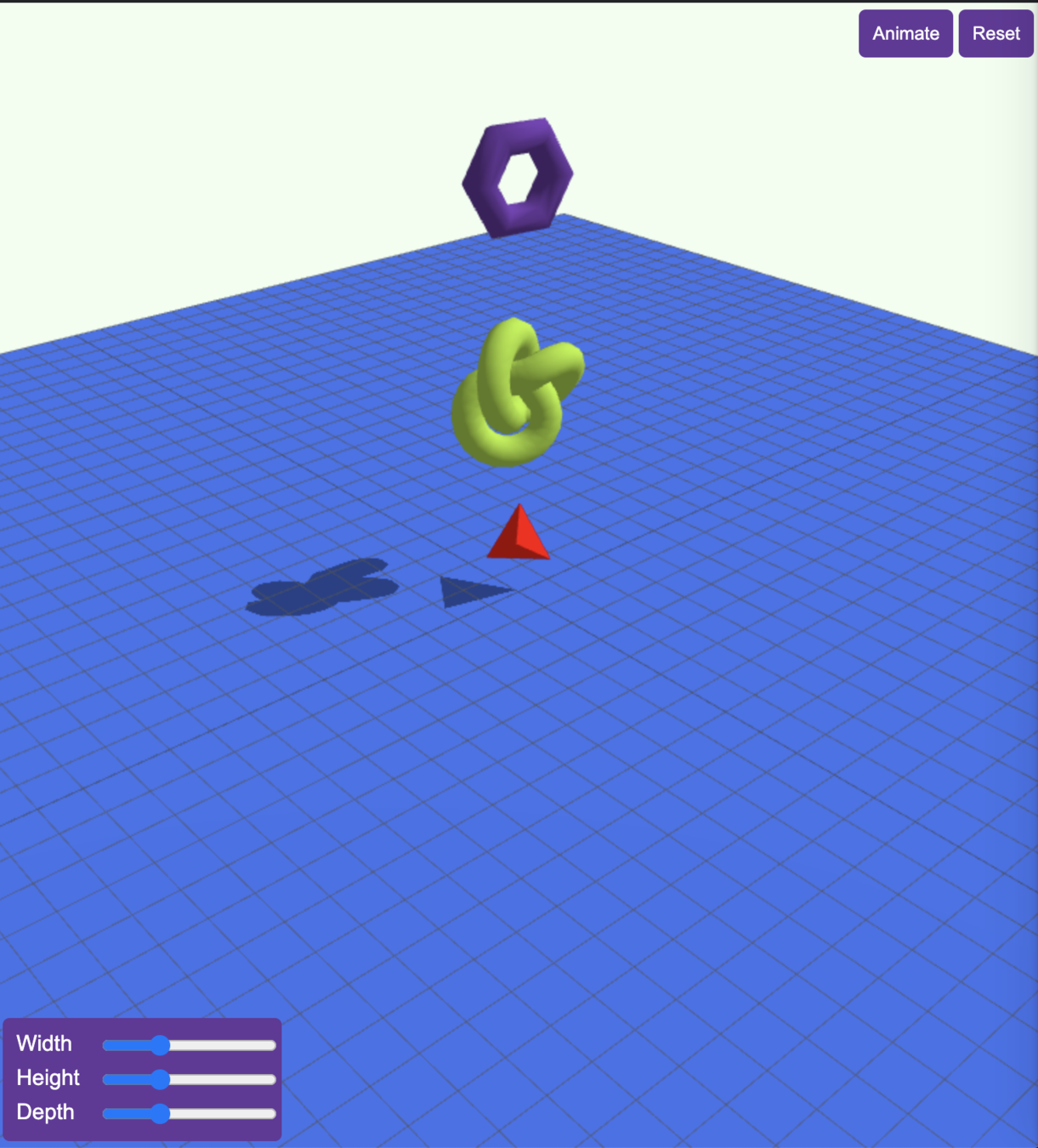
Showcase
State of svelte-cubed
Thank You!
Svelte X WebGL
By Martin McKeaveney