© 2018, Drifty, Inc. All rights reserved. Reproduction and distribution of this material is prohibited.
Introductions
Ionic Pro has a suite of tools and services
Monitor
Error reporting
Deploy
Live updates
Package
Native builds


Create an app
Today's story
Create binaries for the app stores
Detect run-time errors
Deploy hot bug fixes
Create an app
Create binaries for the app stores
Detect run-time errors
Deploy hot bug fixes
Creating an app, and getting it in Pro
Initial Setup
1. Create app in Pro dashboard
2. Code the app locally
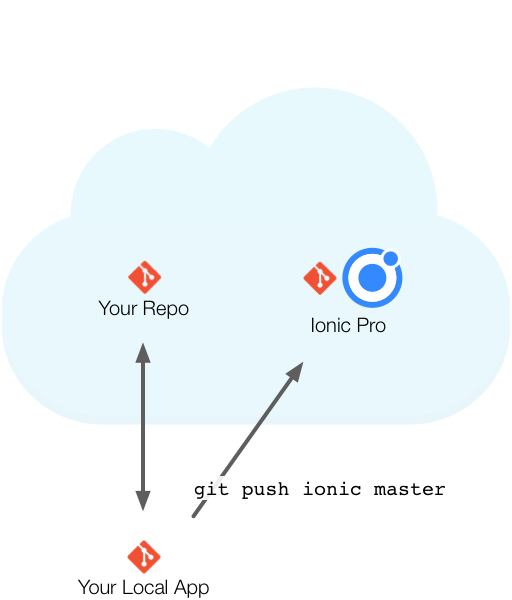
3. git push ionic master
1
2
3
-
Create an app in Pro
-
Create it locally
-
Run it locally
-
Edit it
-
git add .
-
git commit -m "Initial commit"
-
git push ionic master
-
See it being built
When I'm ready, I'm free to do a native build and submit to an app store
Create an app
Create binaries for the app stores
Detect run-time errors
Deploy hot bug fixes
Package
Native builds
Easily to build native app binaries for iOS and Android in the cloud
Package
Packaging Native Binaries
Perfect for automating binary builds and for developers using Windows that want to build iOS apps
The problem with random team members doing builds
-
Are build environments consistent?
-
Does everyone have xcode and Android Studio?
I'll start with an empty slate, and piece by piece explain how to package your app
And after the picture is clear, I'll show you how each step is done
Your Local Ionic Project
You work on your project locally
Your Local Ionic Project
git push ionic master

And when you're ready, push it to Pro
Your Local Ionic Project
git push ionic master
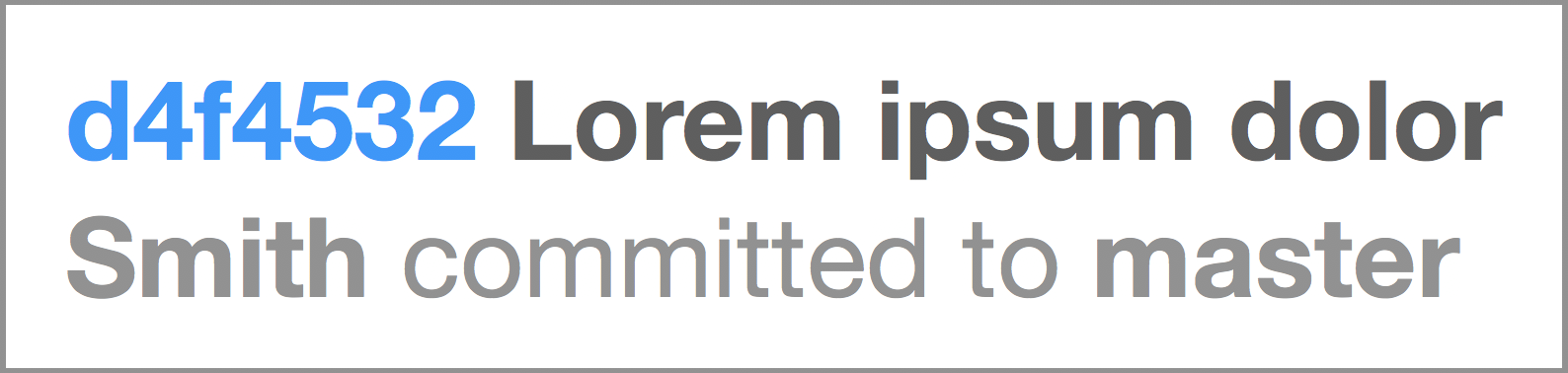
Pro automatically builds each push
Your Local Ionic Project
git push ionic master
You choose a build, then Package
Your Local Ionic Project
git push ionic master
Package creates an .ipa or .apk
.ipa
.apk
Your Local Ionic Project
git push ionic master

You upload the .ipa or .apk to an app store
.ipa
.apk
Your Local Ionic Project
git push ionic master
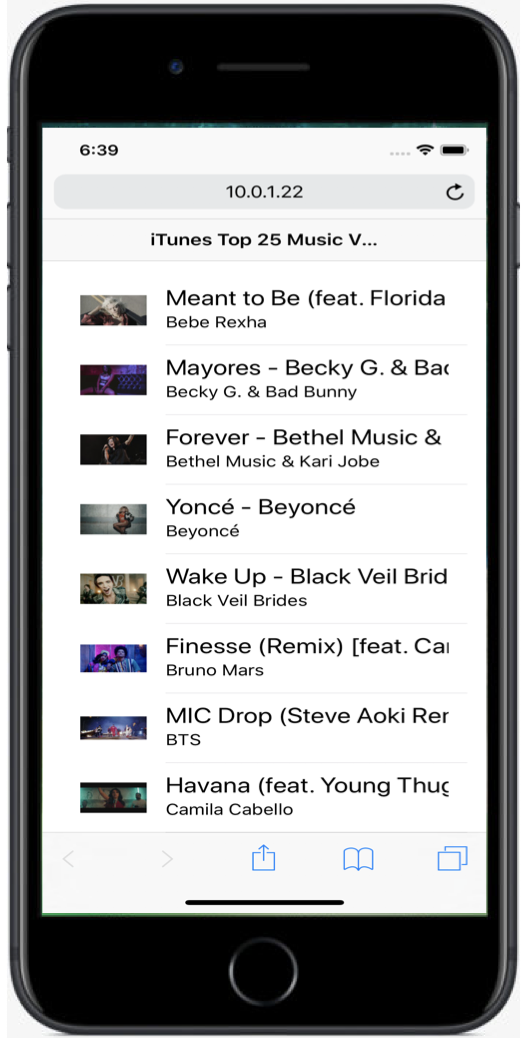
Your users get the app from the store
.ipa
.apk
Your Local Ionic Project
git push ionic master
Or, you install directly on your own device
.ipa
.apk
-
Run AmazingApp locally
-
In the Pro dashboard...
-
Review AmazingApp credentials
-
Review AmazingApp package history
-
Note downloads
-
Run copy installed on phone
Your app is on your user's device
But what if there are problems?
Create an app
Create binaries for the app stores
Detect run-time errors
Deploy hot bug fixes
Monitor
Error reporting
Runtime error monitoring
Pinpoint and resolve runtime errors
Track issues in development and catch bugs before they ship
Track issues in production
Monitor
Exceptions are reported to Pro

Setup
-
npm install @ionic/pro
- Add some copy-and-paste code to your app module
import { BrowserModule } from "@angular/platform-browser";
import { ErrorHandler, NgModule, Injectable, Injector } from "@angular/core";
import { SplashScreen } from "@ionic-native/splash-screen";
import { StatusBar } from "@ionic-native/status-bar";
import { Pro } from "@ionic/pro";
import { IonicApp, IonicErrorHandler, IonicModule } from "ionic-angular";

import { MyApp } from "./app.component";
import { HomePage } from "../pages/home/home";

// This is the Pro app ID and version (from config.xml)
Pro.init("d2c05e3f", { appVersion: "0.0.1" });

// An ErrorHandler class you provide.
@Injectable()
export class MyErrorHandler implements ErrorHandler {
  ionicErrorHandler: IonicErrorHandler;

  constructor(injector: Injector) {
    try {
      this.ionicErrorHandler = injector.get(IonicErrorHandler);
    } catch (e) {
      console.log(e);
      // Unable to get the IonicErrorHandler provider, ensure IonicErrorHandler has been added to the providers list below
    }
  }

  handleError(err: any): void {
    Pro.monitoring.handleNewError(err);
    // Remove this if you want to disable Ionic's auto exception handling in development mode.
    this.ionicErrorHandler && this.ionicErrorHandler.handleError(err);
  }
}

@NgModule({
  declarations: [MyApp, HomePage],
  imports: [BrowserModule, IonicModule.forRoot(MyApp)],
  bootstrap: [IonicApp],
  entryComponents: [MyApp, HomePage],
  providers: [
    StatusBar,
    IonicErrorHandler,
    [{ provide: ErrorHandler, useClass: MyErrorHandler }],
    SplashScreen
  ]
})
export class AppModule {}
Setup
-
npm install @ionic/pro
- Add some copy-and-paste code to your app module
- Set up source maps
- Uncaught exceptions are automatically reported
-
Pro.monitoring.exception(errorObject)
-
Pro.monitoring.log(msg, options)
Full instructions are found at
https://ionicframework.com/docs/pro/basics/getting-started/#pro-client-setup
What if there's a problem with the production app?
Create an app
Create binaries for the app stores
Detect run-time errors
Deploy hot bug fixes
Deploy
Live updates
Realtime app updates
Deliver hot code bug fixes in real time
Deploy
Live Deploy lets your app watch for code changes
Have the app watch a channel, then assign a build to the channel
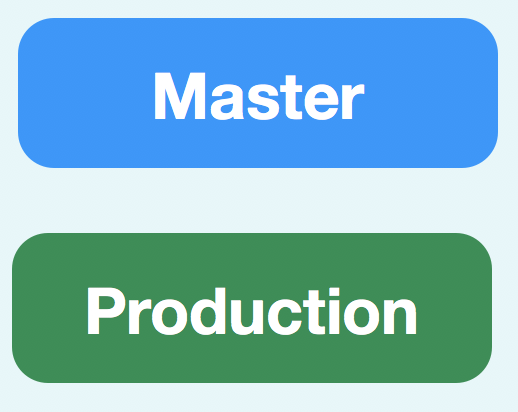
My app is set up for Deploy
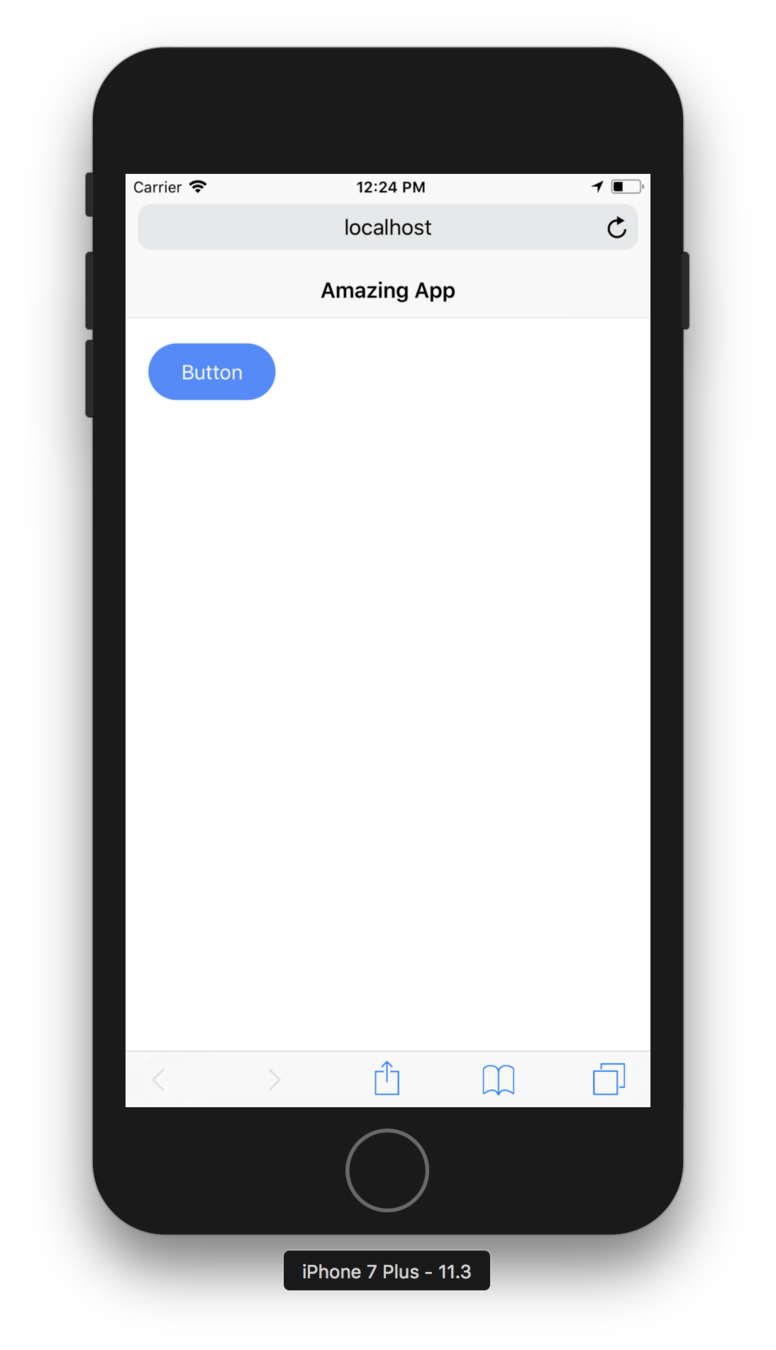
But I don't need Deploy, because the app is perfect!
Let's look at the design document again...
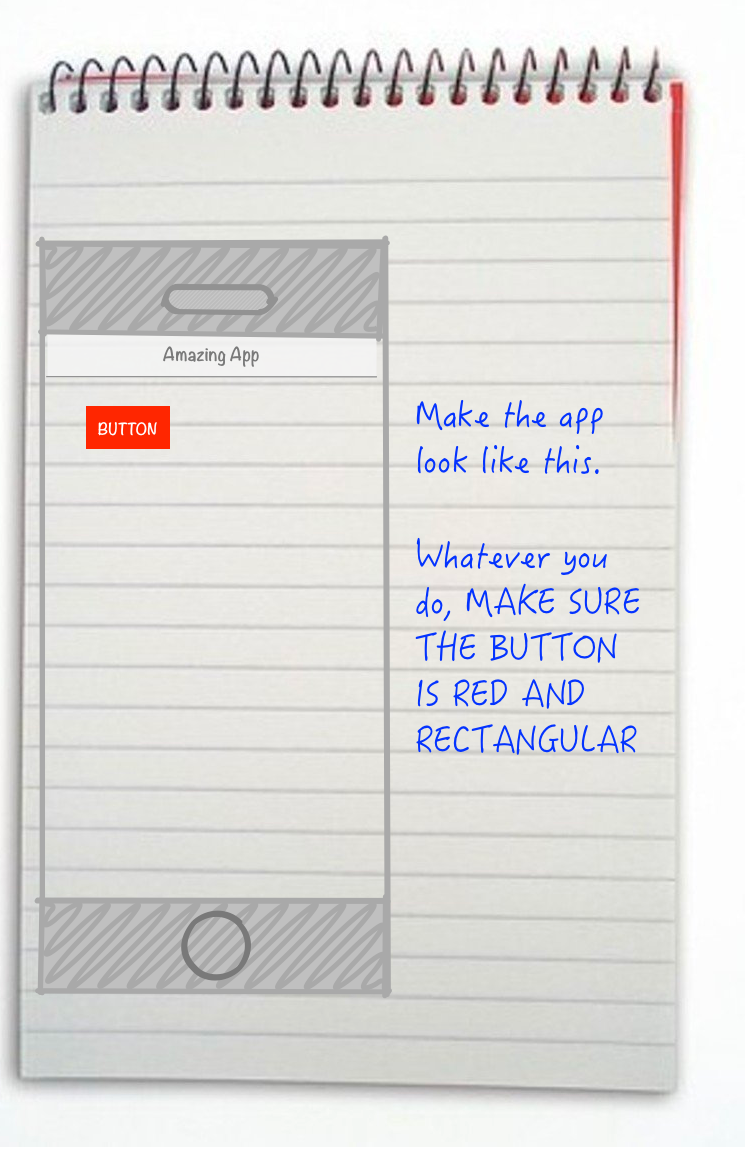
DOH!
-
Run the app locally
-
Fix the error
-
git add .
-
git commit -m "Red rectangular button"
-
git push ionic master
-
Review how Deploy was set up in Pro
-
Look in config.xml
-
Run on my phone
-
Assign to Production
-
Re-run on phone — yay!
Other Resources
The Docs
Ionic Pro Online Demo
By Max Rahder