EDITING THE ROUGH CUT
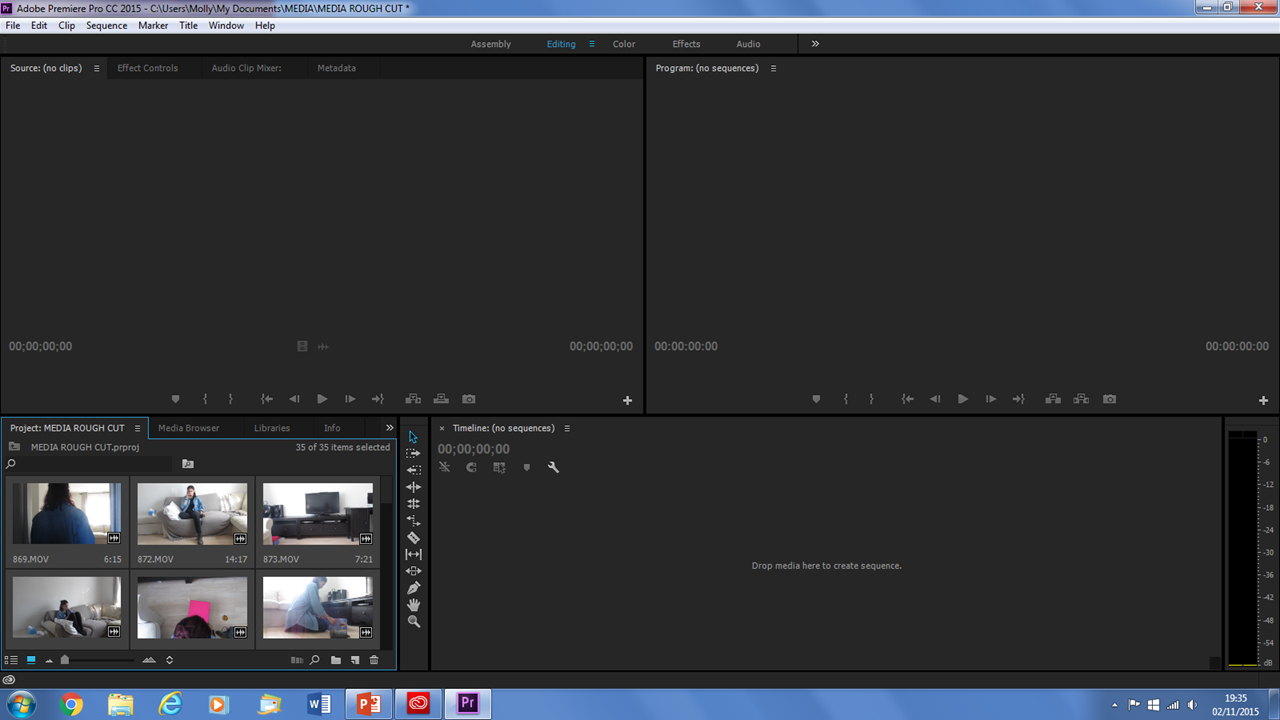
The first thing we did was import the video clips we had filmed onto the program Adobe Premiere. The clips that we uploaded were ones that we could use, some of the clips we had filmed we couldn't use as they didn't flow with the rest of the clips.
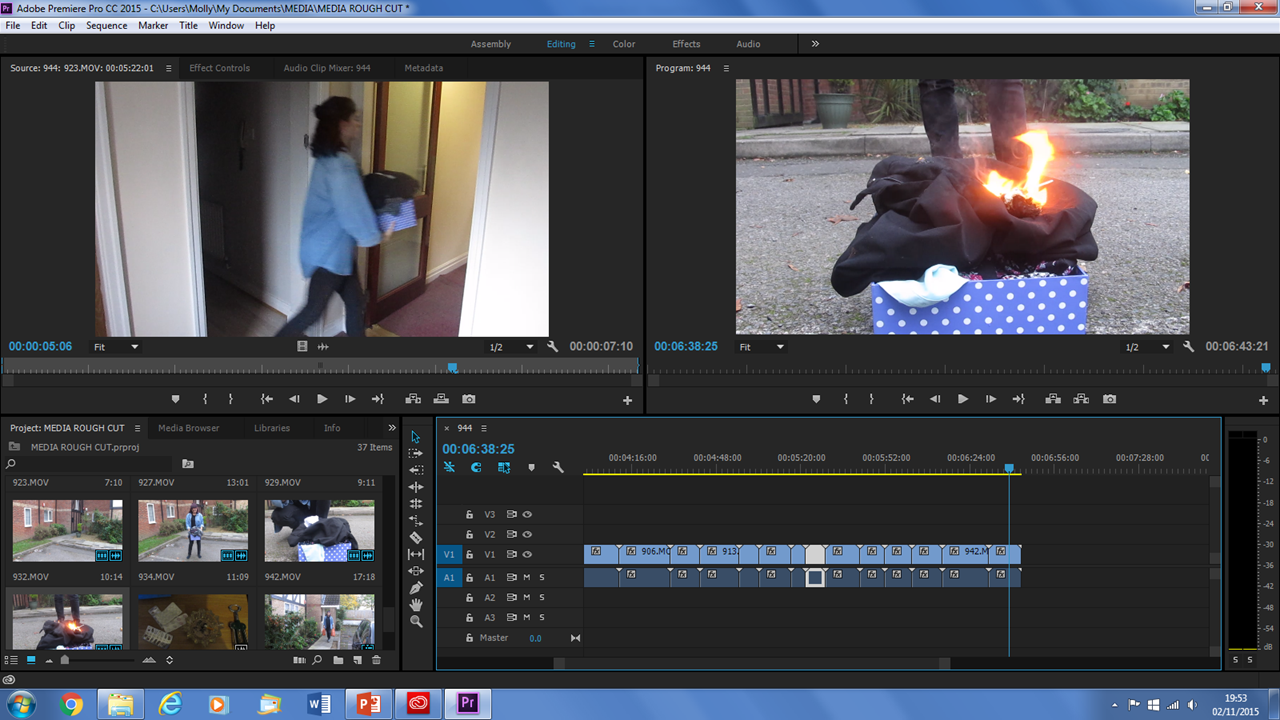
The next thing we did after we had uploaded all of the clips onto the software was to place the clips in chronological order. We took each clip and placed them in the order we had on our storyboard we had made.
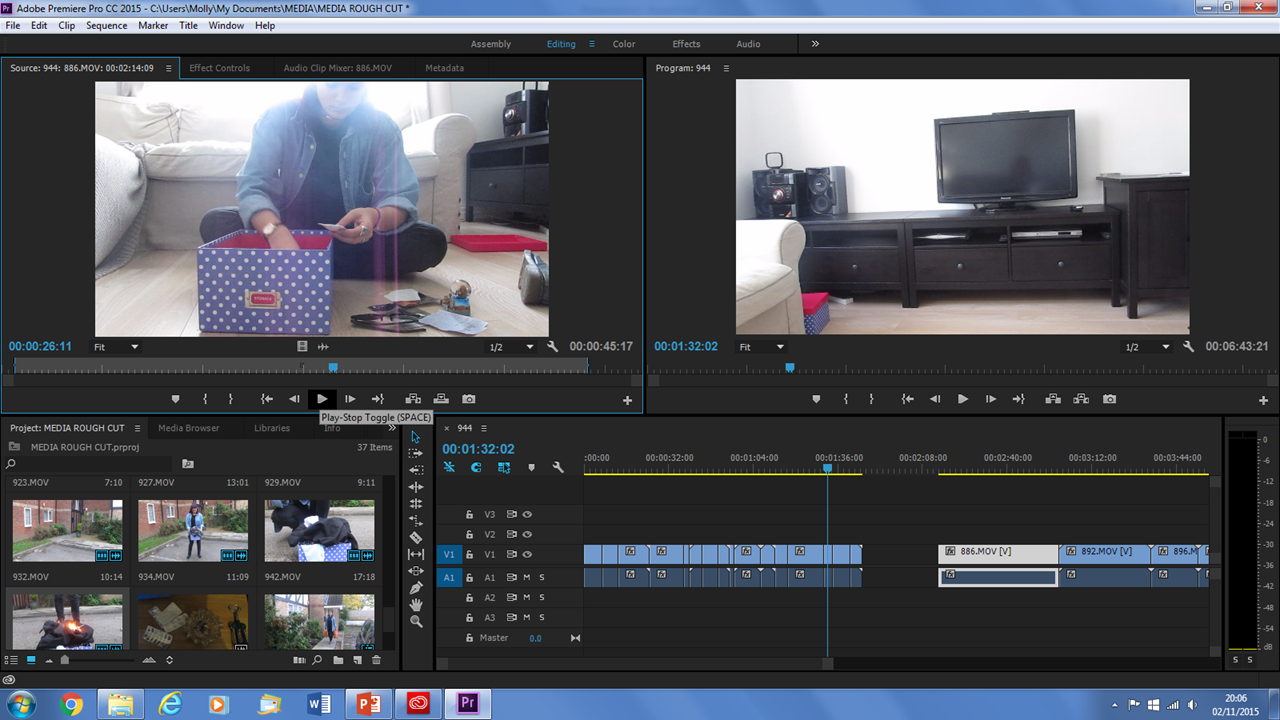
After that we went through each clip and cropped it depending on how much of it we needed. We cropped the parts so they flow with the clip before it. We also did this so our video looks professional and not choppy editing.
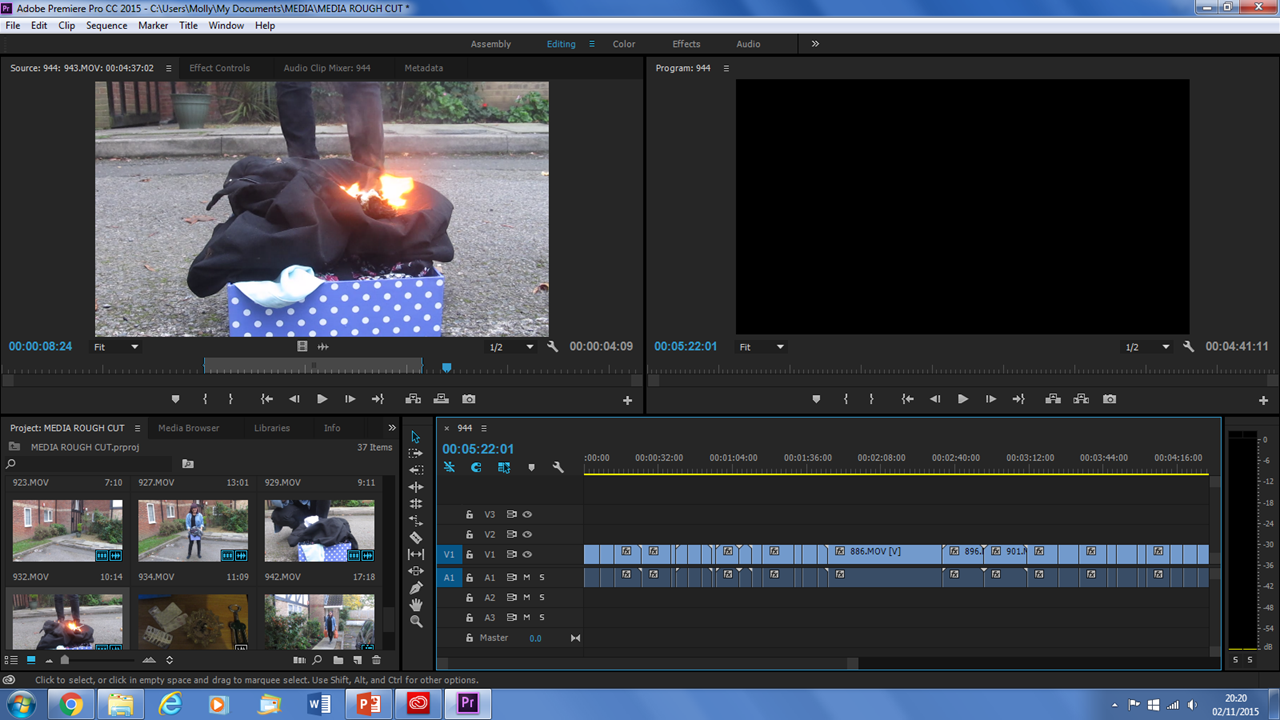
The next thing we did was we watched the whole video after we had cropped all the clips. We did this to see how they all fitted together. Once we had done this, we cropped some of the clips again to make it flow better.
The next thing we did was to mute the audio track. We did this so when we put the audio track in, so the sounds from the clip didn't clash with the audio.
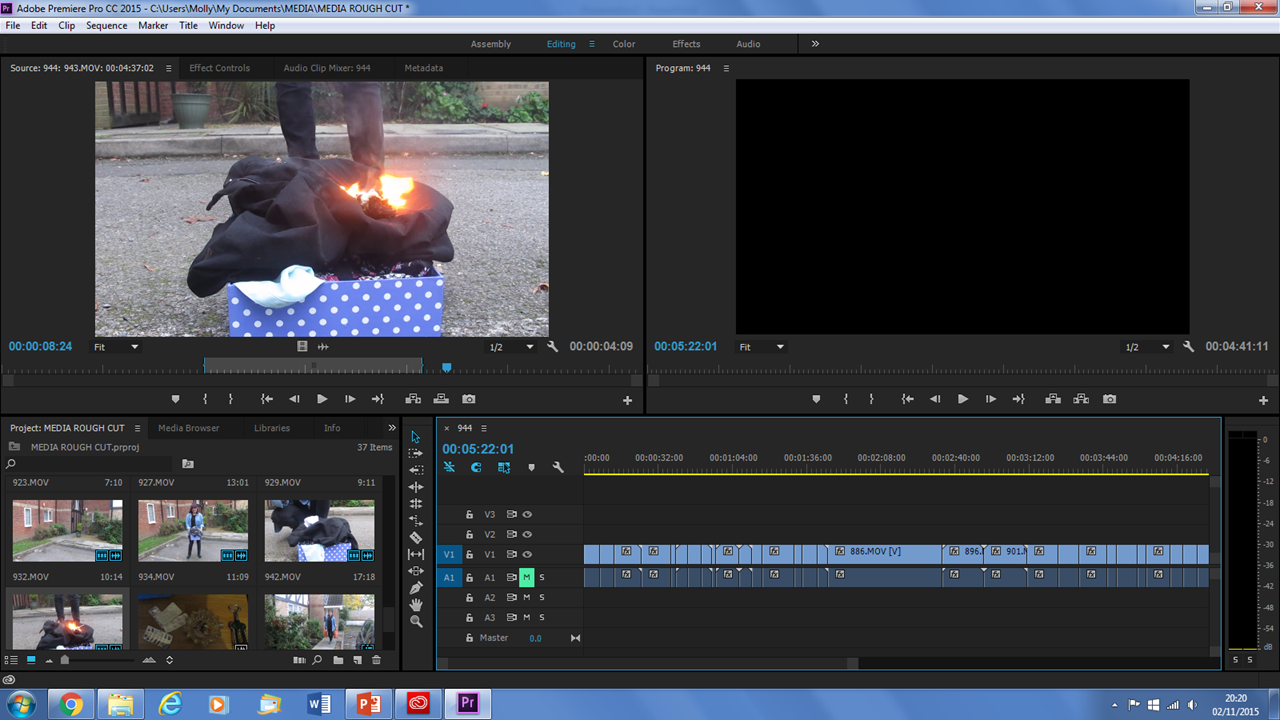
After we muted the audio track, we imported the audio track which was the song we are using. The we placed that audio clip with the video.
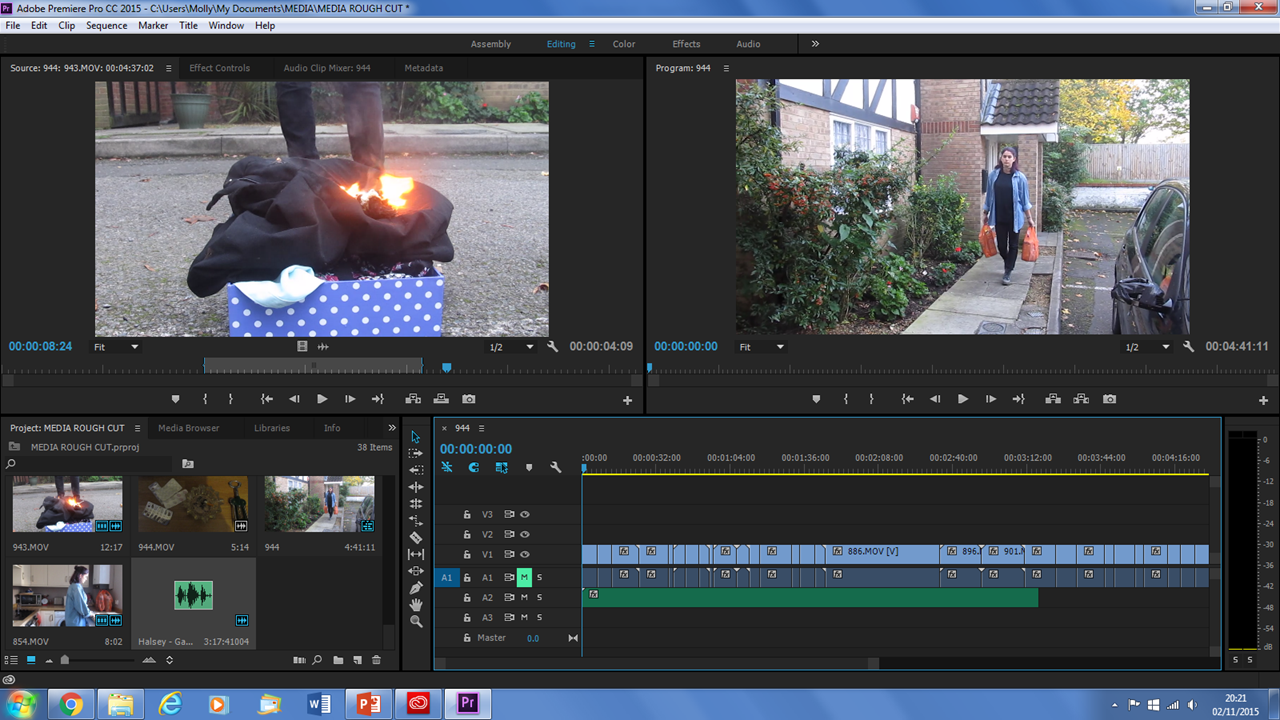
We watched the whole video with the song and noticed that our video was longer than the track. We decided that the first thirty seconds would be regular sound from the clips and then the audio would come in. We moved the video clip audio so that was unmuted and then our rough cut was complete.
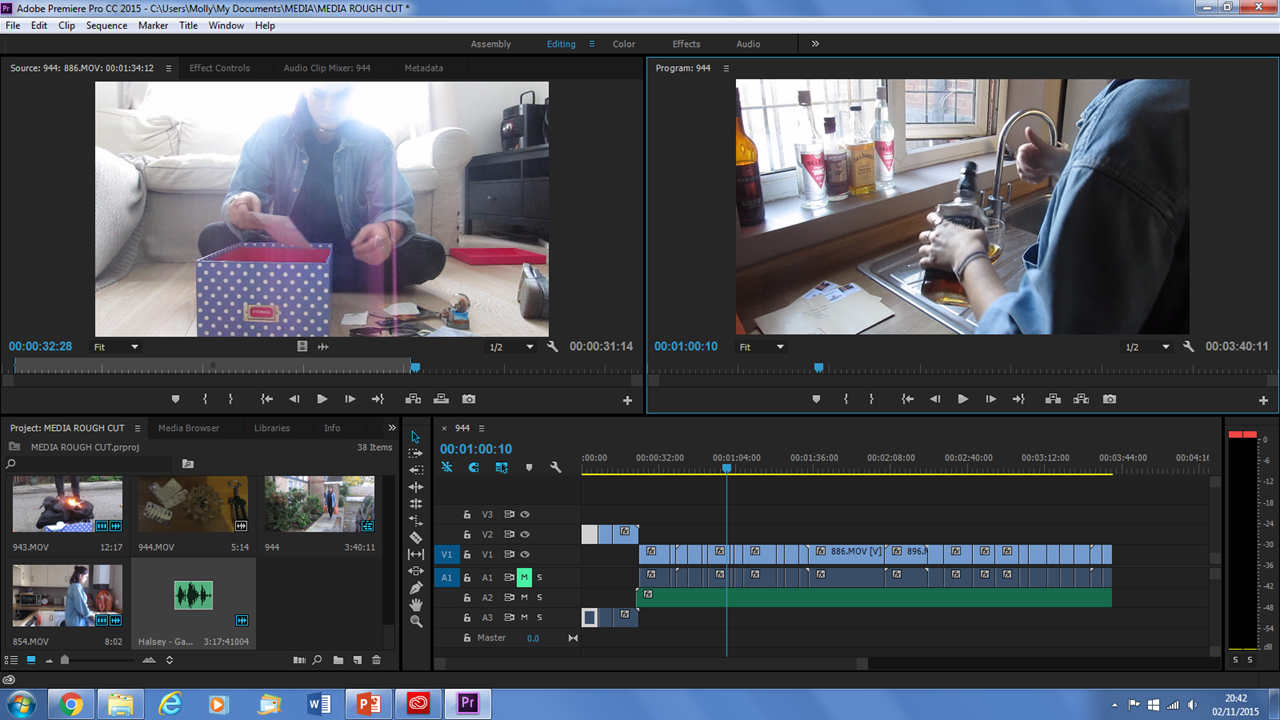
Editing The Rough Cut
By mollysteel