When and how to use a
Monorepo
For JavaScript Projects


Monorepo
A code repository that contains multiple distinct modules or packages that often depend on one another.
noun (mon-oh-ree-poh)
We'll talk about monorepos in the context of JavaScript projects. In particular, we'll focus on two tools for managing JS monorepos: Yarn Workspaces and Lerna.
// todo-app/package.json
{
  "name": "todo-app",
  "version": "1.0.0",
  "description": "Track your todo list",
  "main": "index.js",
  "dependencies": {
    "react": "16.10.0",
    "todo-checkbox": "1.2.0"
  }
}
// todo-checkbox/package.json
{
"name": "todo-checkbox",
"version": "1.2.0",
"description": "Checkbox component",
"main": "index.js",
"dependencies": {
"react": "16.10.0"
}
}Do you maintain dependent packages like these?
module.exports = "<Checkbox />";const checkbox = require("todo-checkbox");
console.log("imported local package:", checkbox);
// > imported local package: <Checkbox />Do you find yourself linking local packages often?
cd ~/todo-checkbox
npm link


cd ~/todo-app
npm link todo-checkbox
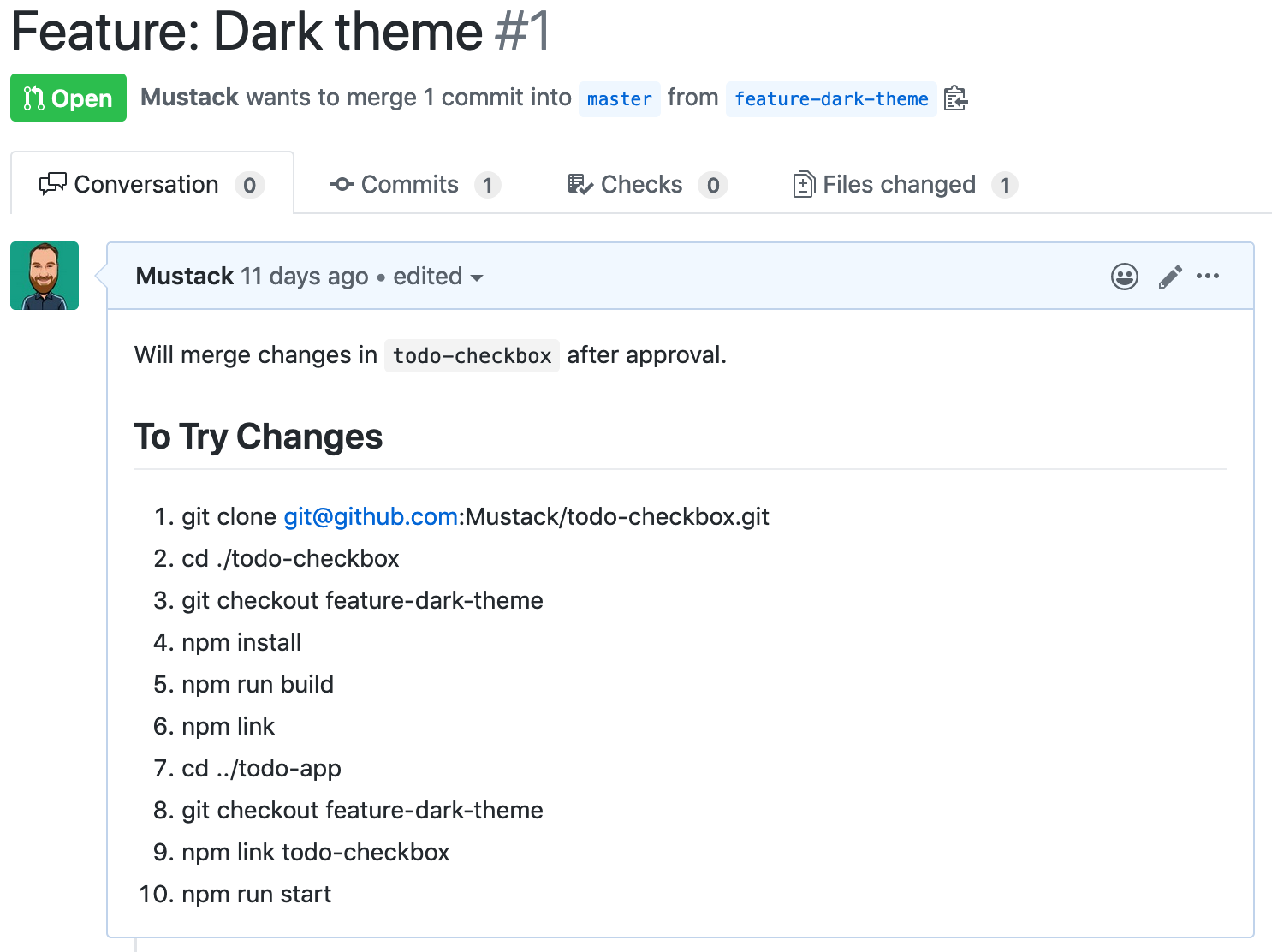
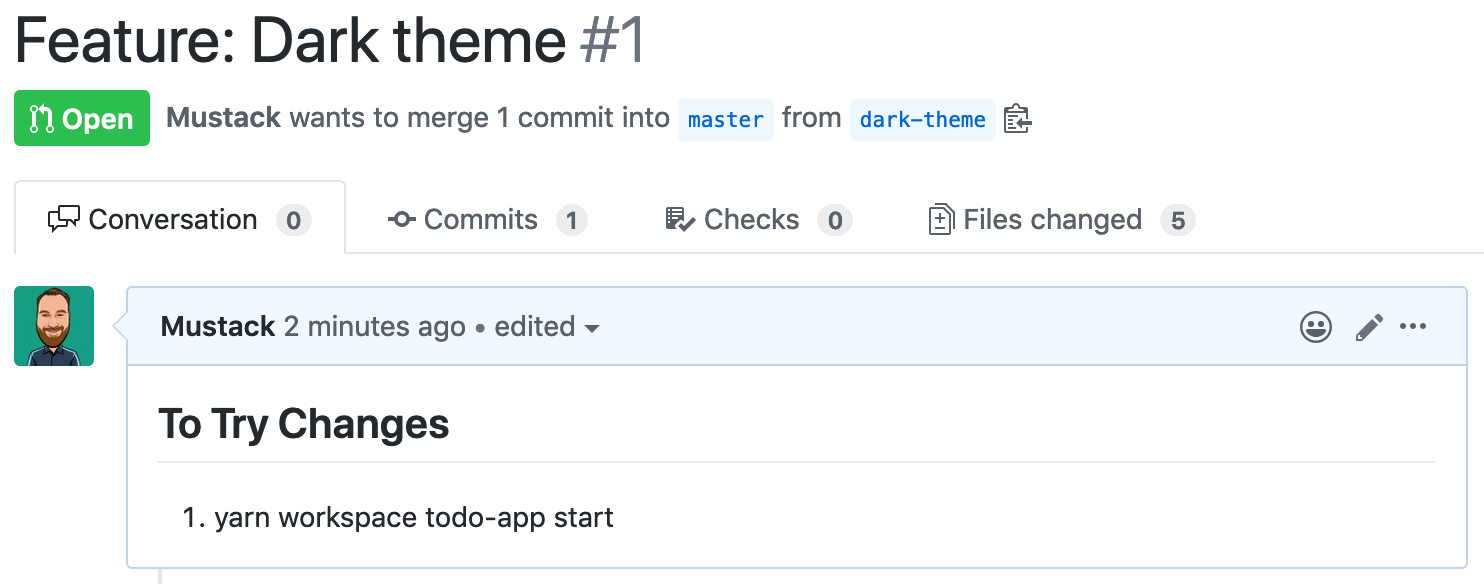
Do your pull requests look like this?

Workspaces
Your pull requests could look like this!
Some use cases
- Exporting parts of an app like components, types or models
- Sharing code for similar apps
- Grouping related libraries
- Library with example app(s)
How to setup Yarn Workspaces
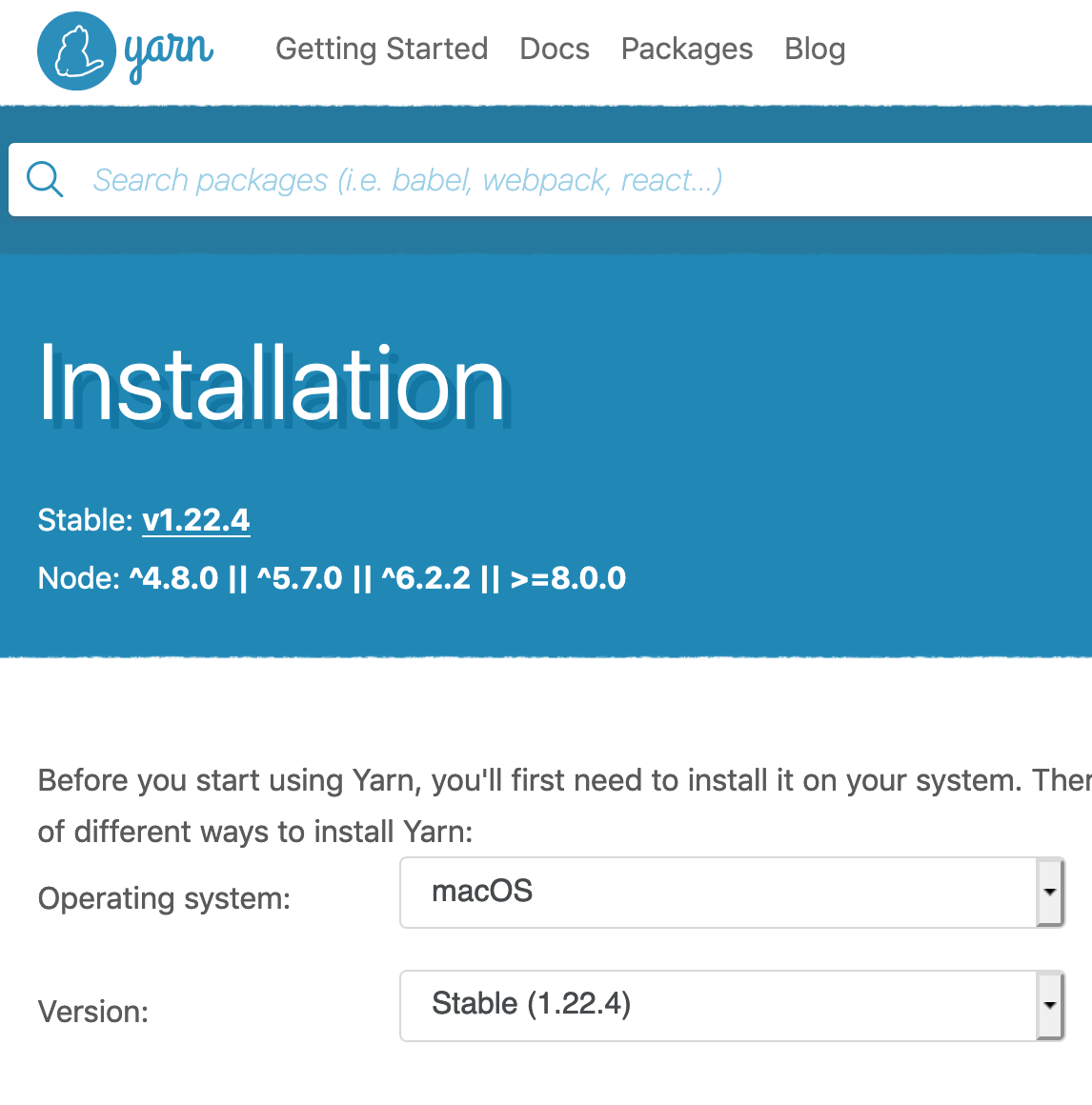
- Install Yarn
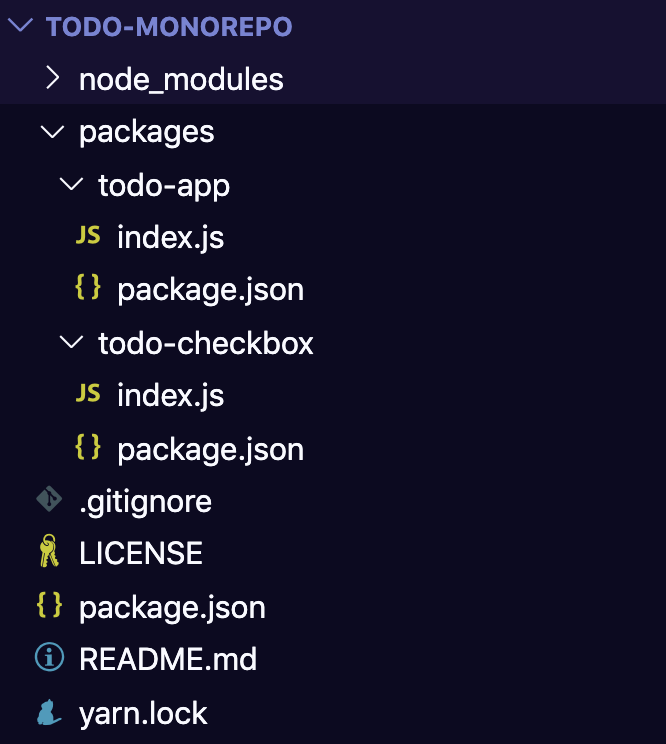
- Move packages into packages/
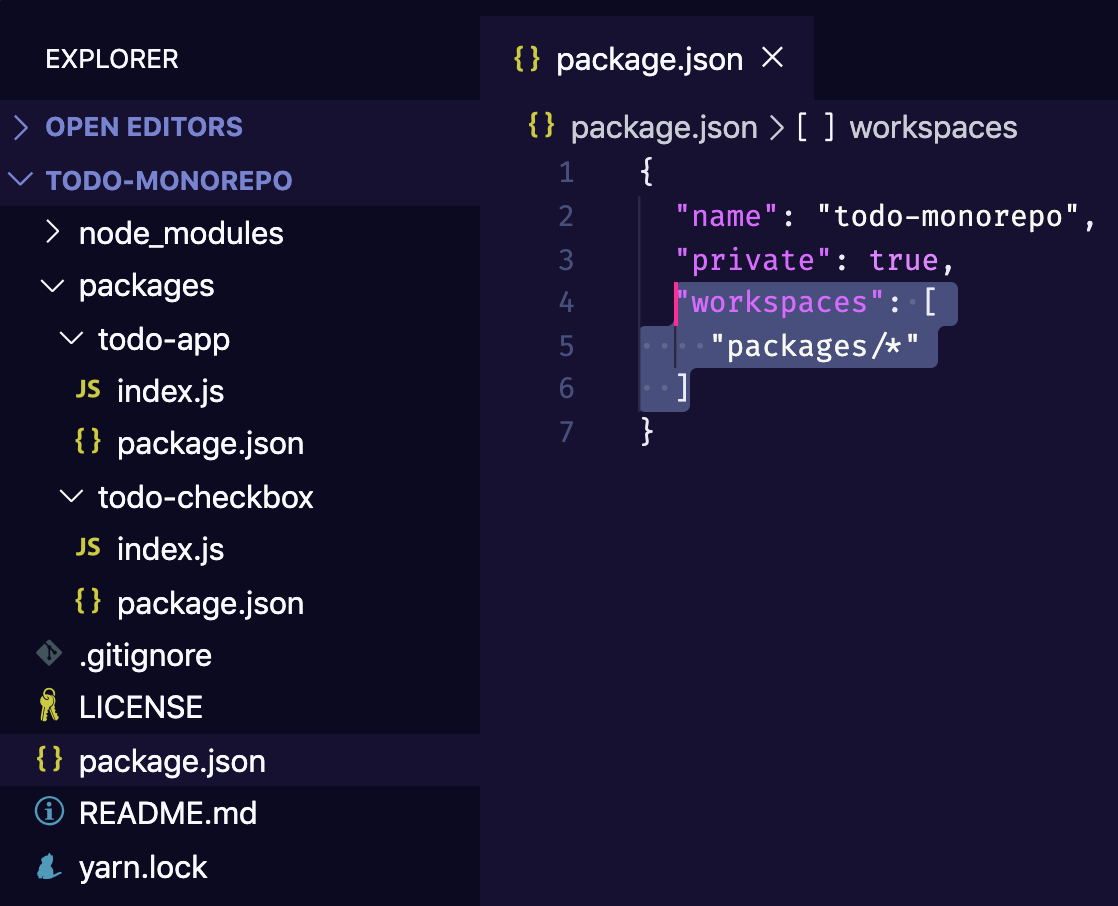
- config workspaces (package.json)
- $ yarn
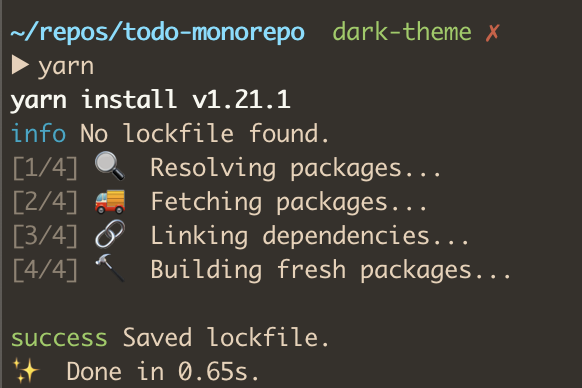
What is Yarn Workspaces doing?
- Install/Hoist NPM dependencies
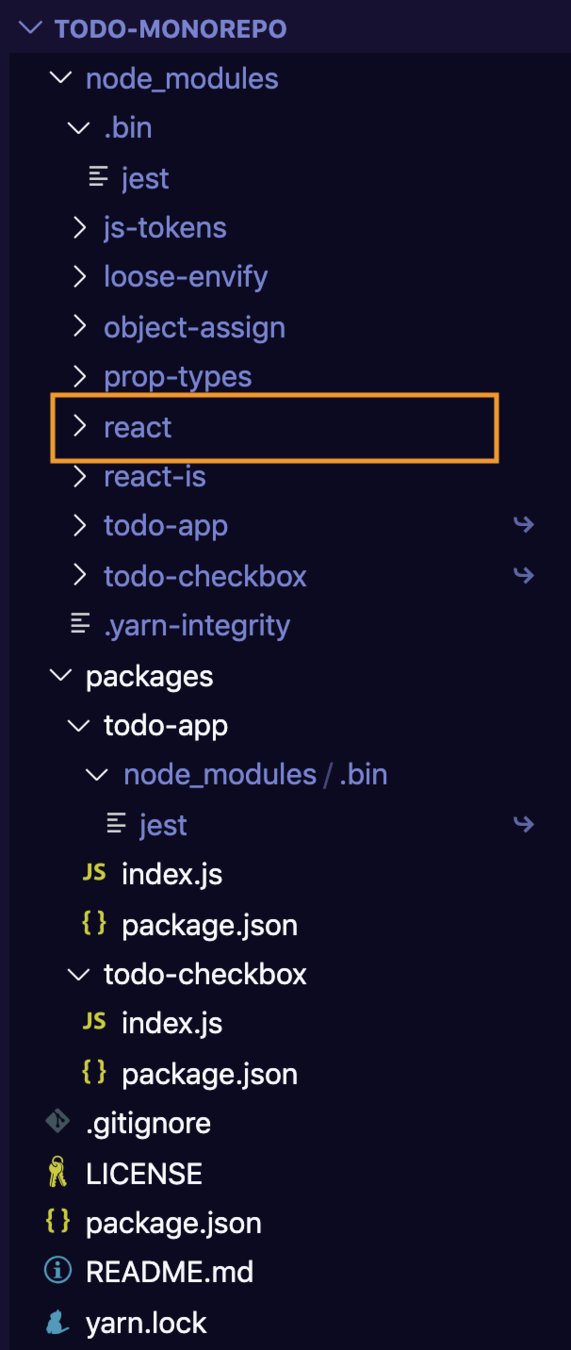
What is Yarn Workspaces doing?
- Install/Hoist NPM dependencies
- Linking packages
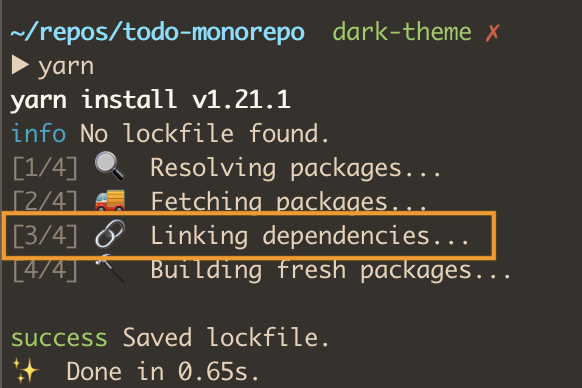
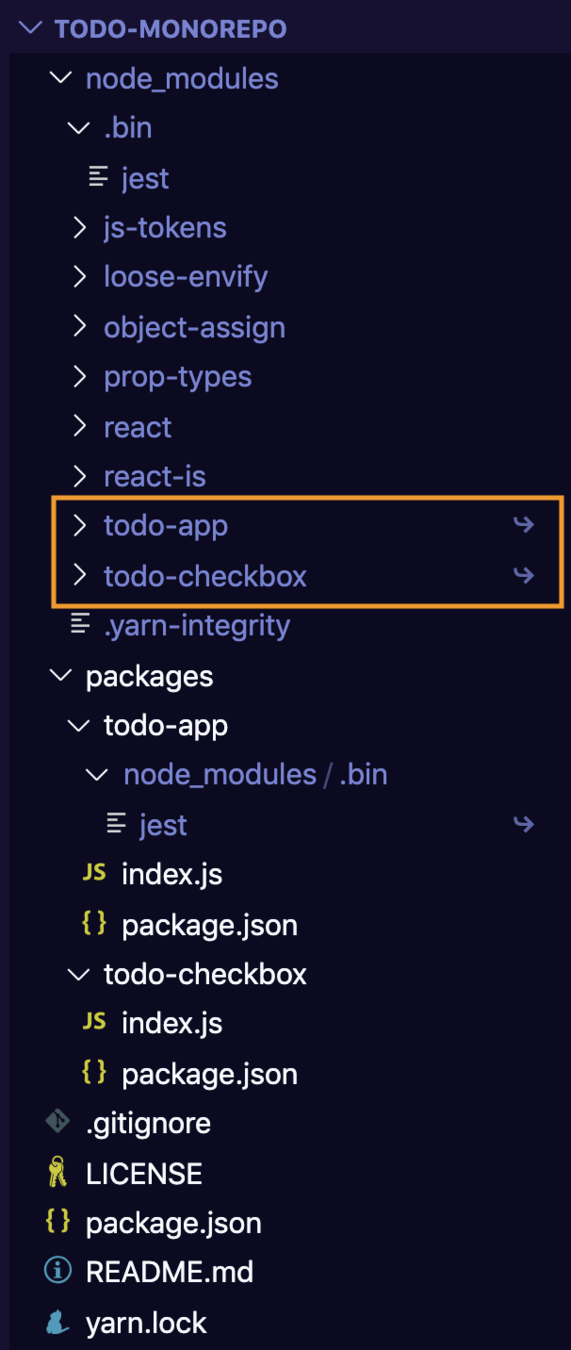
What is Yarn Workspaces doing?
- Install/Hoist NPM dependencies
- Linking packages
- build node_modules in packages
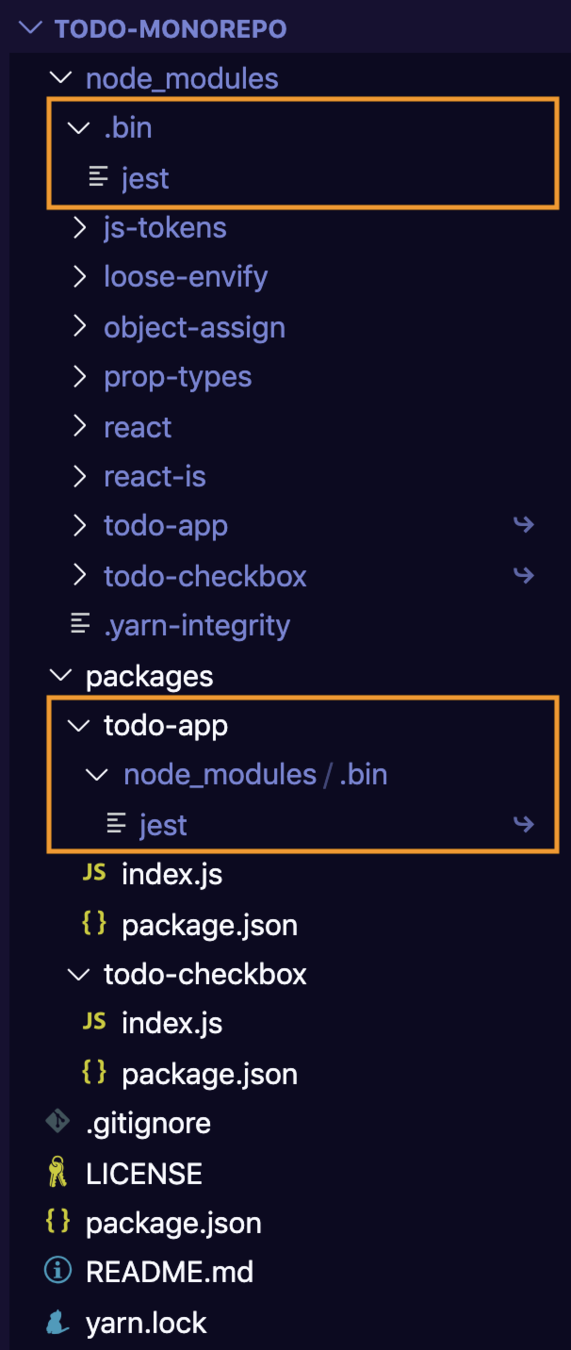
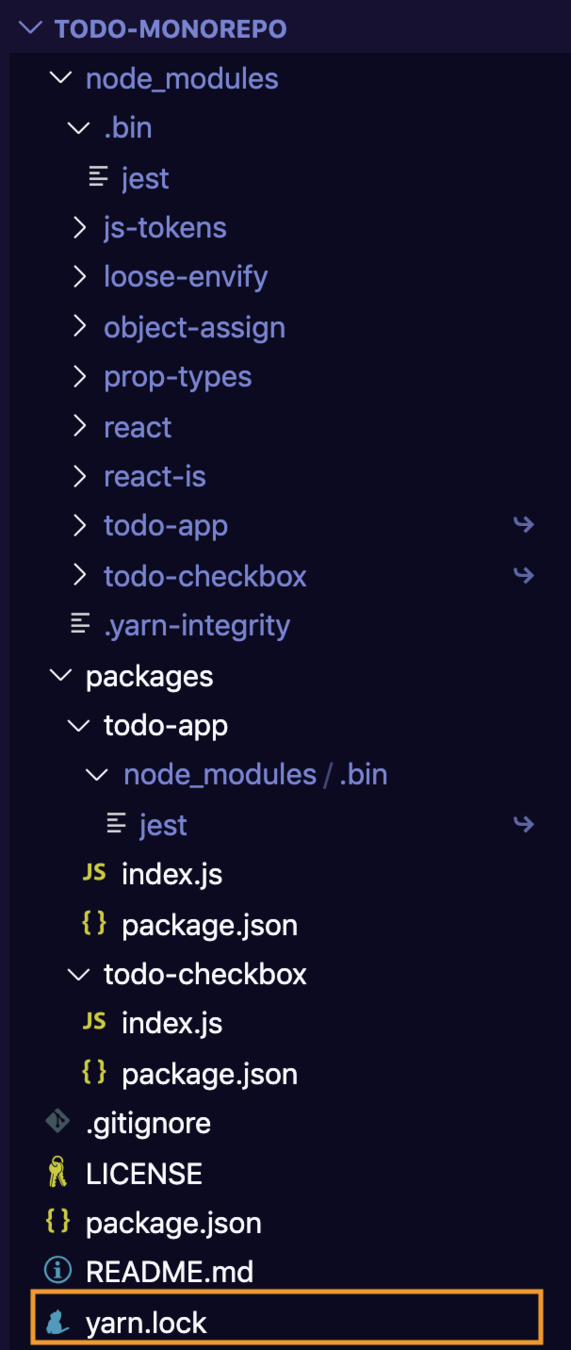
What is Yarn Workspaces doing?
- Install/Hoist NPM dependencies
- Linking packages
- Link .bin executables in packages
- Writes yarn.lock in the root
Some more Monorepo niceness

Neat Lerna Commands
- lerna import
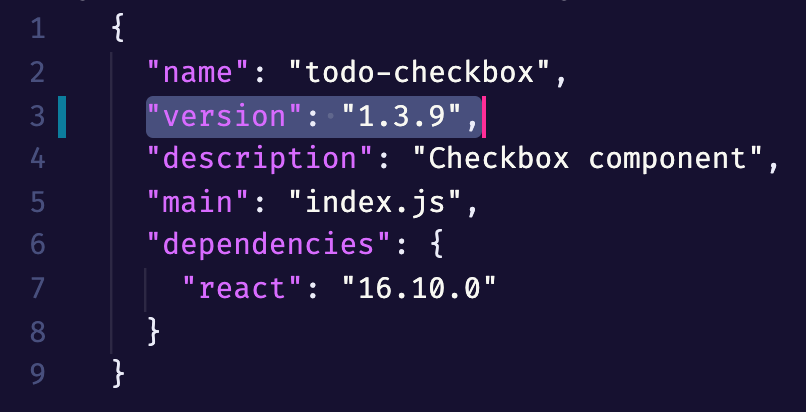
- lerna version / lerna publish
-
--since
-
lerna run
$ lerna import ~/repos/todo-checkbox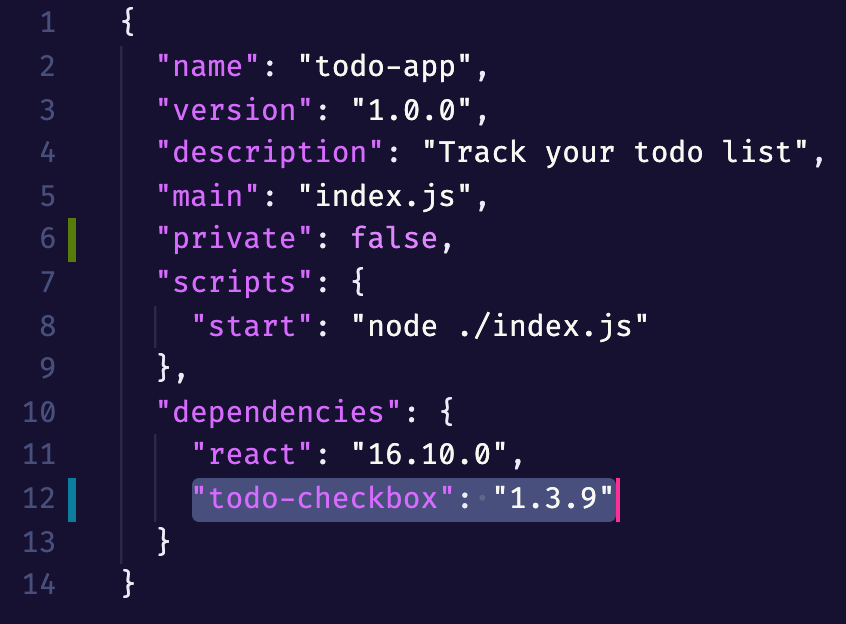
$ lerna someCommand --since master$ lerna run test:unit --since fc419caLet's take a step back
Benefits, Pain Points and general thoughts on JS Monorepos
Benefits over separate repos
- Fewer manual steps (npm link, coordinating deploys)
- One stop shop (PRs, commit history, releases, issues)
- Faster NPM/Yarn install (Because of common dependencies)
- Cheaper to build new things as a separate package
Benefits over single repo
- Install all dependencies for all packages at the same time automatically
- Having independent package.json's means you can maintain a version number for each package independently
- Faster scripts/CI using Lerna's --since param
Pain Points
- Some tools don't like symlinks
- Hoisting node_modules
- Forced to use latest changes of a linked package
- Dependencies can be available even if they aren't in package.json
- You can't open source part of a monorepo
- Lots of little details that need to be changed
General Thoughts
- Monorepo per team/domain is okay.
- Yarn 2 has nice monorepo features but nothing game-changing. Constraints seem nice but are written in Prolog.
- You might want to make use of Code Owners in Github.
Ask me anything
@Mustack_

Monorepos
By mustack