Tetris Fun
with troisJS
Goal
- Explore TroisJS
- Try out Vue 3 SFC `<script setup>` and Typescript syntax
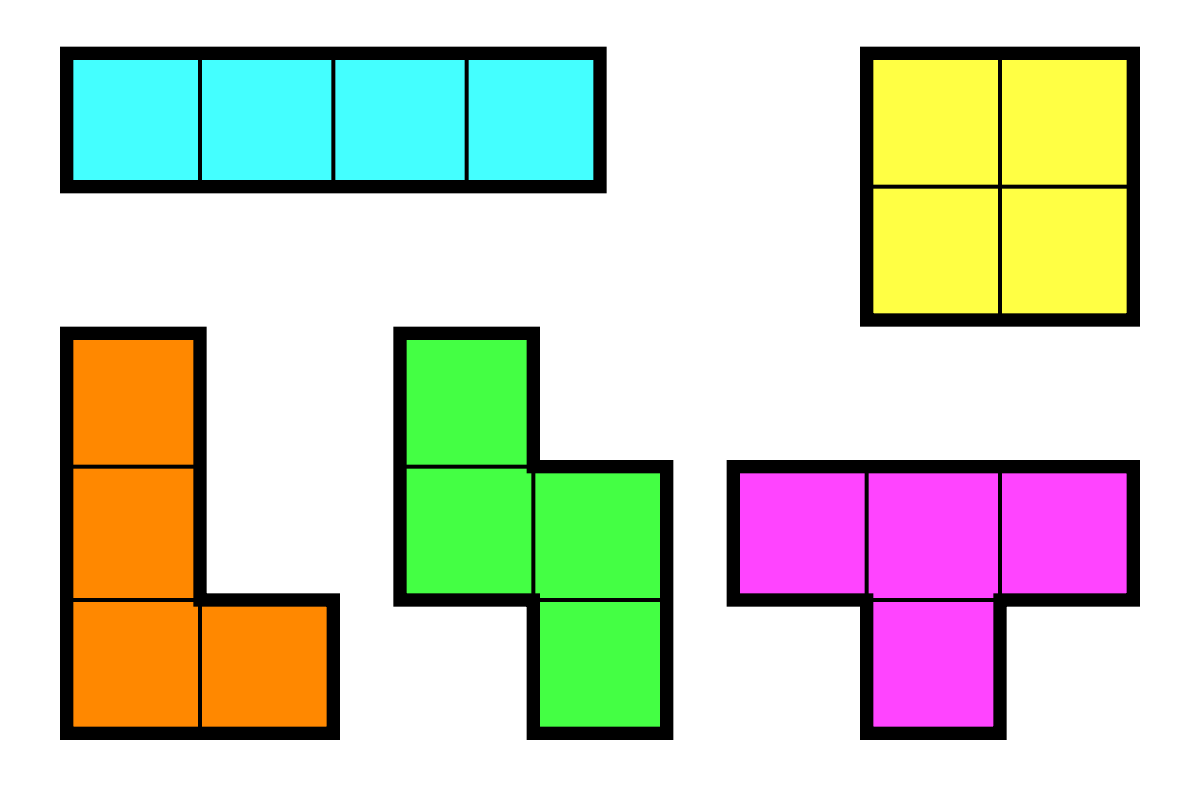
- Build Tetris
- Main goal is to Have fun!

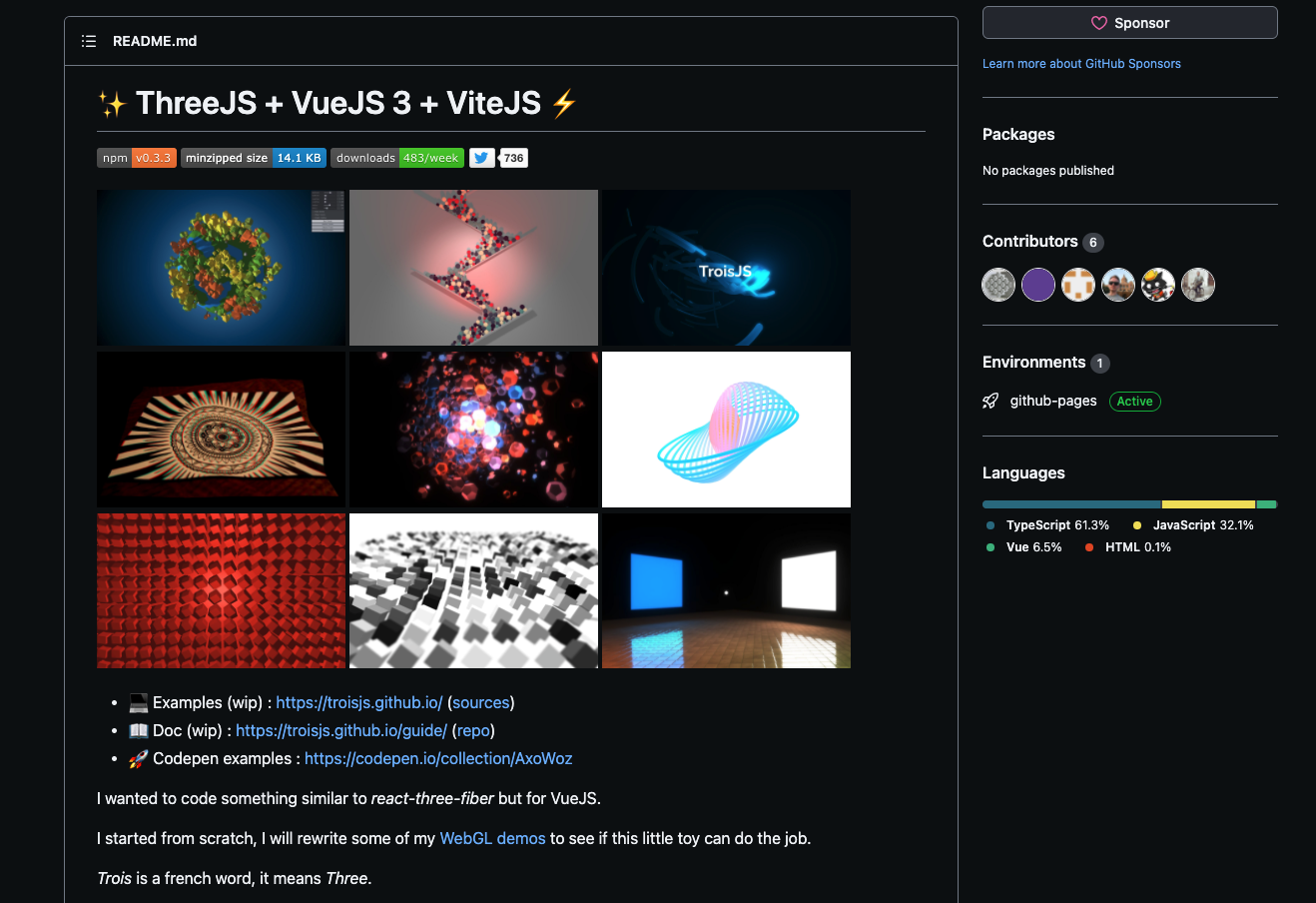
TroisJS
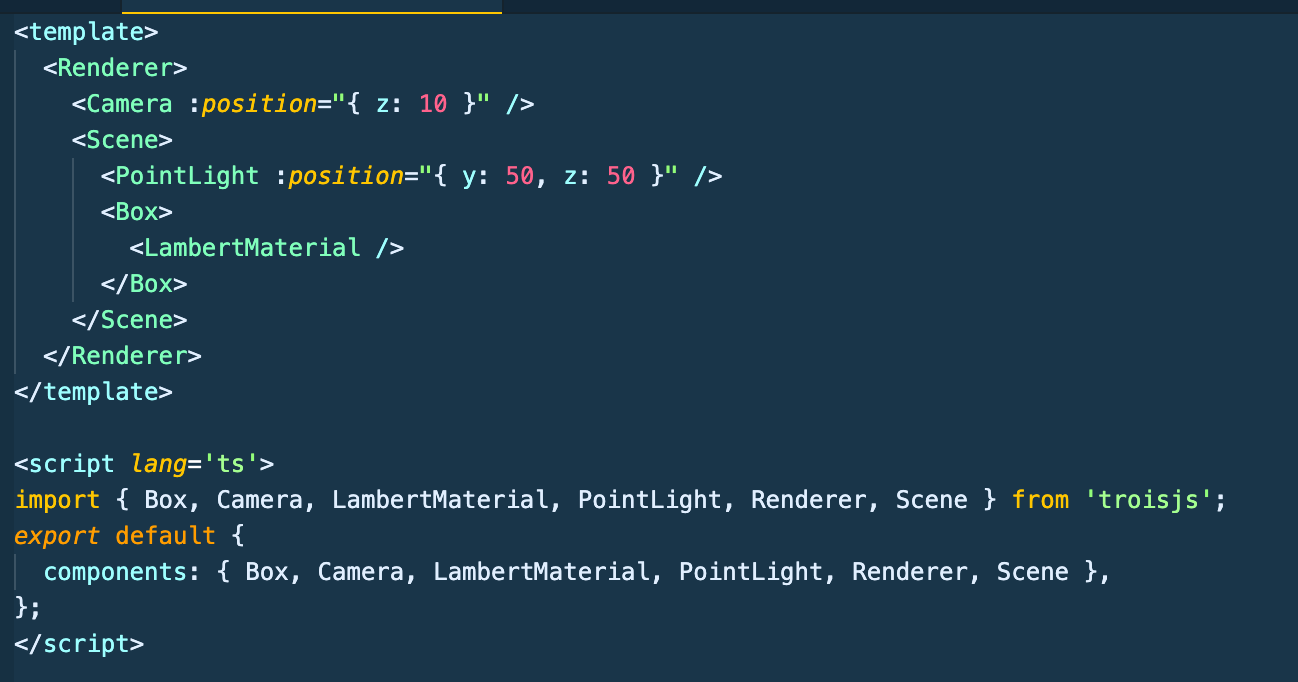
Vue Syntax to declare 3D objects

threeJS
troisJS
 <Box>
      <BasicMaterial color="0x00ff00" />
 </Box>
Setting up the Scene in threeJS
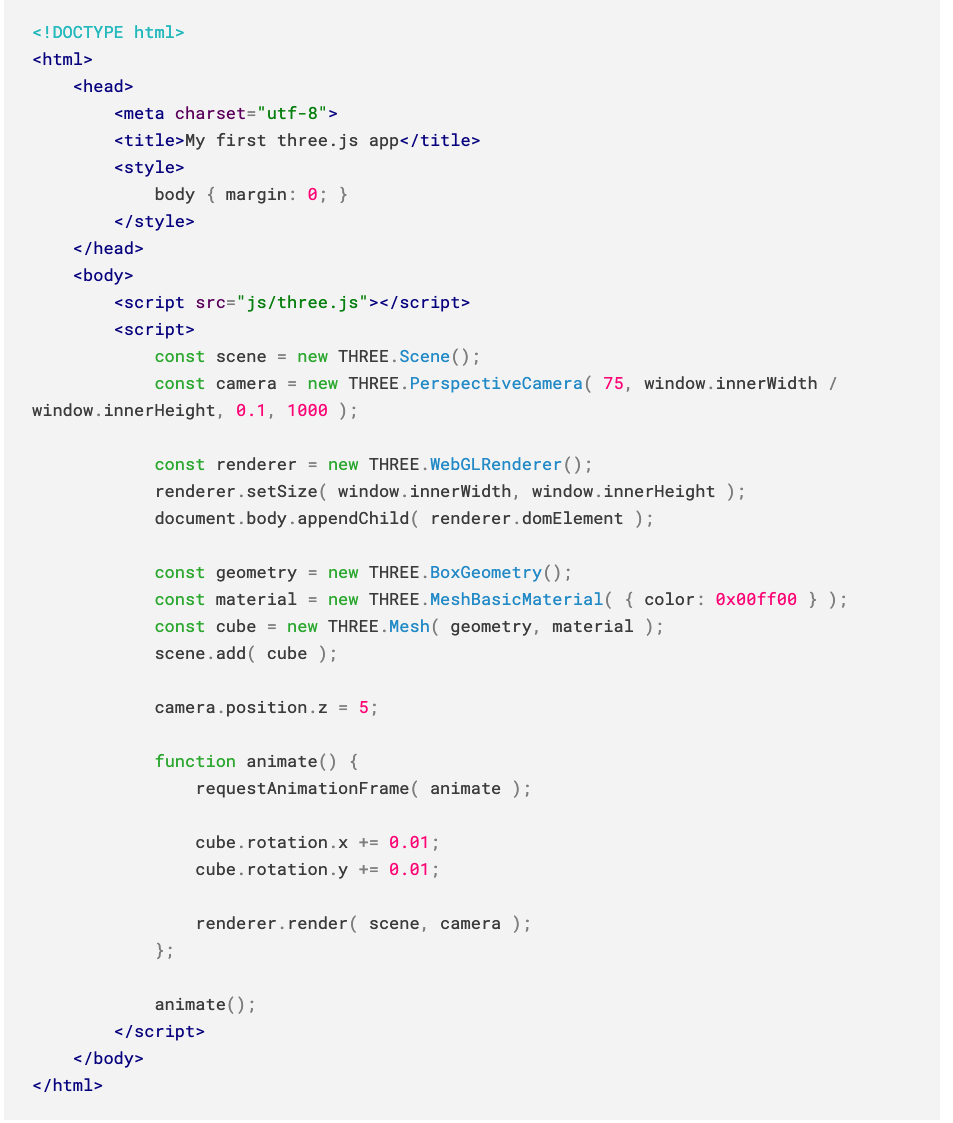
Focus on the script tag->
Hard to figure out object hierarchy at first glance!!!
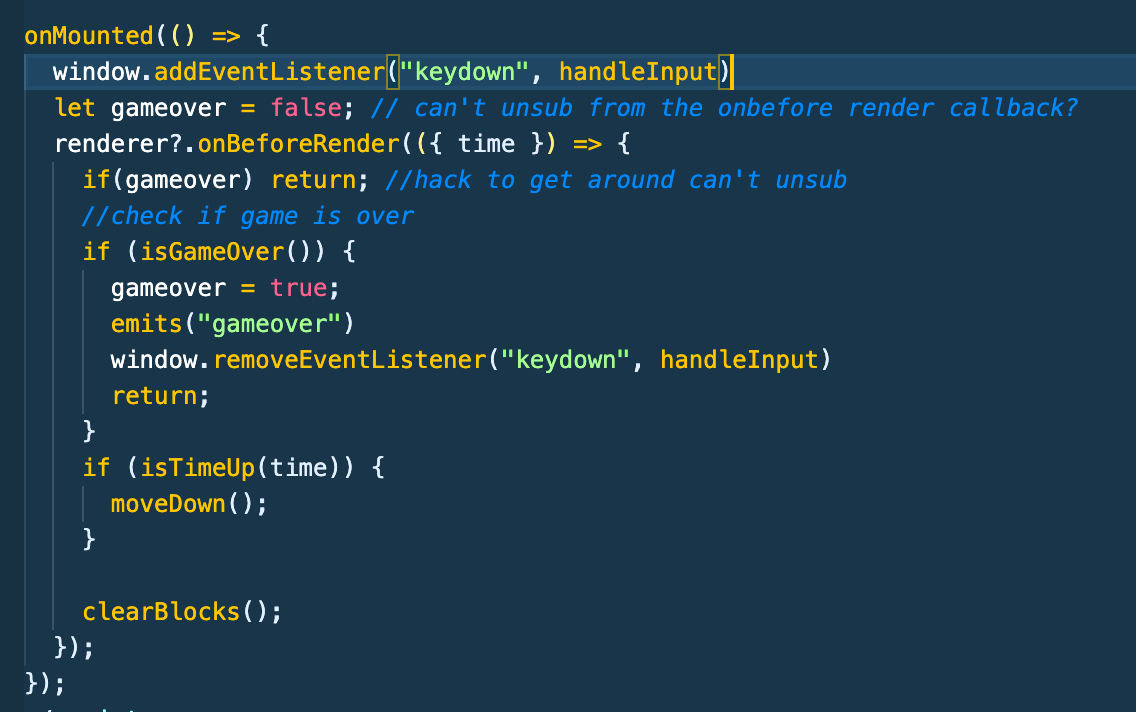
Setting up the Scene
Access Render Loop
<template>
<Renderer ref="rendererC" antialias resize="window">
  <!-- content -->
</Renderer>
</template>

<script setup lang="ts">
  import { ref, onMounted, computed } from "vue";
  const rendererC = ref<RendererPublicInterface>();


onMounted(() => {
  const renderer = rendererC.value;
  renderer?.onBeforeRender(() => {
    // do stuff in loop
  });
});
</script>
<template>
<!-- content -->
</template>
<script setup lang="ts">
import { ref, onMounted, computed } from "vue";
const renderer = inject<RendererPublicInterface>(
RendererInjectionKey as symbol
);
onMounted(() => {
renderer?.onBeforeRender(() => {
// do stuff in loop
});
});
</script><- template ref
inject ->
What are we building?
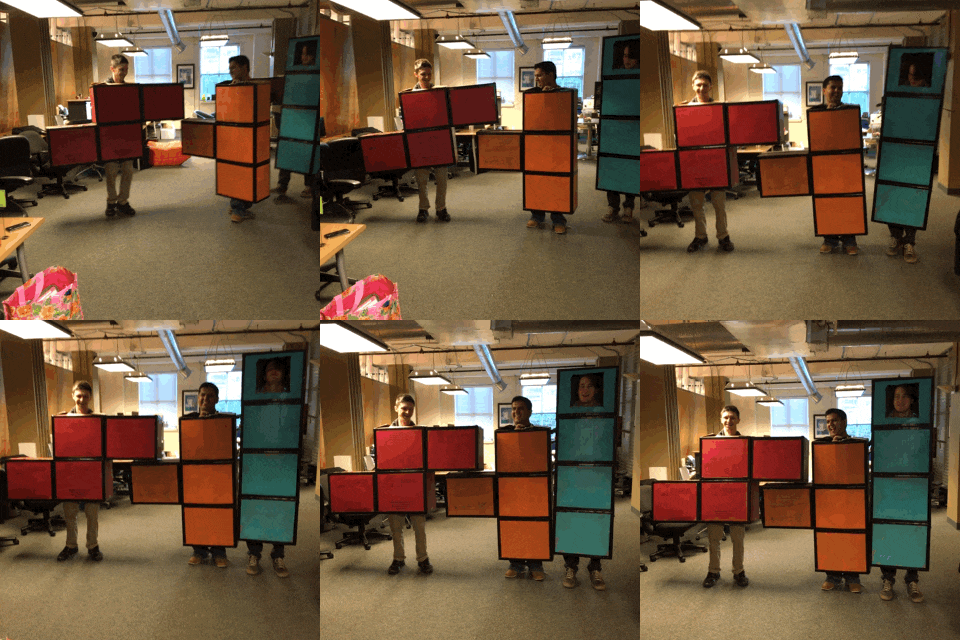
Tetris
My Components
-
App.vue: root and hold game state (points, # of player, etc)
- Tetris.vue: tetris game board
- PlayerModel.vue: the 3D player model
- Gameover.vue: UI for game over screen
- OnGoing.vue: UI for on going game (display score)
-
StartGame.vue: UI on menu (select player)
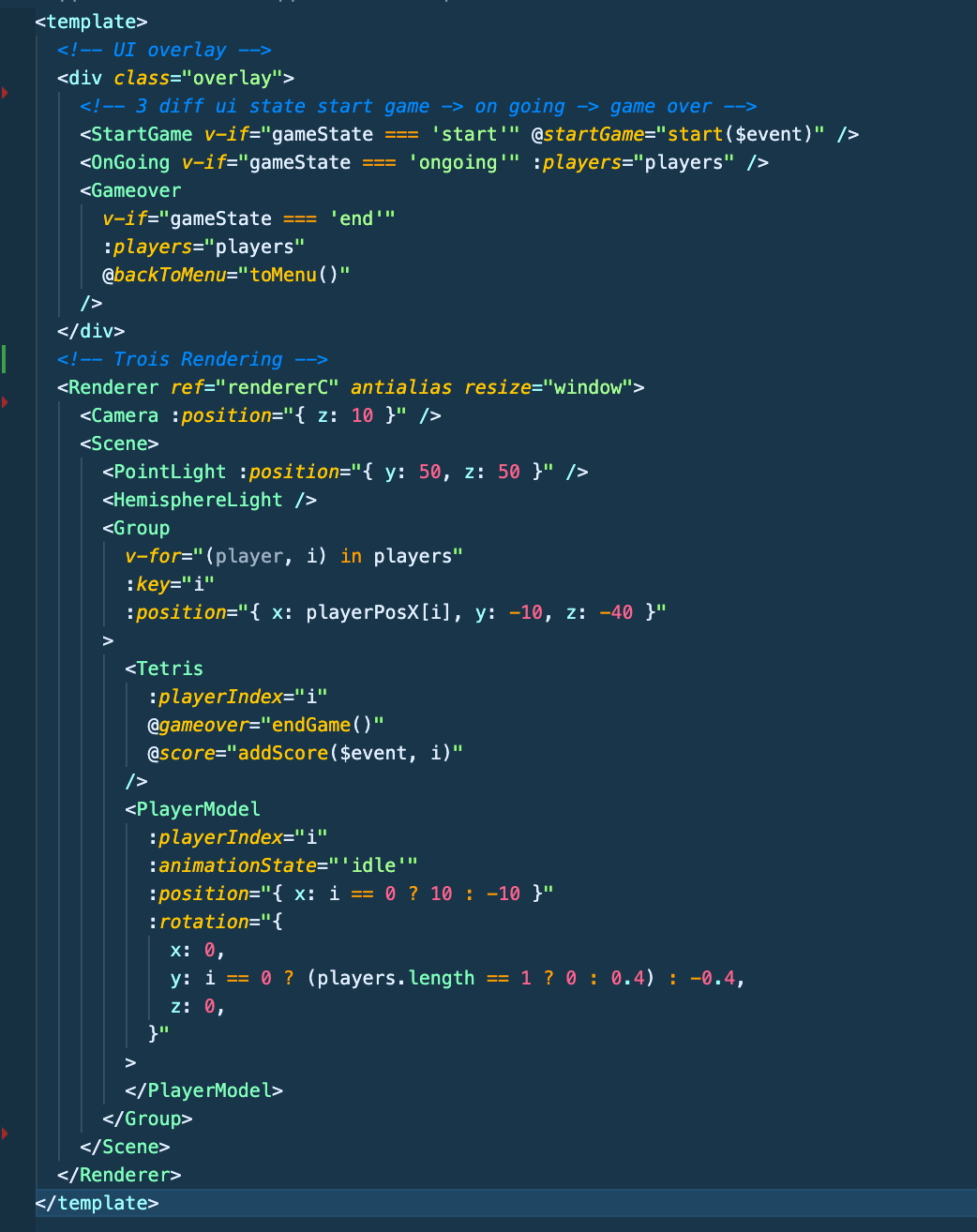
UI overlay to display score and menu ->
our 3D content ->
->
Create # of Tetris board and player model base on # of players
Tetris gameloop
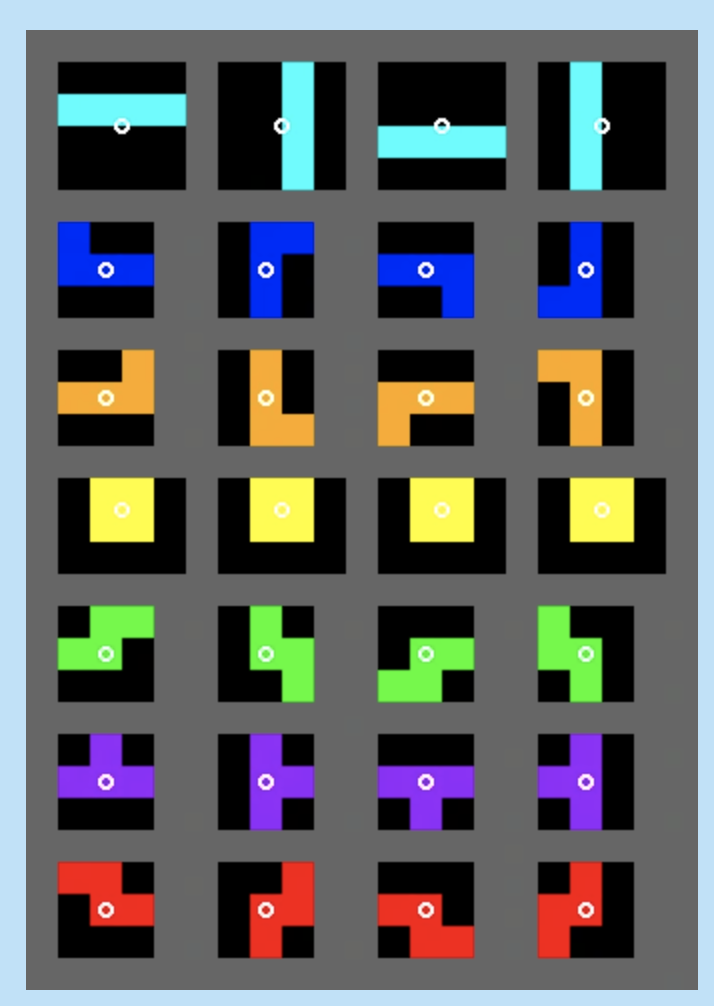
Block Type and Rotation
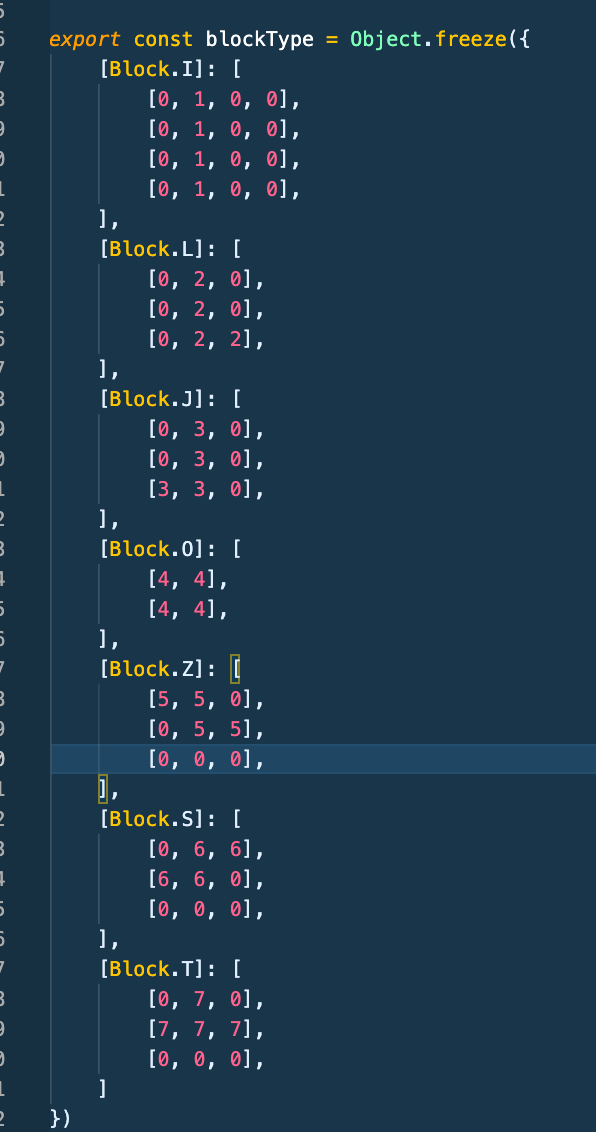
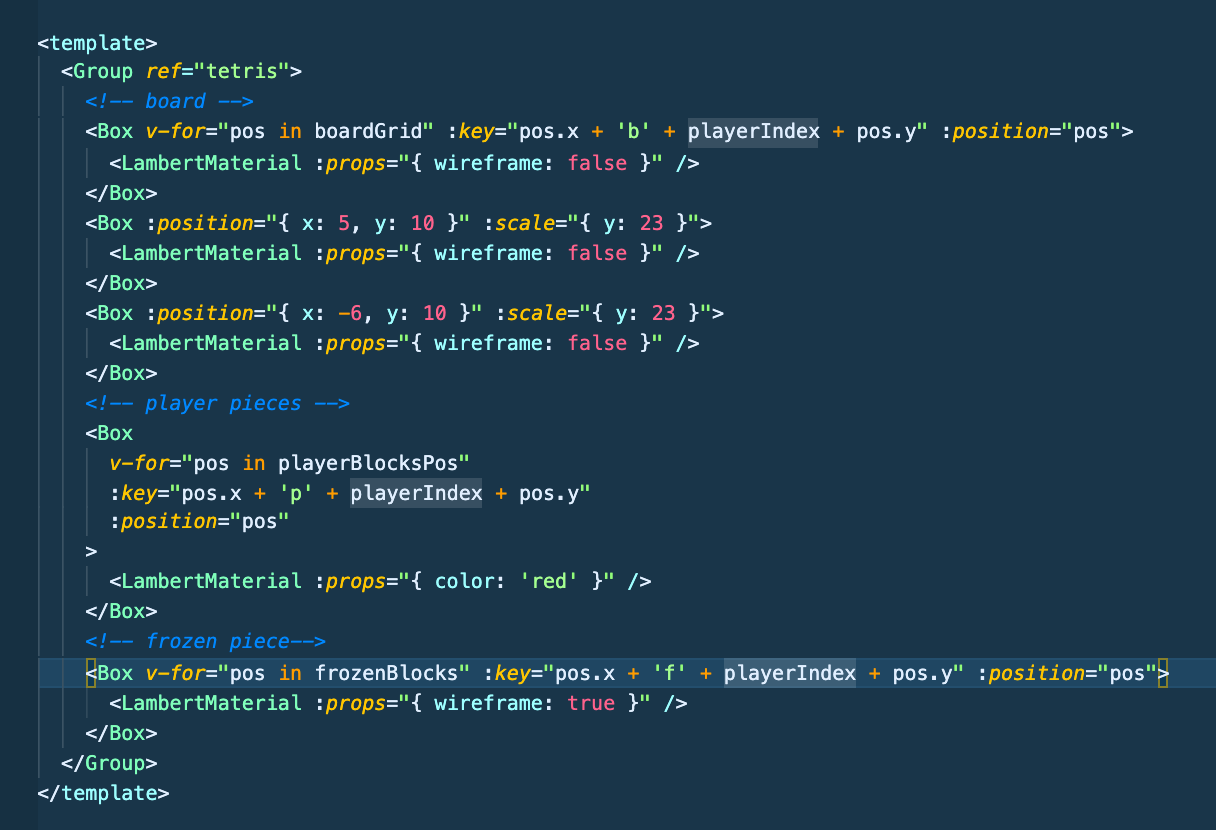
My naive Tetris board implementation
Working with fbx model
TroisJS comes with `FbxModel` component which makes importing 3D model a breeze 💨
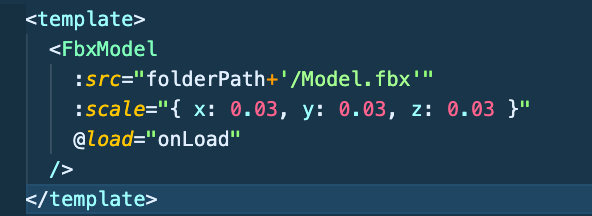
code from PlayerModel.vue
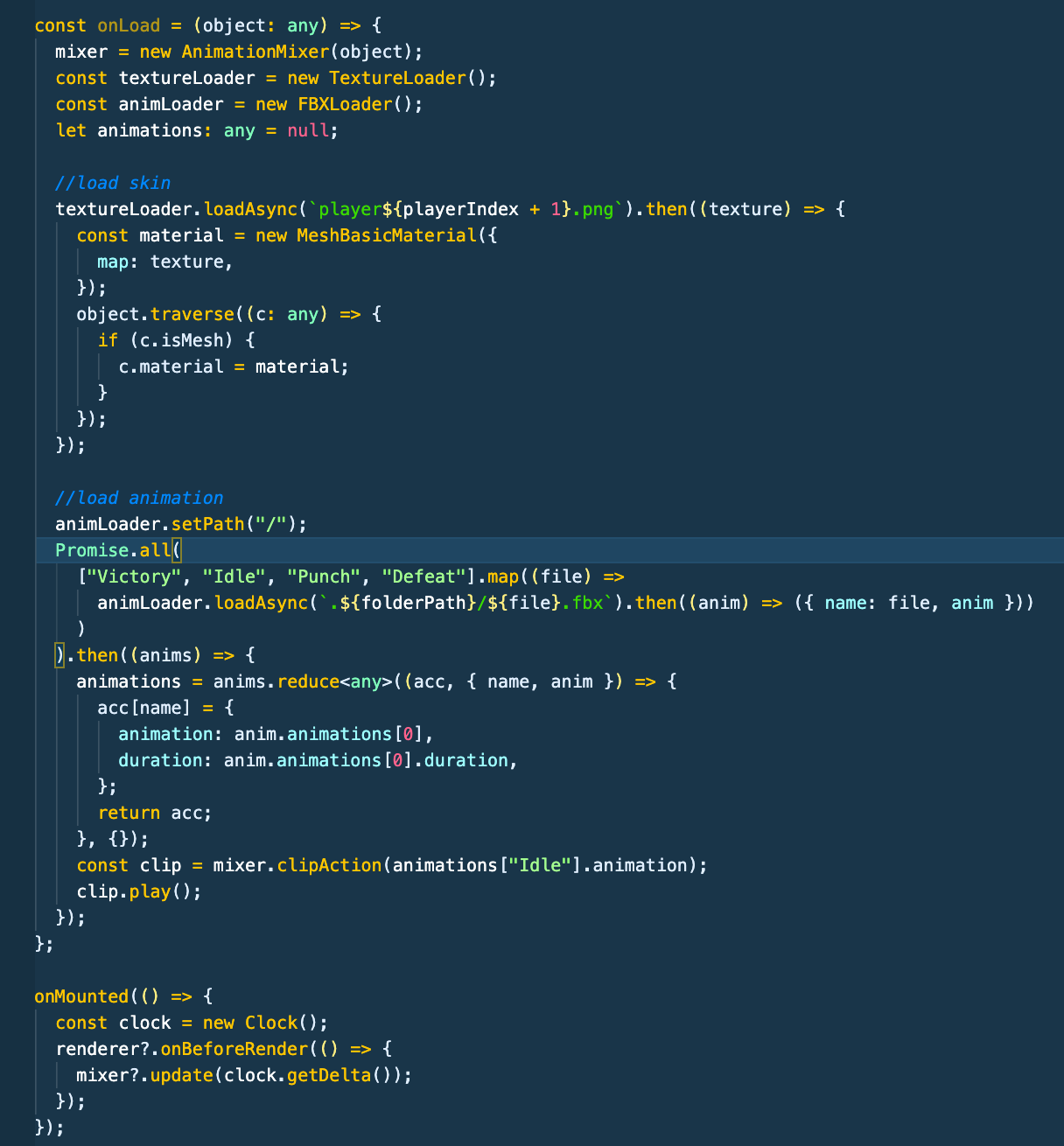
if animation and texture is not baked into the model
You will need to do a bit of threejs!
- Import FBX loader and TextureLoader
- Once the model is load in, load the texture and animation as well and apply it the model
Text
on model load in->
load texture->
load animation->
move animation forward->
Goal
- Try out Vue 3 SFC `<script setup>` and Typescript syntax
- Explore TroisJS
- Build Tetris
- Main goal is to Have fun!
Pros
- Vue!
- Declarative HTML like syntax
- Typescript goodness
Cons
- Heavy reliance on Ref
- Early Stage library
- `h()` aka `createVNode` doesn't seem to work
- For performance, avoid using vue reactivity
TroisJS 🤔
Pros
- Everything is a method
- Pretty good Typescript support
- Enable intelisense from vs editor
Cons
- Documentation is "okay"
- Because everything is a method, things doesn't have to be organized
Sidenote: Vue3 with script setup
🧑🔬👩🔬
Questions???
Thoughts???
Thank you

Tetris Fun with troisJS
By ringo kam