{Dev Setup}
Tips & Tricks on setting up your dev environment
Agenda
# Agenda
- Dotfiles
- Cool Commands
- CLI tools
- Guest Talk
- PyCharm
- Q&A
/.dotfiles
.gitconfig
[user]
        email = anton@thorgate.eu
        name = Anton Alekseev
[commit]
        template = ~/.gitcommit.txt
# GITCONFIG
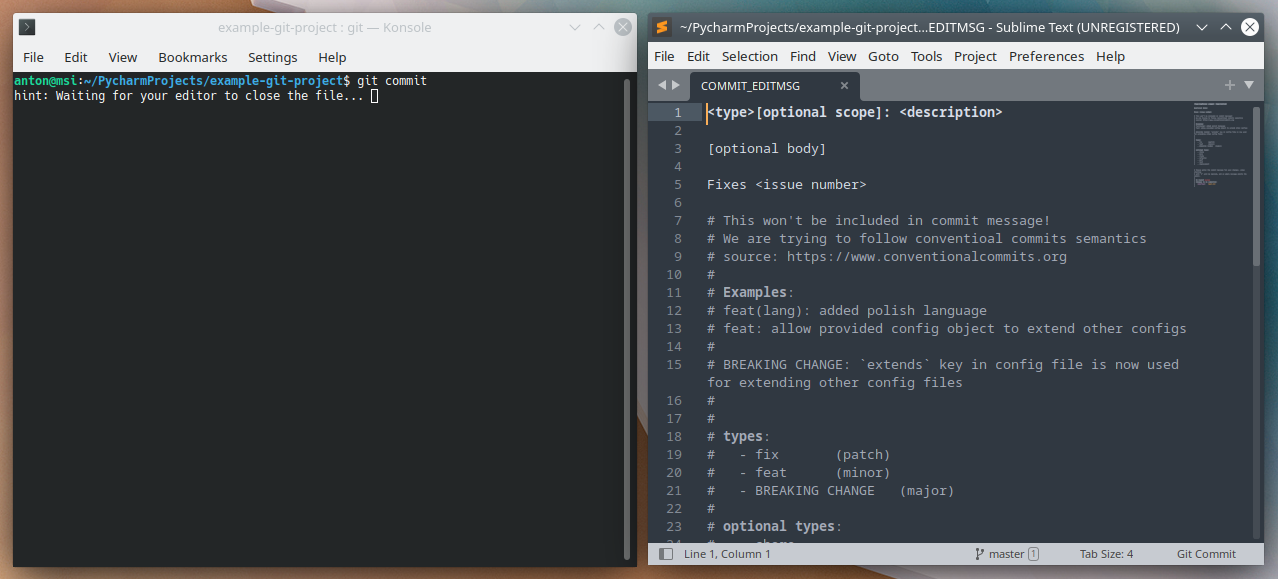
Example Commit Template
# GITCONFIG
<type>[optional scope]: <description>

[optional body]

Fixes <issue number>

# This won't be included in commit message!
# We are trying to follow conventioal commits semantics
# source: https://www.conventionalcommits.org
#
# Examples:
# feat(lang): added polish language
# feat: allow provided config object to extend other configs
#
# BREAKING CHANGE: `extends` key in config file is now used for extending other config files
#
#
# types:
#   - fix               (patch)
#   - feat              (minor)
#   - BREAKING CHANGE   (major)
#
# optional types:
#   - chore
#   - docs
#   - style
#   - refactor
#   - perf
#   - test
#   - improvement
Custom Editor
# GITCONFIG
[core]
        editor = subl --wait
[user]
        email = anton@thorgate.eu
        name = Anton Alekseev
[commit]
        template = $HOME/.gitcommit.txt
Aliases
# GITCONFIG
[core]
        editor = subl --wait
[user]
        email = anton@thorgate.eu
        name = Anton Alekseev
[commit]
        template = ~/.gitcommit.txt
[alias]
        co = checkout
        s = status
        cherry = cherry-pick

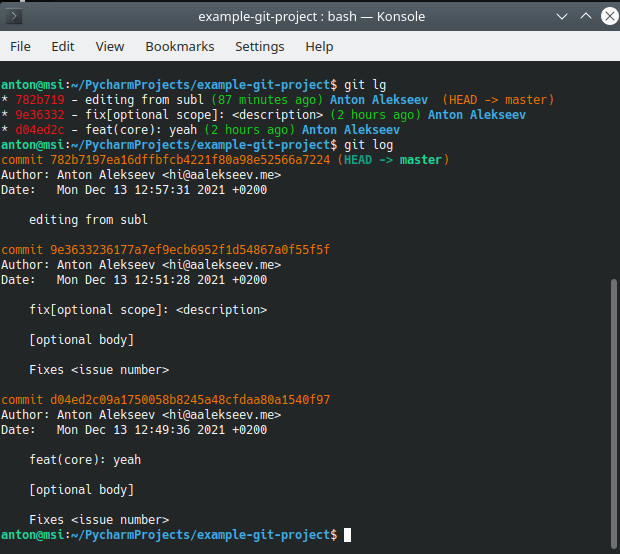
        # http://www.jukie.net/bart/blog/pimping-out-git-log
        lg = log --graph --all --pretty=format:'%Cred%h%Creset - %s %Cgreen(%cr) %C(bold blue)%an%Creset %C(yellow)%d%Creset'
Autocorrect
# GITCONFIG
[core]
        editor = subl --wait
[user]
        email = anton@thorgate.eu
        name = Anton Alekseev
[commit]
        template = ~/.gitcommit.txt
[alias]
        co = checkout
        s = status
        cherry = cherry-pick

        # http://www.jukie.net/bart/blog/pimping-out-git-log
        lg = log --graph --all --pretty=format:'%Cred%h%Creset - %s %Cgreen(%cr) %C(bold blue)%an%Creset %C(yellow)%d%Creset'
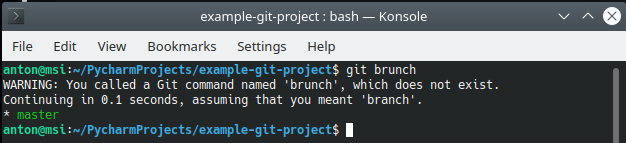
[help]
        autocorrect = 1
Sensible defaults for VIM
# VIMRC
set nocompatible                                " we want vim, not vi
syntax enable                                   " vim is for programming

set encoding=utf-8
set ff=unix                                     " unix line endings
set history=500                                 " vim history lines
set hidden                          			" switch bw buff without having to save first
set mouse=a                                     " activate mouse support always
set t_Co=256                                    " my terminal is 256 colors no less
set display=lastline                    		" show as much as possible of the last line
set ttyfast                                     " faster redrawing
set lazyredraw                                  " only redraw if necessary
set splitbelow                                  " open new window below curr window
set splitright                                  " open new win to the right or curr window
set cursorline                                  " set current light highlight
set report=0                                    " always report changed lines
set synmaxcol=500                               " highlight only first 500 columns (performance)
set showmatch                                   " highlight matching brackets
set wildmenu                                    " activate wildmenu
set autoread                                    " autoreload file if it was changed elsevere
set scrolloff=5                                 " set 5 lines visible before cursor on top and bottom
set backspace=indent,eol,start  				" backspace as it was designed to be
set timeoutlen=500                              " timeout before keymap considered done
set wildignore+=*.so,*.swp,*.zip,*.pyc,*.pyo

" ERRORS
set noerrorbells
set novisualbell
set t_vb=
set tm=500

" BACKUP
" turn it off, since most stuff is in git
set nobackup
set nowb
set noswapfile

" PERSISTENT UNDO
set undofile                    				" Save undos after file closes
set undodir=~/.vim/undo                			" where to save undo histories
set undolevels=1000             				" How many undos
set undoreload=10000            				" number of lines to save for undo

" FILE FORMAT
set nowrap
set autoindent
set tabstop=4
set softtabstop=4
set shiftwidth=4
set expandtab                                   " use spaces instead of tabs
set fileformat=unix

" CLIPBOARD
set clipboard^=unnamedplus
set paste
set formatoptions+=t

" SEARCHING
set wrapscan                                    " endless search (no end-file)
set hlsearch                                    " hightlight matches
set incsearch                                   " incremental search
set ignorecase                                  " search with ignorecase
set smartcase                                   " If any word has Big letter search with case

" SHORTCUTS
" twice a leader to switch to prev buffer
nnoremap <leader><leader> <c-^>
" force save when I forgot to use sudo
cmap w!! !sudo tee %

" AUTO COMMANDS
" strip trailing whitespaces on save
au BufWritePre * :%s/\s\+$//e
" return to last edit position when opening files
au BufReadPost * if line("'\"") > 1 && line("'\"") <= line("$") | exe "normal! g'\"" | endif
" reload vimrc when editing it
au BufWritePost init.vim source $HOME/.config/nvim/init.vim

" CUSTOM STATUS LINE
" instead of powerline, airline etc.
set laststatus=2  " always show status line
" set status bar colors
" get color codes from https://jonasjacek.github.io/colors/
hi User1 ctermbg=16 ctermfg=208
hi User2 ctermbg=16 ctermfg=124
hi User3 ctermbg=16 ctermfg=161
hi User4 ctermbg=16 ctermfg=112
hi User5 ctermbg=16 ctermfg=220
" define status bar
set statusline=                         " clear the statusline for when vimrc is reloaded
set statusline +=%1*\ %n\ %*            " buffer number
set statusline +=%5*%{&ff}%*            " file format
set statusline +=%3*%y%*                " file type
set statusline +=%4*\ %<%F%*            " full path
set statusline +=%2*%h%m%r%w%*          " flags
set statusline +=%1*%=%5l%*             " current line
set statusline +=%2*/%L%*               " total lines
set statusline +=%1*%4v\ %*             " virtual column number
set statusline +=%2*%P\ %*              " persentage thru file
# VIMRC
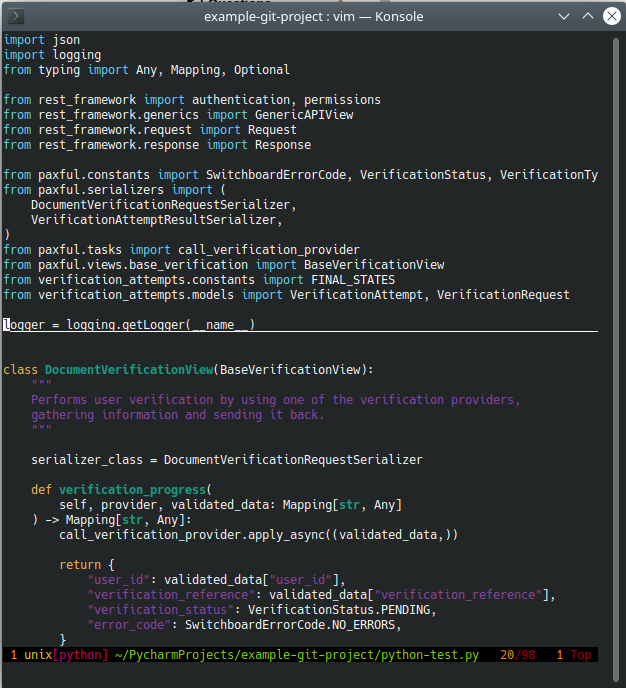
Vim/Neovim
# ZSHRC
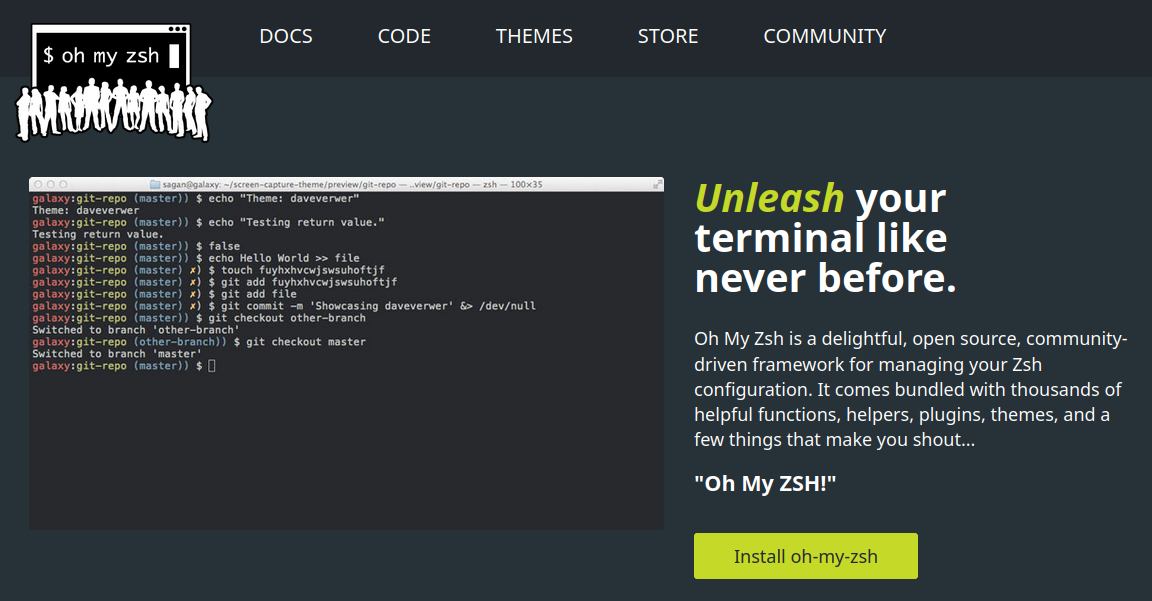
Minimal .zshrc config
# ZSHRC
export PATH=$HOME/bin:/usr/local/bin:$HOME/.poetry/bin:$PATH

# Path to your oh-my-zsh installation.
export ZSH="~/.oh-my-zsh"

# See https://github.com/robbyrussell/oh-my-zsh/wiki/Themes
ZSH_THEME="robbyrussell"

# Add plugins wisely, as too many plugins slow down shell startup
plugins=(git)

source $ZSH/oh-my-zsh.sh

# User configuration

export NVM_DIR="$HOME/.nvm"
[ -s "$NVM_DIR/nvm.sh" ] && \. "$NVM_DIR/nvm.sh"  # This loads nvm
[ -s "$NVM_DIR/bash_completion" ] && \. "$NVM_DIR/bash_completion"  # This loads nvm bash_completion

export BW_CLIENTID=
export BW_CLIENTSECRET=

# Get External IP / Internet Speed
alias myip="curl https://ipinfo.io/ip"
alias speedtest="curl -s https://raw.githubusercontent.com/sivel/speedtest-cli/master/speedtest.py | python -"
About Dotfiles
# DOTFILES
I have a couple of useful aliases like doco for docker compose and vpntg for vpn command. I don't use more aliases as those are not really always set up in some environments and I want to know the original commands too to not be slowed down if those are not available
- Jurno
$ cat secrets.txt | grep password
Vimdiff
# COOL CMD
$ vimdiff test1.json test2.json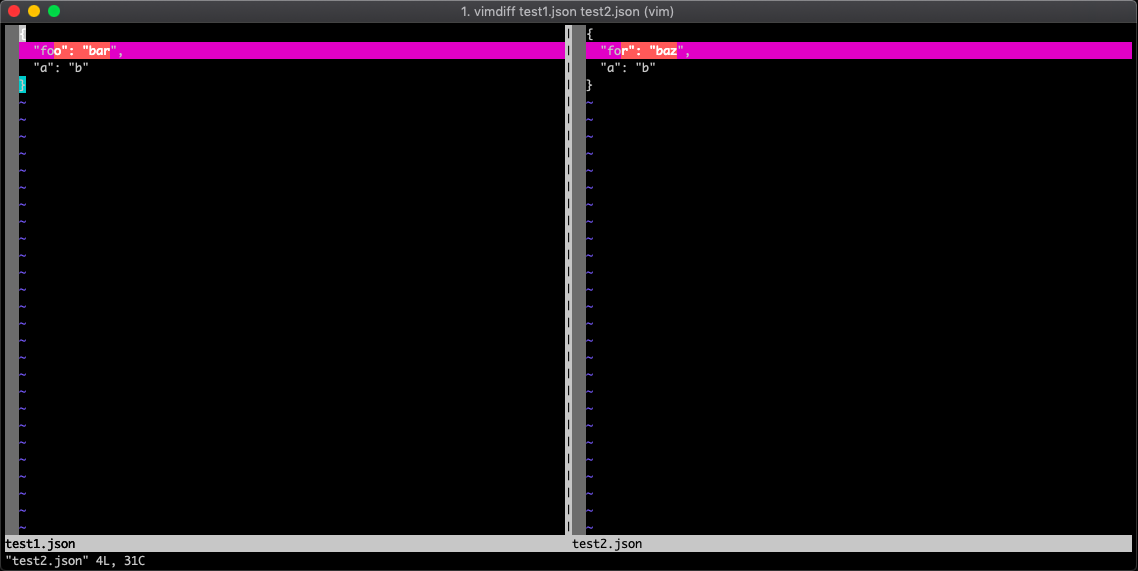
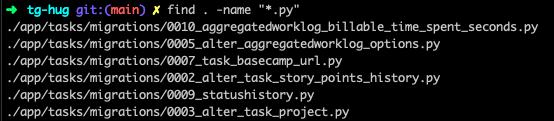
find, grep
# COOL CMD



History
# COOL CMD


Ctrl + r
Docker
# COOL CMD



$ docker ps

$ docker ps | grep redis

$ docker exec -it 1352763452 python manage.py shell

$ docker cp ~/postgres-12__krah.pg_dump krah_postgres_1:/var/lib/postgresql/data/krah.pg_dump
# COOL CMD
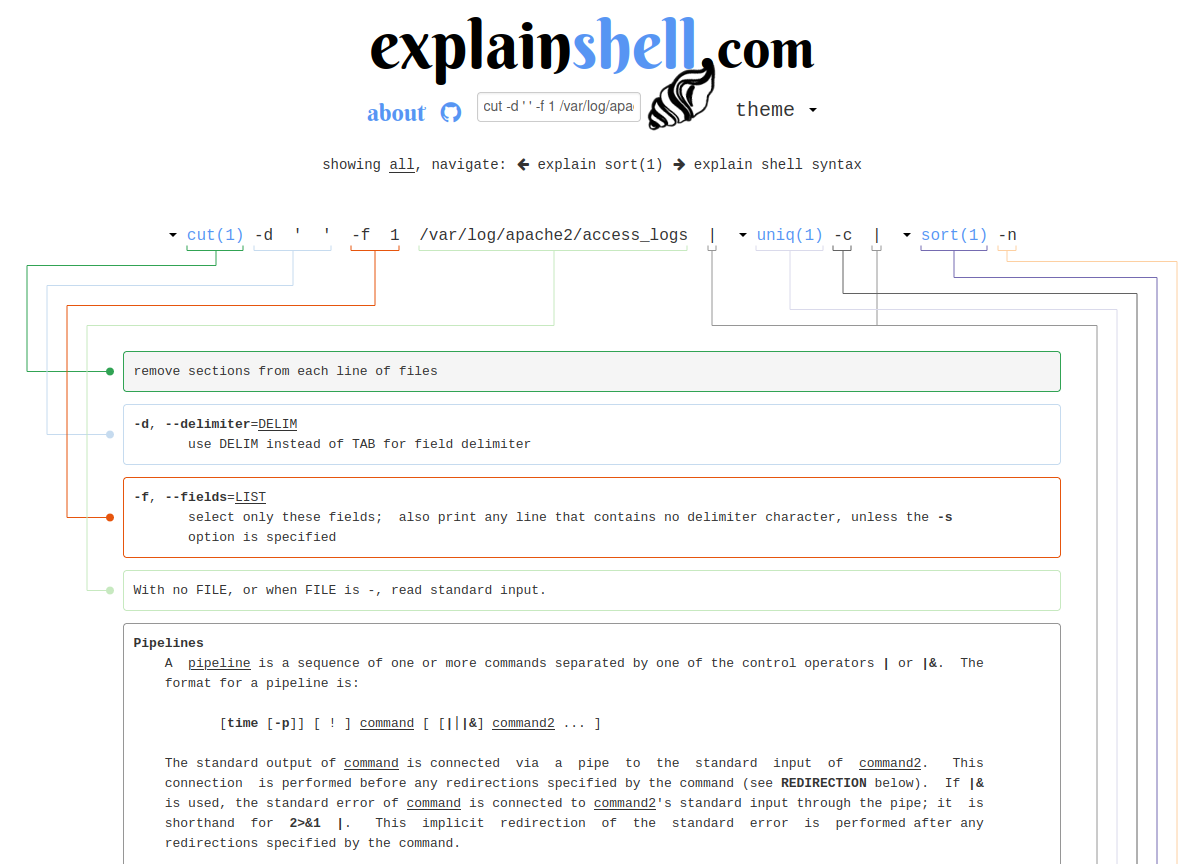
$ sudo apt install poopmaker2000
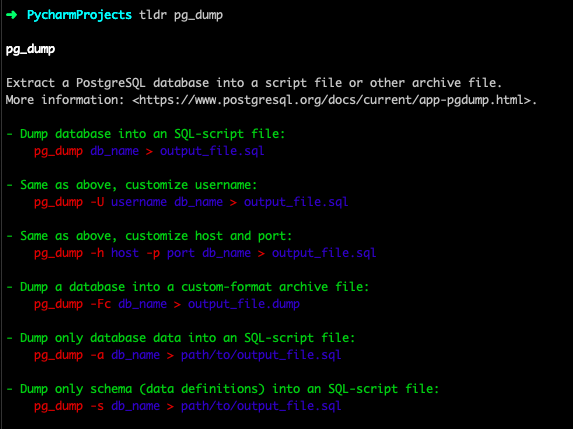
TLDR
# CLI TOOLS
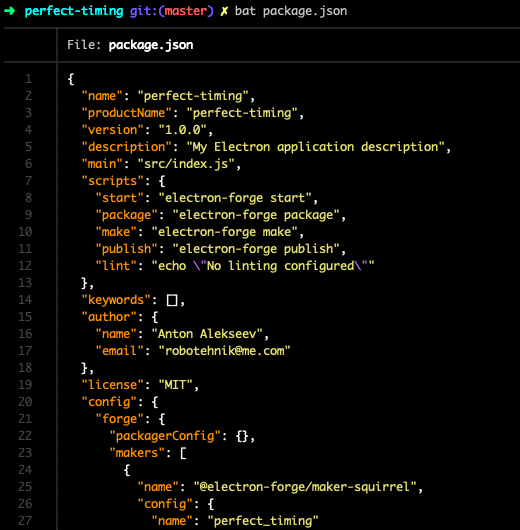
BAT
# CLI TOOLS
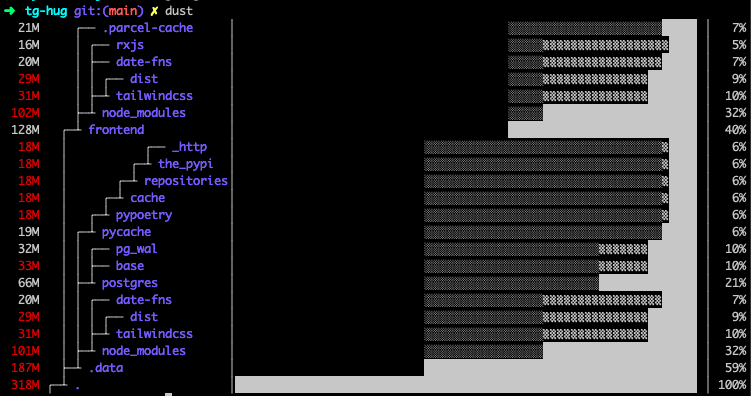
DUST
# CLI TOOLS
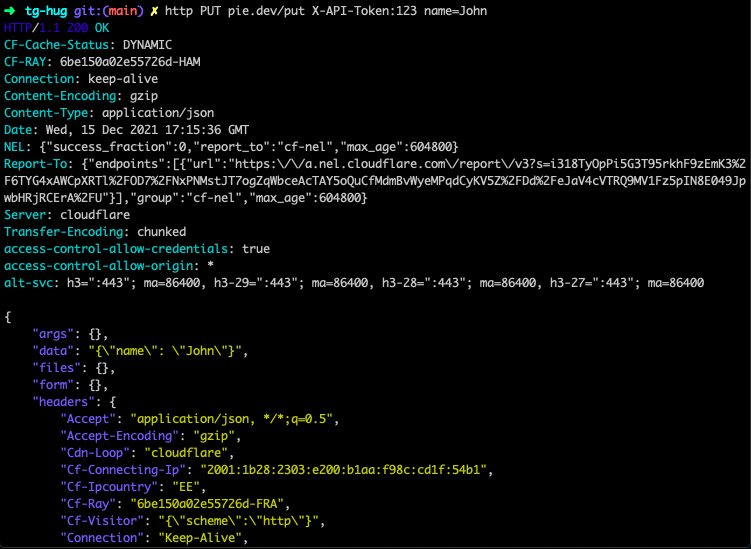
HTTPie
# CLI TOOLS
Guest Talk
# GUEST TALK
# PYCHARM

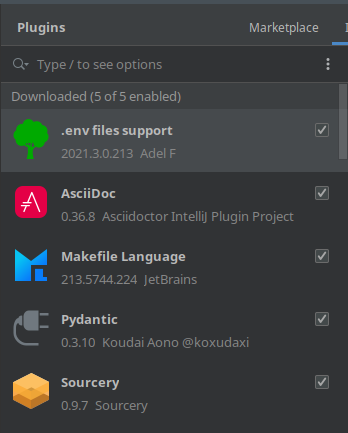
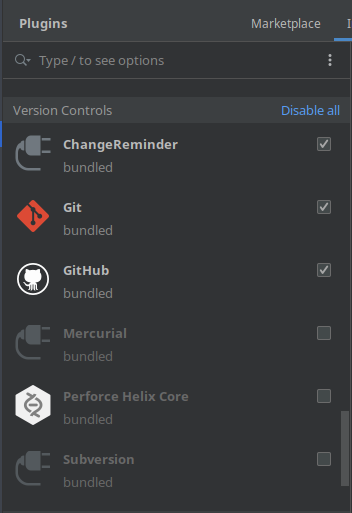
Plugins
# PYCHARM
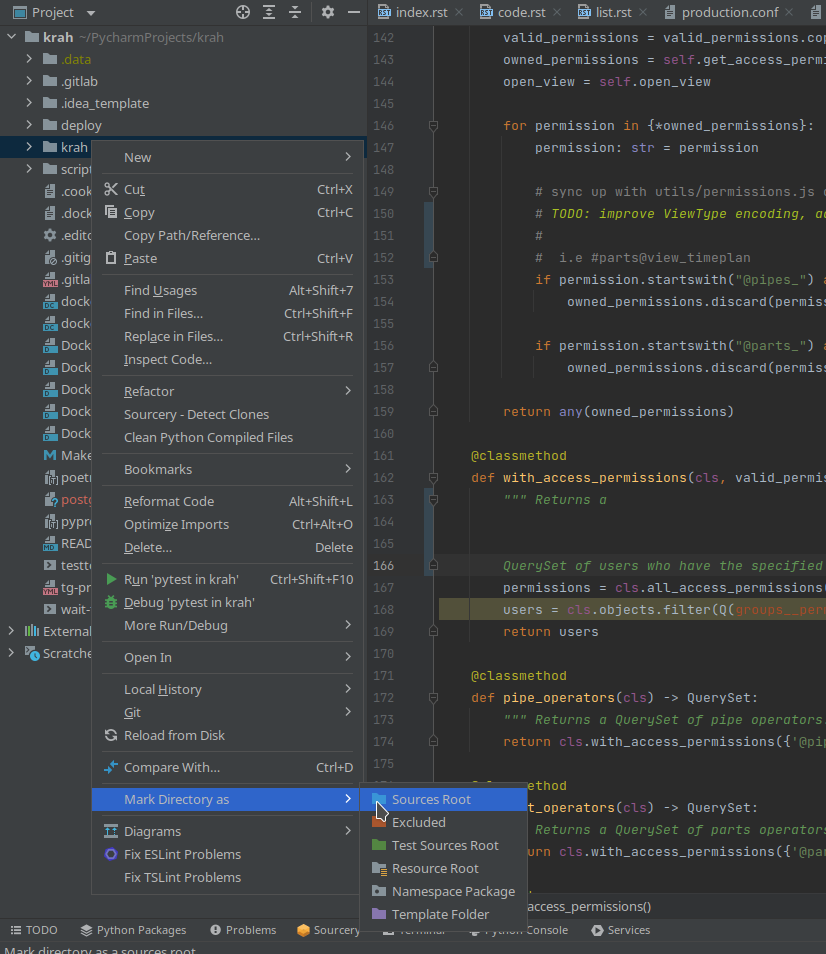
New Project / Marking Directories
# PYCHARM
New Project / Choosing Python
# PYCHARM
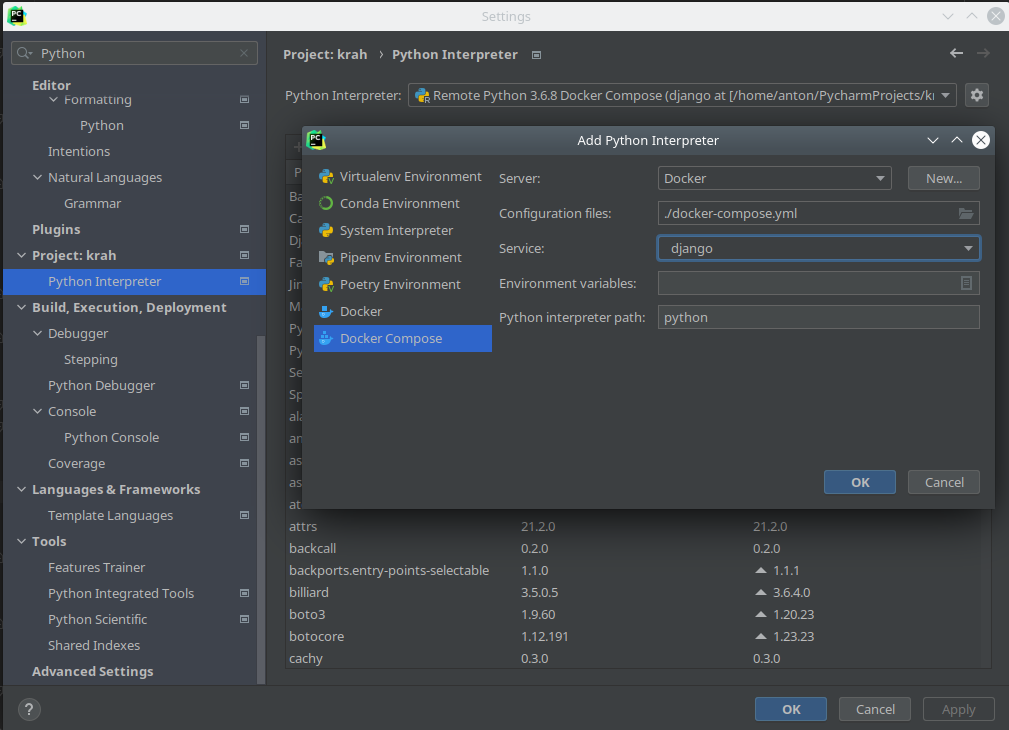
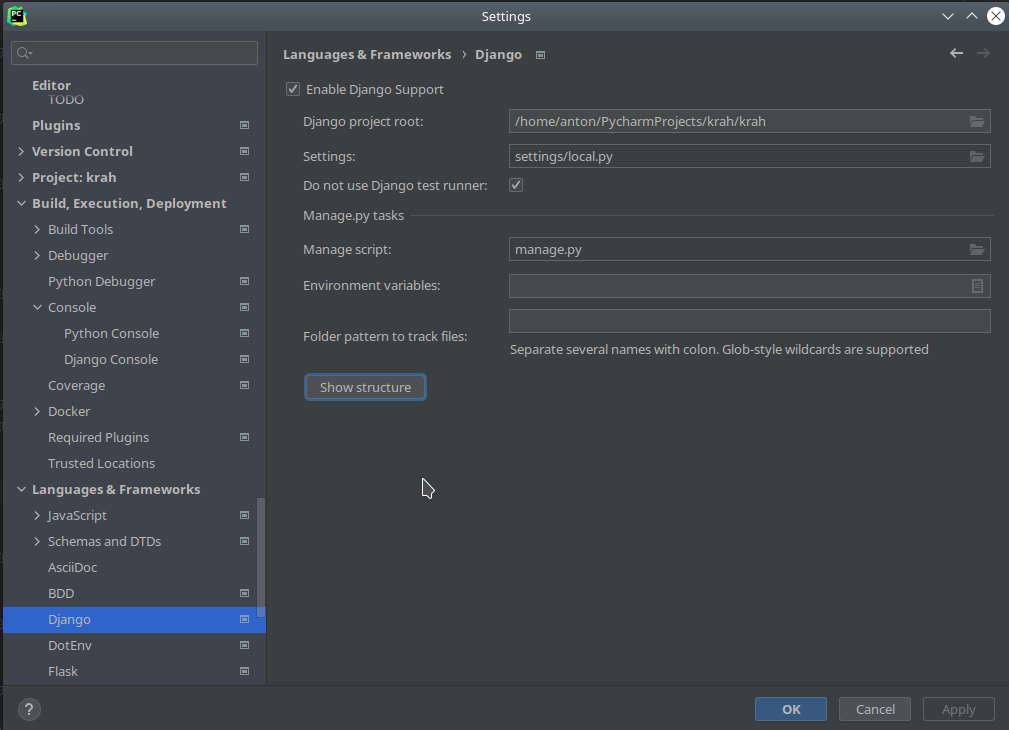
New Project / Enabling Django
# PYCHARM
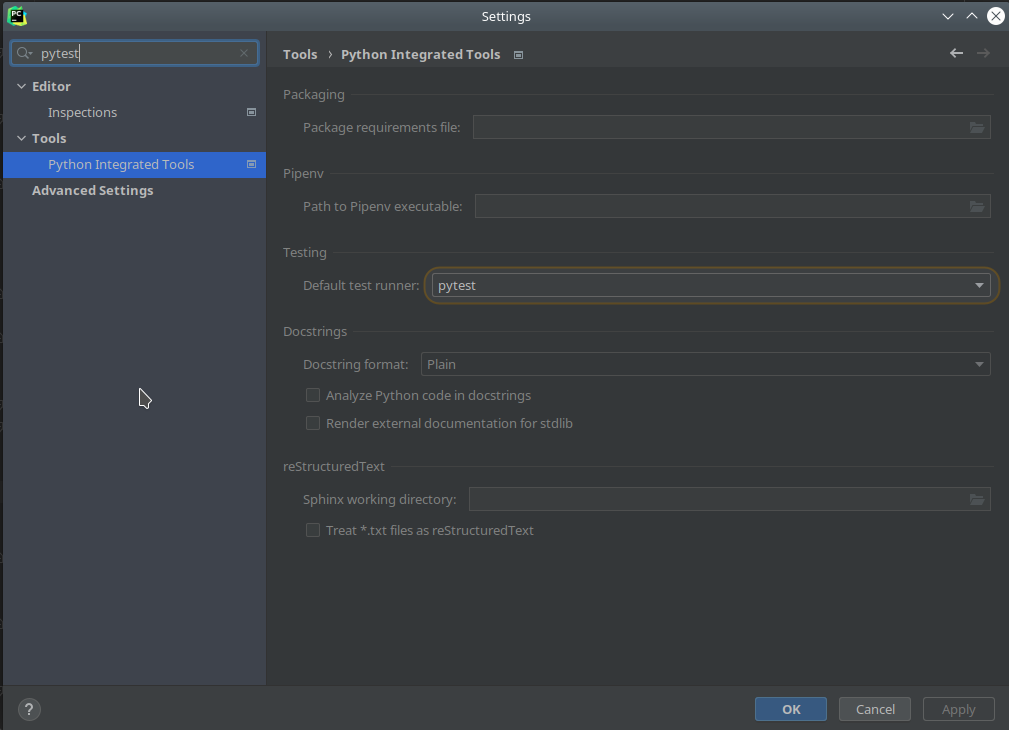
New Project / Enabling Pytest
# PYCHARM
New Project / Setting Up Configurations
# PYCHARM
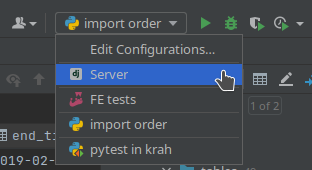
New Project / Setting Up Server
# PYCHARM
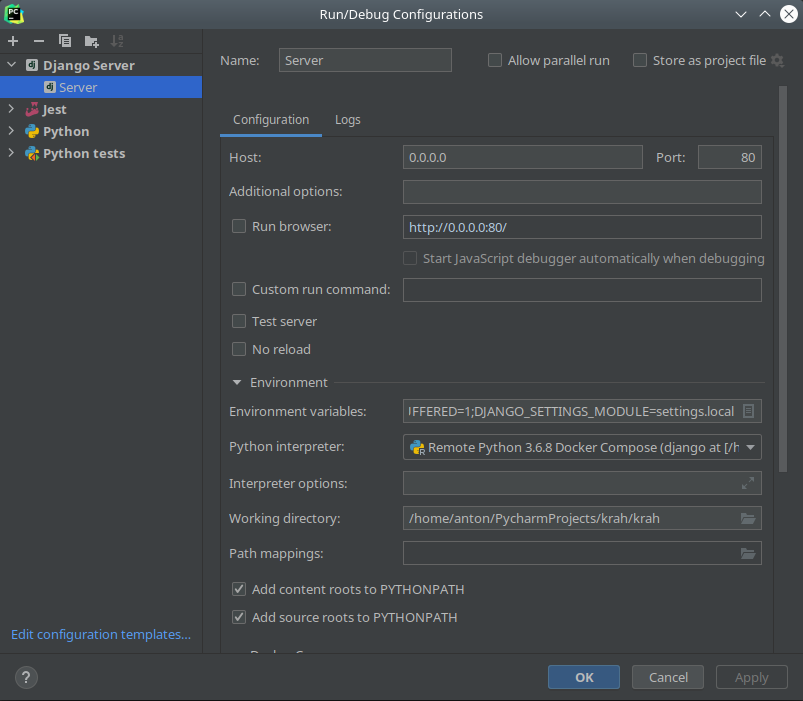
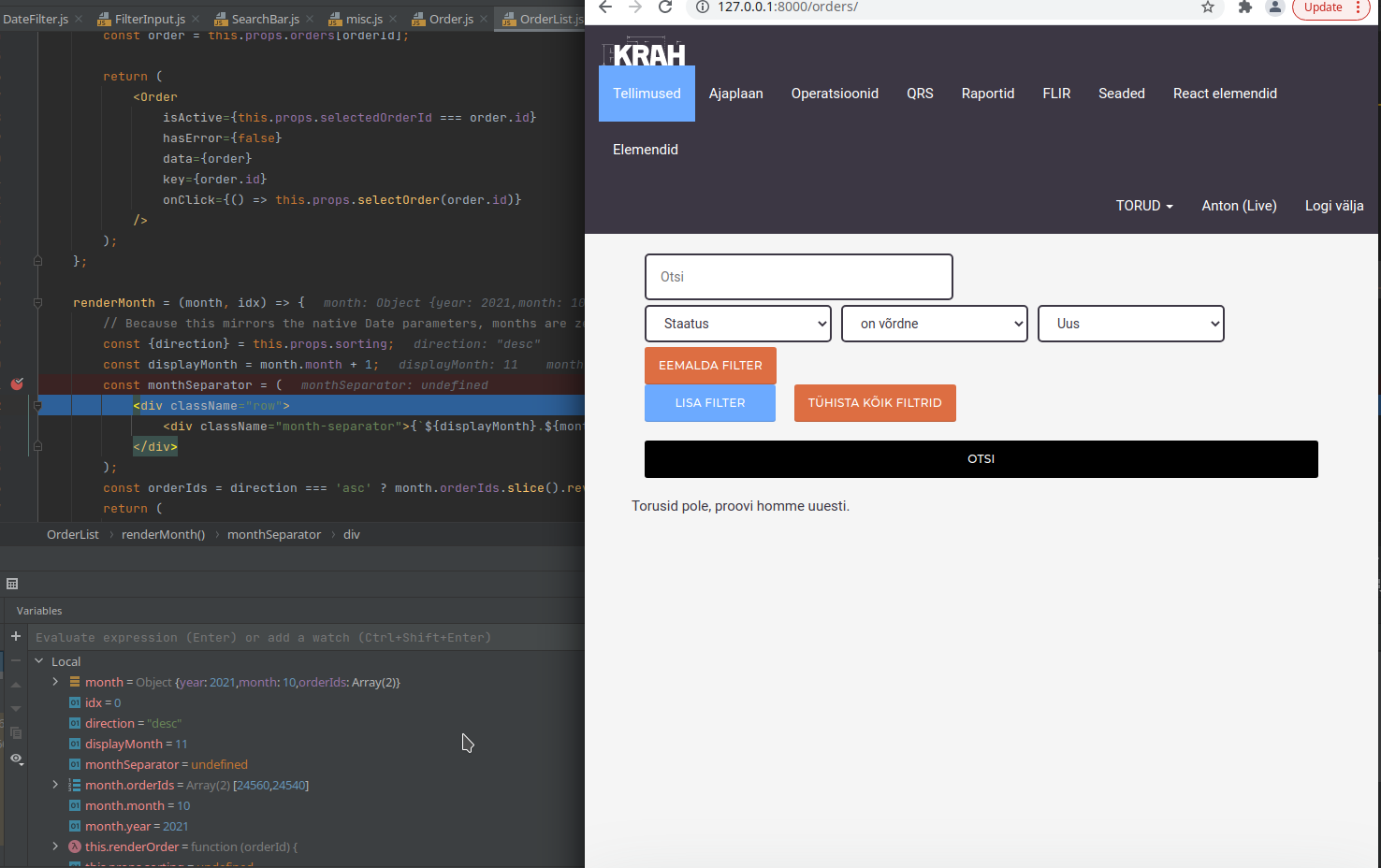
Server / Debugging
# PYCHARM
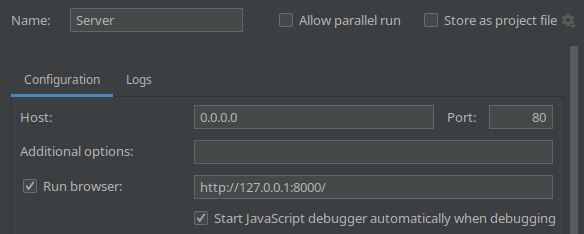
New Project / Setting Up Python Tests
# PYCHARM
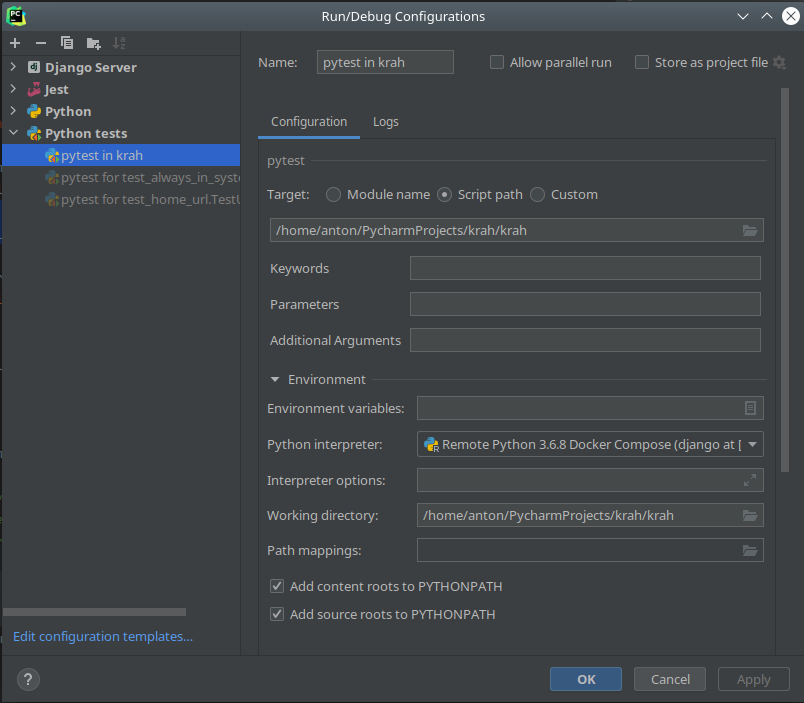
Testing / Running All Tests
# PYCHARM
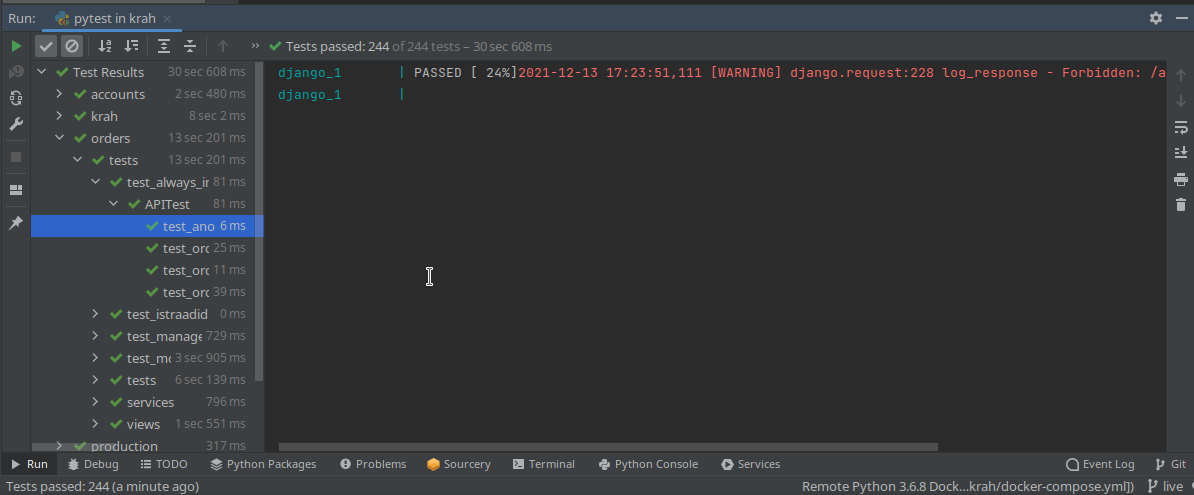
Testing / Running Individual Tests
# PYCHARM
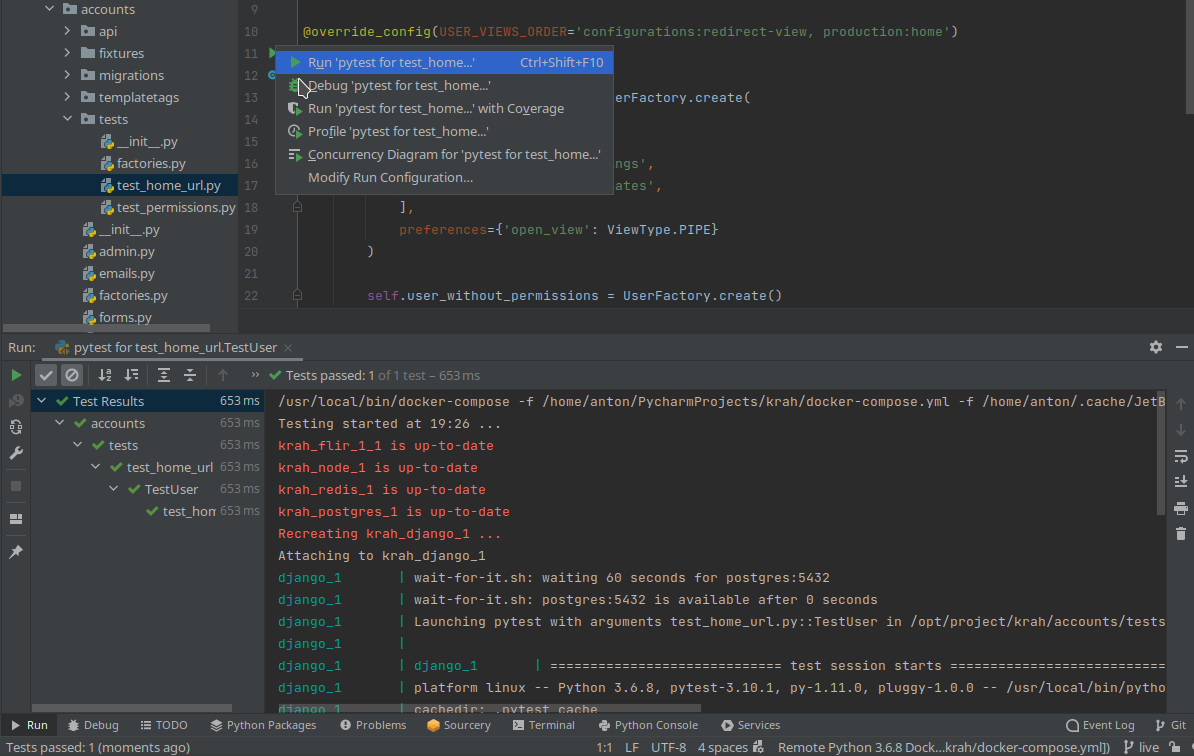
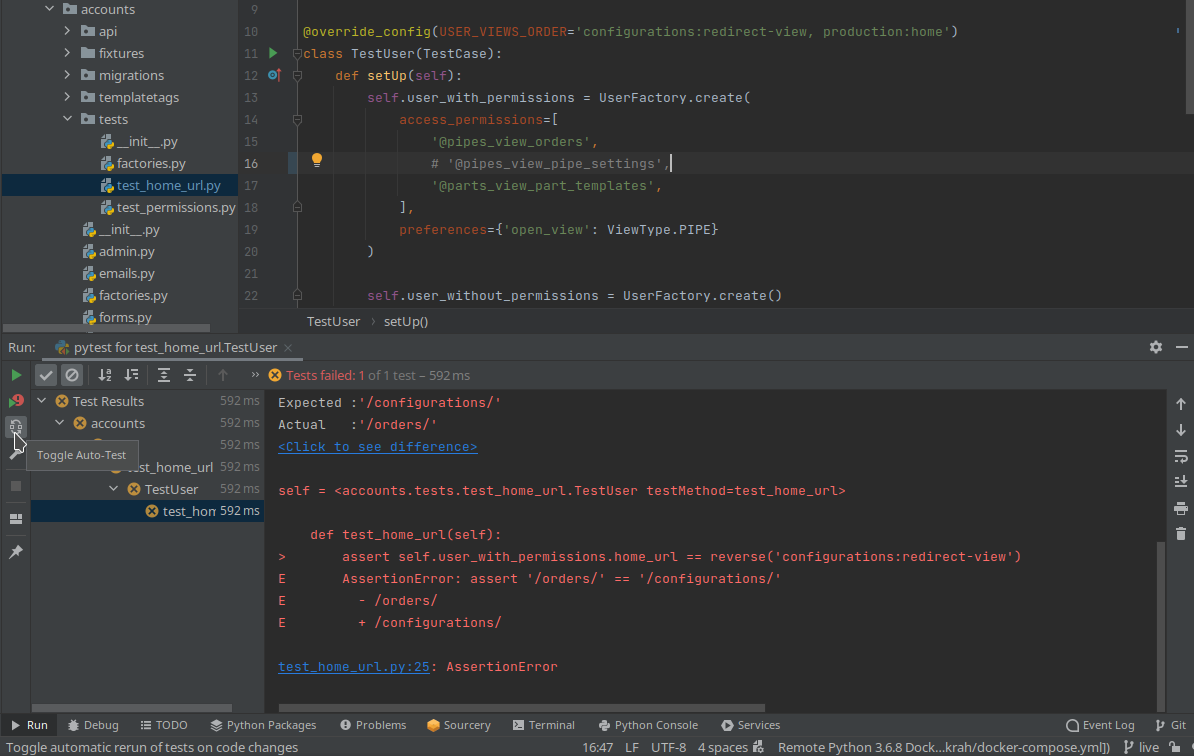
Testing / Auto-running Individual Tests
# PYCHARM
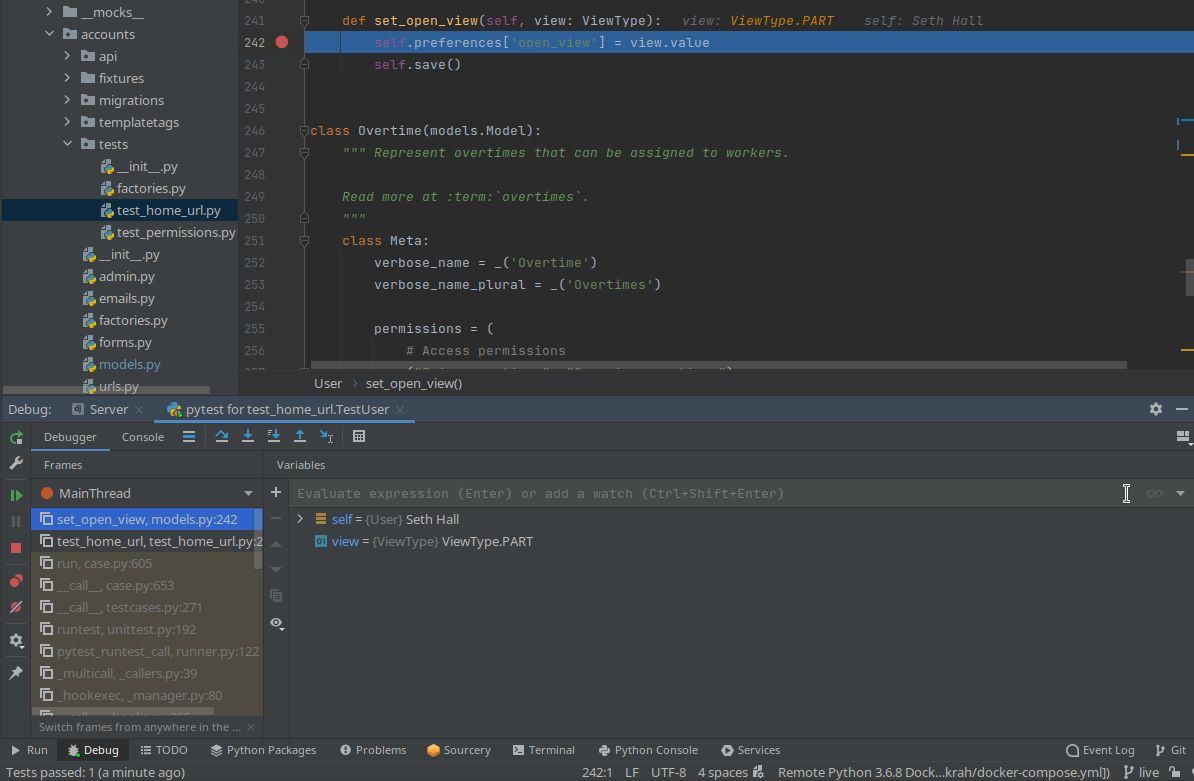
Testing / Debugging Individual Tests
# PYCHARM
Testing / Coverage Report
# PYCHARM
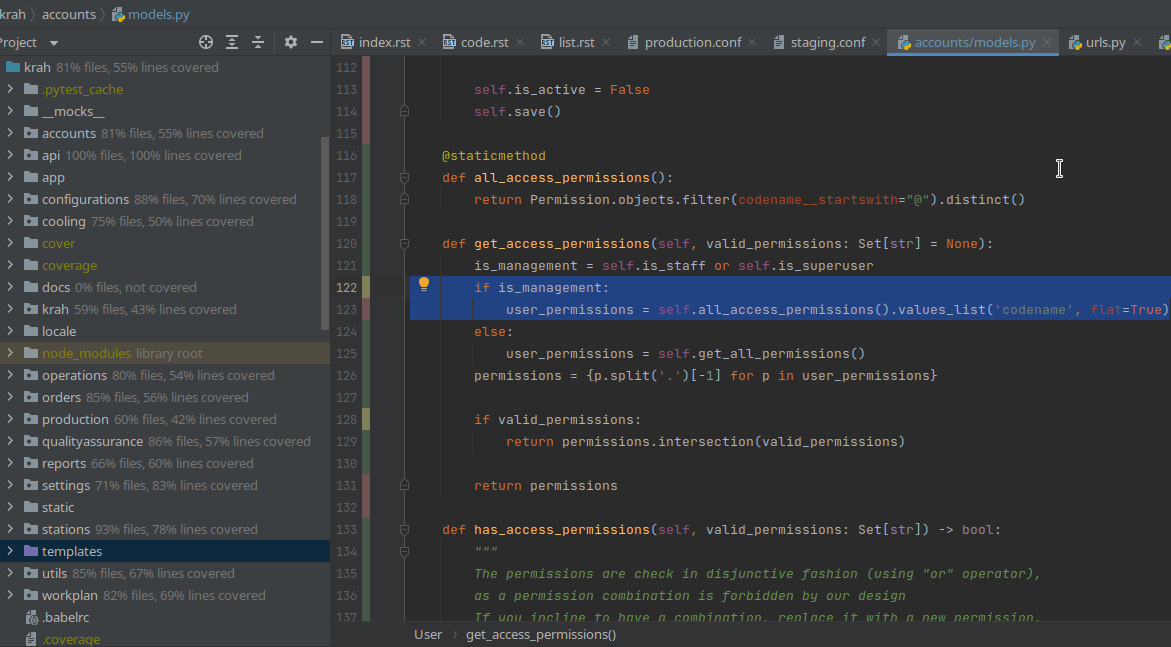
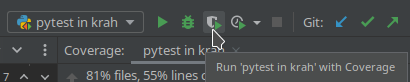
New Project / Setting Up JS Tests
# PYCHARM
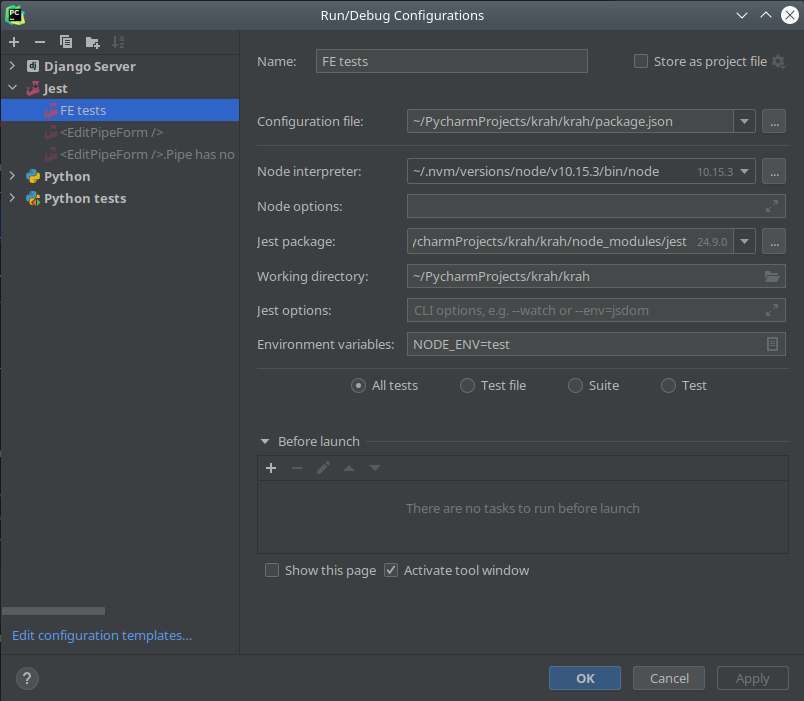
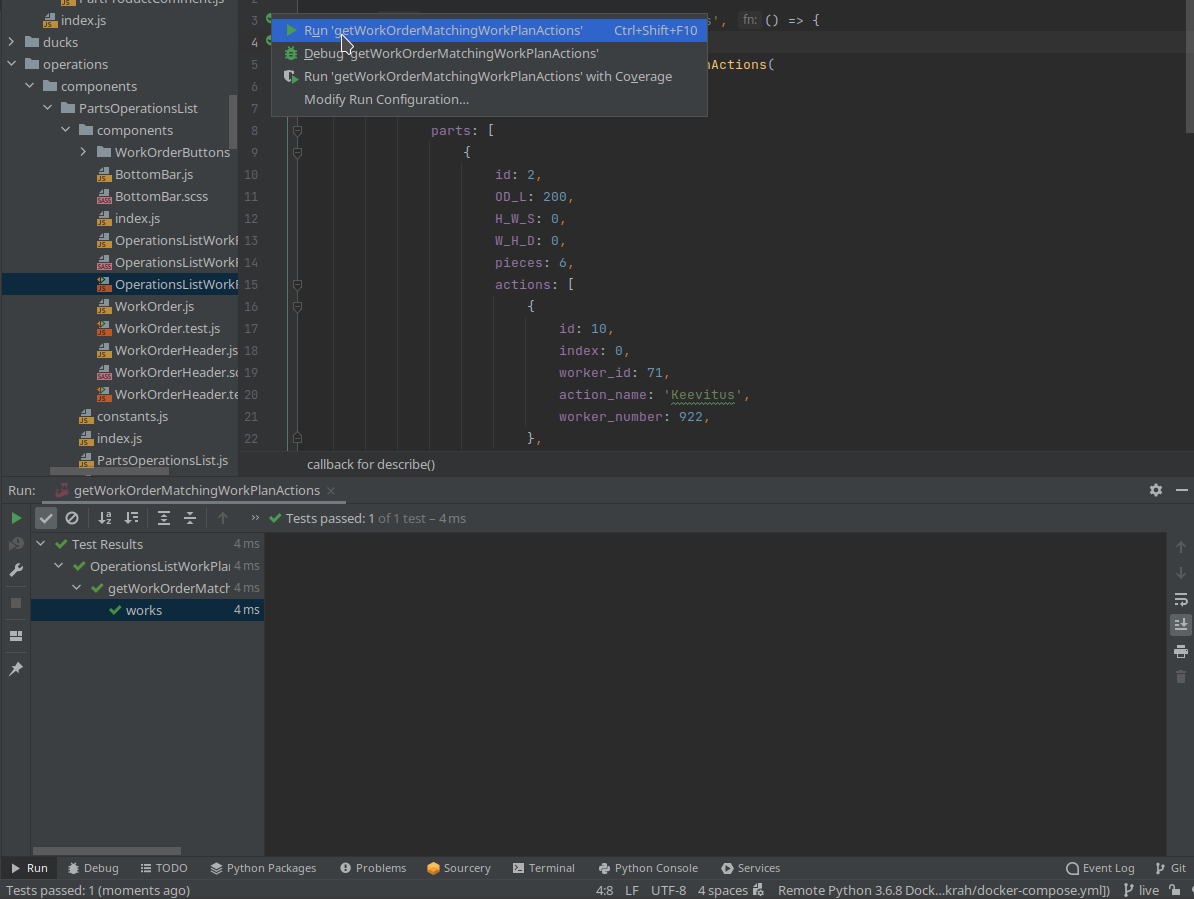
Testing / Running FE Tests
# PYCHARM
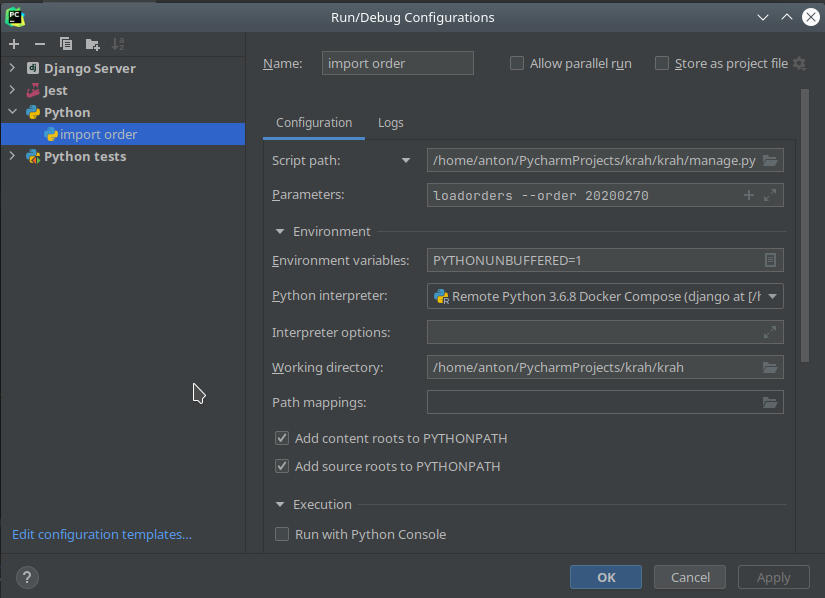
New Project / Management Command
# PYCHARM
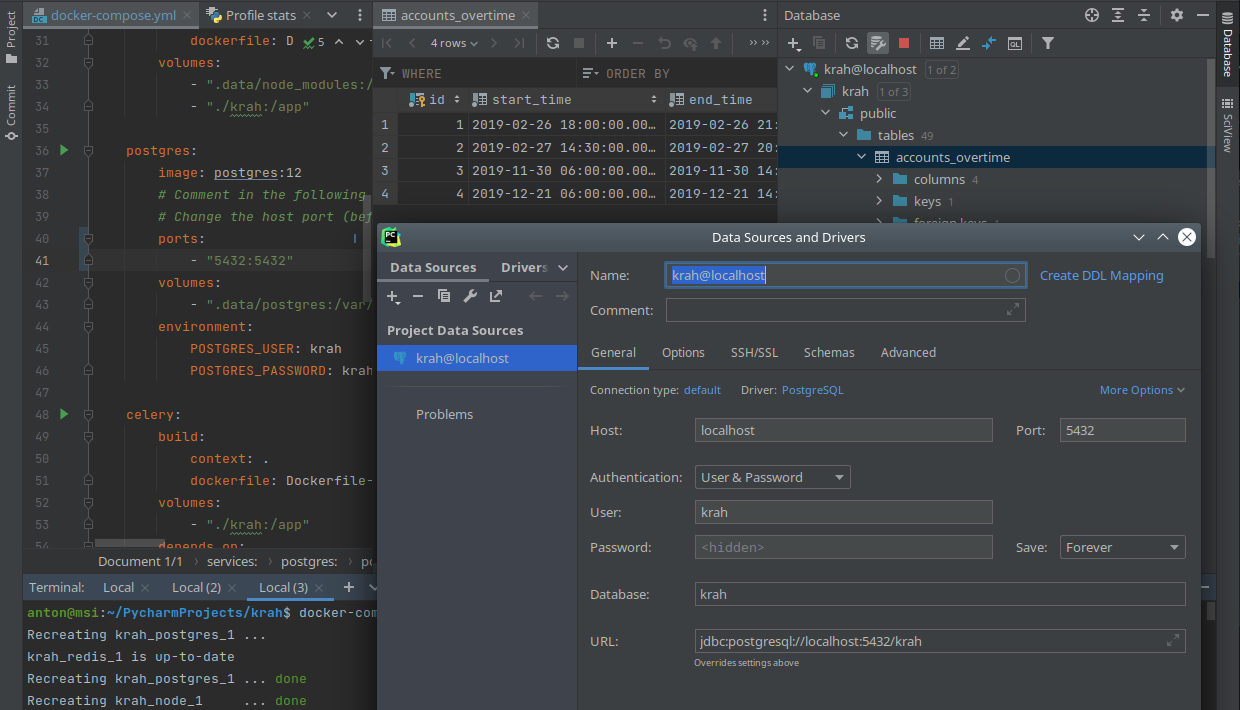
Local Database Connection
# PYCHARM
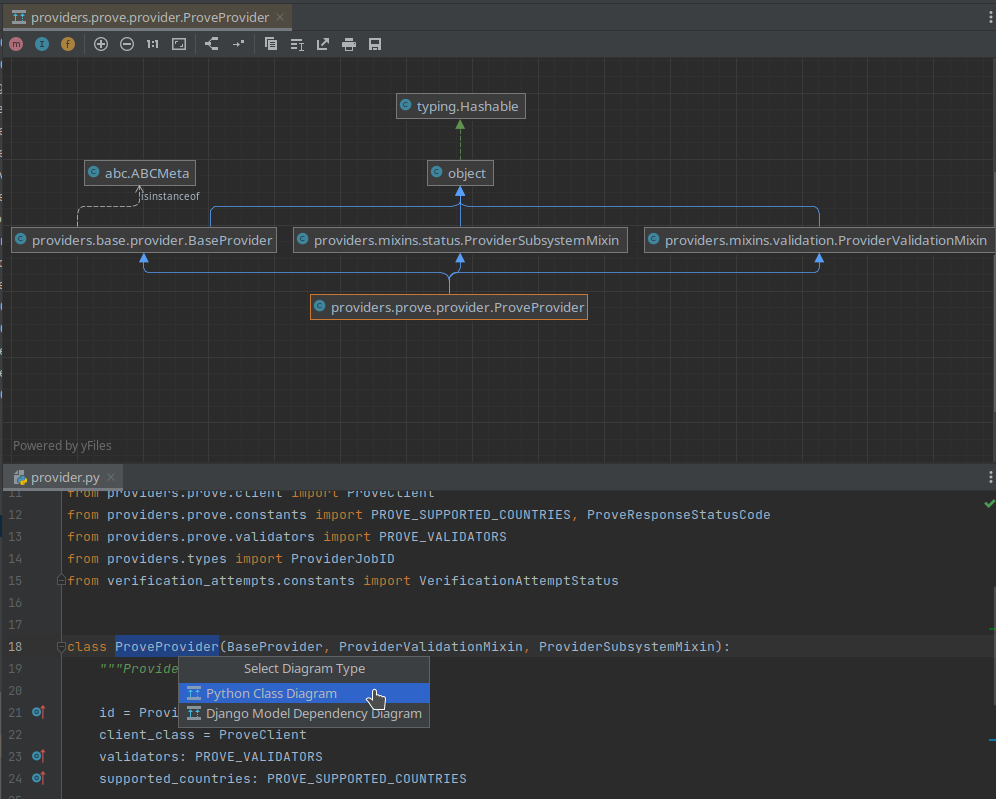
Python Inheritance Diagram
# PYCHARM
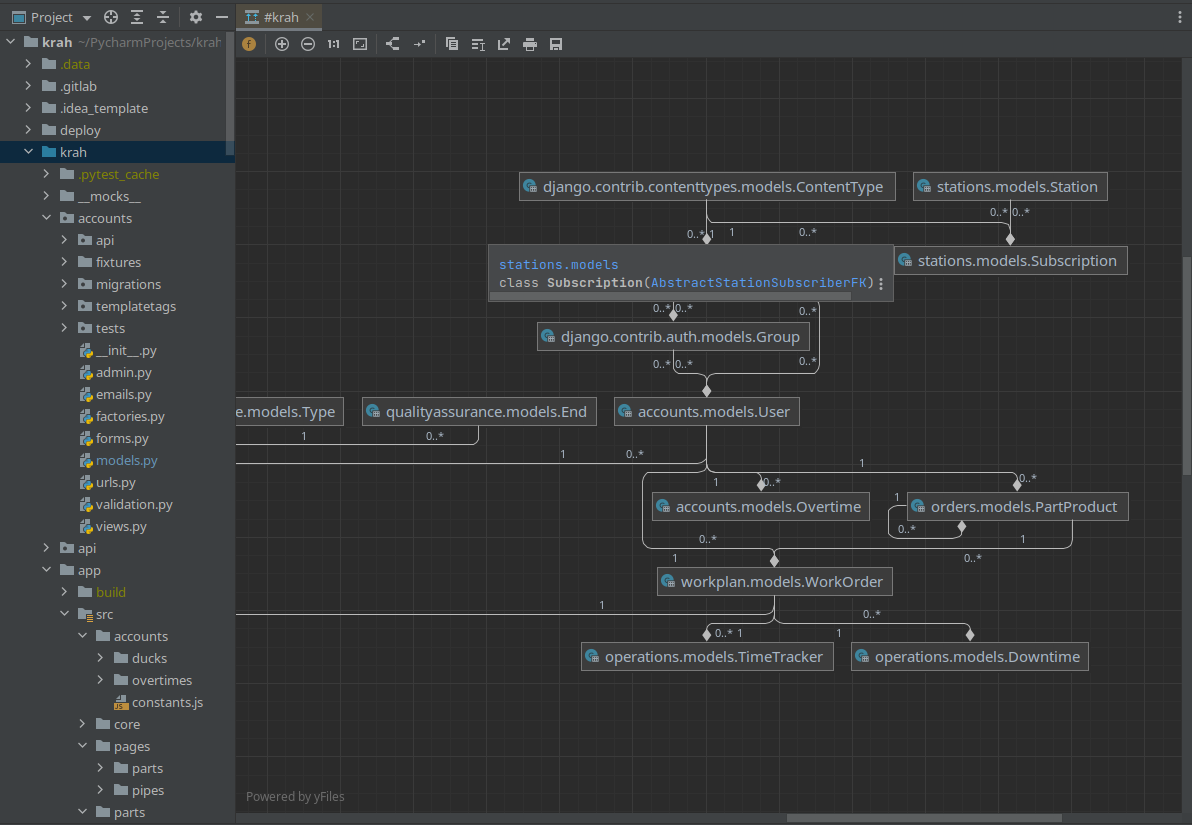
Django Models Diagram
# PYCHARM
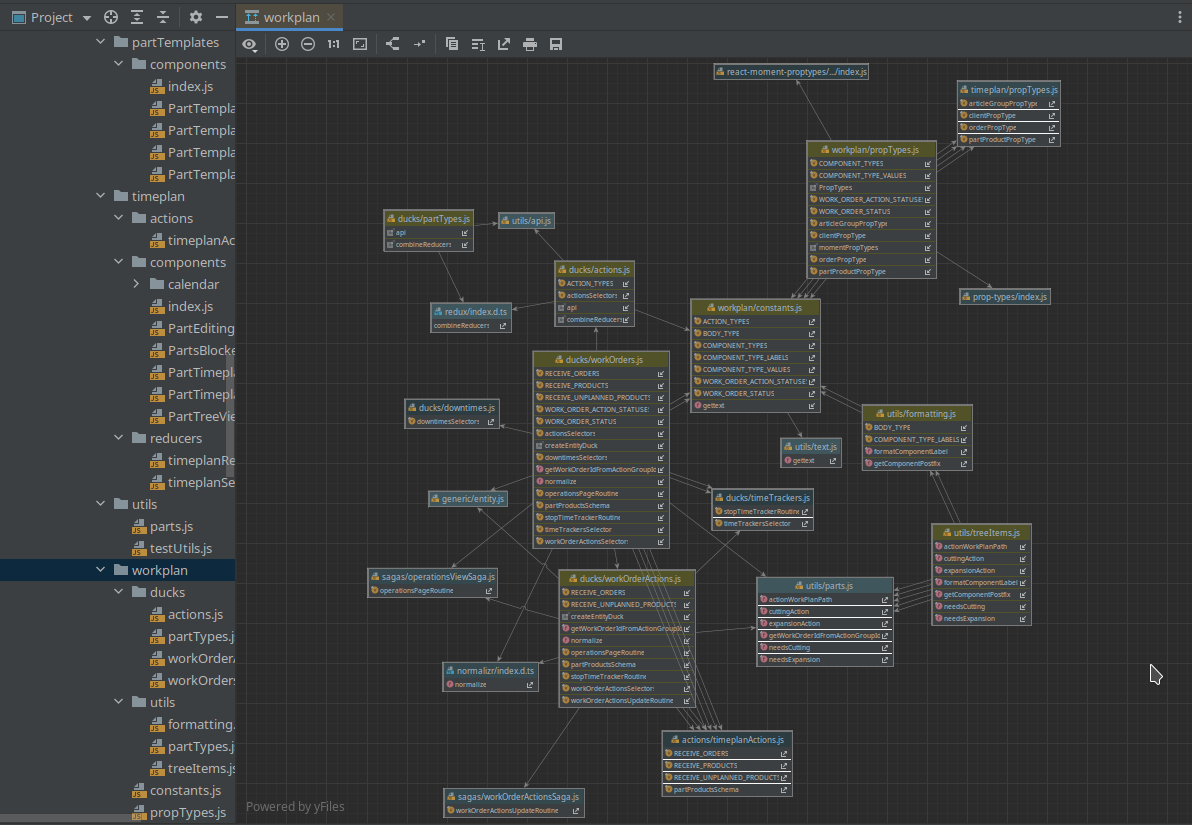
JS Modules Diagram
# PYCHARM
Class Dismissed
Q&A
# QA
Useful Links
Text
Dev Setup
By Anton Alekseev