


Player-Computer Interaction
GAME DESIGN
UNIT 3:
Prof. Dr. Eike Langbehn
Department of Media Technology
Faculty of Design, Media and Information
Hamburg University of Applied Sciences

SECTION NAME
EXAMPLES
UNIT 2:
AGENDA
PLAYER-COMPUTER INTERACTION
UNIT 3: GAME DESIGN
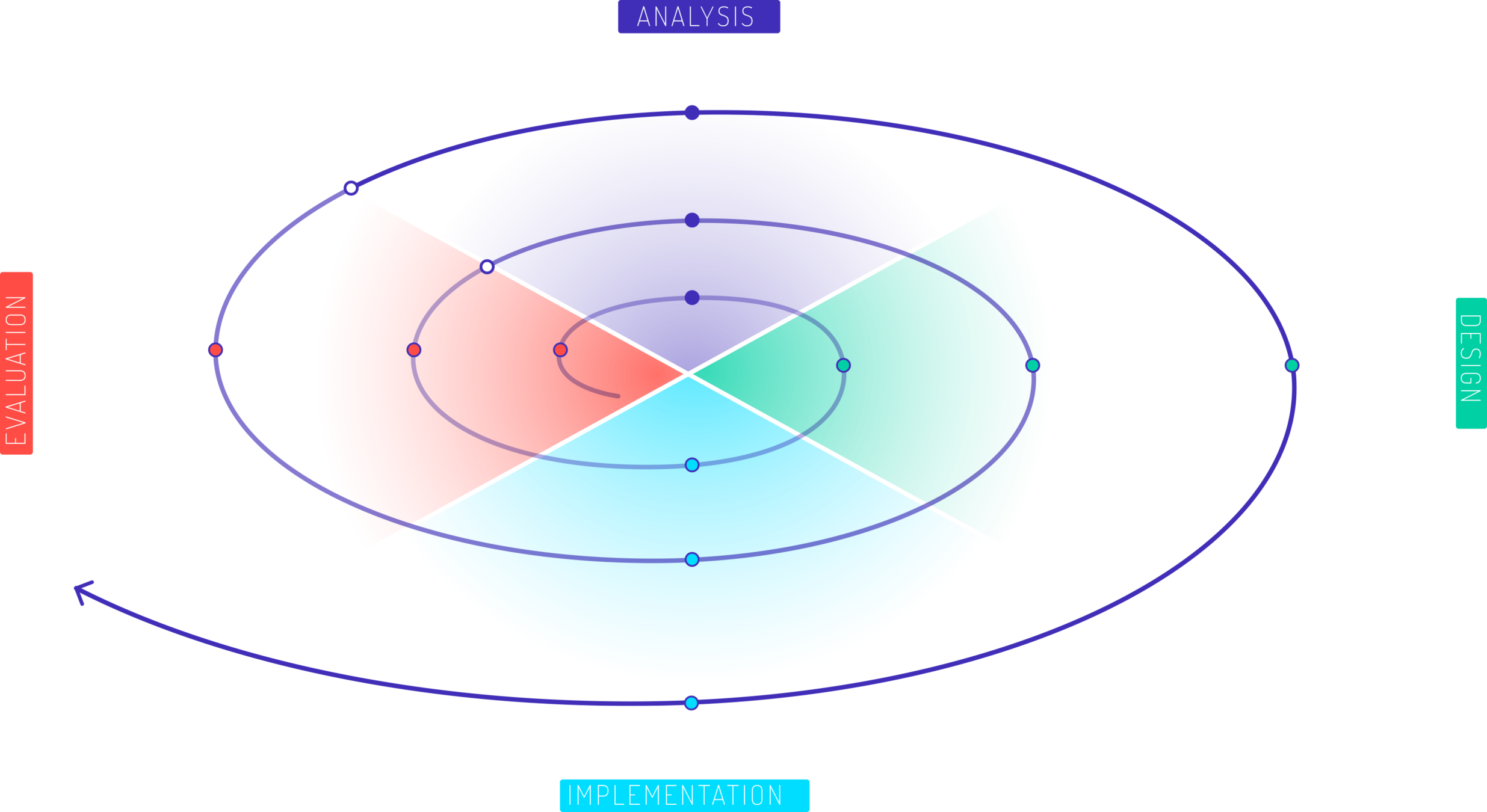
1. INTRO
2. REQUIREMENT
ANALYSIS
3. GAME
DESIGN
0. ORGANIZATION
4. GETTING STARTED
WITH GODOT
5. USER
STUDIES
6. ANALYSIS OF
HUMAN FACTORS
7. INTERACTION
DESIGN
8. ADVANCED PROGRAMMING
WITH GODOT
9. EVALUATION
MODELS
10. MARKET
ANALYSIS
11. NARRATIVE
DESIGN
12. GAME ENGINE
ARCHITECTURE
LEARNING outcomes
- Understanding what game design is
- Understanding how a game can be defined and which elements it consists of
- Knowledge of techniques to design a game
PLAYER-COMPUTER INTERACTION
UNIT 3: GAME DESIGN
Game design
What is game design?
PLAYER-COMPUTER INTERACTION
UNIT 3: GAME DESIGN
what is a game?
What is game design?
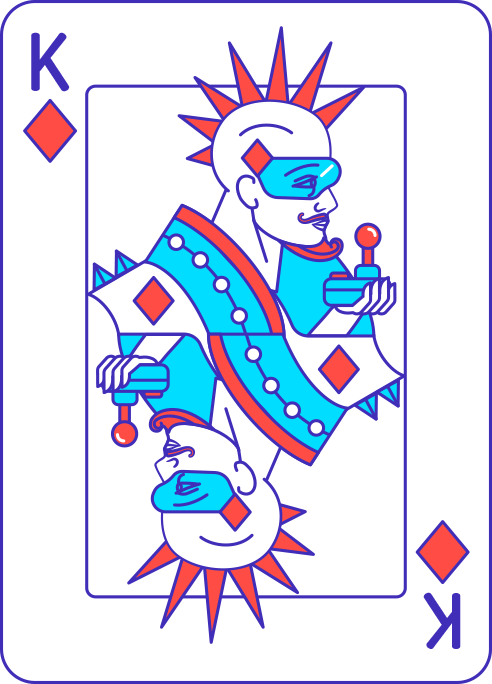
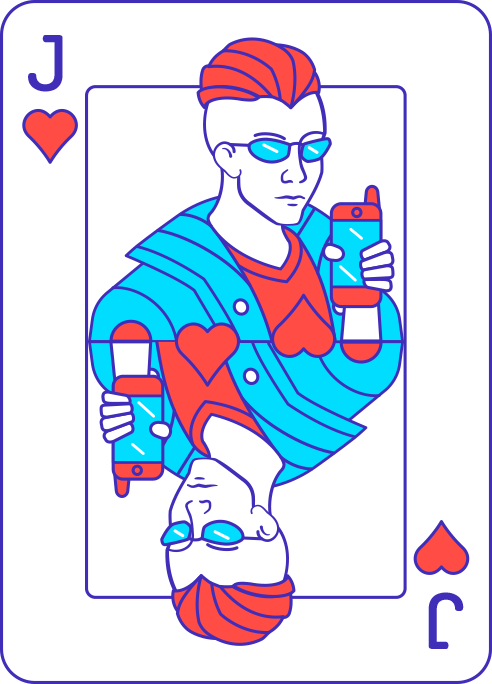
Mau-mau
PLAYER-COMPUTER INTERACTION
UNIT 3: GAME DESIGN
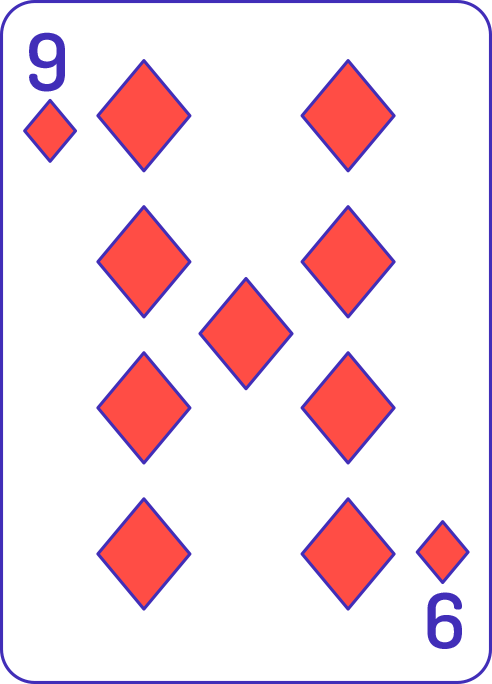
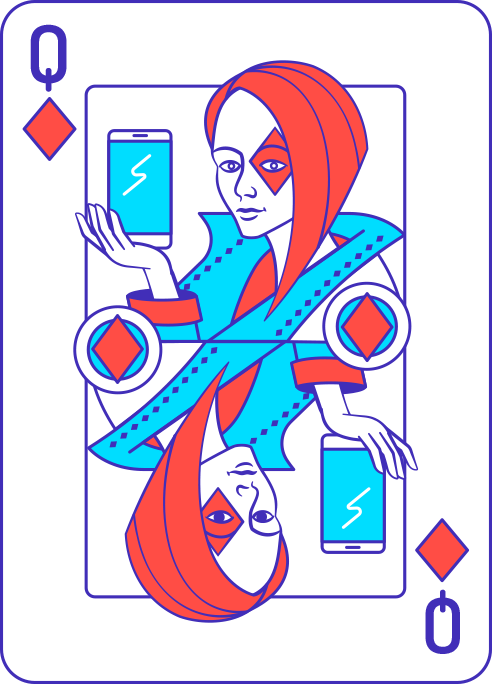
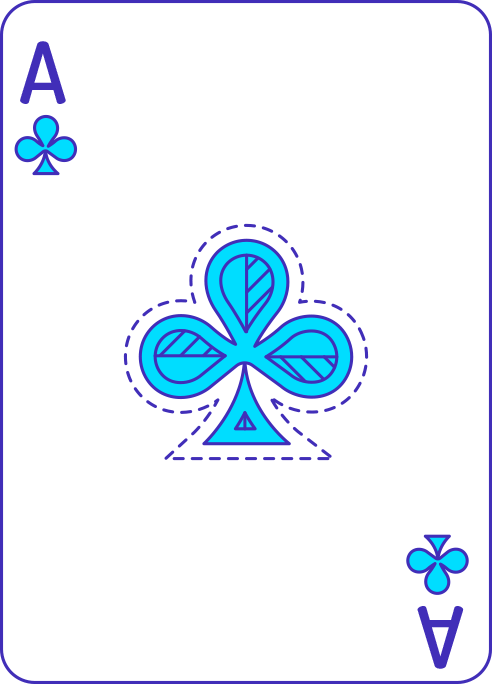
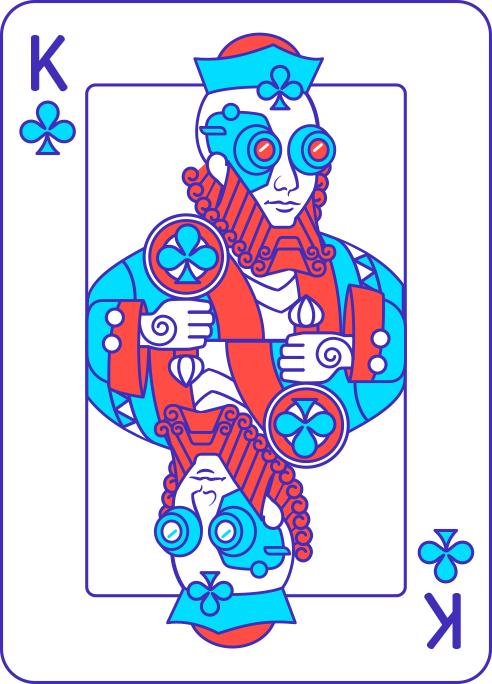
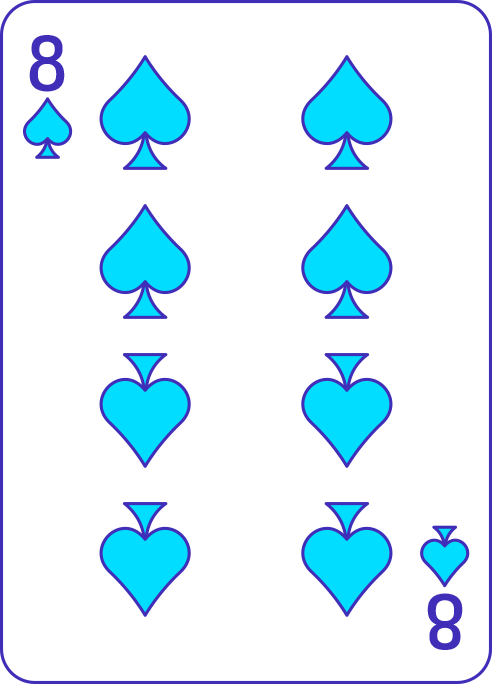
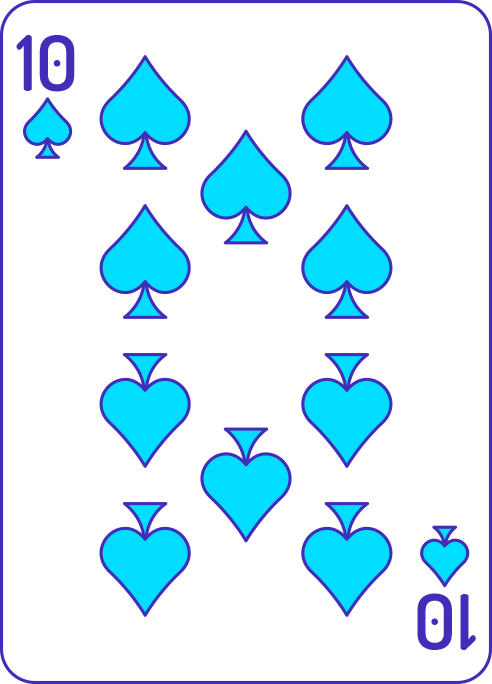
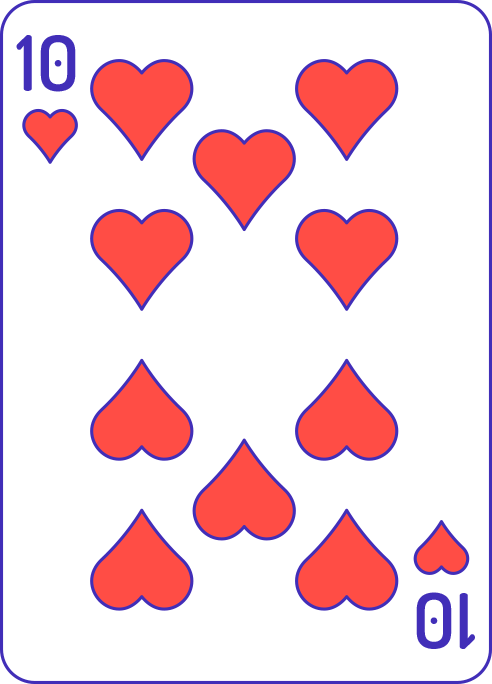
- 32 cards; 2-5 players
- @start 6 cards/player; one card face-up visible for all players; rest of the cards as face-down stack
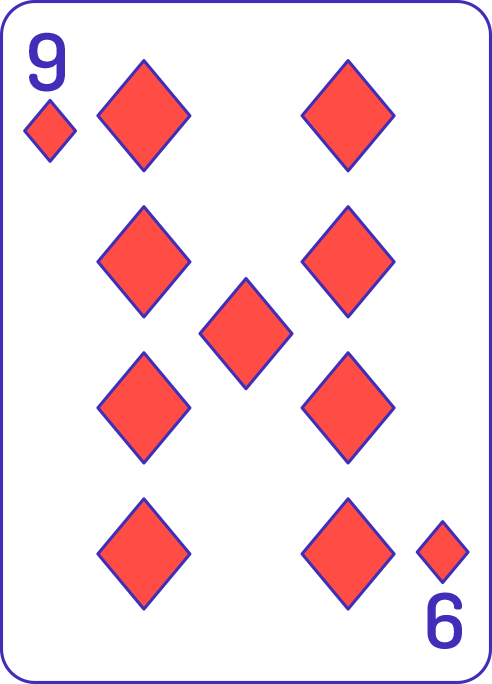
- @turn player1 can play one card from his hand if it corresponds to the suit or value of the face-up card
- if they are not able to play a card, they draw a card from the stack
- players take turns, playing a card or drawing one
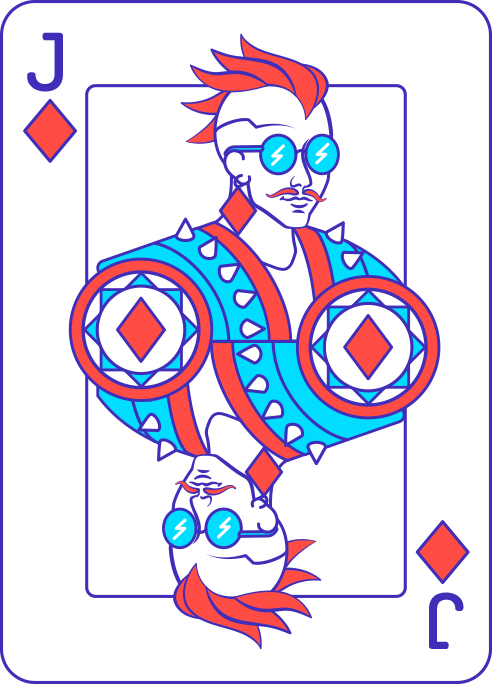
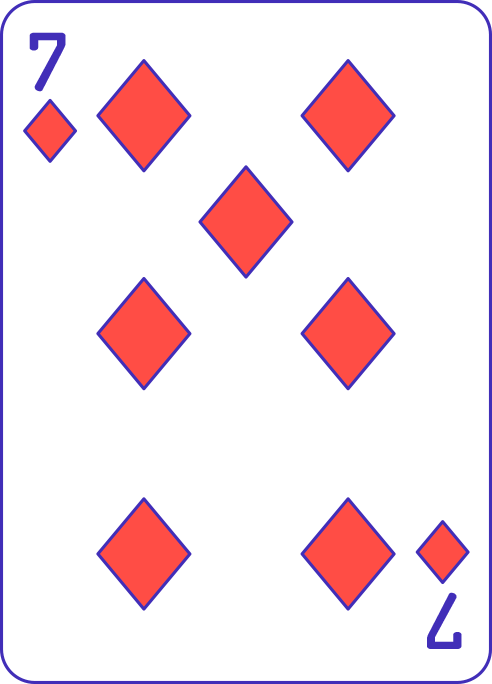
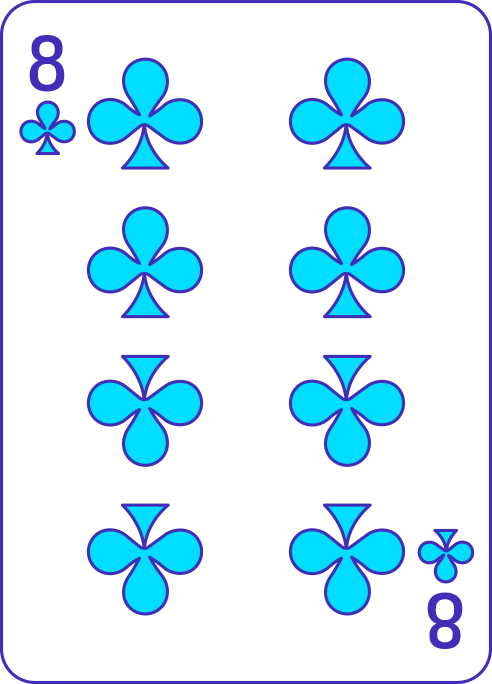
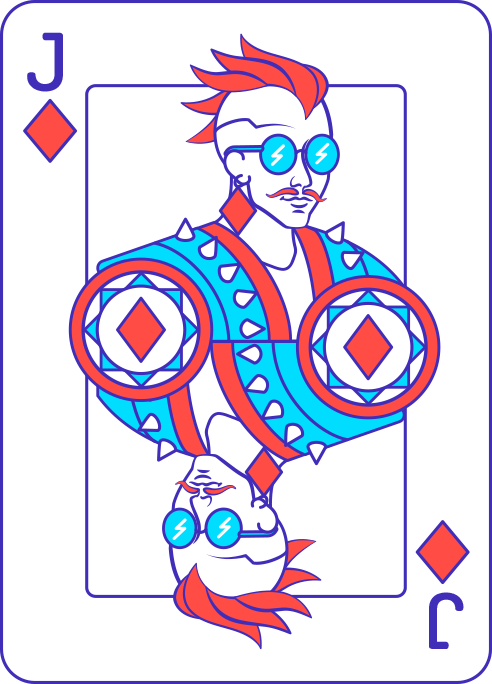
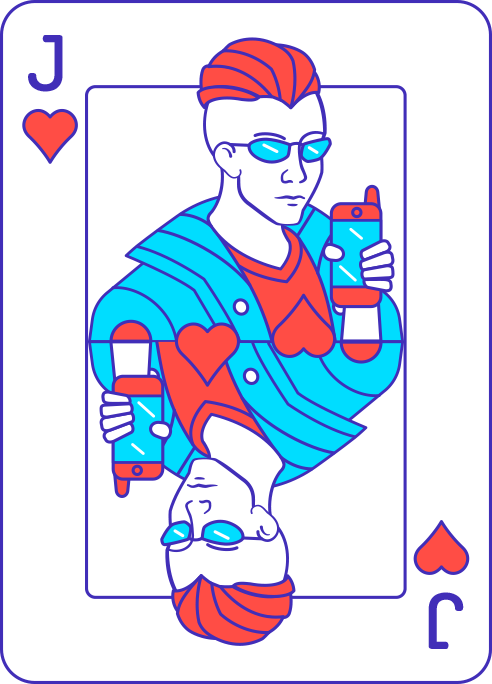
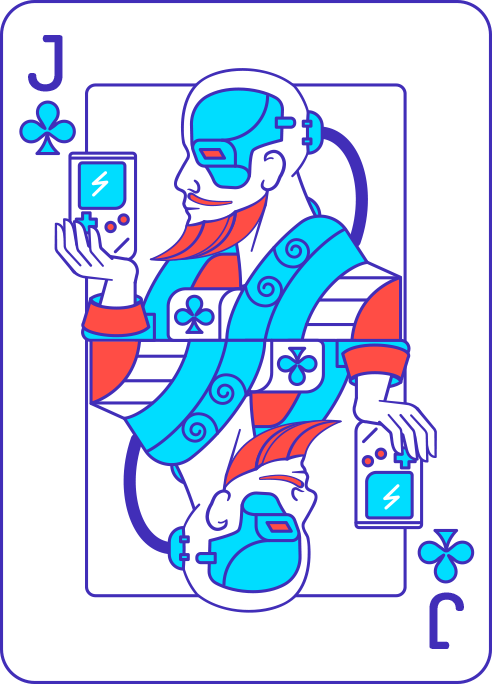
- The 7, 8, Jackare significant cards:
- If a 7 is played, the next player has to draw two cards
- If a 8 is played, the next player misses his turn
- A Jack of any suit is the equivalent of a Joker and can be played on any card
- When a player has only one card left, they must say "Mau"
- Failure means that player must take a card
- Player that empties his hand first, wins
Mau-mau
PLAYER-COMPUTER INTERACTION
UNIT 3: GAME DESIGN
Player 1
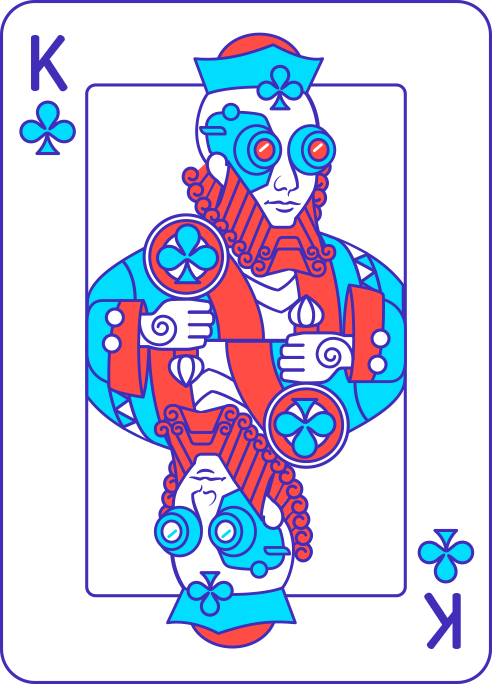
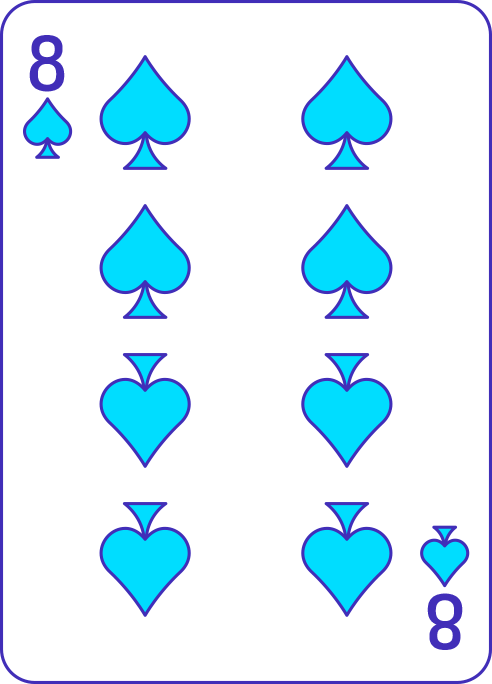
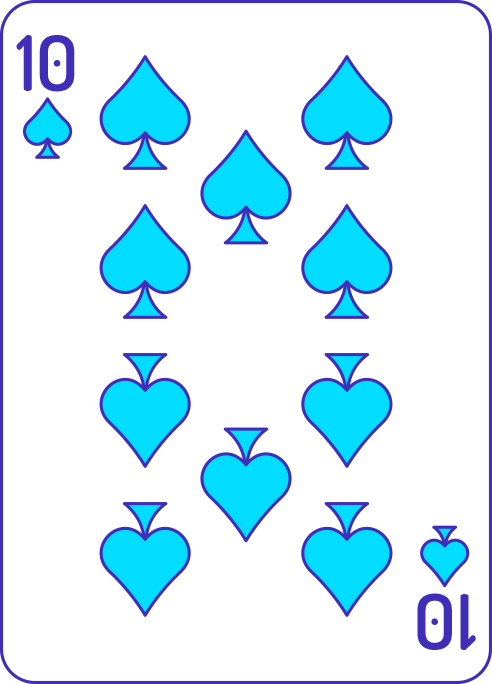
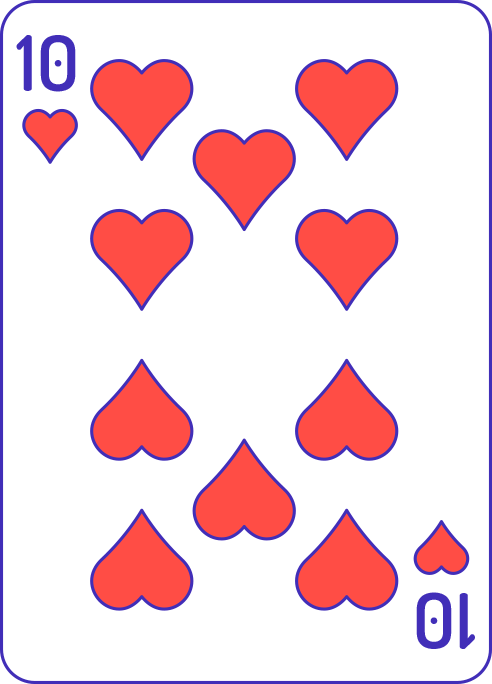
Player 2
can be played
Mau-mau

PLAYER-COMPUTER INTERACTION
UNIT 3: GAME DESIGN
Player 1
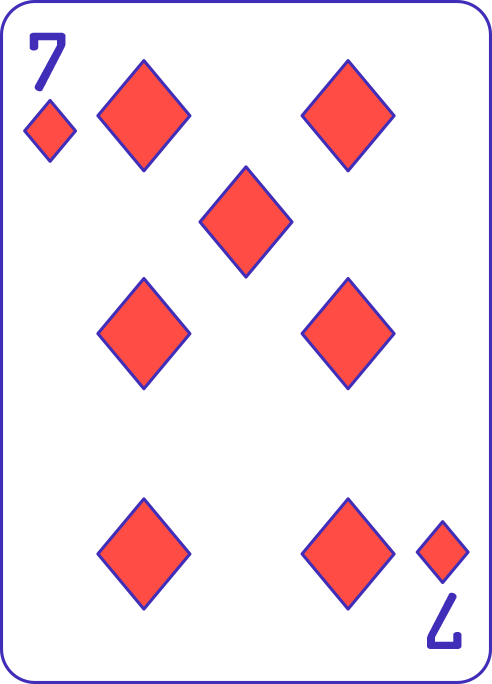
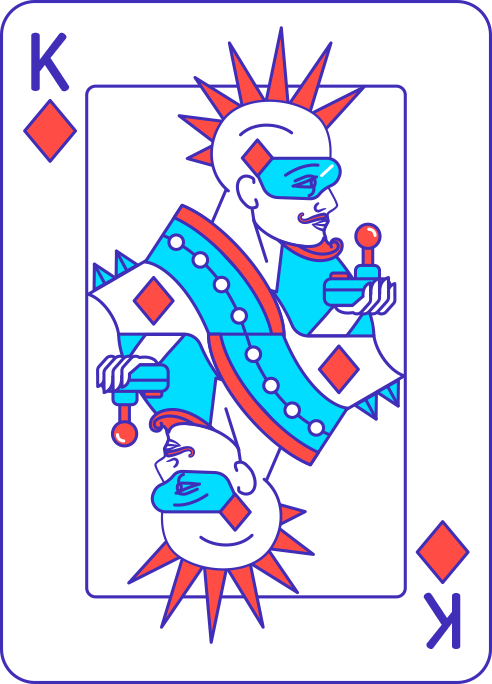
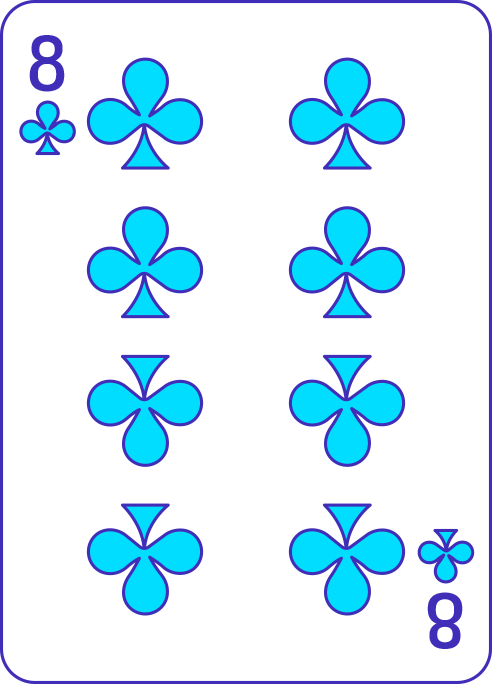
Player 2
can be played
Mau-mau
PLAYER-COMPUTER INTERACTION
UNIT 3: GAME DESIGN
Player 1
Player 2
can be played
Mau-mau
PLAYER-COMPUTER INTERACTION
UNIT 3: GAME DESIGN
Player 1
Player 2
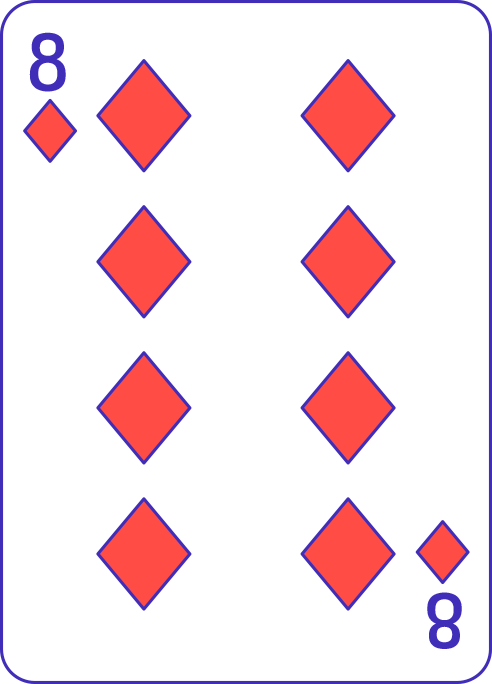
Player 1 is closer to winning
Player 2 has to draw two cards
Definitions
PLAYER-COMPUTER INTERACTION
UNIT 3: GAME DESIGN
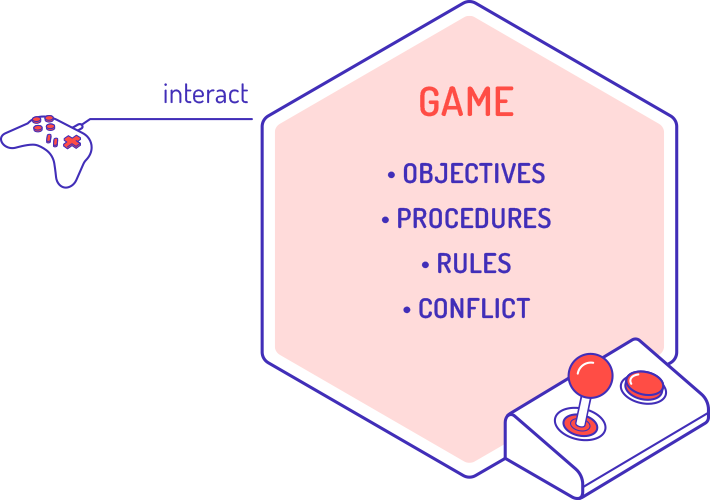
A game is a system in which players engage in an artificial conflict, defined by rules, that results in a quantifiable outcome.
- System
- Set of parts that interrelate to form a complex
- Players
- One or more participants play actively
- Players interact with the system to experience the play of the game
- Artifical Setting
- Boundary between "real-life" in time and space
- Conflict
- Contest of powers:
Solo/multiplayer/cooperation/competition
- Contest of powers:
- Quantifiable Outcome
- End: player has won or lost or received numerical score
Salen/Zimmerman (Rules of Play)
- A closed, formal system
- Engages players in structured conflict
- Resolves its uncertainty in an unequal outcome
A rule-based formal system, with variable and quantifiable outcomes, where different outcomes are assigned different values, where the player exerts effort to influence the outcome,the player feels emotionally attached to the outcome, and the real-world consequences are optional and negotiable.
Tracy Fullerton
Half-real by Jesper Juul (2008)
- Rules
- Players
- Goals (winning/losing)
- Choices that affect the outcome
- Consequences of winning/losing are optional
minecraft
PLAYER-COMPUTER INTERACTION
UNIT 3: GAME DESIGN
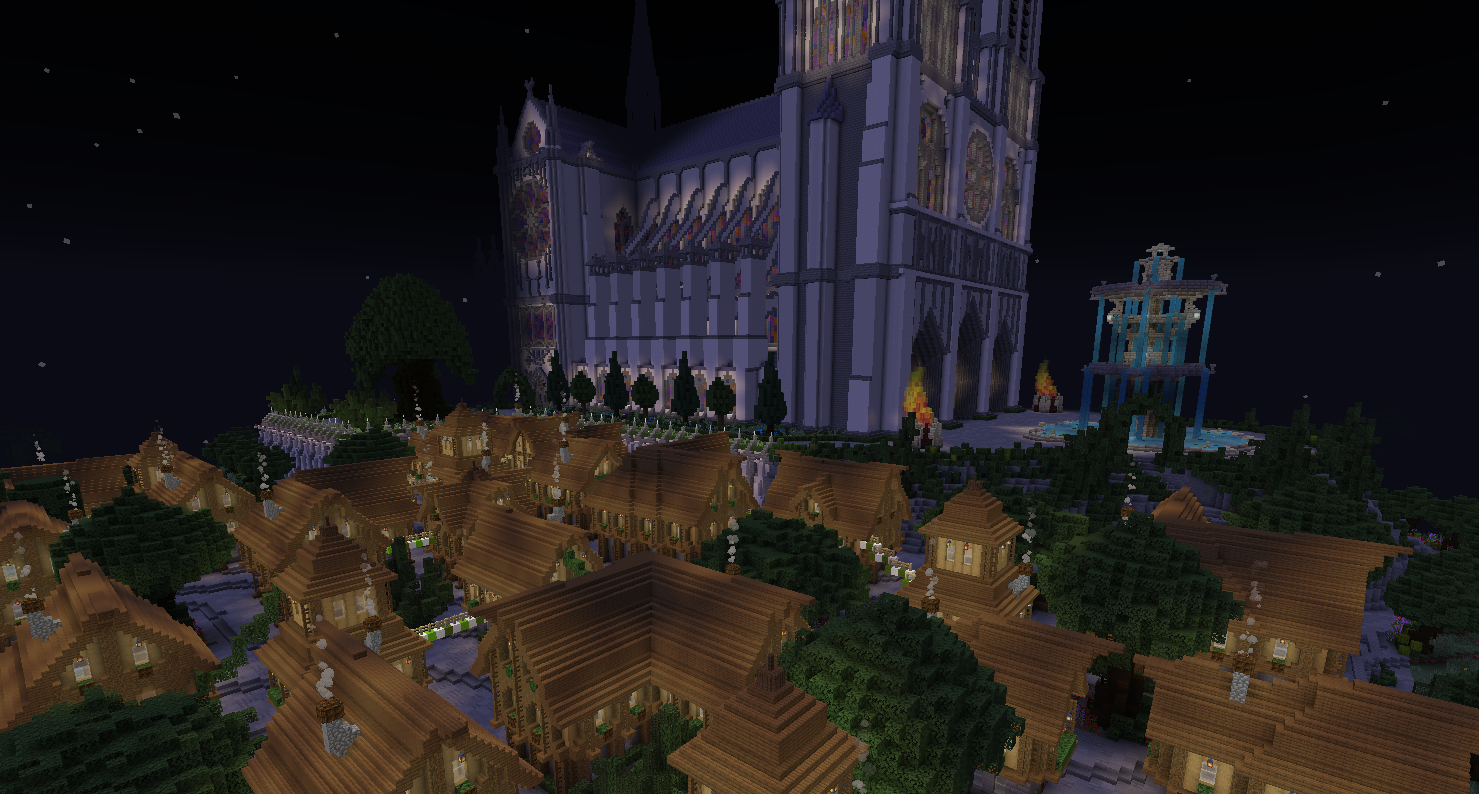
Source: ©Minecraft, Mojang Studios/Xbox Games Studios (no CC-License)
cities: skylines
PLAYER-COMPUTER INTERACTION
UNIT 3: GAME DESIGN
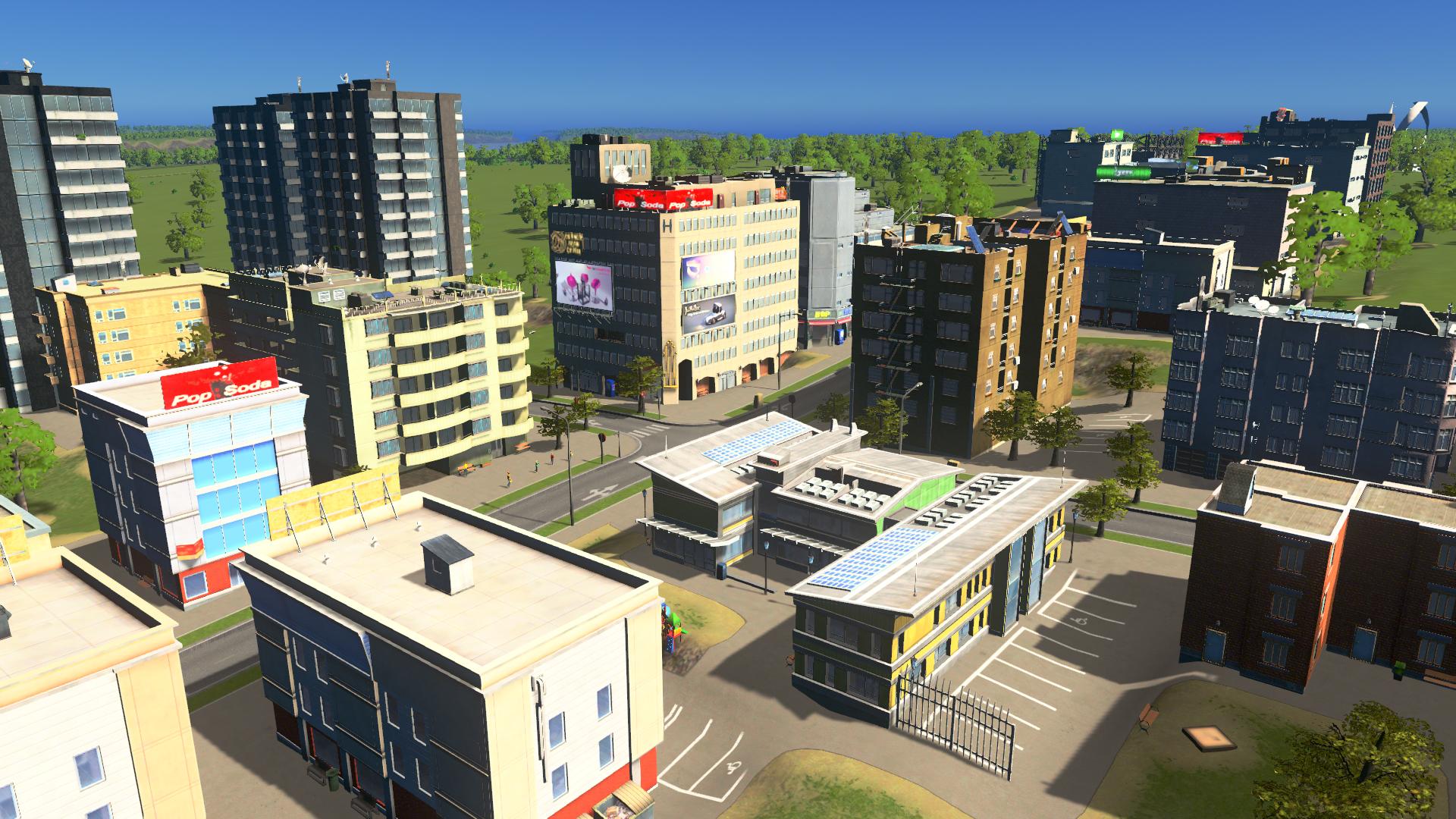
Source: ©Cities: Skylines, Paradox Interactive (no CC-License)
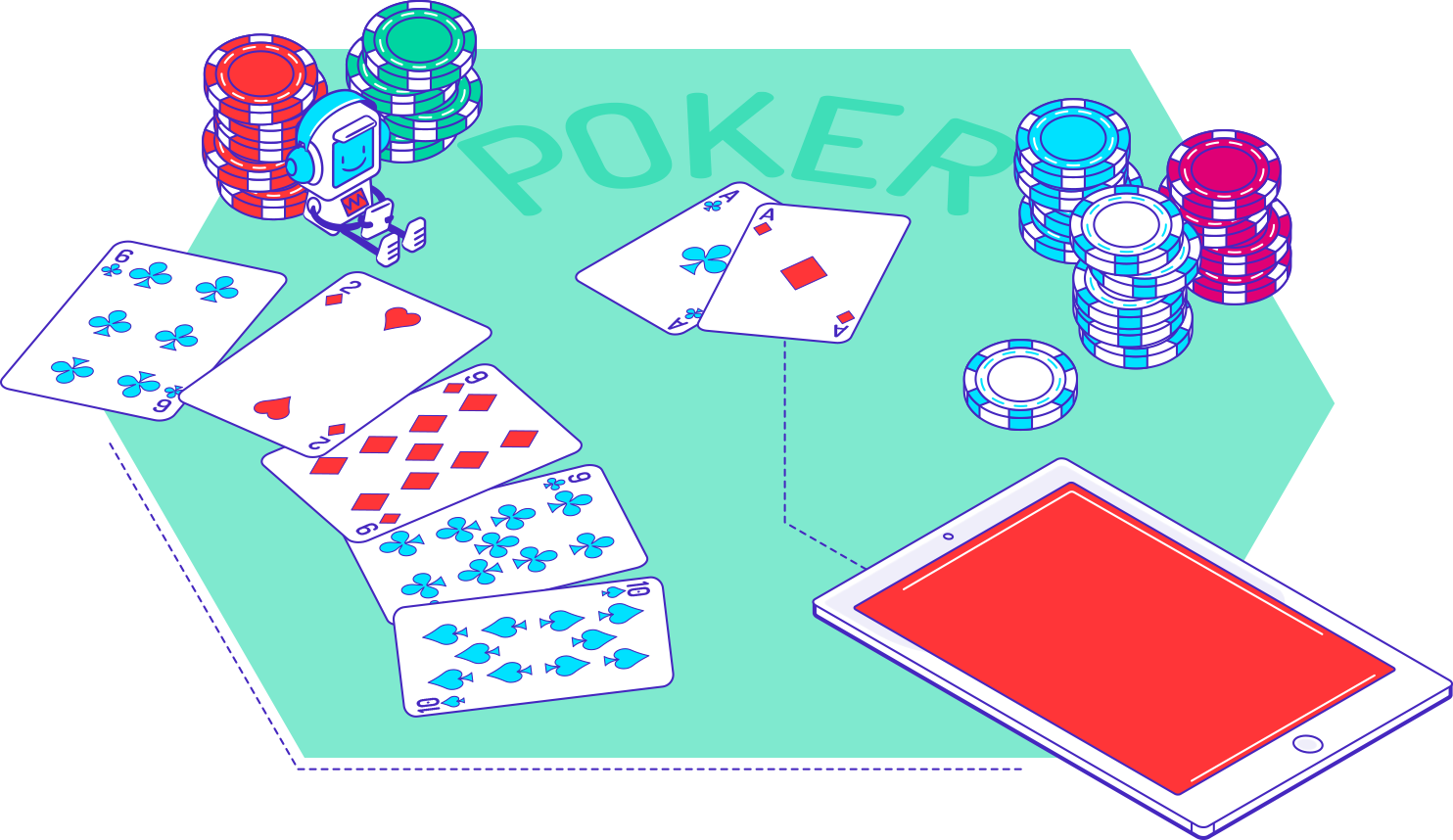
poker
PLAYER-COMPUTER INTERACTION
UNIT 3: GAME DESIGN
Playing vs games
PLAYER-COMPUTER INTERACTION
UNIT 3: GAME DESIGN
Play
Game
Game
Play
puzzles vs games
PLAYER-COMPUTER INTERACTION
UNIT 3: GAME DESIGN
Story - no interaction
Toy - no goal
Puzzle - goal
Game - winning
Definition of "game"
PLAYER-COMPUTER INTERACTION
UNIT 3: GAME DESIGN
A game is a series of interesting choices. - Sid meier
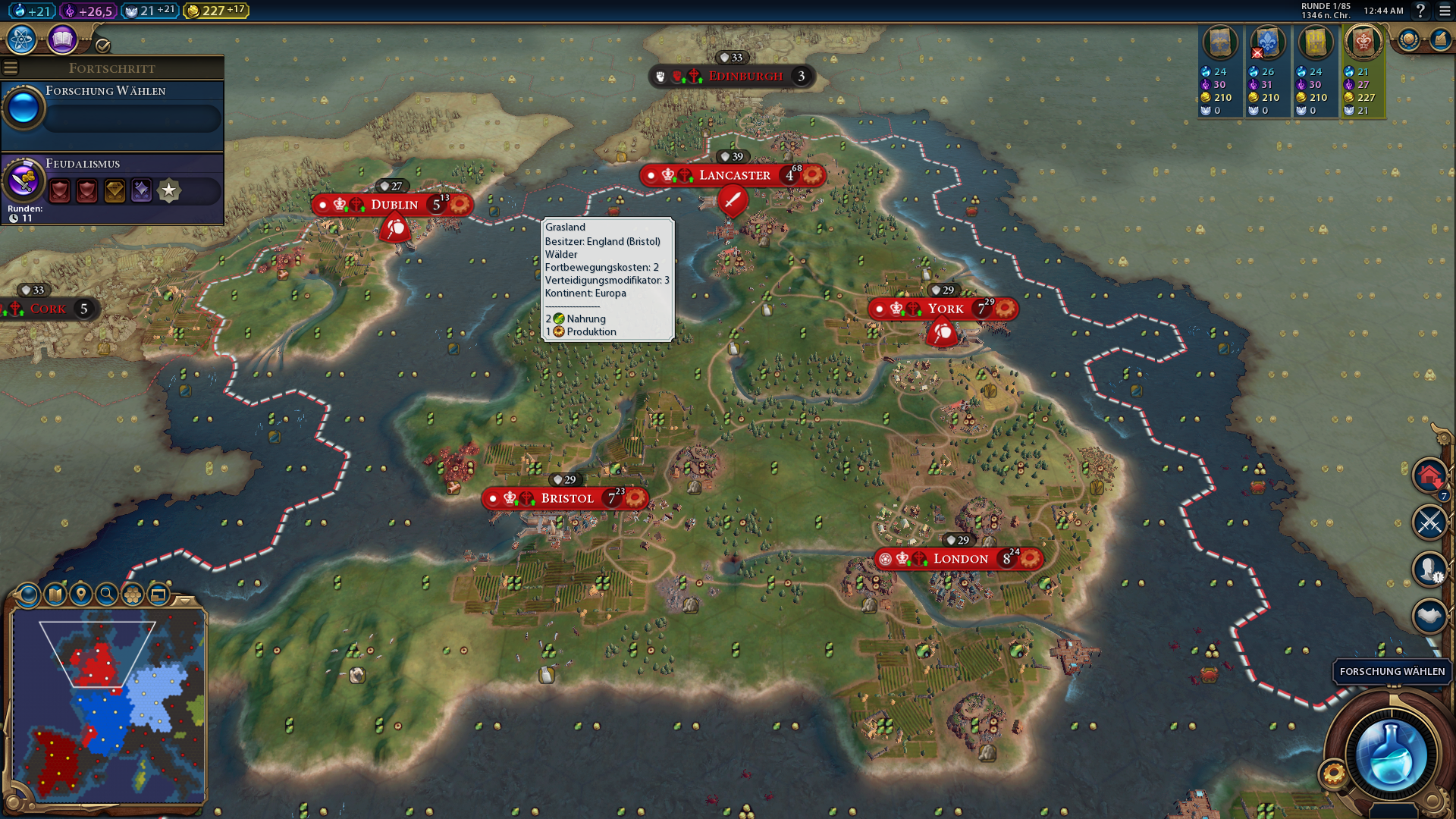
Source: ©Sid Meier's Civilization VI, 2K Games (no CC-License)
Definition of "game"
PLAYER-COMPUTER INTERACTION
UNIT 3: GAME DESIGN
As long as it feels like a game, it is a game
McGuire/Jenkins
Game design
What is game design?
PLAYER-COMPUTER INTERACTION
UNIT 3: GAME DESIGN
what is a game?
What is game design?
Game design
What is game design?
PLAYER-COMPUTER INTERACTION
UNIT 3: GAME DESIGN
what is a game?
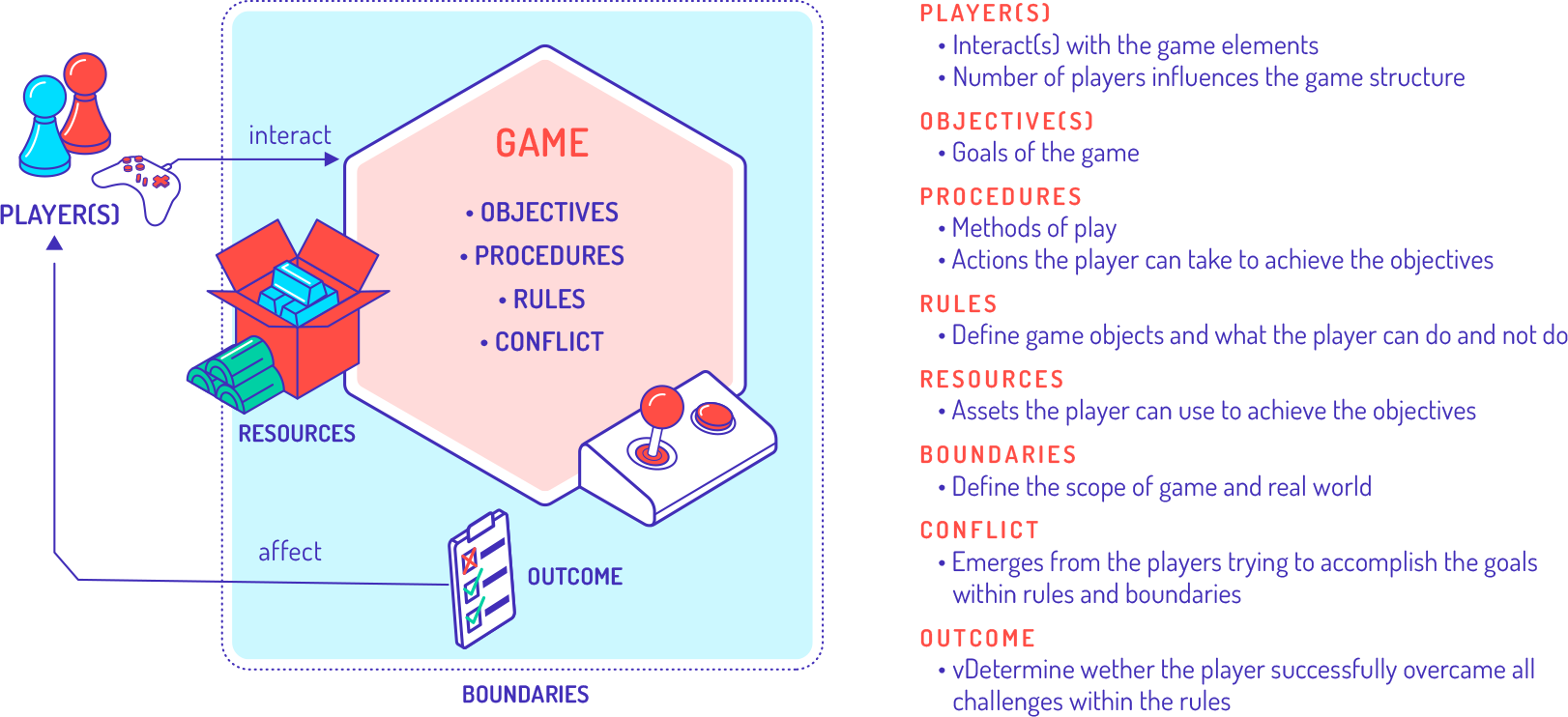
game structure (schell)
PLAYER-COMPUTER INTERACTION
UNIT 3: GAME DESIGN
- Technology
- Limits or enables other elements
- Mechanics
- Goals
- What players can (not) do
- Reactions
- Story
- Main sequence of events for player
- Aesthetics
- Represents look and feel
- Directly accessible to player
Technology
Aesthetics
Story
Mechanics
Less visible
More visible
game structure (mda)
PLAYER-COMPUTER INTERACTION
UNIT 3: GAME DESIGN
Mechanics
Dynamics
Aesthetics
Developer
Player
- Game rules (basic actions)
- Gameplay
- Consequences of actions shown
- Emotional response evoked in players through dynamics
- Fun
game structure (Adams)
PLAYER-COMPUTER INTERACTION
UNIT 3: GAME DESIGN
Core Mechanics
Player
Camera Model Interaction Model
Challenges Actions
Outputs
Inputs

- Core Mechanics
- Symbolic, mathematical models based on general rules
- Define challenges and actions
- User Interface
- Broker between core mechanics and player
- Camera model: player's view on the game world
- Interaction model: interpretation of user input and projection
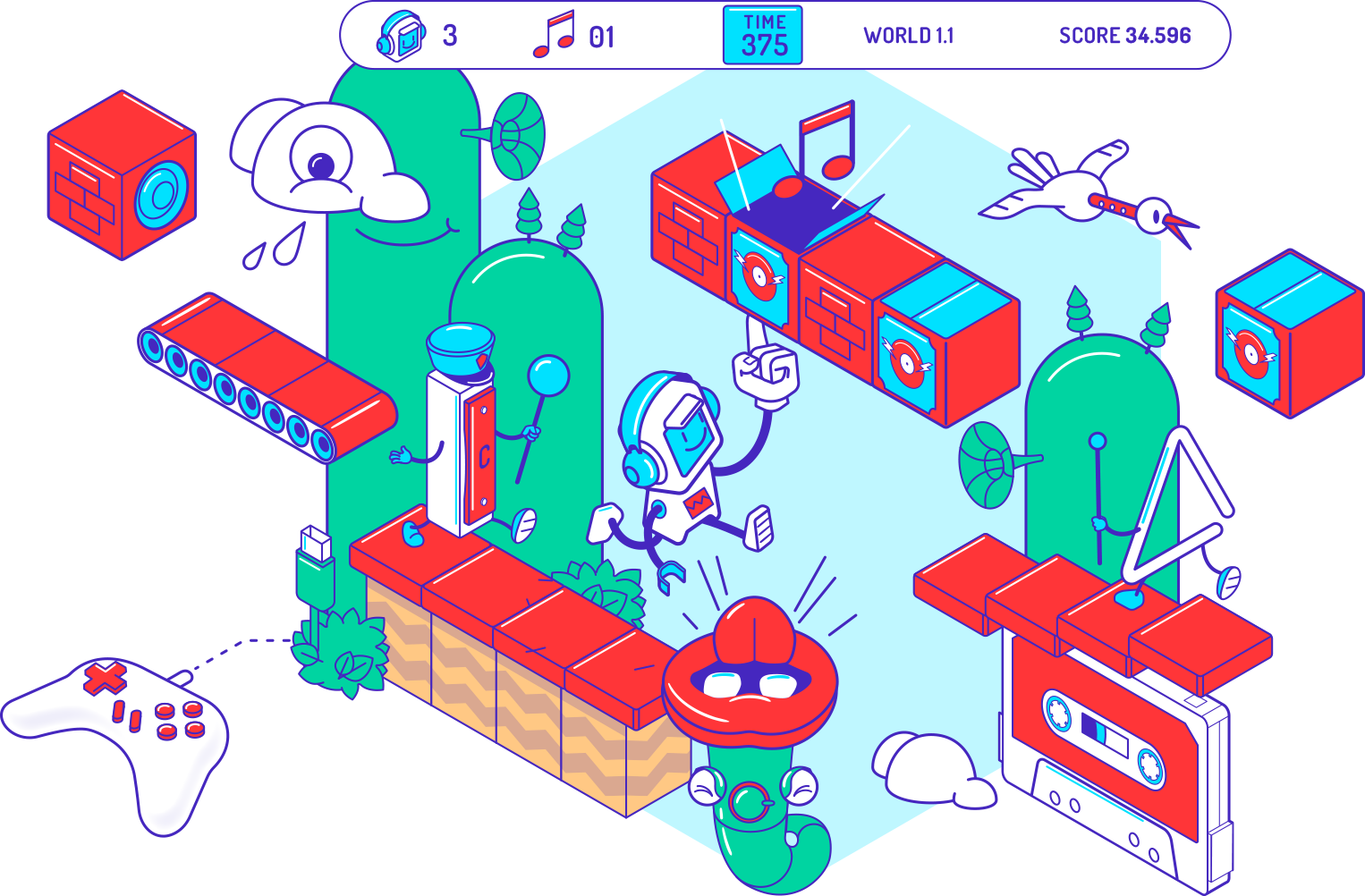
User Interface
Gameplay
game structure (fullerton)
PLAYER-COMPUTER INTERACTION
UNIT 3: GAME DESIGN
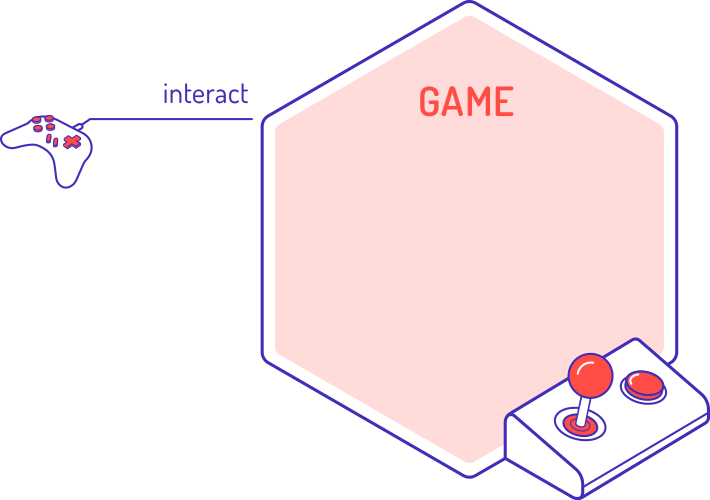
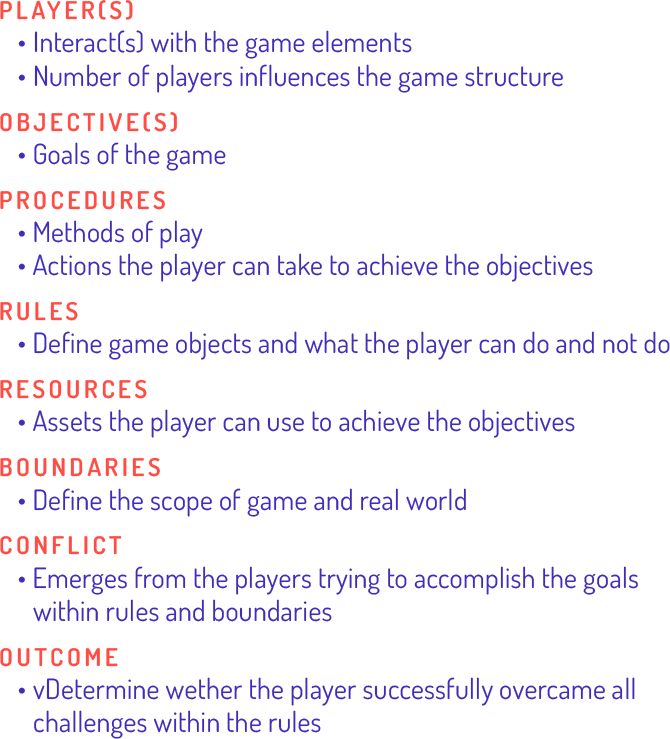
player interaction patterns
PLAYER-COMPUTER INTERACTION
UNIT 3: GAME DESIGN
A pattern is the interaction flow between:
- A player
- The game
- Other players (optional
Player vs Player
- Strictly 2 players competing
- Good for competitive players
- Example: Chess, Fighting games
Team Competition
- Two or more groups of players compete
- Soccer, Counter Strike
- Excels at E-Sports
Player vs Game
- Single player against the game
- Most widely used pattern
- Halo, Mario, Tomb Raider
Multiple individual players vs Game
- Bingo, Roulette
- Arguably World of Warcraft if Solo Players are considered
Unilateral Competition
- Two or more players compete against one player
- Scotland Yard
- Optional teams
- not necessarily equal sized
Cooperative play
- Portal 2 Coop
- Lego Star Wars
Multilateral competition
- Two or more players compete directly against one another
- Quake, Warcraft III etc.
game structure (fullerton)
PLAYER-COMPUTER INTERACTION
UNIT 3: GAME DESIGN
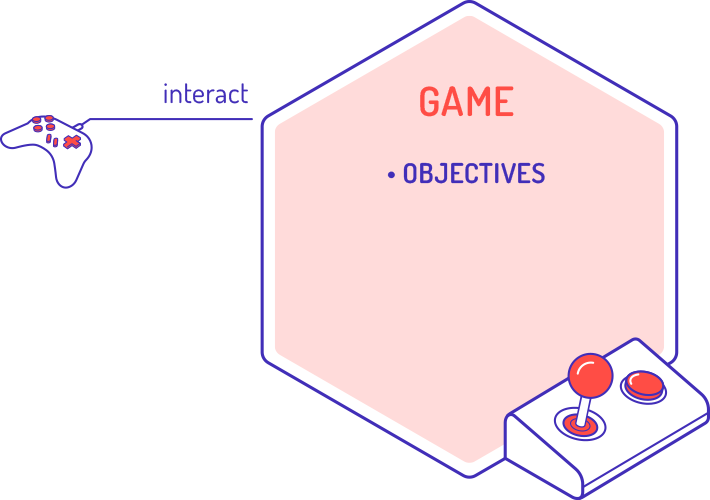
objectives
PLAYER-COMPUTER INTERACTION
UNIT 3: GAME DESIGN
Objective: Capture
-
Take / destroy something of the opponent's (terrain, units, both)
- Avoid being captured/killed
Objective: allignment
-
Puzzle-like
- Arrange game pieces in certain spatial configuration
- Conceptual alignment between categories of pieces
Objective: forbidden act
-
Competition to avoid breaking the rules
-
laugh, talk, letting go, wrong move...
-
- Uncommon in video games
Objective: Chase
-
Catch/Elude opponent
-
Single player vs game
-
Player vs player
-
Unilateral competition
-
Objective: Exploration
-
Exploring areas
- Find treasure, solve puzzles
- ...fight along the way
Objective: Construction
-
Build, maintain, manage objects
- Often (in-)directly competitive
- Often rely on resource management
Objective: race
-
Reach goal before other players
- Can be physical or conceptual
Objective: rescue/escape
-
Rescue someone
-
can be race-like
-
Objective: solution
-
Find an answer/solution
-
Or find a better solution than the competitor
Objective: outwit
-
Gain knowledge
-
Use knowledge to defeat players
- Example: jeopardy
game structure (fullerton)
PLAYER-COMPUTER INTERACTION
UNIT 3: GAME DESIGN
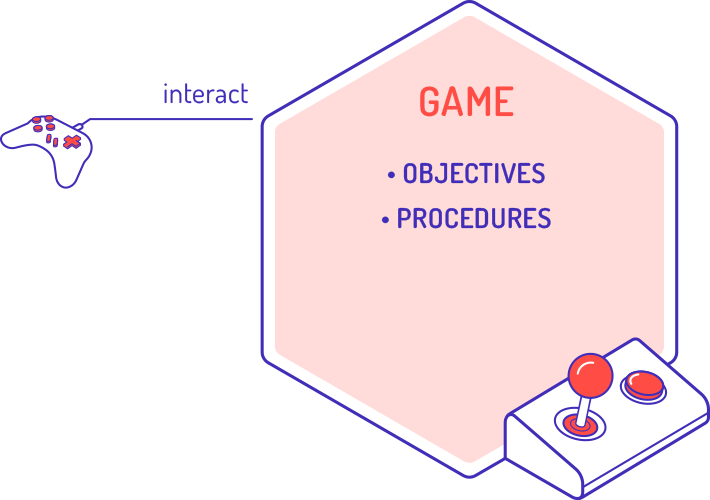
procedues
PLAYER-COMPUTER INTERACTION
UNIT 3: GAME DESIGN
Who does what, where, when and how?
- Who can use procedure? One player? Some players? All players?
- What exactly does the player do?
- Where does the procedure occur? Specific location?
- When does it take place? Limited by turn, time, game state?
- How do players access the procedure? Physical interaction? Input device? Verbal command?
-
Starting action
- How to put a game into play
-
Progression of action
- Ongoing procedures after the starting action
-
Special actions
- Conditions enabling other elements or game states
-
Resolving actions
- Bring gameplay to a close
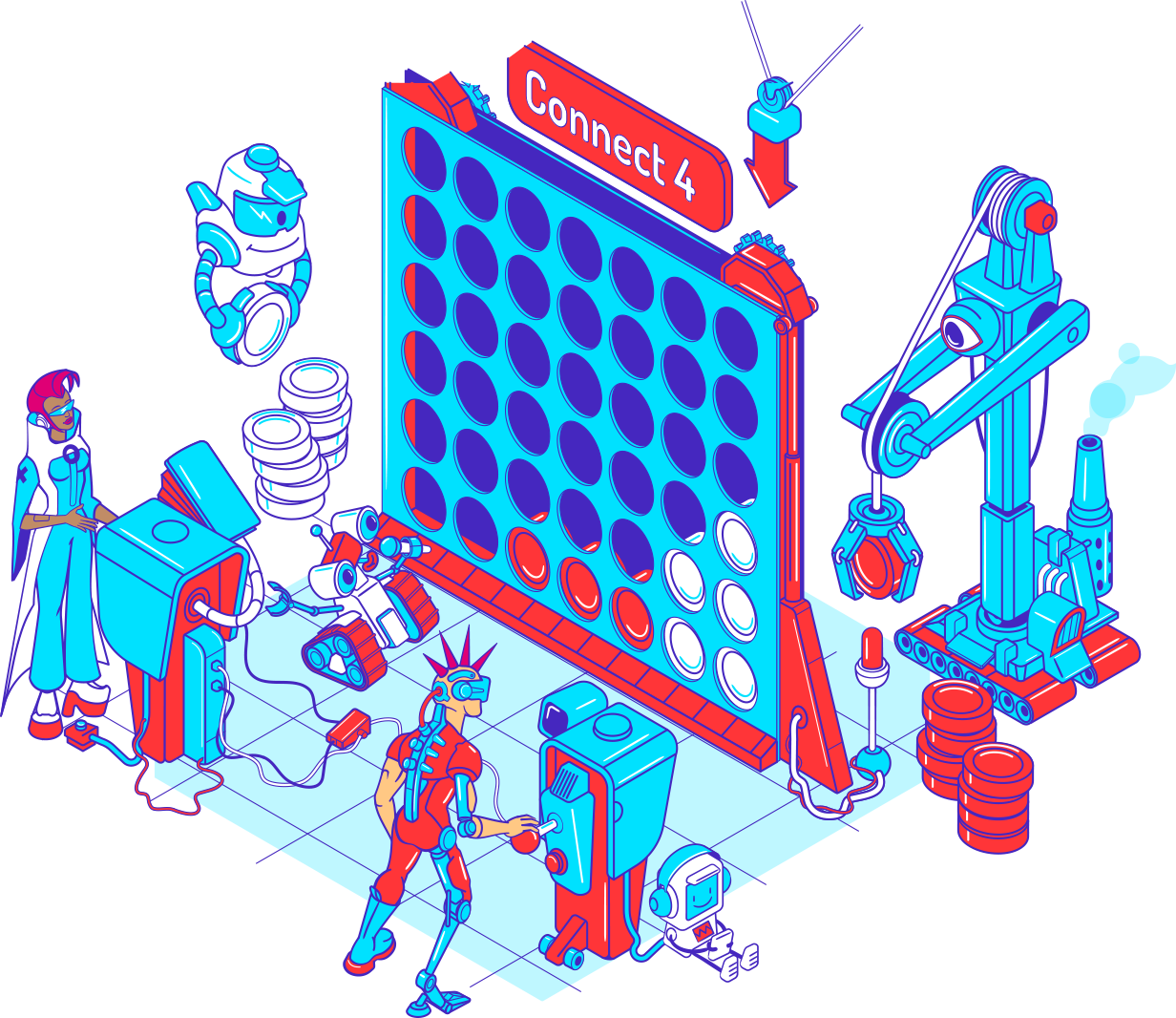
Connect Four
- Choose a player to go first. Each player picks a color
- On each turn, a player drops one colored checker down any of the slots in the top of the grid
- Play alternates until one player gets four checkers of one color in a row
Super Mario Bros
- Select: Button to select the type of game you wish to play
- Start: Button to start the game - if game is running it will pause/unpause
- ←: Walk to left ← + B: Run left ← + B + A: Jump higher
- →: Walk right → + B: Run right → + B + A: Jump higher
- ↓: Crouch (if Super Mario)
- A: Jump: higher jump the longer you press, Swim: swim upwards
- B: If Fire Mario, throw fireball
game structure (fullerton)
PLAYER-COMPUTER INTERACTION
UNIT 3: GAME DESIGN
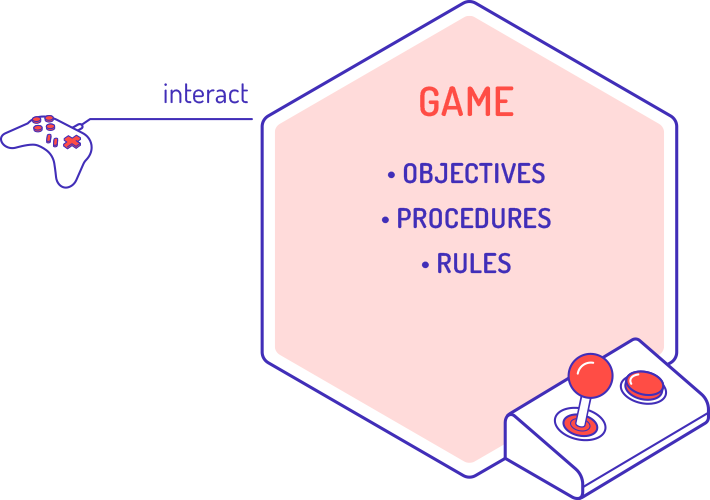
rules
PLAYER-COMPUTER INTERACTION
UNIT 3: GAME DESIGN
- Define game objects
- Define allowed actions for players
- Typically defined in rules document in board games
- Player has to read and understand
- Players have to work with rules
- Objects are often limited
-
Often hidden, not explicit in digital games
- Players often unaware
- As a result, players build mental model over time
- Too few/many rules might be confusing or alienating
- Question to check if a rule is needed:
- What would happen if that were not stated?
- Complex rules might be hard to explain, understand, remember, simple rules could be boring
Rules Restricting Actions
- Prevent unfair advantages
- Force a certain path of advancement within the game
- Soccer:
- Offside rule
- Go:
- Not allowed to recreate previous state
- Black Desert Online:
- Need Fishing skill at level Beginner10 to use better fishing rod
rules determining effects
- Usually used to
- Give a penalty to player to try harder next time
- Make game more exciting
- Provide random change, since they only happen under certain circumstances
- Any shooter nowadays:
- If health reaches 0, player has to restart from checkpoint
game structure (fullerton)
PLAYER-COMPUTER INTERACTION
UNIT 3: GAME DESIGN

resources
PLAYER-COMPUTER INTERACTION
UNIT 3: GAME DESIGN
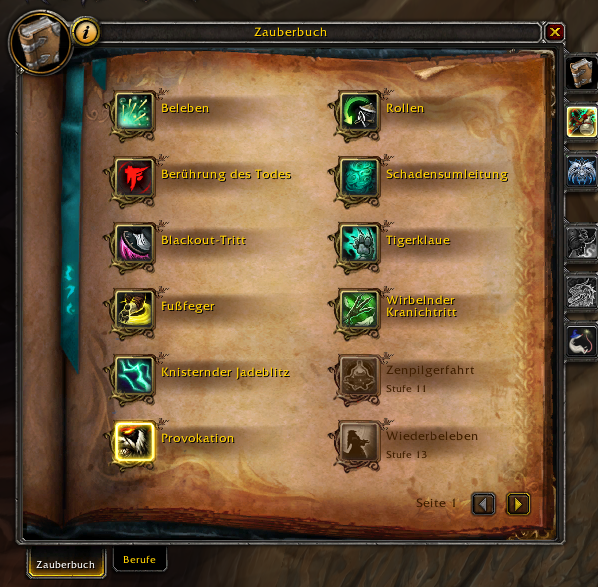
- Assets that can be used to accomplish a certain goal
- Player access to resources is key to game balance
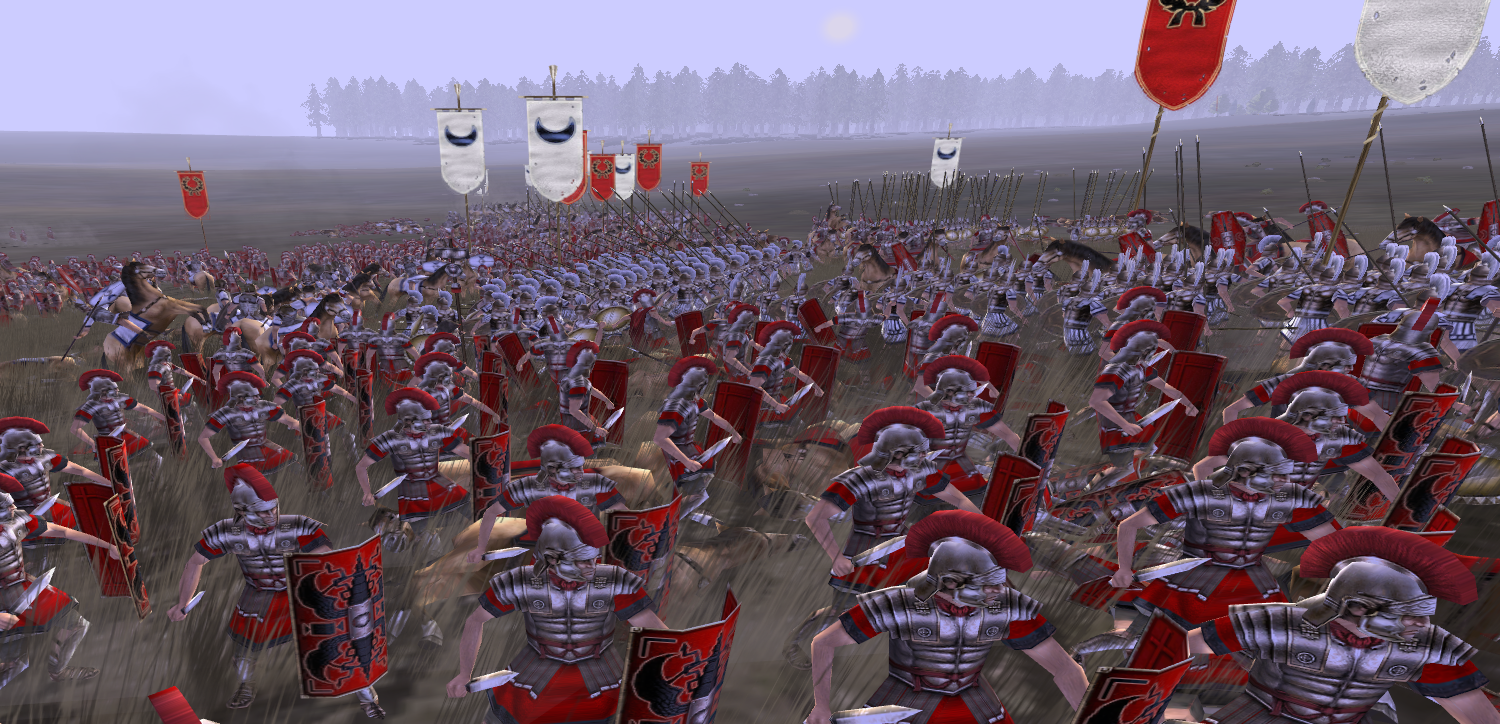
Source: ©Rome: Total War, Creative Assembly (no CC-License)
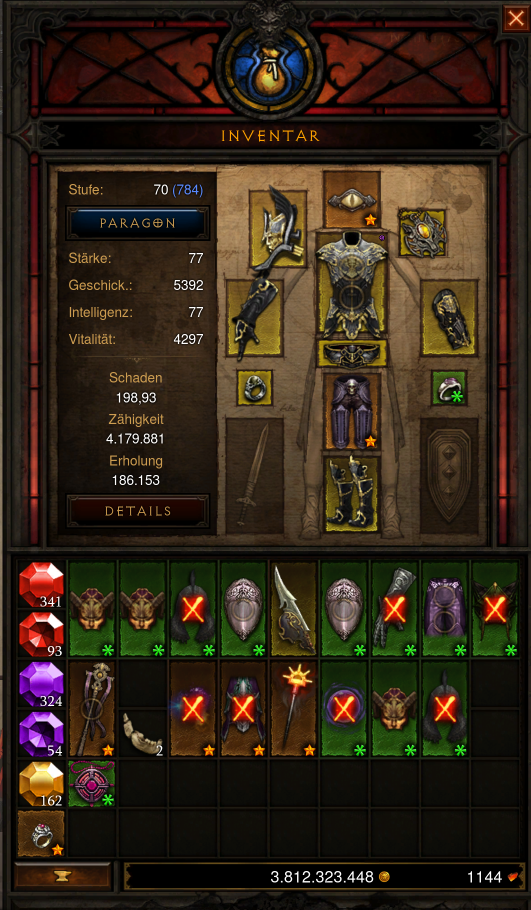
Source: ©Diablo 3, Blizzard Entertainment (no CC-License)
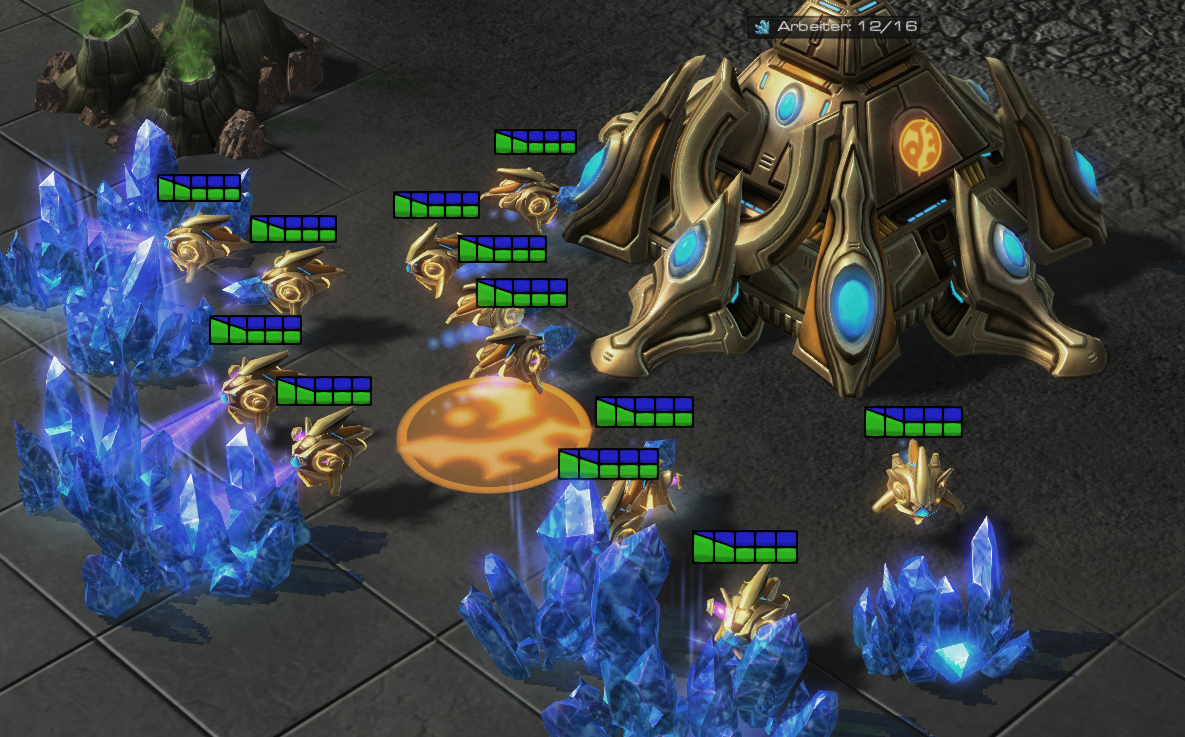
Source: ©Starcraft 2, Blizzard Entertainment (no CC-License)
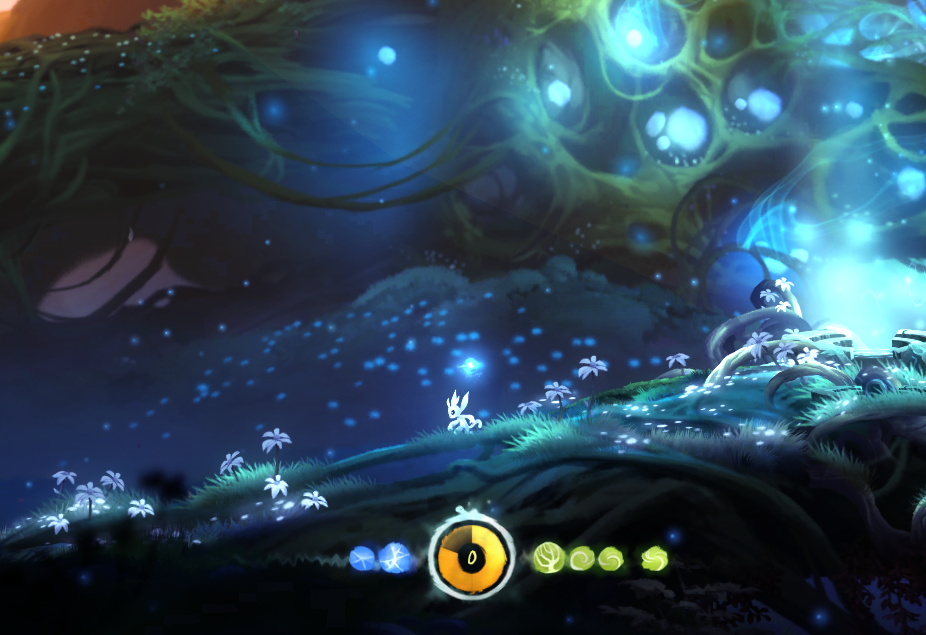
Source: ©Ori and the Blind Forest, Moon Studios (no CC-License)
game structure (fullerton)
PLAYER-COMPUTER INTERACTION
UNIT 3: GAME DESIGN

boundaries
PLAYER-COMPUTER INTERACTION
UNIT 3: GAME DESIGN
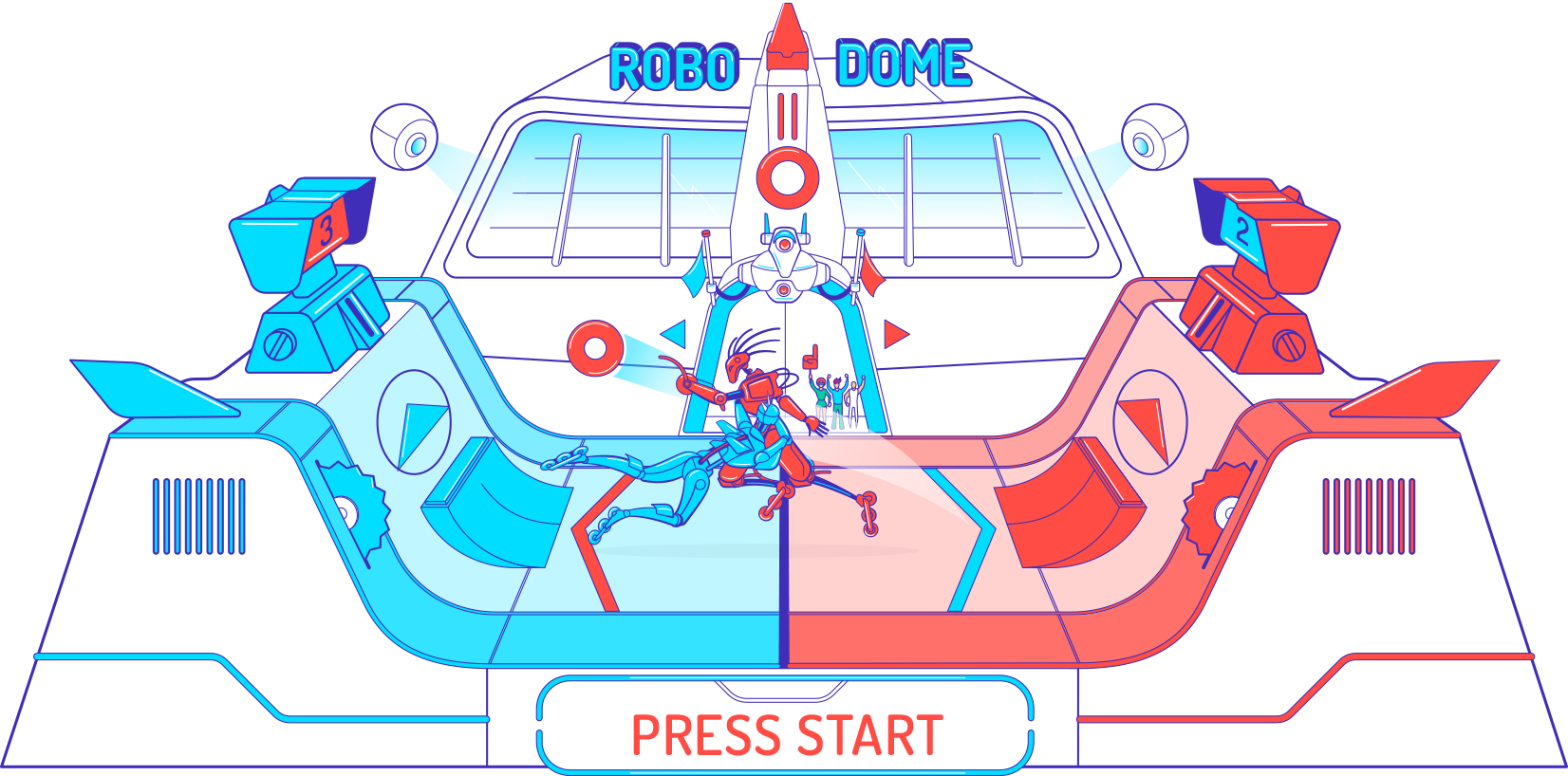
- Important for the invitation to play
- First step in player engagement
- Can be more compelling than just pressing a button
- Represents the magic circle
- Essential for game design
- Allows leaving the game without "hard feelings"
- Playing 1-on-1 in Counter Strike and still friends afterwards
game structure (fullerton)
PLAYER-COMPUTER INTERACTION
UNIT 3: GAME DESIGN
conflict
PLAYER-COMPUTER INTERACTION
UNIT 3: GAME DESIGN
- "Conflict emerges from the players trying to accomplish the goals of the game within its rules and boundaries" (Fullerton)
- Created by rules, procedures, situations that don't allow player to reach goal directly
Examples
- Pinball: Prevent ball from escaping the field of play
- Golf: Avoid lakes and bunkers
- Quake: Stay alive while others try to kill you
- WarCraft III: Maintain forces and resources to command and control map objectives
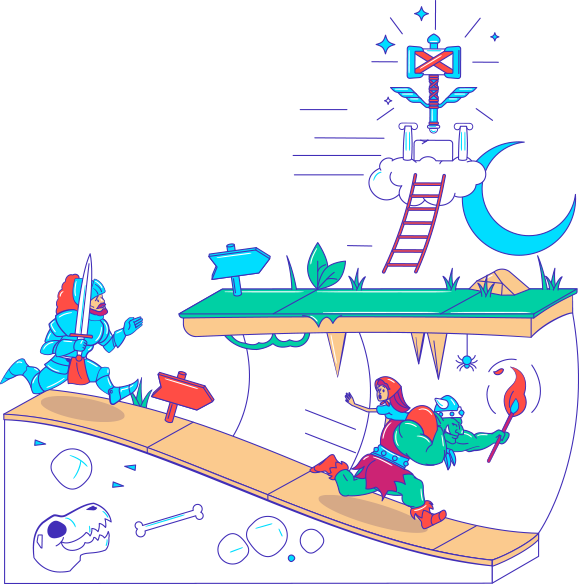
Obstacles
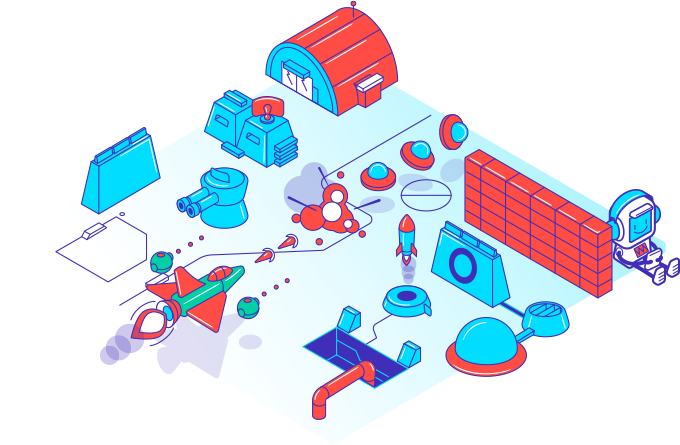
Opponents
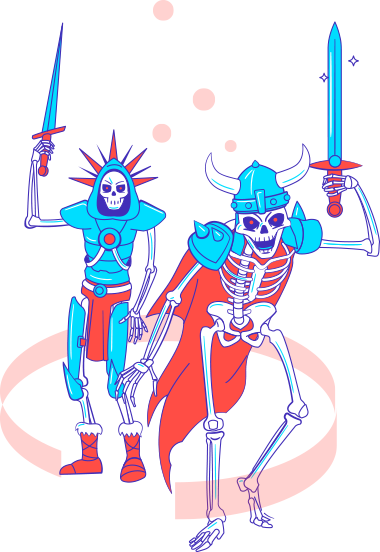
Dilemmas
game structure (fullerton)
PLAYER-COMPUTER INTERACTION
UNIT 3: GAME DESIGN
outcome
PLAYER-COMPUTER INTERACTION
UNIT 3: GAME DESIGN
- Mostly predefined ending
- If end condition, then game over
- Player wins if enough predefined goals have been achieved
- Zero-Sum games have a winner and a loser
- Win =+1, Loss =-1 => Sum is always zero
- Many games are not zero-sum games
- Ranking systems, statistics and other objectives
- Represents challenge, motivation
- Journey can be seen as the reward
- Has to be demanding
- Prize must be rewarding
game structure (fullerton)
PLAYER-COMPUTER INTERACTION
UNIT 3: GAME DESIGN
Player-Computer Interaction
The contents of this Open Educational Resource are licensed under the Creative-Commons Attribution 4.0 International license (CC BY 4.0)
Attribution: Eike Langbehn, Anh Sang Tran, Peter Wood
Unit 3 - Final ?
By sangow