


Player-Computer Interaction
INTERACTION
DESIGN
UNIT 7:
Prof. Dr. Eike Langbehn
Department of Media Technology
Faculty of Design, Media and Information
Hamburg University of Applied Sciences


SECTION NAME
EXAMPLES
UNIT 2:
AGENDA
PLAYER-COMPUTER INTERACTION
UNIT 7: INTERACTION DESIGN
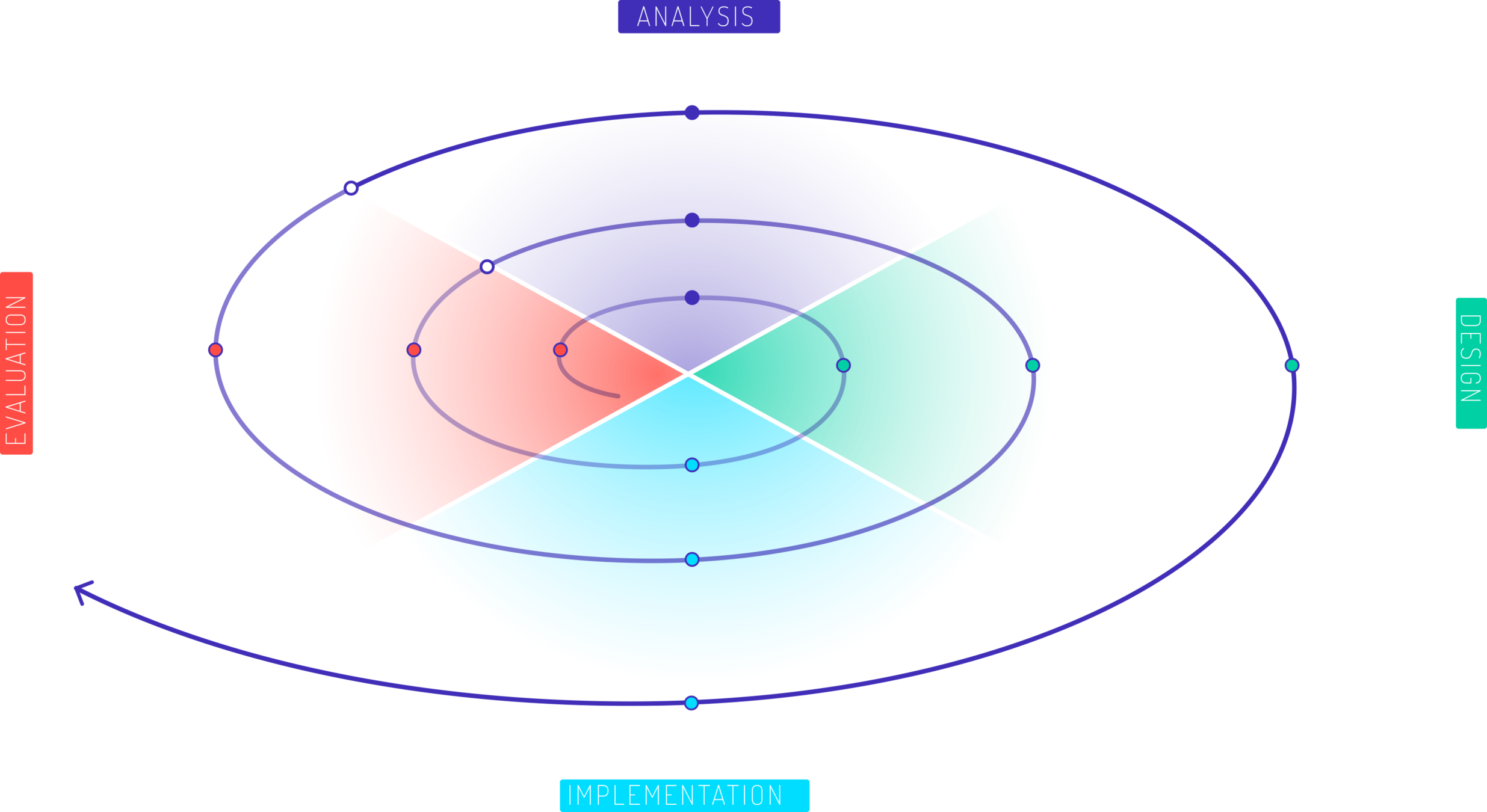
1. INTRO
2. REQUIREMENT
ANALYSIS
3. GAME
DESIGN
0. ORGANIZATION
4. GETTING STARTED
WITH GODOT
5. USER
STUDIES
6. ANALYSIS OF
HUMAN FACTORS
7. INTERACTION
DESIGN
8. ADVANCED PROGRAMMING
WITH GODOT
9. EVALUATION
MODELS
10. MARKET
ANALYSIS
11. NARRATIVE
DESIGN
12. GAME ENGINE
ARCHITECTURE
LEARNING outcomes
- Understanding different types of interactions
- Knowledge about how to design interaction techniques
PLAYER-COMPUTER INTERACTION
UNIT 7: INTERACTION DESIGN
interaction framework
PLAYER-COMPUTER INTERACTION
UNIT 7: INTERACTION DESIGN
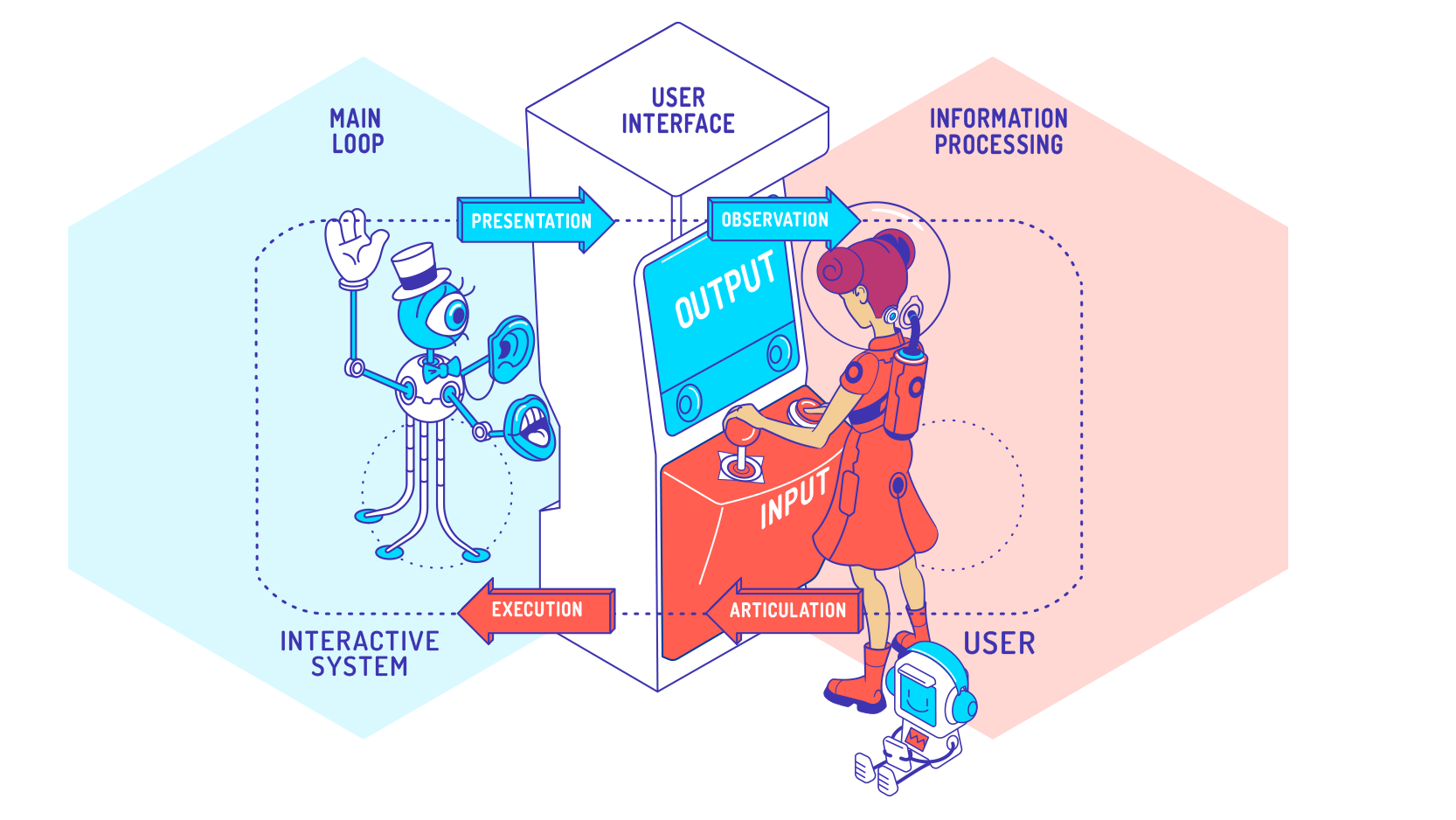
design of interaction
PLAYER-COMPUTER INTERACTION
UNIT 7: INTERACTION DESIGN
- In the center of interactive systems are users
- Design is good if systems serves a purpose, i.e., users reach their goals with the system
Rule Set
Guidelines
Standards
Pattern
Heuristics
Principles
More concrete
Example
Apple, Google, Microsoft, ...
EN ISO 9241, ...
Wizards, Grid Layouts, ...
Shneidermans 8 Golden Rules, ...
Golden Cut, Design Theory, ...
Software
Design
Hardware
Design
Media
Design
Interaction
Design
design criteria
PLAYER-COMPUTER INTERACTION
UNIT 7: INTERACTION DESIGN
-
Criteria that guide the design process and make results assessable
- Application-oriented design
- Ergonomics of the design
- Aesthetics of the design
- Experience of the design
- Symbolism of the design
-
good design doesn't just include ...
- Application of guidelines
- yourself as a test user use
- Use of intuition
-
good design is often characterized by ...
- Systems that are created for people and designed for users
- human factors and respects human differences
- Influence on behaviour and well-being of the user is taken into account
- Design is based on empirical data and is evaluated
Functionality
Ergonomics
Symbolism
Experience
Aesthetics
usable
correctly
safe
...
efficient
effective
satisfactory
...
status
affiliation
culture/religion
...
motivating
experience-oriented
customer binding
...
appealing
entertaining
pretty
...
the door probelm
PLAYER-COMPUTER INTERACTION
UNIT 7: INTERACTION DESIGN
- Are there doors in your game?
- Can the player open them?
- Can the player open every door in the game?
- Or are some doors for decoration?
- How does the player know the difference?
- Are doors you can open green and ones you can't red? Is there trash piled up in front of doors you can't use? Did you just remove the doorknobs and call it a day?
- Can doors be locked and unlocked?
- What tells the player a door is locked and will open, as opposed to a door that they will never open?
- Does a player know how to unlock a door? Do they need a key? To hack a console? To solve a puzzle? To wait until a story moment passes?
- Are there doors that can open but the player can never enter them?
- Where do enemies come from? Do they run in from doors? Do these doors lock afterwards?
- How does the player open a door? Do they just walk up to it and it slides open? Does it swing open? Does the player have to press a button to open it?
the door probelm
PLAYER-COMPUTER INTERACTION
UNIT 7: INTERACTION DESIGN
- Do doors lock behind the player?
- What happens if there are two players? Does it only lock after both players pass through the door?
- What if the level is REALLY BIG and can't all exist at the same time? If one player stays behind, the floor might disappear from under them. What do you do?
- Do you stop one player from progressing any further until both are together in the same room?
- Do you teleport the player that stayed behind?
- What size is a door?
- Does it have to be big enough for a player to get through?
- What about co-op players? What if player 1 is standing in the doorway - does that block player 2?
- What about allies following you? How many of them need to get through the door without getting stuck?
- What about enemies? Do mini-bosses that are larger than a person also need to fit through the door?
principles
PLAYER-COMPUTER INTERACTION
UNIT 7: INTERACTION DESIGN
Rule Set
Guidelines
Standards
Pattern
Heuristics
Principles
More concrete
Example
Apple, Google, Microsoft, ...
EN ISO 9241, ...
Wizards, Grid Layouts, ...
Shneidermans 8 Golden Rules, ...
Golden Cut, Design Theory, ...
Good design ...
- ... arises in connection with innovative technology and never is End in itself
- ... optimization usability and leaves everything ignoring what does not serve this goal or even opposed to it
- ... can make system speak; in the best case scenario, the system becomes self-explanatory
- ... lets the system be honest instead of innovative, and appear more powerful, more valuable
- ... avoids being fashionable and acts therefore never antiquated
- ... leaves nothing to arbitrariness or chance
form follows function
PLAYER-COMPUTER INTERACTION
UNIT 7: INTERACTION DESIGN
- Form should be derived from function & from form function can be derived
- Design serves purpose (also applies to interactive systems)
- Form is supposed to help fulfill purpose
L. Sullivan: The Tall Office Building Artistically Considered in Lippincott 's Magazine, 1896
«Form follows Emotion»
«Form follows Fun»
«Form follows Fiction»
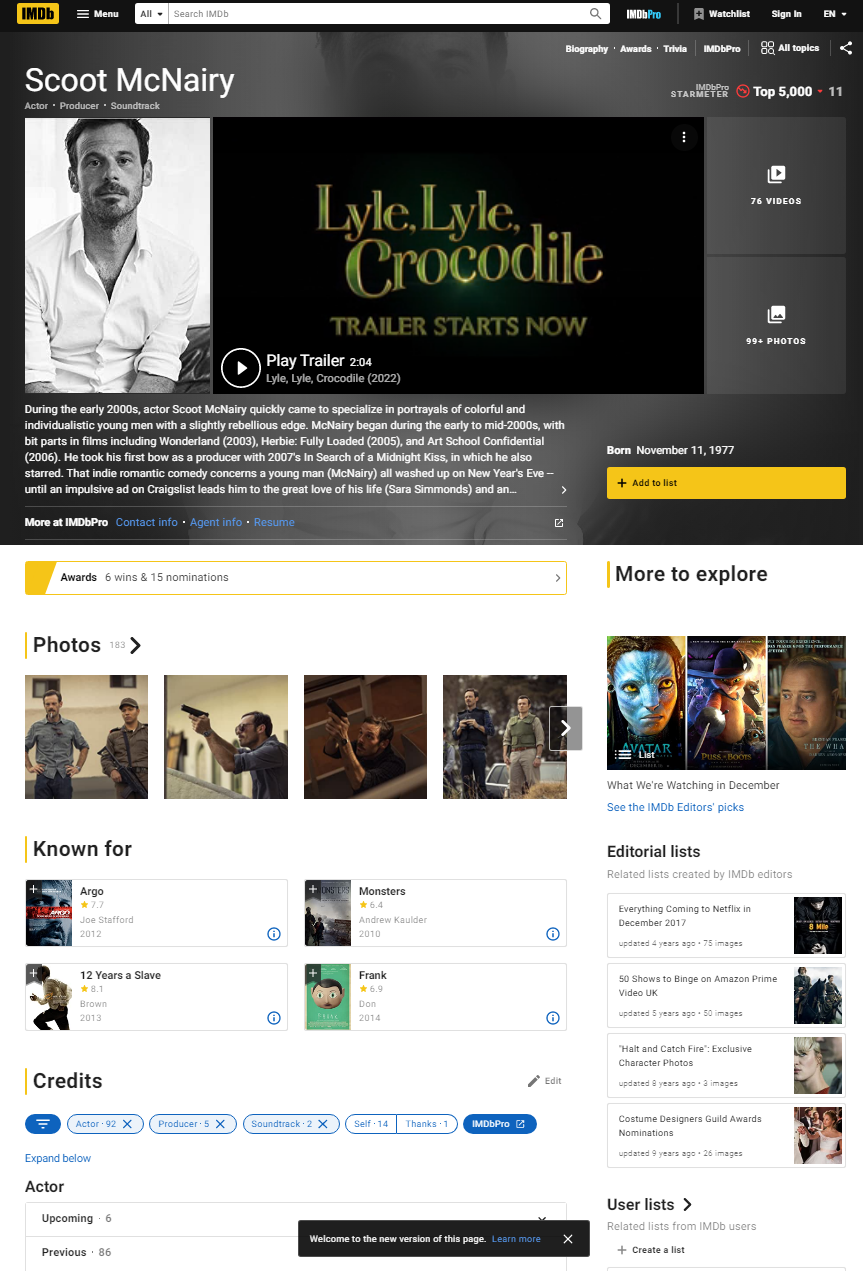
"Form before function", e.g. overloaded designed, i.e. relevant information are badly found
- The goal is difficult to achieve
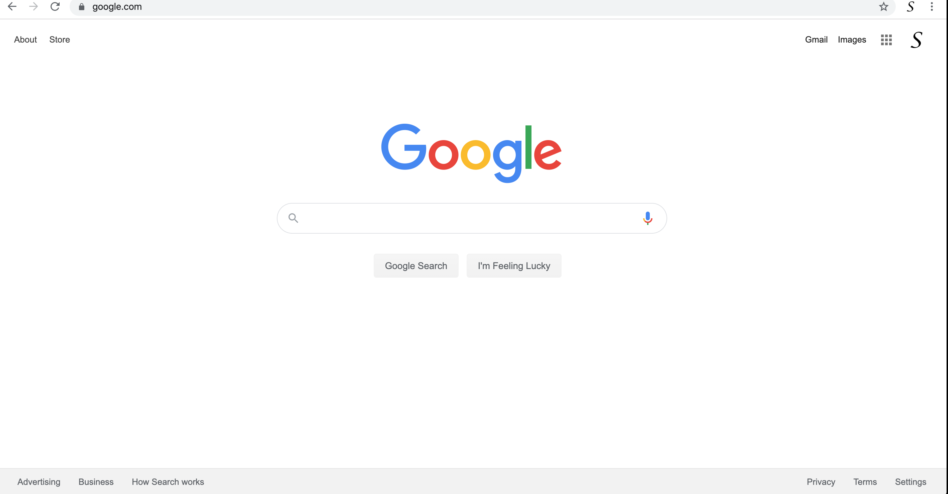
"Form follows function", e.g. clear and well structured
- The goal is reached quickly
Where is the menu?
Where is the menu?
What to do?
affordance
PLAYER-COMPUTER INTERACTION
UNIT 7: INTERACTION DESIGN
“Affordances are [...] all ‘action possibilities’ latent in the environment, objectively measurable and independent of the individual's ability to recognize them, ... but always in relation to the actor and therefore dependent on their capabilities.“
J.J. Gibson: The Theory of Affordances. In Perceiving, Acting, and Knowing, Eds. Robert Shaw and John Bransford, 1977
... the term affordance refers to the perceived and actual properties of the thing, primarily those fundamental properties that determine just how the thing could possibly be used... Affordances pr ovide strong cues to the operation of things.”
D.A. Norman: The Design of Everyday Things,1988
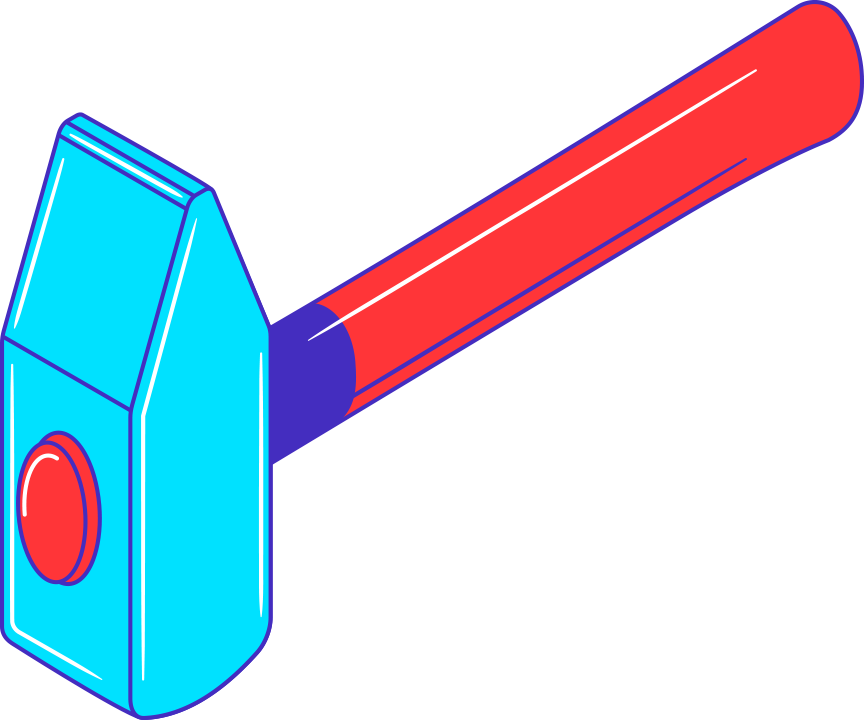

affordance
PLAYER-COMPUTER INTERACTION
UNIT 7: INTERACTION DESIGN
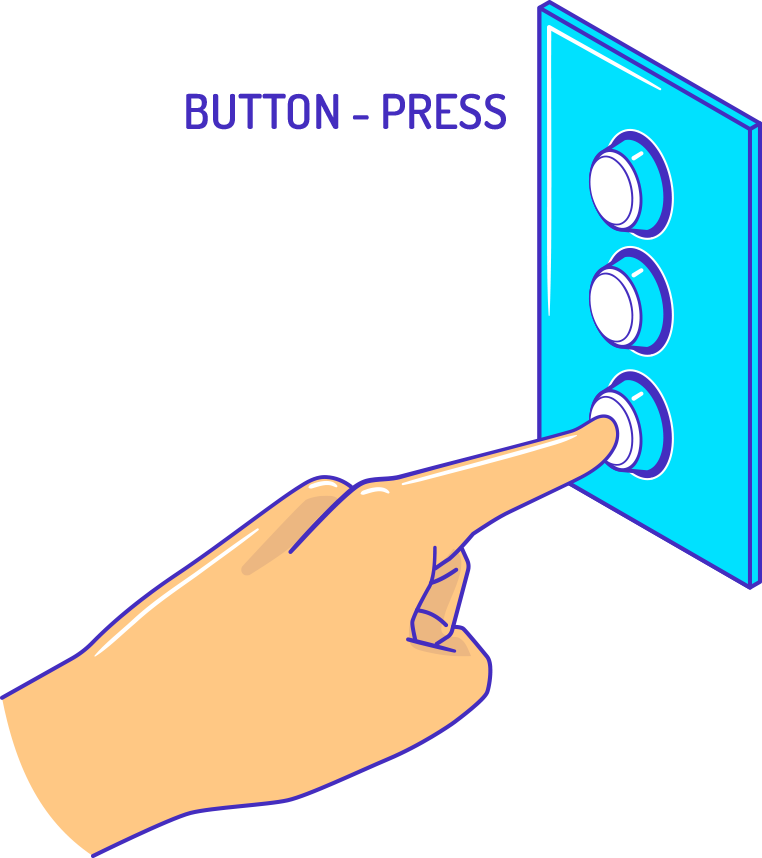

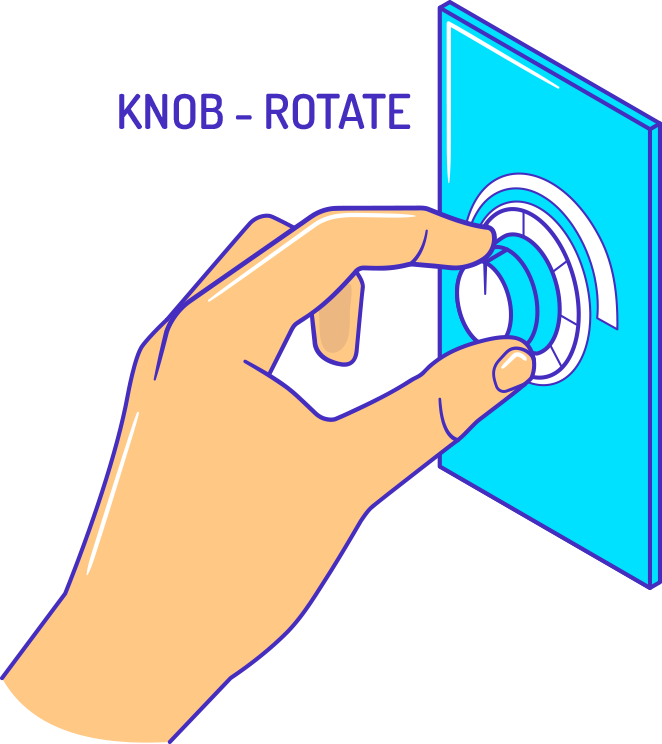
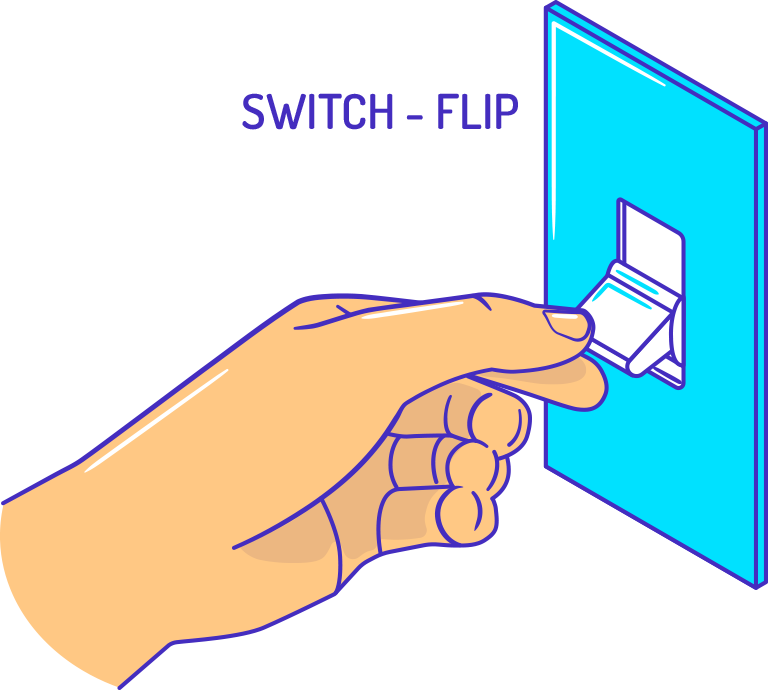
virtual affordance
PLAYER-COMPUTER INTERACTION
UNIT 7: INTERACTION DESIGN
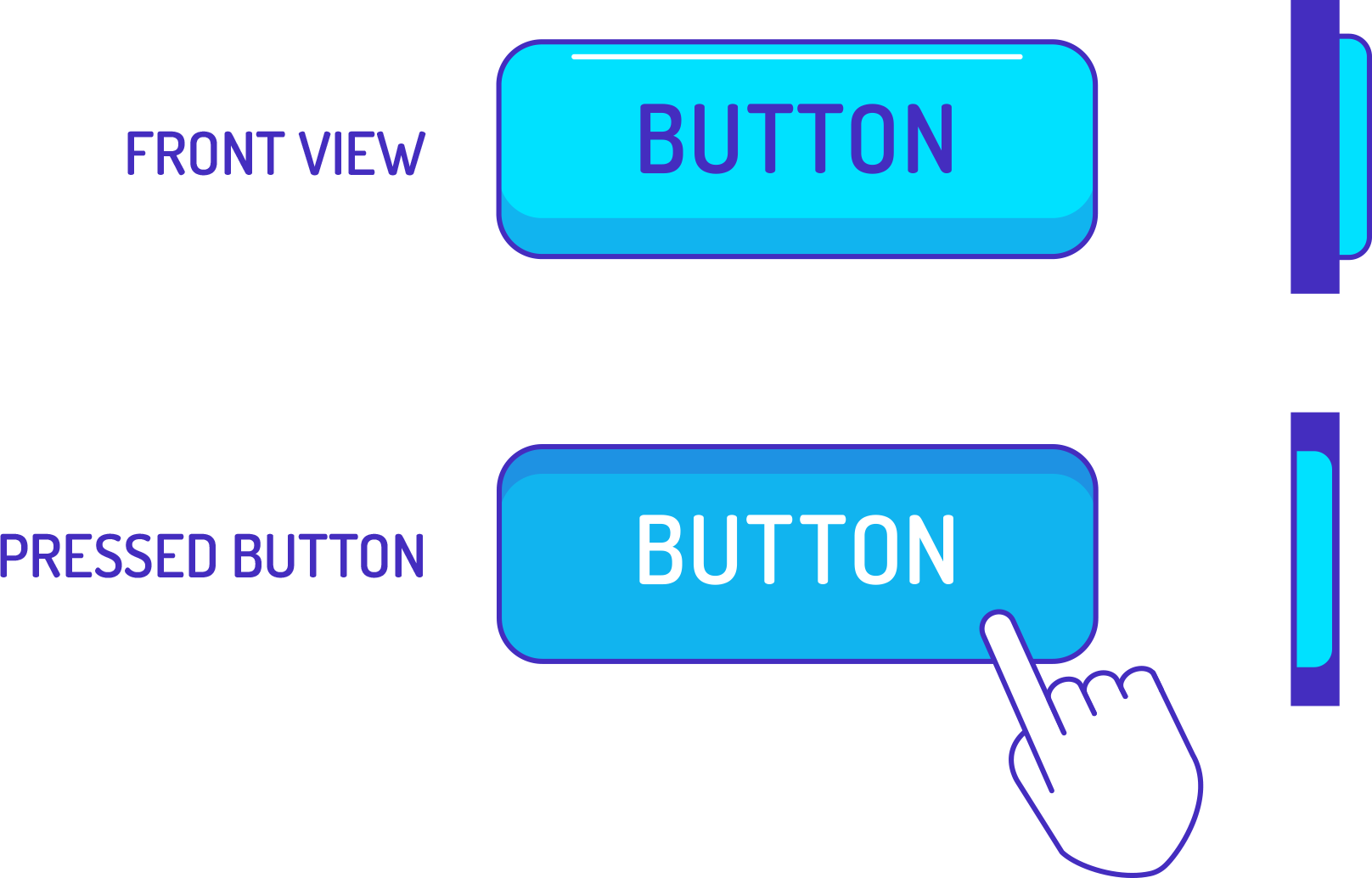
- Virtual objects hardly have any physical properties or boundaries
- Virtual objects convey affordance about appearance (shape, color ...) and position on screen virtual affordance
mapping
PLAYER-COMPUTER INTERACTION
UNIT 7: INTERACTION DESIGN
heuristics
PLAYER-COMPUTER INTERACTION
UNIT 7: INTERACTION DESIGN
Rule Set
Guidelines
Standards
Pattern
Heuristics
Principles
More concrete
Example
Apple, Google, Microsoft, ...
EN ISO 9241, ...
Wizards, Grid Layouts, ...
Shneidermans 8 Golden Rules, ...
Golden Cut, Design Theory, ...
- Heuristics or golden rules are specific design rules
- mostly simple but specifically formulated
- have the character of a recommendation
- Examples:
- Shneiderman's 8 Golden Rules
- Nielsens 10 Usability Heuristics
- Dix 6 Rules
shneiderman's 8 golden rules
PLAYER-COMPUTER INTERACTION
UNIT 7: INTERACTION DESIGN
- Strive for consistency
- Use style guides and conventions
- Seek universal usability
- Add features for novices, such as explanations, and features for experts, such as shortcuts
- Offer informative feedback
- If users have performed or are performing actions, it is best to display feedback immediately
- Design dialogue to yield closure
- Tell users what their action has led them to, e.g. a "Thank you" message
5. Prevent errors
- design the system as fool-proof as possible
- intuitive step-by-step solutions to solve the problem
6. Permit easy reversal of actions (Undo)
- sense of security for the user
- encourages exploration of unfamiliar options
7. Support internal locus of control
- Allow users to be the initiators of actions
- Give users sense that they are in full control of events occuring
8. Reduce short-term memory load
- Recognition over recall
- Structure menus better than wider than deep
nielsens 10 heuristics
PLAYER-COMPUTER INTERACTION
UNIT 7: INTERACTION DESIGN
-
Visibility of system status
- The design should always keep users informed about what is going on,
through appropriate feedback within a reasonable amount of time
- The design should always keep users informed about what is going on,
-
Match between system and the real world
-
Use words, phrases, and concepts familiar to the user, rather than
internal jargon.
-
Use words, phrases, and concepts familiar to the user, rather than
-
User control and freedom
- clearly marked "emergency exit" to leave unwanted action without
having to go through an extended process
- clearly marked "emergency exit" to leave unwanted action without
-
Consistency and standards
- Follow platform and industry conventions
- Users should not have to wonder whether different words, situations
or actions mean the same thing
-
Error prevention
- Good error messages are important, but the design should try to prevent problems from occuring in the first place
-
Recognition rather than recall
- Let the user recognize information in the interface, rather than having to remember ("recall") it
7. Flexibility and efficiency of use
- Keyboard-Shortcuts, auto-completion, standard values, history-functions
8. Aesthetic and minimalist design
- Interfaces should not contain information that is irrelevant or rarely needed. Every extra unit of information in an interfaces competes with the relevant units of information and diminishes their relative visibility
9. Help users recognize, diagnose, and recover from errors
- Error messages should be expressed in plain language (no error codes)
- Precisely indicate the problem, and constructively suggest a solution
10. Help and documentation
- Ensure that the help documentation is easy to search
- Whenever possible, present the documentatino in context right at the moment the user requires it
patterns
PLAYER-COMPUTER INTERACTION
UNIT 7: INTERACTION DESIGN
Rule Set
Guidelines
Standards
Pattern
Heuristics
Principles
More concrete
Example
Apple, Google, Microsoft, ...
EN ISO 9241, ...
Wizards, Grid Layouts, ...
Shneidermans 8 Golden Rules, ...
Golden Cut, Design Theory, ...
- Patterns denote solutions of a basic design problem within a domain using stencils or templates
- Interaction designers should be able to to choose suitable patterns
design patterns
PLAYER-COMPUTER INTERACTION
UNIT 7: INTERACTION DESIGN
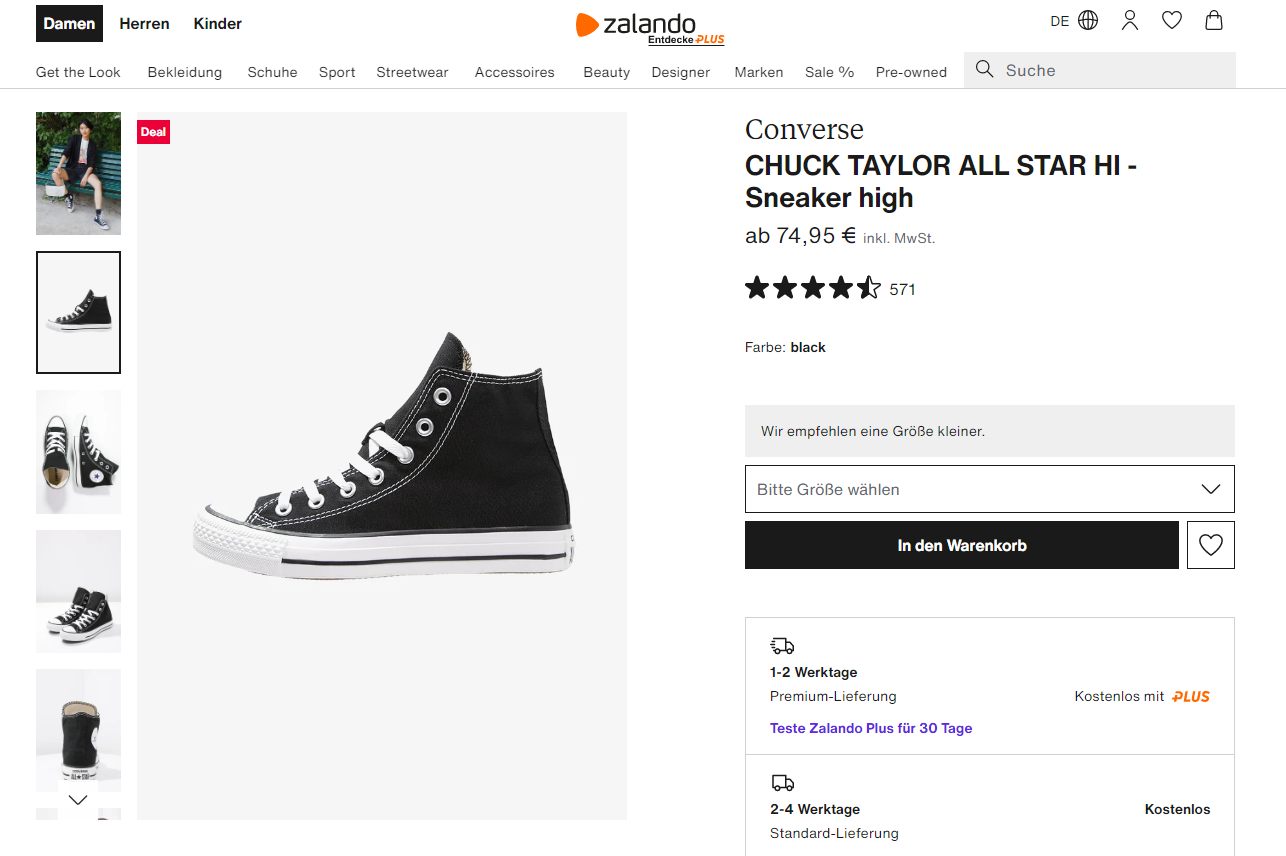
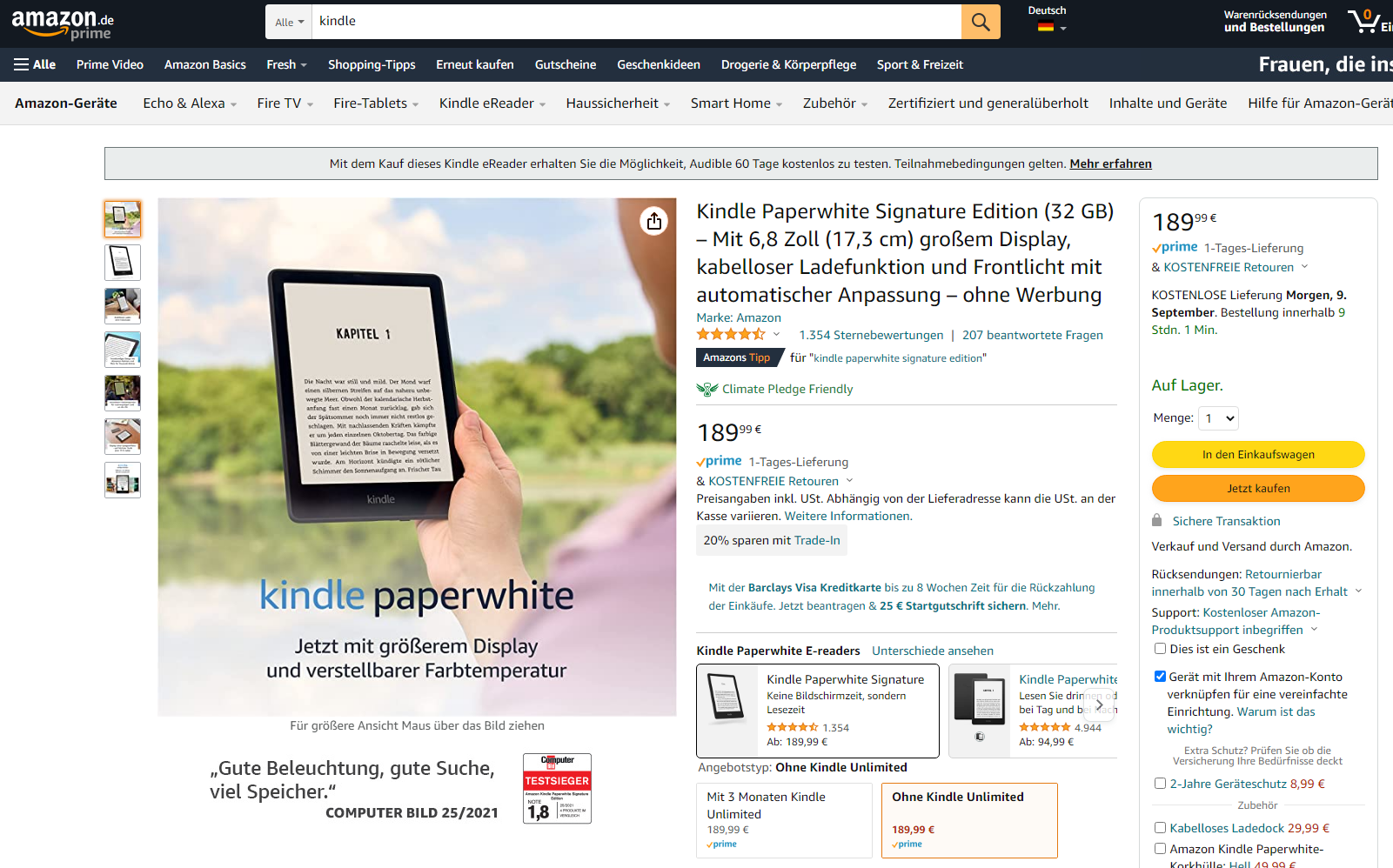
- Example: Feature/Search/Browse-Pattern
- Consists of three elements:
- Article or Product (Feature)
- Search functionality
- List of items (Browse)
Browse
Feature
Search
Browse
Browse
Search
Feature
standards
PLAYER-COMPUTER INTERACTION
UNIT 7: INTERACTION DESIGN
Rule Set
Guidelines
Standards
Pattern
Heuristics
Principles
More concrete
Example
Apple, Google, Microsoft, ...
EN ISO 9241, ...
Wizards, Grid Layouts, ...
Shneidermans 8 Golden Rules, ...
Golden Cut, Design Theory, ...
- Standards are specific design rules with binding character
- Lesser claim to general validity and therefore not suitable for all application domains
DIN EN ISO 9241-11
PLAYER-COMPUTER INTERACTION
UNIT 7: INTERACTION DESIGN
Bsp: Gebrauchstauglichkeit
- Gebrauchstauglichkeit (engl. Usability) einer Software ist vom Nutzungskontext abhängig
- Leitkriterien für Gebrauchstauglichkeit
- Effektivität zur Lösung einer Aufgabe
- Effizienz der Handhabung des Systems
- . Zufriedenheit der Nutzer einer Software
Norm DIN EN ISO 9241 - Ergonomie der Mensch-System-Interaktion
DIN EN ISO 9241-11
PLAYER-COMPUTER INTERACTION
UNIT 7: INTERACTION DESIGN
- Aufgabenangemessenheit
- angezeigte Informationen sind für Aufgabenbearbeitung relevant
- Repräsentation in Art, wie es Aufgabe erfordert
- Dialogschritte passen zum Arbeitsablauf
- Vorschlagen typischer/ bekannter Werte
- Selbstbeschreibungsfähigkeit
- Nutzer sollen erkennen können, was sie tun können und wie sie es tun können
- Nutzer werden über Systemzustand informiert
- System informiert Nutzer, welches Format Eingaben haben müssen
- Steuerbarkeit
- Nutzer haben Kontrolle über Dialogablauf (Richtung, Geschwindigkeit)
- Nutzer können Schritte rückgängig machen
- Darstellung großer Mengen von Daten ist reduzierbar (Filter)
- Fehlertoleranz
- fehlerhafte Eingaben führen nicht zum Abbruch des Dialogs
- System trägt zur Fehlererkennung & -vermeidung bei
- System korrigiert Fehler selbständig oder
- hilft den Nutzern dabei
DIN EN ISO 9241-11
PLAYER-COMPUTER INTERACTION
UNIT 7: INTERACTION DESIGN
- Lernförderlichkeit
- Dialog unterstützt Erlernen des Systems
- Erklärung wichtiger Regeln und Konzepte, nach denen das System arbeitet
- Menge an Eingaben minimal gestalten, damit Lernaufwand minimal bleibt
- Individualisierbarkeit
- Dialog lässt sich an individuelle Fähigkeiten & Bedürfnisse anpassen
- Dialog ist in verschiedenen Formen zugänglich (z.B. für Sehbehinderte)
- Ziele können auf verschiedenen Wegen erreicht werden
- Erwartungskonformität
- Dialog entspricht Erwartungen der Nutzer und gängigen Konventionen
- Informationen sind in einer für die Nutzer bekannten Weise strukturiert
guidelines
PLAYER-COMPUTER INTERACTION
UNIT 7: INTERACTION DESIGN
Rule Set
Guidelines
Standards
Pattern
Heuristics
Principles
More concrete
Example
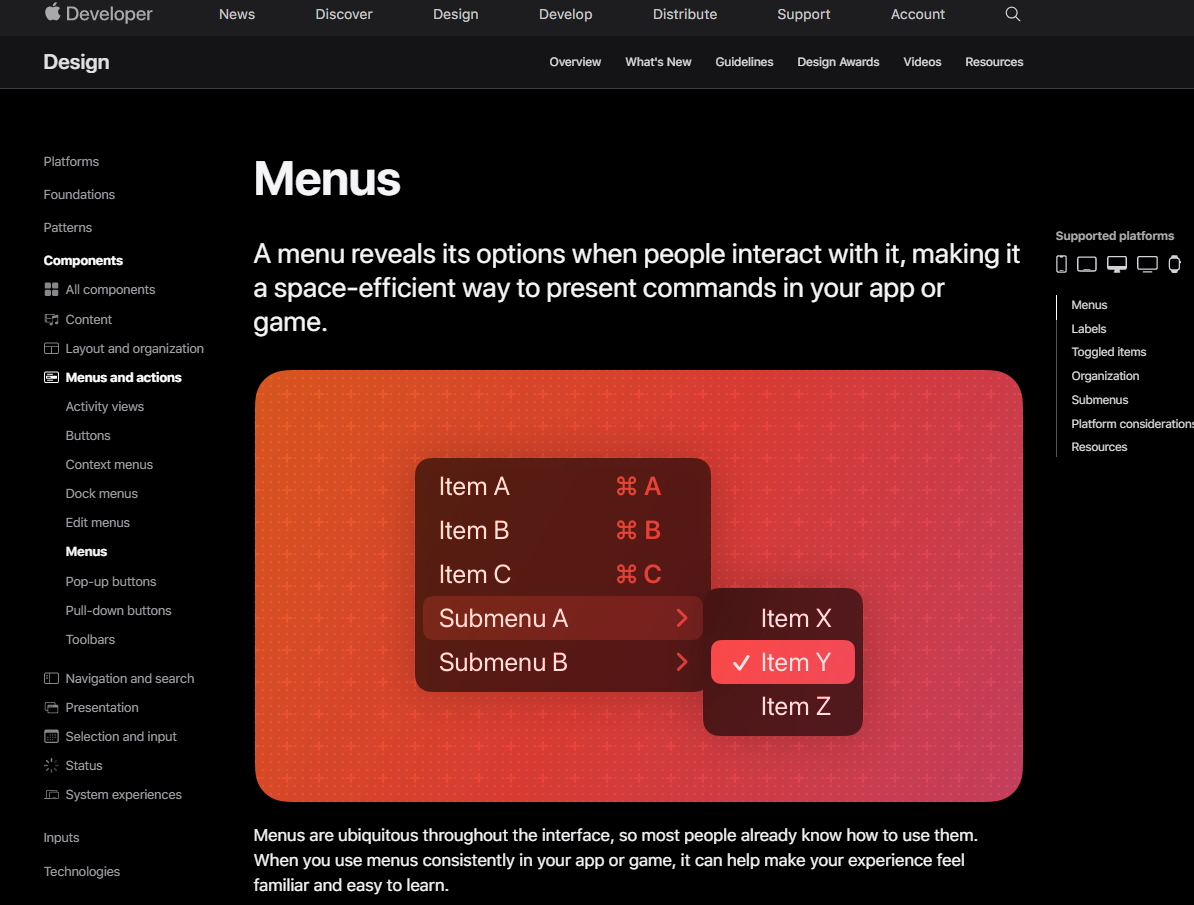
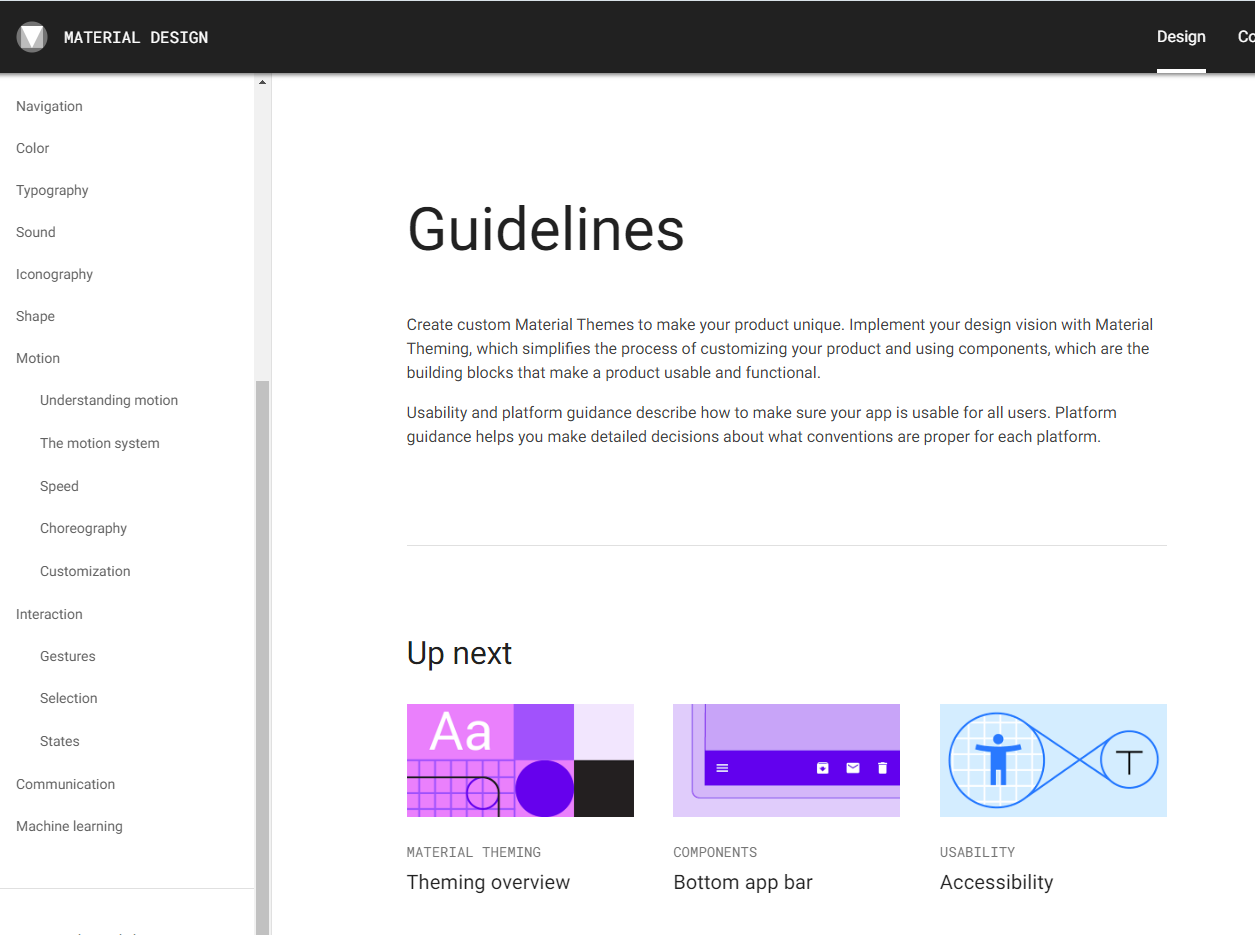
Apple, Google, Microsoft, ...
EN ISO 9241, ...
Wizards, Grid Layouts, ...
Shneidermans 8 Golden Rules, ...
Golden Cut, Design Theory, ...
- Guidelines are rules with a binding character of standards
- Serve to ensure internal and external consistency
guidelines
PLAYER-COMPUTER INTERACTION
UNIT 7: INTERACTION DESIGN
Player-Computer Interaction
The contents of this Open Educational Resource are licensed under the Creative-Commons Attribution 4.0 International license (CC BY 4.0)
Attribution: Eike Langbehn, Anh Sang Tran, Peter Wood
Unit 7 - Final ?
By sangow