23–24
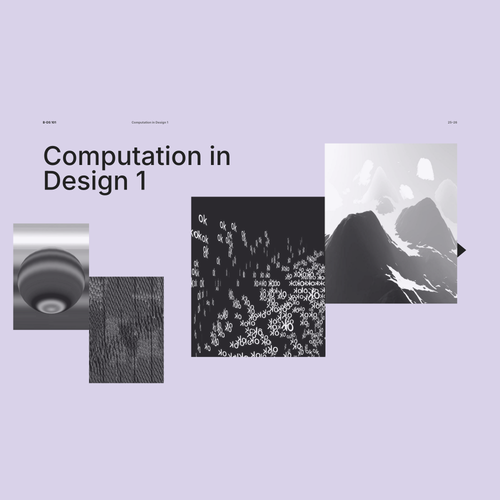
Computation in Design 1
B-DC 121
Computation in Design 1
Computation in Design 1
B-DC 121
Computation in Design 1
23–24
What is this class about?
Navigate downwards to find out more.
Computation is often defined as the act or process of calculating something. It often refers to disciplines such as technology, science or engineering and includes practices that involve programming and coding and most recently advancements in Artificial Intelligence, Machine Learning or Generative AI.
Within the creative industries, such practices are rapidly evolving in the field of design, where technology plays a key part in the design process and the experimentation and production of designed outcomes.
Over the course of the semester you will be introduced to principles relating to code and computation and applicable to contemporary and emerging design practices and aesthetics. This is achieved by combining technical, form-giving and playful approaches that converge at the intersection of code, computation and visual design. In a series of exercises and workshops we will lay the foundation for skills, context and aesthetics in Computation in Design.
Computation in Design 1
B-DC 121
23–24
About
Computation in Design 1: An introduction comprises a series of exercises and workshops that culminate in a student’s digital showcase at the end of the semester and a digital portfolio that documents the process and the results of the activities carried out.
Through prepared exercises you will learn about computation in design and acquire basic computational literacy skills through hands-on and playful challenges and exercises. Here, inputs such as numbers, words, shapes or actions are transformed into formal and visual outputs by describing and exercising a process with the use of code, instructions, rules and conditions.
Through a series of workshops, you will learn, experiment, and apply creative coding methods to arrive at a series of visual outcomes informed by design and design practice in general. You will apply a range of coding principles to create a series of static, moving, even interactive images. This is often achieved through trial and error, curiosity and experimentation.
Approach
Computational Literacy building
Applied workshops
Computation in Design 1
B-DC 121
23–24
Define fundamental issues in contemporary design practice including the variety of ways in which visual communication can be applied, and the implementation of common technical and aesthetic standards
Relate to set tasks and project briefs creatively and to generate interesting ideas that can inform design solutions in the field of visual communication
Learning Outcomes
Computation in Design 1
B-DC 121
23–24
Organise conceptual and technical steps used to engage with the fundamental components of a design production process and apply traditional and digital design tools and techniques
Demonstrate self-reflection and commitment to set tasks, assignments and exercises and to be able to work both individually and as part of a team
Apply code as a tool and design medium to short design exercises to develop an initial understanding of how code can be used within a design process and production.
Use code-based sketches to respond to short briefs with a particular code concept in mind
Apply outcomes from code exercises to outcomes such as still image, video, printed matter
Document steps taken and outcomes created in a CPJ
Resources
Computation in Design 1
B-DC 121
23–24
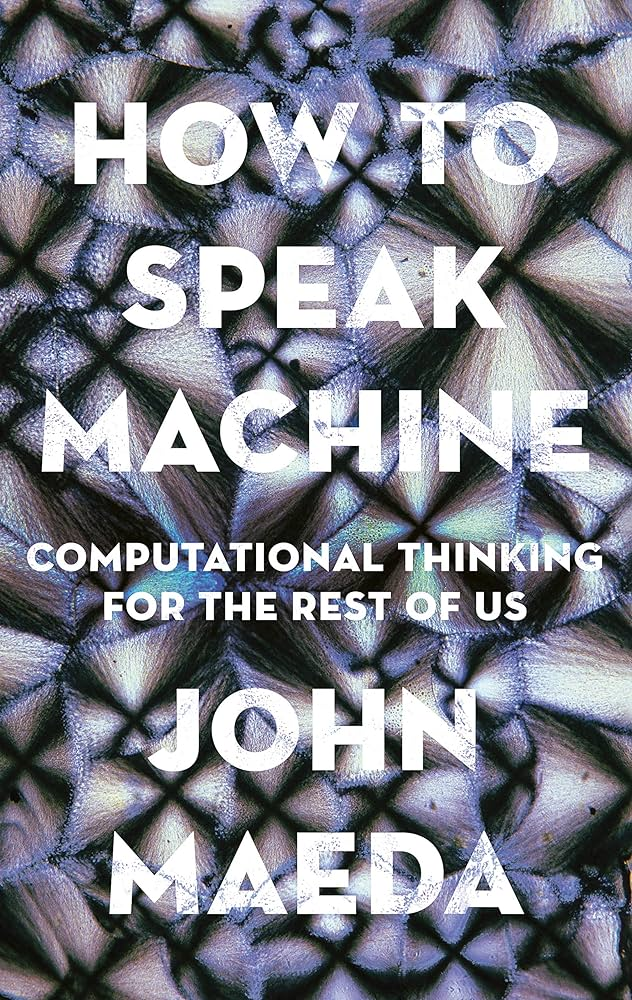
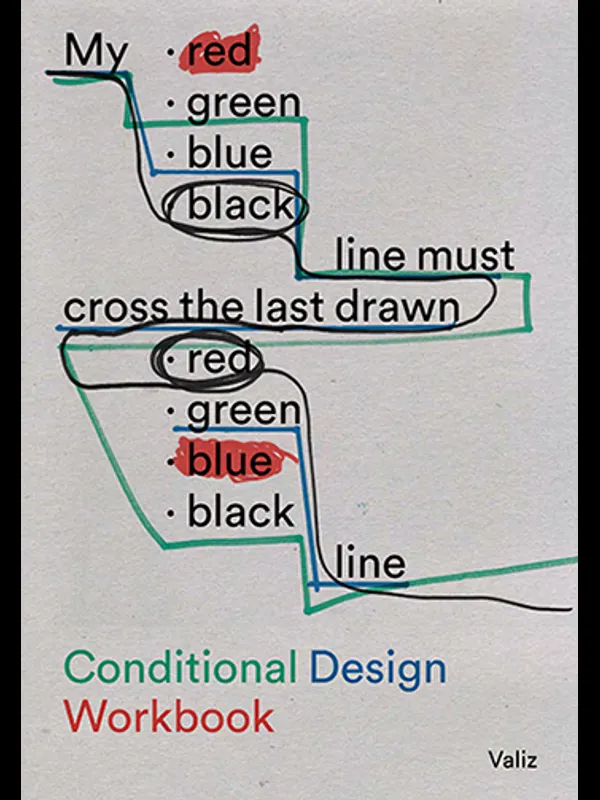
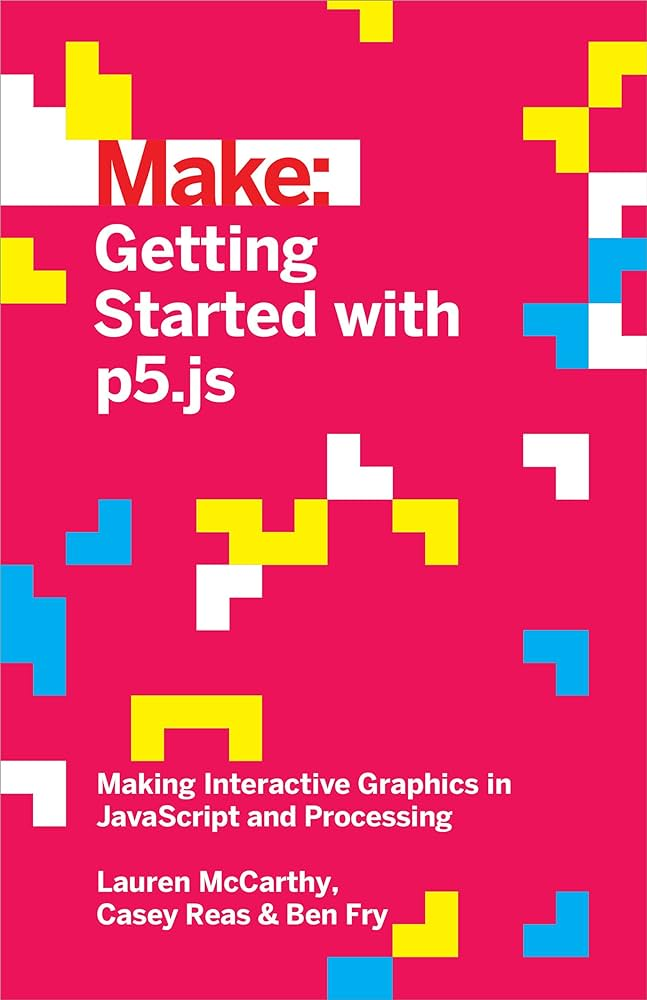
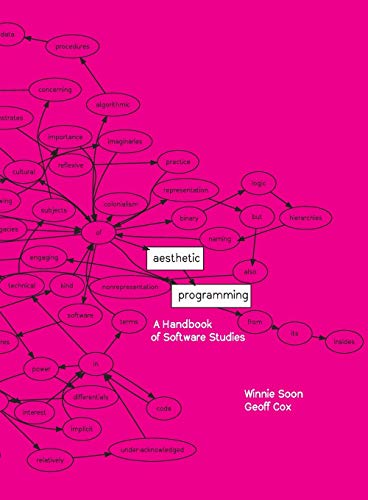
In a series of group and individual exercises you will be introduced to computational principles applicable to design practices. This is a transitional process from exercises that require an analog approach to others that require an incremental digital approach. Results that are created, then lead to a Digital Portfolio that documents the process, outcome, and reflection.
Following the structure of the Digital Portfolio, students will document their learning and outcomes respectively. Outcomes include
Archive → Digital images and videos
Digital CPJ → Documentation of process, reflection and outcomes
Summary → Digital document that summarises your semester work
Requirements
Computation in Design 1
B-DC 121
23–24
The Digital Portfolio is explained in detail in the following slides
Follow these links to selected outcomes created in previous level 1, semester 2 classes
22–23
Computation in Design 1
B-DC 121
A brief introduction to Computation in Design with some images, practical and creative applications within the design communication discipline.
Introduction
22–23
Computation in Design 1
B-DC 121
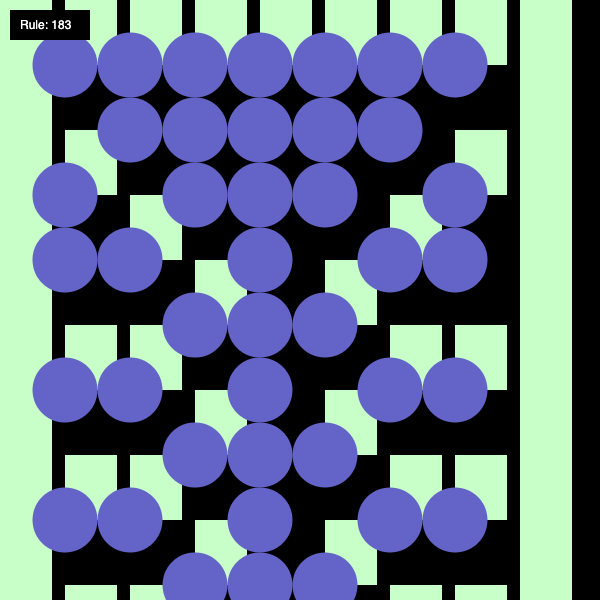
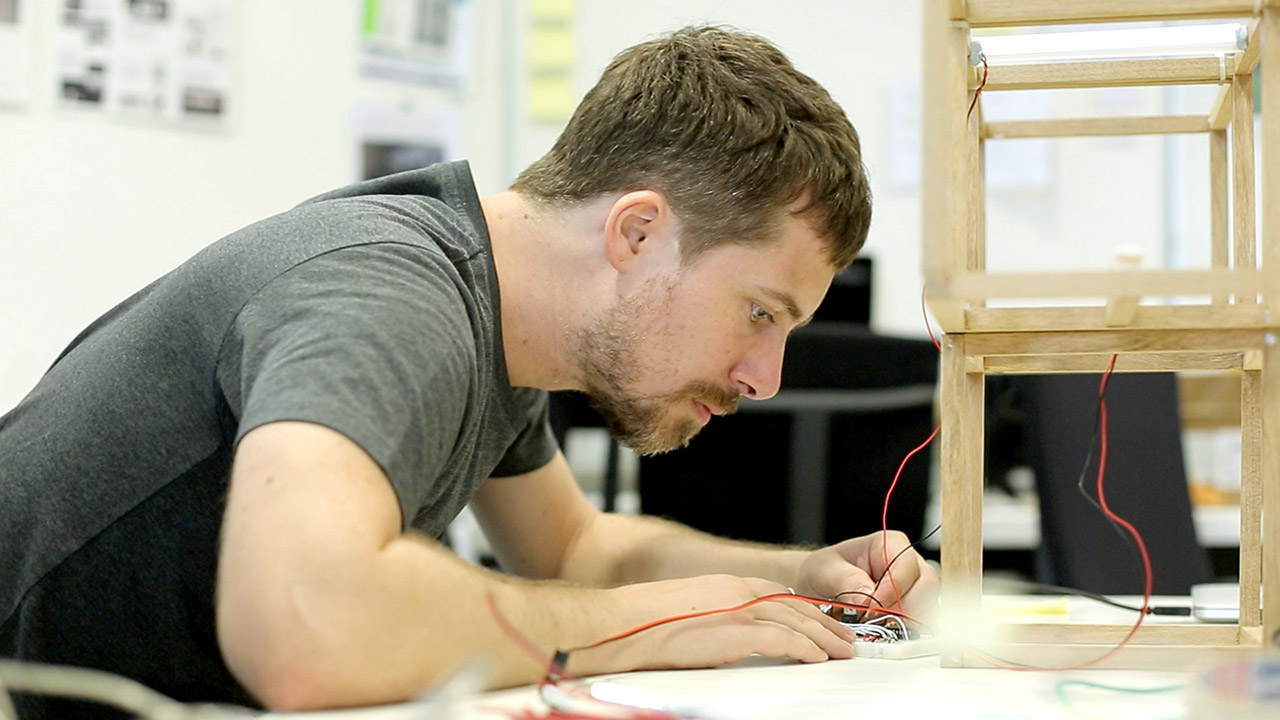
Andreas
Andreas works across disciplines and creates objects, tools and interfaces where art and technology meet in a curious way. Many of his works are collaborative and have been presented on screen, in code, as installations, in exhibitions, as performances or workshops. His practice focuses on emerging and open source technologies, where outcomes are inspired and informed by computational aesthetics, interactions and networked processes. He likes plants, he hopes they like him back.
22–23
Computation in Design 1
B-DC 121
Dhiya also known as MDRN is an artist, designer, maker and probably Singapore's only surfboard shaper/builder. He is partner at STUDIO SWELL which works on prints, branding, graphic design. Runs an art studio, neuwave, dealing with installations and object making. Makes surfboards under the label The Happy Poison Gang.
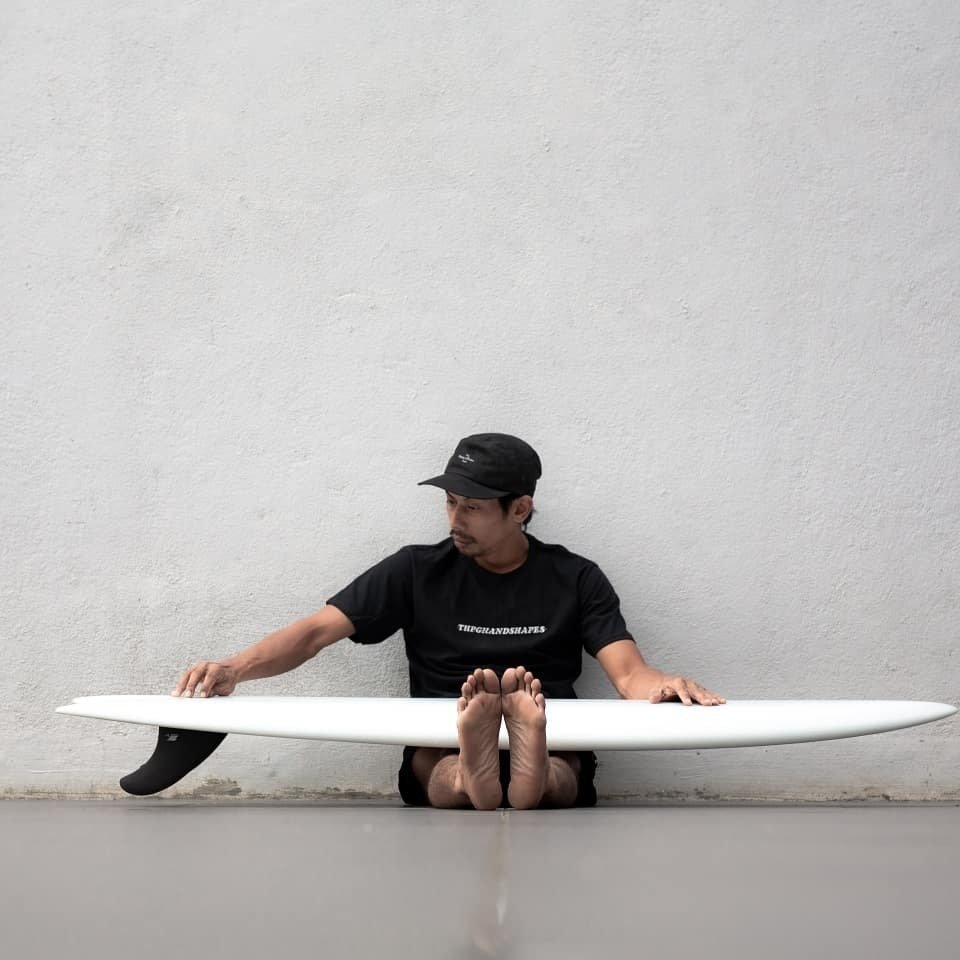
Dhiya
22–23
Computation in Design 1
B-DC 121
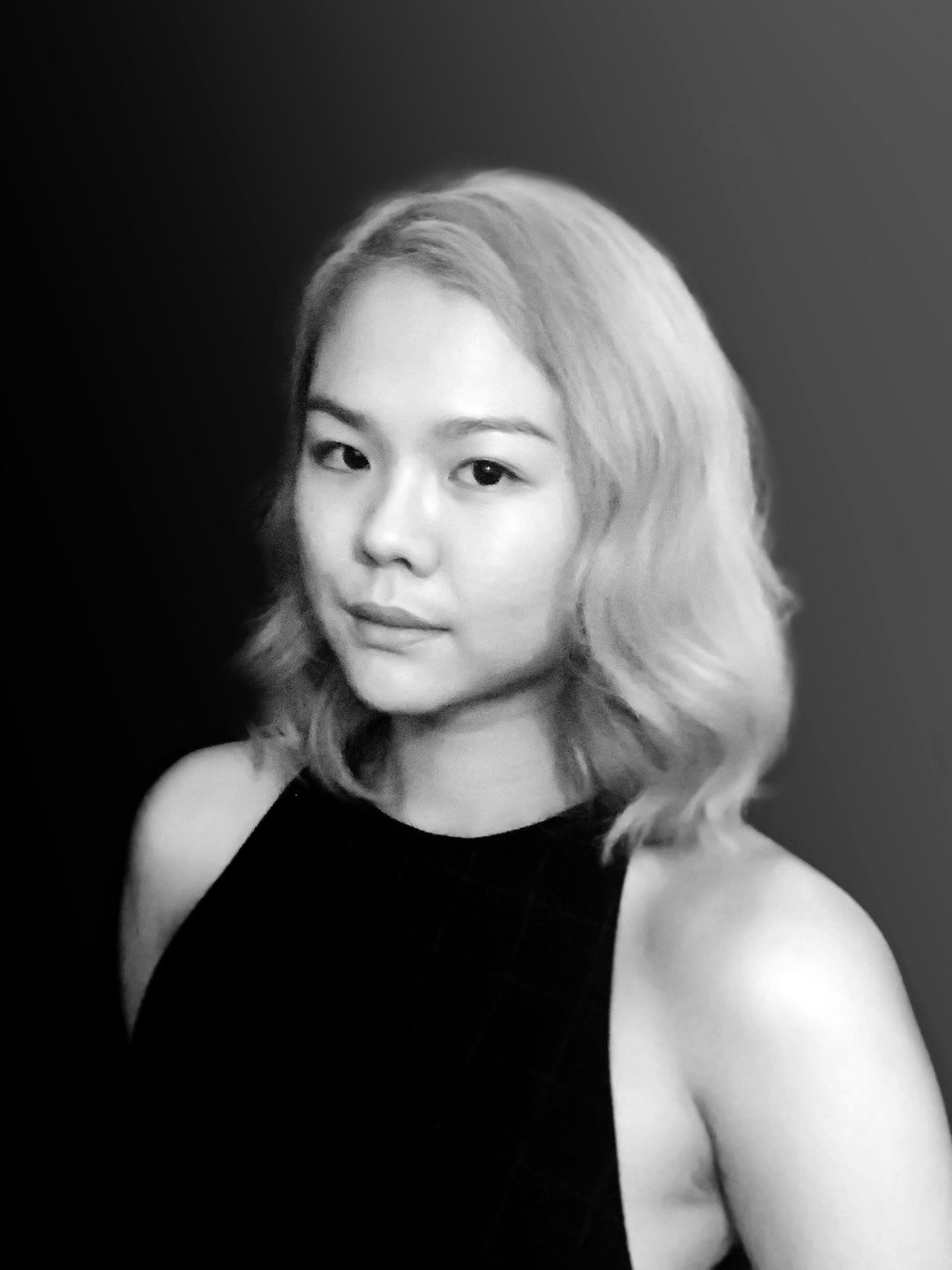
Jo is an artist working with imaginations of digital and physical spaces that question the role of creativity and agency in our increasingly automated world where views of “machine as tool” and “machine as creator” are being challenged. Jo uses emerging digital technologies to practice a range of modes in space-making, some of which include speculative fiction and visuals using machine learning, virtual reality, and large-scale projections.
Joanne
22–23
Computation in Design 1
B-DC 121
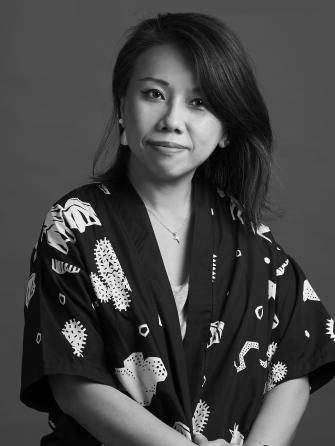
Olivia is trained at Royal Melbourne Institute of Technology University in Australia and her background in Advertising and Visual Communication allows her to share her practice and knowledge in design education where she focuses on building fundamentals through multi-explorations and methodologies in design.
Olivia
22–23
Computation in Design 1
B-DC 121
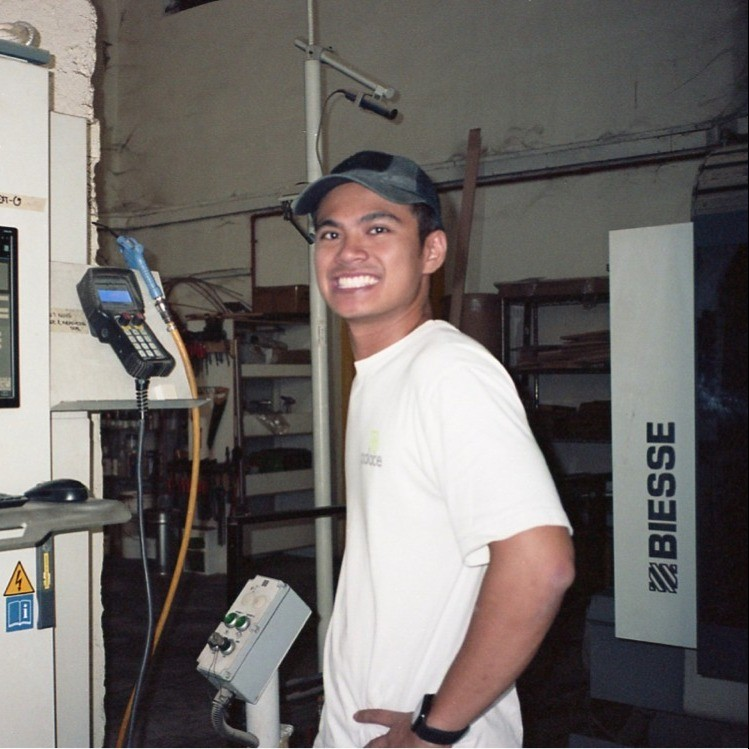
Syaz is passionate about bringing about viable & sustainable change that meets both private and social economic objectives. Applying economic theory, leveraging both emerging technology and an ethnographic perspective, I seek to uncover unique and context-specific factors that influences collective human behaviour inefficiently and circumventing them through building platforms for engagement using emerging technology, in an inclusive and accessible manner.
Outside of work, Syaz is passionate about wellness, learning and nature. Other works of study are food fermentation to manage waste & umami, live streaming for learning & leisure.
Syaz
22–23
Computation in Design 1
B-DC 121
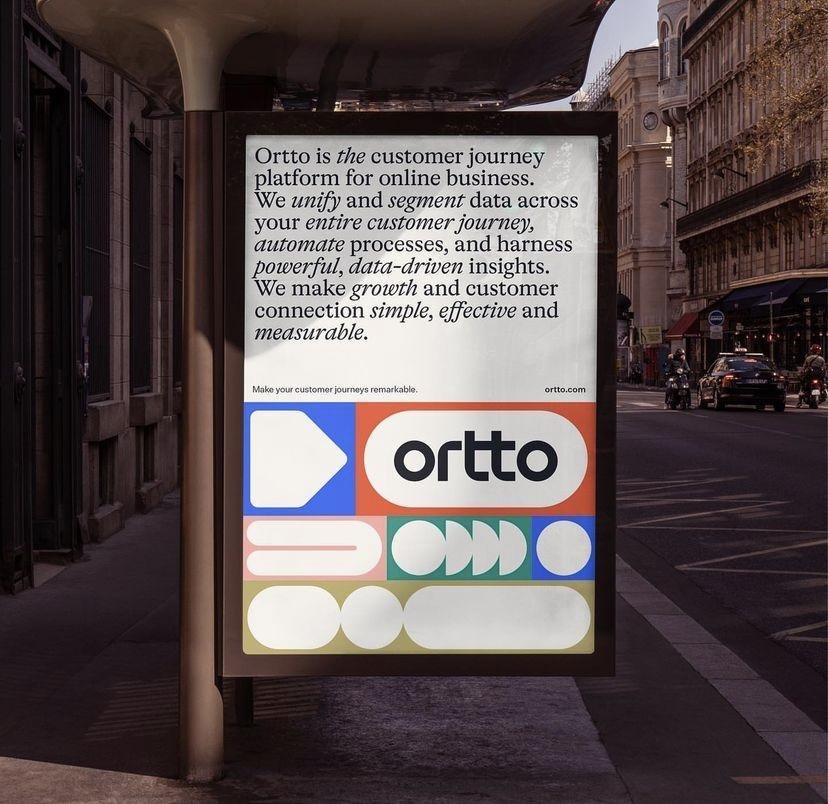
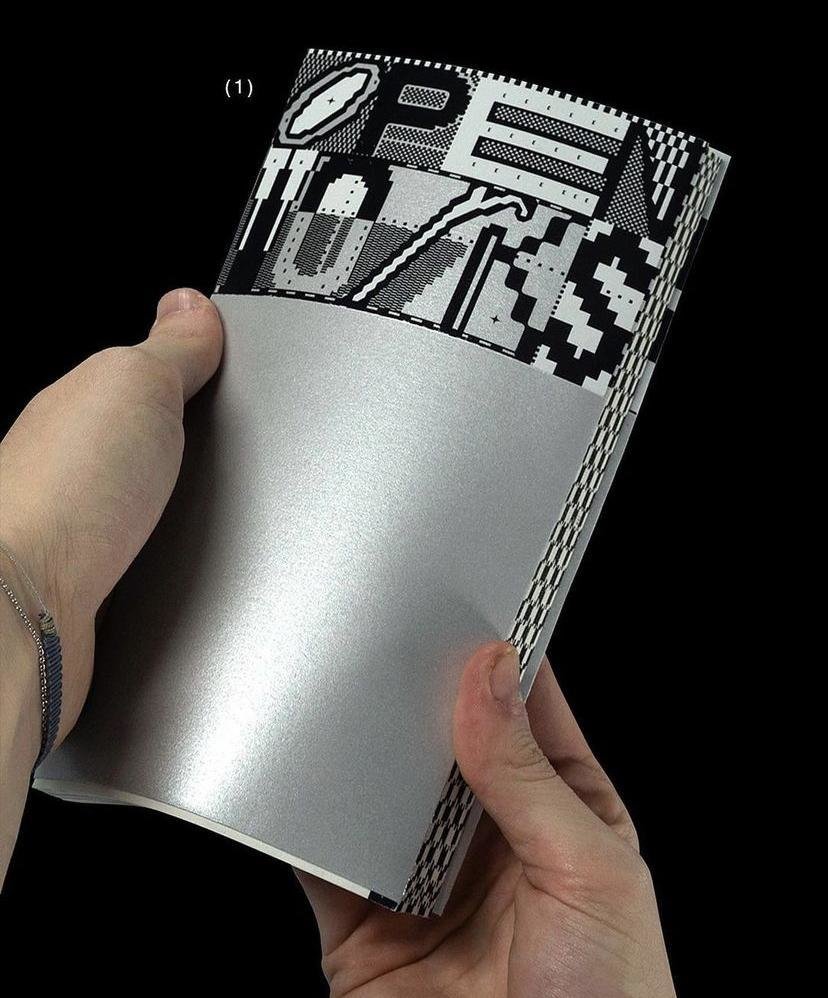
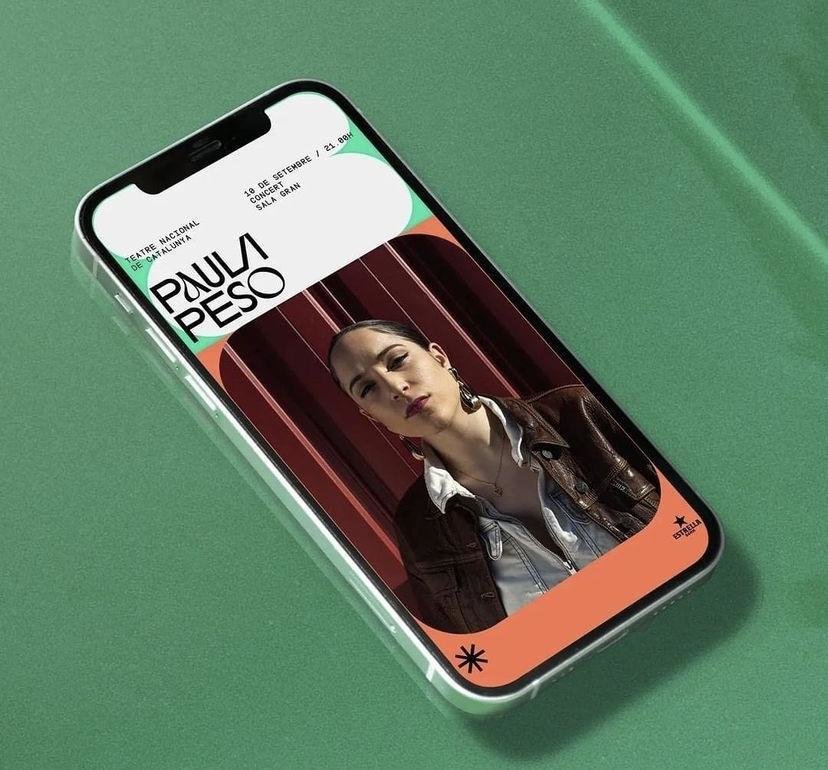
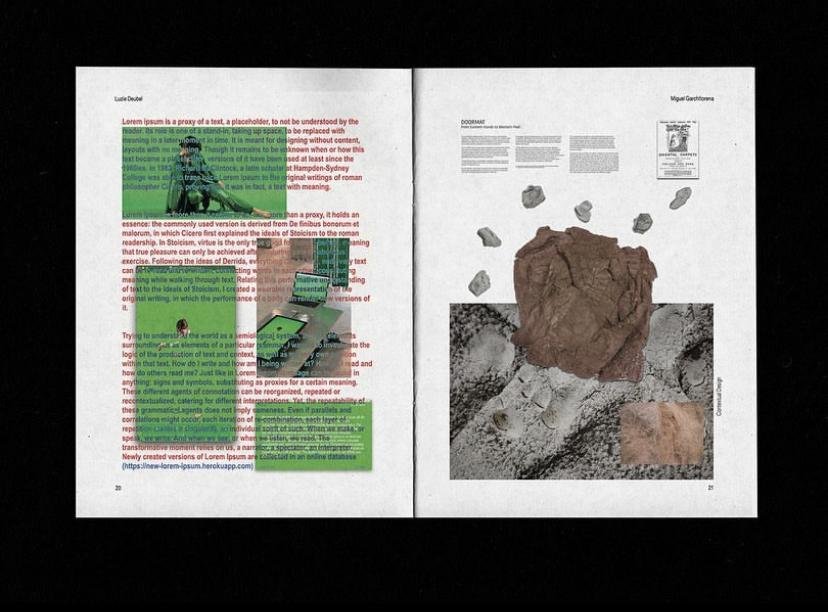
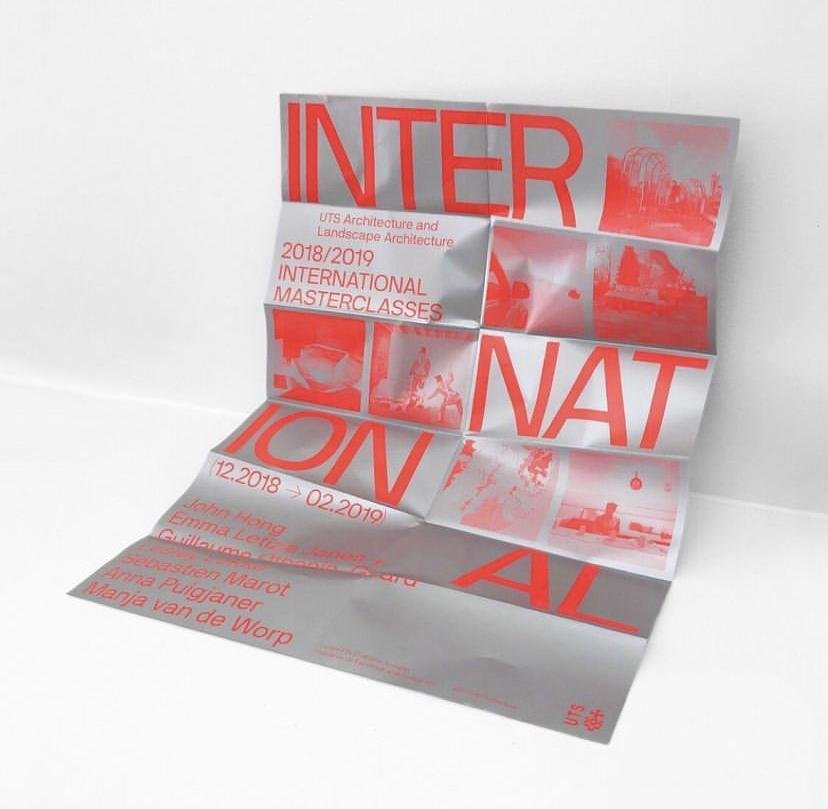
Graphic Design

22–23
Computation in Design 1
B-DC 121
Graphic Design
Generative Design
Motion Graphics
Data Visualisation
Interaction Design
Computational Design
Physical Computing
Experience Design
Interface Design
Machine Learning
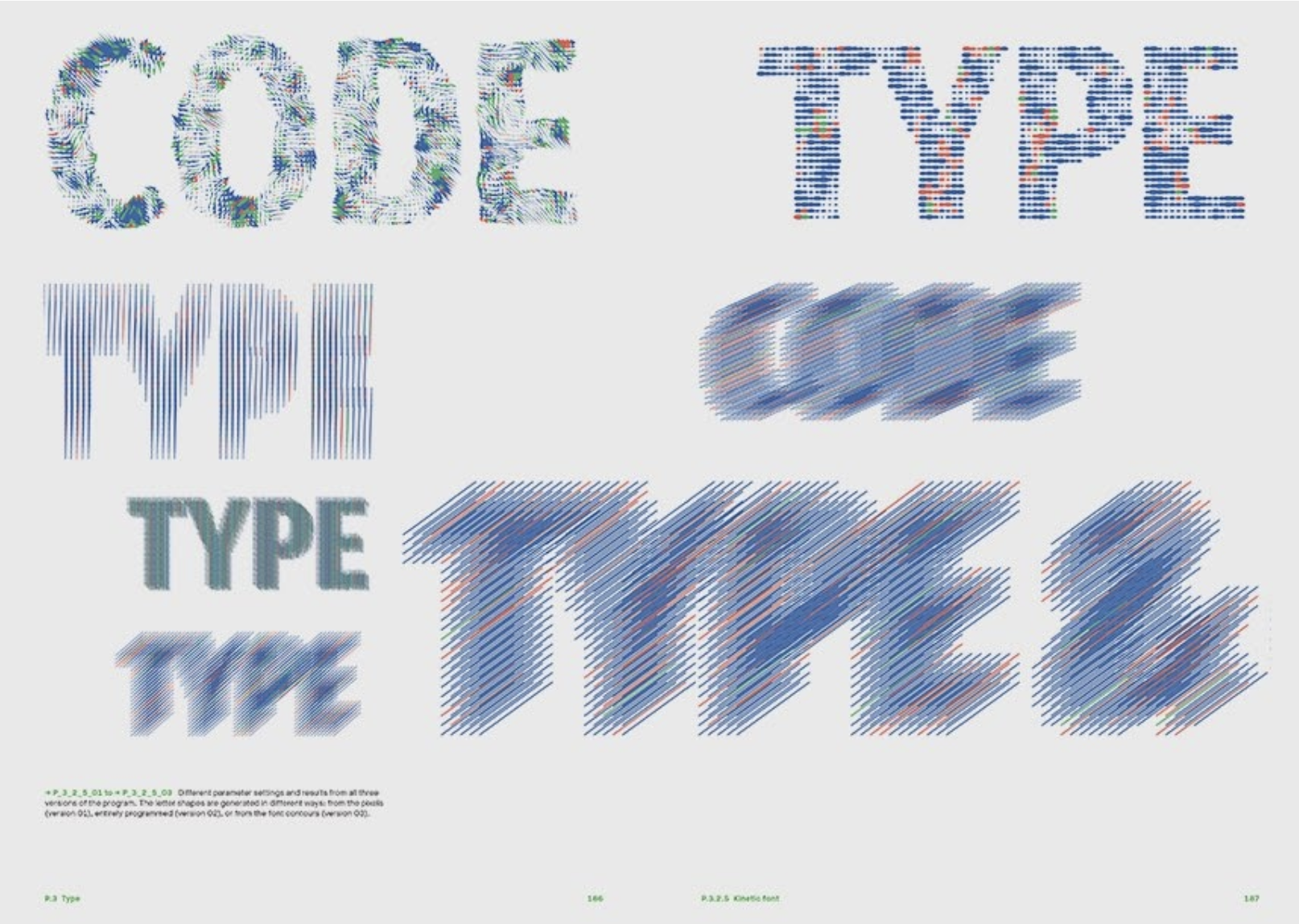
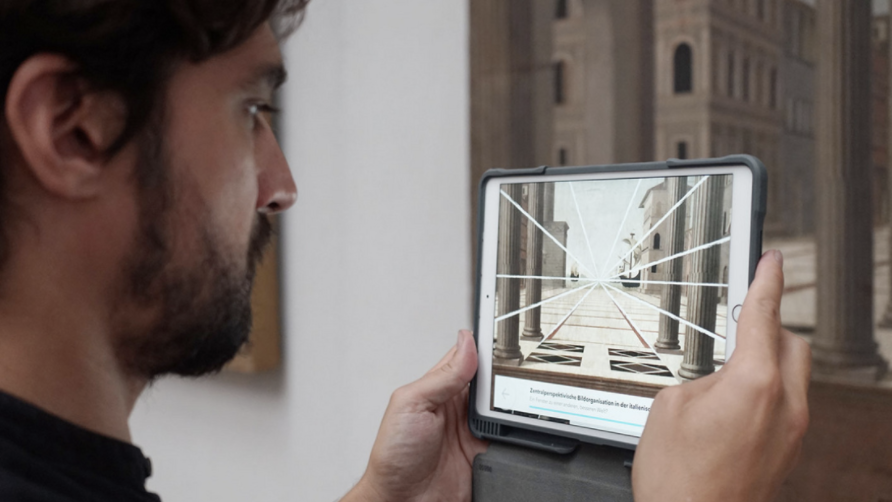
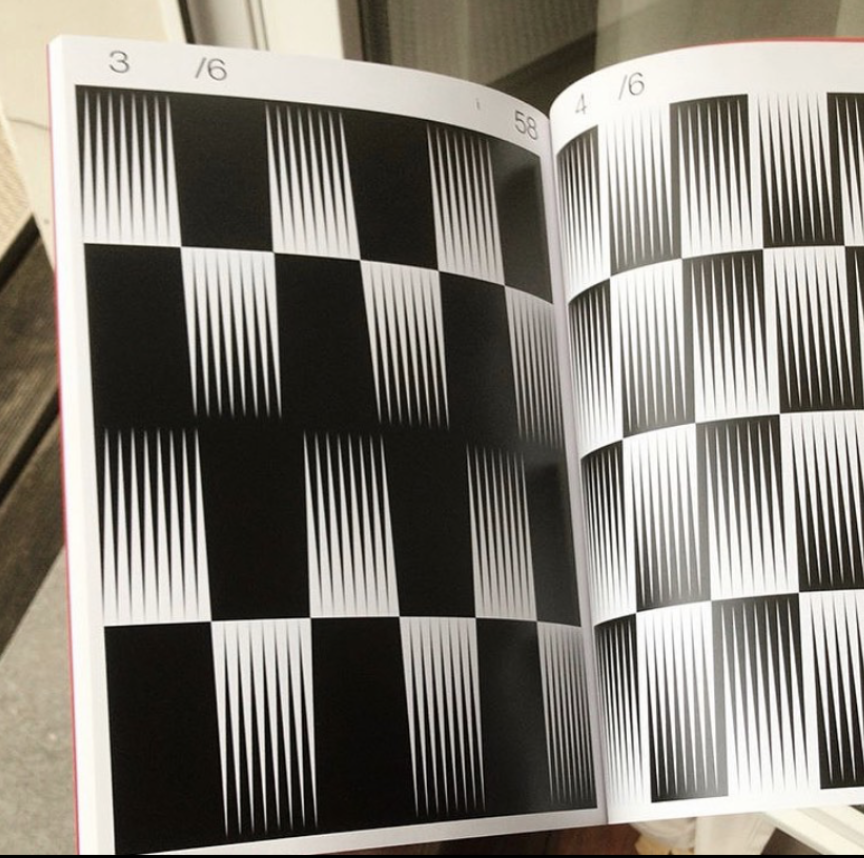
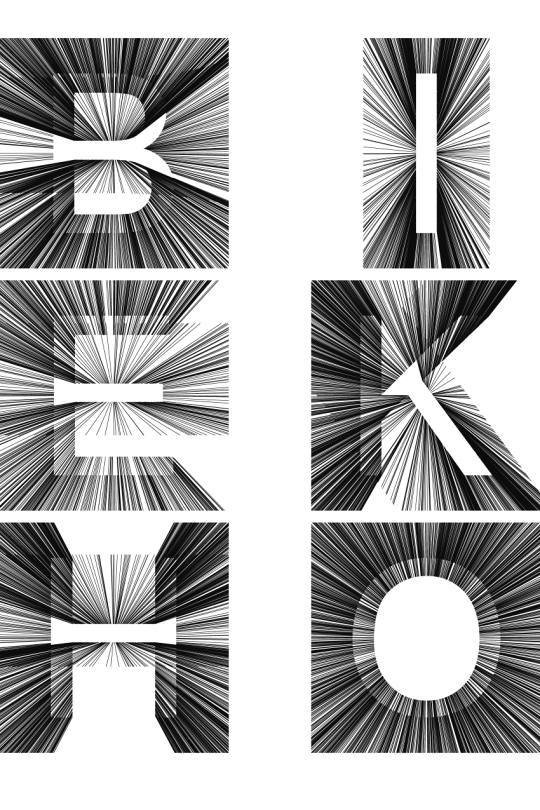
Generative Typography, generated using code.
22–23
Computation in Design 1
B-DC 121

Try this in code, link
22–23
Computation in Design 1
B-DC 121
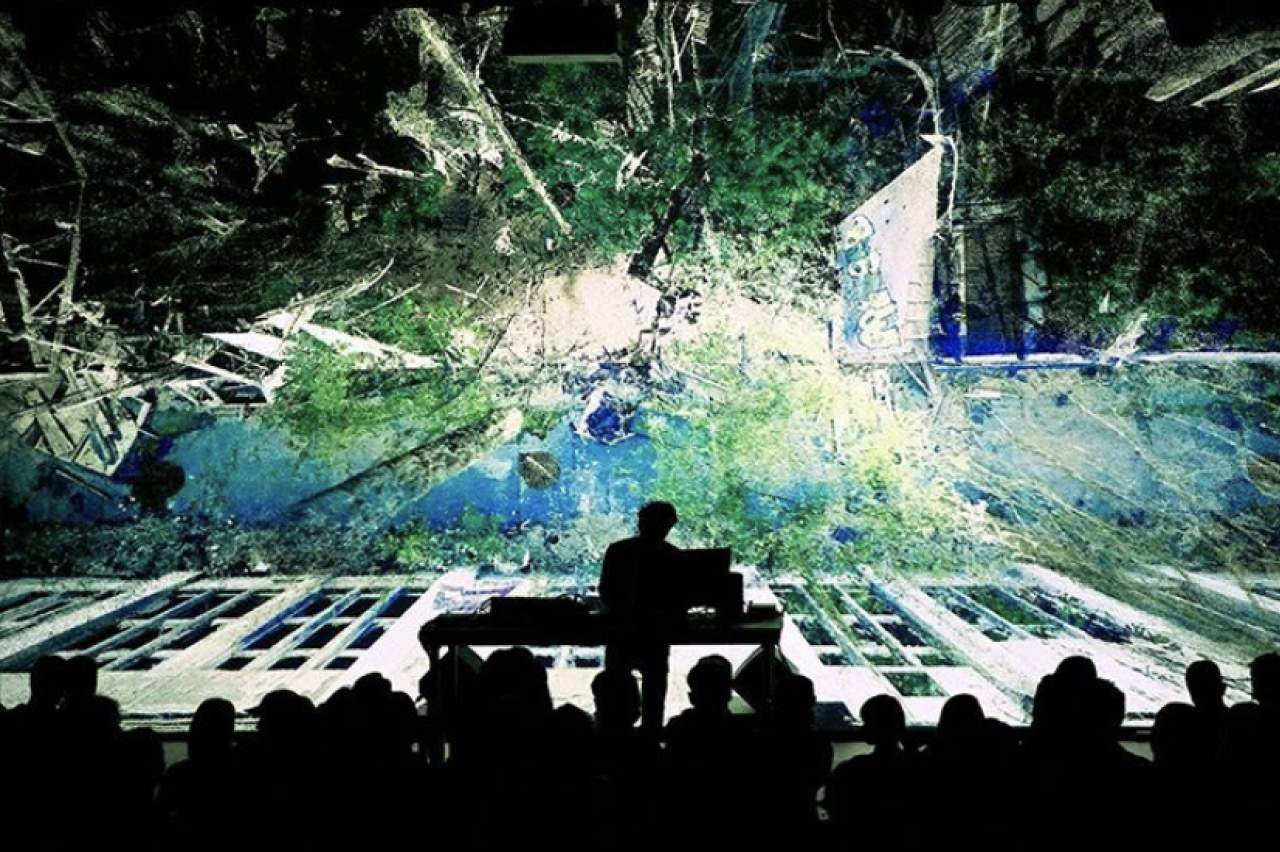
Live visuals, sound reactive, collaboration with musicians.
22–23
Computation in Design 1
B-DC 121
Data Visualisation, using data and code as tools and material to generate information or an experience from data.
22–23
Computation in Design 1
B-DC 121
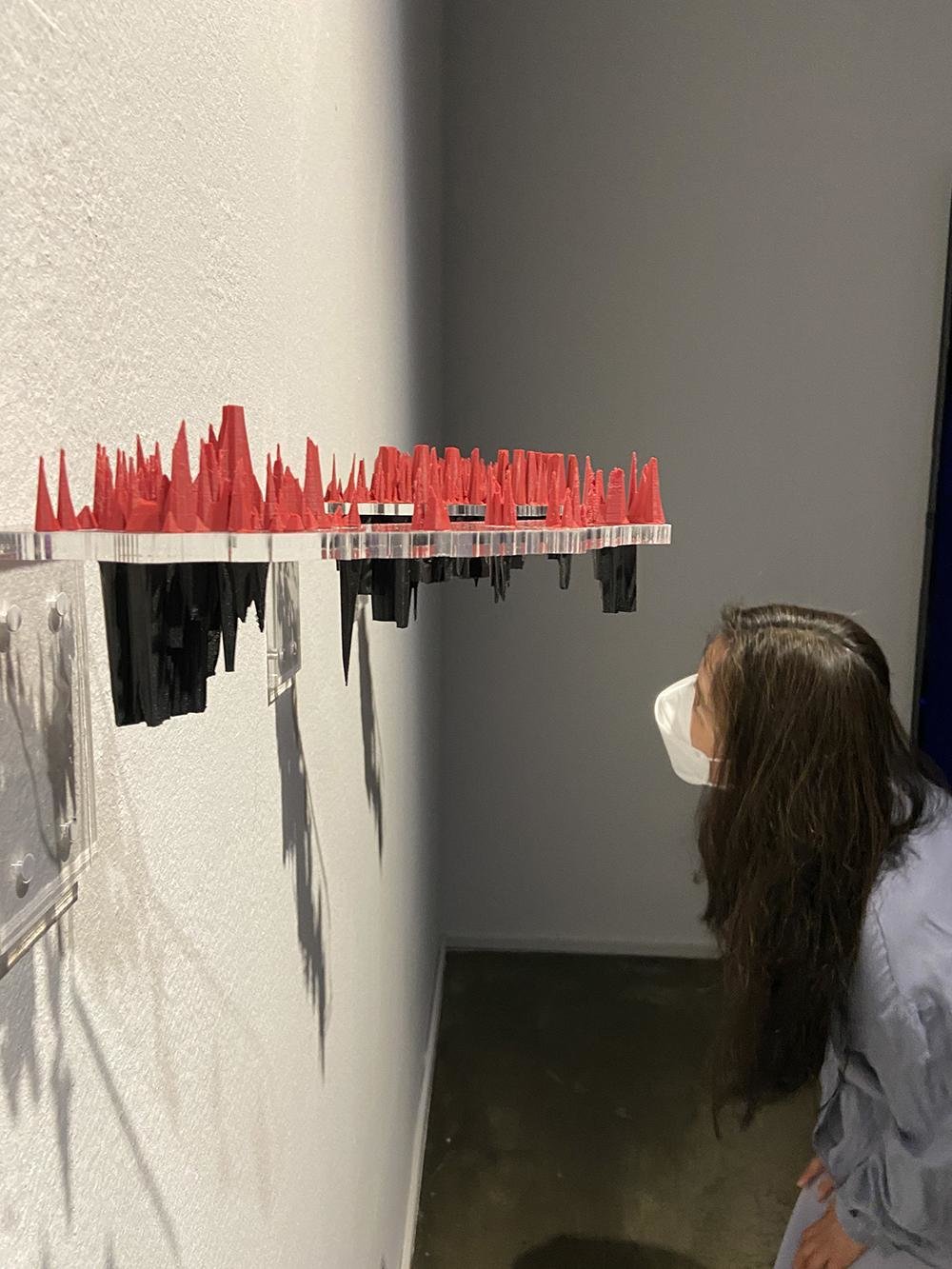
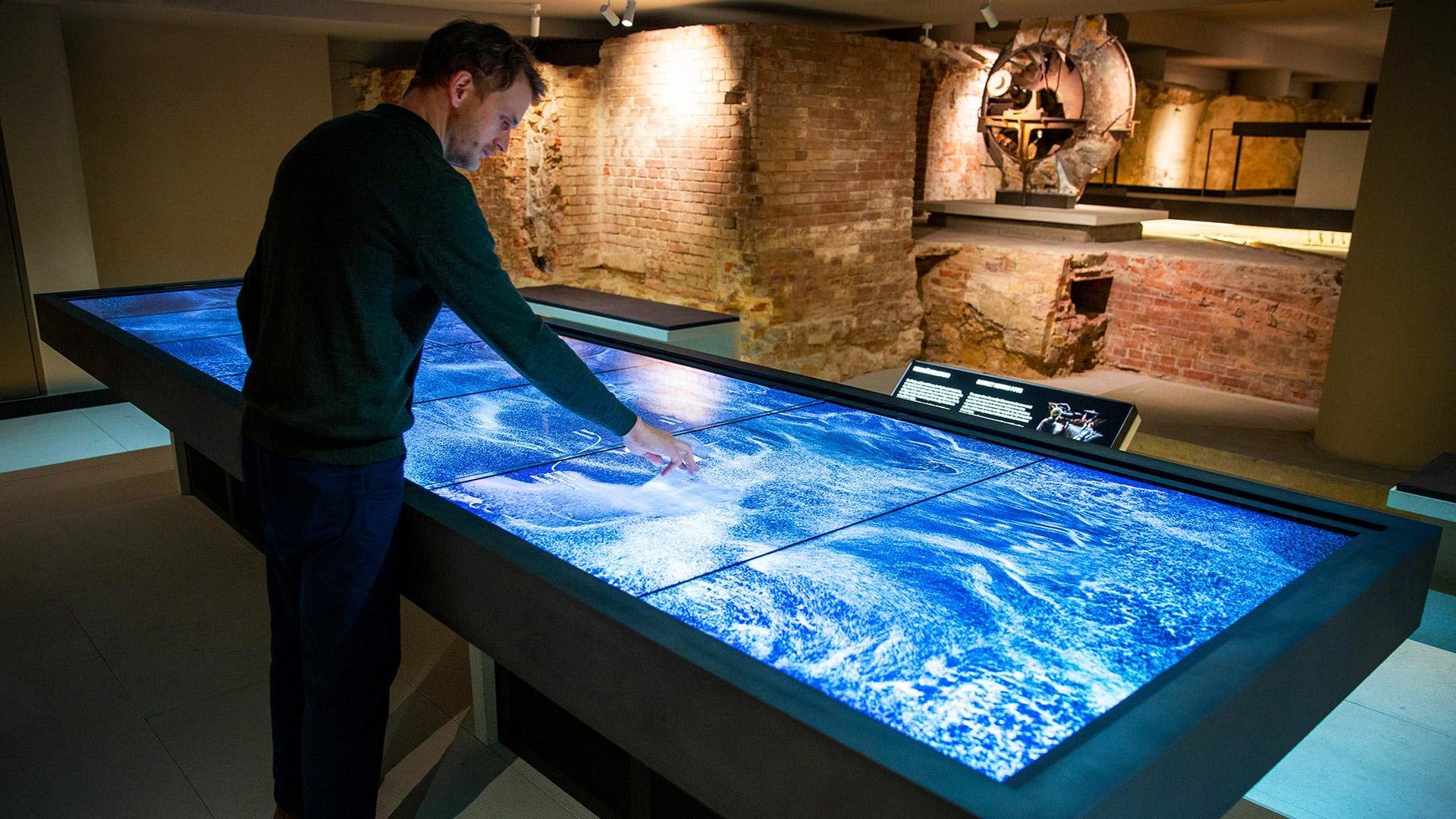
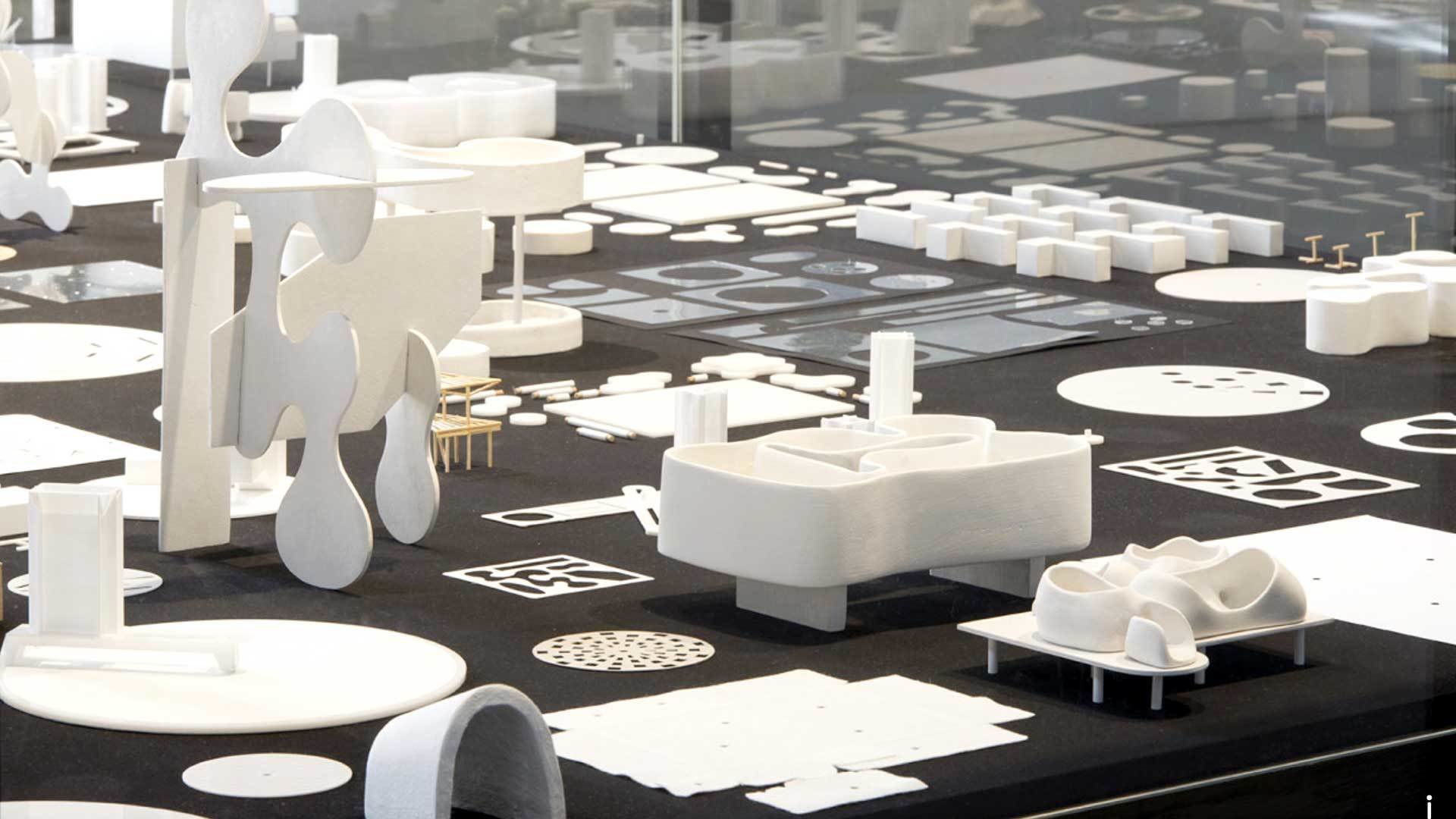
Interactive surfaces, exhibition displays, physical artefacts, data sculptures.
22–23
Computation in Design 1
B-DC 121
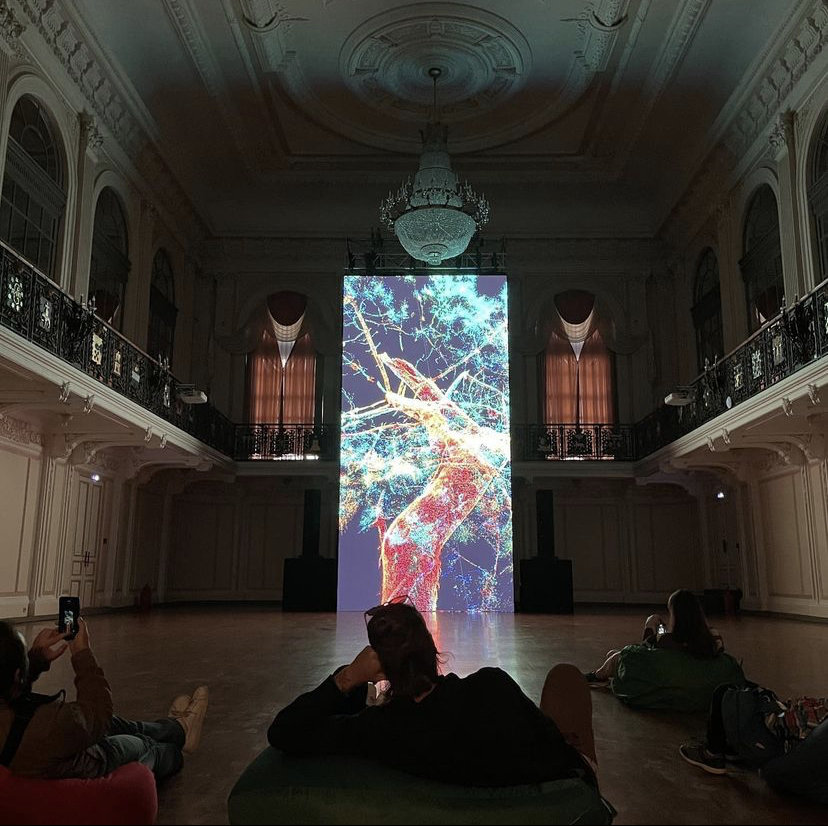
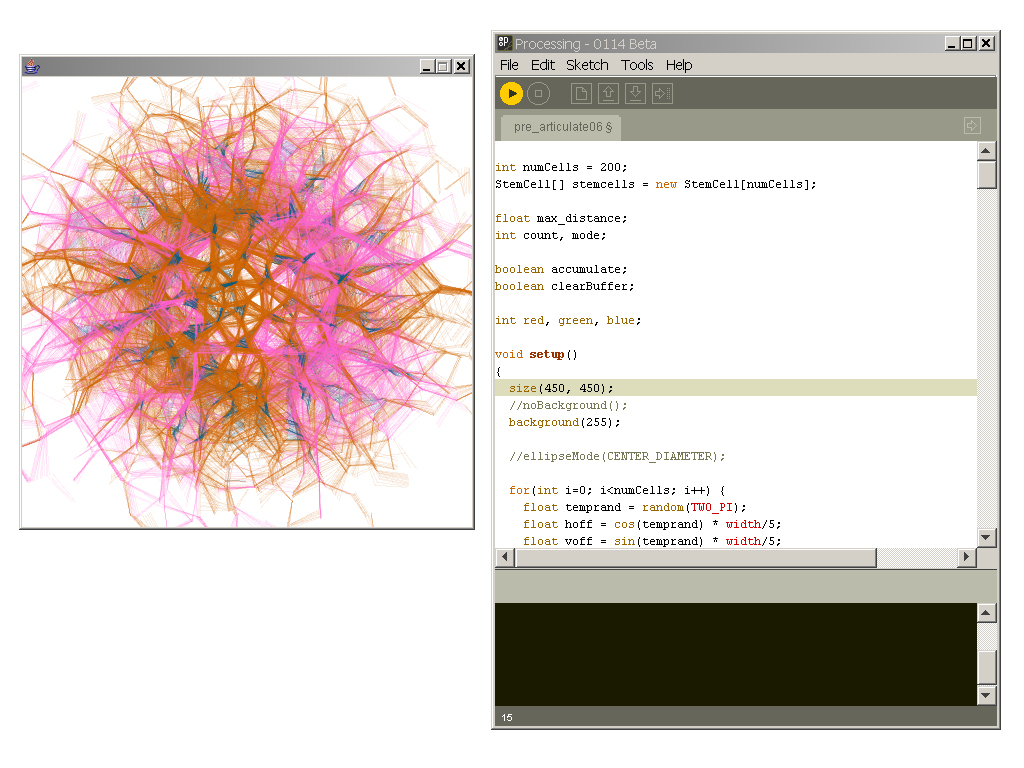
Generative Design, Processing Software.
22–23
Computation in Design 1
B-DC 121
22–23
Computation in Design 1
B-DC 121
22–23
Computation in Design 1
B-DC 121
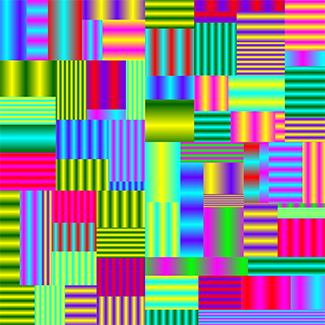
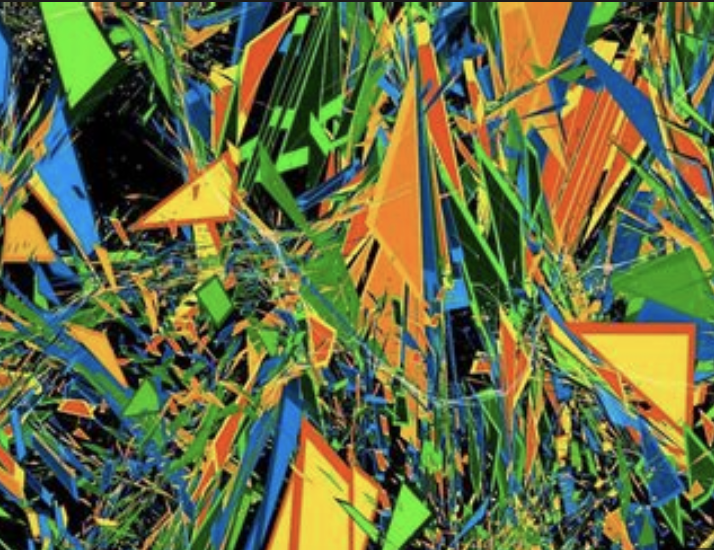
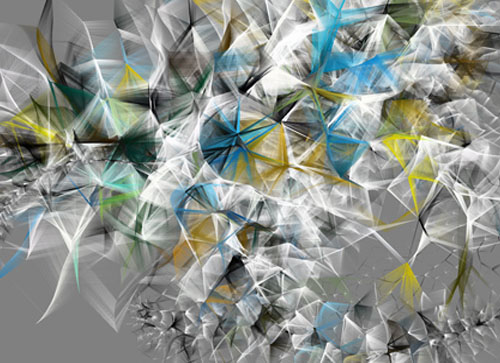
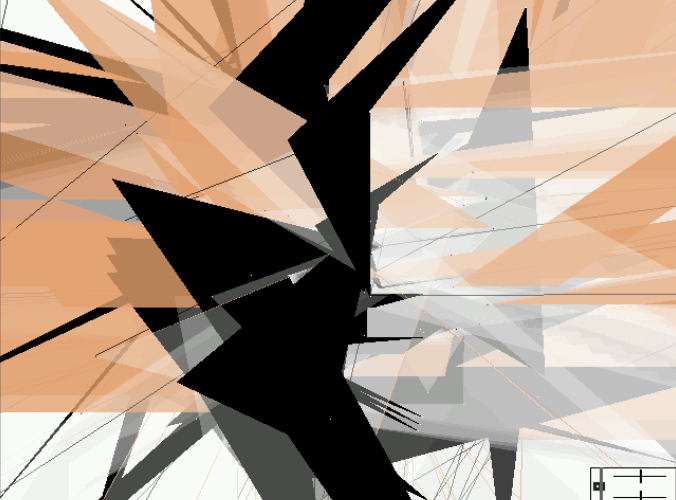
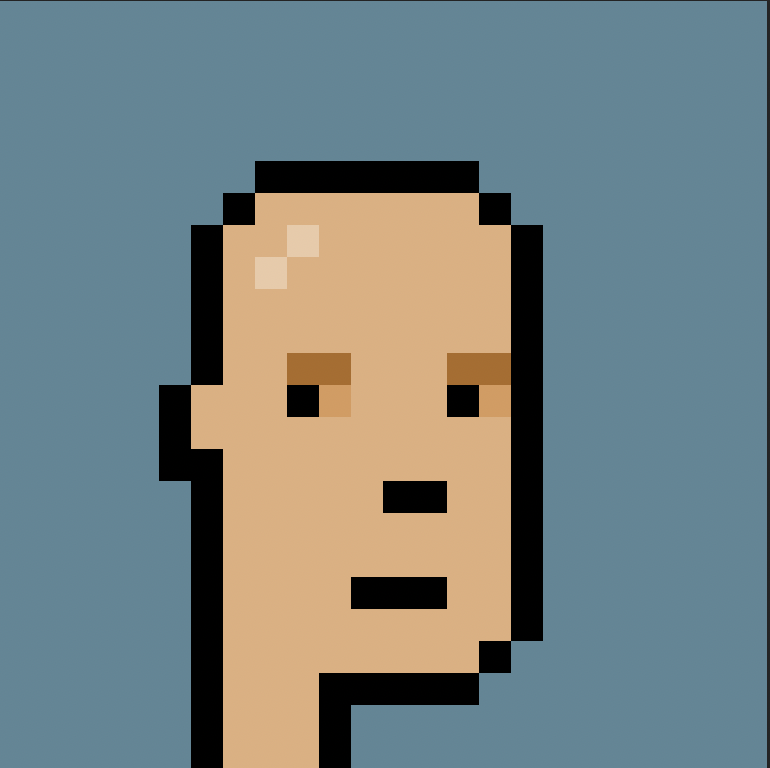
Also, NFTs. Crypto Punk 281, One of 6039 Male punks (10,000 total), 0 attributes link
22–23
Computation in Design 1
B-DC 121
Playing around with augmented reality and 3D objects, CiD student works.
22–23
Computation in Design 1
B-DC 121
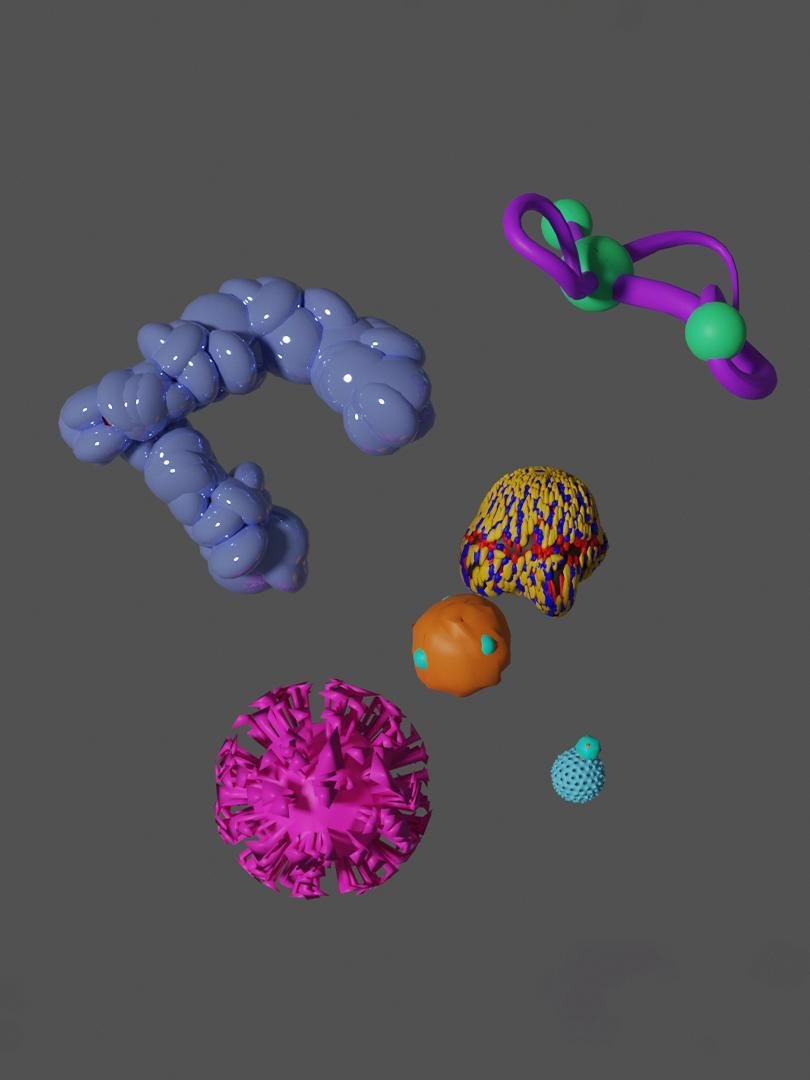
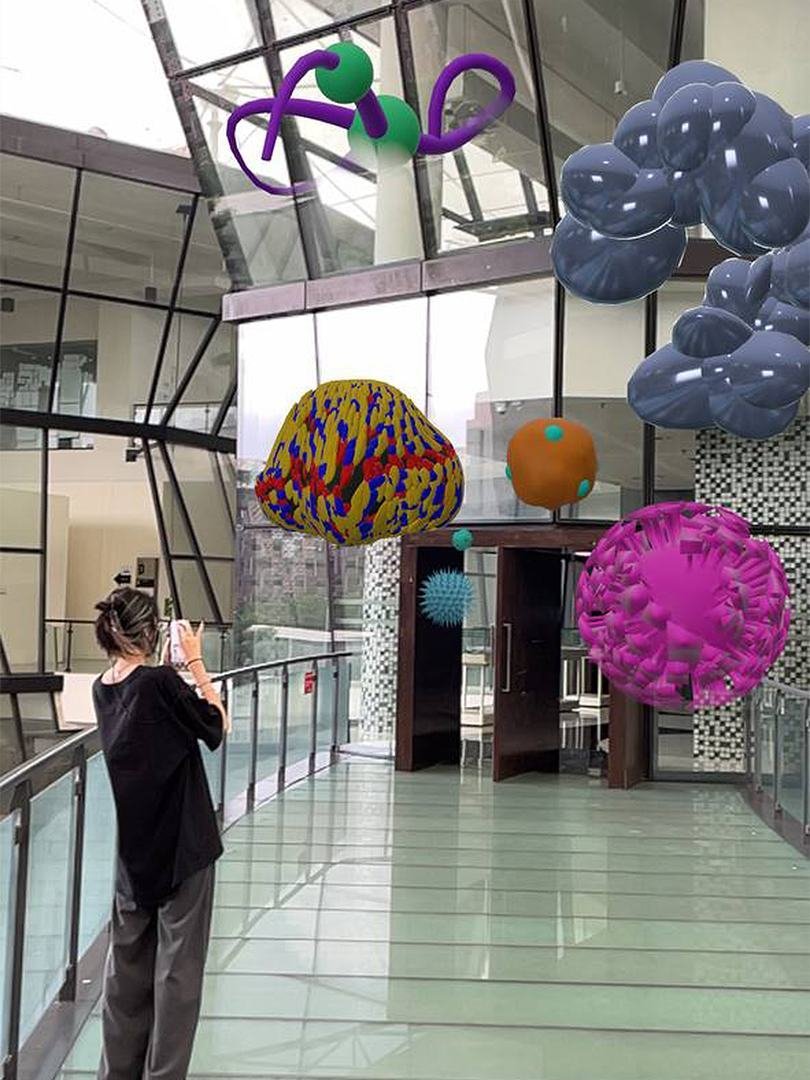
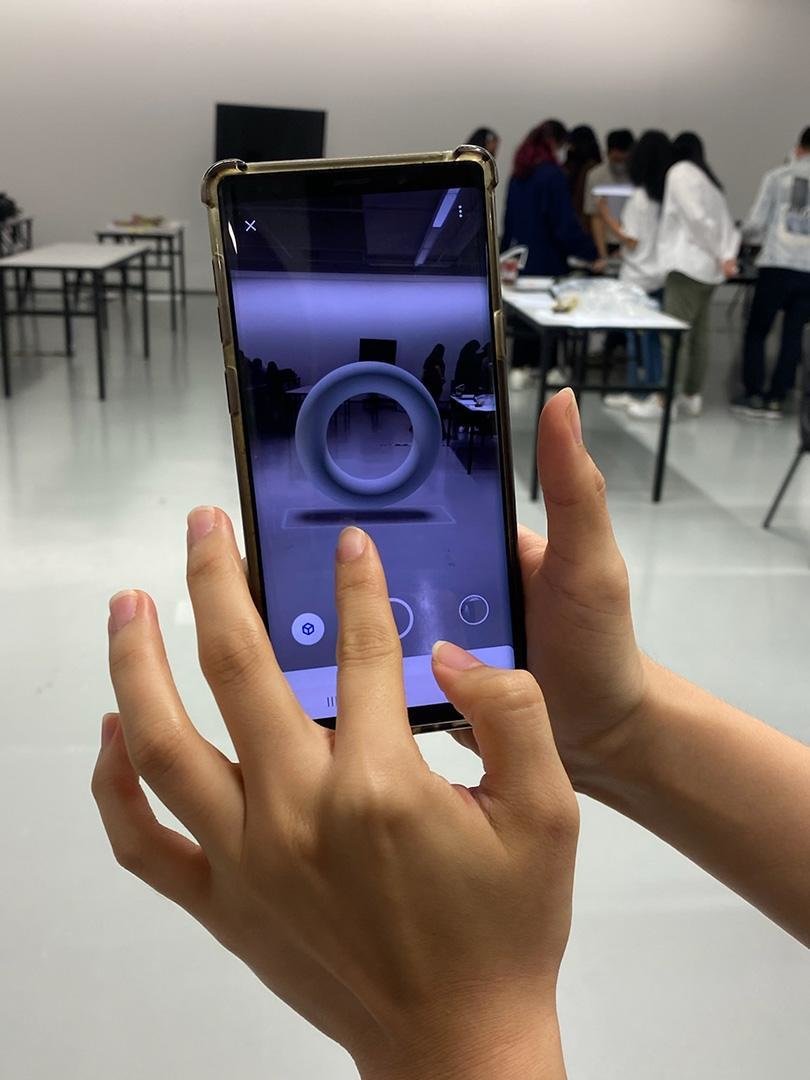
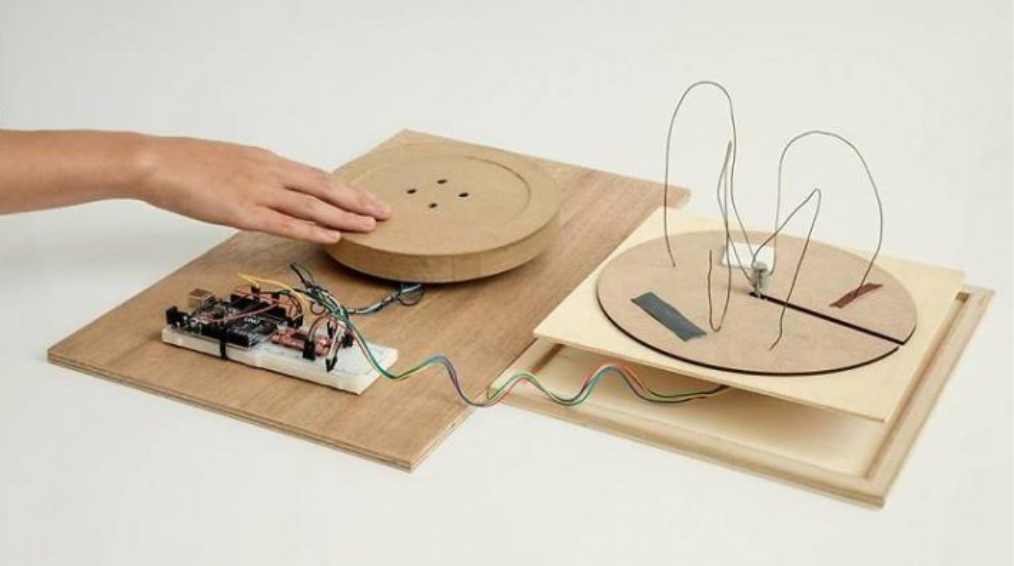
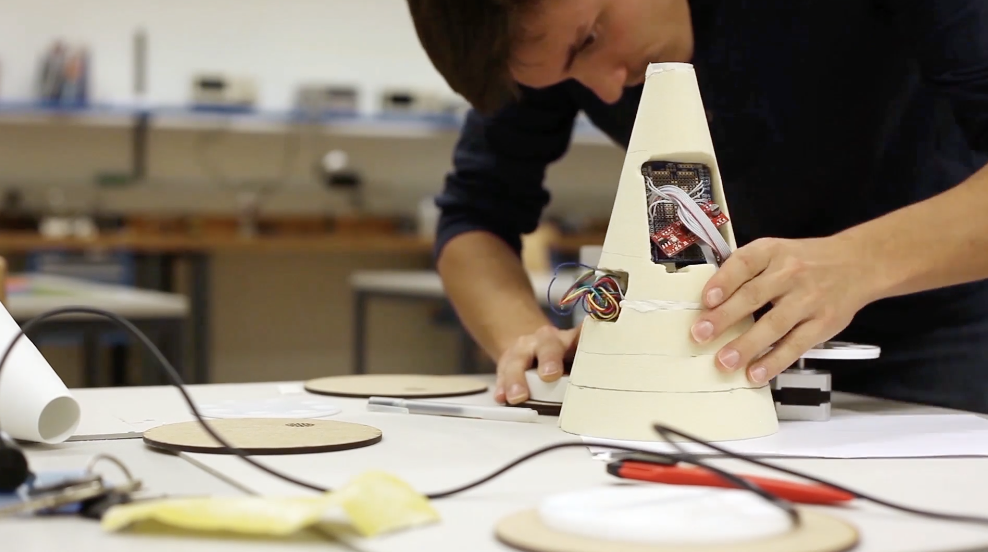
Experiments in the physical world, designing prototypes of interfaces to bring back the sense of touch into design experiences
22–23
Computation in Design 1
B-DC 121
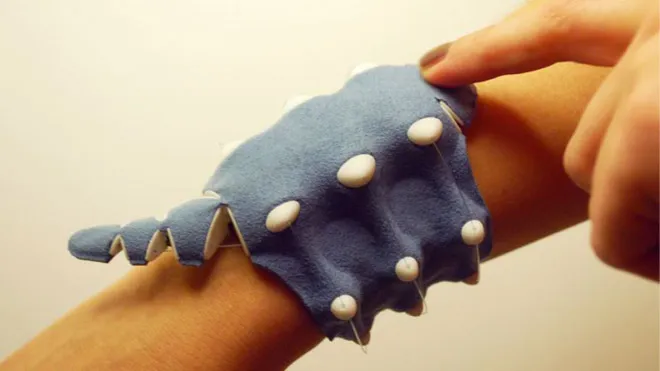
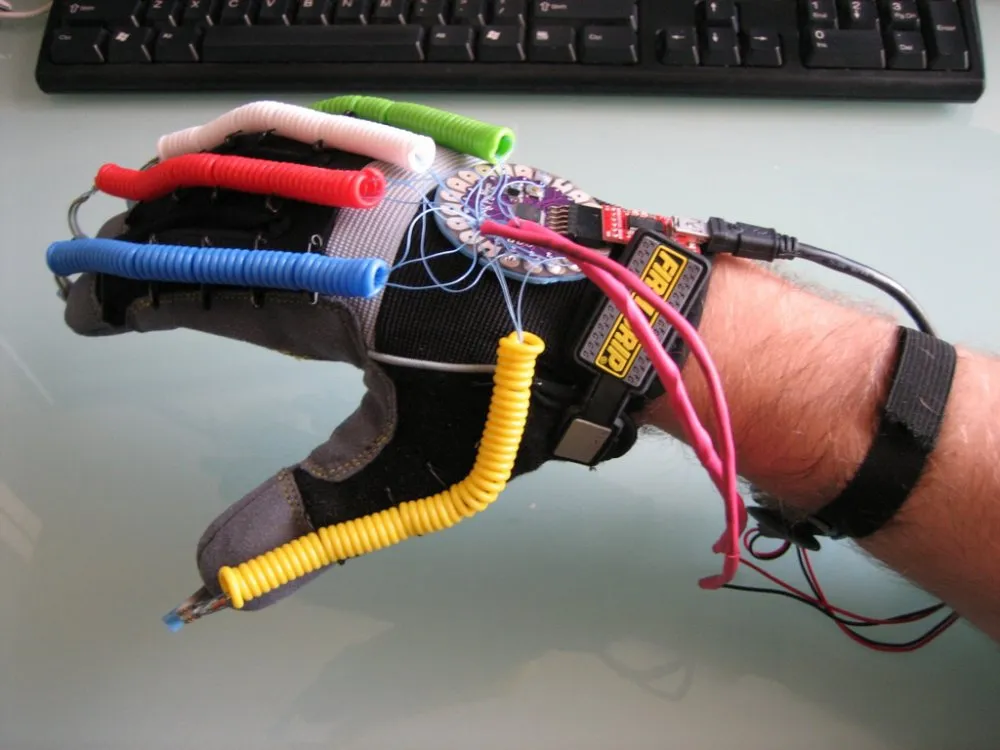
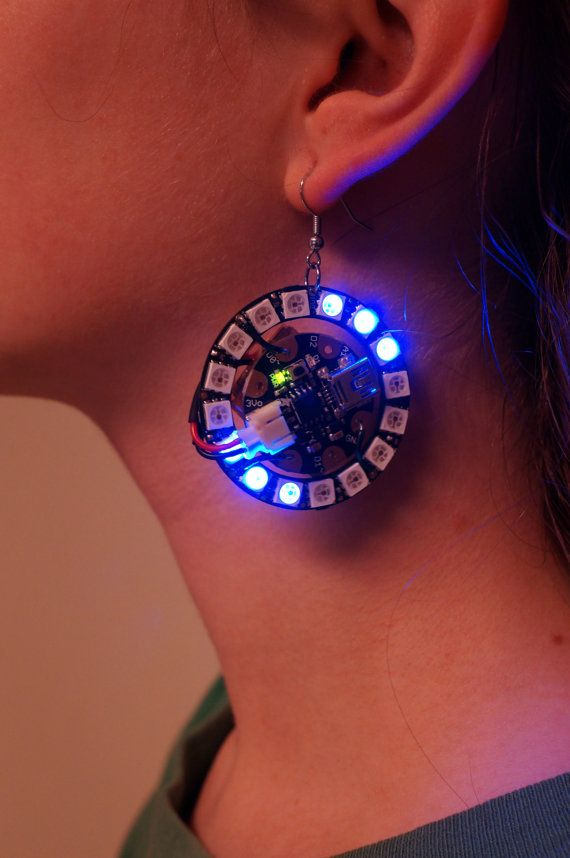
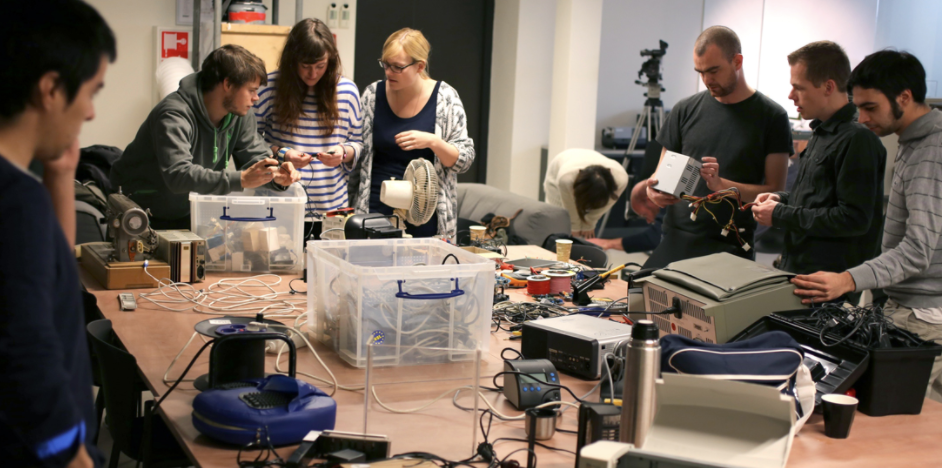
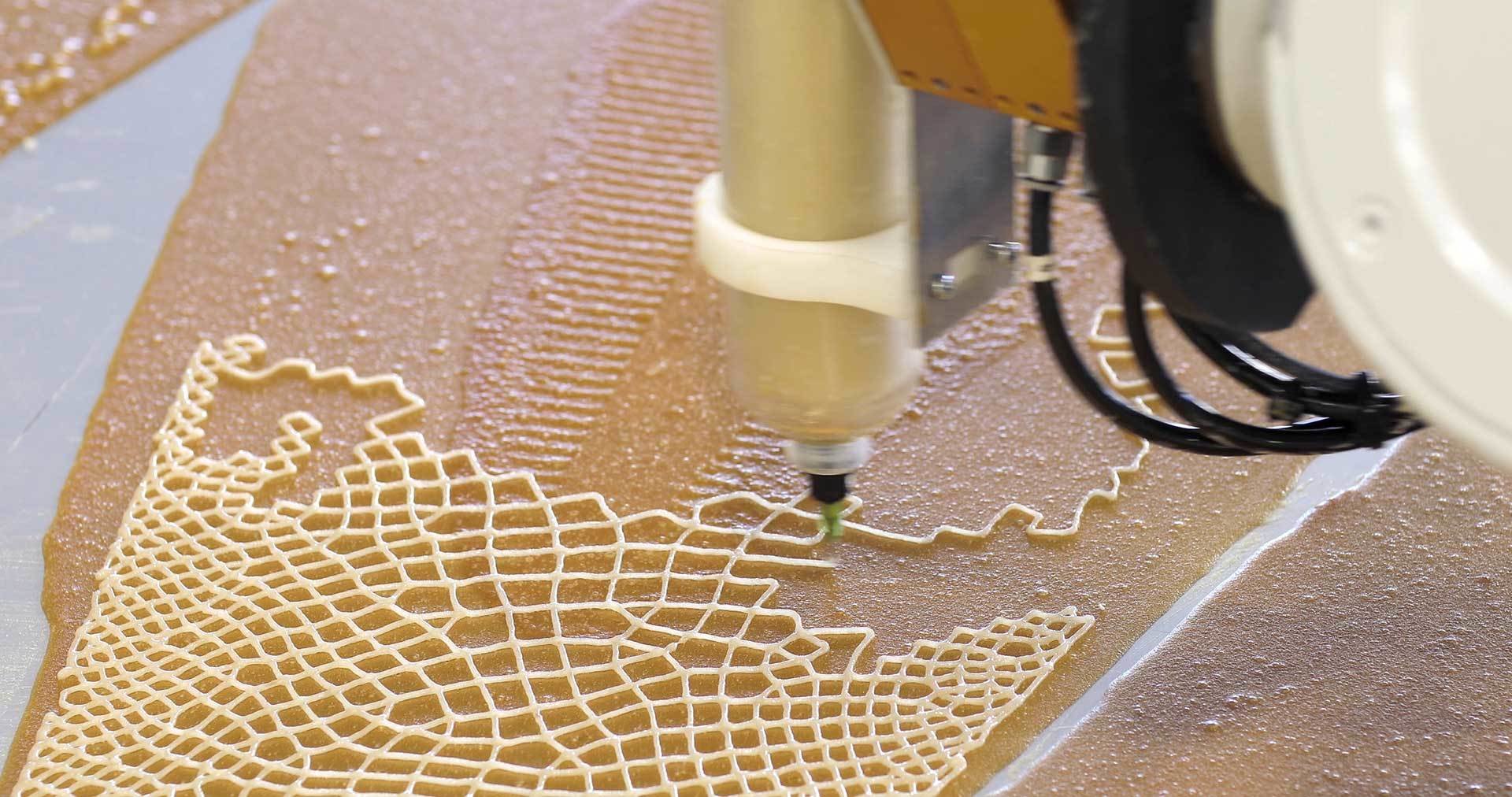
Building and experimenting with physical objects and technology individually or collaboratively.
22–23
Computation in Design 1
B-DC 121
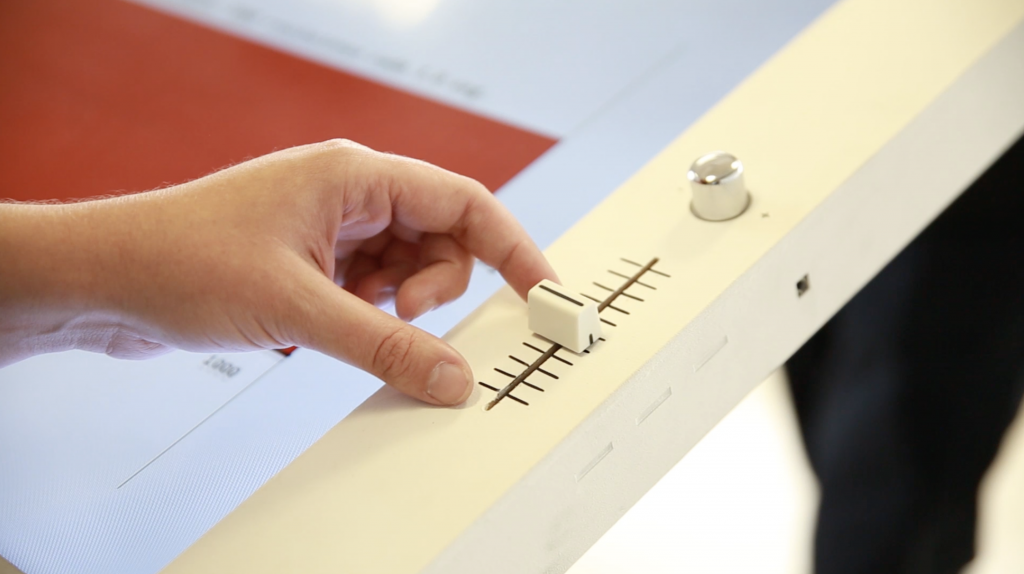
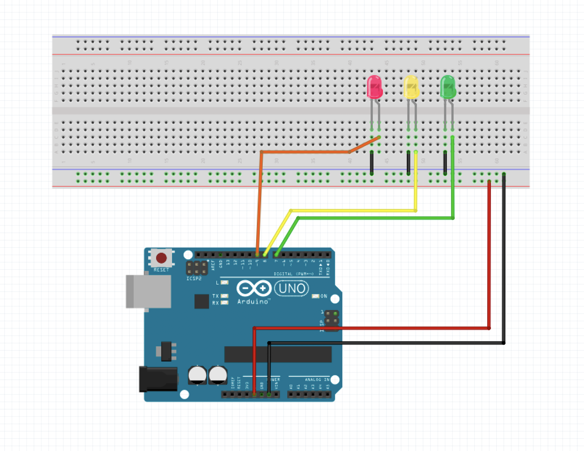

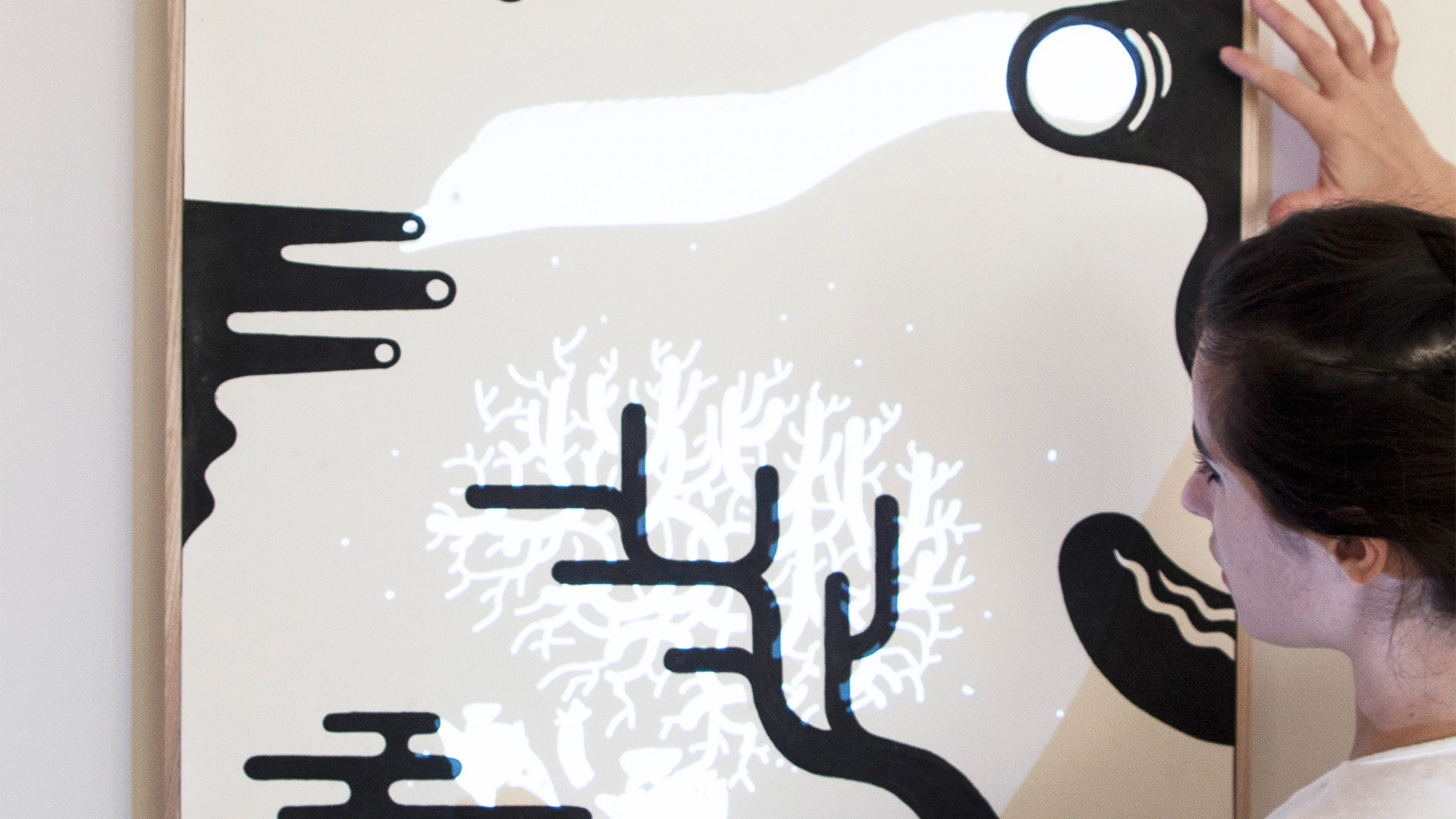
Physical interfaces designed using electronics and conductive paint, the design becomes the interface.
22–23
Computation in Design 1
B-DC 121
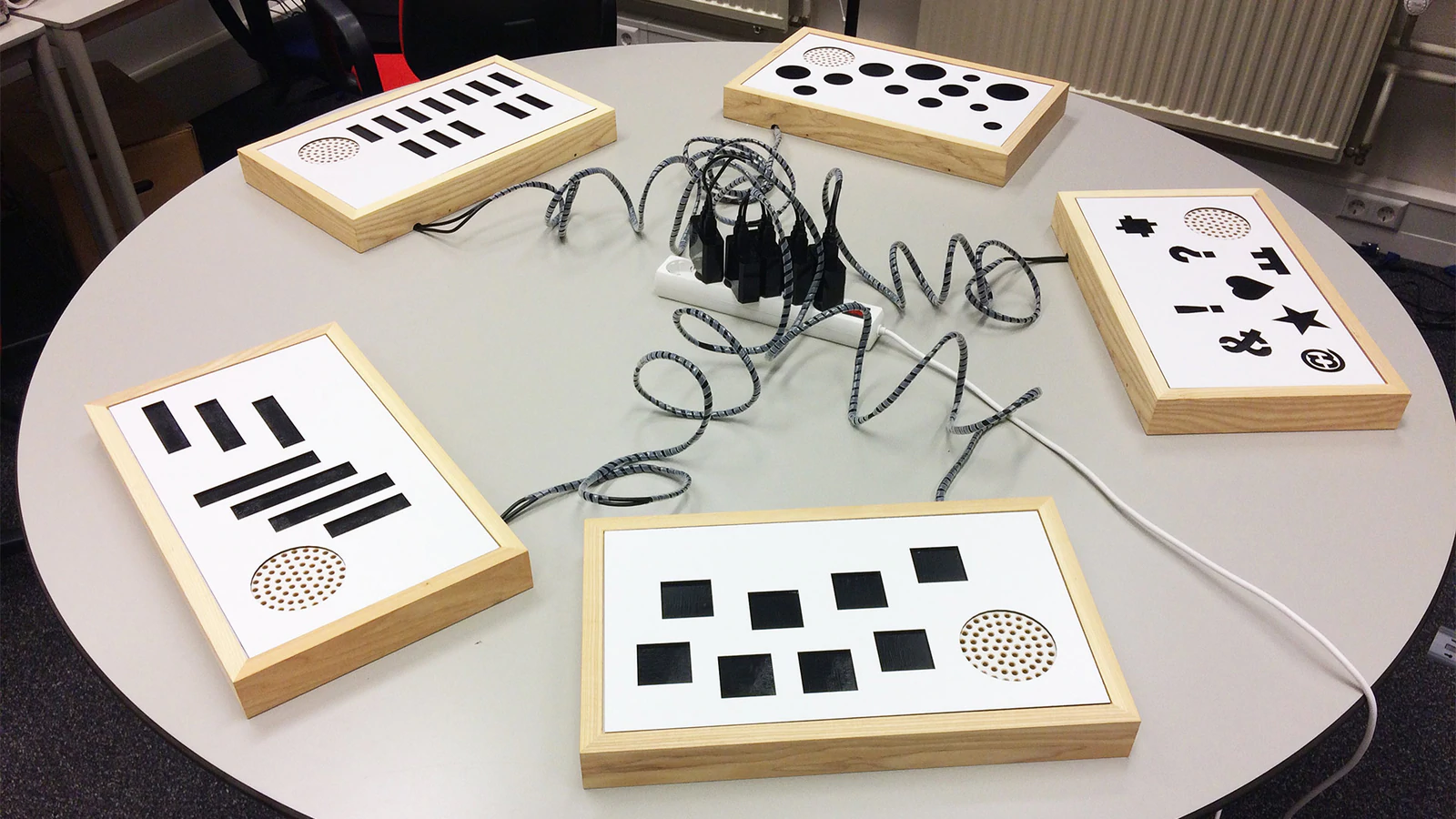
Physical interfaces designed using electronics and conductive paint, the design becomes the interface.
22–23
Computation in Design 1
B-DC 121
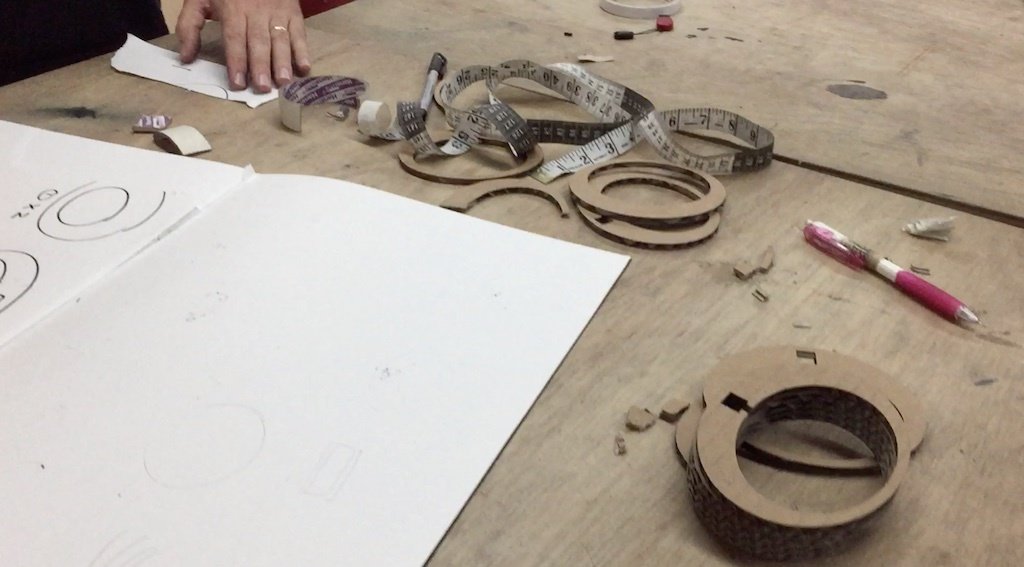
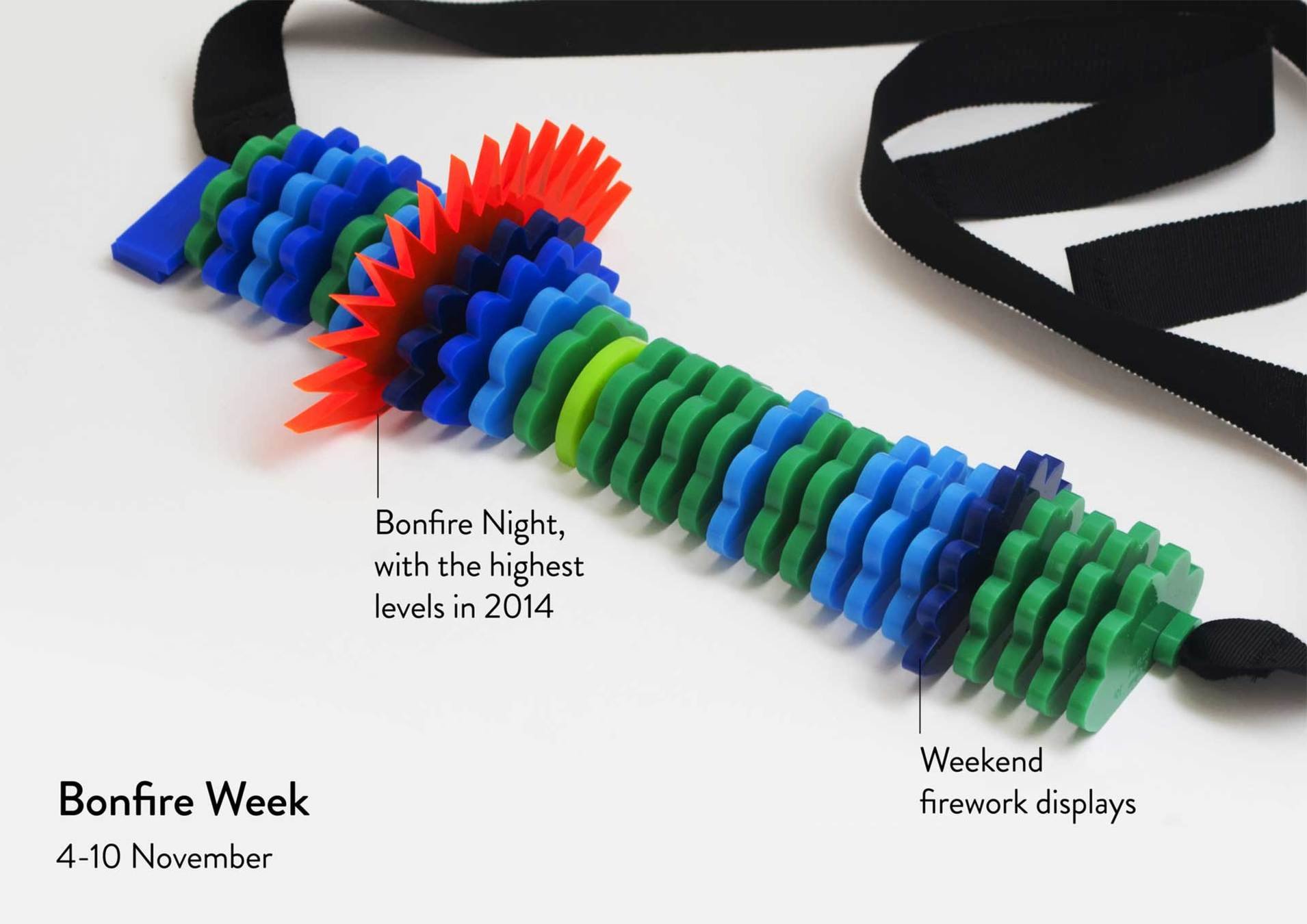
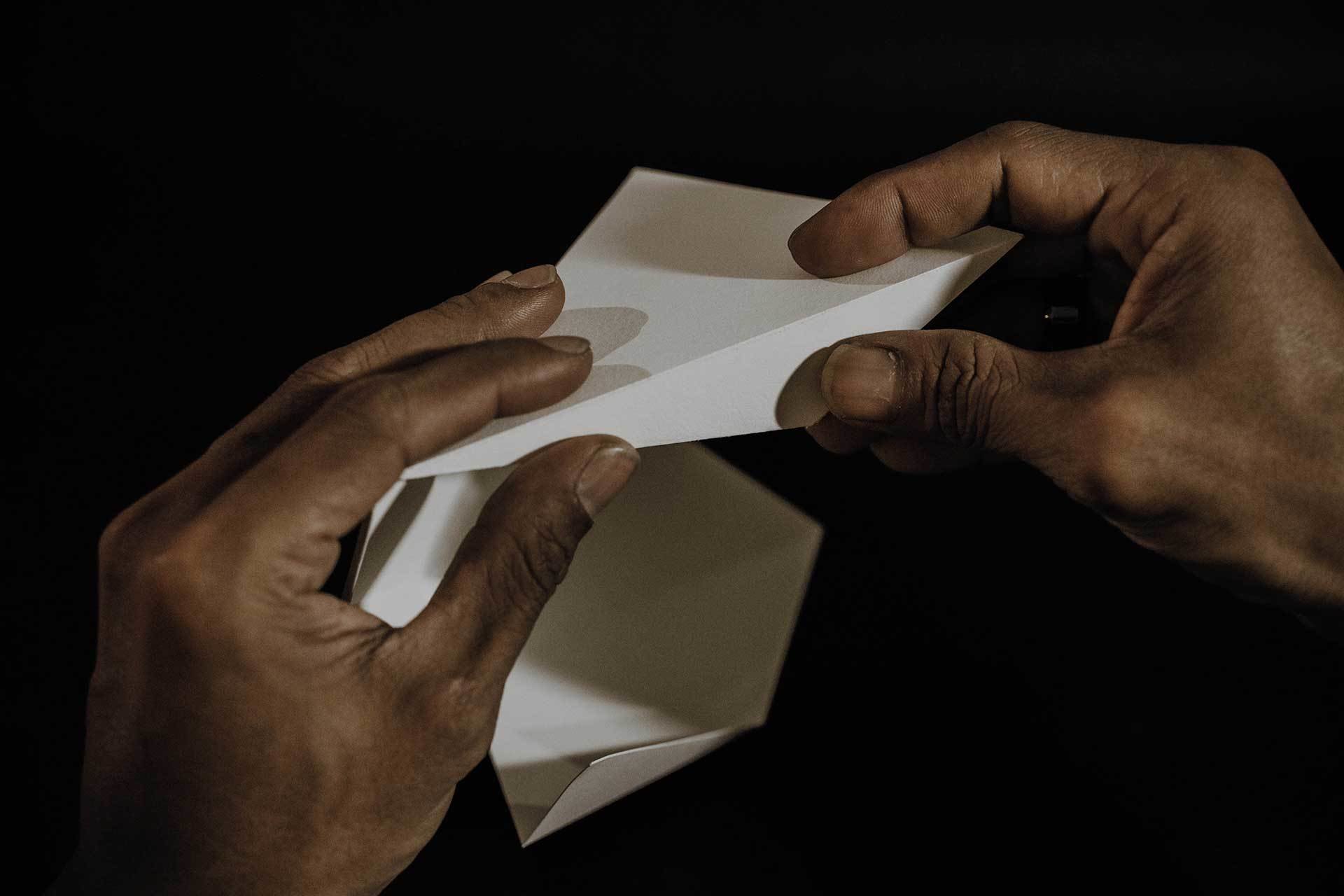
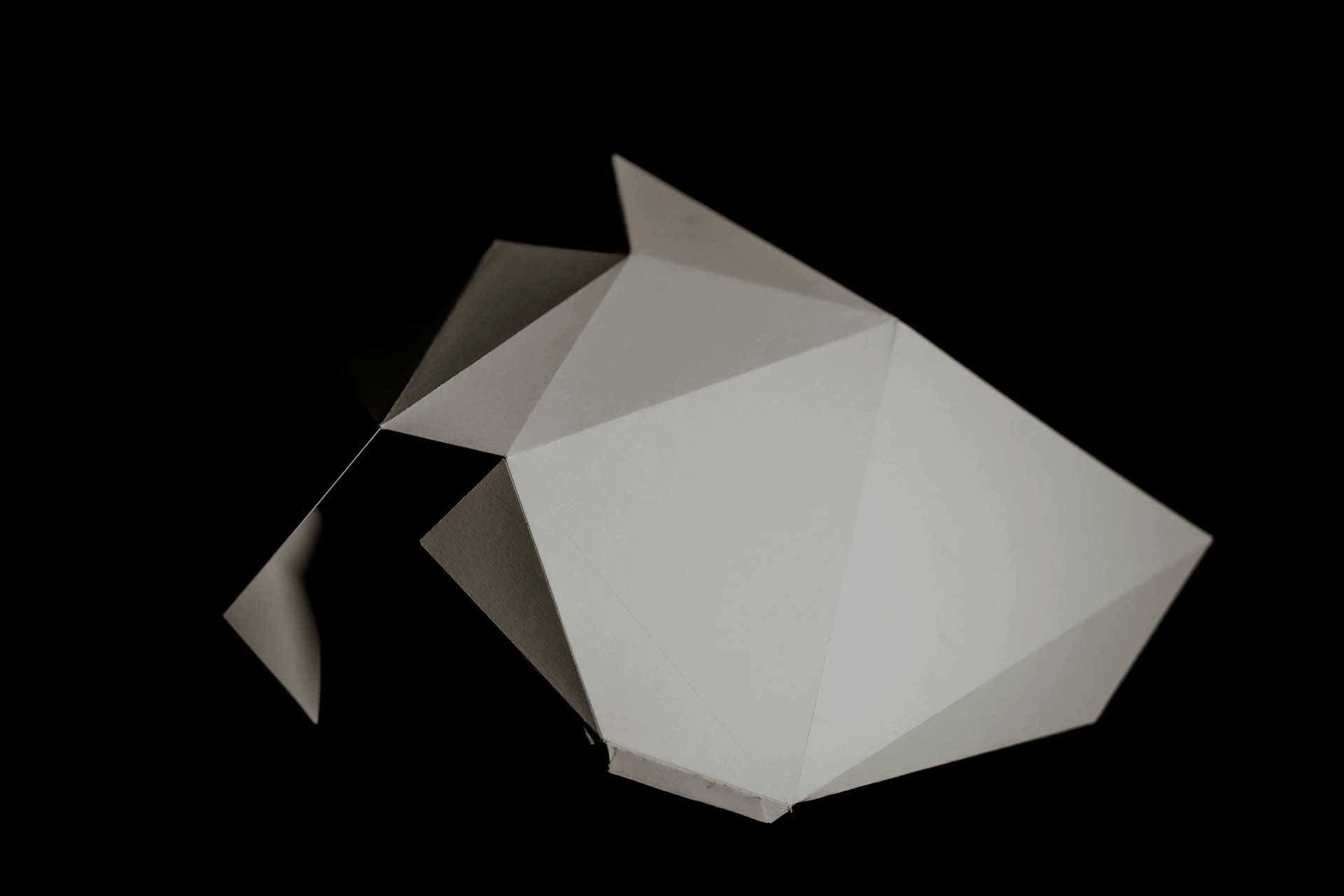
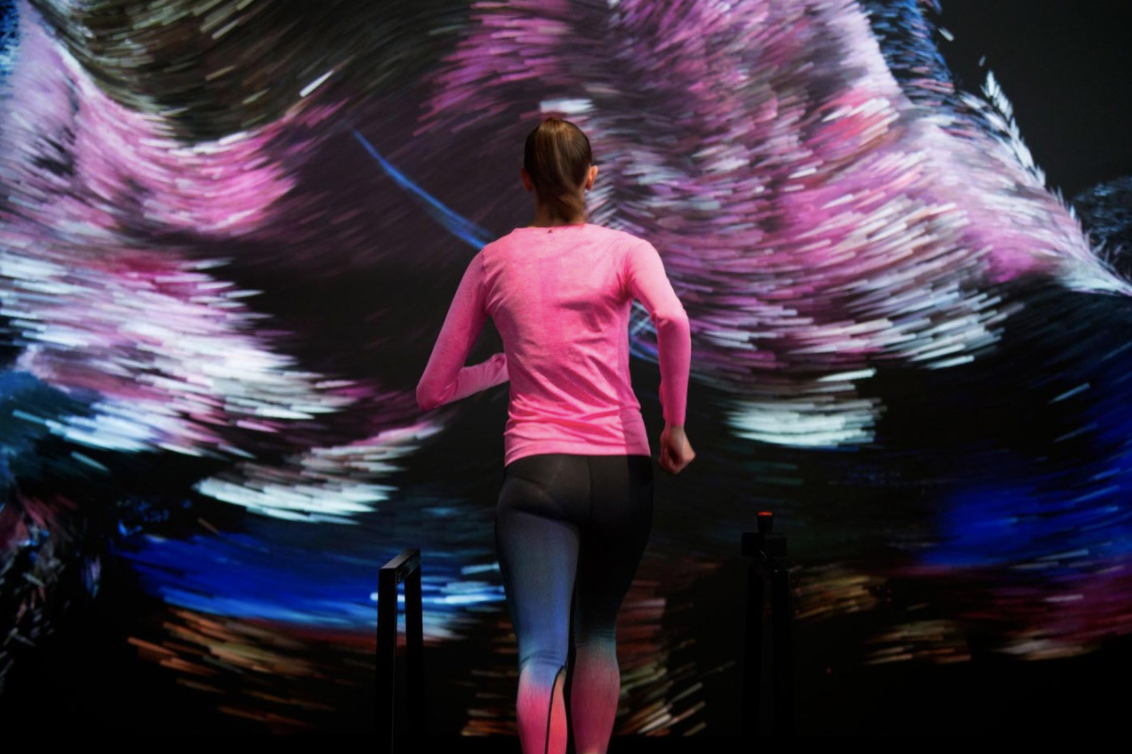
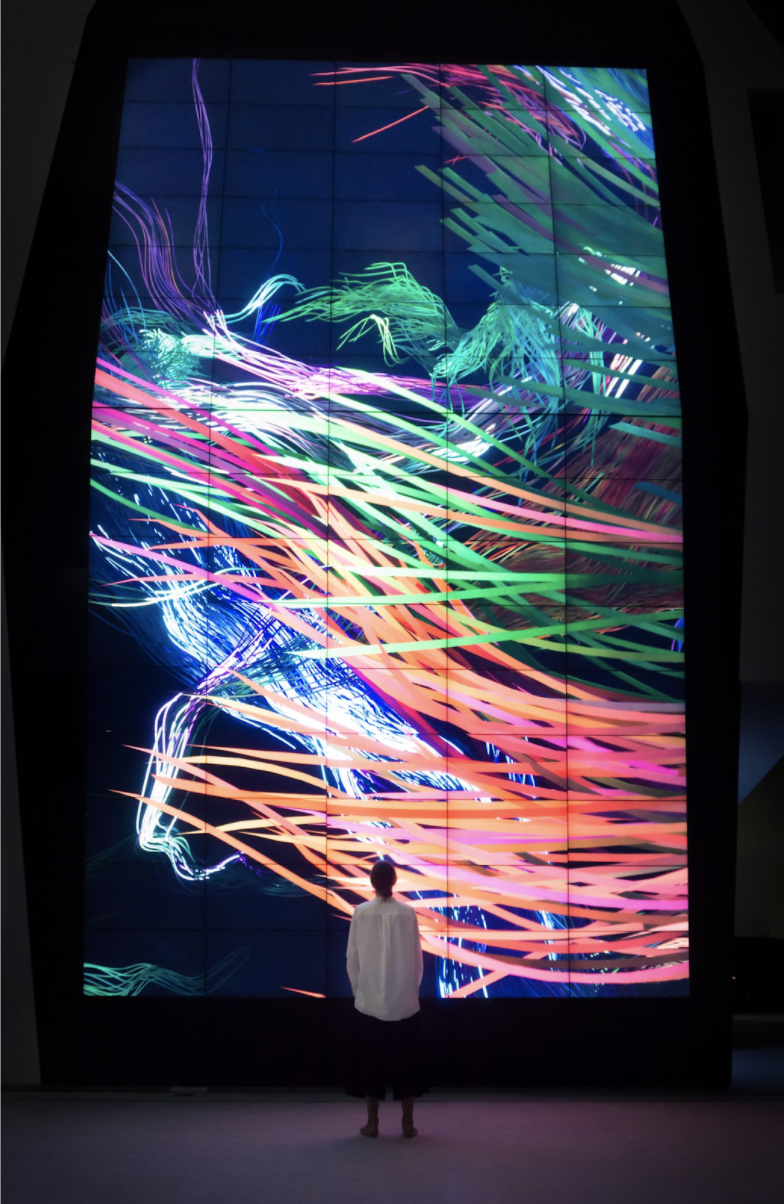
United Visual Artists, The Great Animal Orchestra, 2016.
22–23
Computation in Design 1
B-DC 121
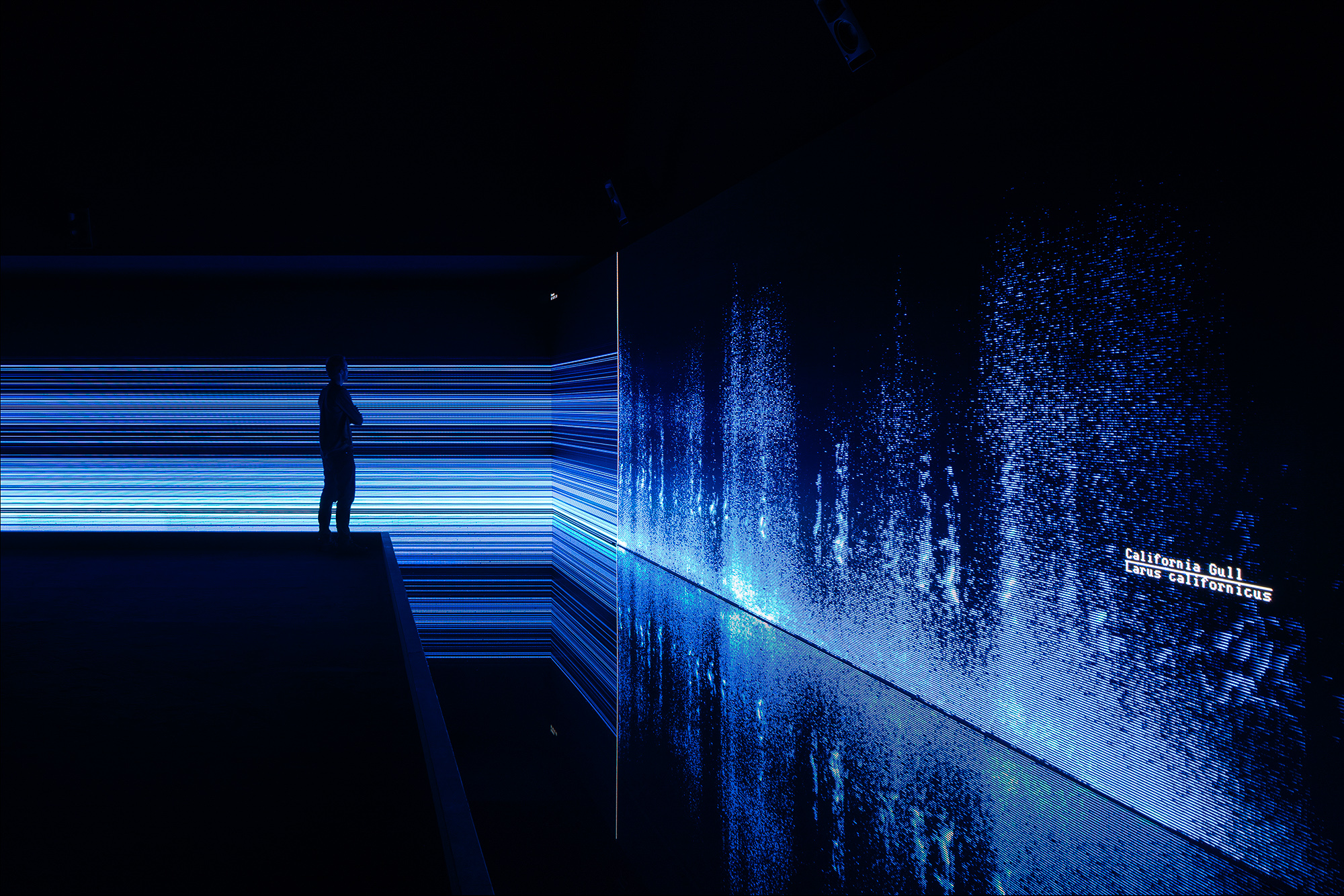
United Visual Artists
UVA’s diverse body of work integrates new technologies with traditional media such as sculpture, performance and site-specific installation.
The Great Animal Orchestra is a performative space in which spectrograms specifically crafted for and generated by Bernie Krause’s soundscapes form an abstract projected landscape, a visual interpretation of the various global locations and times of day that Krause made the original recordings.
On the floor, in front of the projections a shallow pool of black-coloured water seamlessly reflects the data and brings another dimension to the work. Speakers generate ripples to visualise the sound frequencies inaudible to the human ear. The installation envelops the audience encouraging them to linger and reflect on the language of the living sounds and the phenomenon that each animal has its own acoustic signature in the oral tapestry of its ecosystem.
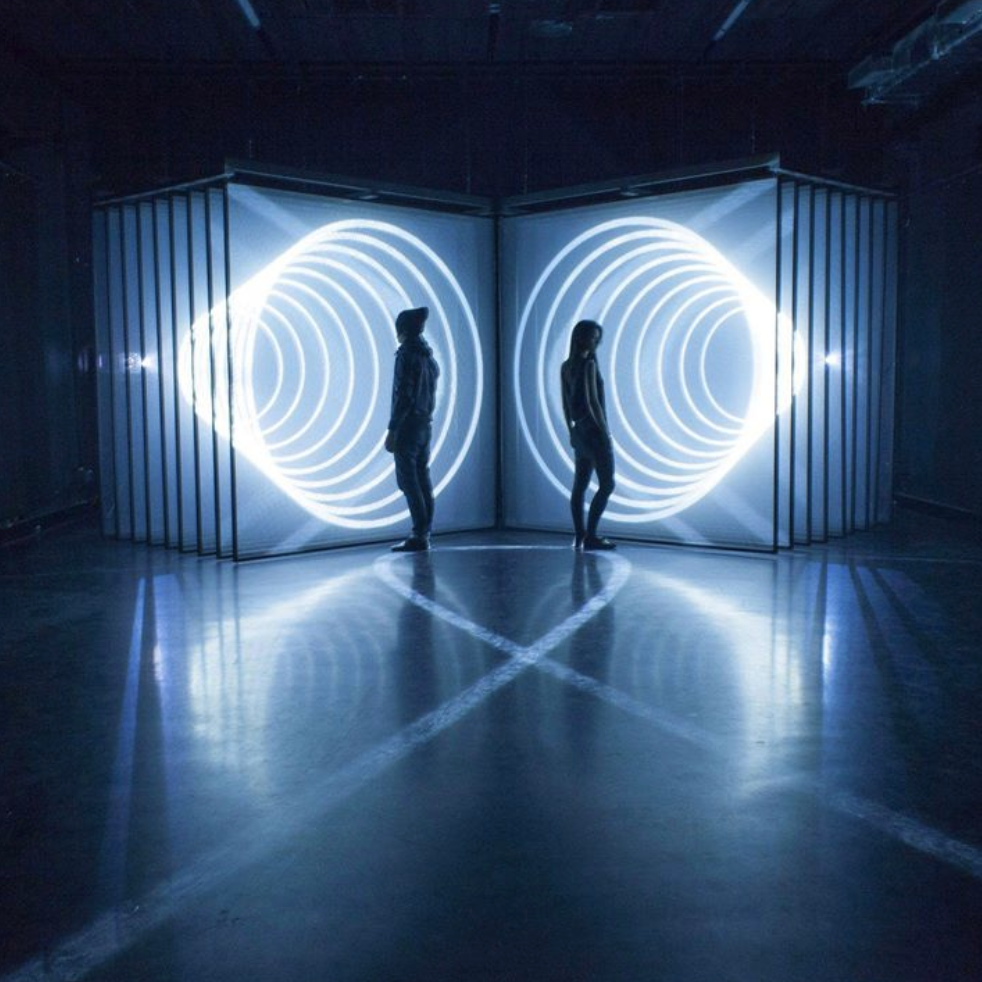
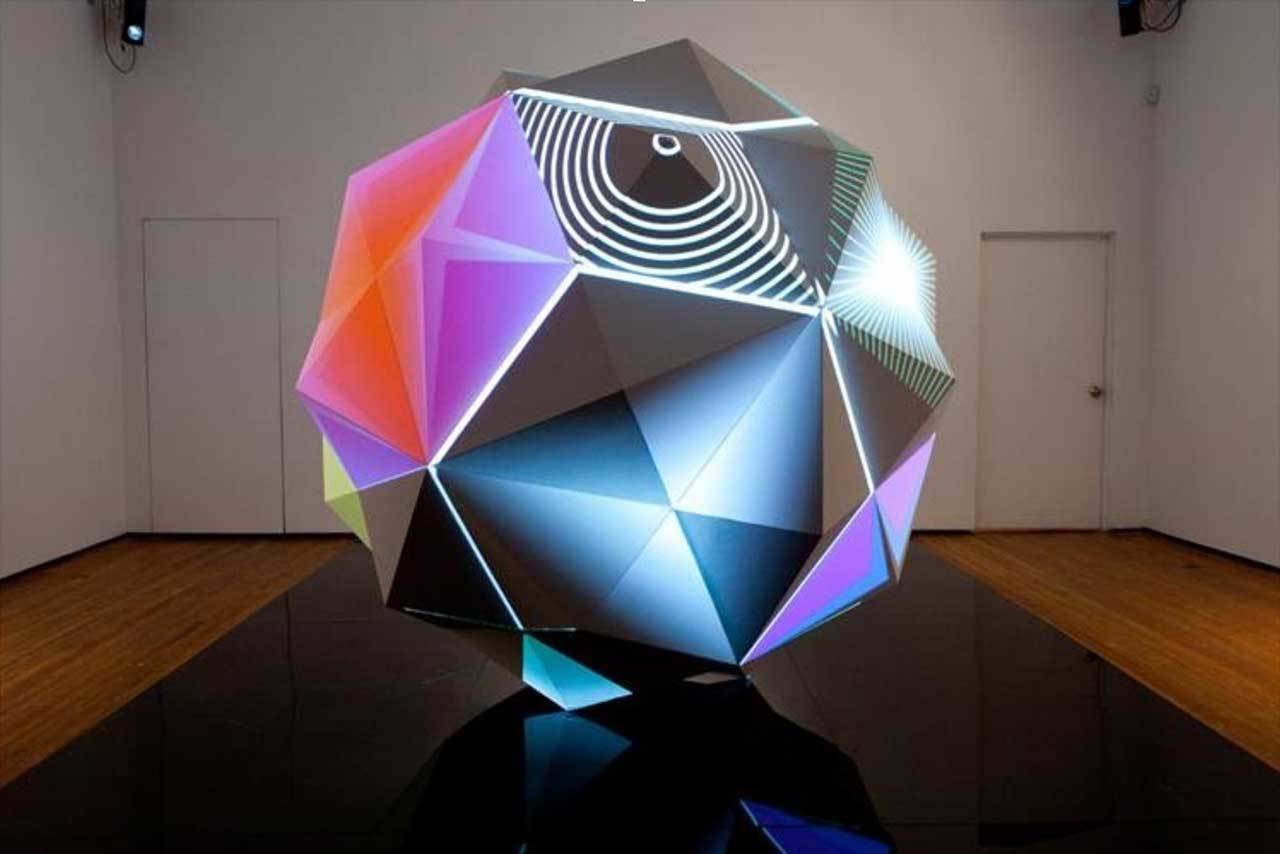
NONOTAK, DAYDREAM, 2013.
22–23
Computation in Design 1
B-DC 121
NONOTAK
NONOTAK work with light & sound installations and performance pieces to create ethereal, immersive and dreamlike environments.
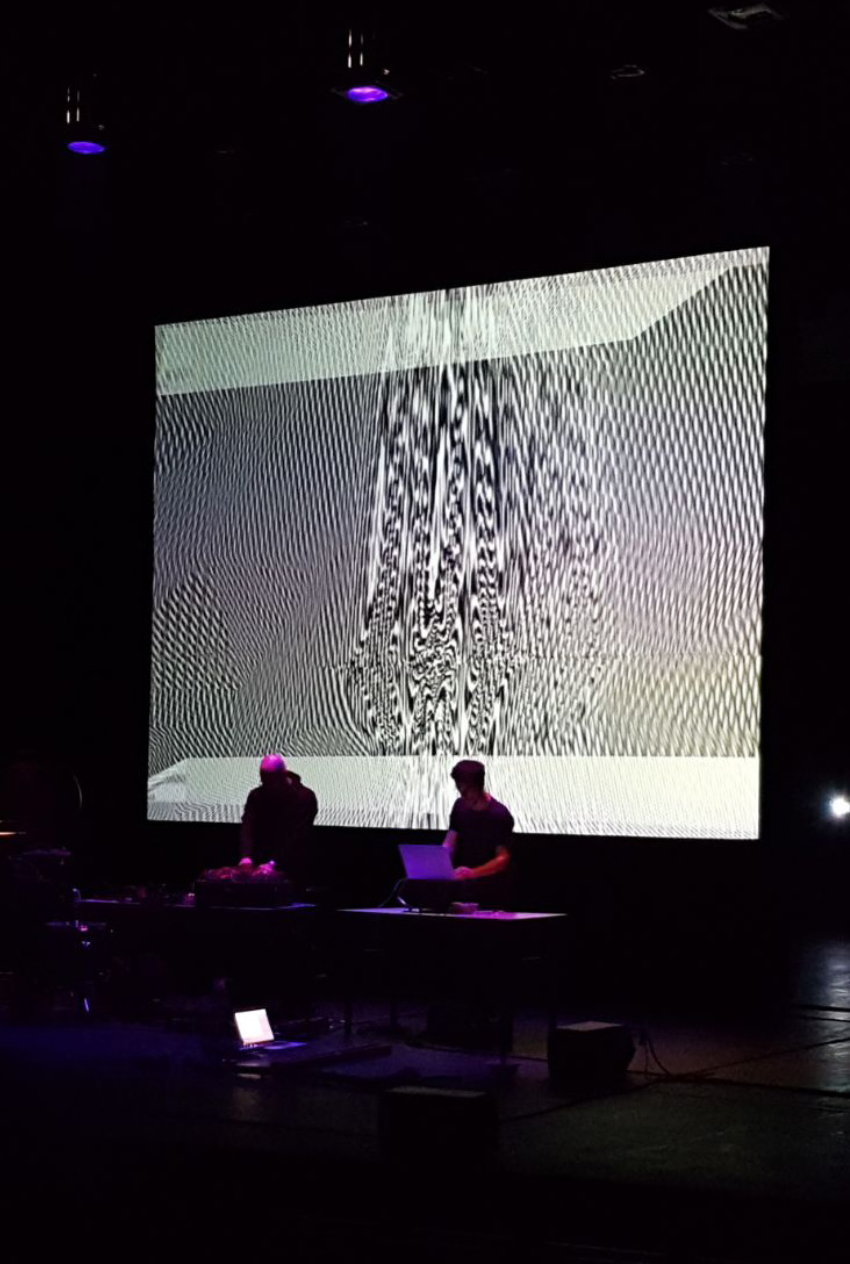
DAYDREAM is an audiovisual installation that generates space distortions. Relationship between space and time, accelerations, contractions, shifts and metamorphosis have been the lexical field of the project. This installation aimed at establishing a physical connection between the virtual space and the real space, blurring the limits and submerging the audience into a short detachment from reality. Lights generate abstract spaces while sounds define the echoes of virtual spaces. Daydream is an invitation to contemplation.
Ouchhh is a global creative new media studio. The Studio is a pioneer of data paintings & sculptures. link
22–23
Computation in Design 1
B-DC 121
Ouchhh, loading ...
22–23
Computation in Design 1
B-DC 121
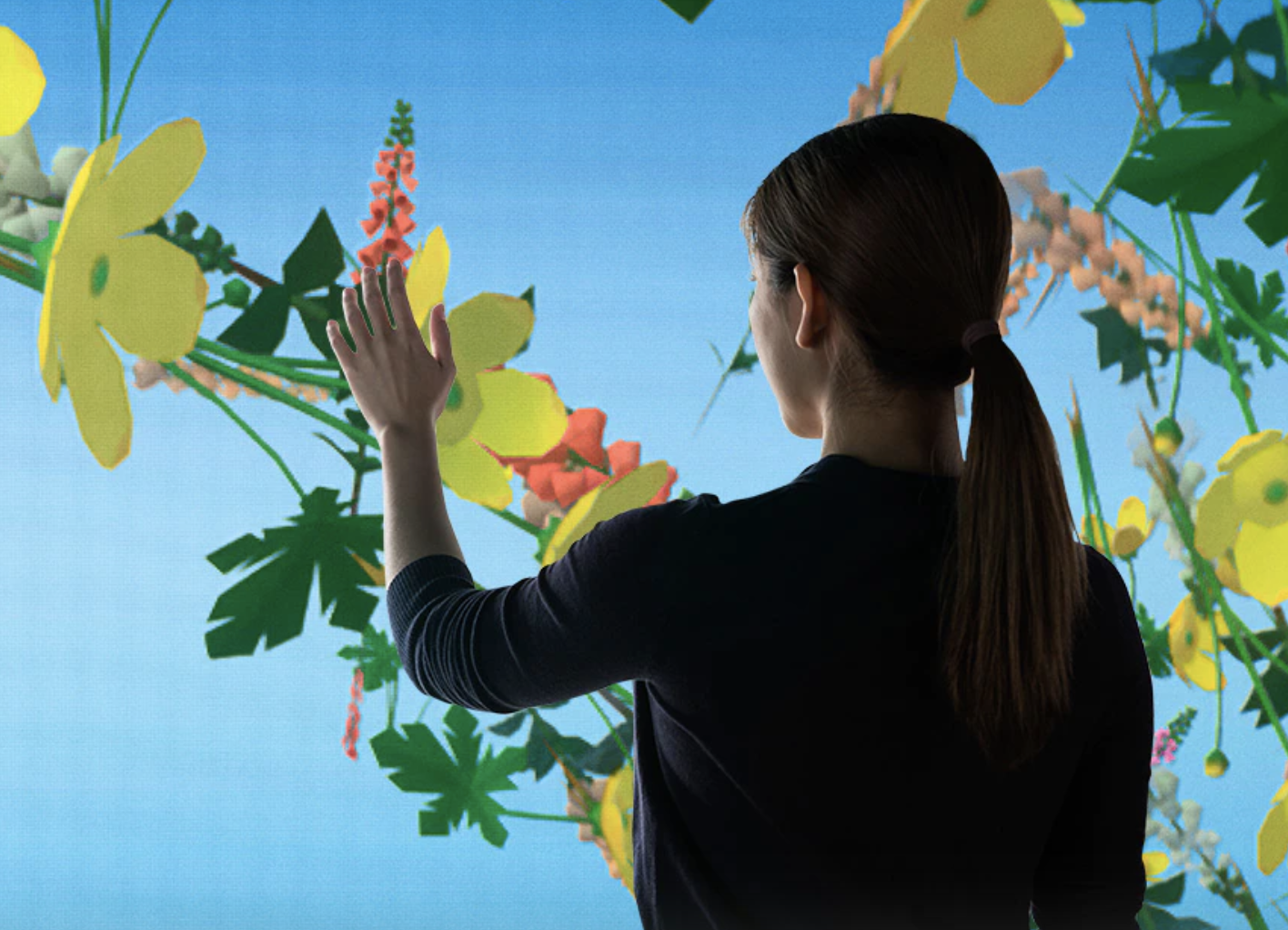
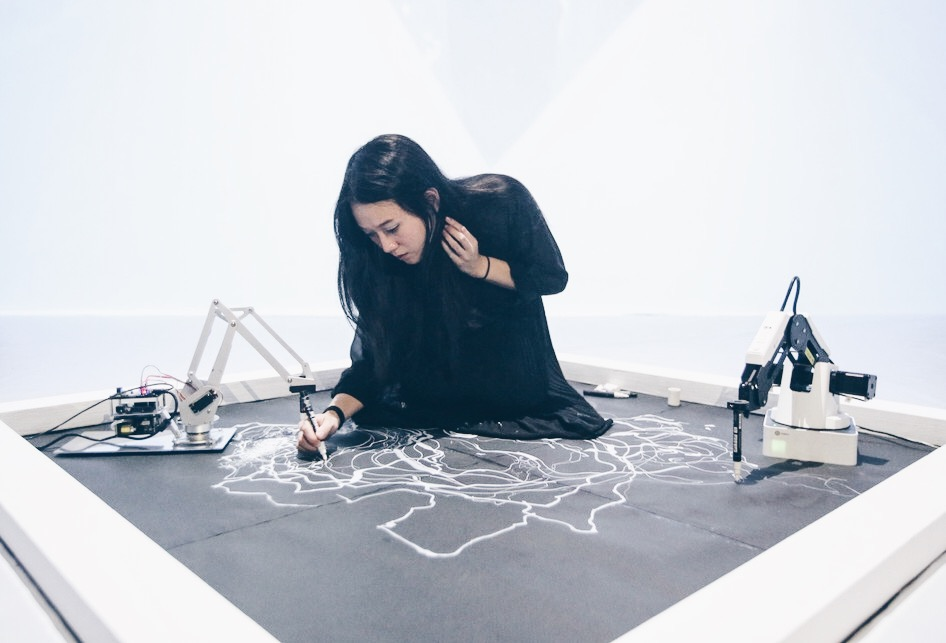
Sougwen Chung and the mark-made-by-machine.
22–23
Computation in Design 1
B-DC 121
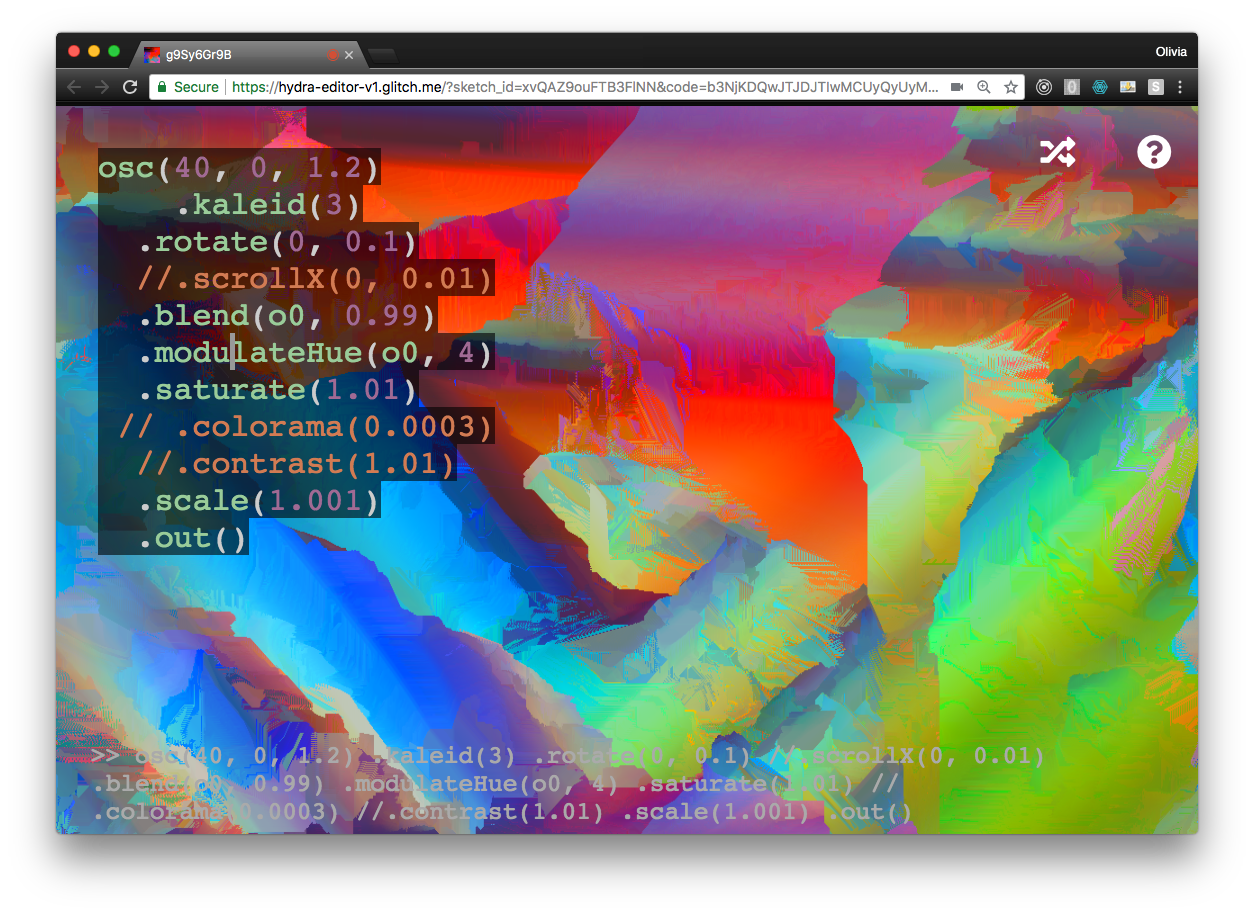
Olivia Jack, hydra, live coding tool.
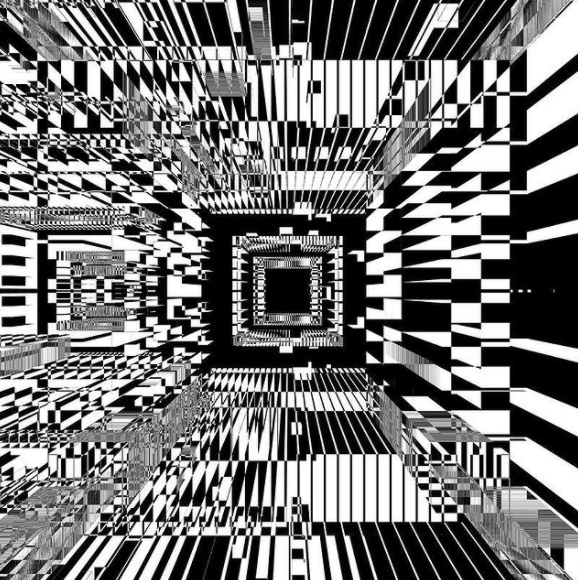
Jessica In, She draws with code.
22–23
Computation in Design 1
B-DC 121
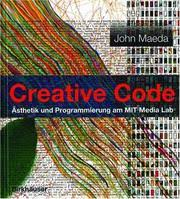
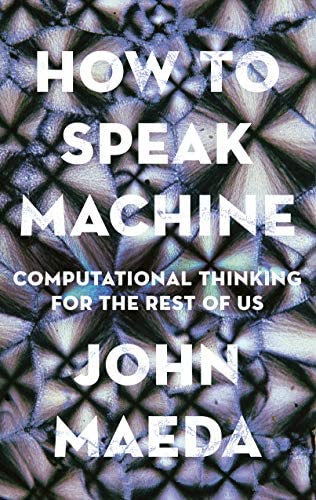
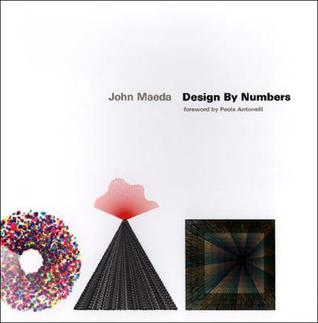
John Maeda is an american technologist and product experience leader. Early catalyst for generative art and computational design for cultural + commercial applications across Web2 and Web3.
Maeda has been an influential figure at the intersection of media art, design, and technology since the 1990s. His students include contemporary leaders such as Golan Levin, Casey Reas, Ben Fry, and many others. He has authored books aimed at bringing computation closer to initially unrelated disciplines such as art and design.
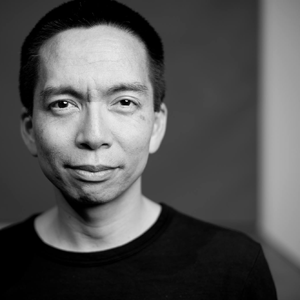
Maeda served as the President of Rhode Island School of Design (RISD), he was a Professor at the MIT Media Lab (The aesthetics and computation group link). His Design by Numbers project in the late 1990s was aimed at artists and designers to learn to code.
Maeda has compiled a series of technical reports over the past few years to examine the current state of design based on the worldly conditions we find ourselves in today and potentially tomorrow. Take a look at the latest report from 2022 here.
22–23
Computation in Design 1
B-DC 121
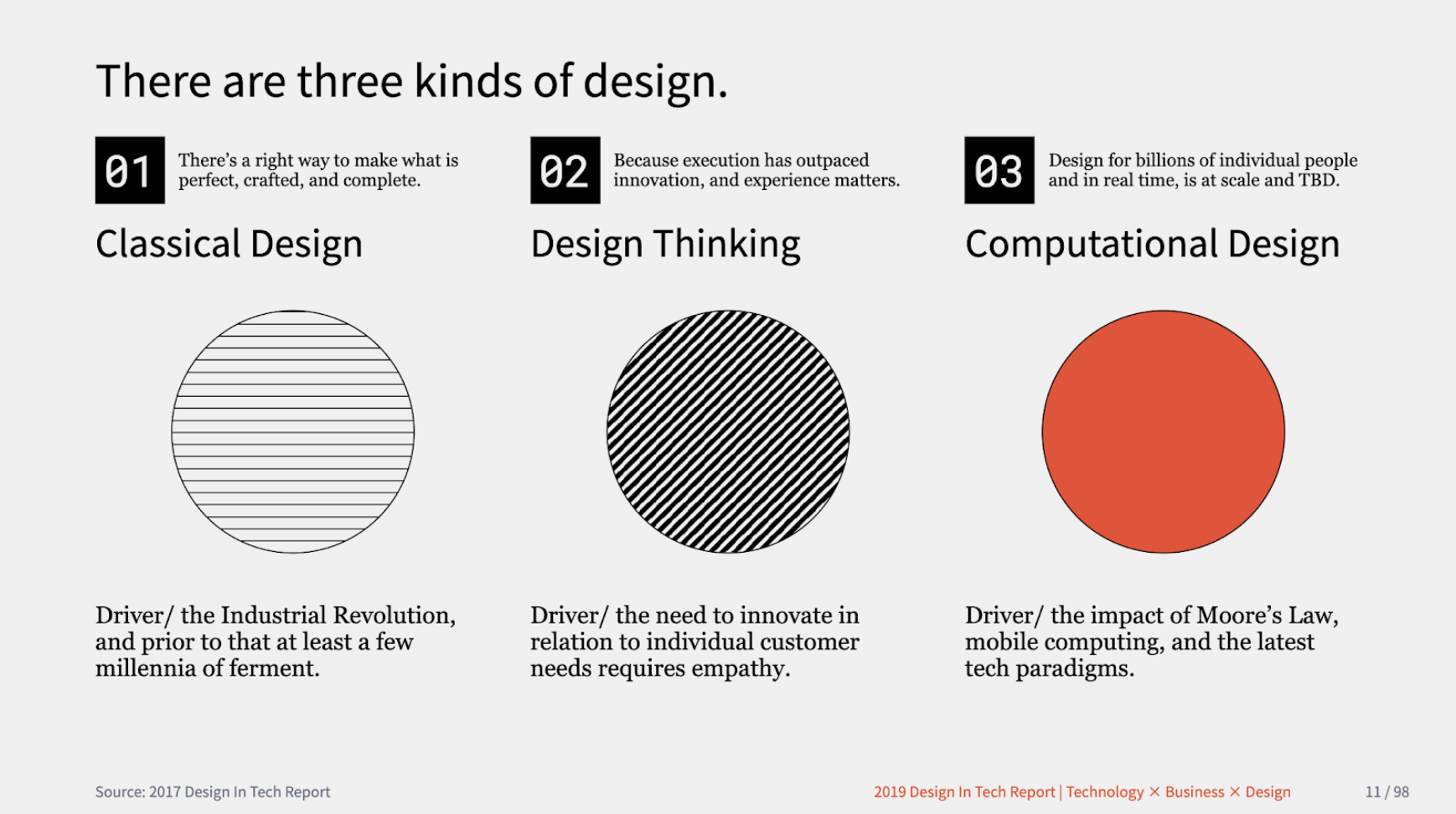
John Maeda defined three kinds of design as a working model to build upon: Classical Design, which pertains to the design of objects we use in the physical world, Design Thinking, which pertains to how organisations learn how to collaborate and innovate using ideation methods, and Computational Design, which pertains to any kind of creative activity that involves processors, memory, sensors, actuators, screens, and the network.
John Maeda in Design in Tech Report 2019
22–23
Computation in Design 1
B-DC 121
John Maeda defined three kinds of design as a working model to build upon: Classical Design, which pertains to the design of objects we use in the physical world, Design Thinking, which pertains to how organisations learn how to collaborate and innovate using ideation methods, and Computational Design, which pertains to any kind of creative activity that involves processors, memory, sensors, actuators, screens, and the network.
John Maeda in Design in Tech Report 2019
22–23
Computation in Design 1
B-DC 121
Classical Design
Design Thinking
Computational Design
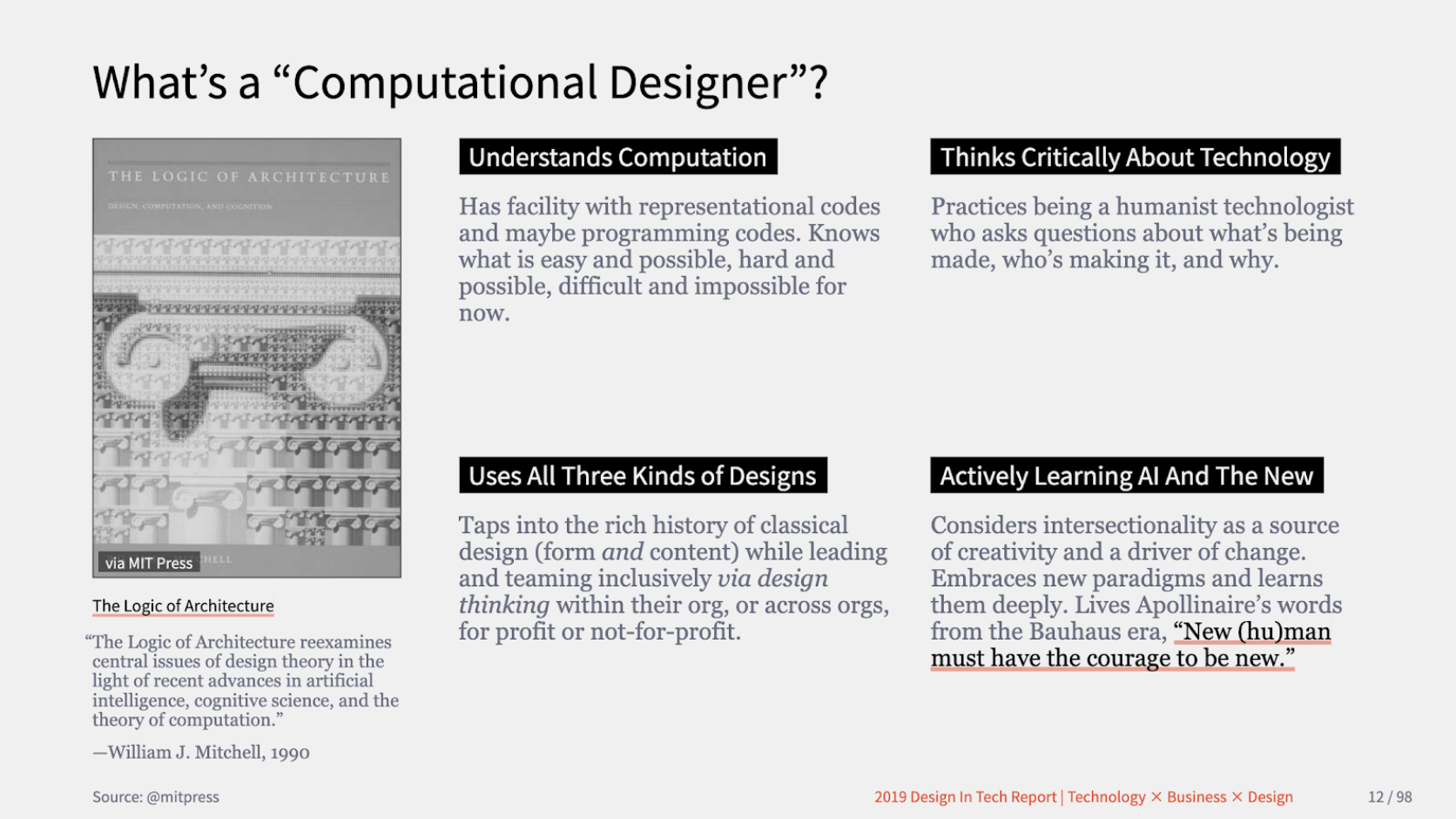
Thinking critically about Technology
Use all three kinds of Design
Understand Computation
Actively learning The New
Takeaway Points for Computation in Design
22–23
Computation in Design 1
B-DC 121
John Maeda defined three kinds of design as a working model to build upon: Classical Design, which pertains to the design of objects we use in the physical world, Design Thinking, which pertains to how organisations learn how to collaborate and innovate using ideation methods, and Computational Design, which pertains to any kind of creative activity that involves processors, memory, sensors, actuators, screens, and the network.
John Maeda in Design in Tech Report 2019
22–23
22–23
B-DC 332
Graduation Project
Computation in Design
Semester 1
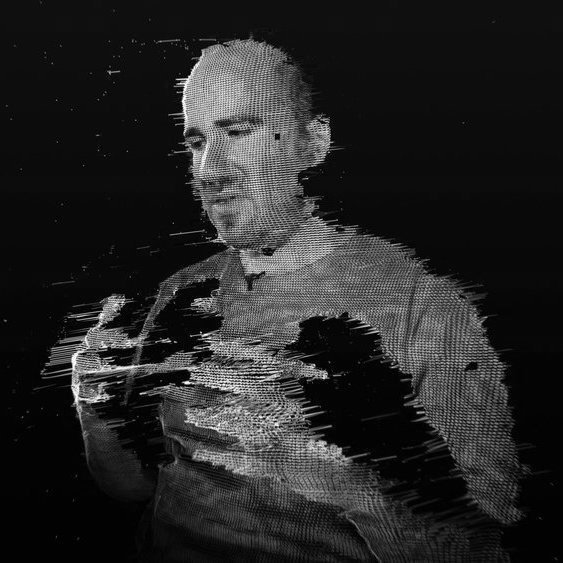
Zach Lieberman
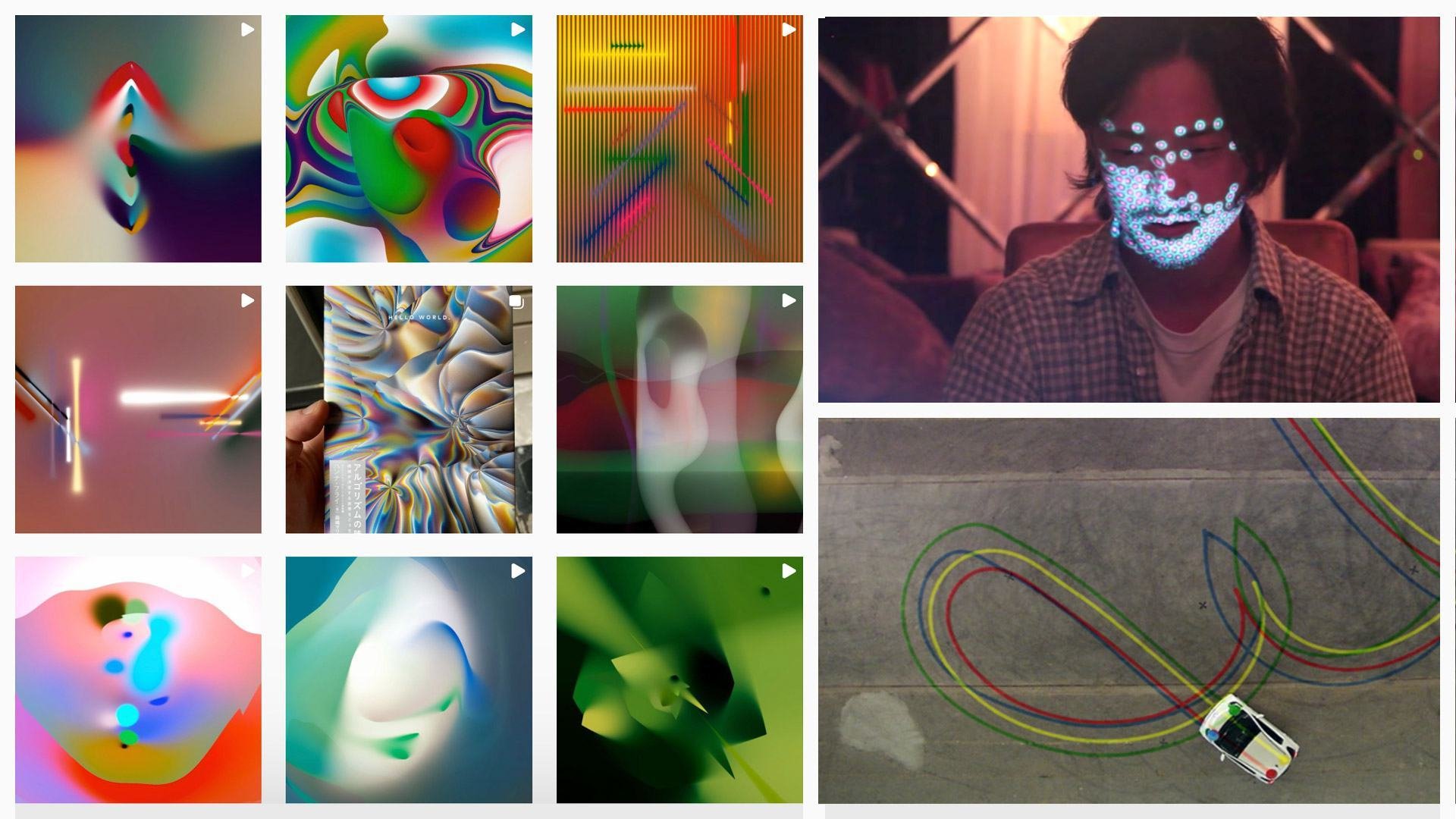
Zach Lieberman is an artist and educator based in New York City. He create artwork with code, and focus on building experimental drawing and animation tools. He make interactive environments that invite participants to become performers. His main focus is how computation can be used as medium for poetry.
Lieberman is a cofounder of the School for Poetic Computation. He is a professor (MIT Media Lab) at the Future Sketches group which explores software as a medium for art and design, as well as how toolkits and pedagogical approaches can help inform a new generation of computational craft. In their work and courses they focus on computational sketches, often engaging with the past, as a way of suggesting different possible futures.
Zach Lieberman's website link
22–23
22–23
B-DC 332
Graduation Project
Computation in Design
Semester 1
22–23
Computation in Design 1
B-DC 121
Learning code can be frustrating and it requires a lot of time and a lot of failure. Time and failure and misunderstanding.
To imbue a sense of optimism here is so important–to celebrate this as a new mode of working and to help students to realise that there's all these untapped ideas out there.
Zach Lieberman
Levin, Golan, and Tega Brain. Code as Creative Medium a Handbook for Computational Art and Design. The MIT Press, 2021.
22–23
Computation in Design 1
B-DC 121
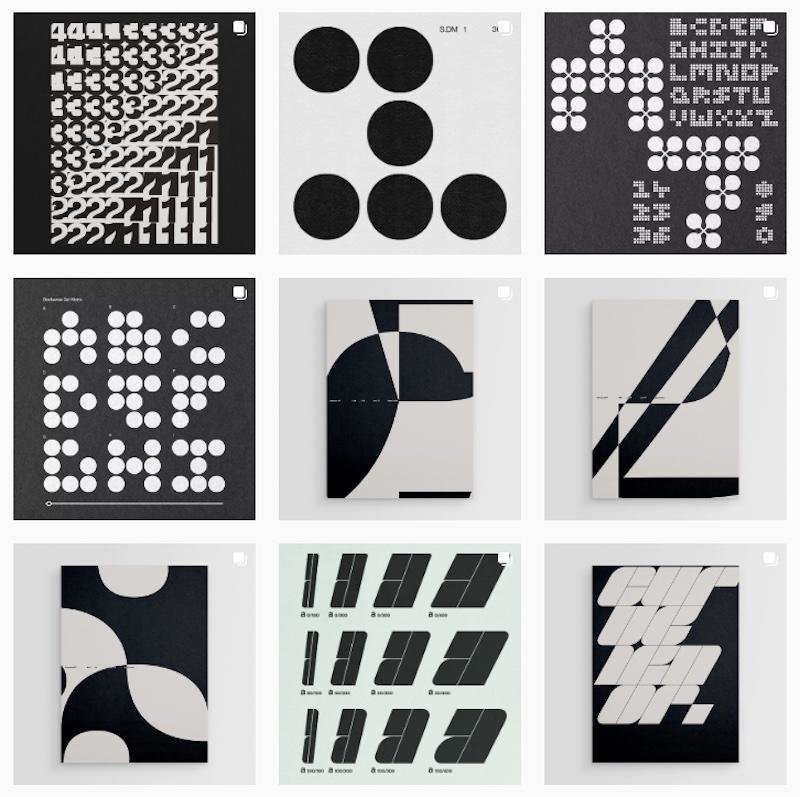
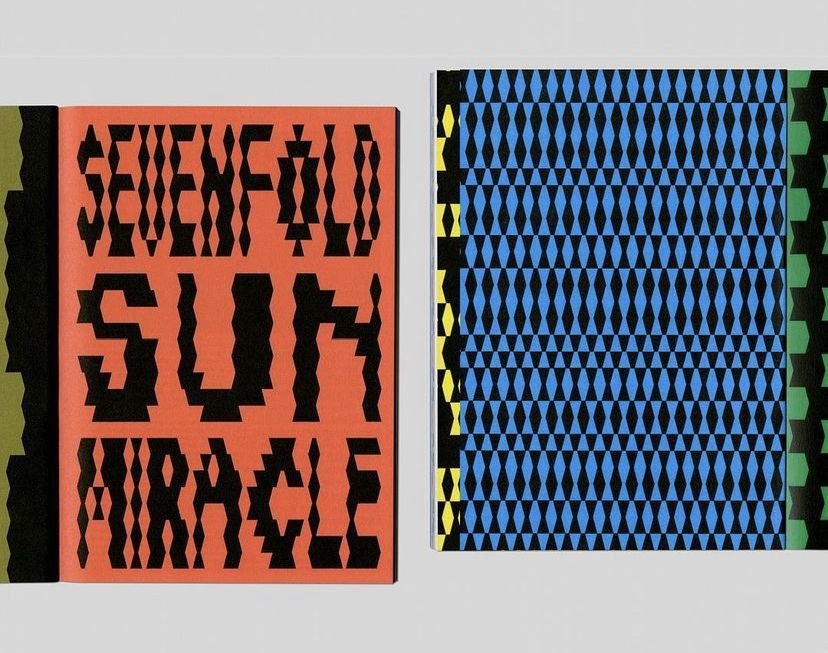
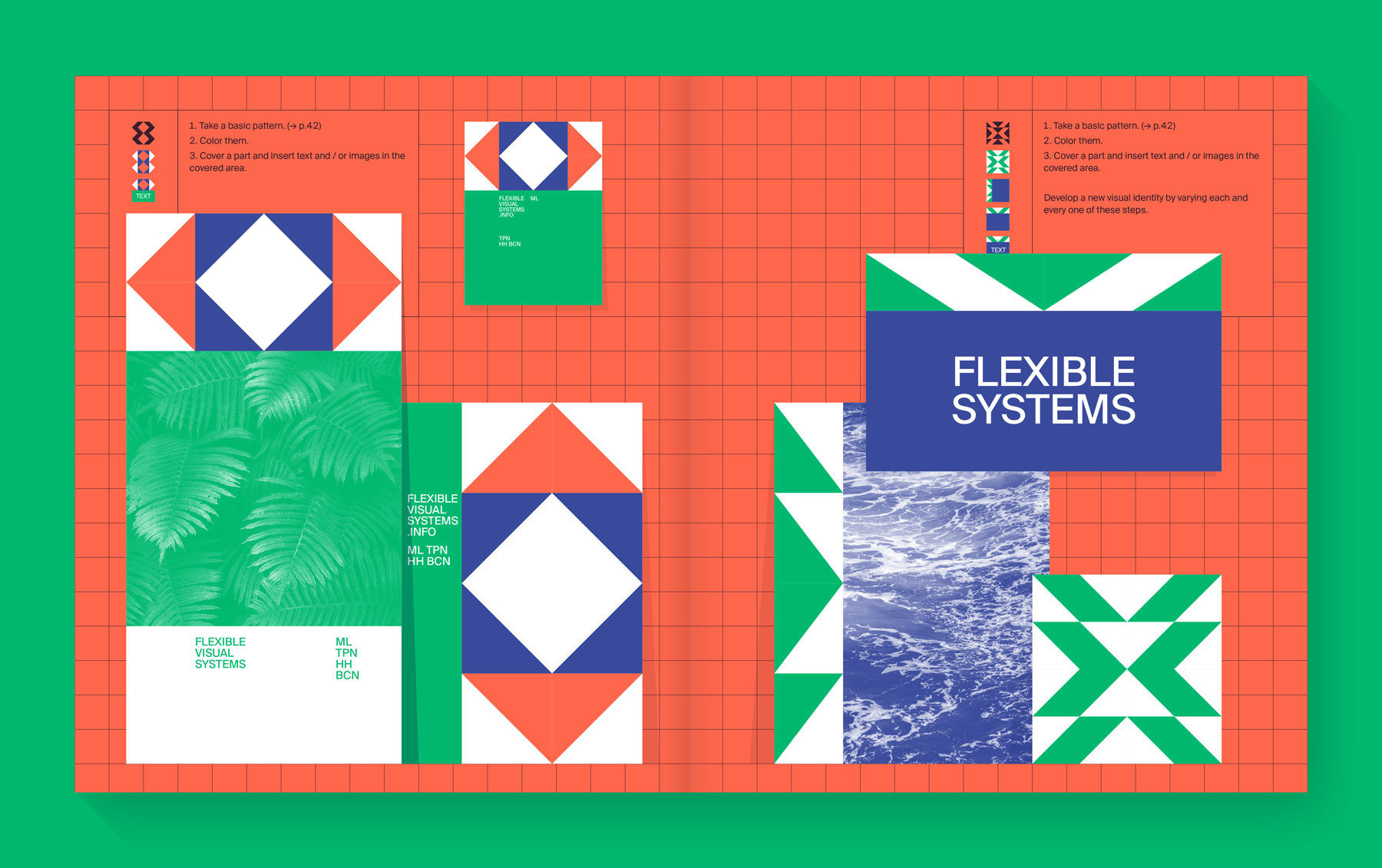
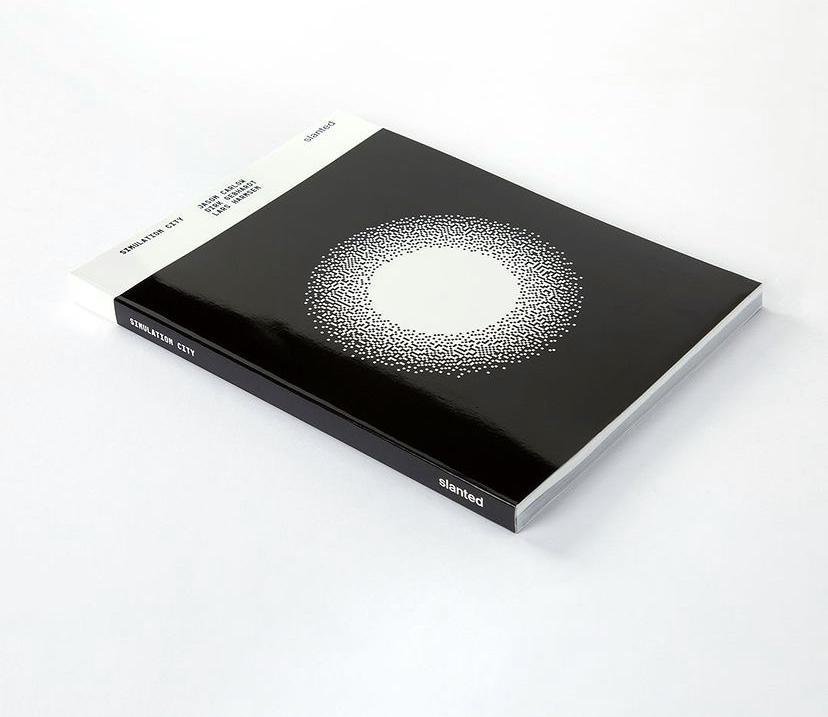
Flexible Visual Systems, the design manual for contemporary visual identities Martin Lorenz.
22–23
Computation in Design 1
B-DC 121
Not working or thinking in systems corresponds neither to our today's communication networks nor to contemporary communication behaviour.
Martin Lorenz
Lorenz, Martin. Flexible Visual Systems: The Design Manual for Contemporary Visual Identities. Slanted Publishers, 2022.
22–23
Computation in Design 1
B-DC 121
Explore
Ideate
Make
Test
Share
22–23
Computation in Design 1
B-DC 121
Weekly Schedule
We will meet on a weekly basis every Wednesday at 9.30 in F301. For a breakdown of the weekly schedule, navigate downwards.
22–23
Computation in Design 1
B-DC 121
Computation, coding and design
1
Computational Literacy building 1
2
Computational Literacy building 2
3
Computational Literacy building 3
4
Introduction to the class and an overview of weekly topics, activities and workshops followed by warm-up activities
The anatomy of a program: syntax, flow, functions, variables, shapes, loops, conditionals.
What can coding do for you and what can you do with coding as a designer? In class activities are conducted in small groups to better understand the relevance, potential and application of code and computation
Structuring a program, planning and organising thoughts and ideas, documenting and taking care of visual materials created. Computational aesthetics with functions, loops, variables and movement.
Weekly Schedule
22–23
Computation in Design 1
B-DC 121
Applied workshop 1.1
5
Applied workshop 1.2
6
Work check
7
Project week
8
In a series of workshops, students are split into smaller groups and will be introduced to topics previously covered in more detail and will be briefed to creatively apply coding in a small exercise for each workshop.
Workshop 1 continues and concludes at the end of the session, Workshop 1 outcomes due week 7
Process and progress review. Digital Portfolio and Creative Process Journal work check
Independent Study, students to review work check feedback and term 1 activities and topics covered
Weekly Schedule
22–23
Computation in Design 1
B-DC 121
Applied workshop 2.1
9
Applied workshop 2.2
10
Applied workshop 3.1
11
Applied workshop 3.2
12
Students continue with their second workshop, introduction to topic and workshop briefing
Workshop 2 continues and concludes at the end of the session. Workshop 2 outcomes to be completed and due week 11
Students continue with their third workshop, introduction to topic and workshop briefing
Workshop 3 continues and concludes at the end of the session. Workshop 3 outcomes to be completed and due week 13
Weekly Schedule
22–23
Computation in Design 1
B-DC 121
Submission compilation
13
Independent Study
14
Assessment
15
Conclusion of the semester with sharing of outcomes. Submission briefing and assessment preparation of materials created over the course of the semester. We are nearing the end of the semester. In this session we will look at how to organise and present your semester work in a digital format, a pdf. You will be introduced to a template and briefed on your submission for assessment.
Use this week to work on your submission.
Your submission should include all materials as required and briefed.
Weekly Schedule
23–24
Computation in Design 1
B-DC 121
Digital Portfolio
Navigate downwards to learn more
Computation in Design 1
B-DC 121
Digital Portfolio
How To
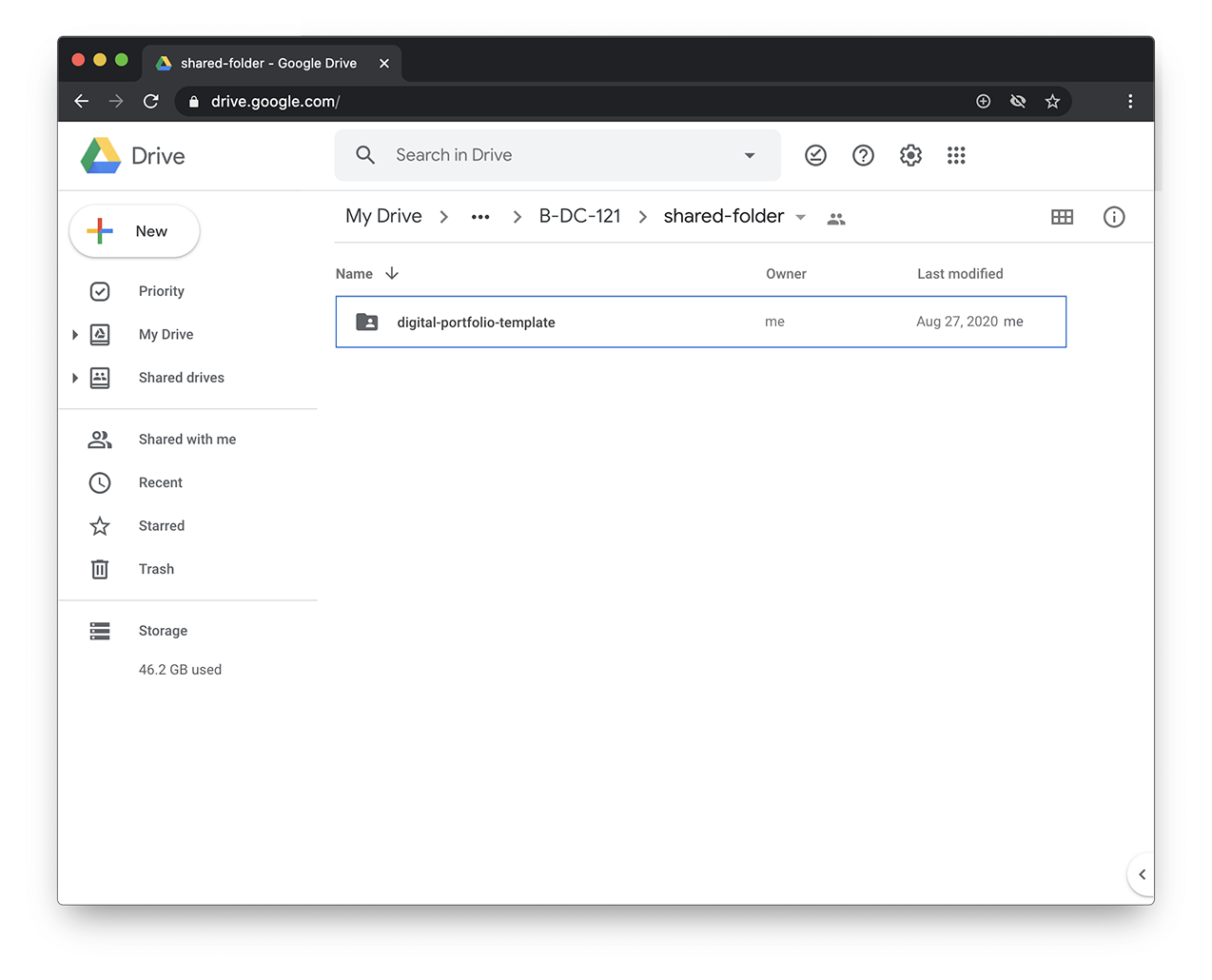
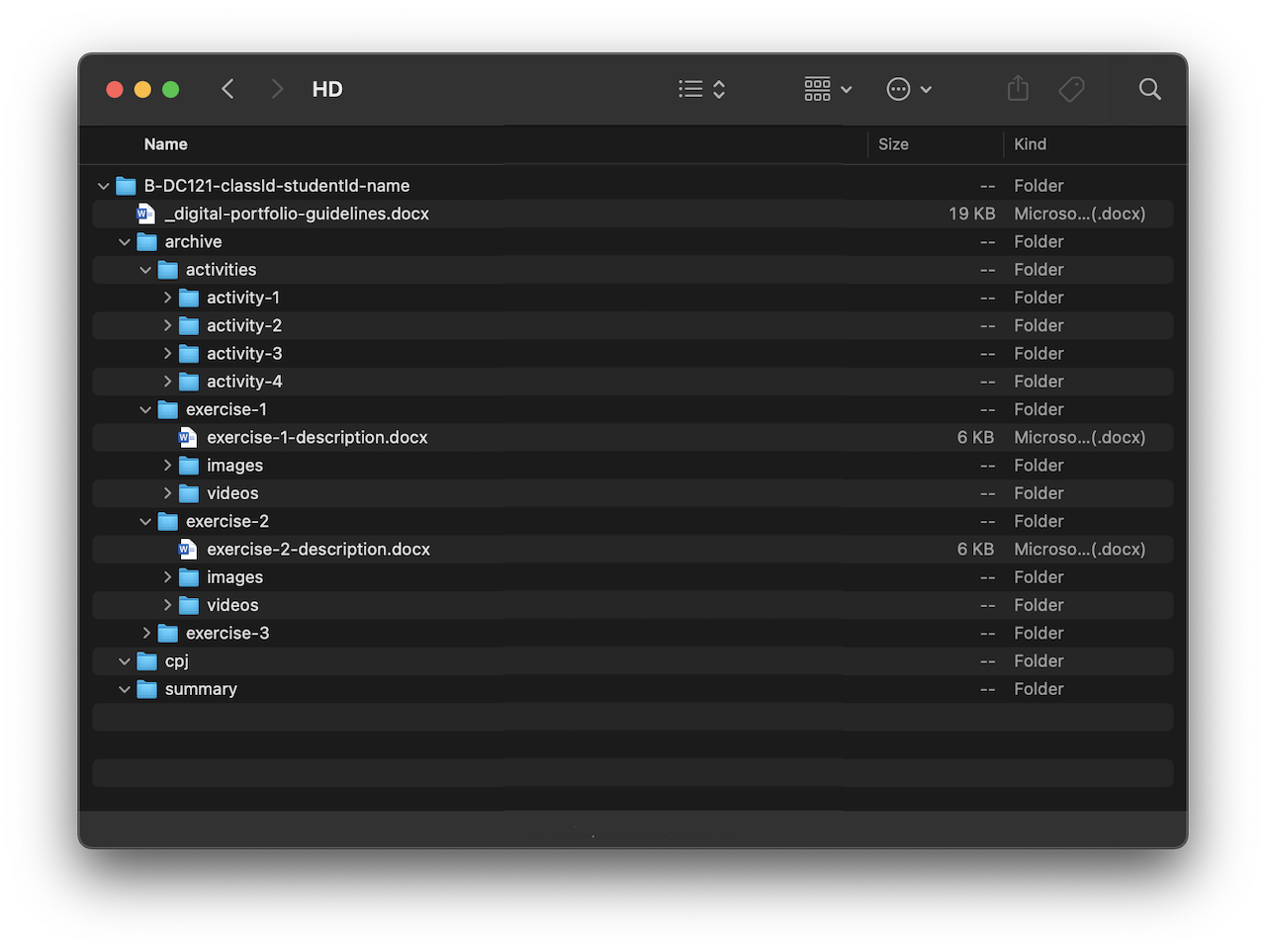
The Digital Portfolio is a digital archive which you will use to document your work based on activities and exercises conducted in class.
Digital Portfolio
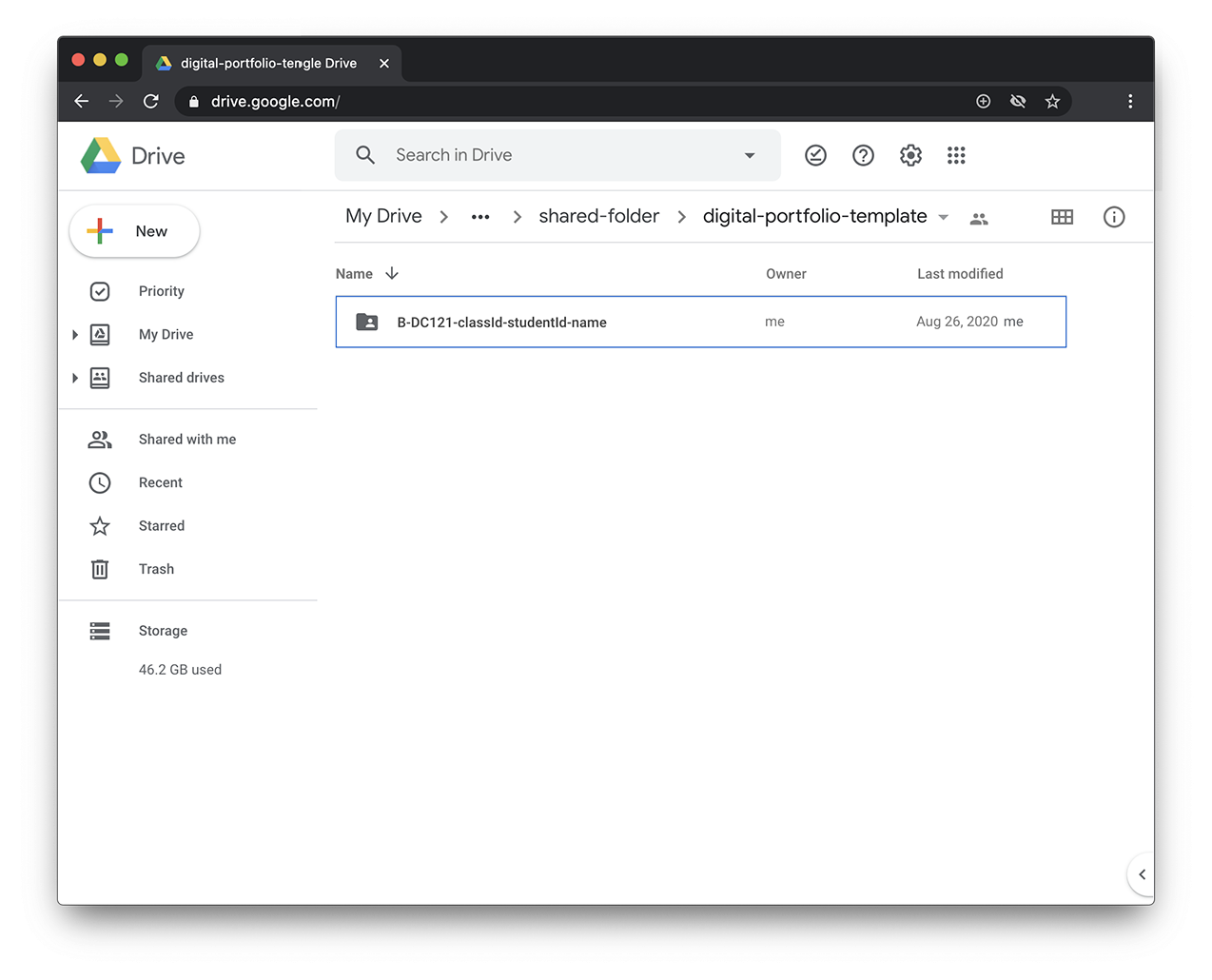
A given folder structure tells you which documents are required. You should update your Digital Portfolio regularly. There are three main elements that are required:
1. Archive (update regularly)
2. CPJ (update after class)
3. Summary (end of the semester)
23–24
Computation in Design 1
B-DC 121
Digital Portfolio
Archive
CPJ
Summary
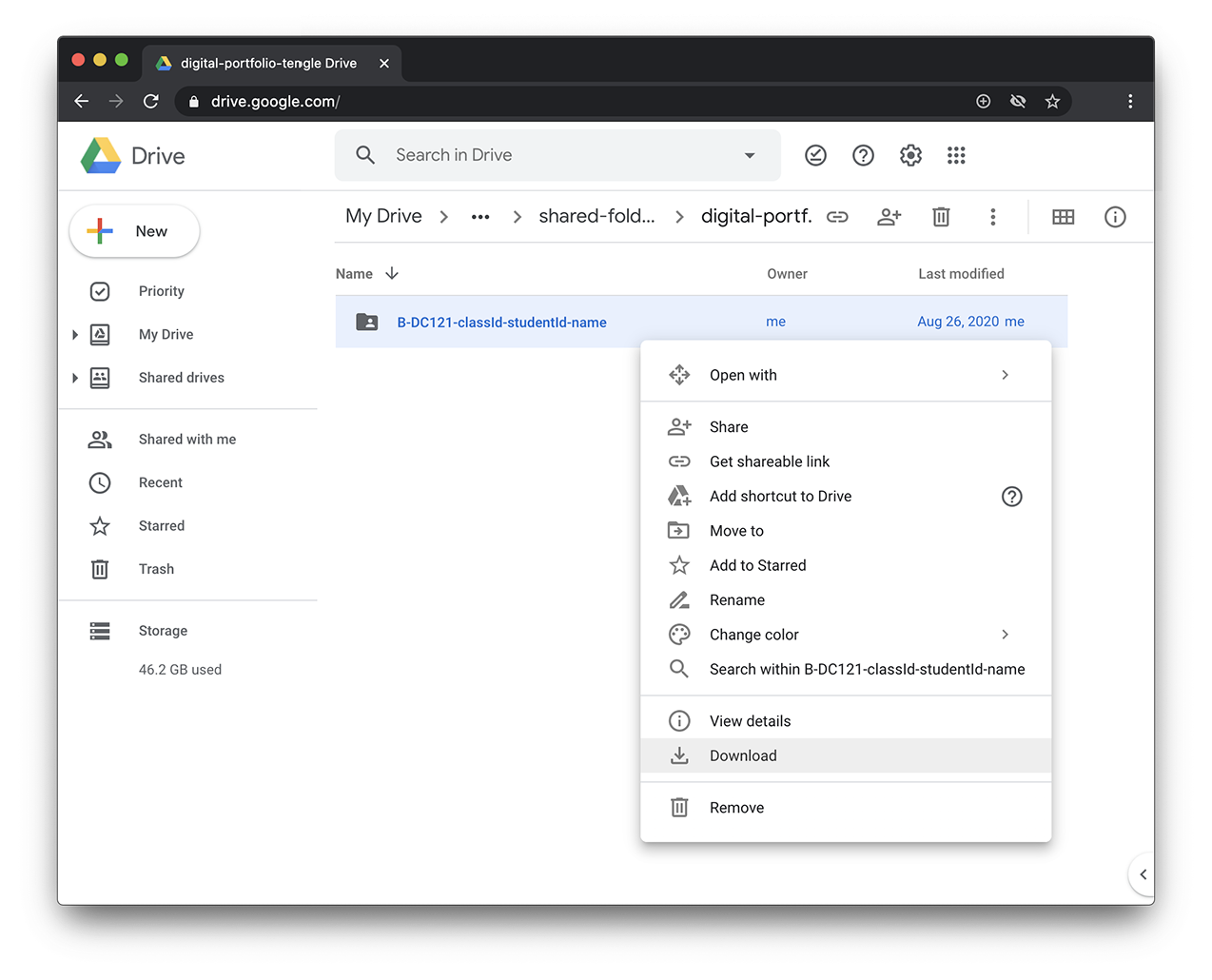
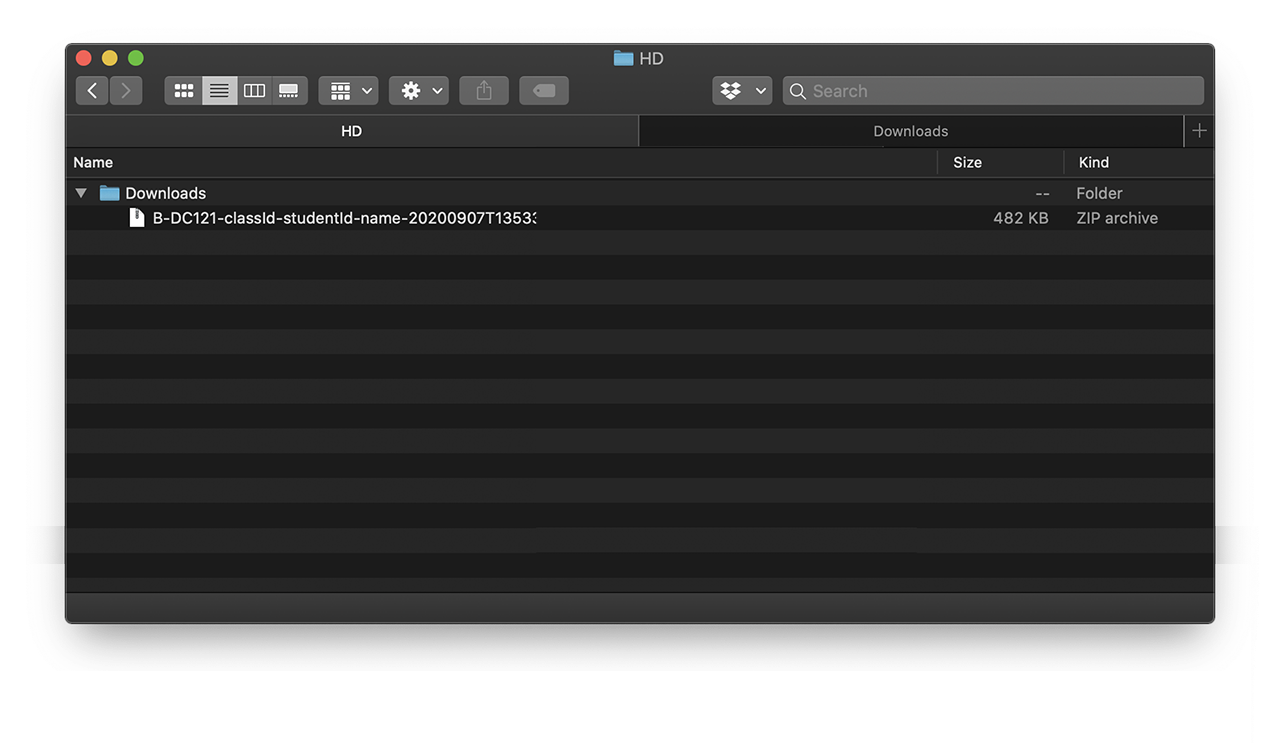
Download
Folder structure
Available for download as .zip from Google Drive
Document your process and outcomes
Archive and organise materials for submission
Read and follow the Digital Portfolio Guidelines
Keep(s) your work organised
Digital Portfolio
How To
23–24
Computation in Design 1
B-DC 121
Digital Portfolio
Archive
CPJ
Summary
Download
What goes into the Archive folder? Outcomes like images, videos, code or written documents will be kept in the Archive. Here do follow the folder structure given for each exercise as well as the instructions given in class. Be concise and organised when labelling your files.
Digital Portfolio
How To
23–24
Computation in Design 1
B-DC 121
Digital Portfolio
Archive
CPJ
Summary
Download
Your CPJ should not only be descriptive, meaning: you should not only describe what you have done step by step, this is not enough.
Instead, you should elaborate and reflect on your work and write about it: what worked well and what did not work so well, what problems occurred and how they were resolved.
What did you learn? What worked well? Were there any highlights or weird moments, anecdotes? You should analyse and reflect more and describe less.
This can be as brief as 70-120 words per weekly entry, but if you like to write more, please do.
Update weekly
Keep design and layout simple
Structure content well
Write between 70-120 words per week
Add between 4 to 10 images per week
Be less descriptive
Be more analytical and reflective
Digital Portfolio
How To
23–24
Computation in Design 1
B-DC 121
Digital Portfolio
Archive
CPJ
Summary
Download
For your final submission you will create a summary of selected outcomes that you will have created this semester. This summary will be in .pdf format and a template will be provided.
Digital Portfolio
How To
23–24
Computation in Design 1
B-DC 121
Digital Portfolio
Archive
CPJ
Summary
Download
Digital Portfolio
How To
23–24
Computation in Design 1
B-DC 121
Digital Portfolio
Archive
CPJ
Summary
Download
Digital Portfolio
How To
23–24
Computation in Design 1
B-DC 121
Digital Portfolio
Archive
CPJ
Summary
Download
Digital Portfolio
How To
23–24
Computation in Design 1
B-DC 121
Digital Portfolio
Archive
CPJ
Summary
Download
Digital Portfolio
How To
23–24
Computation in Design 1
B-DC 121
Digital Portfolio
Archive
CPJ
Summary
Download
Digital Portfolio
How To
23–24
Computation in Design 1
B-DC 121
Digital Portfolio
Archive
CPJ
Summary
Download
Digital Portfolio
How To
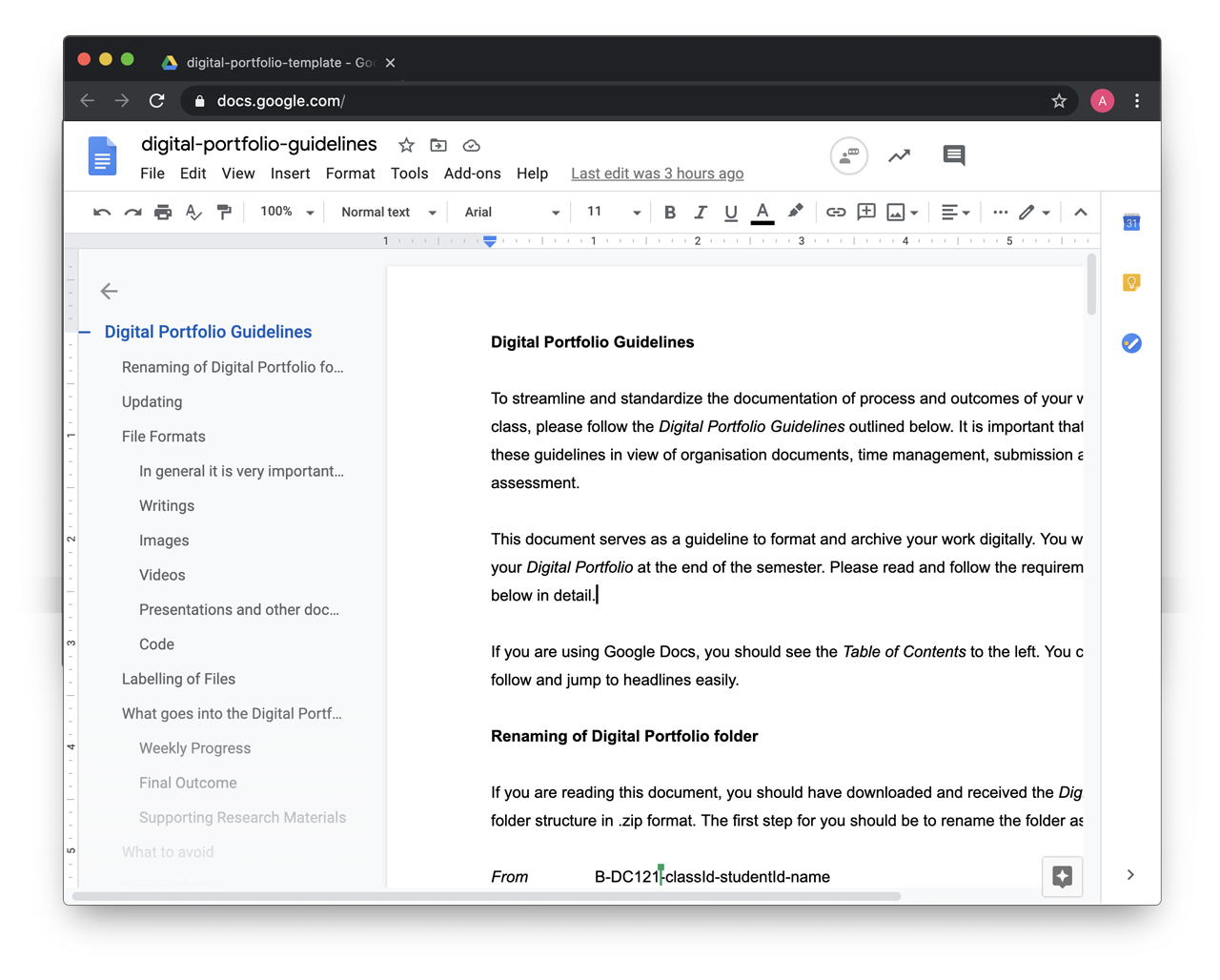
After you have downloaded the Digital Portfolio, read the guidelines document. If unsure, go back to the document to review the handling of files etc.
23–24
22–23
Computation in Design 1
B-DC 121
Code Basics
This section gives an overview of basic coding concepts you should find useful to playfully explore activities and exercises for this class and creative coding in general.
syntax shape function variable conditional loop transformation object array .
p5js
code
sketch
editor
p5js is a creative coding environment, a community and a JavaScript library for creative coding, with a focus on making coding accessible and inclusive for artists, designers, educators, beginners, and anyone else.
Code, simply put, is a set of instructions for programming a computer. In Creative Coding, we use instructions to create computer-generated results. Often visual, they can be static, dynamic, poetic, interactive and they can appear on a screen or on paper, as objects among many other things.
In Creative Coding, we call a sketch a computer program. Why a sketch? In art or design, a sketch is a common term for a rough and unfinished drawing, here a coded sketch should be seen similarly, rough and unfinished, to illustrate a thought, to bring a creative idea to life.
An editor, or more precisely a code editor, is a text editor program designed for editing source code for computer programs. In our particular case this semester, we will use a browser-based editor at editor.p5js.org, a web editor for p5js. For demos and tutorials we will use p5live.
22–23
Computation in Design 1
B-DC 121
22–23
Computation in Design 1
B-DC 121
drawing and shapes
functions
loops
conditionals
transformations
variables
Core concepts
22–23
Computation in Design 1
B-DC 121
drawing and shapes
functions
loops
conditionals
transformations
variables
Core concepts
In creative coding, shapes are like building blocks that you can use to draw visual elements such as squares, circles, triangles, and more. By combining and arranging these shapes, you can create intricate designs and artwork, all by writing code to express your creativity in a visual and interactive way.
drawing and shapes
22–23
Computation in Design 1
B-DC 121
drawing and shapes
functions
loops
conditionals
transformations
variables
Core concepts
Functions in programming are like reusable recipes that take inputs, perform specific tasks, and give you outputs. They help organize and simplify code by allowing you to use the same set of instructions multiple times, making it easier to create complex designs and interactions in your projects.
functions
22–23
Computation in Design 1
B-DC 121
drawing and shapes
functions
loops
conditionals
transformations
variables
Core concepts
In creative coding, loops are like a magical "copy and paste" tool that allows you to draw or repeat elements multiple times without writing the same code over and over. They save time and make it easy to create patterns, animations, and interactive designs by automating repetitive tasks.
loops
22–23
Computation in Design 1
B-DC 121
drawing and shapes
functions
loops
conditionals
transformations
variables
Core concepts
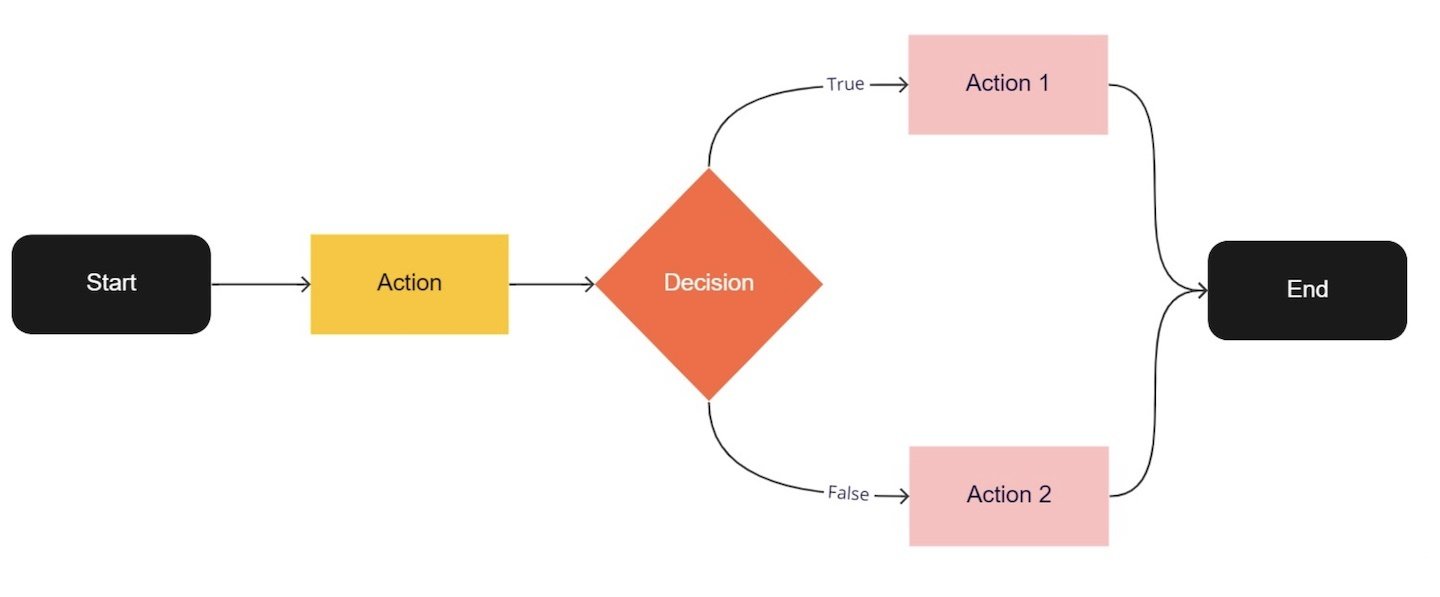
Conditionals in coding are like decision forks. You tell the computer to do something only if a certain condition is met. For example, if it's sunny, wear sunglasses; else, carry an umbrella. It helps your code make smart choices based on different situations, making it act like a smart assistant.
conditionals
22–23
Computation in Design 1
B-DC 121
drawing and shapes
functions
loops
conditionals
transformations
variables
Core concepts
Transformations in p5.js are like magic tricks for shapes. Think of a shape as a sticker on a sheet of paper. By using transformation commands like push() to save the current state, and pop() to go back, you can stretch, rotate, and move the shape around. It's like bending and twisting the paper without changing the sticker's original shape, making coded animations and designs.
transformations
22–23
Computation in Design 1
B-DC 121
drawing and shapes
functions
loops
conditionals
transformations
variables
Core concepts
Variables in coding act like labeled storage containers. They hold data that can change as your program runs. Think of them as virtual sticky notes where you can store numbers, words, or other information, making your code more flexible and responsive.
variables
22–23
Computation in Design 1
B-DC 121
setup
draw
function
rect
ellipse
line
coordinates
beginShape
endShape
vertex
Commands
The setup() function is called once when the program starts. read more
Called directly after setup(), the draw() function continuously executes the lines of code contained inside its block. read more
A function is a set of statements that perform a task. Optionally, functions can have parameters. read more
All shapes drawn to the screen have a position that is specified as a coordinate. read more
A rectangle is a four-sided closed shape. The first two parameters set the location of the upper-left corner, followed by width and height. read more
Draws an ellipse (oval) to the screen. The first two parameters set the location of center of the shape, followed by width and height. read more
Draws a line (a direct path between two points) to the screen. read more
Using the beginShape() and endShape() functions allow creating more complex forms. read more
beginShape() begins recording vertices for a shape and endShape() stops recording. read more
All shapes are constructed by connecting a series of vertices. vertex() is used to specify the vertex coordinates. read more
Code Basics
Drawing and shapes
Core concepts
22–23
Computation in Design 1
B-DC 121
Code Basics
Functions
function setup( )
function draw( )
A function is simply a “chunk” of code, or a block of code, that you can use over and over again, rather than writing it out multiple times. Functions enable programmers to break down or decompose a problem into smaller chunks, each of which performs a particular task.
22–23
Computation in Design 1
B-DC 121
function
parameters
arguments
Concepts
Example
Parameters are used in the definition of the function, between the brackets, eg. function add(x,y) here x and y are parameters.
A function is a set of statements that perform a task. Optionally, functions can have parameters. read more
Arguments are the actual values that get passed in when a function is called, eg. add(1,2) here 1 and 2 are arguments.
// 1. function without parameters:
// function hello1 will draw a rect at 0,0.
// that's all it can do at the moment.
function hello1() {
  rect(0,0,100,100);
}
// call hello1 like this: hello1();

// 2. function with parameters
// hello2 takes 2 paramters, theX and theY
function hello2(theX, theY) {
  rect(theX, theY, 100, 100);
}

// when calling hello2() with 2 arguments
// these arguments will be passed on to the
// function as parameters theX and theY
// in the following call theX will be 50 and
// theY will become 200
// call hello2 like this: hello2(50,200);
Code Basics
Functions
22–23
Computation in Design 1
B-DC 121
Transformation is a concept that initially leaves you scratching your head. Why? Transformations act on the coordinate system rather than on shapes, and transformations are accumulative. Allison Perish has written an extensive and useful tutorial with examples here.
translate
rotate by 180 degrees or PI
Code Basics
Transformations
22–23
Computation in Design 1
B-DC 121
Commands
Example
When using transformations, the things you draw never change position; the coordinate system itself does. read more
push
pop
translate
rotate
scale
The push() function saves the current drawing style settings and transformations, while pop() restores these settings. read more
The push() and pop() functions can be embedded to provide more control over the positioning and rotation of shapes. read more
Specifies an amount to displace objects within the display window. read more
Rotates a shape by the amount specified by the angle parameter. read more
Increases or decreases the size of a shape by expanding or contracting vertices. read more
// use transformations to draw 2 rects
function draw() {
  fill(0,0,255,100);
  noStroke();

  // draw a rect at coordinate 50,200
  // without moving the rect but the
  // coordinate system using translate
  push();
  translate(50,200);
  rect(0,0,100,100)
  pop();

  // same as above but now we rotate
  // the rect by 45° (using radians)
  push();
  translate(50,200);
  rotate(HALF_PI);
  rect(0,0,100,100)
  pop();

}
Above commands are called transformations
Code Basics
Transformations
22–23
Computation in Design 1
B-DC 121
A for loop repeats one or more statements a given number of times.
use a for-loop to create multiple copies
Code Basics
Loops
22–23
Computation in Design 1
B-DC 121
use a for-loop to create multiple copies
for(let i=0;i<10;i++) { }
A for-loop, followed in parentheses, the for-loop takes three arguments, initialization, condition and variable modification
The first argument i.e. initialization runs only one time before the execution of the loop; It initializes a variable which is used in the condition for the loop.
The second argument i.e. condition is evaluated before every iteration; the loop terminates when this condition is satisfied. in this example when i is 10 or bigger, then the loop will exit.
The third and the last argument variable modification is used to modify the value of the variable used in condition after every iteration of the loop.
All statements go in between the curly brackets.
A for loop repeats one or more statements a given number of times.
Code Basics
Loops
22–23
Computation in Design 1
B-DC 121
Commands
Example
for
for creates a loop that is useful for executing one section of code multiple times. read more
function setup() {
  createCanvas(800, 800);
}

function draw() {
  background(0);
  stroke(255);
  noFill();
  push();
  translate(100,100);
  // here we will use a for-loop to draw
  // 10 rectangles vertically with a distance
  // of 50 pixels.
  for(let i=0;i<10;i++) {
    push();
    translate(0,i*50);
    rect(0,0,600,20);
    pop();
  }
  // the for-loop ends here after 10 rects
  // have been drawn, see code between {} (above).
  pop();
}A 'for loop' consists of three different expressions inside of a parenthesis.These expressions are used to control the number of times the loop is run. read more
The concept of for-loops
Code Basics
Loops
22–23
Computation in Design 1
B-DC 121
Decision making
do things when condition is false
Computers can be programmed to make decisions, to do different things in different circumstances. Decisions take the form of an if-then format. They start with a condition, which is then evaluated as either True or False.
do things when condition is true
true
false
Code Basics
Conditionals
22–23
Computation in Design 1
B-DC 121
Computers can be programmed to make decisions, to do different things in different circumstances.
Decisions take the form of an if-then format. They start with a condition, which is then evaluated as either True or False.
Code Basics
Conditionals
22–23
Computation in Design 1
B-DC 121
When programs are allowed to make decisions, the outcome is non-linear.
Code Basics
Conditionals
22–23
Computation in Design 1
B-DC 121
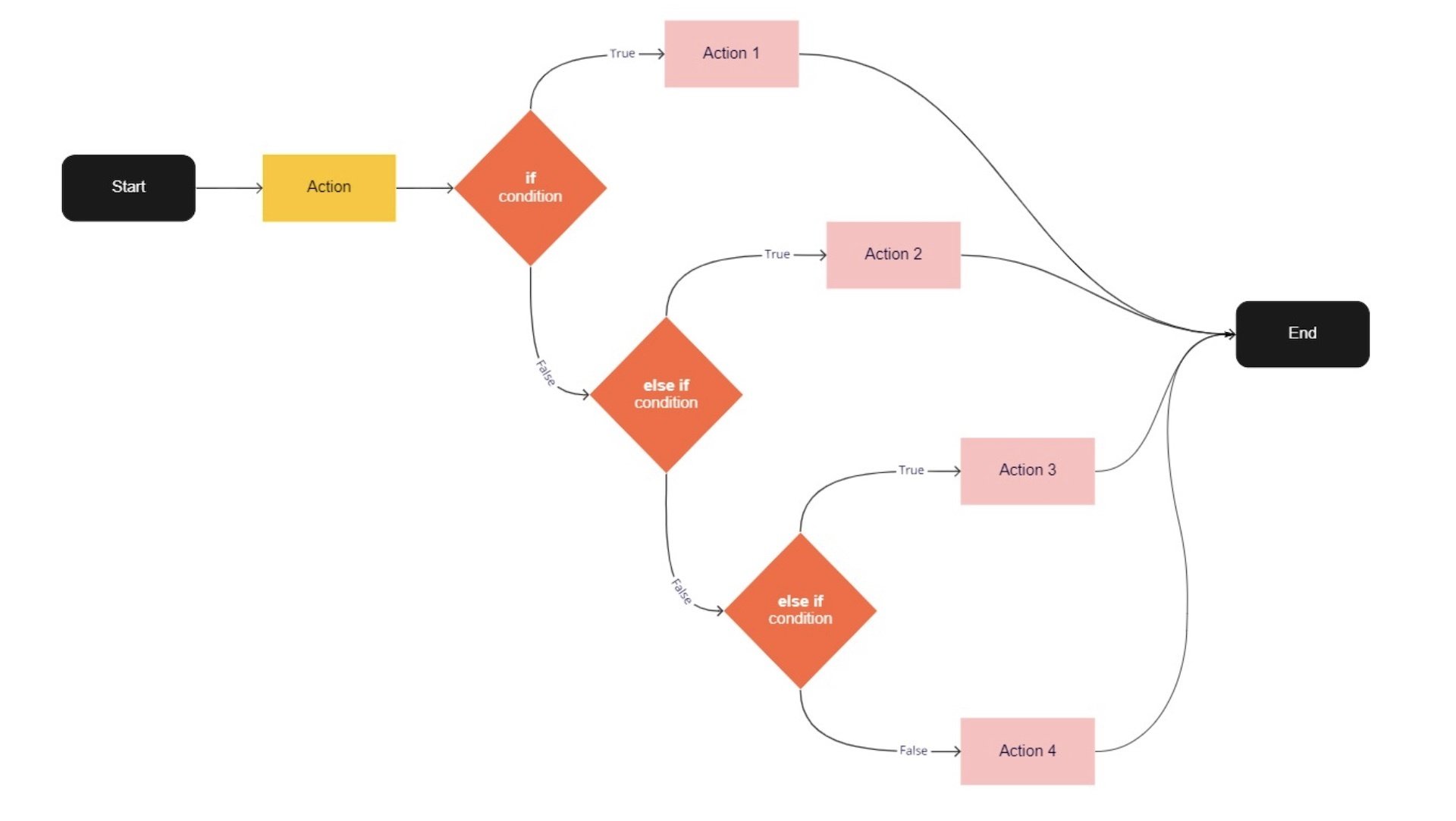
When programs are allowed to make decisions, the outcome is non-linear.
Code Basics
Conditionals
22–23
Computation in Design 1
B-DC 121
Commands
Example
if
Use if to specify a block of code to be executed, if a specified condition is met and true read more
else
else if
true
false
Use else to specify a block of code to be executed, if the same condition is false read more
The push() and pop() functions can be embedded to provide more control over the positioning and rotation of shapes. read more
Also known as boolean, true when condition is fulfilled read more
Also known as boolean, false when condition is not fulfilled read more
// if–else
// check if mouse is pressed or not
function check2() {
  if (mouseIsPressed === true) {
    background(0,255,0);
  } else {
    background(255,0,0);
  }
}

// if–else if–else
// 3 checks based on the location
// of mouseX which will change the
// background color accordingly
function check3() {
  if(mouseX<100) {
    background(255,0,0);
  } else if(mouseX>100 && mouseX<200) {
    background(0,255,0);
  } else {
    background(0,0,255);
  }
}
Code Basics
Conditionals
22–23
Computation in Design 1
B-DC 121
function
parameters
arguments
push
pop
translate
rotate
scale
Concepts
Commands
Parameters are used in the definition of the function, between the brackets, eg. function add(x,y) here x and y are parameters.
A function is a set of statements that perform a task. Optionally, functions can have parameters. read more
Arguments are the actual values that get passed in when a function is called, eg. add(1,2) here 1 and 2 are arguments.
The push() function saves the current drawing style settings and transformations, while pop() restores these settings. read more
The push() and pop() functions can be embedded to provide more control over the positioning and rotation of shapes. read more
Specifies an amount to displace objects within the display window. read more
Rotates a shape by the amount specified by the angle parameter. read more
Increases or decreases the size of a shape by expanding or contracting vertices. read more
transform
When using transformations, the things you draw never change position; the coordinate system itself does. read more
mouse
We can query and use the mouse's location and button state (see interactivity) read more
Code Basics
Reading Resources
Computation in Design 1
B-DC 121
23–24
Online Resources
Computation in Design 1
B-DC 121
23–24

Coding Spectrum
No Code
Low Code
Some Code
All Code
Requires few to no code to quickly build an application. This doesn't mean there is no code involved, the code just all runs in the background. Often purely UI, pull-down and drag-and-drop based.
Similar to No Code, however, some code is exposed in the application development environment you are using. Although often related to visual programming environments, a basic understanding of coding concepts is useful.
Limited to the tool
Some customisation possible
Some coding skills required
Build your own
Wordpress
TouchDesigner
Code templates
Blender
html, css, JavaScript
Code frameworks (p5js, Processing)
Scripting
Python
Arduino
Unity
Knowing and understanding some code as a designer allows you to innovate, collaborate better, and communicate across disciplines when technical expertise is required. Basic knowledge in software and hardware development required–can be acquired through practice.
This is when you are able to build your own software with ease. Needless to say this needs time and practice but allows you to create your own tools applied to your design practice.
Cargo and similar website builder
Figma
Spark AR
Prompting (Midjourney, Dall-e, etc.)
Pen and Paper
Text Editor
Any programming language
Command Line
Git
23-24
B-DC 232
Live Project with R/GA
Computation in Design
22–23
Computation in Design 1
B-DC 121
Learning-to-code assistant
In this class, we will introduce ChatGPT as a learning-to-code assistant. It will help students understand and solve basic technical concepts and problems, both in groups and individually. ChatGPT excels at explaining technical concepts and providing coding examples.
The suggested code snippets from ChatGPT can then be further modified, extended, sculpted by students to achieve an (un)expected outcome based on briefs given. It is the playfulness and the experience we wish to expose students to in order to better learn, understand and apply tech as part of their own practice.
22–23
Computation in Design 1
B-DC 121
ChatGPT
AI Generators
ChatGPT works with algorithms and is trained to generate human-like text that can be used in conversation. It can answer questions, provide information, and engage in natural language discussions with users.
Some potential use cases for ChatGPT include customer service chatbots, virtual assistants, and conversational interfaces for websites or mobile apps. It can also be used to generate content for social media or create chatbot scripts for marketing or entertainment purposes.
Overall, ChatGPT is a powerful tool for creating chatbots that can have intelligent and engaging conversations with users.
22–23
Computation in Design 1
B-DC 121
ChatGPT
AI Generators

22–23
Computation in Design 1
B-DC 121
ChatGPT
How To
ChatGPT
Generative AI
AI models that can generate open-ended content, often creative content like visuals, music or text.
LLMs
Large Language Models, are advanced computer programs designed to understand and generate human-like text.
Prompting
AI chat prompting is a technique where a computer program provides suggested text or other outputs to help users engage in natural language conversations with AI or to generate creative outcomes like visuals for example.
Hallucination
AI hallucination refers to a situation where an AI system generates content that is not accurate or based on real information, often creating fictional or misleading outputs.
Bias
Bias in AI refers to the presence of unfair or skewed representations and decisions made by artificial intelligence systems, potentially leading to unequal treatment or inaccurate conclusions.
What is this about?
22–23
Computation in Design 1
B-DC 121
ChatGPT
How To
ChatGPT
How does that work? How do generative language models work?
Predicts words based on previous text given and the data the model has been trained on.
To us this looks like magic, to the computer it is a gigantic pile of data that an algorithm ploughs through.
How does this work in the browser at chat.openai.com?
ChatGPT provides a free version which you can sign up for at chat.openai.com. You can then use ChatGPT in the browser but also on your phone.
22–23
Computation in Design 1
B-DC 121
ChatGPT
How To
ChatGPT
What are some of the opportunities that ChatGPT provides us with?
We can use ChatGPT as a coding assistant for this class. This does not mean that ChatGPT will do all the work for you, but it will be able to support you in completing the exercises and assignments we give you.
Still, this class is about design and giving form to ideas through code.
What should you be mindful of?
ChatGPT can be a very powerful tool and it will, already is, embedded in many applications that we use on a daily basis, hence, it is important that we, you, are able to use this tool. However, we should not blindly trust the technology and we must be mindful and considerate in the content that we prompt and produce. You need to be responsible.
22–23
Computation in Design 1
B-DC 121
ChatGPT
How To
ChatGPT
22–23
Computation in Design 1
B-DC 121
ChatGPT
How To
ChatGPT
Prompting tips
Study with ChatGPT, ask questions that you want to ask your teacher or google
Summarise concepts for you, for example coding concepts like loops: Can you explain to me the coding concept of loops, I am using p5js and it would be great if you could explain it to a newbie student? or Can you explain to me the coding concept of loops, I am using p5js and it would be great if you could explain it to a child?
Explain it to a child
Ask for example code that specifically addresses a concept like shapes: can you give me some p5js code that demonstrates the beginShape vertex and endShape commands?
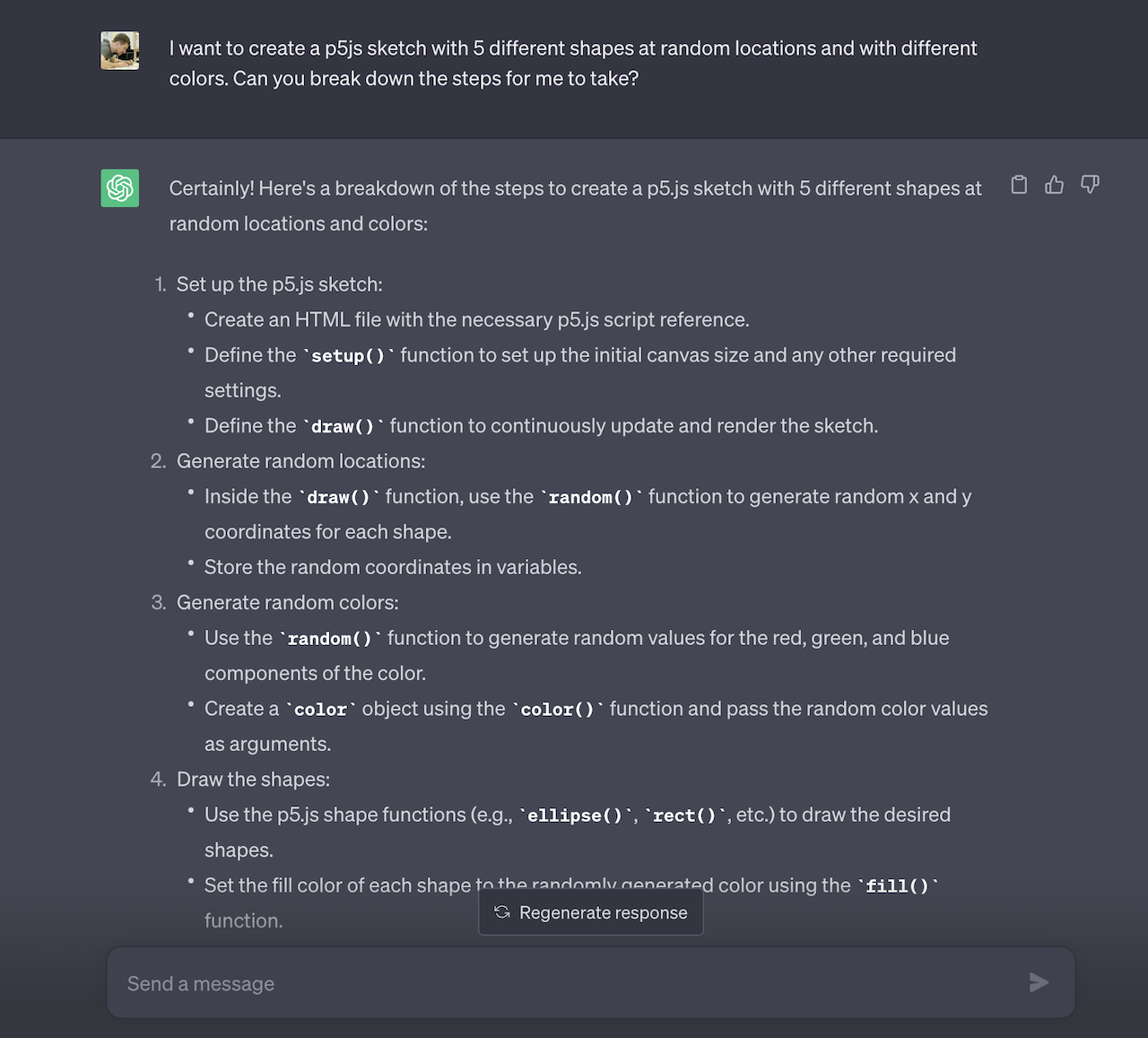
Ask ChatGPT to break down a response into steps: I want to create a p5js sketch with 5 different shapes at random locations and with different colors. Can you break down the steps for me to take? I am using the p5js online editor.
22–23
Computation in Design 1
B-DC 121
ChatGPT
How To
Acknowledging the use of generative AI
You are free to use generative AI tools like ChatGPT in any way that helps you in your learning for this class. However, any usage of generative AI must be properly acknowledged.
At the very least, you need to provide a statement of use that clarifies what, if any, technologies you employed to create content while working on your assignment.
Remember that you are in school to learn and become an independent learner and eventually an expert in your field of study and practice.
Generative AI tools can help you achieve your ideas, visions, futures, but keep in mind that the quality of your work is determined by talent, practice and knowledge.
22–23
Computation in Design 1
B-DC 121
ChatGPT
How To
Others
click options on the right
Tools
Playground
22–23
Computation in Design 1
B-DC 121
Introduction and overview of the Computation in Design class followed by a drawing and coding activity.
Computation, coding and design
1
Why are we learning to code?
What are we learning?
How are we learning?
What are we learning for?
Code is the language that today's technologies run on. Although code is often seen as a more scientific and technical matter, it is now an increasingly important aspect of a designer's toolkit, processes, and knowledge. Also, we can make beautiful things with it.
We will learn basic and foundational coding skills to create visual outputs. We will learn to structure and apply commands to create browser based computer programs. Through demos, exercises and a final project brief we will learn and practice creative coding and share our findings.
We will use a coding environment called p5js which is a JavaScript library for Creative Coding, with a focus on making coding accessible and inclusive for artists, designers, educators, beginners, and anyone else. p5js will be our main coding tool and environment to learn and practice.
We are learning to build a better understanding of the mechanisms that constitute a computer program. With this foundation and basic understanding of what code is, how code feels, what code can do, the aim is to make code a part of your designer's toolkit.
22–23
Computation in Design 1
B-DC 121
p5js
code
sketch
editor
p5js is a creative coding environment, a community and a JavaScript library for creative coding, with a focus on making coding accessible and inclusive for artists, designers, educators, beginners, and anyone else.
Code, simply put, is a set of instructions for programming a computer. In Creative Coding, we use instructions to create computer-generated results. Often visual, they can be static, dynamic, poetic, interactive and they can appear on a screen or on paper, as objects among many other things.
In Creative Coding, we call a sketch a computer program. Why a sketch? In art or design, a sketch is a common term for a rough and unfinished drawing, here a coded sketch should be seen similarly, rough and unfinished, to illustrate a thought, to bring a creative idea to life.
An editor, or more precisely a code editor, is a text editor program designed for editing source code for computer programs. In our particular case this semester, we will use a browser-based editor at editor.p5js.org, a web editor for p5js. For demos and tutorials we will use p5live.
22–23
Computation in Design 1
B-DC 121
22–23
Computation in Design 1
B-DC 121
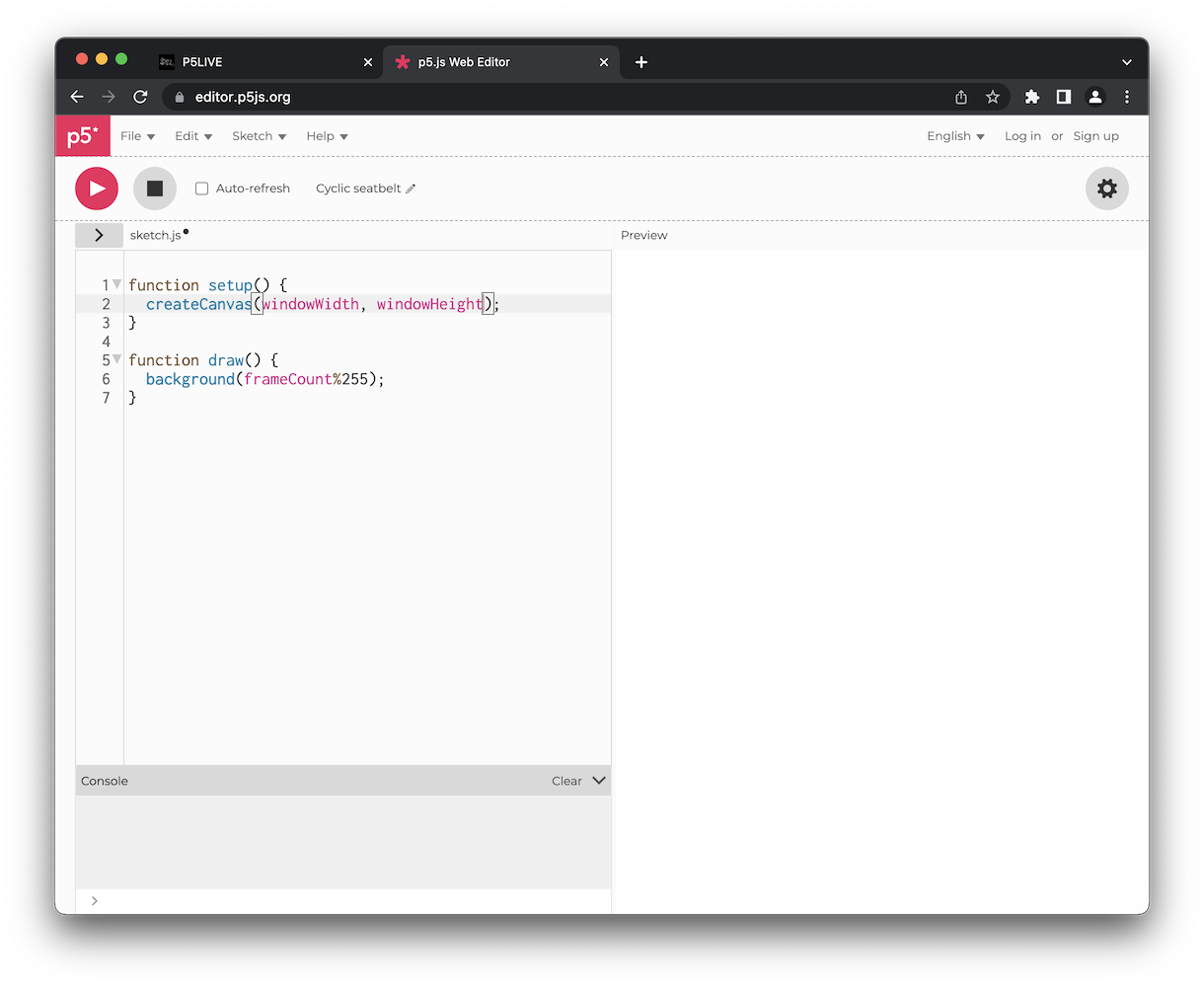
p5js editor. Your main tool to develop your sketches with. It is best to create a free account so that you can save your sketches with p5js
22–23
Computation in Design 1
B-DC 121
22–23
Computation in Design 1
B-DC 121
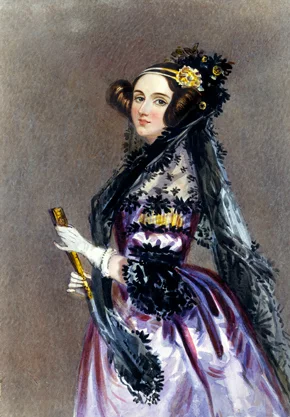
Ada Lovelace (1815 - 1852), although not an artist but considered the first computer programmer, asked in a letter to her mother, who was terrified that Ada might end up being a poet like her father: “if you can’t give me poetry, can’t you give me poetical science?” Can code be poetry? Can code make poetry? Can code make visual poetry?
via Ada Lovelace, the first Tech Visionary. New Yorker, 2013.
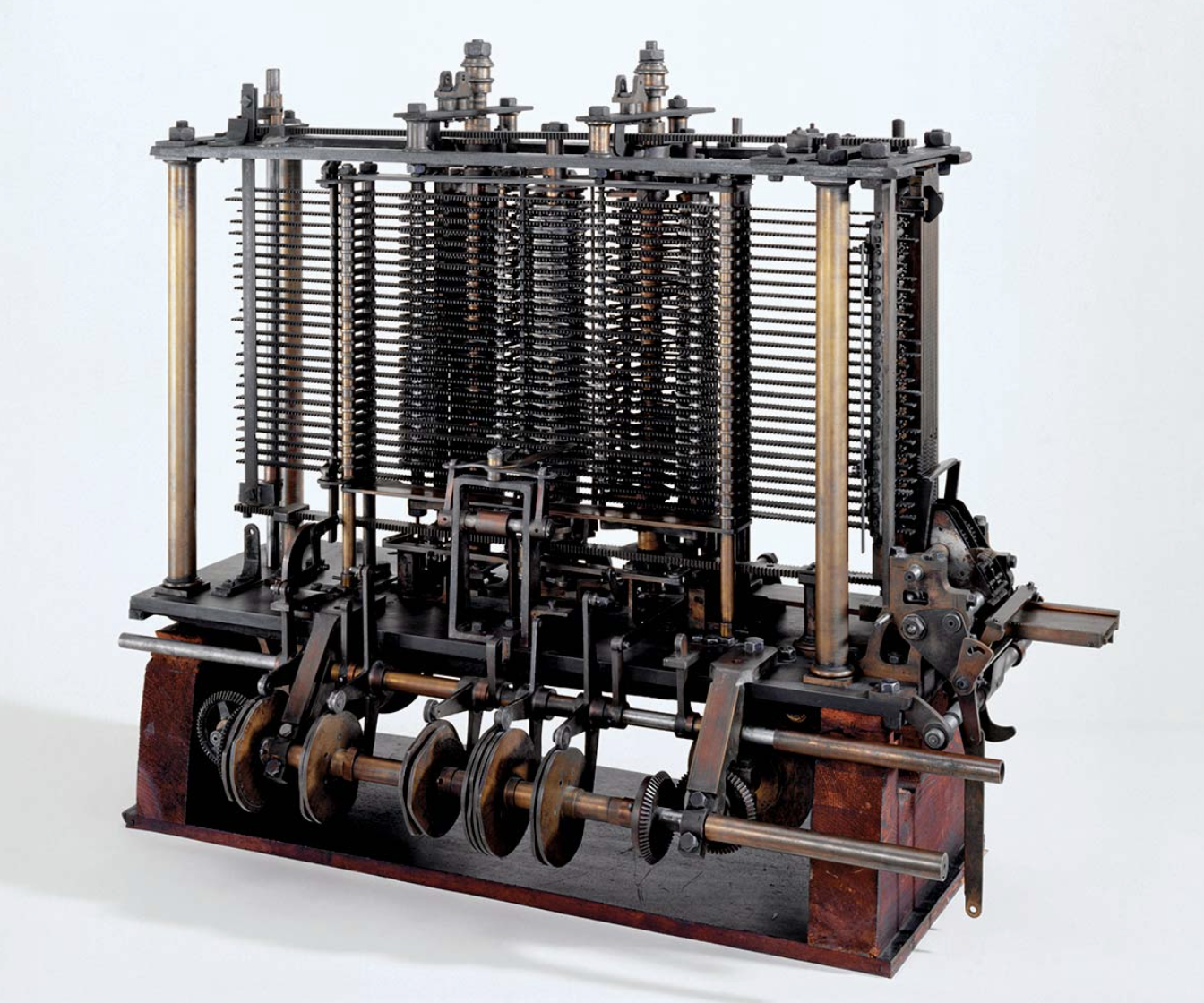
poetically: with an imaginative or sensitively emotional style of expression.
23–24
Computation in Design 1
B-DC 121
23–24
Computation in Design 1
B-DC 121
syntax
flow
shapes
transformation
loops
conditionals
functions
demotime
The anatomy of a program
syntax
flow
shapes
Ask ChatGPT about code that you don't understand, ask for an explanation for a particular command and to give a simple example.
23–24
Computation in Design 1
B-DC 121
Demo 1, shaping
Starting with a dot
Zach Lieberman
23–24
Computation in Design 1
B-DC 121

Where you see shapes, I see code.
Max Bill, Poster, 1980s.
Iterations click letters to view
Demo 2, iteration
22–23
Computation in Design 1
B-DC 121
Learning objective for activity 1 and 2
In activity 1 and 2 you are tasked to look through code examples and make changes. This is to give you a first look and feel for code in a playful way.
Change, Play, Run, Repeat.
Activity 1
For this first activity, choose one or more of the provided p5js sketches by clicking on the image in one of the following slides. A sketch here is the equivalent of a drawing sketch, but with code.
In your group try one or more of the sketches provided and make changes to the code that will show on the left side of the browser window. Above the code section, tick the Auto-refresh box then press the Play button next to it to run the sketch.
The easiest is to make changes to the numbers in the code.
It is probably more fun to do this in a group than alone. Let one of your group members share their screen and make changes to the code. Use the line numbers to identify the line of code you want to make changes to.
22–23
Computation in Design 1
B-DC 121
Go to next slide (navigate downwards)
Part
1 of 2
Group work
Change, Play, Run, Repeat.
Activity 1
Inside the code there are comments (grey text) that humans can read, but the machine doesn’t care much about. You can follow some of the hints given in these comments.
You might break things, but that’s ok. If errors show up in the console, you can fix them or reload the page.
Note down and share any idea or application that may emerge while making changes.
Do one screenshots per group member of the rendered image during or at the end of the 30 minutes, give it a title.
22–23
Computation in Design 1
B-DC 121
Part
2 of 2
Share your screenshots with your lecturers via Google Drive and we will make an online gallery.
Group work
30
Change, Play, Run, Repeat.
Activity 1
22–23
Computation in Design 1
B-DC 121
Share your screenshots with your lecturers via Google Drive and we will make an online gallery.
Group work
Format
Filename
jpg at 72dpi, square, 800x800 pixels
studentID-title.jpg
Now that you know what is expected of you to submit, go to the next slides to find five sketches to work with, select one that you like best.
Change, Play, Run, Repeat.
Activity 1
22–23
Computation in Design 1
B-DC 121
For this activity, choose one or more of the provided p5js sketches by clicking on the image in one of the following slides. A sketch here is the equivalent of a drawing sketch, but with code. In your group try one or more of the sketches and make changes to the code that will show on the left side of the browser window. Above the code section, tick the Auto-refresh box then press the Play button next to it to run the sketch.
The easiest is to make changes to the numbers.
It is probably more fun to do this in a group than alone. Let one of your group members share their screen and make changes to the code. Use the line numbers to identify the line of code you want to make changes to. Inside the code there are comments (grey text) that humans can read, but the machine doesn’t care much about. You can follow some of the hints given in these comments. You might break things, but that’s ok. If errors show up in the console, you can fix them or reload the page.
Note down and share any idea or application that may emerge.
Do take up to 5 screenshots of the rendered image during or at the end of the 15 minutes, give it a title. Share your screenshots with your lecturers via Google Drive and we will make an online gallery.
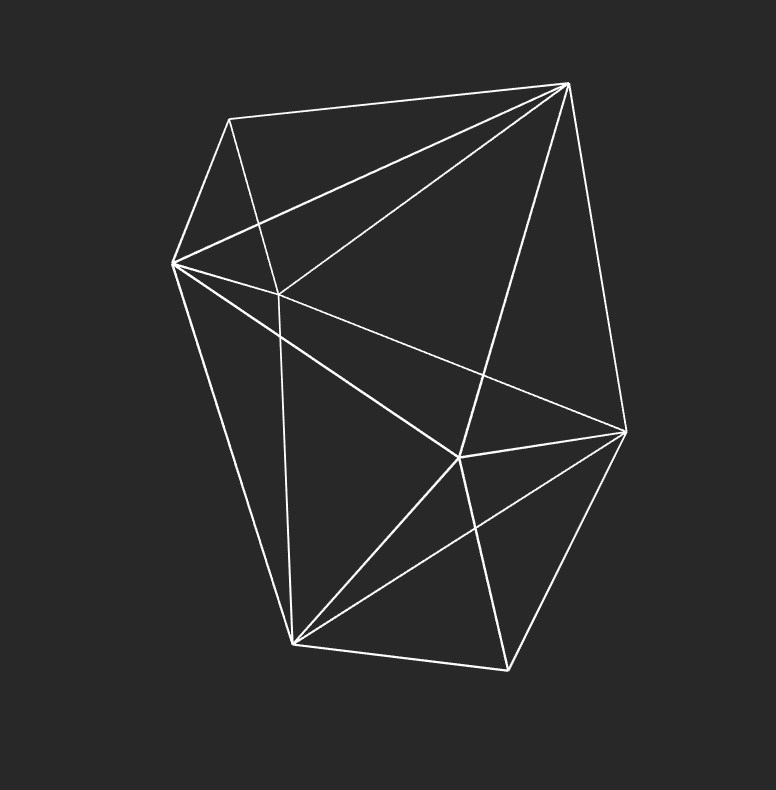
1 Delaunay Shape
22–23
Computation in Design 1
B-DC 121
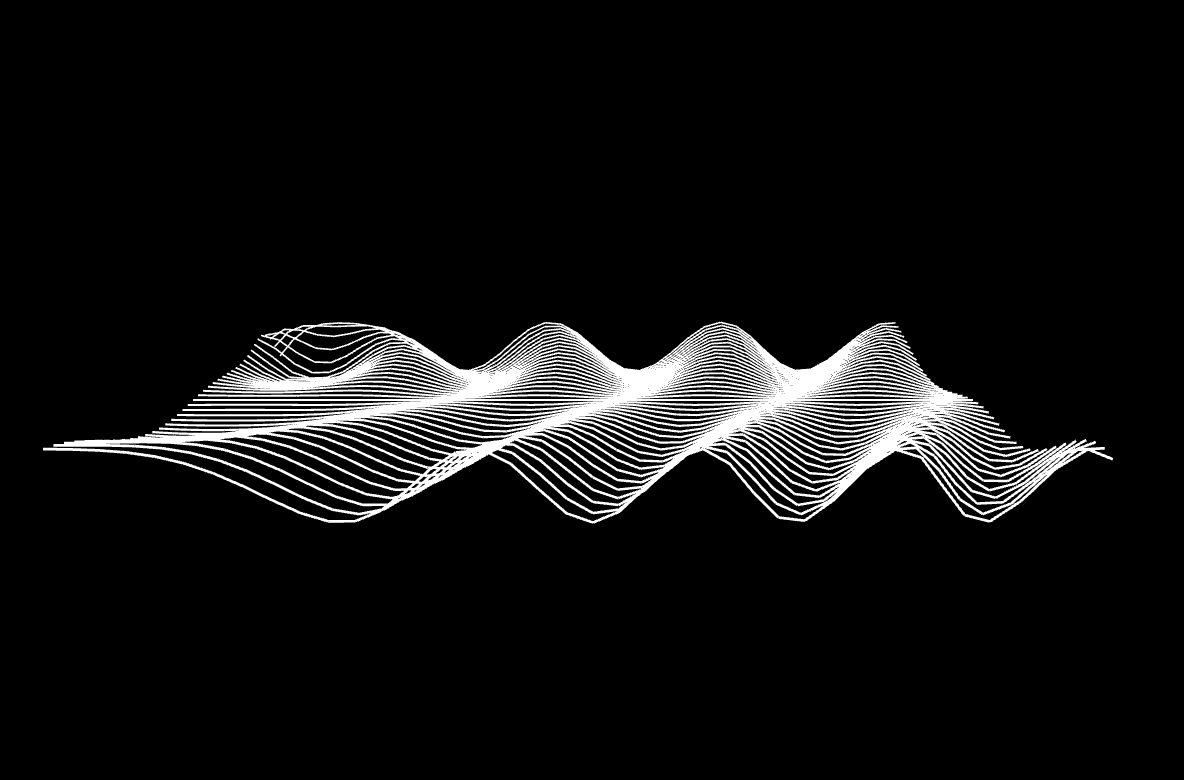
2 Waves
Change, Play, Run, Repeat.
Activity 1
For this activity, choose one or more of the provided p5js sketches by clicking on the image in one of the following slides. A sketch here is the equivalent of a drawing sketch, but with code. In your group try one or more of the sketches and make changes to the code that will show on the left side of the browser window. Above the code section, tick the Auto-refresh box then press the Play button next to it to run the sketch.
The easiest is to make changes to the numbers.
It is probably more fun to do this in a group than alone. Let one of your group members share their screen and make changes to the code. Use the line numbers to identify the line of code you want to make changes to. Inside the code there are comments (grey text) that humans can read, but the machine doesn’t care much about. You can follow some of the hints given in these comments. You might break things, but that’s ok. If errors show up in the console, you can fix them or reload the page.
Note down and share any idea or application that may emerge.
Do take up to 5 screenshots of the rendered image during or at the end of the 15 minutes, give it a title. Share your screenshots with your lecturers via Google Drive and we will make an online gallery.
22–23
Computation in Design 1
B-DC 121
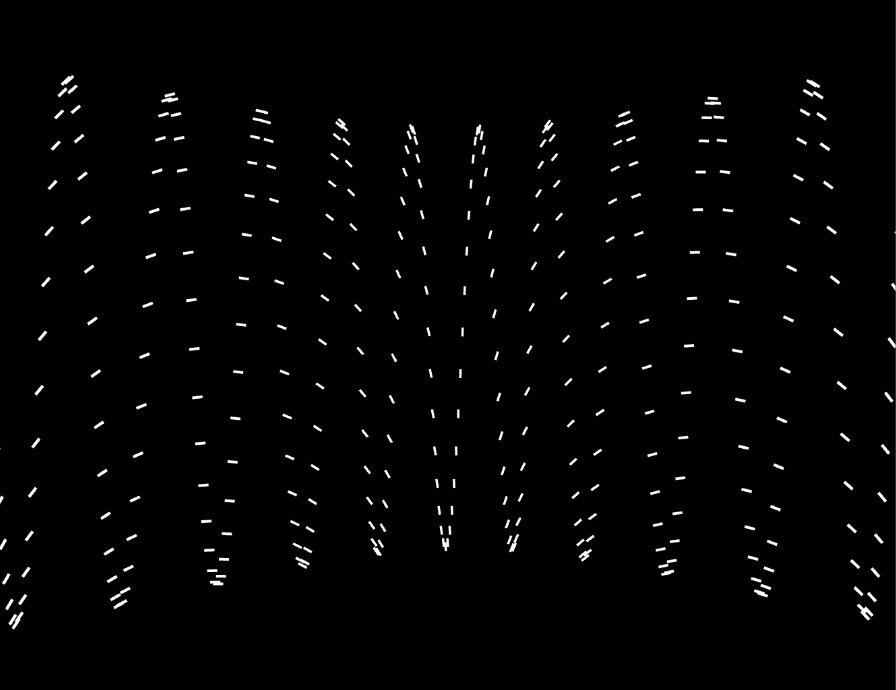
3 Dancing Shapes
Change, Play, Run, Repeat.
Activity 1
For this activity, choose one or more of the provided p5js sketches by clicking on the image in one of the following slides. A sketch here is the equivalent of a drawing sketch, but with code. In your group try one or more of the sketches and make changes to the code that will show on the left side of the browser window. Above the code section, tick the Auto-refresh box then press the Play button next to it to run the sketch.
The easiest is to make changes to the numbers.
It is probably more fun to do this in a group than alone. Let one of your group members share their screen and make changes to the code. Use the line numbers to identify the line of code you want to make changes to. Inside the code there are comments (grey text) that humans can read, but the machine doesn’t care much about. You can follow some of the hints given in these comments. You might break things, but that’s ok. If errors show up in the console, you can fix them or reload the page.
Note down and share any idea or application that may emerge.
Do take up to 5 screenshots of the rendered image during or at the end of the 15 minutes, give it a title. Share your screenshots with your lecturers via Google Drive and we will make an online gallery.
22–23
Computation in Design 1
B-DC 121
4 I don't like black-white so much
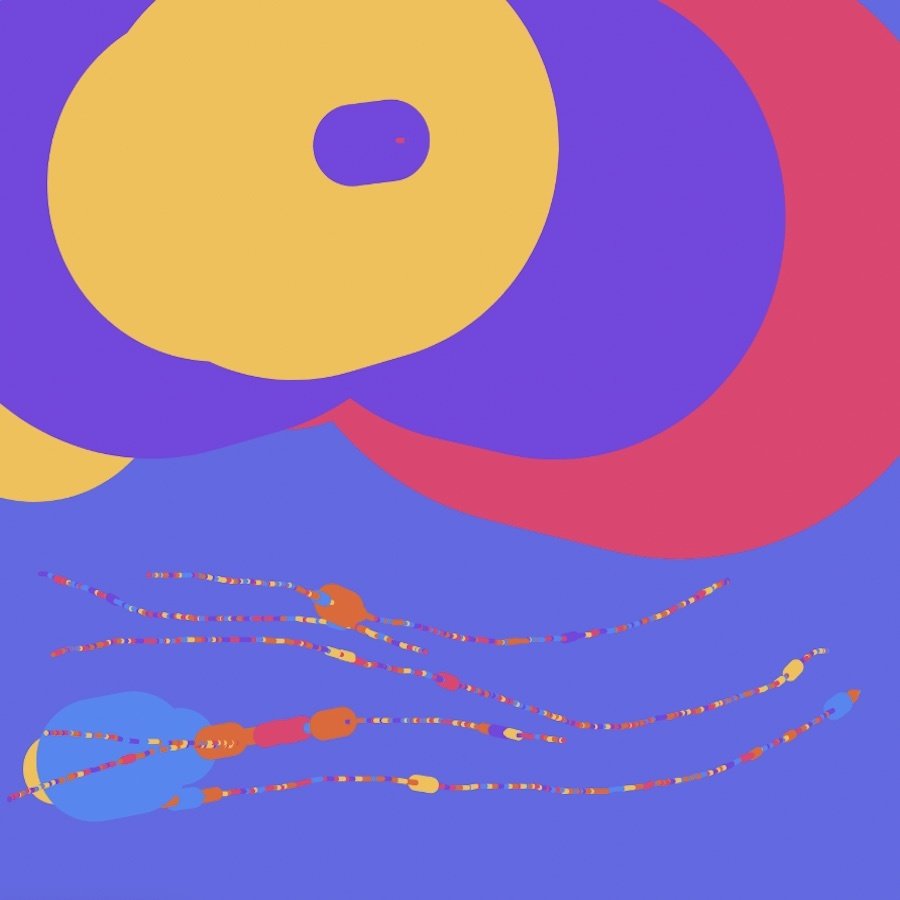
Change, Play, Run, Repeat.
Activity 1
For this activity, choose one or more of the provided p5js sketches by clicking on the image in one of the following slides. A sketch here is the equivalent of a drawing sketch, but with code. In your group try one or more of the sketches and make changes to the code that will show on the left side of the browser window. Above the code section, tick the Auto-refresh box then press the Play button next to it to run the sketch.
The easiest is to make changes to the numbers.
It is probably more fun to do this in a group than alone. Let one of your group members share their screen and make changes to the code. Use the line numbers to identify the line of code you want to make changes to. Inside the code there are comments (grey text) that humans can read, but the machine doesn’t care much about. You can follow some of the hints given in these comments. You might break things, but that’s ok. If errors show up in the console, you can fix them or reload the page.
Note down and share any idea or application that may emerge.
Do take up to 5 screenshots of the rendered image during or at the end of the 15 minutes, give it a title. Share your screenshots with your lecturers via Google Drive and we will make an online gallery.
22–23
Computation in Design 1
B-DC 121
5 Slitscan ascending
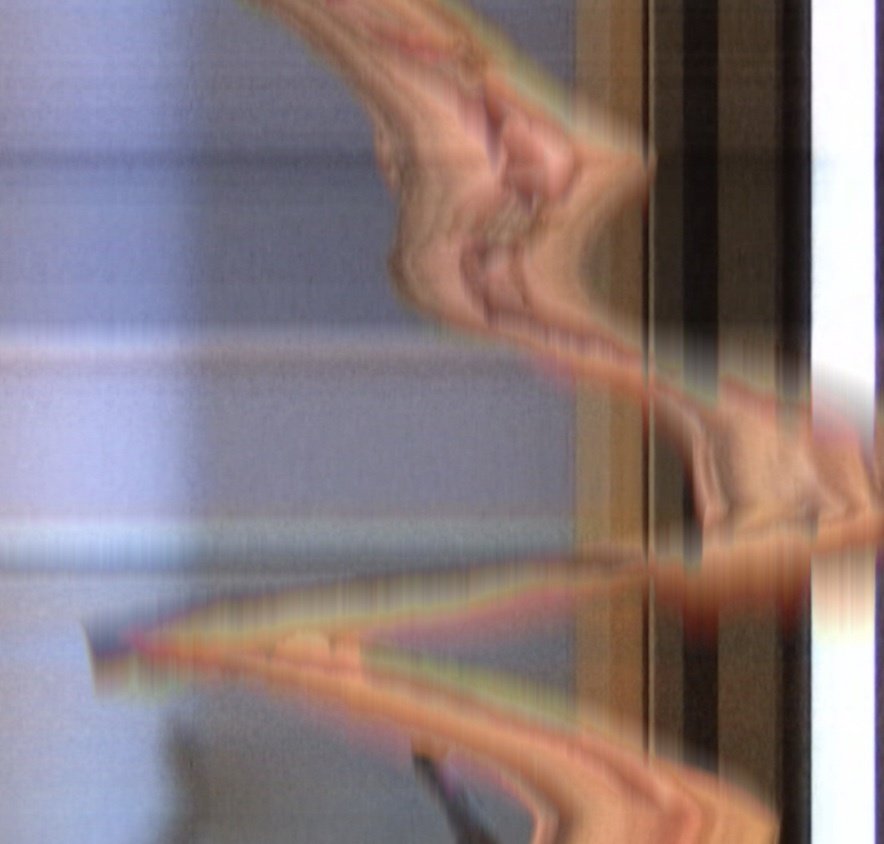
Change, Play, Run, Repeat.
Activity 1
For this activity, choose one or more of the provided p5js sketches by clicking on the image in one of the following slides. A sketch here is the equivalent of a drawing sketch, but with code. In your group try one or more of the sketches and make changes to the code that will show on the left side of the browser window. Above the code section, tick the Auto-refresh box then press the Play button next to it to run the sketch.
The easiest is to make changes to the numbers.
It is probably more fun to do this in a group than alone. Let one of your group members share their screen and make changes to the code. Use the line numbers to identify the line of code you want to make changes to. Inside the code there are comments (grey text) that humans can read, but the machine doesn’t care much about. You can follow some of the hints given in these comments. You might break things, but that’s ok. If errors show up in the console, you can fix them or reload the page.
Note down and share any idea or application that may emerge.
Do take up to 5 screenshots of the rendered image during or at the end of the 15 minutes, give it a title. Share your screenshots with your lecturers via Google Drive and we will make an online gallery.
After you have completed activity 1, upload your images to the Google Drive
22–23
Computation in Design 1
B-DC 121
Change, Play, Run, Repeat.
Activity 1
22–23
Computation in Design 1
B-DC 121
Archive activity 1 in your Digital Portfolio
activity-1_1.jpg
activity-1_2.jpg
activity-1_3.jpg
activity-1_4.jpg
images
Video
activity-1-recording.mp4
docx
activity-1-description.docx
Write 50-80 words that describe the process and learning for this activity. Include links to your p5js sketch, too.
This is optional: make a timelapse video when making changes to the code and
Up to four code images should demonstrate the visuals produced by code at different stages. They should demonstrate the variety of your exploration.
prepare and archive the the screenshots you have taken as outlined below. The screenshots should only show the image only, not the code.
Change, Play, Run, Repeat.
Activity 1
We take a short break to put together the gallery.
22–23
Computation in Design 1
B-DC 121
Change, Play, Run, Repeat.
Activity 1
22–23
Computation in Design 1
B-DC 121
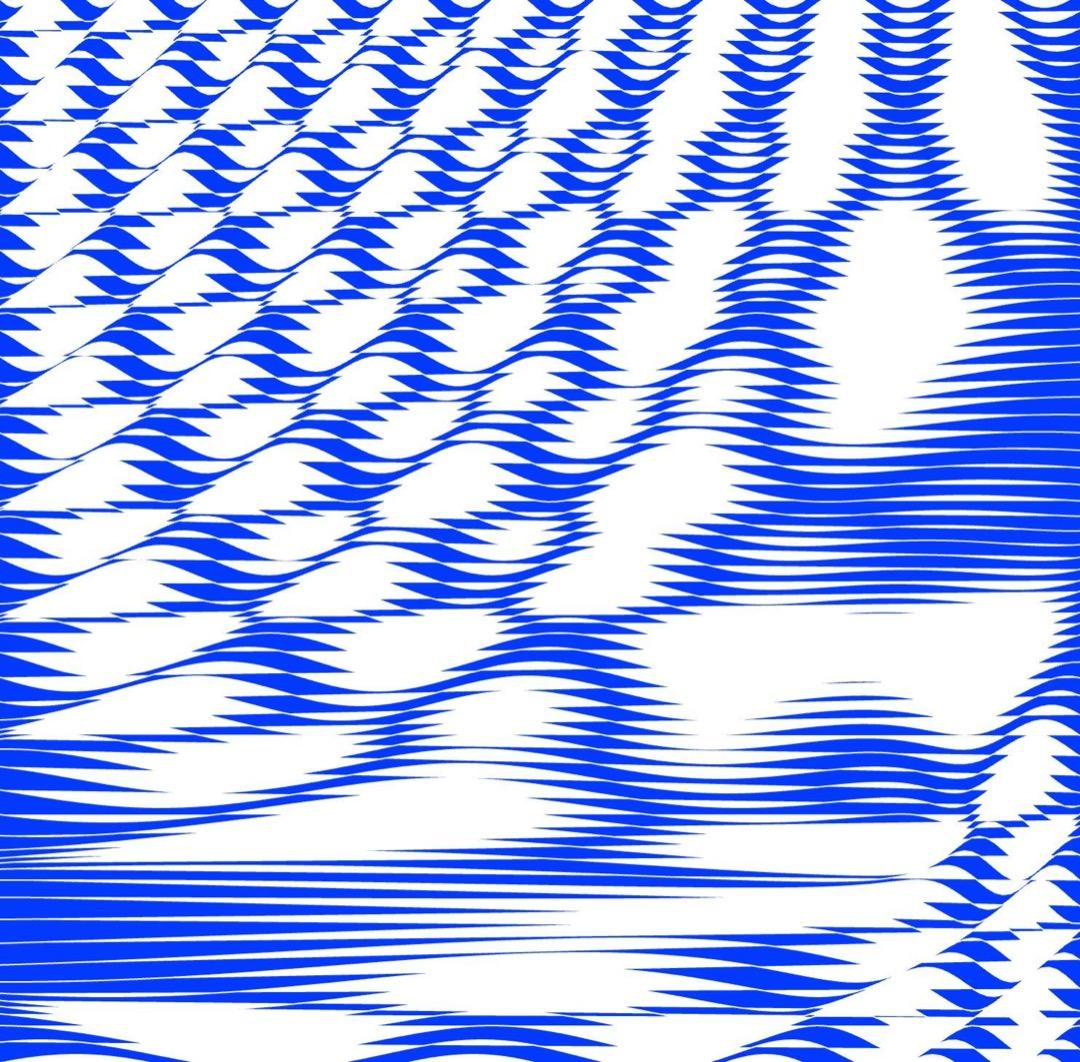
Ok, gallery of outcomes is up, click image.
Change, Play, Run, Repeat.
Activity 1
22–23
Computation in Design 1
B-DC 121
Code to Drawing
Activity 2
Visit three p5js sketches
Select one to work with
Take a screenshot
Create a drawing from screenshot
Take a picture of your drawing
Write a short description
Print screenshot and drawing on A4
Bring prints to next week's class
How
22–23
Computation in Design 1
B-DC 121
Sunday, 2pm
Singapore Art Museum, Tanjong Pagar Distripark
22–23
Computation in Design 1
B-DC 121
Homework and Deliverables
For Activity 2 the following items must be archived in your Digital Portfolio under activity-2
activity-2_1.jpg
activity-2_2.jpg
images
docx
activity-2-description.docx
Write 50-80 words that describe the process and learning for this activity. Include links to your p5js sketches, too.
Code to Drawing
Activity 2
22–23
Computation in Design 1
B-DC 121
Due Week 2
Homework
Complete Activity 2
Code to Drawing
Activity 2
23–24
Computation in Design 1
B-DC 121
Let's develop an initial understanding of computation and (creative) coding through demos and visual exercises
The anatomy of a program: syntax, flow, functions, variables, shapes, loops, conditionals.
Computational Literacy building 1
2
What
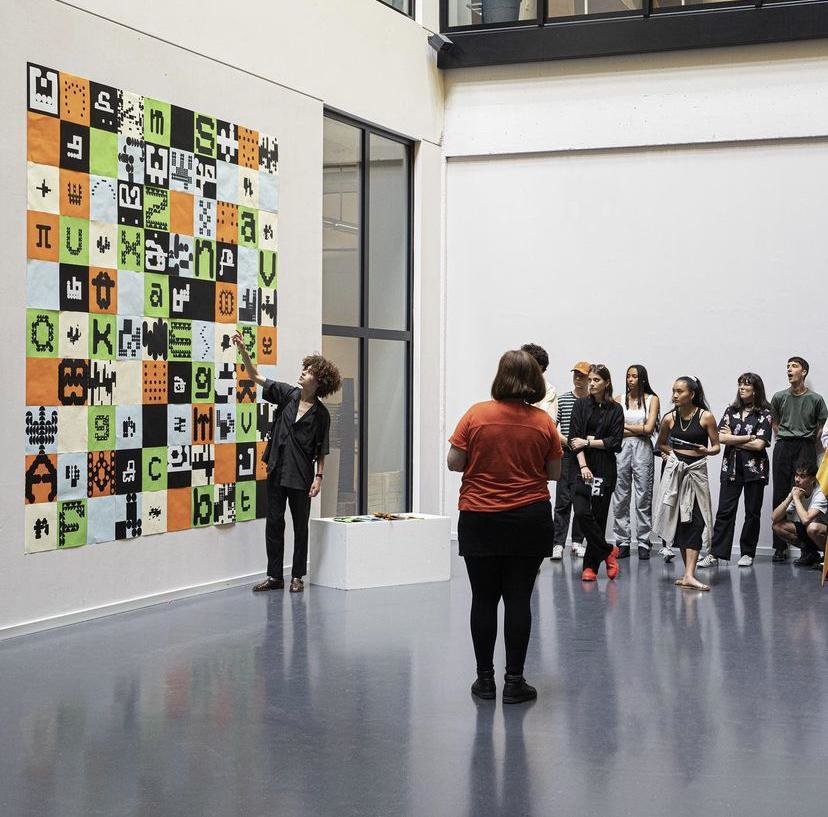
Homework show-and-tell. The expected outcome from activity 2 is two printouts on A4. Paste your printouts on the studio walls (arranged by class) so we can look at it and discuss it as a group. Take photos of your work, keep a digital copy of your printouts.
Deliverables for this activity are underlined, do archive them in your Digital Portfolio under activity-2
Image via @ecal_ch
22–23
Computation in Design 1
B-DC 121
Code and Draw
Activity 2
Sharing
22–23
Computation in Design 1
B-DC 121
Learning code can be frustrating and it requires a lot of time and a lot of failure. Time and failure and misunderstanding.
To imbue a sense of optimism here is so important–to celebrate this as a new mode of working and to help students to realise that there's all these untapped ideas out there.
Zach Lieberman
Levin, Golan, and Tega Brain. Code as Creative Medium a Handbook for Computational Art and Design. The MIT Press, 2021.
22–23
Computation in Design 1
B-DC 121
setup
draw
function
rect
ellipse
line
coordinates
beginShape
endShape
vertex
Concepts
Commands
The setup() function is called once when the program starts. read more
Called directly after setup(), the draw() function continuously executes the lines of code contained inside its block. read more
A function is a set of statements that perform a task. Optionally, functions can have parameters. read more
All shapes drawn to the screen have a position that is specified as a coordinate. read more
A rectangle is a four-sided closed shape. The first two parameters set the location of the upper-left corner, followed by width and height. read more
Draws an ellipse (oval) to the screen. The first two parameters set the location of center of the shape, followed by width and height. read more
Draws a line (a direct path between two points) to the screen. read more
Using the beginShape() and endShape() functions allow creating more complex forms. read more
beginShape() begins recording vertices for a shape and endShape() stops recording. read more
All shapes are constructed by connecting a series of vertices. vertex() is used to specify the vertex coordinates. read more
Code Basics
Drawing and shapes
22–23
Computation in Design 1
B-DC 121
Code Basics
Functions
function setup( )
function draw( )
A function is simply a “chunk” of code, or a block of code, that you can use over and over again, rather than writing it out multiple times. Functions enable programmers to break down or decompose a problem into smaller chunks, each of which performs a particular task.
22–23
Computation in Design 1
B-DC 121
demotime
The anatomy of a program
syntax
flow
shapes
transformation
loops
conditionals
functions
syntax
flow
shapes
transformation
Ask ChatGPT about code that you don't understand, ask for an explanation for a particular command and to give a simple example.
22–23
Computation in Design 1
B-DC 121
Learning objective for activity 3
Activity 3 asks you to draw shapes using pen and code. You will learn a basic set of commands to draw primitive shapes as well as vector based shapes.
background, fill, stroke, noStroke, rect, ellipse, text, beginShape, endShape, vertex
Where you see shapes, I see code
Ask ChatGPT about code that you don't understand, ask for an explanation for a particular command and to give a simple example.
22–23
Computation in Design 1
B-DC 121
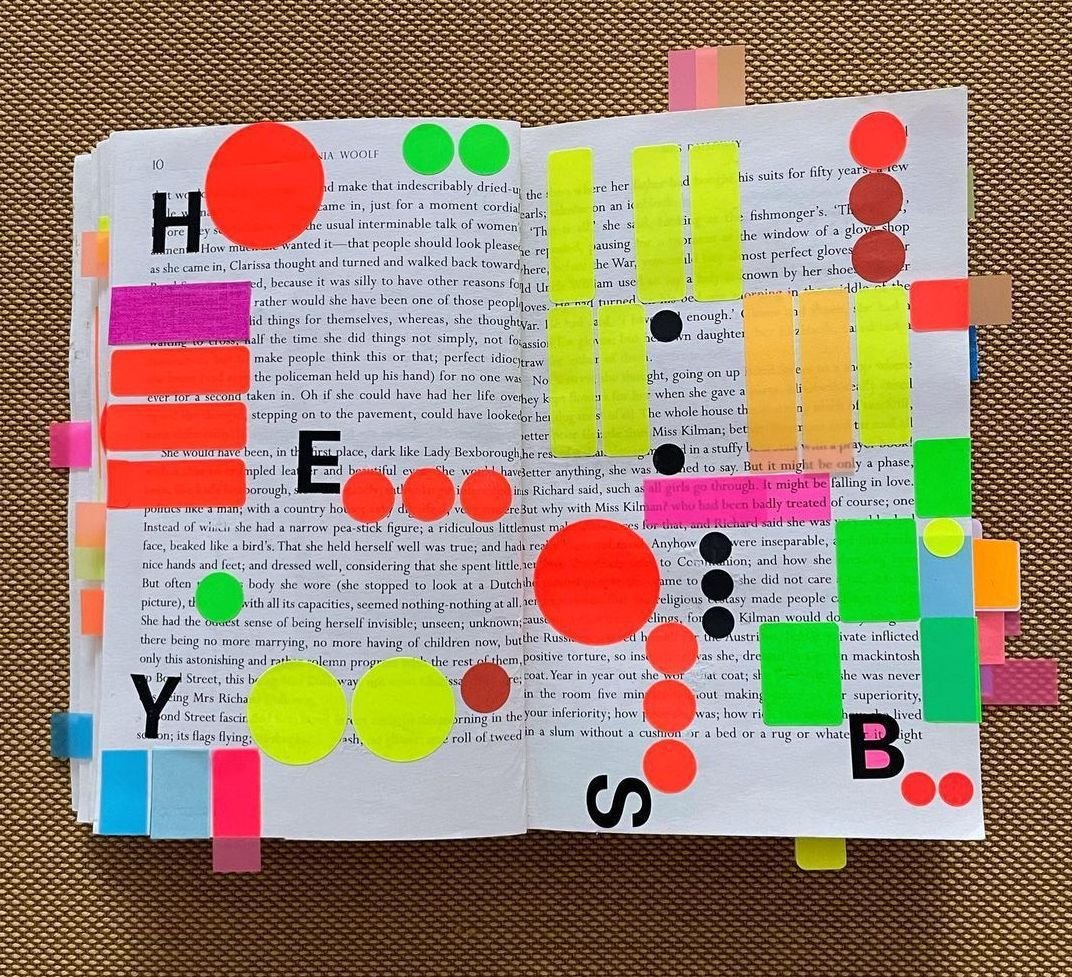
Where you see shapes, I see code.
Activity 3
3.1
In teams of 2, use the image to the right as a reference point and inspiration to create a coded sketch that echoes the arrangement of the colourful stickers in the foreground. Keep the background of your sketch white.
sketch-size
800x800 pixels
commands
background, fill, noStroke, rect, ellipse, text
anatomy
syntax, flow, shapes
22–23
Computation in Design 1
B-DC 121
Where you see shapes, I see code.
Activity 3
3.1
In teams of 2, use the image to the right as a reference point and inspiration to create a coded sketch that echoes the arrangement of the colourful stickers in the foreground. Keep the background of your sketch white.
sketch-size
800x800 pixels
commands
background, fill, noStroke, rect, ellipse, text
anatomy
syntax, flow, shapes
20
22–23
Computation in Design 1
B-DC 121
Where you see shapes, I see code.
Activity 3
3.2
Step 1/2
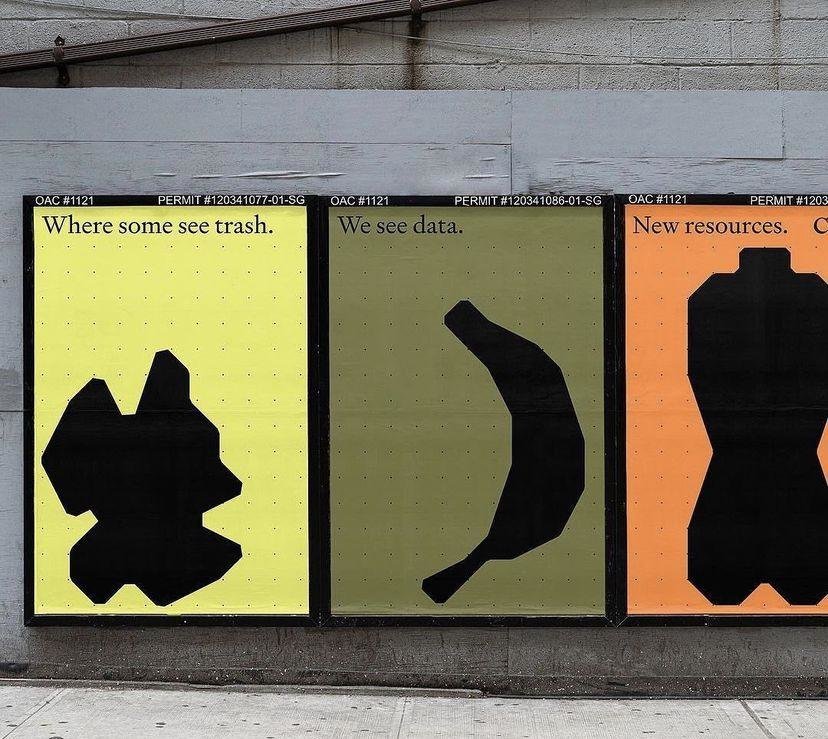
Step 1: In teams of 2, design an organic shape that resembles an everyday object. Use the same style as shown in the picture to the right, plain black on plain colour. Draw the shape on paper first, start in the top left corner at the origin 0,0. Then proceed to the next slide.
22–23
Computation in Design 1
B-DC 121
Where you see shapes, I see code.
Activity 3
Step 1: In teams of 2, design an organic shape that resembles an everyday object. Use the same style as shown in the picture to the right, plain black on plain colour. Draw the shape on paper first, start in the top left corner at the origin 0,0. Then proceed to the next slide.
15
3.2
Step 1/2
22–23
Computation in Design 1
B-DC 121
Step 2: Copy over the shape you have drawn on paper to p5js. Use the template sketch as a starting point.
1. Draw your object using these commands:
beginShape(), endShape(), vertex()
2. write commands into a function called myShape()
3. rename all occurrences of myShape() with a made-up name that describes your object
Where you see shapes, I see code.
Activity 3
sketch-size
800x800 pixels
commands
beginShape, endShape, vertex, push, pop, translate
anatomy
syntax, flow, function, shapes
3.2
Step 2/2
22–23
Computation in Design 1
B-DC 121
Where you see shapes, I see code.
Activity 3
sketch-size
800x800 pixels
commands
beginShape, endShape, vertex, push, pop, translate
anatomy
syntax, flow, function, shapes
3.2
Step 2/2
// starter-code for activity 3.2

function setup() {
  createCanvas(800, 800);
}

function draw() {
  background(0);
  myShape();
}

function myShape() {
}
Step 2: Copy over the shape you have drawn on paper to p5js. Use the template sketch as a starting point.
1. Draw your object using these commands:
beginShape(), endShape(), vertex()
2. write commands into a function called myShape()
3. rename all occurrences of myShape() with a made-up name that describes your object
22–23
Computation in Design 1
B-DC 121
Where you see shapes, I see code.
Activity 3
20
Copy over the shape you have drawn on paper to p5js. Use this template sketch as a starting point.
1. Draw your object using these commands:
beginShape(), endShape(), vertex()
2. write commands into function myShape()
3. rename all occurrences of myShape() with a made-up name that describes your object
sketch-size
800x800 pixels
commands
beginShape, endShape, vertex, push, pop, translate
anatomy
syntax, flow, function, shapes
3.2
Step 2/2
22–23
Computation in Design 1
B-DC 121
push
pop
translate
rotate
mouseX
mouseY
demotime
Transformations
Ask ChatGPT about code that you don't understand, ask for an explanation for a particular command and to give a simple example.
22–23
Computation in Design 1
B-DC 121
Transformation is a concept that initially leaves you scratching your head. Why? Transformations act on the coordinate system rather than on shapes, and transformations are accumulative. Allison Perish has written an extensive and useful tutorial with examples here.
translate
rotate by 180 degrees or PI
Code Basics
Transformations
22–23
Computation in Design 1
B-DC 121
Commands
Example
When using transformations, the things you draw never change position; the coordinate system itself does. read more
push
pop
translate
rotate
scale
The push() function saves the current drawing style settings and transformations, while pop() restores these settings. read more
The push() and pop() functions can be embedded to provide more control over the positioning and rotation of shapes. read more
Specifies an amount to displace objects within the display window. read more
Rotates a shape by the amount specified by the angle parameter. read more
Increases or decreases the size of a shape by expanding or contracting vertices. read more
// use transformations to draw 2 rects
function draw() {
  fill(0,0,255,100);
  noStroke();

  // draw a rect at coordinate 50,200
  // without moving the rect but the
  // coordinate system using translate
  push();
  translate(50,200);
  rect(0,0,100,100)
  pop();

  // same as above but now we rotate
  // the rect by 45° (using radians)
  push();
  translate(50,200);
  rotate(HALF_PI);
  rect(0,0,100,100)
  pop();

}
Above commands are called transformations
Code Basics
Transformations
22–23
Computation in Design 1
B-DC 121
Example
Drawing a rotating shape
Code Basics
Transformations
Commands
When using transformations, the things you draw never change position; the coordinate system itself does. read more
push
pop
translate
rotate
scale
Above commands are used to perform transformations on 2D and 3D forms
22–23
Computation in Design 1
B-DC 121
Learning objective for activity 3.3
Transformation is a concept that is not immediately clear, but it makes working with more complex forms and compositions so much easier.
push, pop, translate, rotate, scale
Transformations
Ask ChatGPT about code that you don't understand, ask for an explanation for a particular command and to give a simple example.
22–23
Computation in Design 1
B-DC 121
Activity 3
3.3
Prepare your sketch so that you draw only one shape, which is contained in a function myShape().
In a first step, we surround the shape code with push() and pop(). We use push() and pop() to group shapes together.
We will the use the translate() command to move the position of the shape. the translate() command requires 2 parameters, 2 numbers in between the parentheses separated by a comma. The first number represents the x-location, the second the y-location.
concepts
function, parameters, arguments
commands
mouseX, mouseY, push, pop, translate
Where you see shapes, I see code.
22–23
Computation in Design 1
B-DC 121
Where you see shapes, I see code.
Activity 3
Homework and Deliverables
For Activity 3 the following items must be archived in your Digital Portfolio under activity-3
activity-3-1-coding_1.jpg
activity-3-1-coding_2.jpg
activity-3-2-drawing_1.jpg
activity-3-2-coding_1.jpg
activity-3-2-coding_2.jpg
activity-3-3-coding_1.jpg
activity-3-3-coding_2.jpg
activity-3-team-at-work.jpg
images
Video
activity-3-drawing-coding.mp4
docx
activity-3-description.docx
Write 70-120 words that describe the process and learning for this activity. Include links to your p5js sketches, too.
Create a short video, 10-20 seconds long, that presents the process, team work and outcomes of your activity 3 work.
These 8 coding images should demonstrate the progress you have made, when you screenshot your p5js canvas, exclude the code part, rendered image only.
22–23
Computation in Design 1
B-DC 121
Due Week 3
Homework
Complete Activity 3
Reading for-week-3 click here
Where you see shapes, I see code.
Activity 3
22–23
Computation in Design 1
B-DC 121
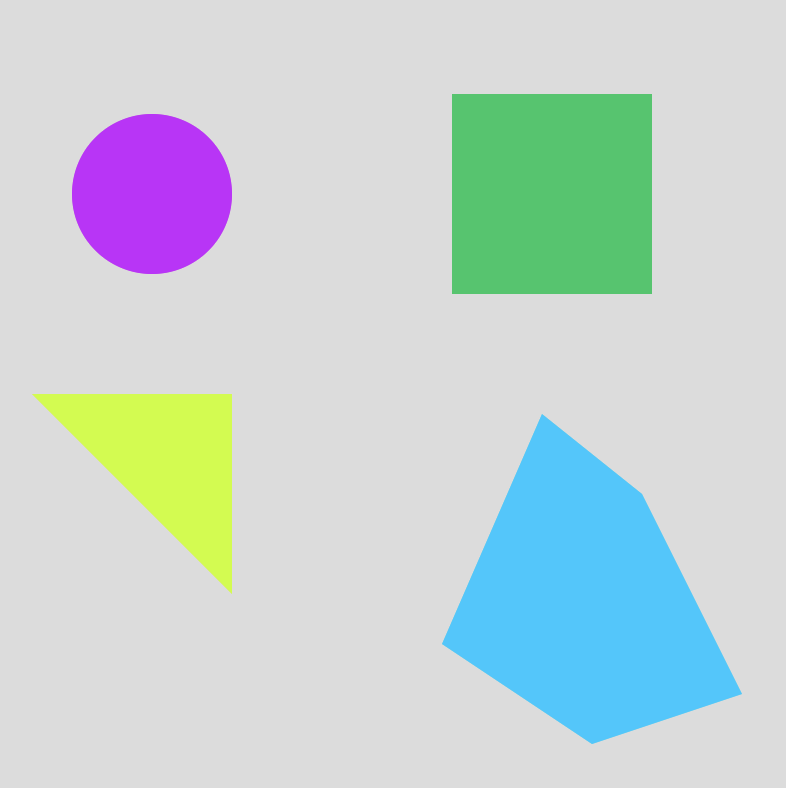
How can we instruct a computer to draw us some shapes using code
What can coding do for you and what can you do with coding as a designer?
Computational Literacy building 2
3
What
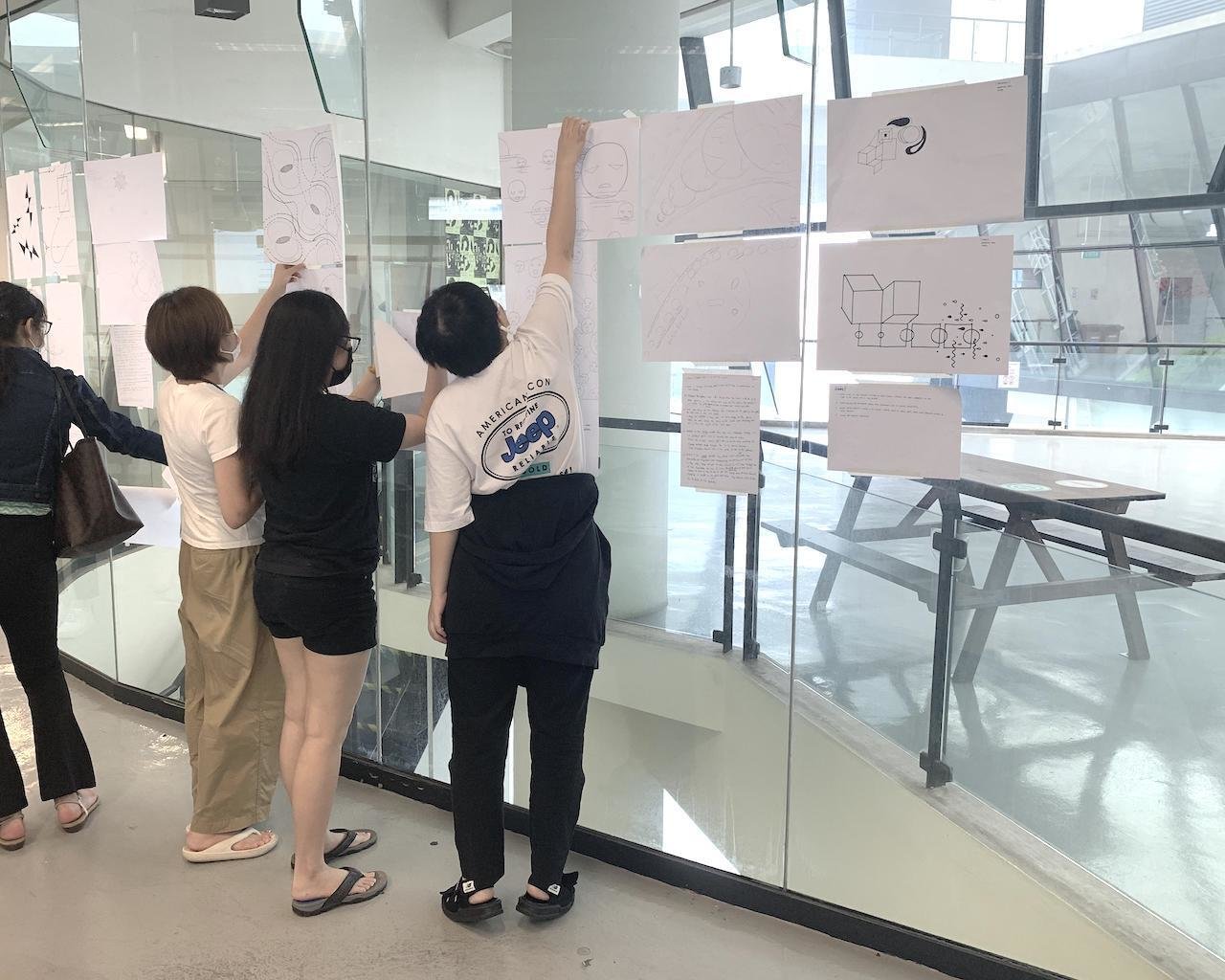
Homework show-and-tell. The expected outcome from activity 3 is a series of images, a video and a written description. To review some of the outcomes we will random pick some of your works.
Deliverables for this activity are underlined, do archive them in your Digital Portfolio under activity-3
22–23
Computation in Design 1
B-DC 121
Where you see shapes, I see code.
Activity 3
Sharing
22–23
Computation in Design 1
B-DC 121
What do your lecturers do with code? Some visual examples of your lecturers' work.
quickshots
Manfred Mohr reading
Computer Graphics
~1970s
22–23
Computation in Design 1
B-DC 121
(RE)ROOTING (2021)
By Jo Ho, Presented on National Gallery Singapore Facade during Light to Night Festival 2021
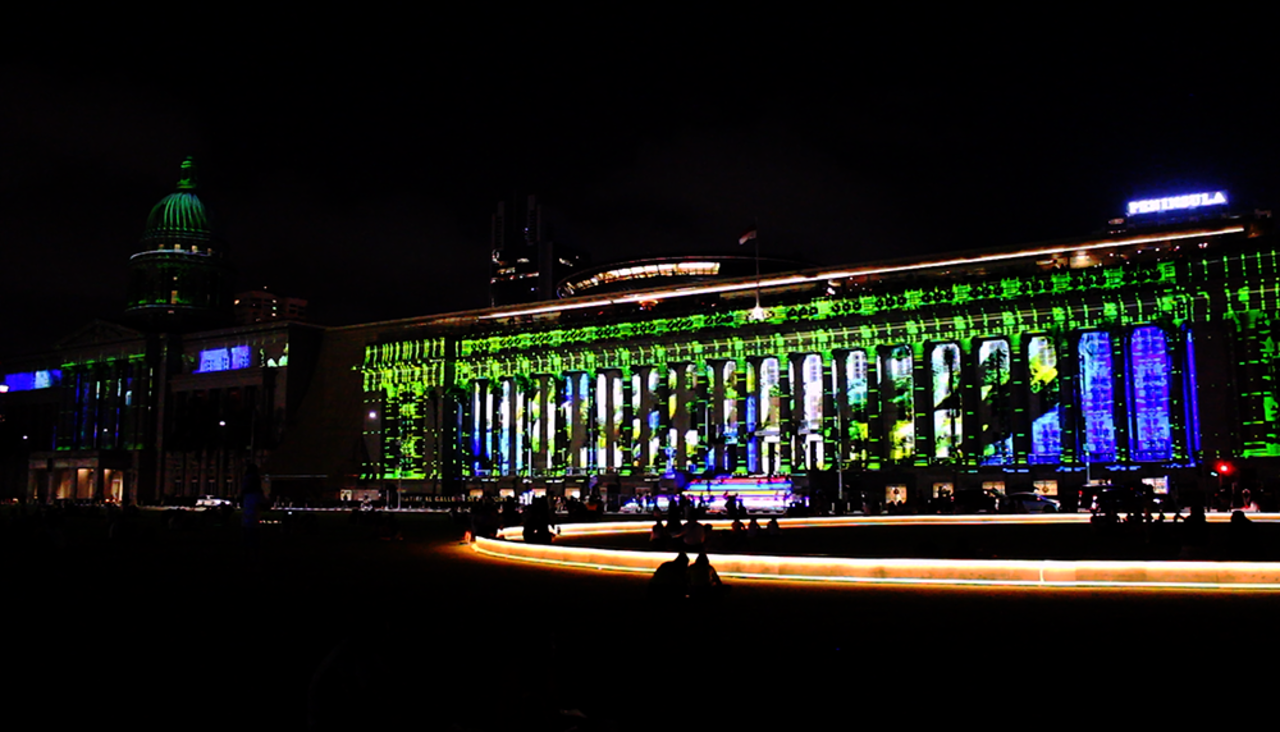

Tools: TouchDesigner, Projection Mapping, Adobe After Effects, Runway ML
22–23
Computation in Design 1
B-DC 121
Simulacra 1.0 (2023)
By jo+kapi, Presented at HATCH Art Project at the exhibition Machinations of a Godless Mind
Tools: TouchDesigner, Live webcam feed, Web sockets, Interactive Installation
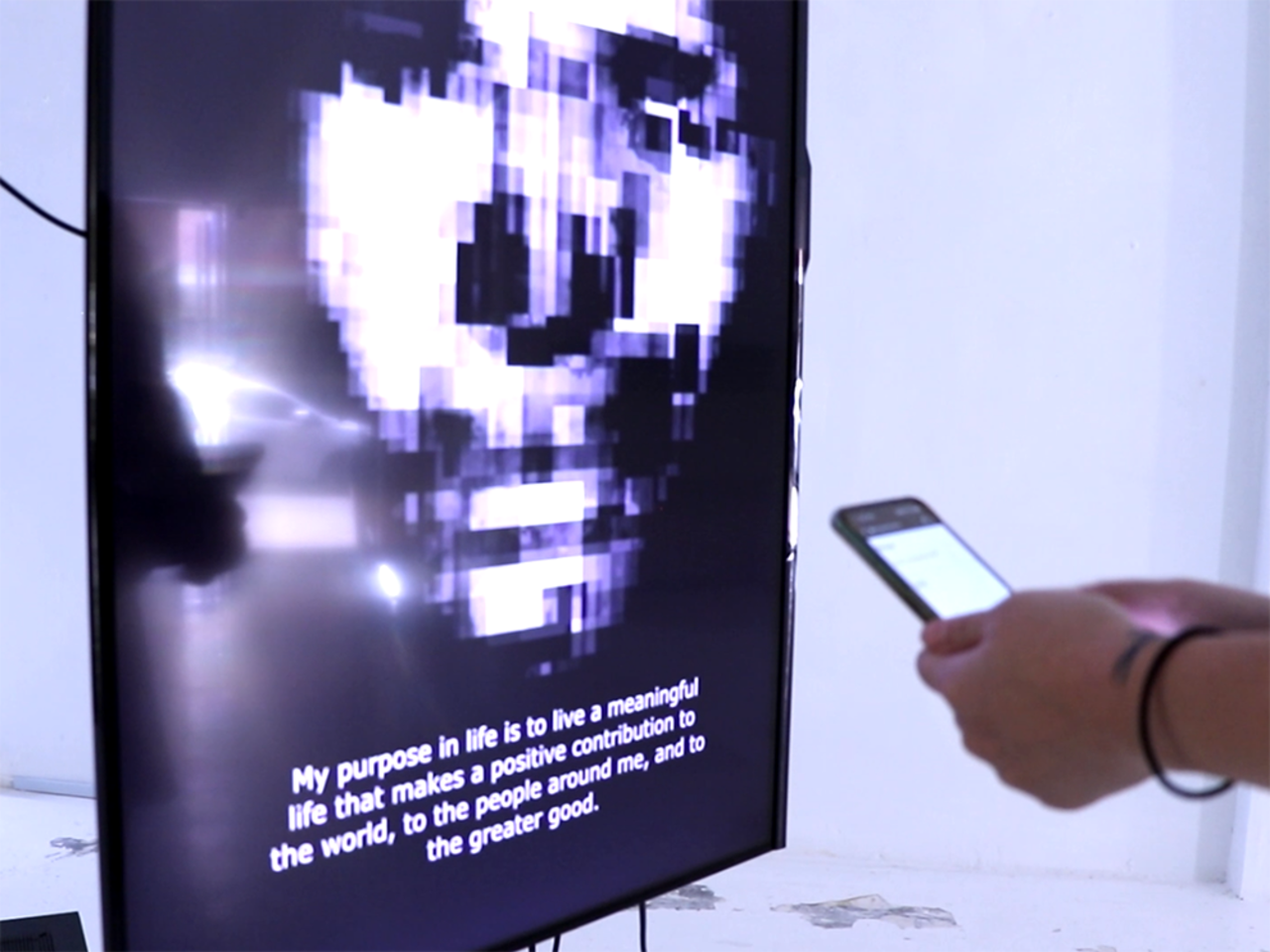
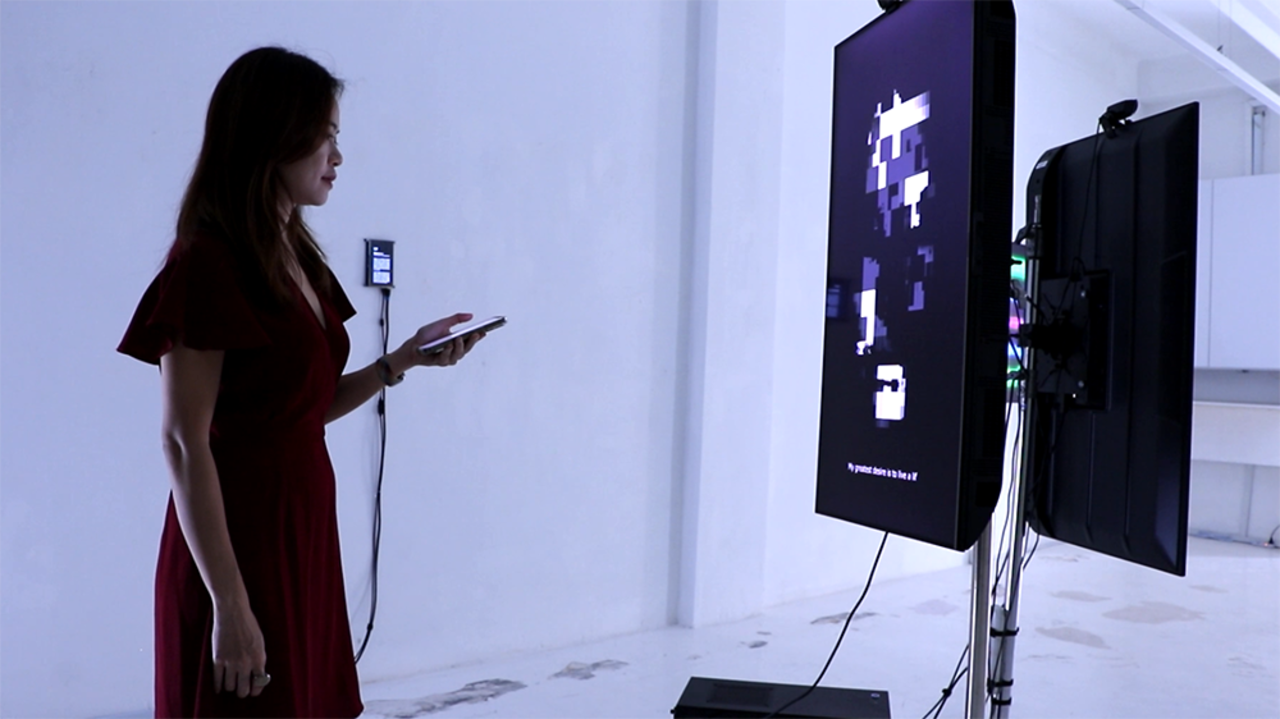
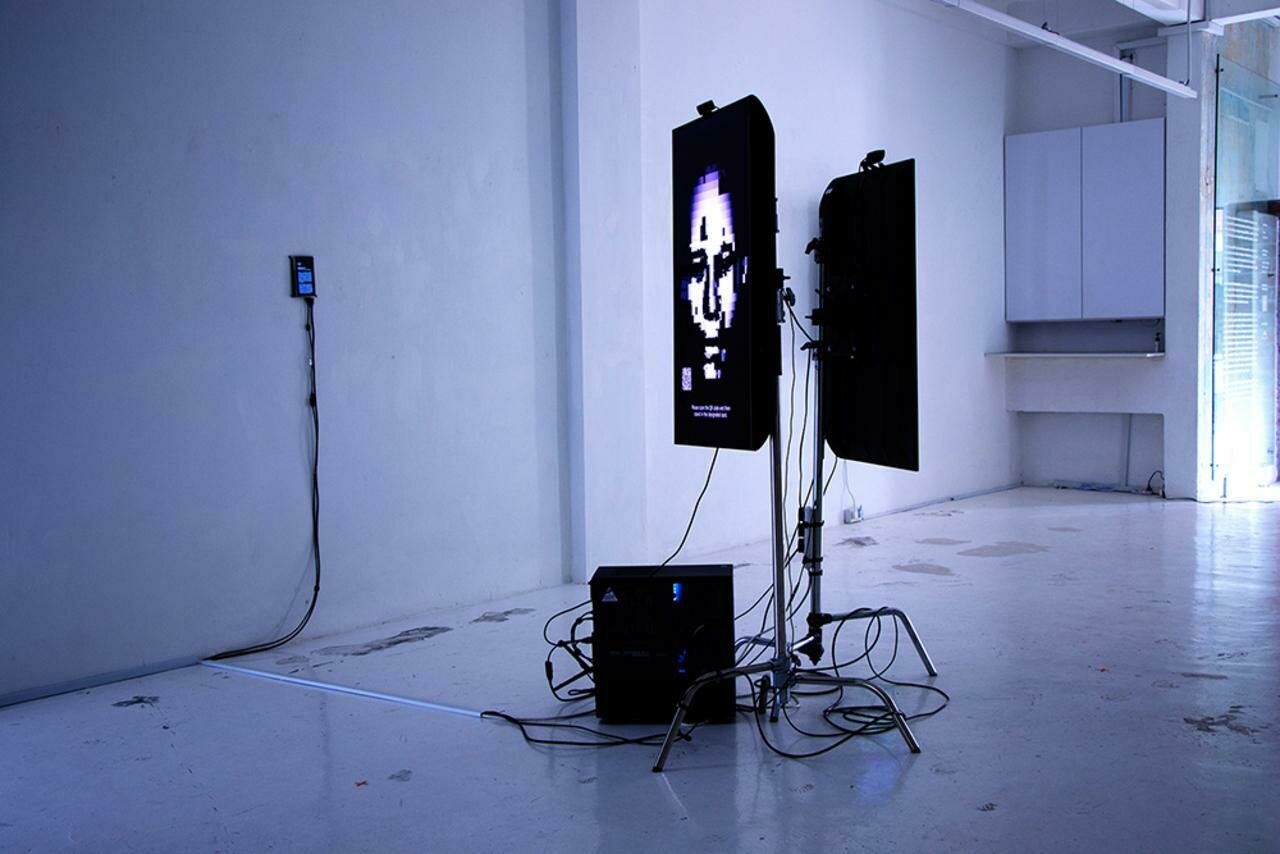
22–23
Computation in Design 1
B-DC 121
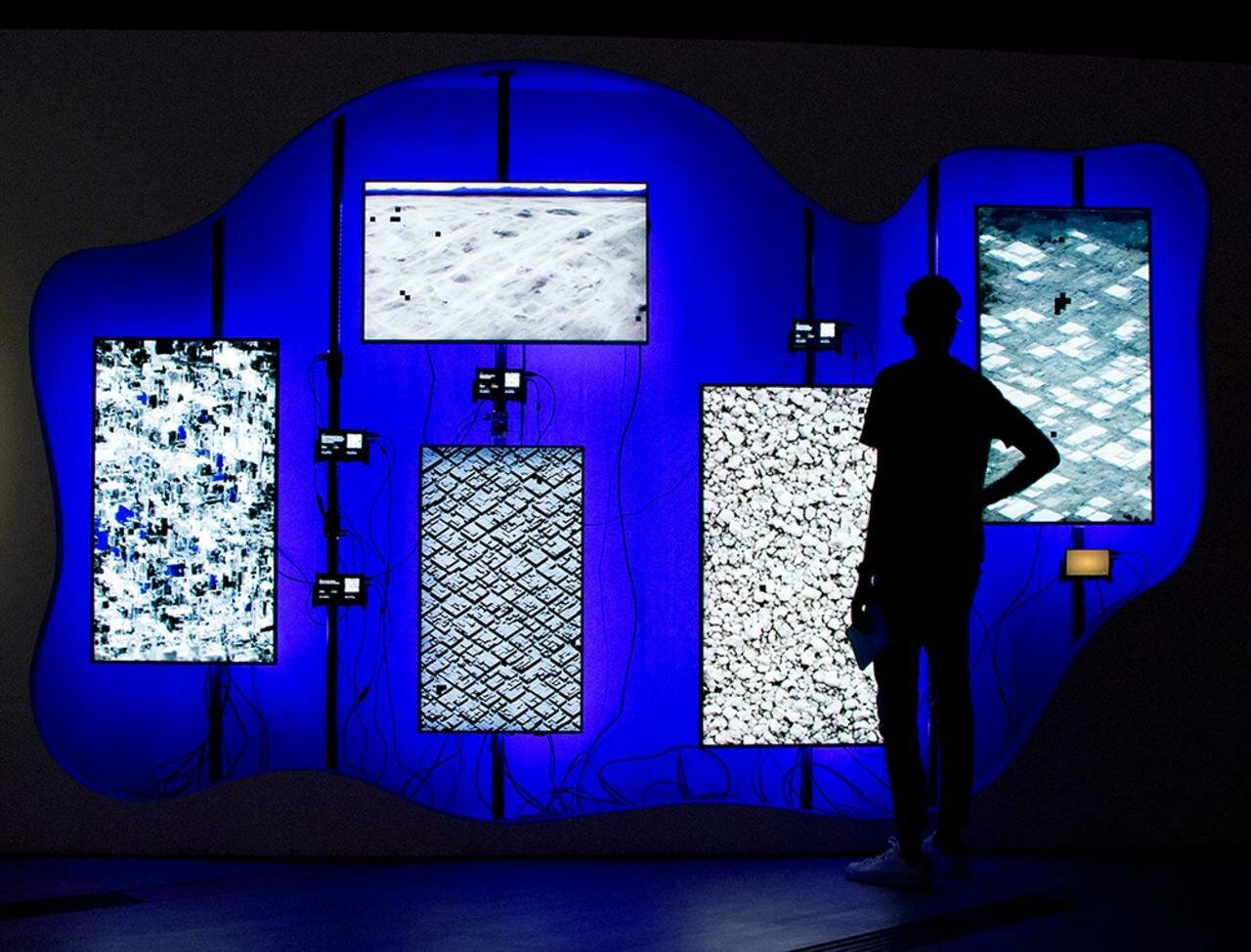
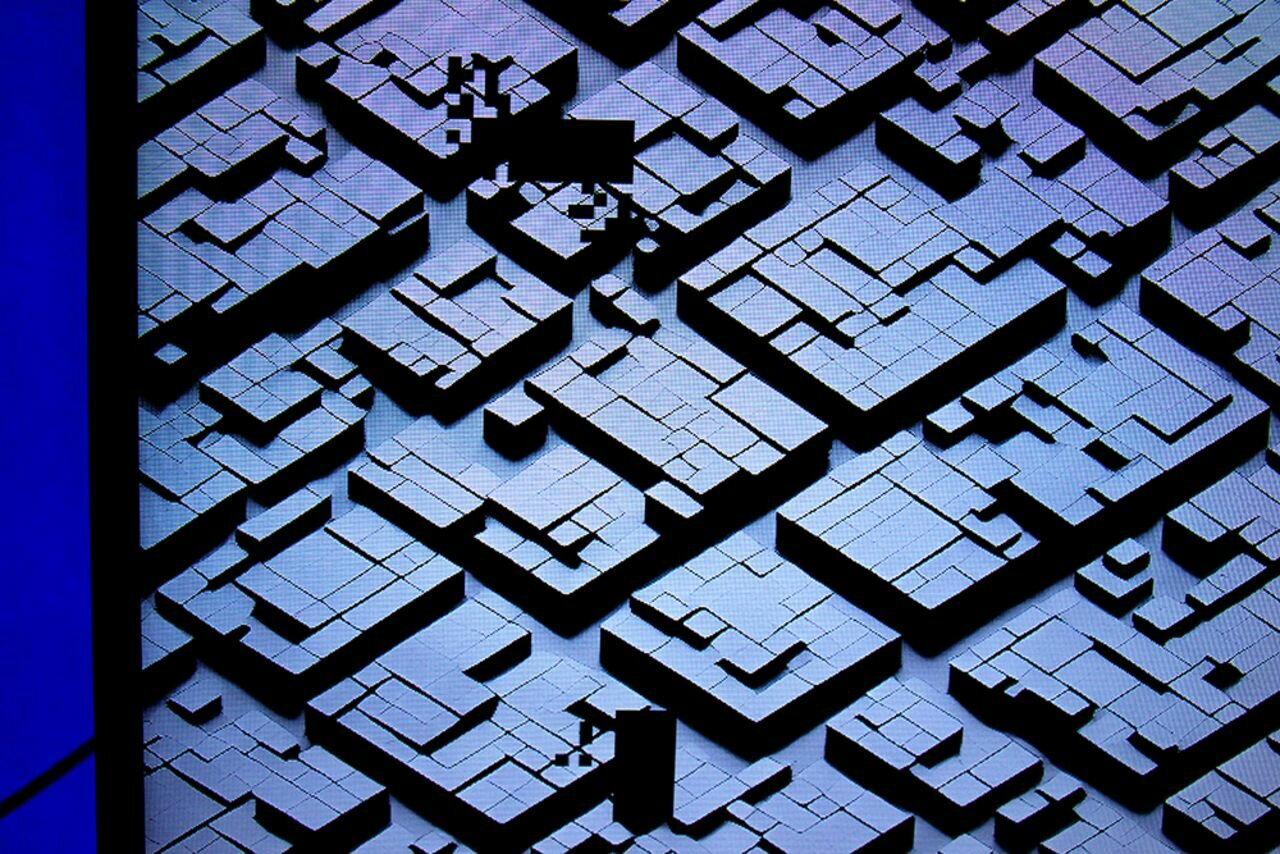
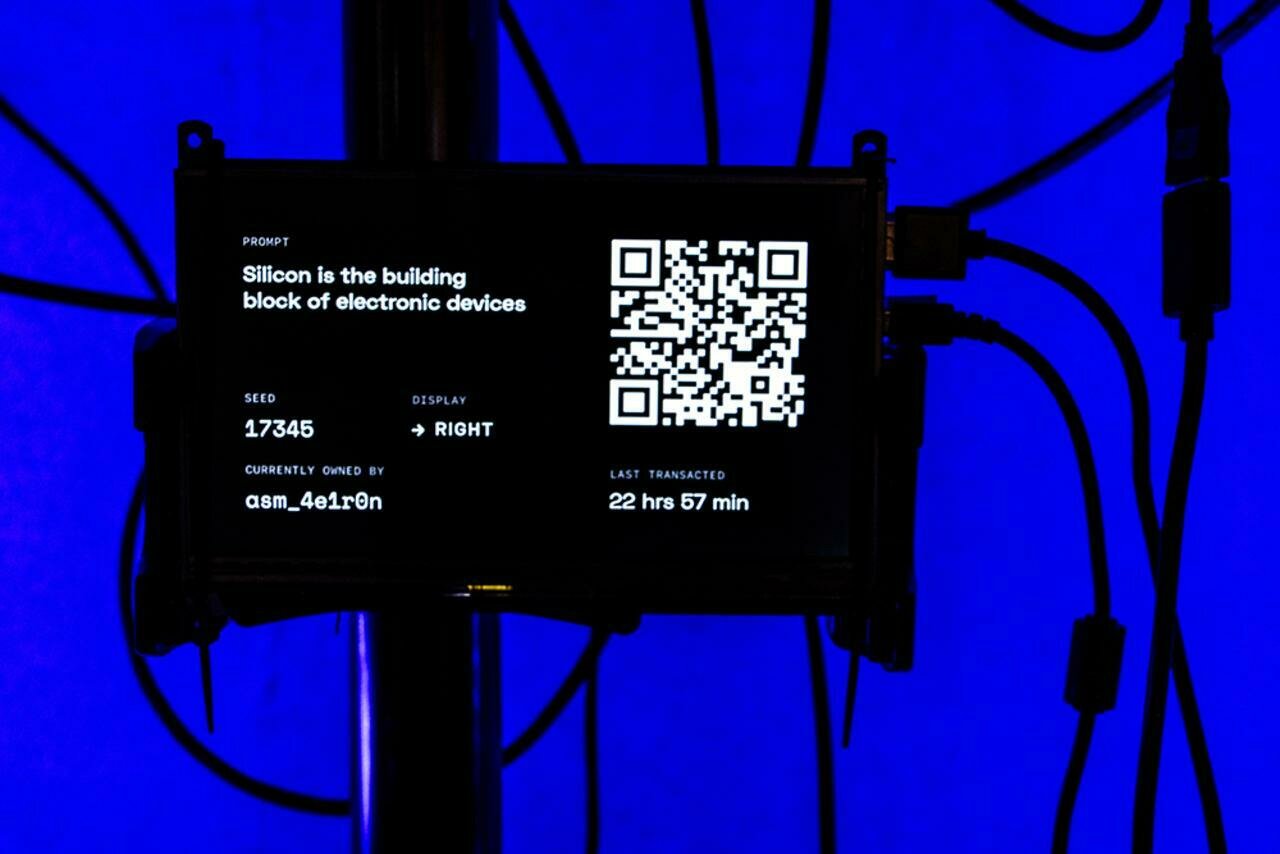
ENZYME 1.2 (2023)
By jo+kapi, presented at Art Science Museum at the exhibition Notes from the Ether
Tools: p5js, Stable Diffusion, Interactive Installation
22–23
Computation in Design 1
B-DC 121
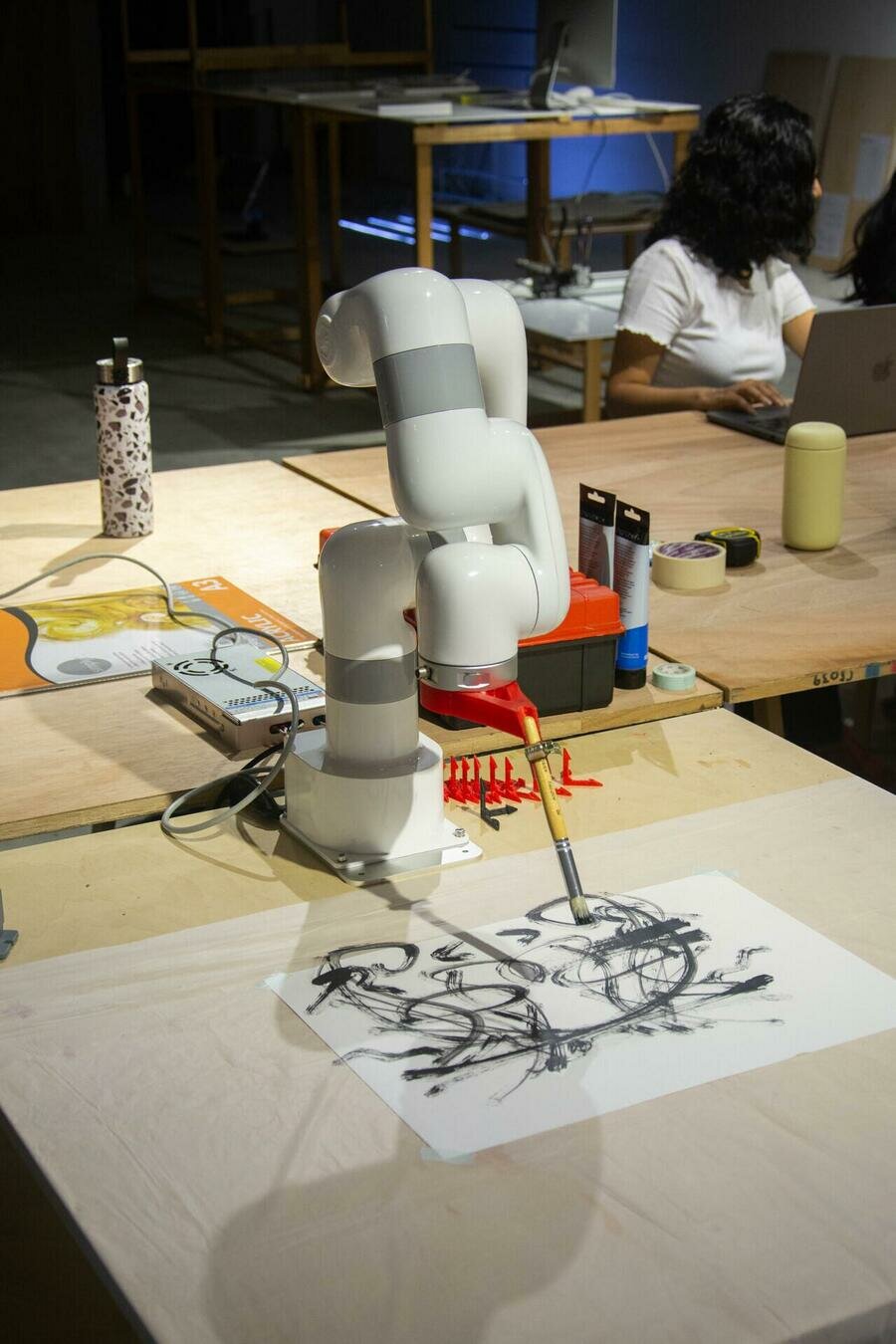
Robot drawing (2022)
By Syaz, workshop at make, shift, a series of workshops and showcases at the Open Studios, CineLeisure Orchard.
Tools: p5js, nodejs, robot arm
22–23
Computation in Design 1
B-DC 121
Incremental Vessels (2021)
By Syaz, Fifteen Graduation Show
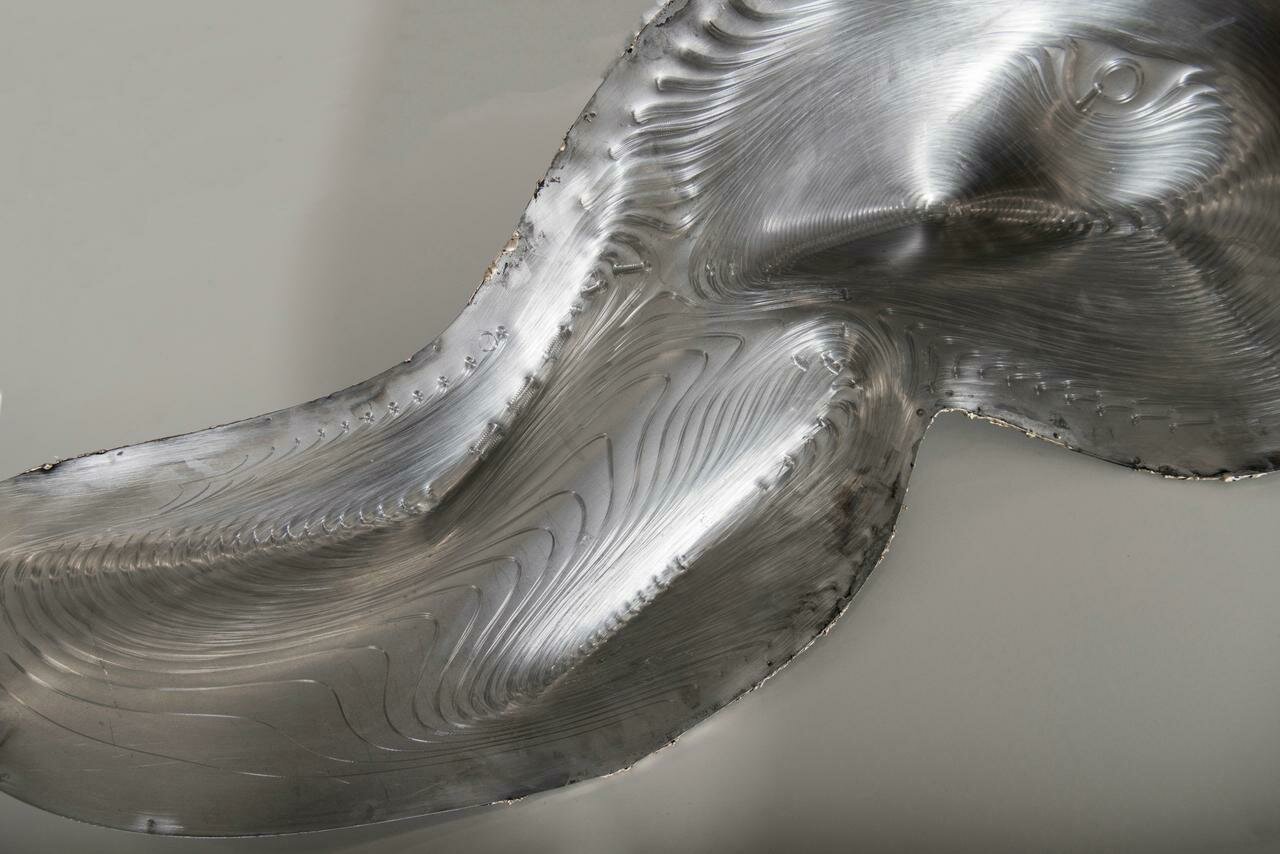
Tools: 3D Scanner, CNC Mill, Water Jet Cutter, Fusion360, Meshmixer
22–23
Computation in Design 1
B-DC 121
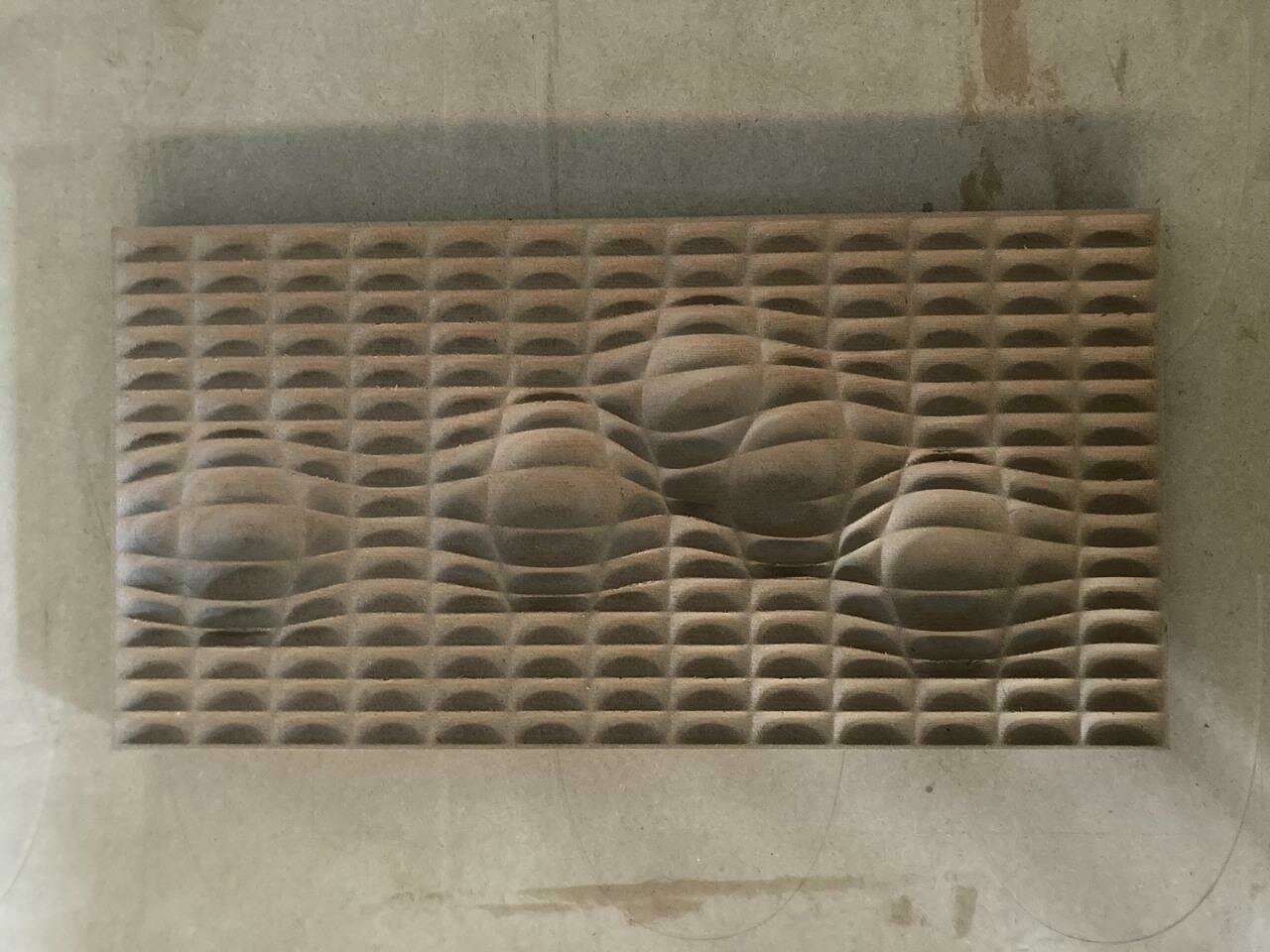
Parametric Panels (2023)
By Syaz, Industry research project
Tools: Rhinoceros, Grasshopper, CNC Mill
22–23
Computation in Design 1
B-DC 121
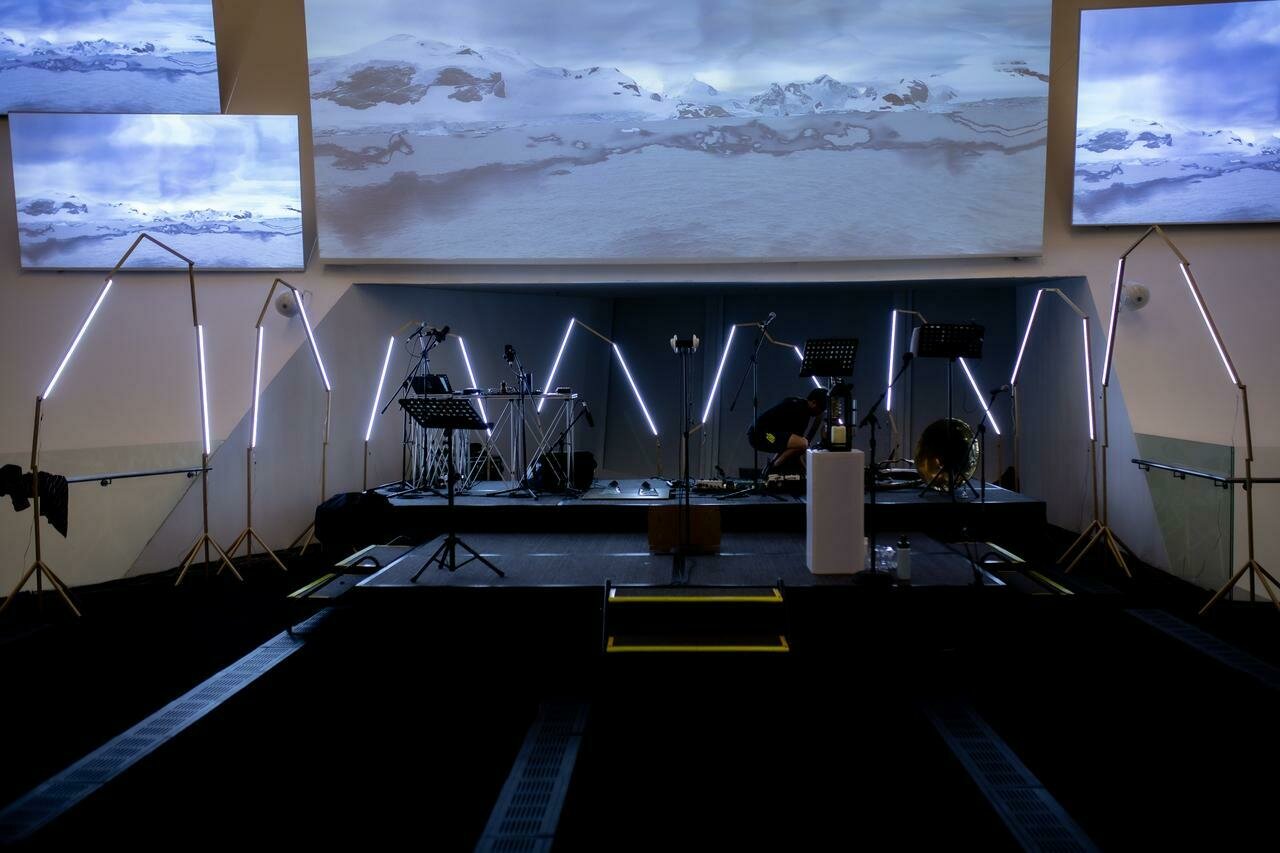
No Mans Land
By Dhiya, live visuals set for Inch Chua at ArtScience Museum
Tools: Arduino, Processing, LEDs
22–23
Computation in Design 1
B-DC 121
A New Wave, kinetic sculpture
By Dhiya (neuewave), Industry project for a showroom
Tools: Arduino, electronics, LEDs, custom-built structure
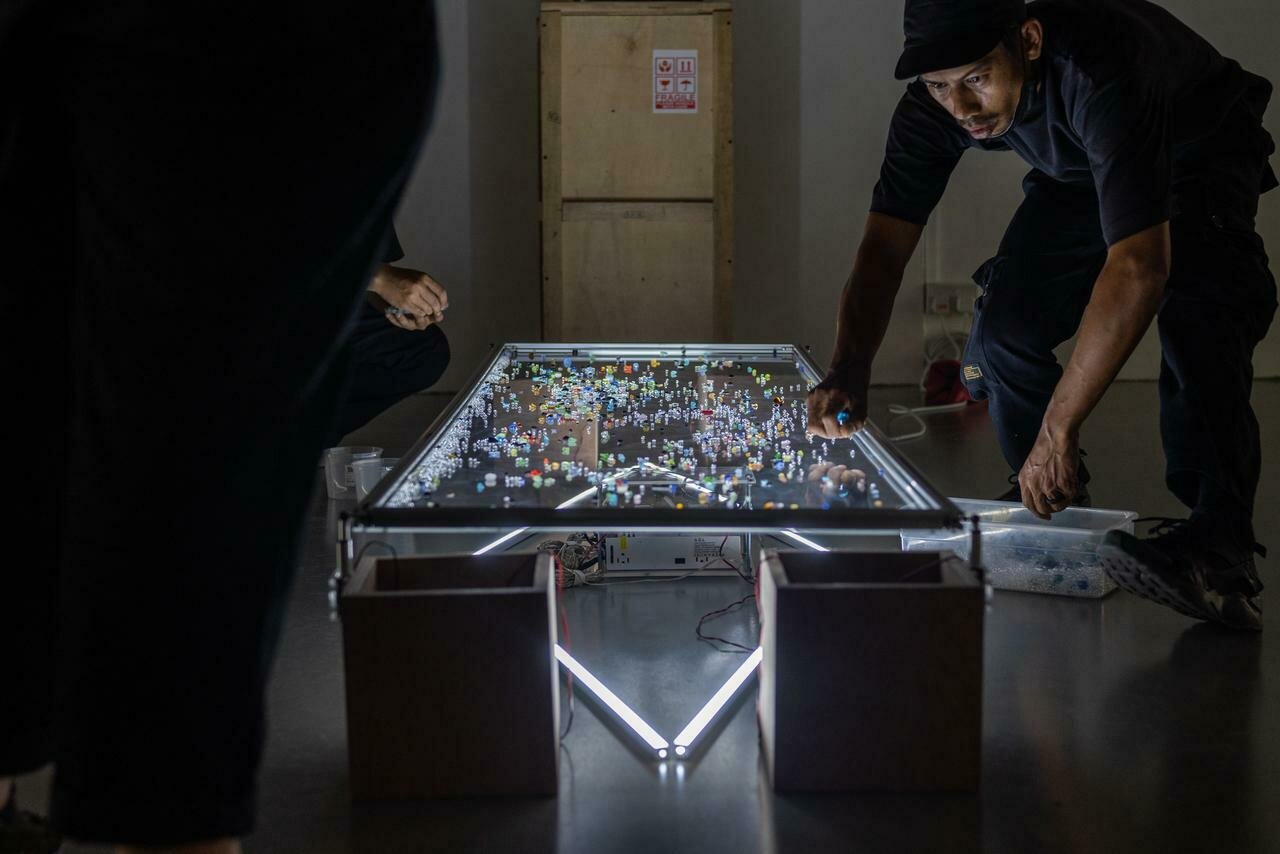
22–23
Computation in Design 1
B-DC 121
SG50 at Esplanade
Dhiya with SWELL
22–23
Computation in Design 1
B-DC 121
AB-zine and Kinetic Type Shop (2023)
By Andreas, for a workshop in Doha, Qatar
Tools: p5js, Arduino, risograph printing
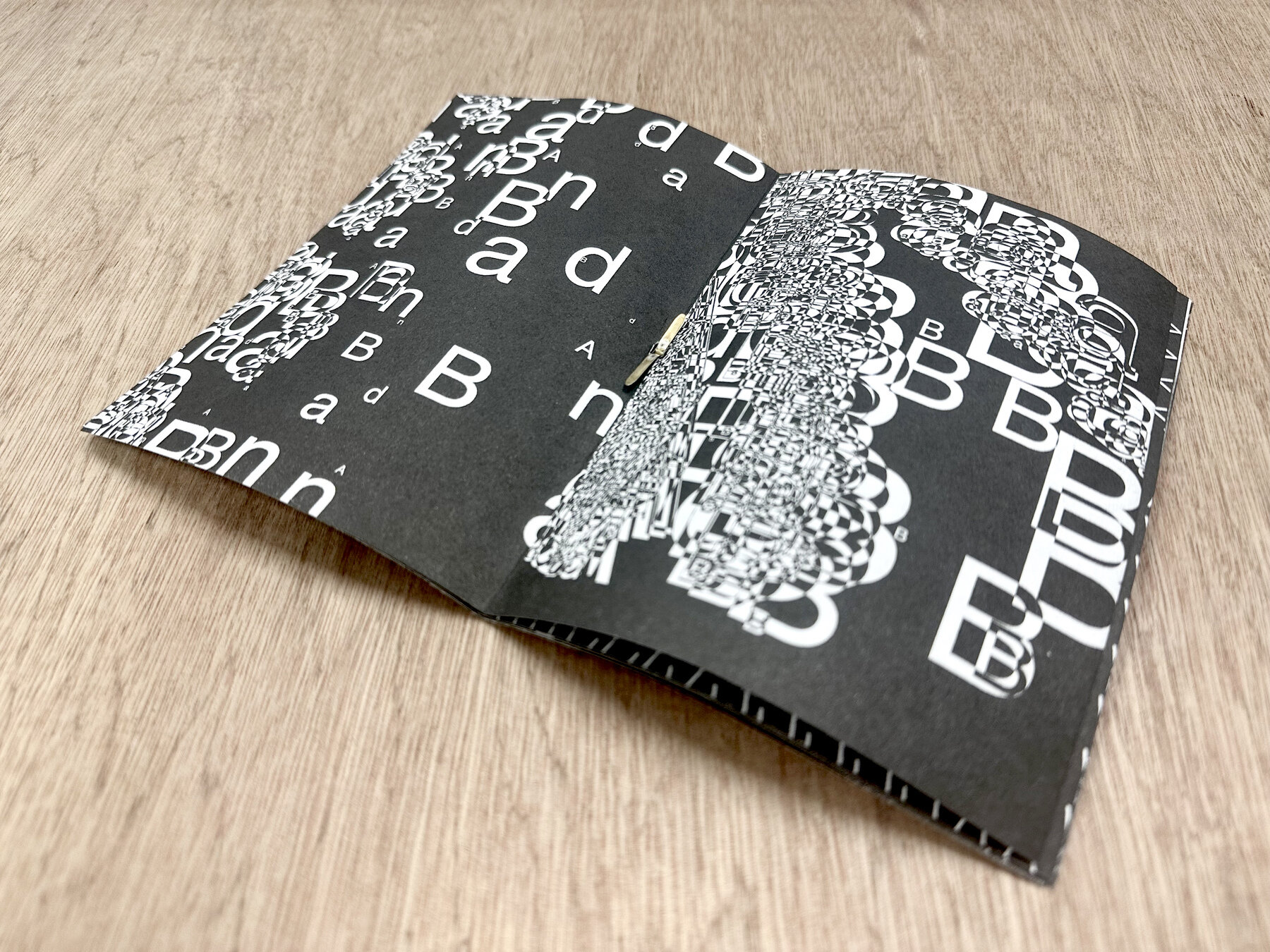
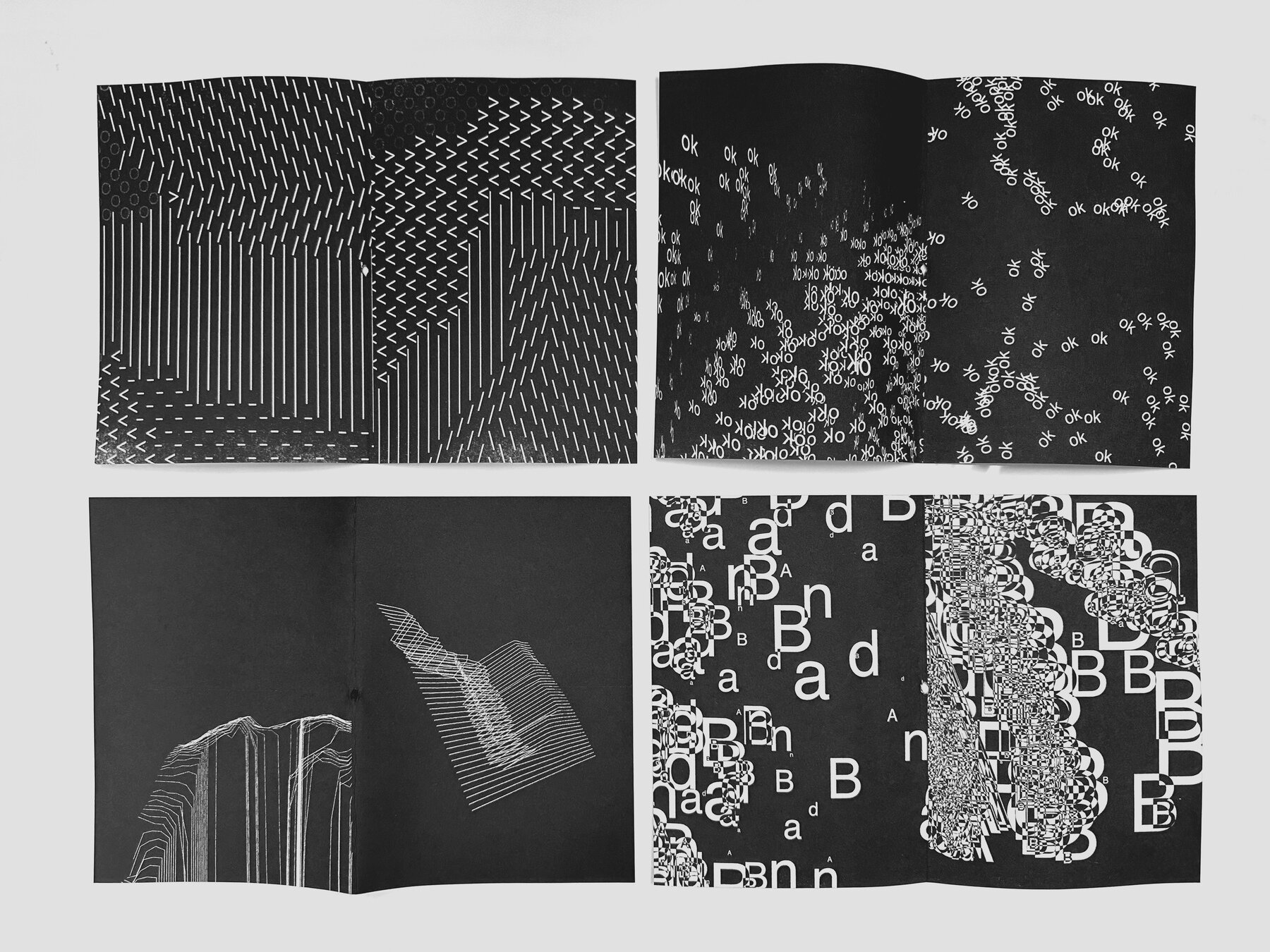
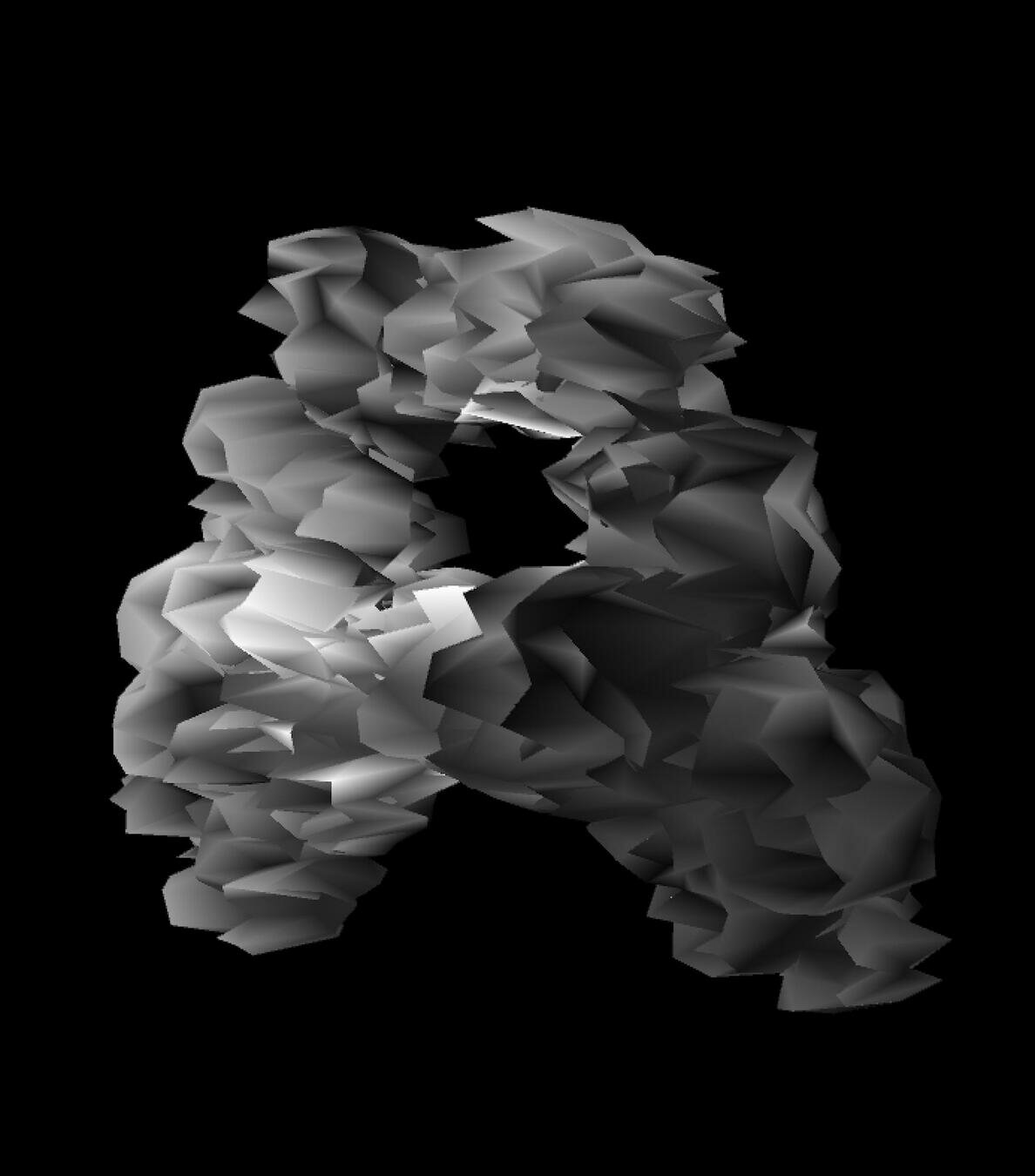
22–23
Computation in Design 1
B-DC 121
Audio-visual live performances (ongoing)
By Andreas with Electromagnetic Objects and Black Zenith
Tools: p5js, nodejs, shaders, Processing, Arduino, sensors
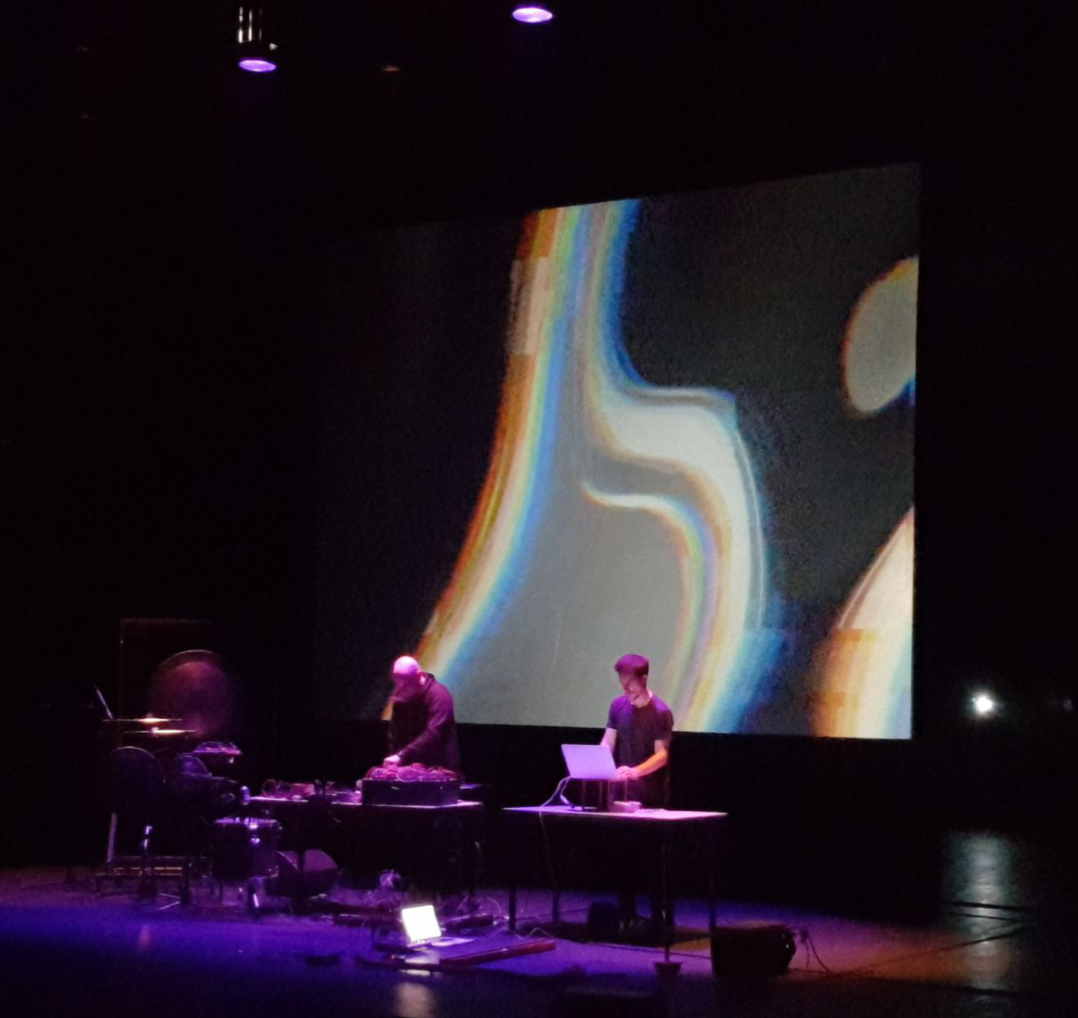
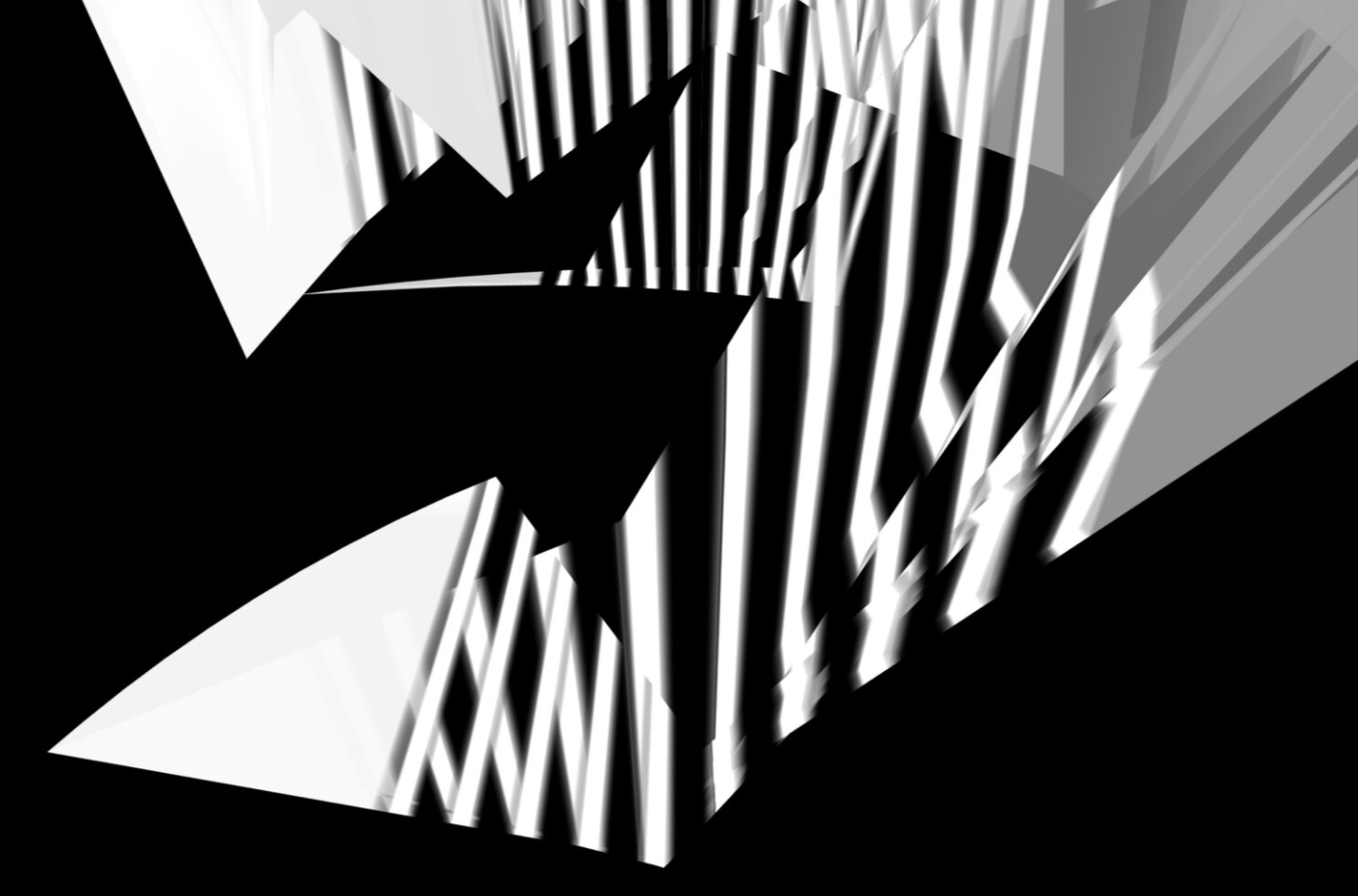
22–23
Computation in Design 1
B-DC 121
The Oort Cloud and the Blue Mountain (since 2018)
By Andreas with family, site-specific interactive installation
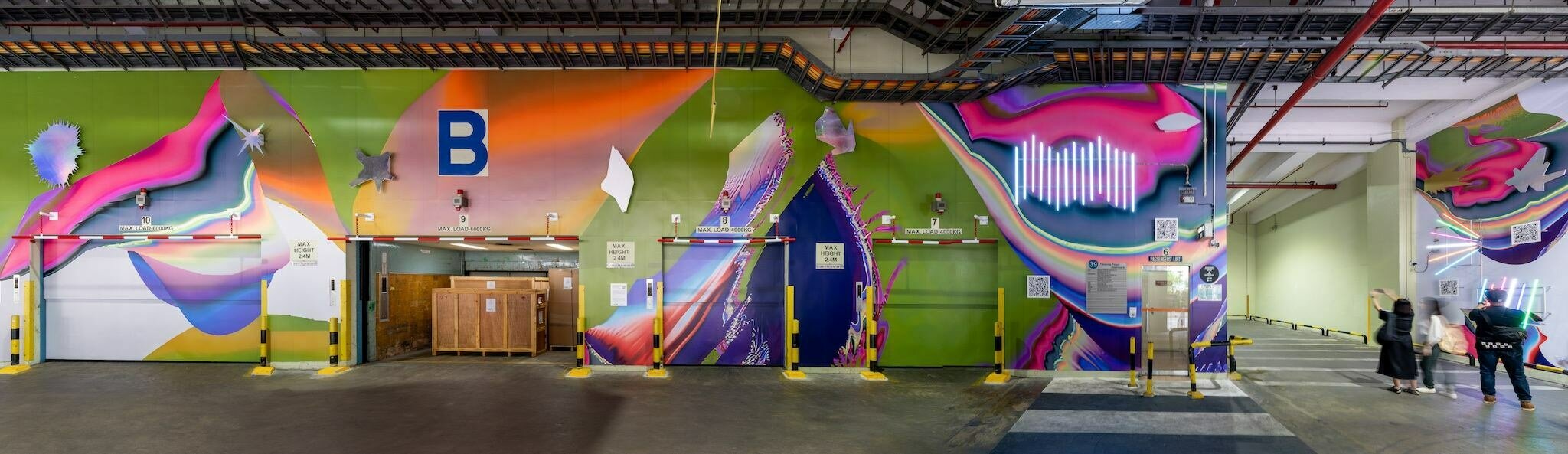
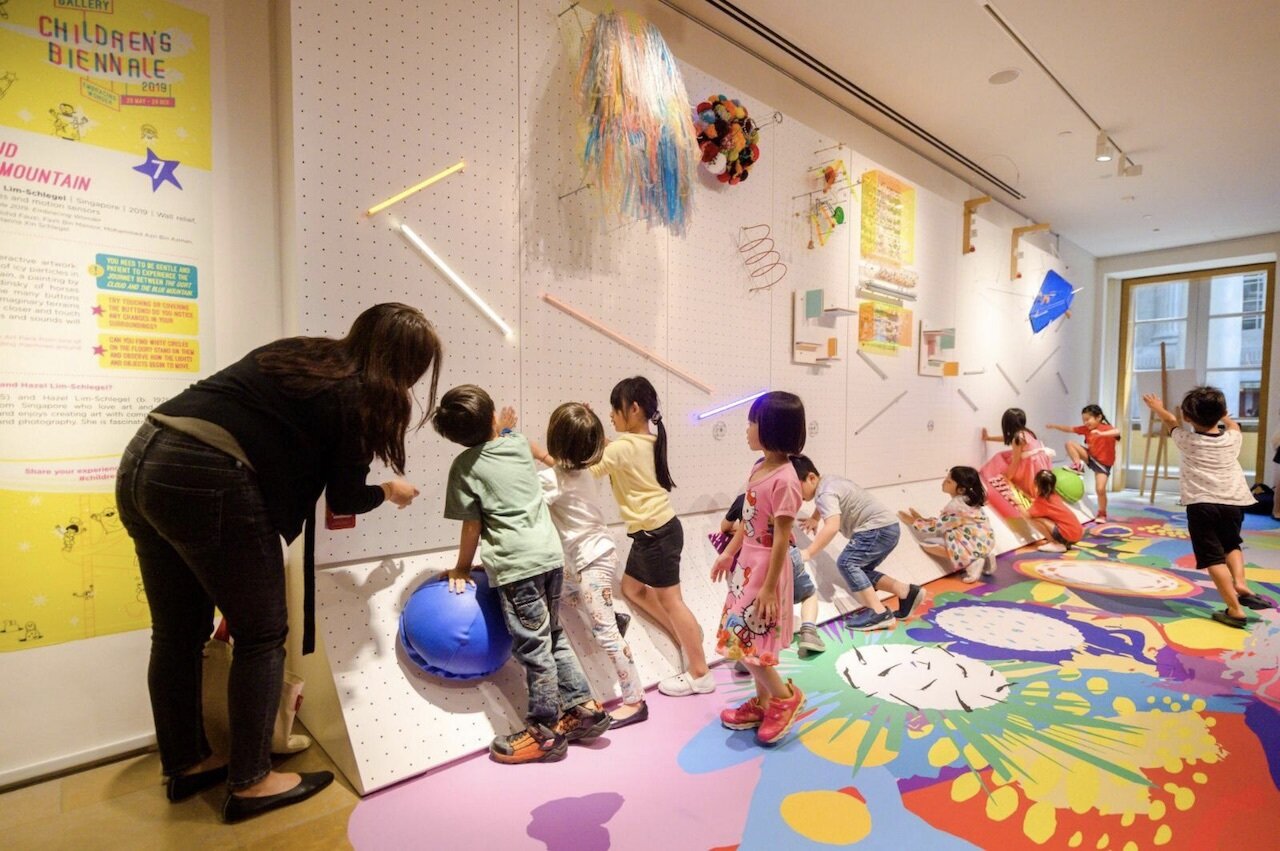
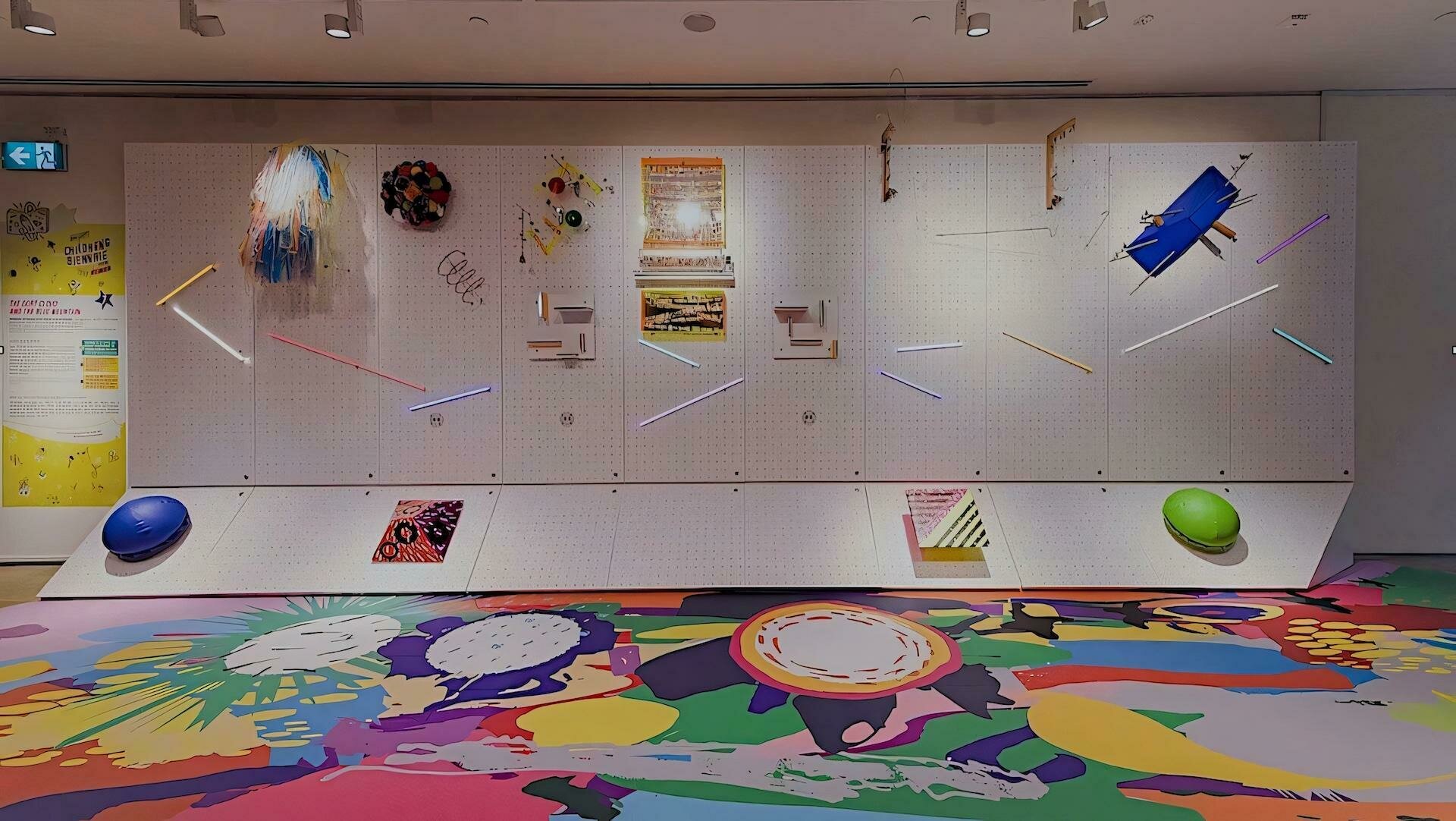
2019
2022
22–23
Computation in Design 1
B-DC 121
Activity 4 comprises three parts to introduce you to the upcoming workshops. Each group will have one lecturer who will do their 30-minute activity. After that, we will rotate groups so that each group has done each activity once.
Form in motion
Repetition and automation
Decision making
Workshop teaser
Activity 4
Andreas
Dhiya
Jo
Spreadsheet, workshop grouping
22–23
Computation in Design 1
B-DC 121
Workshop teaser
Activity 4
Click for external slides
each workshop teaser will be 30 minutes long
22–23
Computation in Design 1
B-DC 121
Learning objective for activity 4
This activity serves as preparation for the upcoming workshops, week 5 onwards. Although conducted in short intervals, each workshop teaser should give you a playful introduction.
Workshop teaser
22–23
Computation in Design 1
B-DC 121
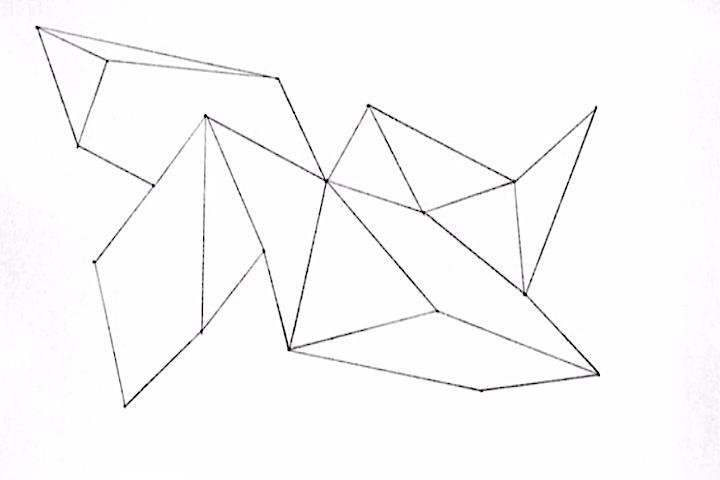
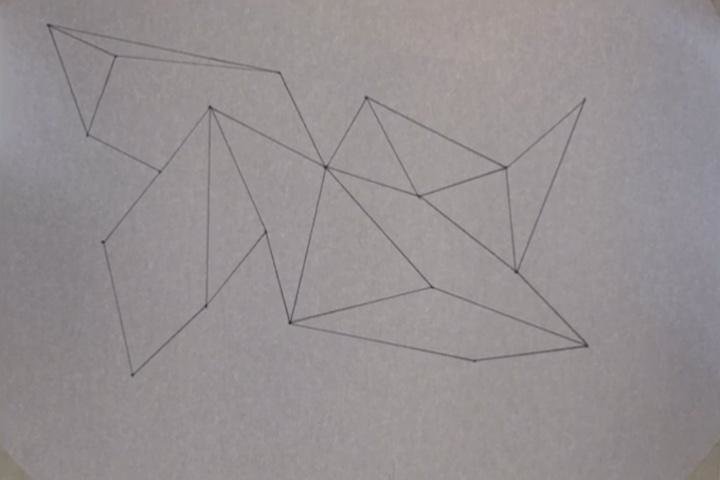
Good Practice. Document your work and nicely clean up your photos so that the background is plain-white and the lines are crispy-black.
Workshop teaser
Activity 4
22–23
Computation in Design 1
B-DC 121
An algorithm is a series of steps that allow you to perform a particular task.
Jim Campbell, Formula for Computer Art. http://www.jimcampbell.tv, 1996/2003.
Workshop teaser
Activity 4
22–23
Computation in Design 1
B-DC 121
Homework and Deliverables
For Activity 4 the following items must be archived in your Digital Portfolio under activity-4
activity-4-1_1.jpg
activity-4-1_2.jpg
activity-4-1_3.jpg
activity-4-2_1.jpg
activity-4-2_2.jpg
activity-4-2_3.jpg
activity-4-3_1.jpg
activity-4-3_2.jpg
activity-4-3_3.jpg
images
Video
activity-4-1_form-in-motion.mp4
activity-4-2_repetition.mp4
activity-4-3_decision-making.mp4
docx
activity-4-description.docx
Write 70-120 words that describe the process and learning for this activity. Include links to your p5js sketches, too.
For each Create a short video, 10-20 seconds long, that presents the process, team work and outcomes for each of the 3 activity 4 sessions.
This collection of images should document the process and outcomes for each workshop in 3 images (min. 1920x1080 @72ppi)
Workshop teaser
Activity 4
22–23
Computation in Design 1
B-DC 121
Due Week 5
Homework
Complete and document in-class work and archive under activity 4 in your Digital Portfolio
Workshop teaser
Activity 4
23-24
Computation in Design 1
B-DC 121
Workshop teaser — Form in motion
Activity 4.1
Form in motion
Teaser, 30 mins.
22–23
Computation in Design 1
B-DC 121
Workshop teaser — Form in motion
Activity 4.1
How to introduce movement with code to animate shapes?
Form in motion
frameCount
sin() and tan()
random()
noise()
commands
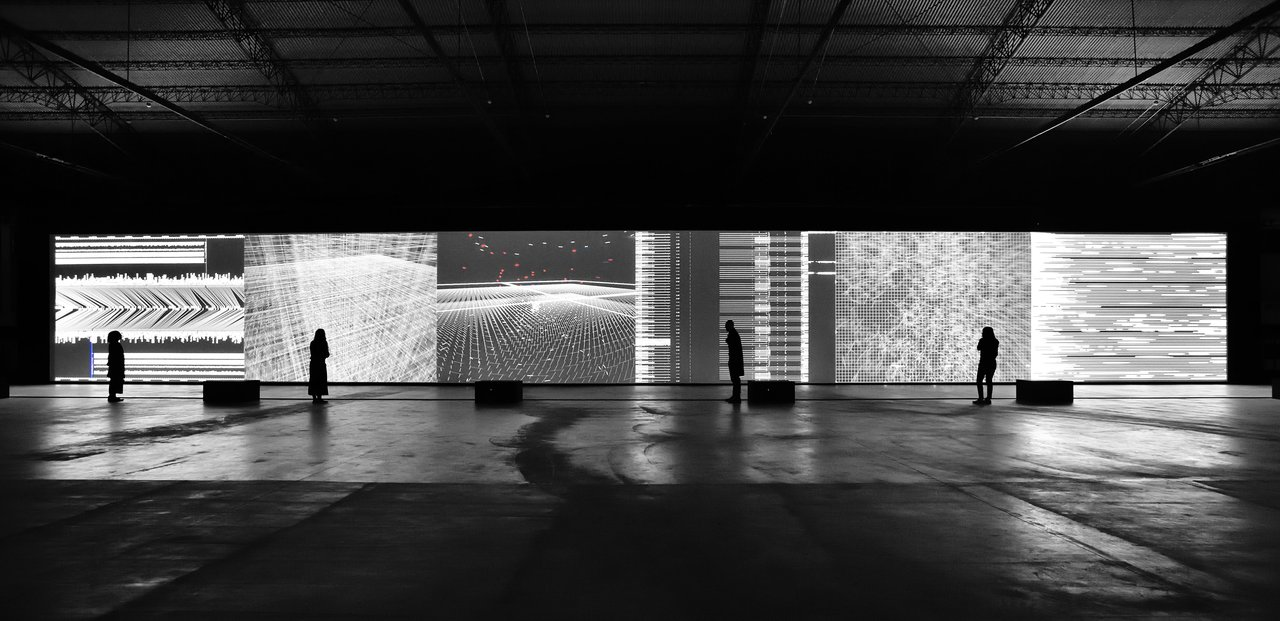
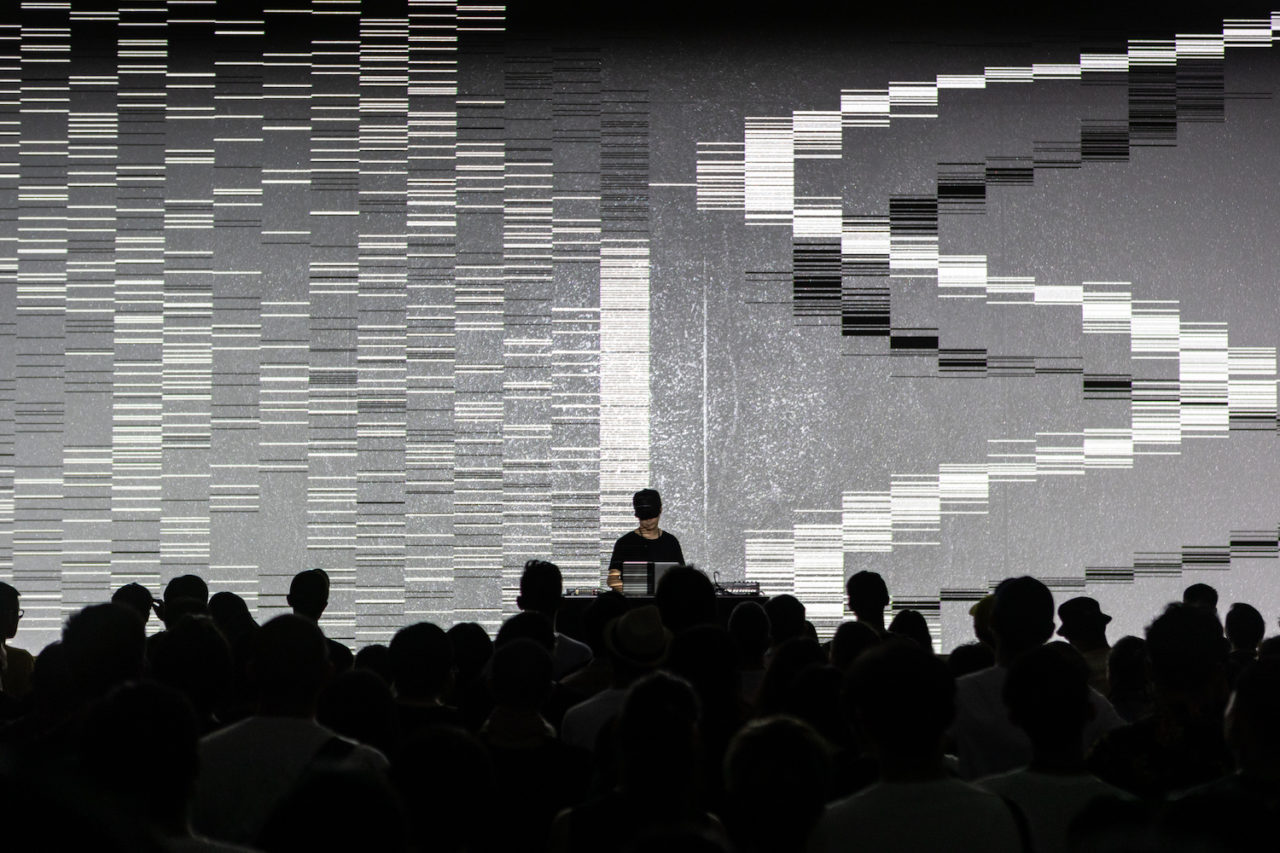
22–23
Computation in Design 1
B-DC 121
Workshop teaser — Form in motion
Activity 4.1
How to introduce movement with code to animate shapes?
Form in motion
function setup() {
  createCanvas(800, 600);
}


// make a cricle move from left to
// right using frameCount

function draw() {
  background(0);
  stroke(255);
  noFill();
  ellipse(frameCount, height / 2, 100);
}
frameCount in p5.js is like a counter that keeps track of how many frames (pictures) have been shown since your program started running. It's useful to make things change over time or control animations.
frameCount
sin() and tan()
random()
noise()
commands
Code example frameCount
22–23
Computation in Design 1
B-DC 121
Workshop teaser — Form in motion
Activity 4.1
How to introduce movement with code to animate shapes?
Form in motion
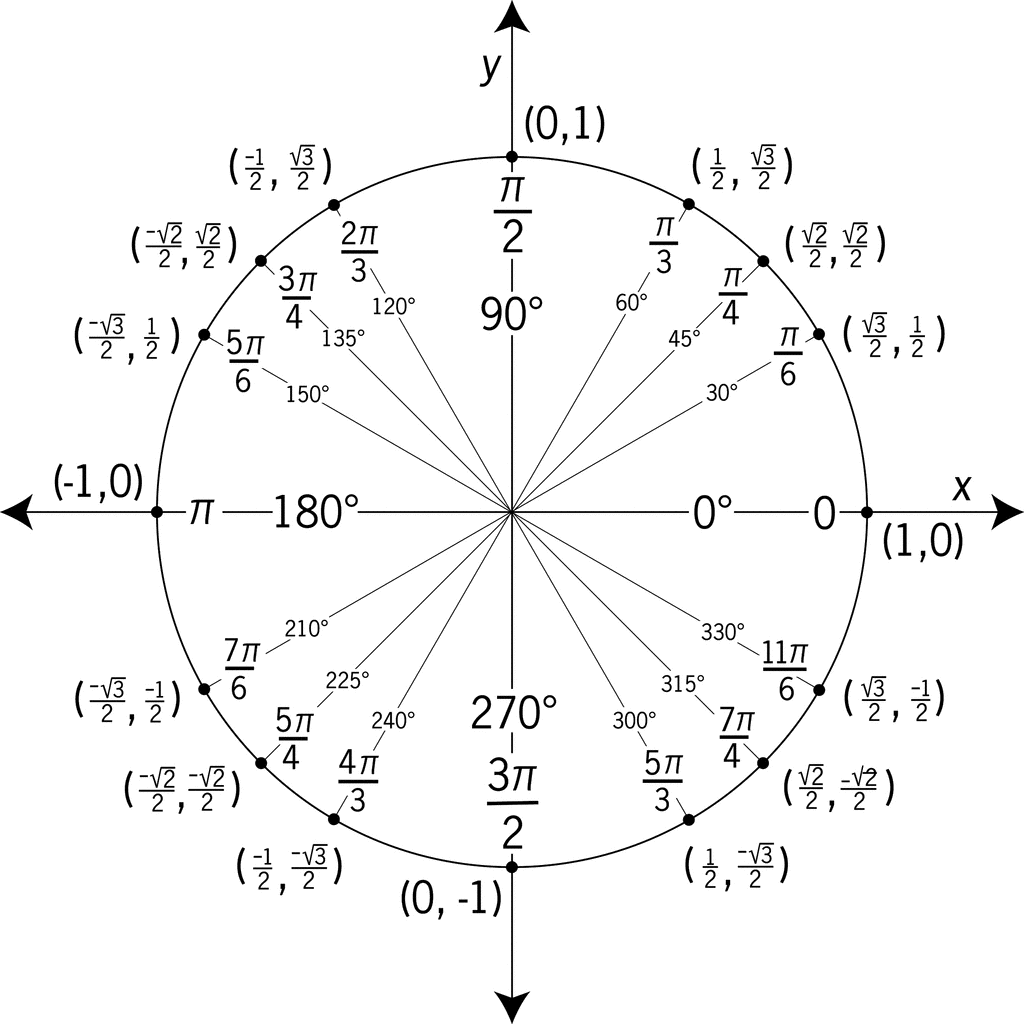
frameCount
sin() and tan()
random()
noise()
commands
radians vs. degrees
Radians and degrees are different ways to measure angles. Imagine a full circle as a pizza, where cutting across the middle (one straight slice) is 180 degrees. In radians, going from one side to the other is like half the circumference of the whole pizza, which is π (pi) radians.
22–23
Computation in Design 1
B-DC 121
Workshop teaser — Form in motion
Activity 4.1
How to introduce movement with code to animate shapes?
Form in motion
frameCount
sin() and tan()
random()
noise()
commands
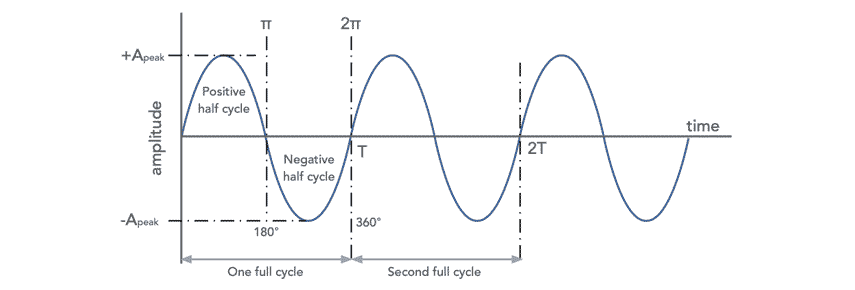
sine wave
A sine wave is a wavy pattern that goes up and down smoothly in a repeating manner. Imagine a swing: when you push it, it goes back and forth, creating a wavy movement. In math, a sine wave is a curve that represents this kind of smooth oscillation. It's often used in music, physics, and animation to create natural and rhythmic patterns.
22–23
Computation in Design 1
B-DC 121
Workshop teaser — Form in motion
Activity 4.1
How to introduce movement with code to animate shapes?
Form in motion
frameCount
sin() and tan()
random()
noise()
commands
tan function
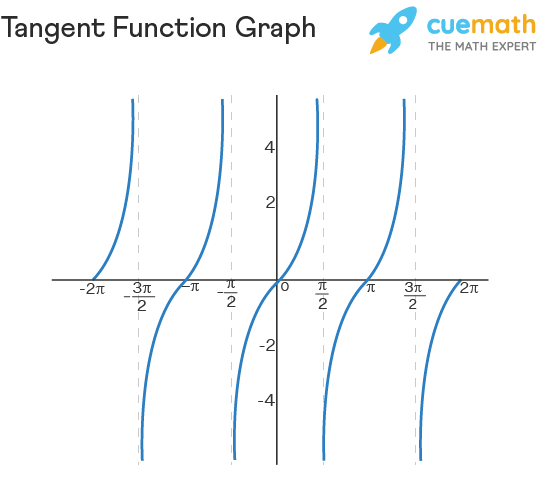
22–23
Computation in Design 1
B-DC 121
Workshop teaser — Form in motion
Activity 4.1
How to introduce movement with code to animate shapes?
Form in motion
frameCount
sin() and tan()
random()
noise()
commands
function setup() {
  createCanvas(800, 600);
}

// draw 2 circles using sin and tan

function draw() {
  background(0);
  stroke(255);
  noFill();

  // set the speed of the moving circle
  let speed = 0.1;

  let x1 = sin(frameCount * speed) * 100;
  ellipse(width / 2 + x1, height / 2, 100);

  let y1 = tan(frameCount * speed) * 100;
  ellipse(width / 2, height / 2 + y1, 100);
}
sin and tan help make things move smoothly and naturally. sin makes objects go up and down like a wave, and tan makes them slant like they're climbing a hill. They're like magic math helpers for creating realistic movements in your animations.
Code example sin() and tan()
22–23
Computation in Design 1
B-DC 121
Workshop teaser — Form in motion
Activity 4.1
How to introduce movement with code to animate shapes?
Form in motion
frameCount
sin() and tan()
random()
noise()
commands
Challenge Sine
Write a sketch that uses frameCount and the sin() command to animate one or more shapes
Challenge Tan
Write a sketch that uses frameCount and the tan() command to animate one or more shapes
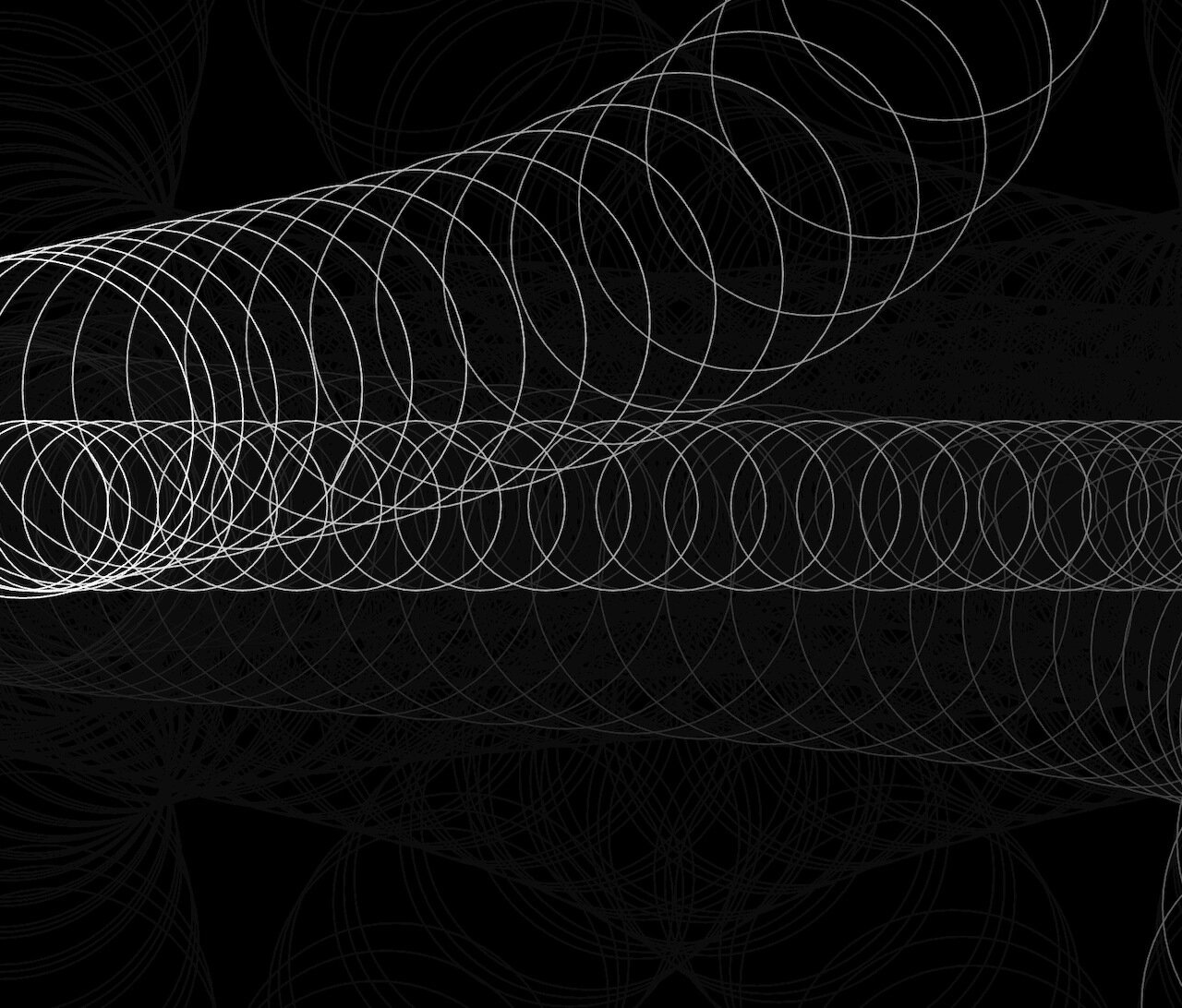
Code challenge
1
2
22–23
Computation in Design 1
B-DC 121
Form in motion
Deliverables
activity-4-1_1.jpg
activity-4-1_2.jpg
activity-4-1_3.jpg
activity-4-2_1.jpg
activity-4-2_2.jpg
activity-4-2_3.jpg
activity-4-3_1.jpg
activity-4-3_2.jpg
activity-4-3_3.jpg
images
Video
activity-4-1_form-in-motion.mp4
activity-4-2_repetition.mp4
activity-4-3_decision-making.mp4
docx
activity-4-description.docx
Write 70-120 words that describe the process and learning for this activity. Include links to your p5js sketches, too.
For each Create a short video, 10-20 seconds long, that presents the process, team work and outcomes for each of the 3 activity 4 sessions.
This collection of images should demonstrate should document the process and outcomes for each workshop in 3 images (min. 1920x1080 @72ppi)
Workshop teaser
Activity 4
activity-4-1_1.jpg
activity-4-1_2.jpg
activity-4-1_3.jpg
activity-4-1_form-in-motion.mp4
23–24
Computation in Design 1
B-DC 121
Structuring a program, planning and organising thoughts and ideas, documenting and taking care of visual materials created. Computational aesthetics with functions, loops, variables and movement.
Computational Literacy building 3
4
General
Some Observations
Read slides carefully they contain detailed instructions and information
Ask for advice when in doubt
Try to solve problems independently first, we are keen to see your creative approach and solutions
Self-learning: you need to learn and practice outside of class, you won't keep up and improve otherwise
23–24
Computation in Design 1
B-DC 121
Analyse and understand code principles and commands covered
23–24
Computation in Design 1
B-DC 121
recaptime
The anatomy of a program
Ask ChatGPT about code that you don't understand, ask for an explanation for a particular command and to give a simple example.
syntax
flow
shapes
transformation
loops
conditionals
functions
Computation in Design 1
B-DC 121
Example
Drawing a rotating shape
Code Basics
Transformations
Commands
When using transformations, the things you draw never change position; the coordinate system itself does. read more
push
pop
translate
rotate
scale
Above commands are called transformations
23–24
General
Some How-tos
How to take screenshots of a sketch?
How to screen record?
Computation in Design 1
B-DC 121
How to compress video?
1
2
3
How to work with ChatGPT?
4
23–24
Computation in Design 1
B-DC 121
Warming Up Tasks, Activity 5.1
5.1. Simple Iterations: Draw Seven Circles in a line
Use iteration (a loop) to copy the figure on the left, in which seven circles are positioned across the canvas. The position of each circle should be computing your loop's counting variable i. Make sure the first circle is inset by a margin; it should not lie on the edge of the canvas.
Use transformations to position each of the circles.
23–24
Ask ChatGPT about code that you don't understand, ask for an explanation for a particular command and to give a simple example.
On Repeat
10
Computation in Design 1
B-DC 121
5.2. Lines to the Cursor
Use iteration (a loop) to create an interactive display featuring a series of ten lines. Each line should connect the cursor to one of a series of points distributed evenly across the canvas.
Use transformations to position each of the lines.
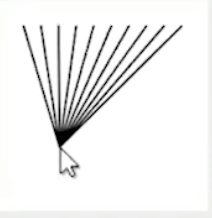
23–24
Ask ChatGPT about code that you don't understand, ask for an explanation for a particular command and to give a simple example.
Warming Up Tasks, Activity 5.2
On Repeat
10
Computation in Design 1
B-DC 121
5.3. Grid patterns
Recreate one or more of the patterns on the right.
First analyse the pattern, note your thoughts down on paper, then start coding. Notice that compared to the previous 2 tasks, the pattern stretches across 2 axis, hence, use a nested loop. Ask for help if unsure.
Use transformations to position each of the circles.
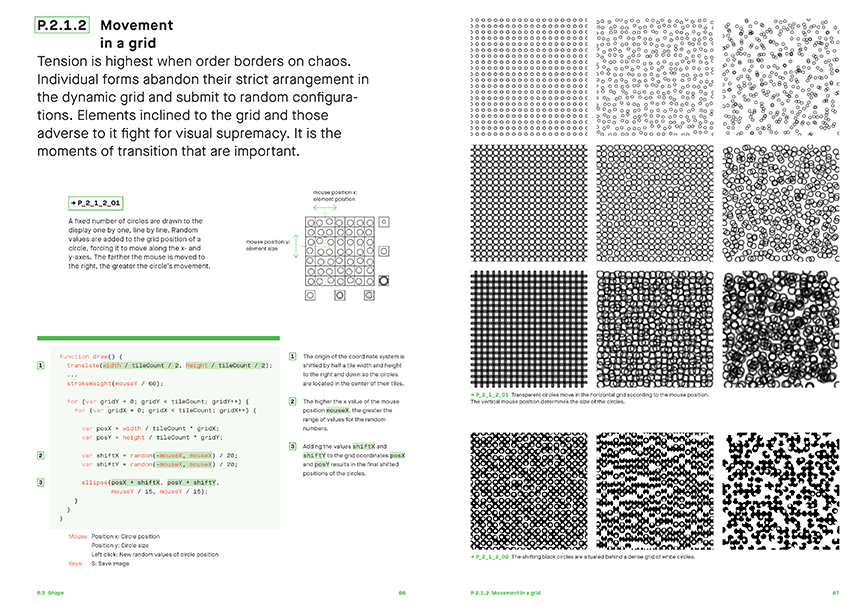
23–24
Ask ChatGPT about code that you don't understand, ask for an explanation for a particular command and to give a simple example.
Warming Up Tasks, Activity 5.3
On Repeat
15
Click image for larger view
23–24
Computation in Design 1
B-DC 121
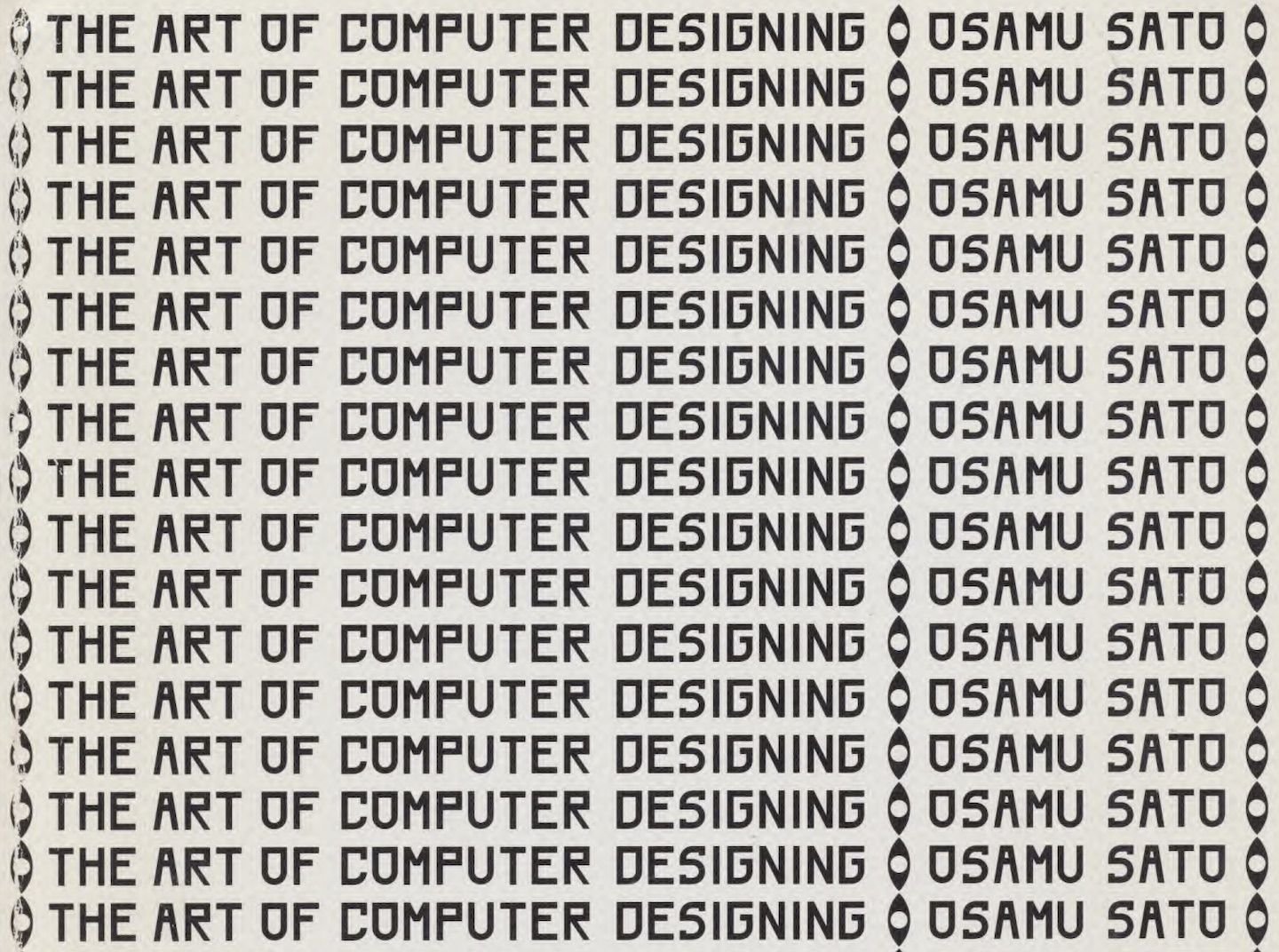
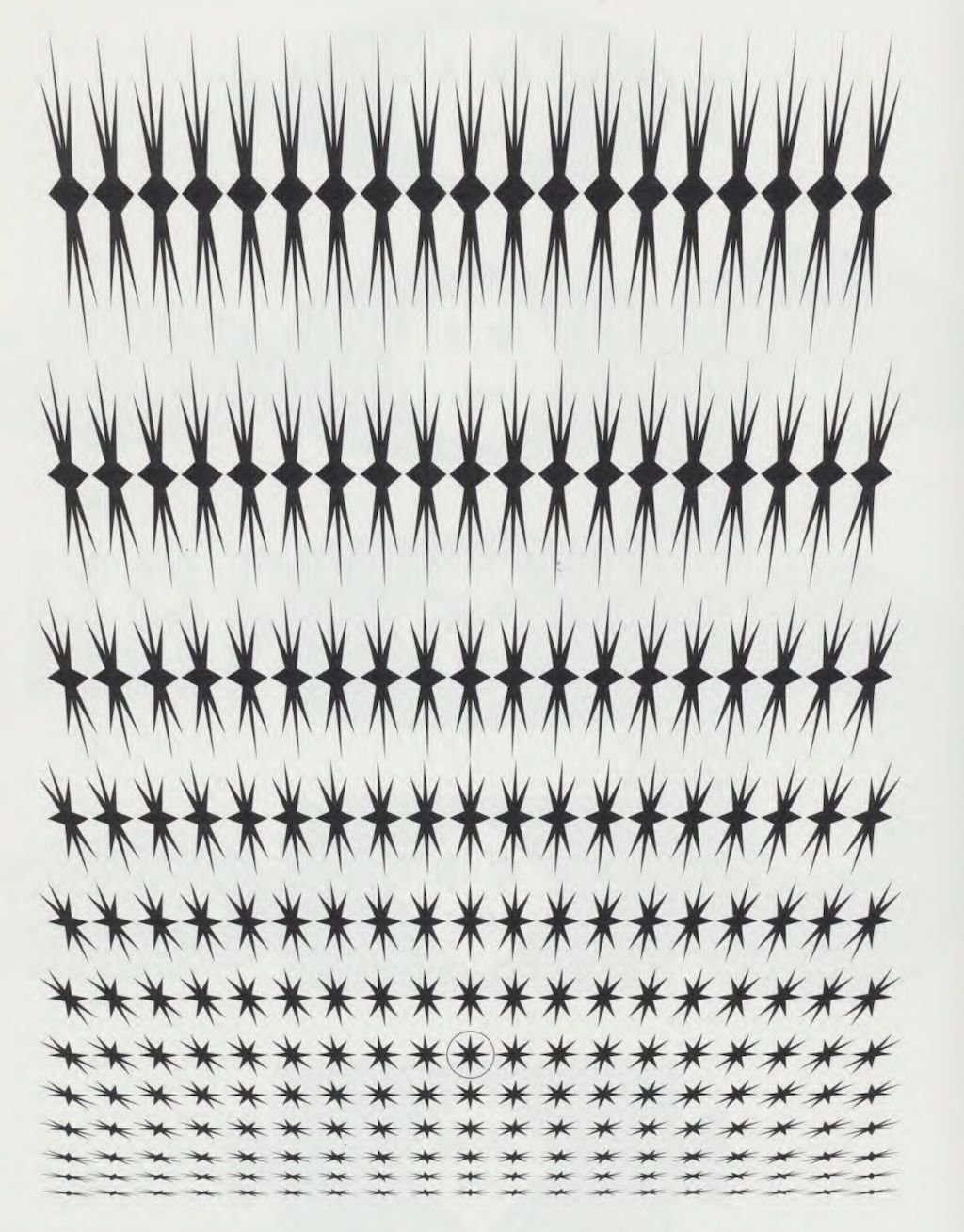
22–23
Computation in Design 1
B-DC 121
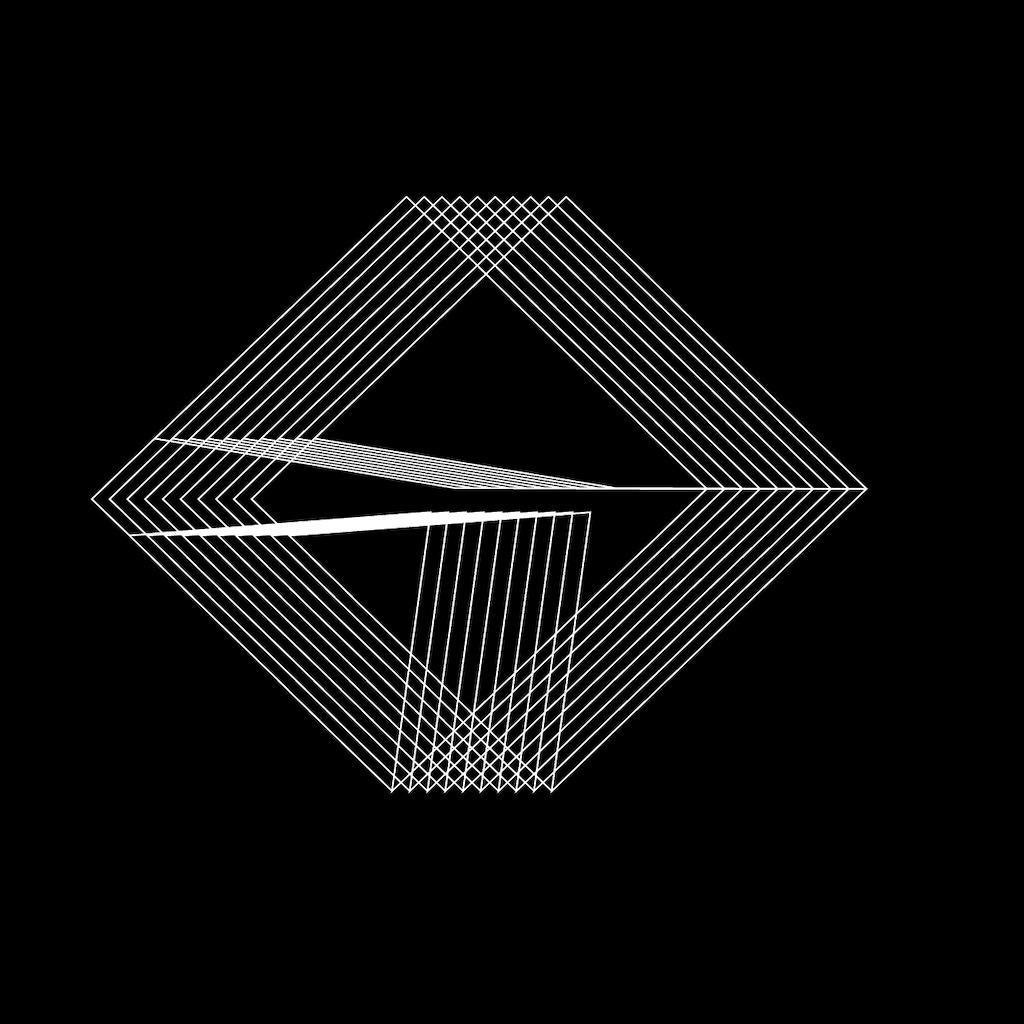
You have the assignment to work in a team of 2 to design a series of collateral materials for a new product called On Repeat. Although the task is quite open, the following requirements must be met, see next slide.
First organise thoughts and ideas, aim for computational aesthetics, plan your code, then execute, work as a team.
On Repeat
Activity 5.4
On Repeat
22–23
Computation in Design 1
B-DC 121
— black and white only
— code-based design, at least one for-loop
— no text, only coded shapes
— two collateral materials* mockups
one of which is animated
Take inspiration from the coded drawings in the second reading document by Osamu Sato The Art of Computer Designing.
On Repeat, requirements
On Repeat
"Marketing collateral" refers to the various media and materials that a company uses to promote its products or services.
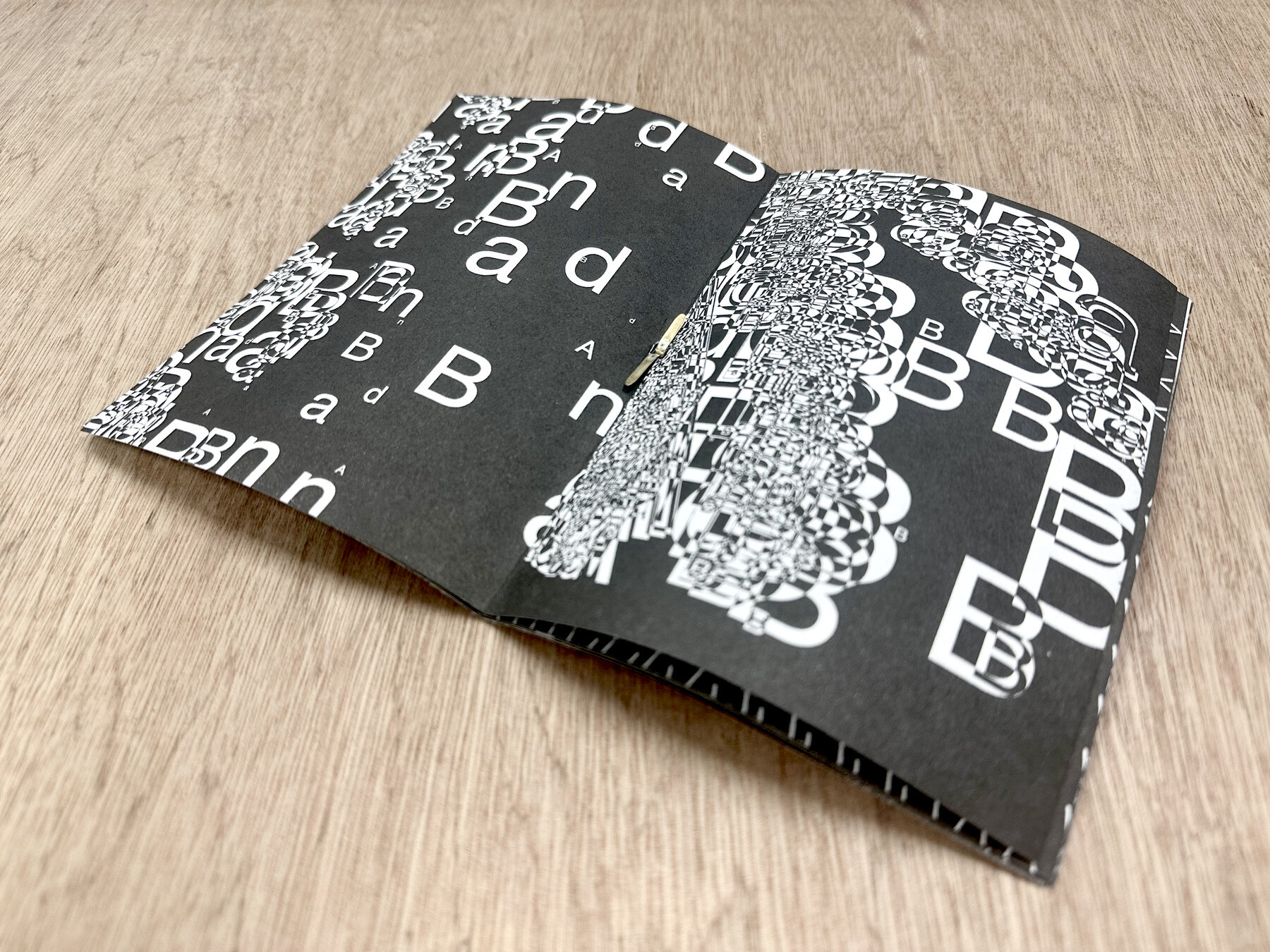
Brochures
*
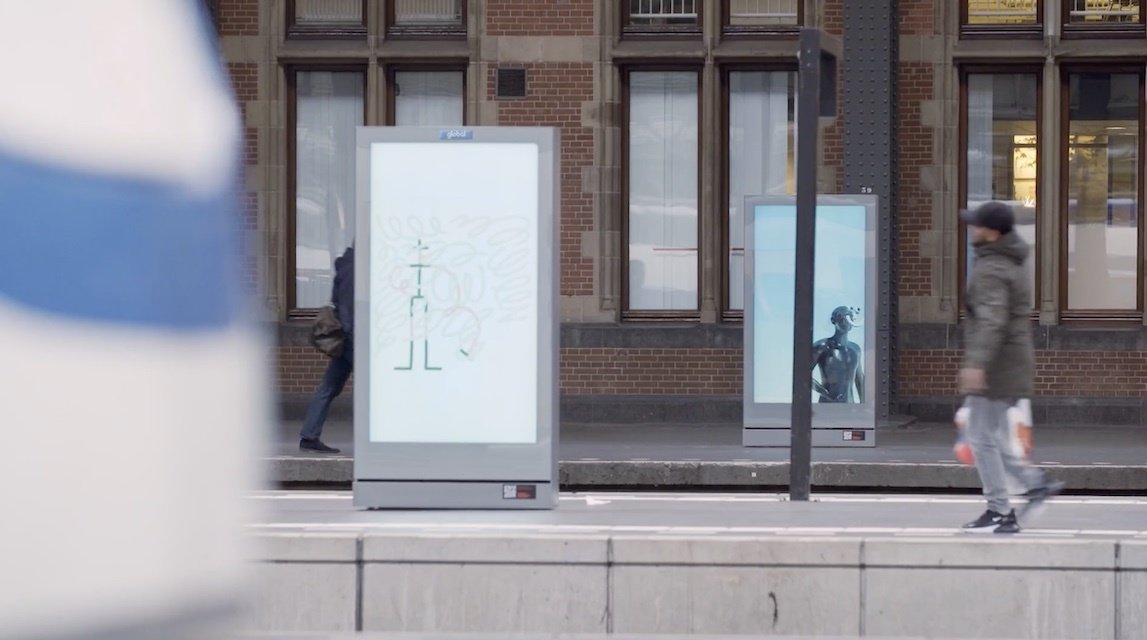
Digital displays
Posters
Posters in public space
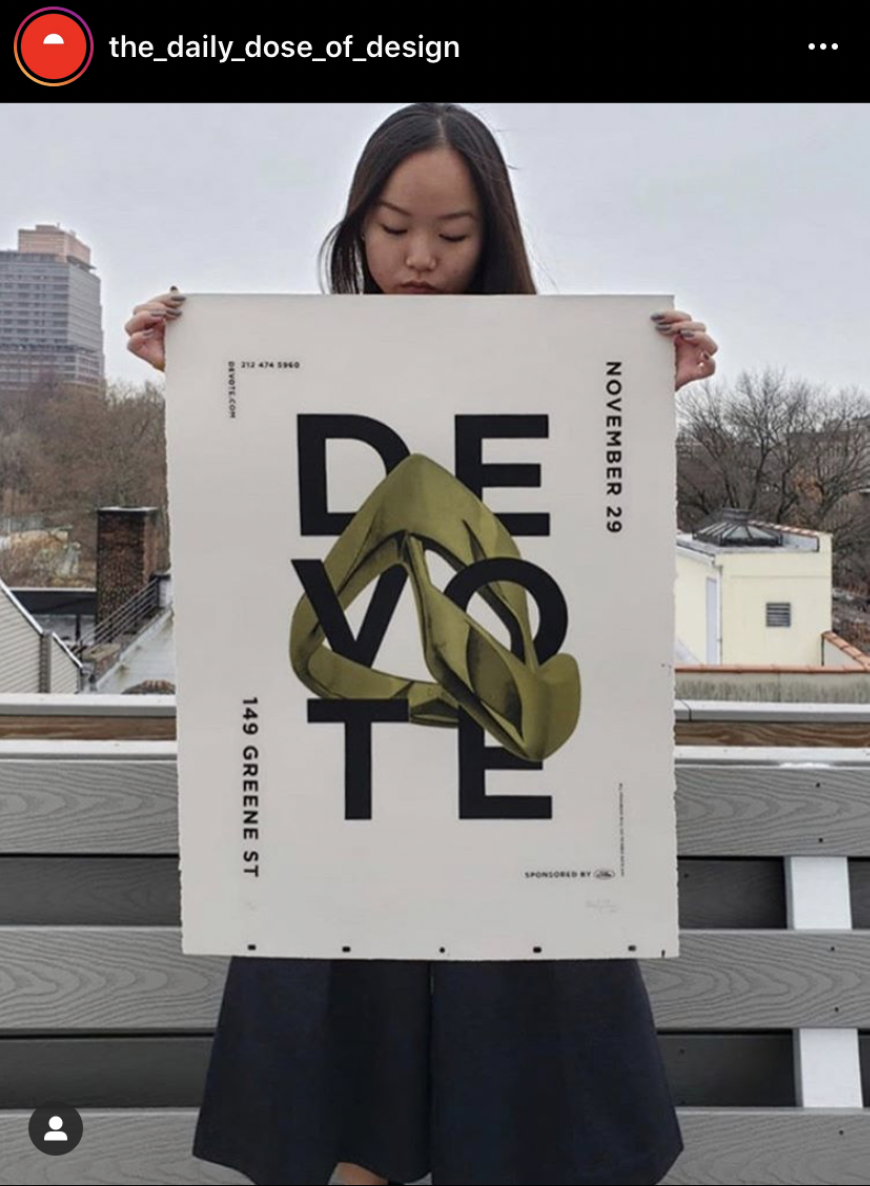
Branded giveaways like tote bag, t-shirts
Branded giveaways like pens, coffee mugs, t-shirts
Activity 5.4
22–23
Computation in Design 1
B-DC 121
On Repeat
70
On Repeat
You have the assignment to work in a team of 2 to design a series of collateral materials for a new product called On Repeat. Although the task is quite open, the following requirements must be met, see previous slide.
First organise thoughts and ideas, aim for computational aesthetics, plan your code, then execute, work as a team.
We will look at your designed collateral materials (digital draft) at 12pm
Activity 5.4
22–23
Computation in Design 1
B-DC 121
Homework and Deliverables
For Activity 5 (you may have to create the activity-5 folder in your Digital Portfolio) the following items must be archived
activity-5-1.jpg
activity-5-2.jpg
activity-5-3.jpg
activity-5-4_1.jpg
activity-5-4_2.jpg
activity-5-4_3.jpg
activity-5-4_4.jpg
images
Video
activity-5-4_on-repeat.mp4
docx
activity-5-description.docx
Write 70-120 words that describe the process and learning for this activity. Include links to your p5js sketches, too.
Create a short video, 5-15 seconds long that seamlessly loops.
This collection of images should document the outcomes for this activity
Activity 5
On Repeat
22–23
Computation in Design 1
B-DC 121
Due Week 5
Homework
Complete and document in-class work and archive under activity 5 in your Digital Portfolio
Activity 5
On Repeat
23–24
Computation in Design 1
B-DC 121
While we are conducting work checks in class, students who have completed their work check or are waiting for their turn, work on the following challenge, move down to the next slide
Work check and Challenge
7
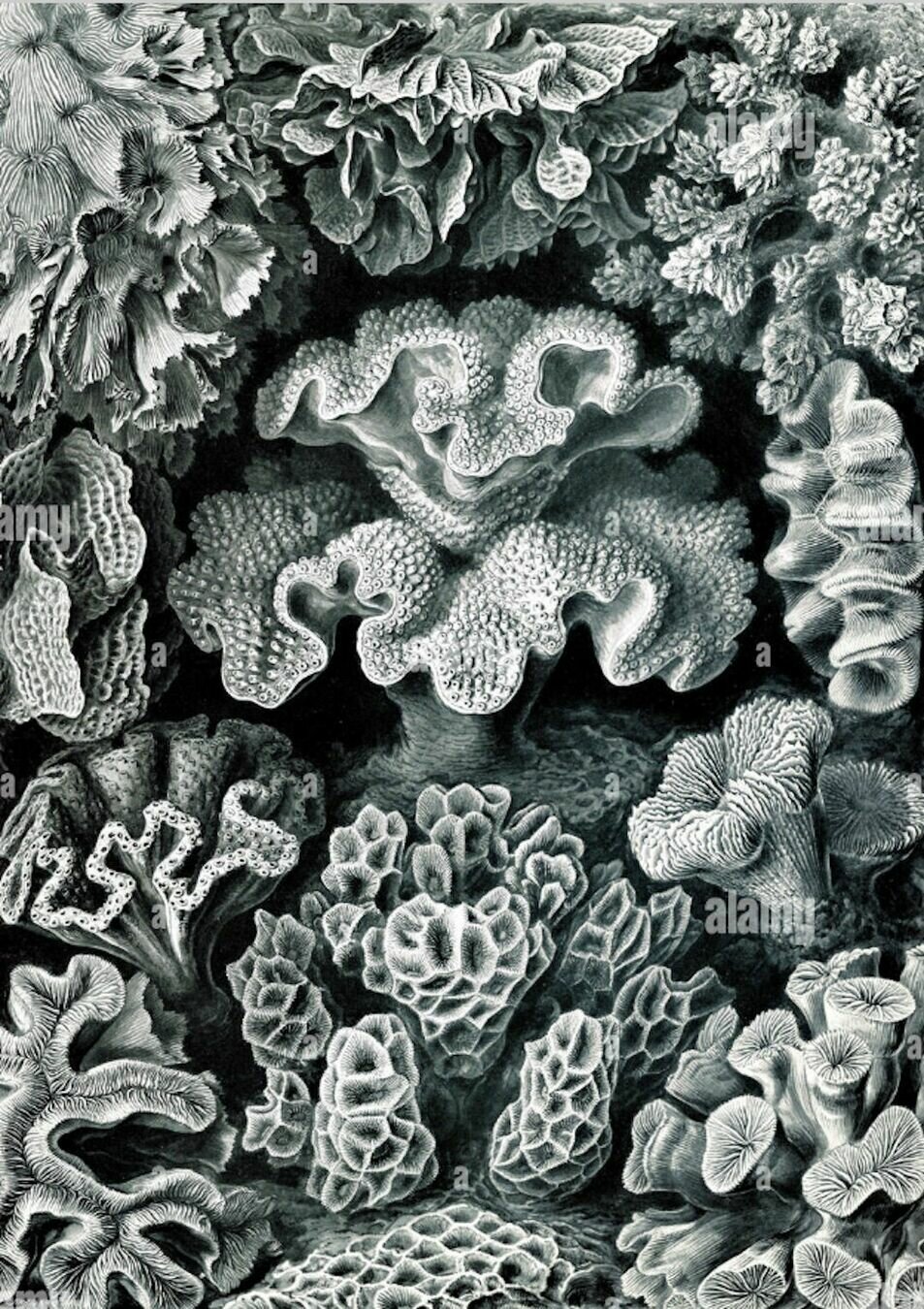
Work Check
23–24
Computation in Design 1
B-DC 121
10
Activity
Algo Nature
Design the representation of a synthetic organism in code inspired by nature. You can work in pairs or alone. Each student will design for a double sided A3 landscape-format print in black and white, leave a margin of 1 cm along each side. After printing, fold A3 in half by end of today's session.
23–24
Computation in Design 1
B-DC 121
Starting points
Ernst Haeckel, Art Forms in Nature
Neri Oxman, Nature and Humanity
Daniel Shiffman, Nature of Code
House of Natural Fiber
Inspiration
Code
22–23
Computation in Design 1
B-DC 121
Applied Workshops
Each workshop is applied and hands-on. You are required to apply coding concepts that have been introduced to you previously.
23–24
Computation in Design 1
B-DC 121
Applied Workshops
Form in Motion
Repetition and automation
Decision making
The learning objective for this workshop is to create a motion design video that makes use of code, trigonometric functions and time applied in a computer program and in response to an ambient soundscape.
Techniques and designed outcomes can be applied to digital displays in public spaces, digital media content, sound responsive animations, changing visual content driven by code.
The learning objective for this workshop is to apply the loop function, a fundamental programming concept, to create a range of variations from simple, repetitive coded instructions applied to a printed outcome.
Techniques and designed outcomes can be applied to automating design processes in the production of visuals outputs, screen-based or printed.
The learning objective for this workshop is to understand non-linearity and interactivity through the use of conditionals: "If this happens do this, else do the other thing" in response to a music soundtrack.
Techniques and designed outcomes can be applied to simple interactive visual tools, music visualizer, live performance, a first step to creating visuals interactively and intuitively.
Learning objectives an designed outcomes
23–24
Computation in Design 1
B-DC 121
Applied Workshops
Form in Motion
Repetition and automation
Decision making
frameCount and time
Computed motion using sin and tan
Abstraction
for loop
single and nested loops
Automation
if, else if, else
design tools and interfaces
non-linear
Motion design
Generative typography
Computational aesthetics
Print and digital design
Generative design
Design systems
Live visuals
Interactive applications
Interfaces
Applicable to
Applicable to
Applicable to
Graphic design, experimentation, exploration, visual communication, instructions, computational thinking, tools, making
23–24
Computation in Design 1
B-DC 121
Applied Workshops
Newcomer
Programming expert
Computational literacy
Designer with creative coding skills
Creative Technologist
How can I apply code, technology and computation to my design practice? I have seen and experienced some examples and approaches that I can build upon
I have never coded before, but I will give it a try
I feel able to apply a range of technologies together with computational means in my design practice
Technology and computation is a core competency, tool and passion and works hand in hand with my design practice
23–24
Computation in Design 1
B-DC 121
Applied Workshops
Copy
Write
Change
Add
Extend
Changing existing code refers to altering variables and numbers to such an extent that the outcome looks drastically different from the original and shows your intention for a particular outcome. Know your source and leave as comment in your sketch.
Purely copying code from others is not an option.
Adding typically refers to incorporating new functionality or elements to existing code without altering the original behavior, however, the outcome should look drastically different from the original and shows your intention for a particular outcome. Know your source and leave as comment in your sketch.
Extending involves enhancing or building upon existing functionality, often by introducing new features, but it doesn't necessarily maintain the original behavior unchanged, however, the outcome should look drastically different from the original and shows your intention for a particular outcome.
In any case, make sure that the code you are making changes to is not copyrighted or explicitly stated as not being modifiable.
Write from scratch, you own it.
23–24
Computation in Design 1
B-DC 121
Applied Workshop series
Form in Motion
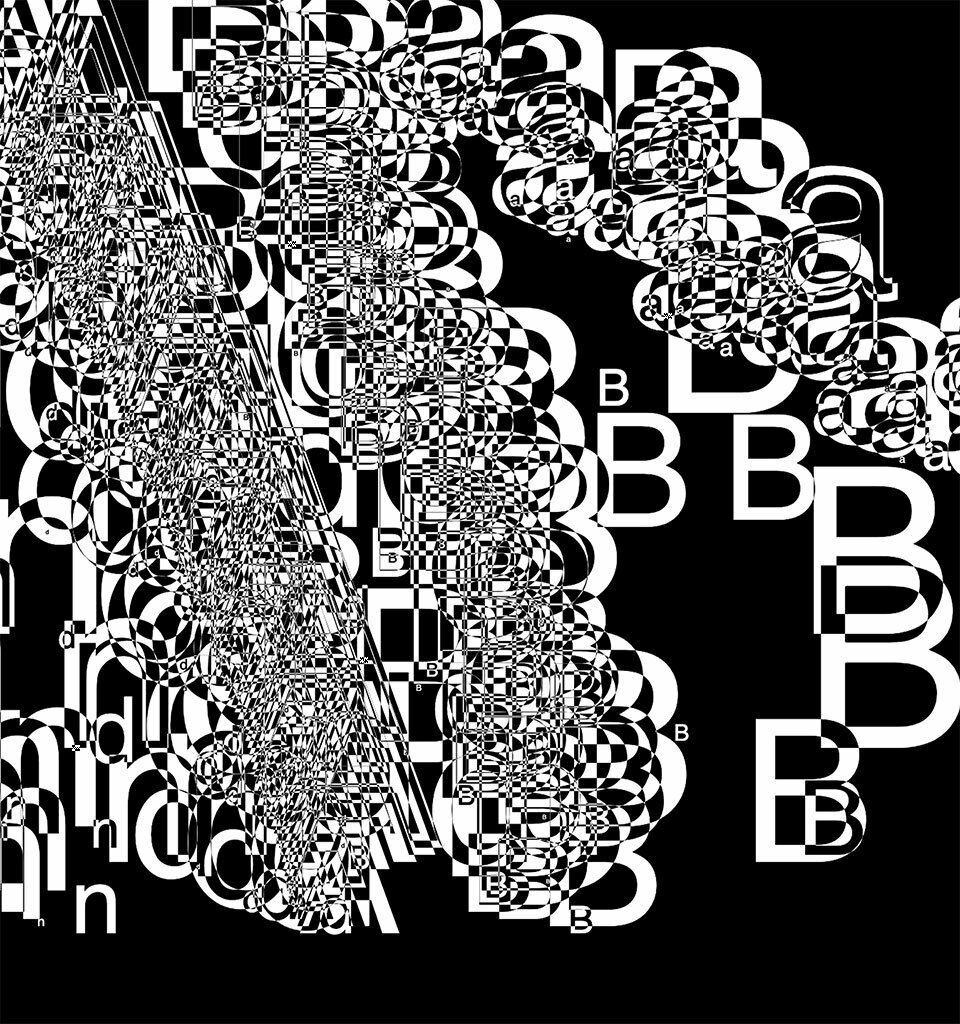
23–24
Computation in Design 1
B-DC 121
Form in motion
Workshop 1
Form in motion is a workshop that looks at the qualities of bringing screen-based shapes into motion.
Instead of relying on timelines and keyframe-animations, code allows for computed movement.
Computed movement can be linear like an animation or, more interestingly, non-linear with emerging and often unpredictable outcomes achieved algorithmically.
23–24
Computation in Design 1
B-DC 121
Form in motion
Workshop 1
How to introduce movement with code to animate shapes?
What are the outcomes that we want to generate in this workshop?
You will be introduces to a series of commands that allow for computed movement such as sin(), tan(), random().
What do these commands do for us? They generate numbers algorithmically which we can then, for example, use and apply to the position or dimension of shapes.
We are aiming for 3 outcomes
A series of screenshots that show experimentation and process
A video that is composed of recorded animations from at least three different sketches. This animation is supported by a soundscape, a soundtrack from everyday sounds
Images from your video on your laptop placed on a pedestal
7 images
1 video with soundtrack
1920x1080
3 images
23–24
Computation in Design 1
B-DC 121
Form in motion
Workshop 1
frameCount
sin() and tan()
random()
commands
How to introduce movement with code to animate shapes?
function setup() {
  createCanvas(800, 600);
}


// make a cricle move from left to
// right using frameCount

function draw() {
  background(0);
  stroke(255);
  noFill();
  ellipse(frameCount, height / 2, 100);
}
frameCount in p5.js is like a counter that keeps track of how many frames (pictures) have been shown since your program started running. It's useful to make things change over time or control animations.
Code example frameCount
23–24
Computation in Design 1
B-DC 121
Form in motion
Workshop 1
frameCount
sin() and tan()
random()
commands
How to introduce movement with code to animate shapes?
sine wave
A sine wave is a wavy pattern that goes up and down smoothly in a repeating manner. Imagine a swing: when you push it, it goes back and forth, creating a wavy movement. In math, a sine wave is a curve that represents this kind of smooth oscillation. It's often used in music, physics, and animation to create natural and rhythmic patterns.
23–24
Computation in Design 1
B-DC 121
Form in motion
Workshop 1
frameCount
sin() and tan()
random()
commands
How to introduce movement with code to animate shapes?
frameCount
sin() and tan()
random()
commands
radians vs. degrees
Radians and degrees are different ways to measure angles. Imagine a full circle as a pizza, where cutting across the middle (one straight slice) is 180 degrees. In radians, going from one side to the other is like half the circumference of the whole pizza, which is π (pi) radians.
23–24
Computation in Design 1
B-DC 121
Form in motion
Workshop 1
How to introduce movement with code to animate shapes?
frameCount
sin() and tan()
random()
commands
tan function
23–24
Computation in Design 1
B-DC 121
Form in motion
Workshop 1
How to introduce movement with code to animate shapes?
frameCount
sin() and tan()
random()
commands
function setup() {
  createCanvas(800, 600);
}

// draw 2 circles using sin and tan

function draw() {
  background(0);
  stroke(255);
  noFill();

  // set the speed of the moving circle
  let speed = 0.1;

  let x1 = sin(frameCount * speed) * 100;
  ellipse(width / 2 + x1, height / 2, 100);

  let y1 = tan(frameCount * speed) * 100;
  ellipse(width / 2, height / 2 + y1, 100);
}
sin and tan help make things move smoothly and naturally. sin makes objects go up and down like a wave, and tan makes them slant like they're climbing a hill. They're like magic math helpers for creating realistic movements in your animations.
Code example sin() and tan()
23–24
Computation in Design 1
B-DC 121
Form in motion
Workshop 1
How to introduce movement with code to animate shapes?
frameCount
sin() and tan()
random()
commands
Challenge Sine
Write a sketch that uses frameCount and the sin() command to animate one or more shapes
Challenge Tangent
Write a sketch that uses frameCount and the tan() command to animate one or more shapes
Code challenge
1
2
23–24
Computation in Design 1
B-DC 121
Form in motion
Workshop 1
How to introduce movement with code to animate shapes?
sketches
frameCount
sin() and tan()
random()
commands
23–24
Computation in Design 1
B-DC 121
Form in motion
Workshop 1
How to introduce movement with code to animate shapes?
The random() function in p5.js is a very useful tool for generating random numbers. It's often used in creative coding and interactive art to add an element of randomness to your sketches.
Think of the random() function as a magical dice that you can roll in your code. When you call random(), it gives you a random number between 0 (inclusive) and 1 (exclusive), which means it can be any decimal value between 0 and just under 1.
This randomness is handy for creating things like random colors, random positions for shapes, or random movements in animations. It's a tool that lets you introduce unpredictability and variety into your creative projects, making them more interesting and dynamic.
frameCount
sin() and tan()
random()
commands
23–24
Computation in Design 1
B-DC 121
Form in motion
Workshop 1
How to introduce movement with code to animate shapes?
function setup() {
  createCanvas(400, 400);
  background(0);
}


// draw random circles

function draw() {

  // try to uncomment the following line
  // blendMode(DIFFERENCE);

  // what happens when you uncomment the next line
  // randomSeed(10); // what is randomSeed?

  let x = random(0,400);
  let y = random(0,400);
  ellipse(x, y, 20);
}
Code example random
sketches
frameCount
sin() and tan()
random()
commands
23–24
Computation in Design 1
B-DC 121
Form in motion
Workshop 1
How to introduce movement with code to animate shapes?
When combining all commands, we are able to generate an endless variety of visual outcomes, be it simple or complex.
Some code and some examples given might go beyond your current understanding of coding, however we have to balance between the simple and complex–to achieve the complex we often need time, patience, study and practice.
What we don't know we must see. What we don't understand we can learn. Making changes and observing is the first step to learning.
sketches
23–24
Computation in Design 1
B-DC 121
Form in motion
Workshop 1

Ryoji Ikeda
Weidi Zhang
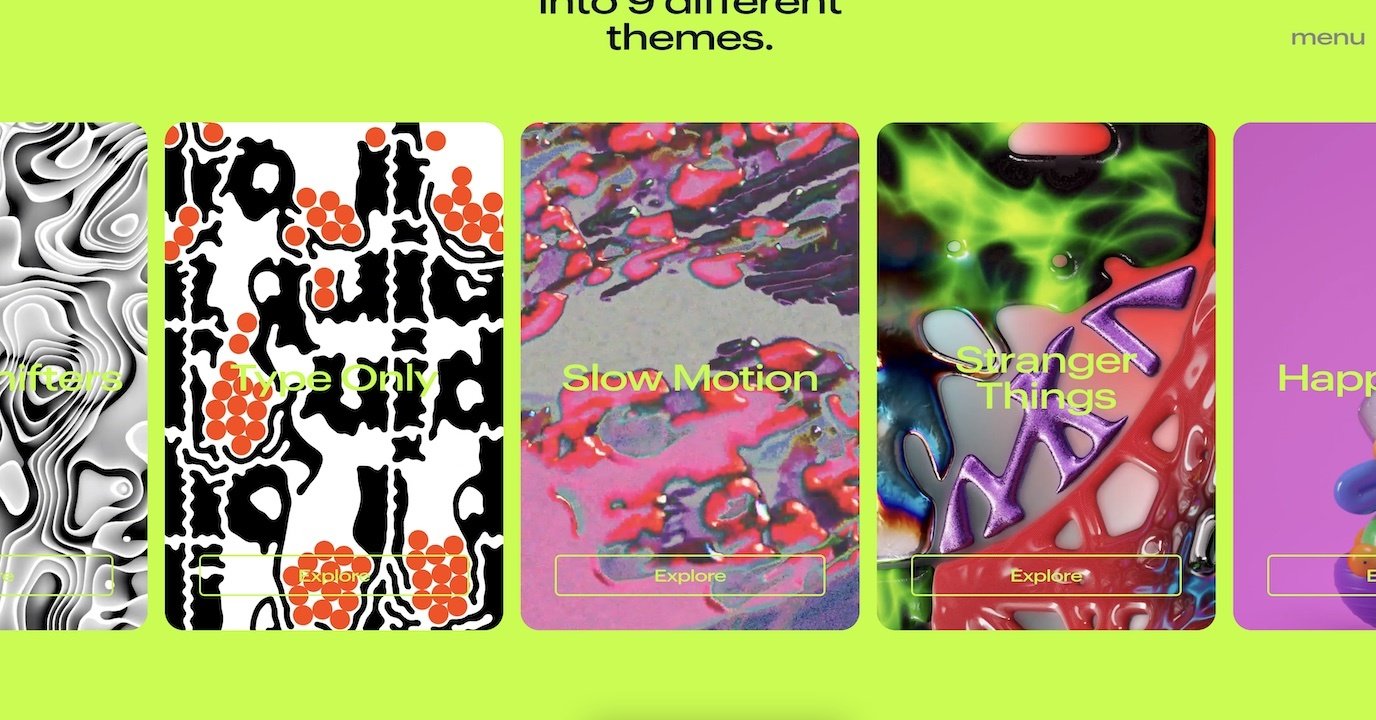
Demo Festival
Focus on what you like and be curious. Inspiration is not about copying or giving up, its about motivating yourself, setting goals, sitting on the shoulders of giants.
Inspiration
Kinetic Type Shop
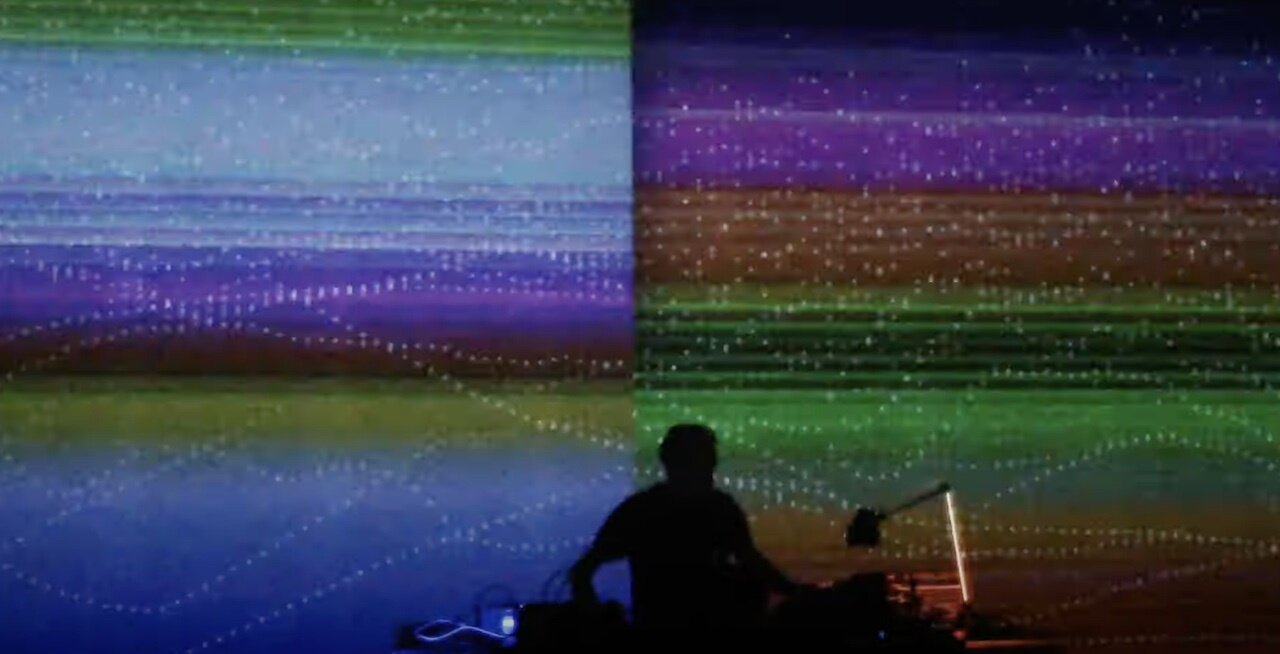
Alva Noto

Tim Rodenbroecker
Dia Studio
23–24
Computation in Design 1
B-DC 121
Form in motion
Workshop 1
Ryoji Ikeda
Weidi Zhang
Demo Festival
In groups of 2 or individually, analyse one or more of the examples given and note down your thoughts and answers on the worksheet given to you.
Analysis
Kinetic Type Shop
Alva Noto
Tim Rodenbroecker
20
Dia Studio
23–24
Computation in Design 1
B-DC 121
Form in motion
Workshop 1
23–24
Computation in Design 1
B-DC 121
Form in motion
Workshop 1
What are the outcomes that we want to generate in this workshop?
We are aiming for 3 outcomes
A series of screenshots that show experimentation and process
A video that is composed of recorded animations from at least three different sketches. This animation is supported by a soundscape, a soundtrack from everyday sounds
Images from your video on your laptop placed on a pedestal
7 images
1 video with soundtrack
1920x1080
3 images
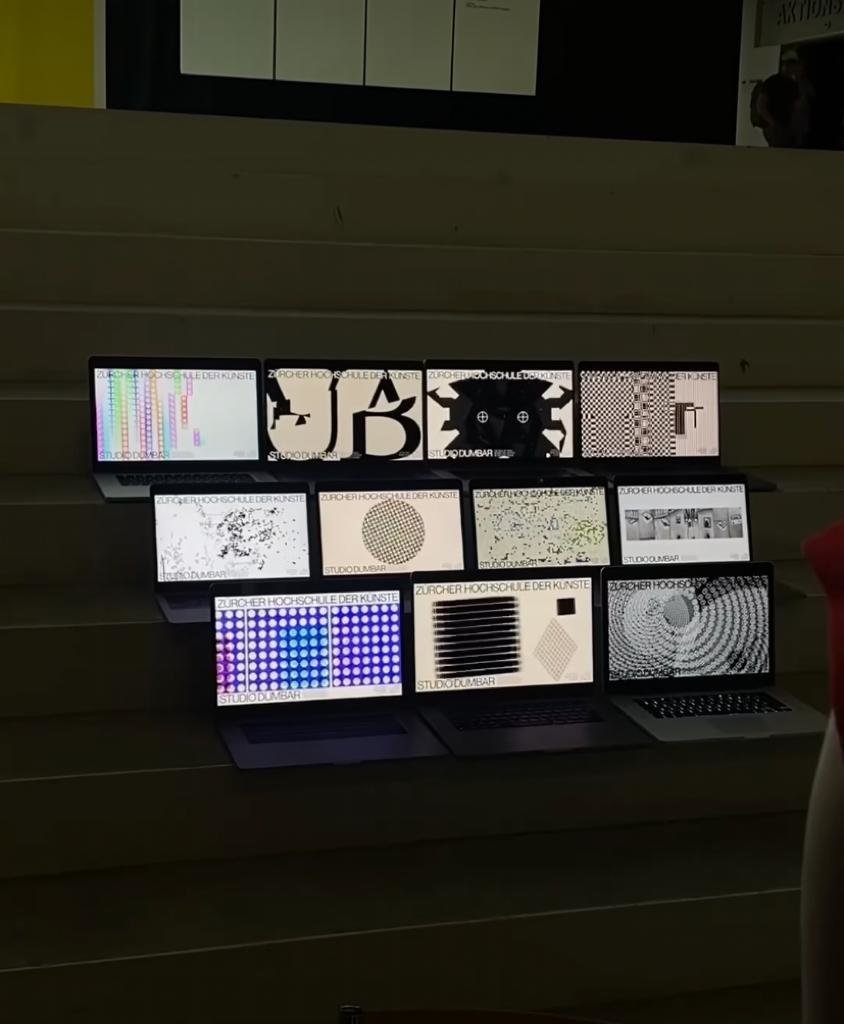
23–24
Computation in Design 1
B-DC 121
Form in motion
Workshop 1
Create a soundtrack for your video from everyday sounds: think ASMR or sounds that you can pick up at home, in the streets, in nature.
You can edit and compose sounds together.
You haven't done that before? Try and you will be fine.
We are aiming for 3 outcomes
A series of screenshots that show experimentation and process
A video that is composed of recorded animations from at least three different sketches. This animation is supported by a soundscape, a soundtrack from everyday sounds
Images from your video on your laptop placed on a pedestal
15 to 20 seconds long
23–24
Computation in Design 1
B-DC 121
Form in motion
Workshop 1
Homework for session 2
We are aiming for 3 outcomes
A series of screenshots that show experimentation and process
A video that is composed of recorded animations from at least three different sketches. This animation is supported by a soundscape, a soundtrack from everyday sounds
Images from your video on your laptop placed on a pedestal
7 images
1 video with soundtrack
1920x1080
3 images
23–24
Computation in Design 1
B-DC 121
Form in motion
Workshop 1
This session is all about reviewing your progress, feedback and finishing your workshop outcomes as required.
The second half of the class will be spent on preparing for the outcome presentation. All outcomes will be presented on students' laptops positioned on the pedestals in D501.
Session 2
23–24
Computation in Design 1
B-DC 121
Form in motion
Workshop 1
Homework to complete the Form in motion workshop
A series of screenshots that show experimentation and process
A video that is composed of recorded animations from at least three different sketches. This animation is supported by a soundscape, a soundtrack from everyday sounds
Images from your video on your laptop placed on a pedestal
7 images
1 video with soundtrack
1920x1080
3 images
Part 1/2
22–23
Computation in Design 1
B-DC 121
Deliverables
workshop-1_1.jpg
workshop-1_2.jpg
workshop-1_3.jpg
workshop-1_4.jpg
workshop-1_5.jpg
workshop-1_6.jpg
workshop-1_7.jpg
workshop-1_8.jpg
workshop-1_9.jpg
workshop-1_10.jpg
images
Video
workshop-1.mp4
docx
workshop-1-description.docx
Write 70-120 words that describe the process and learning for this activity. Include links to your p5js sketches, too.
1–7 A series of screenshots that show experimentation and process
8–10 Images from your video on your laptop placed on a pedestal
Part 2/2
Form in motion
Workshop 1
22–23
Computation in Design 1
B-DC 121
Applied Workshop series
Repetition and Automation
22–23
Computation in Design 1
B-DC 121
Applied Workshop series
Decision Making
23–24
Computation in Design 1
B-DC 121
Submission Compilation
13
We are nearing the end of the semester. In this class we will look at how to organise and present your semester work in a digital format, a pdf. In a workshop, you will be introduced to a template and briefed on your submission for assessment.
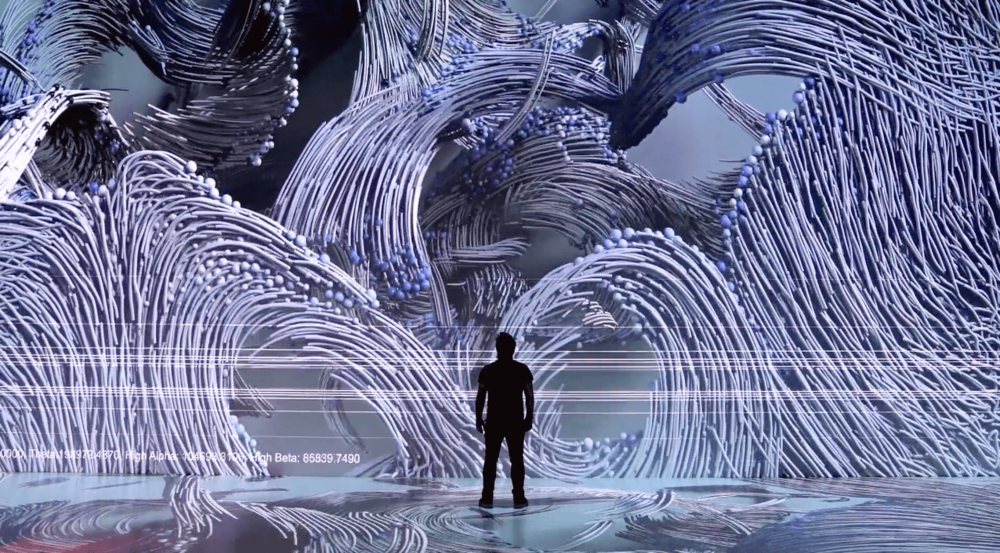
Computation in Design 1
B-DC 121
Deliverables Digital Portfolio
The Digital Portfolio comes in 3 parts: Archive, CPJ and Summary. The following slides outline these 3 parts in detail and their requirements to be prepared for submission.
23–24
1 Archive
Computation in Design 1
B-DC 121
23–24
Computation in Design 1
B-DC 121
activity-1_1.jpg
activity-1_2.jpg
activity-1_3.jpg
activity-1_4.jpg
images
Video
activity-1-recording.mp4
docx
activity-1-description.docx
Write 50-80 words that describe the process and learning for this activity. Include links to your p5js sketch, too.
This is optional: make a timelapse video when making changes to the code and
Up to four code images should demonstrate the visuals produced by code at different stages. They should demonstrate the variety of your exploration.
Activity 1: Change, Play, Run, Repeat.
prepare and archive the the screenshots you have taken as outlined below. The screenshots should only show the image only, not the code.
Change, Play, Run, Repeat.
Activity 1
23–24
Computation in Design 1
B-DC 121
Activity 2: Code to drawing
For Activity 2 the following items must be archived in your Digital Portfolio under activity-2
activity-2_1.jpg
activity-2_2.jpg
images
docx
activity-2-description.docx
Write 50-80 words that describe the process and learning for this activity. Include links to your p5js sketches, too.
Code to Drawing
Activity 2
23–24
Computation in Design 1
B-DC 121
Where you see shapes, I see code.
Activity 3
Activity 3: Where you see shapes, I see code.
For Activity 3 the following items must be archived in your Digital Portfolio under activity-3
activity-3-1-coding_1.jpg
activity-3-1-coding_2.jpg
activity-3-2-drawing_1.jpg
activity-3-2-coding_1.jpg
activity-3-2-coding_2.jpg
activity-3-3-coding_1.jpg
activity-3-3-coding_2.jpg
activity-3-team-at-work.jpg
images
Video
activity-3-drawing-coding.mp4
docx
activity-3-description.docx
Write 70-120 words that describe the process and learning for this activity. Include links to your p5js sketches, too.
Create a short video, 10-20 seconds long, that presents the process, team work and outcomes of your activity 3 work.
These 8 coding images should demonstrate the progress you have made, when you screenshot your p5js canvas, exclude the code part, rendered image only.
23–24
Computation in Design 1
B-DC 121
Activity 4: workshop teaser
For Activity 4 the following items must be archived in your Digital Portfolio under activity-4
activity-4-1_1.jpg
activity-4-1_2.jpg
activity-4-1_3.jpg
activity-4-2_1.jpg
activity-4-2_2.jpg
activity-4-2_3.jpg
activity-4-3_1.jpg
activity-4-3_2.jpg
activity-4-3_3.jpg
images
Video
activity-4-1_form-in-motion.mp4
activity-4-2_repetition.mp4
activity-4-3_decision-making.mp4
docx
activity-4-description.docx
Write 70-120 words that describe the process and learning for this activity. Include links to your p5js sketches, too.
For each Create a short video, 10-20 seconds long, that presents the process, team work and outcomes for each of the 3 activity 4 sessions.
This collection of images should document the process and outcomes for each workshop in 3 images (min. 1920x1080 @72ppi)
Workshop teaser
Activity 4
23–24
Computation in Design 1
B-DC 121
Activity 5: On Repeat.
For Activity 5 (you may have to create the activity-5 folder in your Digital Portfolio) the following items must be archived
activity-5-1.jpg
activity-5-2.jpg
activity-5-3.jpg
activity-5-4_1.jpg
activity-5-4_2.jpg
activity-5-4_3.jpg
activity-5-4_4.jpg
images
Video
activity-5-4_on-repeat.mp4
docx
activity-5-description.docx
Write 70-120 words that describe the process and learning for this activity. Include links to your p5js sketches, too.
Create a short video, 5-15 seconds long that seamlessly loops.
This collection of images should document the outcomes for this activity
Activity 5
On Repeat
23–24
Computation in Design 1
B-DC 121
workshop-1_1.jpg
workshop-1_2.jpg
workshop-1_3.jpg
workshop-1_4.jpg
workshop-1_5.jpg
workshop-1_6.jpg
workshop-1_7.jpg
workshop-1_8.jpg
workshop-1_9.jpg
workshop-1_10.jpg
images
Video
workshop-1.mp4
docx
workshop-1-description.docx
Write 70-120 words that describe the process and learning for this activity. Include links to your p5js sketches, too.
1–7 A series of screenshots that show experimentation and process
8–10 Images from your video on your laptop placed on a pedestal
Form in motion
Workshop 1
23–24
Computation in Design 1
B-DC 121
images
Video
workshop-2.mp4
docx
workshop-2-description.docx
Write 70-120 words that describe the process and learning for this activity. Include links to your p5js sketches, too.
Repetition and automation
Workshop 2
workshop-2-FA_bookCover.pdf
workshop-2-FA_poster.pdf
workshop-2-FA_bookMark.pdf
workshop-2_1.jpg
workshop-2_2.jpg
workshop-2_3.jpg
workshop-2_4.jpg
workshop-2_5.jpg
workshop-2_6.jpg
workshop-2_7.jpg
workshop-2_8.jpg
workshop-2_9.jpg
workshop-2_10.jpg
23–24
Computation in Design 1
B-DC 121
workshop-3_process-1.jpg
workshop-3_process-2.jpg
workshop-3_process-3.jpg
workshop-3_final-1.jpg
workshop-3_final-2.jpg
workshop-3_final-3.jpg
images
Video
workshop-3.mp4
docx
workshop-3-description.docx
Write 70-120 words that describe the process and learning for this activity. Include links to your p5js sketches, too.
Add the link to the freesound soundtrack used in your video.
Decision making
Workshop 3
23–24
2 CPJ
Computation in Design 1
B-DC 121
23–24
Computation in Design 1
B-DC 121
CPJ
Your CPJ must be archived in your Digital Portfolio under folder cpj
Make sure your CPJ is complete and you have provided weekly updates on your progress and process, beginning at week 1 and ending at week 13.
Pay attention to the layout and design of your CPJ. We have made suggestions in class (week 9) how to improve your CPJ after your work-check in week 7.
Completeness
Format
cpj-studentID.pdf
Creative Process Journal
CPJ
23–24
3 Summary
Computation in Design 1
B-DC 121
23–24
Computation in Design 1
B-DC 121
Summary
Your Summary document must be archived in your Digital Portfolio under folder summary
Template
Format
summary-studentID.pdf
Summary
Archive your Summary in .pdf format in your Digital Portfolio. Don't forget to replace studentID with your actual studentID.
Pay attention to
23–24
Submission
Computation in Design 1
B-DC 121
23–24
Computation in Design 1
B-DC 121
We will pay attention to
Quality of images and videos including size and compression
Completeness of submission including all archived activities and workshops, CPJ document and Summary document
Experimentation, creativity, writing and reflection
Labelling of files
23–24
23–24
Computation in Design 1
B-DC 121
Submission due
Digital Portfolio folder must be zipped before uploading. The file-size of this .zip file must not exceed 300MB.
Monday, 20.11.2023
2:00pm
Submission will be online, a link will be shared with you in week 14 via email to upload your submission.
Submitting your work
.zip file label
B-DC121-CiD-classId-studentId-name.zip
cid-1-2324
By Andreas Schlegel