webutvikling og api-design
05: Universal Apps & React Native
HOw do I start a new project?
- Means about 9,000 different things
- In our context: BOTH server AND client
- Prerender HTML on server w/React
- Render into the same DOM element on client
- Search engines can crawl now!
- Instantly rendered page
- Prerender HTML on server w/React
Let's make a "Universal App"
ReactDOM/server
// server.js

import React from 'react';
import ReactDOM from 'react-dom/server';

console.log(
    ReactDOM.renderToString(<div>Hello</div>
);
// '<div data-reactid=".n83lf8y4n4" data-react-checksum="1048251970">Hello</div>'

console.log(
    ReactDOM.renderToStaticMarkup(<html><head></head><body>…</body></html>)
);
// '<html><head></head><body>…</body></html>'
Serving the app
import React from 'react';
import ReactDOM from 'react-dom/server';

import Container from './components/Container.jsx';

app.get('/', (req, res) => res.send(ReactDOM.renderToString(
  <Container>
    <p>Hello, universal apps!</p>
  </Container>
)));
- Build a "server" for the React app
- No longer just static HTML5…
Rendering on the client?
➜ tree -L 2
.
├── components
│   ├── App.jsx
│   ├── Container.jsx
│   ├── Header.jsx
│   └── StateWrapper.jsx
├── index.js
├── package.json
├── server.js
└── webpack.config.js- Render to the same DOM element
- div#container?
- div#container?
- React preserves IDs
- … and registers handlers
- … if checksums match
(Show example)
What about mobile?
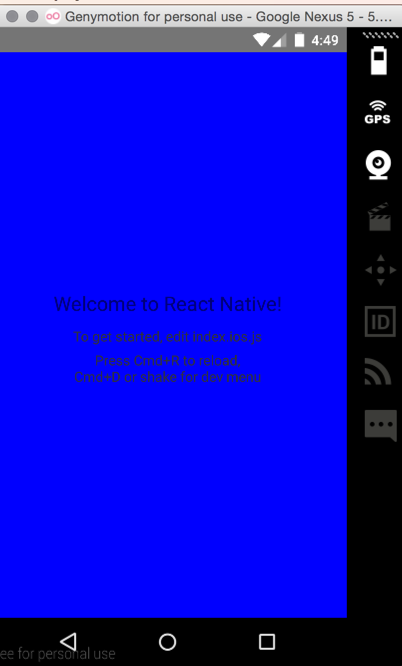
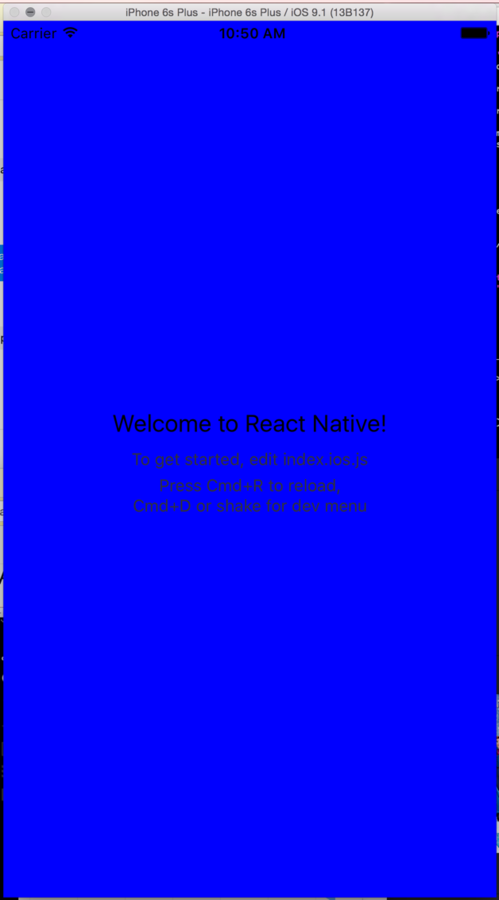
Enter React Native
- Works exactly like React for web
- Import UI components from 'react-native'
- <p> —> <Text>
- <div> —> <View>
- UI components are compiled to native views
- Native performance
- Bundles V8 (allows using JS libs)
Files
- No longer .jsx (only .js)
- Separate Android from iOS
- *.android.js
- *.ios.js
- Native projects
- android/ (Gradle)
- ios/
Requirements
- Node environment
- Node.js >= 4.0
- nvm?
- npm install react-native-cli
- Android environment
- Some emulator (GenyMotion)
- $ANDROID_HOME (for Android)
- iOS environment
-
OSX (Windows?)
-
OSX (Windows?)
- XCode >= 7.0 (for iOS)
Let's build!
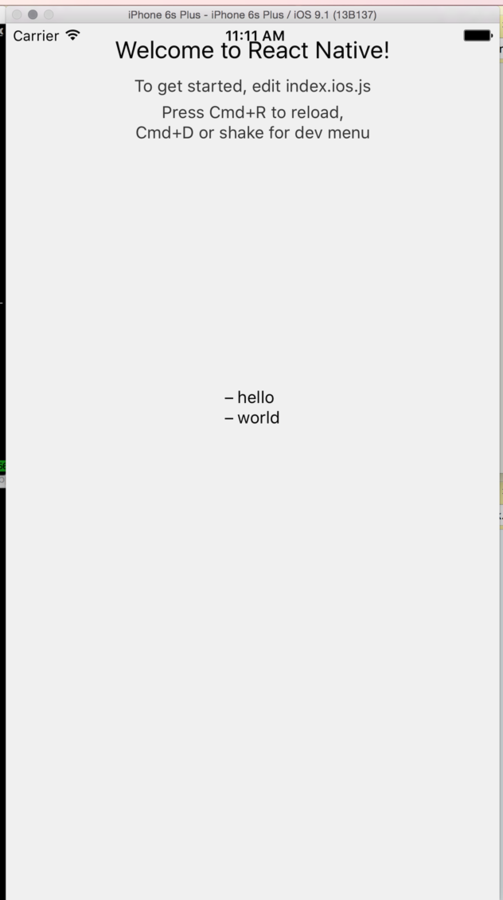
- Simple list app
- Takes props
- Displays a list
PG6300-15-05 Universal Apps & React Native
By theneva
PG6300-15-05 Universal Apps & React Native
Lecture 5 in PG6300-15 Webutvikling og API-design