Web development & API design
L03: Full stack! (and a bit of React)
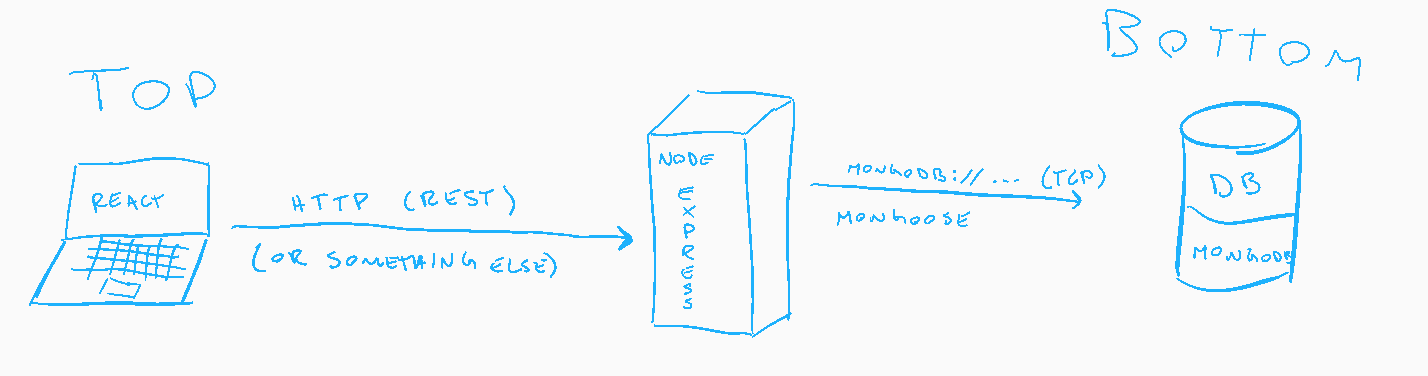
"Full" stack
- React component lifecycle
- Document databases
- MongoDB with Node & Express
React Component Lifecycle
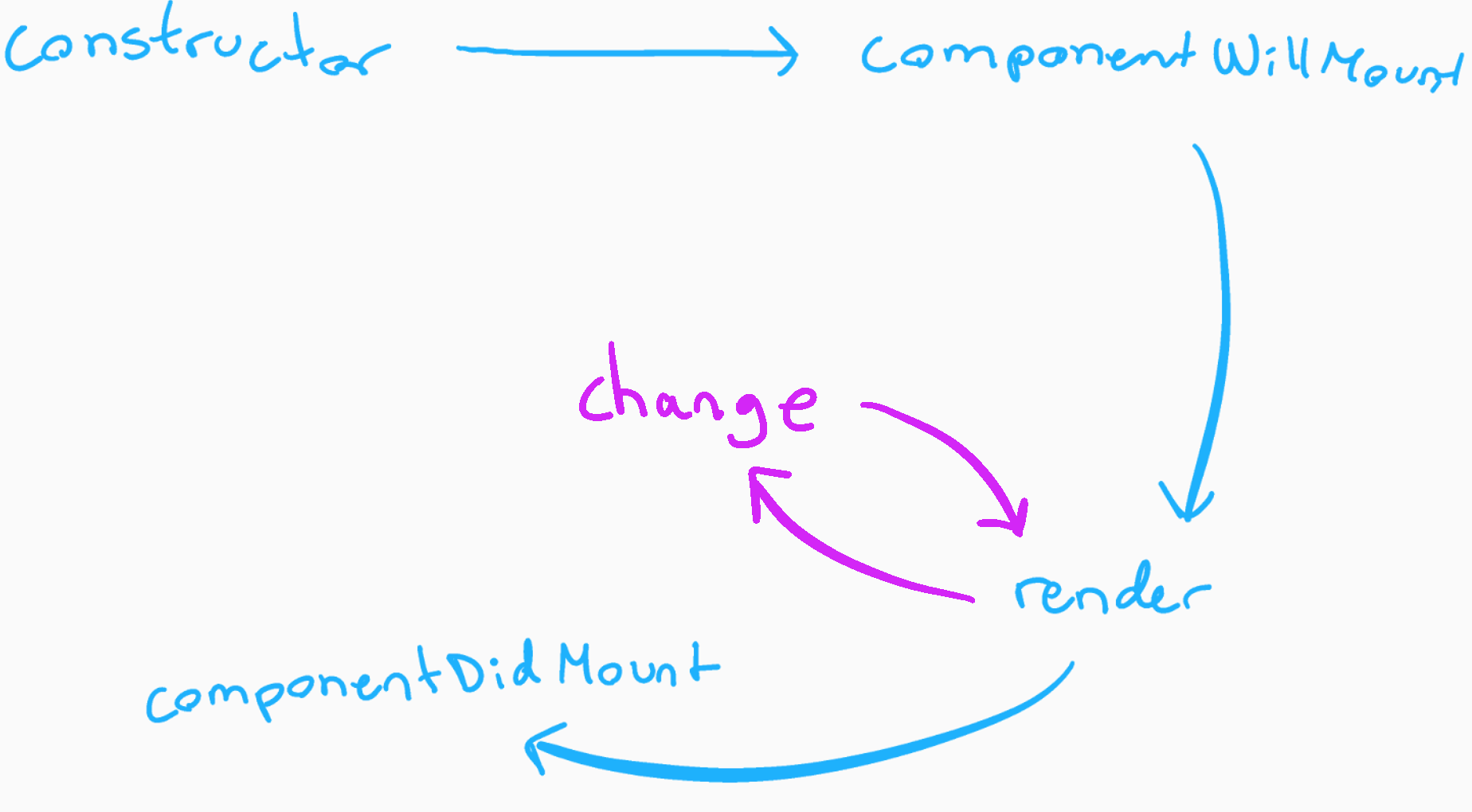
Mounting
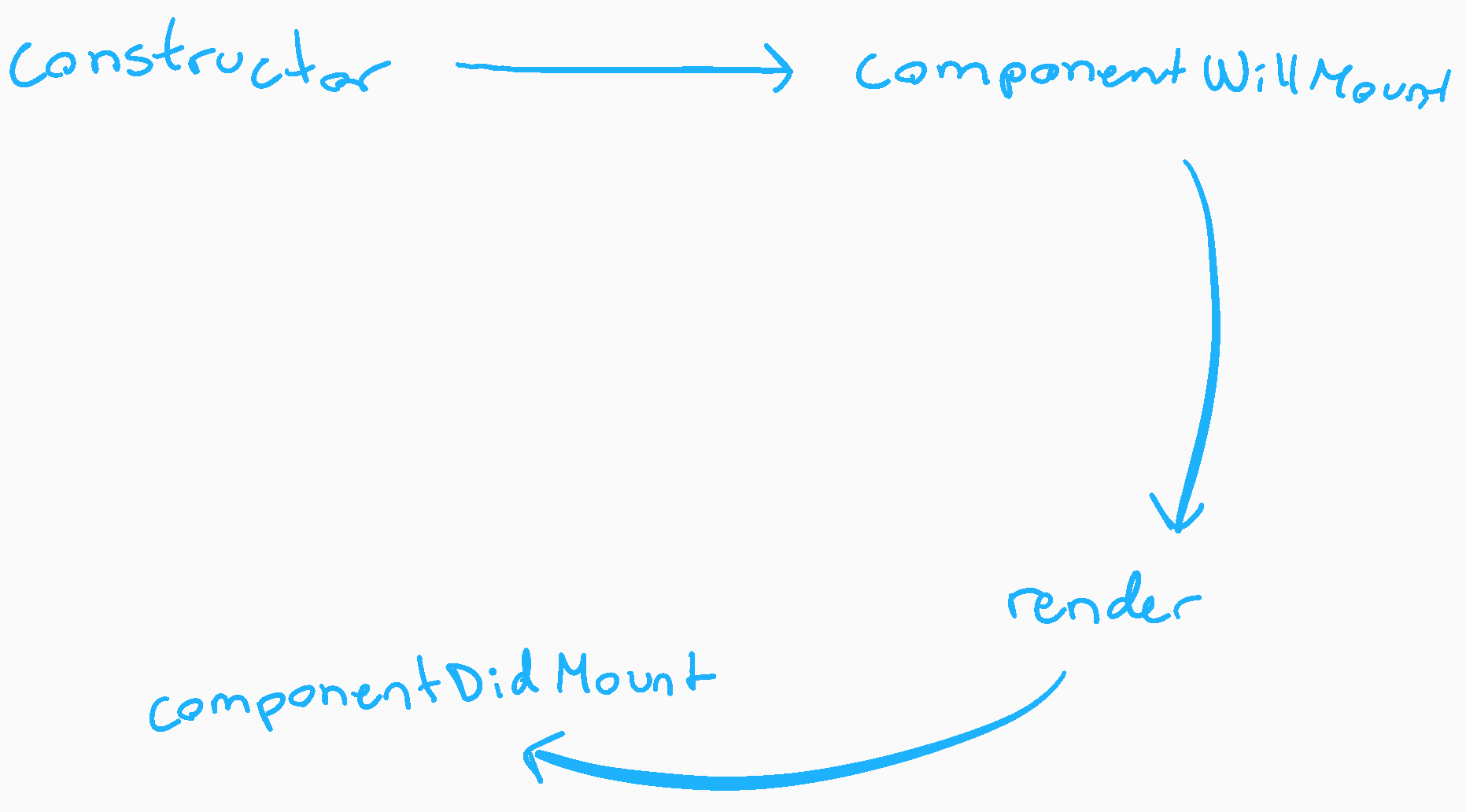
React Component Lifecycle
Living
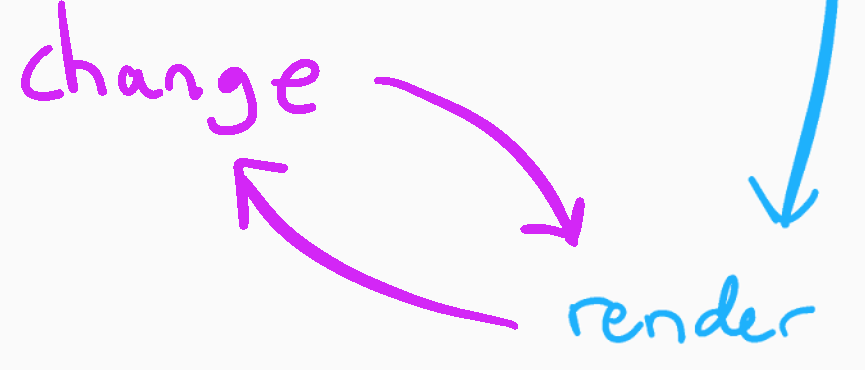
How does change occur?
- Changed state
- Changed props
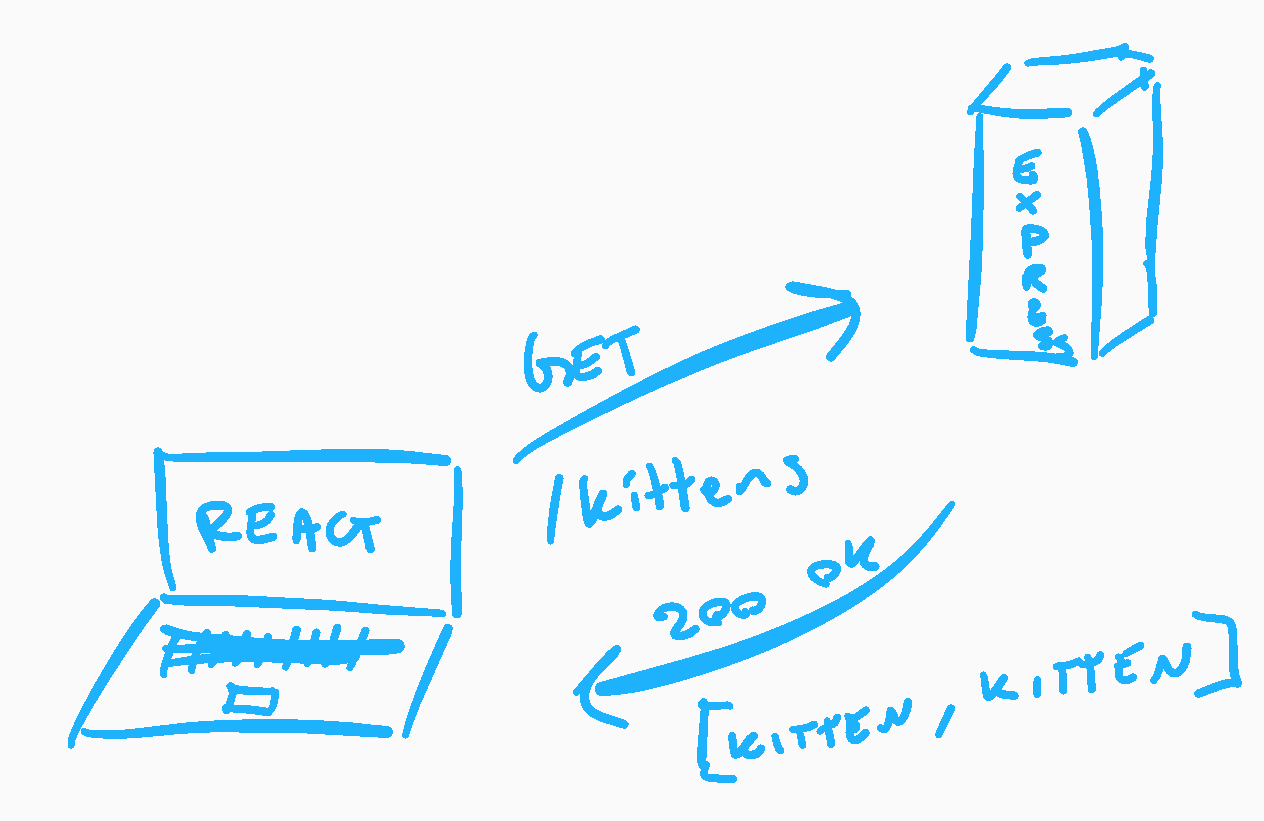
When does the state change?
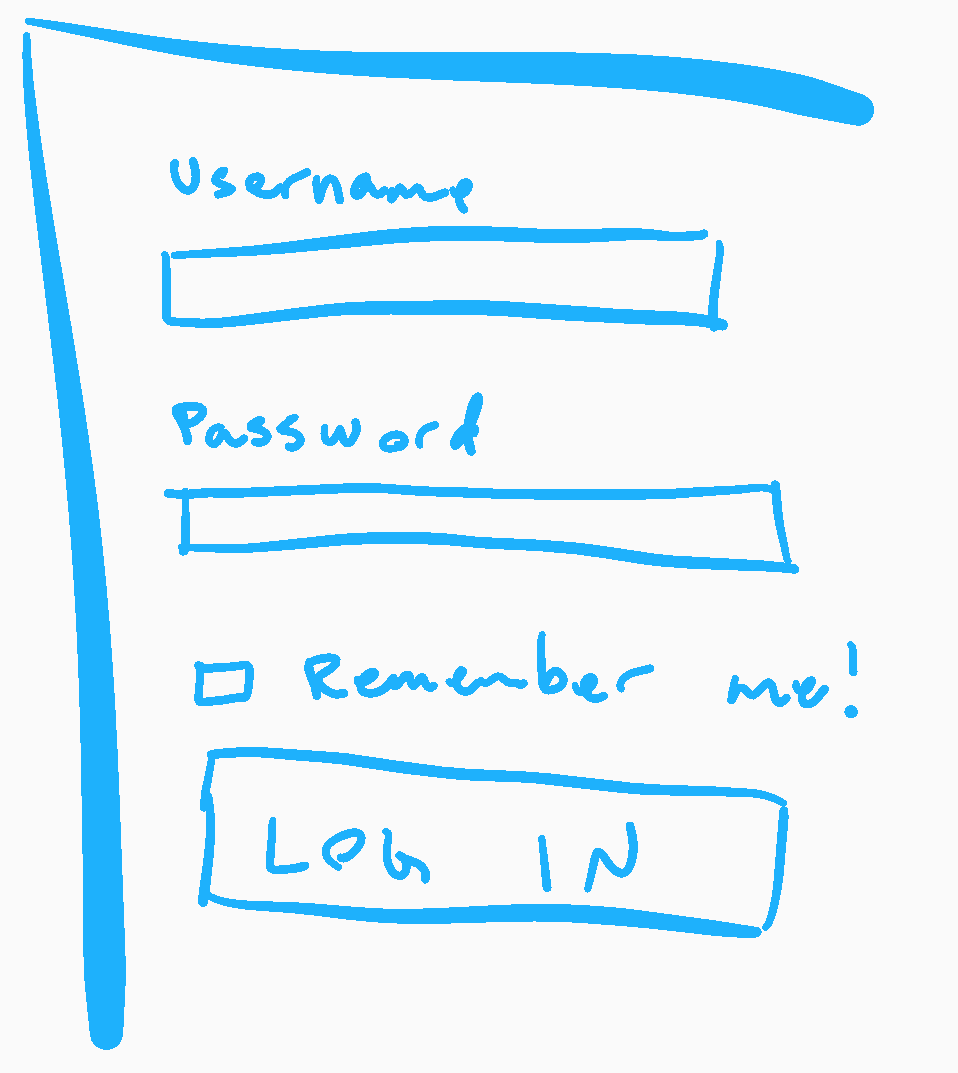
HOW does the state change?
this.setState({ key: newValue });
-
React component lifecycle
- Document databases
- MongoDB with Node & Express
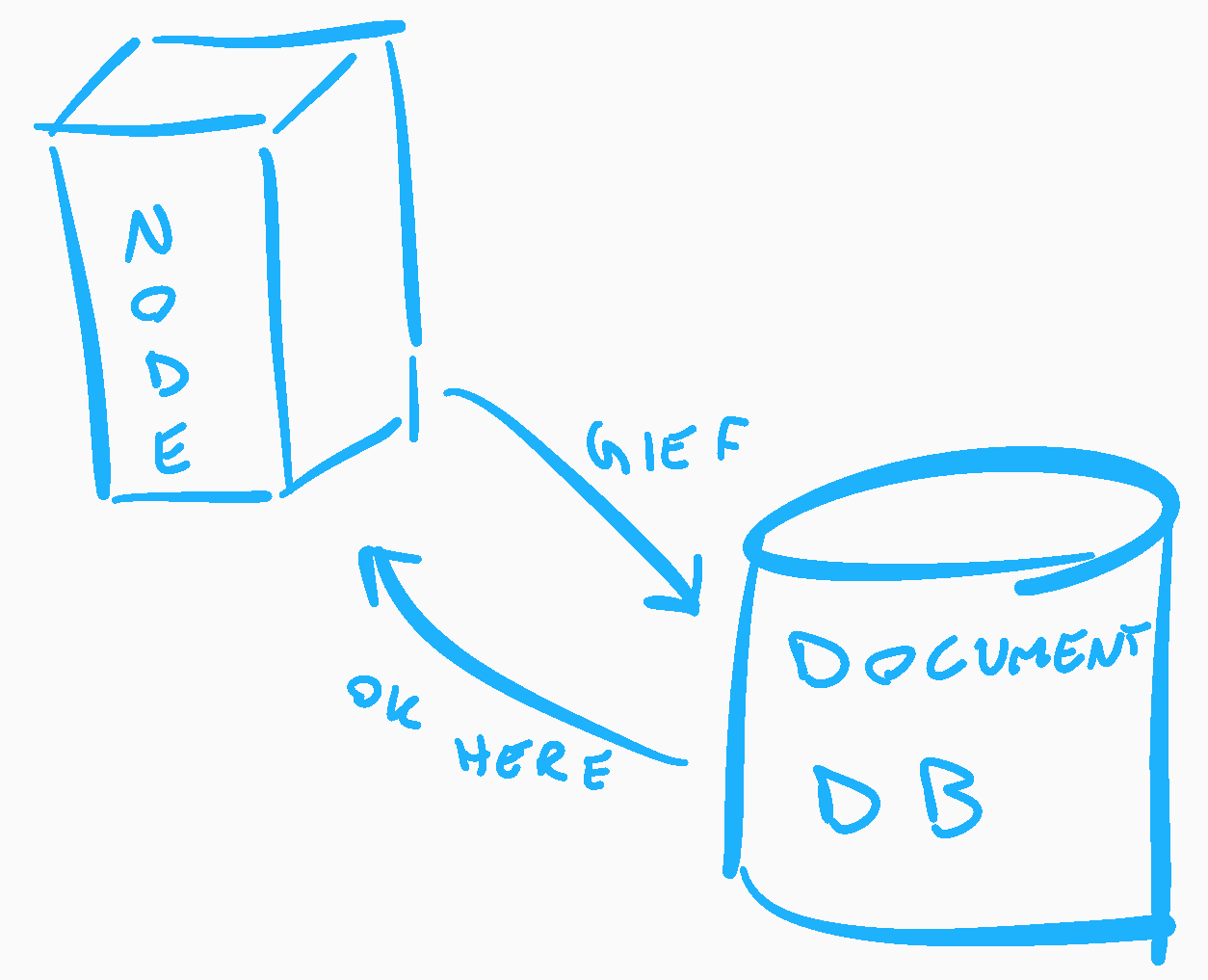
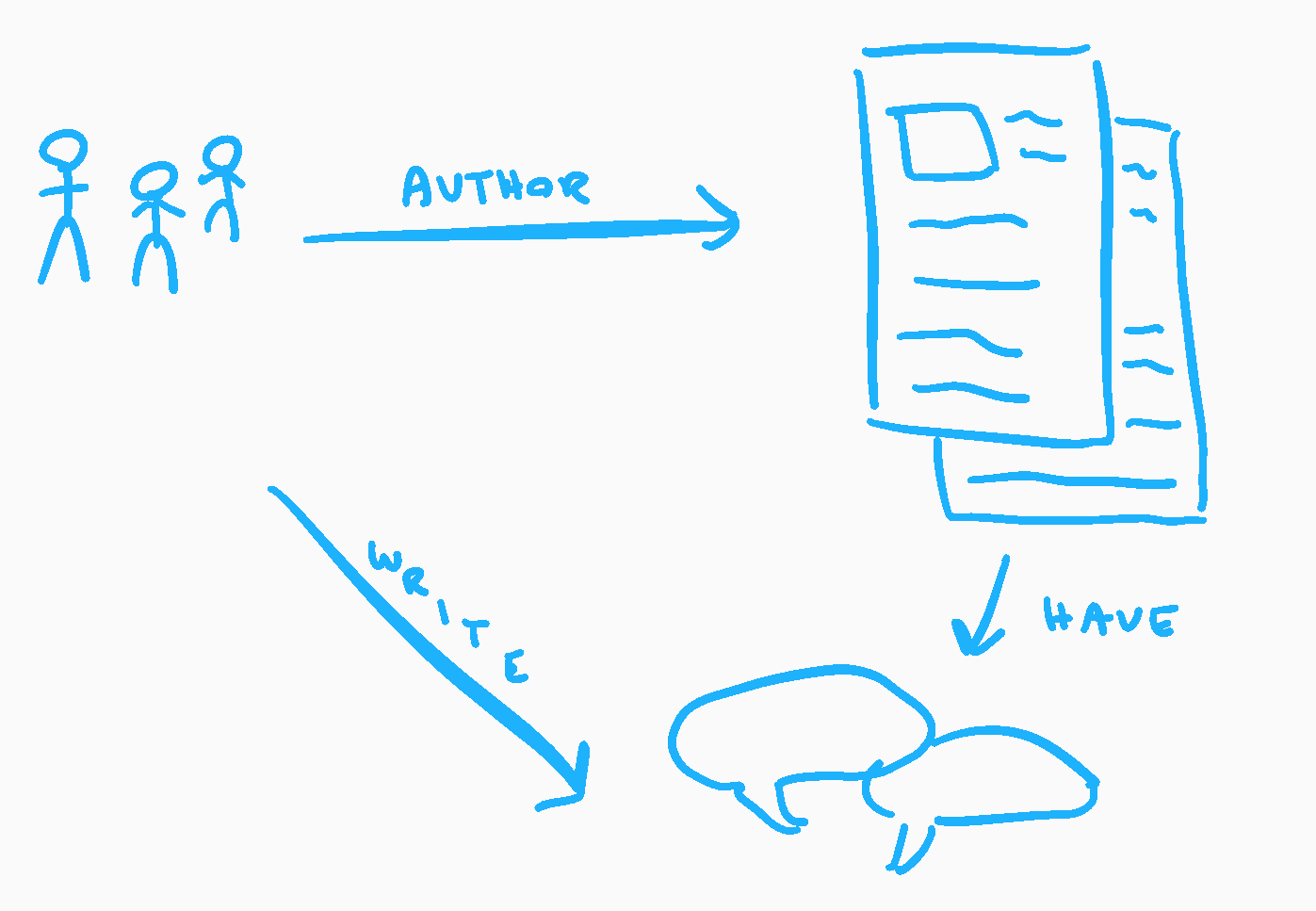
Documents
- represent an entity
- are (typically) nested
- are difficult to bulk update
MongoDB
- Hugely popular
- Rofl https://www.theregister.co.uk/2017/01/09/mongodb/
- Easy to get started with
- Free ObjectId!

Create some stuff!
$ mongo exampleDb
MongoDB shell version: 2.6.5
connecting to: exampleDb

> db.users.insert({username: 'Theneva'})
WriteResult({ "nInserted" : 1 })

> db.users.insert({username: 'HeroK0'})
WriteResult({ "nInserted" : 1 })
Now let's get it back
$ mongo exampleDb
MongoDB shell version: 2.6.5
connecting to: exampleDb

> db.users.find()
{ "_id" : ObjectId("54c5fbe88ede449775e517d2"), "username" : "Theneva" }
{ "_id" : ObjectId("54c5fbf58ede449775e517d3"), "username" : "HeroK0" }
Filters in the query‽
$ mongo exampleDb
MongoDB shell version: 2.6.5
connecting to: exampleDb

> db.users.find({ username: /T.*/ })
{ "_id" : ObjectId("59adc46bbca8ed8335c5b6a8"), "username" : "Theneva" }-
React component lifecycle
-
Document databases
- MongoDB with Node & Express
- Some kind of structure
- Validation
- refs between collections (entities)

Hello, Mongoose
const mongoose = require('mongoose');
mongoose.connect('mongodb://localhost/test');

const Cat = mongoose.model('Cat', { name: String });

const kitty = new Cat({
  name: 'Zildjian'
});

kitty.save(err => {
  if (err) {
    console.log(err);
  } else {
    console.log('meow');
  }
});
Express <3 Mongoose
const express = require('express');
const mongoose = require('mongoose');

const app = express();

const kittenSchema = new mongoose.Schema({
    name:  { type: String, required: true },
    level: { type: Number, required: true },
});

const Kitten = mongoose.model('Kitten', kittenSchema);

app.get('/kitten', (req, res) => {
    const kitten = new Kitten({
        name: 'Litten',
        level: 6,
    });

    res.send(person);
});

app.listen(1234);
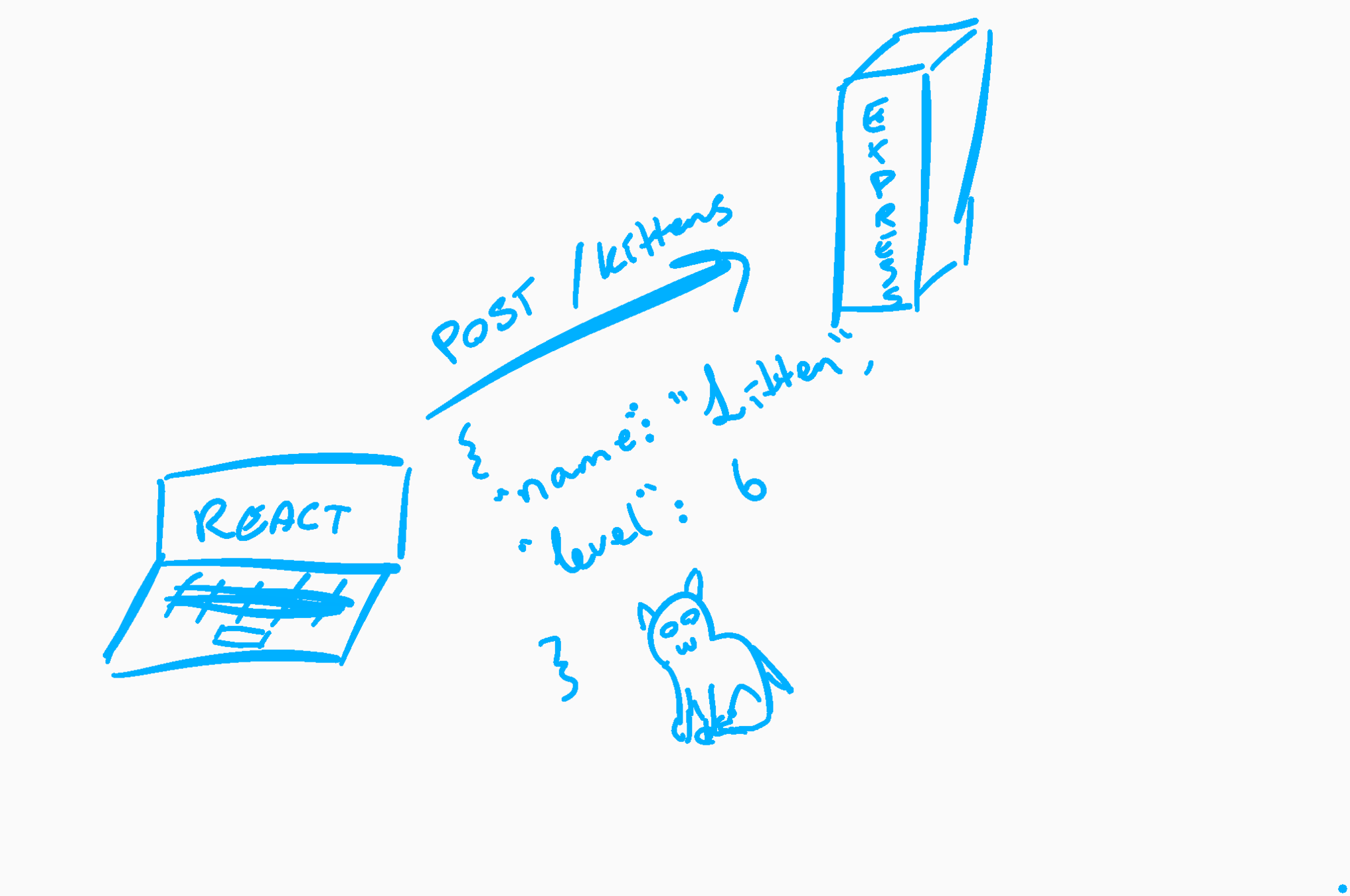
Post data to Express
BTW
No lecture September 26th
(Plan is available on It's Learning)
Exercise
- Install MongoDB
- Write an Express server that lets you POST something you like
- Types of coffee
- Restaurants
- Something else?
- Store the POSTed items in MongoDB
- Tip: body-parser
- Tip: body-parser
- Serve all the items back out
PG6300-17-03: Full stack!
By theneva